Upgrade to Pro — share decks privately, control downloads, hide ads and more …

Live Vector Tiles from PostGIS with pg_tileserv...
Avatar for Robin Wilson Robin Wilson
April 19, 2026
2

Live Vector Tiles from PostGIS with pg_tileserv - FOSS4G UK 2025
Avatar for Robin Wilson

Robin Wilson

April 19, 2026

More Decks by Robin Wilson

Transcript

  1. Live Vector Tiles from PostGIS with pg_tileserv Robin Wilson Rebalance

    Earth [email protected] Live Vector Tiles from PostGIS with pg_tileserv Dr Robin Wilson | [email protected] FOSS4G UK, September 2025
  2. Whilst we’re waiting, get set up… Connect to the WiFi

    01 02 03 04 Install pgAdmin > or some other way of running SQL on a Postgres database 05 Ensure you have a text editor > VS Code or similar – even notepad will be fine! Go to the repo: github.com/robintw/foss4guk_vector_tile_workshop > Clone it with git: [email protected]:robintw/foss4guk_vector_tile_workshop.git > Or download the zip file Install QGIS (optional)
  3. Nature Finance Participation in leading industry initiatives: Rebuilding Nature, The

    Flood Action Coalition, 30x30 Investment & backing by West Yorkshire Pension Fund: one of the UK’s most influential LGPS investors 'Tech first' approach through our tool, GPAP (Geospatial Predictive Analytics Platform) 17 Person team. The largest UK team focussed on natural capital £25mFunded cornerstone portfolio MoU ‘s signed with Greater Manchester and Plymouth City Council Introducing Rebalance Earth → Founded in 2023. → We are a London-based team of experts and innovators from Nature, Finance and Tech. → Our objective is to make Nature an investable asset class and demonstrate that Nature is business-critical infrastructure. → We are launching our first fund later this year, with the goal to grow our AUM to £10 billion + by 2035 Technology
  4. What experience do you have? PostGI S Raster Tiles Vector

    Tiles (MVT’s) MapLibr e pg_ tileserv
  5. Intro to: PostGIS → Spatial database → Tables include a

    geometry column, often called geom → SQL extended with ST_xxx functions that do spatial operations ST_Intersects ST_Distance ST_Dwithin ST_AsMVT
  6. Intro to: Javascript map frameworks → Slippy maps → Set

    up and configured using JS → All examples today have HTML/CSS/JS all in one file → We’re going to focus on MapLibre but the same things work with Leaflet, OpenLayers etc
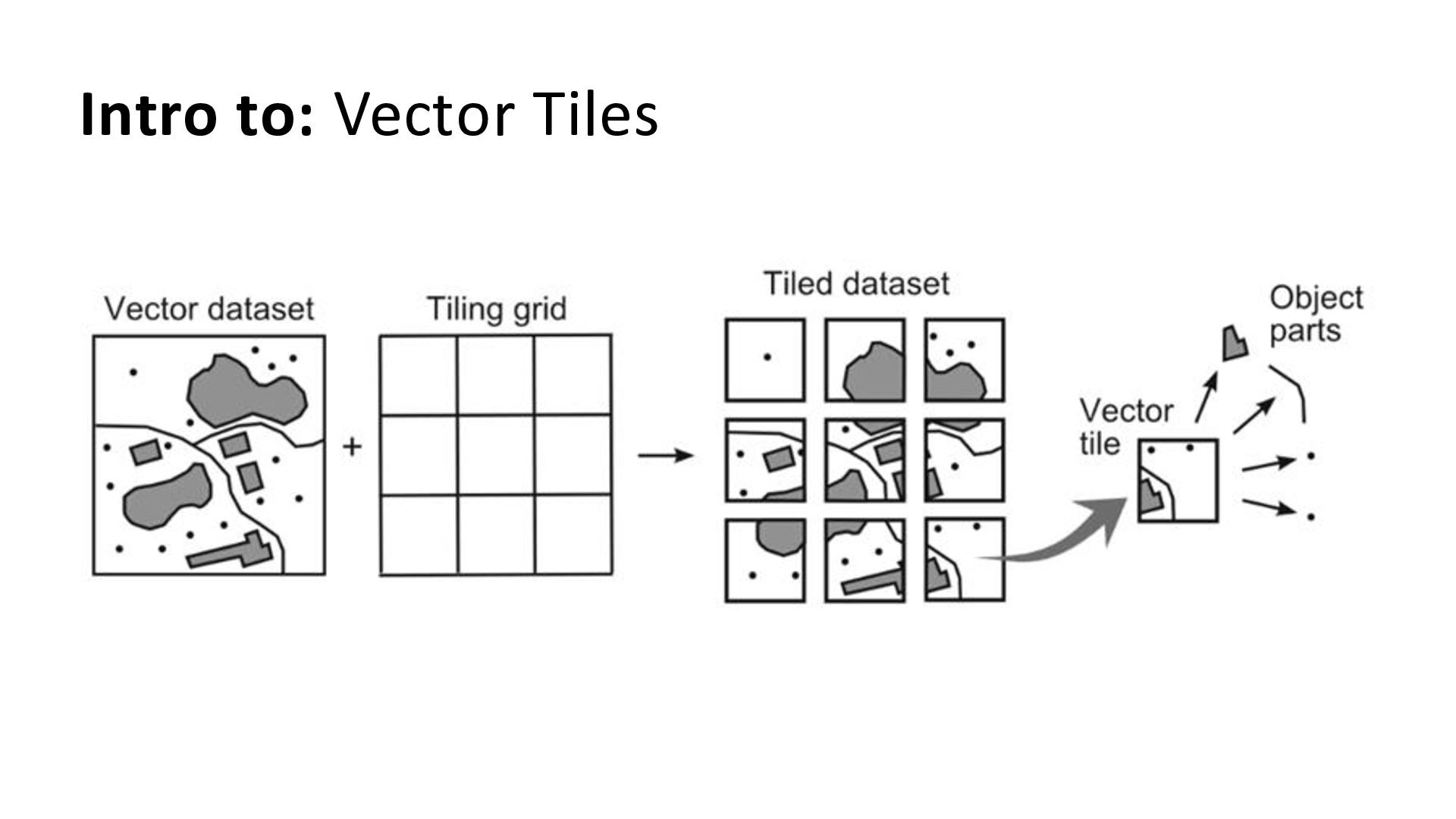
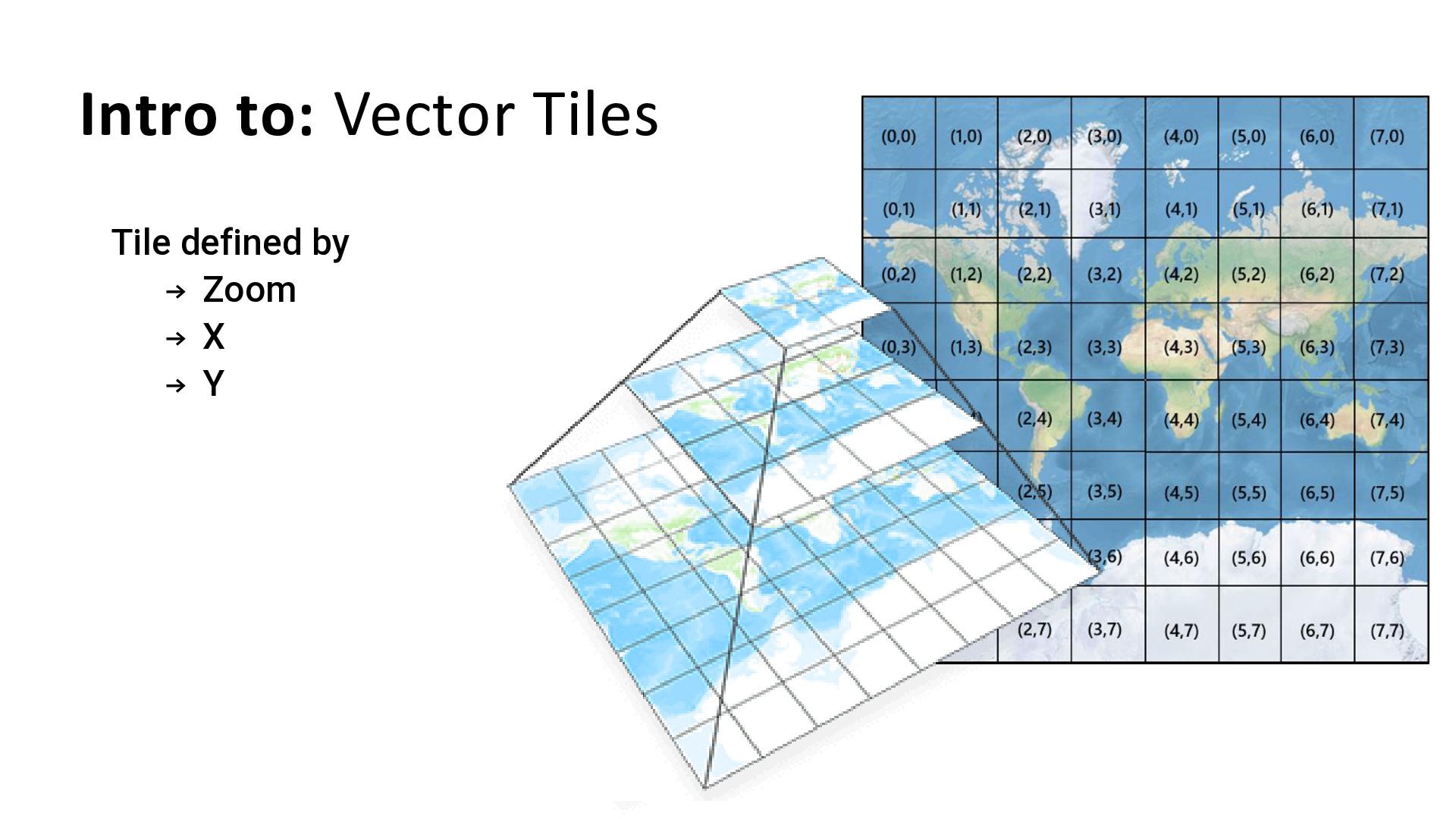
  7. Intro to: Vector Tiles → Binary data (stored in pbf

    format) → Can store point/line/polygon data → Can have multiple layers of different types → Comes with attributes → Can be styled in complex ways (based on attributes, zoom etc)
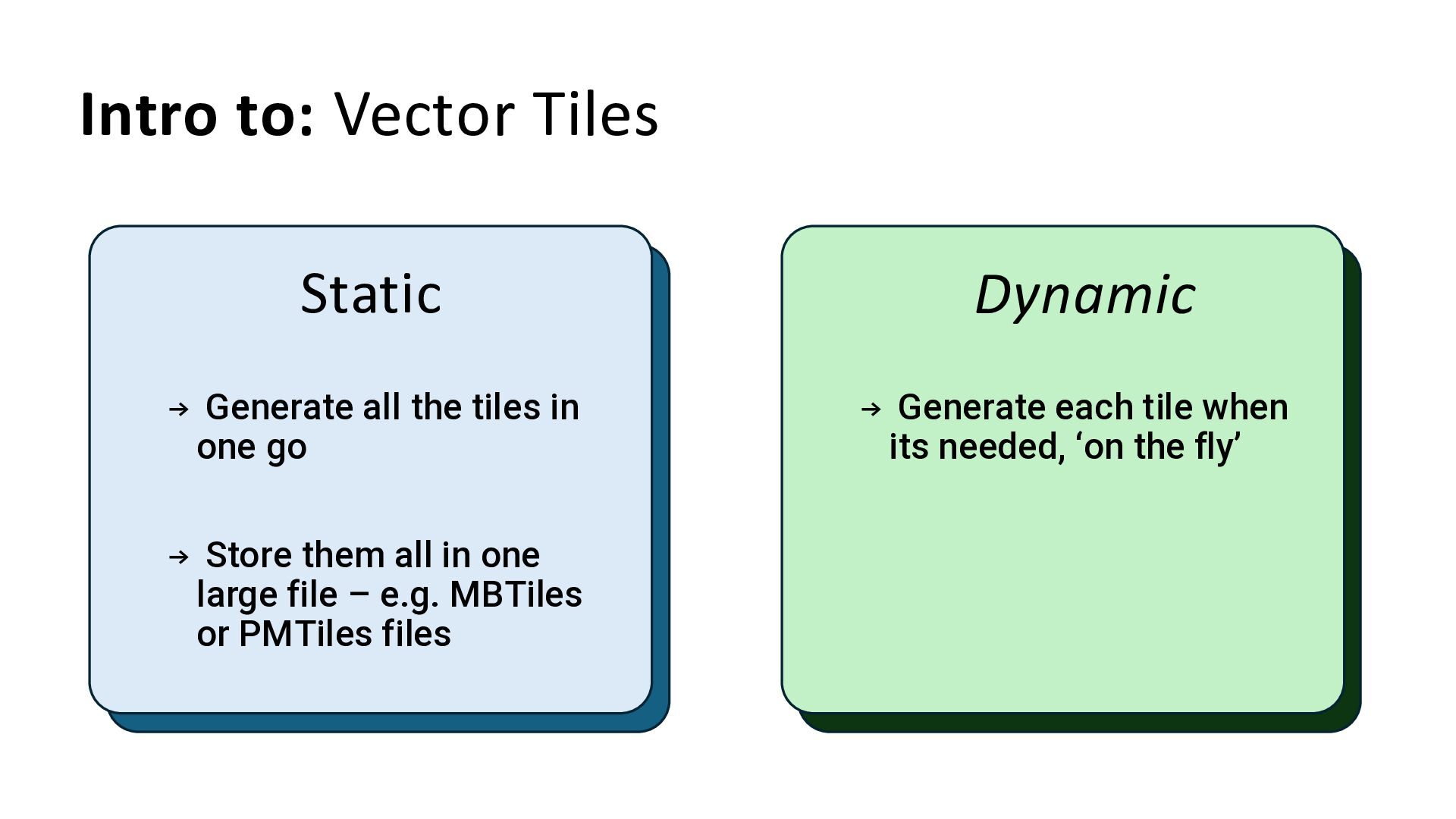
  8. Intro to: Vector Tiles Static Dynamic → Generate all the

    tiles in one go → Store them all in one large file – e.g. MBTiles or PMTiles files → Generate each tile when its needed, ‘on the fly’
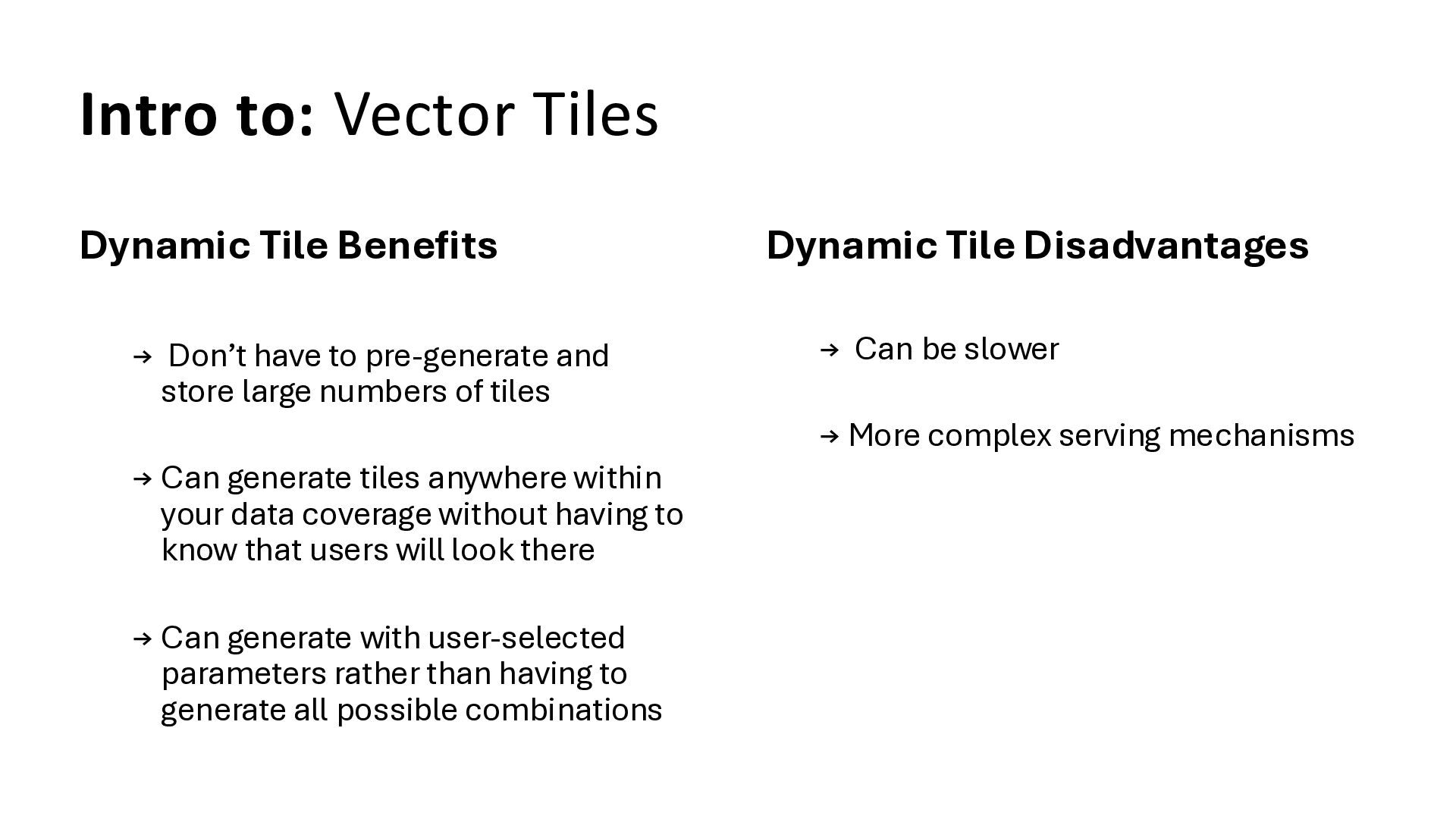
  9. Intro to: Vector Tiles Dynamic Tile Benefits → Don’t have

    to pre-generate and store large numbers of tiles → Can generate tiles anywhere within your data coverage without having to know that users will look there → Can generate with user-selected parameters rather than having to generate all possible combinations Dynamic Tile Disadvantages → Can be slower → More complex serving mechanisms
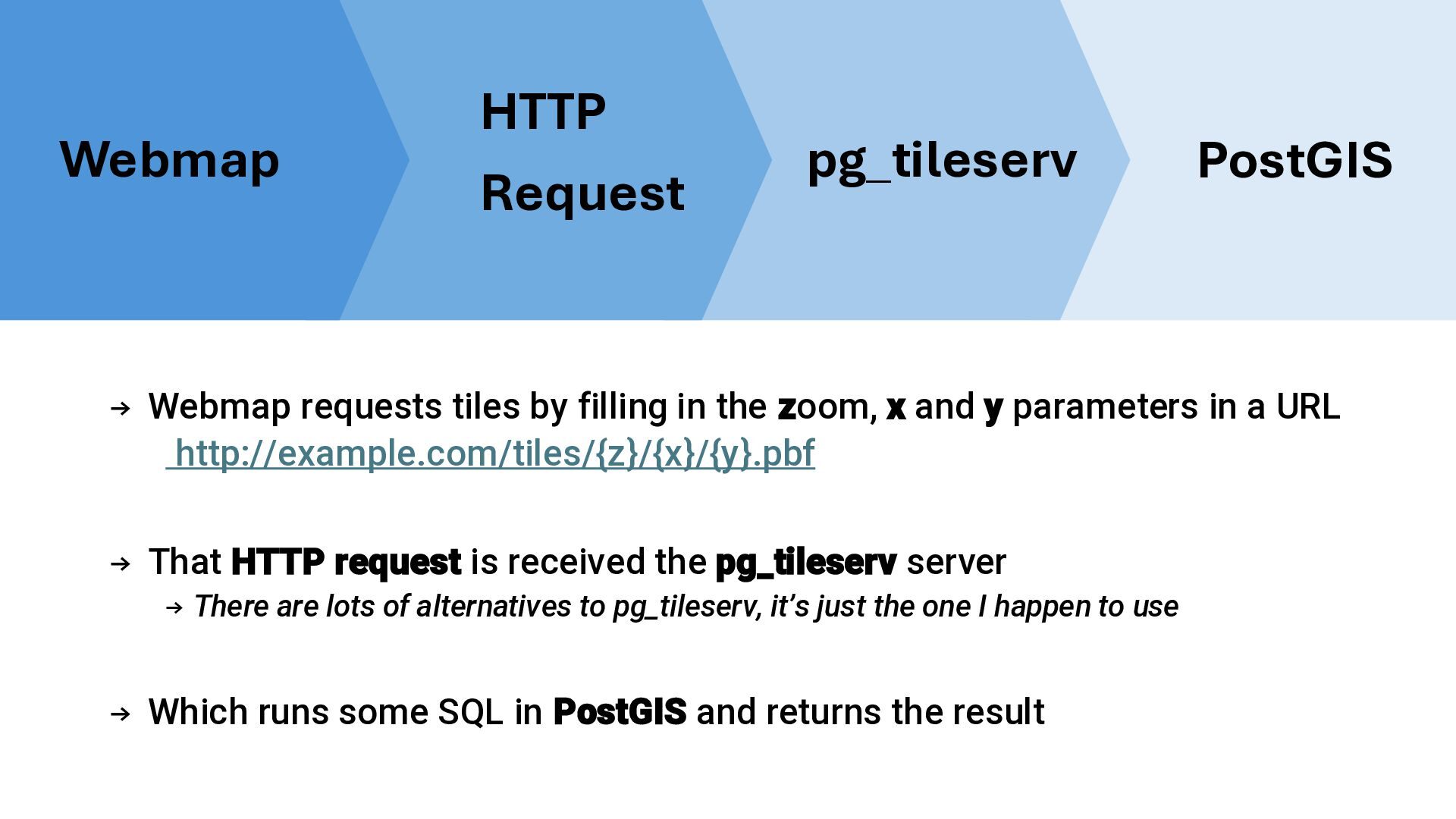
  10. → Webmap requests tiles by filling in the zoom, x

    and y parameters in a URL http://example.com/tiles/{z}/{x}/{y}.pbf → That HTTP request is received the pg_tileserv server → There are lots of alternatives to pg_tileserv, it’s just the one I happen to use → Which runs some SQL in PostGIS and returns the result Webmap HTTP Request pg_tileserv PostGIS
  11. Cloud Access and Post It Notes Cloud Access: → We

    have hosted PostGIS and pg_tileserv for you! → Details in Markdown instructions in repo → Password at www.rtwilson.com/password.html Post It Notes: → A letter (A, B, C etc): use this at the start of any functions or tables you create → A red/pink one: stick this on top of your laptop if you need help, and one of us will come to you as soon as we can → A green one: stick this on top of your laptop if you’ve finished the tasks
  12. Data → Focused around flooding in the UK → Buildings

    – from OS Open Data → Roads – from OS Open Data → Flood outlines – from Environment Agency at various ‘return periods’ (1000 years, 100 years etc) → Everything in EPSG:27700 – OSGB → All geometry columns are called geom Warning: floods don’t happen everywhere! If you can’t see anything try going to somewhere that floods (eg. centre of Leeds) or use the buildings layer instead!
  13. Task 1: Explore pg_tileserv table layers → These are layers

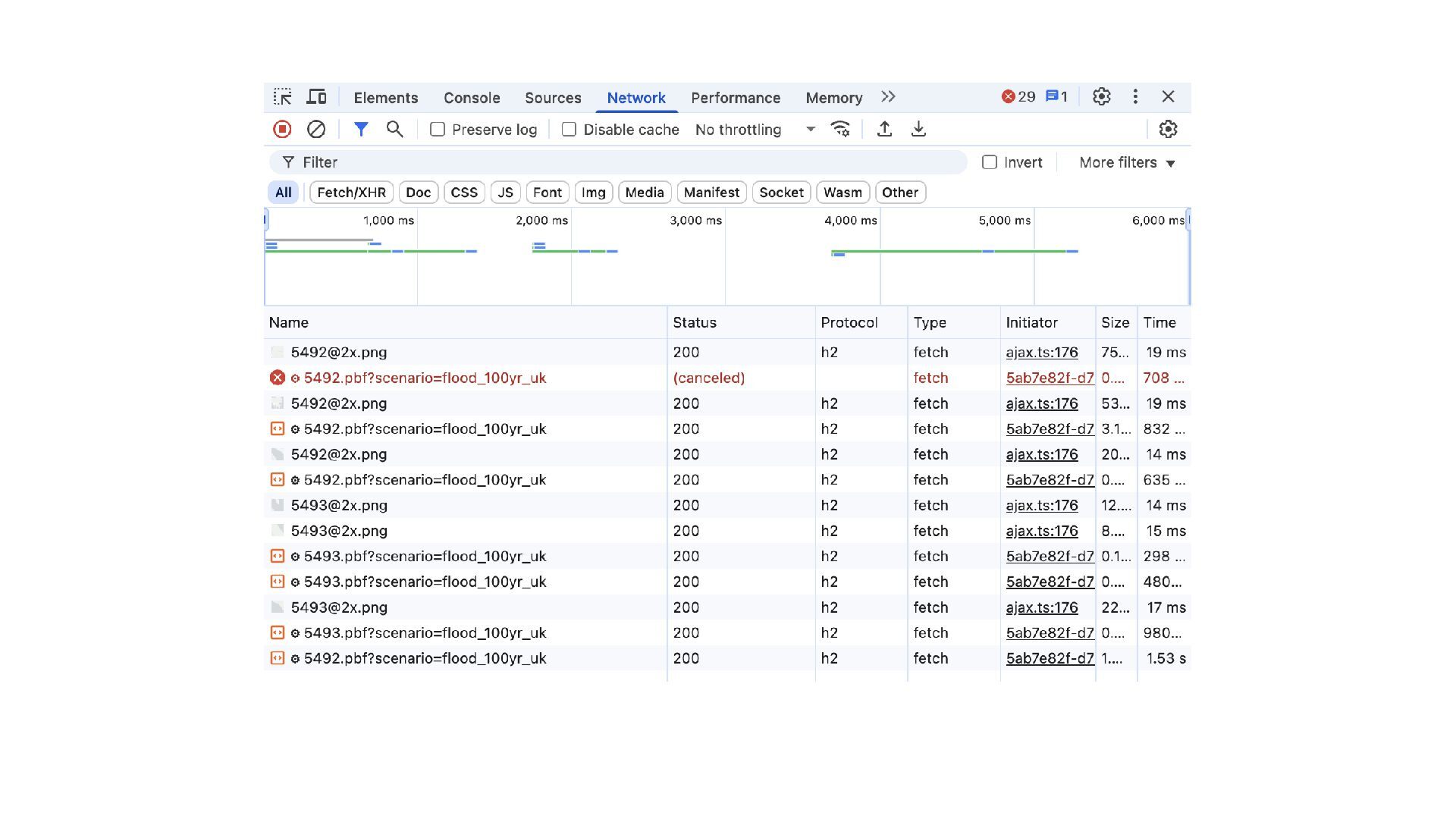
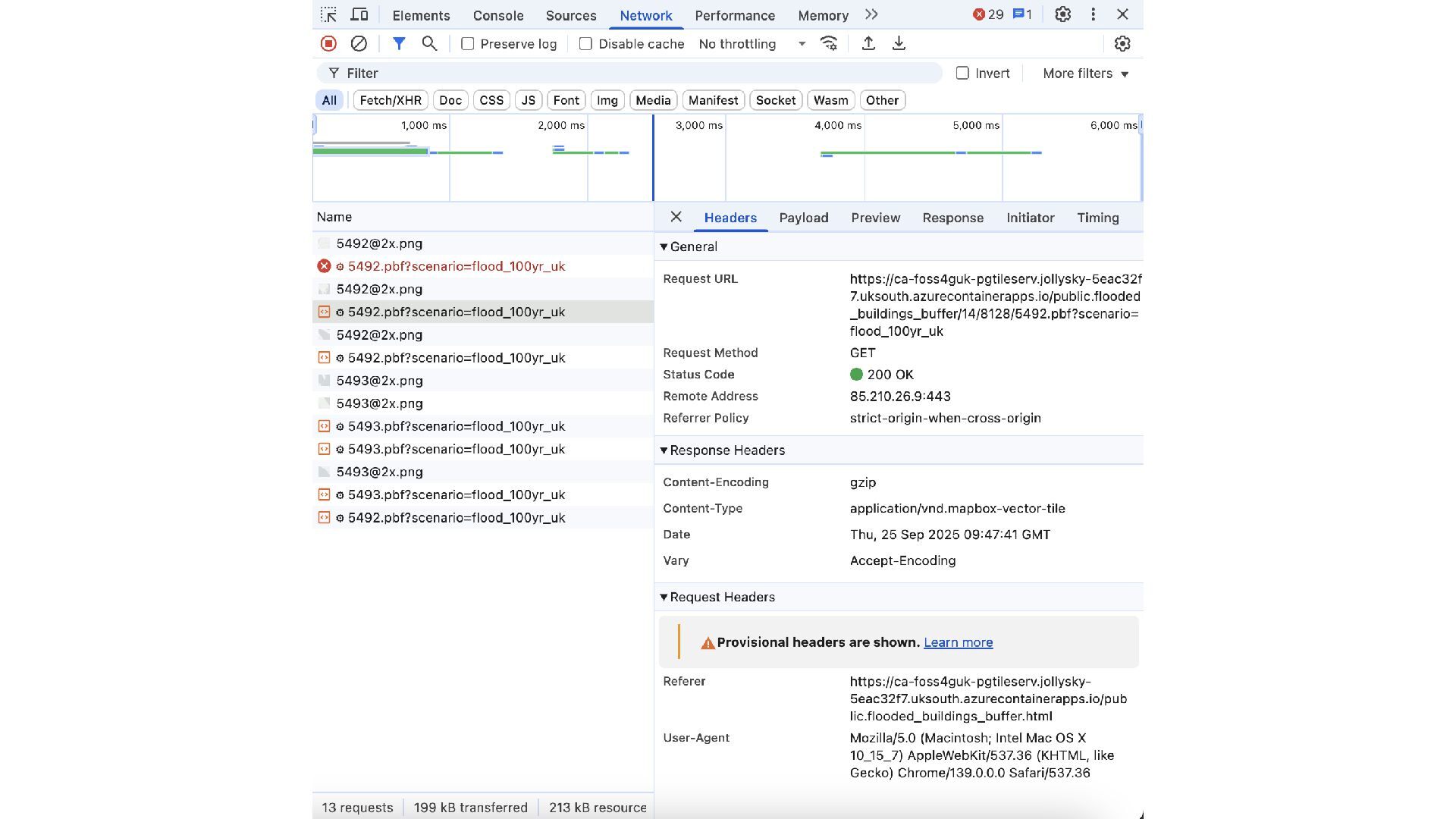
    that come from a single table in PostGIS – eg. a table of buildings → Look at layers list – just table layers for the moment → Examine the JSON info for each layer - Find the tile URL → Play with the map preview for a few layers - Zoom in to see data! - Click on a building and see what info is in the popup - View the HTTP requests ~ Open the Developer Tools in your browser ~ Go to the Network tab
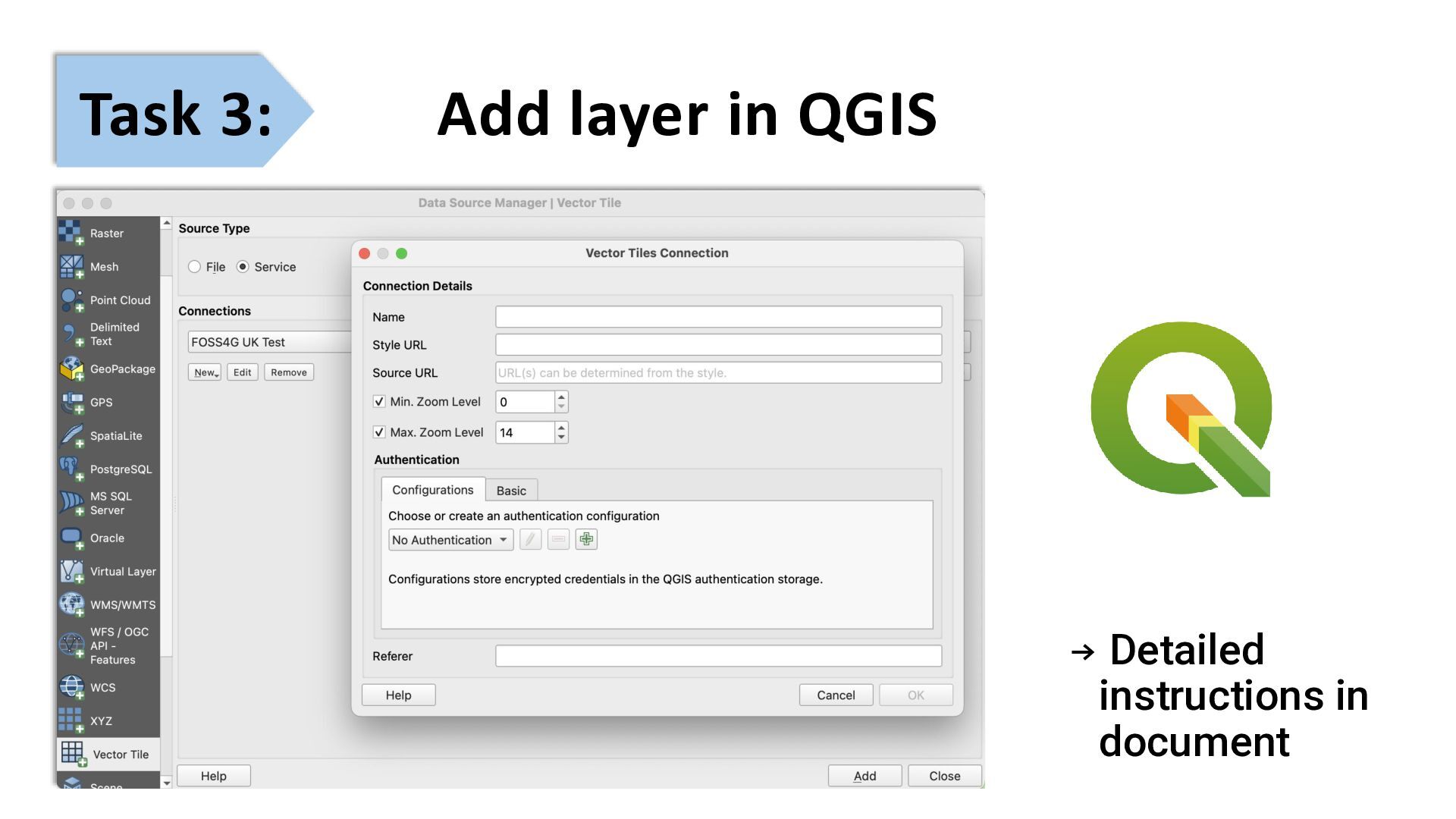
  14. Task 2: Add layer in MapLibre → Copy basic_maplibre.html to

    a new file → Find the right place to edit the tile URL and source-layer →Test it!
  15. Get going on tasks 1, 2 & 3 Put up

    a green Post-It when you’re done Put up a red Post-It if you need help
  16. → Rather than displaying a whole table… → …we can

    run a Postgres function that computes the data ‘on the fly’ → We need to define a function with specific parameters and returns MVT data from the function Function layers in pg_tileserv Bigger title
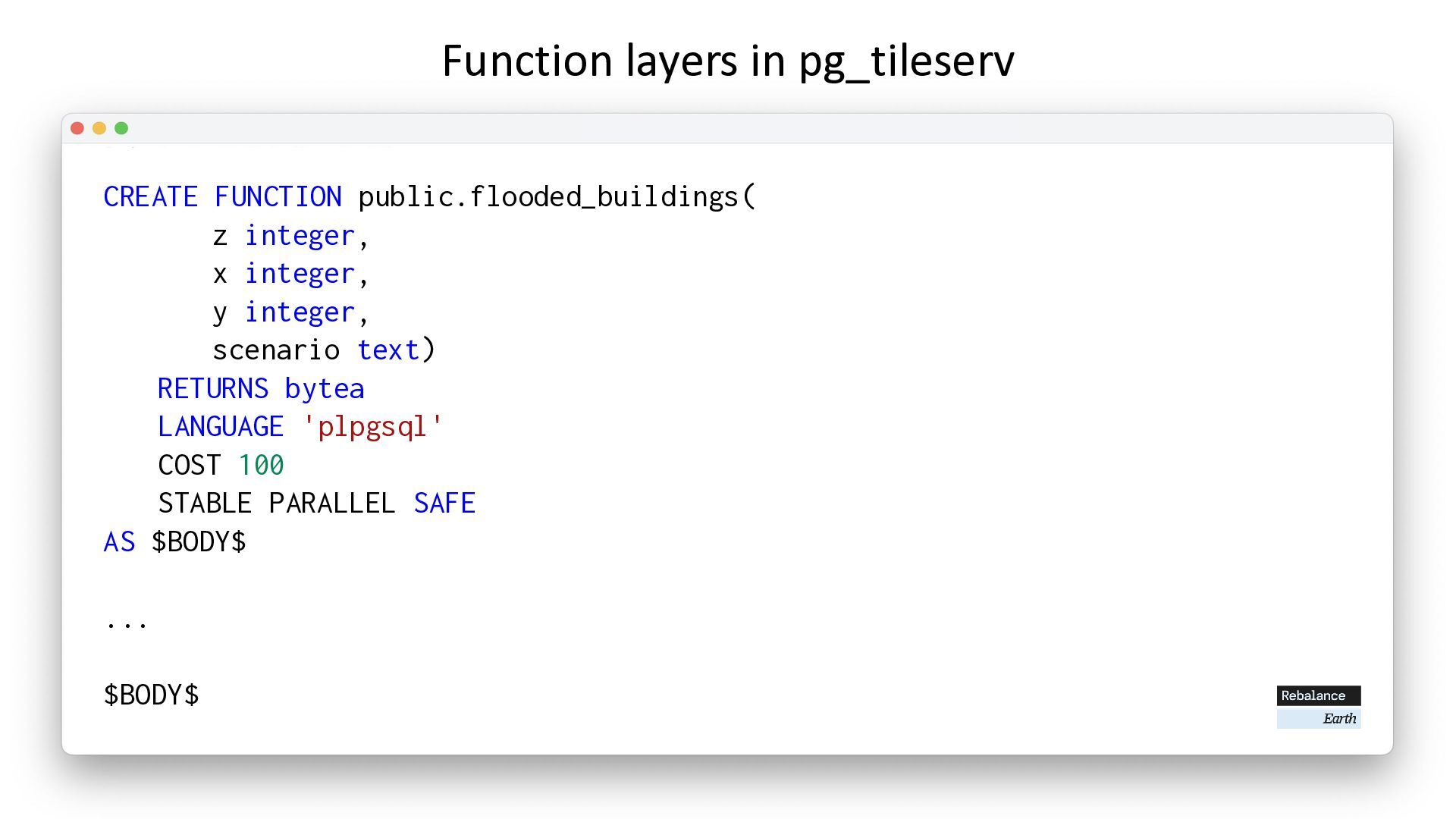
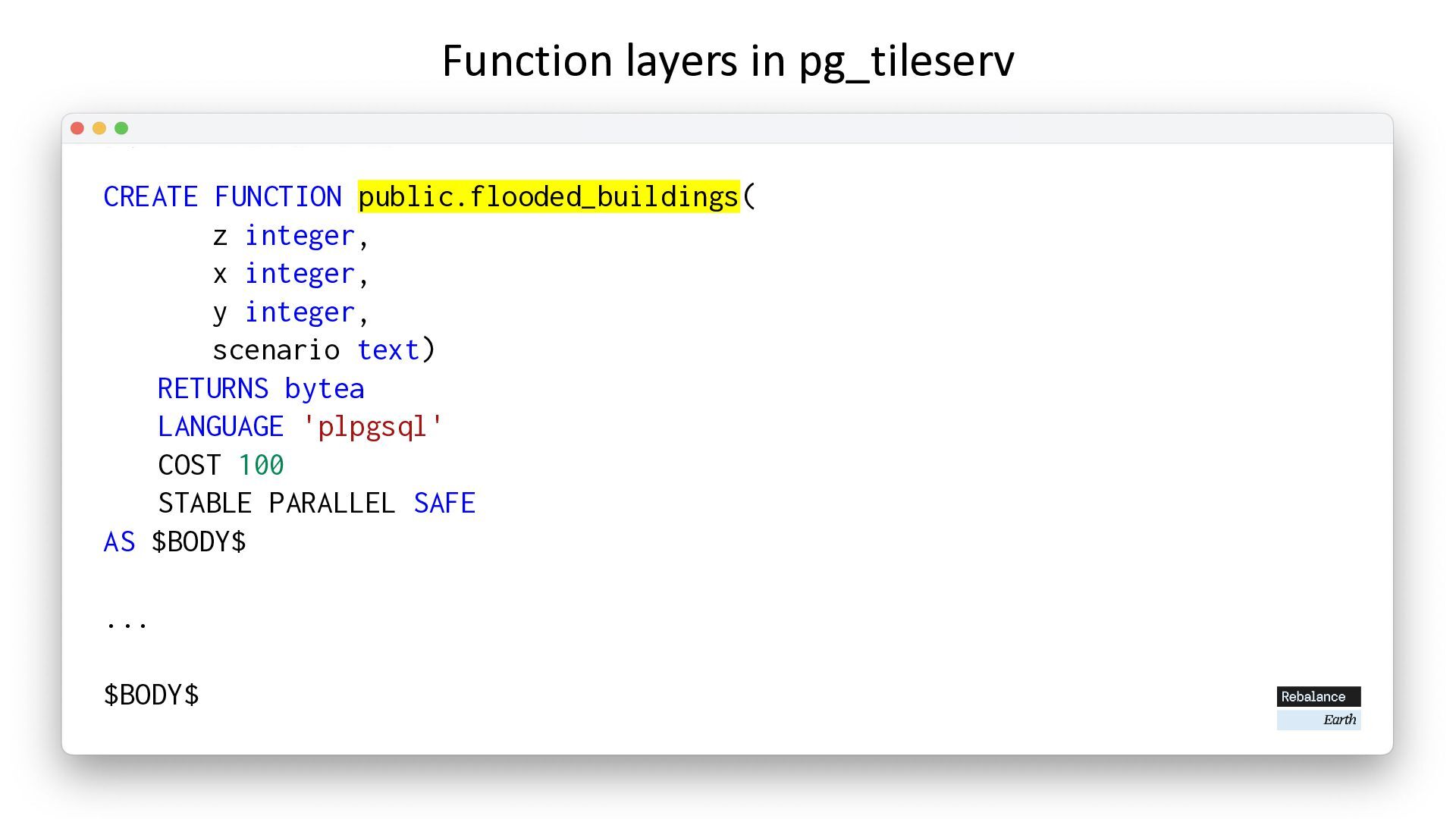
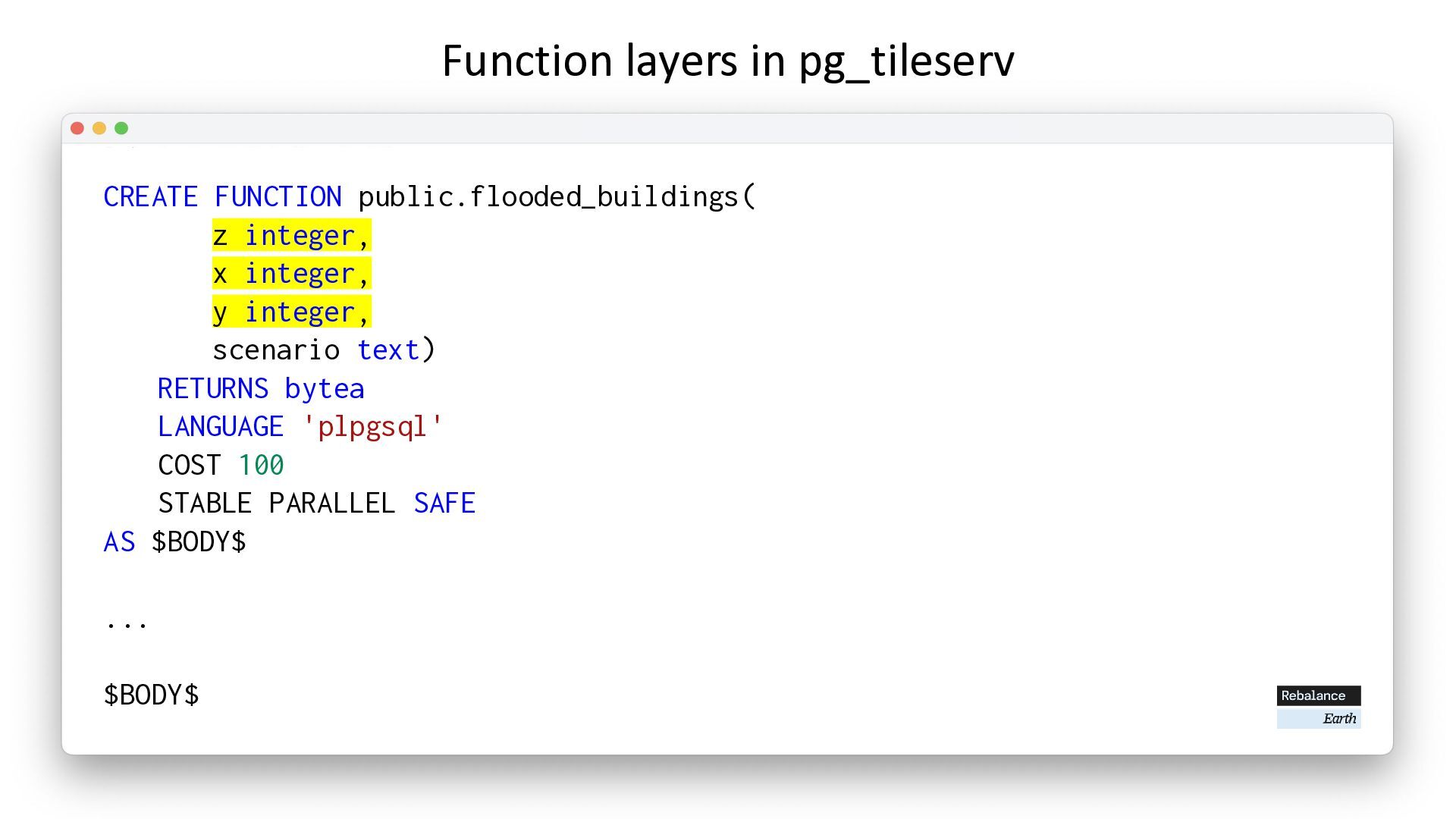
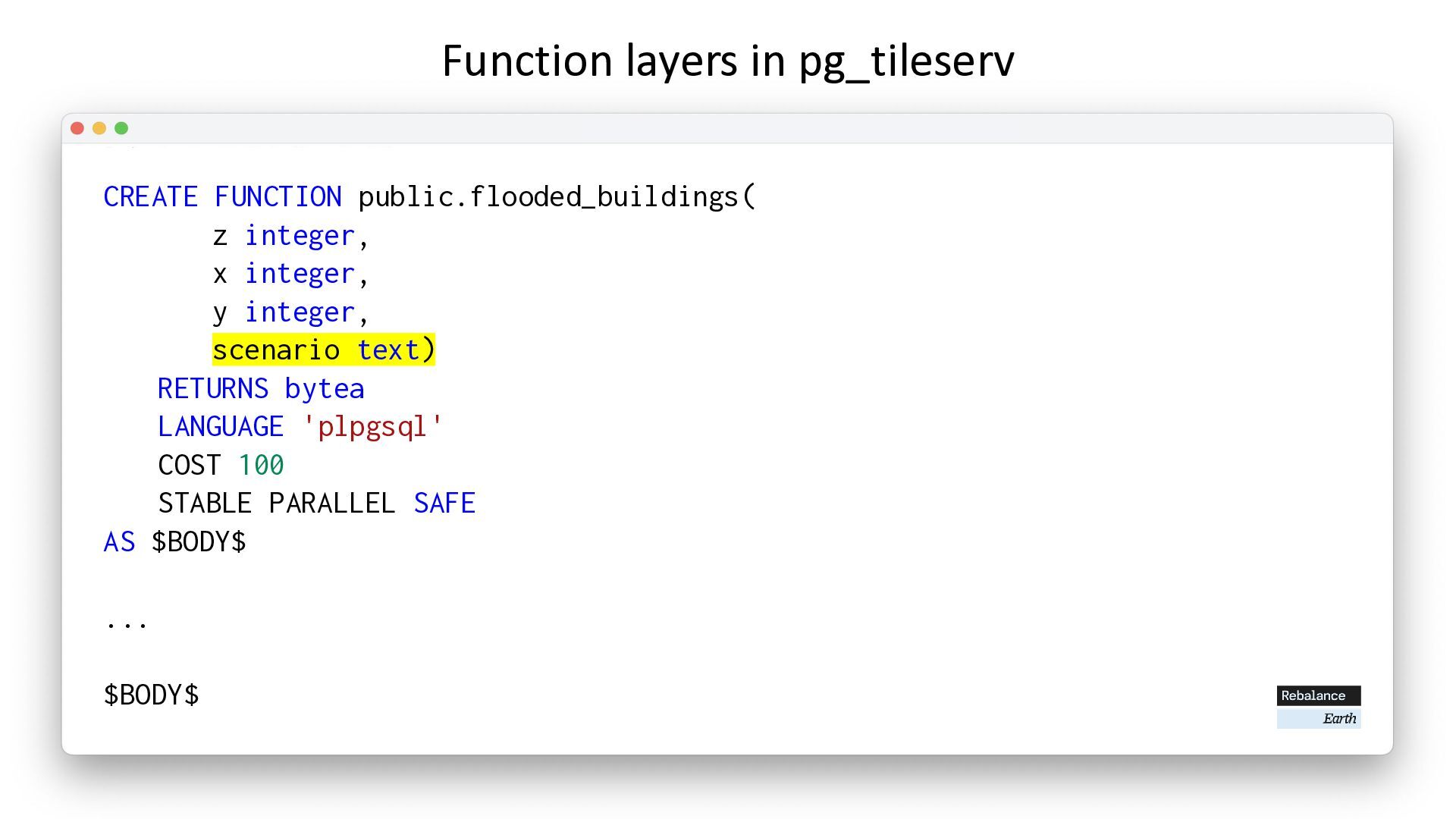
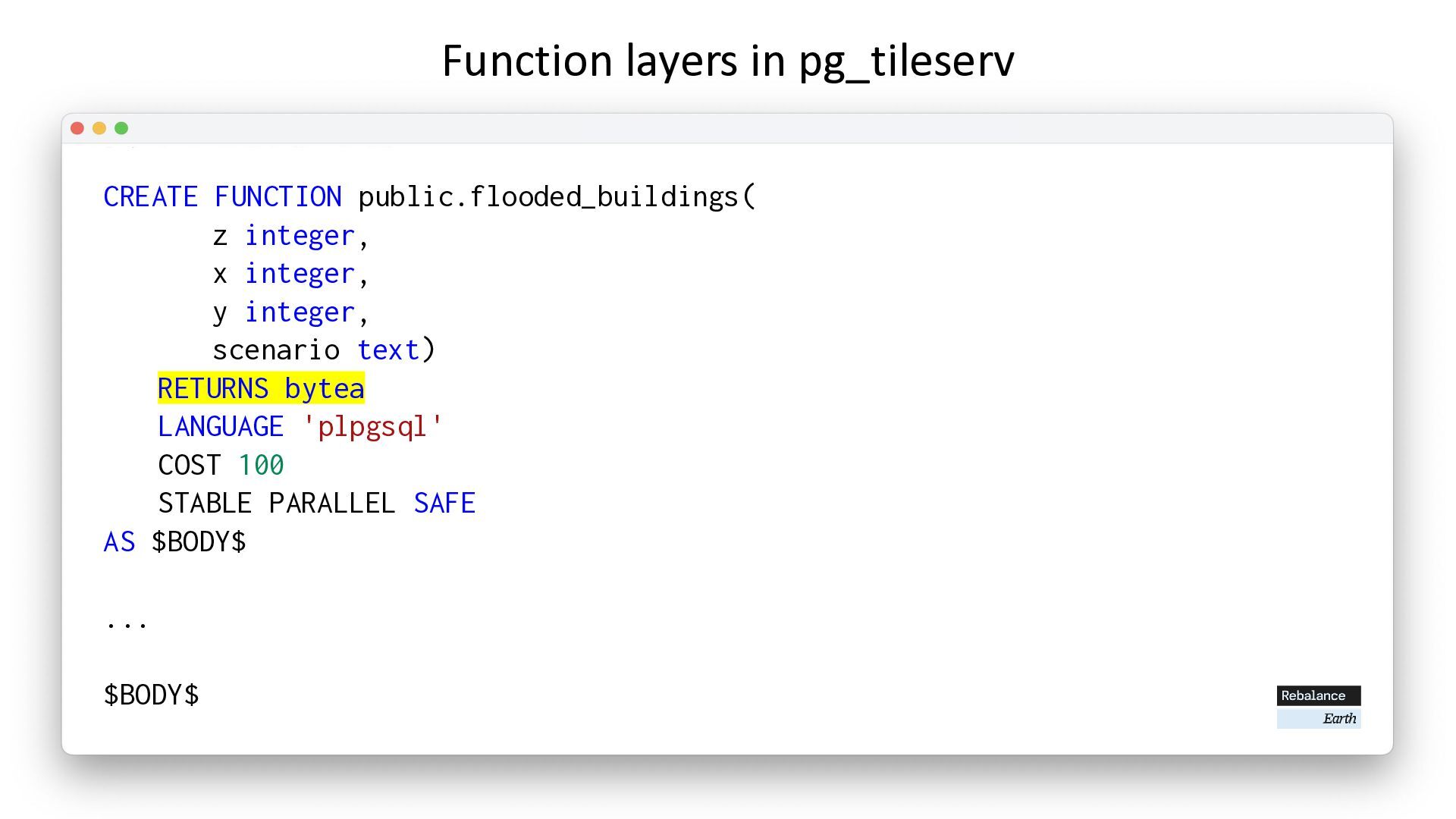
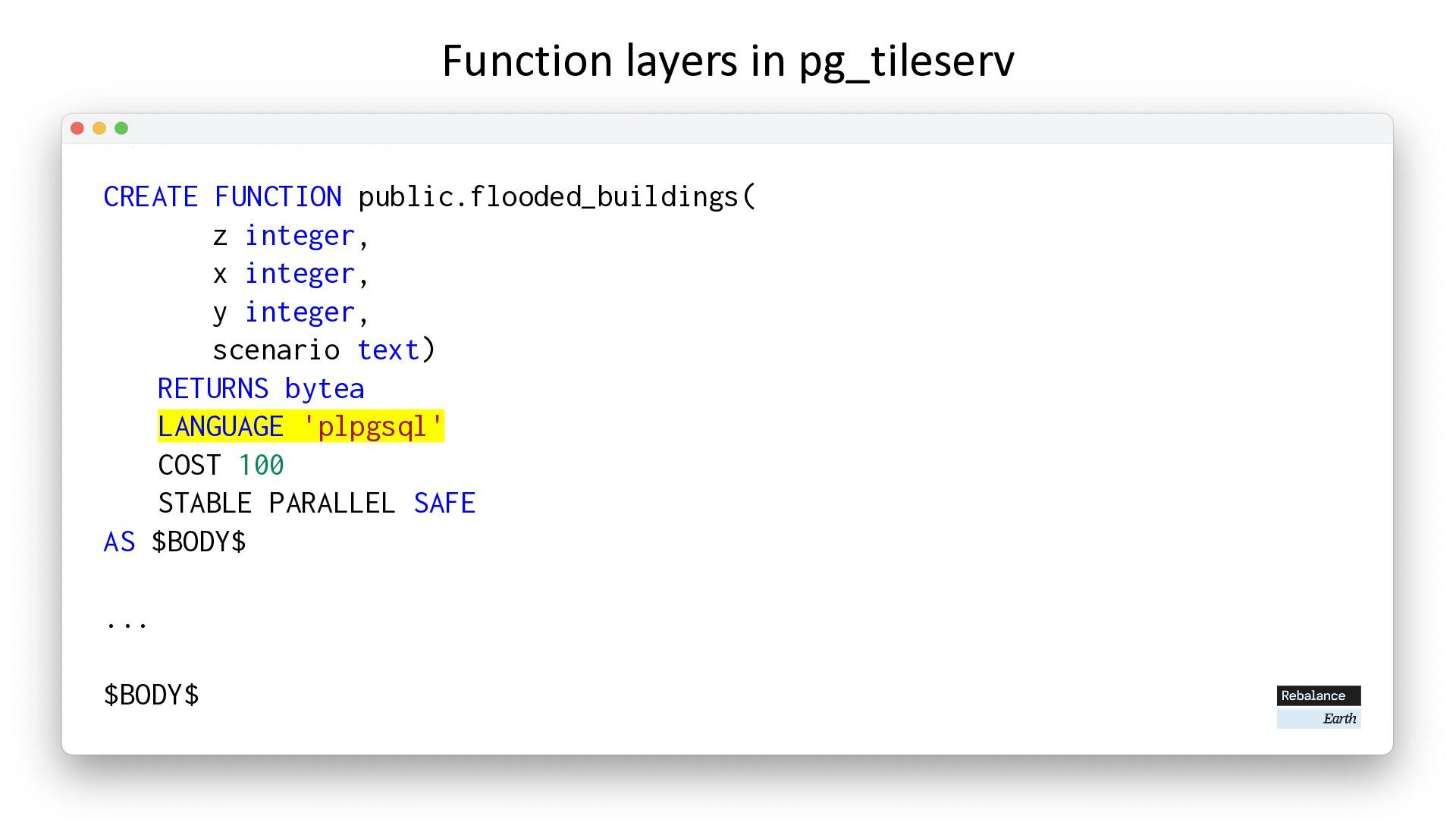
  17. CREATE FUNCTION public.flooded_buildings( z integer, x integer, y integer, scenario

    text) RETURNS bytea LANGUAGE 'plpgsql' COST 100 STABLE PARALLEL SAFE AS $BODY$ ... $BODY$ Function layers in pg_tileserv
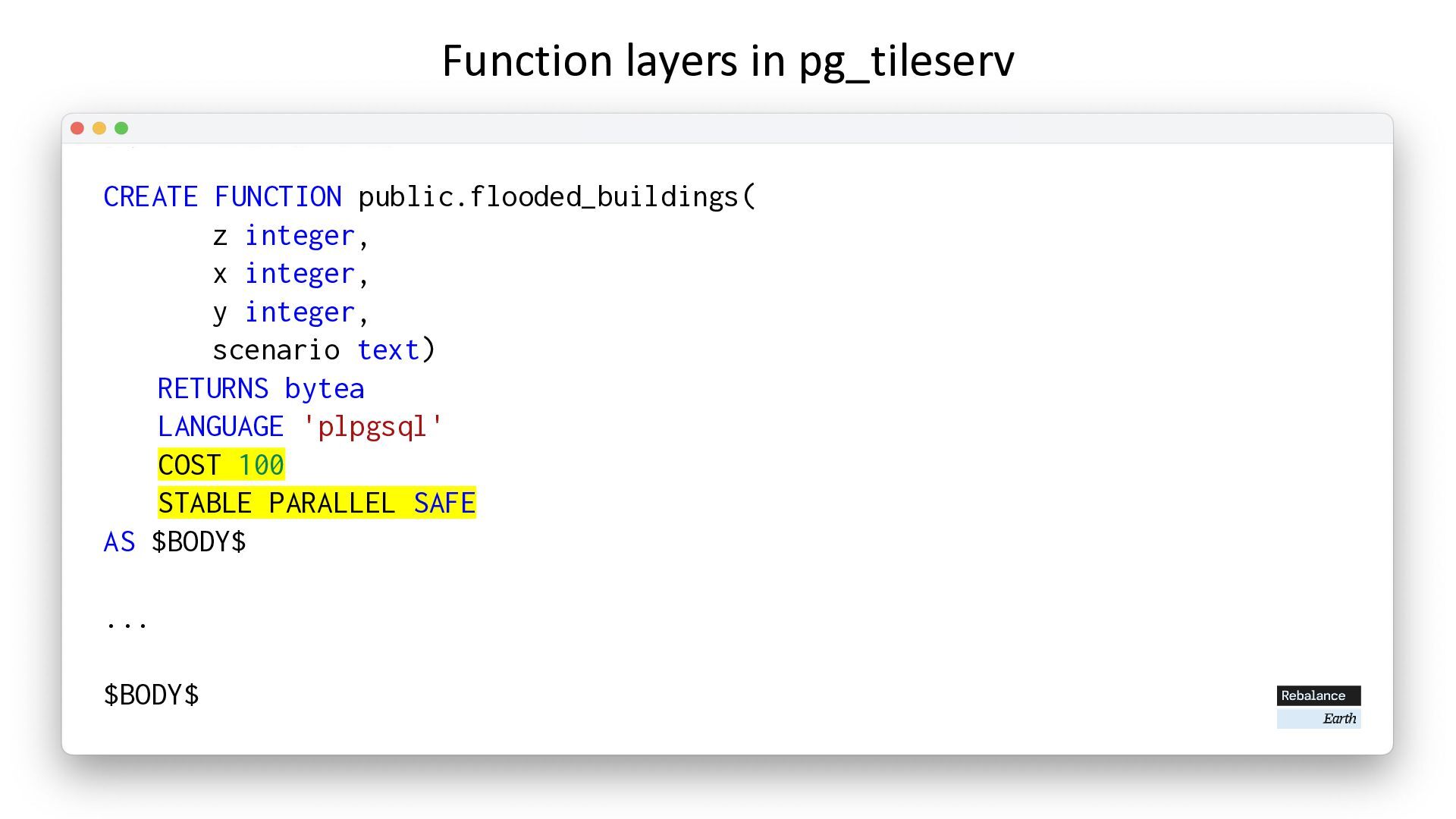
  18. CREATE FUNCTION public.flooded_buildings( z integer, x integer, y integer, scenario

    text) RETURNS bytea LANGUAGE 'plpgsql' COST 100 STABLE PARALLEL SAFE AS $BODY$ ... $BODY$ Function layers in pg_tileserv
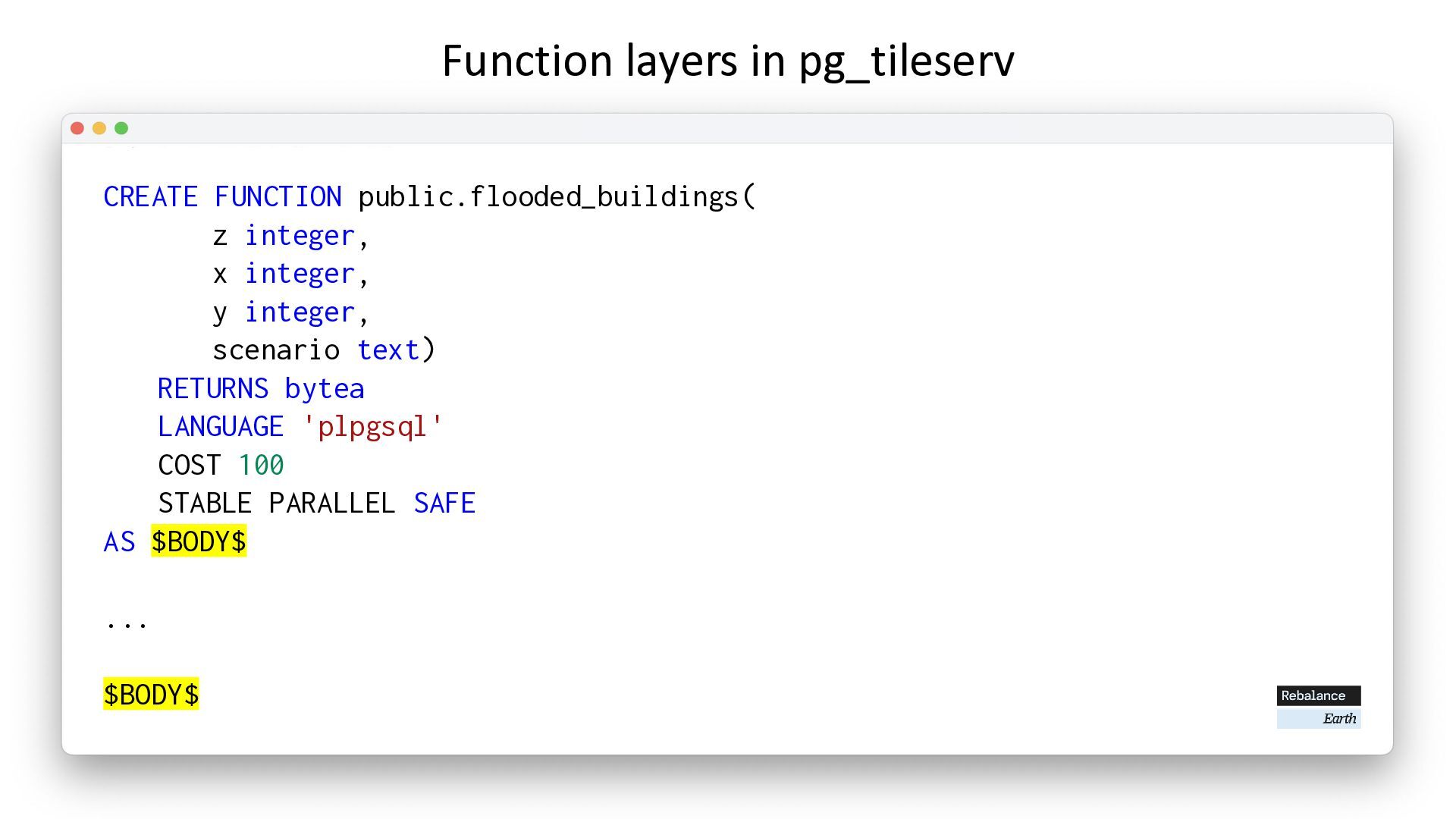
  19. CREATE FUNCTION public.flooded_buildings( z integer, x integer, y integer, scenario

    text) RETURNS bytea LANGUAGE 'plpgsql' COST 100 STABLE PARALLEL SAFE AS $BODY$ ... $BODY$ Function layers in pg_tileserv
  20. CREATE FUNCTION public.flooded_buildings( z integer, x integer, y integer, scenario

    text) RETURNS bytea LANGUAGE 'plpgsql' COST 100 STABLE PARALLEL SAFE AS $BODY$ ... $BODY$ Function layers in pg_tileserv
  21. CREATE FUNCTION public.flooded_buildings( z integer, x integer, y integer, scenario

    text) RETURNS bytea LANGUAGE 'plpgsql' COST 100 STABLE PARALLEL SAFE AS $BODY$ ... $BODY$ Function layers in pg_tileserv
  22. CREATE FUNCTION public.flooded_buildings( z integer, x integer, y integer, scenario

    text) RETURNS bytea LANGUAGE 'plpgsql' COST 100 STABLE PARALLEL SAFE AS $BODY$ ... $BODY$ Function layers in pg_tileserv
  23. CREATE FUNCTION public.flooded_buildings( z integer, x integer, y integer, scenario

    text) RETURNS bytea LANGUAGE 'plpgsql' COST 100 STABLE PARALLEL SAFE AS $BODY$ ... $BODY$ Function layers in pg_tileserv
  24. CREATE FUNCTION public.flooded_buildings( z integer, x integer, y integer, scenario

    text) RETURNS bytea LANGUAGE 'plpgsql' COST 100 STABLE PARALLEL SAFE AS $BODY$ ... $BODY$ Function layers in pg_tileserv
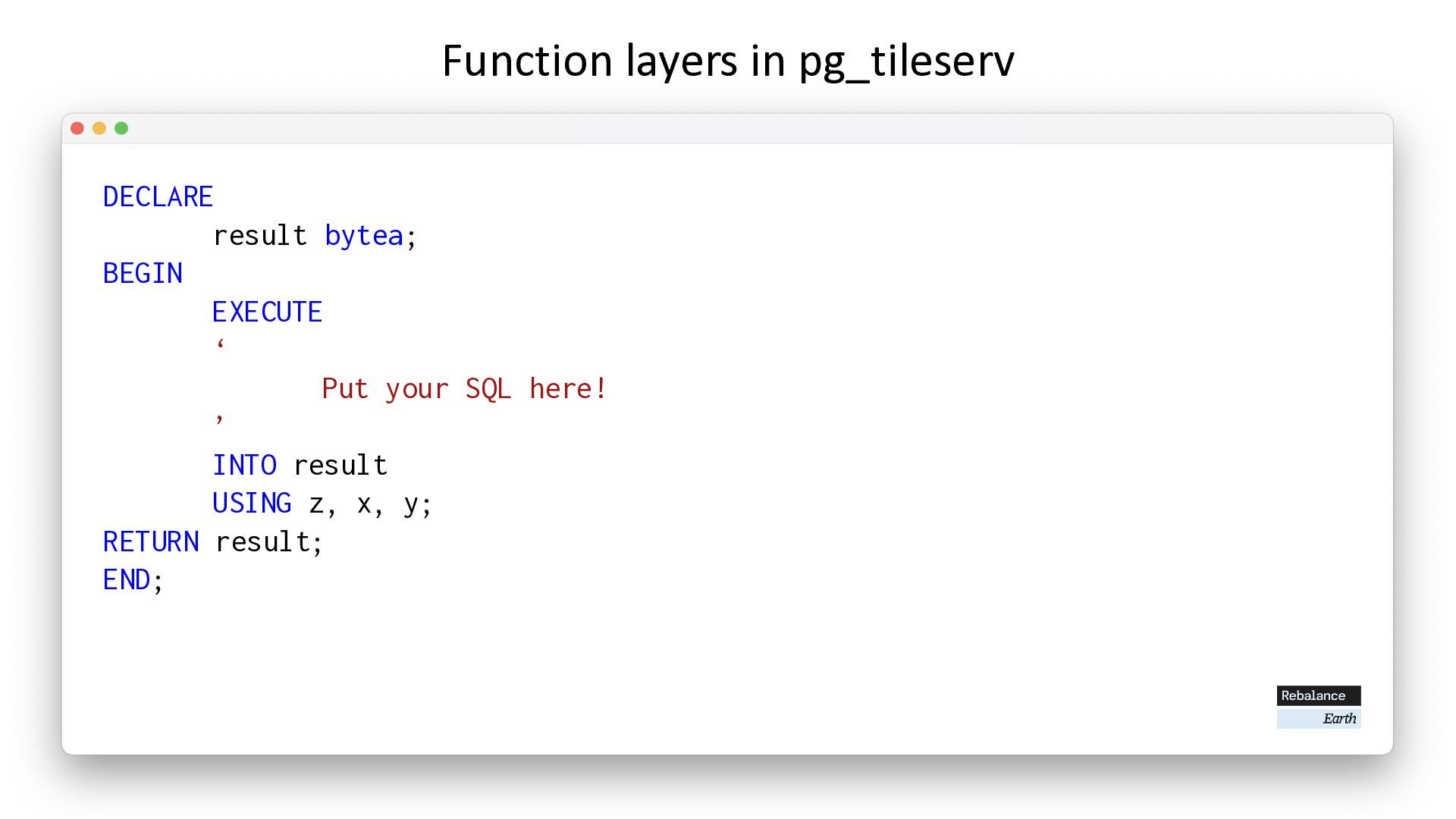
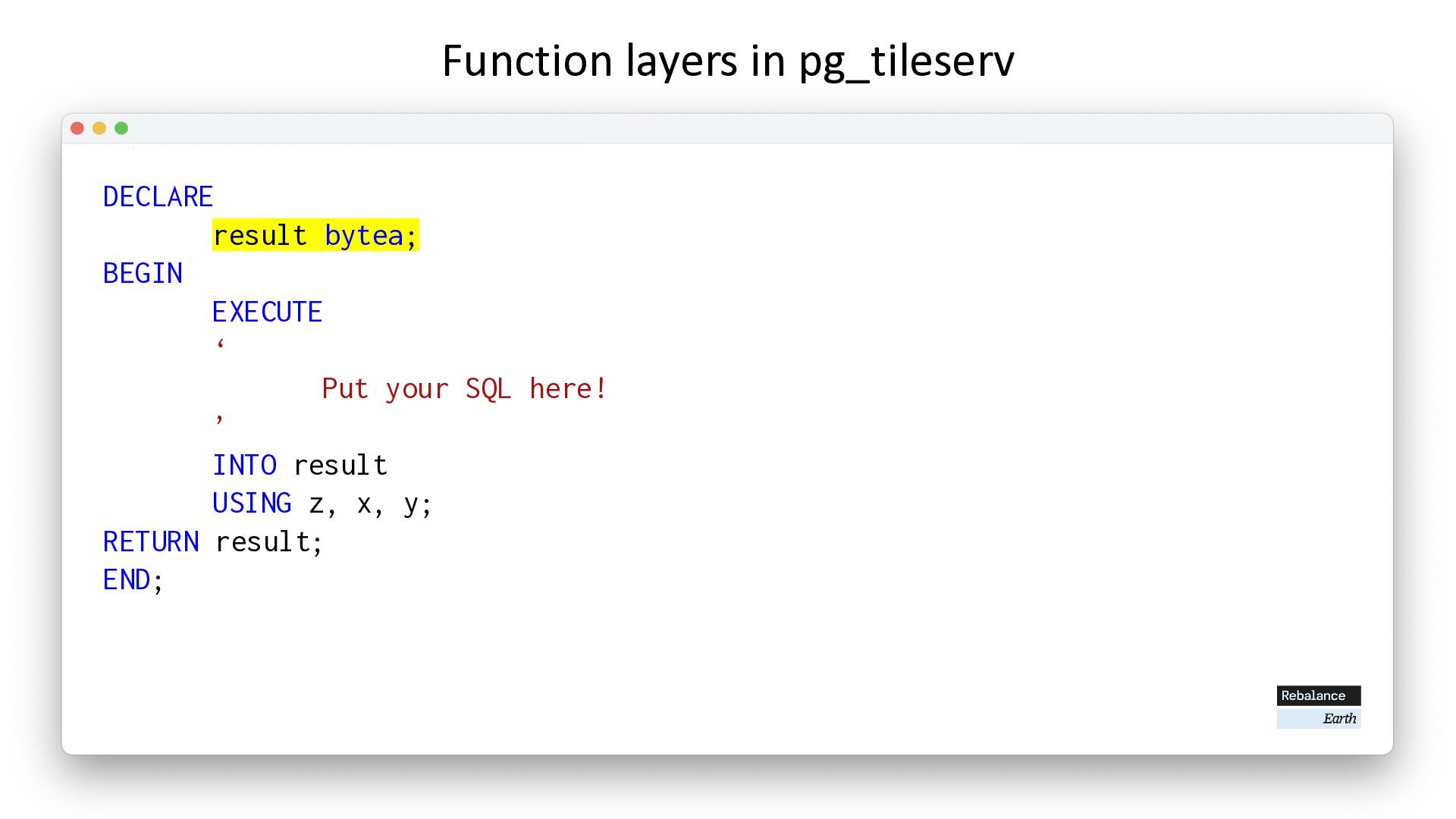
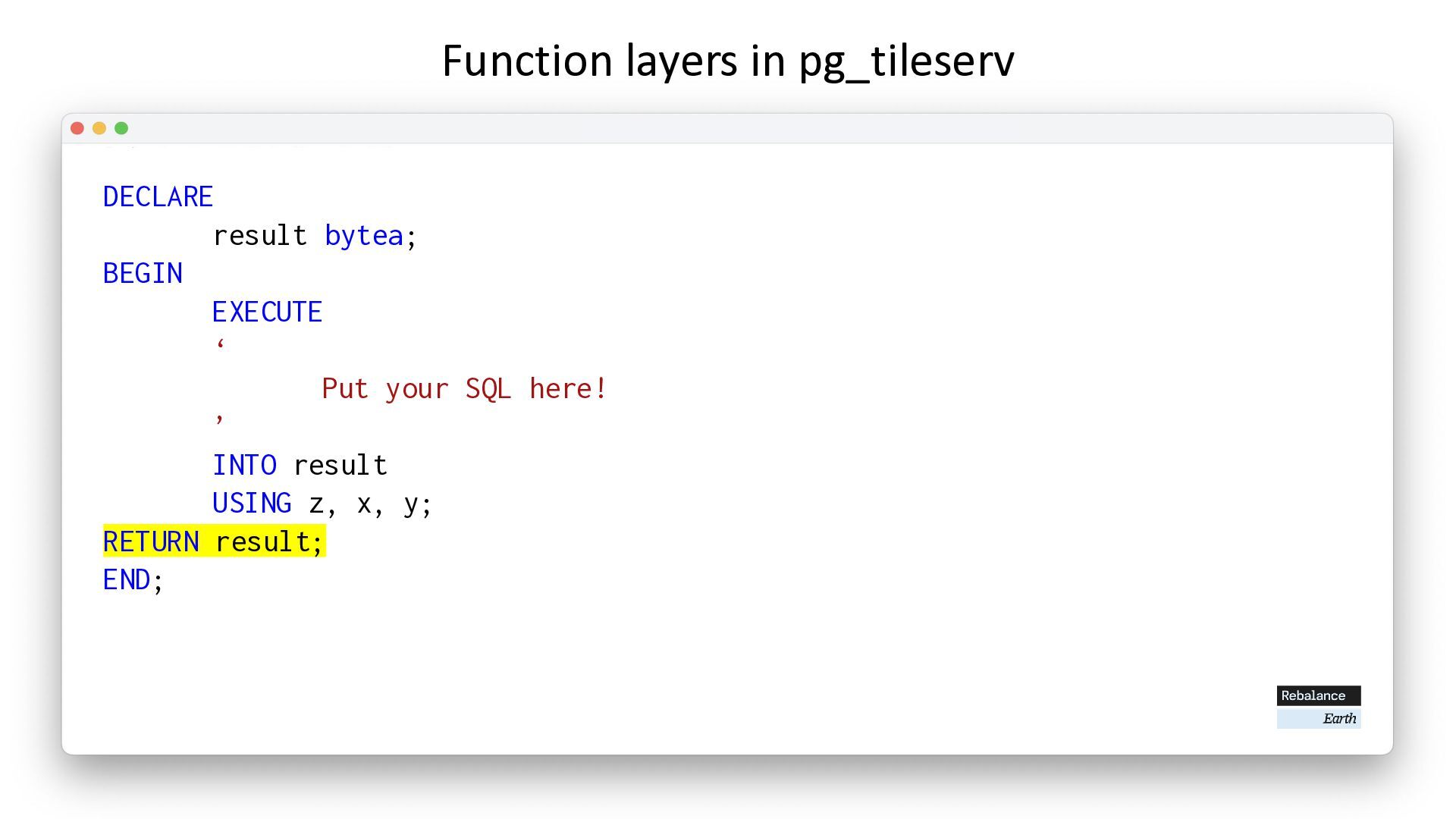
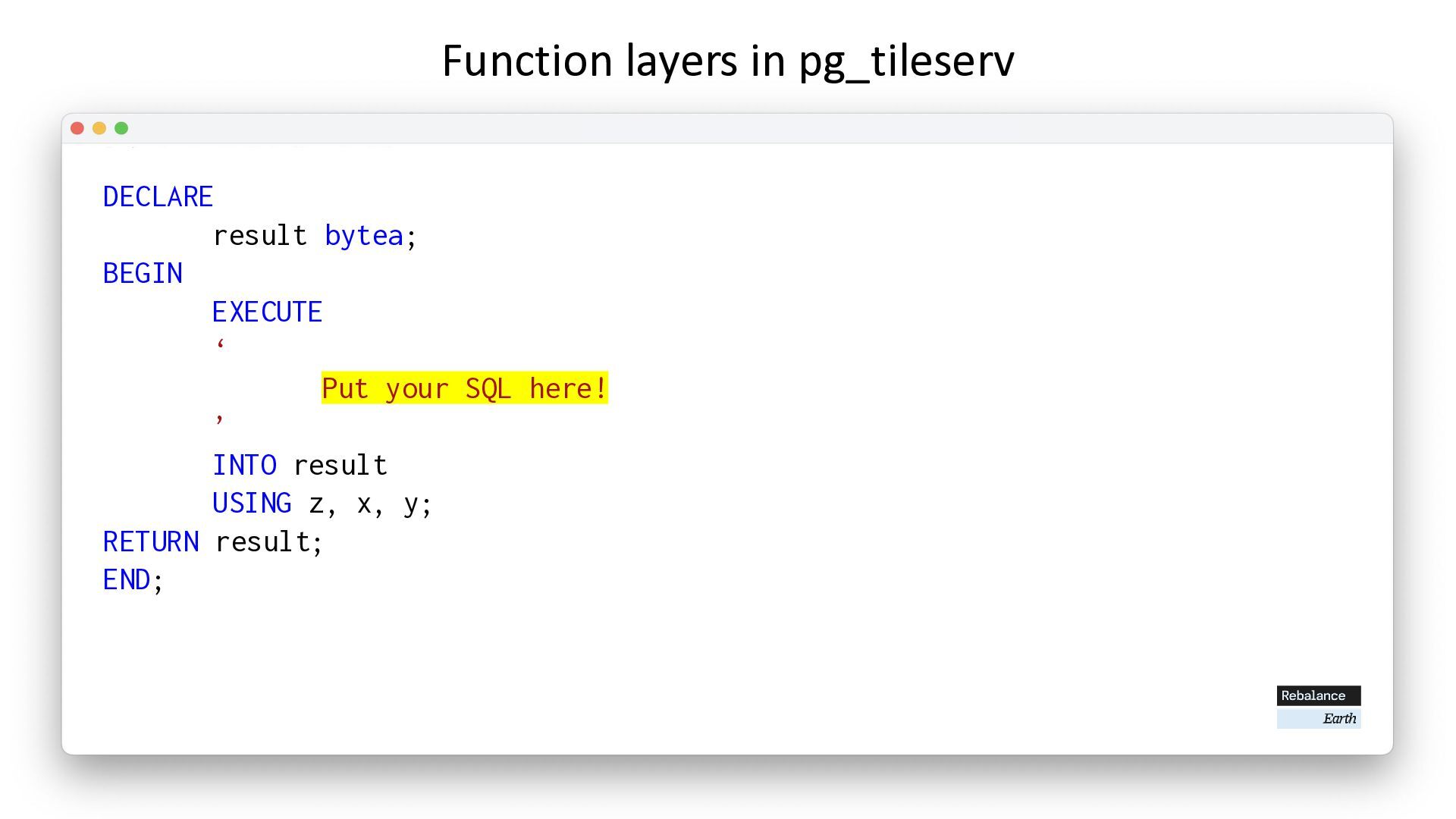
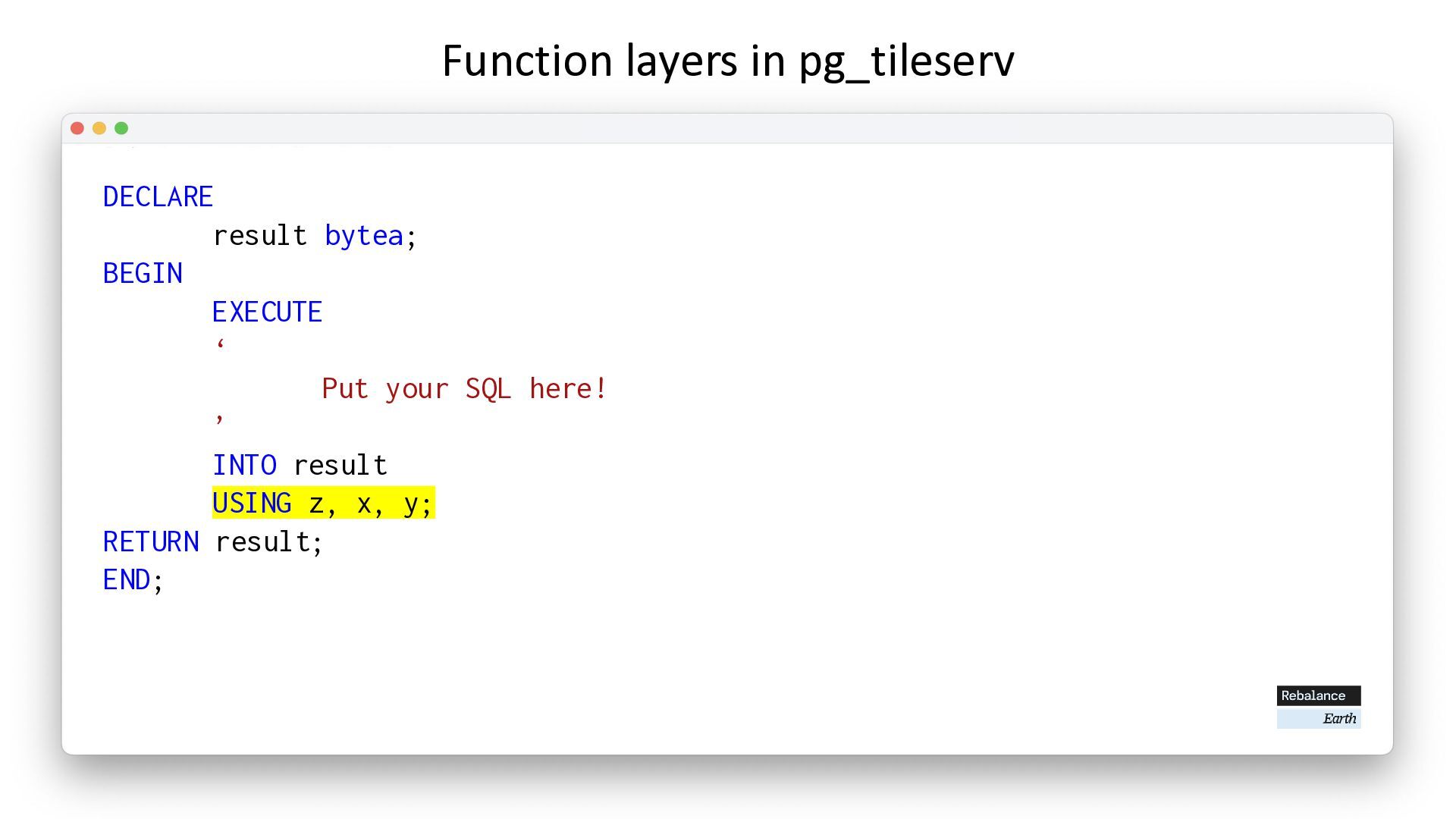
  25. Function layers in pg_tileserv DECLARE result bytea; BEGIN EXECUTE ‘

    Put your SQL here! ’ INTO result USING z, x, y; RETURN result; END;
  26. Function layers in pg_tileserv DECLARE result bytea; BEGIN EXECUTE ‘

    Put your SQL here! ’ INTO result USING z, x, y; RETURN result; END;
  27. Function layers in pg_tileserv DECLARE result bytea; BEGIN EXECUTE ‘

    Put your SQL here! ’ INTO result USING z, x, y; RETURN result; END;
  28. Function layers in pg_tileserv DECLARE result bytea; BEGIN EXECUTE ‘

    Put your SQL here! ’ INTO result USING z, x, y; RETURN result; END;
  29. Function layers in pg_tileserv DECLARE result bytea; BEGIN EXECUTE ‘

    Put your SQL here! ’ INTO result USING z, x, y; RETURN result; END;
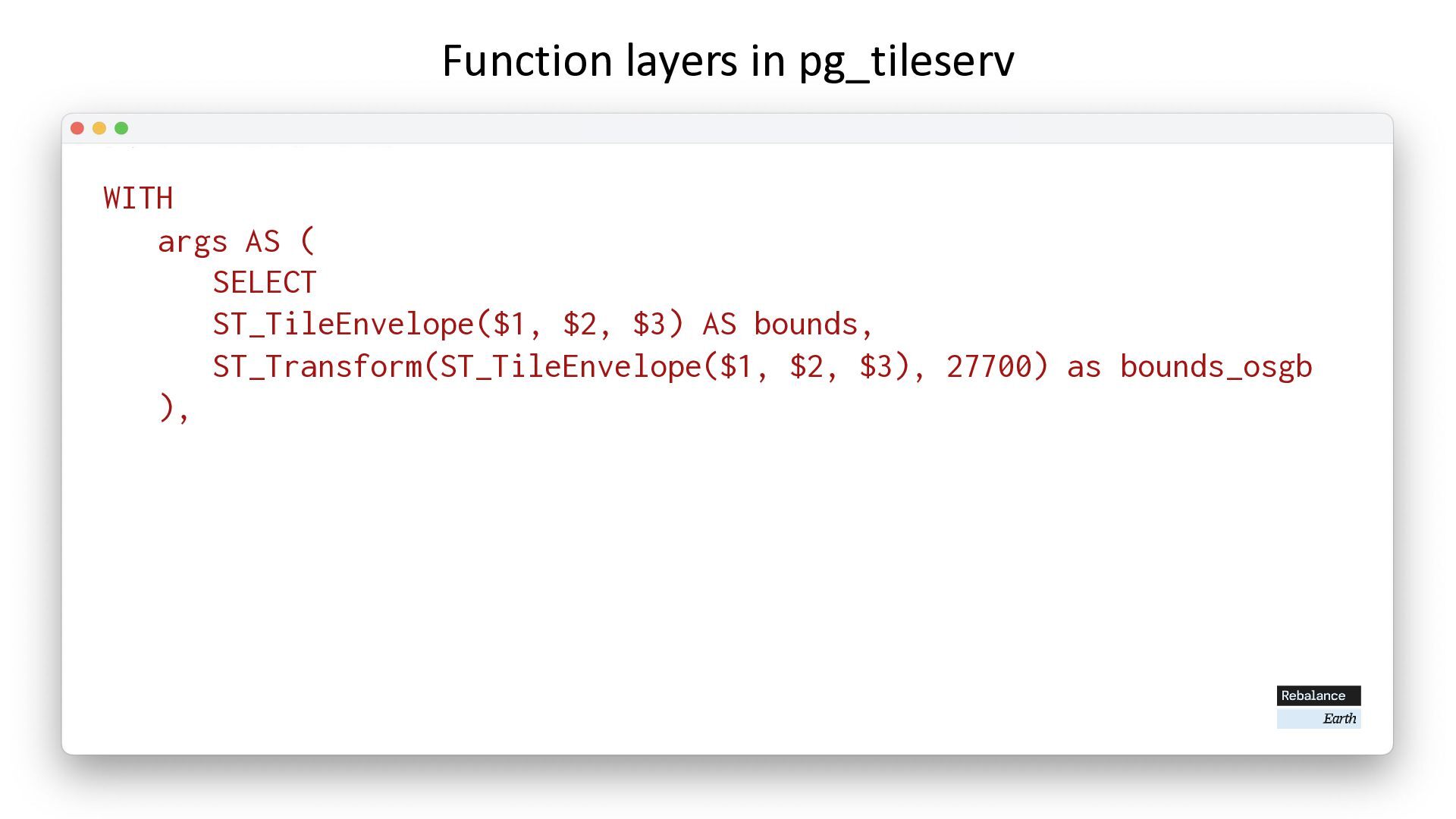
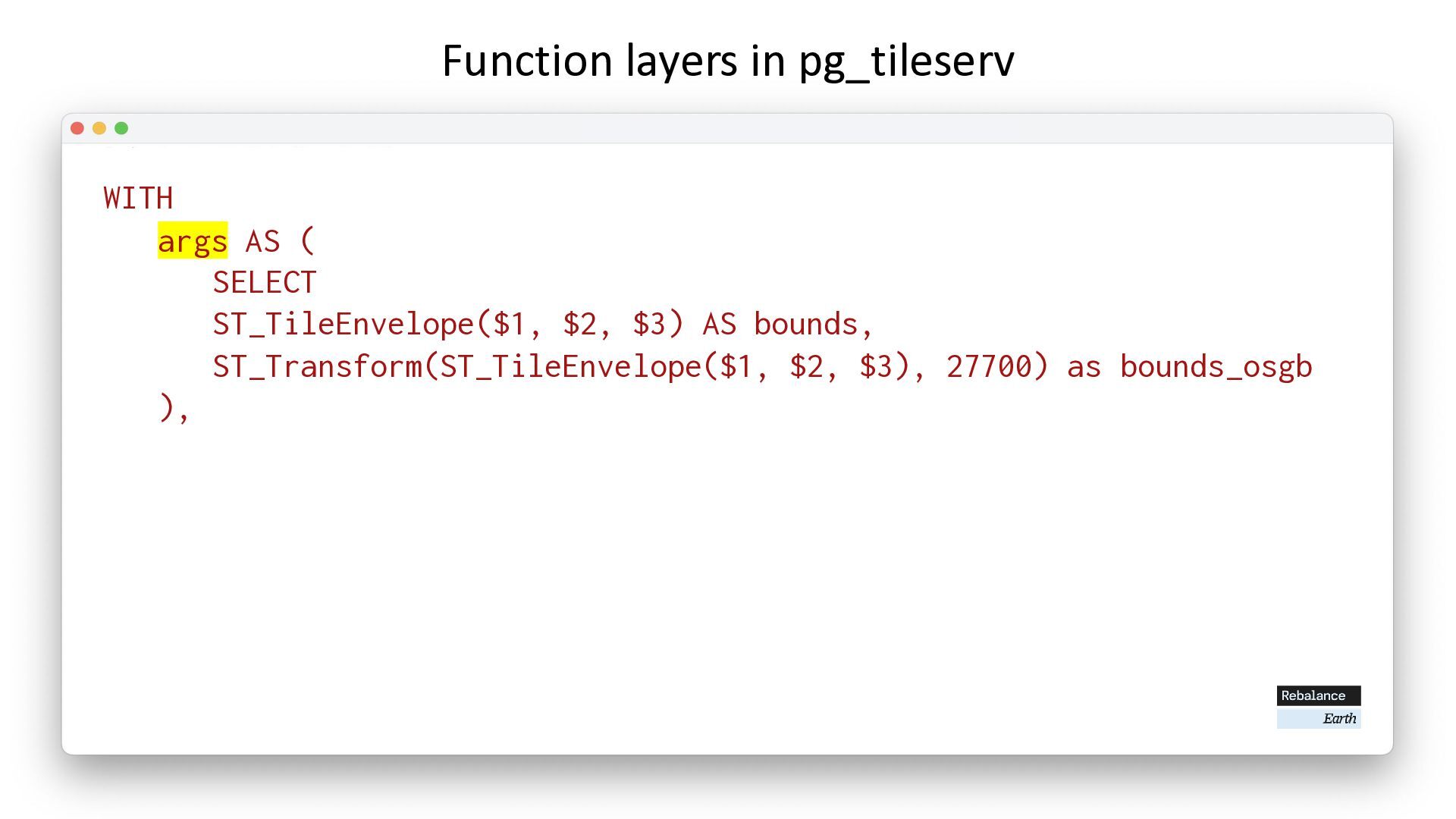
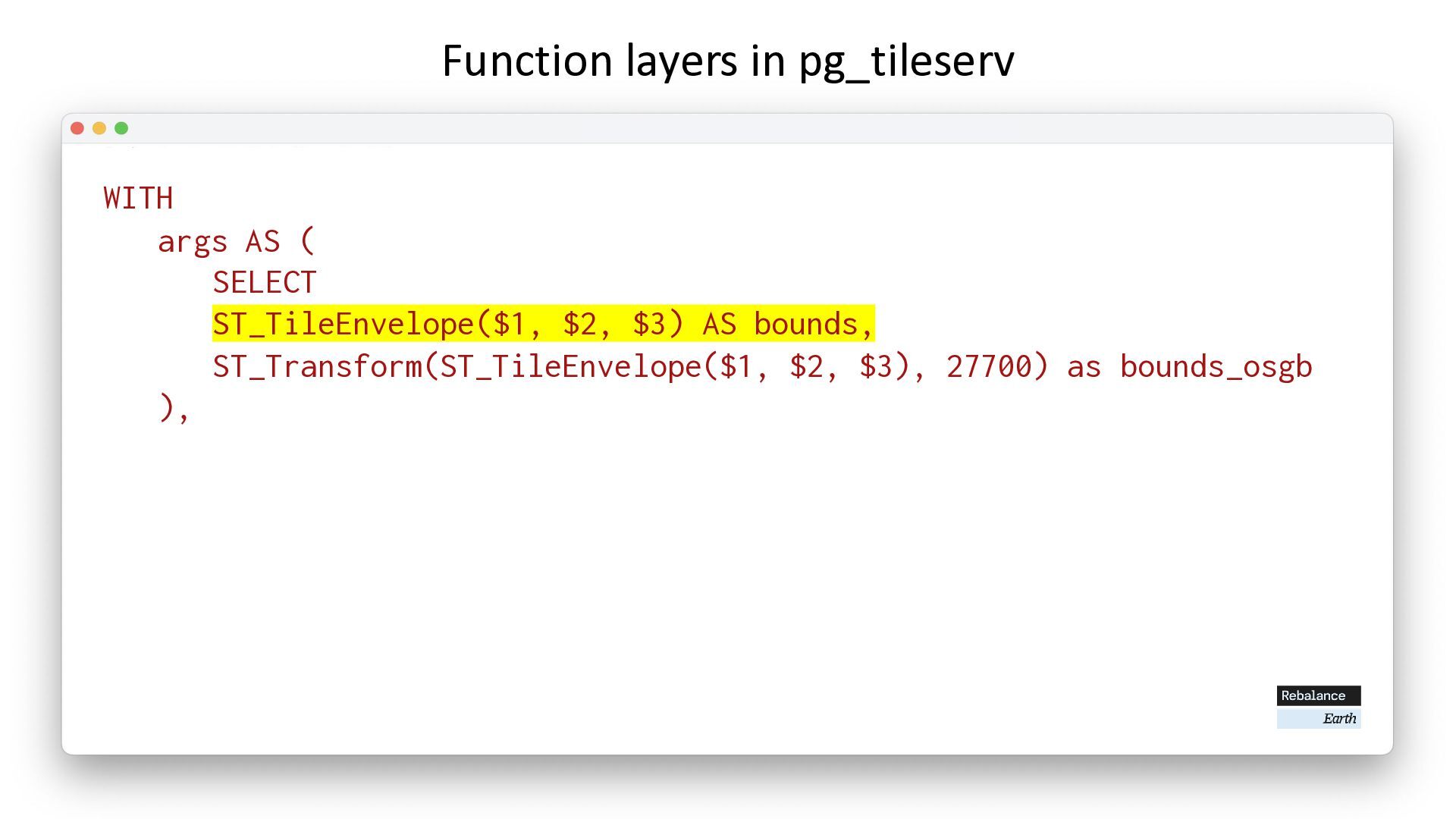
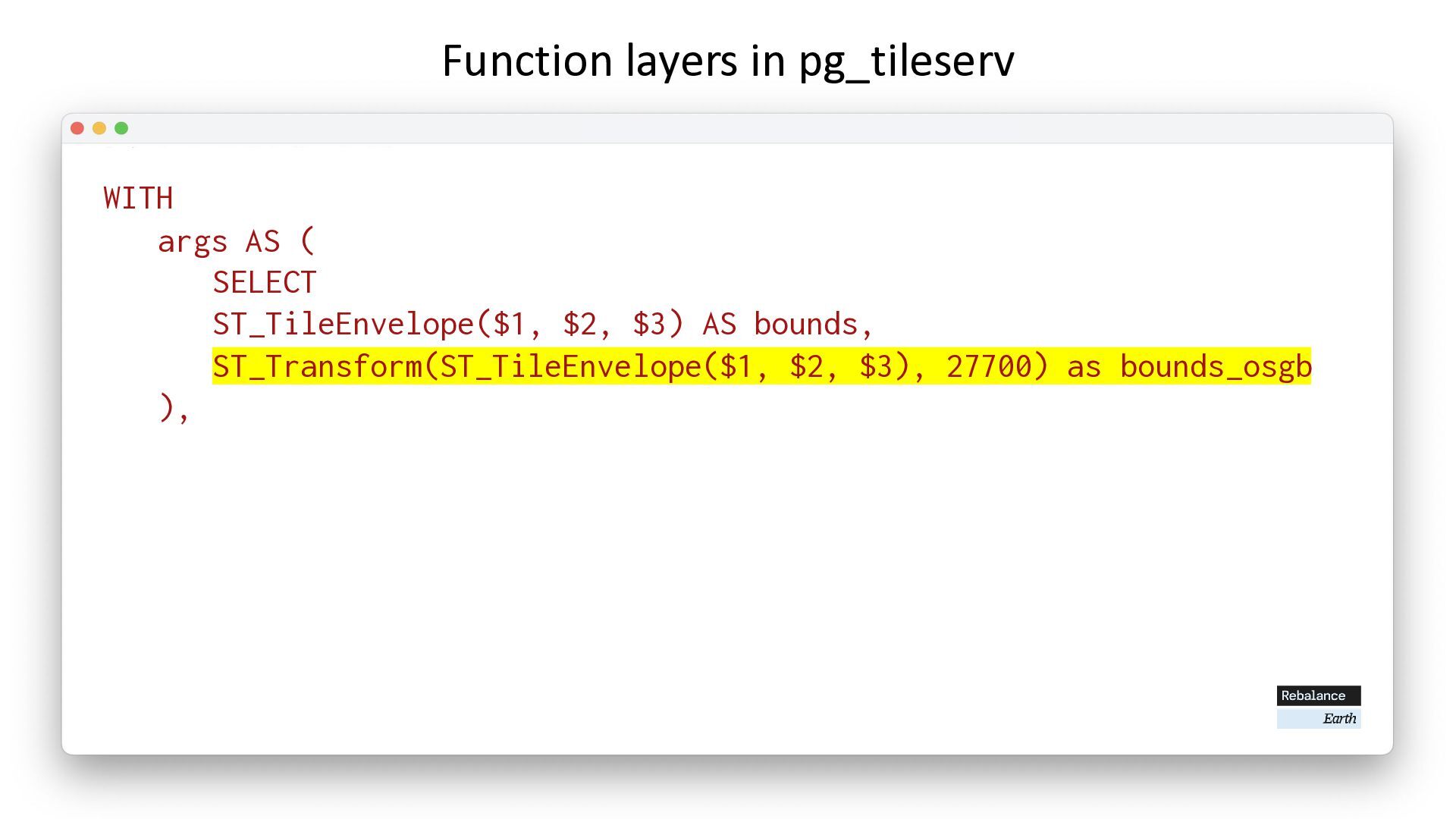
  30. Function layers in pg_tileserv WITH args AS ( SELECT ST_TileEnvelope($1,

    $2, $3) AS bounds, ST_Transform(ST_TileEnvelope($1, $2, $3), 27700) as bounds_osgb ),
  31. Function layers in pg_tileserv WITH args AS ( SELECT ST_TileEnvelope($1,

    $2, $3) AS bounds, ST_Transform(ST_TileEnvelope($1, $2, $3), 27700) as bounds_osgb ),
  32. Function layers in pg_tileserv WITH args AS ( SELECT ST_TileEnvelope($1,

    $2, $3) AS bounds, ST_Transform(ST_TileEnvelope($1, $2, $3), 27700) as bounds_osgb ),
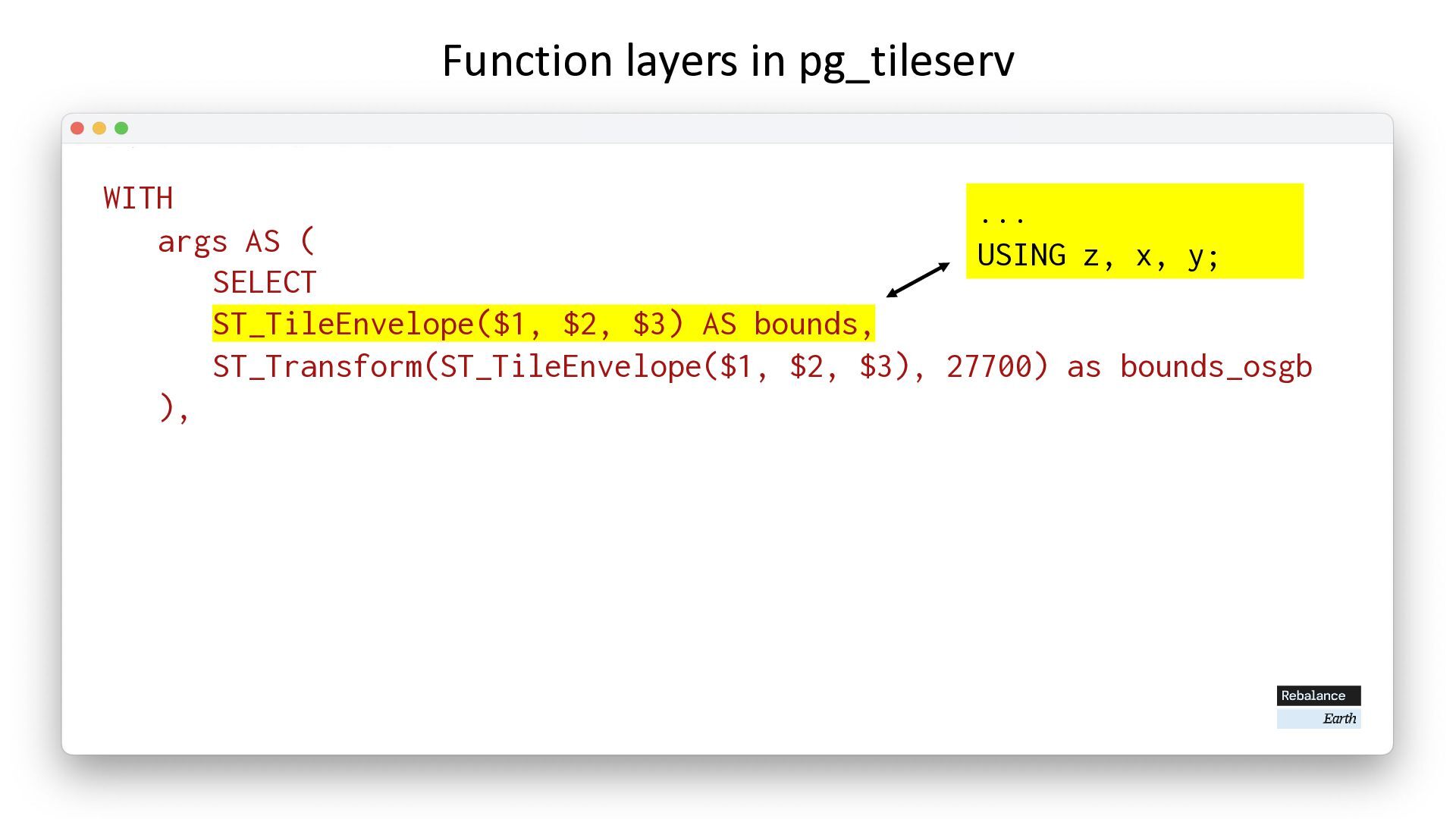
  33. Function layers in pg_tileserv WITH args AS ( SELECT ST_TileEnvelope($1,

    $2, $3) AS bounds, ST_Transform(ST_TileEnvelope($1, $2, $3), 27700) as bounds_osgb ), ... USING z, x, y;
  34. Function layers in pg_tileserv WITH args AS ( SELECT ST_TileEnvelope($1,

    $2, $3) AS bounds, ST_Transform(ST_TileEnvelope($1, $2, $3), 27700) as bounds_osgb ),
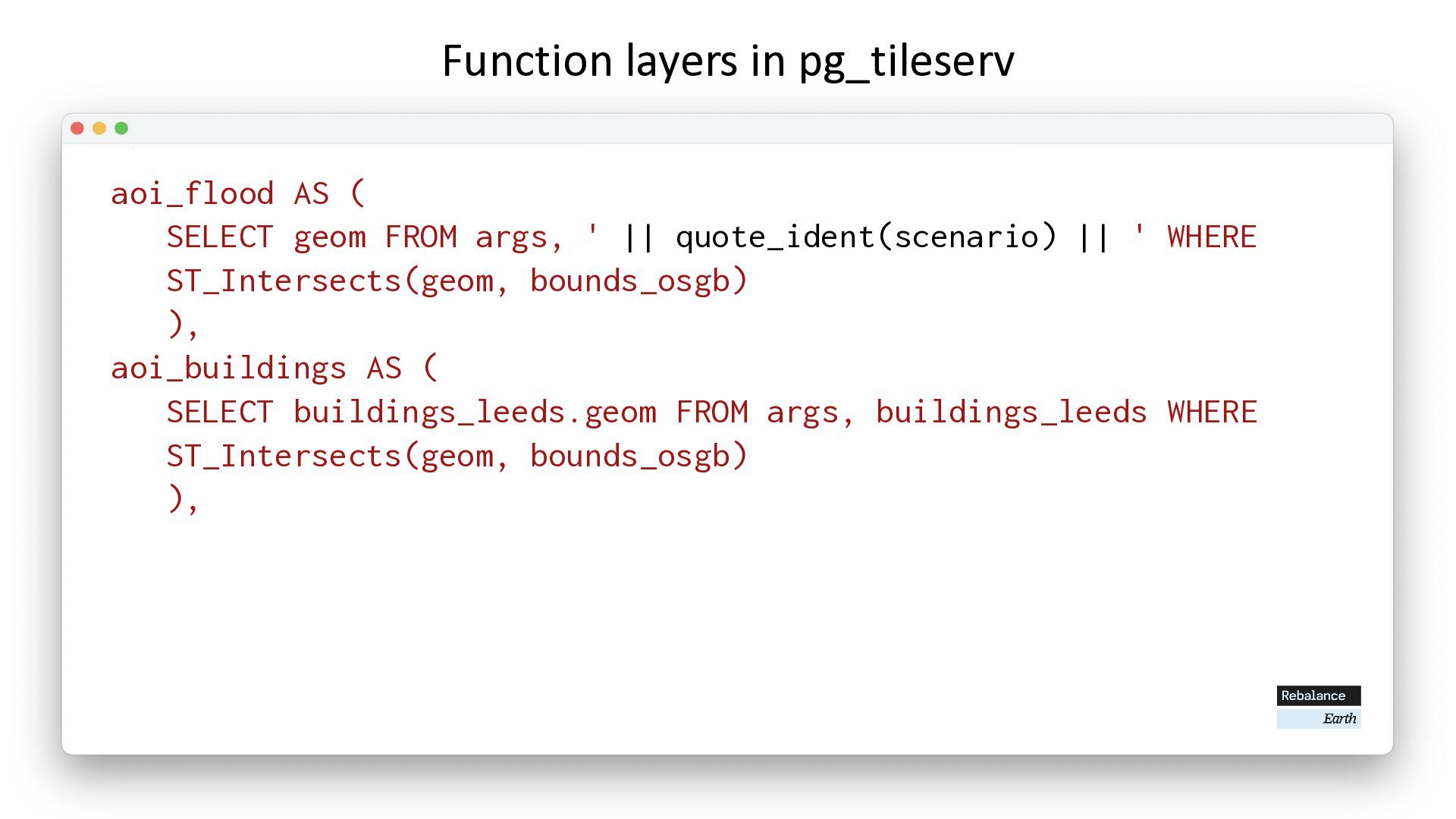
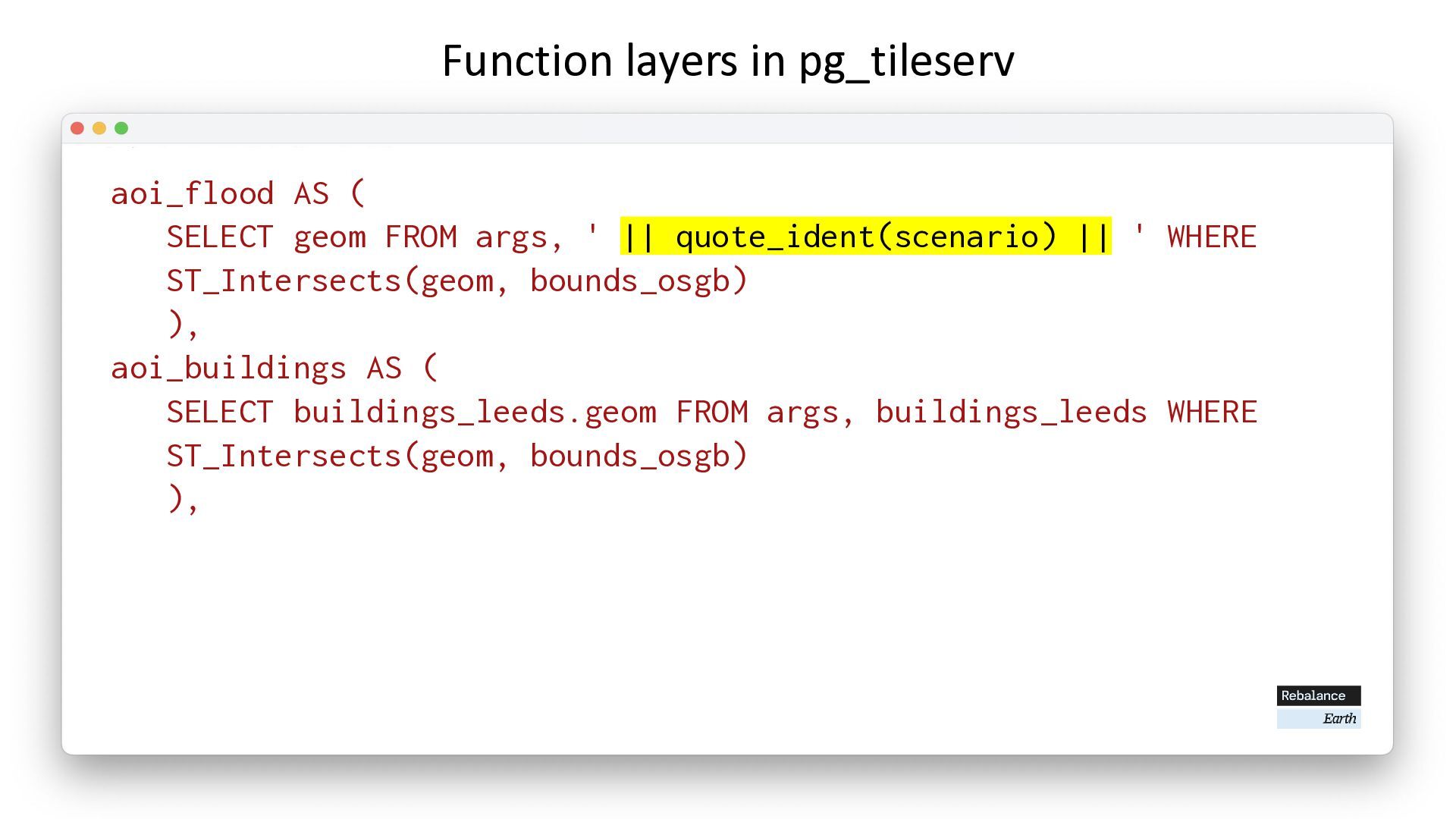
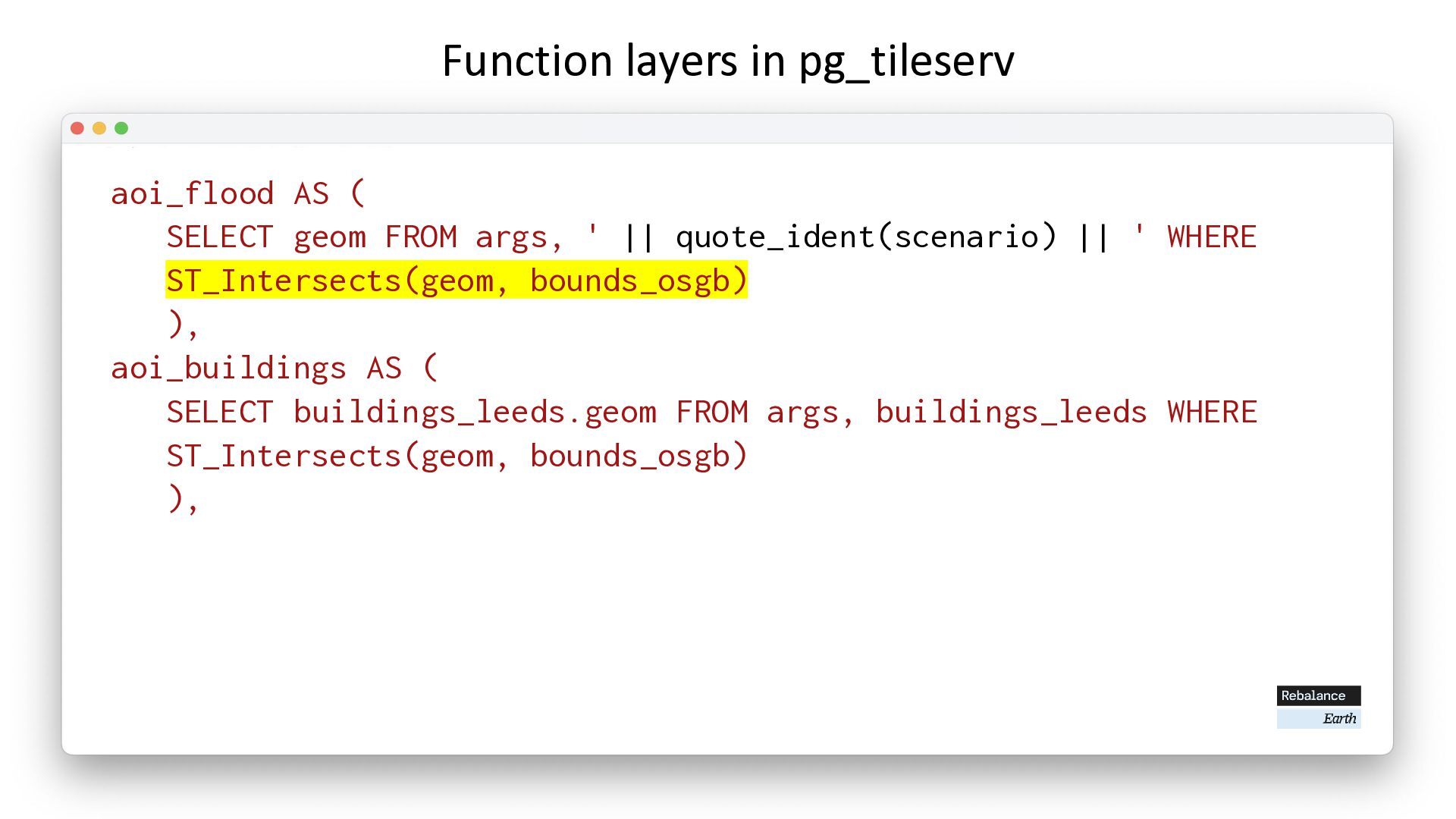
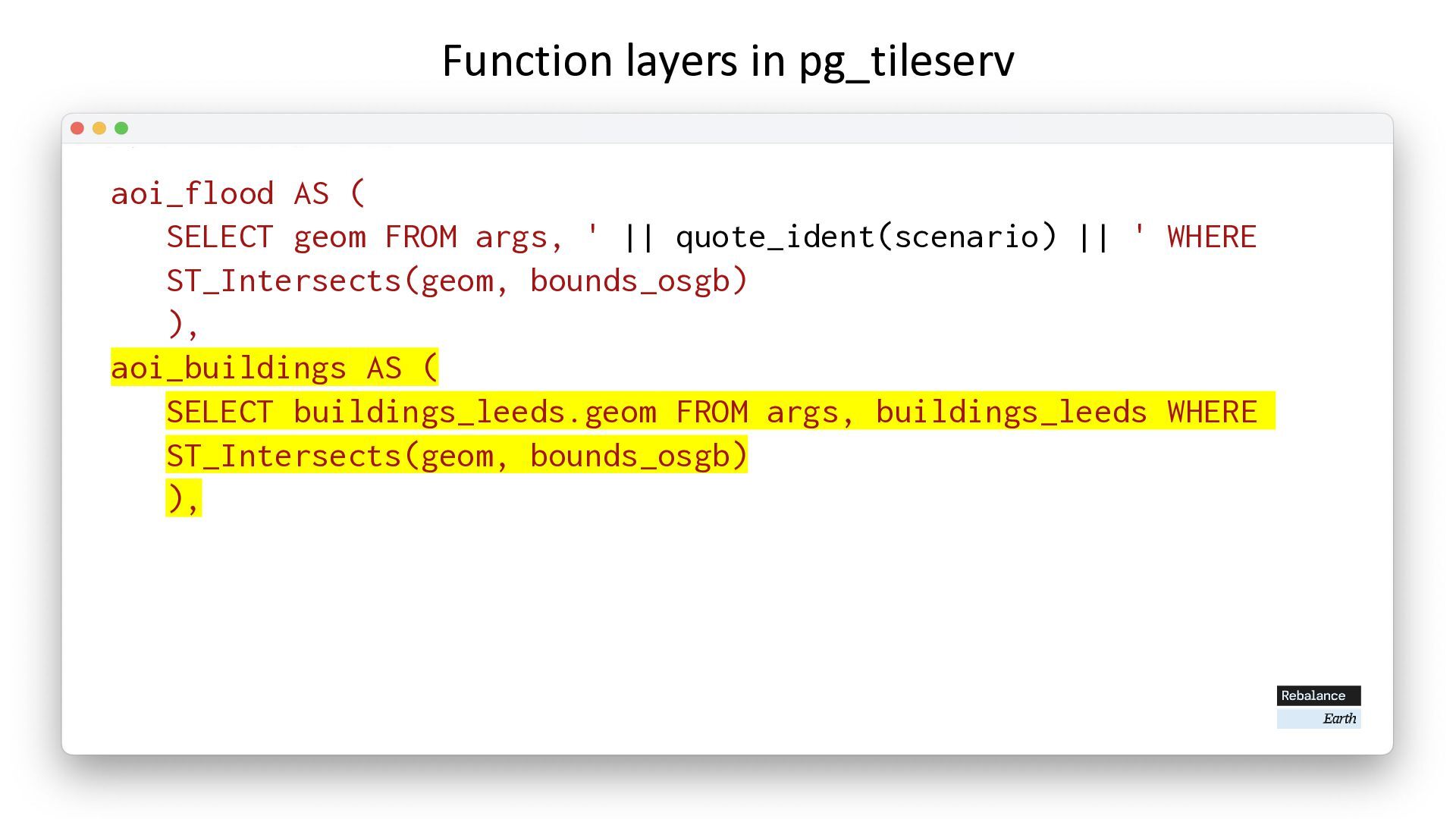
  35. Function layers in pg_tileserv aoi_flood AS ( SELECT geom FROM

    args, ' || quote_ident(scenario) || ' WHERE ST_Intersects(geom, bounds_osgb) ), aoi_buildings AS ( SELECT buildings_leeds.geom FROM args, buildings_leeds WHERE ST_Intersects(geom, bounds_osgb) ),
  36. Function layers in pg_tileserv aoi_flood AS ( SELECT geom FROM

    args, ' || quote_ident(scenario) || ' WHERE ST_Intersects(geom, bounds_osgb) ), aoi_buildings AS ( SELECT buildings_leeds.geom FROM args, buildings_leeds WHERE ST_Intersects(geom, bounds_osgb) ),
  37. Function layers in pg_tileserv aoi_flood AS ( SELECT geom FROM

    args, ' || quote_ident(scenario) || ' WHERE ST_Intersects(geom, bounds_osgb) ), aoi_buildings AS ( SELECT buildings_leeds.geom FROM args, buildings_leeds WHERE ST_Intersects(geom, bounds_osgb) ),
  38. Function layers in pg_tileserv aoi_flood AS ( SELECT geom FROM

    args, ' || quote_ident(scenario) || ' WHERE ST_Intersects(geom, bounds_osgb) ), aoi_buildings AS ( SELECT buildings_leeds.geom FROM args, buildings_leeds WHERE ST_Intersects(geom, bounds_osgb) ),
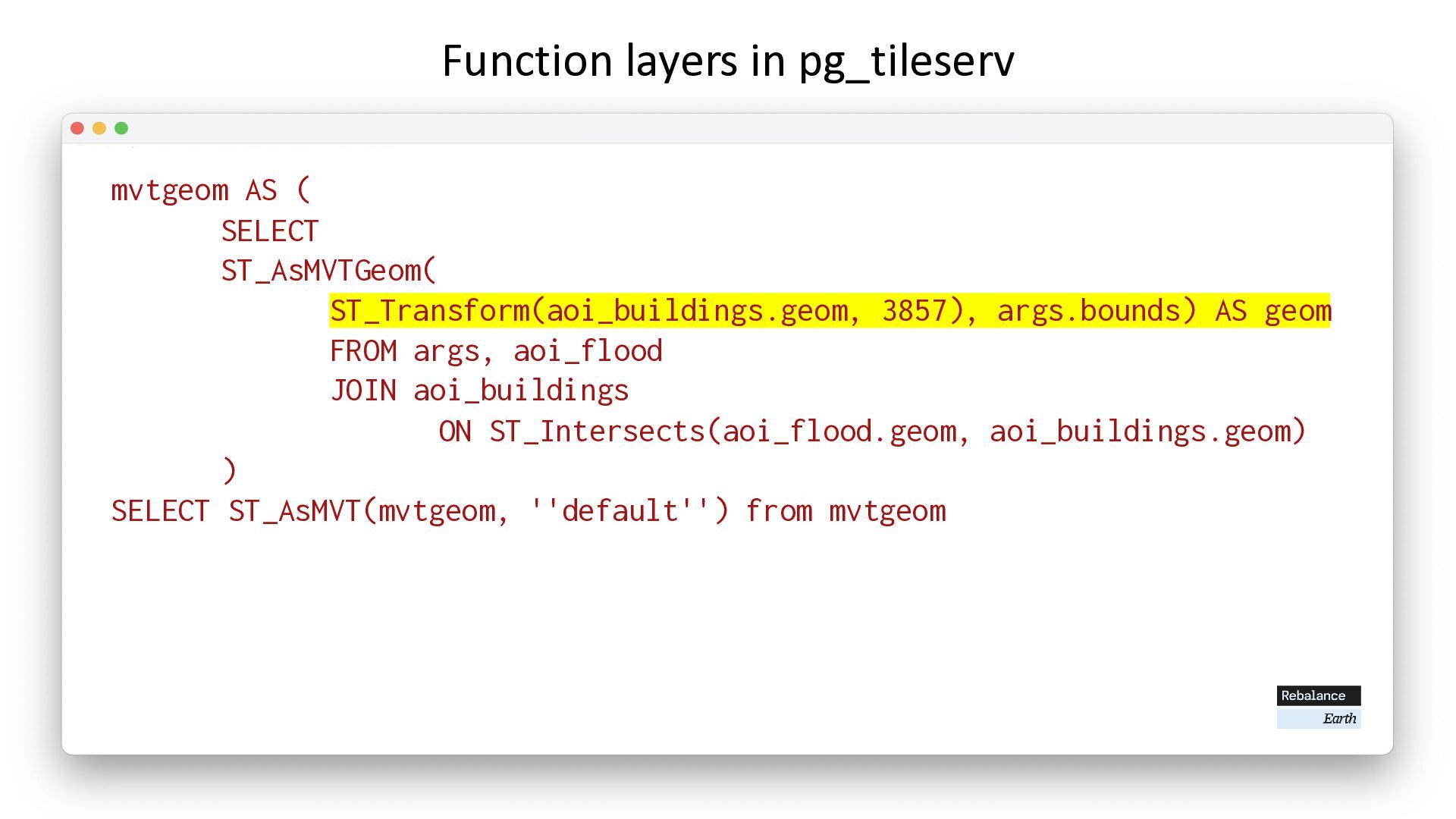
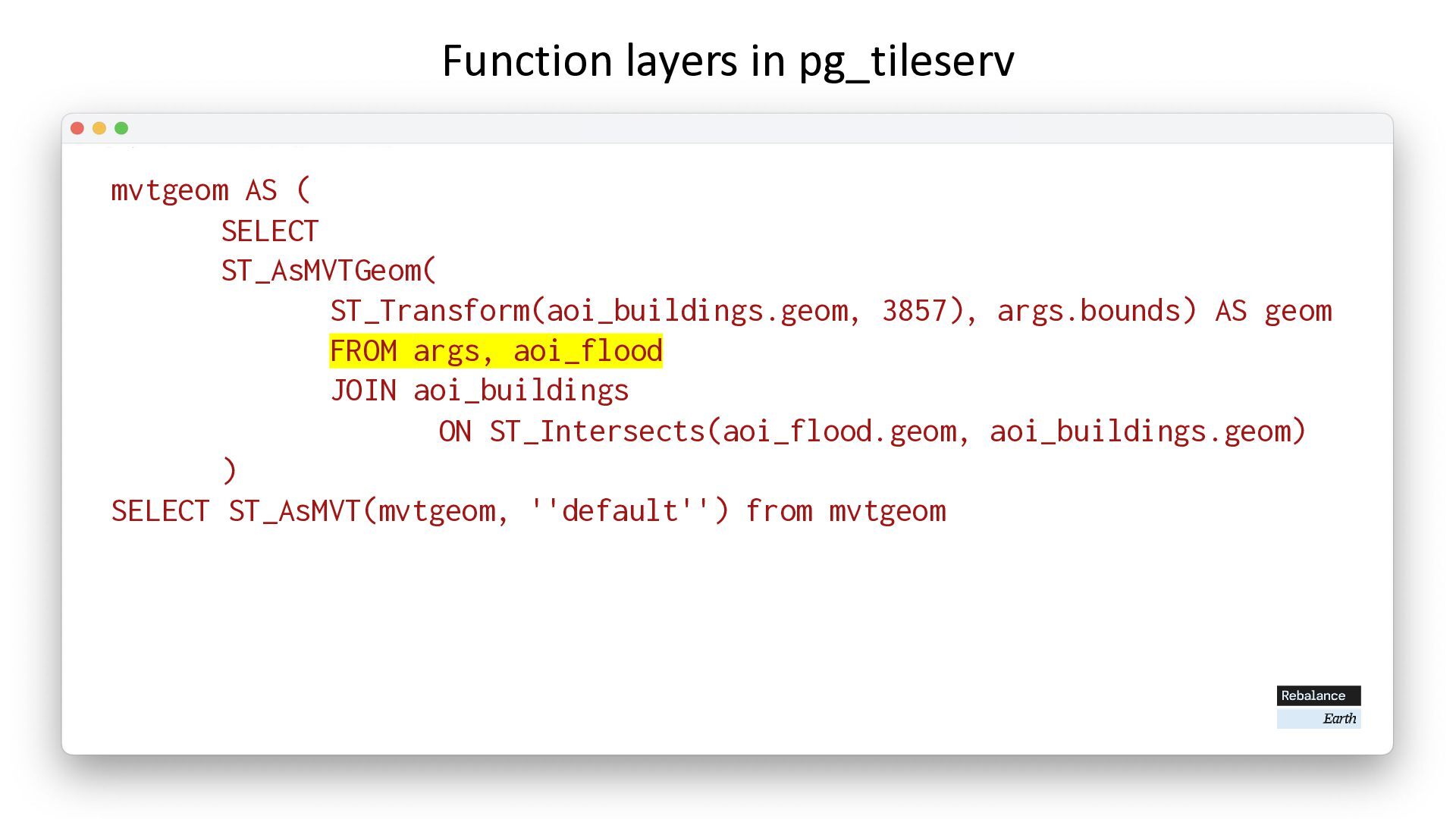
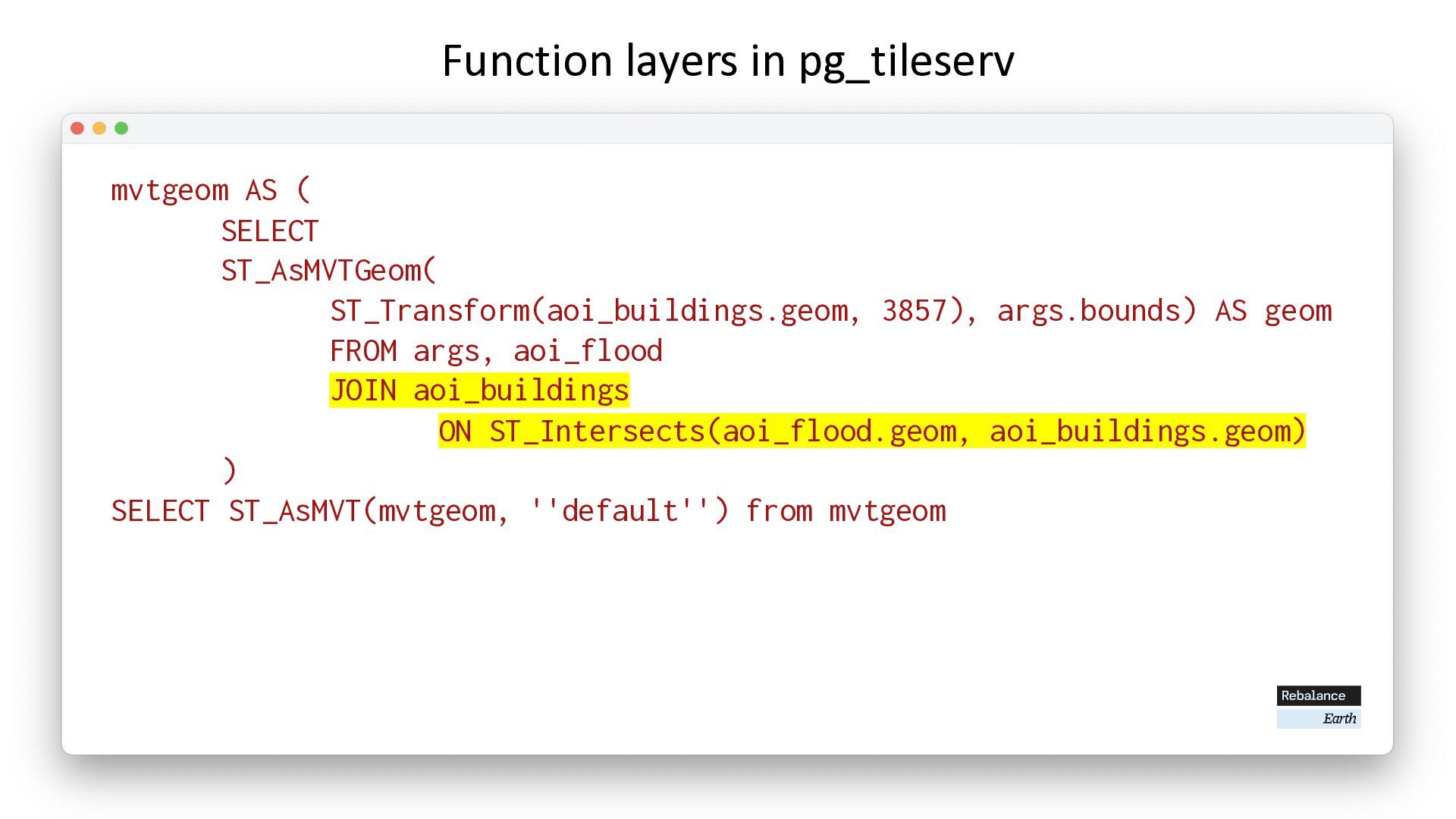
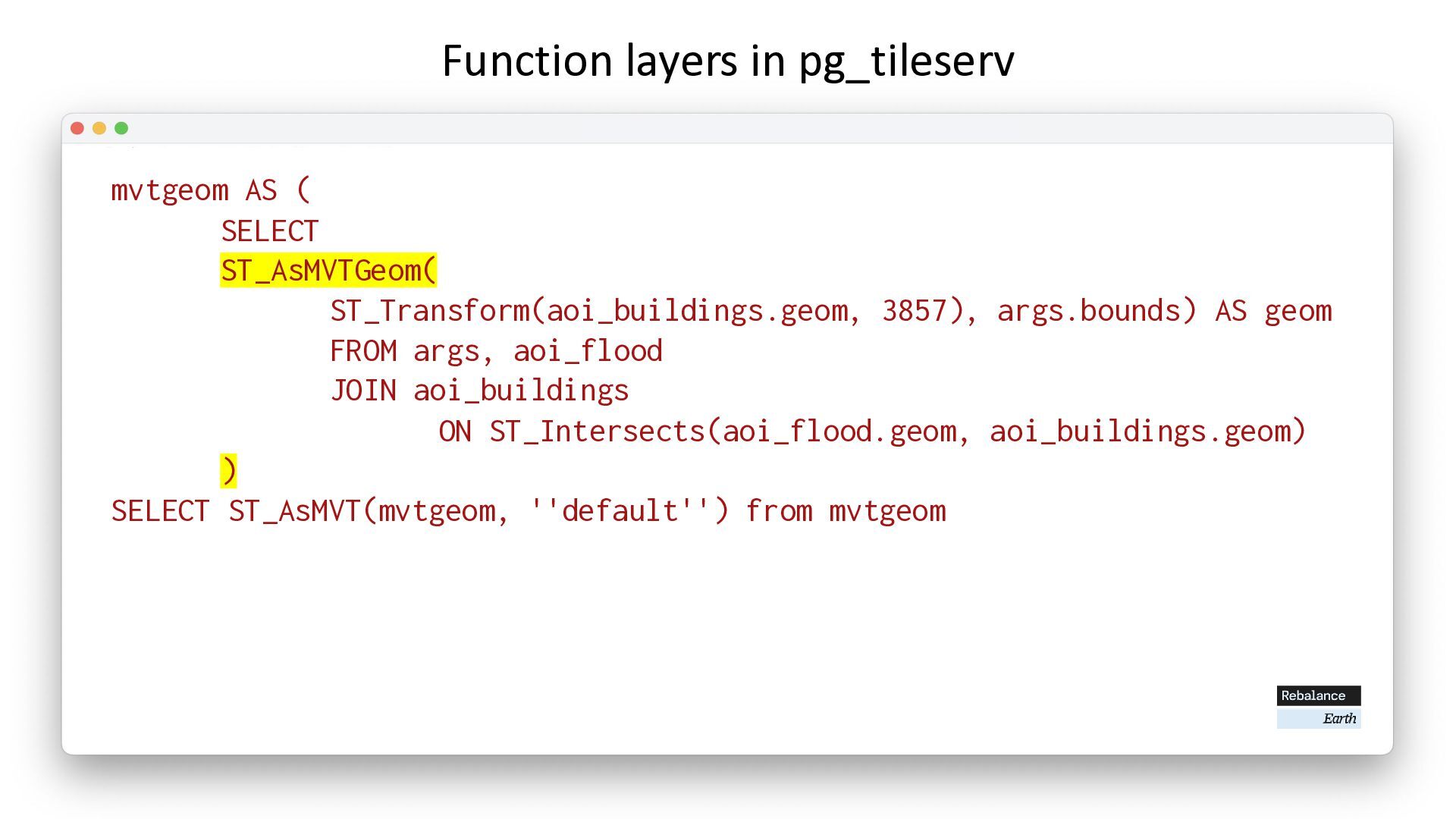
  39. Function layers in pg_tileserv mvtgeom AS ( SELECT ST_AsMVTGeom( ST_Transform(aoi_buildings.geom,

    3857), args.bounds) AS geom FROM args, aoi_flood JOIN aoi_buildings ON ST_Intersects(aoi_flood.geom, aoi_buildings.geom) ) SELECT ST_AsMVT(mvtgeom, ''default'') from mvtgeom
  40. Function layers in pg_tileserv mvtgeom AS ( SELECT ST_AsMVTGeom( ST_Transform(aoi_buildings.geom,

    3857), args.bounds) AS geom FROM args, aoi_flood JOIN aoi_buildings ON ST_Intersects(aoi_flood.geom, aoi_buildings.geom) ) SELECT ST_AsMVT(mvtgeom, ''default'') from mvtgeom
  41. Function layers in pg_tileserv mvtgeom AS ( SELECT ST_AsMVTGeom( ST_Transform(aoi_buildings.geom,

    3857), args.bounds) AS geom FROM args, aoi_flood JOIN aoi_buildings ON ST_Intersects(aoi_flood.geom, aoi_buildings.geom) ) SELECT ST_AsMVT(mvtgeom, ''default'') from mvtgeom
  42. Function layers in pg_tileserv mvtgeom AS ( SELECT ST_AsMVTGeom( ST_Transform(aoi_buildings.geom,

    3857), args.bounds) AS geom FROM args, aoi_flood JOIN aoi_buildings ON ST_Intersects(aoi_flood.geom, aoi_buildings.geom) ) SELECT ST_AsMVT(mvtgeom, ''default'') from mvtgeom
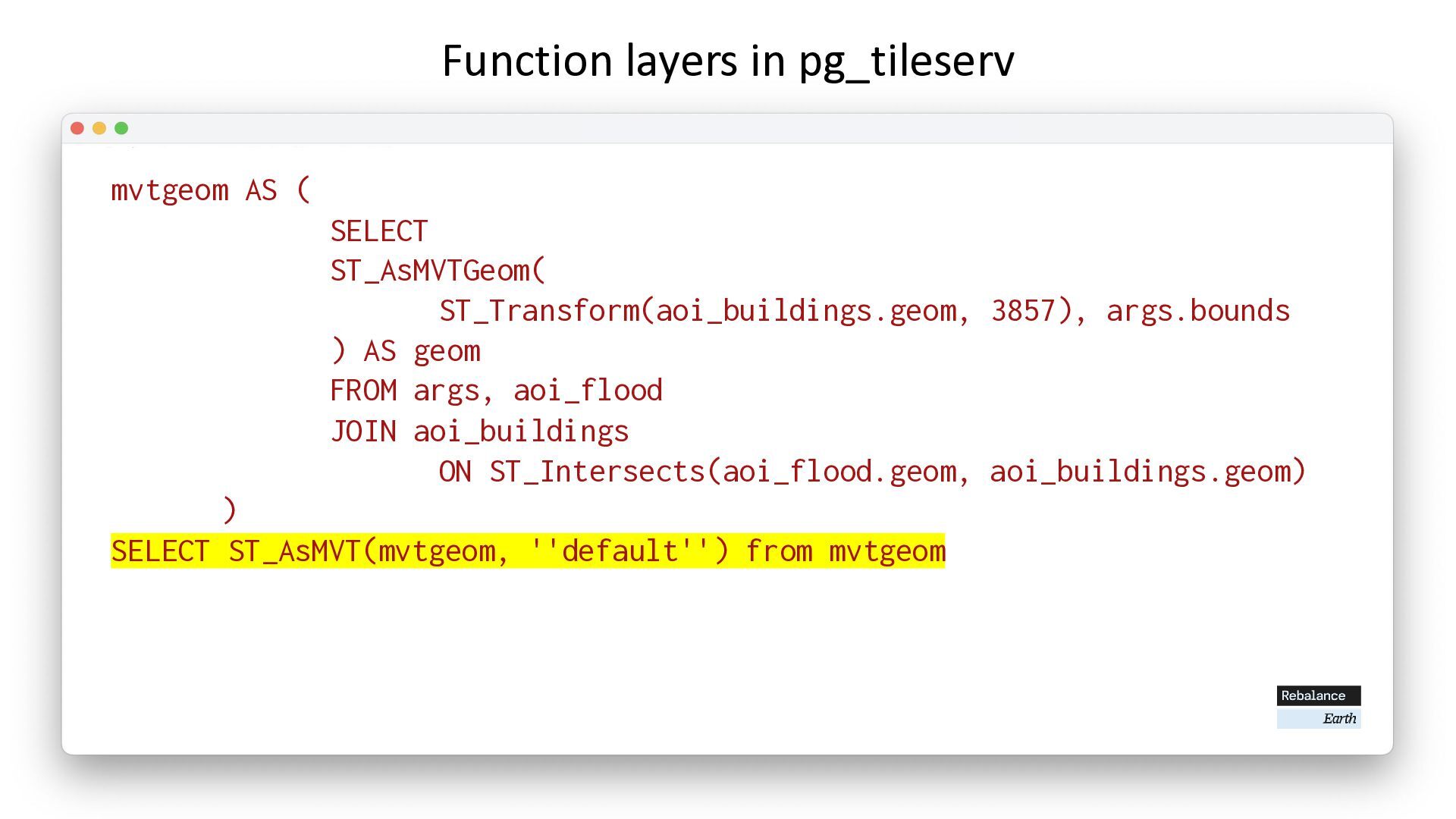
  43. Function layers in pg_tileserv mvtgeom AS ( SELECT ST_AsMVTGeom( ST_Transform(aoi_buildings.geom,

    3857), args.bounds ) AS geom FROM args, aoi_flood JOIN aoi_buildings ON ST_Intersects(aoi_flood.geom, aoi_buildings.geom) ) SELECT ST_AsMVT(mvtgeom, ''default'') from mvtgeom
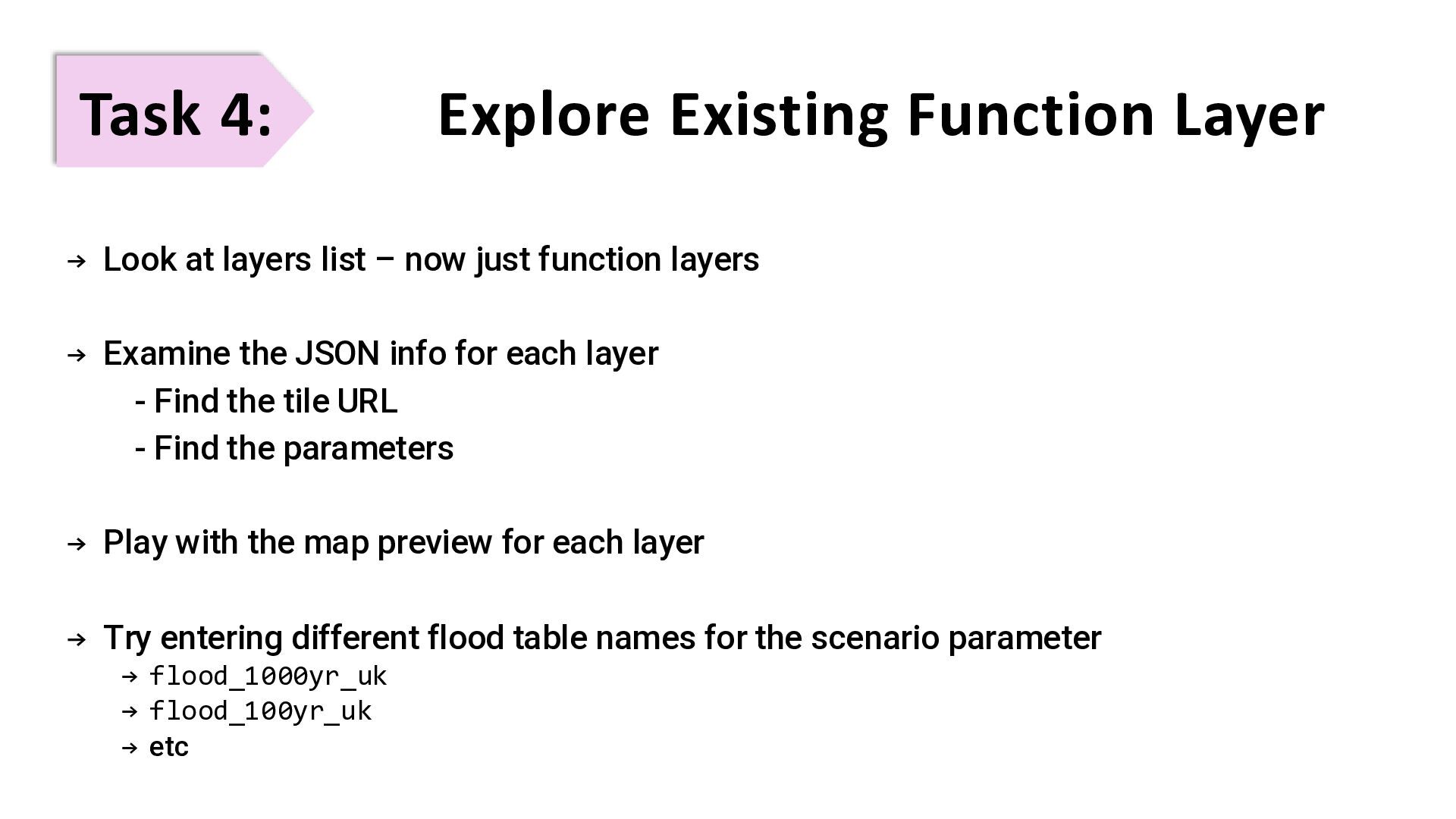
  44. Task 4: Explore Existing Function Layer → Look at layers

    list – now just function layers → Examine the JSON info for each layer - Find the tile URL - Find the parameters → Play with the map preview for each layer → Try entering different flood table names for the scenario parameter → flood_1000yr_uk → flood_100yr_uk → etc
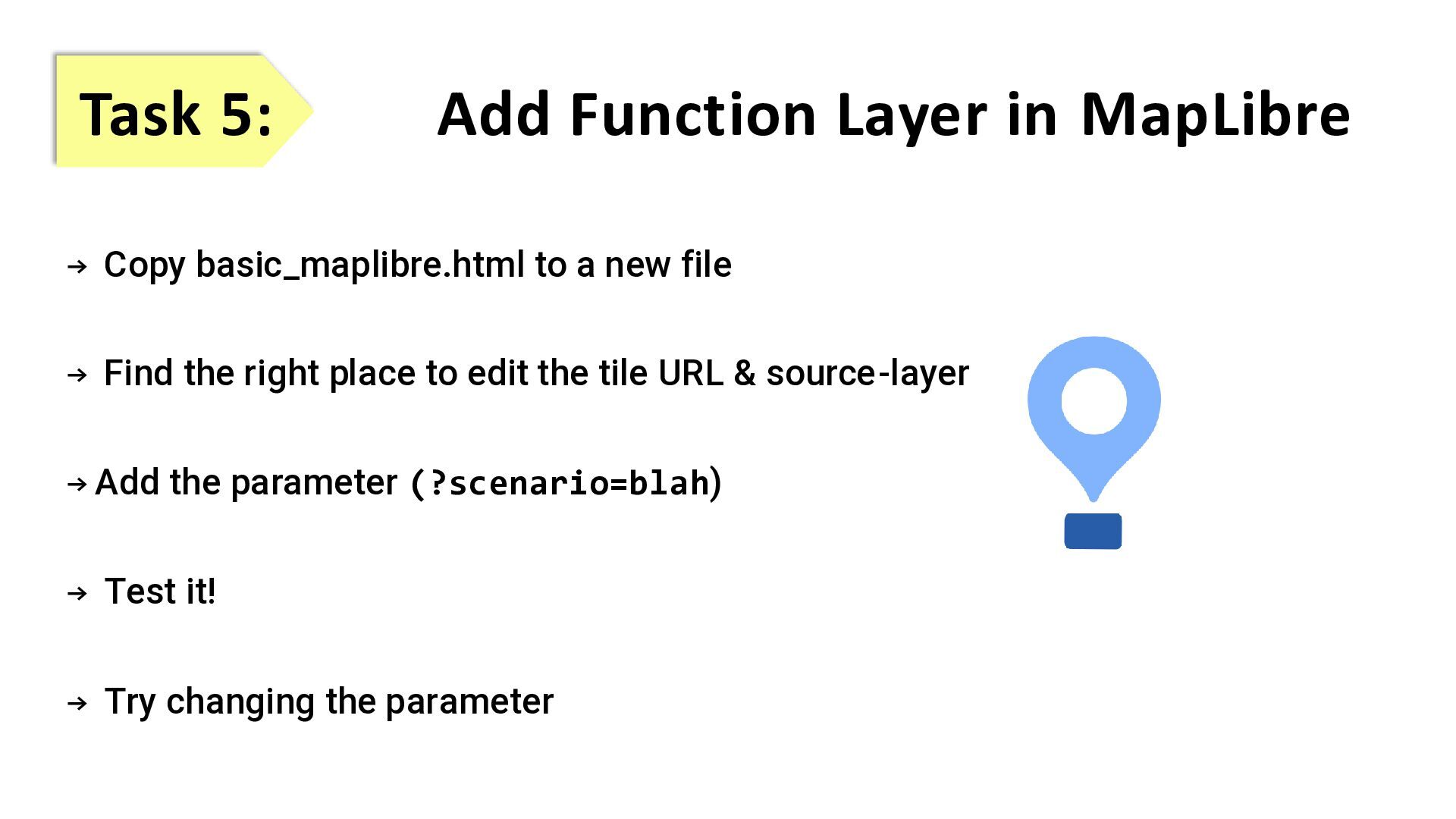
  45. Task 5: Add Function Layer in MapLibre → Copy basic_maplibre.html

    to a new file → Find the right place to edit the tile URL & source-layer → Add the parameter (?scenario=blah) → Test it! → Try changing the parameter
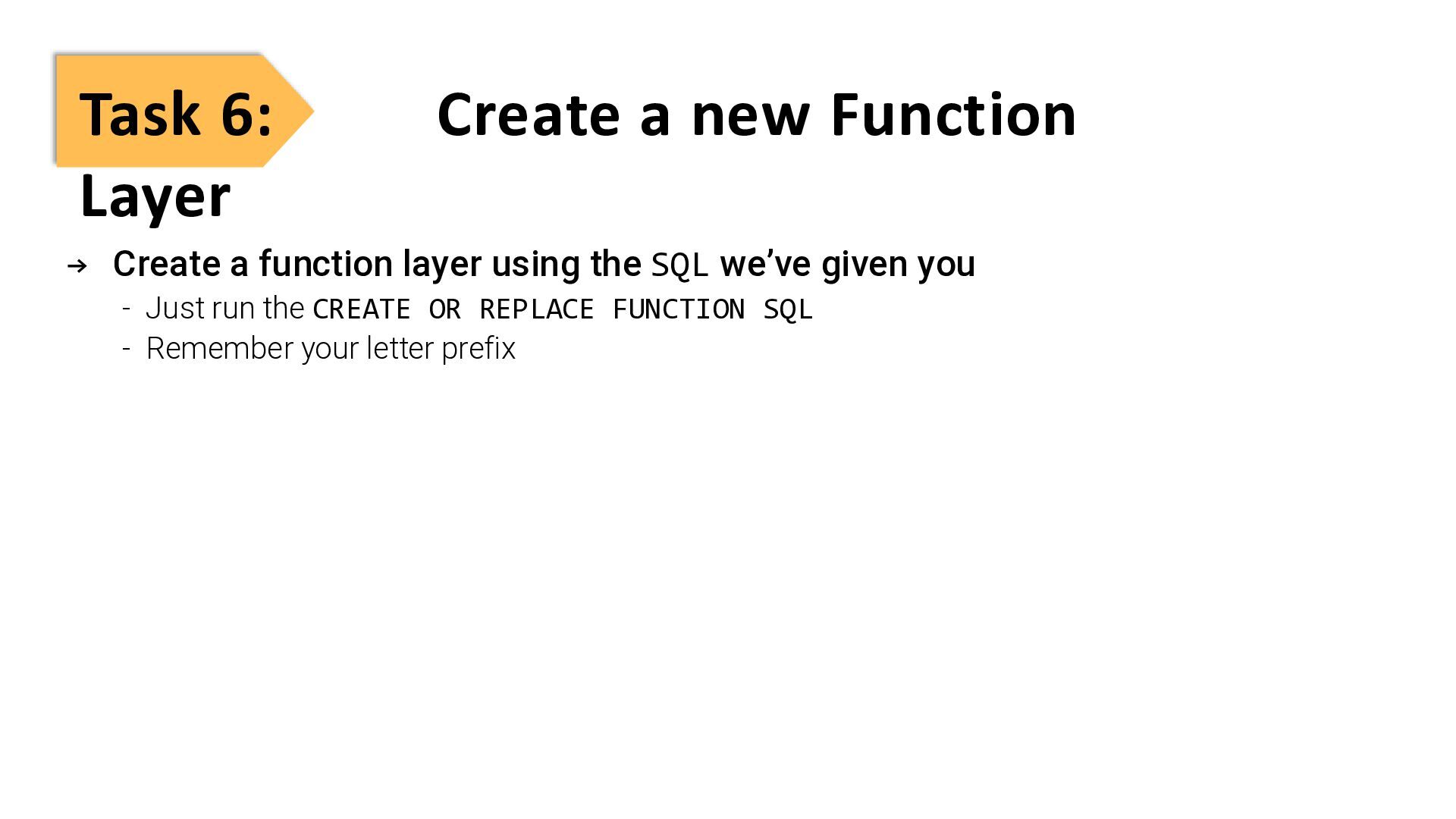
  46. Task 6: Create a new Function Layer → Create a

    function layer using the SQL we’ve given you - Just run the CREATE OR REPLACE FUNCTION SQL - Remember your letter prefix
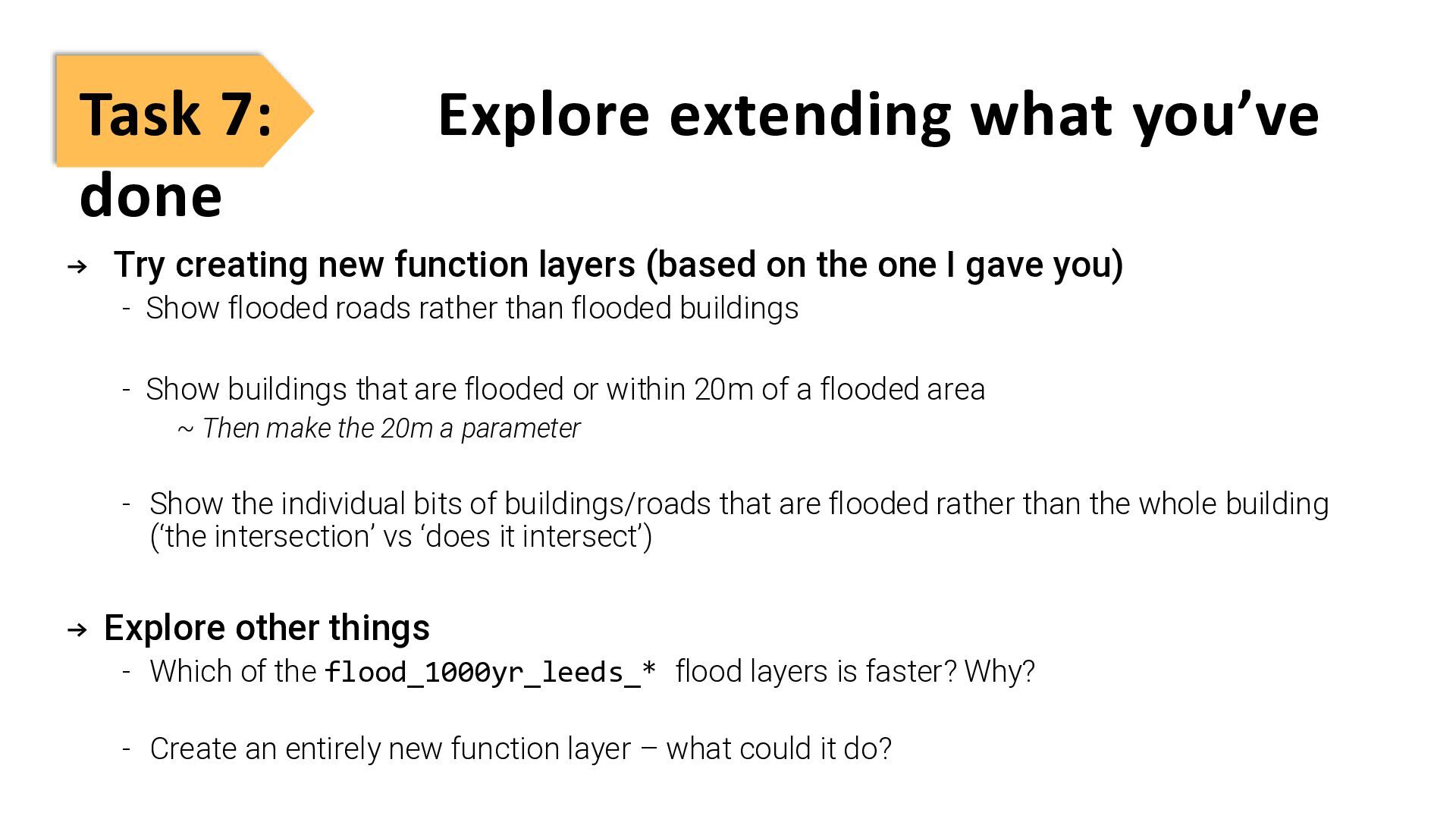
  47. Task 7: Explore extending what you’ve done → Try creating

    new function layers (based on the one I gave you) - Show flooded roads rather than flooded buildings - Show buildings that are flooded or within 20m of a flooded area ~ Then make the 20m a parameter - Show the individual bits of buildings/roads that are flooded rather than the whole building (‘the intersection’ vs ‘does it intersect’) → Explore other things - Which of the flood_1000yr_leeds_* flood layers is faster? Why? - Create an entirely new function layer – what could it do?