1162, x: 1240)> array([[[nan, nan, ..., nan, nan], [nan, nan, ..., nan, nan], ..., [nan, nan, ..., nan, nan], [nan, nan, ..., nan, nan]], [[nan, nan, ..., nan, nan], [nan, nan, ..., nan, nan], ..., [nan, nan, ..., nan, nan], [nan, nan, ..., nan, nan]], ..., [[nan, nan, ..., nan, nan], [nan, nan, ..., nan, nan], ..., [nan, nan, ..., nan, nan], [nan, nan, ..., nan, nan]], [[nan, nan, ..., nan, nan], [nan, nan, ..., nan, nan], ..., [nan, nan, ..., nan, nan], [nan, nan, ..., nan, nan]]], dtype=float32) Coordinates:


 robintw
 michaelherold
 samanthasiow
 reverentgeek
 smashingmag
 charlesmeaden
 lara
lara
 thoeni
 varn
varn
 jeffersonlam
 addyosmani
 baasie
 ryanjones


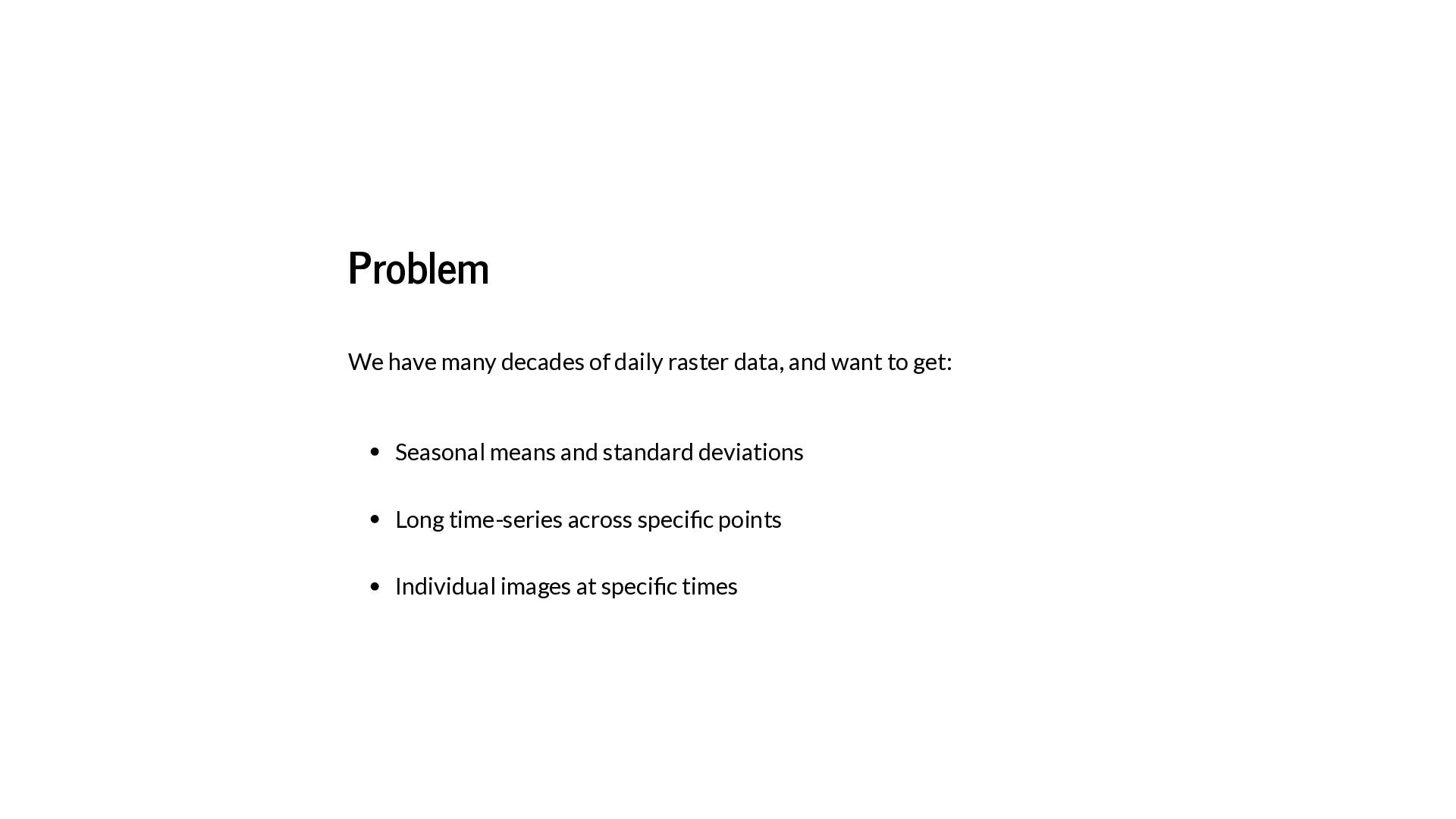

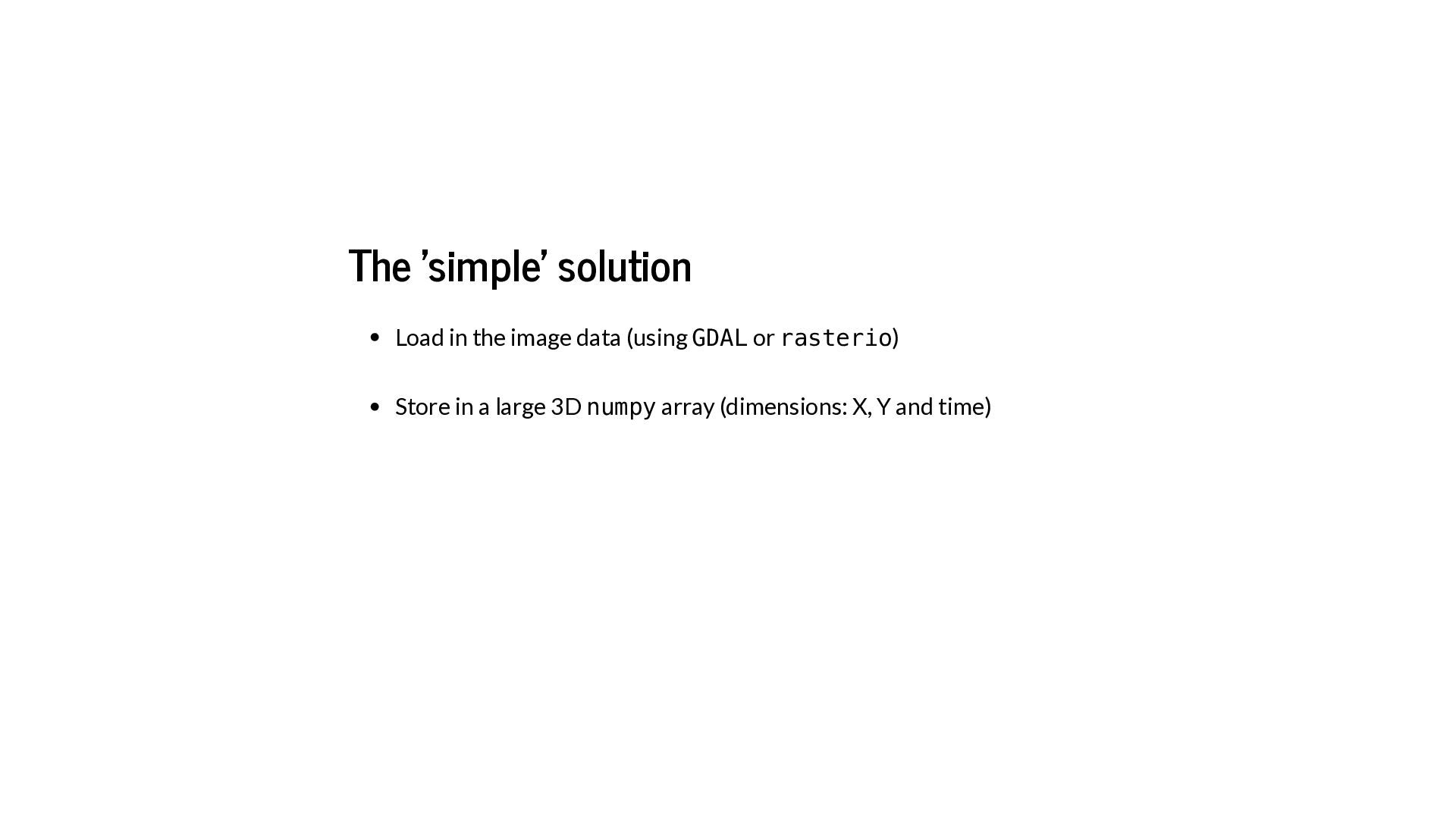
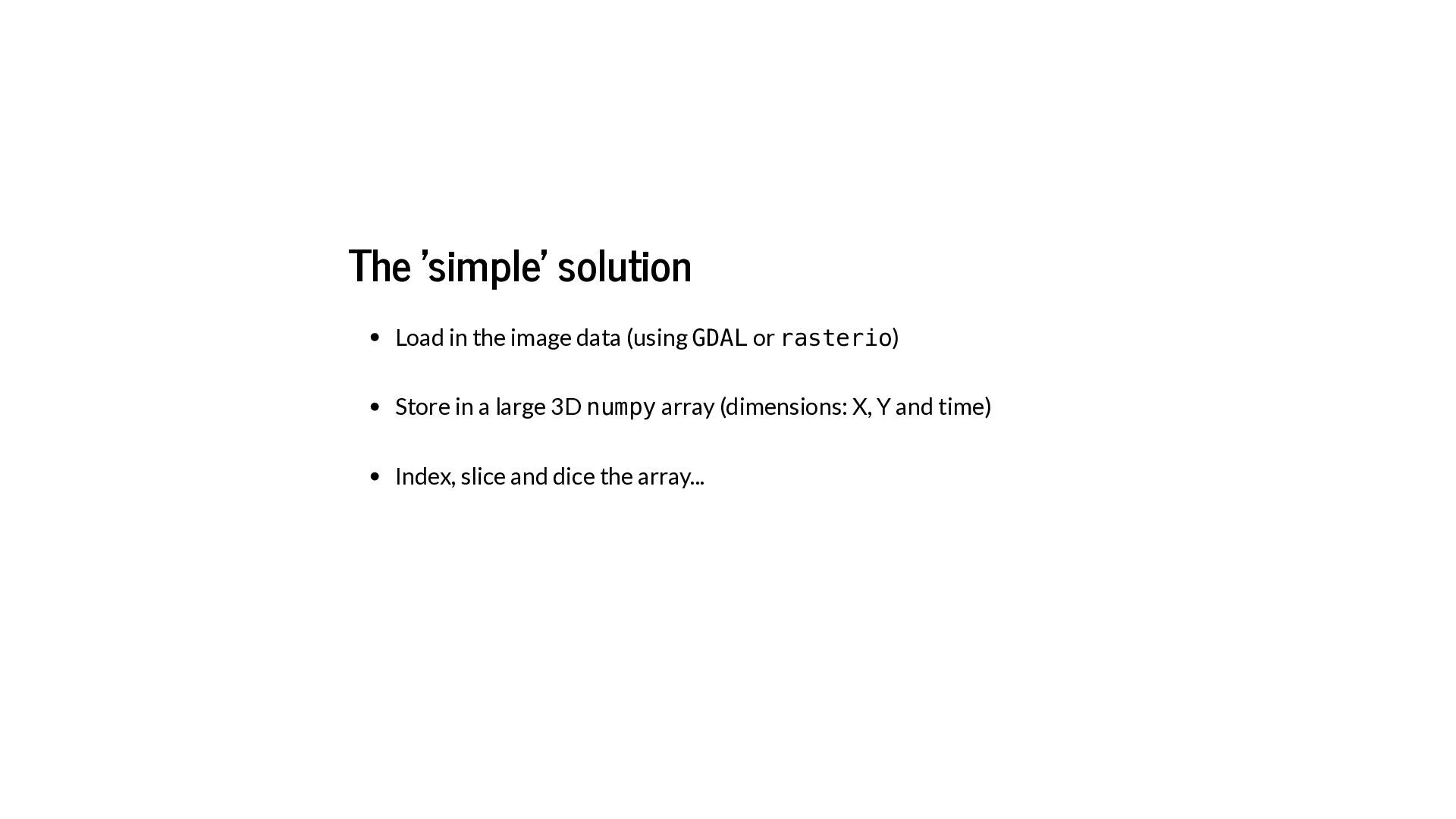

![In [2]: import xarray as xr](https://files.speakerdeck.com/presentations/90fc08553696488aaa55fea60ca7c1c6/slide_13.jpg)
![Quick example In [3]: PM25 = xr.open_dataarray('/Users/robin/code/MAIACProcessing/All2014.nc')](https://files.speakerdeck.com/presentations/90fc08553696488aaa55fea60ca7c1c6/slide_14.jpg)
![Quick example In [3]: In [4]: PM25 = xr.open_dataarray('/Users/robin/code/MAIACProcessing/All2014.nc') PM25.shape](https://files.speakerdeck.com/presentations/90fc08553696488aaa55fea60ca7c1c6/slide_15.jpg)
![Quick example In [3]: In [4]: In [5]: PM25 =](https://files.speakerdeck.com/presentations/90fc08553696488aaa55fea60ca7c1c6/slide_16.jpg)
![In [6]: seasonal = PM25.groupby('time.season').mean(dim='time')](https://files.speakerdeck.com/presentations/90fc08553696488aaa55fea60ca7c1c6/slide_17.jpg)
![In [6]: In [7]: seasonal = PM25.groupby('time.season').mean(dim='time') seasonal.plot.imshow(col='season', robust=True) Out[7]:](https://files.speakerdeck.com/presentations/90fc08553696488aaa55fea60ca7c1c6/slide_18.jpg)
![In [8]: time_series = PM25.isel(x=1000, y=1100).to_pandas().dropna()](https://files.speakerdeck.com/presentations/90fc08553696488aaa55fea60ca7c1c6/slide_19.jpg)
![In [8]: In [9]: time_series = PM25.isel(x=1000, y=1100).to_pandas().dropna() time_series Out[9]:](https://files.speakerdeck.com/presentations/90fc08553696488aaa55fea60ca7c1c6/slide_20.jpg)
![In [10]: one_day = PM25.sel(time='2014-02-15')](https://files.speakerdeck.com/presentations/90fc08553696488aaa55fea60ca7c1c6/slide_21.jpg)
![In [10]: In [11]: one_day = PM25.sel(time='2014-02-15') one_day.plot(robust=True) Out[11]: <matplotlib.collections.QuadMesh](https://files.speakerdeck.com/presentations/90fc08553696488aaa55fea60ca7c1c6/slide_22.jpg)
![Summary In [12]: In [13]: In [14]: seasonal = PM25.groupby('time.season').mean(dim='time')](https://files.speakerdeck.com/presentations/90fc08553696488aaa55fea60ca7c1c6/slide_23.jpg)

![In [15]: arr = np.random.rand(3, 4, 2)](https://files.speakerdeck.com/presentations/90fc08553696488aaa55fea60ca7c1c6/slide_28.jpg)
![In [15]: In [16]: arr = np.random.rand(3, 4, 2) xr.DataArray(arr)](https://files.speakerdeck.com/presentations/90fc08553696488aaa55fea60ca7c1c6/slide_29.jpg)
![In [17]: xr.DataArray(arr, dims=('x', 'y', 'time')) Out[17]: <xarray.DataArray (x: 3,](https://files.speakerdeck.com/presentations/90fc08553696488aaa55fea60ca7c1c6/slide_30.jpg)
![In [18]: da = xr.DataArray(arr, dims=('x', 'y', 'time'), coords={'x': [10,](https://files.speakerdeck.com/presentations/90fc08553696488aaa55fea60ca7c1c6/slide_31.jpg)
![In [19]: da Out[19]: <xarray.DataArray (x: 3, y: 4, time:](https://files.speakerdeck.com/presentations/90fc08553696488aaa55fea60ca7c1c6/slide_32.jpg)
![In [20]: da.sel(time='2016-03-05') Out[20]: <xarray.DataArray (x: 3, y: 4)> array([[0.006194,](https://files.speakerdeck.com/presentations/90fc08553696488aaa55fea60ca7c1c6/slide_33.jpg)
![In [21]: da.isel(time=1) Out[21]: <xarray.DataArray (x: 3, y: 4)> array([[0.380531,](https://files.speakerdeck.com/presentations/90fc08553696488aaa55fea60ca7c1c6/slide_34.jpg)
![In [22]: da.sel(x=slice(0, 20)) Out[22]: <xarray.DataArray (x: 2, y: 4,](https://files.speakerdeck.com/presentations/90fc08553696488aaa55fea60ca7c1c6/slide_35.jpg)
![In [23]: da.mean(dim='time') Out[23]: <xarray.DataArray (x: 3, y: 4)> array([[0.193362,](https://files.speakerdeck.com/presentations/90fc08553696488aaa55fea60ca7c1c6/slide_36.jpg)
![In [24]: da.mean(dim=['x', 'y']) Out[24]: <xarray.DataArray (time: 2)> array([0.512272, 0.527288])](https://files.speakerdeck.com/presentations/90fc08553696488aaa55fea60ca7c1c6/slide_37.jpg)
![In [25]: PM25.sel(time='2014').groupby('time.month').std(dim='time') Out[25]: <xarray.DataArray 'data' (month: 6, y: 1162,](https://files.speakerdeck.com/presentations/90fc08553696488aaa55fea60ca7c1c6/slide_38.jpg)



![In [26]: data = xr.open_mfdataset(['DaskTest1.nc', 'DaskTest2.nc'], chunks={'time':10}) ['data'] avg =](https://files.speakerdeck.com/presentations/90fc08553696488aaa55fea60ca7c1c6/slide_42.jpg)
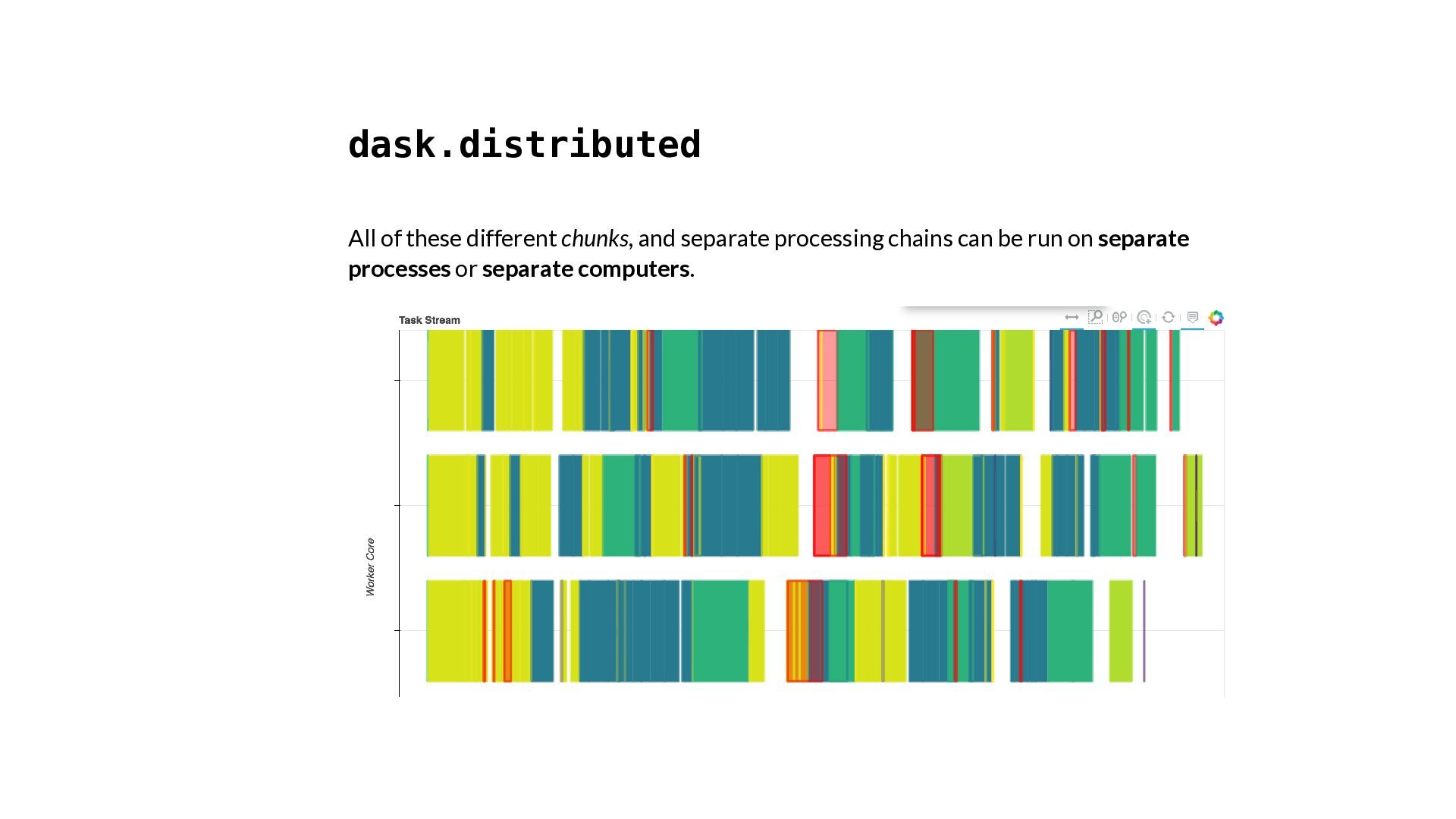
![In [27]: seasonal = data.groupby('time.season').mean(dim='time') Dask execution graph](https://files.speakerdeck.com/presentations/90fc08553696488aaa55fea60ca7c1c6/slide_43.jpg)
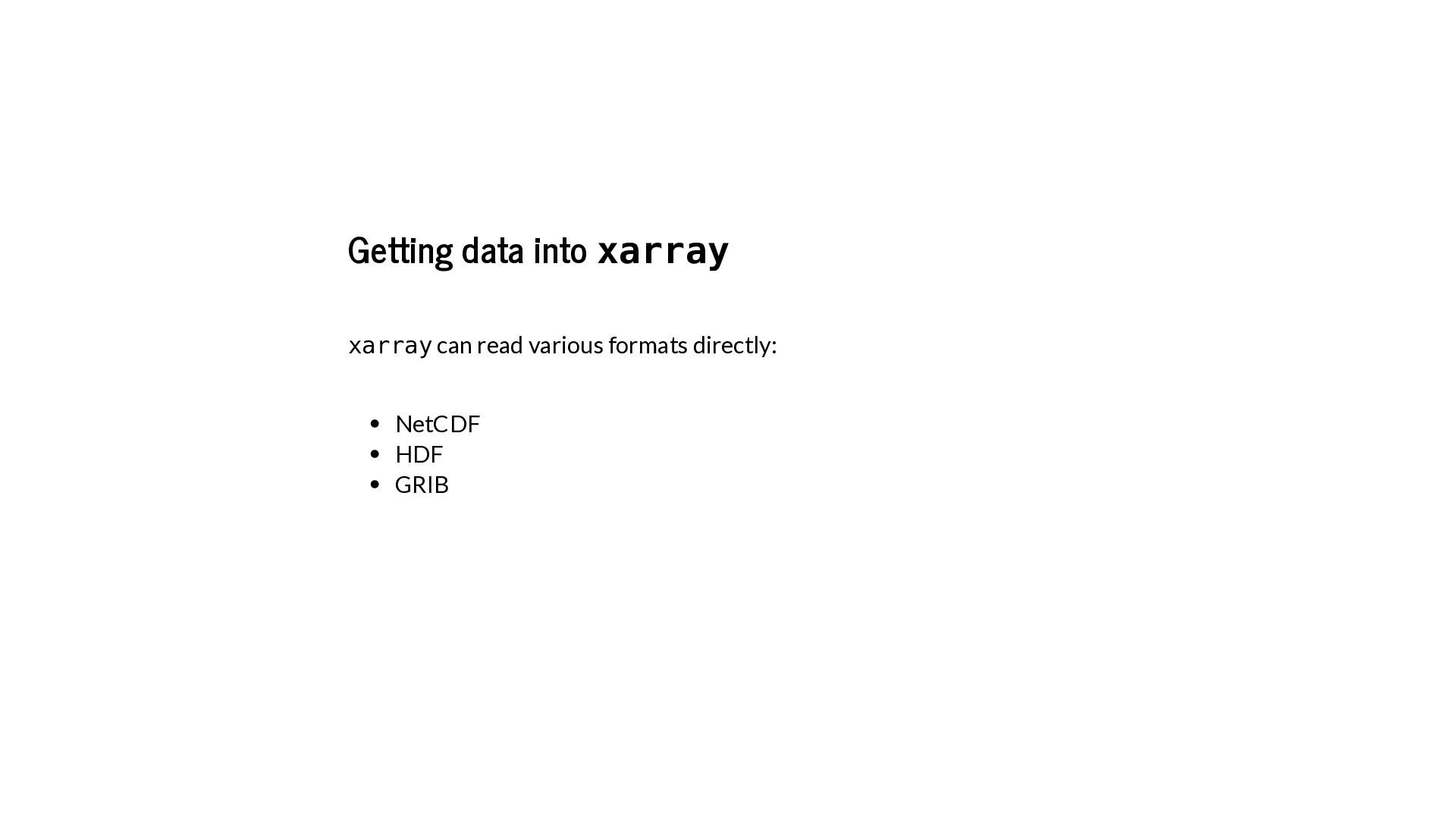
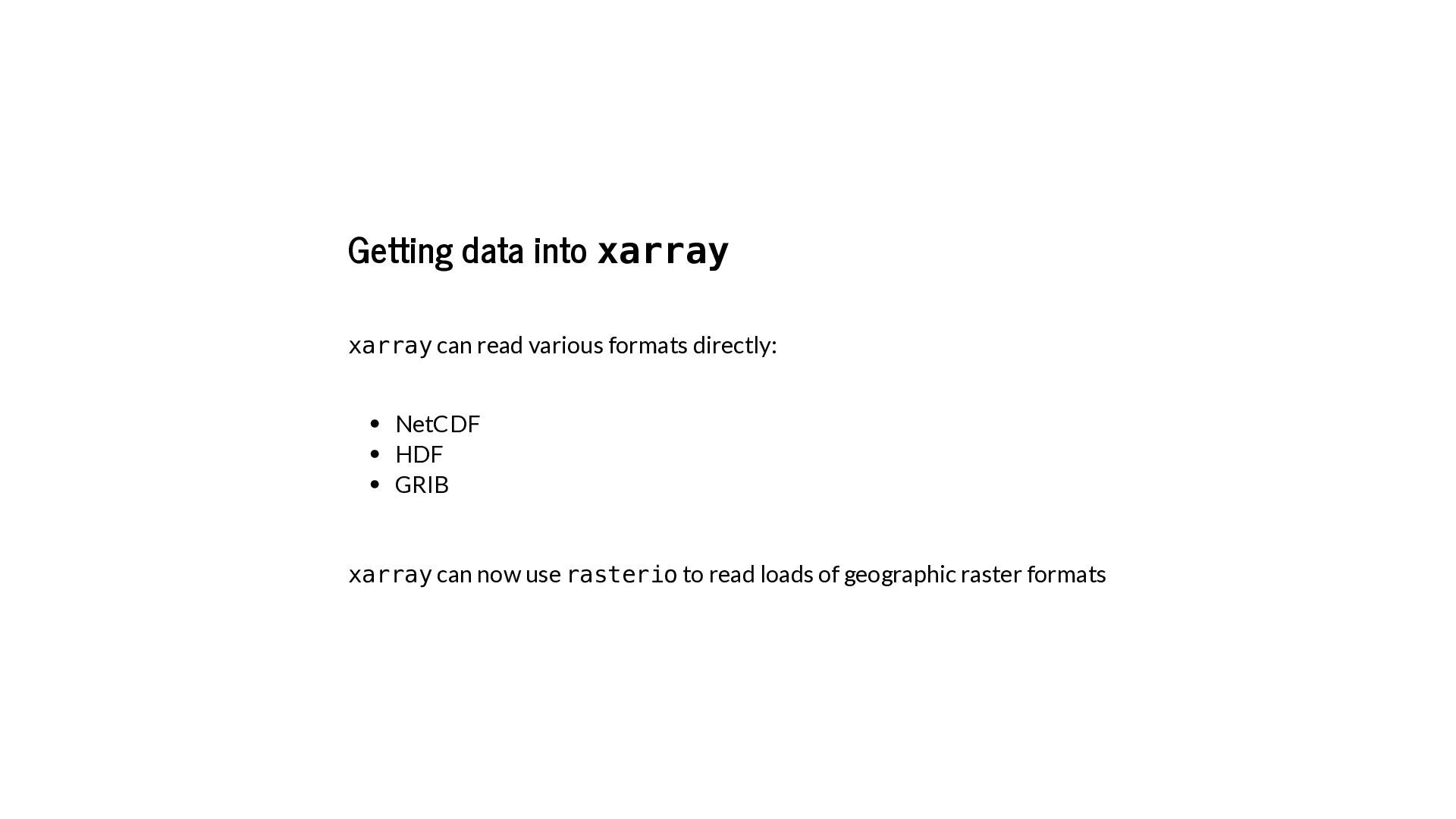
![In [28]: xr.open_rasterio('satellite_image.tif') Out[28]: <xarray.DataArray (band: 3, y: 1644, x:](https://files.speakerdeck.com/presentations/90fc08553696488aaa55fea60ca7c1c6/slide_48.jpg)
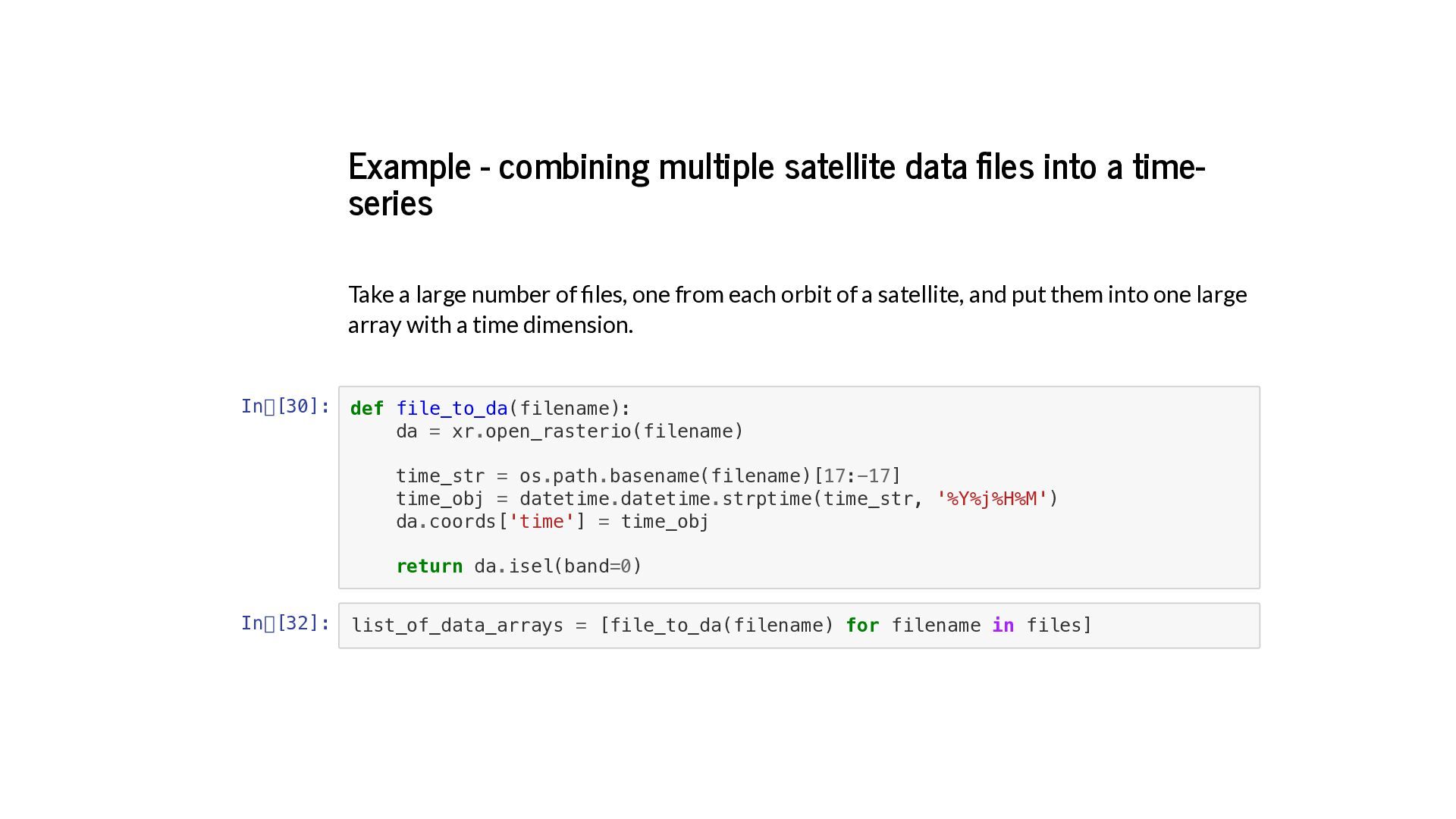
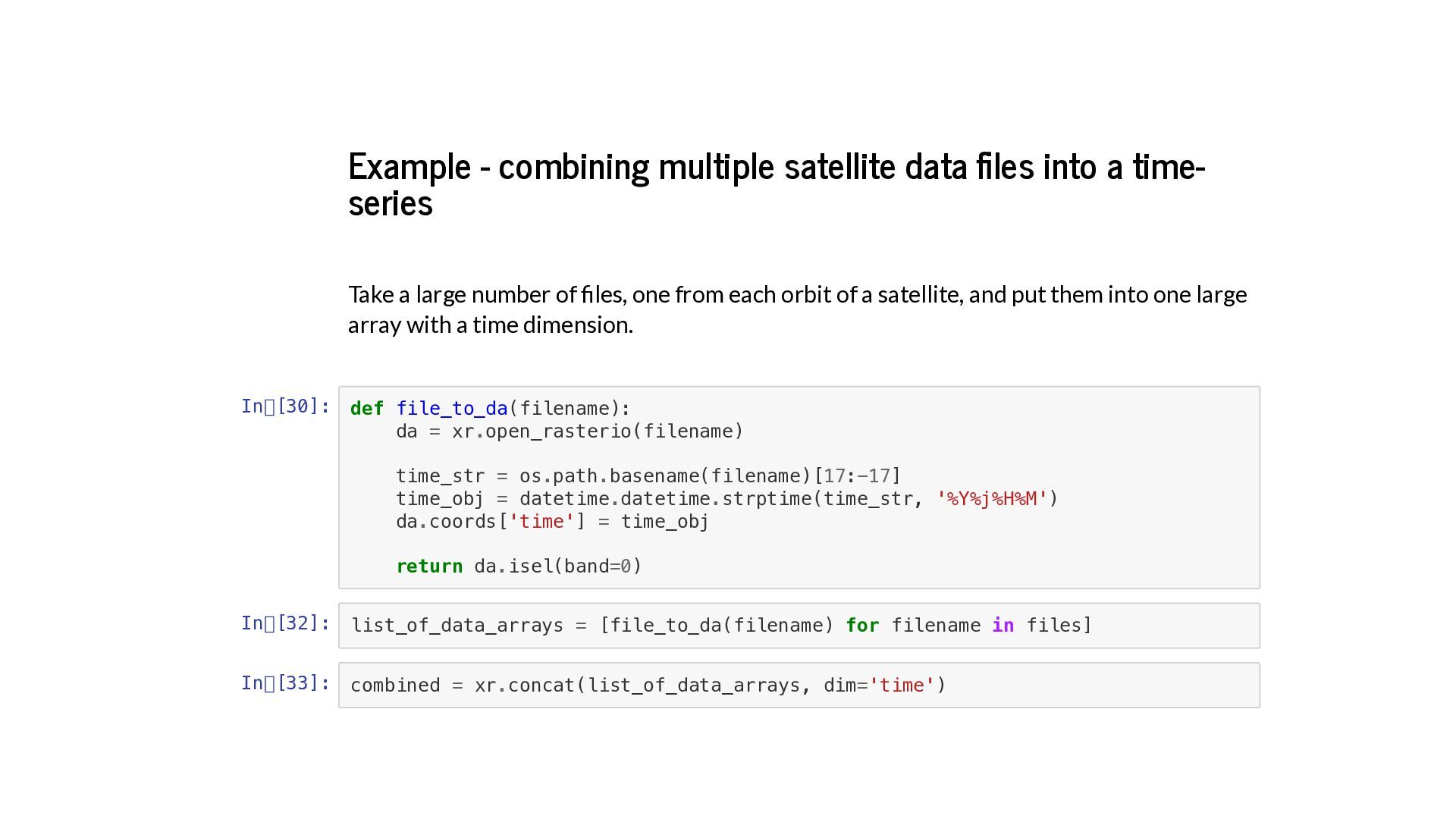
![In [34]: In [35]: combined.shape combined.coords Out[34]: (10, 1162, 1240)](https://files.speakerdeck.com/presentations/90fc08553696488aaa55fea60ca7c1c6/slide_54.jpg)
![Getting raster data out of xarray In [38]: In [39]:](https://files.speakerdeck.com/presentations/90fc08553696488aaa55fea60ca7c1c6/slide_55.jpg)

![Interpolation In [69]: In [70]: PM25.interp(x=318193.5, y=176849.7).to_pandas().dropna().head() PM25.interp(x=318193.5, y=176849.7, method='nearest').to_pandas().dropna().head](https://files.speakerdeck.com/presentations/90fc08553696488aaa55fea60ca7c1c6/slide_57.jpg)
![Resampling time series In [55]: PM25.resample(time='1M').mean(dim='time') Out[55]: <xarray.DataArray 'data' (time:](https://files.speakerdeck.com/presentations/90fc08553696488aaa55fea60ca7c1c6/slide_58.jpg)
![Rolling windows In [71]: PM25.rolling(time=5).mean() Out[71]: <xarray.DataArray (time: 10, y:](https://files.speakerdeck.com/presentations/90fc08553696488aaa55fea60ca7c1c6/slide_59.jpg)
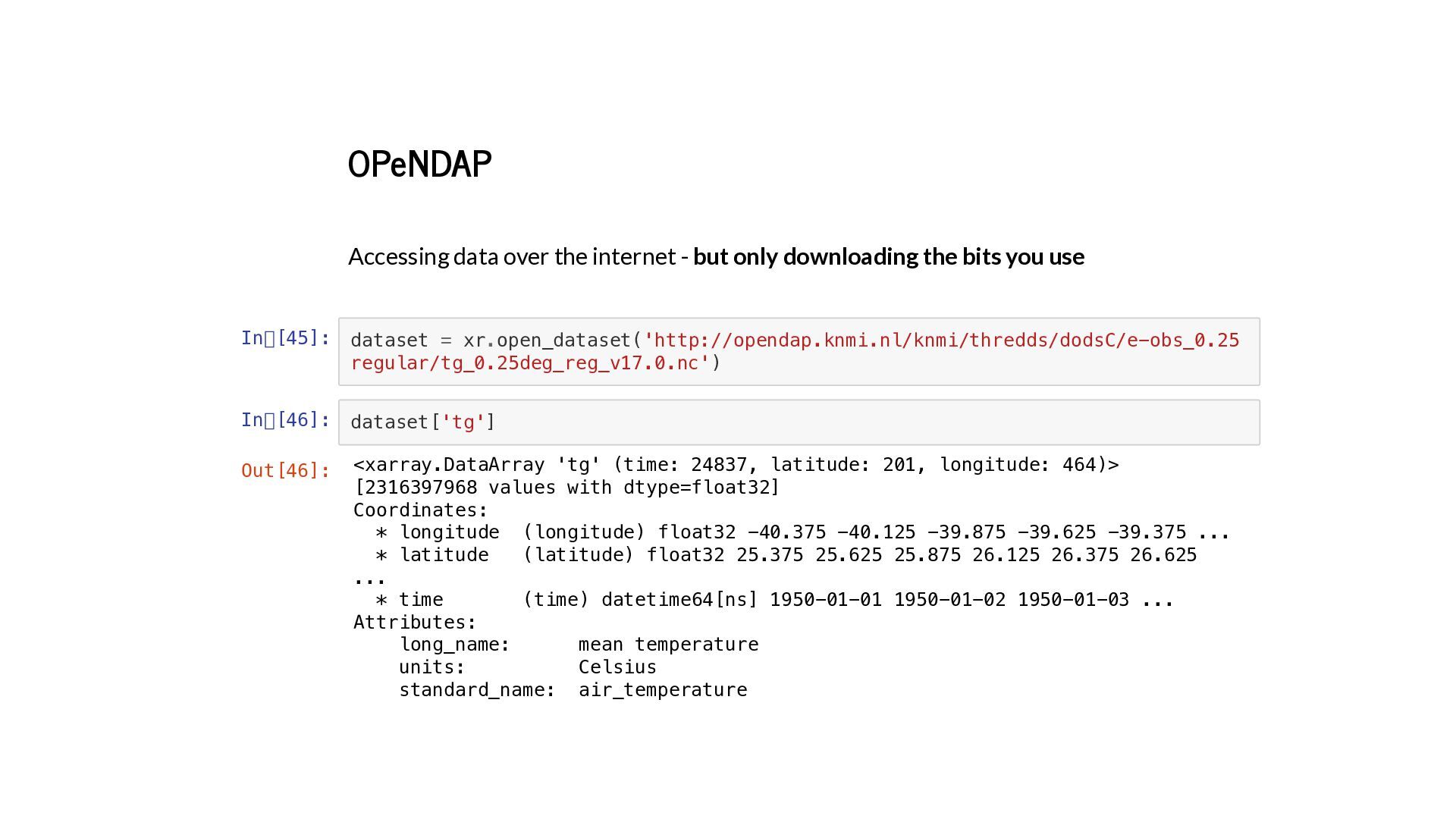
![In [47]: temperature = dataset['tg'] oneday = temperature.sel(time='2009-07-01') oneday.plot(robust=True) Out[47]:](https://files.speakerdeck.com/presentations/90fc08553696488aaa55fea60ca7c1c6/slide_61.jpg)
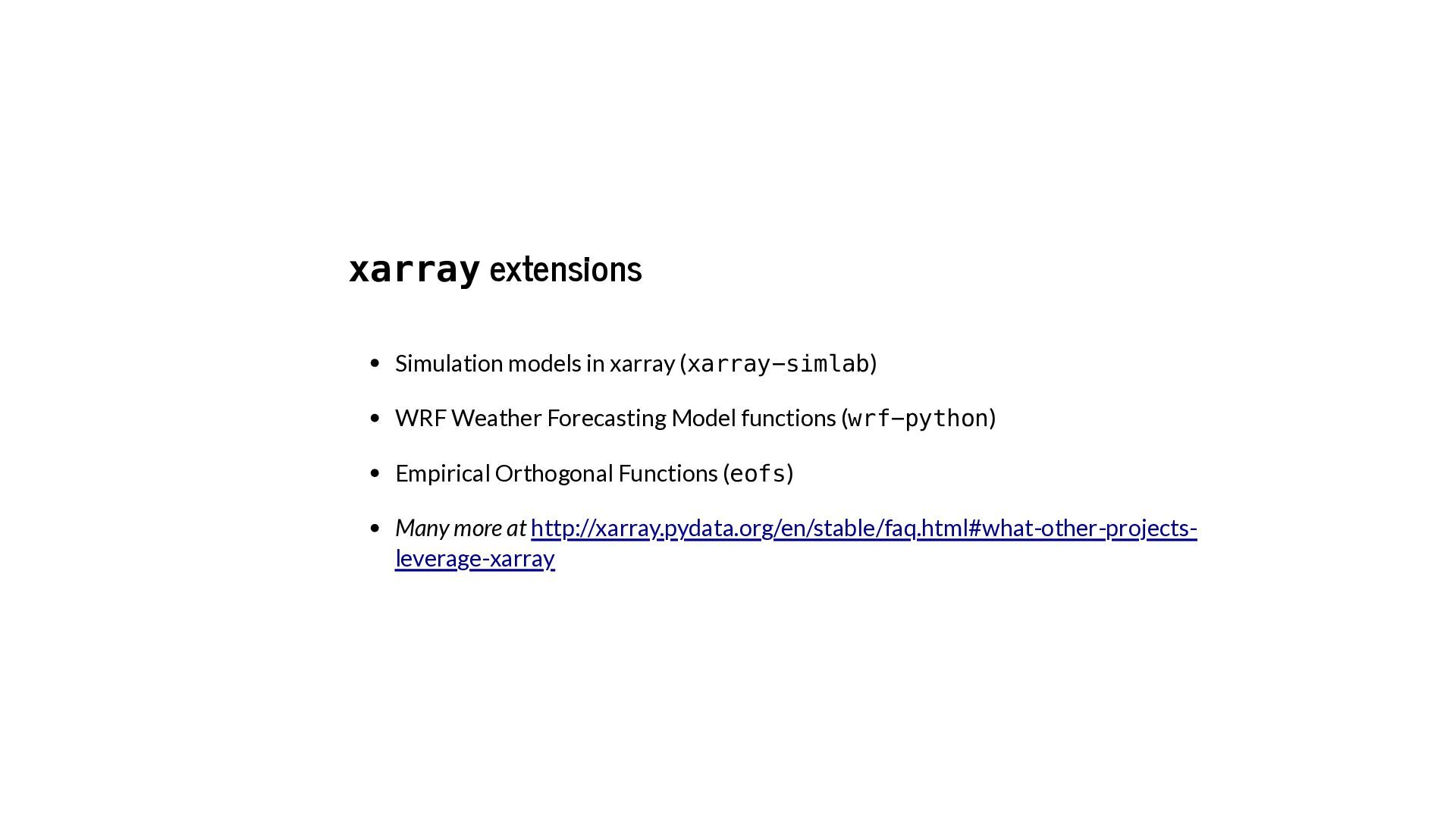
![In [48]: from eofs.xarray import Eof monthly = PM25.resample(time='M').mean('time') solver](https://files.speakerdeck.com/presentations/90fc08553696488aaa55fea60ca7c1c6/slide_63.jpg)
![In [49]: results.plot(col='mode', col_wrap=3, robust=True) Out[49]: <xarray.plot.facetgrid.FacetGrid at 0x324a77550>](https://files.speakerdeck.com/presentations/90fc08553696488aaa55fea60ca7c1c6/slide_64.jpg)
![Resources Slides: Code: XArray docs: [email protected] @sciremotesense @robintw on Slack](https://files.speakerdeck.com/presentations/90fc08553696488aaa55fea60ca7c1c6/slide_65.jpg)