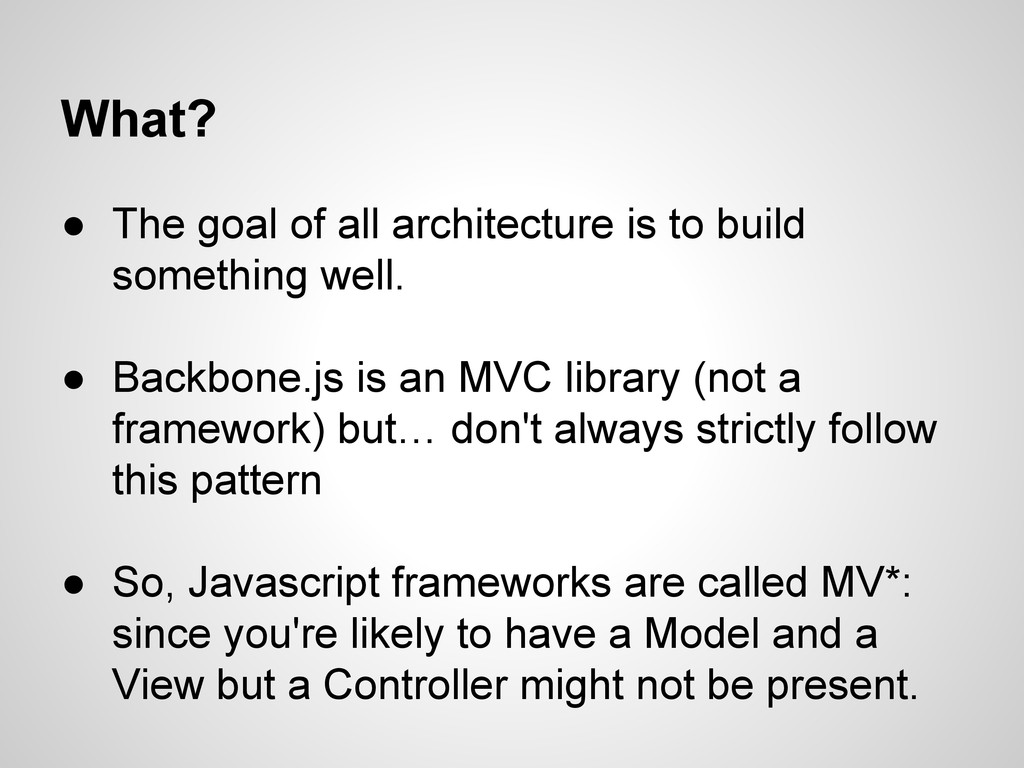
something well. • Backbone.js is an MVC library (not a framework) but… don't always strictly follow this pattern • So, Javascript frameworks are called MV*: since you're likely to have a Model and a View but a Controller might not be present.
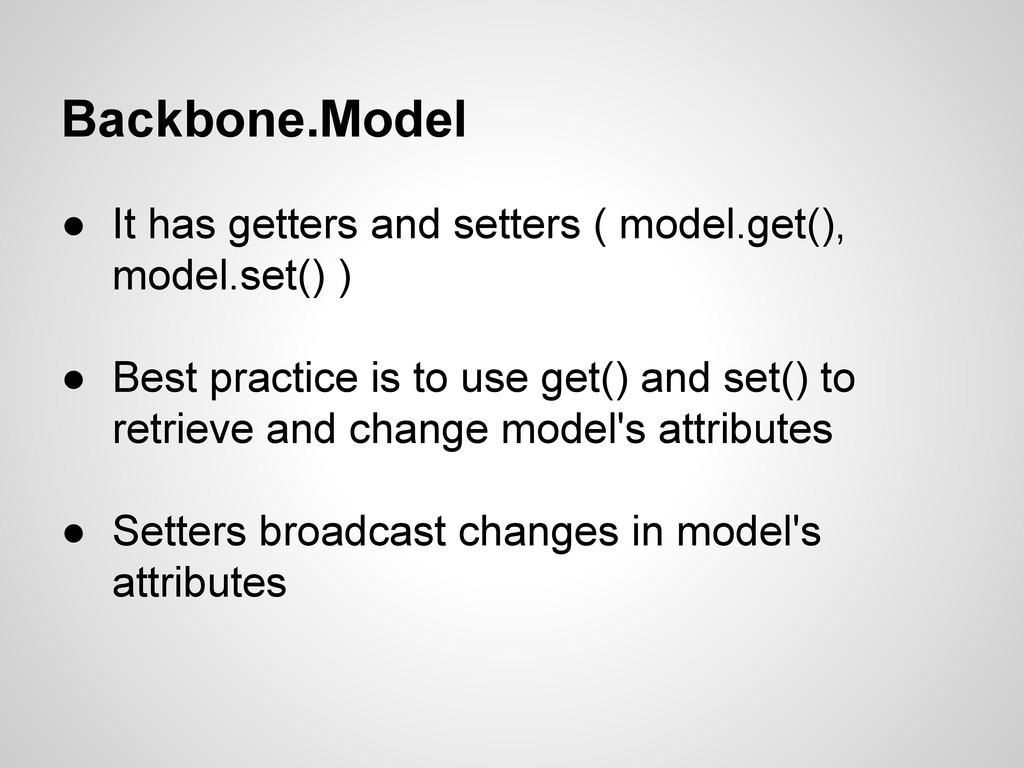
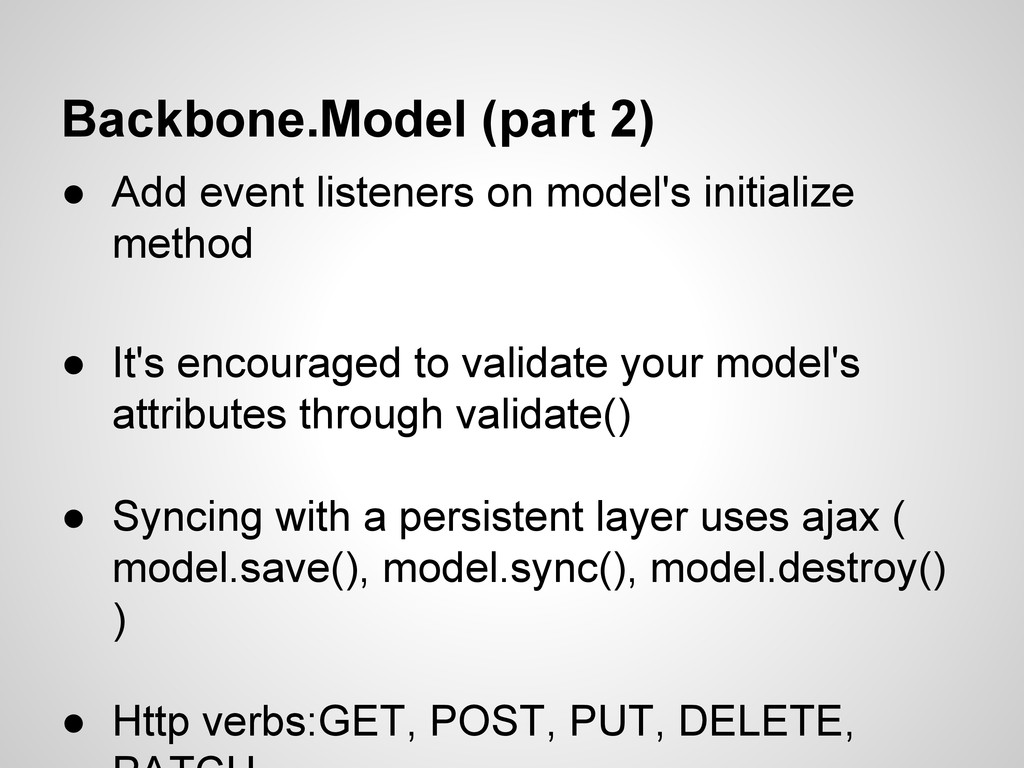
method • It's encouraged to validate your model's attributes through validate() • Syncing with a persistent layer uses ajax ( model.save(), model.sync(), model.destroy() ) • Http verbs:GET, POST, PUT, DELETE,
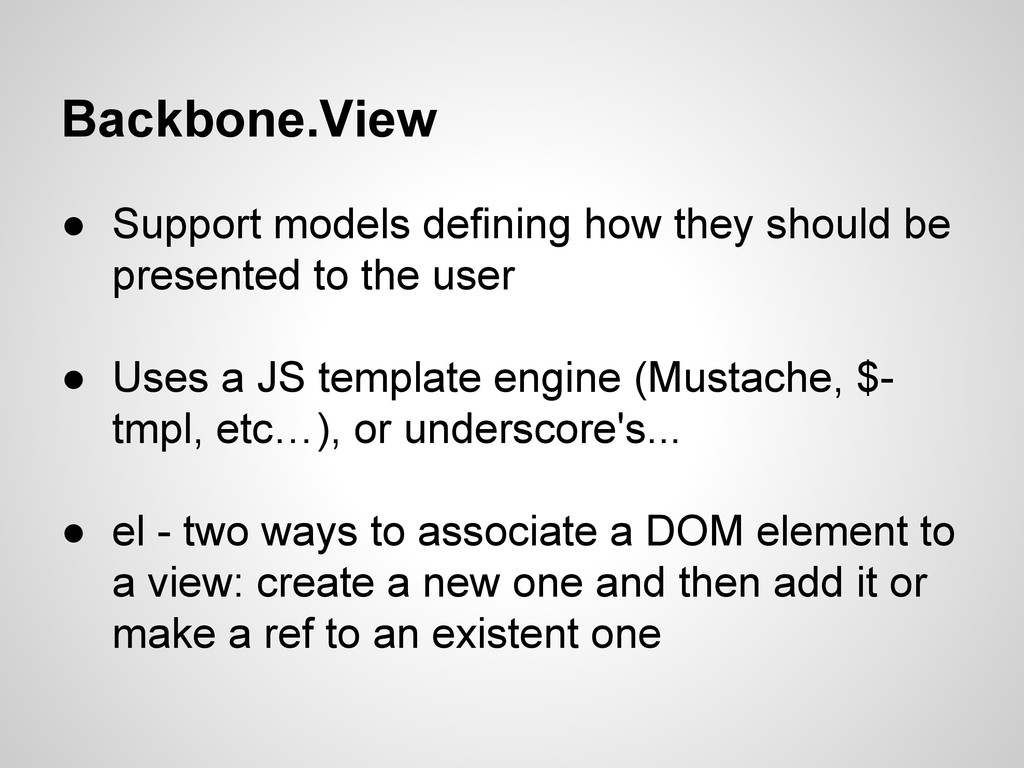
to the user • Uses a JS template engine (Mustache, $- tmpl, etc…), or underscore's... • el - two ways to associate a DOM element to a view: create a new one and then add it or make a ref to an existent one
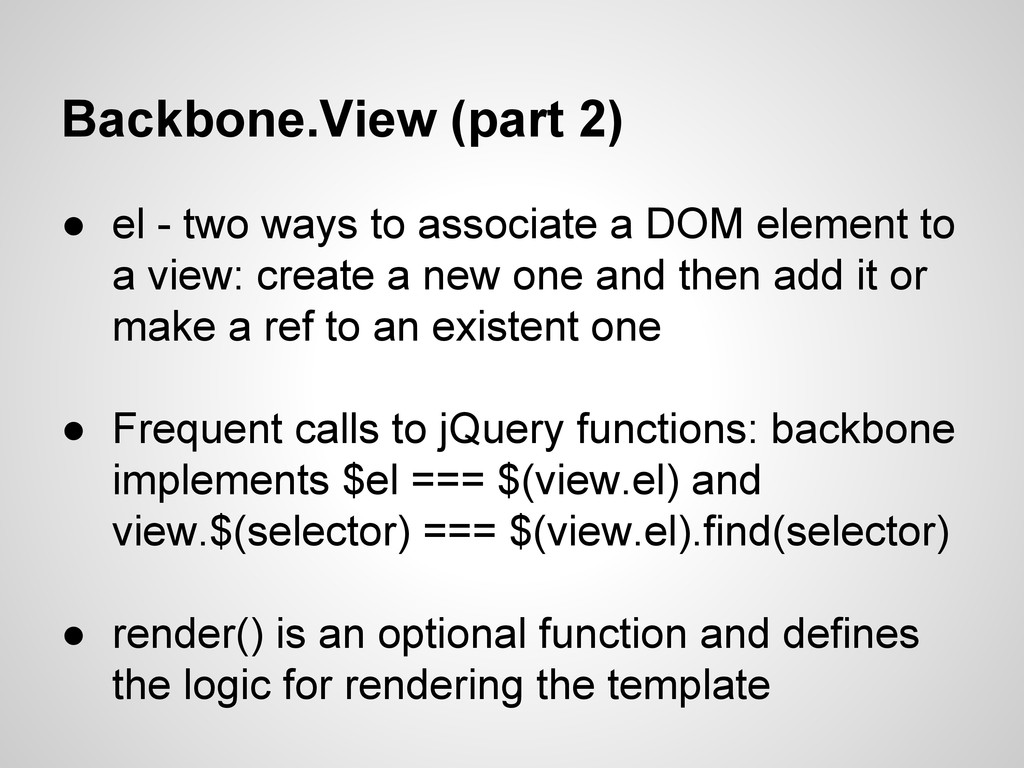
a DOM element to a view: create a new one and then add it or make a ref to an existent one • Frequent calls to jQuery functions: backbone implements $el === $(view.el) and view.$(selector) === $(view.el).find(selector) • render() is an optional function and defines the logic for rendering the template
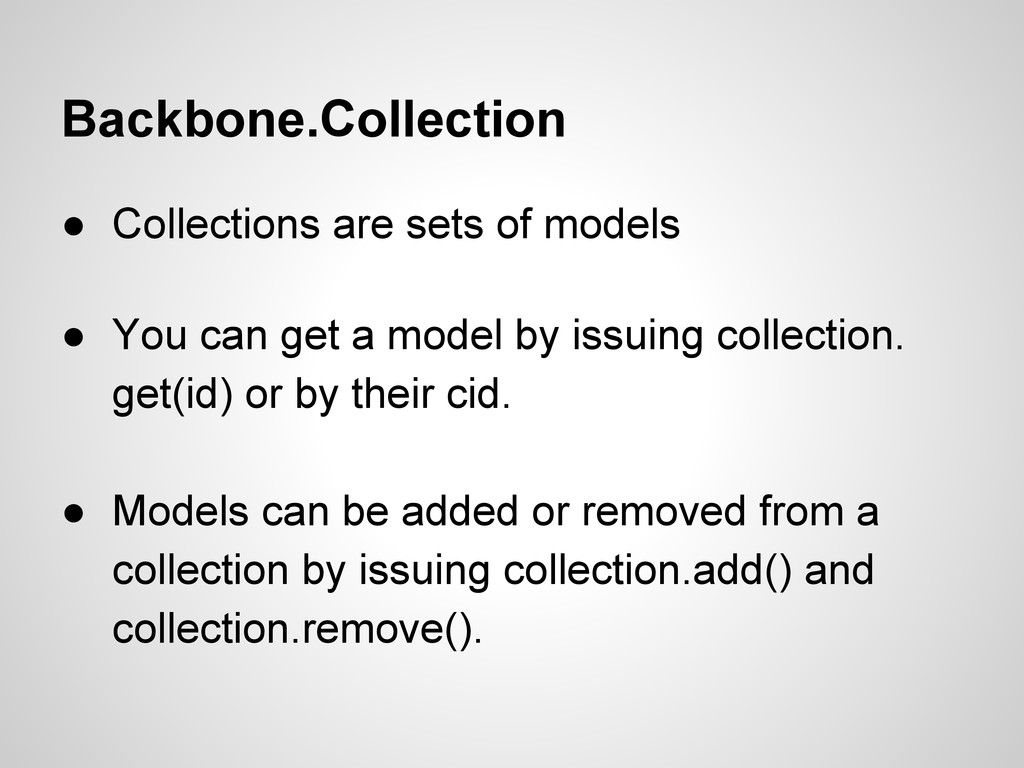
get a model by issuing collection. get(id) or by their cid. • Models can be added or removed from a collection by issuing collection.add() and collection.remove().
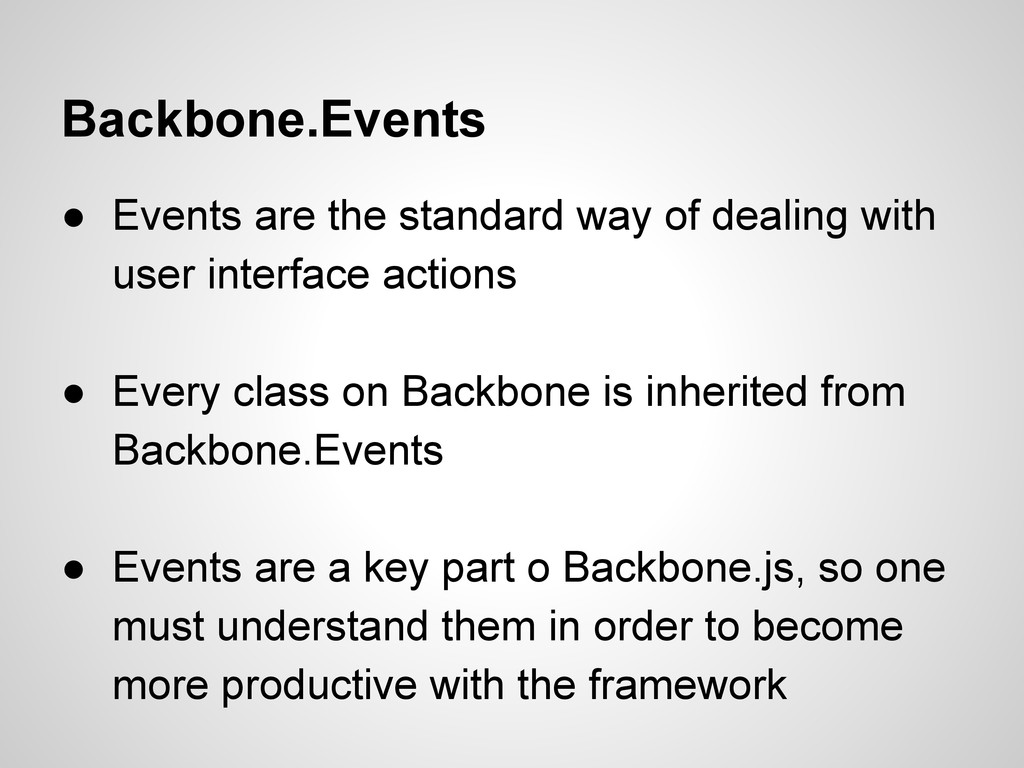
user interface actions • Every class on Backbone is inherited from Backbone.Events • Events are a key part o Backbone.js, so one must understand them in order to become more productive with the framework
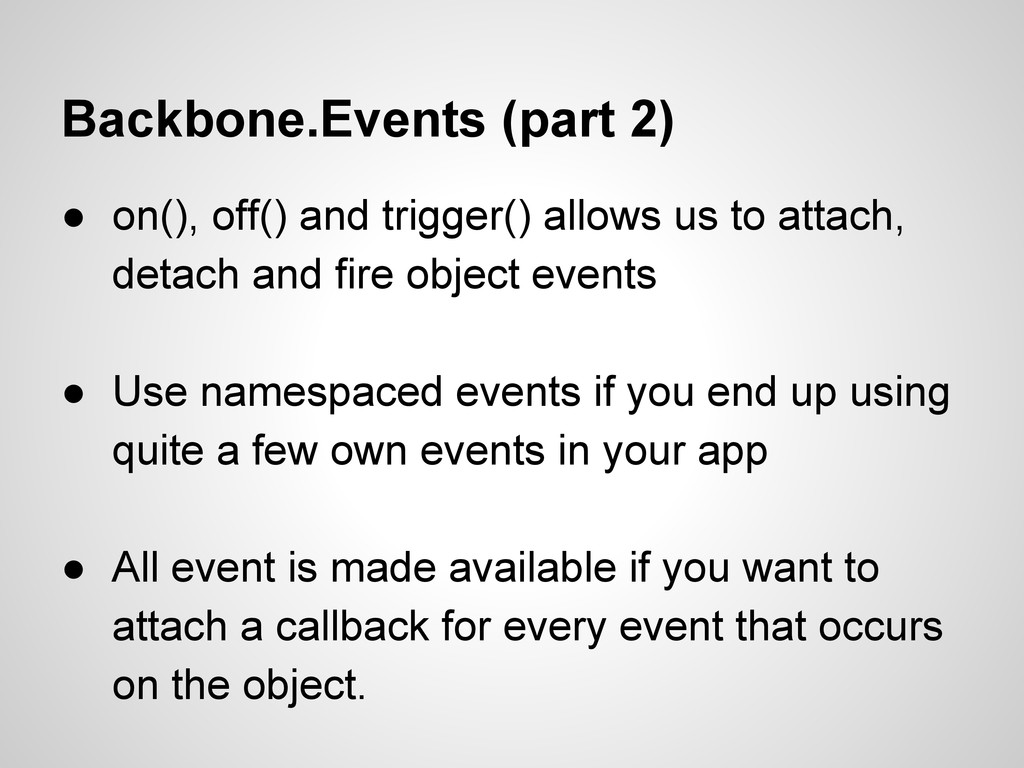
to attach, detach and fire object events • Use namespaced events if you end up using quite a few own events in your app • All event is made available if you want to attach a callback for every event that occurs on the object.
app events • Uses hash tags with url fragments or browser's push state/history API • Backbone.history.start() indicates To Backbone that it's ok to start monitoring hashchange events in url


 rsoares
 taiseiue
 yutobara
 irinanazarova
 satoshi256kbyte
 jame2408
 nabondance
 dske104
 y0hgi
y0hgi
 hollycummins
 rkaga
rkaga
 o0h
o0h
 akase244
 twada
twada
 dugsong
 bcantrill
 panda_program
 matthewcrist
 nwiizo
 yeseniaperezcruz
 hatefulcrawdad
 deanohume
 tomoyanonymous
 palkan
 codingconduct