Upgrade to Pro — share decks privately, control downloads, hide ads and more …

jQuery - An Introduction

Sponsored · Your Podcast. Everywhere. Effortlessly. Share. Educate. Inspire. Entertain. You do you. We'll handle the rest.

jQuery - An Introduction

jQuery, one of the most widely adopted javascript frameworks is not just powerful but also diverse in functionality. In this presentation, I summarize the key features in the jQuery library that you will find yourself using more often than you think.

Avatar for Ryan Sukale

Ryan Sukale

March 09, 2014
Tweet

More Decks by Ryan Sukale

Other Decks in Technology

Transcript

  1. Objective To give a brief idea about jQuery to those

    who are new to JavaScript libraries
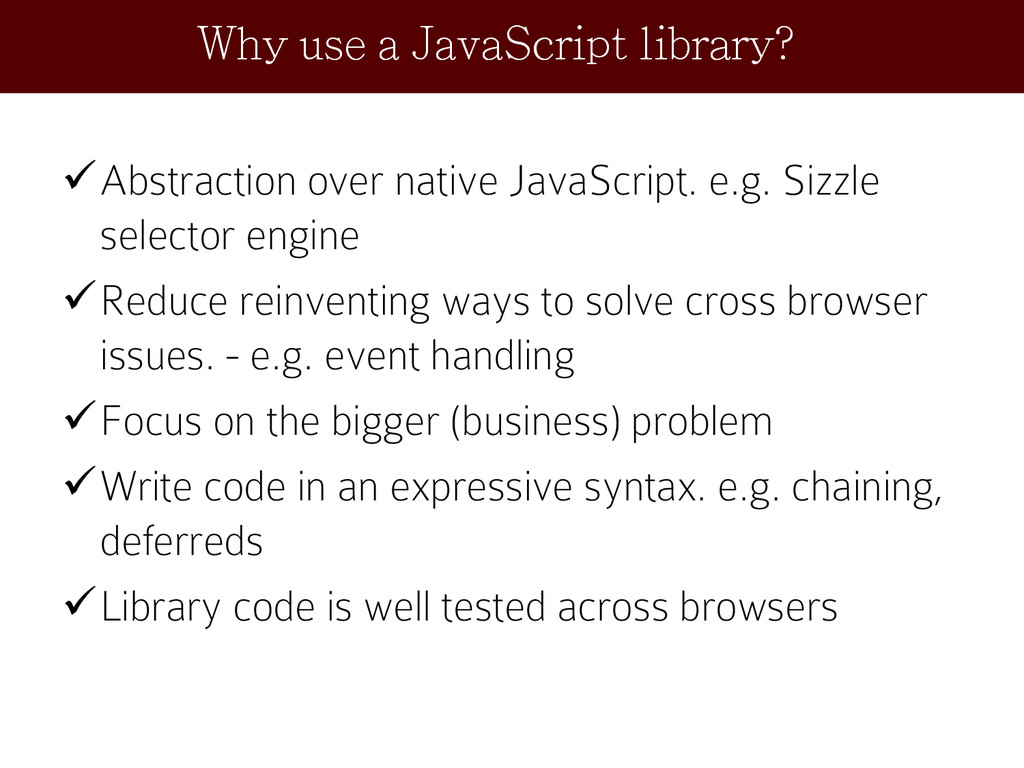
  2. Abstraction over native JavaScript. e.g. Sizzle selector engine Reduce reinventing

    ways to solve cross browser issues. - e.g. event handling Focus on the bigger (business) problem Write code in an expressive syntax. e.g. chaining, deferreds Library code is well tested across browsers Why use a JavaScript library?
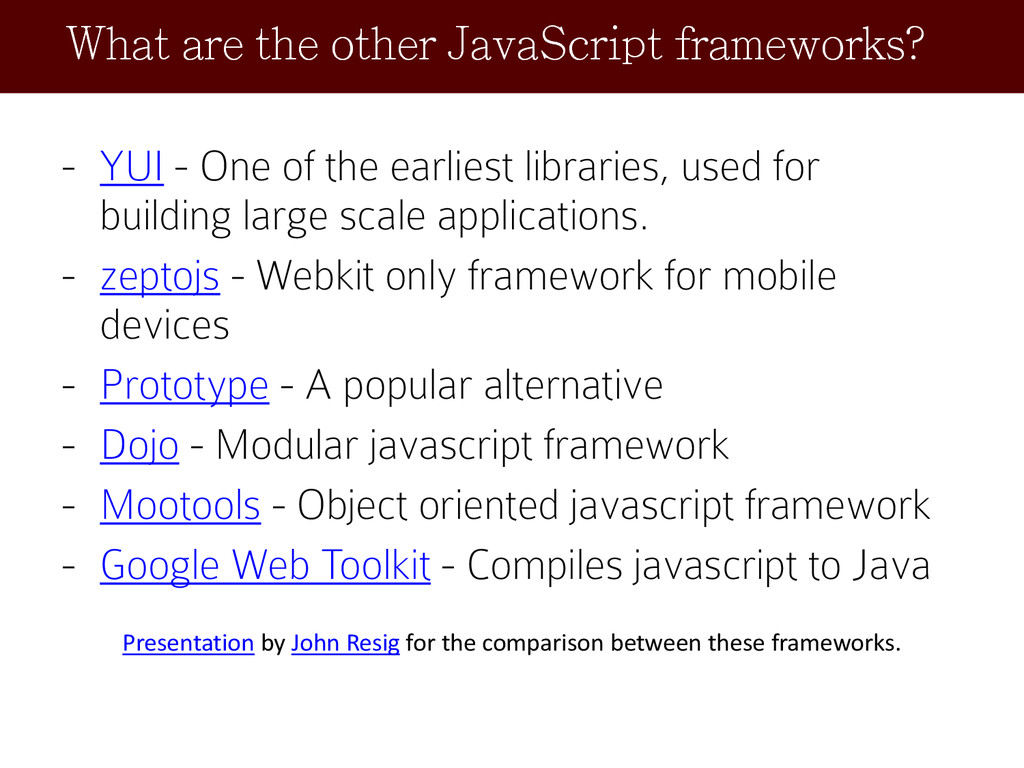
  3. - YUI - One of the earliest libraries, used for

    building large scale applications. - zeptojs - Webkit only framework for mobile devices - Prototype - A popular alternative - Dojo - Modular javascript framework - Mootools - Object oriented javascript framework - Google Web Toolkit - Compiles javascript to Java Presentation by John Resig for the comparison between these frameworks. What are the other JavaScript frameworks?
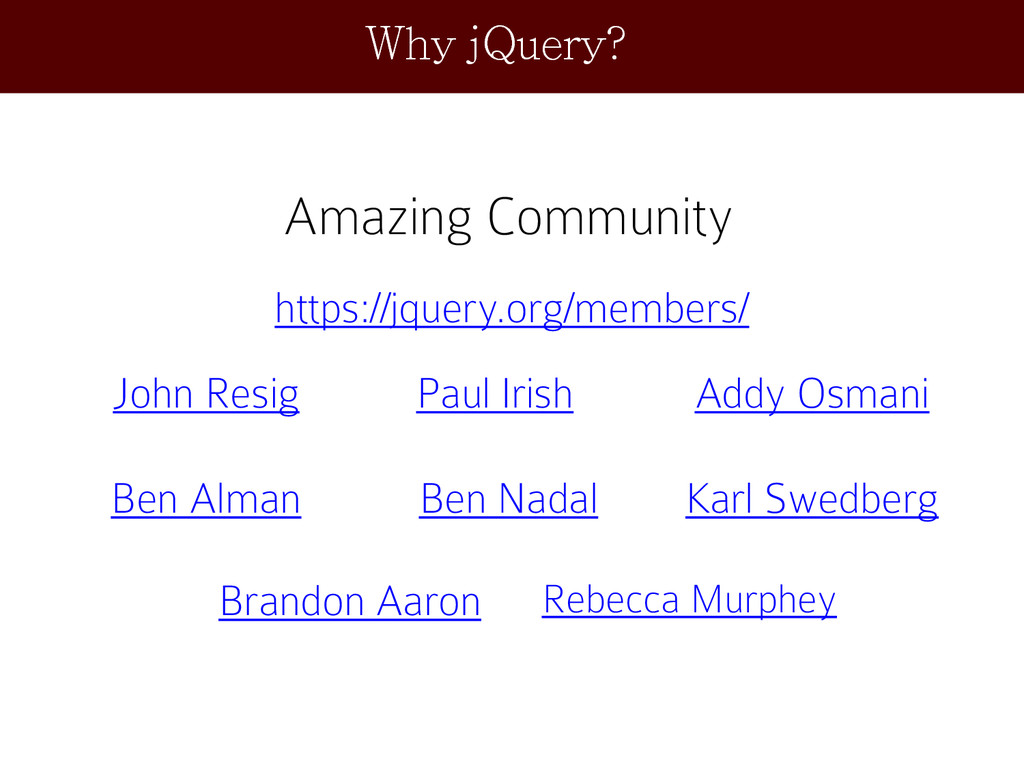
  4. Why jQuery? Amazing Community https://jquery.org/members/ John Resig Paul Irish Addy

    Osmani Ben Alman Ben Nadal Karl Swedberg Brandon Aaron Rebecca Murphey
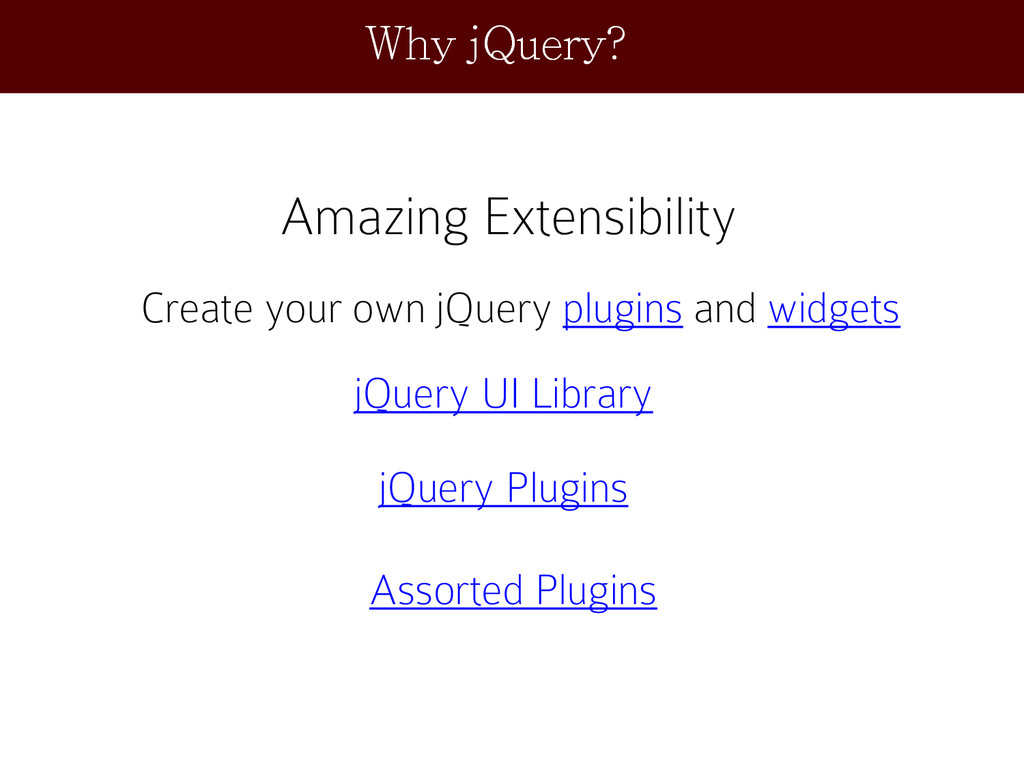
  5. Why jQuery? Amazing Extensibility Create your own jQuery plugins and

    widgets jQuery UI Library jQuery Plugins Assorted Plugins
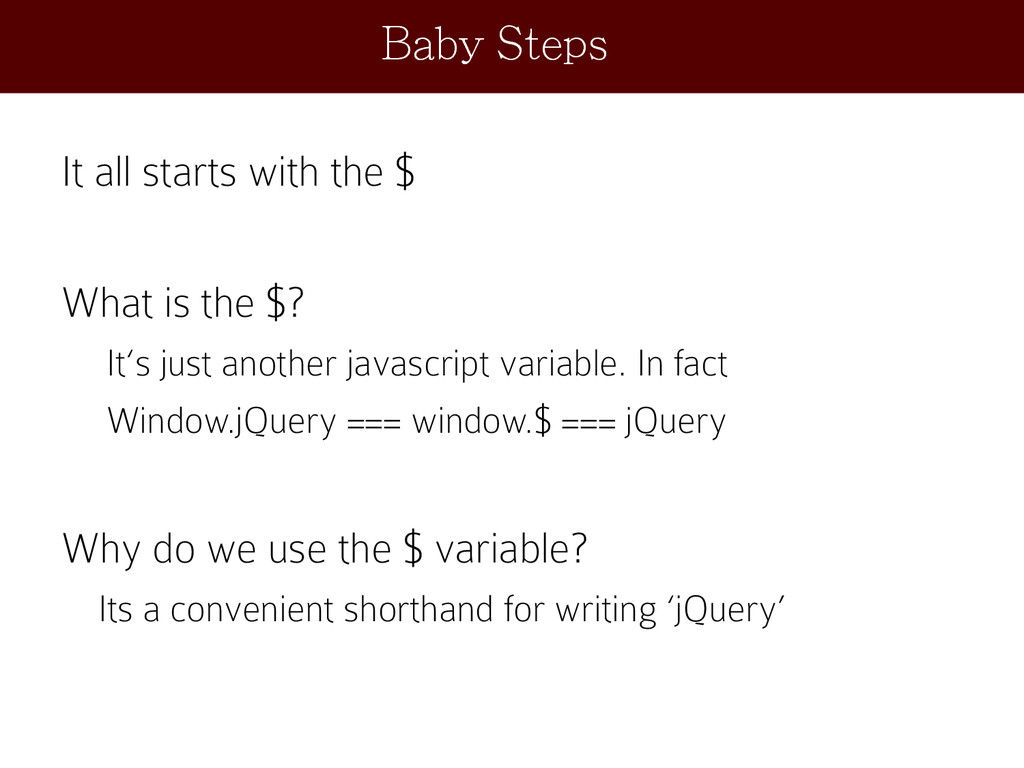
  6. It all starts with the $ What is the $?

    It‘s just another javascript variable. In fact Window.jQuery === window.$ === jQuery Why do we use the $ variable? Its a convenient shorthand for writing ‘jQuery’ Baby Steps
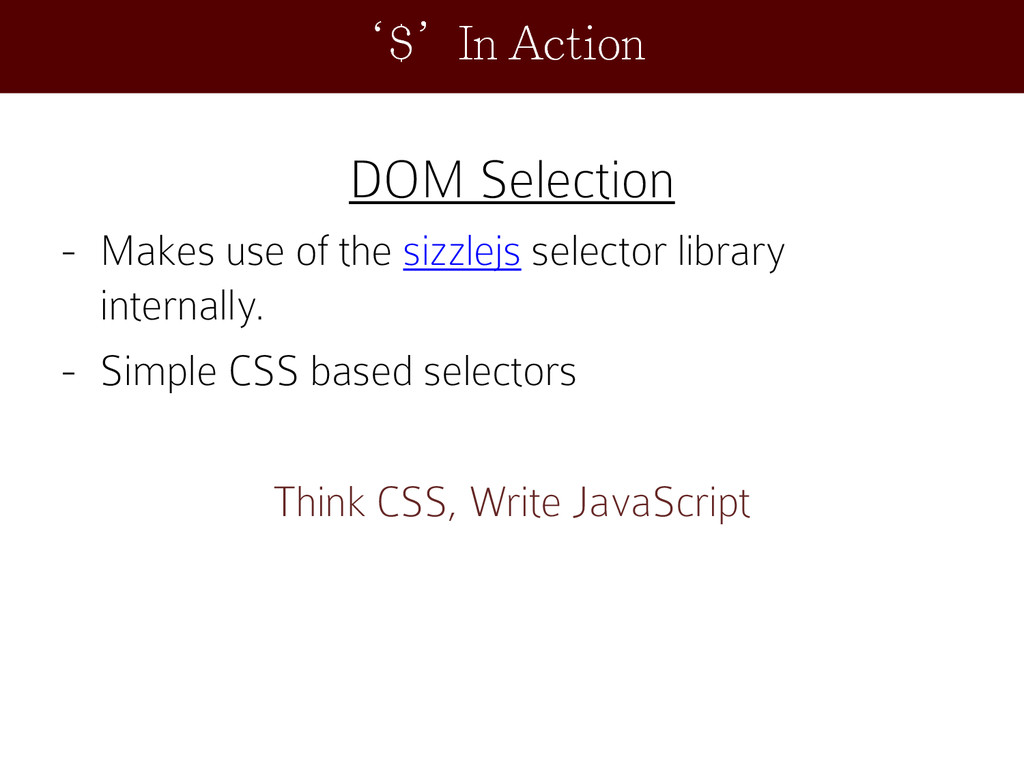
  7. DOM Selection - Makes use of the sizzlejs selector library

    internally. - Simple CSS based selectors Think CSS, Write JavaScript ‘$’In Action
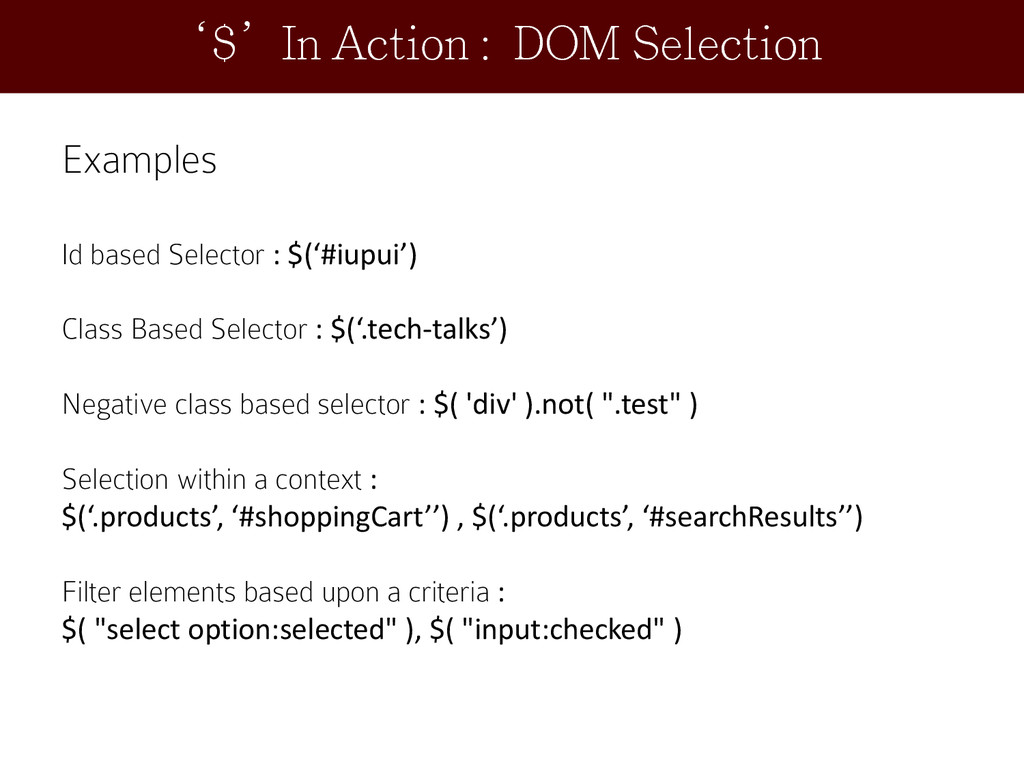
  8. Examples Id based Selector : $(‘#iupui’) Class Based Selector :

    $(‘.tech-talks’) Negative class based selector : $( 'div' ).not( ".test" ) Selection within a context : $(‘.products’, ‘#shoppingCart’’) , $(‘.products’, ‘#searchResults’’) Filter elements based upon a criteria : $( "select option:selected" ), $( "input:checked" ) ‘$’In Action : DOM Selection
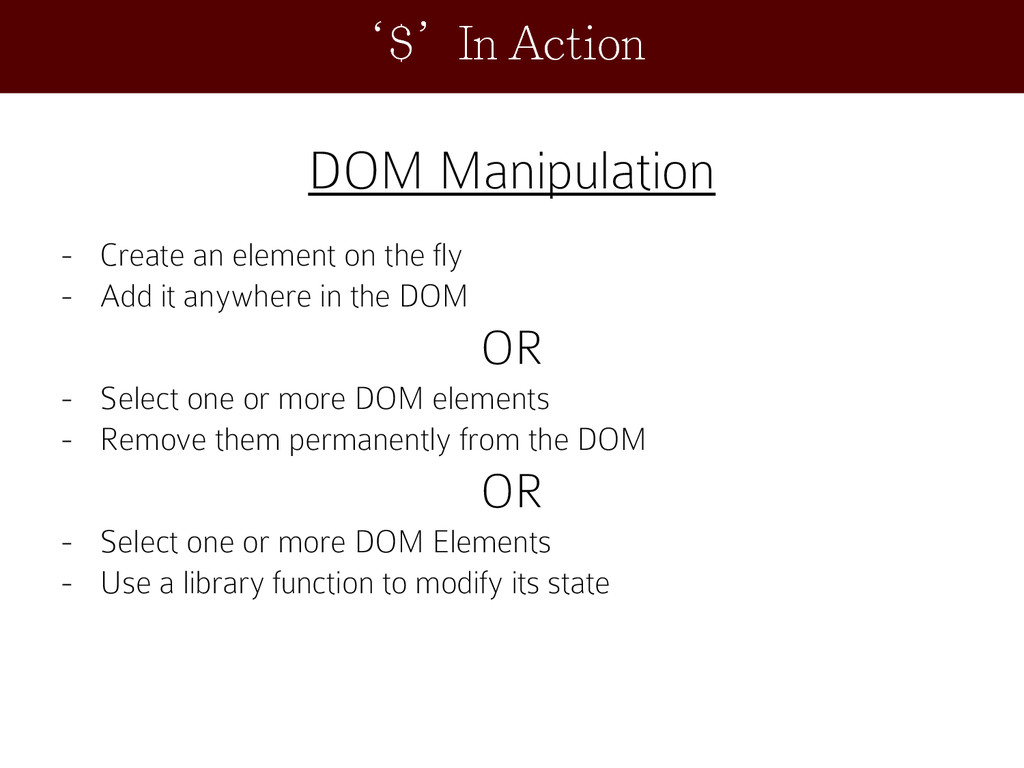
  9. DOM Manipulation - Create an element on the fly -

    Add it anywhere in the DOM OR - Select one or more DOM elements - Remove them permanently from the DOM OR - Select one or more DOM Elements - Use a library function to modify its state ‘$’In Action
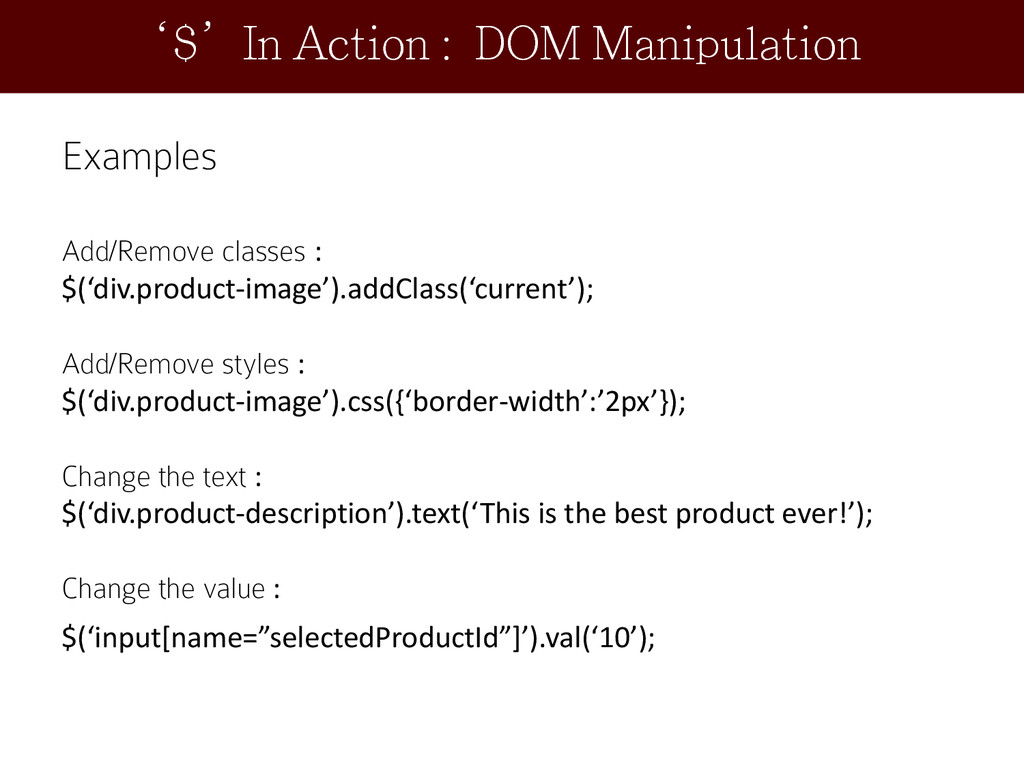
  10. Examples Add/Remove classes : $(‘div.product-image’).addClass(‘current’); Add/Remove styles : $(‘div.product-image’).css({‘border-width’:’2px’}); Change

    the text : $(‘div.product-description’).text(‘This is the best product ever!’); Change the value : $(‘input[name=”selectedProductId”]’).val(‘10’); ‘$’In Action : DOM Manipulation
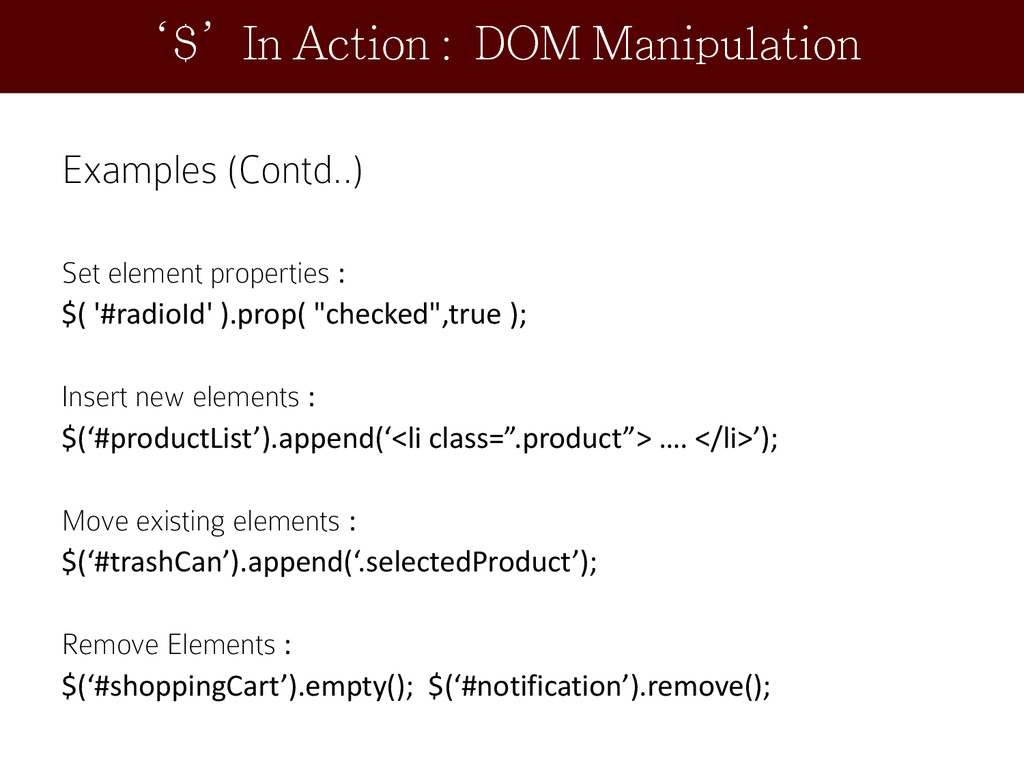
  11. Examples (Contd..) Set element properties : $( '#radioId' ).prop( "checked",true

    ); Insert new elements : $(‘#productList’).append(‘<li class=”.product”> …. </li>’); Move existing elements : $(‘#trashCan’).append(‘.selectedProduct’); Remove Elements : $(‘#shoppingCart’).empty(); $(‘#notification’).remove(); ‘$’In Action : DOM Manipulation
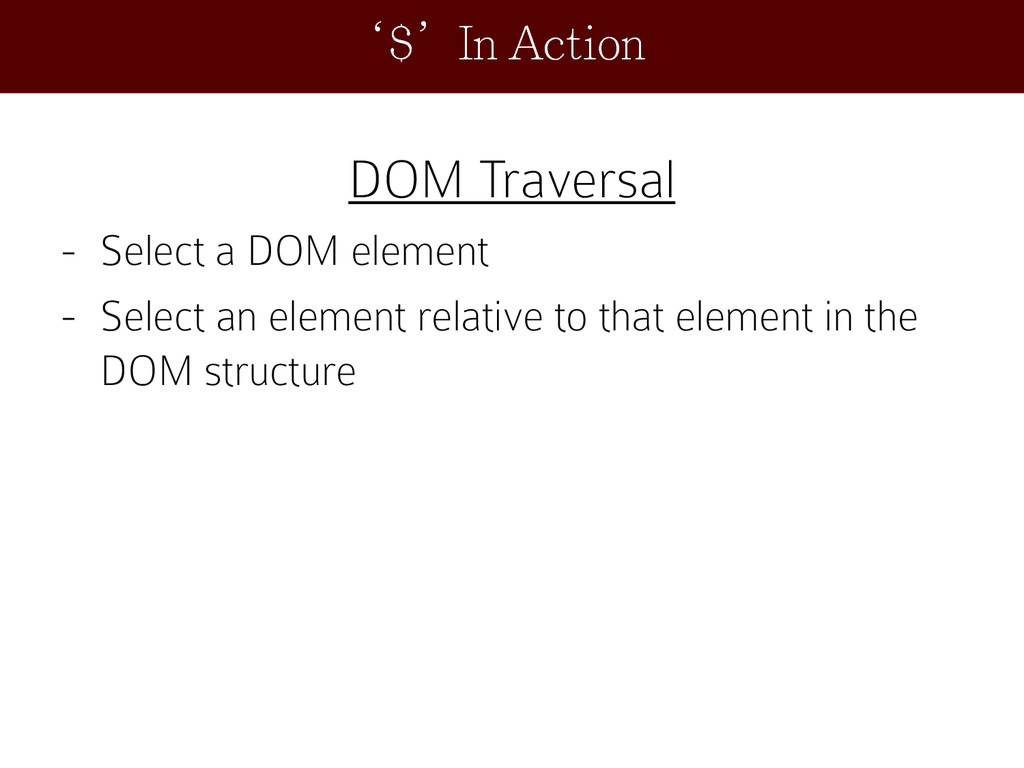
  12. DOM Traversal - Select a DOM element - Select an

    element relative to that element in the DOM structure ‘$’In Action
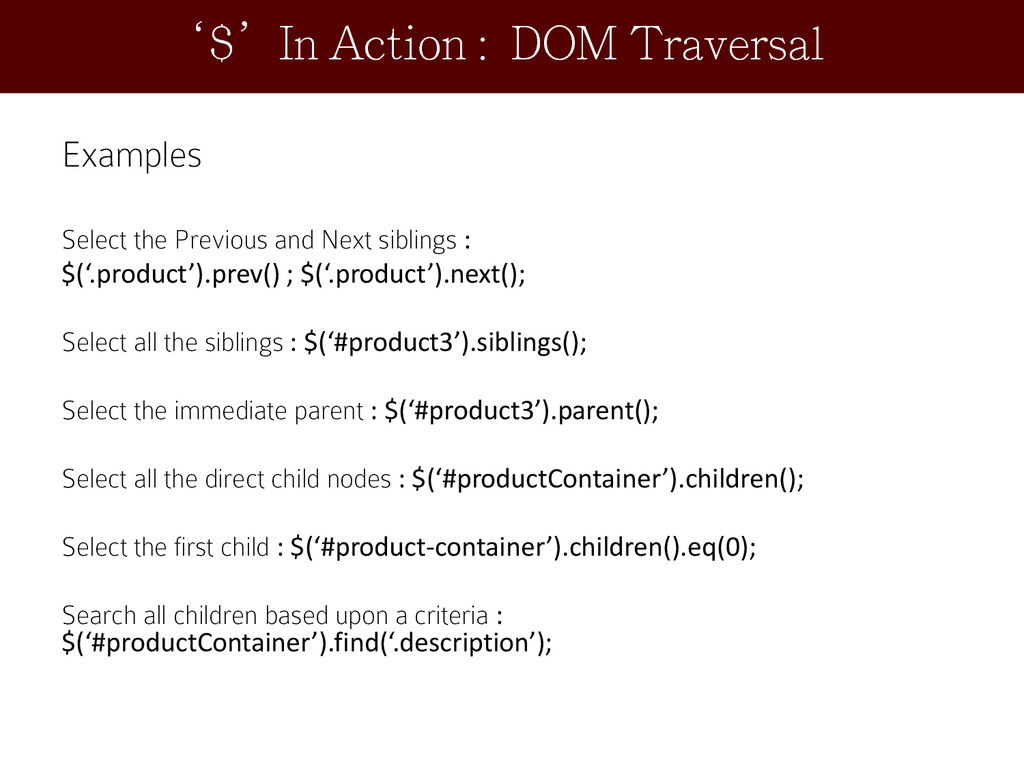
  13. Examples Select the Previous and Next siblings : $(‘.product’).prev() ;

    $(‘.product’).next(); Select all the siblings : $(‘#product3’).siblings(); Select the immediate parent : $(‘#product3’).parent(); Select all the direct child nodes : $(‘#productContainer’).children(); Select the first child : $(‘#product-container’).children().eq(0); Search all children based upon a criteria : $(‘#productContainer’).find(‘.description’); ‘$’In Action : DOM Traversal
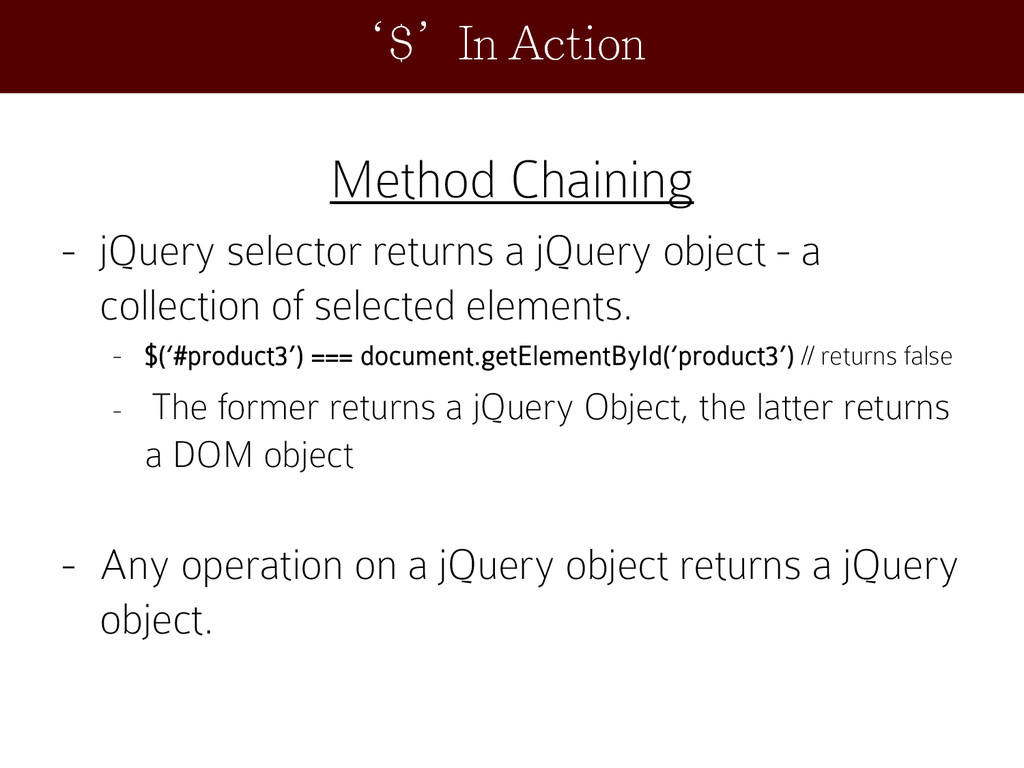
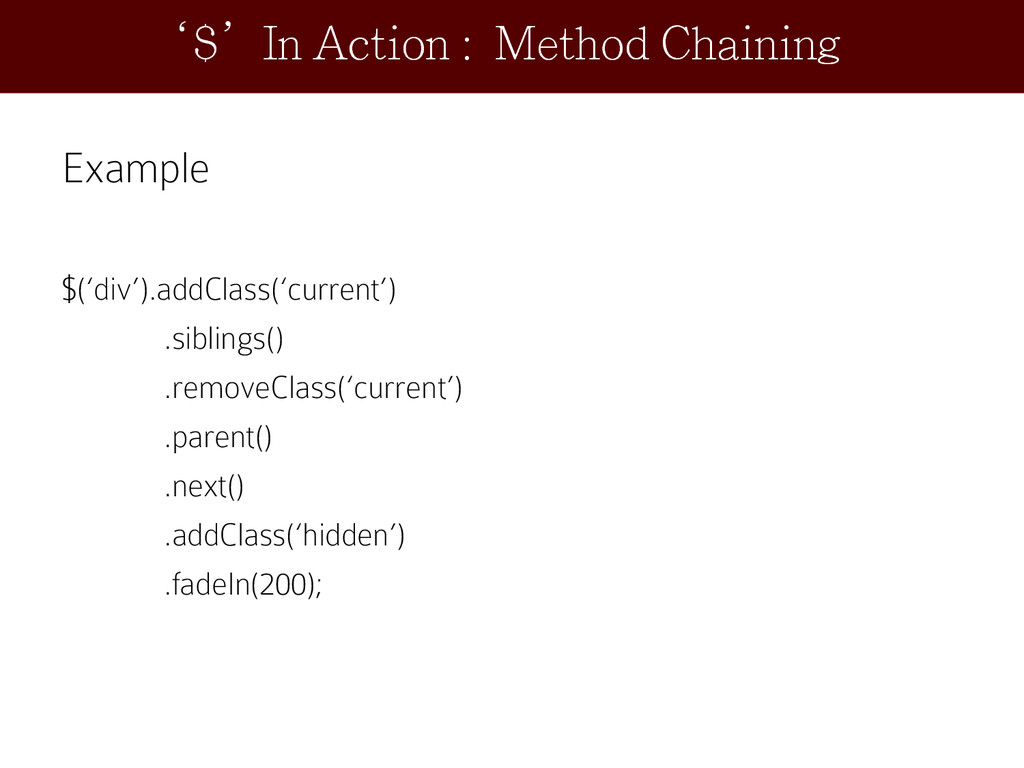
  14. Method Chaining - jQuery selector returns a jQuery object -

    a collection of selected elements. - $(‘#product3’) === document.getElementById(‘product3’) // returns false - The former returns a jQuery Object, the latter returns a DOM object - Any operation on a jQuery object returns a jQuery object. ‘$’In Action
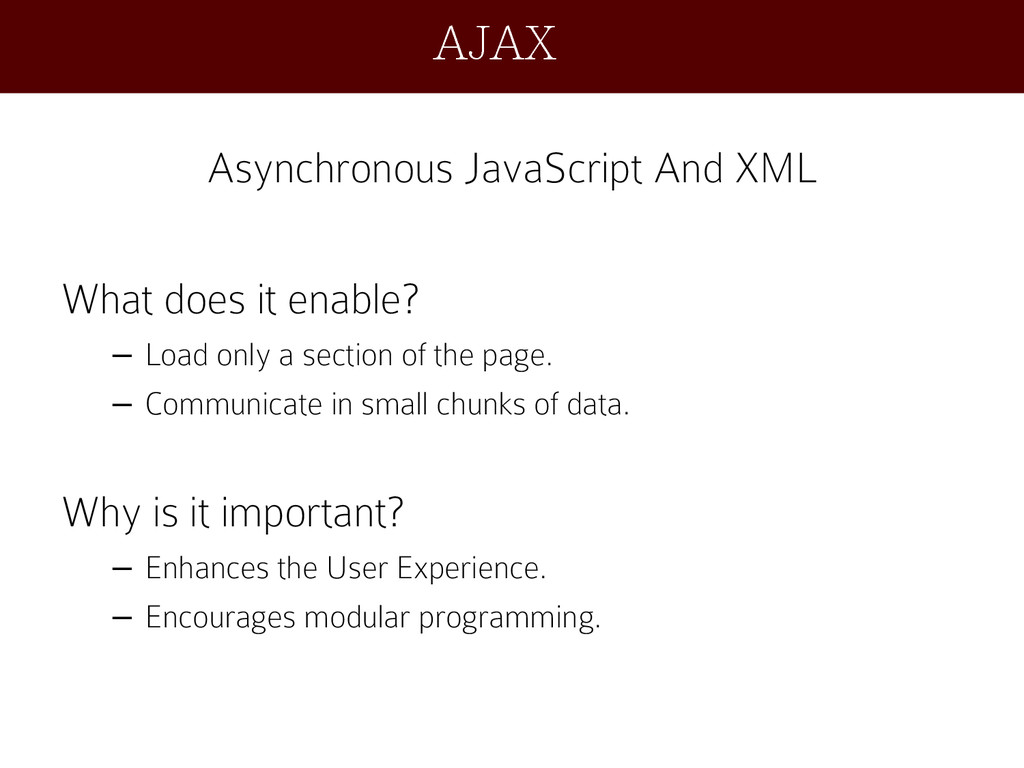
  15. Asynchronous JavaScript And XML What does it enable? – Load

    only a section of the page. – Communicate in small chunks of data. Why is it important? – Enhances the User Experience. – Encourages modular programming. AJAX
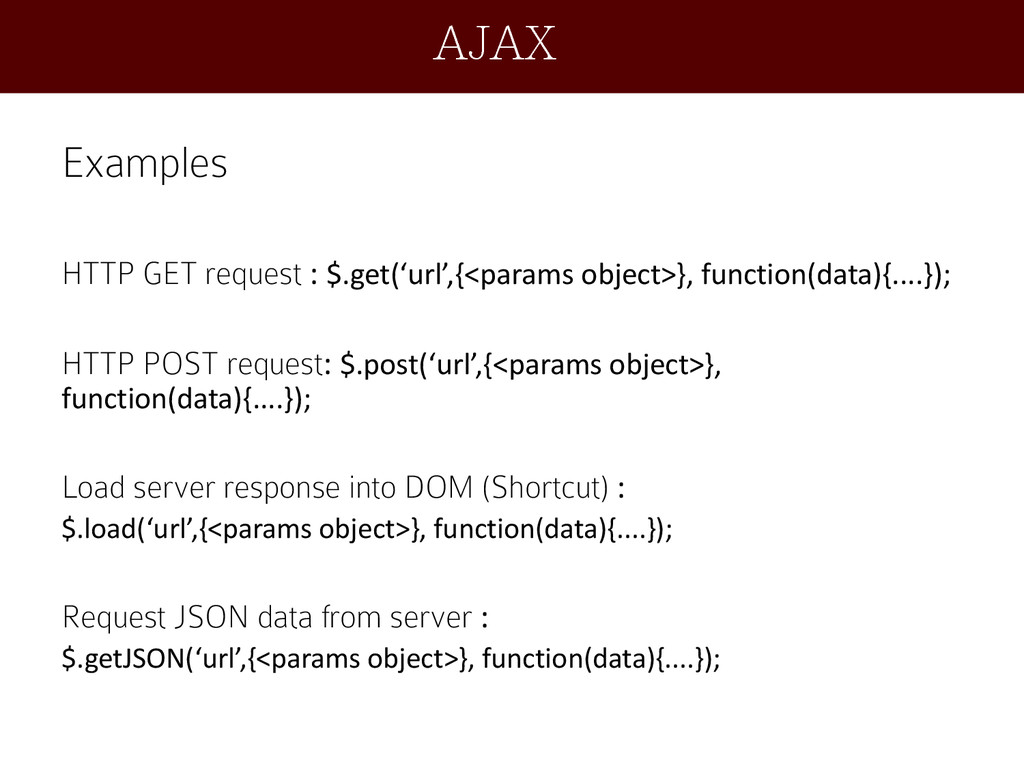
  16. Examples HTTP GET request : $.get(‘url’,{<params object>}, function(data){....}); HTTP POST

    request: $.post(‘url’,{<params object>}, function(data){....}); Load server response into DOM (Shortcut) : $.load(‘url’,{<params object>}, function(data){....}); Request JSON data from server : $.getJSON(‘url’,{<params object>}, function(data){....}); AJAX
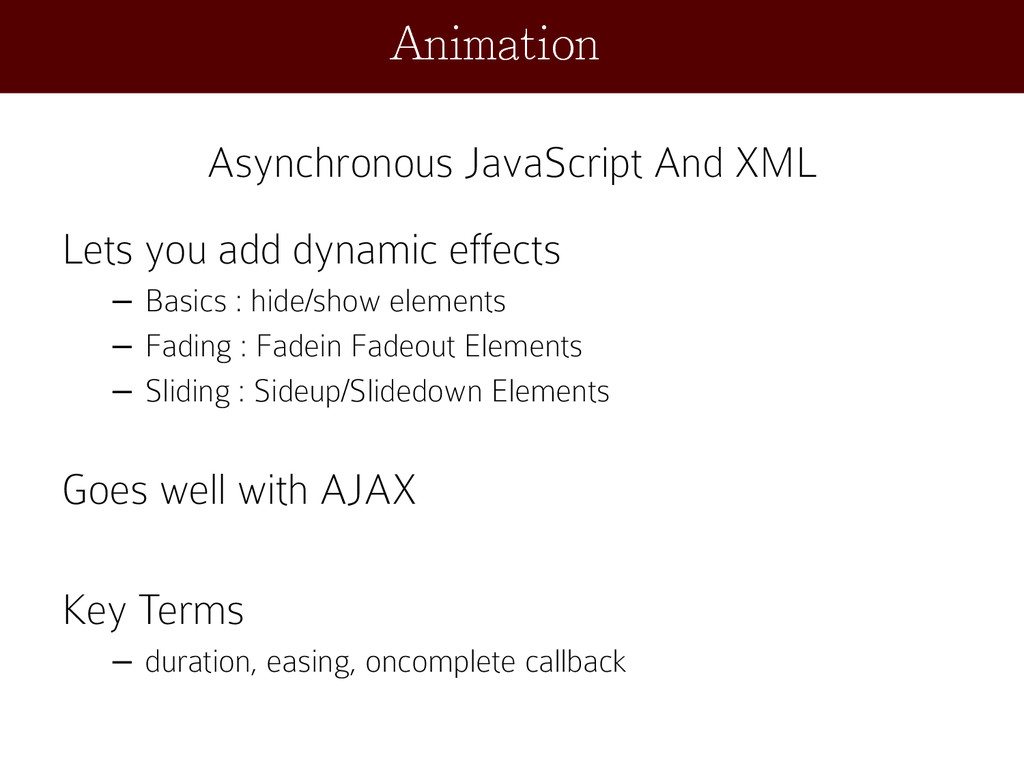
  17. Asynchronous JavaScript And XML Lets you add dynamic effects –

    Basics : hide/show elements – Fading : Fadein Fadeout Elements – Sliding : Sideup/Slidedown Elements Goes well with AJAX Key Terms – duration, easing, oncomplete callback Animation
  18. Examples Fading In: $(‘…’).fadeIn( [duration ] [, complete ] );

    Fading out: $(‘…’).fadeOut( [duration ] [, complete ] ); Fade to an opacity: $(‘…’).fadeTo( duration, opacity [, complete ] ); Fade toggle opacity: $(‘…’).fadeToggle( duration [, easing] [, complete ] ); Slide Down : $(‘…’). slideDown( duration [, complete ] ); Slide Up : $(‘…’). slideUp( duration [, complete ] ); Slide Toggle : $(‘…’). slideToggle( duration [, complete ] ); Animation
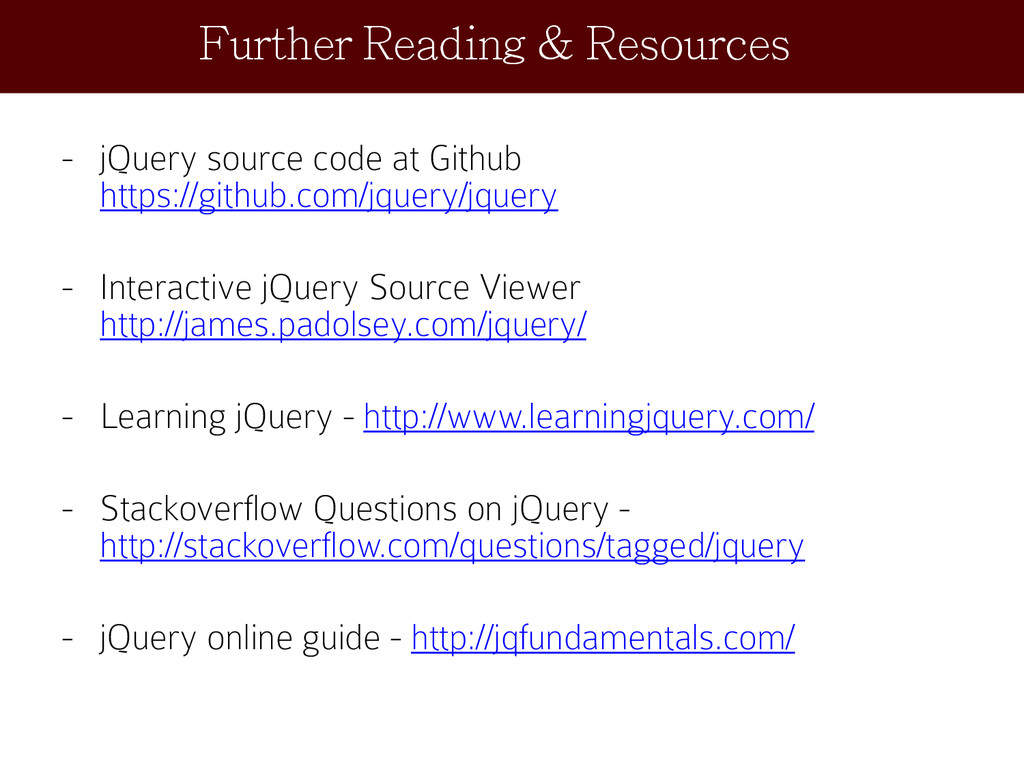
  19. - jQuery source code at Github https://github.com/jquery/jquery - Interactive jQuery

    Source Viewer http://james.padolsey.com/jquery/ - Learning jQuery - http://www.learningjquery.com/ - Stackoverflow Questions on jQuery - http://stackoverflow.com/questions/tagged/jquery - jQuery online guide - http://jqfundamentals.com/ Further Reading & Resources