Upgrade to Pro — share decks privately, control downloads, hide ads and more …

Spark Mobile Framework

Avatar for Ron Yust Ron Yust
December 10, 2013

Spark Mobile Framework

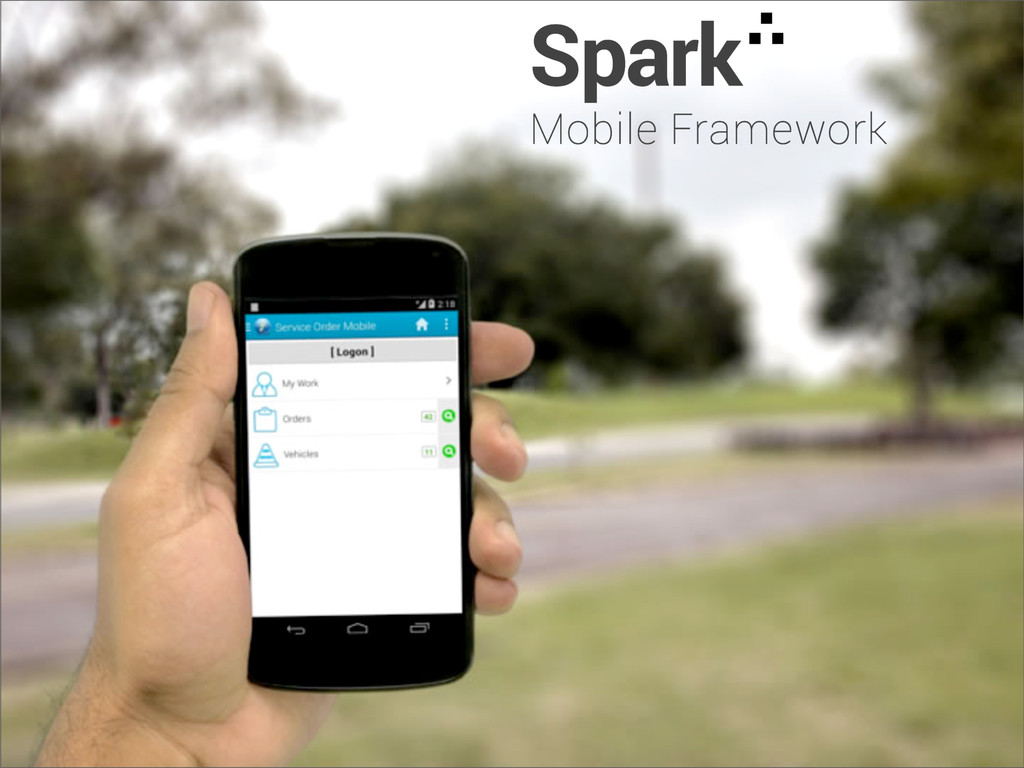
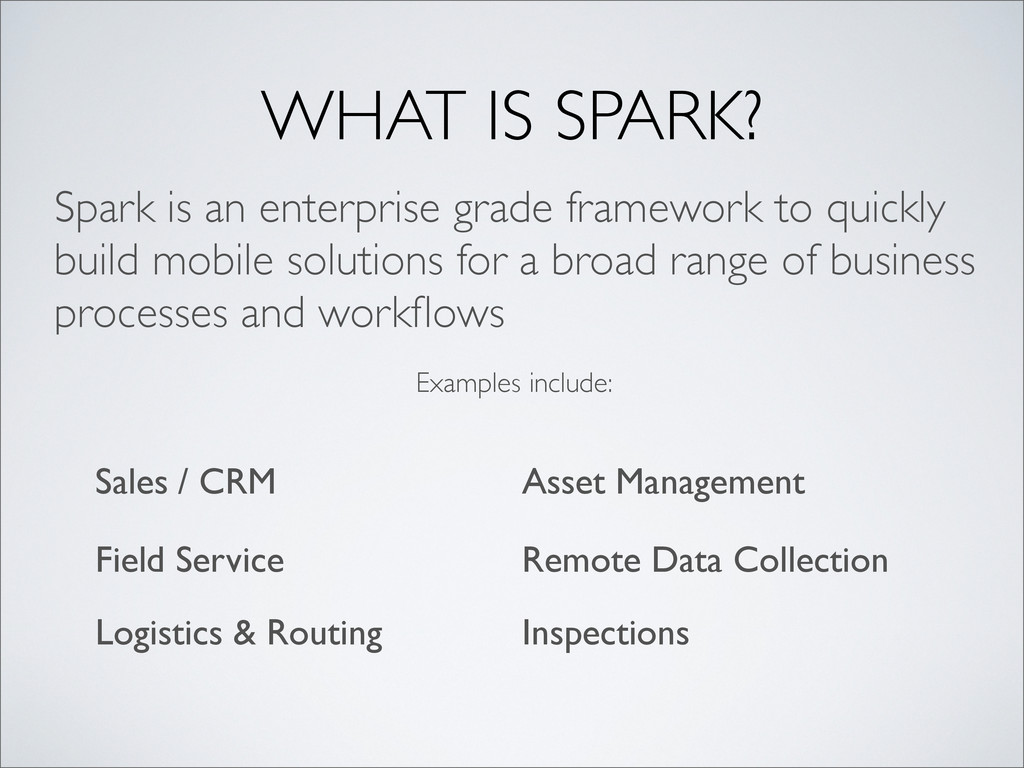
Spark is an enterprise grade framework to quickly build mobile solutions for a broad range of business processes and workflows.

Avatar for Ron Yust

Ron Yust

December 10, 2013
Other Decks in Programming

Transcript

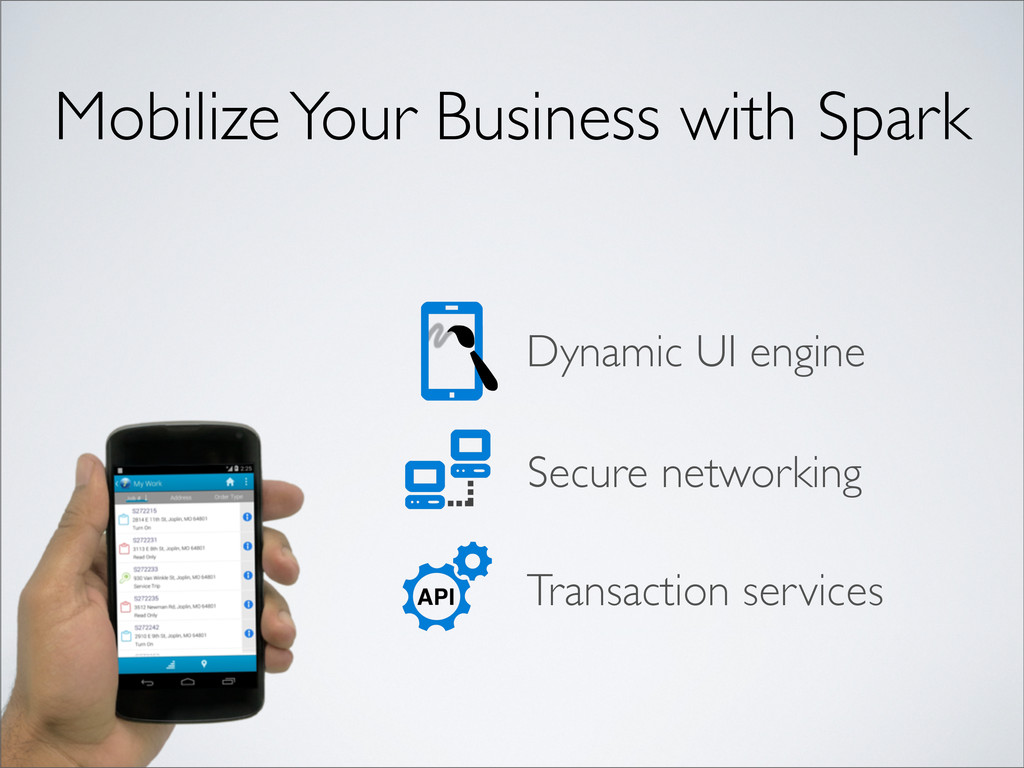
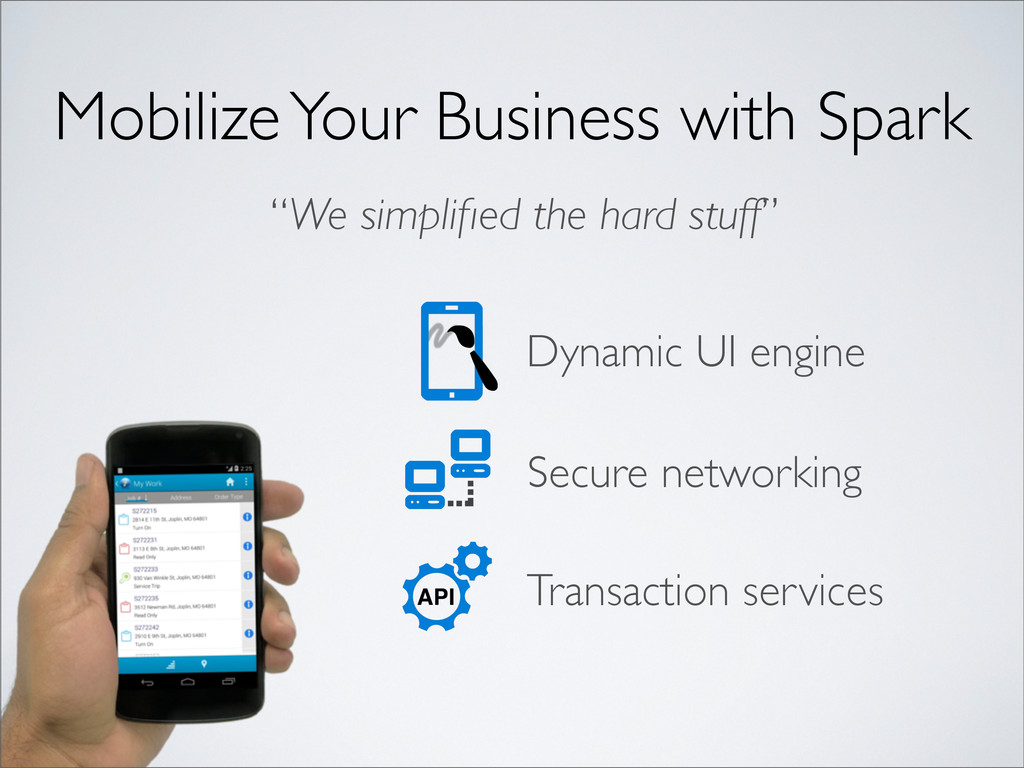
  1. Mobilize Your Business with Spark “We simplified the hard stuff”

    Secure networking Dynamic UI engine Transaction services
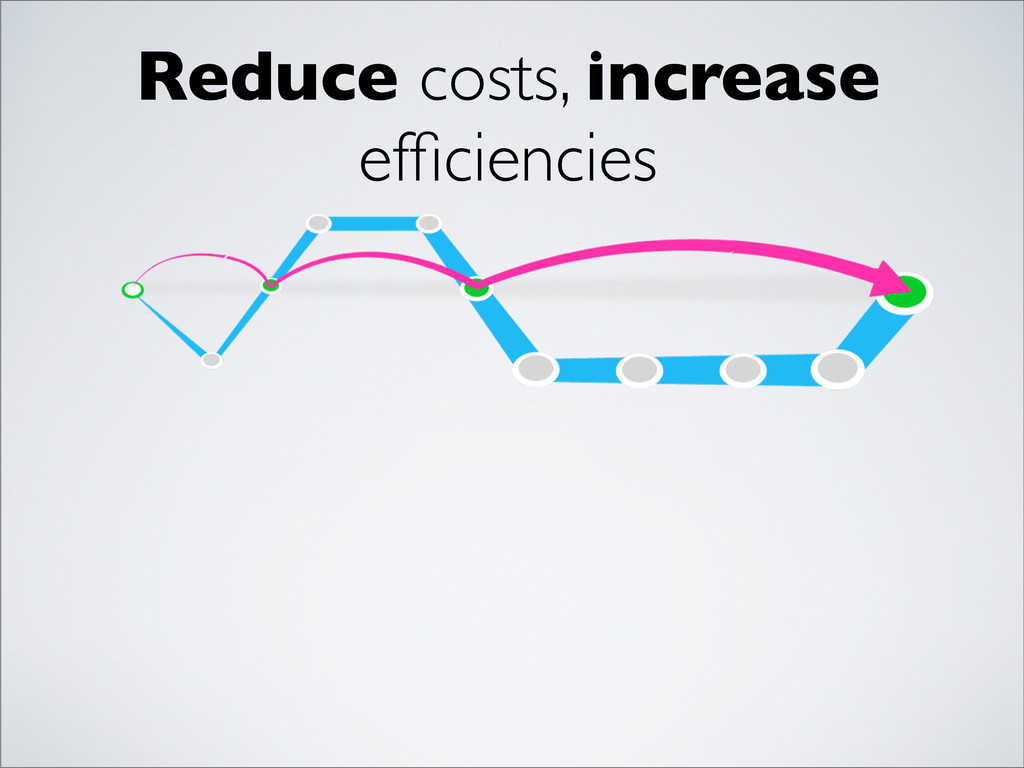
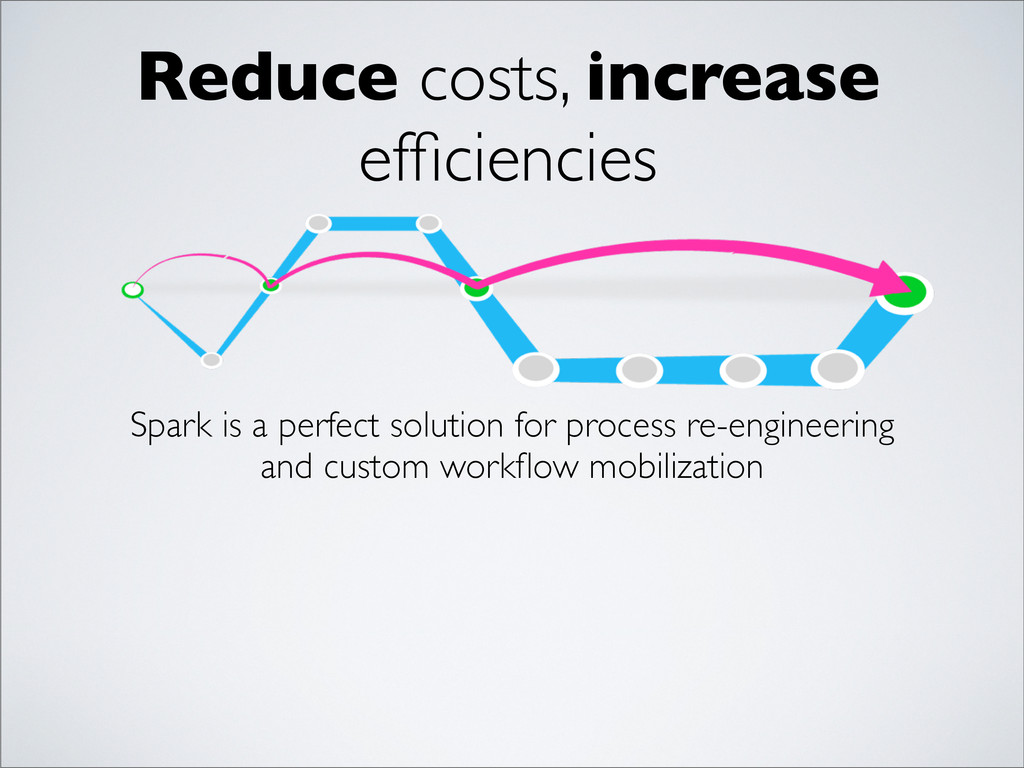
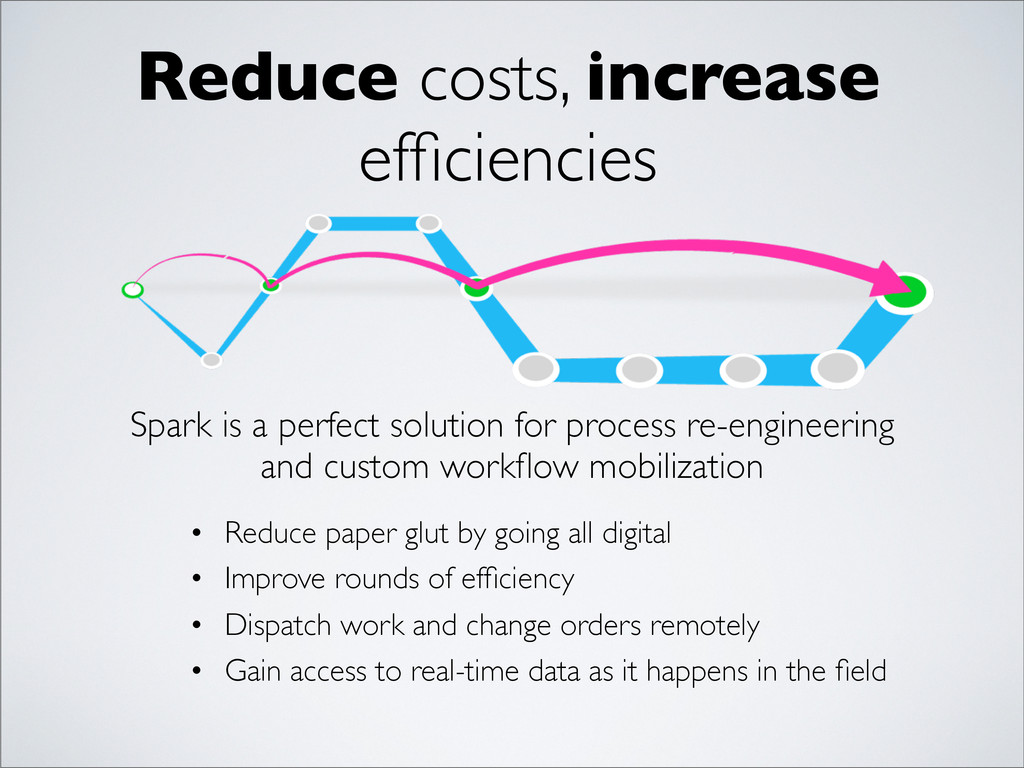
  2. Reduce costs, increase efficiencies Spark is a perfect solution for

    process re-engineering and custom workflow mobilization
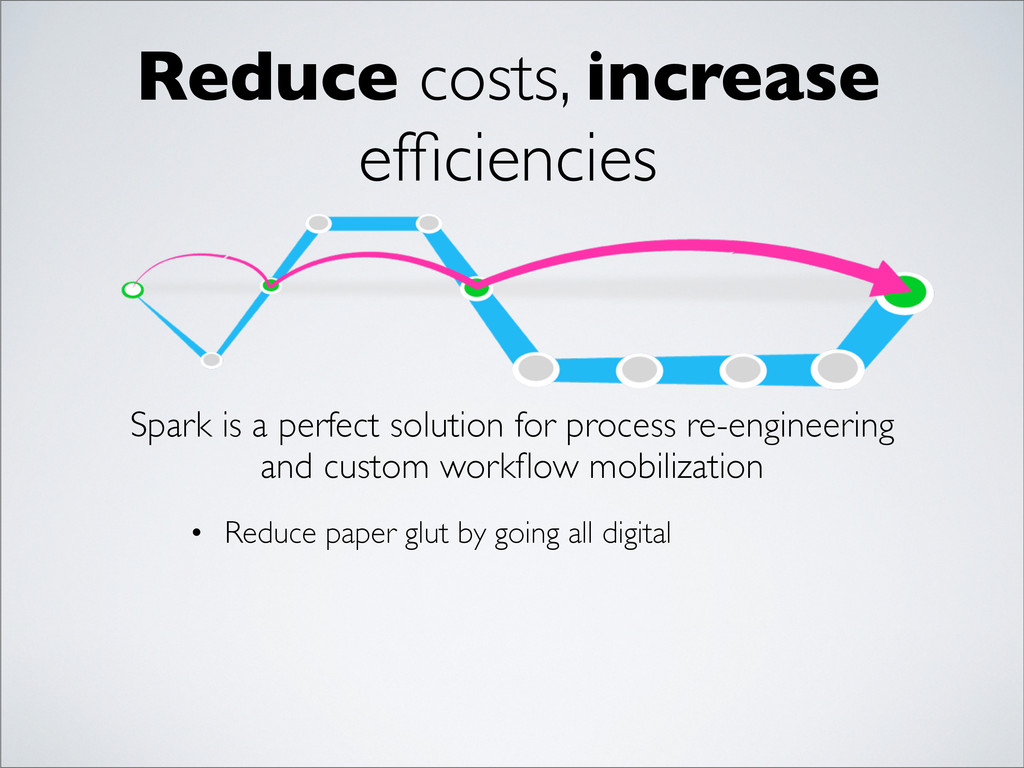
  3. Reduce costs, increase efficiencies Spark is a perfect solution for

    process re-engineering and custom workflow mobilization • Reduce paper glut by going all digital
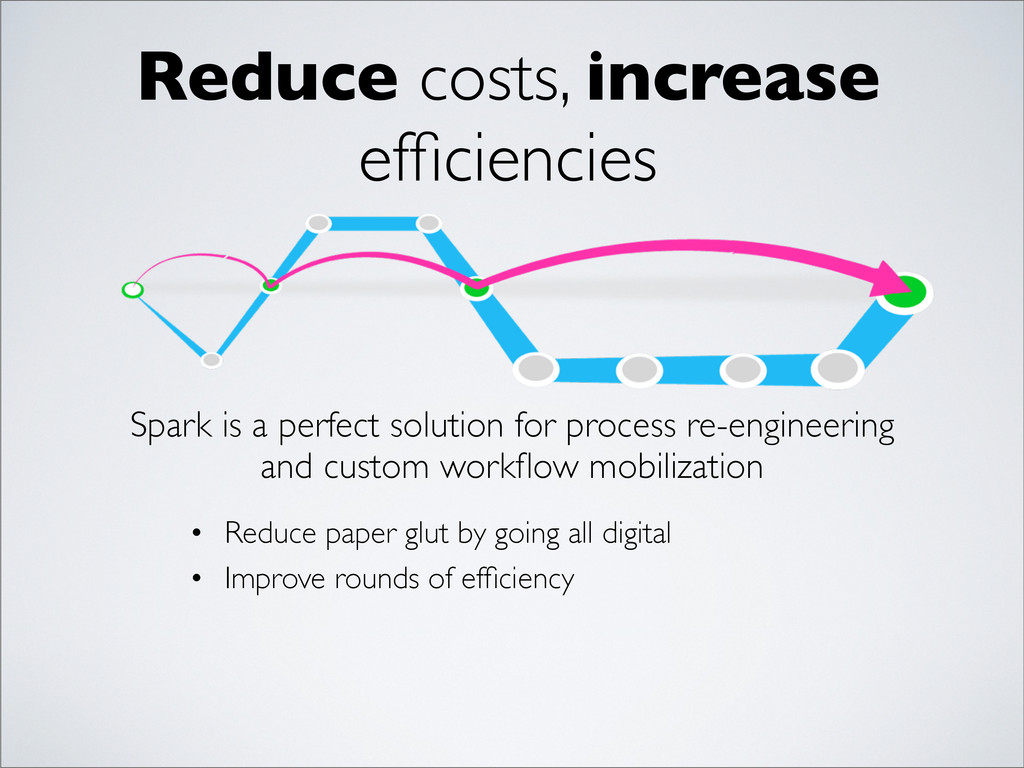
  4. Reduce costs, increase efficiencies Spark is a perfect solution for

    process re-engineering and custom workflow mobilization • Reduce paper glut by going all digital • Improve rounds of efficiency
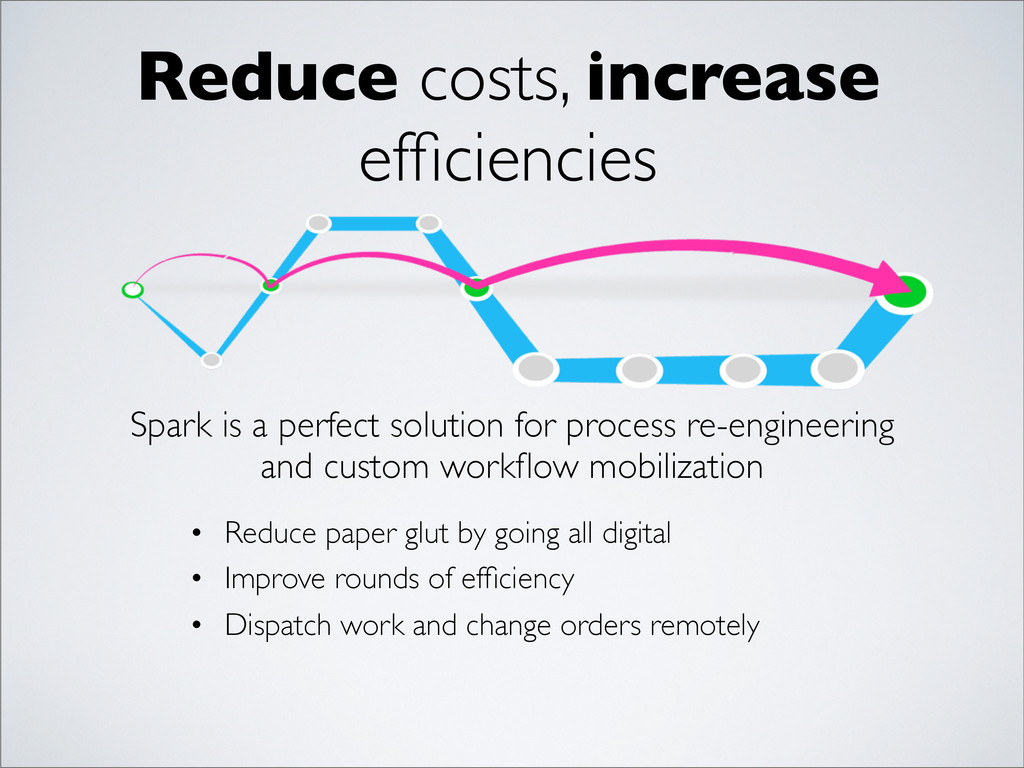
  5. Reduce costs, increase efficiencies Spark is a perfect solution for

    process re-engineering and custom workflow mobilization • Reduce paper glut by going all digital • Improve rounds of efficiency • Dispatch work and change orders remotely
  6. Reduce costs, increase efficiencies Spark is a perfect solution for

    process re-engineering and custom workflow mobilization • Reduce paper glut by going all digital • Improve rounds of efficiency • Dispatch work and change orders remotely • Gain access to real-time data as it happens in the field
  7. Spark is an enterprise grade framework to quickly build mobile

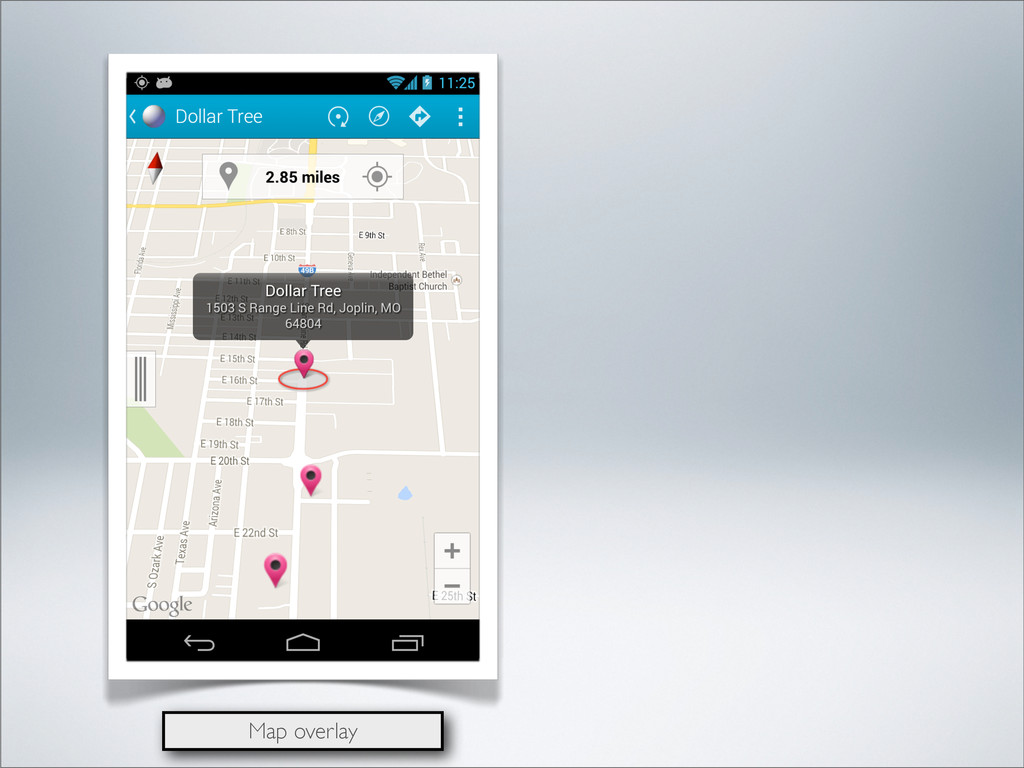
    solutions for a broad range of business processes and workflows WHAT IS SPARK?
  8. Spark is an enterprise grade framework to quickly build mobile

    solutions for a broad range of business processes and workflows WHAT IS SPARK? Sales / CRM Field Service Logistics & Routing Remote Data Collection Asset Management Inspections Examples include:
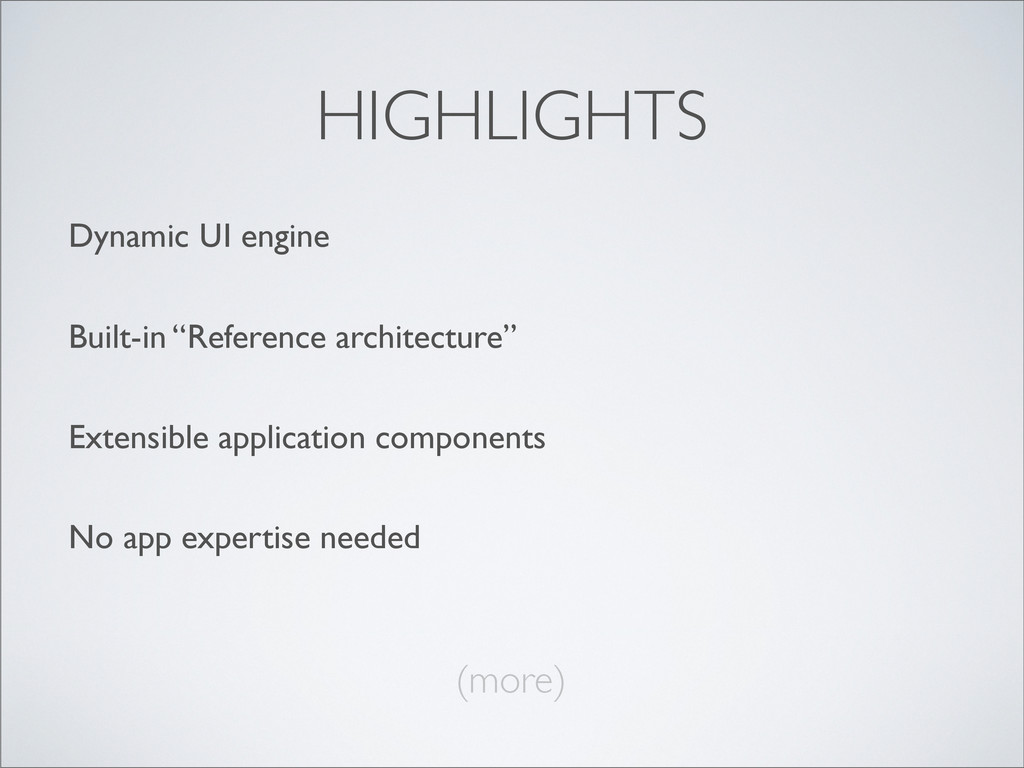
  9. HIGHLIGHTS App morphs its screens and features based on dynamic

    XML schemas it receives Dynamic UI engine
  10. HIGHLIGHTS Dynamic UI engine Create apps while virtually eliminating any

    technical design or “plumbing” effort Built-in “Reference architecture”
  11. HIGHLIGHTS Dynamic UI engine Built-in “Reference architecture” Allows developers to

    concentrate on business requirements instead of app coding Extensible application components
  12. HIGHLIGHTS Dynamic UI engine Built-in “Reference architecture” Extensible application components

    Back end developers become front end mobile designers at the same time No app expertise needed
  13. HIGHLIGHTS Enterprise features Flexible identity control and CRUD security using

    existing back-end services/databases Optimized for corporate workflow
  14. HIGHLIGHTS Enterprise features Optimized for corporate workflow Device monitoring and

    management, analytics, messaging, and logging Out-of-the-box dashboard server
  15. IT’S SIMPLE 1) You write XML to describe the content

    — Content Schemas 2) You write JAVA to describe the logic — Content Handlers
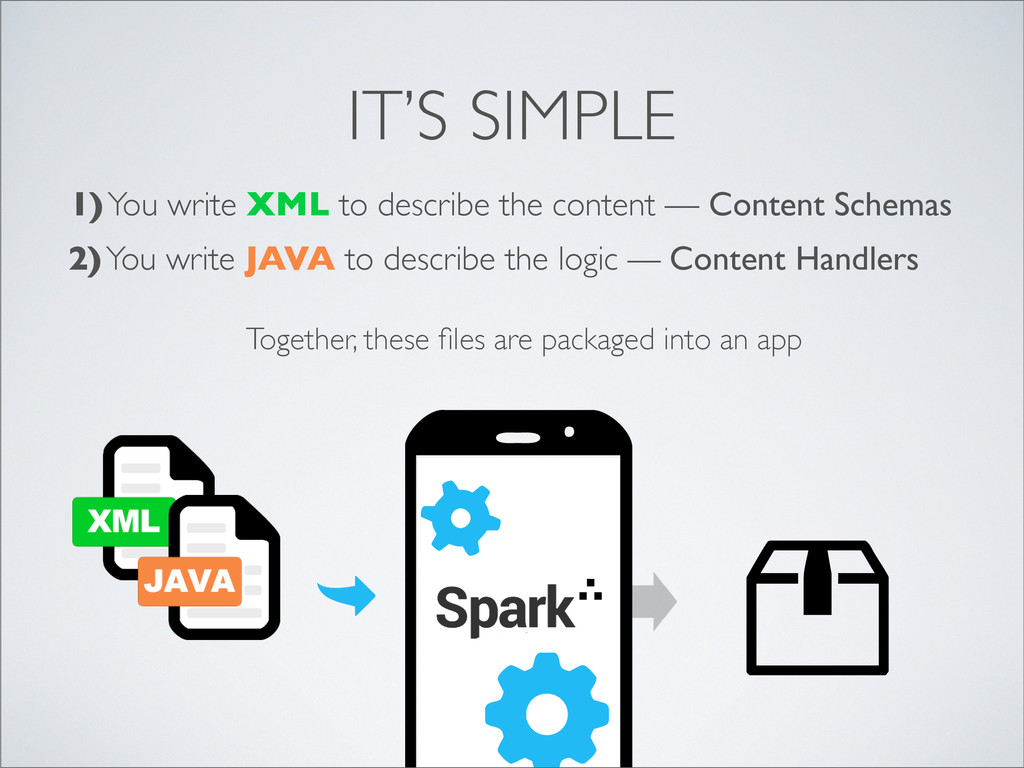
  16. IT’S SIMPLE 1) You write XML to describe the content

    — Content Schemas 2) You write JAVA to describe the logic — Content Handlers Together, these files are packaged into an app
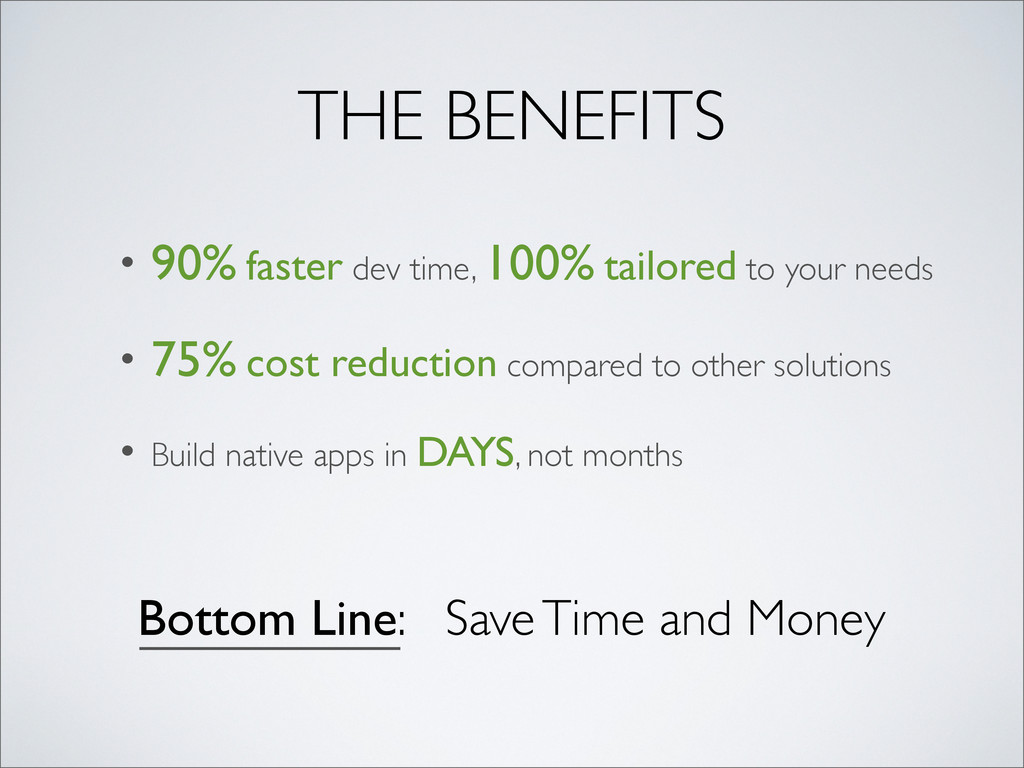
  17. THE BENEFITS • 90% faster dev time, 100% tailored to

    your needs • 75% cost reduction compared to other solutions
  18. THE BENEFITS • 90% faster dev time, 100% tailored to

    your needs • 75% cost reduction compared to other solutions • Build native apps in DAYS, not months
  19. THE BENEFITS • 90% faster dev time, 100% tailored to

    your needs • 75% cost reduction compared to other solutions • Build native apps in DAYS, not months Bottom Line: Save Time and Money
  20. FEATURES • Login screen • Search screens - Auto storing

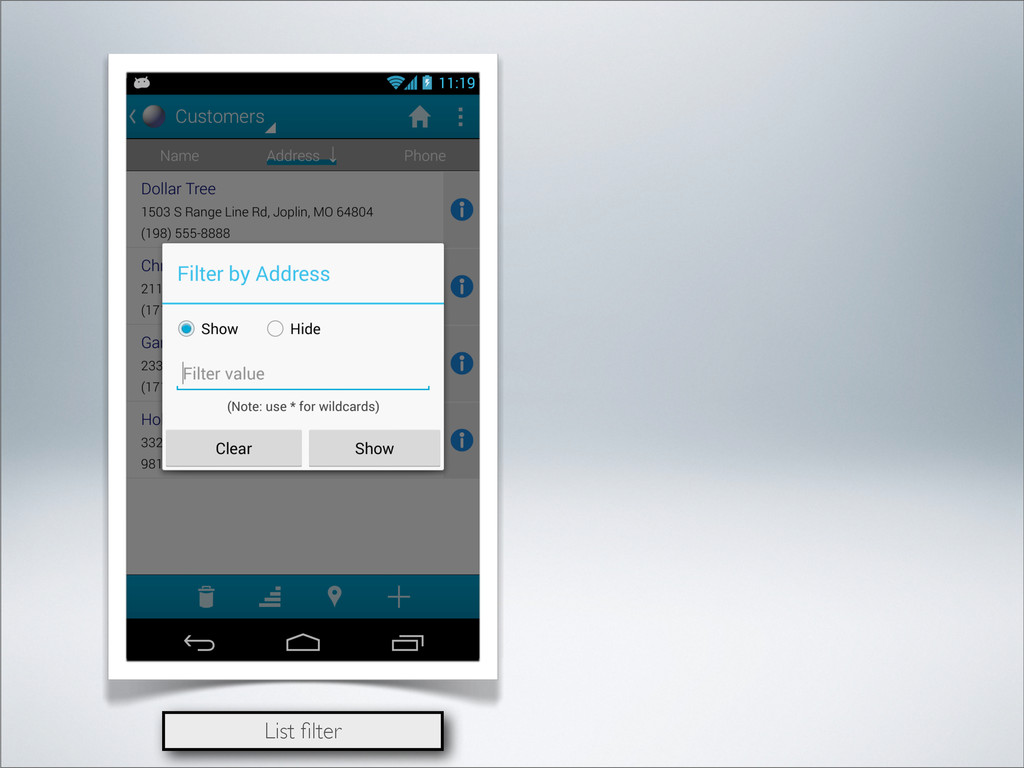
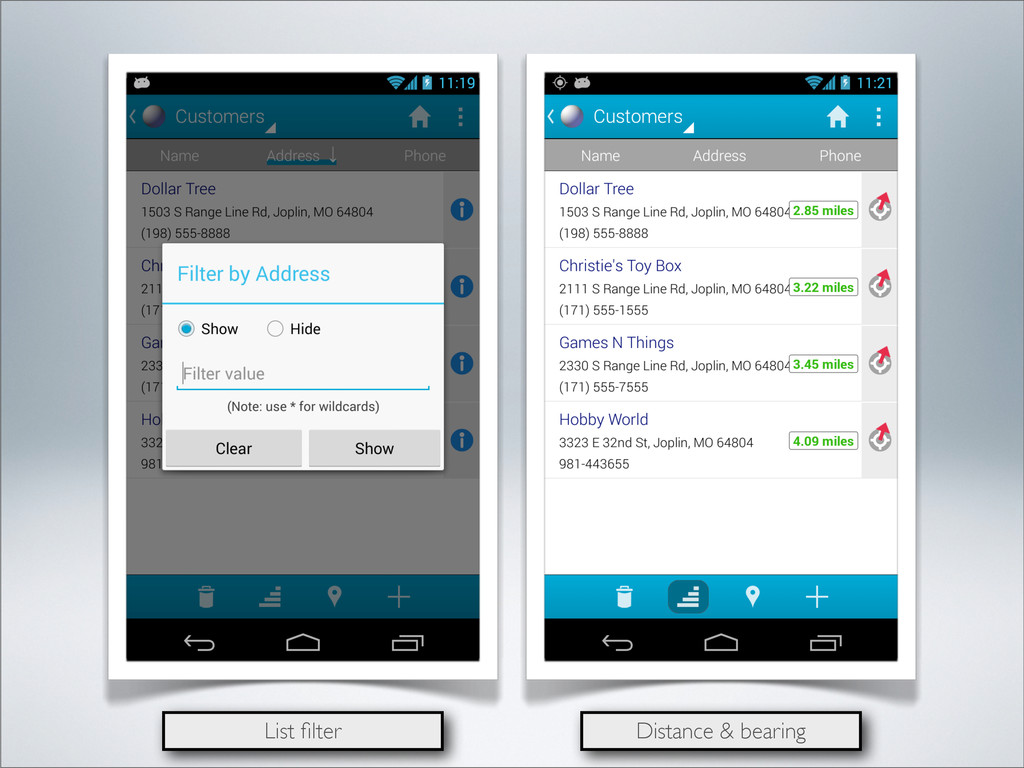
    of criteria • List screens - Sorting and filtering - Fixed or auto paging - Grouping by categories - Row icons - Distance and bearing
  21. FEATURES • Login screen • Search screens - Auto storing

    of criteria • List screens - Sorting and filtering - Fixed or auto paging - Grouping by categories - Row icons - Distance and bearing • Node screens - Auto drill-down of master/detail
  22. FEATURES • Login screen • Search screens - Auto storing

    of criteria • List screens - Sorting and filtering - Fixed or auto paging - Grouping by categories - Row icons - Distance and bearing • Node screens - Auto drill-down of master/detail • View detail screens - Insert, edit, and delete - Required fields
  23. FEATURES • Login screen • Search screens - Auto storing

    of criteria • List screens - Sorting and filtering - Fixed or auto paging - Grouping by categories - Row icons - Distance and bearing • Node screens - Auto drill-down of master/detail • View detail screens - Insert, edit, and delete - Required fields • Task screens - Multi-step workflows
  24. FEATURES • Login screen • Search screens - Auto storing

    of criteria • List screens - Sorting and filtering - Fixed or auto paging - Grouping by categories - Row icons - Distance and bearing • Node screens - Auto drill-down of master/detail • View detail screens - Insert, edit, and delete - Required fields • Task screens - Multi-step workflows • Mapping screens - Google Maps with navigation
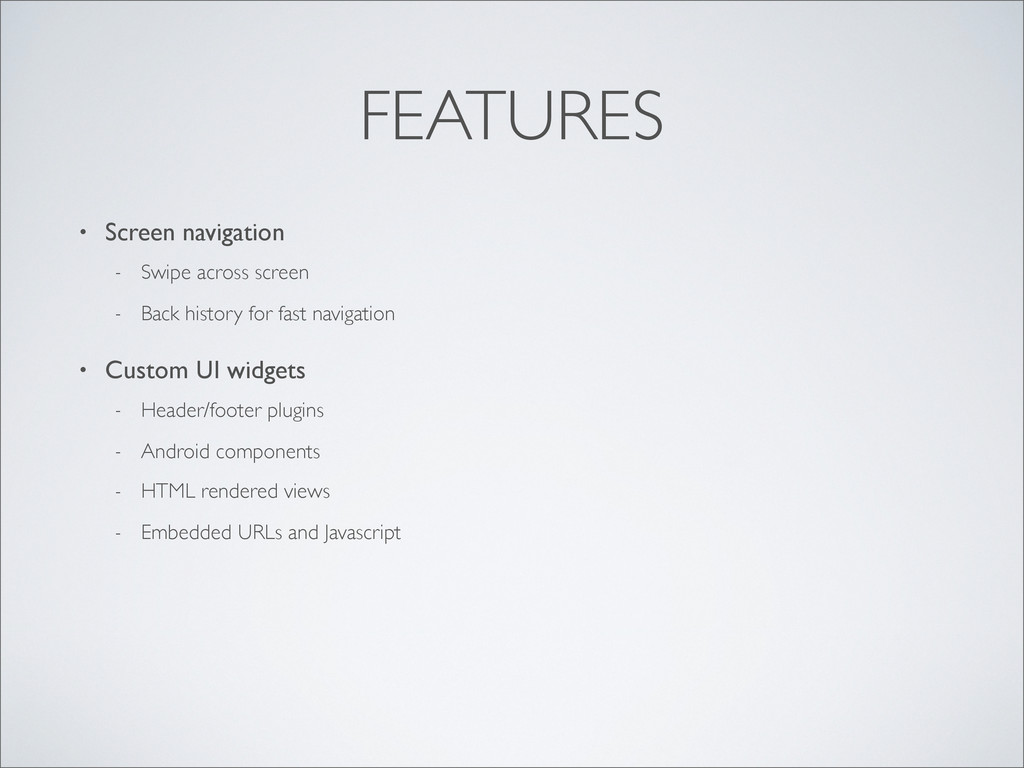
  25. FEATURES • Screen navigation - Swipe across screen - Back

    history for fast navigation • Custom UI widgets - Header/footer plugins - Android components - HTML rendered views - Embedded URLs and Javascript
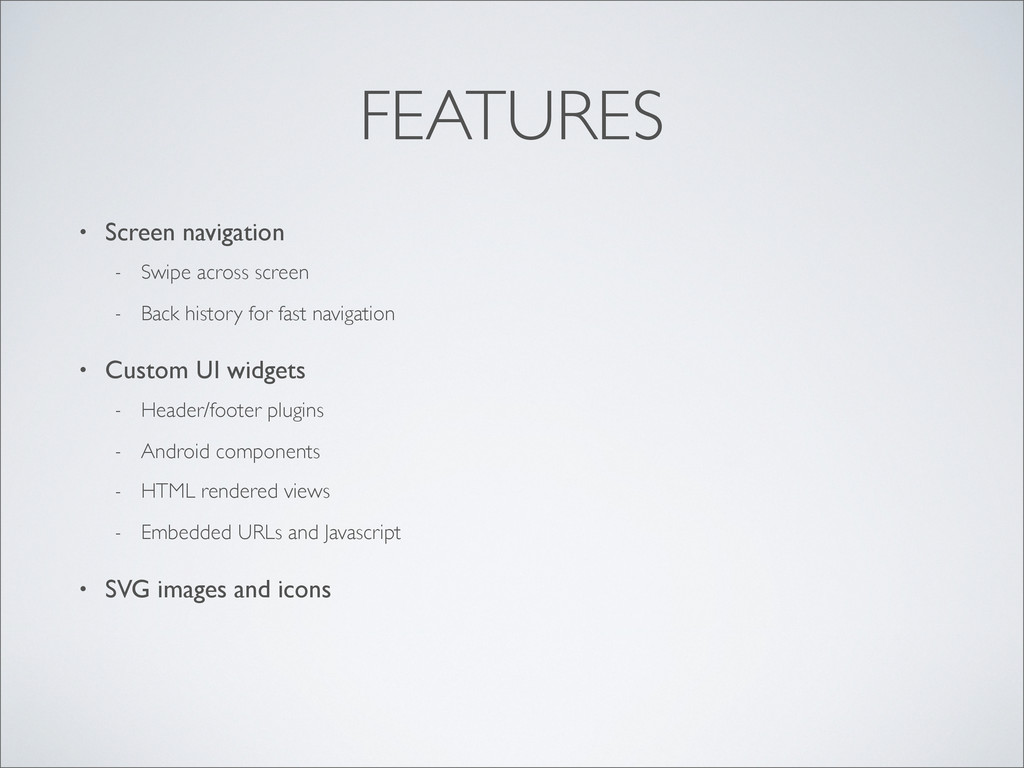
  26. FEATURES • Screen navigation - Swipe across screen - Back

    history for fast navigation • Custom UI widgets - Header/footer plugins - Android components - HTML rendered views - Embedded URLs and Javascript • SVG images and icons
  27. FEATURES • Screen navigation - Swipe across screen - Back

    history for fast navigation • Custom UI widgets - Header/footer plugins - Android components - HTML rendered views - Embedded URLs and Javascript • SVG images and icons • Charting
  28. FEATURES • Screen navigation - Swipe across screen - Back

    history for fast navigation • Custom UI widgets - Header/footer plugins - Android components - HTML rendered views - Embedded URLs and Javascript • SVG images and icons • Charting • Multi-language
  29. FEATURES • Screen navigation - Swipe across screen - Back

    history for fast navigation • Custom UI widgets - Header/footer plugins - Android components - HTML rendered views - Embedded URLs and Javascript • SVG images and icons • Charting • Multi-language • Preferences and settings
  30. FEATURES • Screen navigation - Swipe across screen - Back

    history for fast navigation • Custom UI widgets - Header/footer plugins - Android components - HTML rendered views - Embedded URLs and Javascript • SVG images and icons • Charting • Multi-language • Preferences and settings • Offline caching
  31. FEATURES • Screen navigation - Swipe across screen - Back

    history for fast navigation • Custom UI widgets - Header/footer plugins - Android components - HTML rendered views - Embedded URLs and Javascript • SVG images and icons • Charting • Multi-language • Preferences and settings • Offline caching • Text-to-speech
  32. FEATURES • Screen navigation - Swipe across screen - Back

    history for fast navigation • Custom UI widgets - Header/footer plugins - Android components - HTML rendered views - Embedded URLs and Javascript • SVG images and icons • Charting • Multi-language • Preferences and settings • Offline caching • Text-to-speech • Auto split screens in landscape
  33. FEATURES • Screen navigation - Swipe across screen - Back

    history for fast navigation • Custom UI widgets - Header/footer plugins - Android components - HTML rendered views - Embedded URLs and Javascript • SVG images and icons • Charting • Multi-language • Preferences and settings • Offline caching • Text-to-speech • Auto split screens in landscape • Other - Location monitoring - Chat messaging - Push notifications
  34. WIDGETS • Text - Multi-line text editor - Length limits

    • Numbers - Numeric only entry - Decimal places
  35. WIDGETS • Text - Multi-line text editor - Length limits

    • Numbers - Numeric only entry - Decimal places • Checkboxes and toggles
  36. WIDGETS • Text - Multi-line text editor - Length limits

    • Numbers - Numeric only entry - Decimal places • Checkboxes and toggles • Drop-down choices - Text and images
  37. WIDGETS • Text - Multi-line text editor - Length limits

    • Numbers - Numeric only entry - Decimal places • Checkboxes and toggles • Drop-down choices - Text and images • Multi-select
  38. WIDGETS • Text - Multi-line text editor - Length limits

    • Numbers - Numeric only entry - Decimal places • Checkboxes and toggles • Drop-down choices - Text and images • Multi-select • Date, Time, Timestamp
  39. WIDGETS • Text - Multi-line text editor - Length limits

    • Numbers - Numeric only entry - Decimal places • Checkboxes and toggles • Drop-down choices - Text and images • Multi-select • Date, Time, Timestamp • Phone, Email, URL, Drawing
  40. WIDGETS • Text - Multi-line text editor - Length limits

    • Numbers - Numeric only entry - Decimal places • Checkboxes and toggles • Drop-down choices - Text and images • Multi-select • Date, Time, Timestamp • Phone, Email, URL, Drawing • Media, Audio, Rating, Range
  41. WIDGETS • Text - Multi-line text editor - Length limits

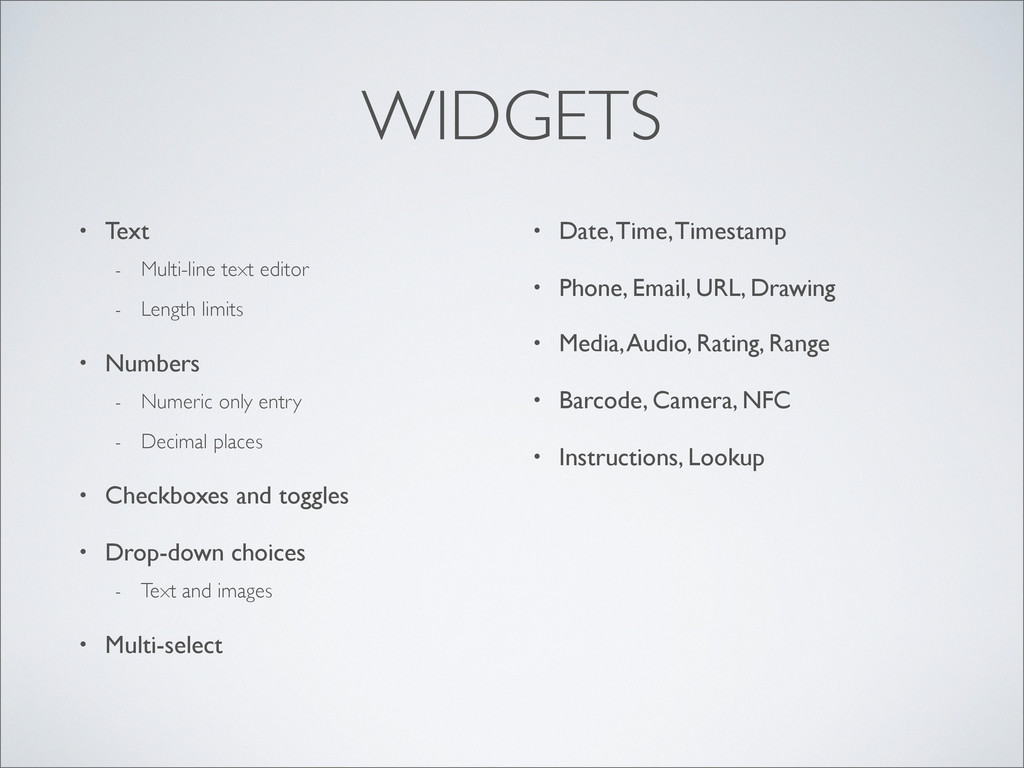
    • Numbers - Numeric only entry - Decimal places • Checkboxes and toggles • Drop-down choices - Text and images • Multi-select • Date, Time, Timestamp • Phone, Email, URL, Drawing • Media, Audio, Rating, Range • Barcode, Camera, NFC
  42. WIDGETS • Text - Multi-line text editor - Length limits

    • Numbers - Numeric only entry - Decimal places • Checkboxes and toggles • Drop-down choices - Text and images • Multi-select • Date, Time, Timestamp • Phone, Email, URL, Drawing • Media, Audio, Rating, Range • Barcode, Camera, NFC • Instructions, Lookup
  43. WIDGETS • Text - Multi-line text editor - Length limits

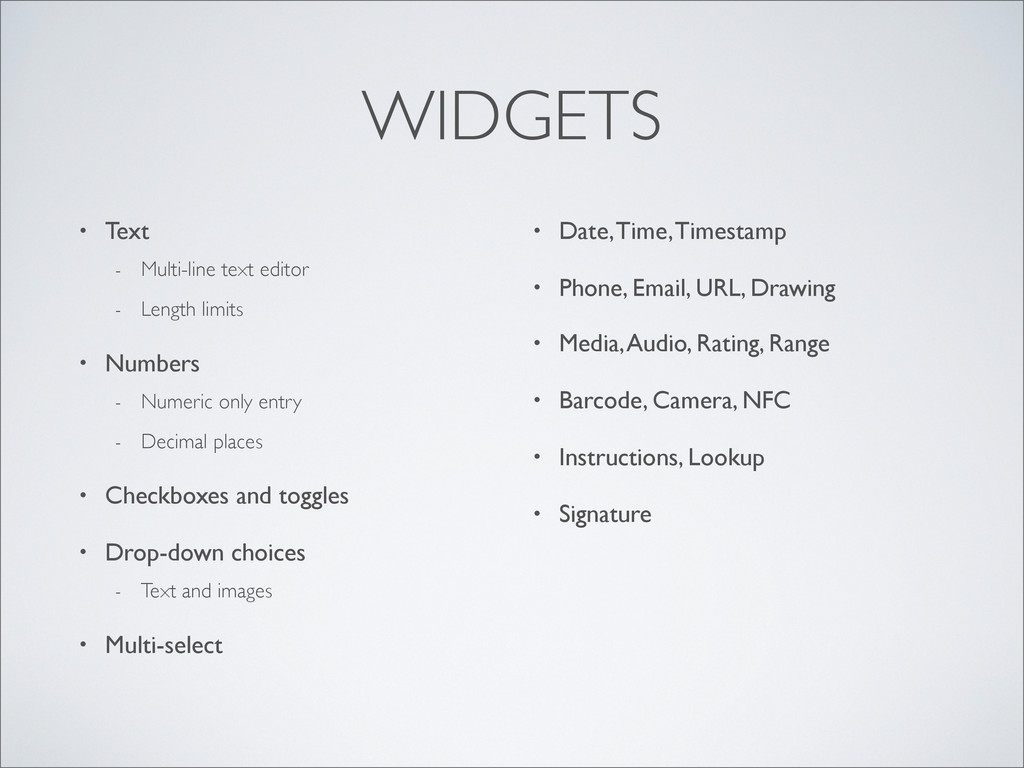
    • Numbers - Numeric only entry - Decimal places • Checkboxes and toggles • Drop-down choices - Text and images • Multi-select • Date, Time, Timestamp • Phone, Email, URL, Drawing • Media, Audio, Rating, Range • Barcode, Camera, NFC • Instructions, Lookup • Signature
  44. WIDGETS • Text - Multi-line text editor - Length limits

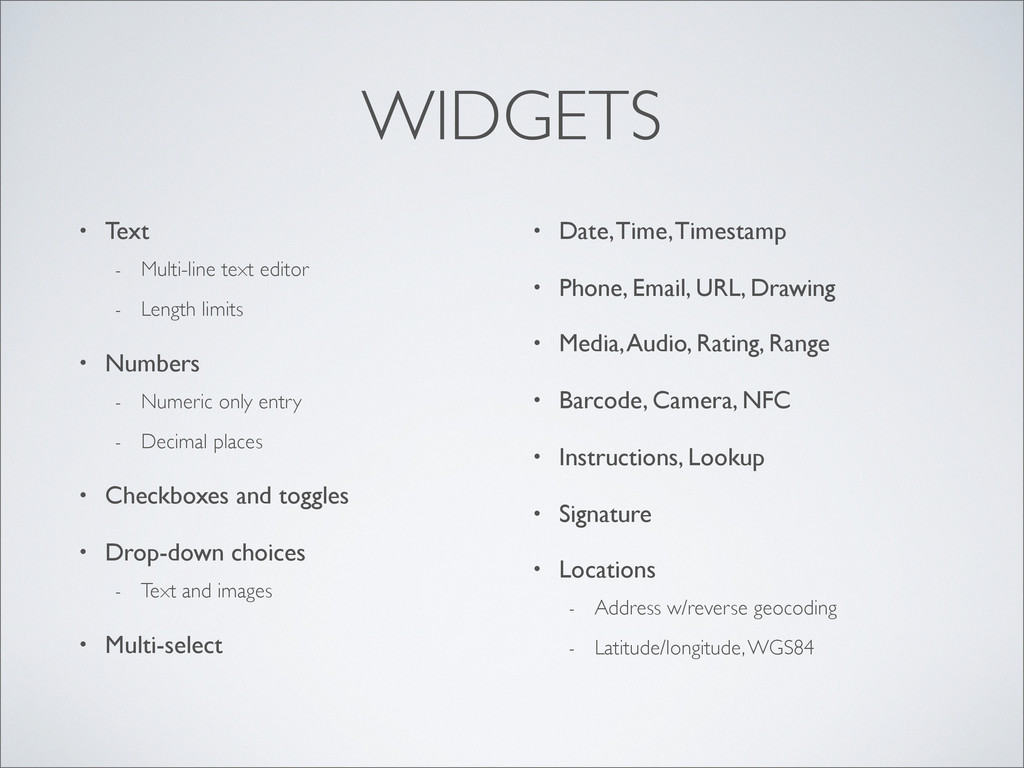
    • Numbers - Numeric only entry - Decimal places • Checkboxes and toggles • Drop-down choices - Text and images • Multi-select • Date, Time, Timestamp • Phone, Email, URL, Drawing • Media, Audio, Rating, Range • Barcode, Camera, NFC • Instructions, Lookup • Signature • Locations - Address w/reverse geocoding - Latitude/longitude, WGS84
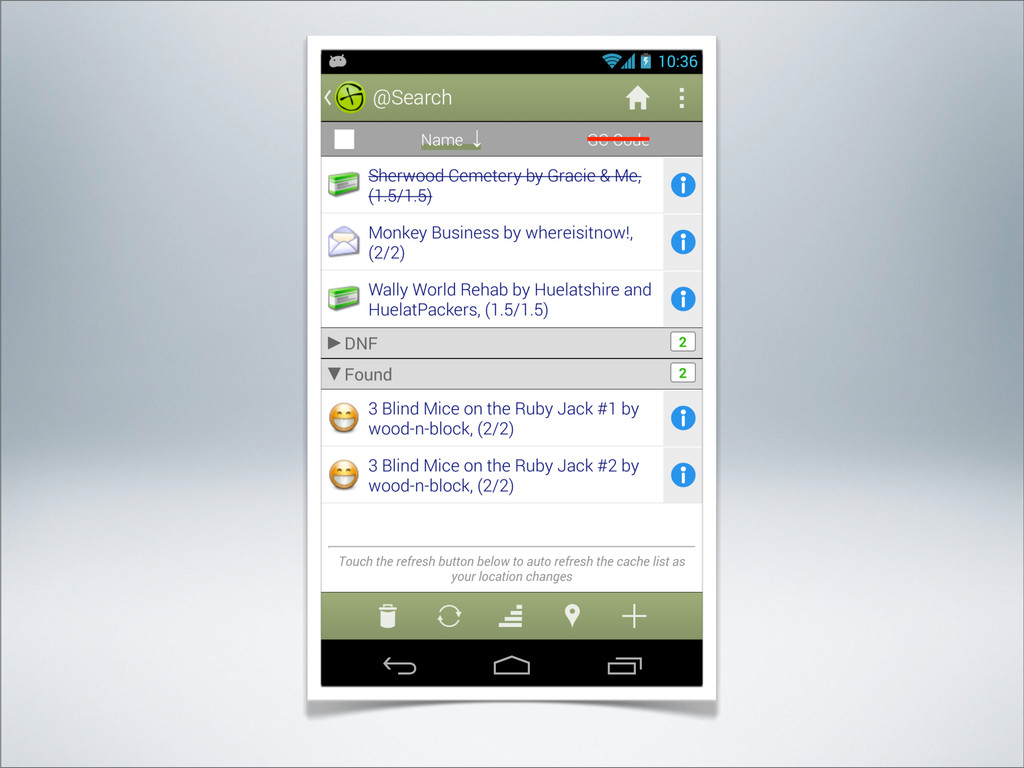
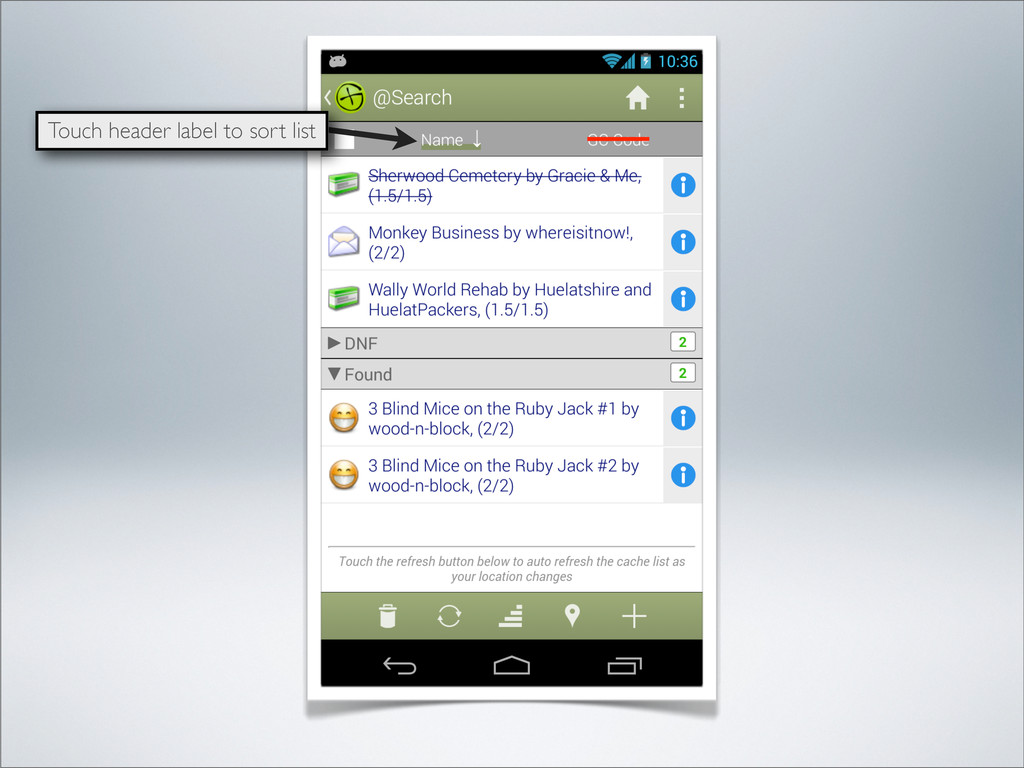
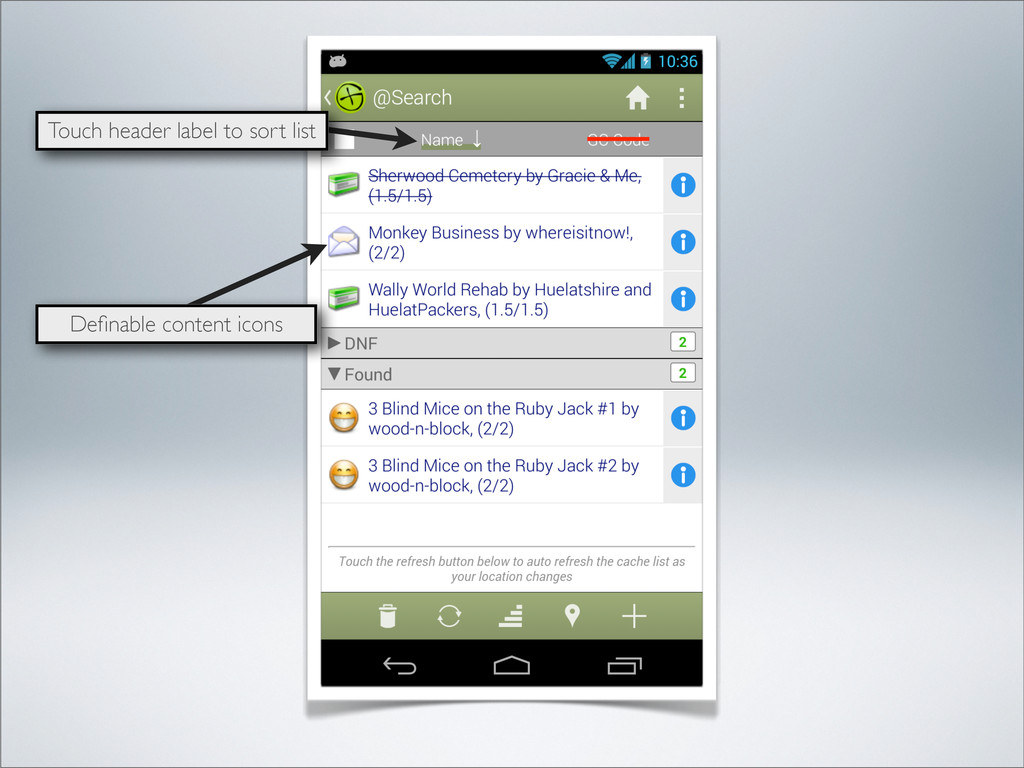
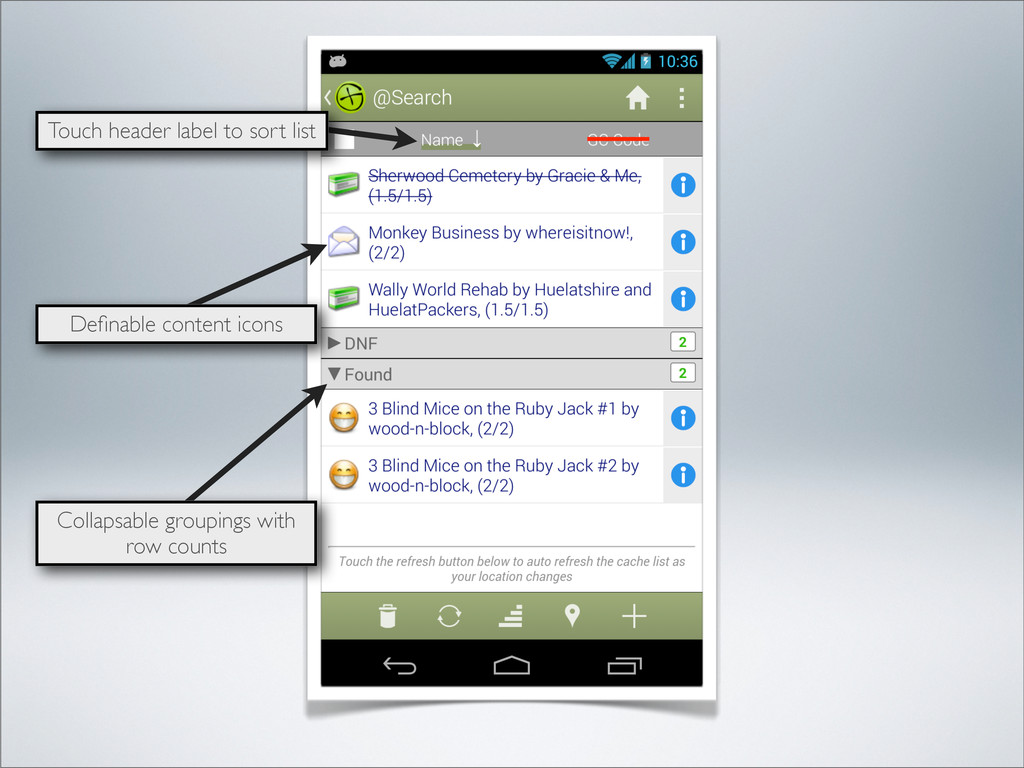
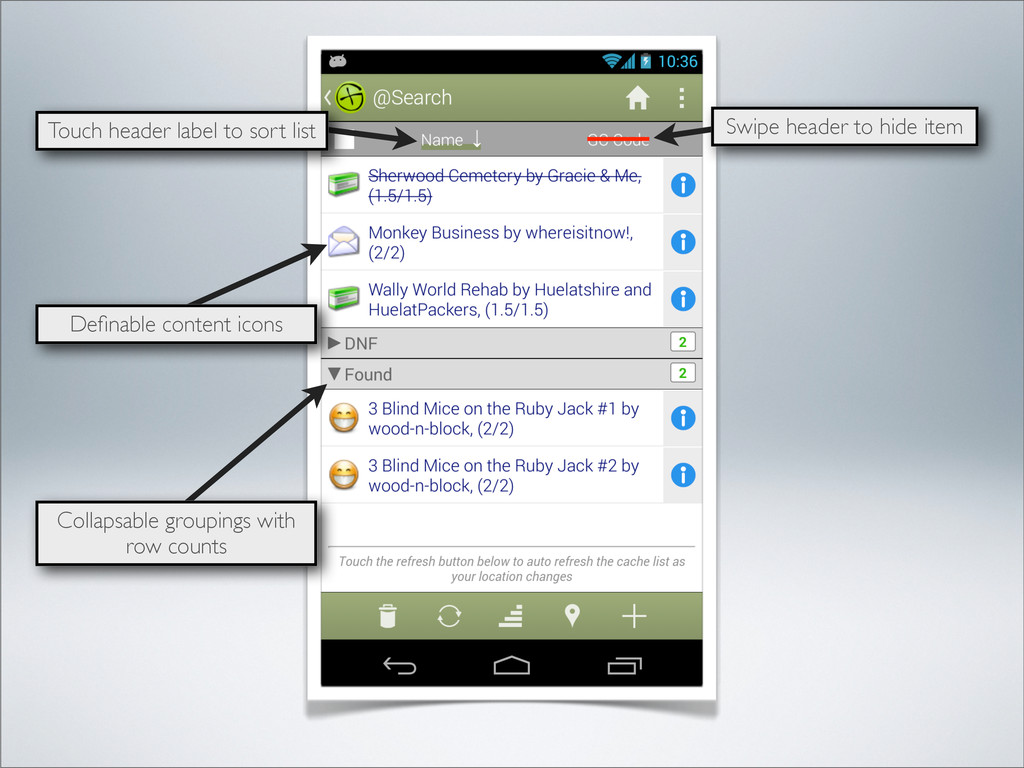
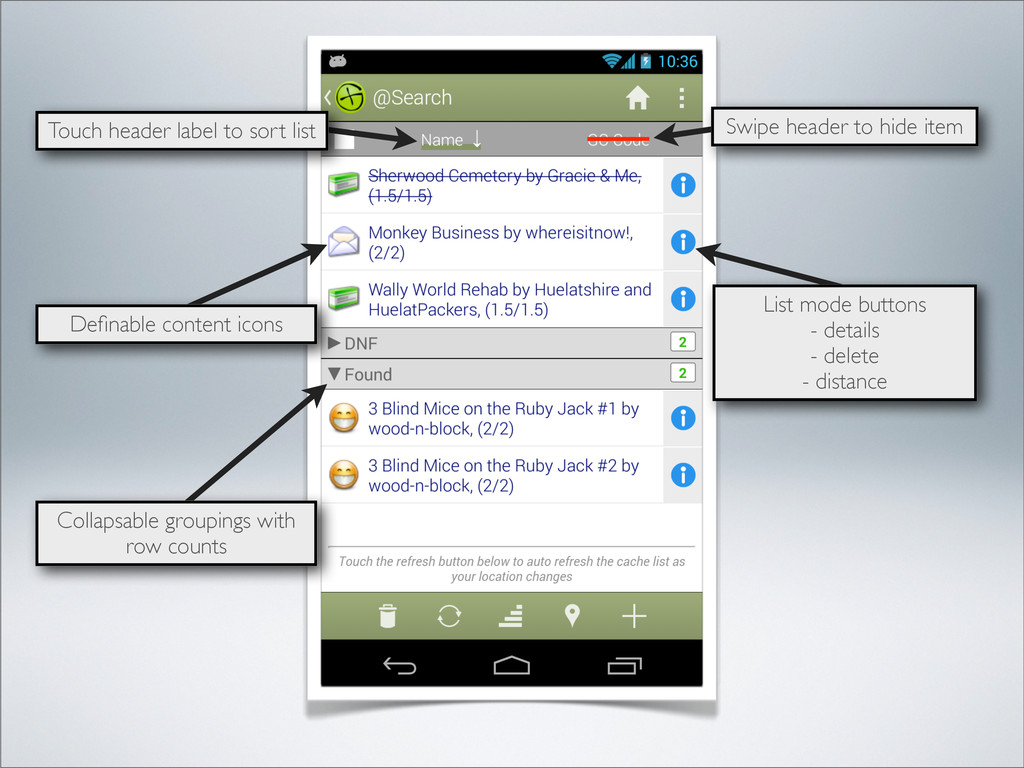
  45. Collapsable groupings with row counts Touch header label to sort

    list Definable content icons Swipe header to hide item
  46. Collapsable groupings with row counts Touch header label to sort

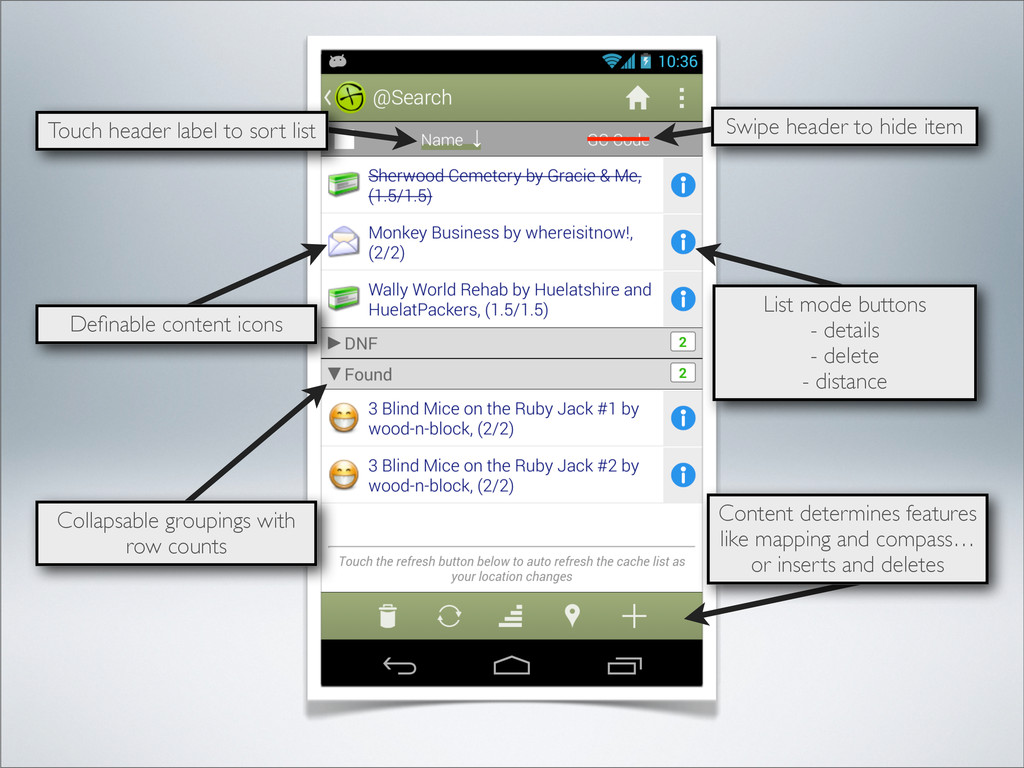
    list Definable content icons List mode buttons - details - delete - distance Swipe header to hide item
  47. Collapsable groupings with row counts Touch header label to sort

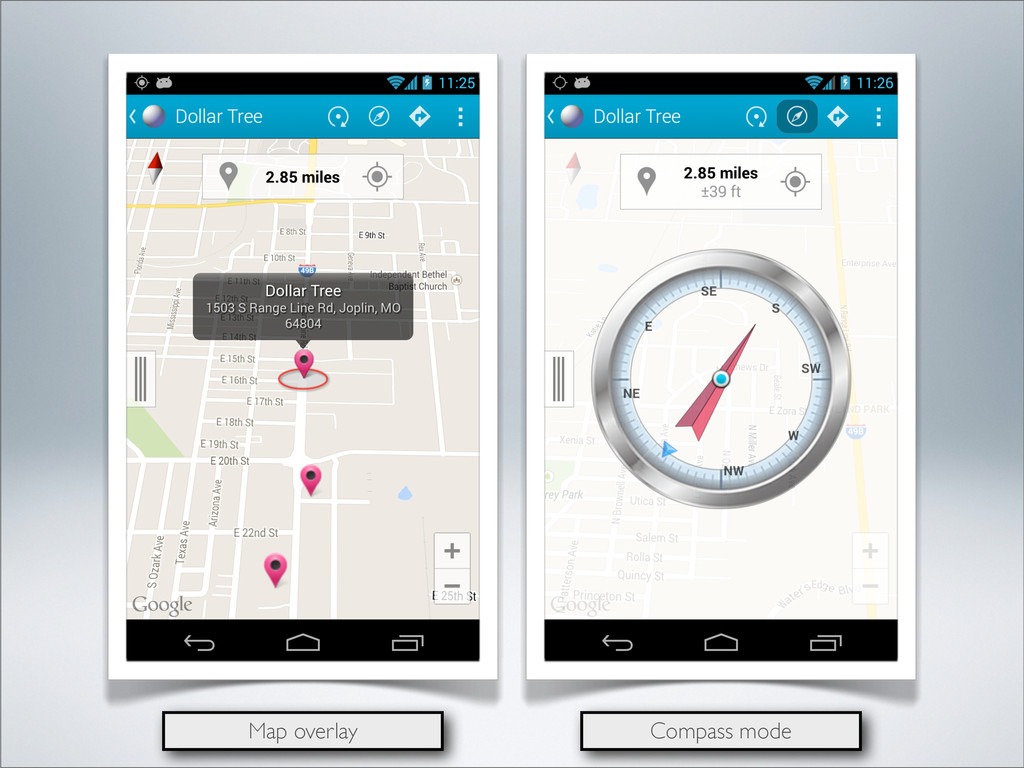
    list Definable content icons Content determines features like mapping and compass… or inserts and deletes List mode buttons - details - delete - distance Swipe header to hide item
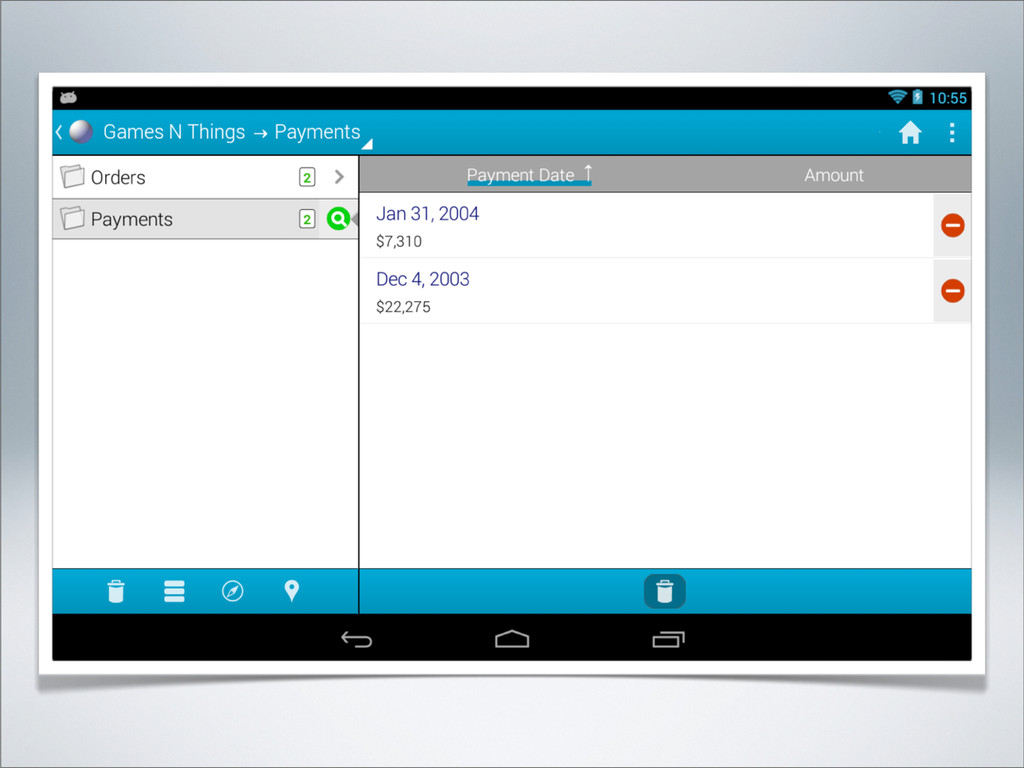
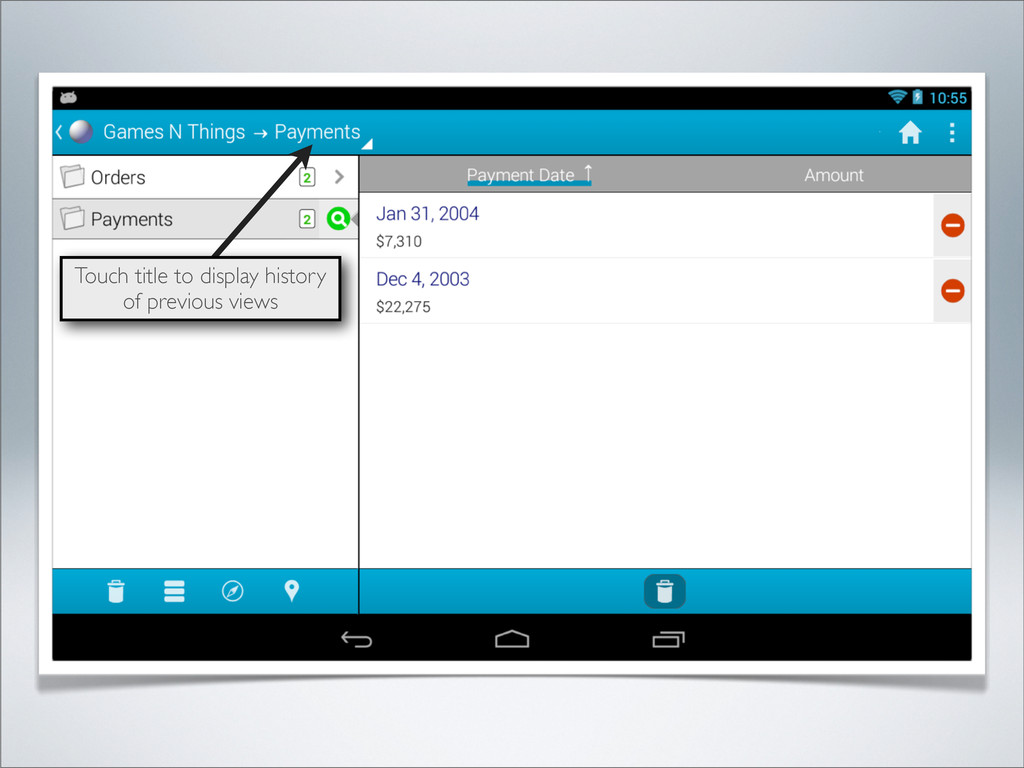
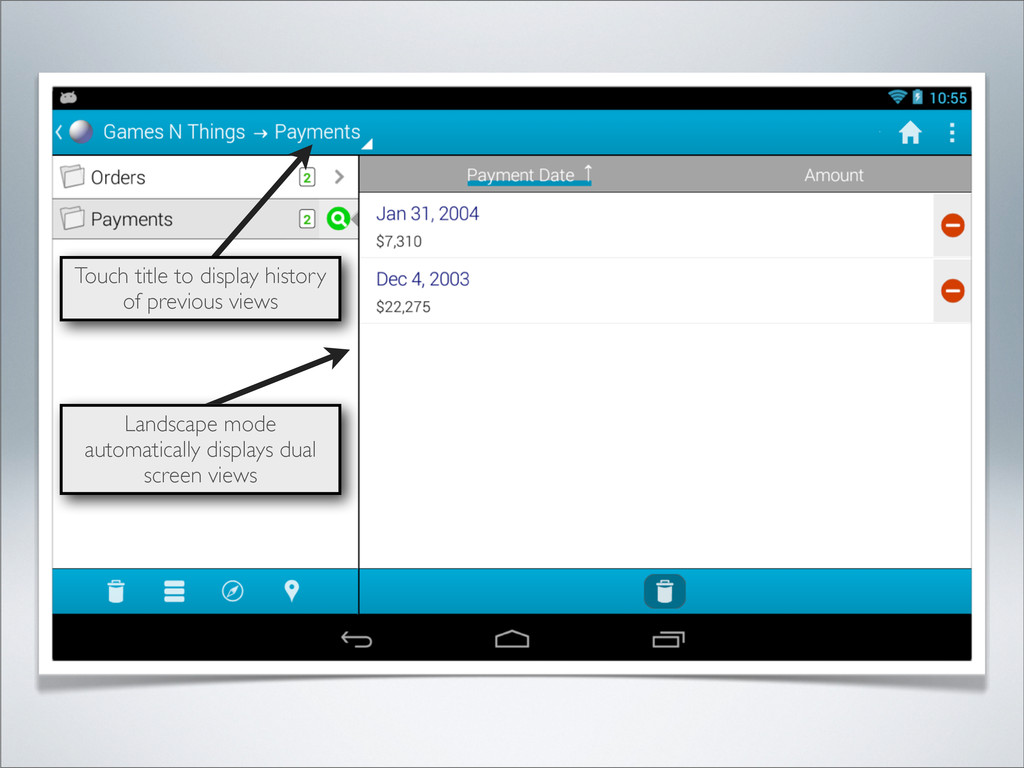
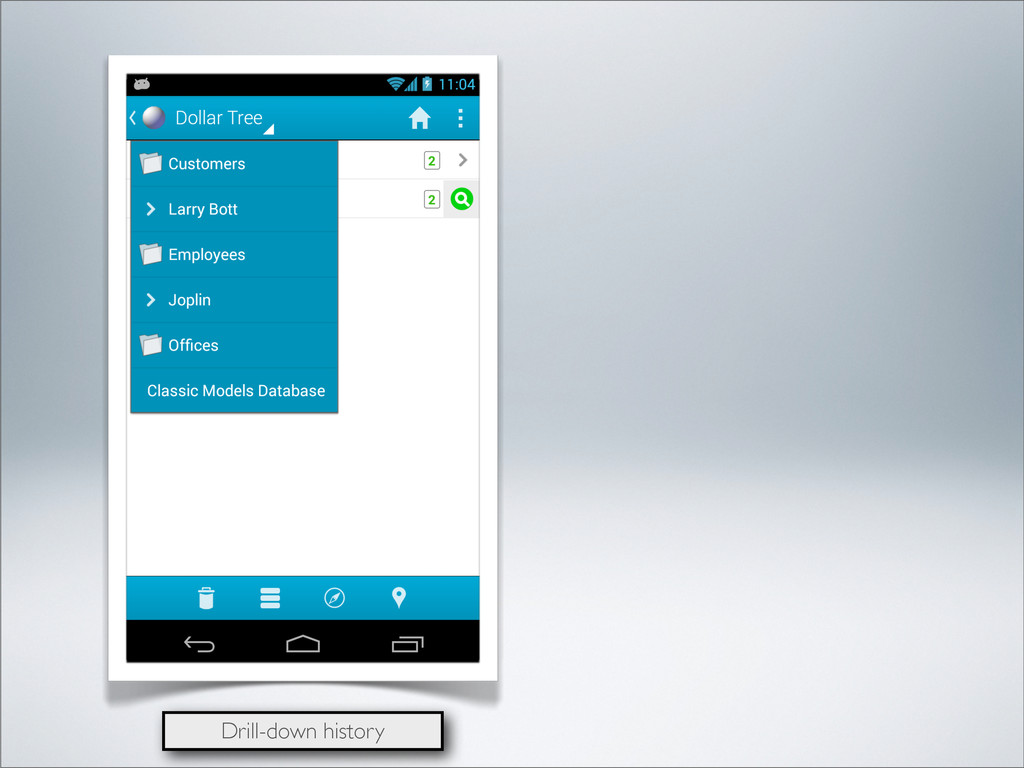
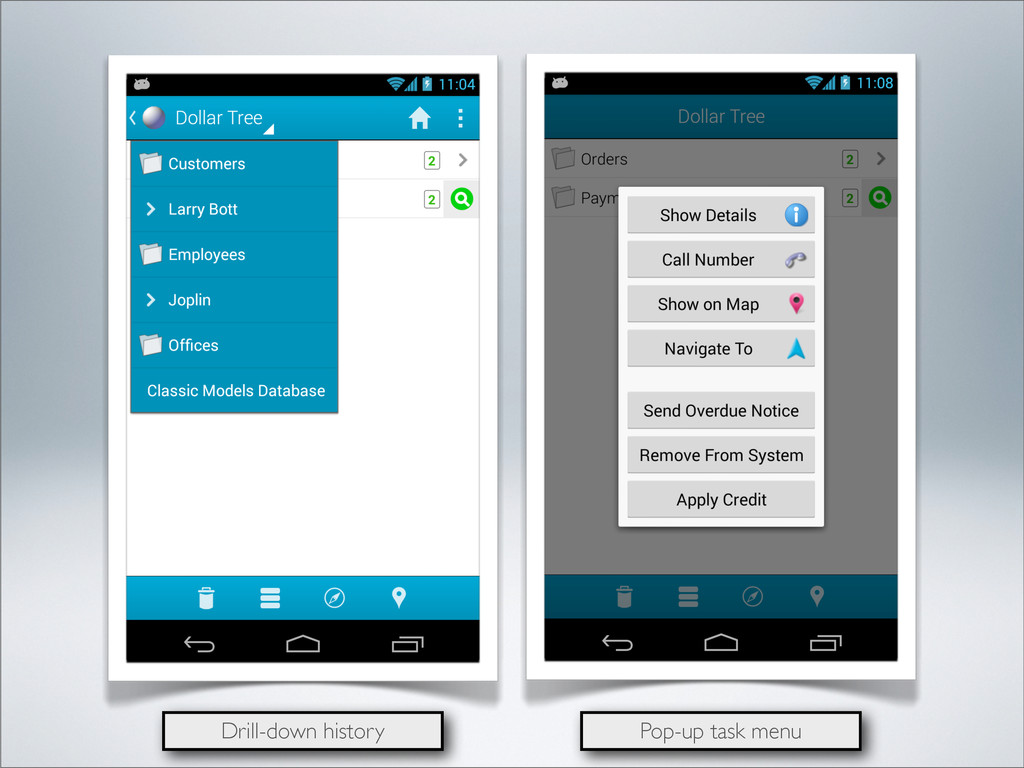
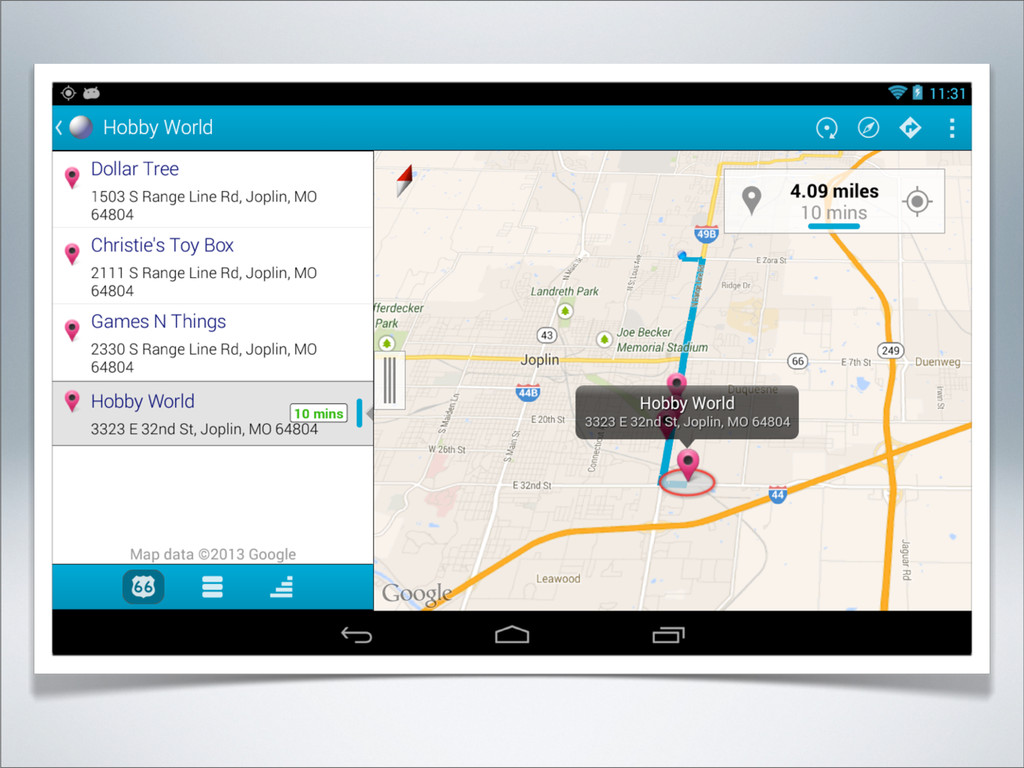
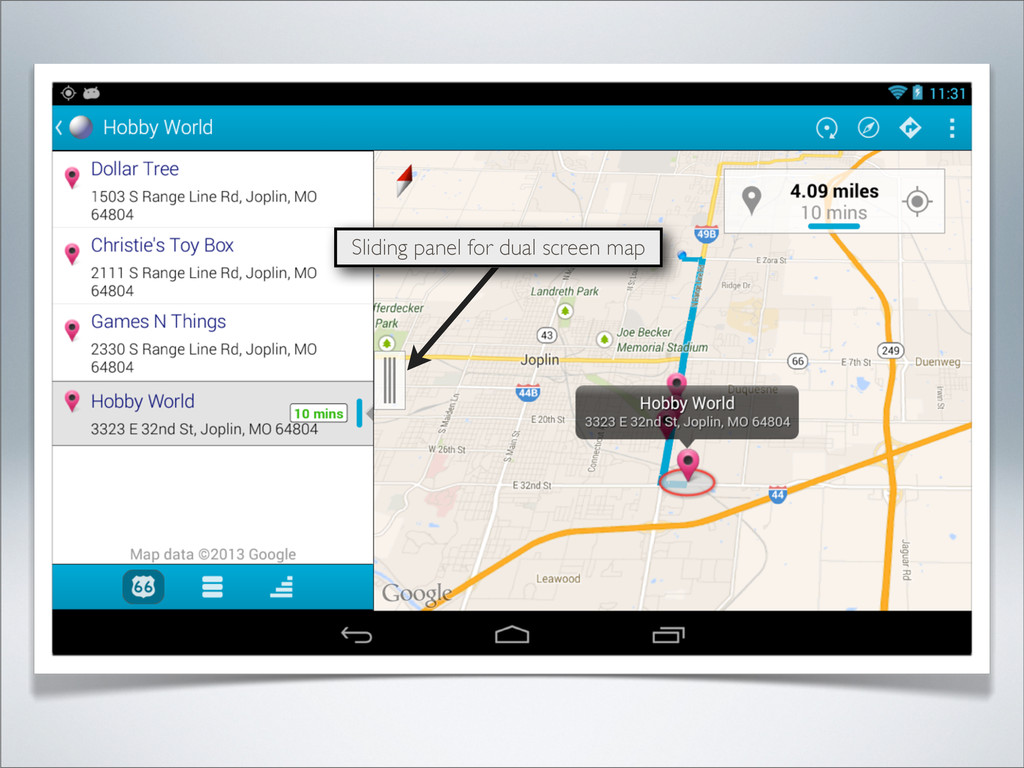
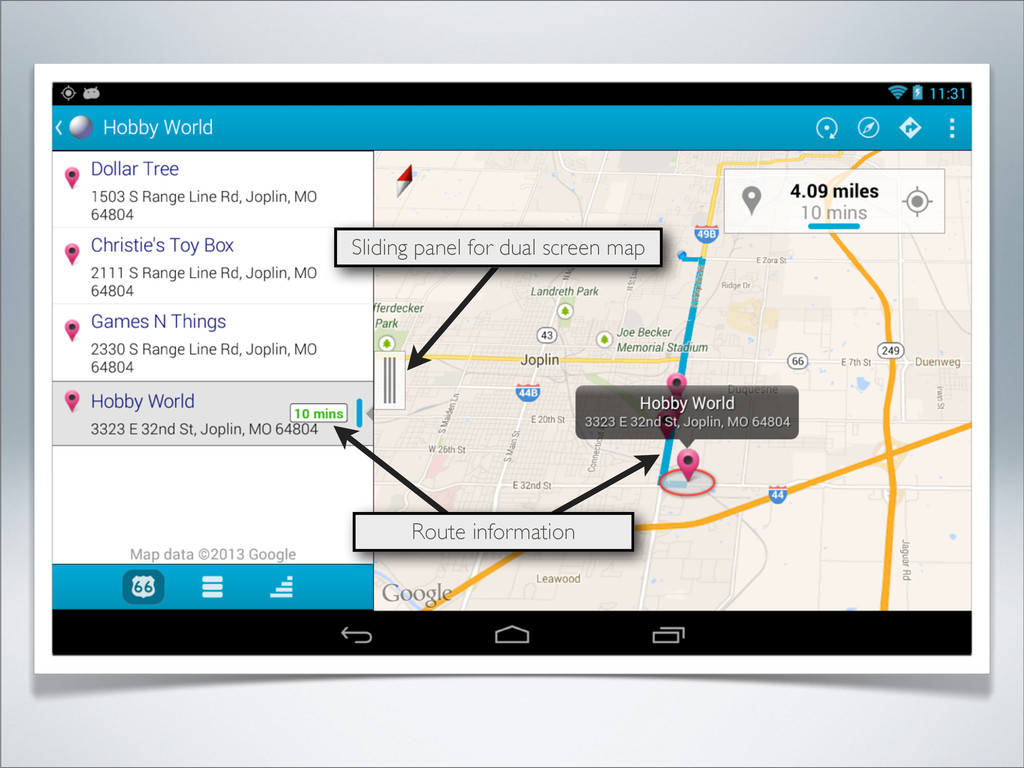
  48. Landscape mode automatically displays dual screen views Touch title to

    display history of previous views Record counts
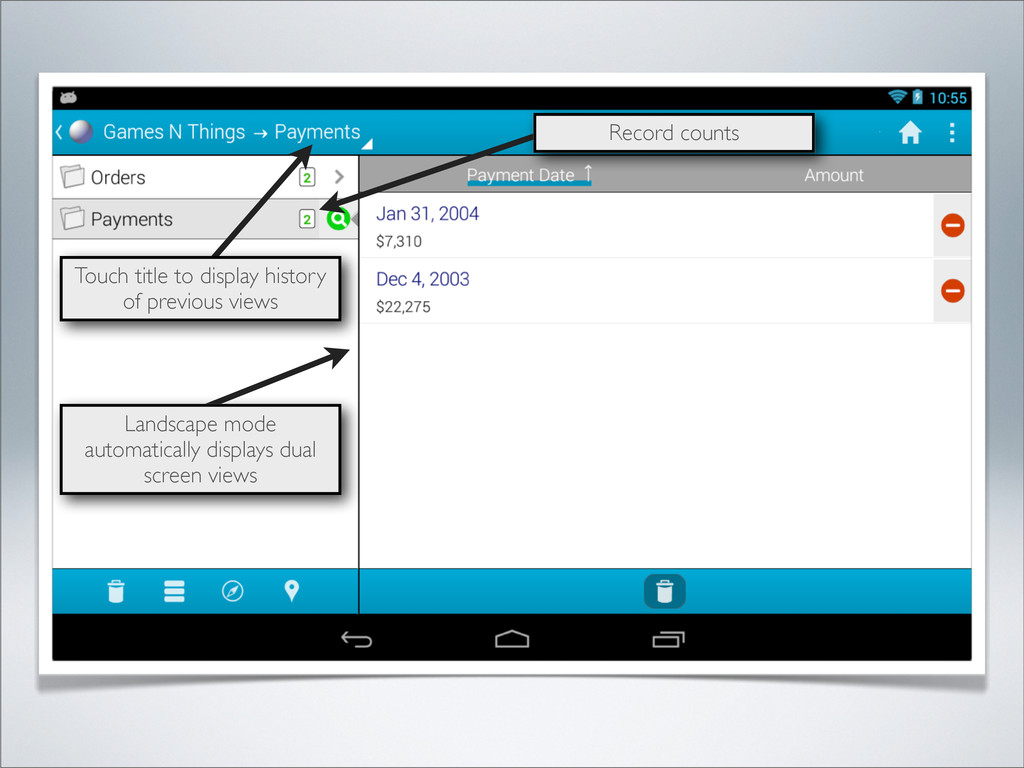
  49. Landscape mode automatically displays dual screen views Touch title to

    display history of previous views Bar under label indicates sort column Record counts
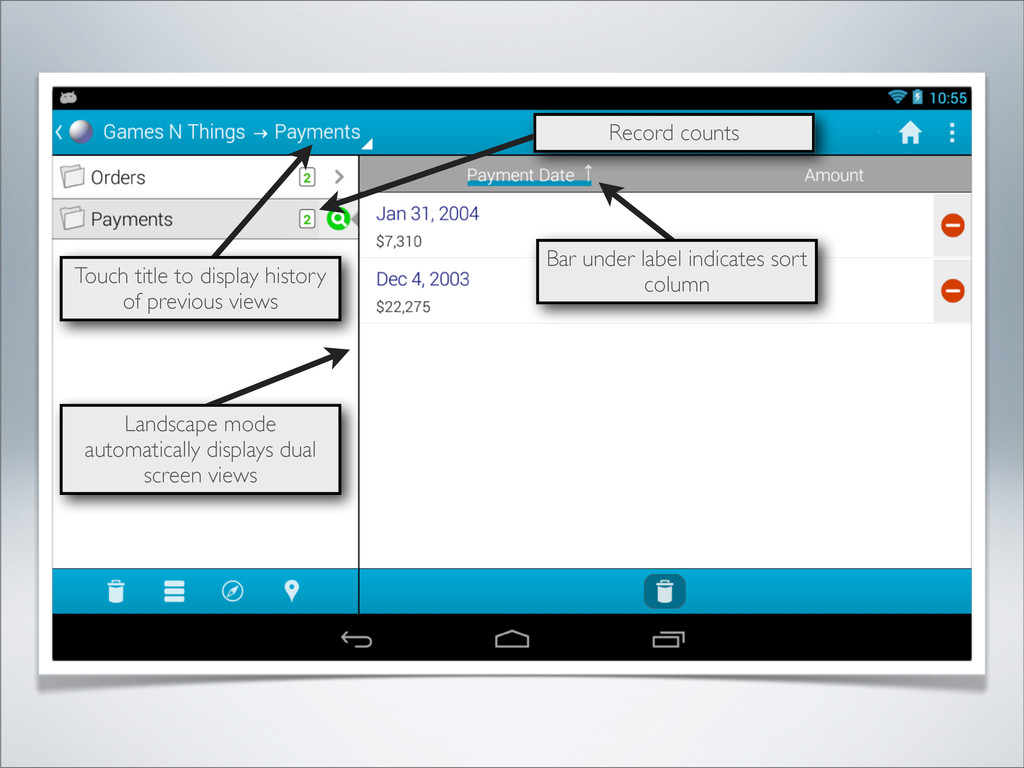
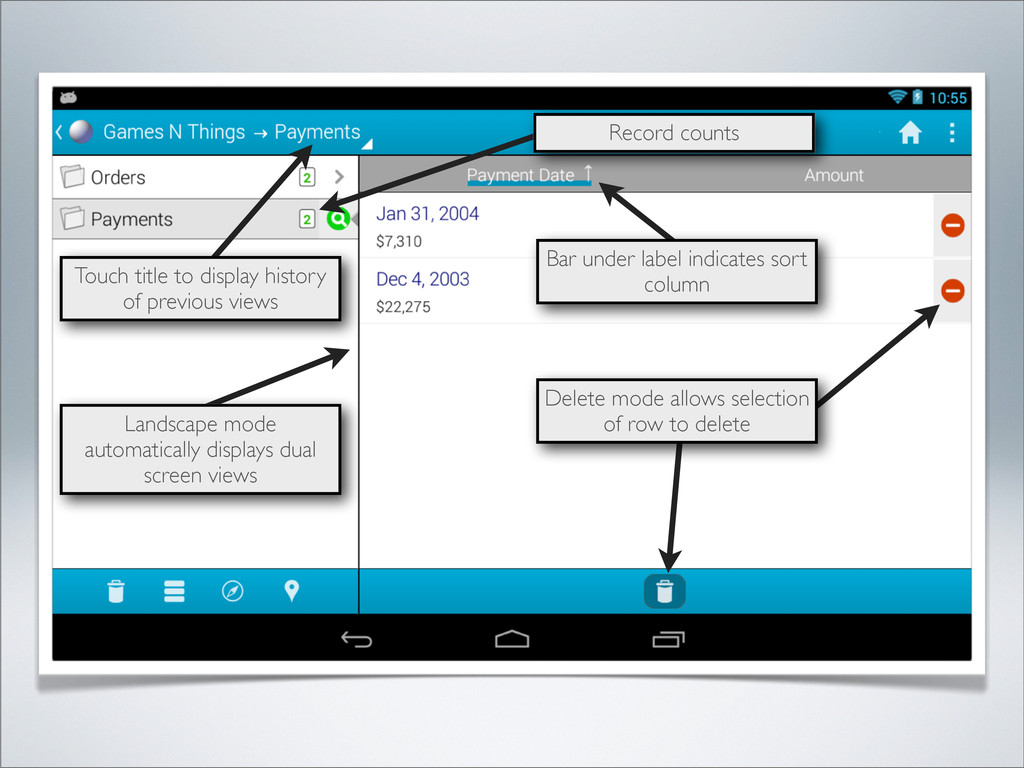
  50. Landscape mode automatically displays dual screen views Touch title to

    display history of previous views Delete mode allows selection of row to delete Bar under label indicates sort column Record counts
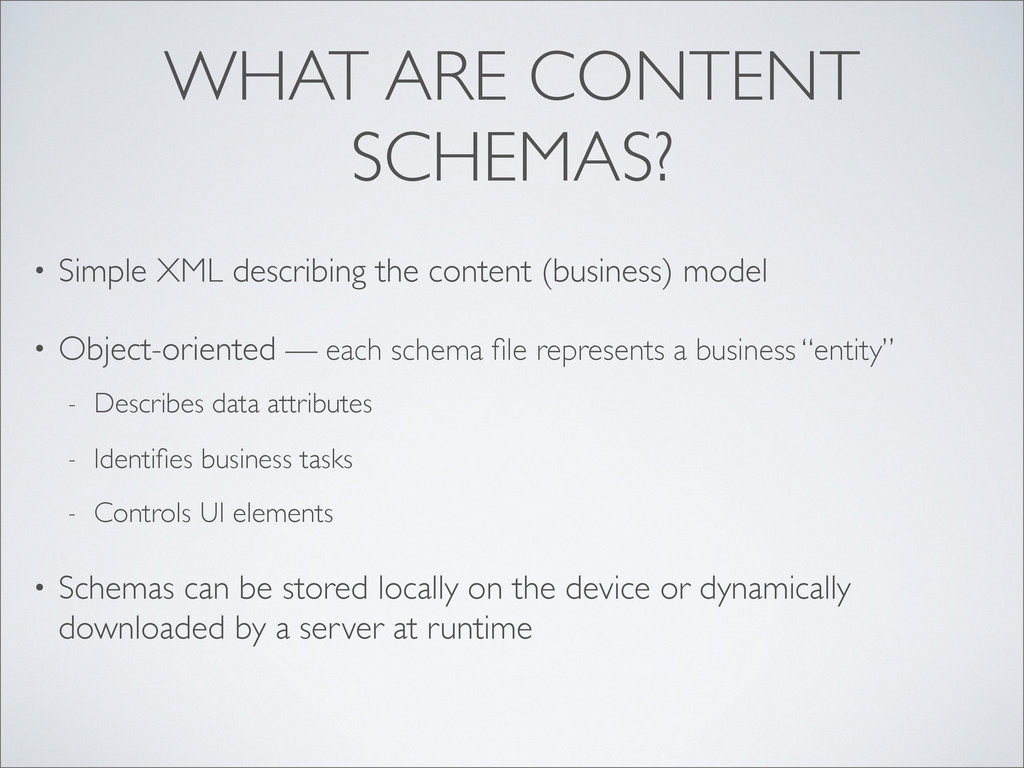
  51. WHAT ARE CONTENT SCHEMAS? • Simple XML describing the content

    (business) model • Object-oriented — each schema file represents a business “entity” - Describes data attributes - Identifies business tasks - Controls UI elements
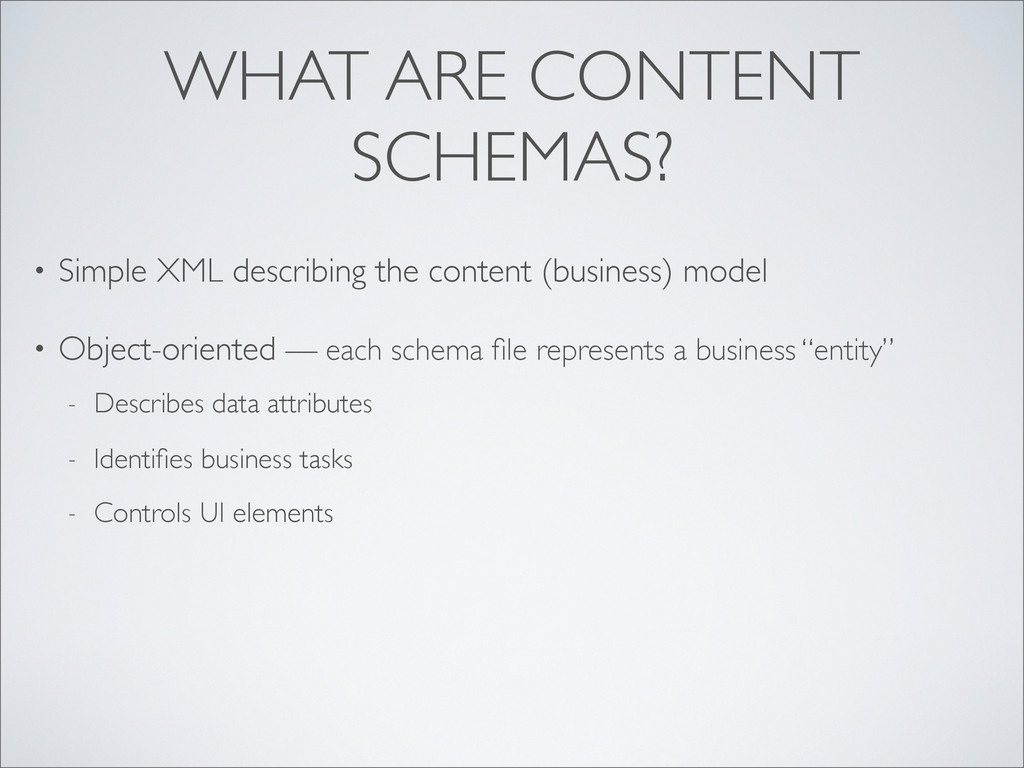
  52. WHAT ARE CONTENT SCHEMAS? • Simple XML describing the content

    (business) model • Object-oriented — each schema file represents a business “entity” - Describes data attributes - Identifies business tasks - Controls UI elements • Schemas can be stored locally on the device or dynamically downloaded by a server at runtime
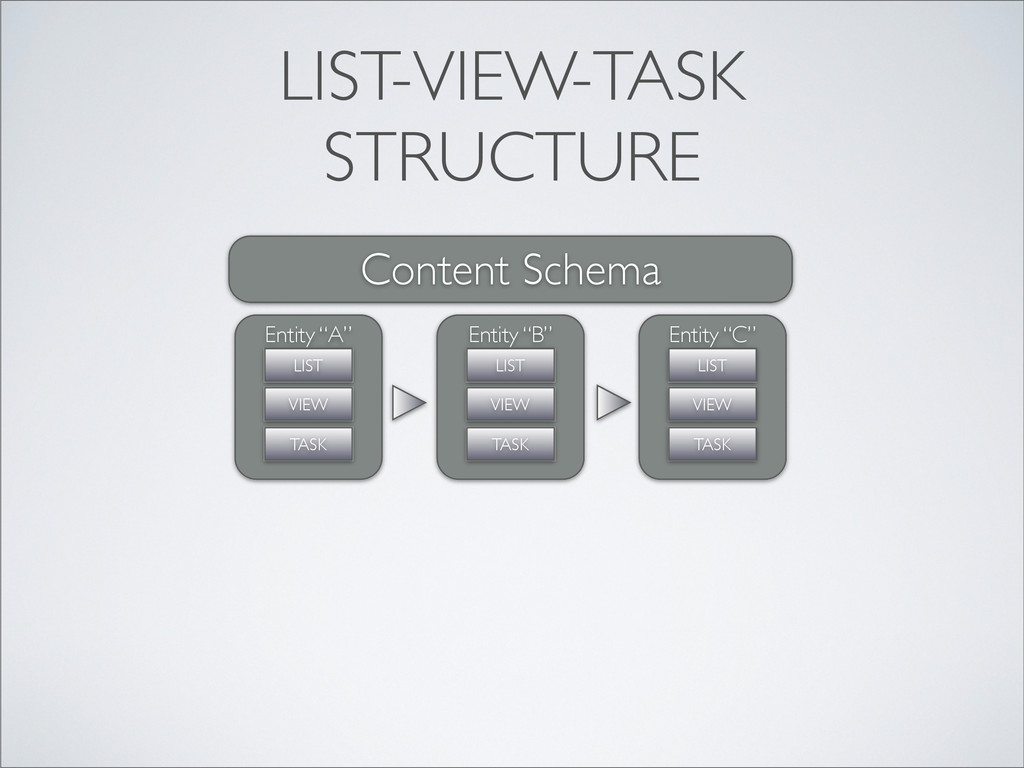
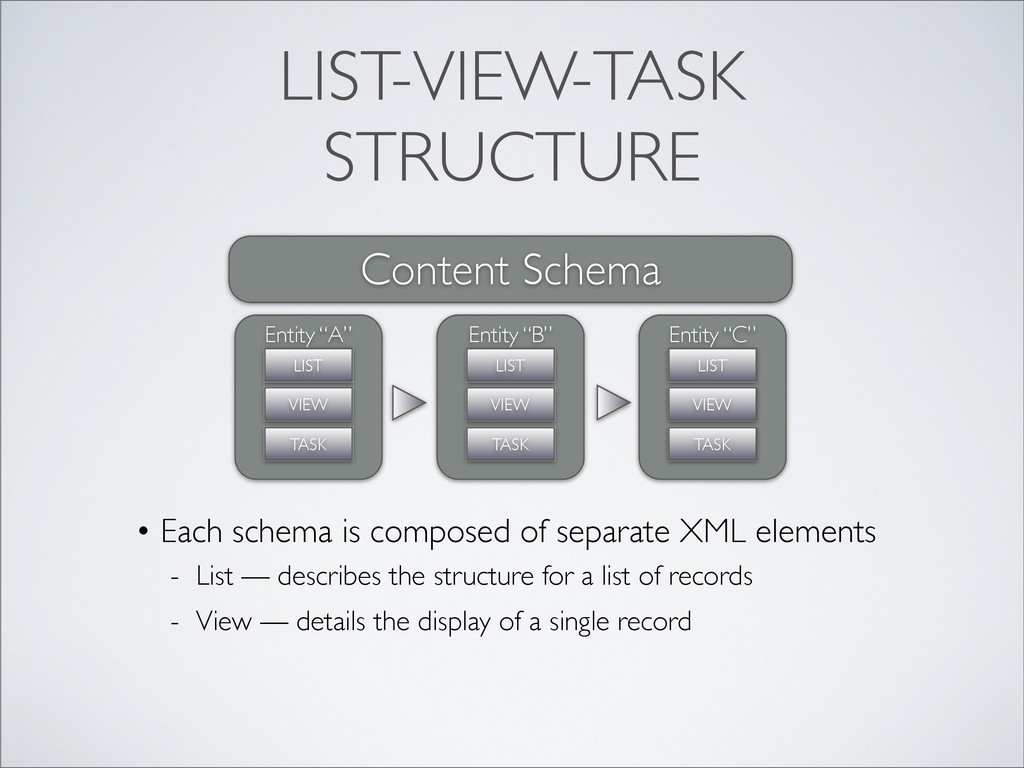
  53. LIST-VIEW-TASK STRUCTURE Content Schema Entity “A” LIST VIEW TASK Entity

    “B” LIST VIEW TASK Entity “C” LIST VIEW TASK
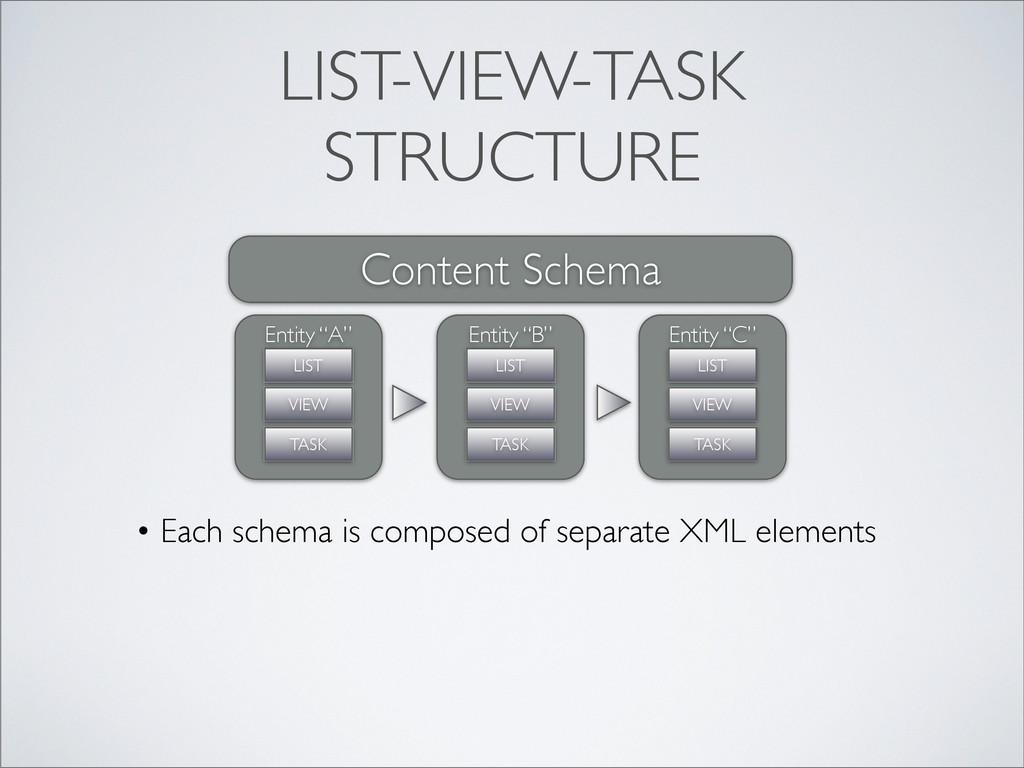
  54. LIST-VIEW-TASK STRUCTURE • Each schema is composed of separate XML

    elements Content Schema Entity “A” LIST VIEW TASK Entity “B” LIST VIEW TASK Entity “C” LIST VIEW TASK
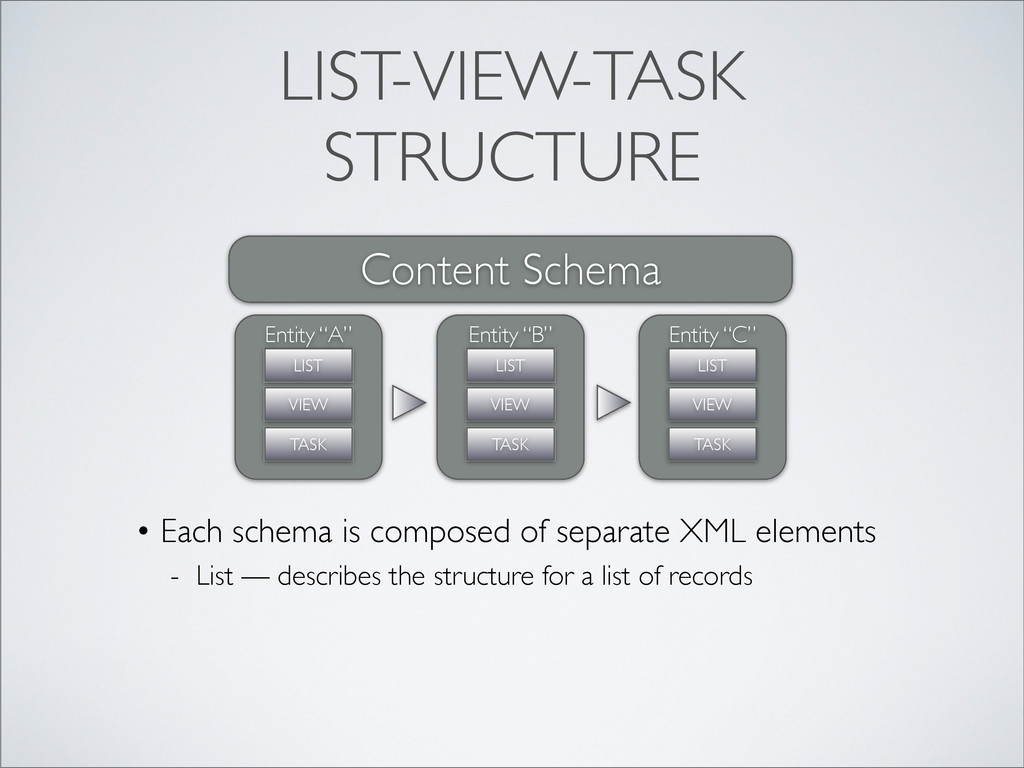
  55. LIST-VIEW-TASK STRUCTURE • Each schema is composed of separate XML

    elements - List — describes the structure for a list of records Content Schema Entity “A” LIST VIEW TASK Entity “B” LIST VIEW TASK Entity “C” LIST VIEW TASK
  56. LIST-VIEW-TASK STRUCTURE • Each schema is composed of separate XML

    elements - List — describes the structure for a list of records - View — details the display of a single record Content Schema Entity “A” LIST VIEW TASK Entity “B” LIST VIEW TASK Entity “C” LIST VIEW TASK
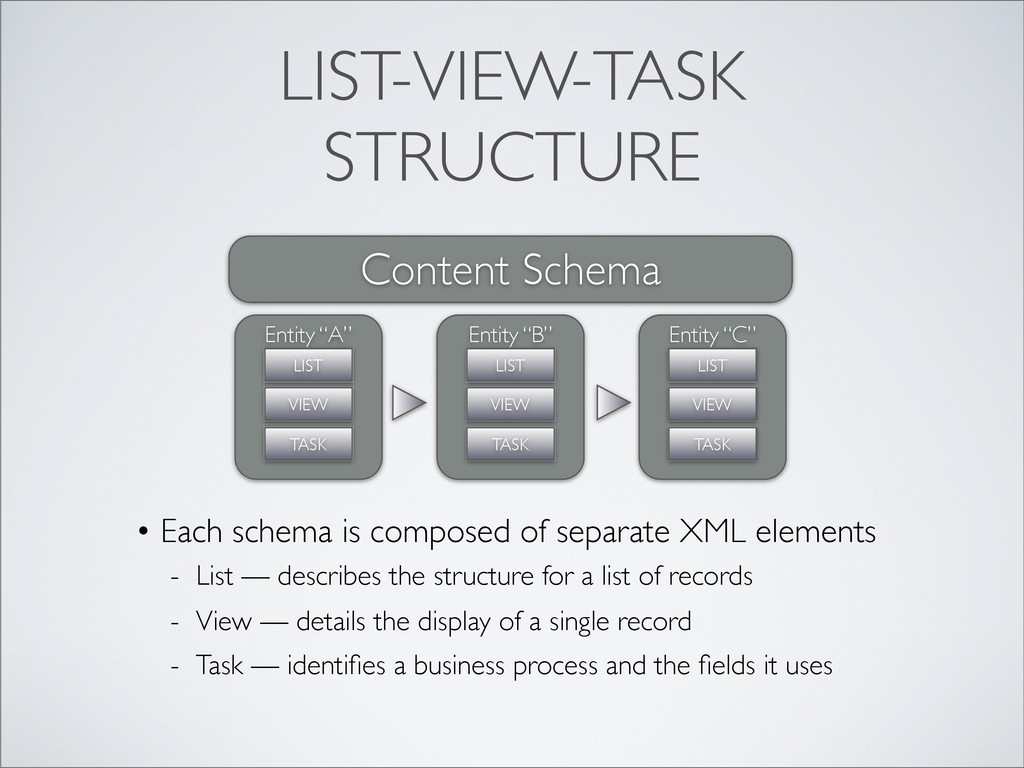
  57. LIST-VIEW-TASK STRUCTURE • Each schema is composed of separate XML

    elements - List — describes the structure for a list of records - View — details the display of a single record - Task — identifies a business process and the fields it uses Content Schema Entity “A” LIST VIEW TASK Entity “B” LIST VIEW TASK Entity “C” LIST VIEW TASK
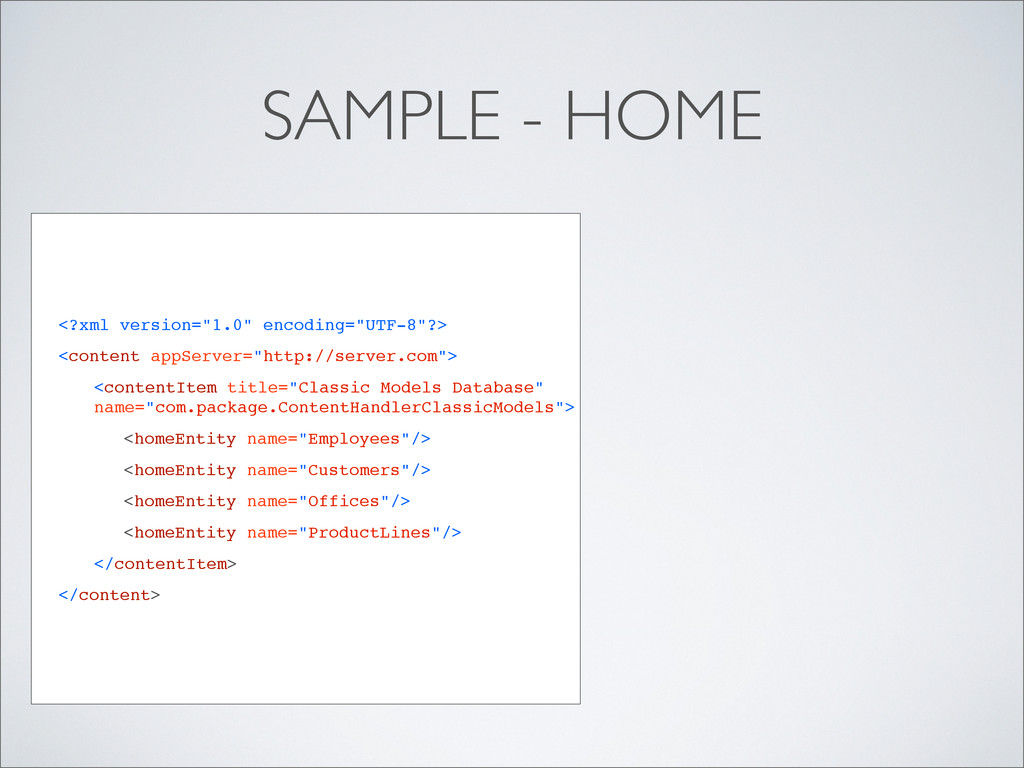
  58. <?xml version="1.0" encoding="UTF-8"?> <content appServer="http://server.com"> <contentItem title="Classic Models Database" name="com.package.ContentHandlerClassicModels">

    ! <homeEntity name="Employees"/> ! <homeEntity name="Customers"/> ! <homeEntity name="Offices"/> ! <homeEntity name="ProductLines"/> </contentItem> </content> SAMPLE - HOME
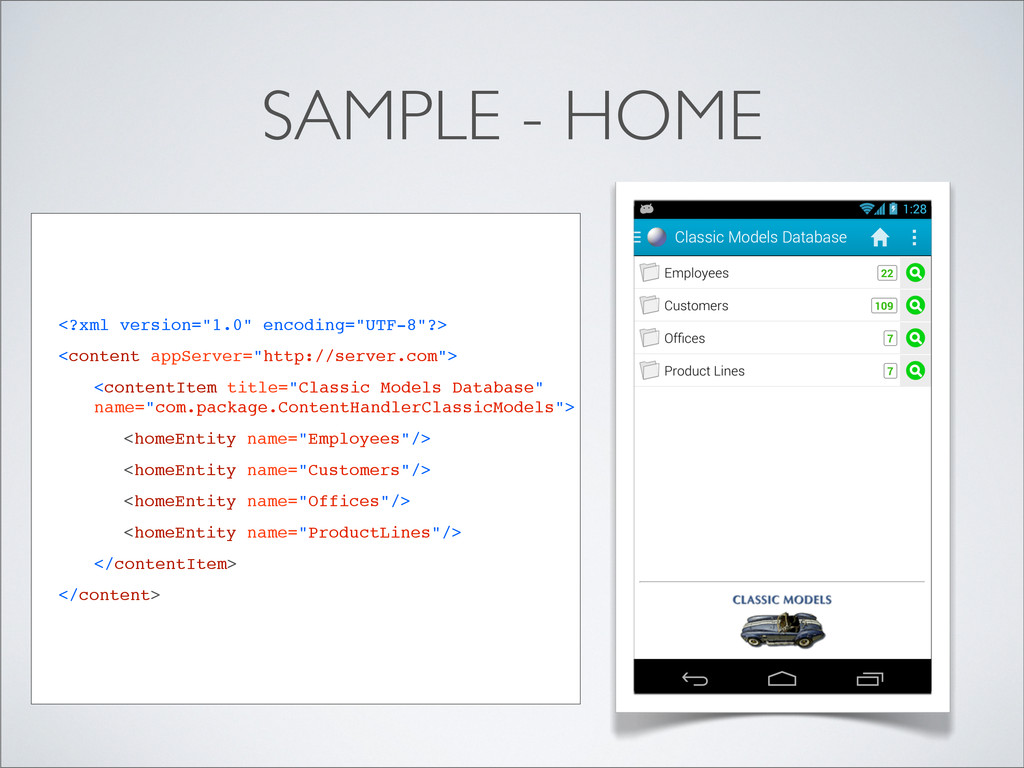
  59. <?xml version="1.0" encoding="UTF-8"?> <content appServer="http://server.com"> <contentItem title="Classic Models Database" name="com.package.ContentHandlerClassicModels">

    ! <homeEntity name="Employees"/> ! <homeEntity name="Customers"/> ! <homeEntity name="Offices"/> ! <homeEntity name="ProductLines"/> </contentItem> </content> SAMPLE - HOME
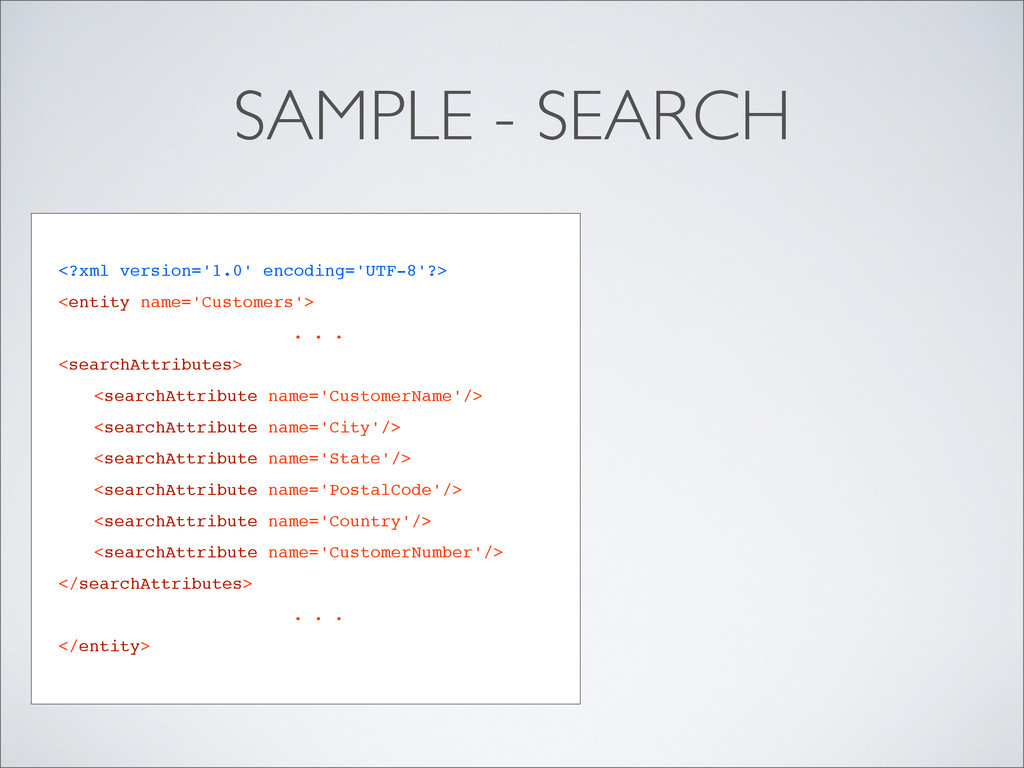
  60. SAMPLE - SEARCH <?xml version='1.0' encoding='UTF-8'?> <entity name='Customers'> . .

    . <searchAttributes> <searchAttribute name='CustomerName'/> <searchAttribute name='City'/> <searchAttribute name='State'/> <searchAttribute name='PostalCode'/> <searchAttribute name='Country'/> <searchAttribute name='CustomerNumber'/> </searchAttributes> . . . </entity>
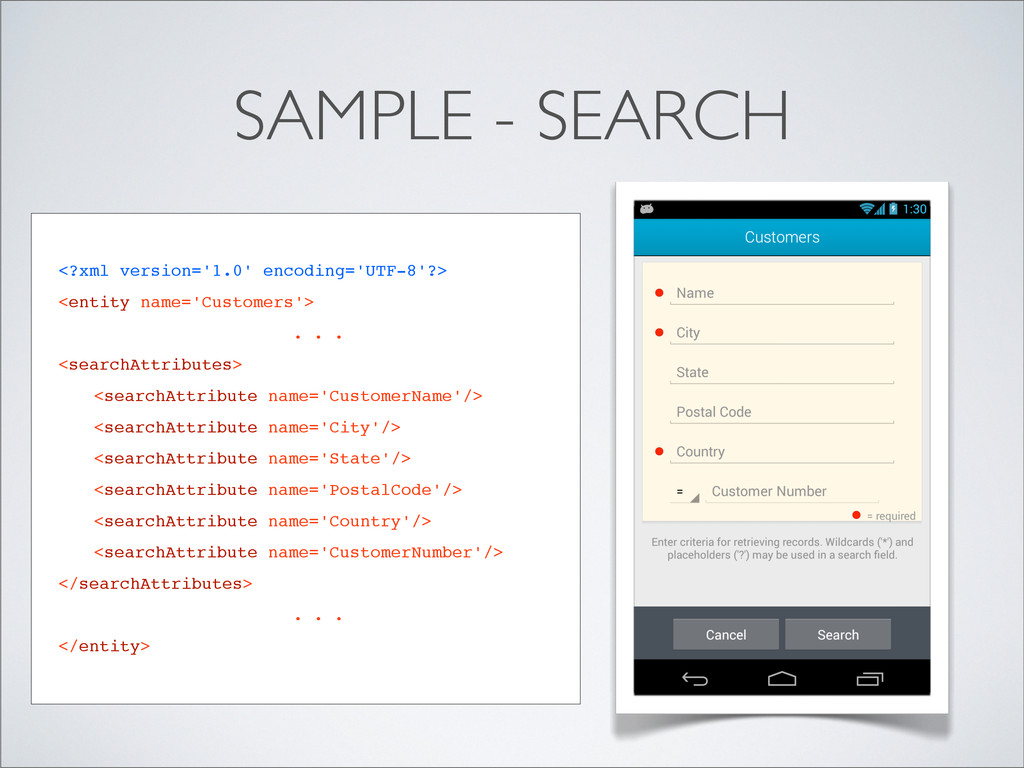
  61. SAMPLE - SEARCH <?xml version='1.0' encoding='UTF-8'?> <entity name='Customers'> . .

    . <searchAttributes> <searchAttribute name='CustomerName'/> <searchAttribute name='City'/> <searchAttribute name='State'/> <searchAttribute name='PostalCode'/> <searchAttribute name='Country'/> <searchAttribute name='CustomerNumber'/> </searchAttributes> . . . </entity>
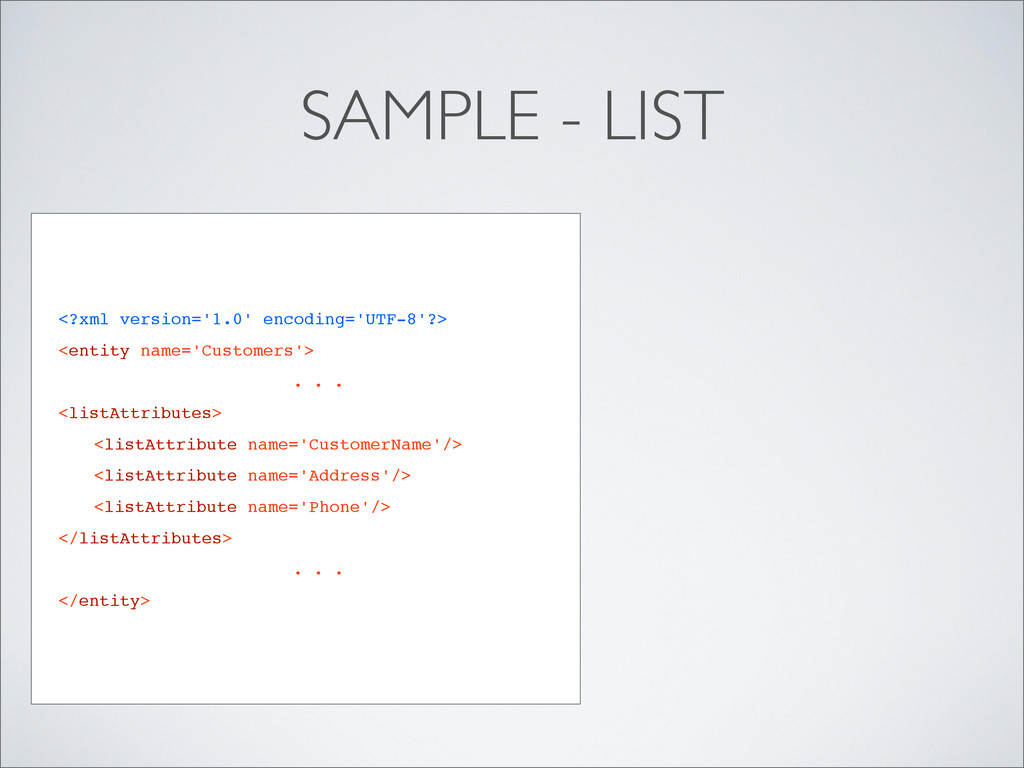
  62. SAMPLE - LIST <?xml version='1.0' encoding='UTF-8'?> <entity name='Customers'> . .

    . <listAttributes> <listAttribute name='CustomerName'/> <listAttribute name='Address'/> <listAttribute name='Phone'/> </listAttributes> . . . </entity>
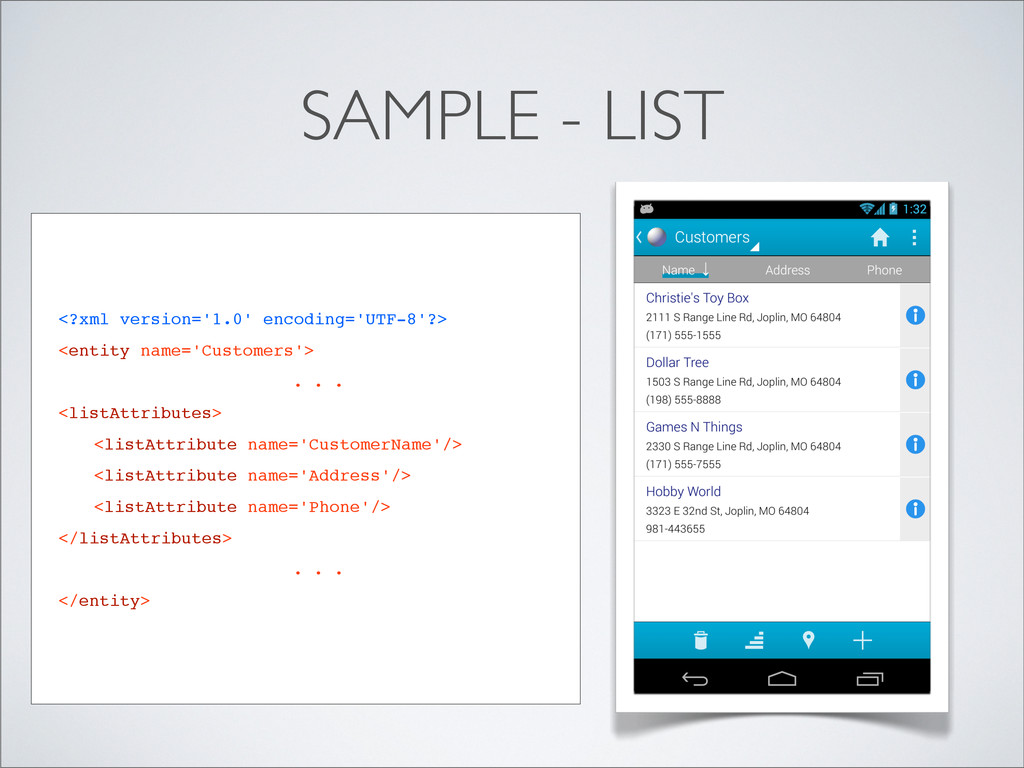
  63. SAMPLE - LIST <?xml version='1.0' encoding='UTF-8'?> <entity name='Customers'> . .

    . <listAttributes> <listAttribute name='CustomerName'/> <listAttribute name='Address'/> <listAttribute name='Phone'/> </listAttributes> . . . </entity>
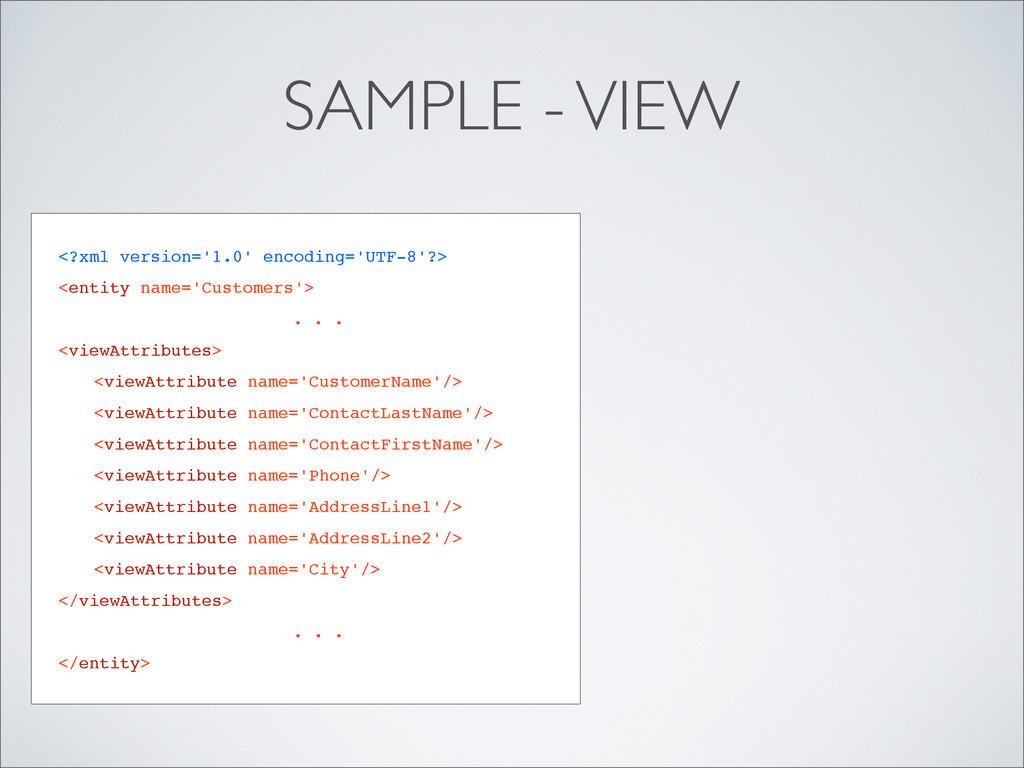
  64. <?xml version='1.0' encoding='UTF-8'?> <entity name='Customers'> . . . <viewAttributes> <viewAttribute

    name='CustomerName'/> <viewAttribute name='ContactLastName'/> <viewAttribute name='ContactFirstName'/> <viewAttribute name='Phone'/> <viewAttribute name='AddressLine1'/> <viewAttribute name='AddressLine2'/> <viewAttribute name='City'/> </viewAttributes> . . . </entity> SAMPLE - VIEW
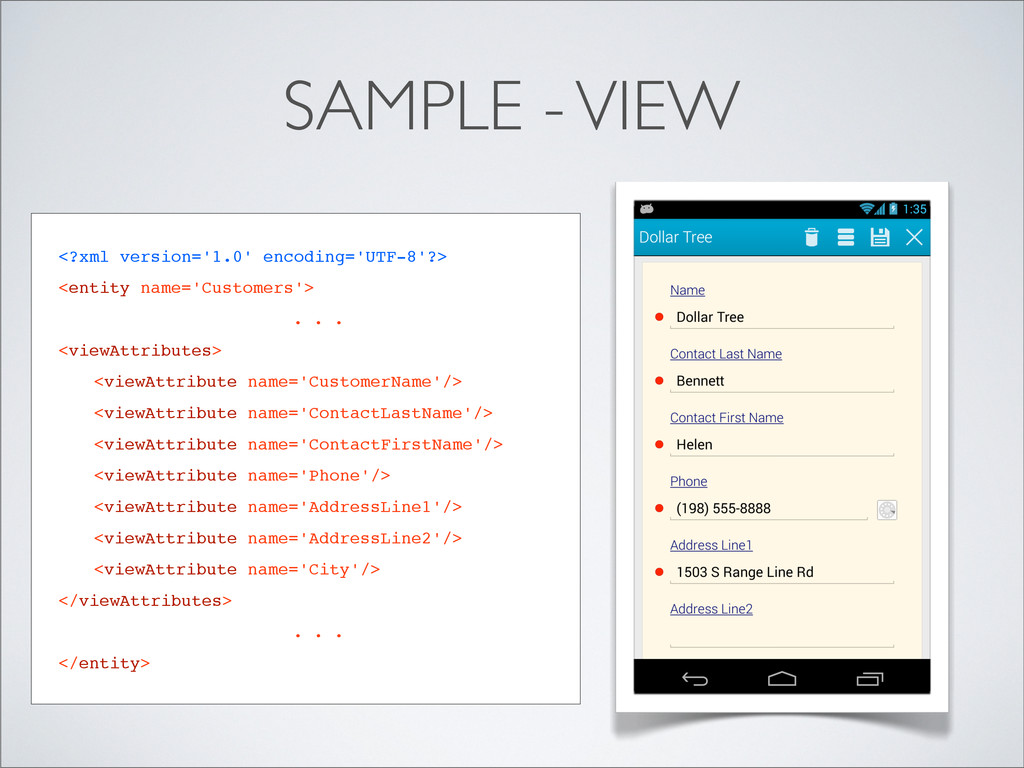
  65. <?xml version='1.0' encoding='UTF-8'?> <entity name='Customers'> . . . <viewAttributes> <viewAttribute

    name='CustomerName'/> <viewAttribute name='ContactLastName'/> <viewAttribute name='ContactFirstName'/> <viewAttribute name='Phone'/> <viewAttribute name='AddressLine1'/> <viewAttribute name='AddressLine2'/> <viewAttribute name='City'/> </viewAttributes> . . . </entity> SAMPLE - VIEW
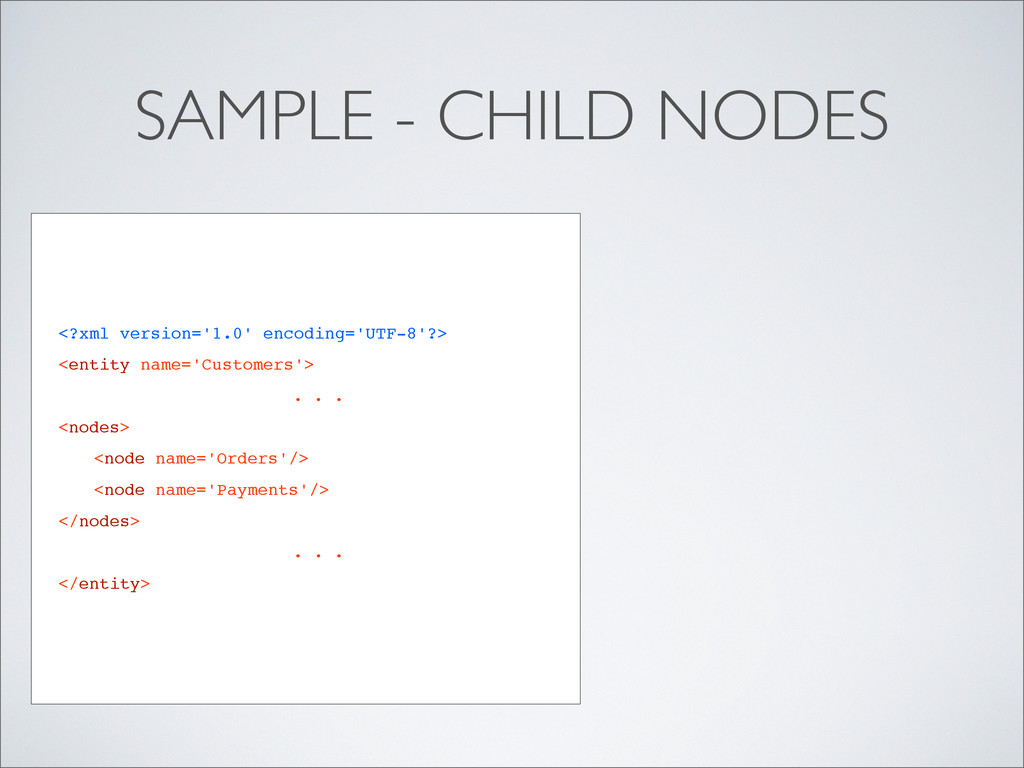
  66. SAMPLE - CHILD NODES <?xml version='1.0' encoding='UTF-8'?> <entity name='Customers'> .

    . . <nodes> <node name='Orders'/> <node name='Payments'/> </nodes> . . . </entity>
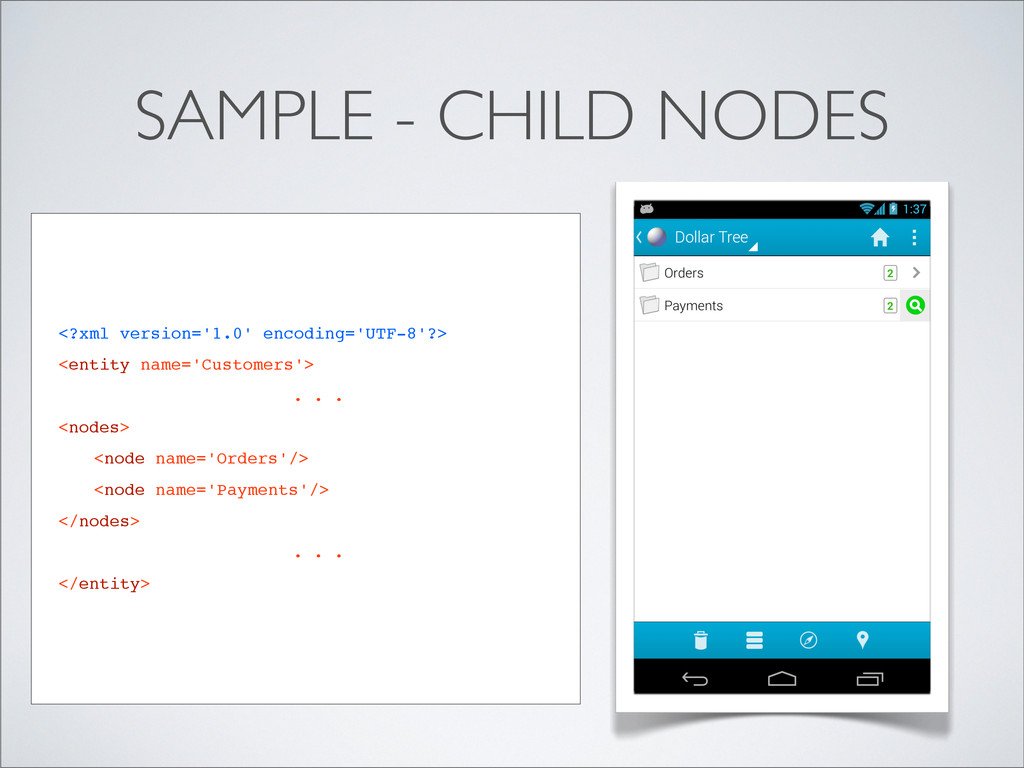
  67. SAMPLE - CHILD NODES <?xml version='1.0' encoding='UTF-8'?> <entity name='Customers'> .

    . . <nodes> <node name='Orders'/> <node name='Payments'/> </nodes> . . . </entity>
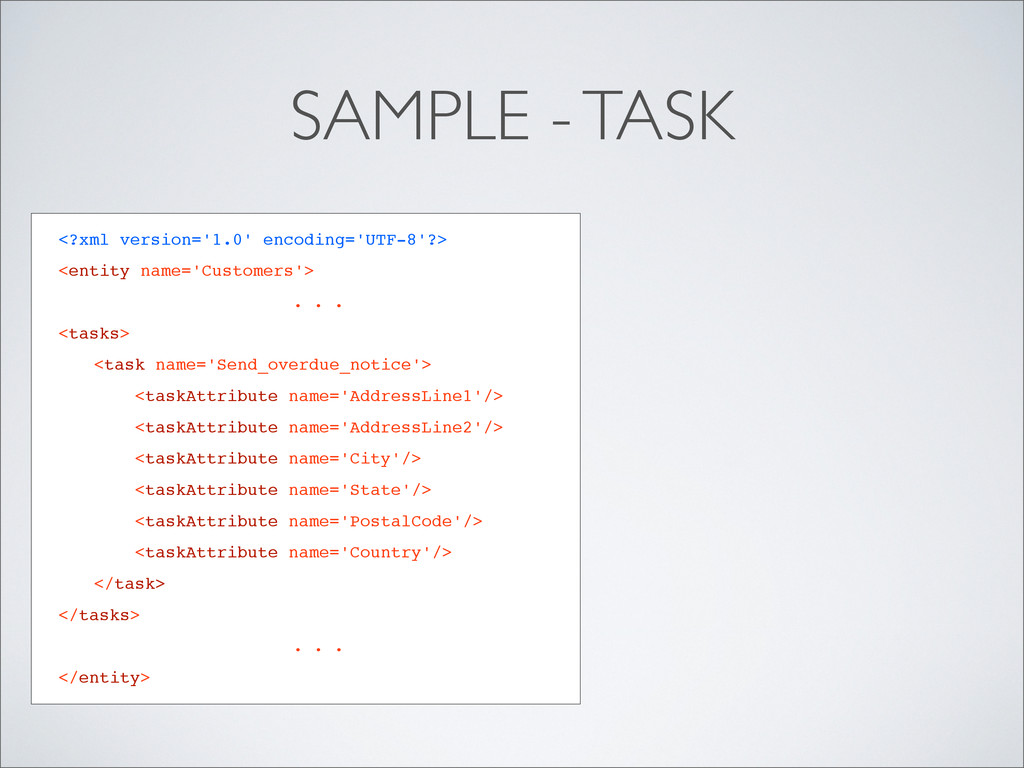
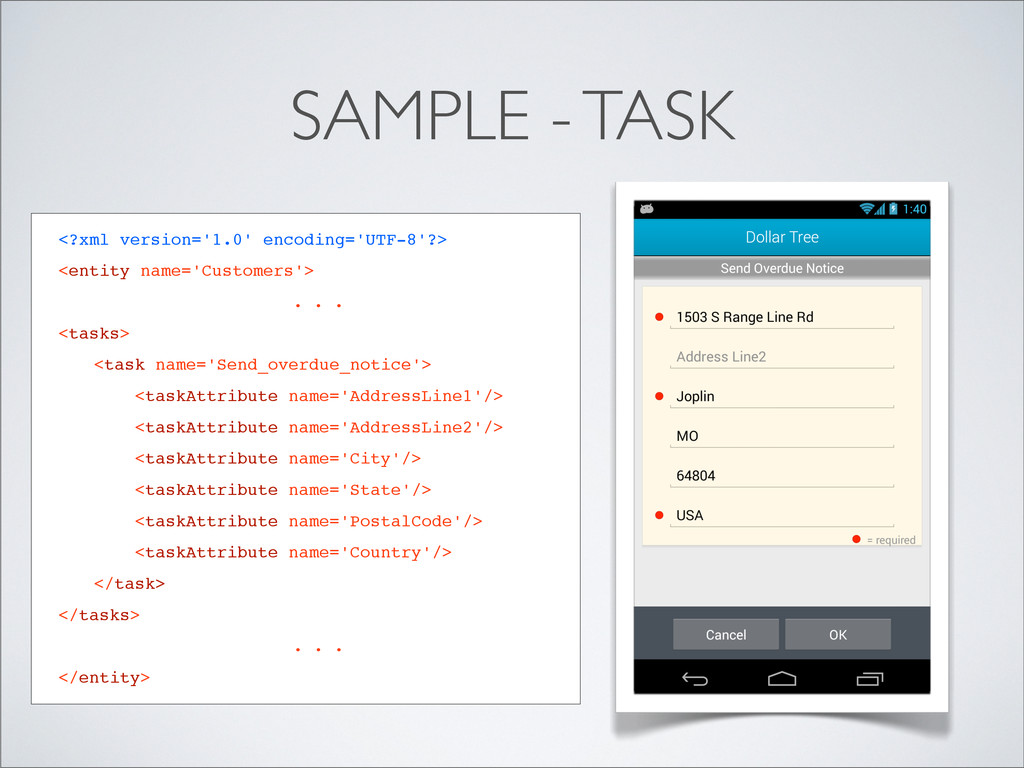
  68. <?xml version='1.0' encoding='UTF-8'?> <entity name='Customers'> . . . <tasks> <task

    name='Send_overdue_notice'> <taskAttribute name='AddressLine1'/> <taskAttribute name='AddressLine2'/> <taskAttribute name='City'/> <taskAttribute name='State'/> <taskAttribute name='PostalCode'/> <taskAttribute name='Country'/> </task> </tasks> . . . </entity> SAMPLE - TASK
  69. <?xml version='1.0' encoding='UTF-8'?> <entity name='Customers'> . . . <tasks> <task

    name='Send_overdue_notice'> <taskAttribute name='AddressLine1'/> <taskAttribute name='AddressLine2'/> <taskAttribute name='City'/> <taskAttribute name='State'/> <taskAttribute name='PostalCode'/> <taskAttribute name='Country'/> </task> </tasks> . . . </entity> SAMPLE - TASK
  70. WHAT ARE CONTENT HANDLERS? • Simple Java programs where developers

    spend 90% of their effort • Perform all data access and business logic processing for the app
  71. WHAT ARE CONTENT HANDLERS? • Simple Java programs where developers

    spend 90% of their effort • Perform all data access and business logic processing for the app • Plain old Java — no expertise needed in Android or Servlets
  72. WHAT ARE CONTENT HANDLERS? • Simple Java programs where developers

    spend 90% of their effort • Perform all data access and business logic processing for the app • Plain old Java — no expertise needed in Android or Servlets • Handlers can be client-only, server-only, or hybrid on both tiers
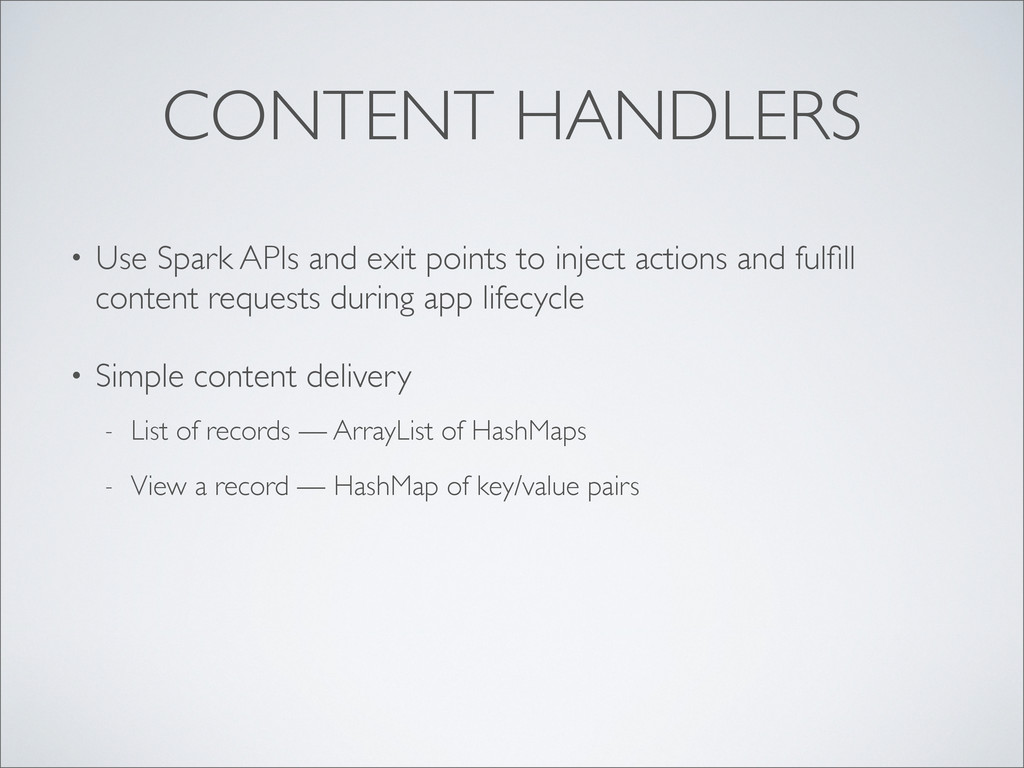
  73. CONTENT HANDLERS • Use Spark APIs and exit points to

    inject actions and fulfill content requests during app lifecycle
  74. CONTENT HANDLERS • Use Spark APIs and exit points to

    inject actions and fulfill content requests during app lifecycle • Simple content delivery - List of records — ArrayList of HashMaps - View a record — HashMap of key/value pairs
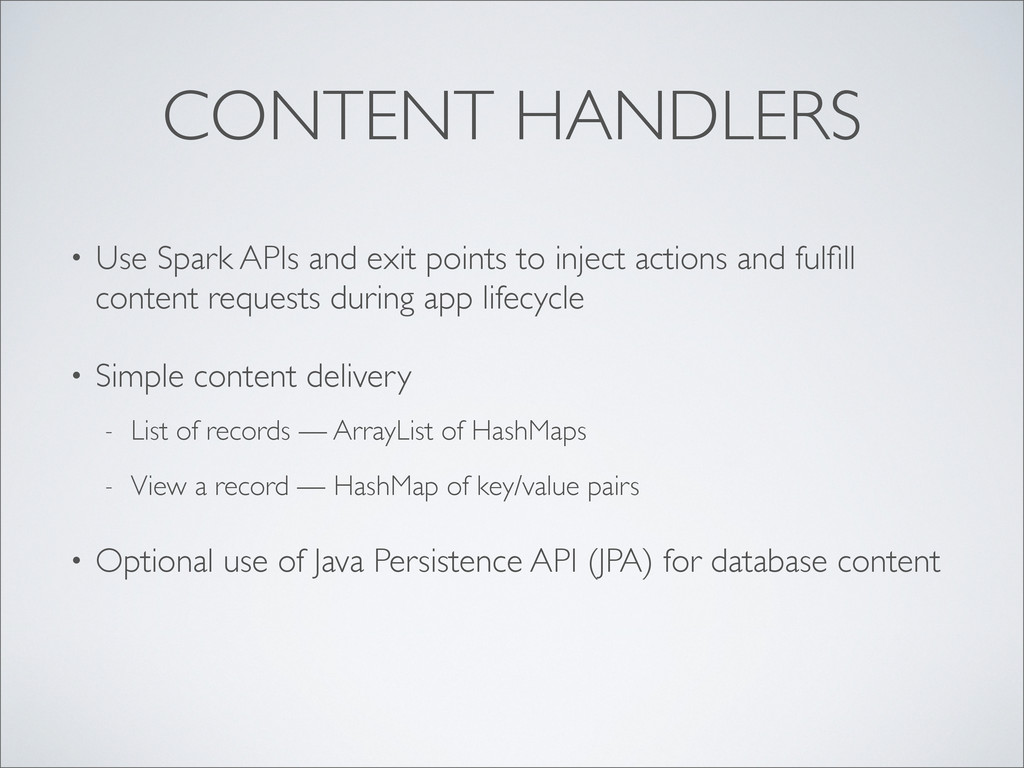
  75. CONTENT HANDLERS • Use Spark APIs and exit points to

    inject actions and fulfill content requests during app lifecycle • Simple content delivery - List of records — ArrayList of HashMaps - View a record — HashMap of key/value pairs • Optional use of Java Persistence API (JPA) for database content
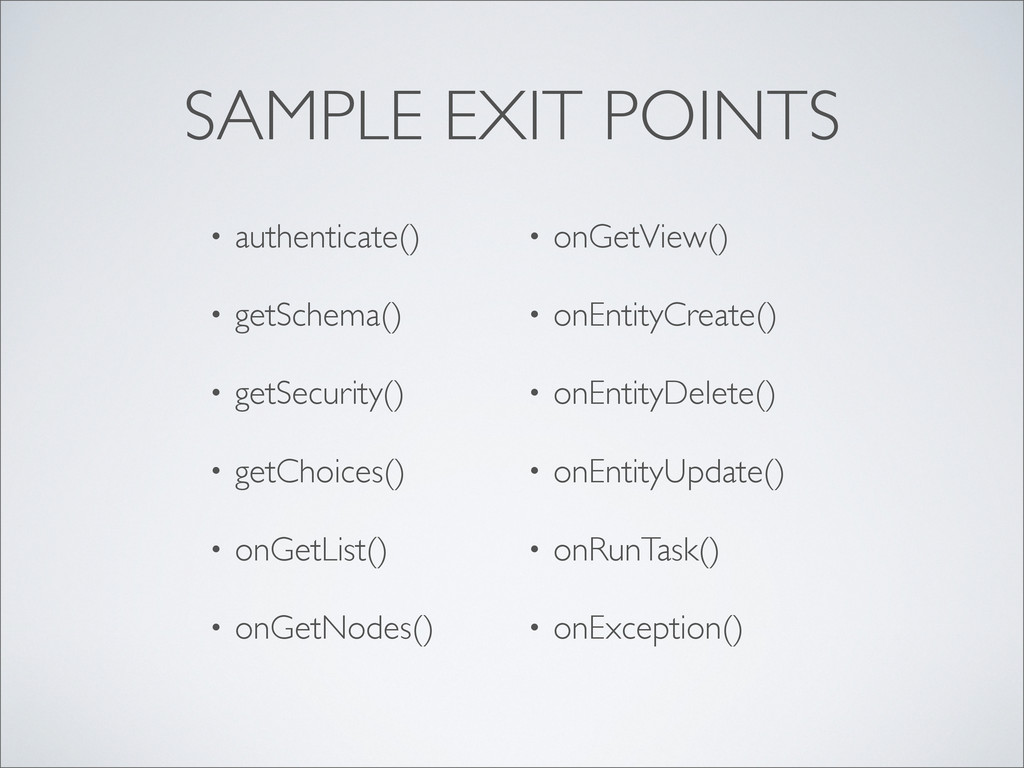
  76. SAMPLE EXIT POINTS • authenticate() • getSchema() • getSecurity() •

    getChoices() • onGetList() • onGetNodes() • onGetView() • onEntityCreate() • onEntityDelete() • onEntityUpdate() • onRunTask() • onException()
  77. TECHNOLOGIES • XML - App configuration - Content schemas •

    Java - Content Handlers - Data access - Business logic - Android - Servlets
  78. TECHNOLOGIES • XML - App configuration - Content schemas •

    Java - Content Handlers - Data access - Business logic - Android - Servlets • JSON • Network messages
  79. TECHNOLOGIES • XML - App configuration - Content schemas •

    Java - Content Handlers - Data access - Business logic - Android - Servlets • JSON • Network messages • HTTP/S
  80. TECHNOLOGIES • XML - App configuration - Content schemas •

    Java - Content Handlers - Data access - Business logic - Android - Servlets • JSON • Network messages • HTTP/S
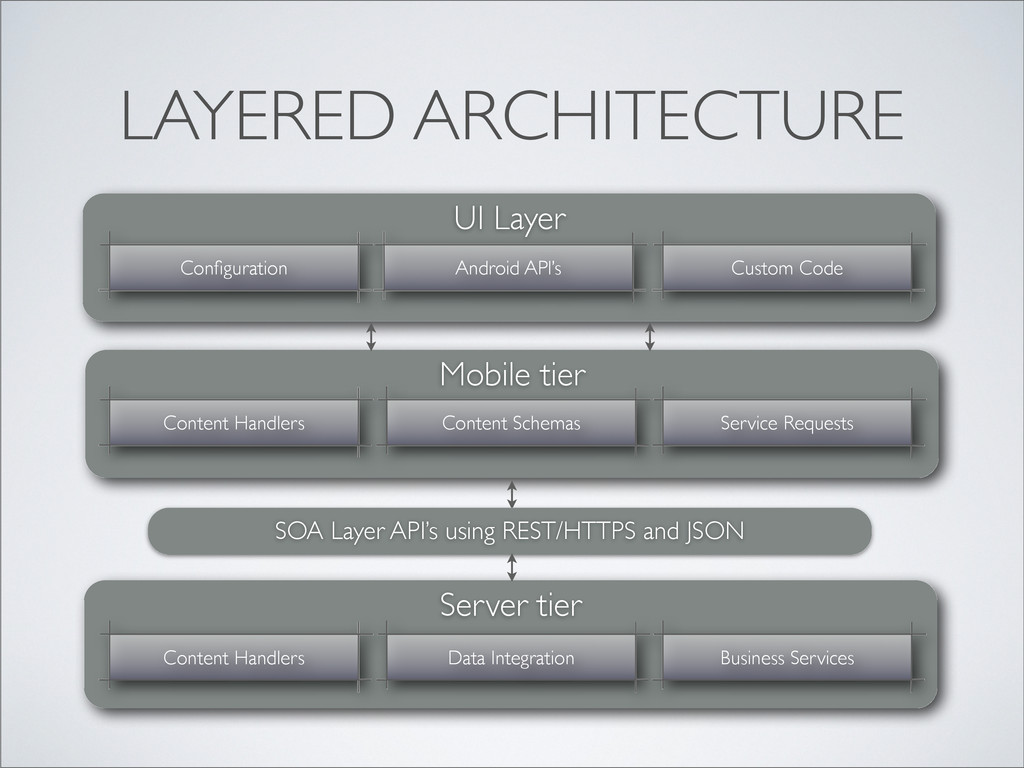
  81. ARCHITECTURE • Loosely coupled layers - Run business logic at

    the server and/or the mobile device - Obtain XML content schemas from a web server and/or the mobile device
  82. ARCHITECTURE • Loosely coupled layers - Run business logic at

    the server and/or the mobile device - Obtain XML content schemas from a web server and/or the mobile device • Automatic conversion between Java and JSON for network
  83. ARCHITECTURE • Loosely coupled layers - Run business logic at

    the server and/or the mobile device - Obtain XML content schemas from a web server and/or the mobile device • Automatic conversion between Java and JSON for network • Off-network caching of data and business processes for later synchronization with the server when reconnected
  84. LAYERED ARCHITECTURE Server tier Content Handlers Data Integration Business Services

    Mobile tier Content Handlers Content Schemas Service Requests SOA Layer API’s using REST/HTTPS and JSON UI Layer Configuration Android API’s Custom Code
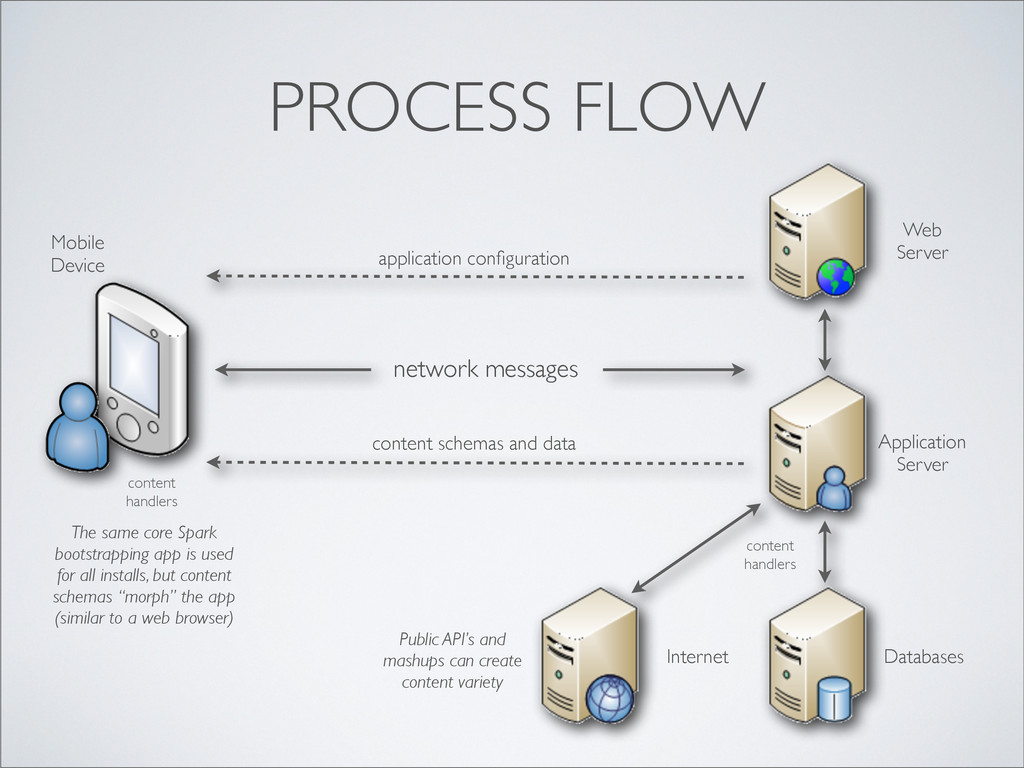
  85. PROCESS FLOW application configuration content schemas and data Web Server

    Application Server The same core Spark bootstrapping app is used for all installs, but content schemas “morph” the app (similar to a web browser) network messages Databases Internet content handlers Public API’s and mashups can create content variety Mobile Device content handlers
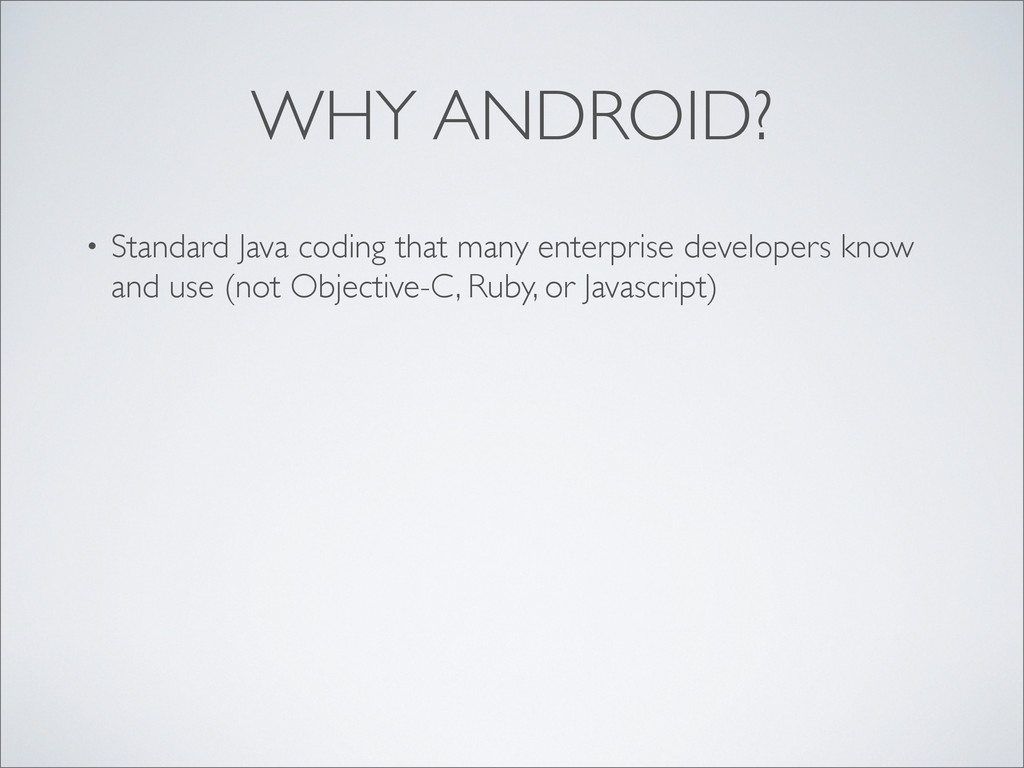
  86. WHY ANDROID? • Standard Java coding that many enterprise developers

    know and use (not Objective-C, Ruby, or Javascript)
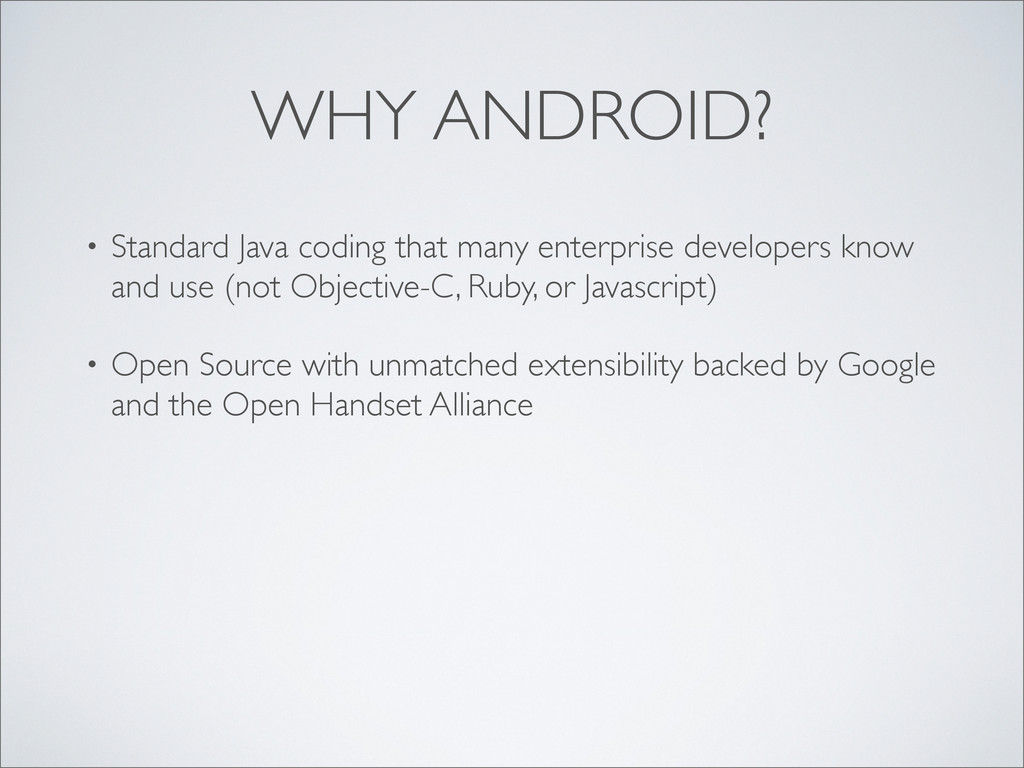
  87. WHY ANDROID? • Standard Java coding that many enterprise developers

    know and use (not Objective-C, Ruby, or Javascript) • Open Source with unmatched extensibility backed by Google and the Open Handset Alliance
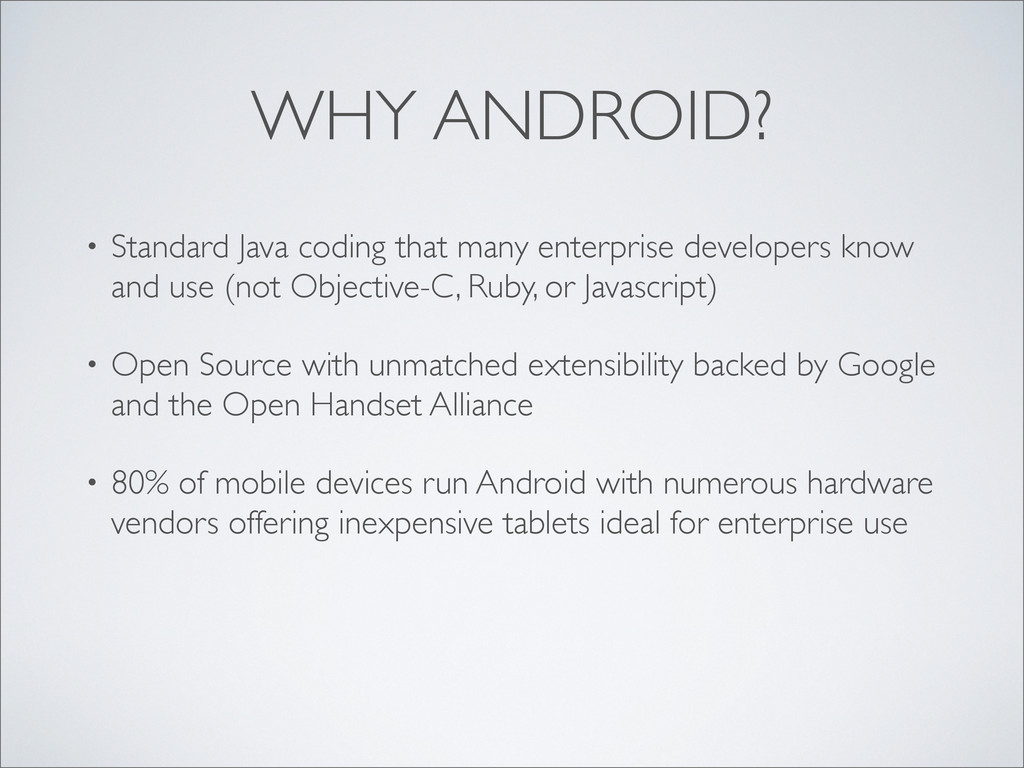
  88. WHY ANDROID? • Standard Java coding that many enterprise developers

    know and use (not Objective-C, Ruby, or Javascript) • Open Source with unmatched extensibility backed by Google and the Open Handset Alliance • 80% of mobile devices run Android with numerous hardware vendors offering inexpensive tablets ideal for enterprise use
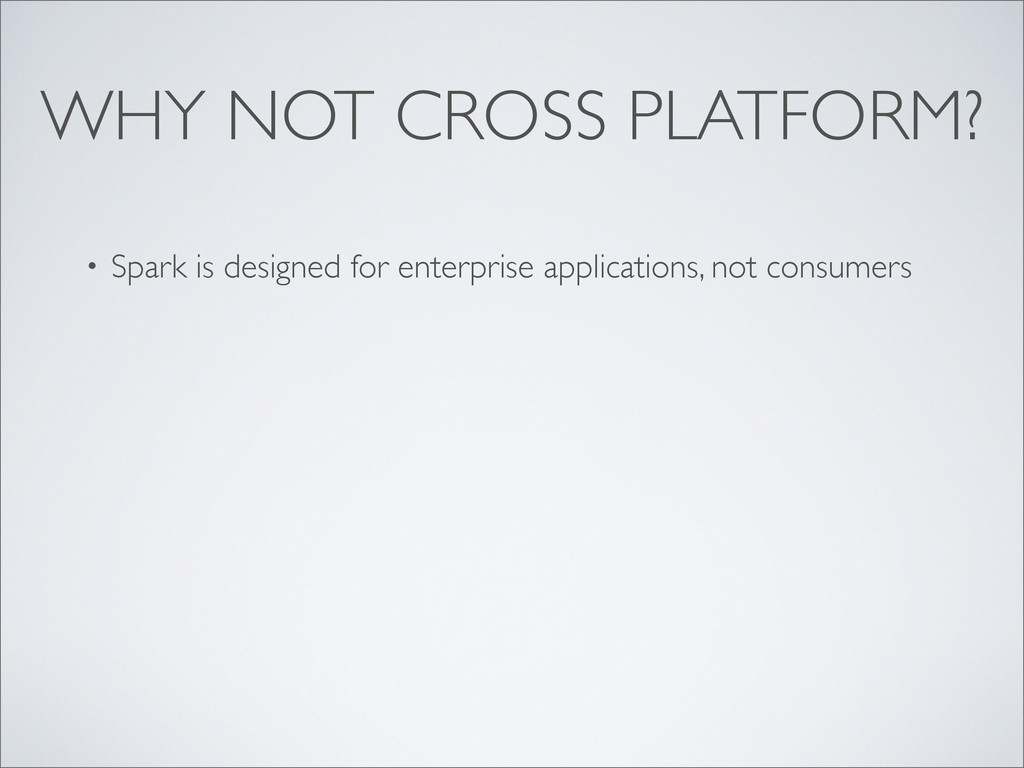
  89. WHY NOT CROSS PLATFORM? • Spark is designed for enterprise

    applications, not consumers • Corporate IT prefer single platform standards using company tablets assigned to employees (not personal devices)
  90. WHY NOT CROSS PLATFORM? • Spark is designed for enterprise

    applications, not consumers • Corporate IT prefer single platform standards using company tablets assigned to employees (not personal devices) • Security, training, volume purchasing, and device maintenance all benefit from use of single platform OS and hardware
  91. WHY NOT HTML5? • Cross-platform HTML5 with platform UI fidelity

    is very difficult • HTML5 apps generally suffer from poor performance - Facebook and LinkedIn converted their problematic HTML apps to native - Offline functionality limited with HTML5
  92. WHY NOT HTML5? • Cross-platform HTML5 with platform UI fidelity

    is very difficult • HTML5 apps generally suffer from poor performance - Facebook and LinkedIn converted their problematic HTML apps to native - Offline functionality limited with HTML5 • Users expect native look-and-feel
  93. WHY NOT HTML5? • Cross-platform HTML5 with platform UI fidelity

    is very difficult • HTML5 apps generally suffer from poor performance - Facebook and LinkedIn converted their problematic HTML apps to native - Offline functionality limited with HTML5 • Users expect native look-and-feel • Security is higher with sandboxed native apps
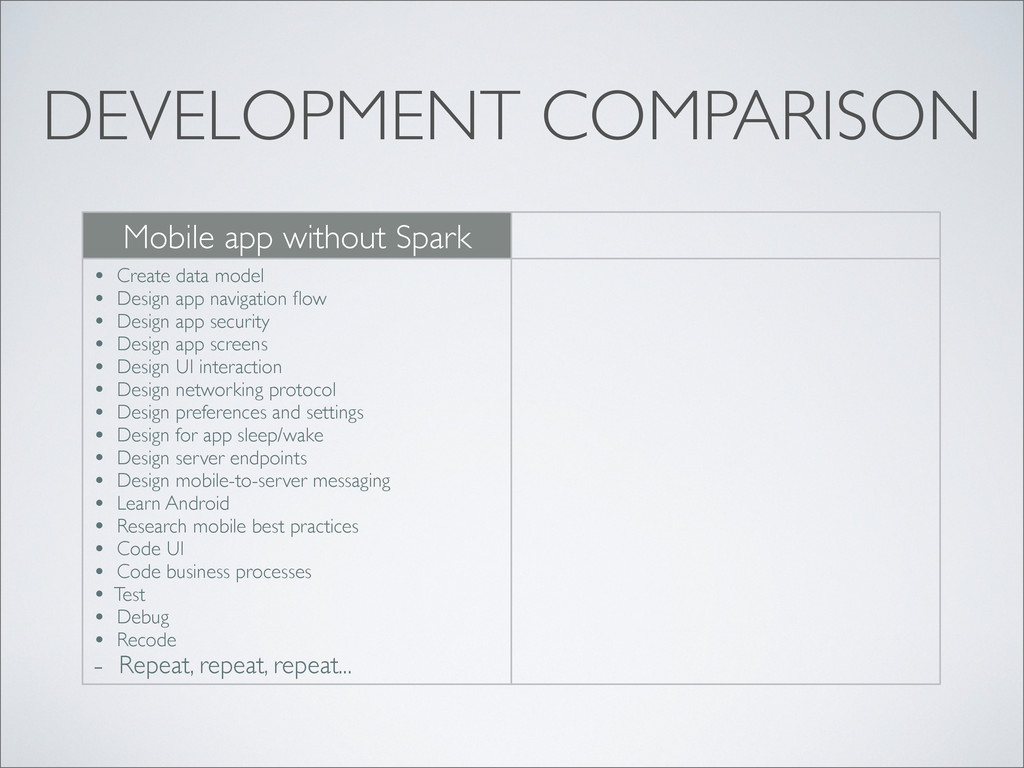
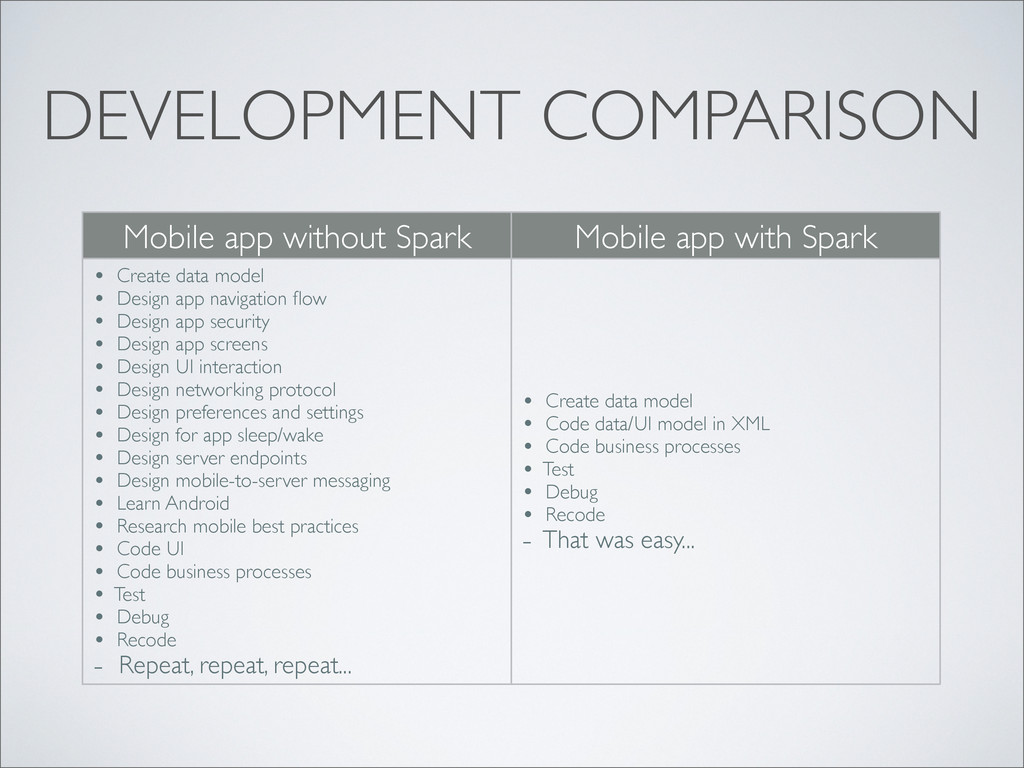
  94. DEVELOPMENT COMPARISON Mobile app without Spark Mobile app with Spark

    • Create data model • Design app navigation flow • Design app security • Design app screens • Design UI interaction • Design networking protocol • Design preferences and settings • Design for app sleep/wake • Design server endpoints • Design mobile-to-server messaging • Learn Android • Research mobile best practices • Code UI • Code business processes • Test • Debug • Recode - Repeat, repeat, repeat... • Create data model • Code data/UI model in XML • Code business processes • Test • Debug • Recode - That was easy...
  95. DEVELOPMENT COMPARISON Mobile app without Spark Mobile app with Spark

    • Create data model • Design app navigation flow • Design app security • Design app screens • Design UI interaction • Design networking protocol • Design preferences and settings • Design for app sleep/wake • Design server endpoints • Design mobile-to-server messaging • Learn Android • Research mobile best practices • Code UI • Code business processes • Test • Debug • Recode - Repeat, repeat, repeat... • Create data model • Code data/UI model in XML • Code business processes • Test • Debug • Recode - That was easy...
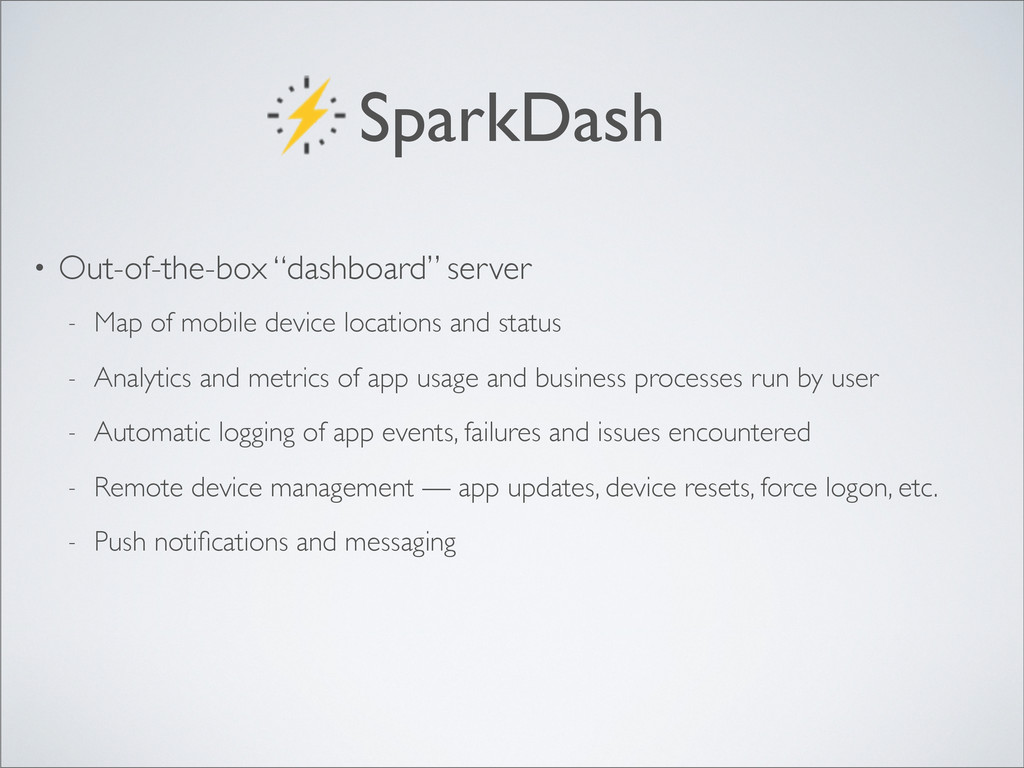
  96. SparkDash • Out-of-the-box “dashboard” server - Map of mobile device

    locations and status - Analytics and metrics of app usage and business processes run by user
  97. SparkDash • Out-of-the-box “dashboard” server - Map of mobile device

    locations and status - Analytics and metrics of app usage and business processes run by user - Automatic logging of app events, failures and issues encountered
  98. SparkDash • Out-of-the-box “dashboard” server - Map of mobile device

    locations and status - Analytics and metrics of app usage and business processes run by user - Automatic logging of app events, failures and issues encountered - Remote device management — app updates, device resets, force logon, etc.
  99. SparkDash • Out-of-the-box “dashboard” server - Map of mobile device

    locations and status - Analytics and metrics of app usage and business processes run by user - Automatic logging of app events, failures and issues encountered - Remote device management — app updates, device resets, force logon, etc. - Push notifications and messaging
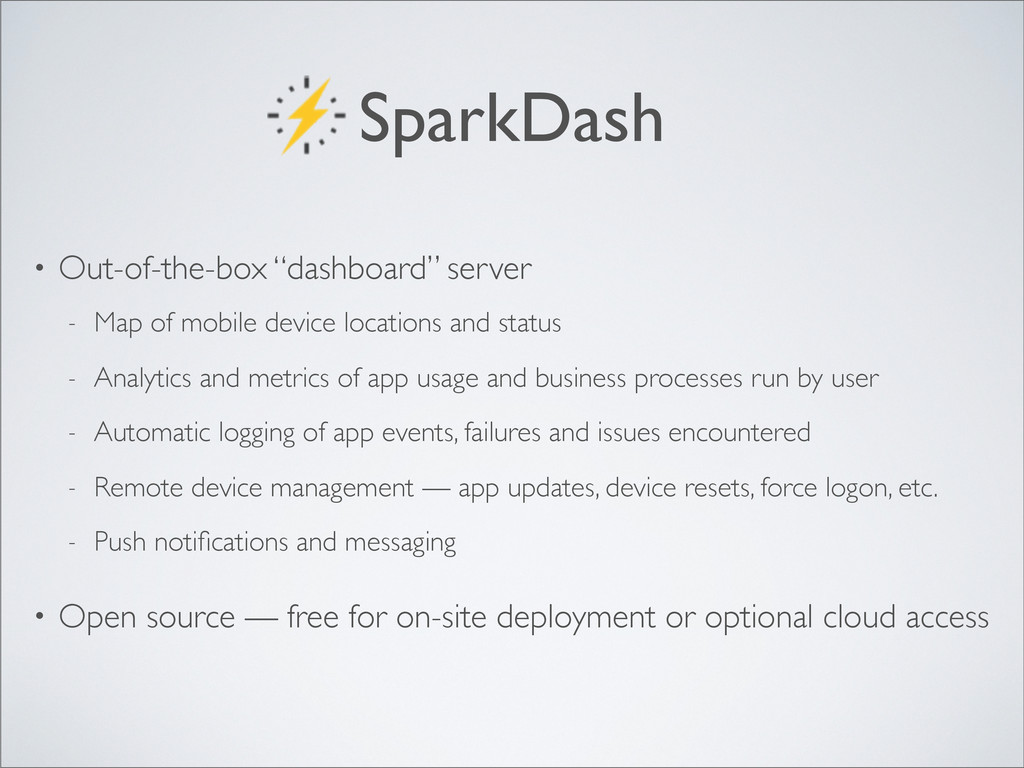
  100. SparkDash • Out-of-the-box “dashboard” server - Map of mobile device

    locations and status - Analytics and metrics of app usage and business processes run by user - Automatic logging of app events, failures and issues encountered - Remote device management — app updates, device resets, force logon, etc. - Push notifications and messaging • Open source — free for on-site deployment or optional cloud access
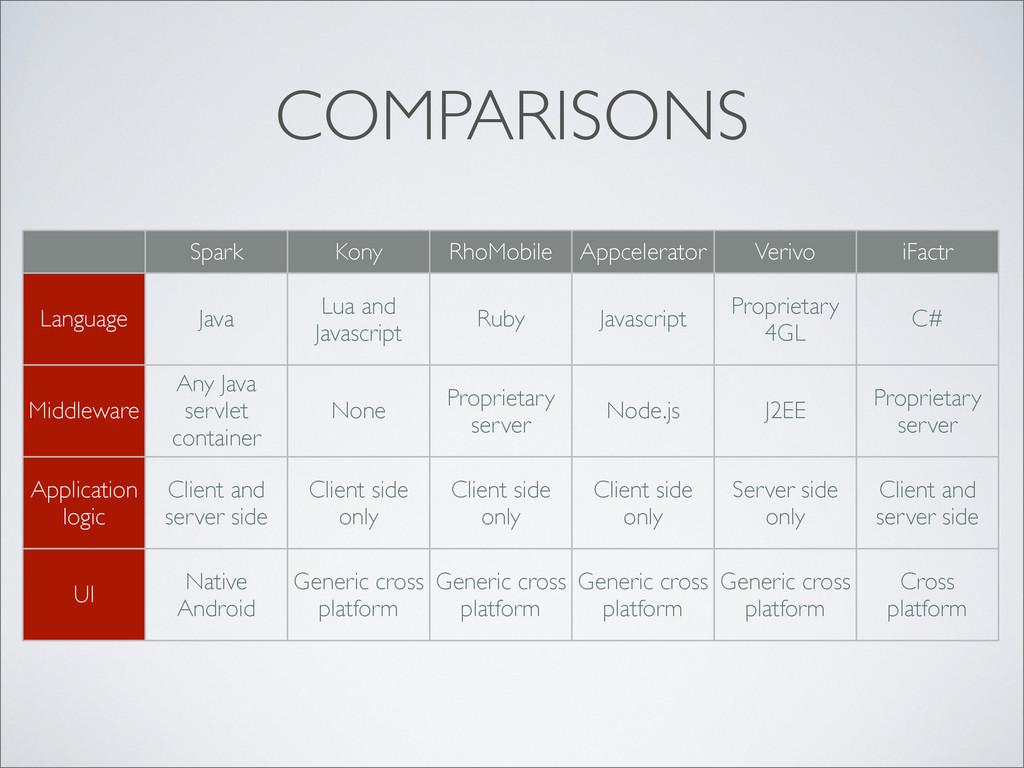
  101. COMPARISONS Spark Kony RhoMobile Appcelerator Verivo iFactr Language Middleware Application

    logic UI Java Lua and Javascript Ruby Javascript Proprietary 4GL C# Any Java servlet container None Proprietary server Node.js J2EE Proprietary server Client and server side Client side only Client side only Client side only Server side only Client and server side Native Android Generic cross platform Generic cross platform Generic cross platform Generic cross platform Cross platform
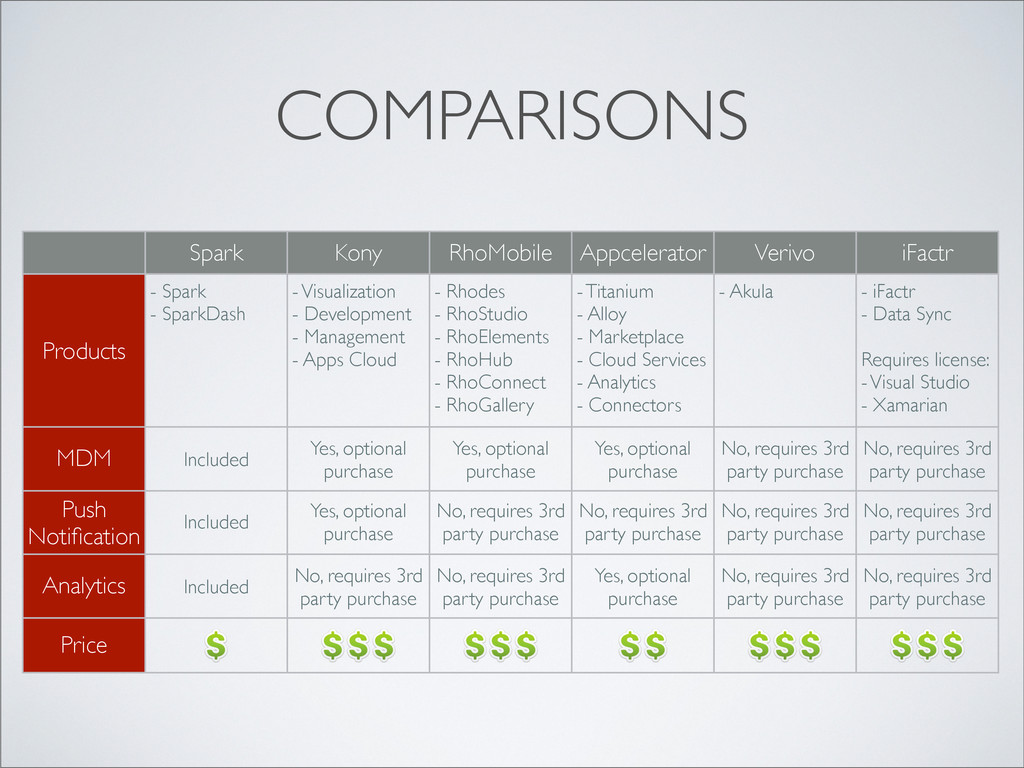
  102. COMPARISONS Spark Kony RhoMobile Appcelerator Verivo iFactr Products MDM Push

    Notification Analytics Price - Spark - SparkDash - Visualization - Development - Management - Apps Cloud - Rhodes - RhoStudio - RhoElements - RhoHub - RhoConnect - RhoGallery - Titanium - Alloy - Marketplace - Cloud Services - Analytics - Connectors - Akula - iFactr - Data Sync Requires license: - Visual Studio - Xamarian Included Yes, optional purchase Yes, optional purchase Yes, optional purchase No, requires 3rd party purchase No, requires 3rd party purchase Included Yes, optional purchase No, requires 3rd party purchase No, requires 3rd party purchase No, requires 3rd party purchase No, requires 3rd party purchase Included No, requires 3rd party purchase No, requires 3rd party purchase Yes, optional purchase No, requires 3rd party purchase No, requires 3rd party purchase
  103. BENEFITS • No mobile expertise needed • Create apps easily

    using XML and plain Java programs • Server-centric or mobile-centric application logic
  104. BENEFITS • No mobile expertise needed • Create apps easily

    using XML and plain Java programs • Server-centric or mobile-centric application logic • Remote app deployment and management
  105. BENEFITS • No mobile expertise needed • Create apps easily

    using XML and plain Java programs • Server-centric or mobile-centric application logic • Remote app deployment and management • Designed for both tablets and smart phones
  106. BENEFITS • No mobile expertise needed • Create apps easily

    using XML and plain Java programs • Server-centric or mobile-centric application logic • Remote app deployment and management • Designed for both tablets and smart phones • Ideal for corporate developers to mobilize company workflows