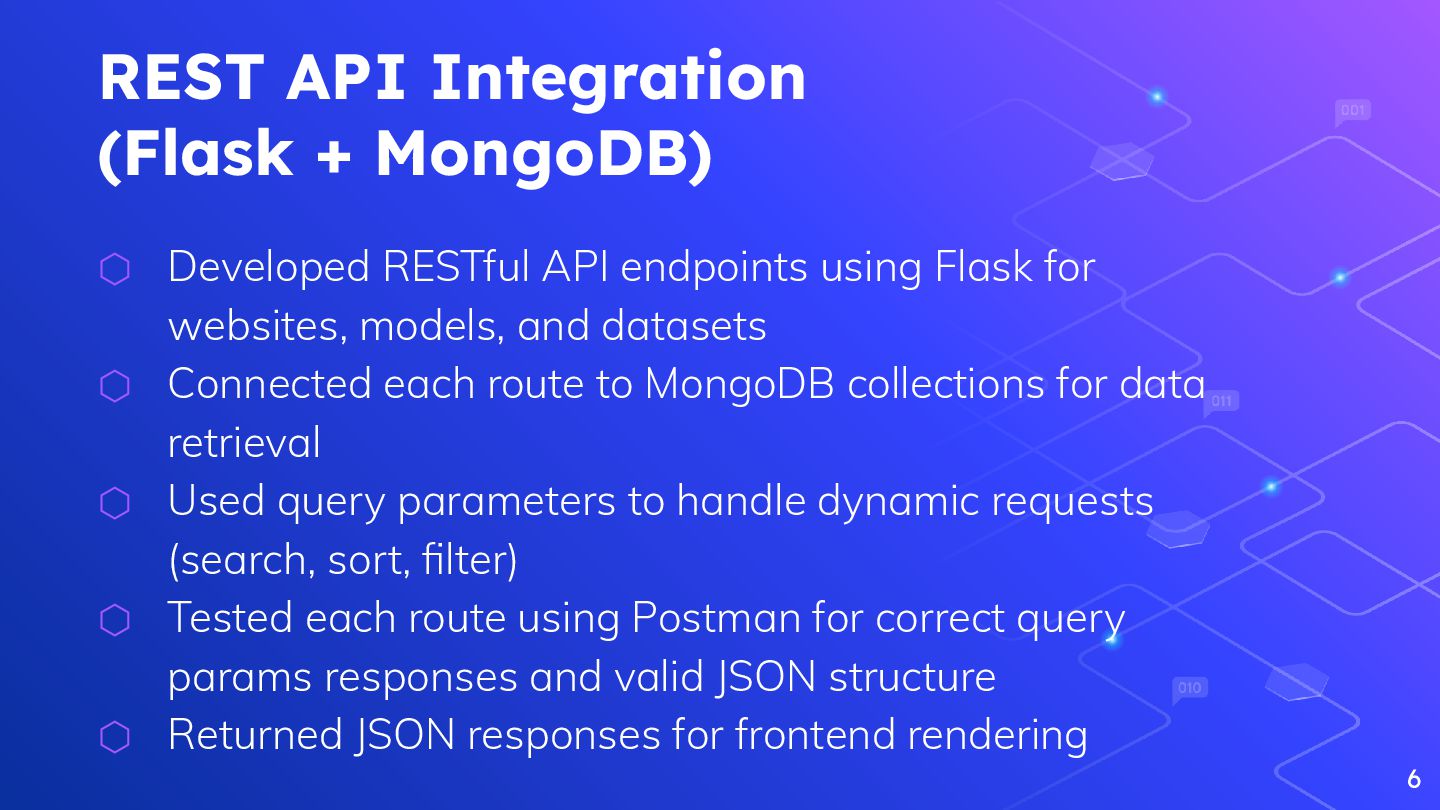
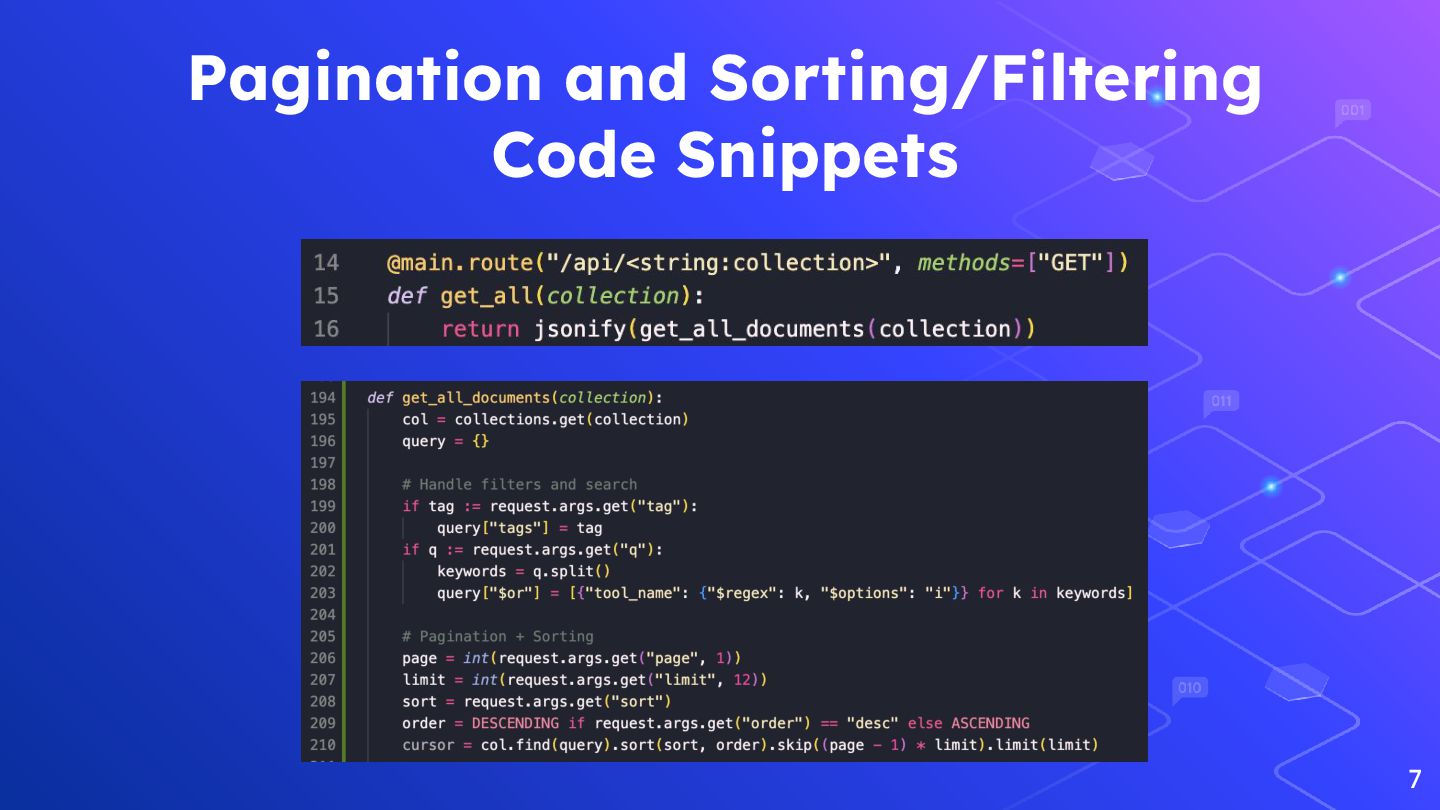
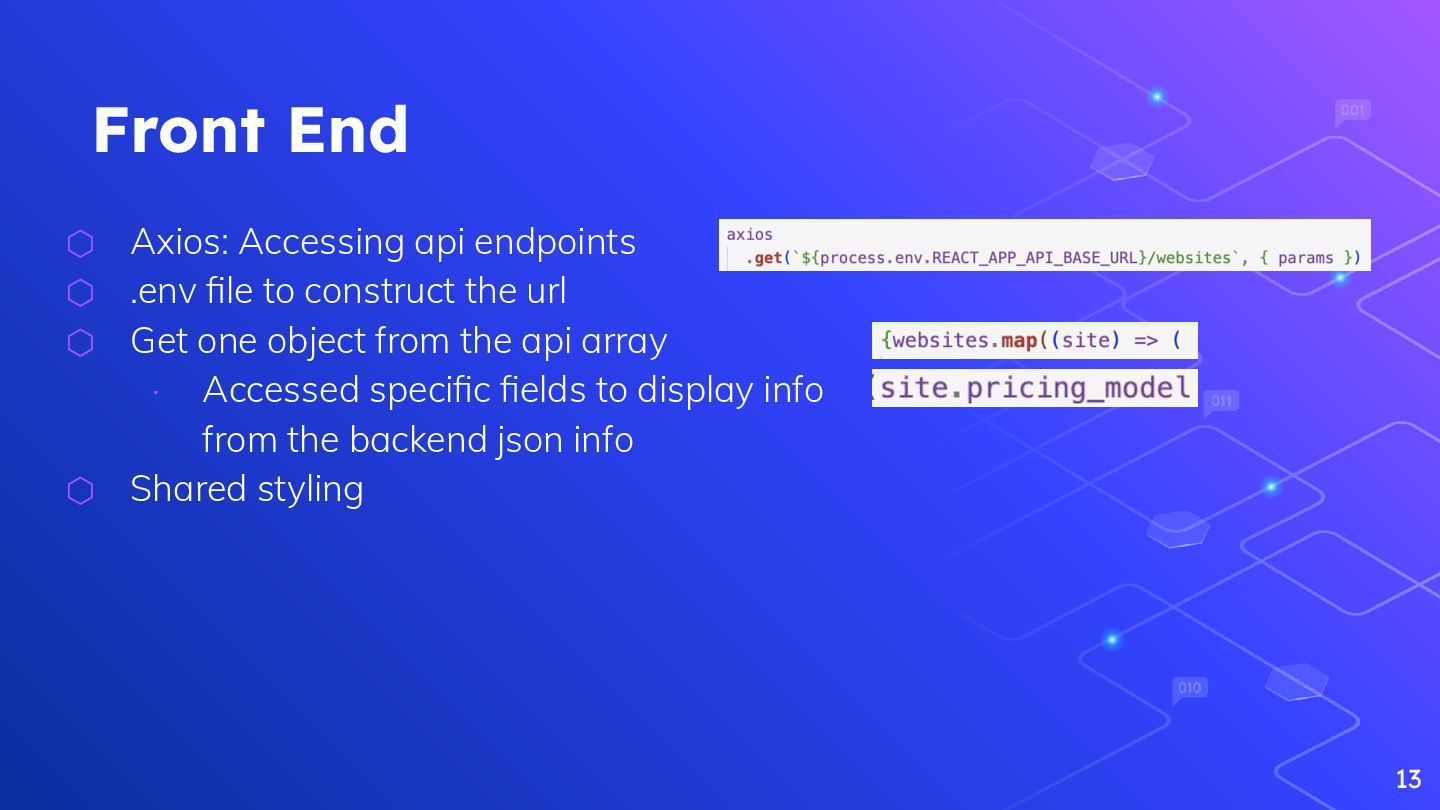
endpoints using Flask for websites, models, and datasets ⬡ Connected each route to MongoDB collections for data retrieval ⬡ Used query parameters to handle dynamic requests (search, sort, filter) ⬡ Tested each route using Postman for correct query params responses and valid JSON structure ⬡ Returned JSON responses for frontend rendering 6
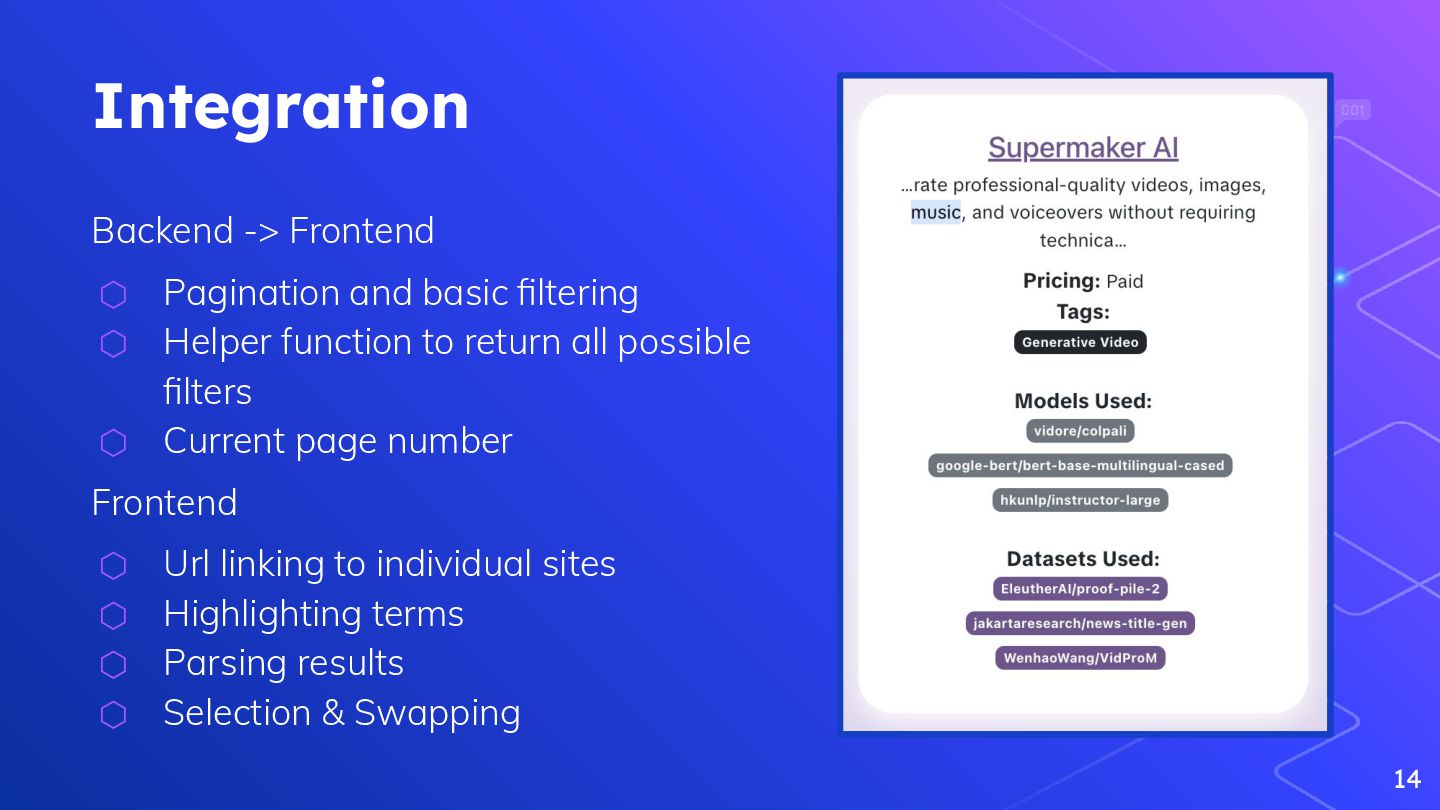
Helper function to return all possible filters ⬡ Current page number Frontend ⬡ Url linking to individual sites ⬡ Highlighting terms ⬡ Parsing results ⬡ Selection & Swapping 14
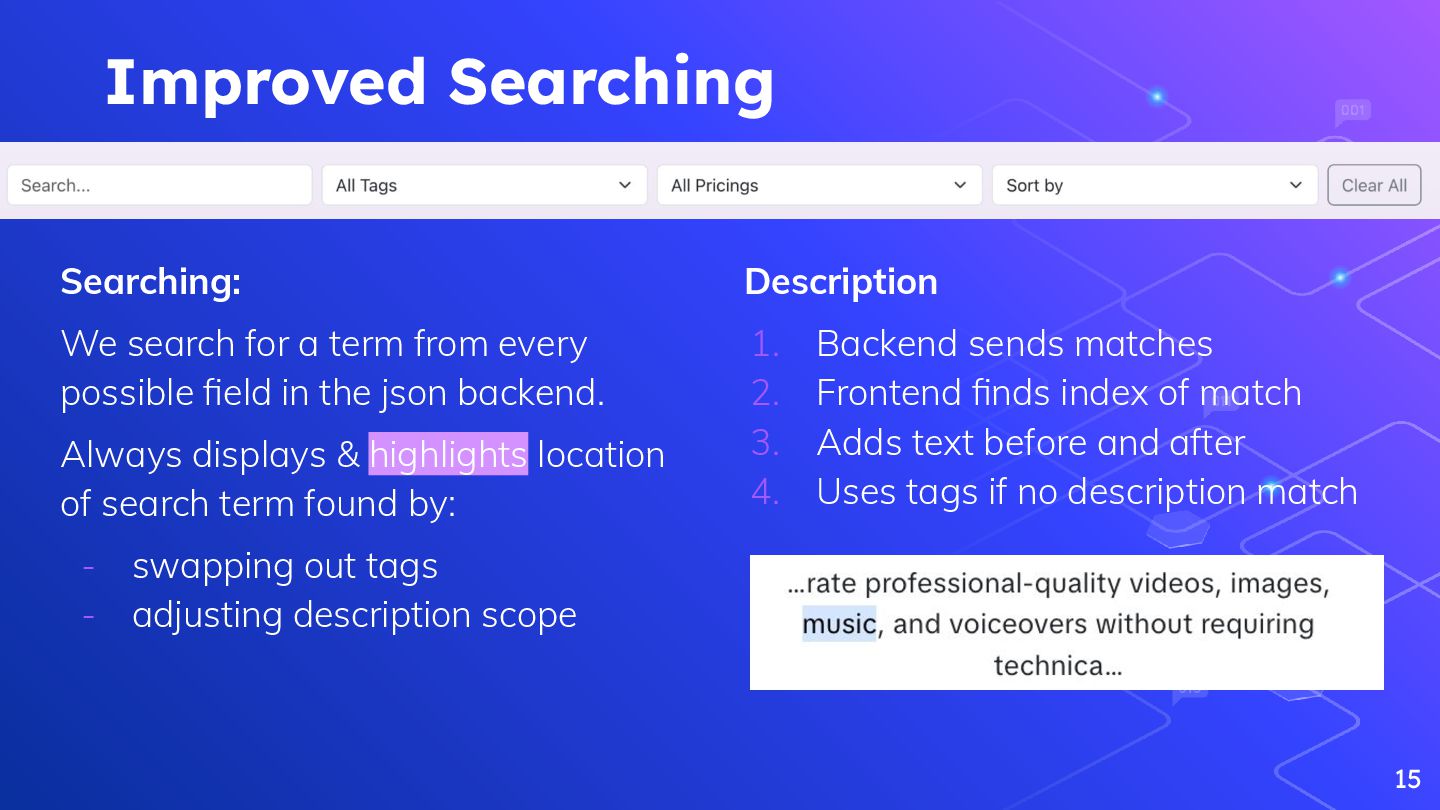
possible field in the json backend. Always displays & highlights location of search term found by: - swapping out tags - adjusting description scope 15 Description 1. Backend sends matches 2. Frontend finds index of match 3. Adds text before and after 4. Uses tags if no description match
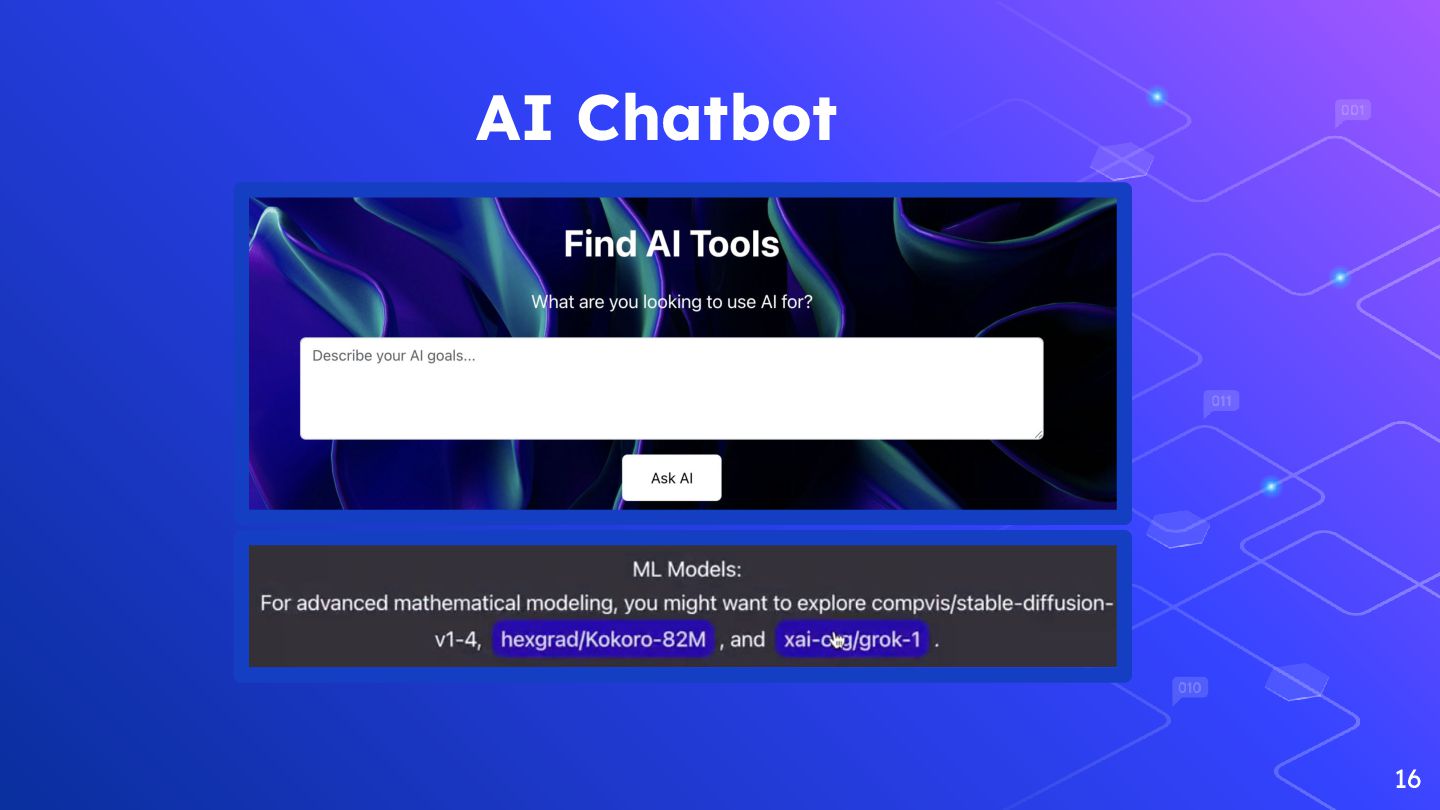
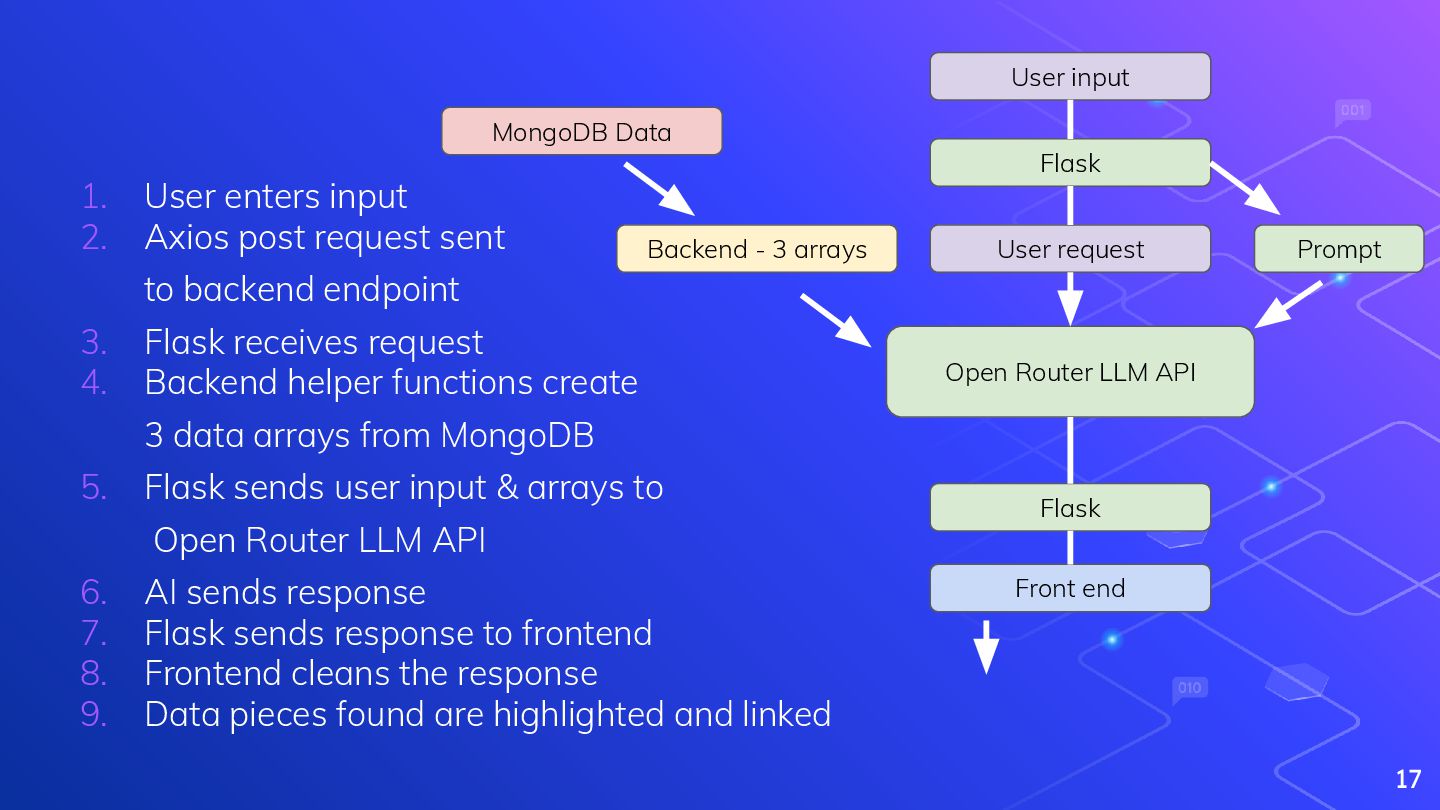
User request Open Router LLM API Prompt Flask Front end 1. User enters input 2. Axios post request sent to backend endpoint 3. Flask receives request 4. Backend helper functions create 3 data arrays from MongoDB 5. Flask sends user input & arrays to Open Router LLM API 6. AI sends response 7. Flask sends response to frontend 8. Frontend cleans the response 9. Data pieces found are highlighted and linked
of the site is intuitive ➔ Documentation is well thought out and put into practice ➔ Sorting and filtering to fit the users absolute needs. What did we learn? ➔ Deployment was always a new hurdle ➔ How to correctly link the front and back end deployments ➔ Using the .env file properly What can we do better? ➔ While the website is very straightforward and easy to understand, the visuals leave a lot to be desired ➔ Communication at times was difficult, along with understanding how far each person was along on their tasks 19 What puzzles us? ➔ How deployment would’ve been different on AWS
UI of the website was very well done and professional. ➔ The tags and info of their data were vibrant and easy to digest. ➔ Sorting and filtering of their data made sense and fit the use case of the website. What did we learn from their website? ➔ Considering how imageless our website is, we learned what is necessary to be more welcoming to users. ➔ The sorting and filtering could’ve been implemented in more ways than just lengthy drop down lists. What can they do better? ➔ The drop down list for other pages doesn’t work when the window size decreases. ➔ Implementing a way to sort by average cost could be a future development 20 What puzzles us? ➔ The cards of the theme parks are a consistent size yet the “view details” button changes, why not make it a uniform position within the card?

 Your Podcast. Everywhere. Effortlessly.


 bvr7352
 akiraasano
 robintux
 frievea
 yatabe
 rashwhitman
 cbtlibrary
 ainischool
 ytapples613
 juanmartin2026
 pawan_pharm
 frankvandijk
 maggiecrowley
 productmarketing
 tamaranovitovic
 ivargrimstad
 signer
 jacobtomlinson
 panda_program
 honnibal
 lindahogenes
 dougneiner
 keavy
keavy