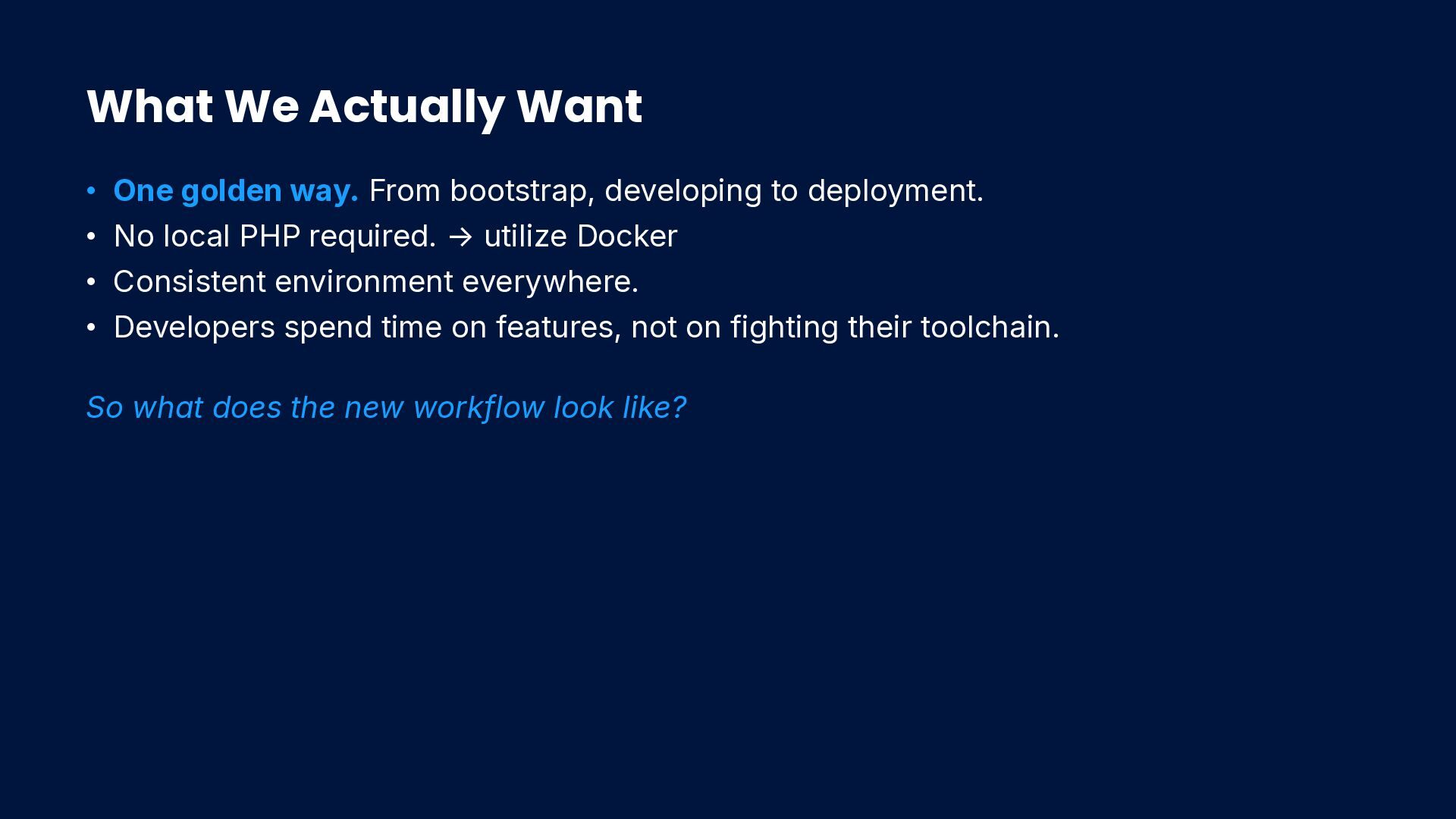
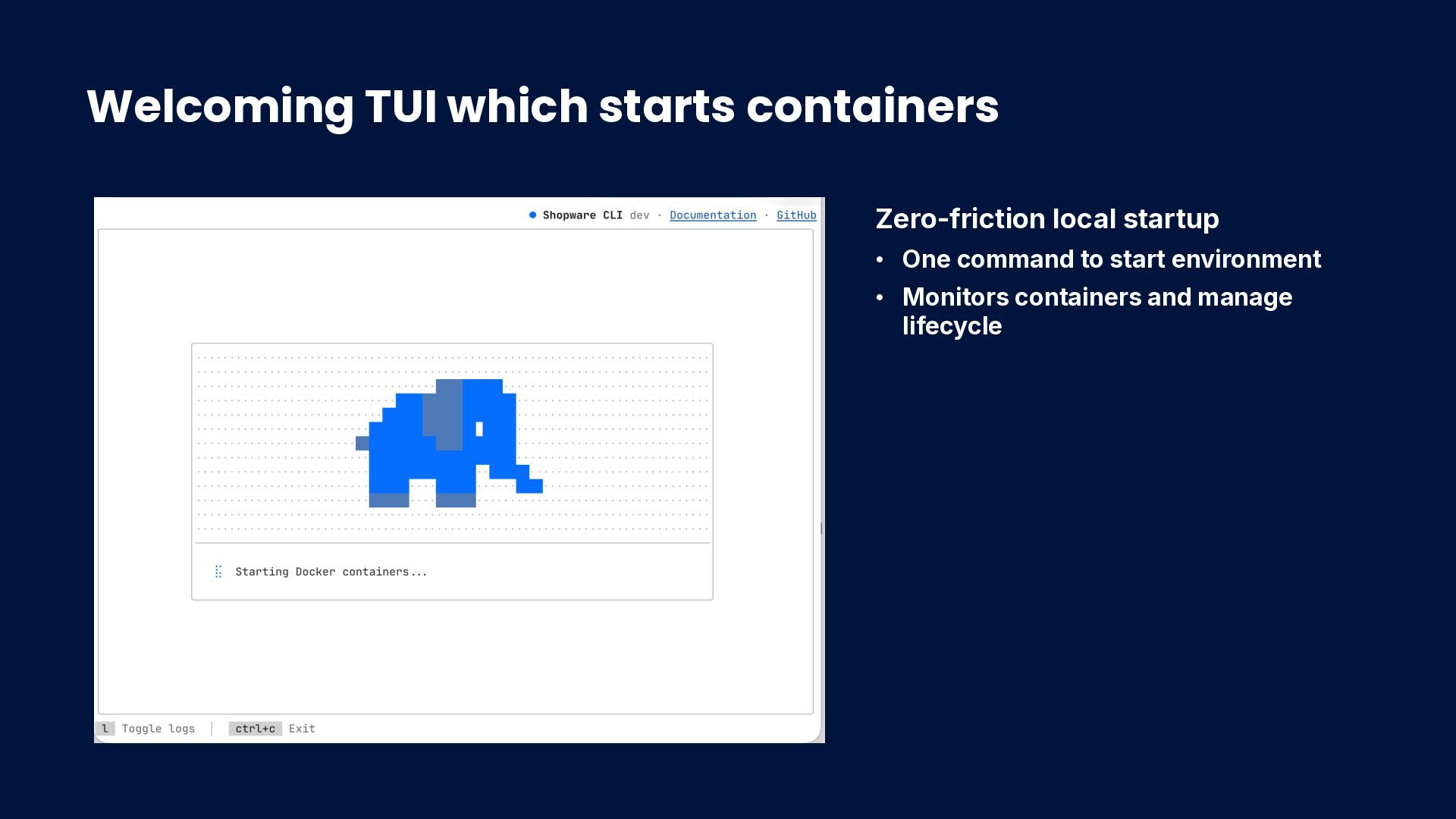
developing to deployment. • No local PHP required. → utilize Docker • Consistent environment everywhere. • Developers spend time on features, not on fighting their toolchain. So what does the new workflow look like?
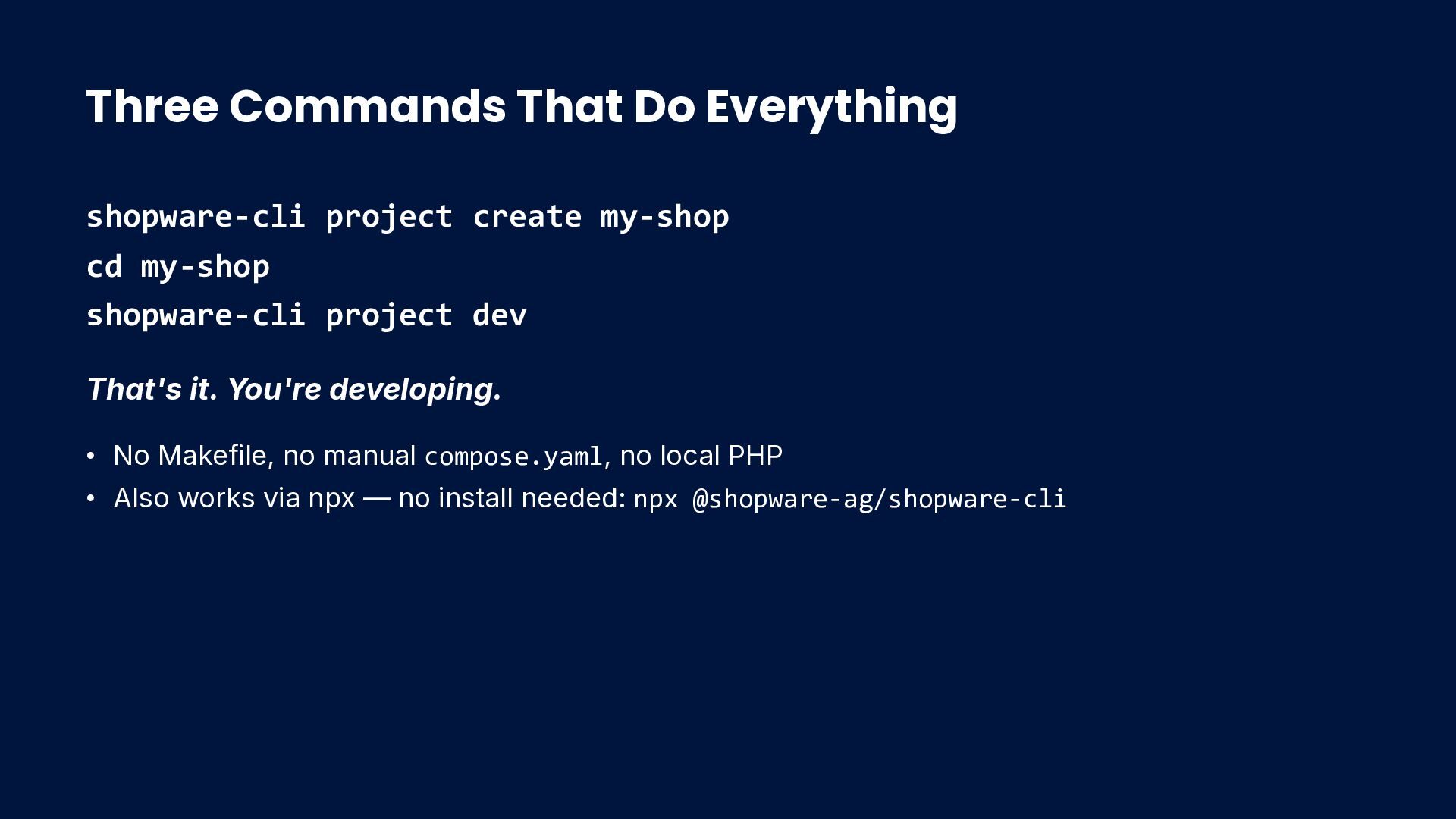
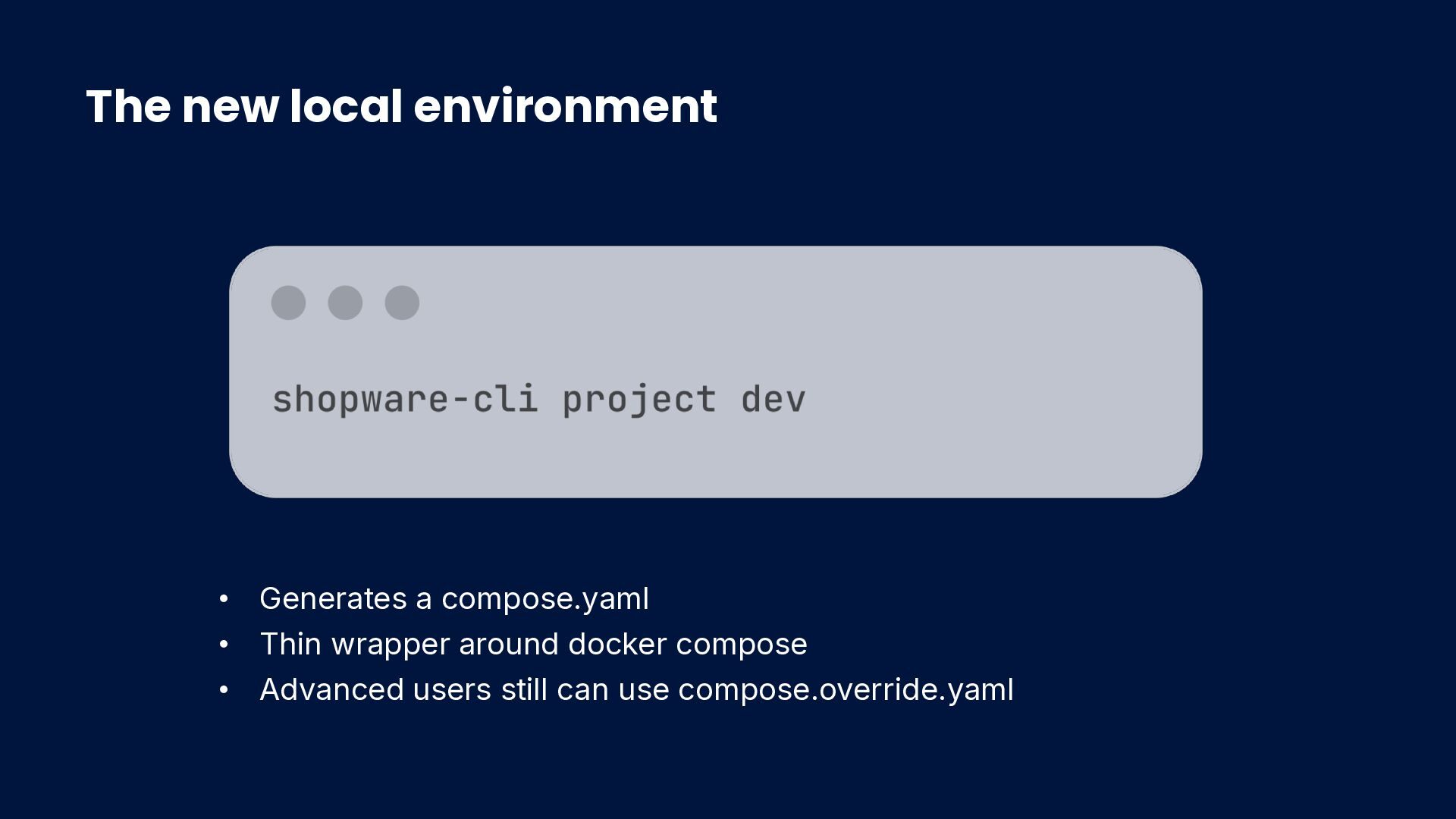
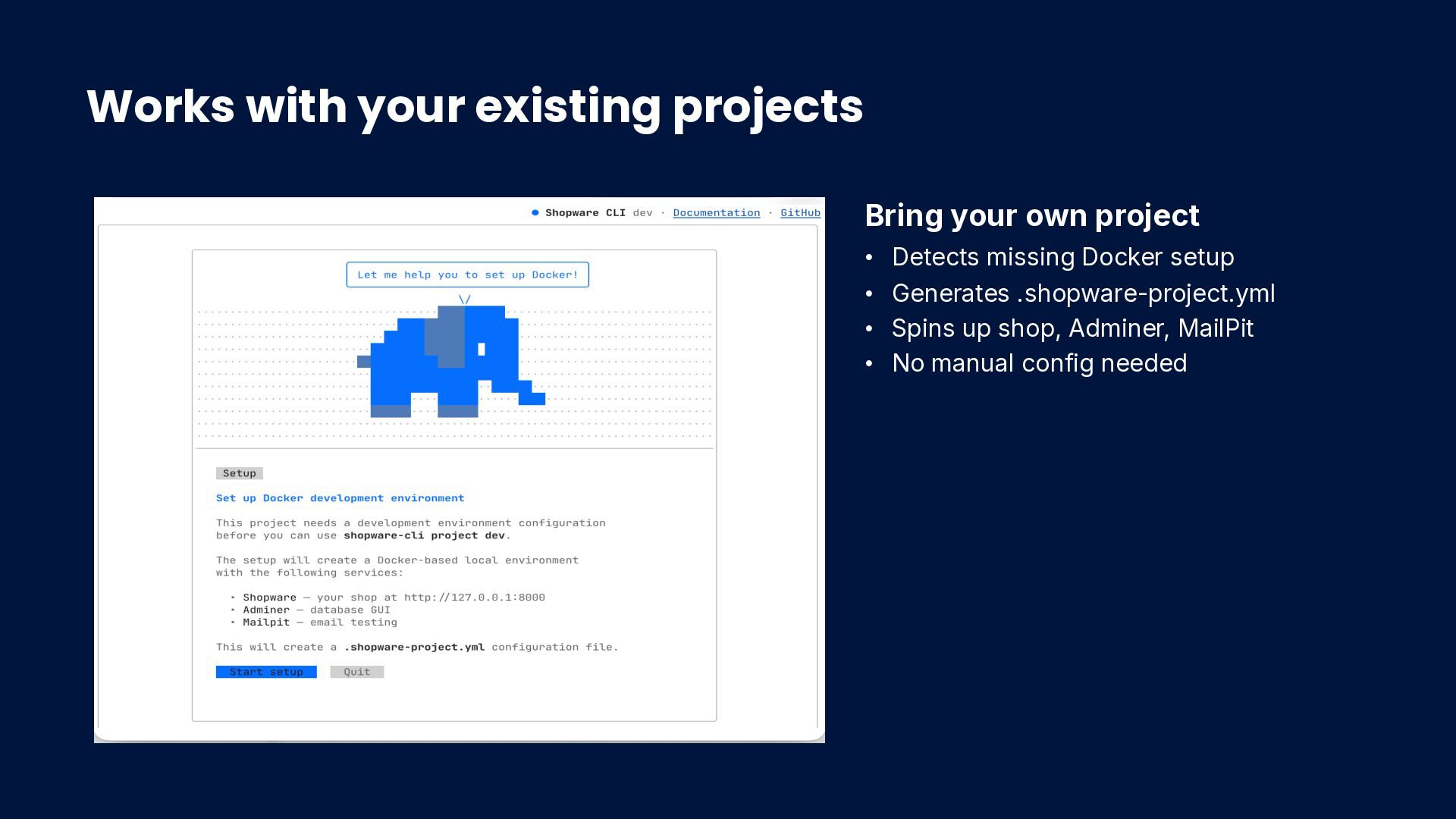
my-shop shopware-cli project dev That's it. You're developing. • No Makefile, no manual compose.yaml, no local PHP • Also works via npx — no install needed: npx @shopware-ag/shopware-cli
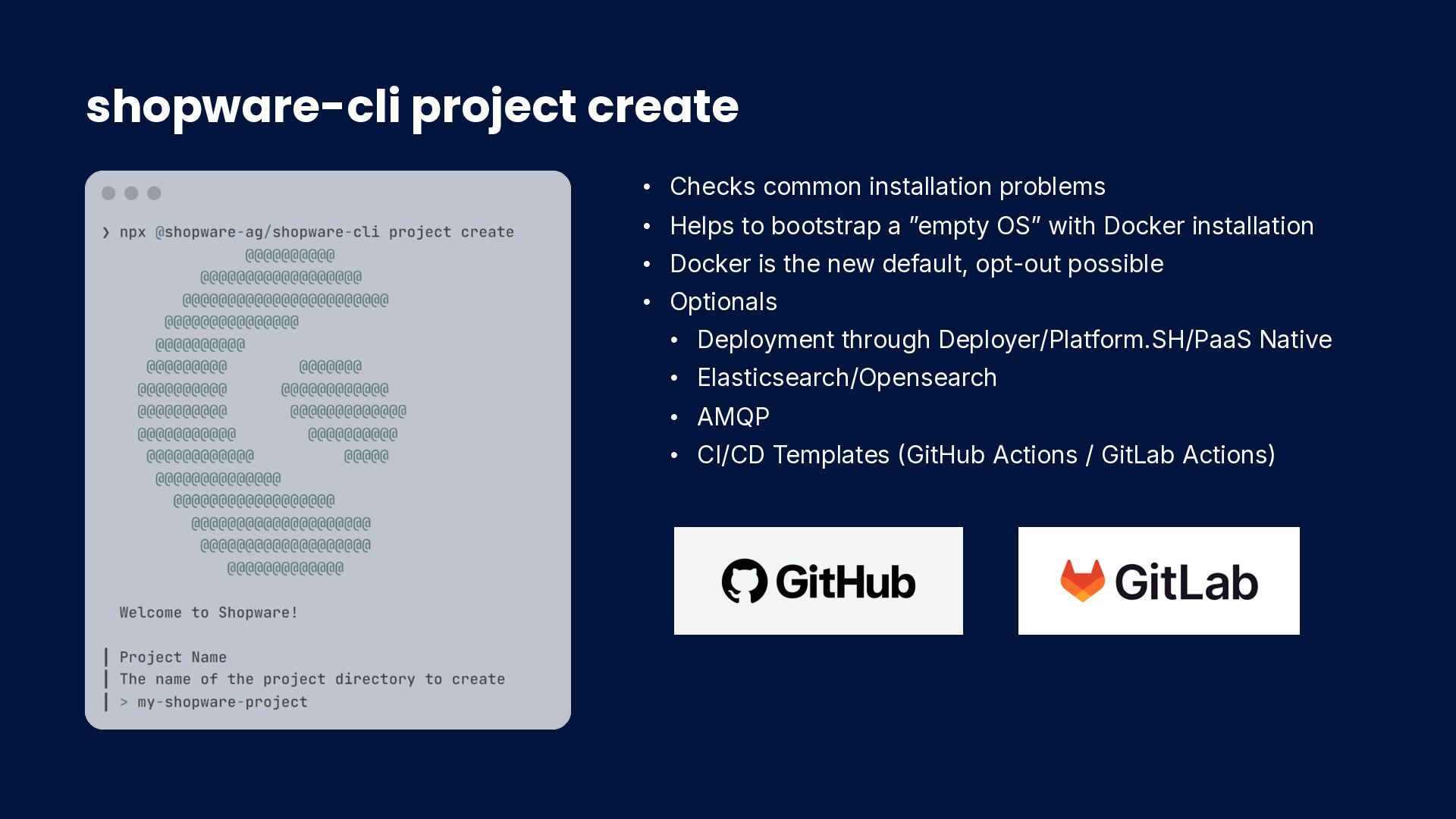
to bootstrap a ”empty OS” with Docker installation • Docker is the new default, opt-out possible • Optionals • Deployment through Deployer/Platform.SH/PaaS Native • Elasticsearch/Opensearch • AMQP • CI/CD Templates GitHub Actions / GitLab Actions)
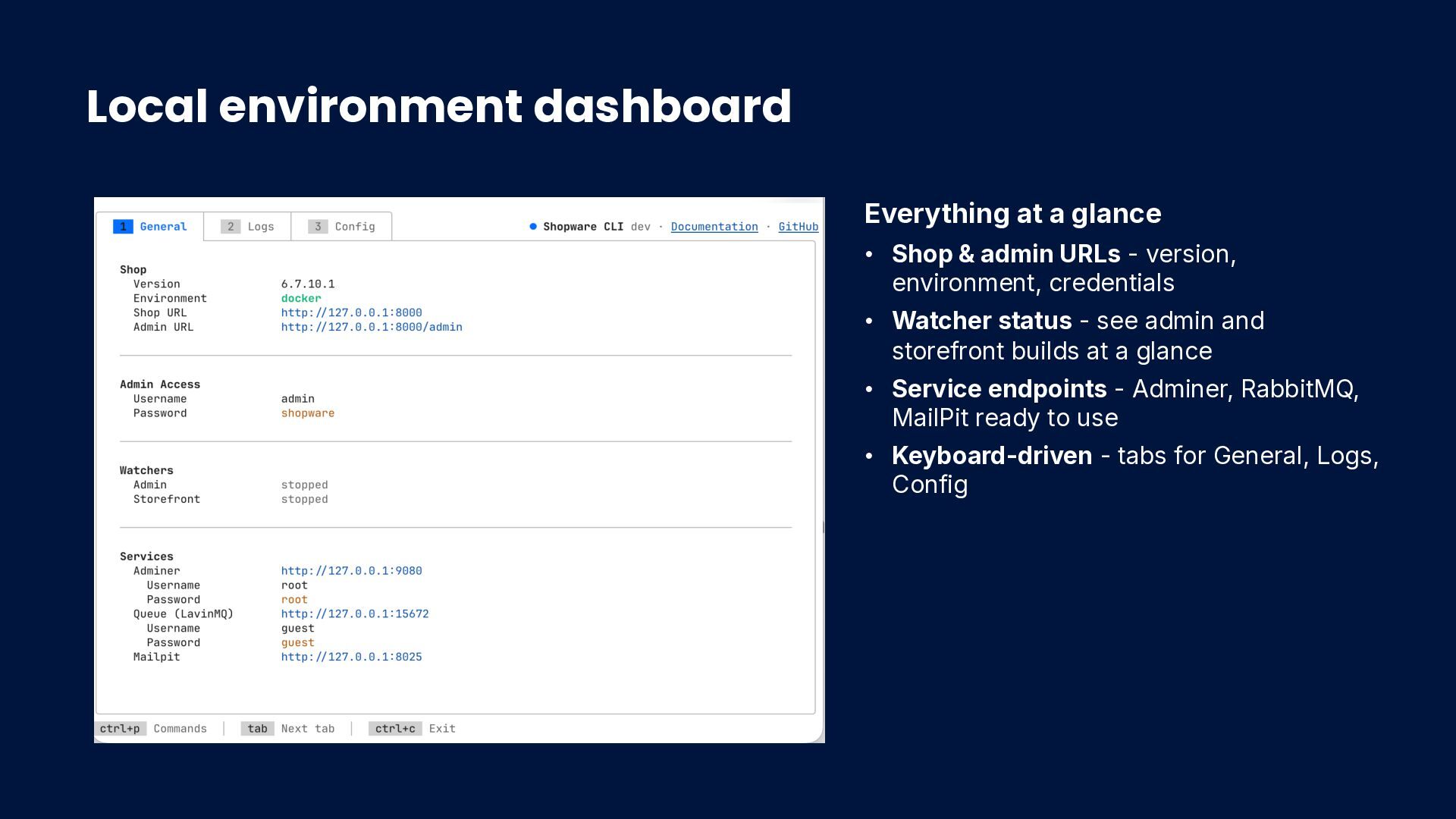
admin URLs - version, environment, credentials • Watcher status - see admin and storefront builds at a glance • Service endpoints - Adminer, RabbitMQ, MailPit ready to use • Keyboard-driven - tabs for General, Logs, Config
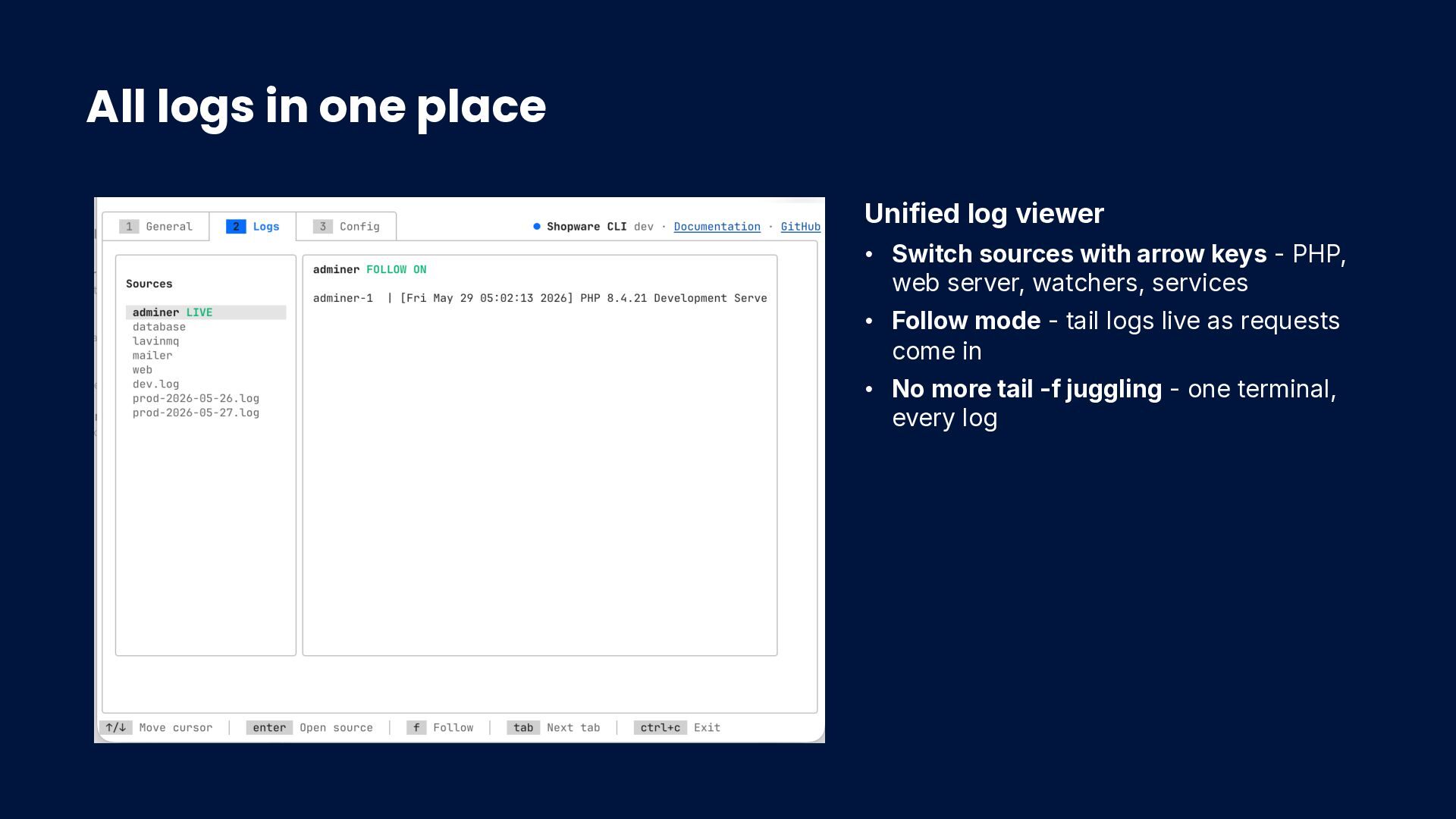
sources with arrow keys - PHP, web server, watchers, services • Follow mode - tail logs live as requests come in • No more tail -f juggling - one terminal, every log
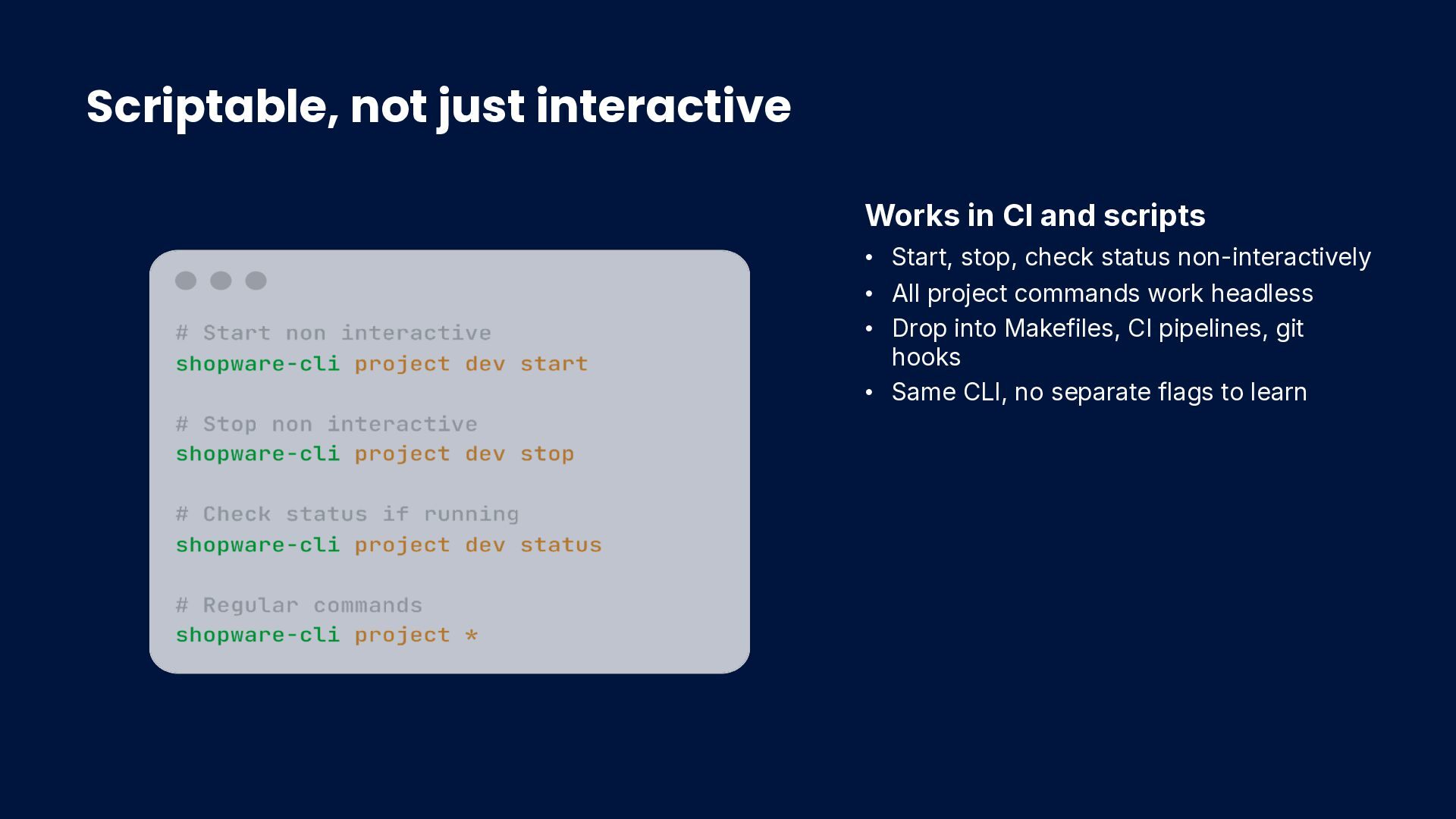
Start, stop, check status non-interactively • All project commands work headless • Drop into Makefiles, CI pipelines, git hooks • Same CLI, no separate flags to learn
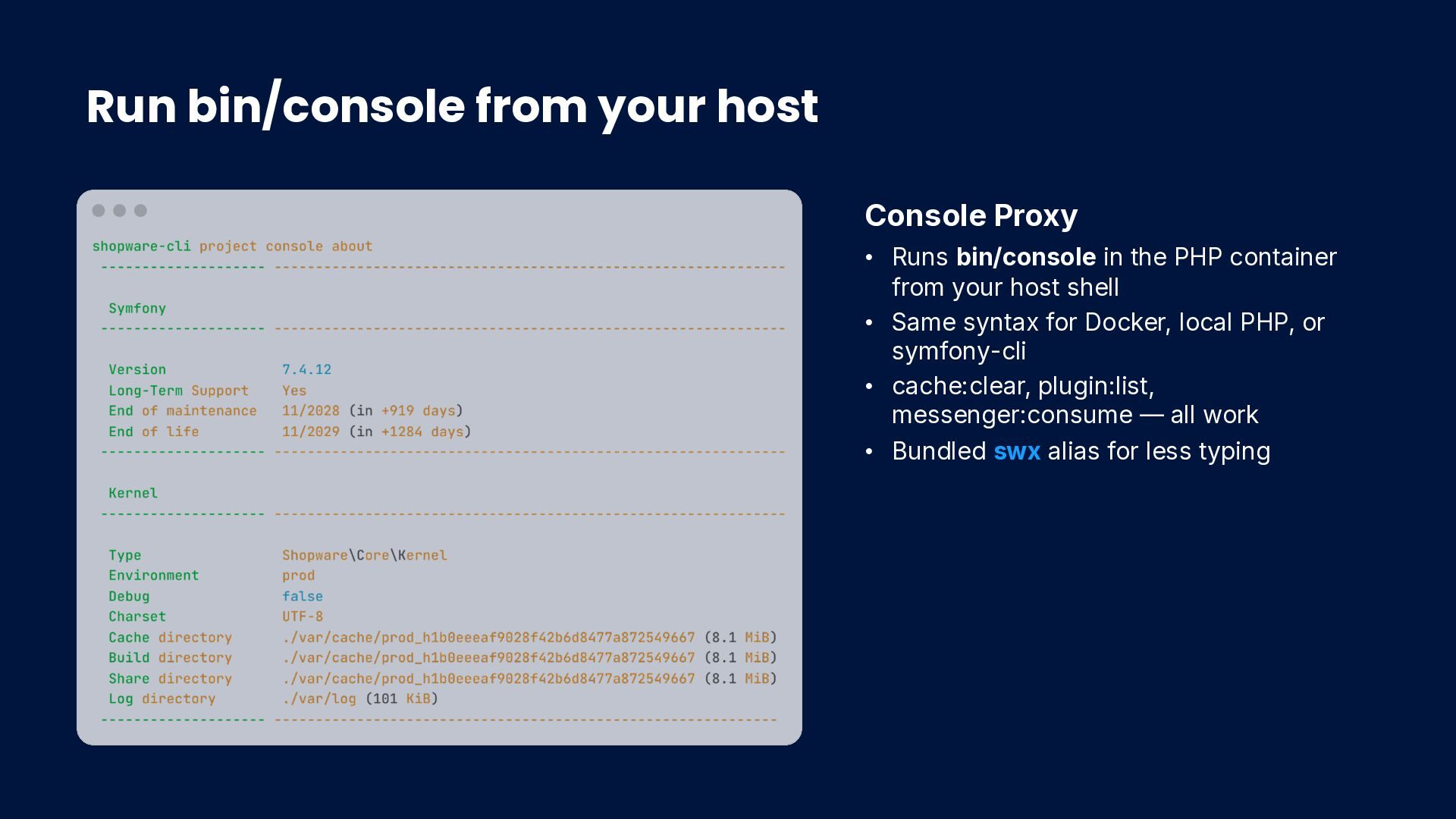
in the PHP container from your host shell • Same syntax for Docker, local PHP, or symfony-cli • cache:clear, plugin:list, messenger:consume — all work • Bundled swx alias for less typing
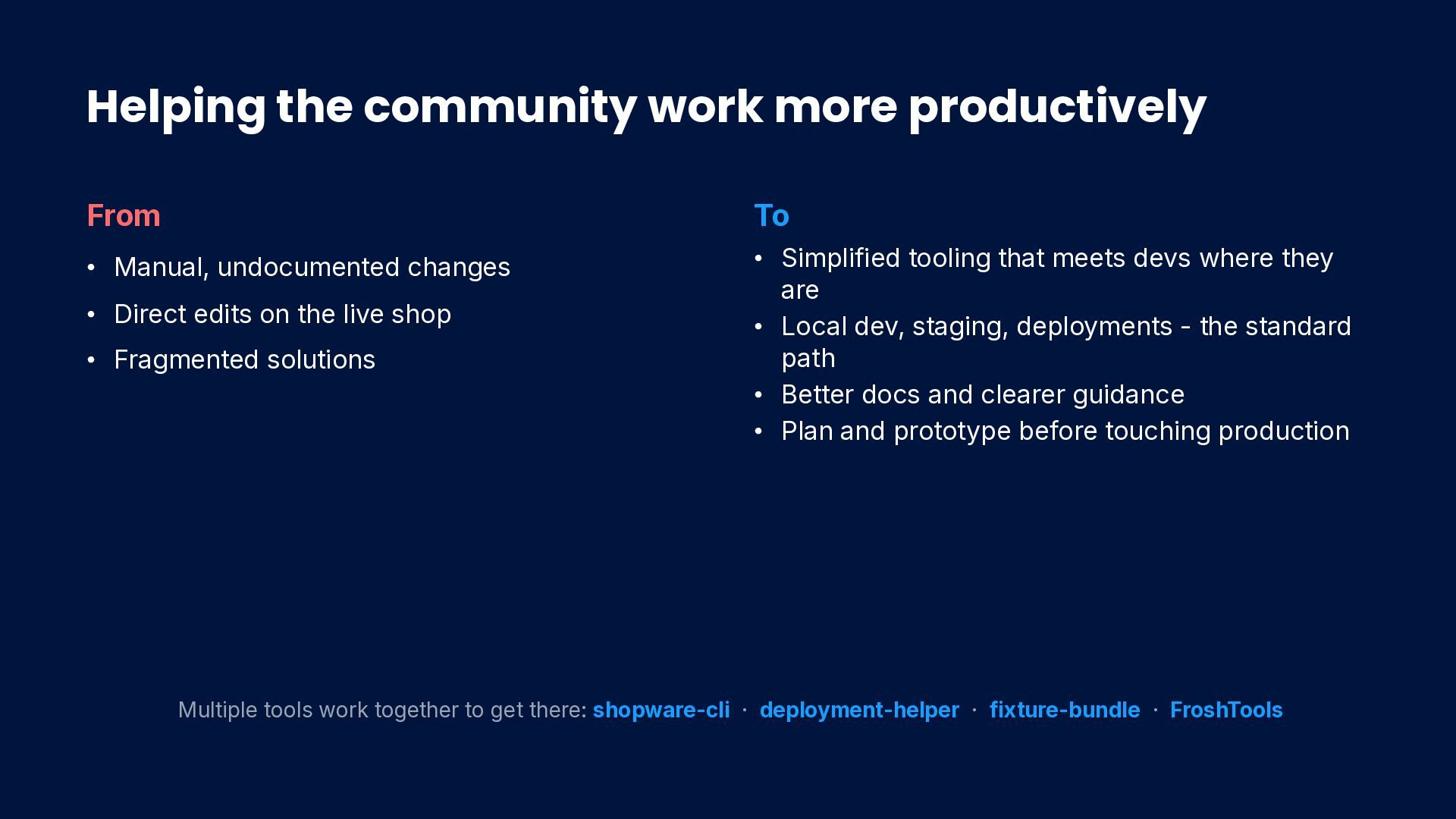
changes • Direct edits on the live shop • Fragmented solutions To • Simplified tooling that meets devs where they are • Local dev, staging, deployments - the standard path • Better docs and clearer guidance • Plan and prototype before touching production Multiple tools work together to get there: shopware-cli · deployment-helper · fixture-bundle · FroshTools
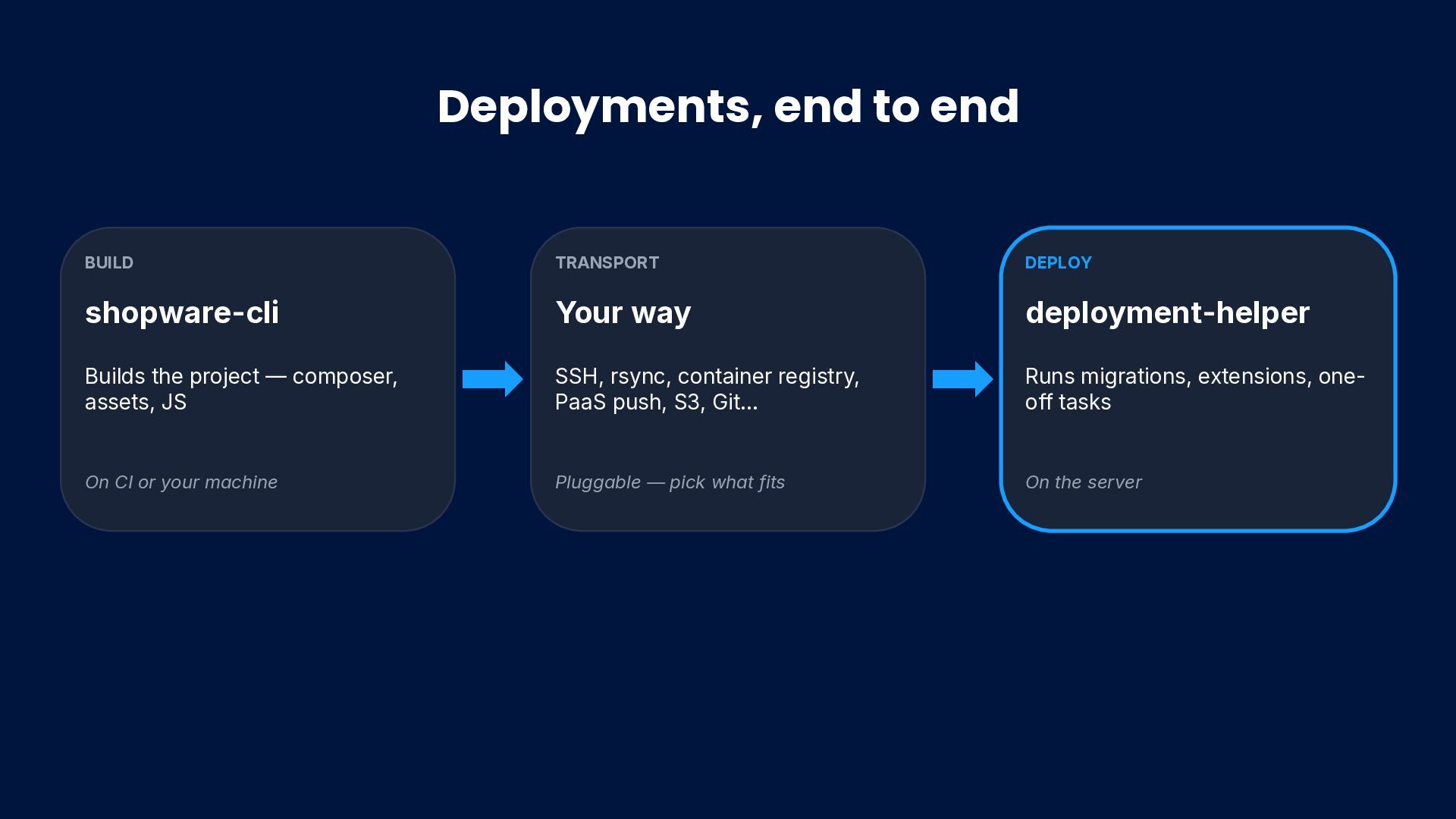
composer, assets, JS On CI or your machine TRANSPORT Your way SSH, rsync, container registry, PaaS push, S3, Git… Pluggable — pick what fits DEPLOY deployment-helper Runs migrations, extensions, one- off tasks On the server
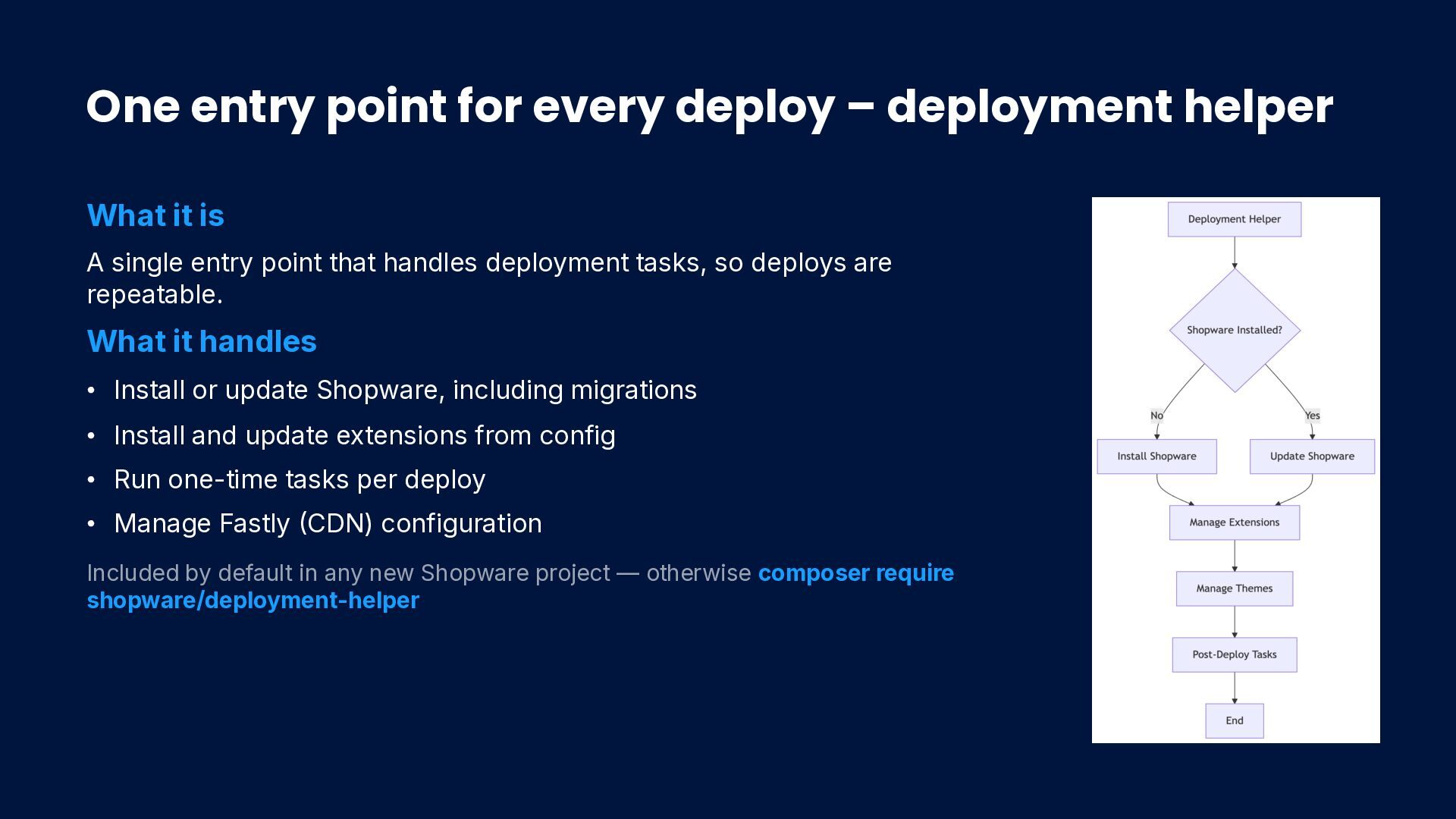
it is A single entry point that handles deployment tasks, so deploys are repeatable. What it handles • Install or update Shopware, including migrations • Install and update extensions from config • Run one-time tasks per deploy • Manage Fastly CDN) configuration Included by default in any new Shopware project — otherwise composer require shopware/deployment-helper
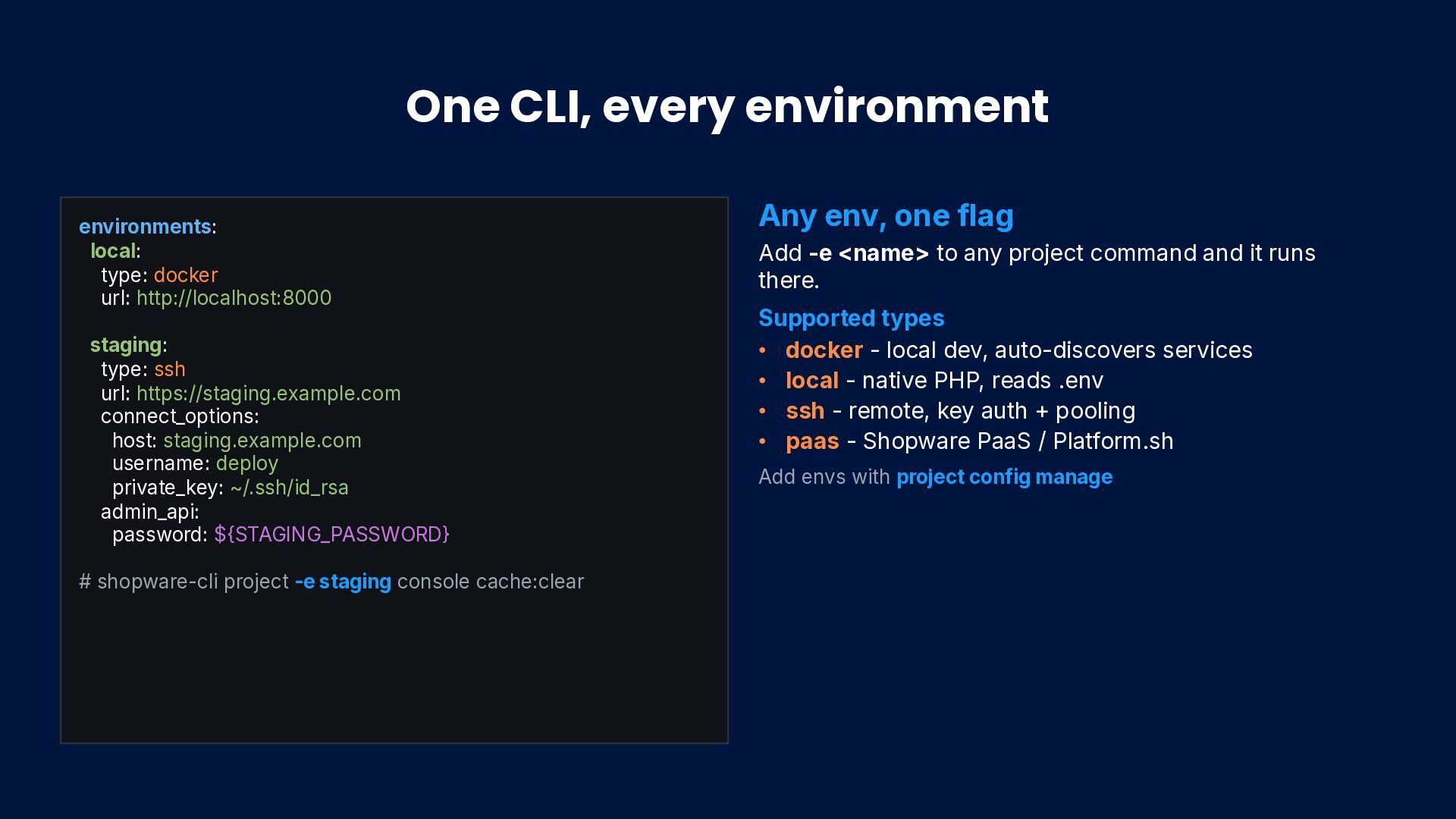
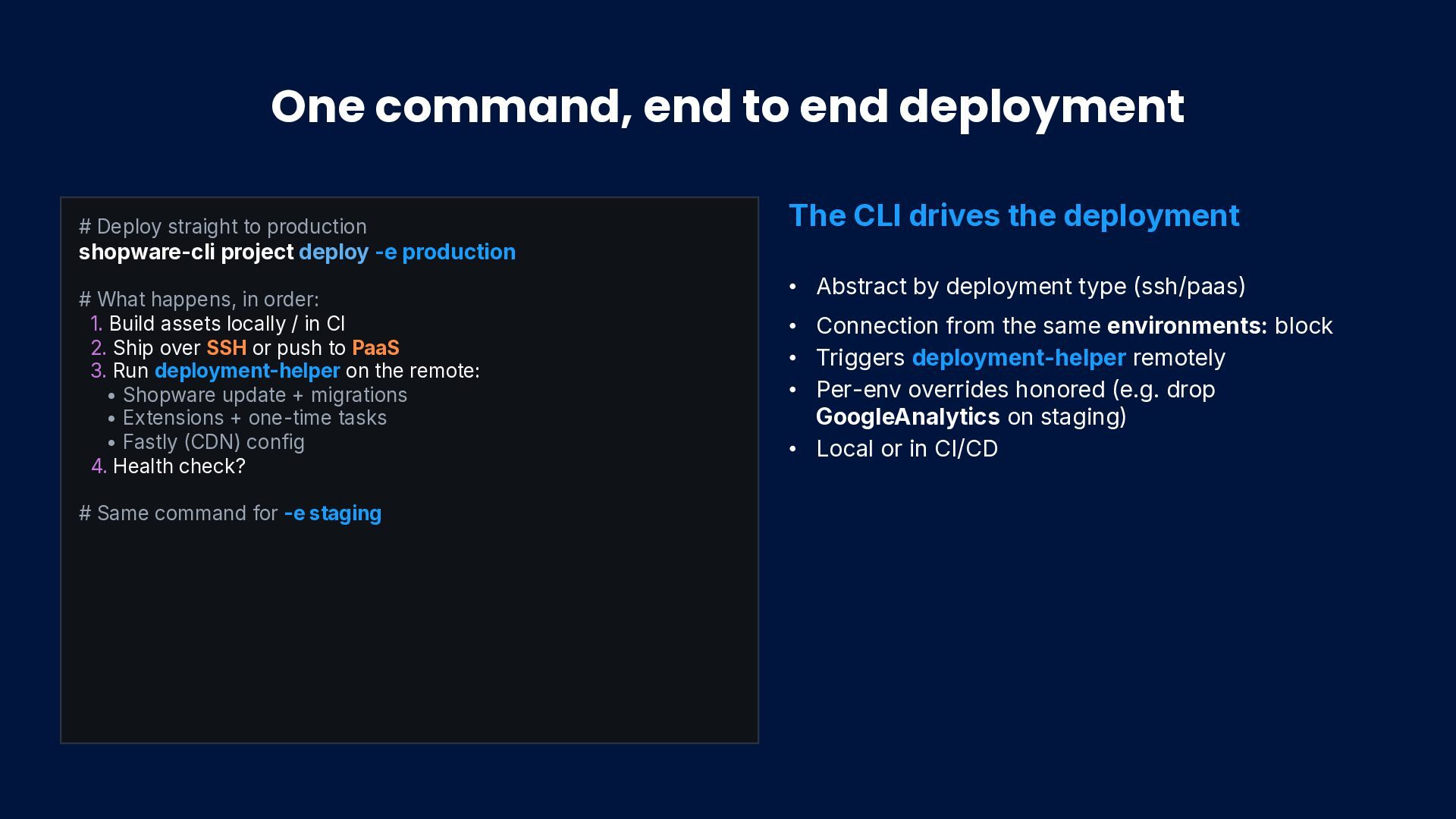
production shopware-cli project deploy -e production # What happens, in order: 1. Build assets locally / in CI 2. Ship over SSH or push to PaaS 3. Run deployment-helper on the remote: • Shopware update + migrations • Extensions + one-time tasks • Fastly CDN) config 4. Health check? # Same command for -e staging The CLI drives the deployment • Abstract by deployment type (ssh/paas) • Connection from the same environments: block • Triggers deployment-helper remotely • Per-env overrides honored (e.g. drop GoogleAnalytics on staging) • Local or in CI/CD
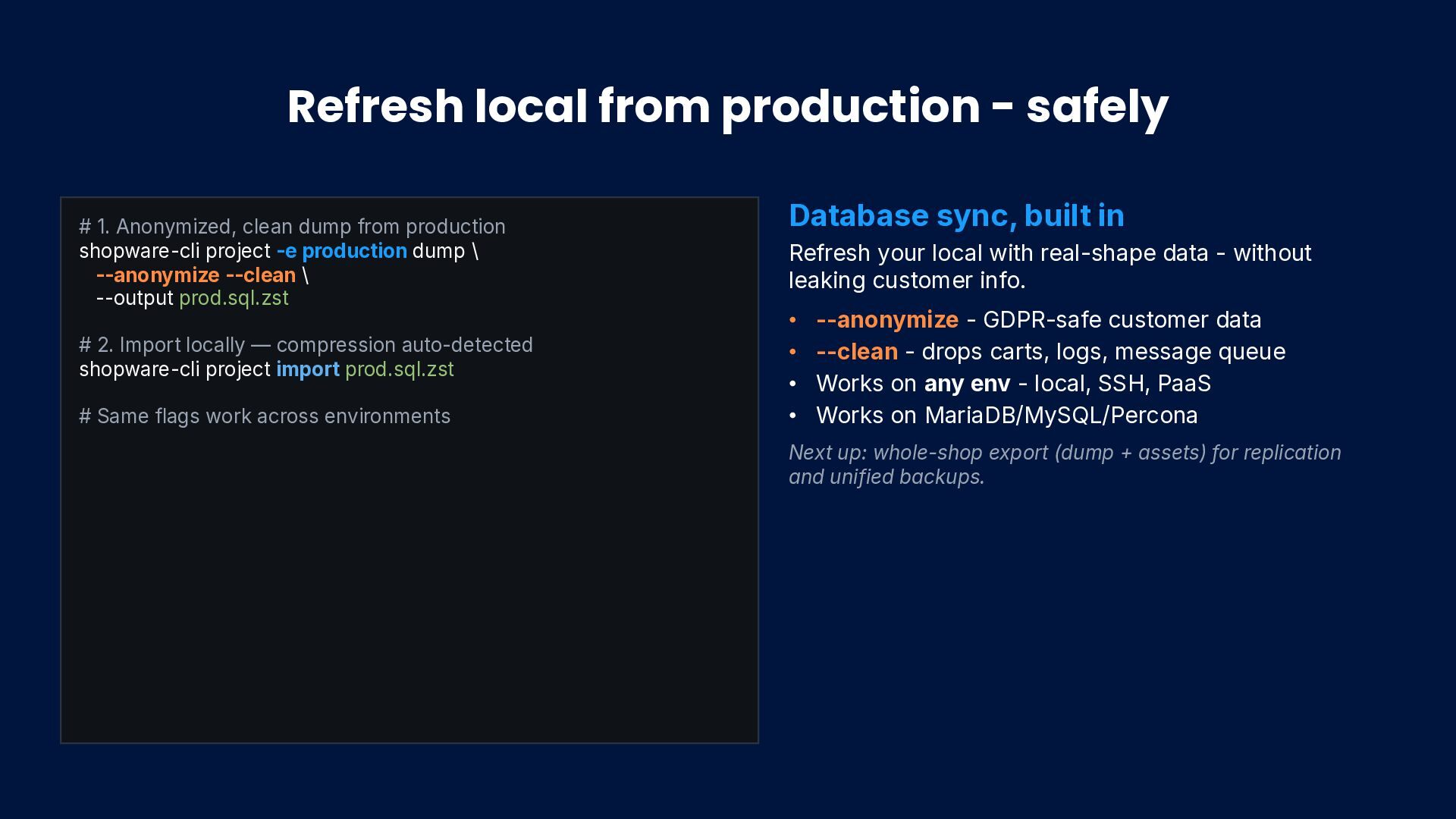
dump from production shopware-cli project -e production dump \ --anonymize --clean \ --output prod.sql.zst # 2. Import locally — compression auto-detected shopware-cli project import prod.sql.zst # Same flags work across environments Database sync, built in Refresh your local with real-shape data - without leaking customer info. • --anonymize - GDPR-safe customer data • --clean - drops carts, logs, message queue • Works on any env - local, SSH, PaaS • Works on MariaDB/MySQL/Percona Next up: whole-shop export (dump + assets) for replication and unified backups.
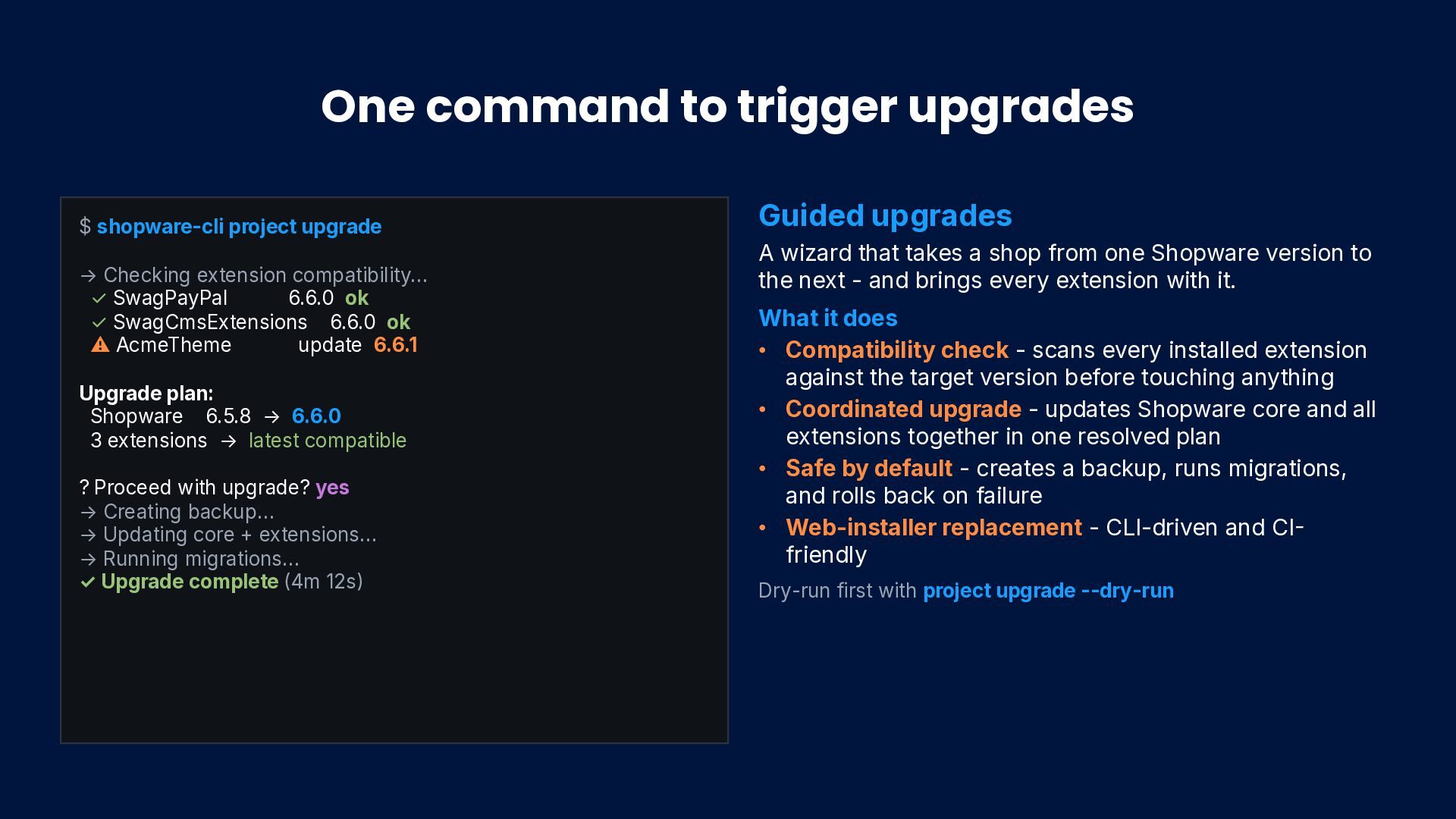
Checking extension compatibility… ✓ SwagPayPal 6.6.0 ok ✓ SwagCmsExtensions 6.6.0 ok ⚠ AcmeTheme update 6.6.1 Upgrade plan: Shopware 6.5.8 → 6.6.0 3 extensions → latest compatible ? Proceed with upgrade? yes → Creating backup… → Updating core + extensions… → Running migrations… ✓ Upgrade complete 4m 12s Guided upgrades A wizard that takes a shop from one Shopware version to the next - and brings every extension with it. What it does • Compatibility check - scans every installed extension against the target version before touching anything • Coordinated upgrade - updates Shopware core and all extensions together in one resolved plan • Safe by default - creates a backup, runs migrations, and rolls back on failure • Web-installer replacement - CLI-driven and CI friendly Dry-run first with project upgrade --dry-run


 shyim
shyim
.jpg) yumnumm
yumnumm
 rockname
 yub0n
yub0n
 reimaru
 findyinc
 atsuki_seo
 rkaga
rkaga
 iwatsukayura
 monolithic_adam
 minodriven
 curekoshimizu
 irinanazarova
 sarafernandez
 eileencodes
 jdejongh
 rkendrick25
 marcelosomers
 morganepeng
 katarinadahlin
 jakevdp
 cassininazir
 bcantrill
 sabderemane
 chriscoyier