Apple introduced the newest version IOS 13 and Shylesh Sriranjan is going to tell the features of this update. So, enjoy the features of this update and make it easy to use.
Features
Beautiful new look
A new Dark Mode option gives iOS and apps a beautiful dark colour scheme. Perfect for low-light environments, Dark Mode is easier on your eyes and won’t disturb people around you.
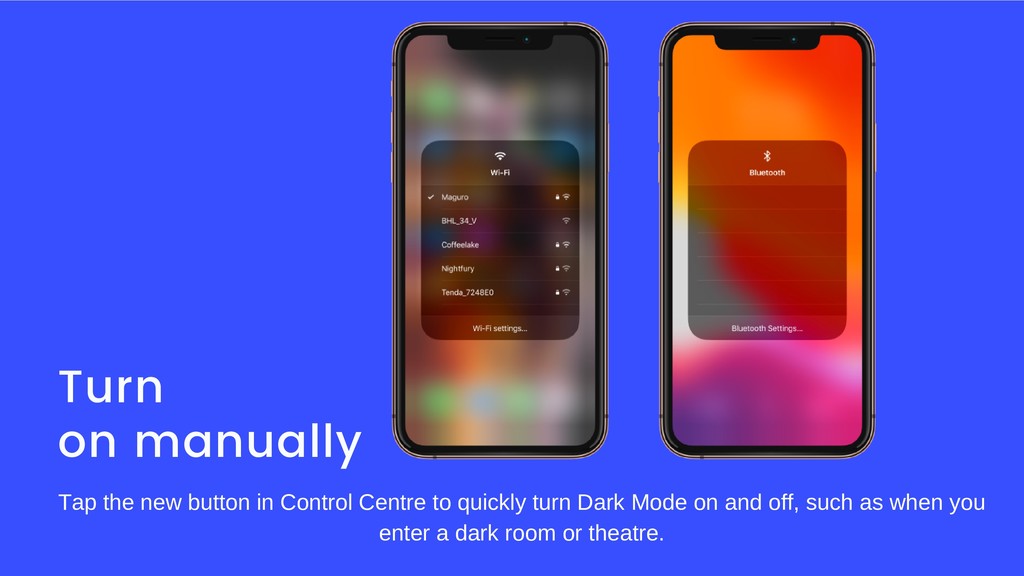
Turn on manually
Tap the new button in Control Centre to quickly turn Dark Mode on and off, such as when you enter a dark room or theatre.


 e5ua
e5ua
 iwashi86
 kazumakitao
 flux
flux
 mediphone
 todatomohiro
 arid2
arid2
 nessu_inc
 uniam
uniam
 kinsofficial
 hr1nursing
 kuraryu0128
 marcoroth
 cromwellryan
 jct
jct
.png) helenjbeal
helenjbeal
 matthewcrist
 tonyrice
 reverentgeek
 garrettdimon
 sonatard
 katarinadahlin
 aarron
 aleyda