Upgrade to Pro — share decks privately, control downloads, hide ads and more …

How apps get online — a workshop for people who...

Sponsored · Your Podcast. Everywhere. Effortlessly. Share. Educate. Inspire. Entertain. You do you. We'll handle the rest. →
Sigrid
November 05, 2026

How apps get online — a workshop for people who built with AI

A free 15-slide deck for anyone teaching non-coders how their AI-built app reaches the internet: the eight words, four paths, a 10-minute exercise, costs and safety. Written by the Cloudish team at Hal9. Licence: CC BY 4.0 — use, remix and share with credit.

Sigrid

November 05, 2026

Transcript

15 slides
  1. CLOUDISH · A HAL9 PROJECT How apps get online Eight

    words, four paths, one 10-minute exercise — for anyone teaching non-coders how their AI-built app reaches the internet. CC BY 4.0 · Written by the Cloudish team 1 / 15
  2. THE GAP Building is the easy part now. Anyone can

    get an AI to build an app. Getting it online is a different skill — and nobody taught the builder. This deck teaches the step between: a link others can open, that keeps working. 2 / 15
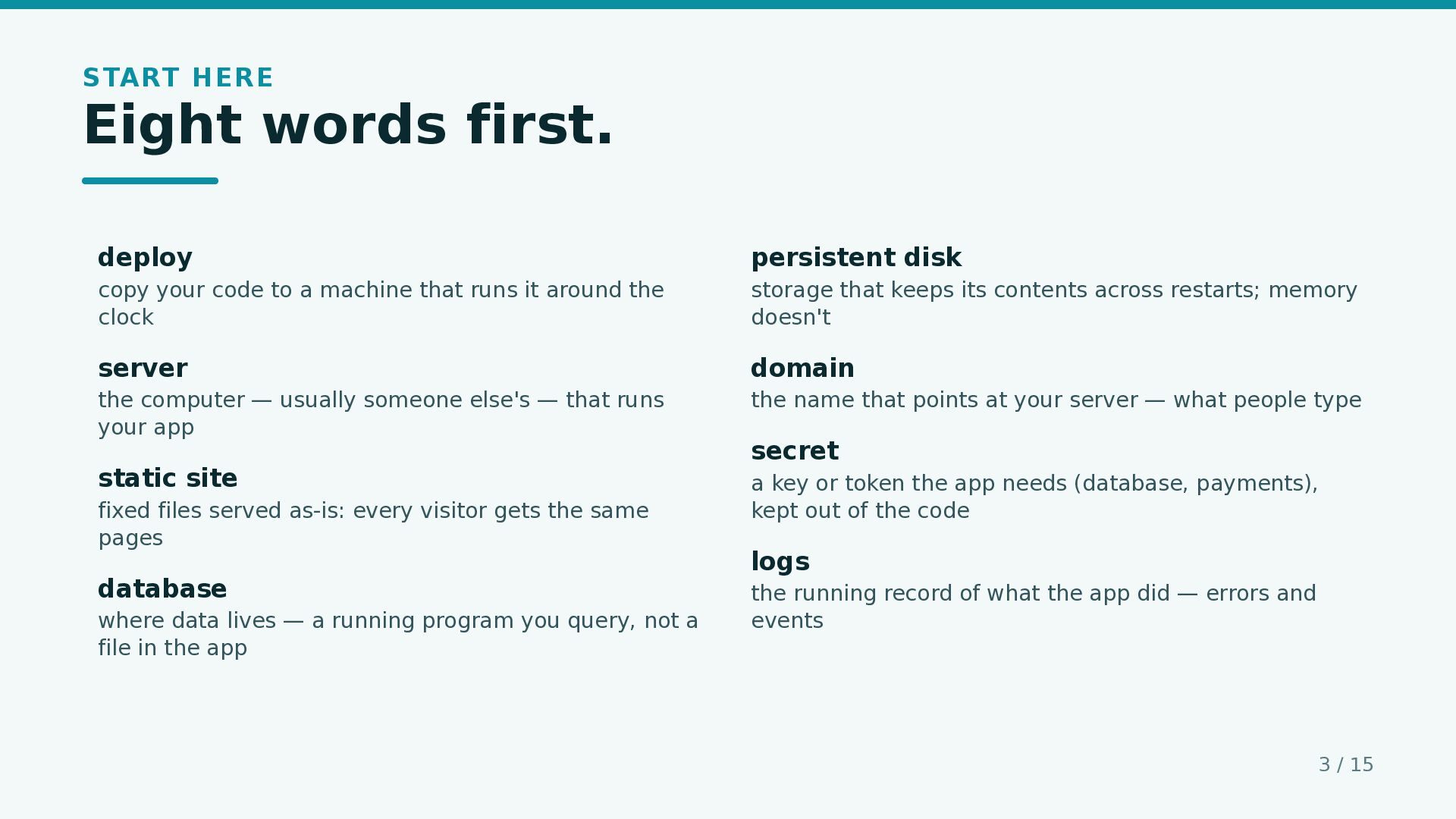
  3. START HERE Eight words first. deploy persistent disk copy your

    code to a machine that runs it around the clock storage that keeps its contents across restarts; memory doesn't server domain the computer — usually someone else's — that runs your app the name that points at your server — what people type static site a key or token the app needs (database, payments), kept out of the code fixed files served as-is: every visitor gets the same pages database where data lives — a running program you query, not a file in the app secret logs the running record of what the app did — errors and events 3 / 15
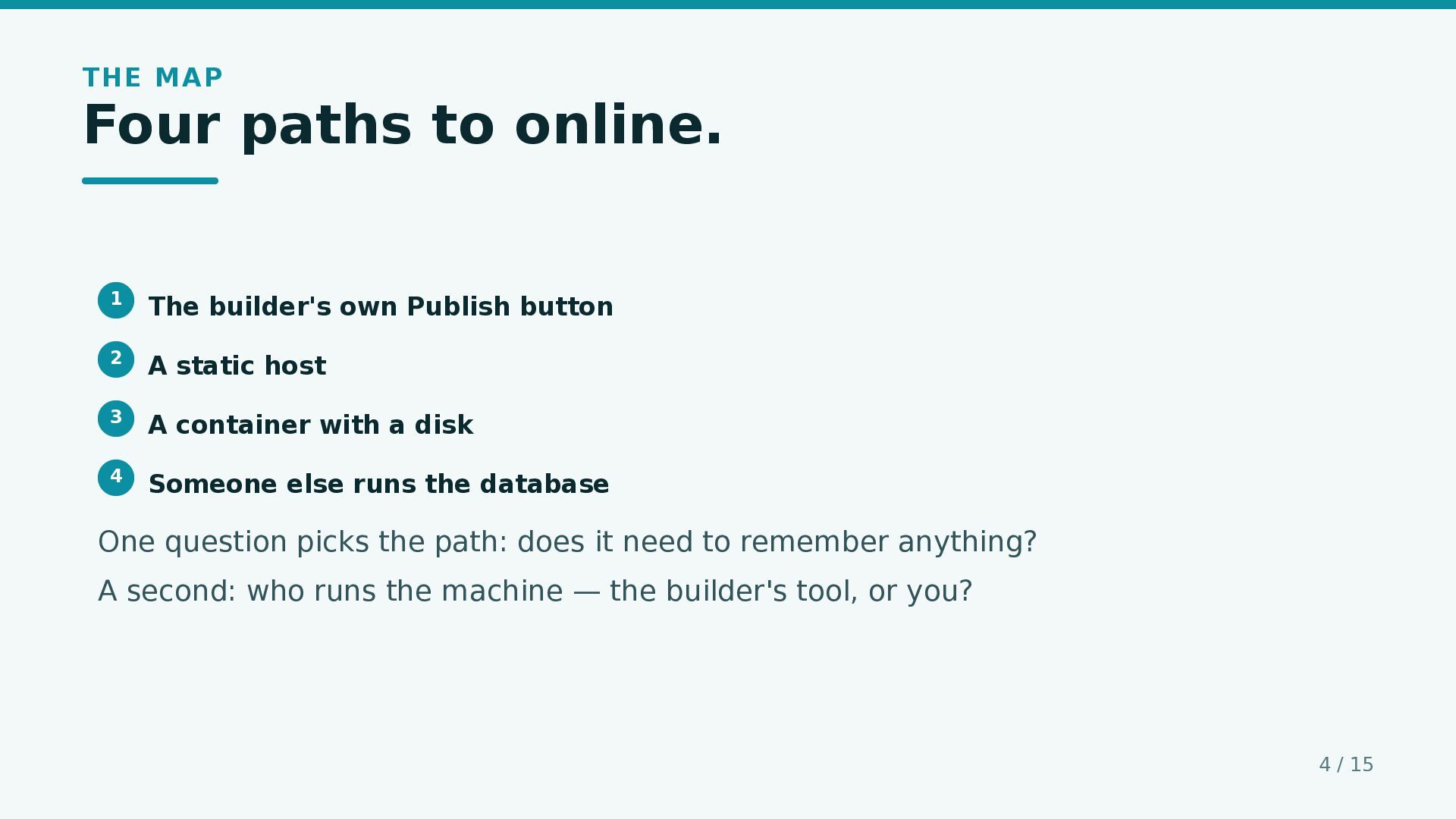
  4. THE MAP Four paths to online. 1 The builder's own

    Publish button 2 A static host 3 A container with a disk 4 Someone else runs the database One question picks the path: does it need to remember anything? A second: who runs the machine — the builder's tool, or you? 4 / 15
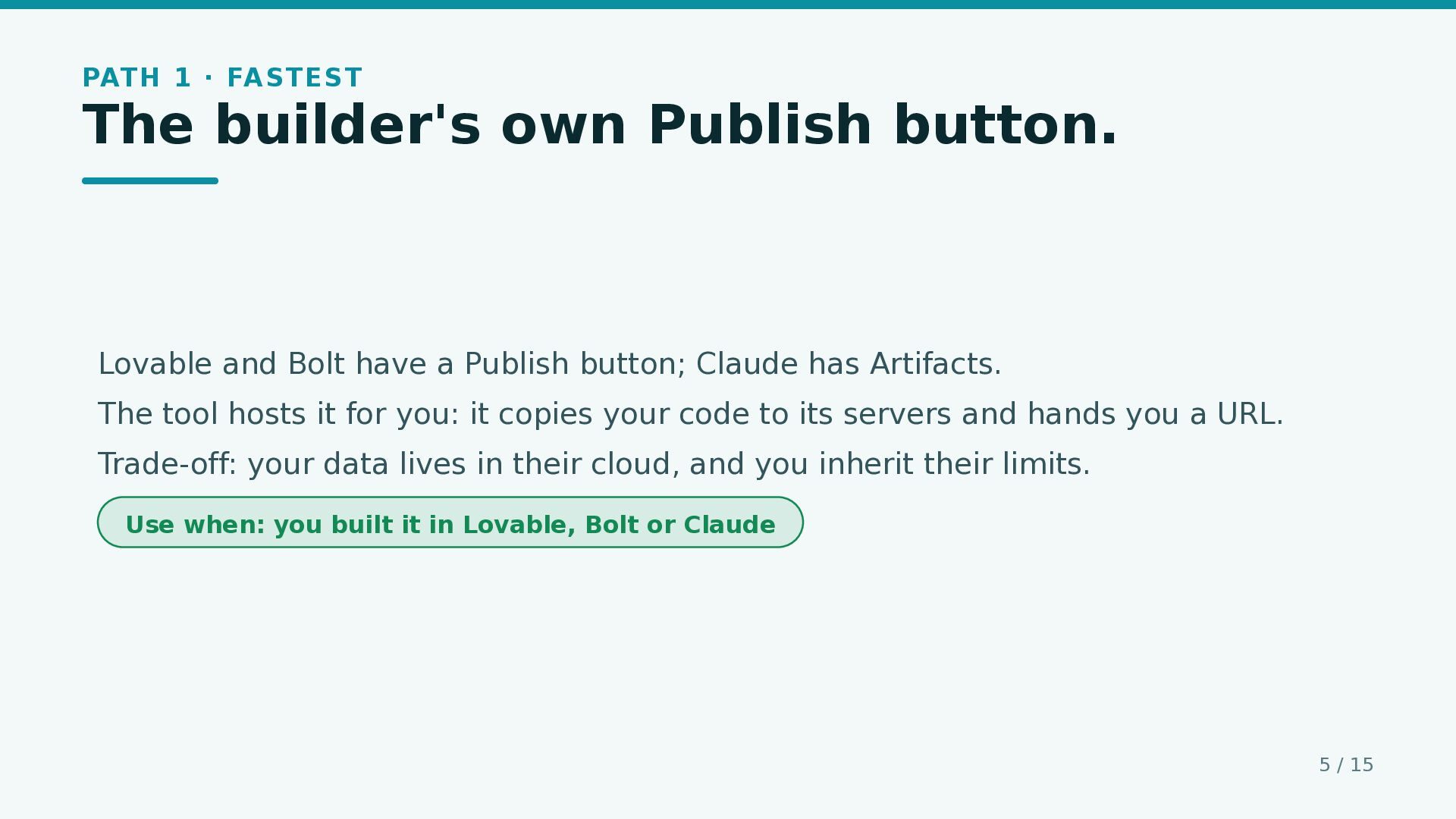
  5. PATH 1 · FASTEST The builder's own Publish button. Lovable

    and Bolt have a Publish button; Claude has Artifacts. The tool hosts it for you: it copies your code to its servers and hands you a URL. Trade-off: your data lives in their cloud, and you inherit their limits. Use when: you built it in Lovable, Bolt or Claude 5 / 15
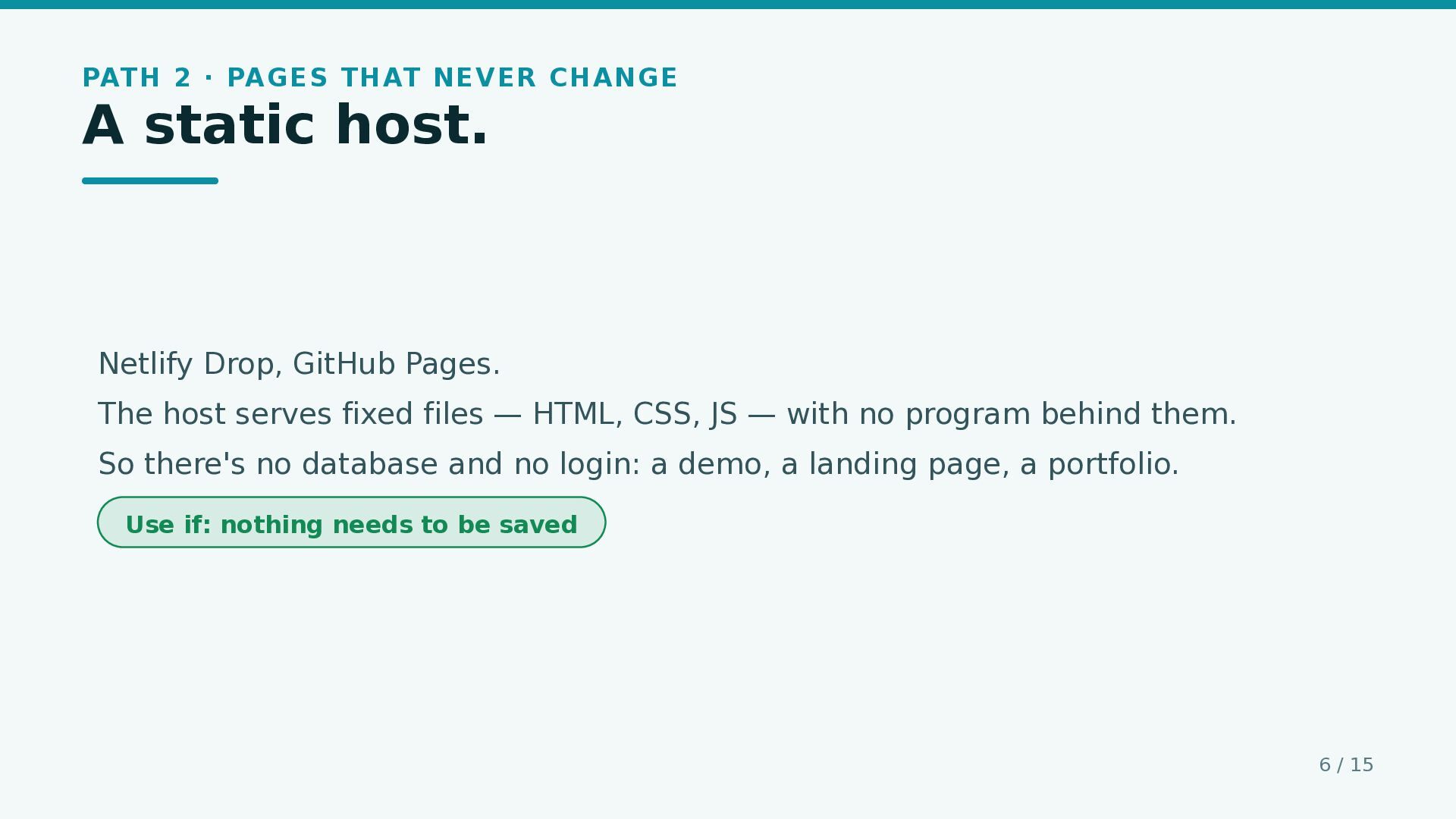
  6. PATH 2 · PAGES THAT NEVER CHANGE A static host.

    Netlify Drop, GitHub Pages. The host serves fixed files — HTML, CSS, JS — with no program behind them. So there's no database and no login: a demo, a landing page, a portfolio. Use if: nothing needs to be saved 6 / 15
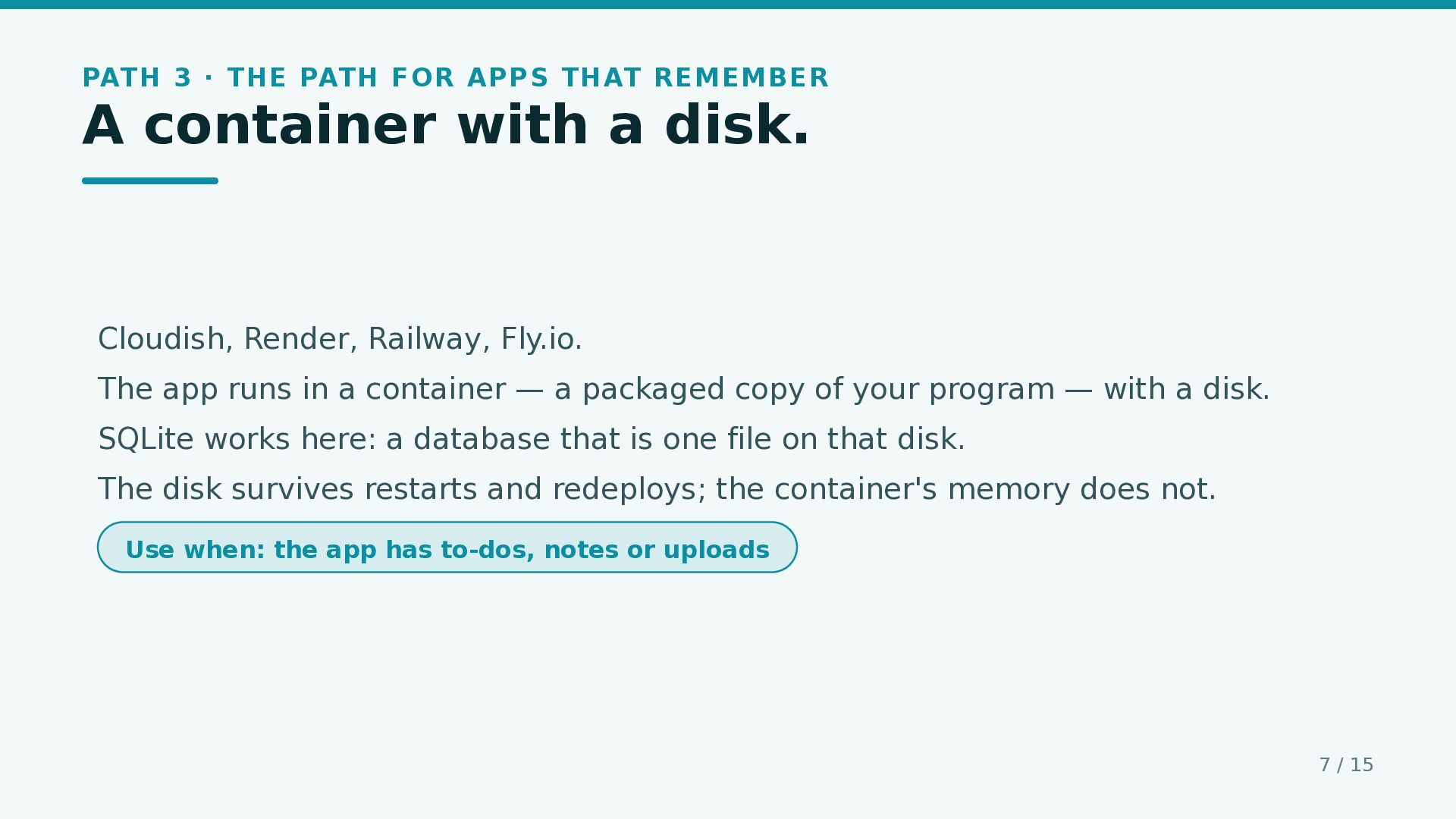
  7. PATH 3 · THE PATH FOR APPS THAT REMEMBER A

    container with a disk. Cloudish, Render, Railway, Fly.io. The app runs in a container — a packaged copy of your program — with a disk. SQLite works here: a database that is one file on that disk. The disk survives restarts and redeploys; the container's memory does not. Use when: the app has to-dos, notes or uploads 7 / 15
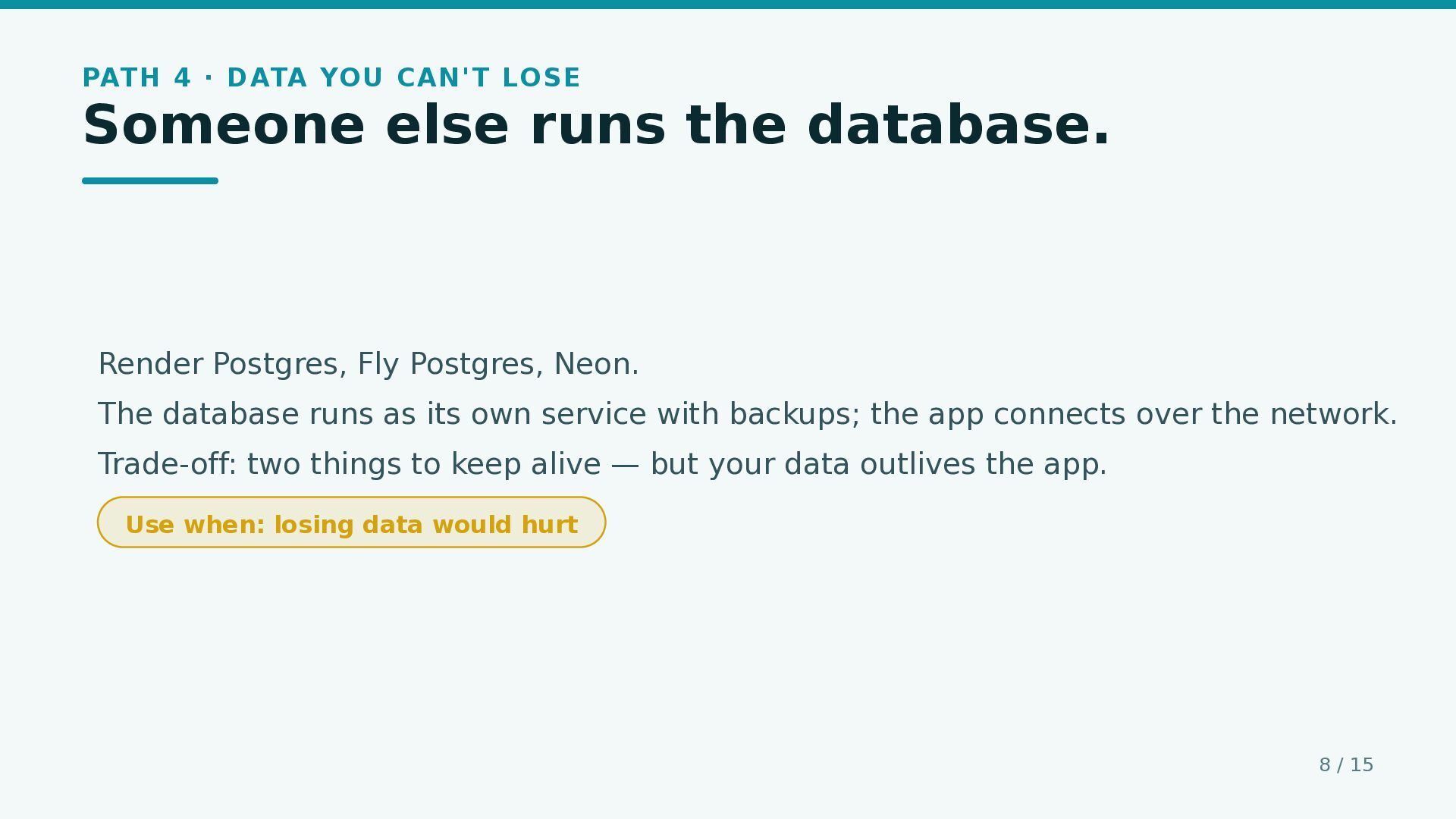
  8. PATH 4 · DATA YOU CAN'T LOSE Someone else runs

    the database. Render Postgres, Fly Postgres, Neon. The database runs as its own service with backups; the app connects over the network. Trade-off: two things to keep alive — but your data outlives the app. Use when: losing data would hurt 8 / 15
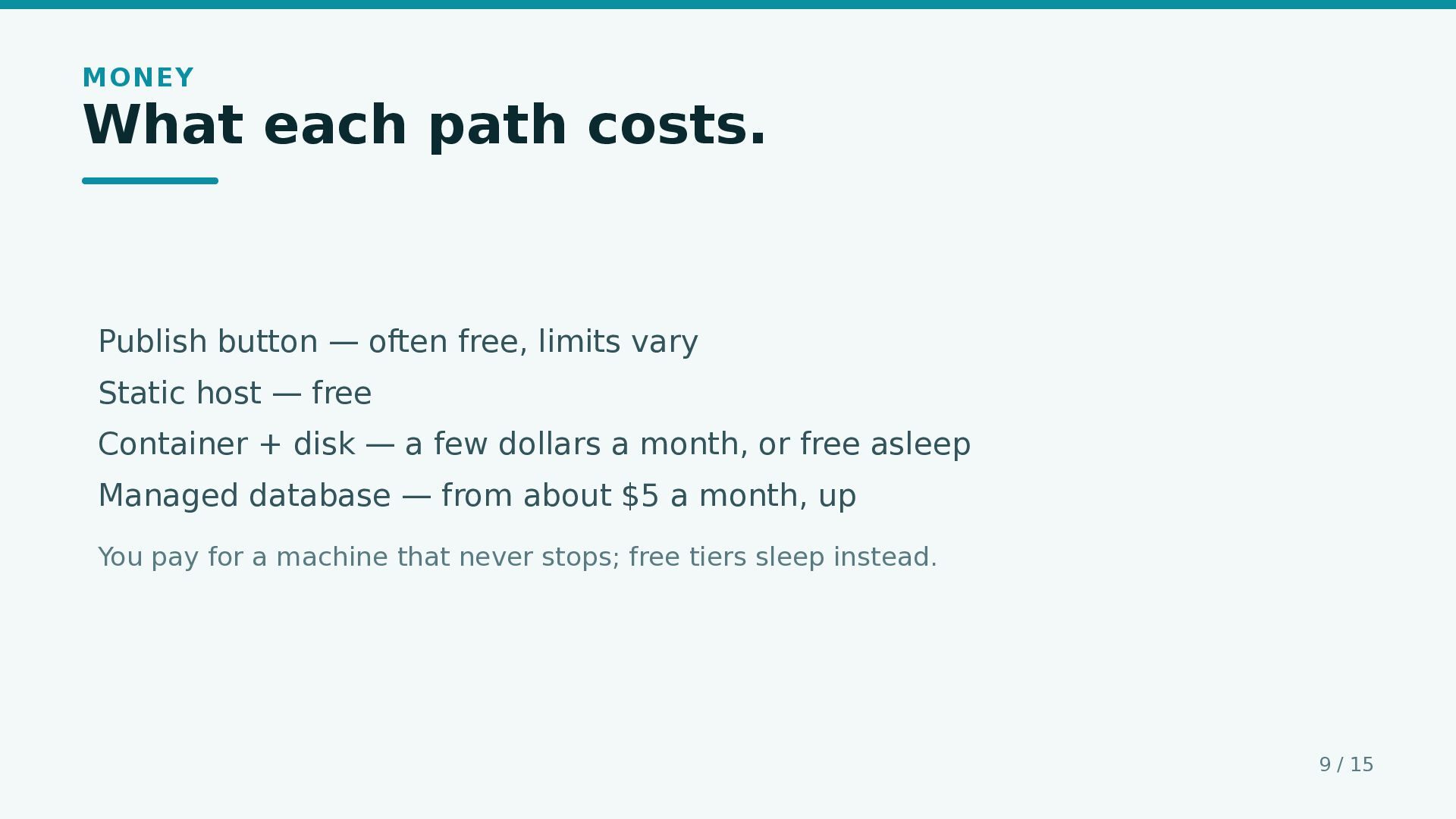
  9. MONEY What each path costs. Publish button — often free,

    limits vary Static host — free Container + disk — a few dollars a month, or free asleep Managed database — from about $5 a month, up You pay for a machine that never stops; free tiers sleep instead. 9 / 15
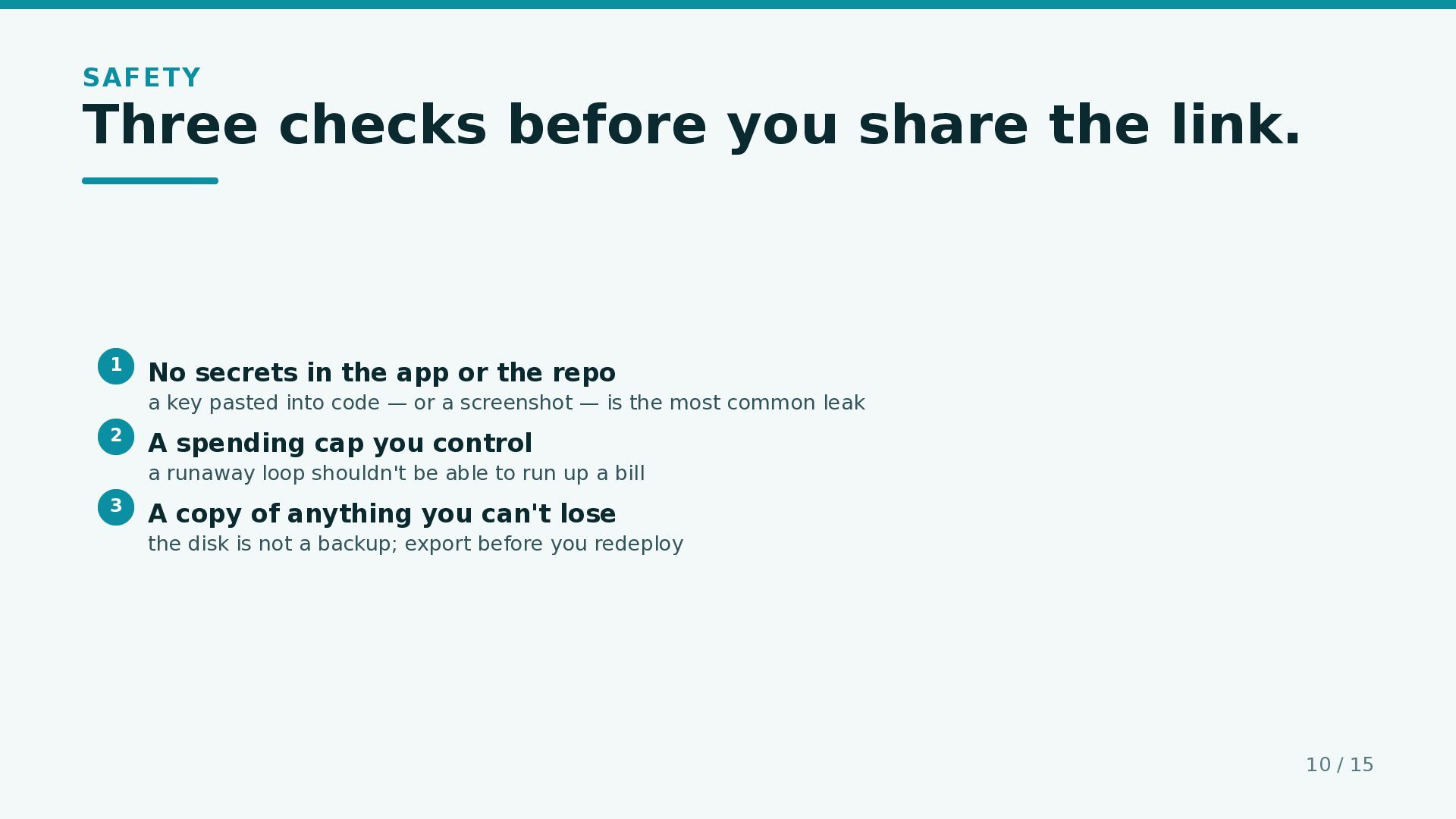
  10. SAFETY Three checks before you share the link. 1 No

    secrets in the app or the repo a key pasted into code — or a screenshot — is the most common leak 2 A spending cap you control a runaway loop shouldn't be able to run up a bill 3 A copy of anything you can't lose the disk is not a backup; export before you redeploy 10 / 15
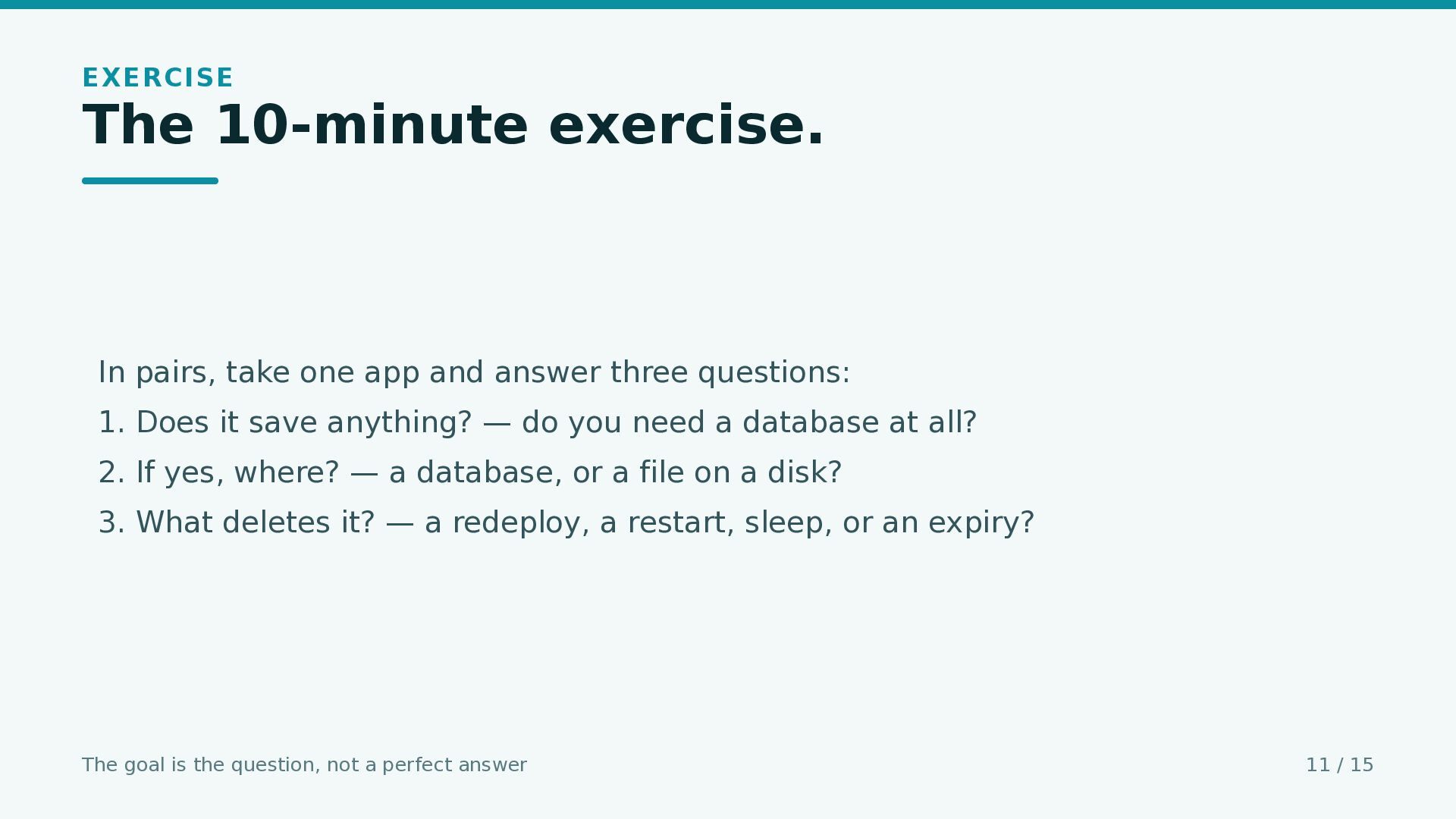
  11. EXERCISE The 10-minute exercise. In pairs, take one app and

    answer three questions: 1. Does it save anything? — do you need a database at all? 2. If yes, where? — a database, or a file on a disk? 3. What deletes it? — a redeploy, a restart, sleep, or an expiry? The goal is the question, not a perfect answer 11 / 15
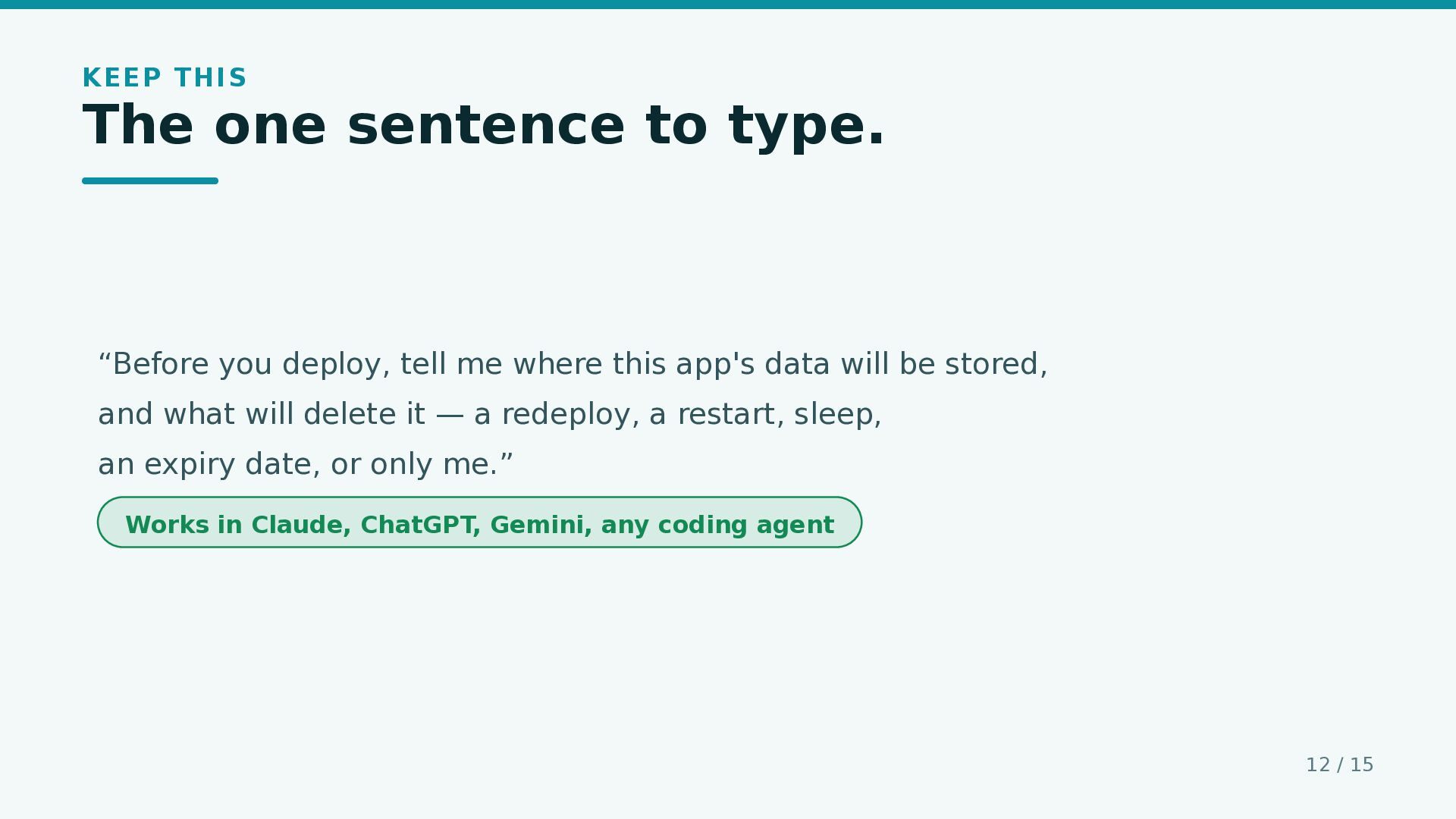
  12. KEEP THIS The one sentence to type. “Before you deploy,

    tell me where this app's data will be stored, and what will delete it — a redeploy, a restart, sleep, an expiry date, or only me.” Works in Claude, ChatGPT, Gemini, any coding agent 12 / 15
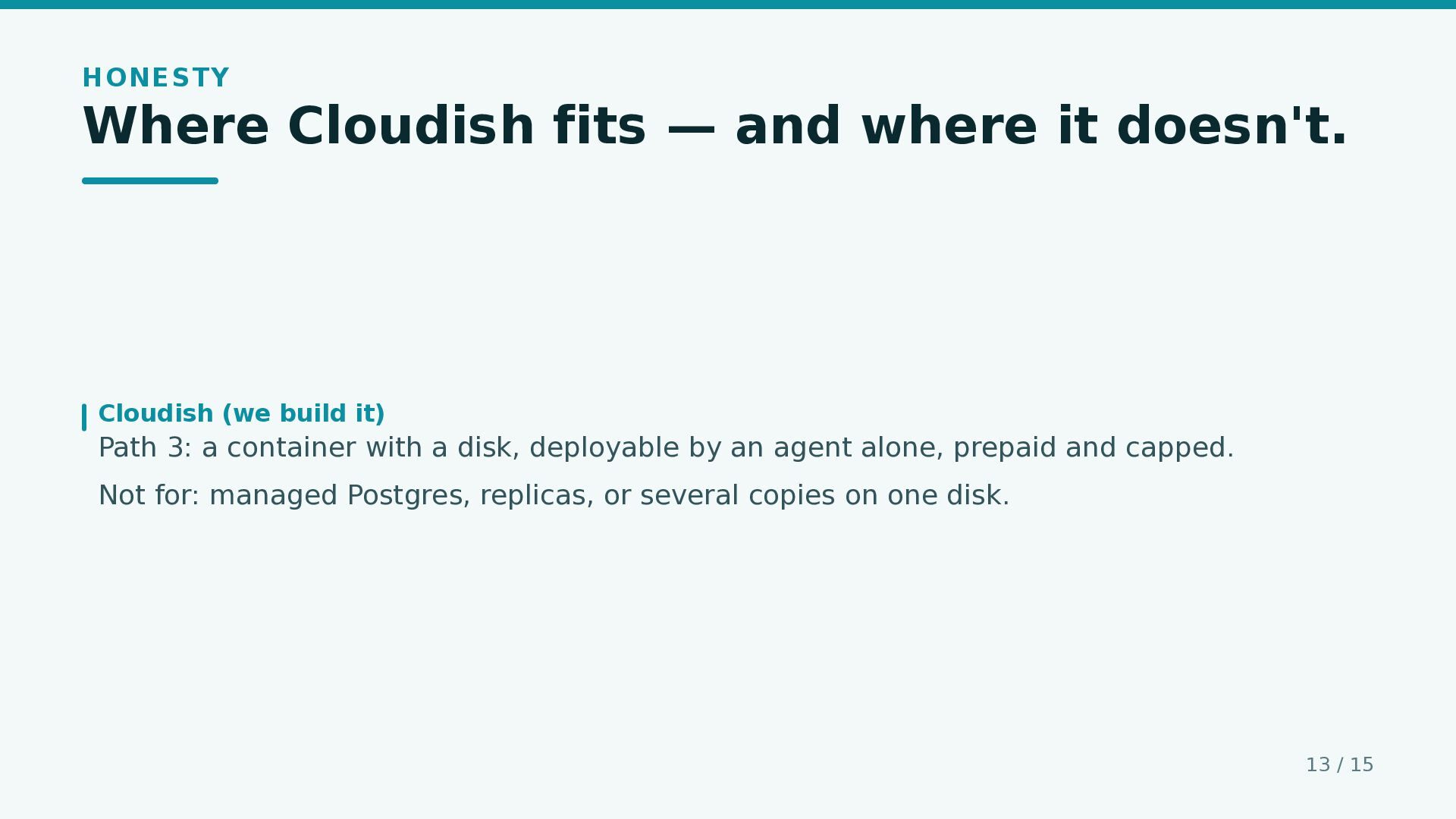
  13. HONESTY Where Cloudish fits — and where it doesn't. Cloudish

    (we build it) Path 3: a container with a disk, deployable by an agent alone, prepaid and capped. Not for: managed Postgres, replicas, or several copies on one disk. 13 / 15
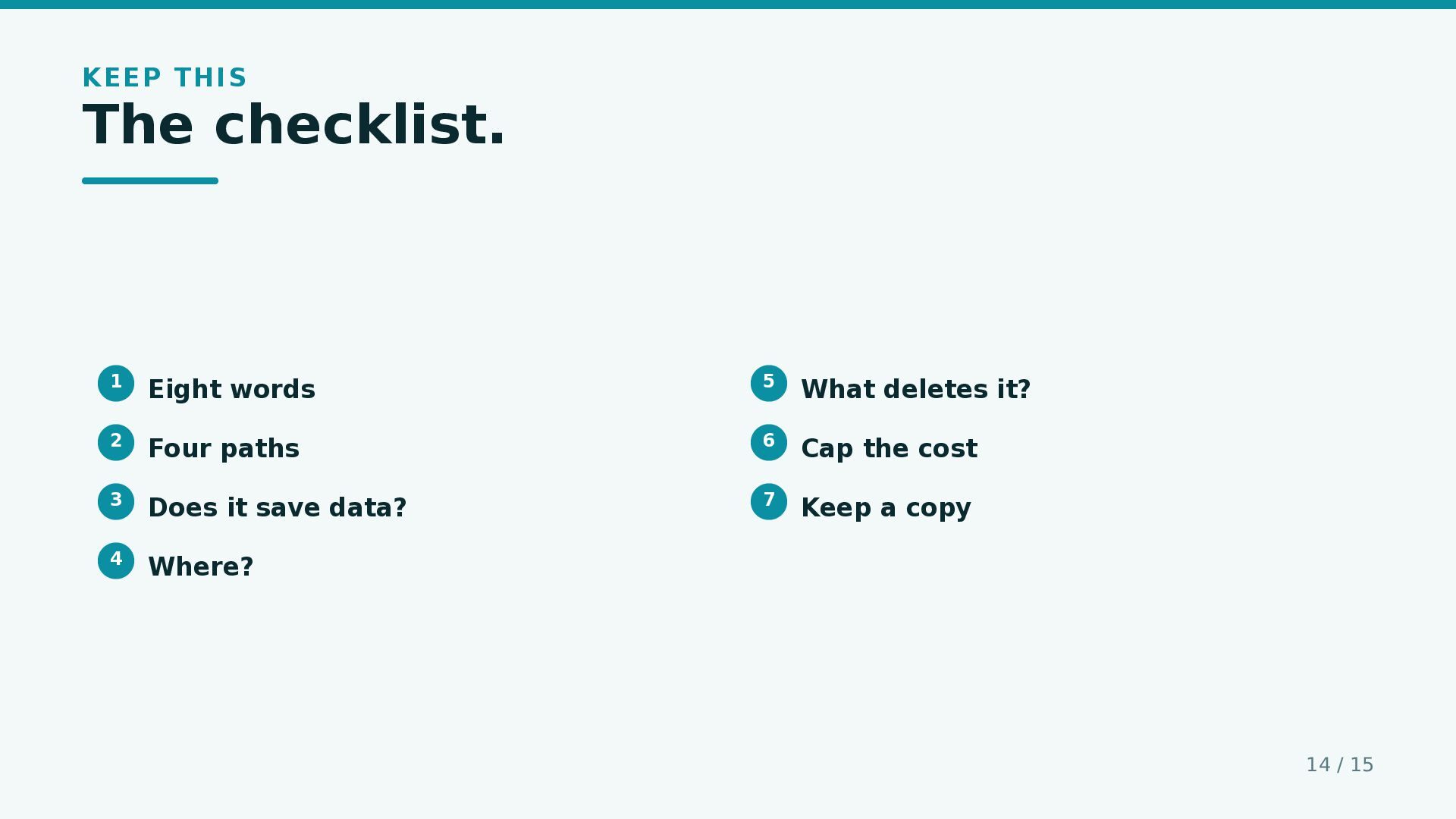
  14. KEEP THIS The checklist. 1 Eight words 5 What deletes

    it? 2 Four paths 6 Cap the cost 3 Does it save data? 7 Keep a copy 4 Where? 14 / 15
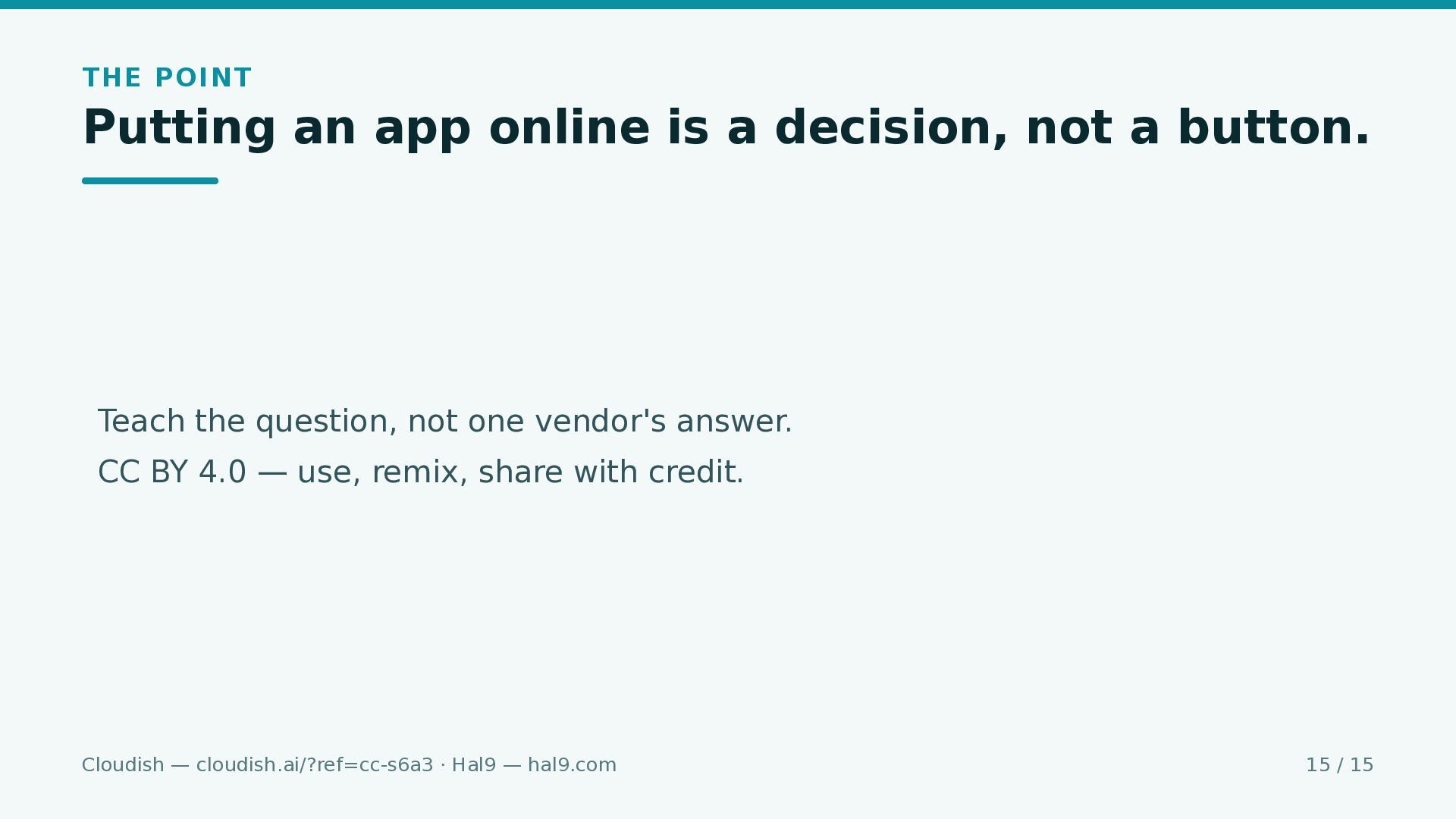
  15. THE POINT Putting an app online is a decision, not

    a button. Teach the question, not one vendor's answer. CC BY 4.0 — use, remix, share with credit. Cloudish — cloudish.ai/?ref=cc-s6a3 · Hal9 — hal9.com 15 / 15

More Decks by Sigrid

Other Decks in Technology