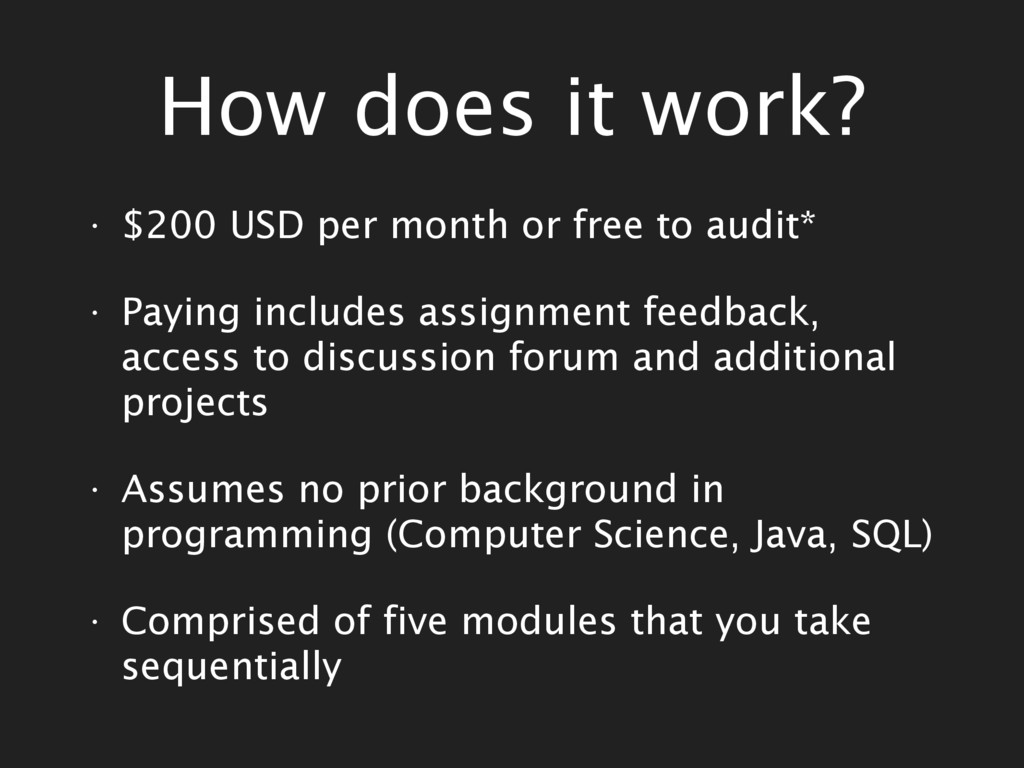
free to audit* • Paying includes assignment feedback, access to discussion forum and additional projects • Assumes no prior background in programming (Computer Science, Java, SQL) • Comprised of five modules that you take sequentially
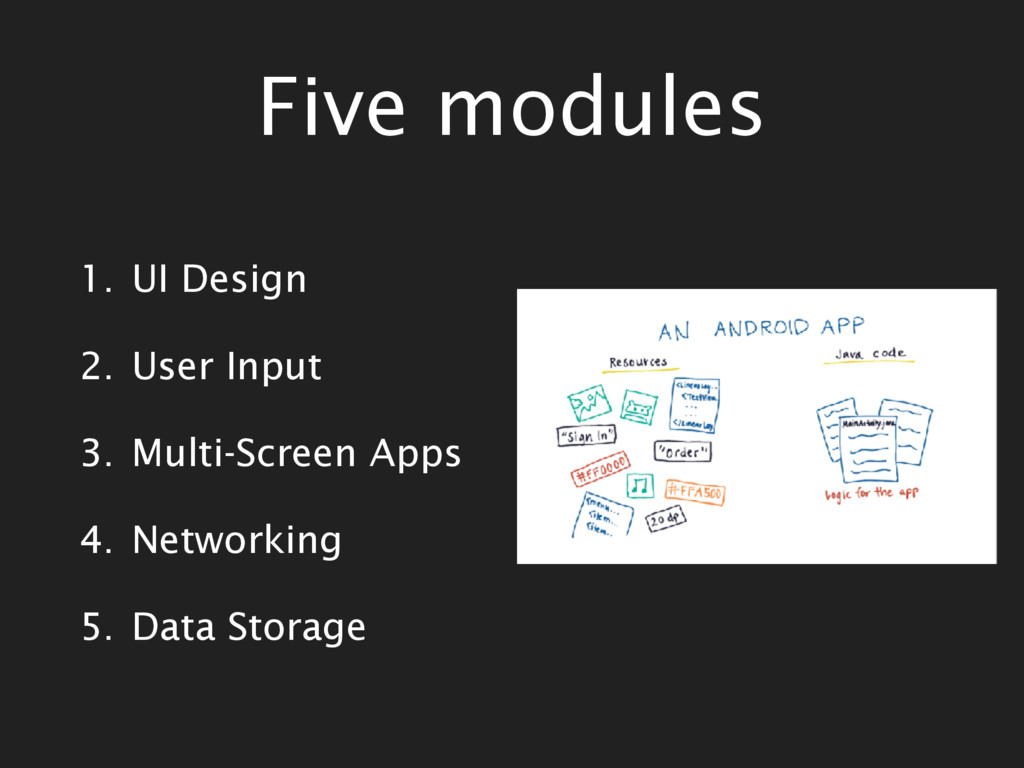
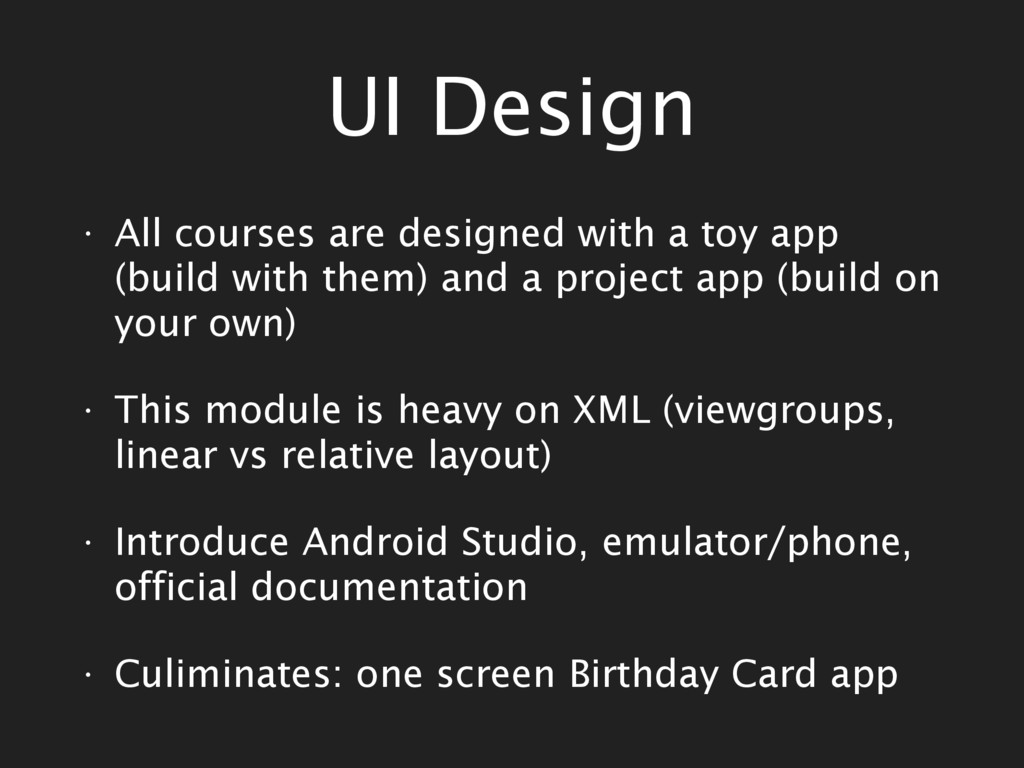
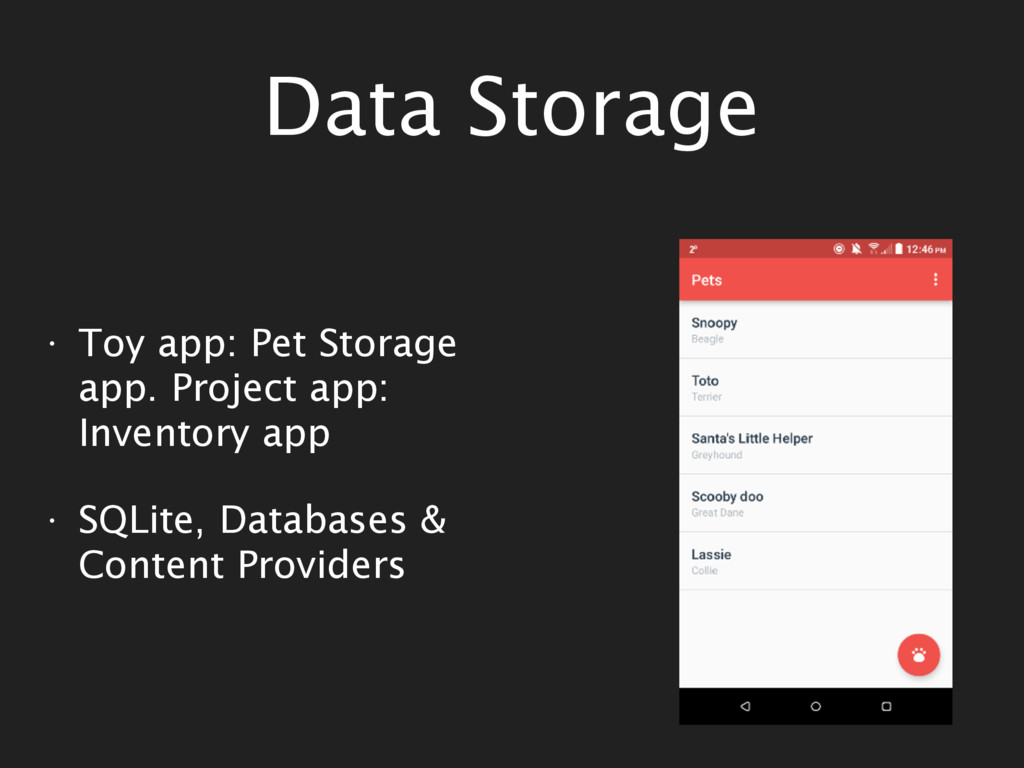
app (build with them) and a project app (build on your own) • This module is heavy on XML (viewgroups, linear vs relative layout) • Introduce Android Studio, emulator/phone, official documentation • Culiminates: one screen Birthday Card app
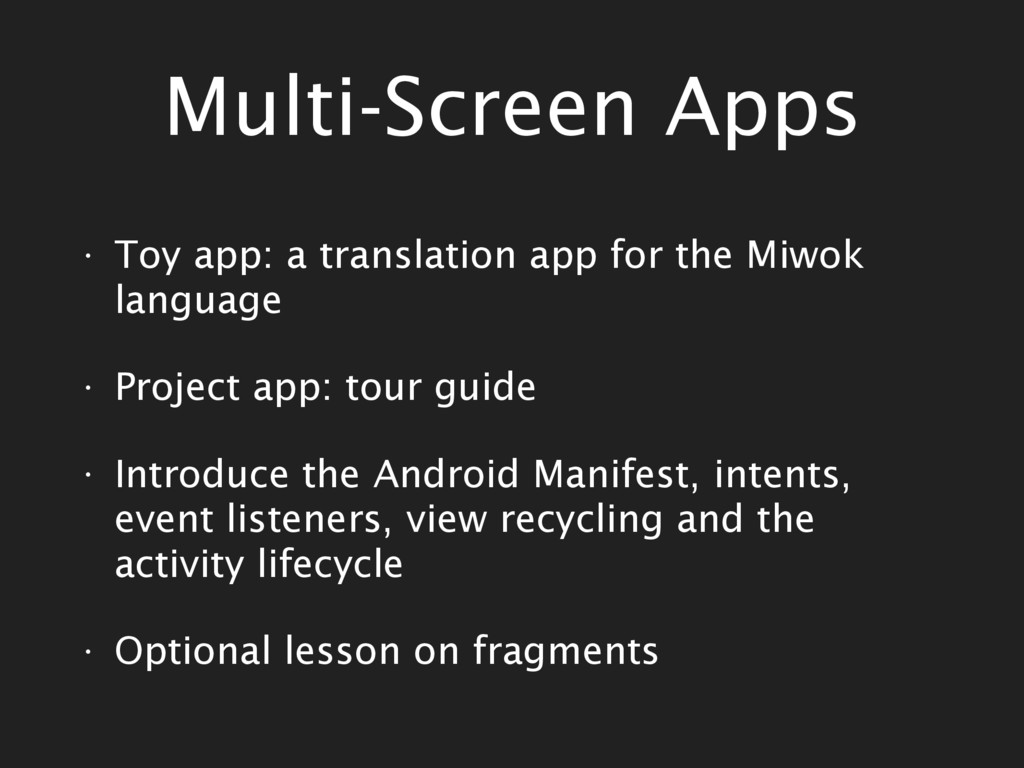
Miwok language • Project app: tour guide • Introduce the Android Manifest, intents, event listeners, view recycling and the activity lifecycle • Optional lesson on fragments
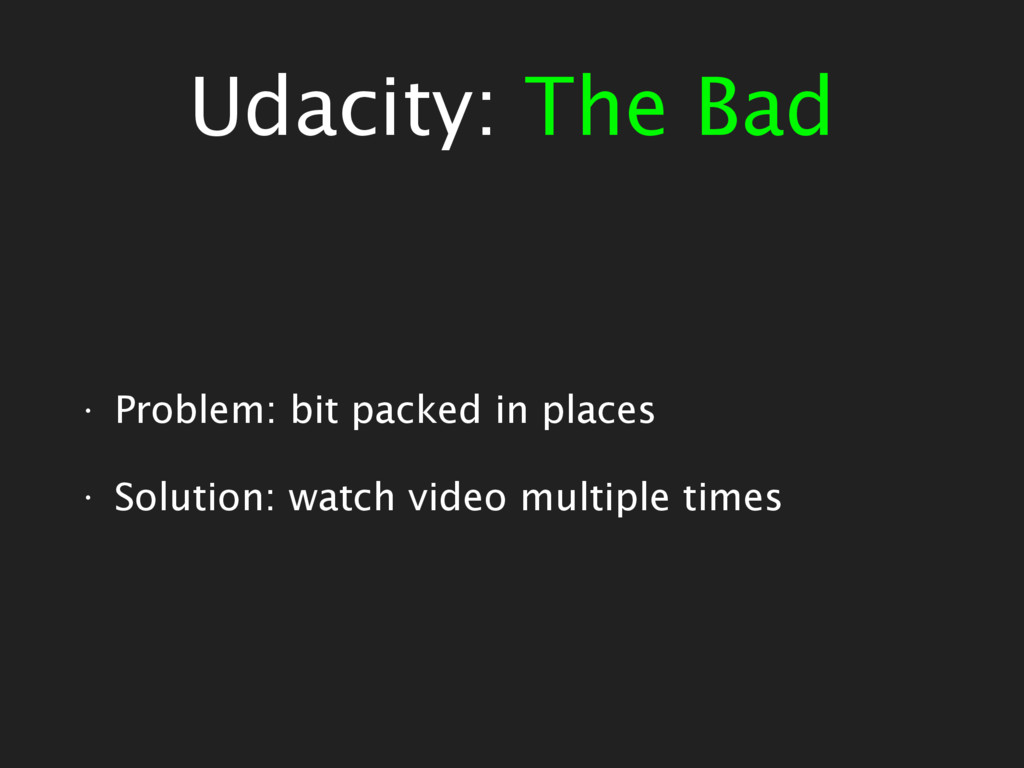
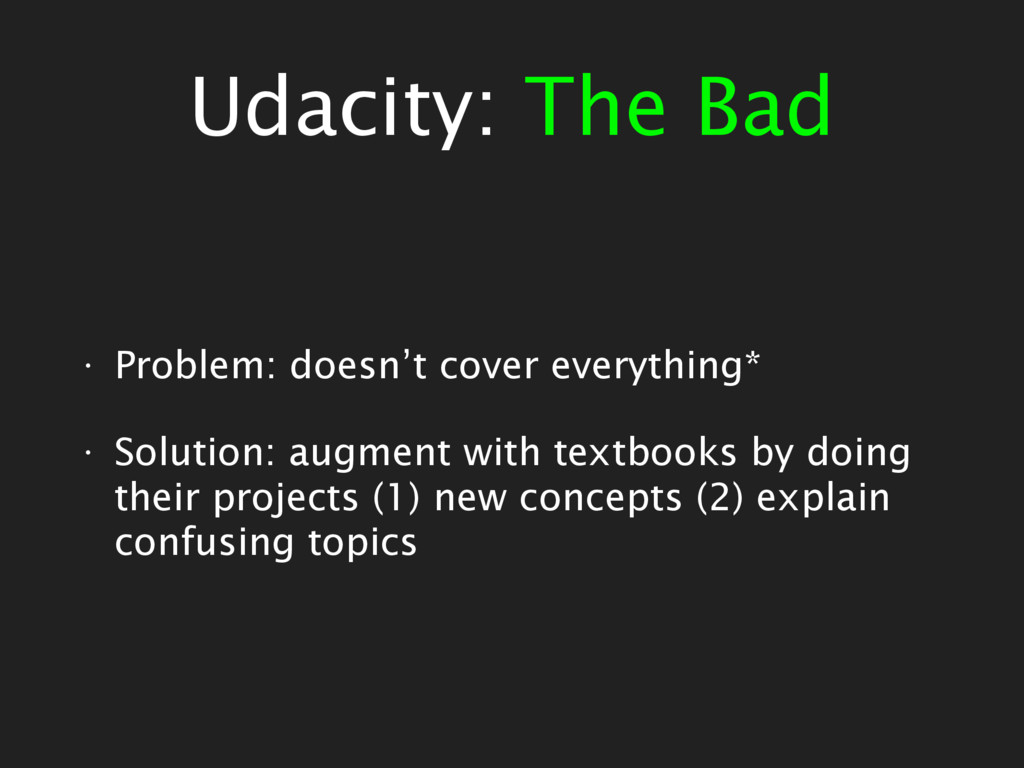
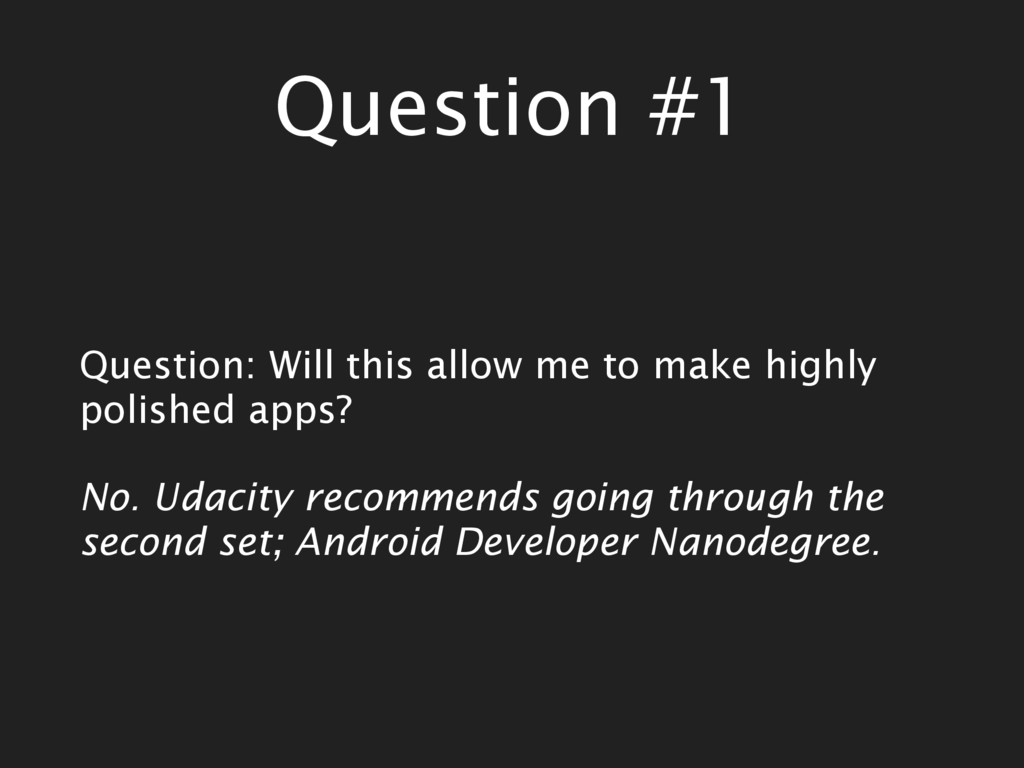
audit, have to pay to access discussion forum etc. • Covers fewer topics, however, does a better job • Better job explaining unit test, Android activity lifecycle, Android system architecture…
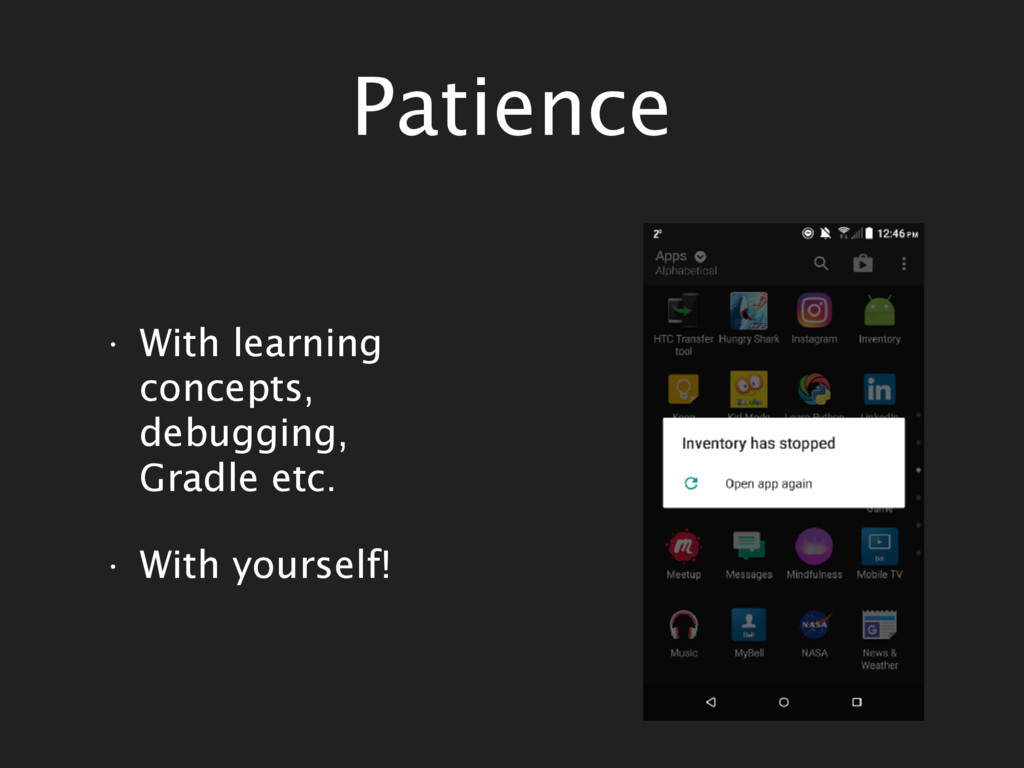
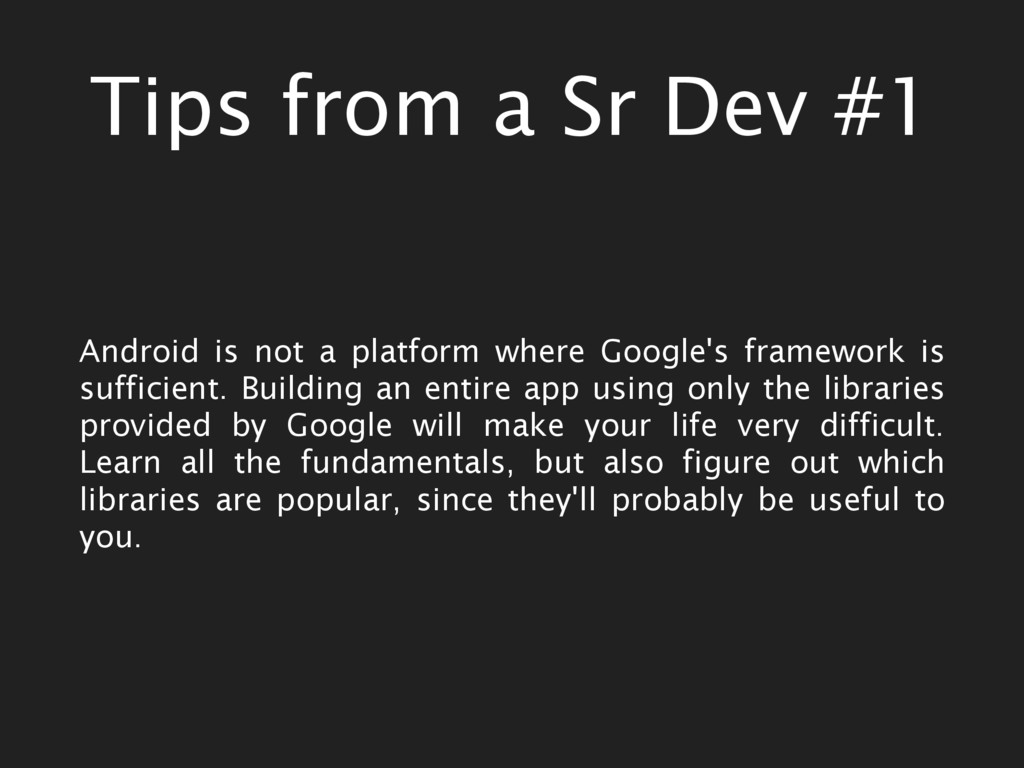
platform where Google's framework is sufficient. Building an entire app using only the libraries provided by Google will make your life very difficult. Learn all the fundamentals, but also figure out which libraries are popular, since they'll probably be useful to you.
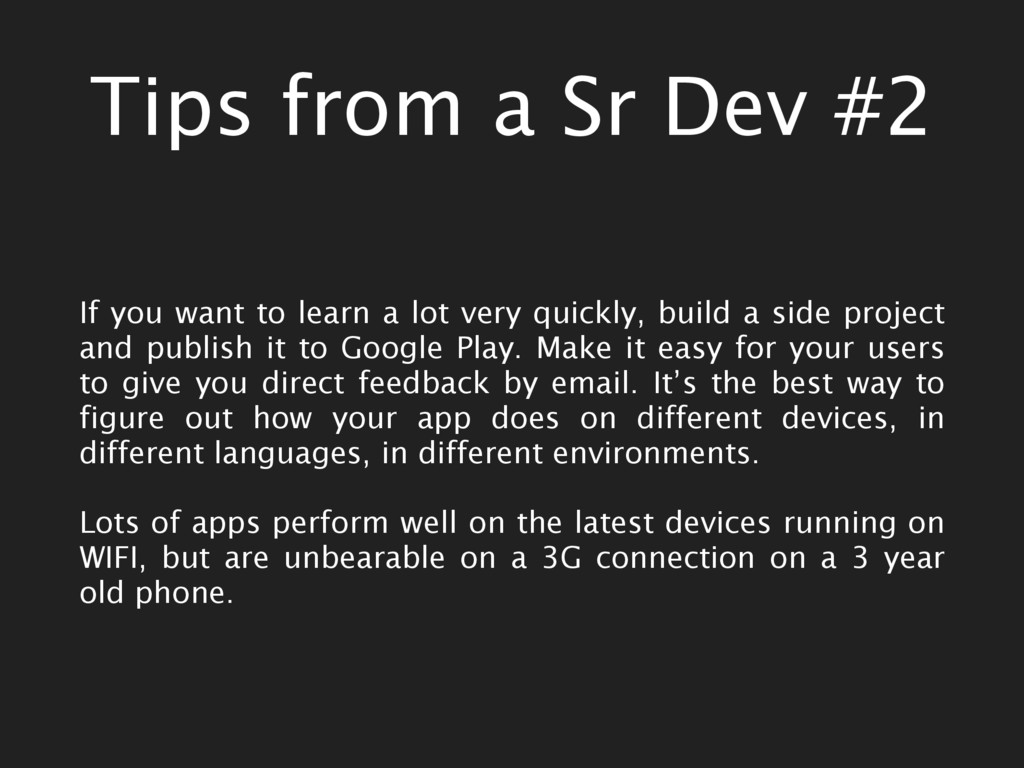
learn a lot very quickly, build a side project and publish it to Google Play. Make it easy for your users to give you direct feedback by email. It’s the best way to figure out how your app does on different devices, in different languages, in different environments. Lots of apps perform well on the latest devices running on WIFI, but are unbearable on a 3G connection on a 3 year old phone.
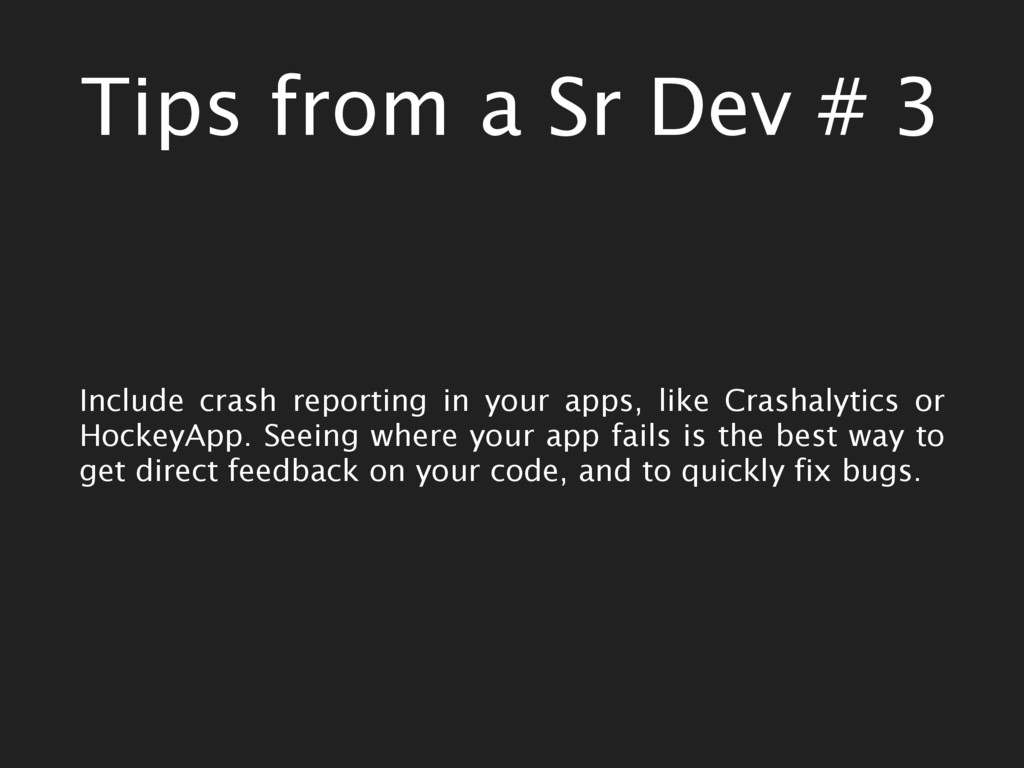
in your apps, like Crashalytics or HockeyApp. Seeing where your app fails is the best way to get direct feedback on your code, and to quickly fix bugs.


 camiha
 kash1064
 mhrtech
 kenichiodo
 occhi
occhi
 usanchuu
 ivry_presentationmaterials
 jtakeda
 kakehashi
 daidaidai
 glaforge
 kentapapa
 marcelosomers
 katarinadahlin
 vanstee
 reverentgeek
 ryanjones
 marcoroth
 addyosmani
 notwaldorf
 tonyrice
 productmarketing
 aarron
 marktimemedia




![Get in touch Twitter: @evildas Slack: @smriti Email: [email protected]](https://files.speakerdeck.com/presentations/6c3a40b7d51548418c82f22ef37f5804/slide_39.jpg)