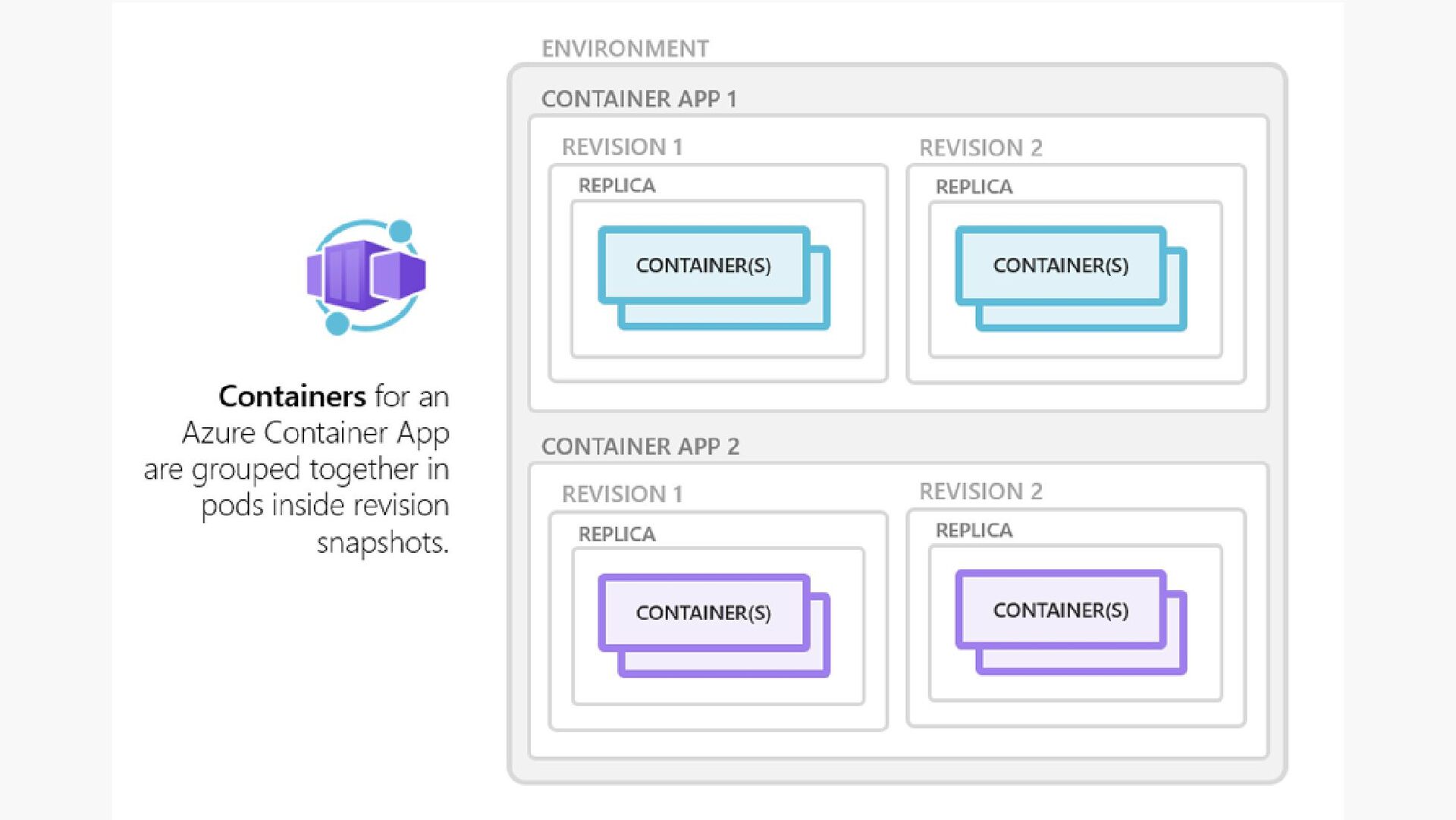
to maintain less infrastructure and save costs while running containerized applications. Instead of worrying about server configuration, container orchestration, and deployment details, Container Apps provides all the up-to-date server resources required to keep your applications stable and secure What is Azure Container Apps
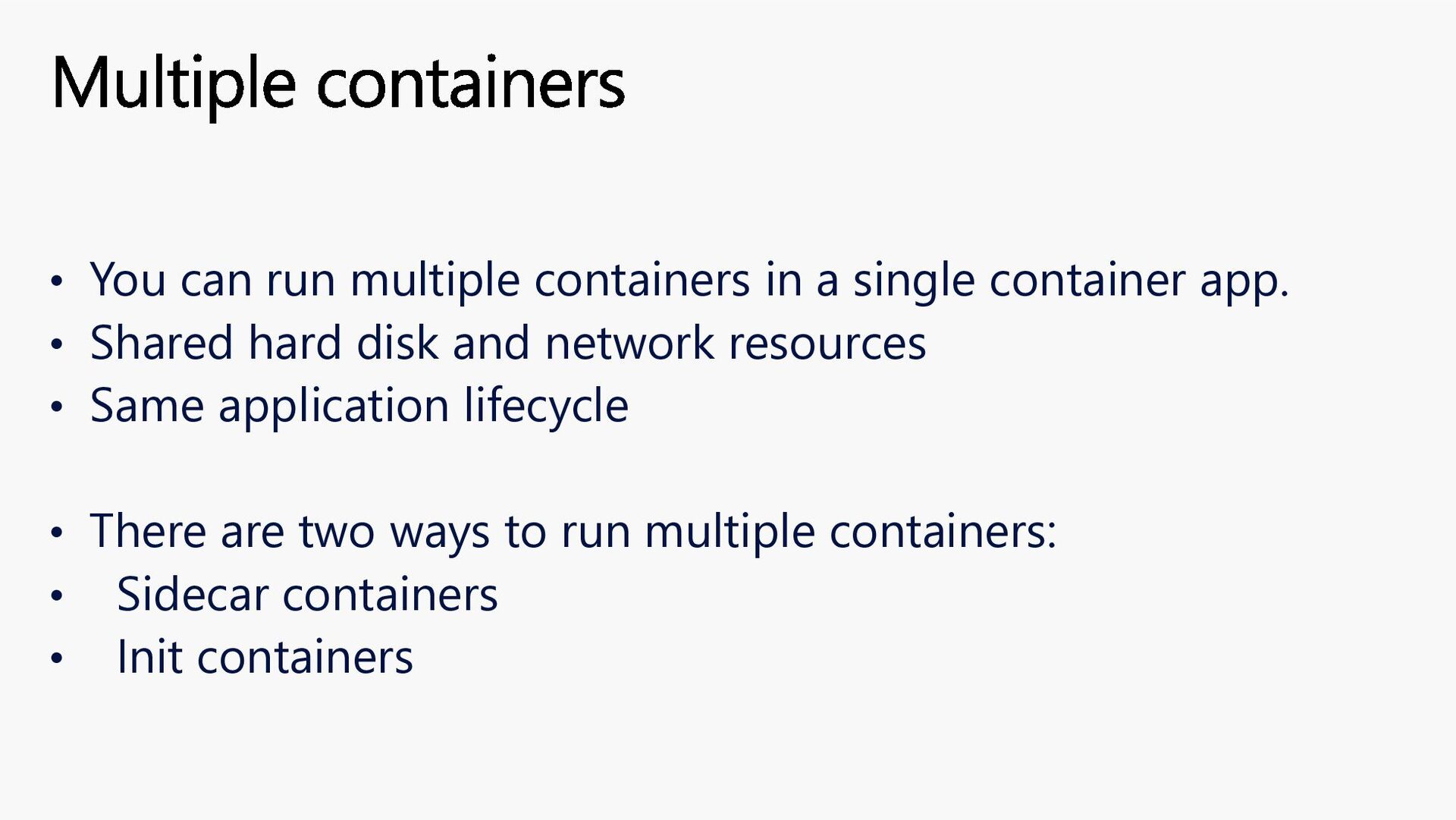
app. • Shared hard disk and network resources • Same application lifecycle • There are two ways to run multiple containers: • Sidecar containers • Init containers Multiple containers
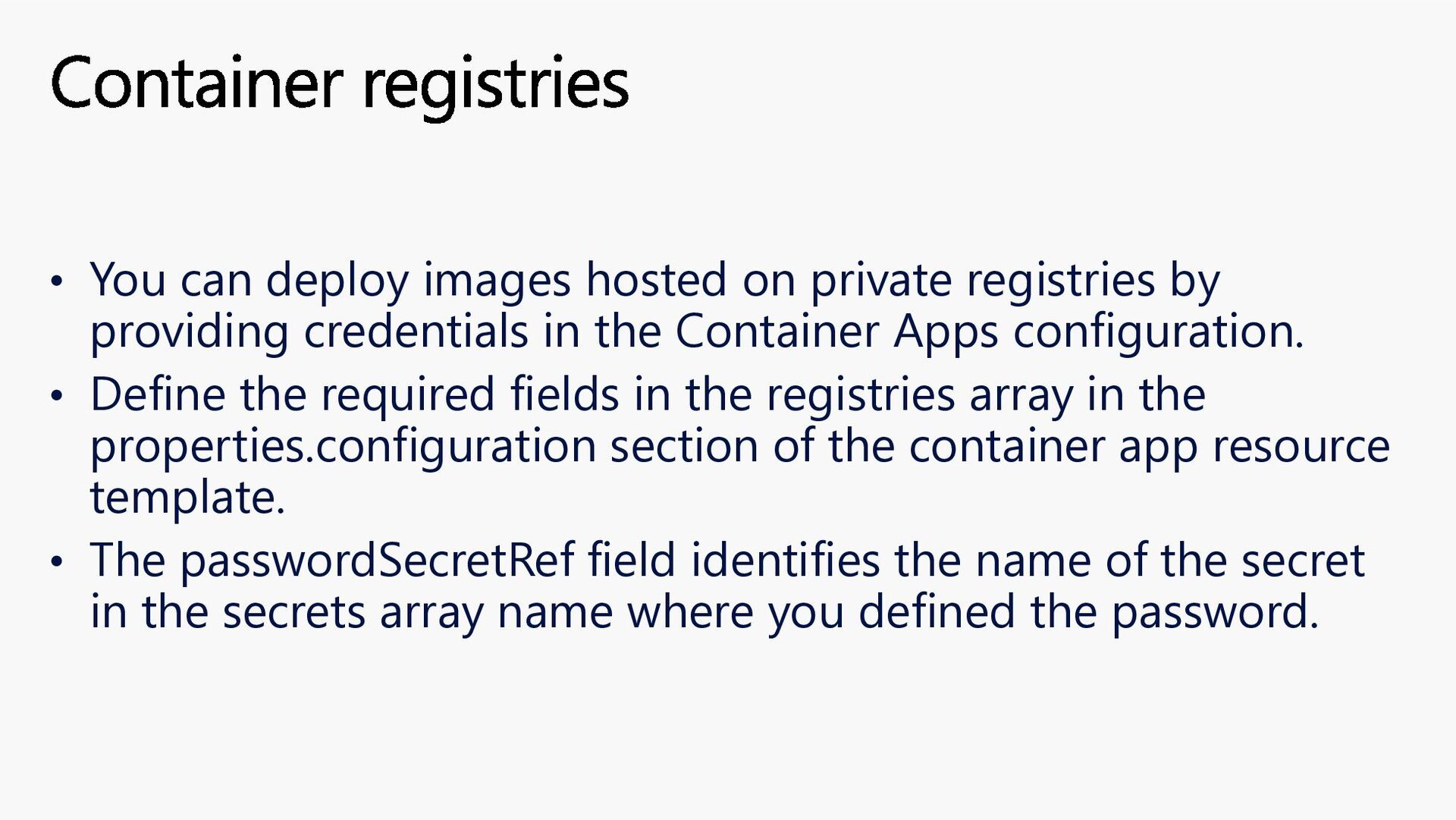
providing credentials in the Container Apps configuration. • Define the required fields in the registries array in the properties.configuration section of the container app resource template. • The passwordSecretRef field identifies the name of the secret in the secrets array name where you defined the password. Container registries
sandboxed environments that are ideal for running code or applications that require strong isolation from other workloads. Sessions operate within the context of a session pool which mitigates cold start to ensure immediate availability of a session. Dynamic Sessions
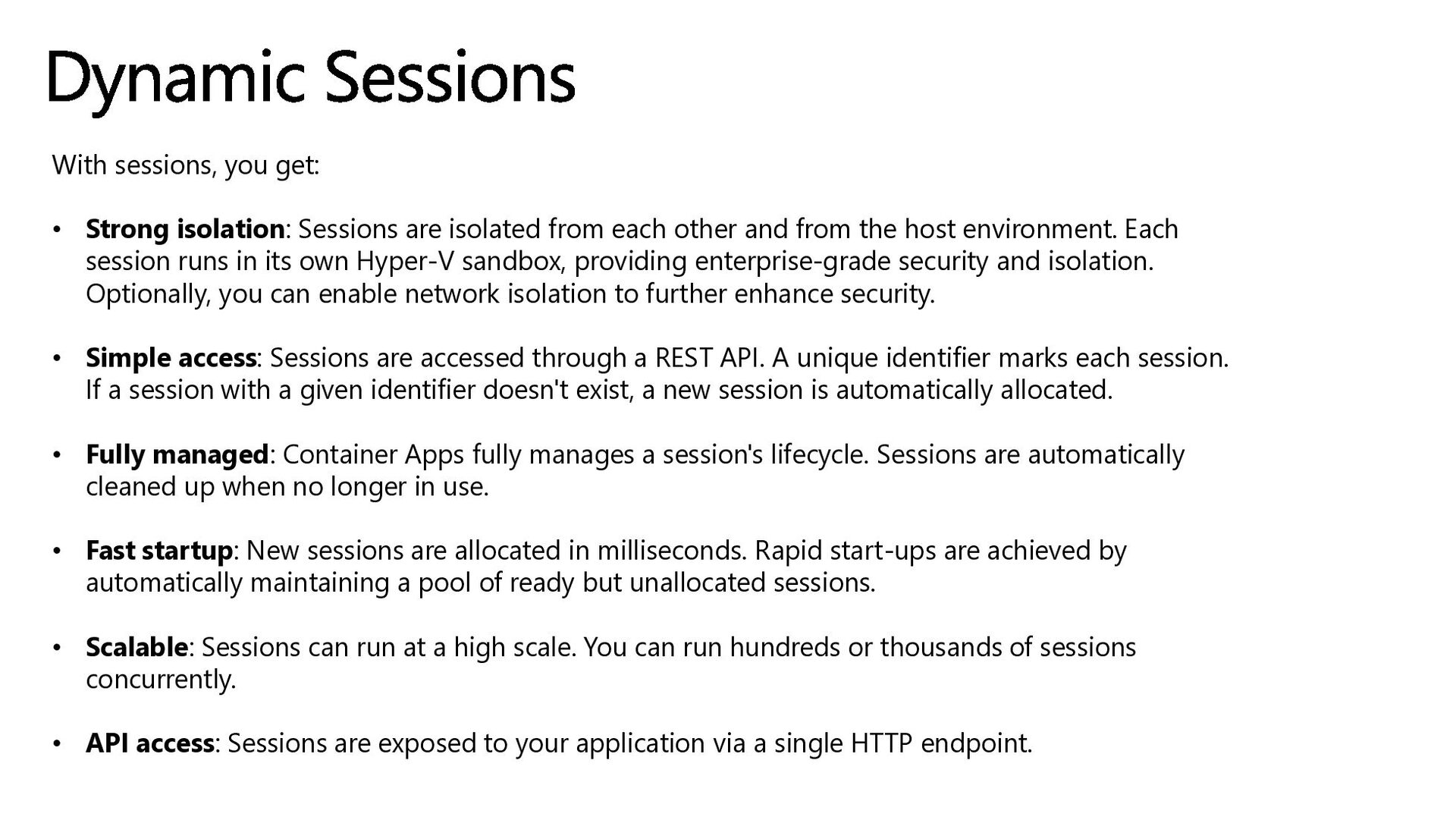
from each other and from the host environment. Each session runs in its own Hyper-V sandbox, providing enterprise-grade security and isolation. Optionally, you can enable network isolation to further enhance security. • Simple access: Sessions are accessed through a REST API. A unique identifier marks each session. If a session with a given identifier doesn't exist, a new session is automatically allocated. • Fully managed: Container Apps fully manages a session's lifecycle. Sessions are automatically cleaned up when no longer in use. • Fast startup: New sessions are allocated in milliseconds. Rapid start-ups are achieved by automatically maintaining a pool of ready but unallocated sessions. • Scalable: Sessions can run at a high scale. You can run hundreds or thousands of sessions concurrently. • API access: Sessions are exposed to your application via a single HTTP endpoint. Dynamic Sessions
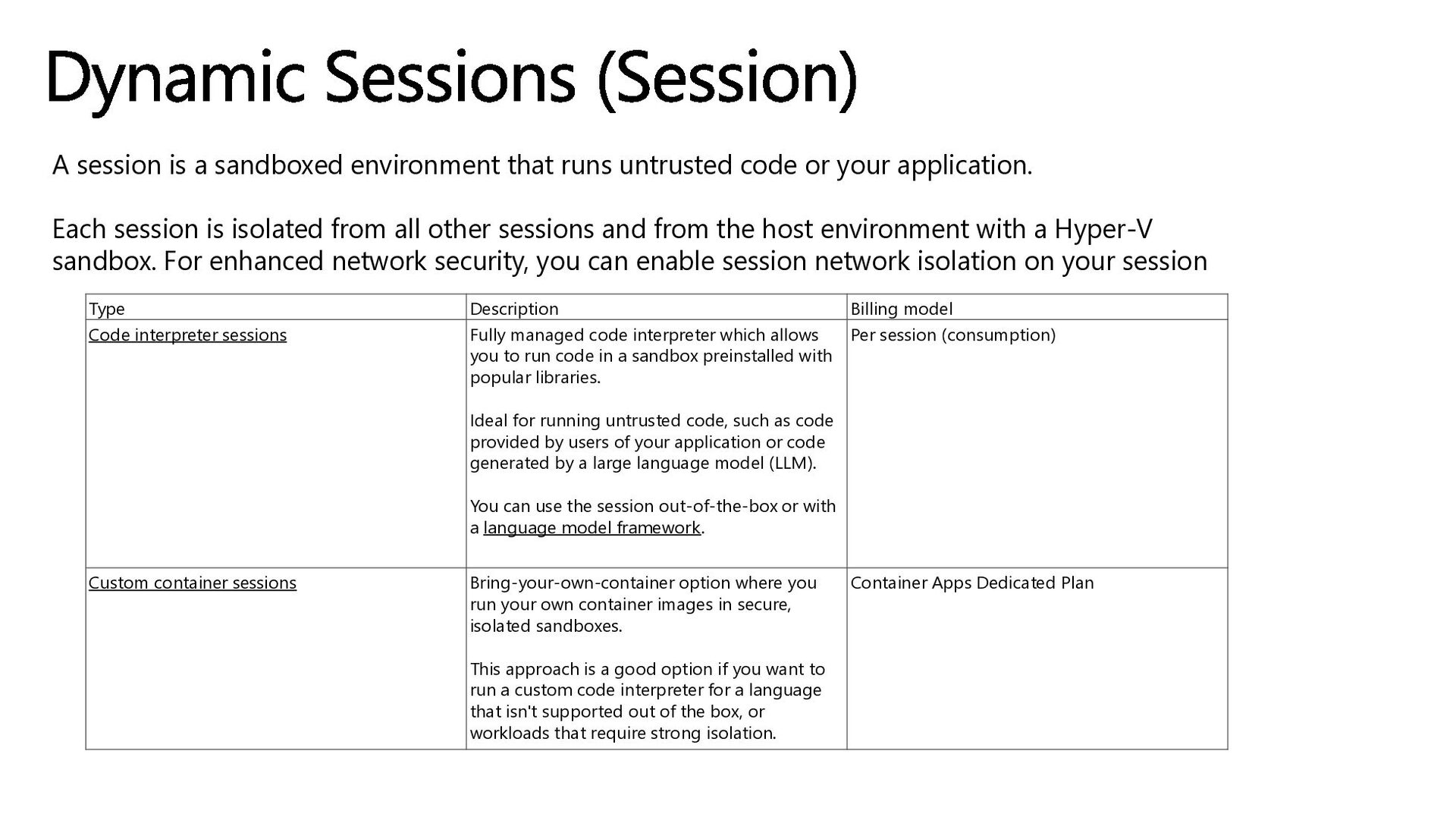
or your application. Each session is isolated from all other sessions and from the host environment with a Hyper-V sandbox. For enhanced network security, you can enable session network isolation on your session Dynamic Sessions (Session) Type Description Billing model Code interpreter sessions Fully managed code interpreter which allows you to run code in a sandbox preinstalled with popular libraries. Ideal for running untrusted code, such as code provided by users of your application or code generated by a large language model (LLM). You can use the session out-of-the-box or with a language model framework. Per session (consumption) Custom container sessions Bring-your-own-container option where you run your own container images in secure, isolated sandboxes. This approach is a good option if you want to run a custom code interpreter for a language that isn't supported out of the box, or workloads that require strong isolation. Container Apps Dedicated Plan
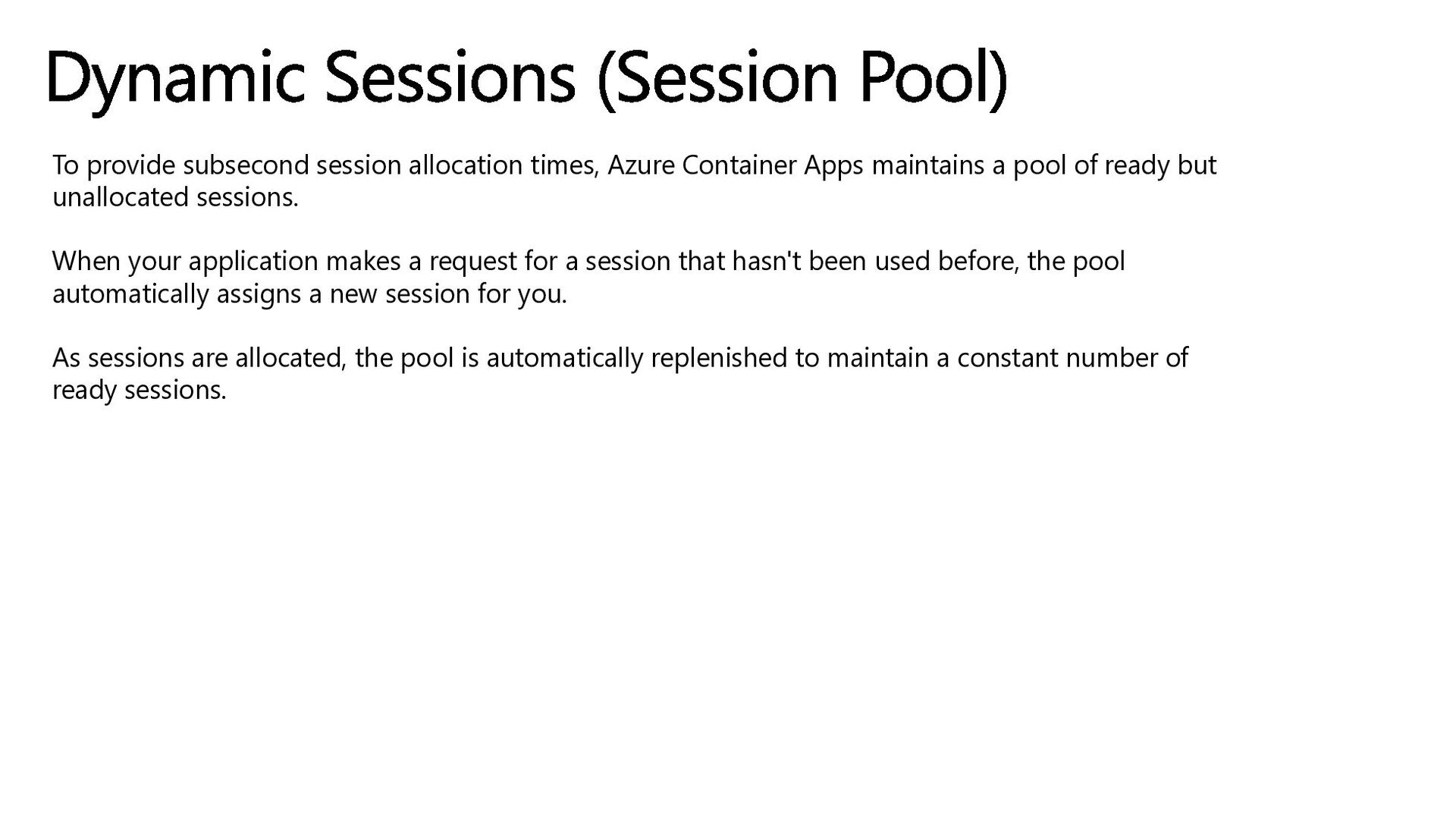
a pool of ready but unallocated sessions. When your application makes a request for a session that hasn't been used before, the pool automatically assigns a new session for you. As sessions are allocated, the pool is automatically replenished to maintain a constant number of ready sessions. Dynamic Sessions (Session Pool)
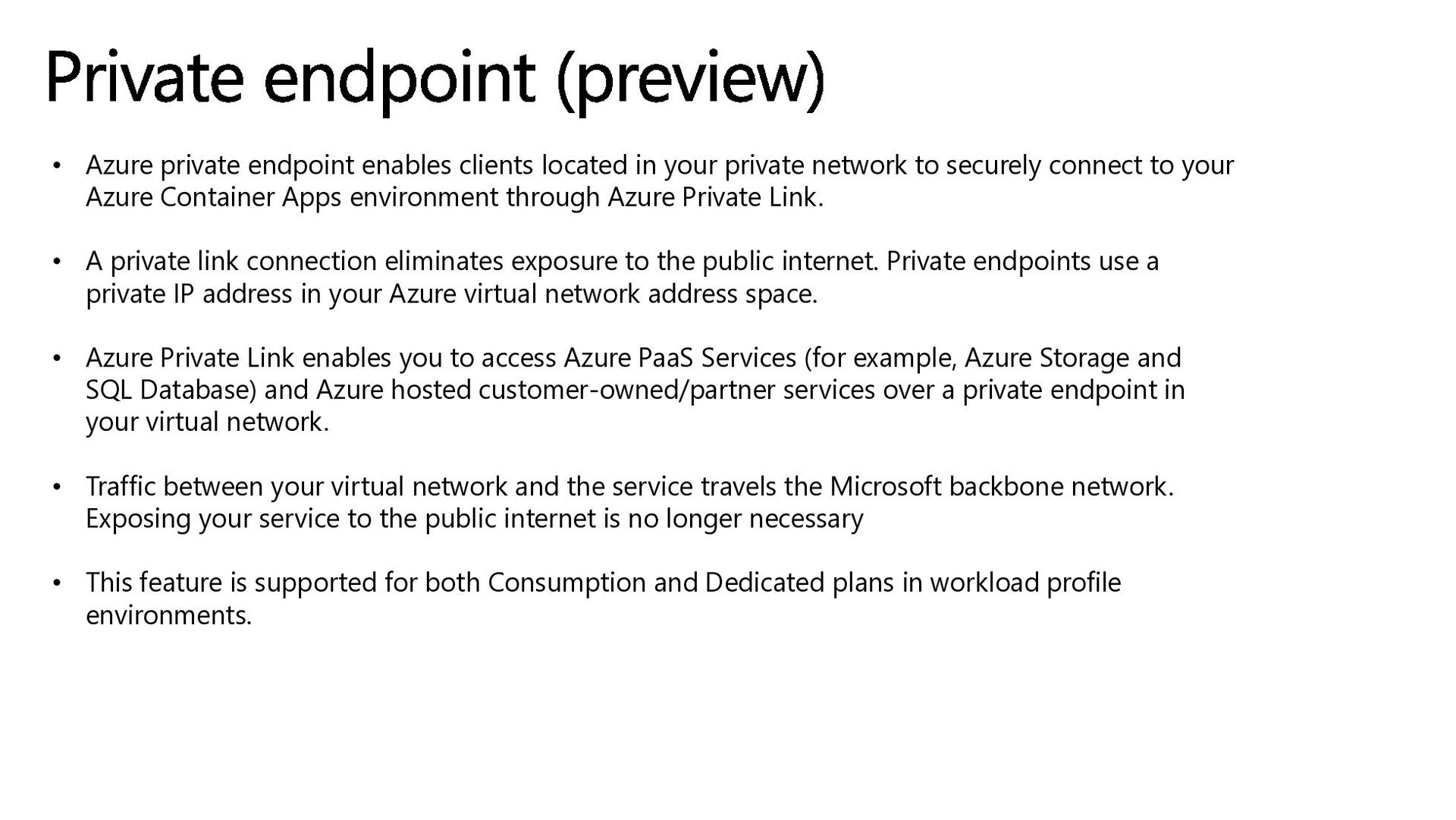
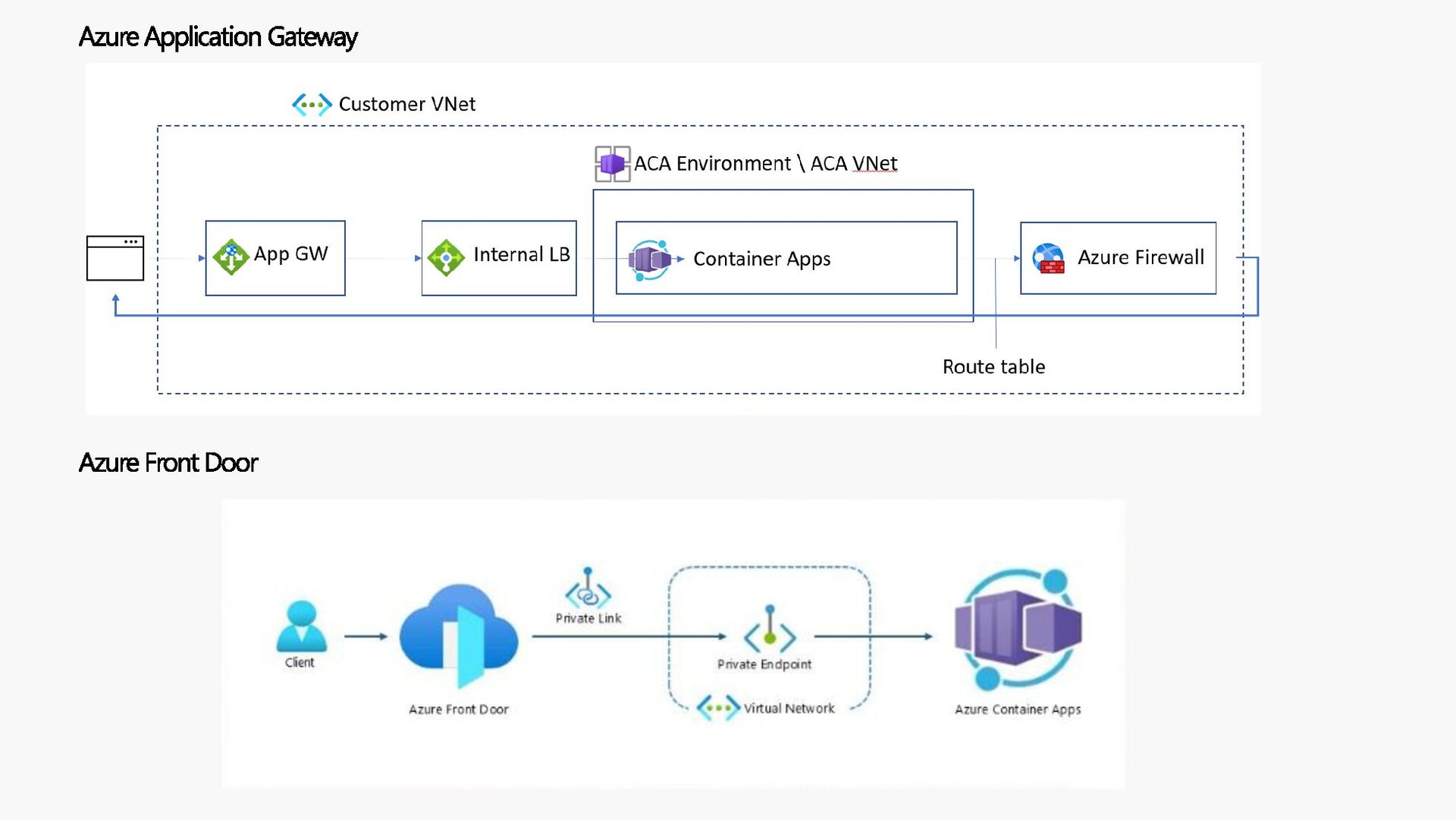
network to securely connect to your Azure Container Apps environment through Azure Private Link. • A private link connection eliminates exposure to the public internet. Private endpoints use a private IP address in your Azure virtual network address space. • Azure Private Link enables you to access Azure PaaS Services (for example, Azure Storage and SQL Database) and Azure hosted customer-owned/partner services over a private endpoint in your virtual network. • Traffic between your virtual network and the service travels the Microsoft backbone network. Exposing your service to the public internet is no longer necessary • This feature is supported for both Consumption and Dedicated plans in workload profile environments. Private endpoint (preview)
HTTP traffic. TCP traffic isn't supported. • To use a private endpoint with a custom domain and an Apex domain as the Hostname record type, you must configure a private DNS zone with the same name as your public DNS. In the record set, configure your private endpoint's private IP address instead of the container app environment's IP address. When you configure your custom domain with CNAME, the setup is unchanged. For more information, see Set up custom domain with existing certificate. • Your private endpoint's VNet can be separate from the VNet integrated with your container app. • You can add a private endpoint to both new and existing workload profile environments. • In order to connect to your container apps through a private endpoint, you must configure a private DNS zone private link.{regionName}.azurecontainerapps.io Private endpoint (preview)
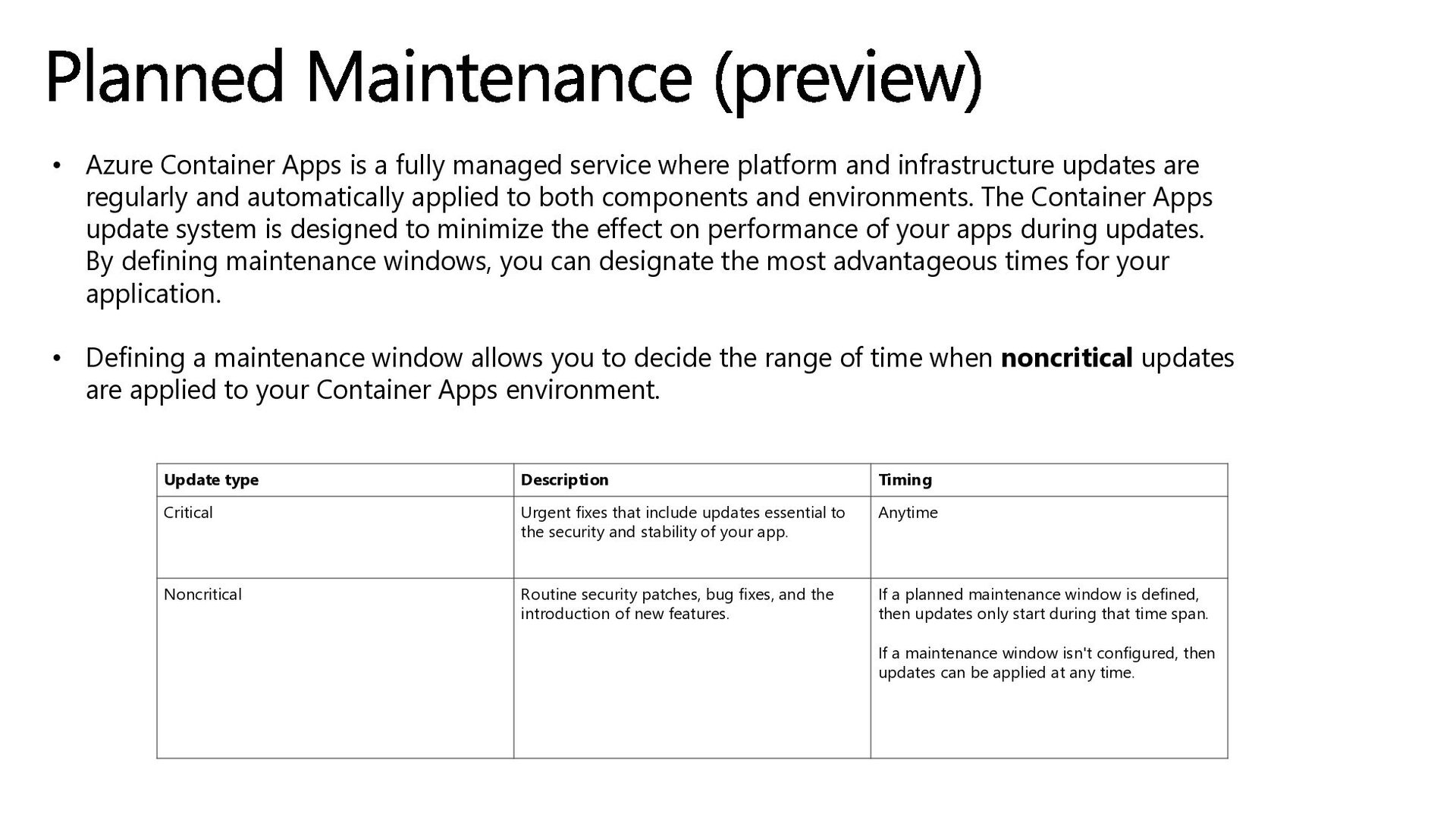
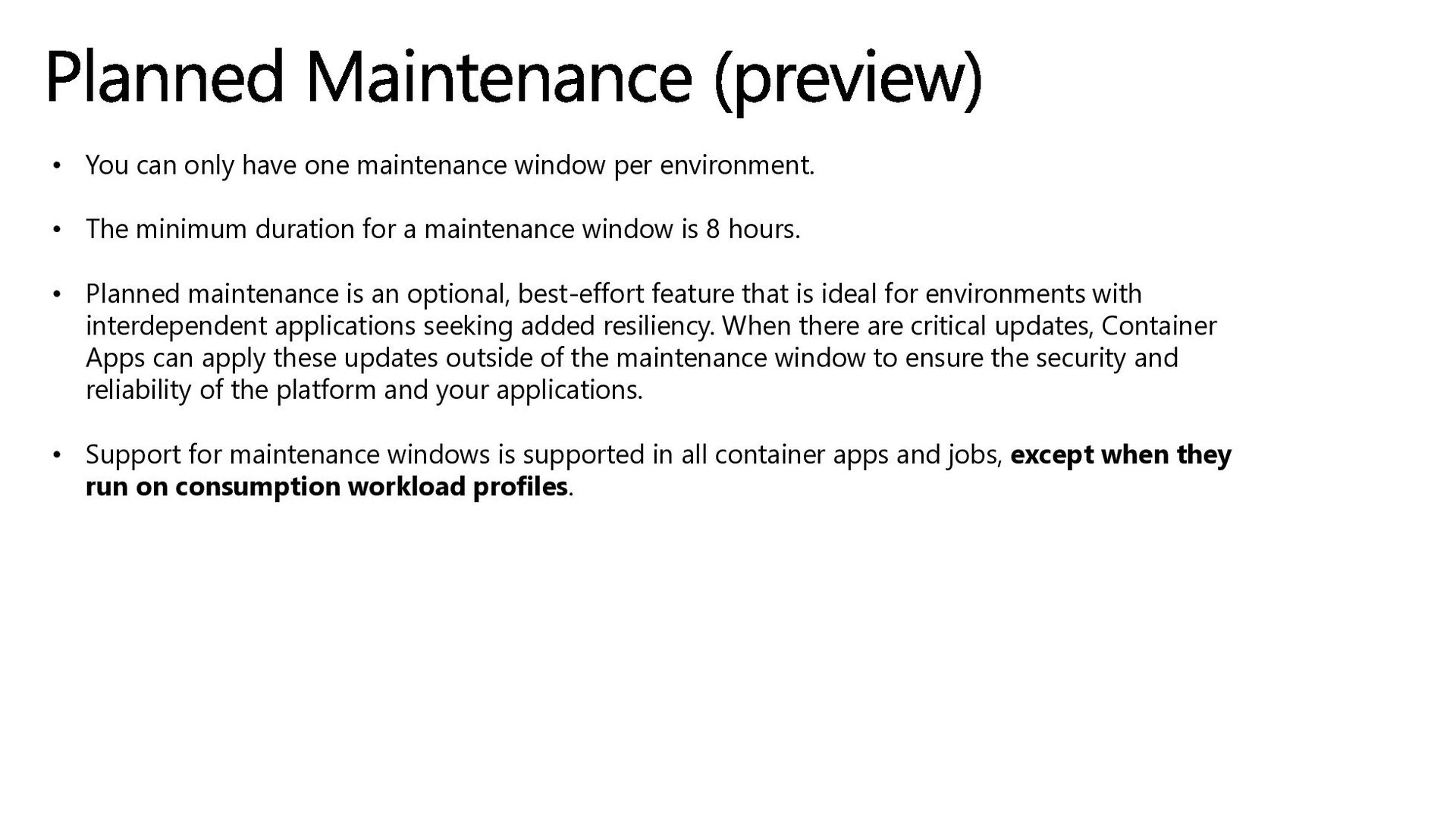
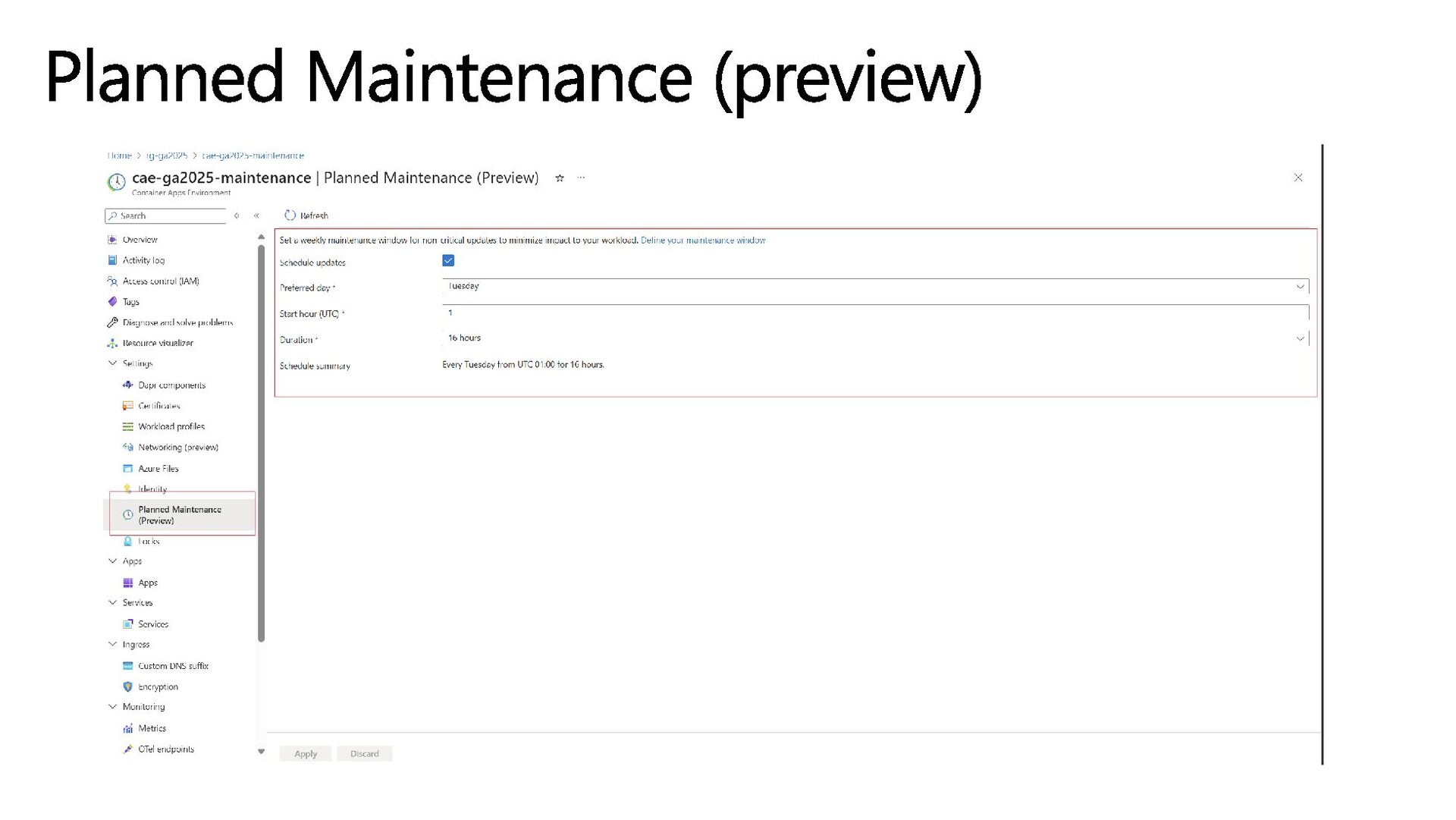
platform and infrastructure updates are regularly and automatically applied to both components and environments. The Container Apps update system is designed to minimize the effect on performance of your apps during updates. By defining maintenance windows, you can designate the most advantageous times for your application. • Defining a maintenance window allows you to decide the range of time when noncritical updates are applied to your Container Apps environment. Planned Maintenance (preview) Update type Description Timing Critical Urgent fixes that include updates essential to the security and stability of your app. Anytime Noncritical Routine security patches, bug fixes, and the introduction of new features. If a planned maintenance window is defined, then updates only start during that time span. If a maintenance window isn't configured, then updates can be applied at any time.
• The minimum duration for a maintenance window is 8 hours. • Planned maintenance is an optional, best-effort feature that is ideal for environments with interdependent applications seeking added resiliency. When there are critical updates, Container Apps can apply these updates outside of the maintenance window to ensure the security and reliability of the platform and your applications. • Support for maintenance windows is supported in all container apps and jobs, except when they run on consumption workload profiles. Planned Maintenance (preview)
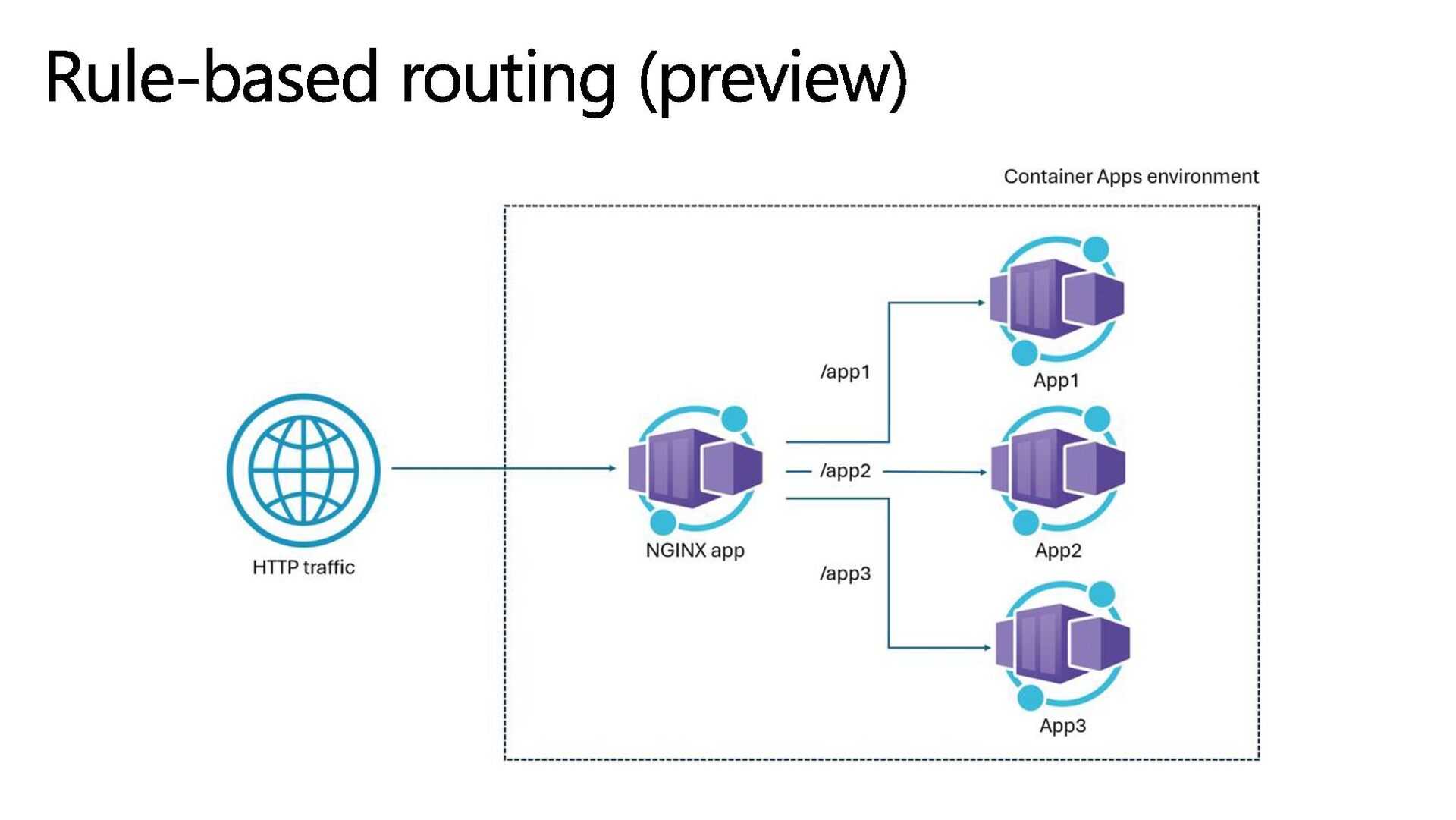
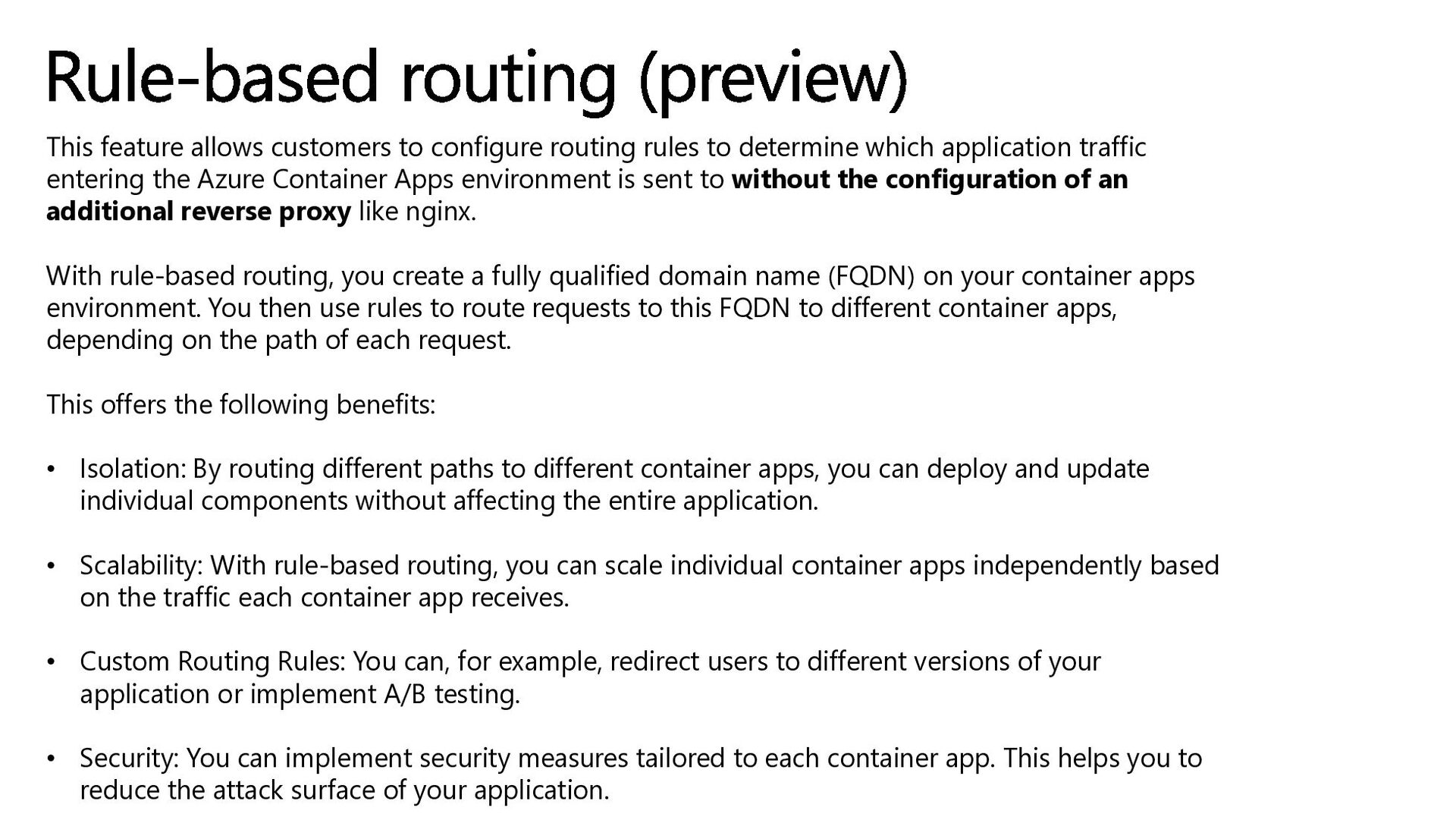
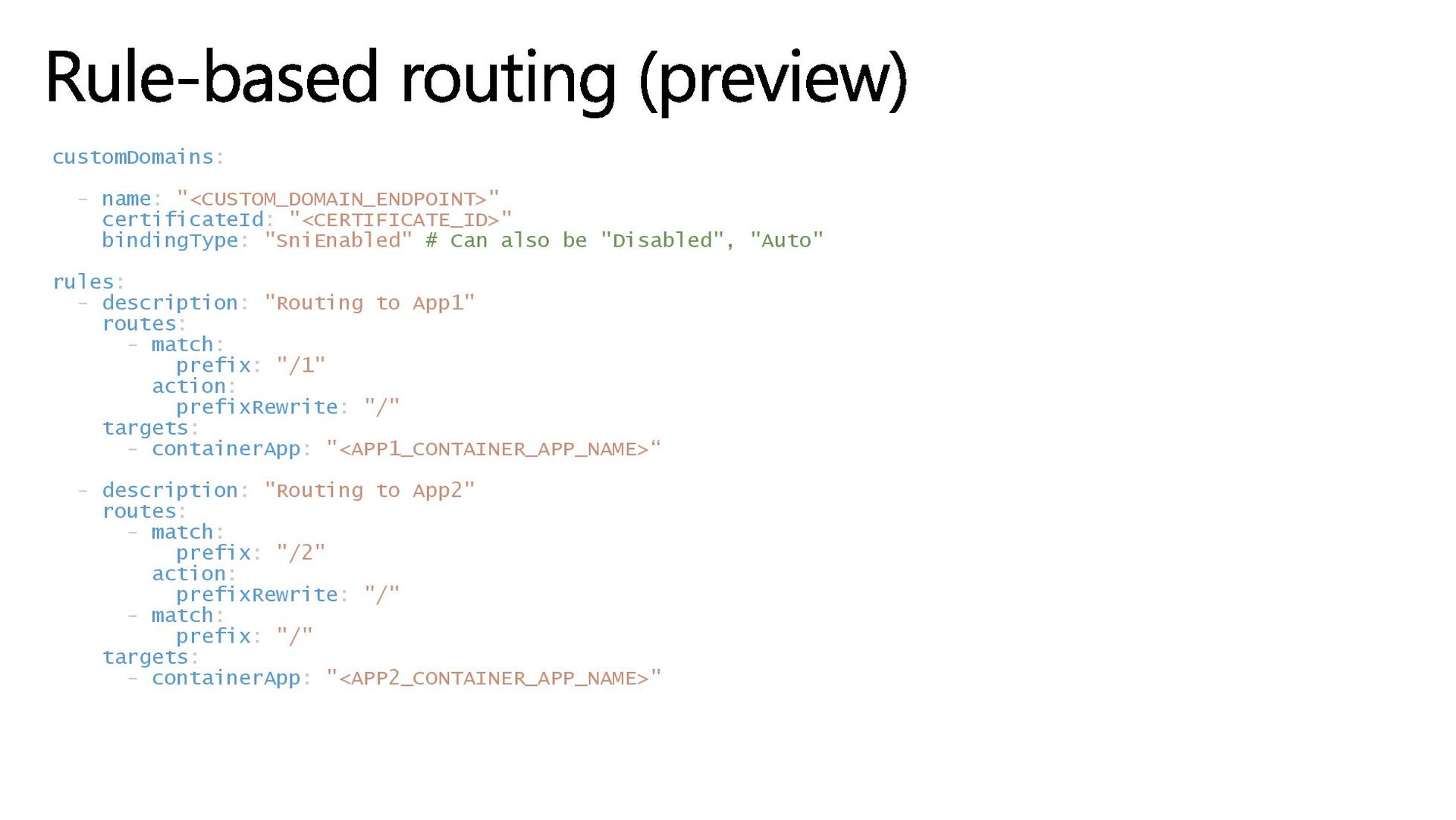
which application traffic entering the Azure Container Apps environment is sent to without the configuration of an additional reverse proxy like nginx. With rule-based routing, you create a fully qualified domain name (FQDN) on your container apps environment. You then use rules to route requests to this FQDN to different container apps, depending on the path of each request. This offers the following benefits: • Isolation: By routing different paths to different container apps, you can deploy and update individual components without affecting the entire application. • Scalability: With rule-based routing, you can scale individual container apps independently based on the traffic each container app receives. • Custom Routing Rules: You can, for example, redirect users to different versions of your application or implement A/B testing. • Security: You can implement security measures tailored to each container app. This helps you to reduce the attack surface of your application. Rule-based routing (preview)
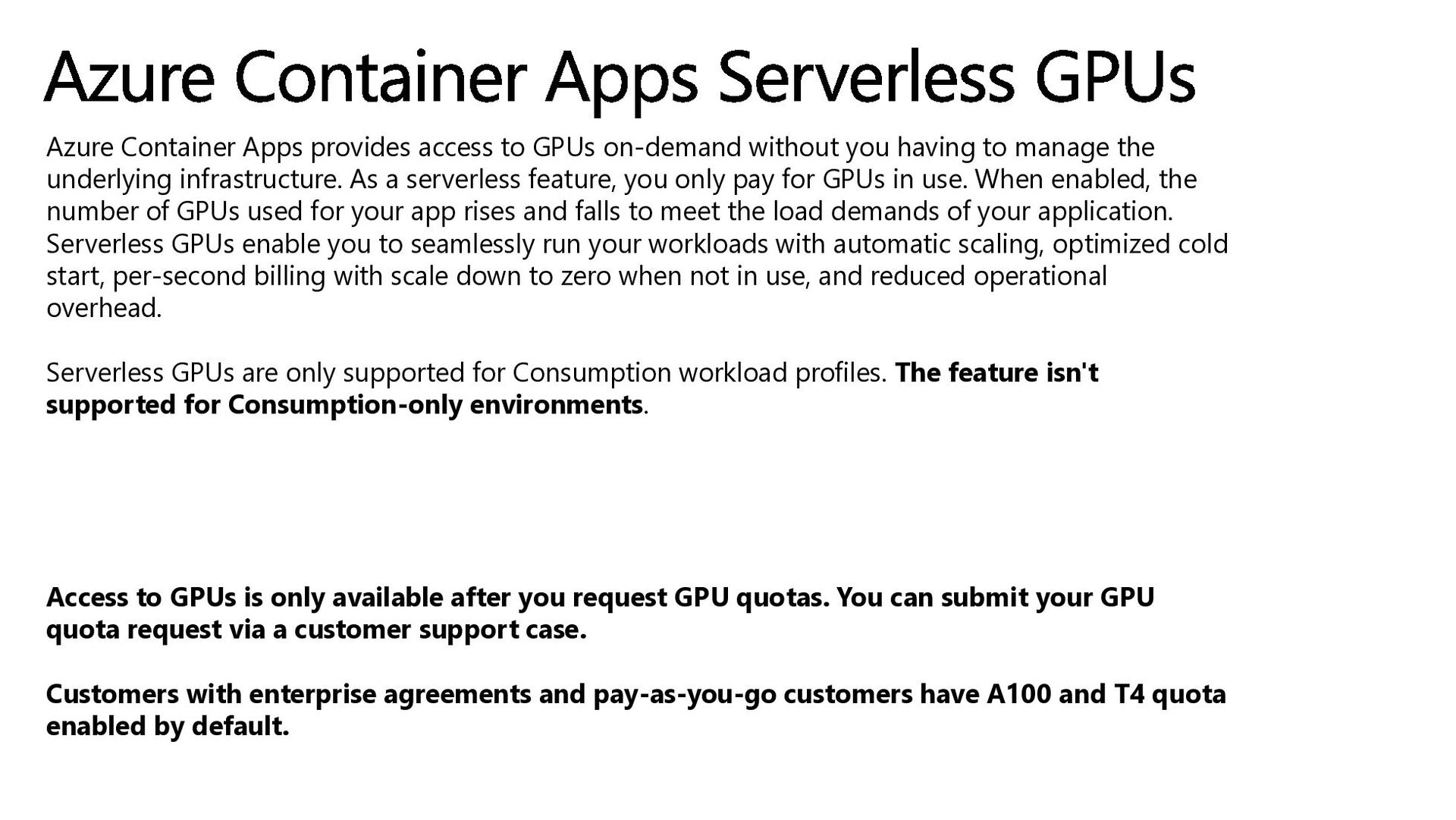
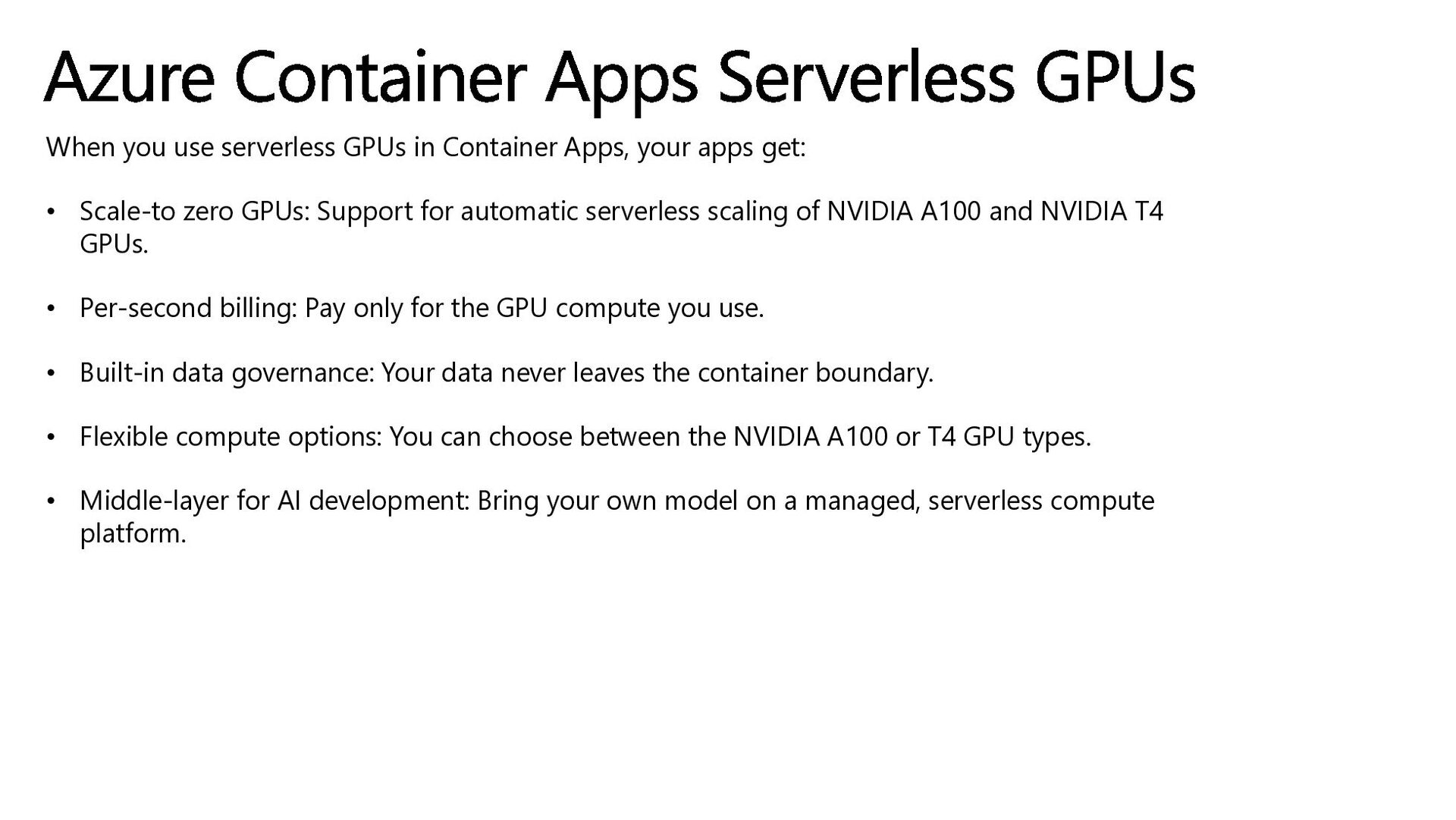
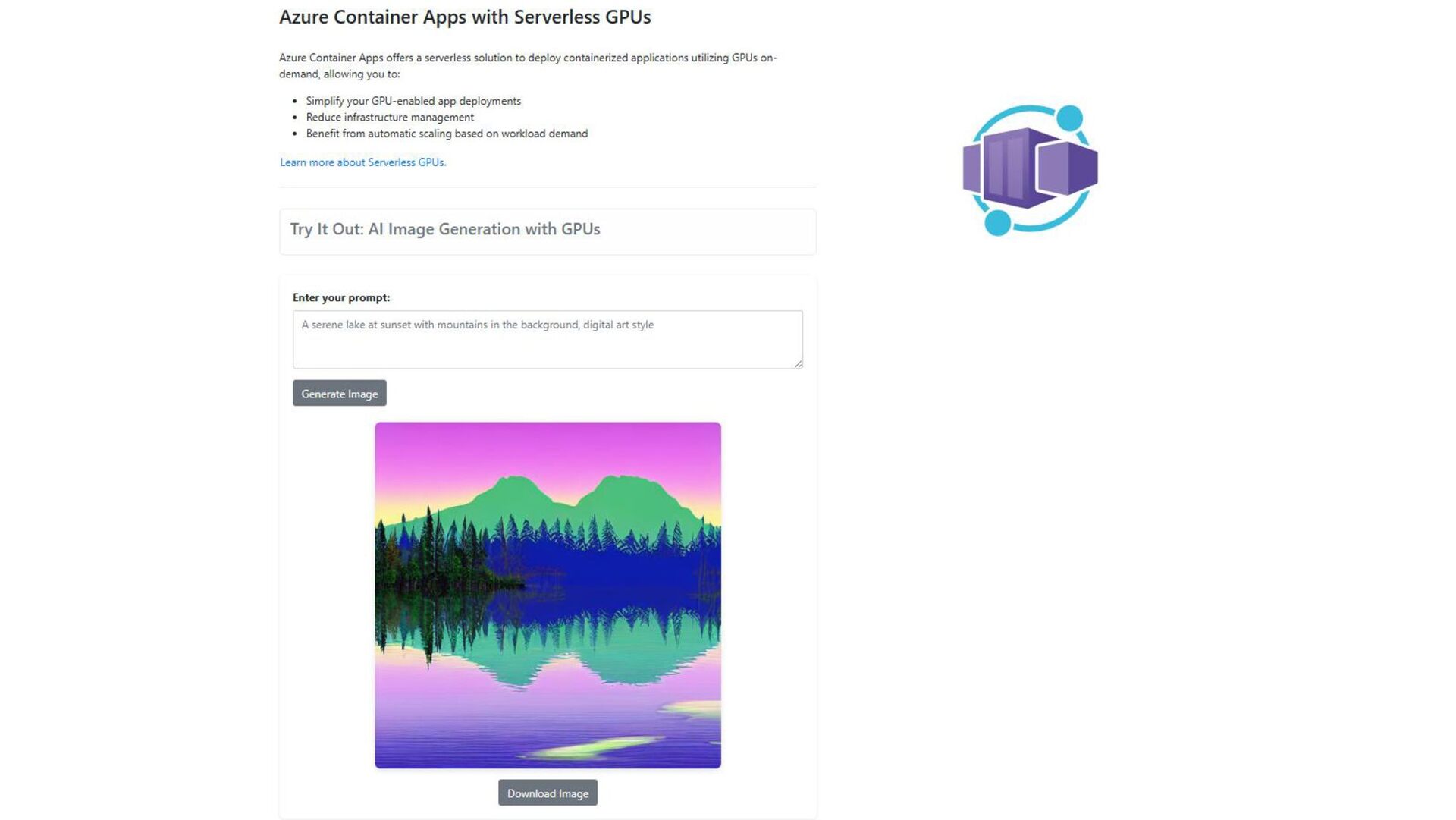
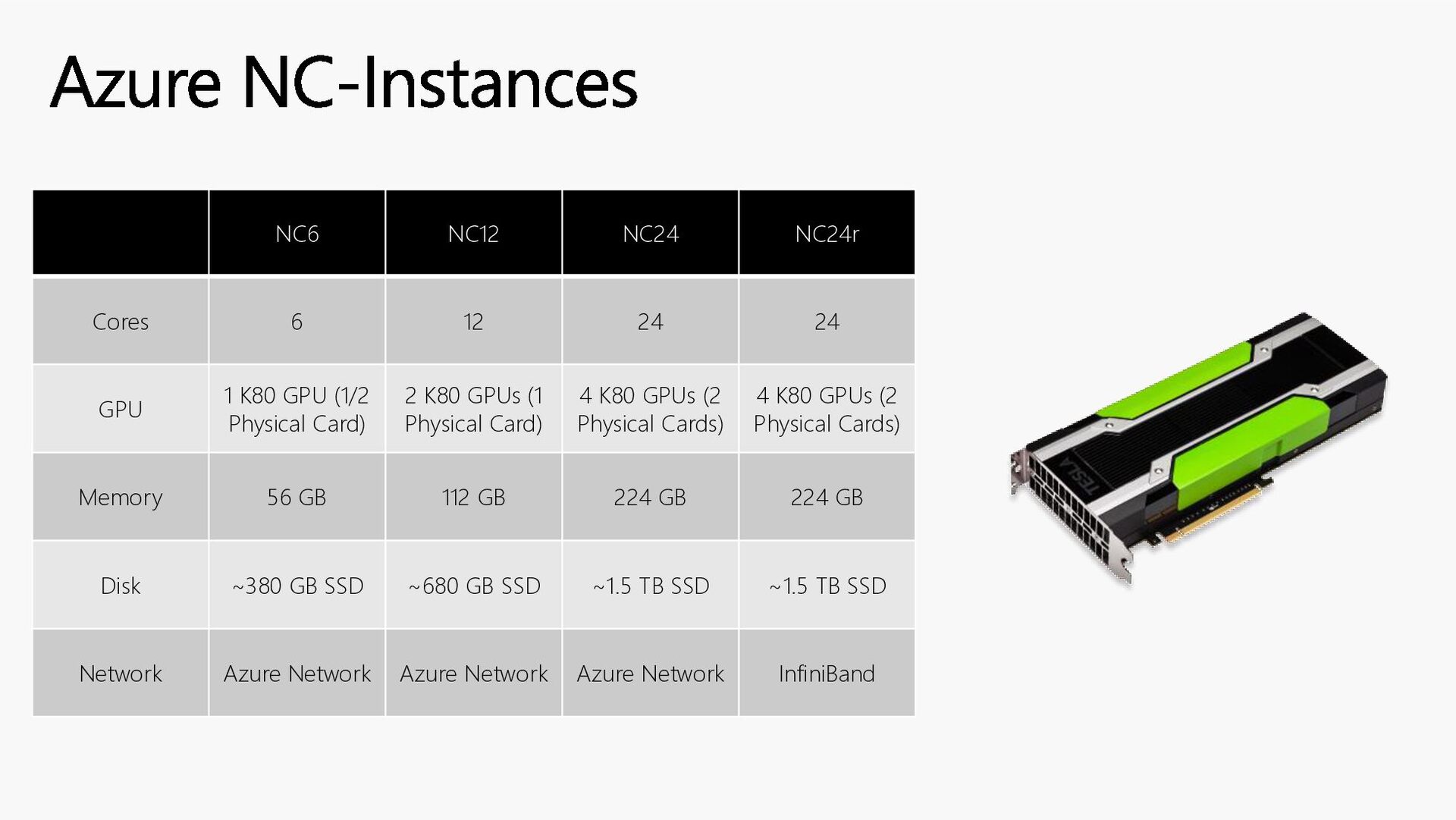
having to manage the underlying infrastructure. As a serverless feature, you only pay for GPUs in use. When enabled, the number of GPUs used for your app rises and falls to meet the load demands of your application. Serverless GPUs enable you to seamlessly run your workloads with automatic scaling, optimized cold start, per-second billing with scale down to zero when not in use, and reduced operational overhead. Serverless GPUs are only supported for Consumption workload profiles. The feature isn't supported for Consumption-only environments. Access to GPUs is only available after you request GPU quotas. You can submit your GPU quota request via a customer support case. Customers with enterprise agreements and pay-as-you-go customers have A100 and T4 quota enabled by default. Azure Container Apps Serverless GPUs
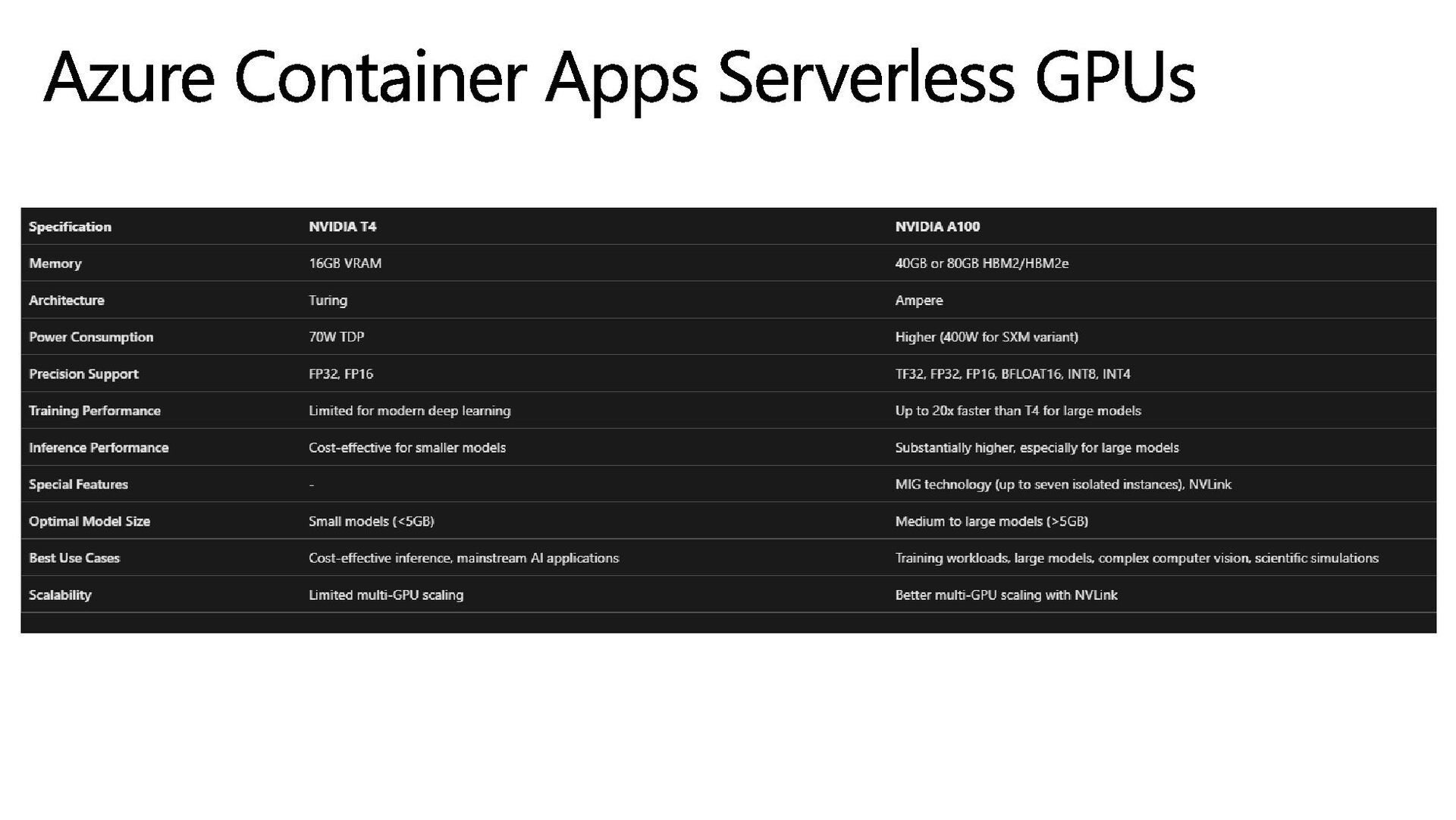
get: • Scale-to zero GPUs: Support for automatic serverless scaling of NVIDIA A100 and NVIDIA T4 GPUs. • Per-second billing: Pay only for the GPU compute you use. • Built-in data governance: Your data never leaves the container boundary. • Flexible compute options: You can choose between the NVIDIA A100 or T4 GPU types. • Middle-layer for AI development: Bring your own model on a managed, serverless compute platform. Azure Container Apps Serverless GPUs
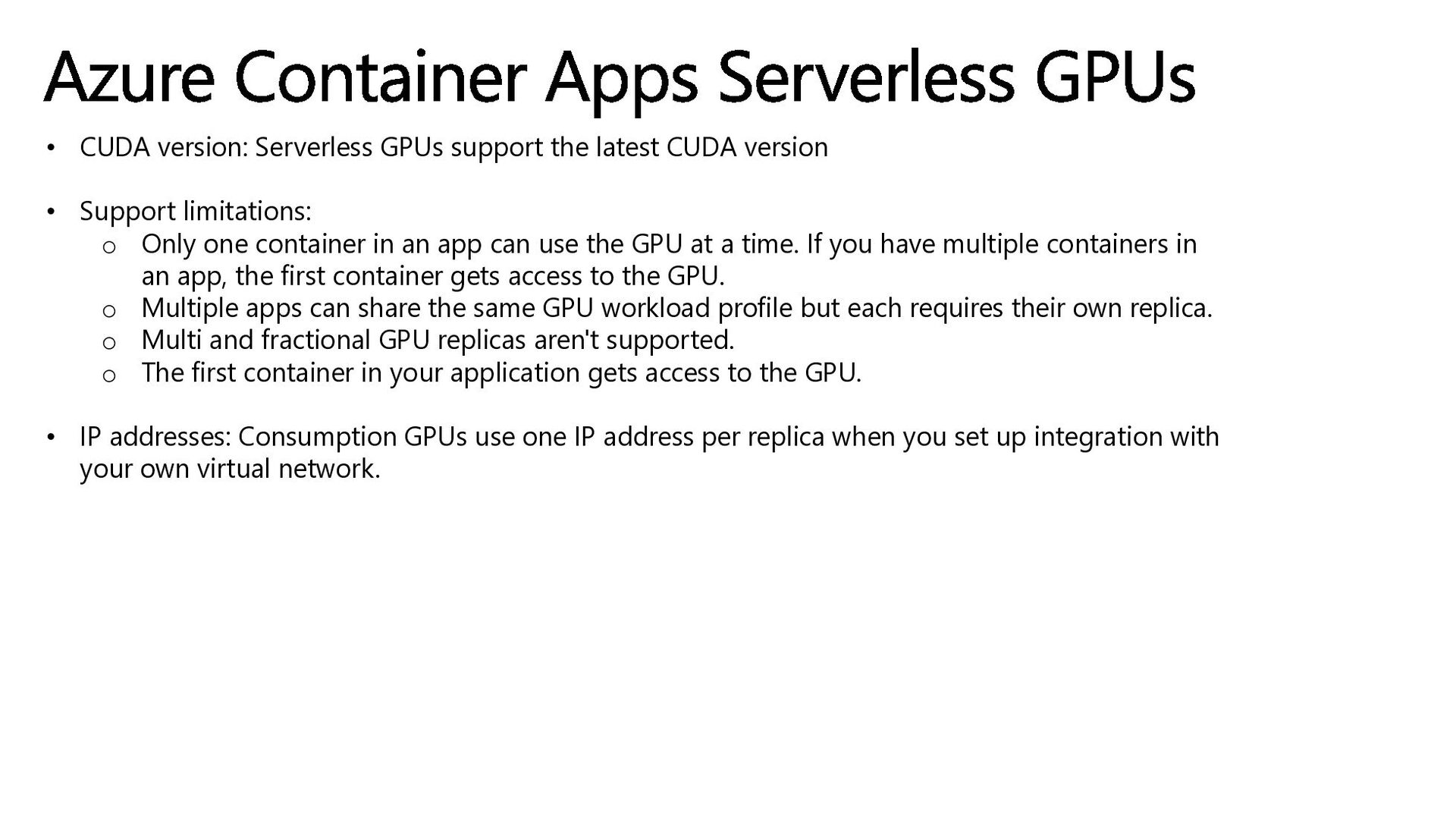
• Support limitations: o Only one container in an app can use the GPU at a time. If you have multiple containers in an app, the first container gets access to the GPU. o Multiple apps can share the same GPU workload profile but each requires their own replica. o Multi and fractional GPU replicas aren't supported. o The first container in your application gets access to the GPU. • IP addresses: Consumption GPUs use one IP address per replica when you set up integration with your own virtual network. Azure Container Apps Serverless GPUs
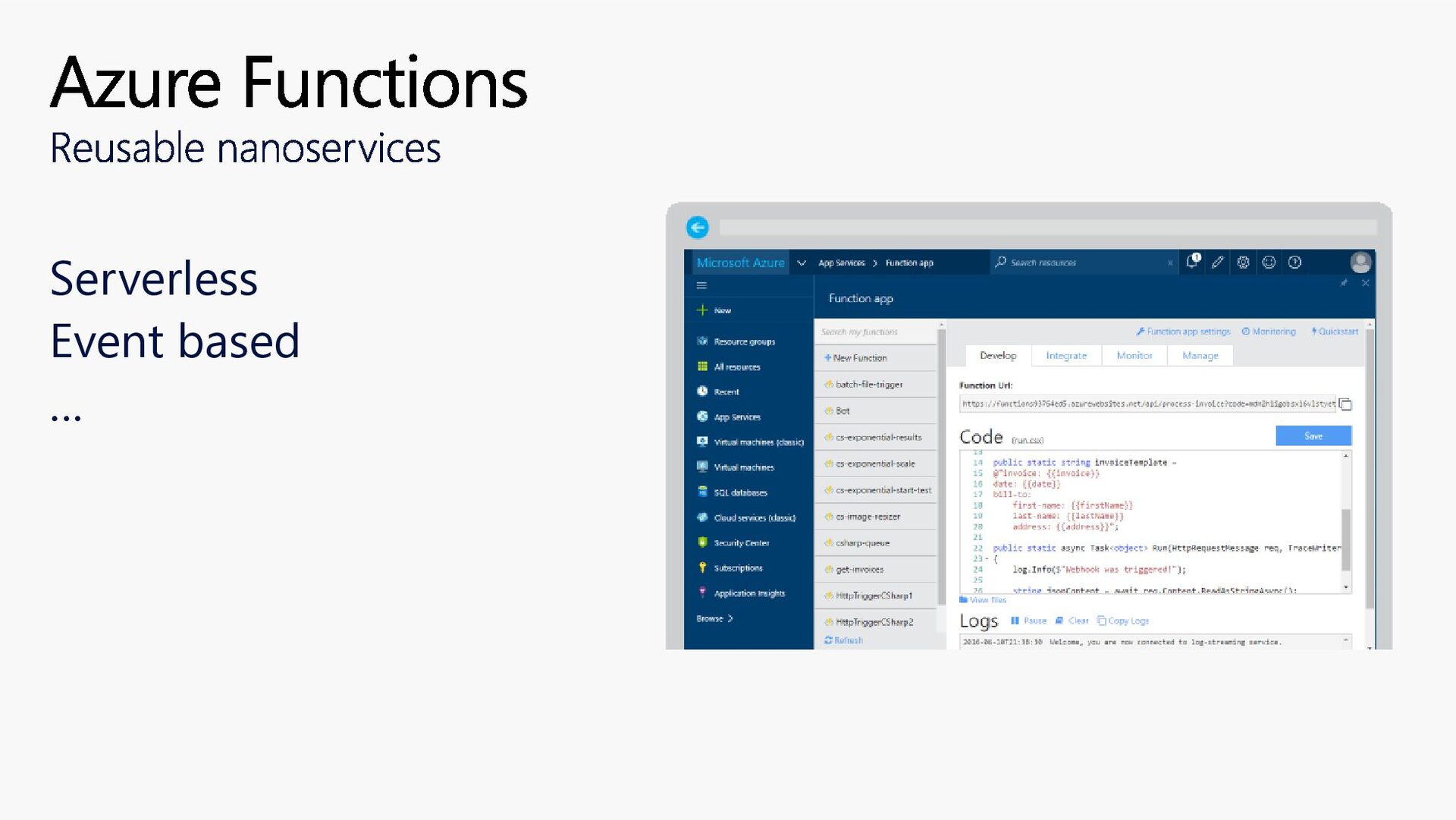
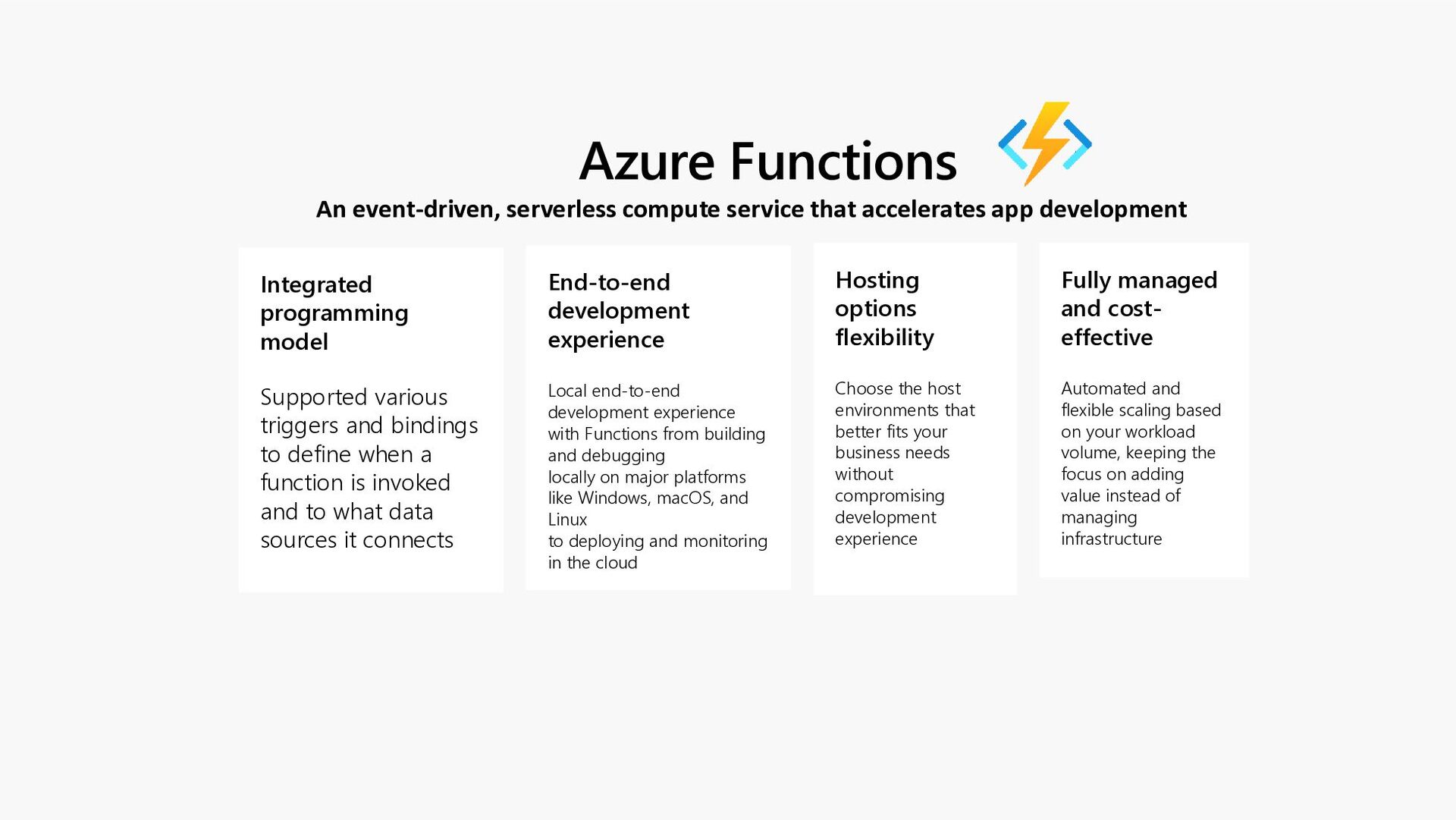
development End-to-end development experience Local end-to-end development experience with Functions from building and debugging locally on major platforms like Windows, macOS, and Linux to deploying and monitoring in the cloud Hosting options flexibility Choose the host environments that better fits your business needs without compromising development experience Fully managed and cost- effective Automated and flexible scaling based on your workload volume, keeping the focus on adding value instead of managing infrastructure Integrated programming model Supported various triggers and bindings to define when a function is invoked and to what data sources it connects


 sparraguerra
 kash1064
 namiki64
 tomokusaba
 daidaidai
 teamlab
 iktakahiro
 grimoh
 tokuty
 y0hgi
y0hgi
 kenichiodo
 jozono
 aarron
 mlcsv
mlcsv
 techseoconnect
 portentint
 irinanazarova
 afnizarnur
 mclloyd
 aleyda
 pedronauck
 tomoyanonymous
 hatefulcrawdad
 eileencodes