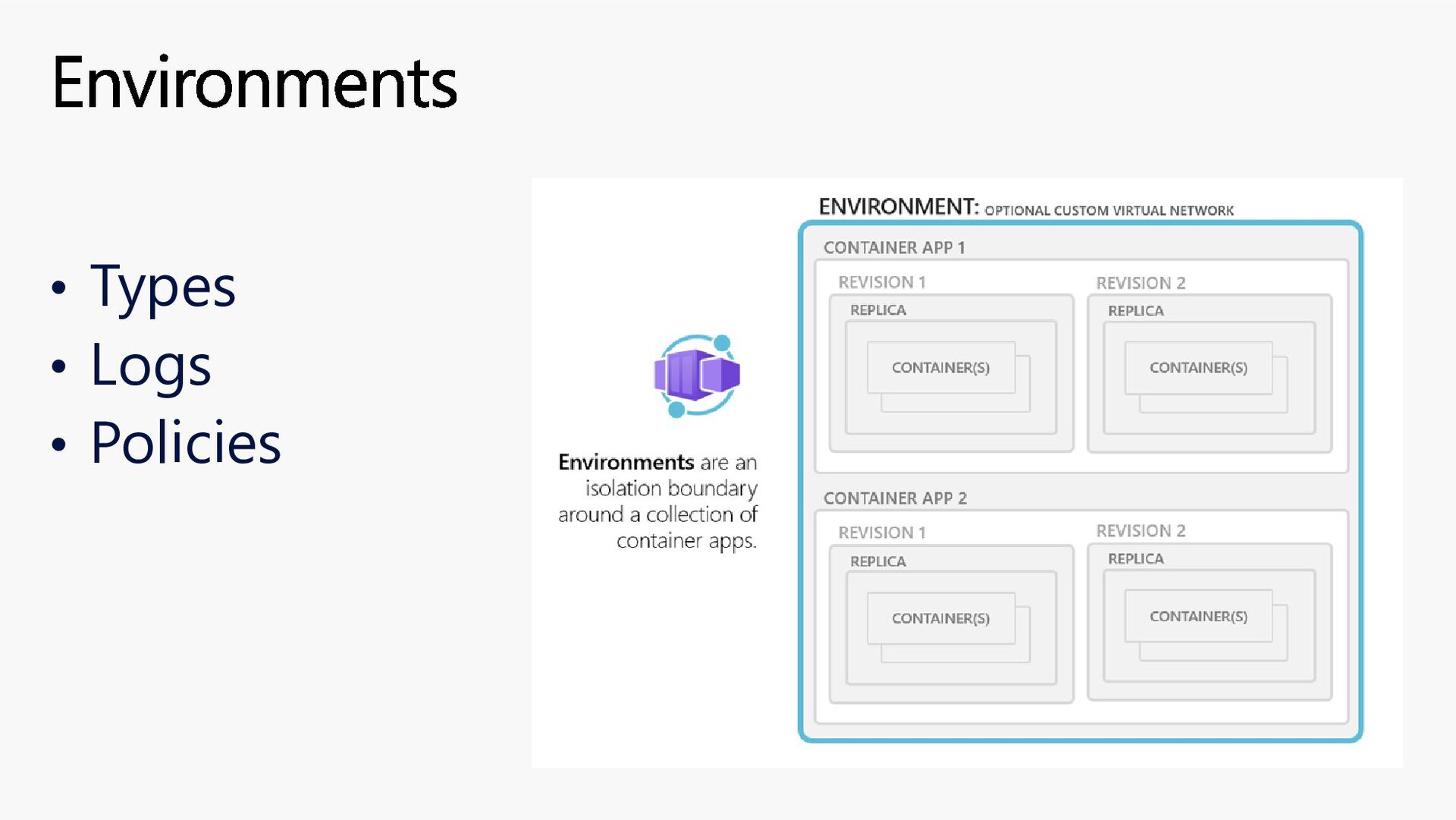
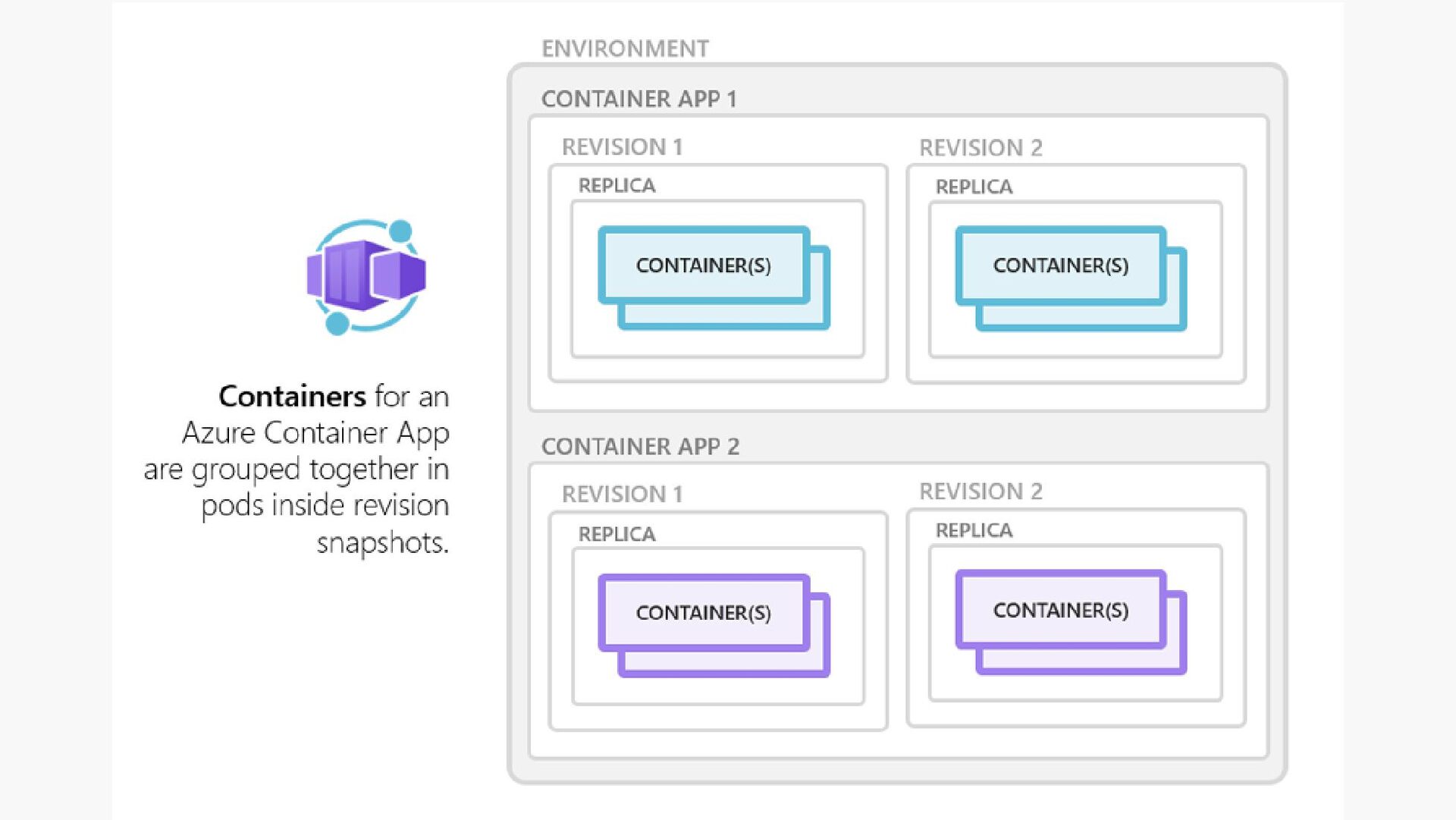
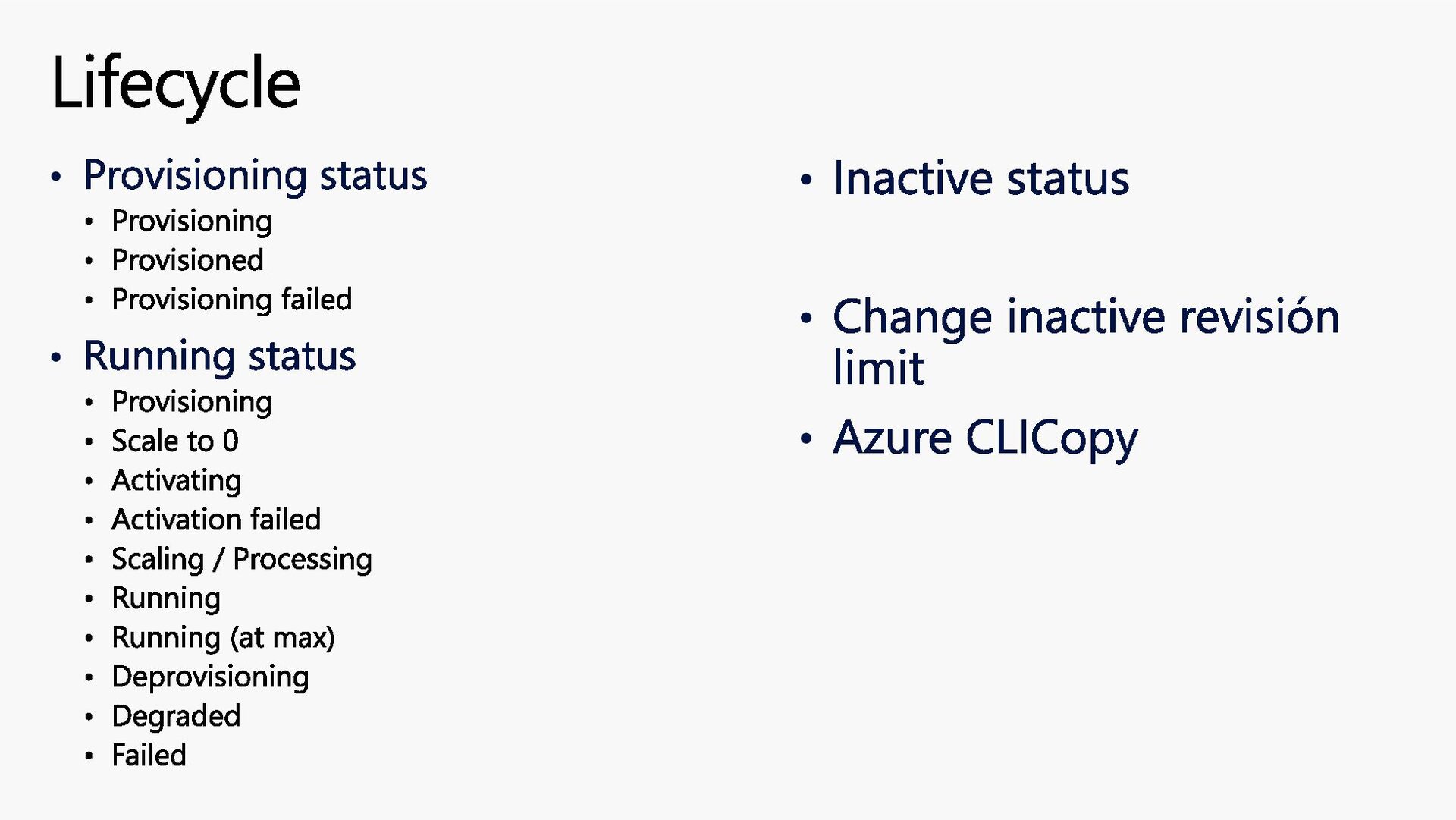
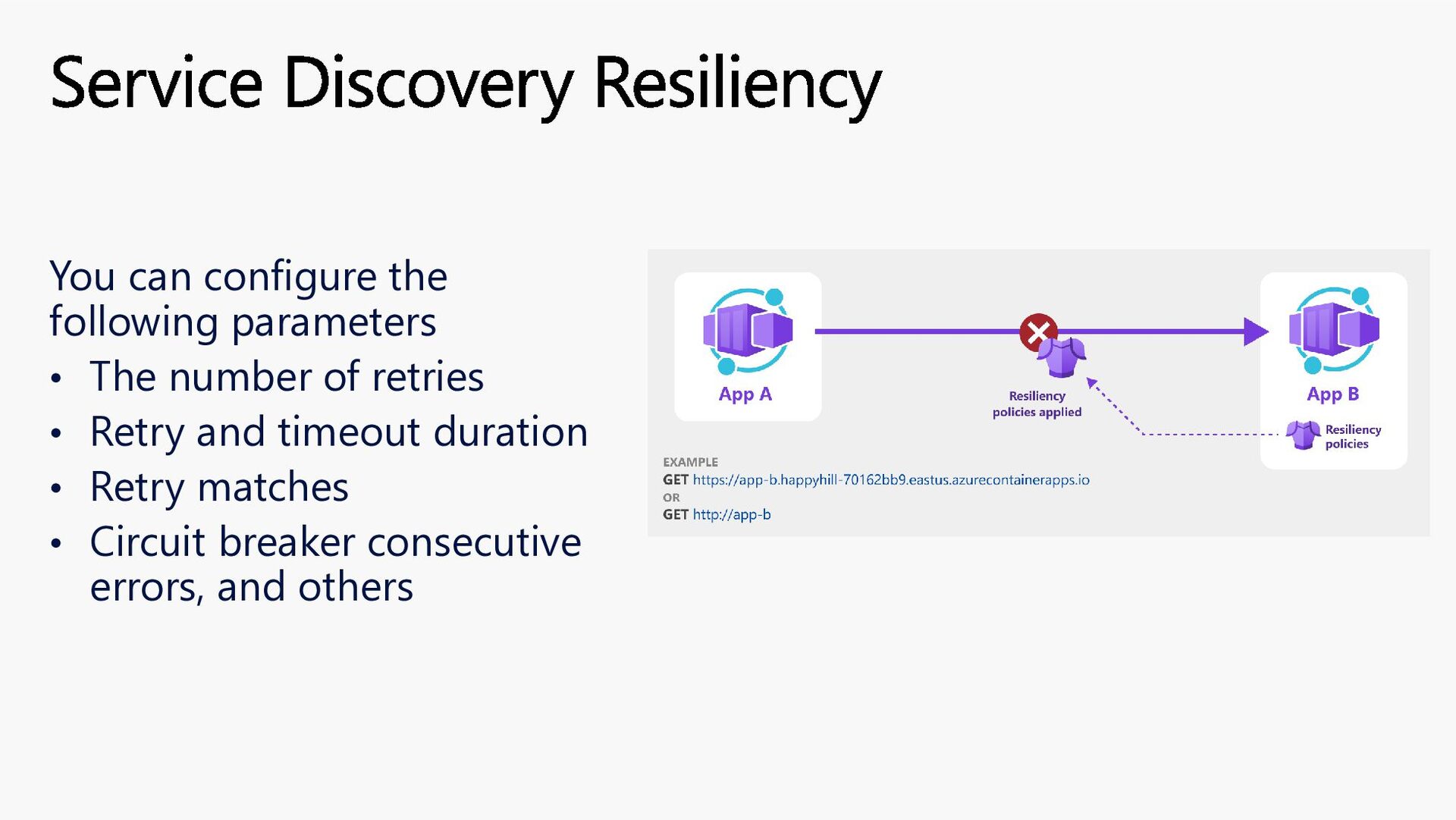
to maintain less infrastructure and save costs while running containerized applications. Instead of worrying about server configuration, container orchestration, and deployment details, Container Apps provides all the up-to-date server resources required to keep your applications stable and secure What is Azure Container Apps
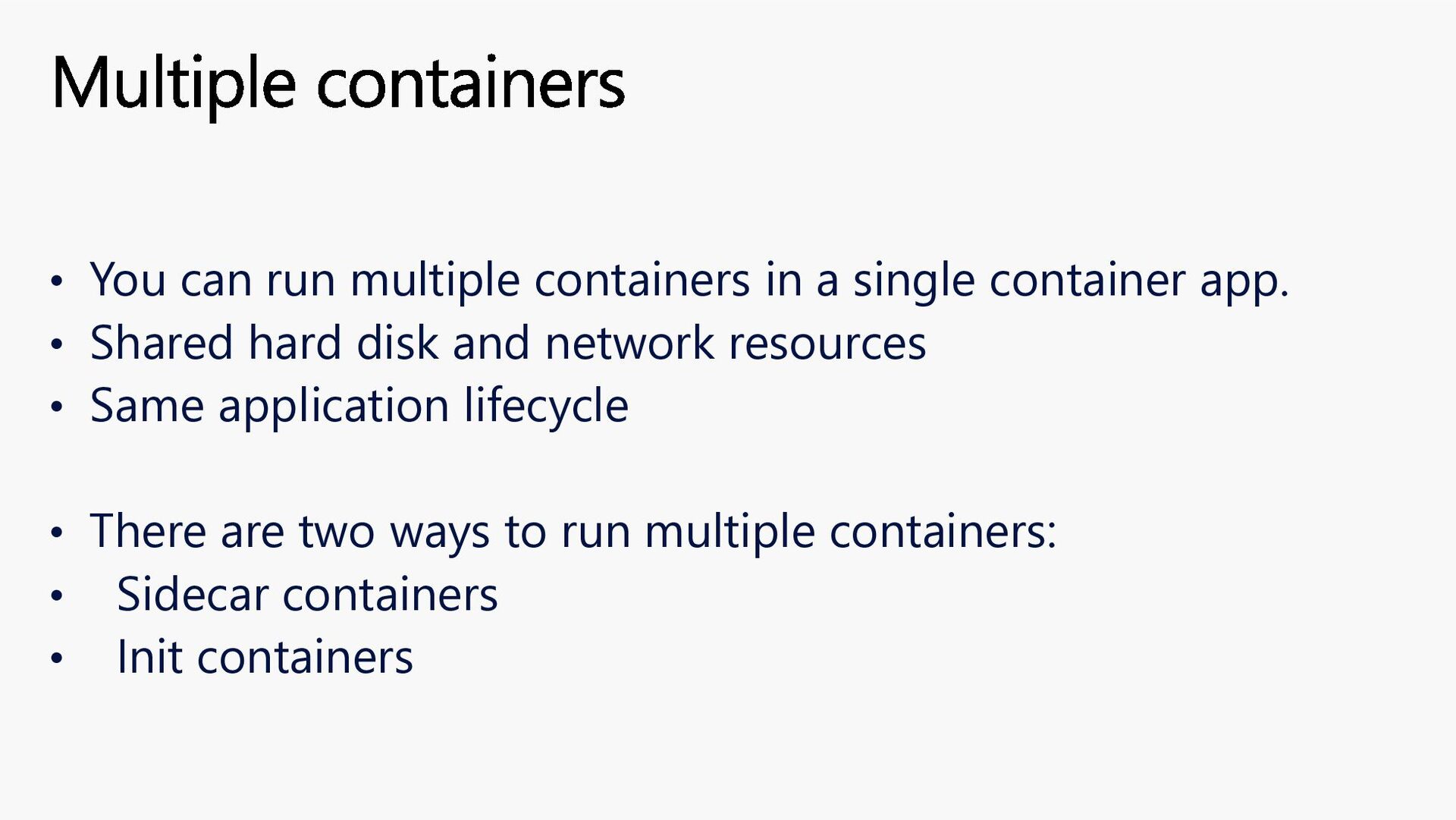
app. • Shared hard disk and network resources • Same application lifecycle • There are two ways to run multiple containers: • Sidecar containers • Init containers Multiple containers
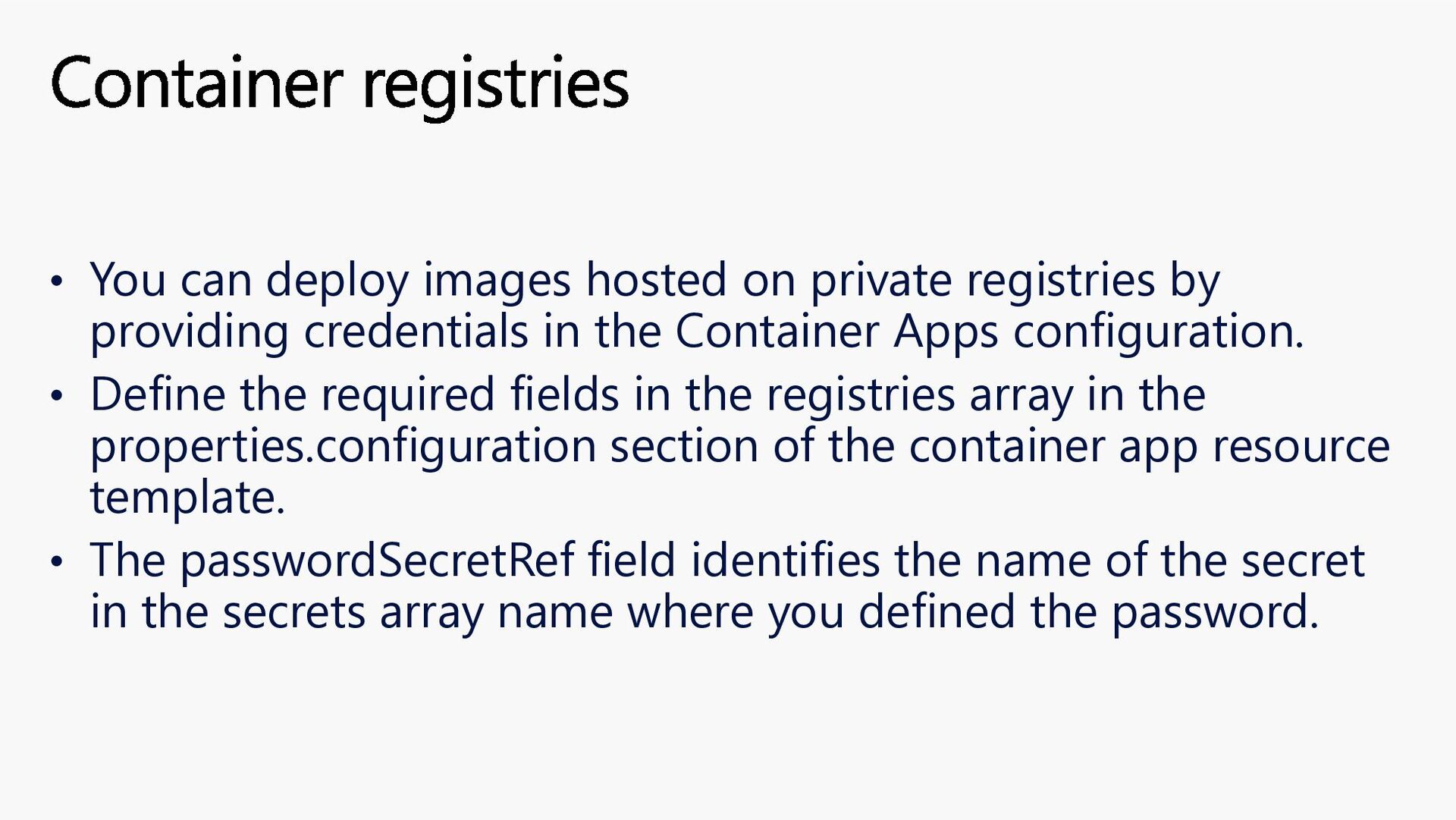
providing credentials in the Container Apps configuration. • Define the required fields in the registries array in the properties.configuration section of the container app resource template. • The passwordSecretRef field identifies the name of the secret in the secrets array name where you defined the password. Container registries
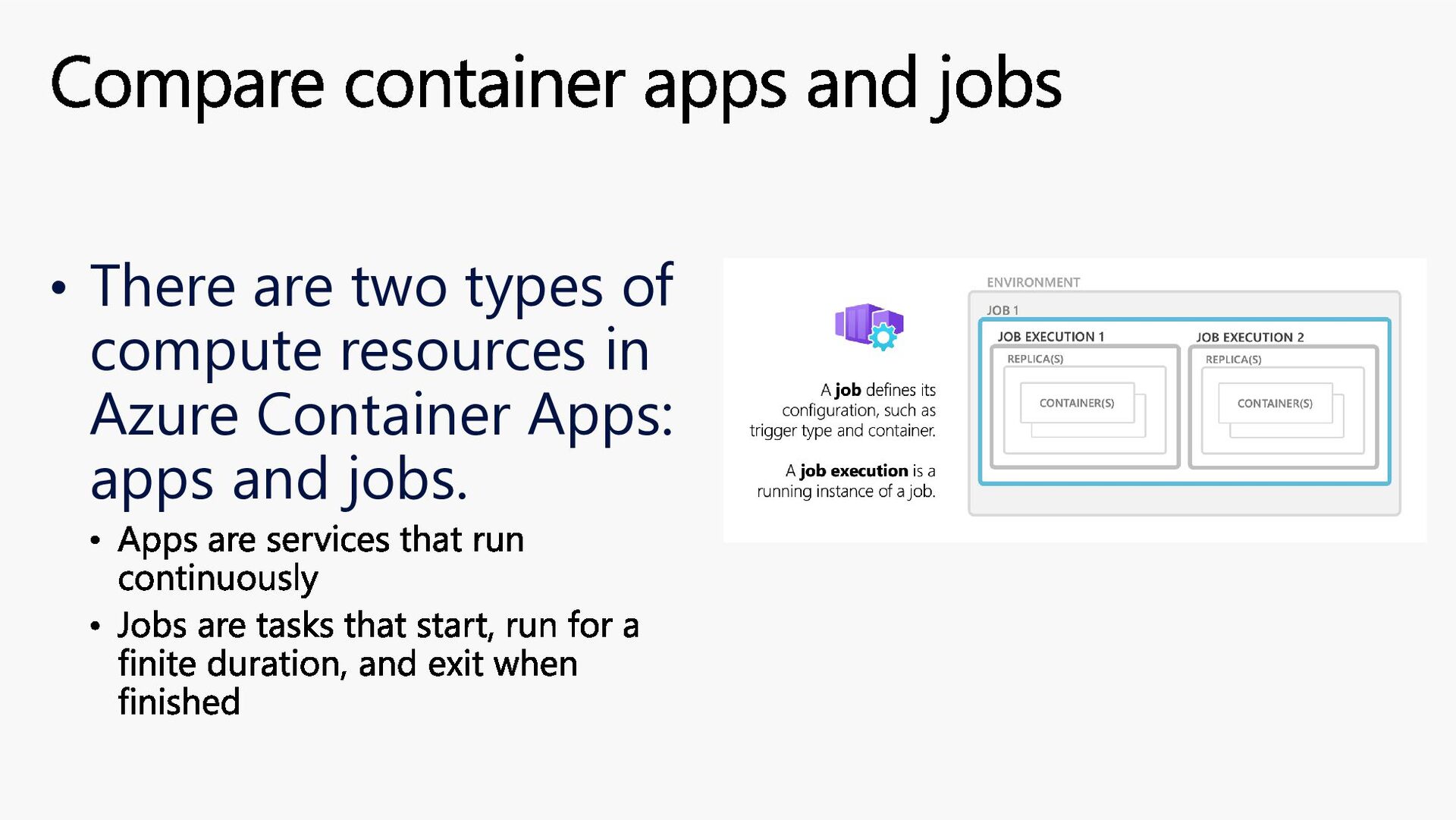
Container Apps: apps and jobs. Apps are services that run continuously Jobs are tasks that start, run for a finite duration, and exit when finished Compare container apps and jobs
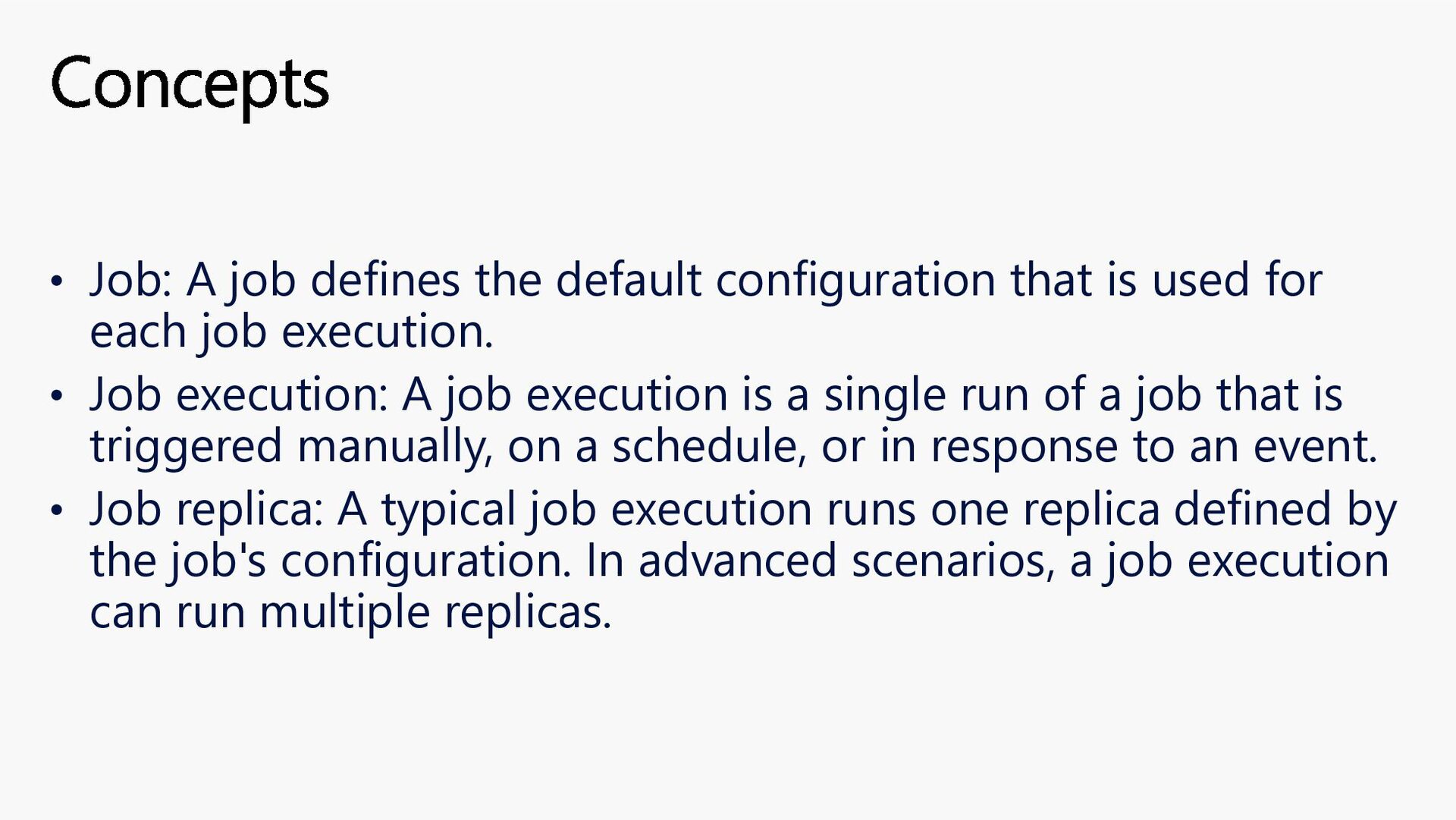
used for each job execution. • Job execution: A job execution is a single run of a job that is triggered manually, on a schedule, or in response to an event. • Job replica: A typical job execution runs one replica defined by the job's configuration. In advanced scenarios, a job execution can run multiple replicas. Concepts
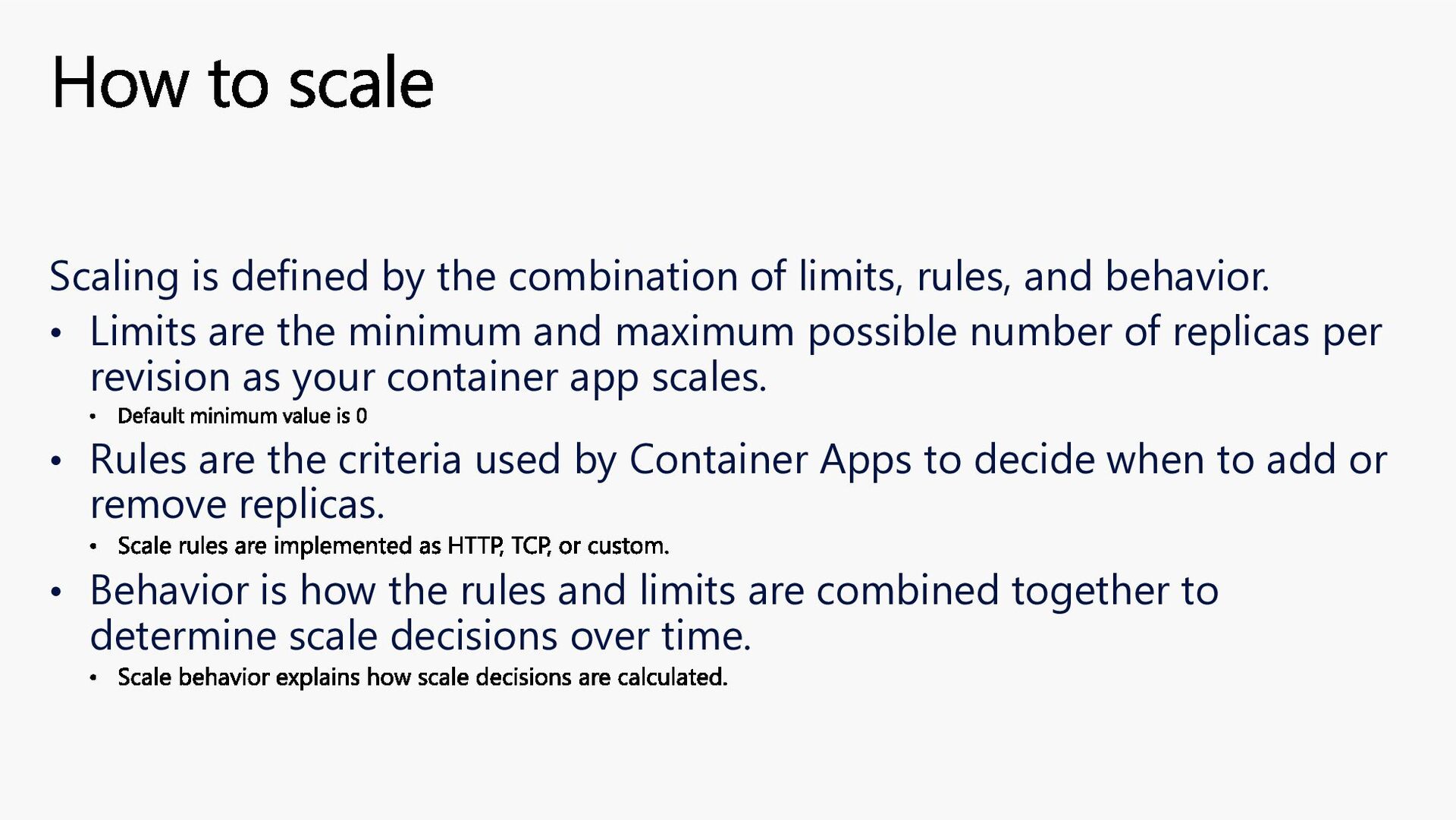
behavior. • Limits are the minimum and maximum possible number of replicas per revision as your container app scales. Default minimum value is 0 • Rules are the criteria used by Container Apps to decide when to add or remove replicas. Scale rules are implemented as HTTP, TCP, or custom. • Behavior is how the rules and limits are combined together to determine scale decisions over time. Scale behavior explains how scale decisions are calculated. How to scale
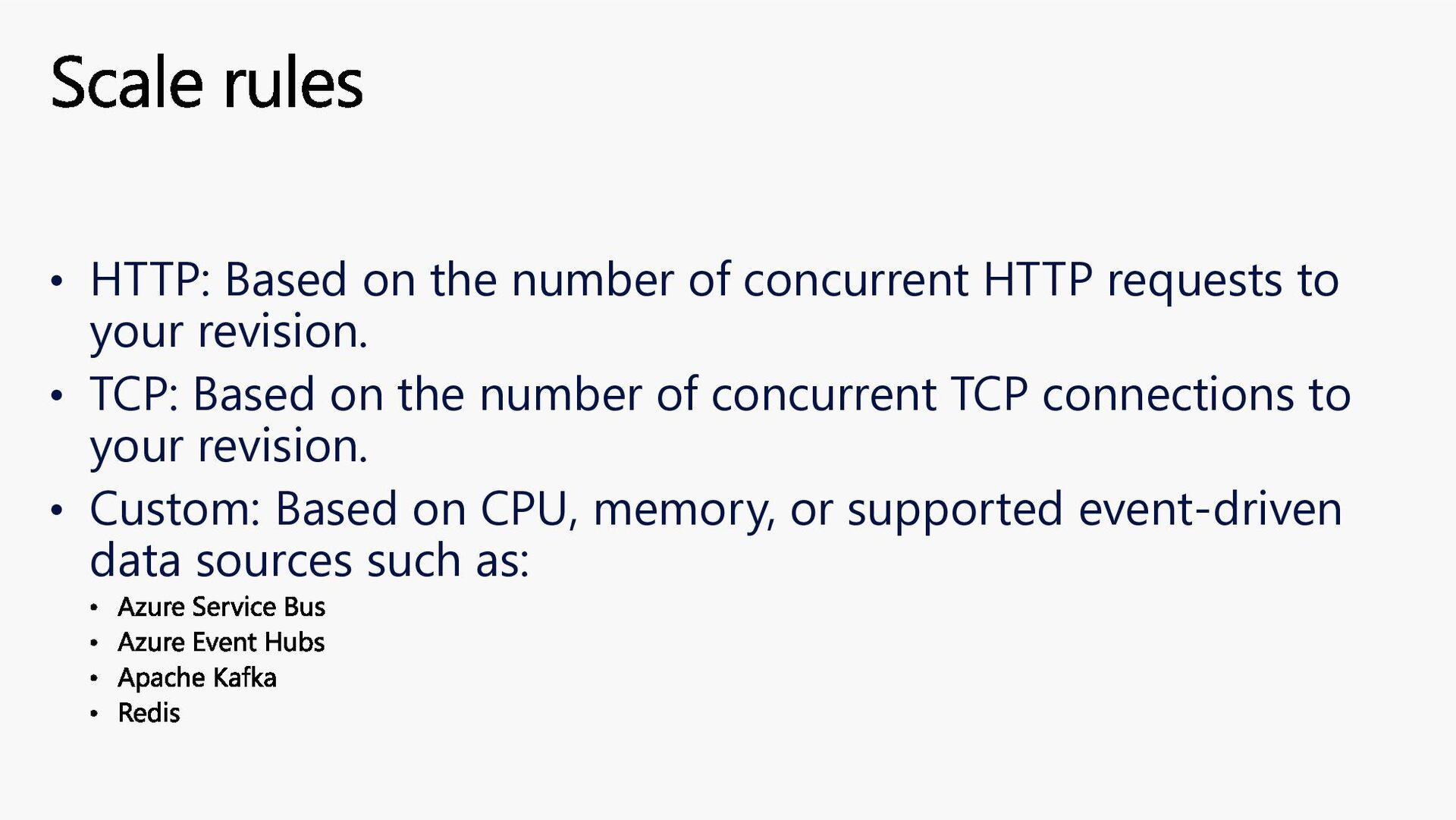
to your revision. • TCP: Based on the number of concurrent TCP connections to your revision. • Custom: Based on CPU, memory, or supported event-driven data sources such as: Azure Service Bus Azure Event Hubs Apache Kafka Redis Scale rules
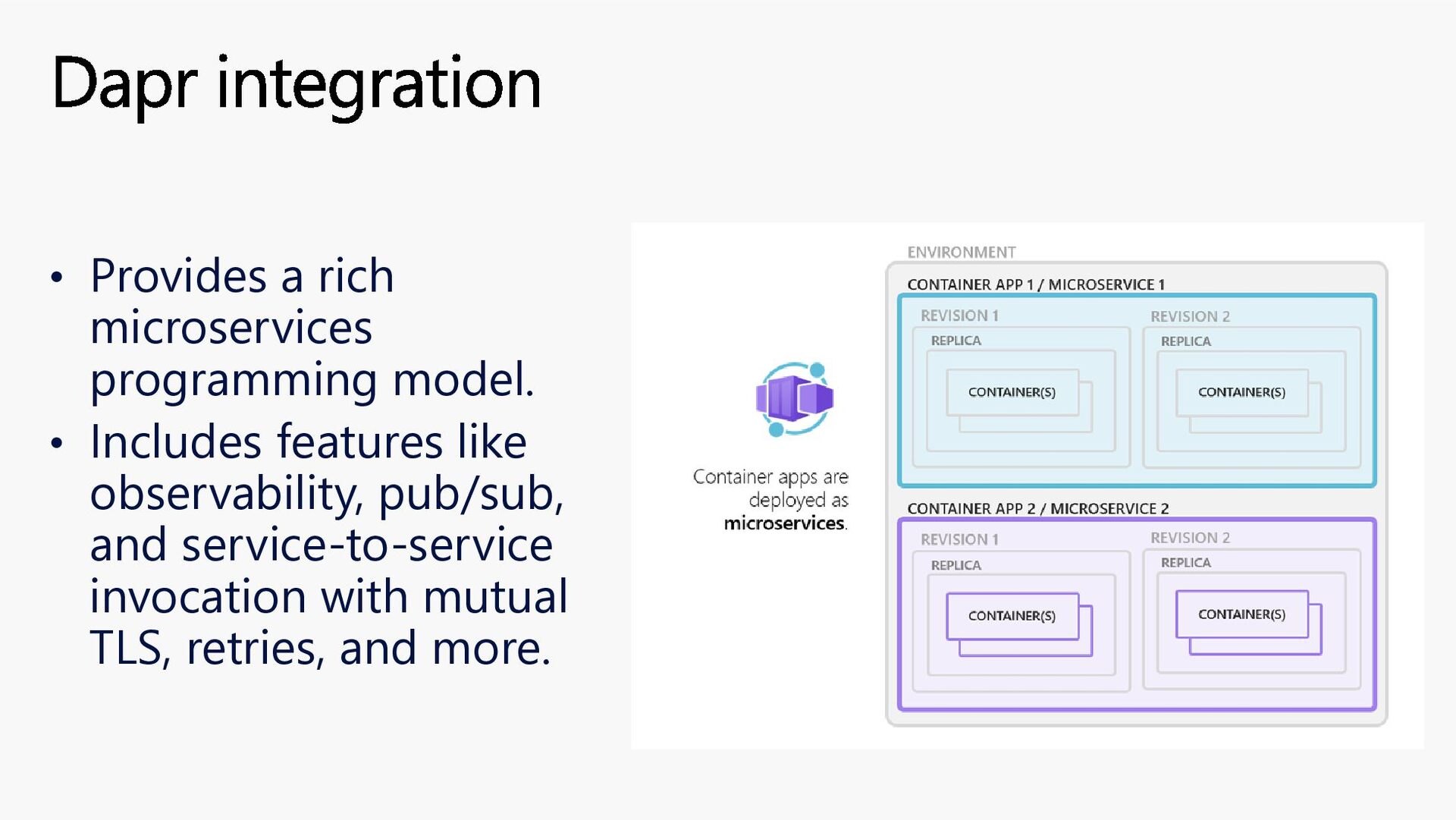
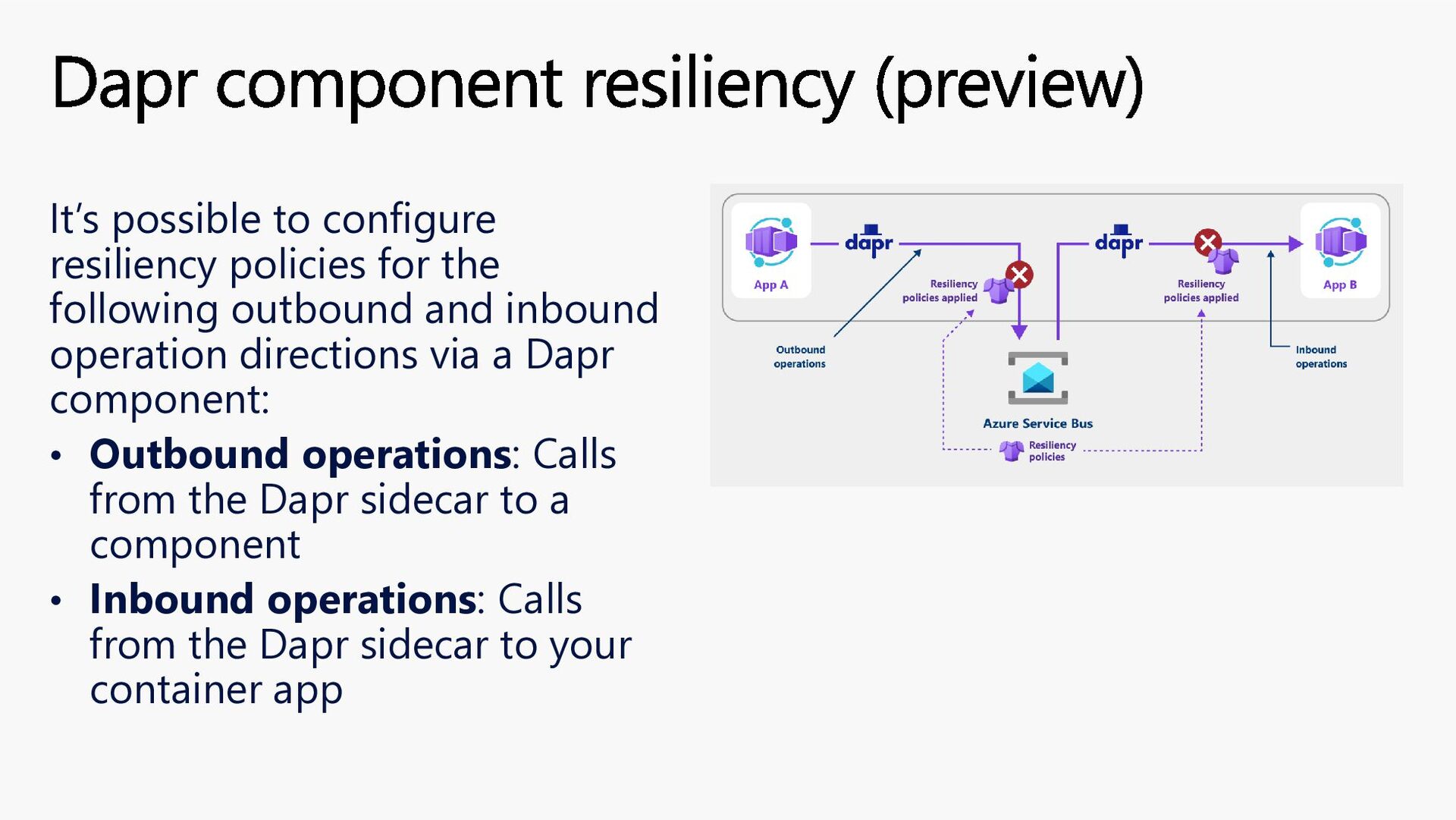
and inbound operation directions via a Dapr component: • Outbound operations: Calls from the Dapr sidecar to a component • Inbound operations: Calls from the Dapr sidecar to your container app Dapr component resiliency (preview)


 sparraguerra
 kishida
 rollbear
 drumath2237
 palkan
 kinopeee
 y0hgi
y0hgi
 har1101
 kenjiyoneyama
 shihochan
 morizo_1984
 uyuki234
 florets1
 bkeepers
 jacobian
 kimpetersen
 afnizarnur
 skoyamalab
 marketingsoph
 michielstock
 colly
colly
 irinanazarova
 tmiket
 letsgokoyo
 emna__ayadi