Upgrade to Pro — share decks privately, control downloads, hide ads and more …

React Native Android

React Native Android

Slides from a React Native Meetup on how it's easier for web developers to learn react-native in Android than iOS. Learn how we built our android app at Library For All

Avatar for Cameron Moss

Cameron Moss

May 11, 2016
Tweet

Other Decks in Programming

Transcript

  1. React Native Android React Native meetup OscarNYC May 11, 2016

    Cameron Moss Developer, Library For All [email protected] twitter: @fasterpancakes @LibraryForAll
  2. What we do Library For All is a nonprofit building

    a digital library for children living in developing countries who have limited access to books
  3. To install/demo an iOS app you’ll need to: 1. Apply

    for the iOS developer platform 2. Obtain a Certificate 3. Register your device
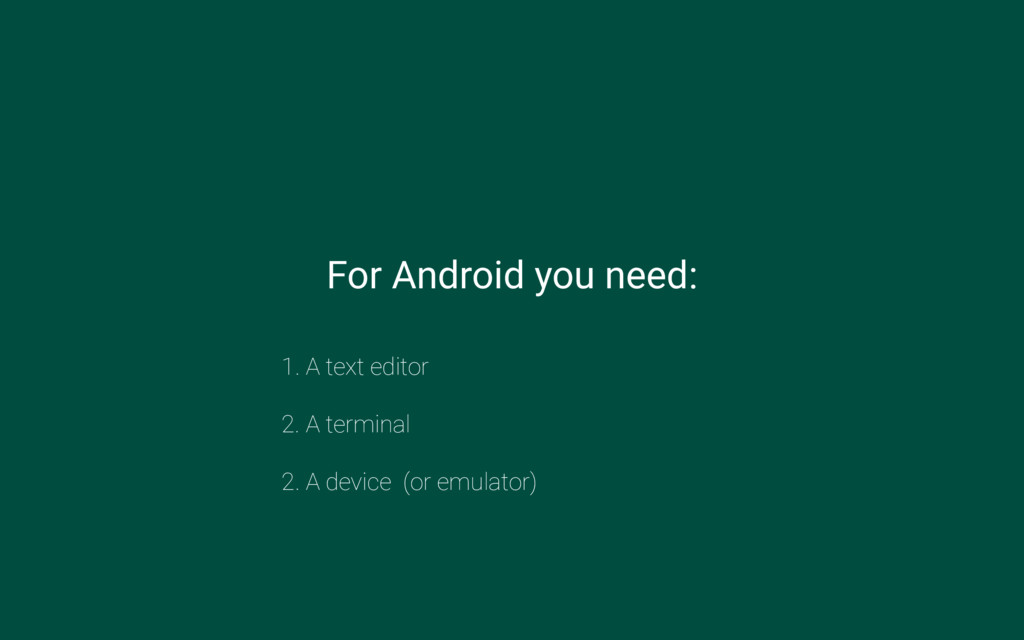
  4.   For Android you need: 1. A text editor 2.

    A terminal 2. A device (or emulator)
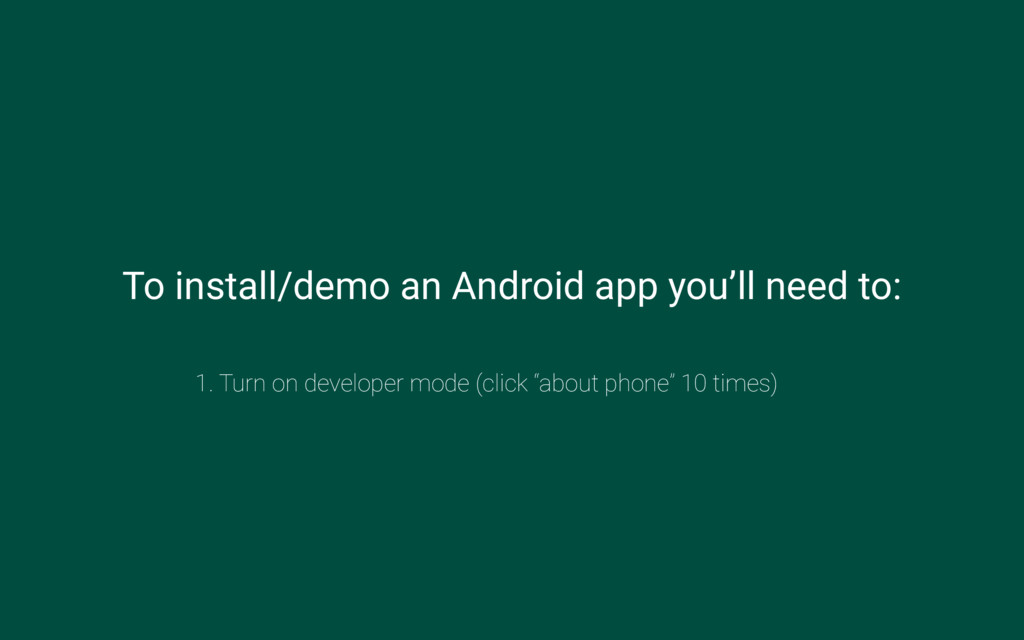
  5. To install/demo an Android app you’ll need to: 1. Turn

    on developer mode (click “about phone” 10 times)
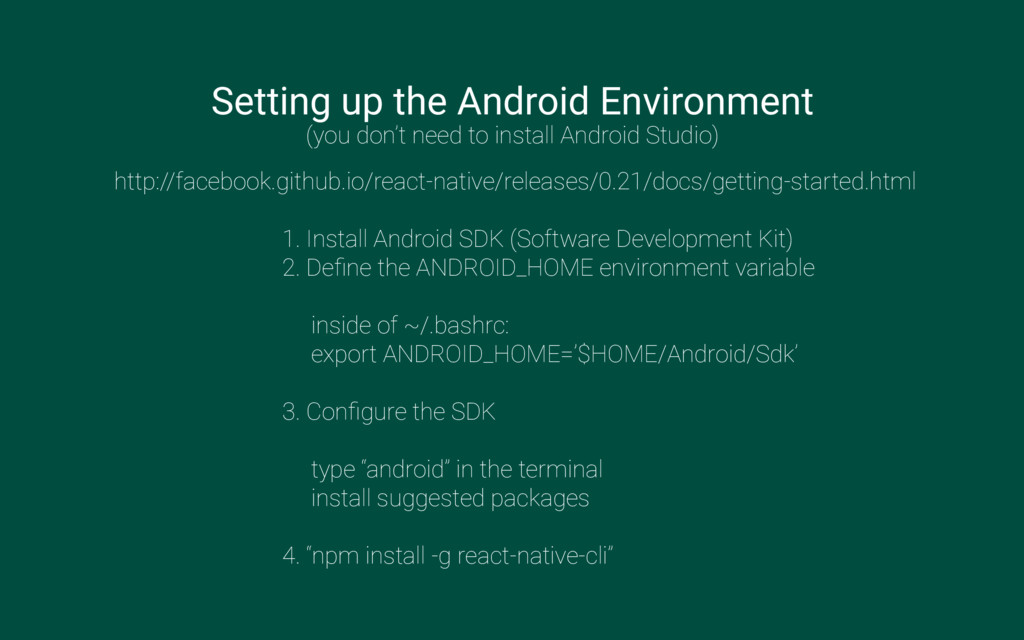
  6. Setting up the Android Environment (you don’t need to install

    Android Studio) http://facebook.github.io/react-native/releases/0.21/docs/getting-started.html 1. Install Android SDK (Software Development Kit) 2. Define the ANDROID_HOME environment variable inside of ~/.bashrc: export ANDROID_HOME=’$HOME/Android/Sdk’ 3. Configure the SDK type “android” in the terminal install suggested packages 4. “npm install -g react-native-cli”
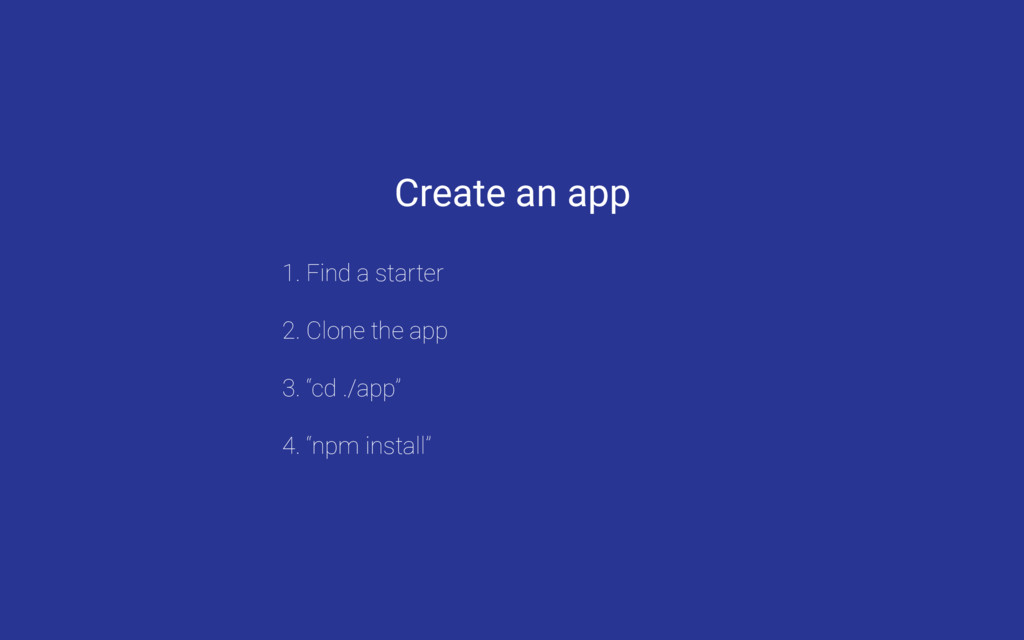
  7. Create an app 1. Find a starter 2. Clone the

    app 3. “cd ./app” 4. “npm install”
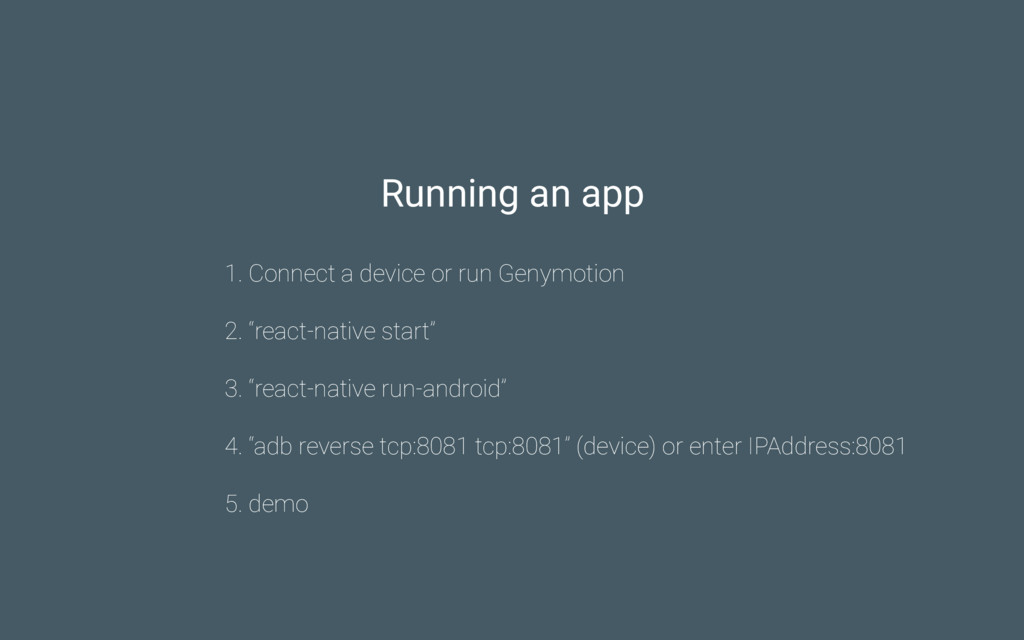
  8. Running an app 1. Connect a device or run Genymotion

    2. “react-native start” 3. “react-native run-android” 4. “adb reverse tcp:8081 tcp:8081” (device) or enter IPAddress:8081 5. demo
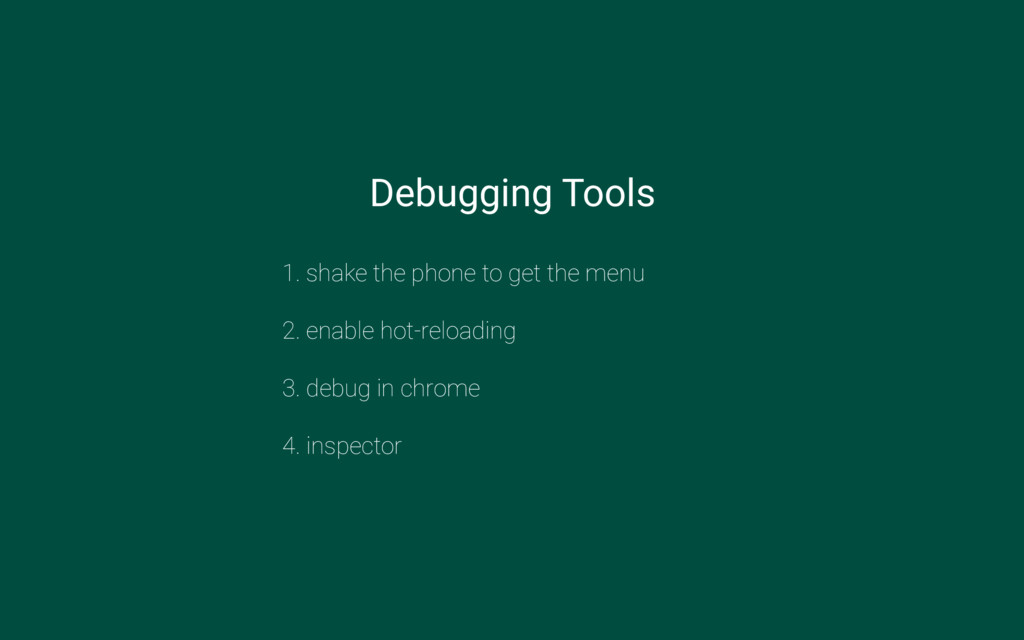
  9. Debugging Tools 1. shake the phone to get the menu

    2. enable hot-reloading 3. debug in chrome 4. inspector
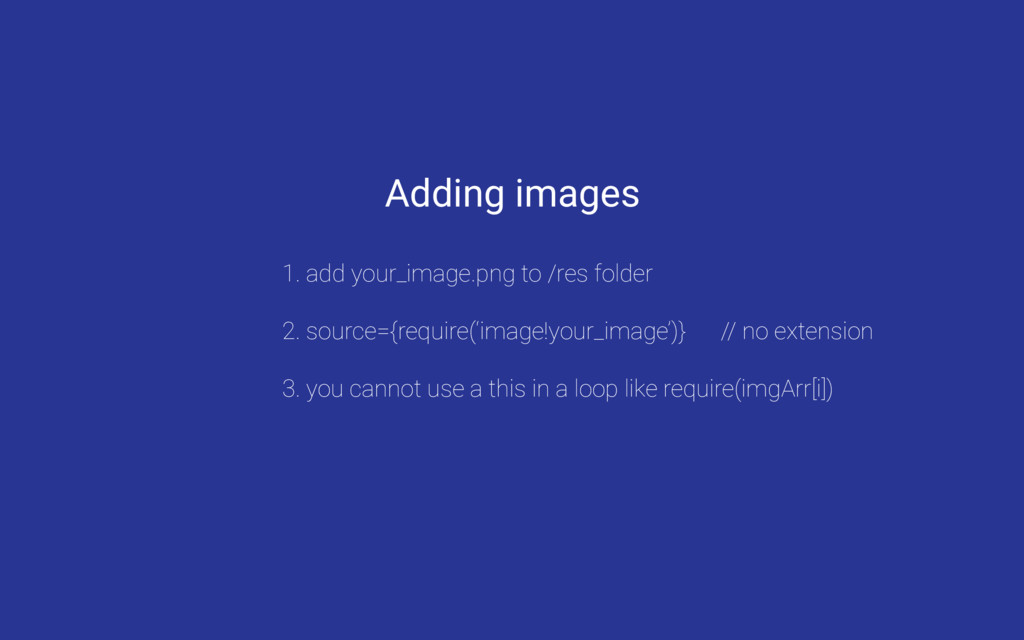
  10. Adding images 1. add your_image.png to /res folder 2. source={require(‘image!your_image’)}

    // no extension 3. you cannot use a this in a loop like require(imgArr[i])
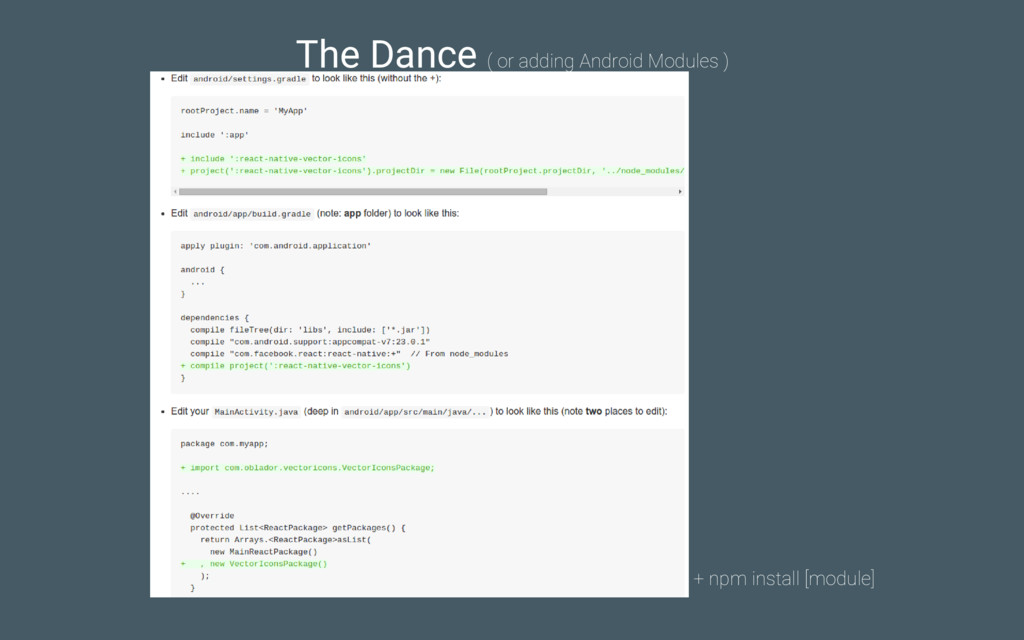
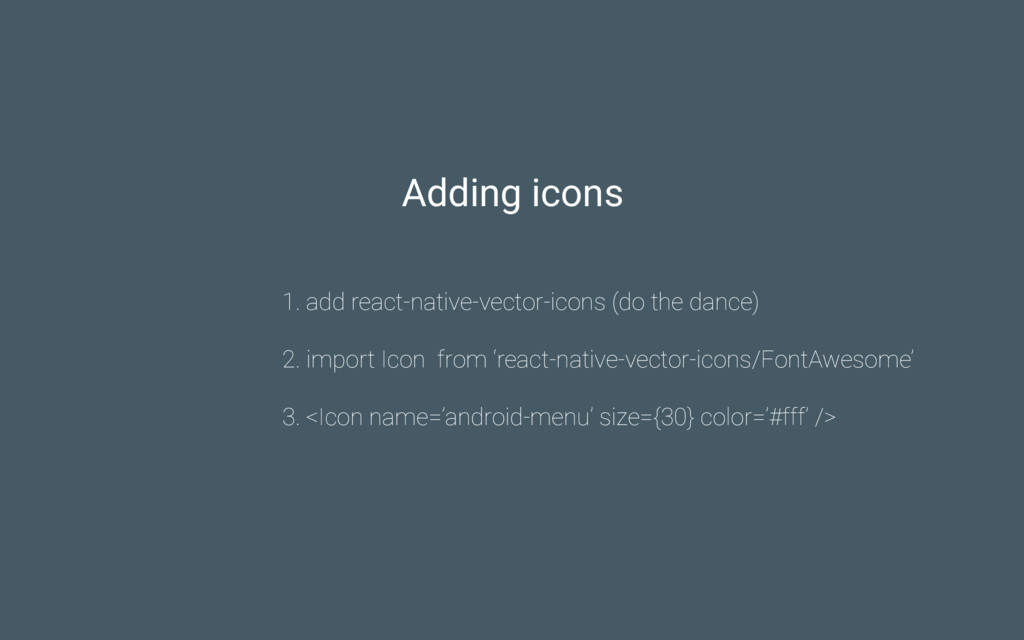
  11. Adding icons 1. add react-native-vector-icons (do the dance) 2. import

    Icon from ‘react-native-vector-icons/FontAwesome’ 3. <Icon name=’android-menu’ size={30} color=’#fff’ />
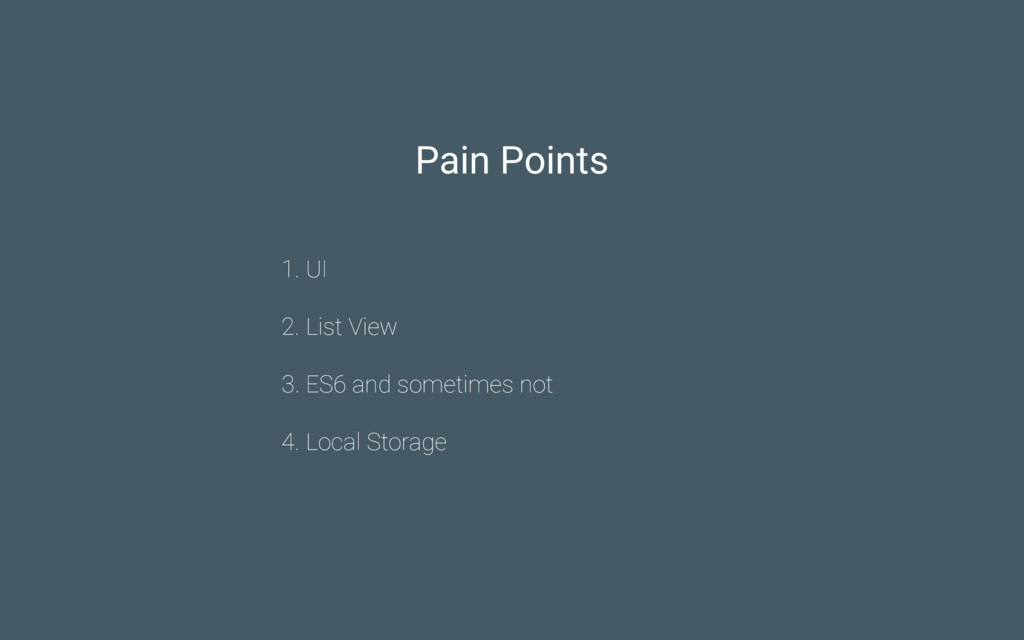
  12. Pain Points 1. UI 2. List View 3. ES6 and

    sometimes not 4. Local Storage
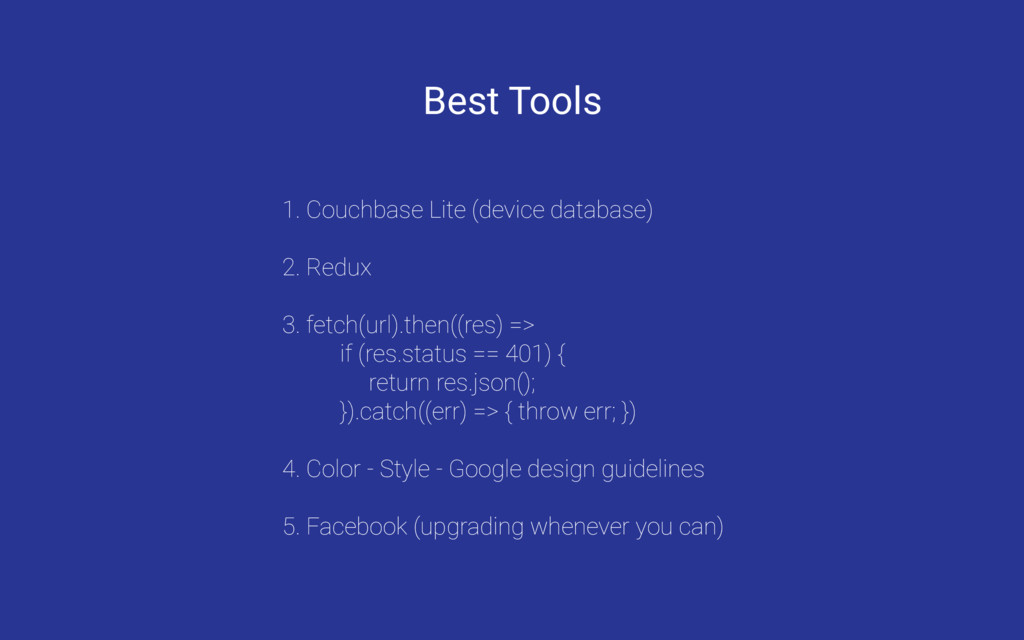
  13. Best Tools 1. Couchbase Lite (device database) 2. Redux 3.

    fetch(url).then((res) => if (res.status == 401) { return res.json(); }).catch((err) => { throw err; }) 4. Color - Style - Google design guidelines 5. Facebook (upgrading whenever you can)
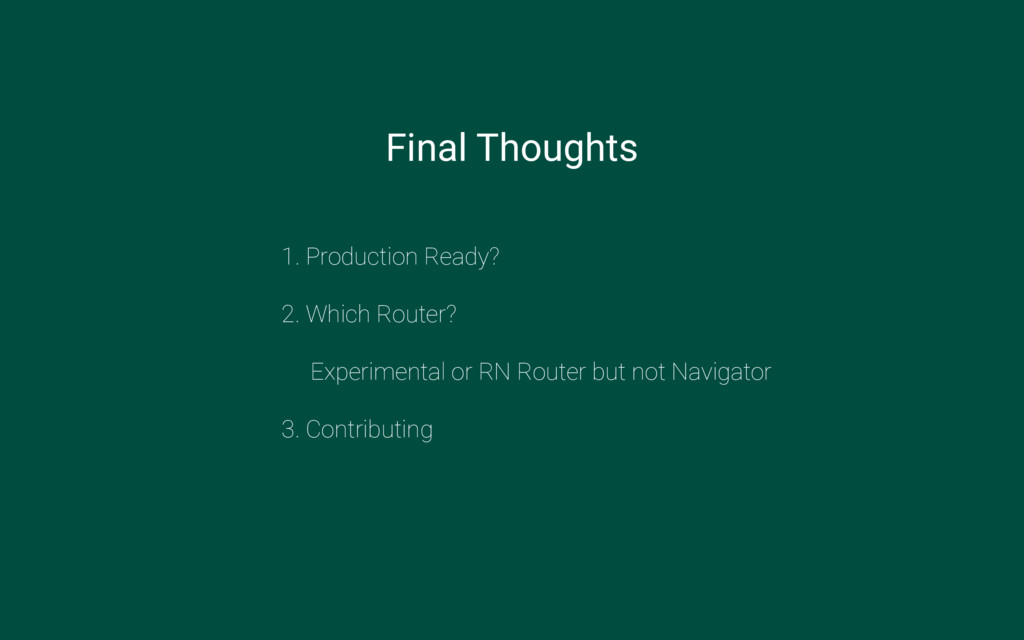
  14. Final Thoughts 1. Production Ready? 2. Which Router? Experimental or

    RN Router but not Navigator 3. Contributing