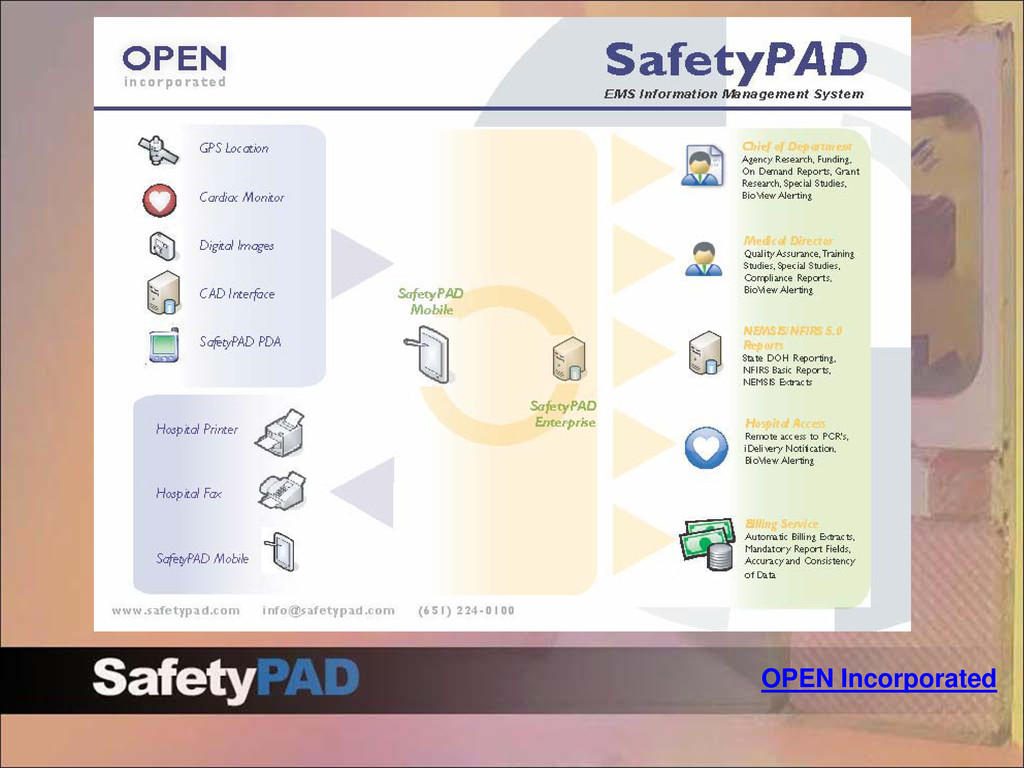
detailed selection process to find a partner to assist them with their implementation of a field data collection system as well as improving their new EMS billing contract. Medicount (billing vendor) is now teamed with SafetyPAD to collect electronic patient data. RFD’s vision focuses on electronic patient care reporting in a technical environment built under standard EMS guidelines. The solution offers an enterprise-wide platform capable of supporting all RFD’s physical and mobile locations while providing: •Rapid availability of patient care data for quality improvement, system analysis, and risk management activities •Improved field data capture •Consistent and efficient field documentation processes •Enhanced reporting •A foundation for future field technology initiatives The current strategy to achieve the vision is to: •Implement the SafetyPAD field data solution to capture patient care report (PCR) data electronically •Provide immediate access to ePCR records for agencies and 3rd parties (billing, hospitals) •Submit PCR data reports electronically to NEMSIS/CARES agencies as well as future integration efforts.
meeting is to formally notify all project stakeholders that the project has begun and to secure strategic alignment by communicating roles, responsibilities, expectations, goals and time lines. The kick-off meeting goal is to engage project team members and stakeholders by formally setting the stage for the start of the project.
the electronic patient care reporting process up to the point of billing 2. Define project team and responsibilities 3. Open discussions regarding various tasks and assign ownership 4. Provide status of current tasks 5. Quick sessions and define resolutions for issues. 6. Specific decisions and answers to most questions/issues by end of day 7. Training plan 8. Go live target date Kick-Off Goals and Objectives
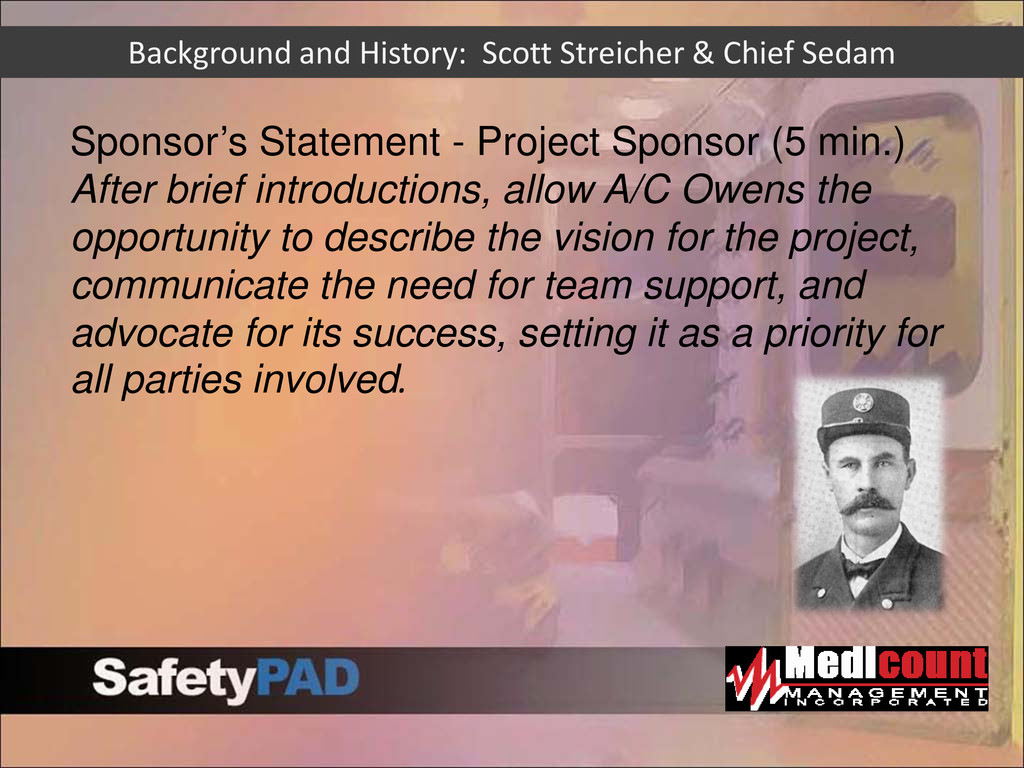
allow A/C Owens the opportunity to describe the vision for the project, communicate the need for team support, and advocate for its success, setting it as a priority for all parties involved. Background and History: Scott Streicher & Chief Sedam
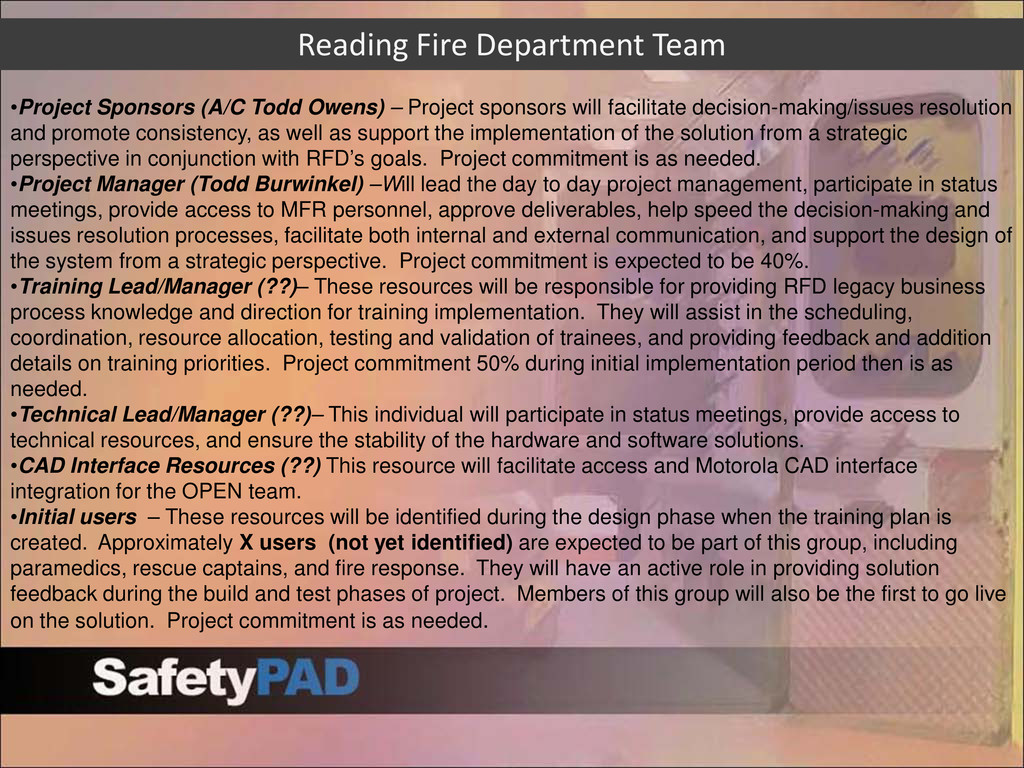
decision-making/issues resolution and promote consistency, as well as support the implementation of the solution from a strategic perspective in conjunction with RFD’s goals. Project commitment is as needed. •Project Manager (Todd Burwinkel) –Will lead the day to day project management, participate in status meetings, provide access to MFR personnel, approve deliverables, help speed the decision-making and issues resolution processes, facilitate both internal and external communication, and support the design of the system from a strategic perspective. Project commitment is expected to be 40%. •Training Lead/Manager (??)– These resources will be responsible for providing RFD legacy business process knowledge and direction for training implementation. They will assist in the scheduling, coordination, resource allocation, testing and validation of trainees, and providing feedback and addition details on training priorities. Project commitment 50% during initial implementation period then is as needed. •Technical Lead/Manager (??)– This individual will participate in status meetings, provide access to technical resources, and ensure the stability of the hardware and software solutions. •CAD Interface Resources (??) This resource will facilitate access and Motorola CAD interface integration for the OPEN team. •Initial users – These resources will be identified during the design phase when the training plan is created. Approximately X users (not yet identified) are expected to be part of this group, including paramedics, rescue captains, and fire response. They will have an active role in providing solution feedback during the build and test phases of project. Members of this group will also be the first to go live on the solution. Project commitment is as needed. Reading Fire Department Team
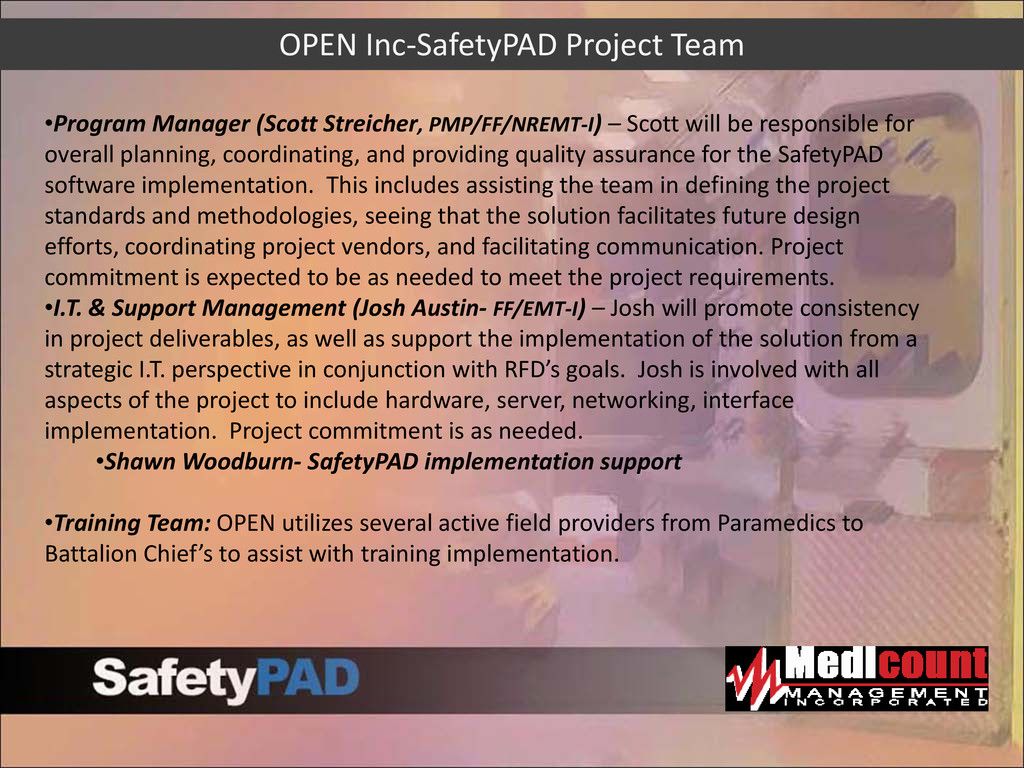
Scott will be responsible for overall planning, coordinating, and providing quality assurance for the SafetyPAD software implementation. This includes assisting the team in defining the project standards and methodologies, seeing that the solution facilitates future design efforts, coordinating project vendors, and facilitating communication. Project commitment is expected to be as needed to meet the project requirements. •I.T. & Support Management (Josh Austin- FF/EMT-I) – Josh will promote consistency in project deliverables, as well as support the implementation of the solution from a strategic I.T. perspective in conjunction with RFD’s goals. Josh is involved with all aspects of the project to include hardware, server, networking, interface implementation. Project commitment is as needed. •Shawn Woodburn- SafetyPAD implementation support •Training Team: OPEN utilizes several active field providers from Paramedics to Battalion Chief’s to assist with training implementation.
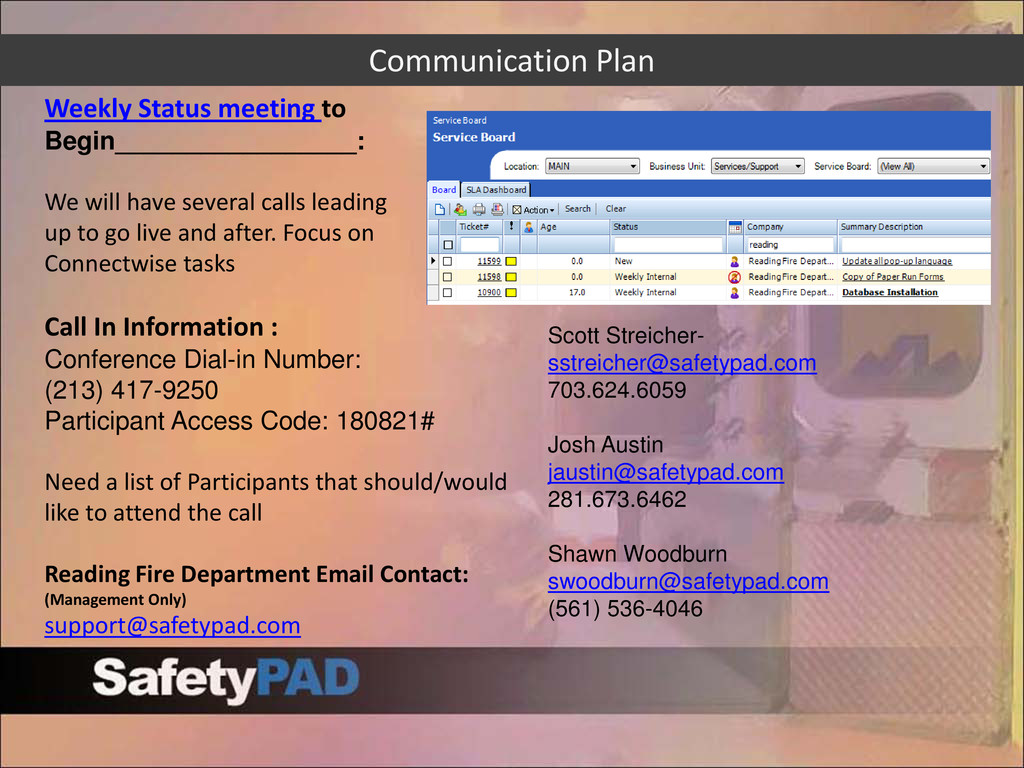
several calls leading up to go live and after. Focus on Connectwise tasks Call In Information : Conference Dial-in Number: (213) 417-9250 Participant Access Code: 180821# Need a list of Participants that should/would like to attend the call Reading Fire Department Email Contact: (Management Only) [email protected] Scott Streicher- [email protected] 703.624.6059 Josh Austin [email protected] 281.673.6462 Shawn Woodburn [email protected] (561) 536-4046
current support process. • How are units exchanged in the field • Back-up and spares process • Who manages lookup, employee, or treatment changes. • How are bugs/issues communicated • Limitations/challenges wish to improve New implementation SafetyPAD-Medicount • Define the support process • Other agency examples
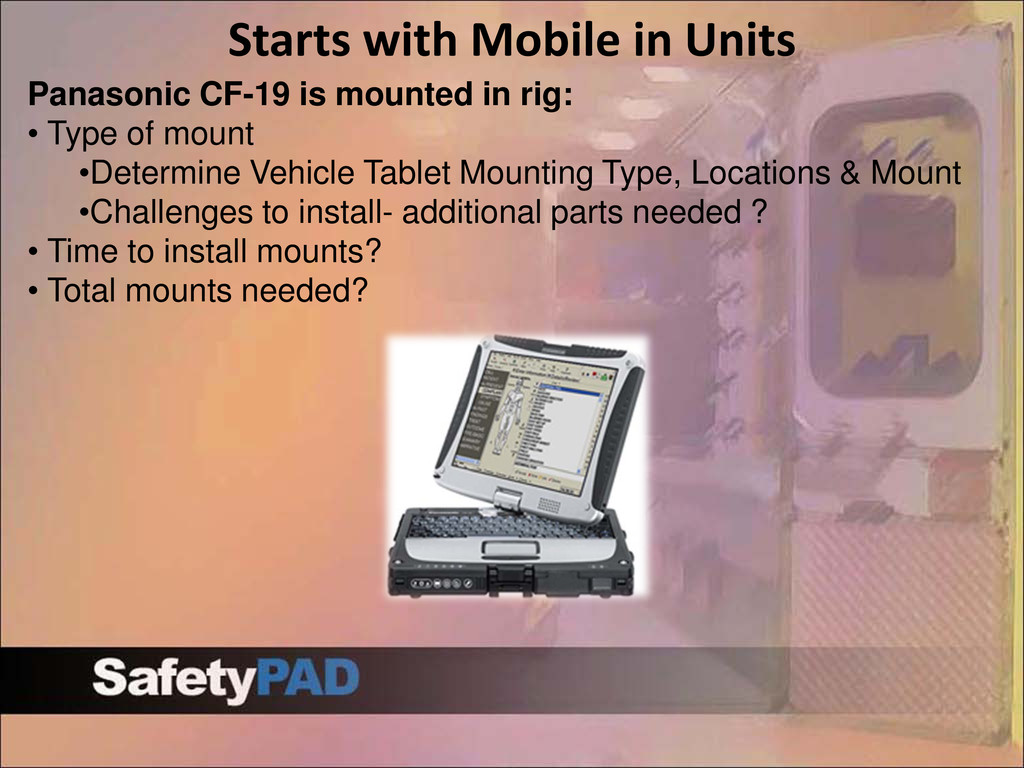
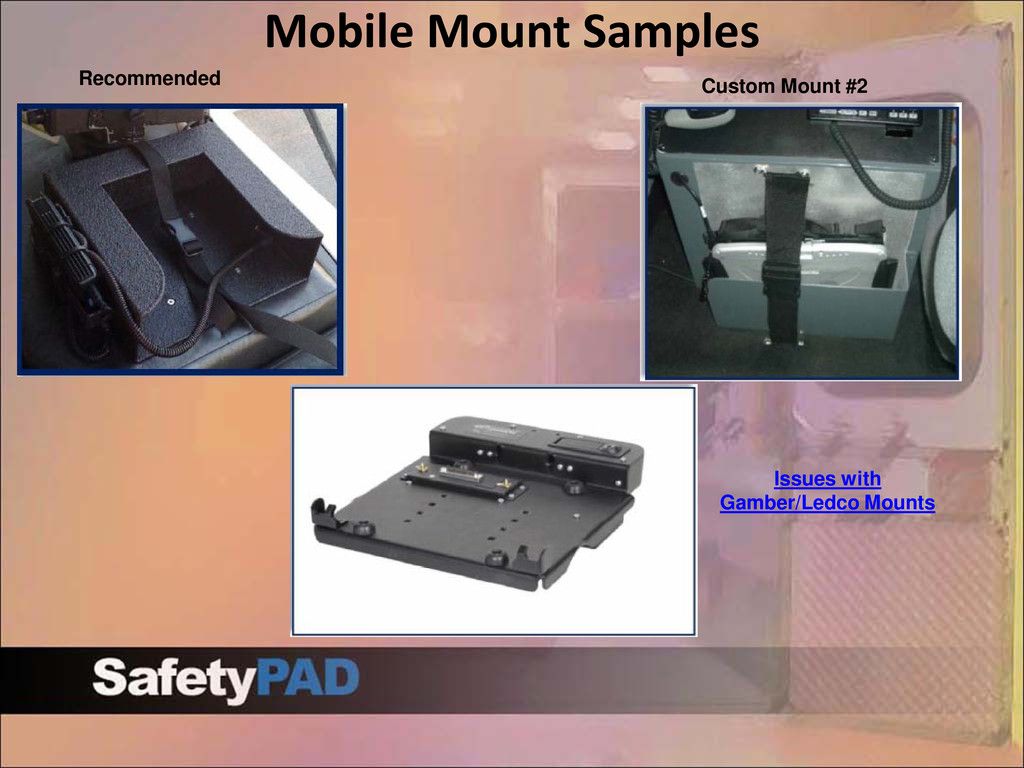
rig: • Type of mount •Determine Vehicle Tablet Mounting Type, Locations & Mount •Challenges to install- additional parts needed ? • Time to install mounts? • Total mounts needed?
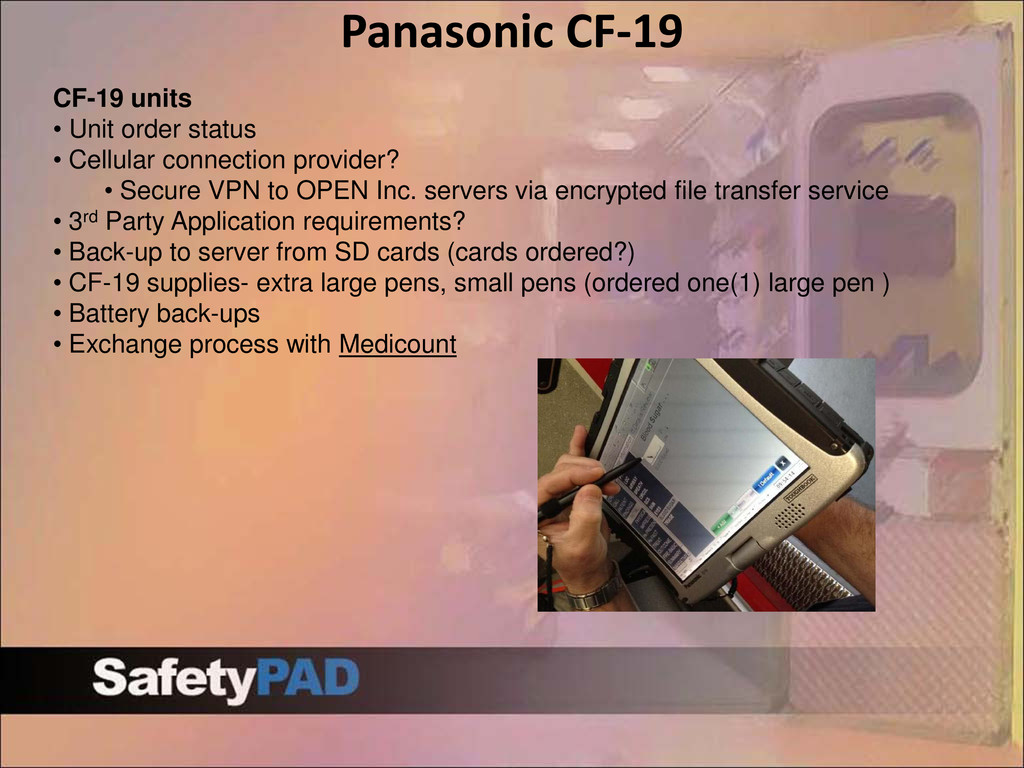
connection provider? • Secure VPN to OPEN Inc. servers via encrypted file transfer service • 3rd Party Application requirements? • Back-up to server from SD cards (cards ordered?) • CF-19 supplies- extra large pens, small pens (ordered one(1) large pen ) • Battery back-ups • Exchange process with Medicount
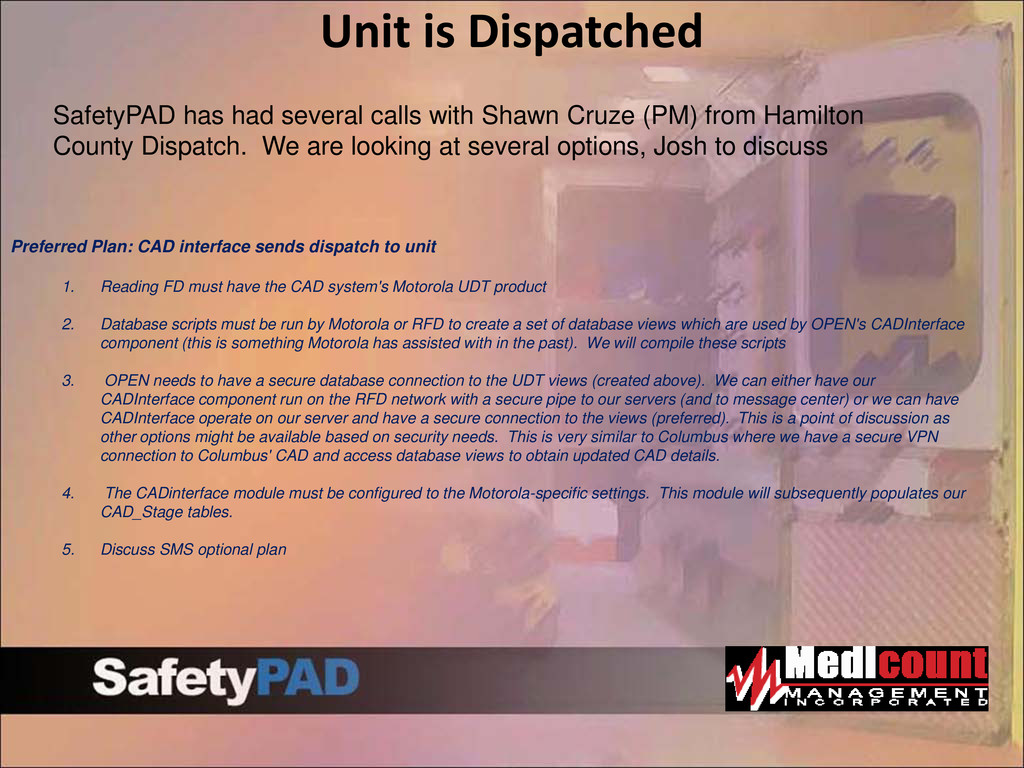
unit 1. Reading FD must have the CAD system's Motorola UDT product 2. Database scripts must be run by Motorola or RFD to create a set of database views which are used by OPEN's CADInterface component (this is something Motorola has assisted with in the past). We will compile these scripts 3. OPEN needs to have a secure database connection to the UDT views (created above). We can either have our CADInterface component run on the RFD network with a secure pipe to our servers (and to message center) or we can have CADInterface operate on our server and have a secure connection to the views (preferred). This is a point of discussion as other options might be available based on security needs. This is very similar to Columbus where we have a secure VPN connection to Columbus' CAD and access database views to obtain updated CAD details. 4. The CADinterface module must be configured to the Motorola-specific settings. This module will subsequently populates our CAD_Stage tables. 5. Discuss SMS optional plan SafetyPAD has had several calls with Shawn Cruze (PM) from Hamilton County Dispatch. We are looking at several options, Josh to discuss
the department train this type of program? • Is this an on-site or web training program? • How many days to train all staff? • Train the trainer program •Hours budgeted • Example train the trainer program • Training materials provided • Training tablets •System can accommodate testing on a live system prior to go-live and after. We will teach. •Training Key points •Are there any key points that need to be covered
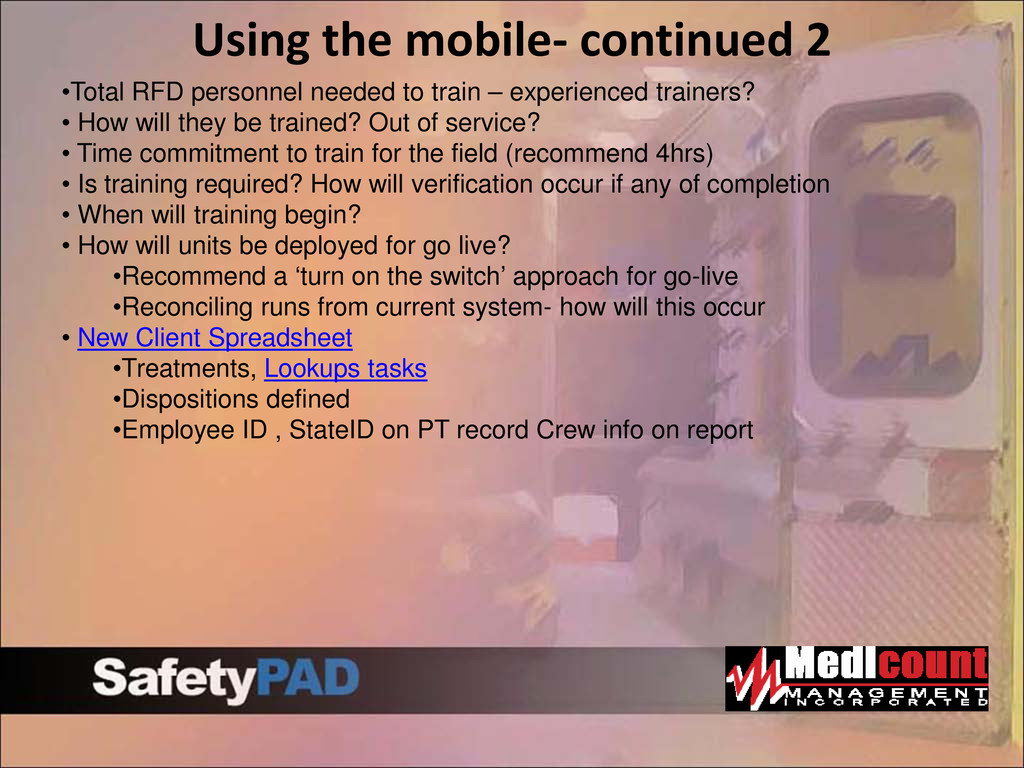
train – experienced trainers? • How will they be trained? Out of service? • Time commitment to train for the field (recommend 4hrs) • Is training required? How will verification occur if any of completion • When will training begin? • How will units be deployed for go live? •Recommend a ‘turn on the switch’ approach for go-live •Reconciling runs from current system- how will this occur • New Client Spreadsheet •Treatments, Lookups tasks •Dispositions defined •Employee ID , StateID on PT record Crew info on report
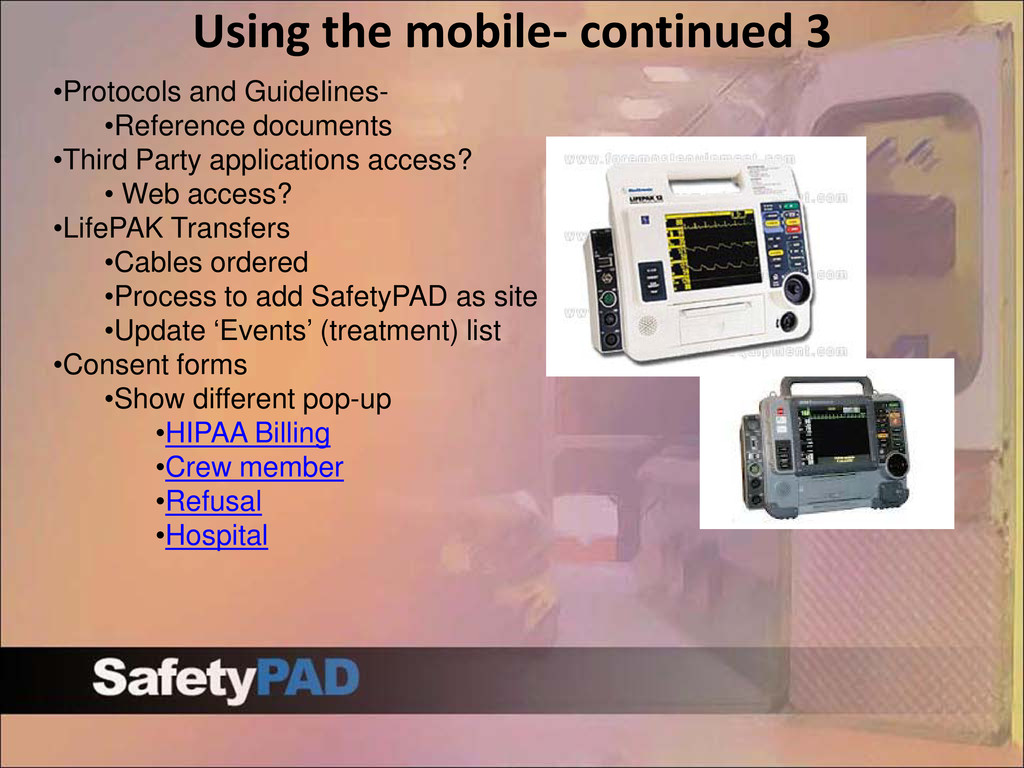
•Third Party applications access? • Web access? •LifePAK Transfers •Cables ordered •Process to add SafetyPAD as site •Update ‘Events’ (treatment) list •Consent forms •Show different pop-up •HIPAA Billing •Crew member •Refusal •Hospital
(officer, receiver..etc) • State Extract- are we handling • Costs should go way down due to Cincinnati baseline image •Faxing ? • How are we handling? • Autofax? •Printing at hospital • What is the current process? • Print drivers? • New Printers? • Wireless? • Cables needed? Docking stations • Closed call rules • Disposition based rules and… • Interactive Guidelines (show mobile) • To-do requirements to close report (dispotodo.dbf) •Interactive guidelines- select and deploy initial •Which protocols or elements will be required
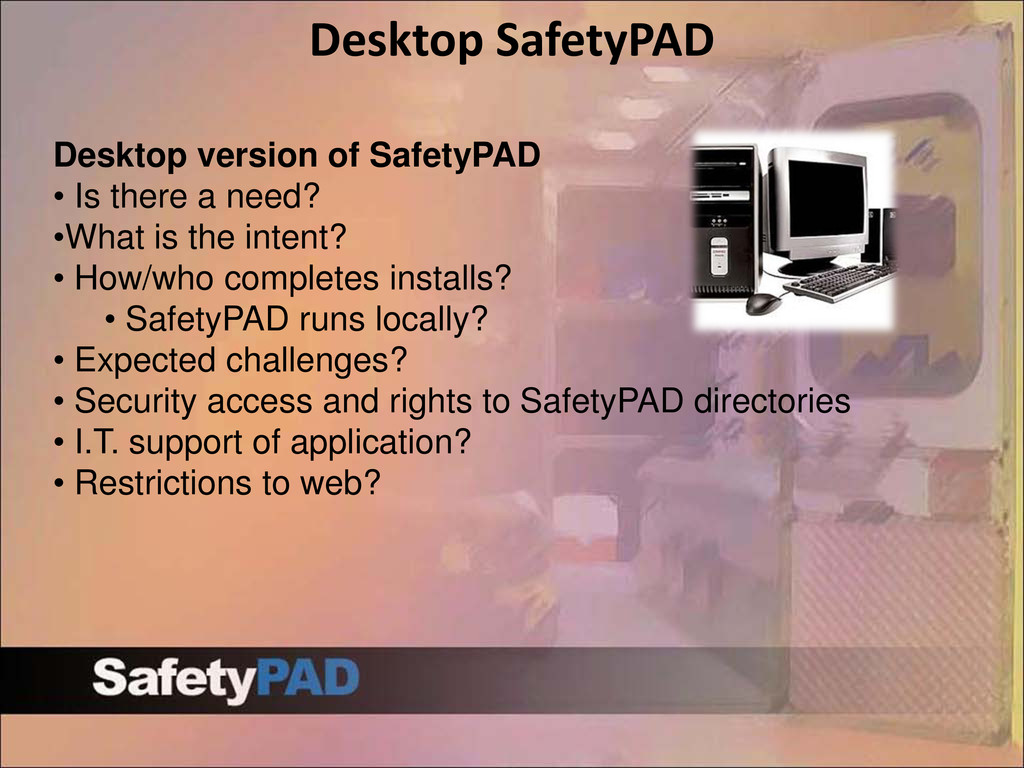
need? •What is the intent? • How/who completes installs? • SafetyPAD runs locally? • Expected challenges? • Security access and rights to SafetyPAD directories • I.T. support of application? • Restrictions to web?
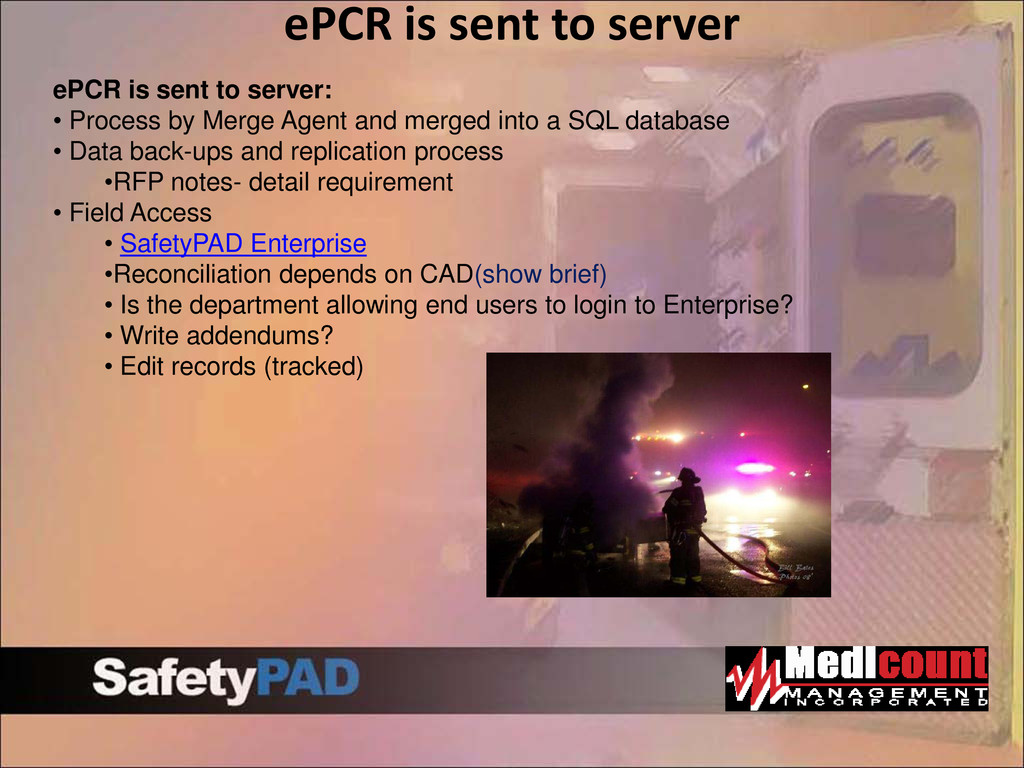
• Process by Merge Agent and merged into a SQL database • Data back-ups and replication process •RFP notes- detail requirement • Field Access • SafetyPAD Enterprise •Reconciliation depends on CAD(show brief) • Is the department allowing end users to login to Enterprise? • Write addendums? • Edit records (tracked)
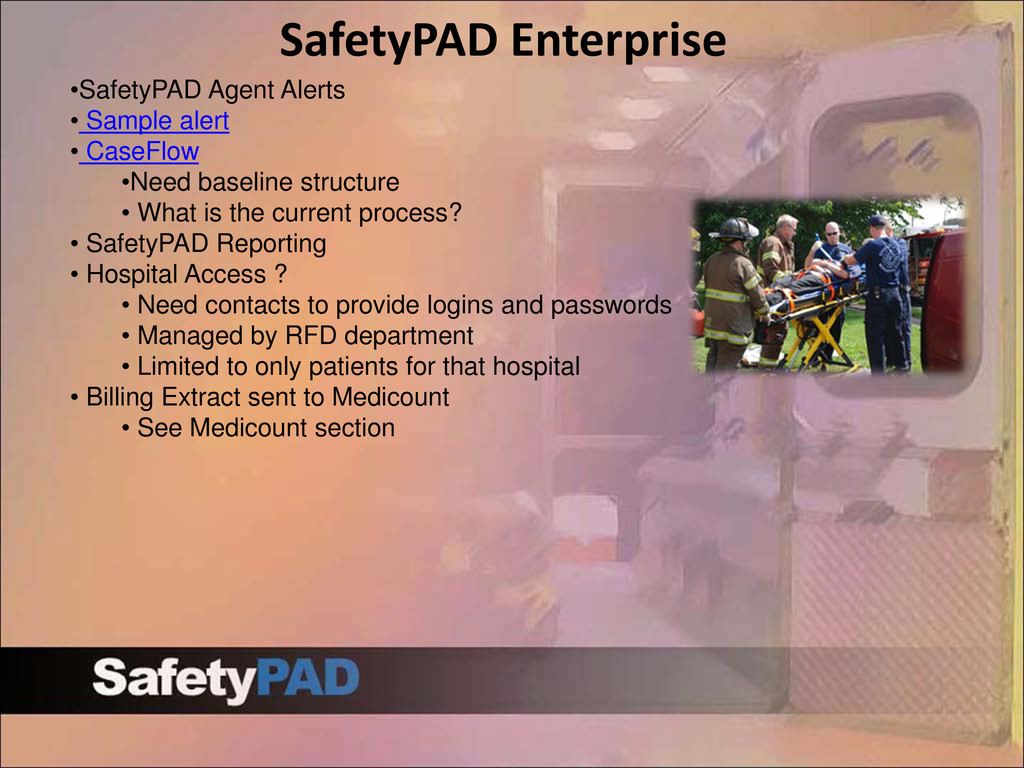
•Need baseline structure • What is the current process? • SafetyPAD Reporting • Hospital Access ? • Need contacts to provide logins and passwords • Managed by RFD department • Limited to only patients for that hospital • Billing Extract sent to Medicount • See Medicount section
billing vendor and ePCR • Printer support and process • Access to back-up/managing logins CARES/RMS Interfaces • RFP does not call for CARES or RMS Interface • RFD CARES relationship • Current RMS process and long term goals Ohio State Extracts: • Mapping data elements • Once final image is produced- start this • Data from CAD to assist with extract


 palkan
 wayneb77
 maltzj
 quramy
 techseoconnect
 tamaranovitovic
 reverentgeek
 mayunak
 tanoku
 retrage
 tammyeverts
 aleyda