Upgrade to Pro — share decks privately, control downloads, hide ads and more …

Paths, Polygons, and Donuts - Building a Freeha...

Paths, Polygons, and Donuts - Building a Freehand Drawing Tool for Maps (next.app dev con 2026 edition)

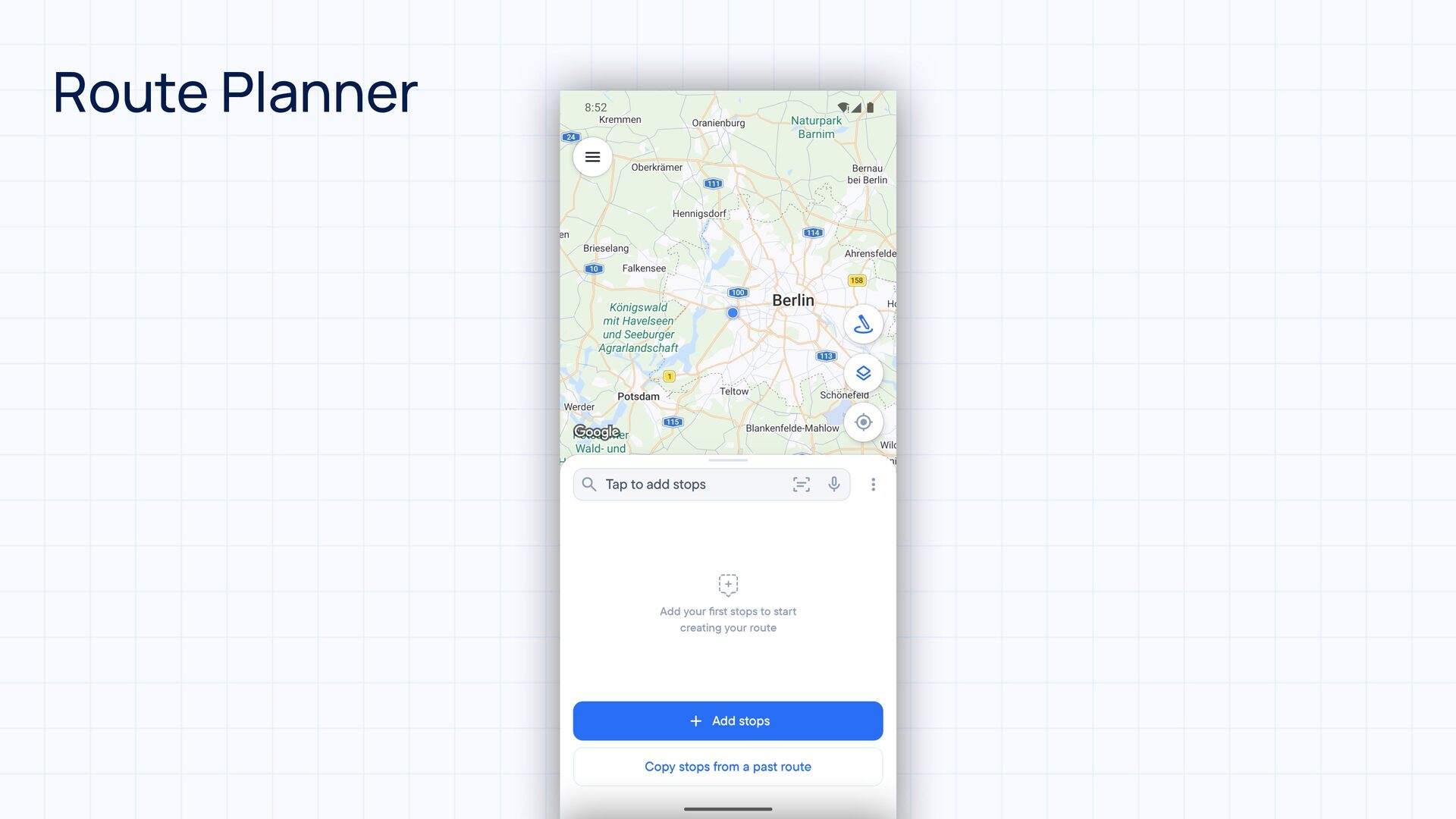
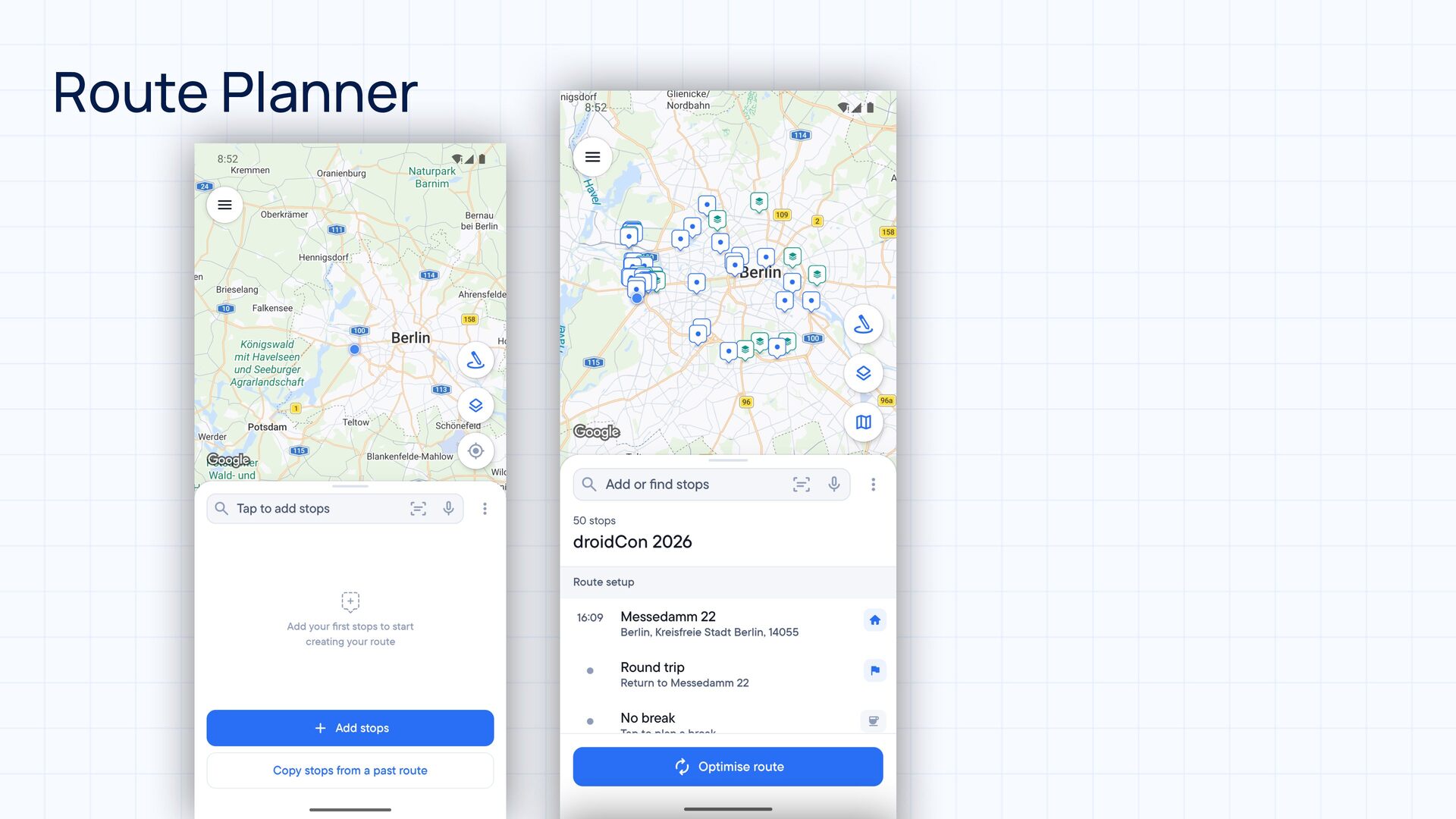
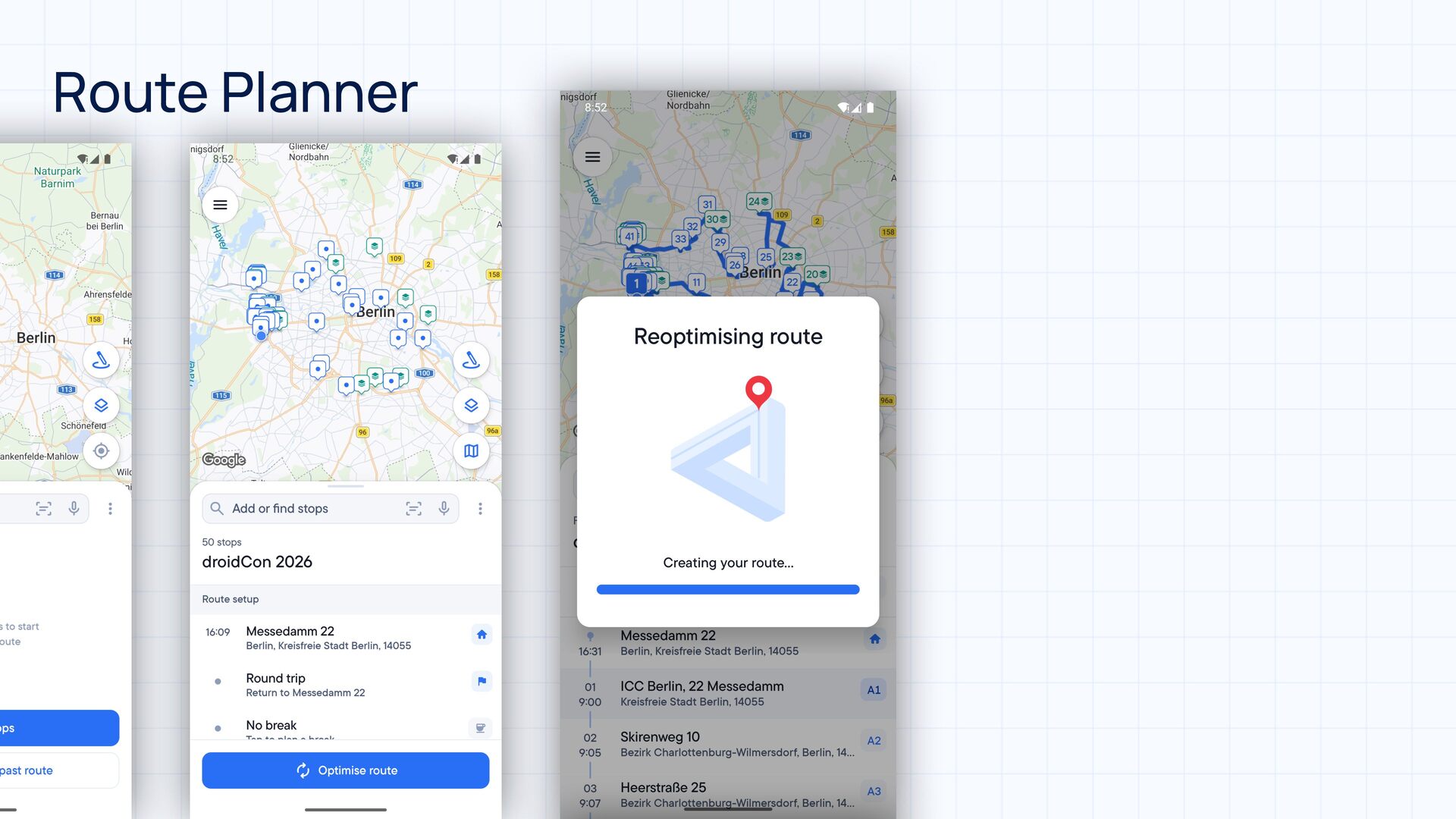
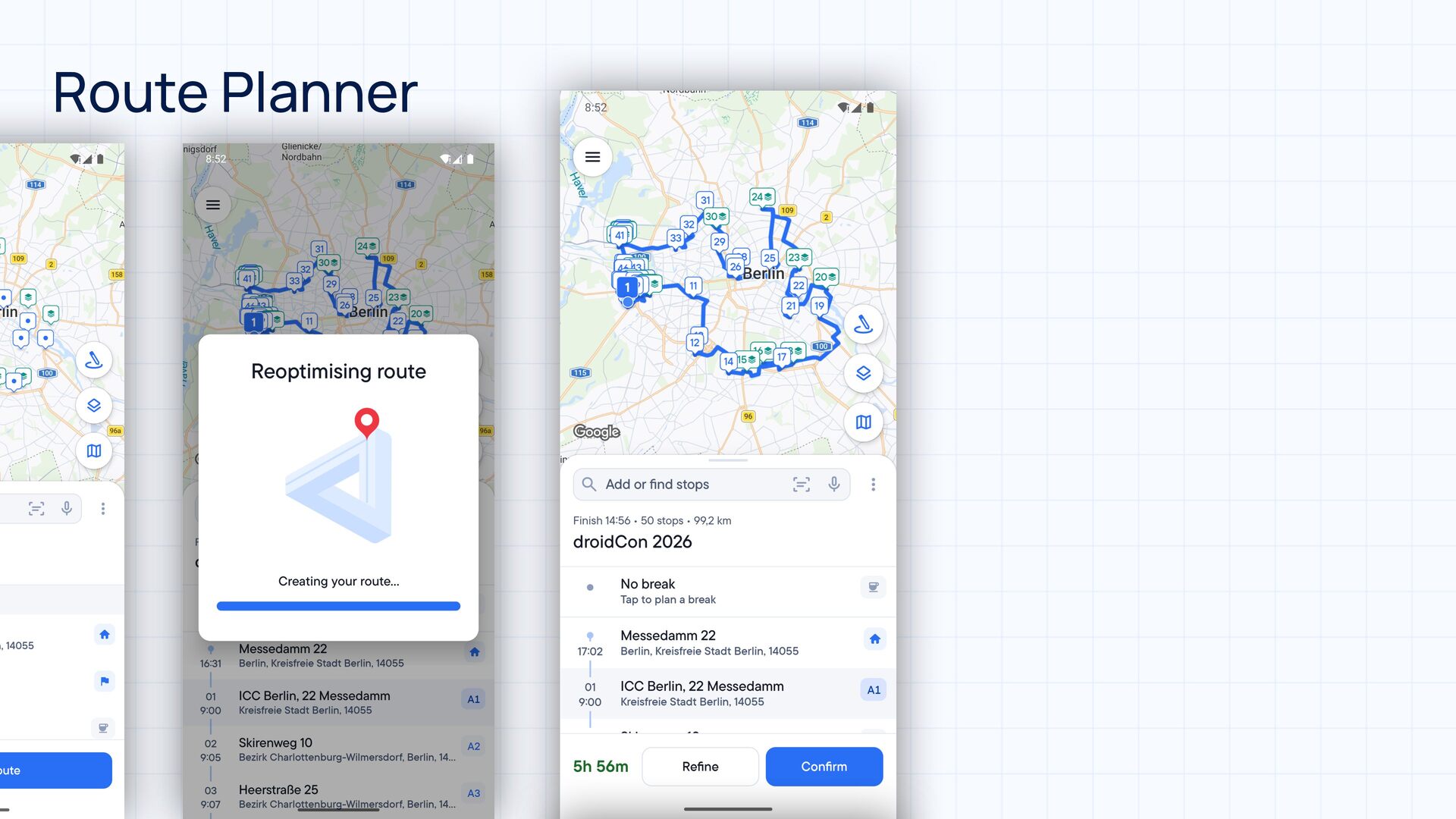
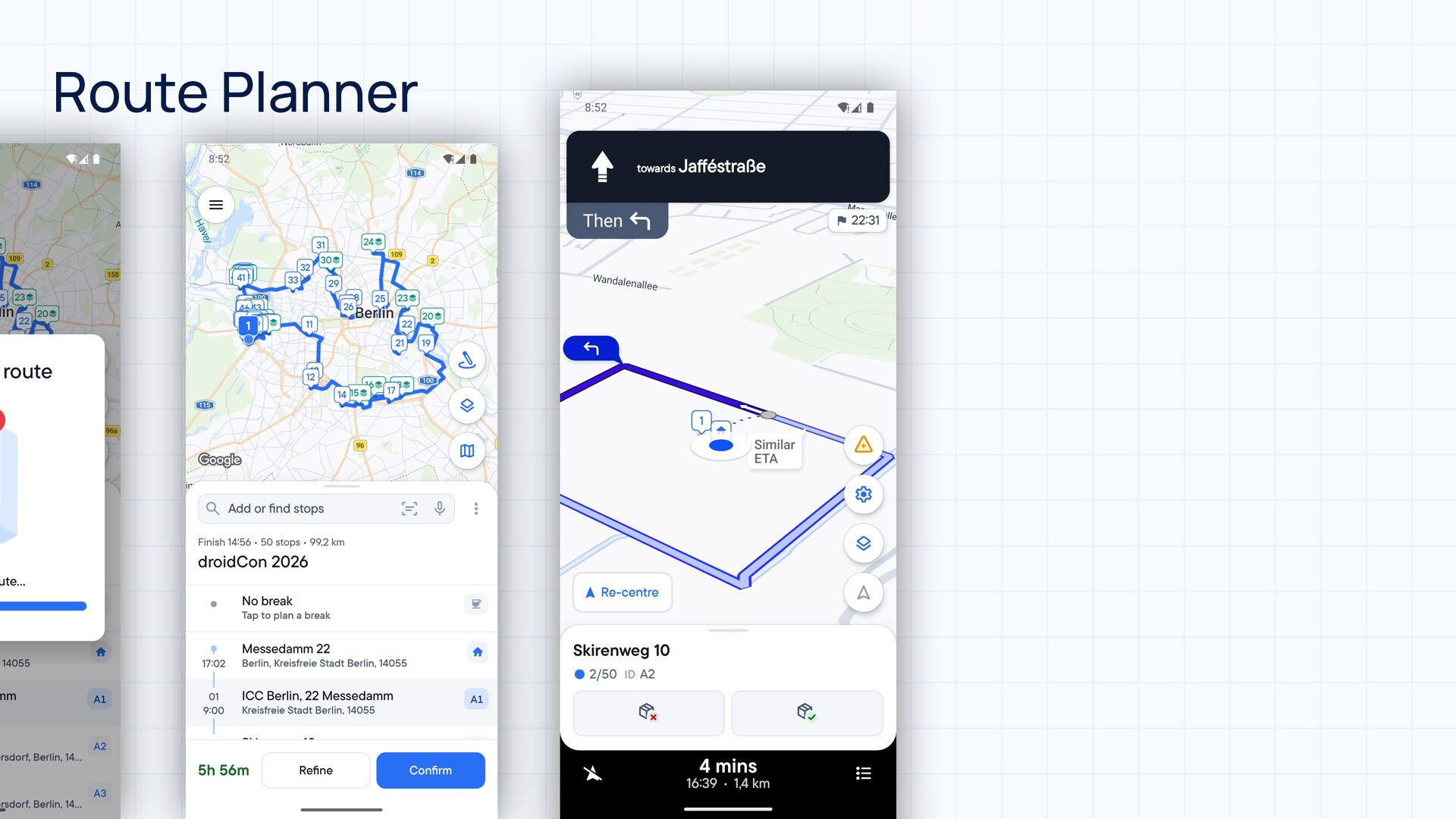
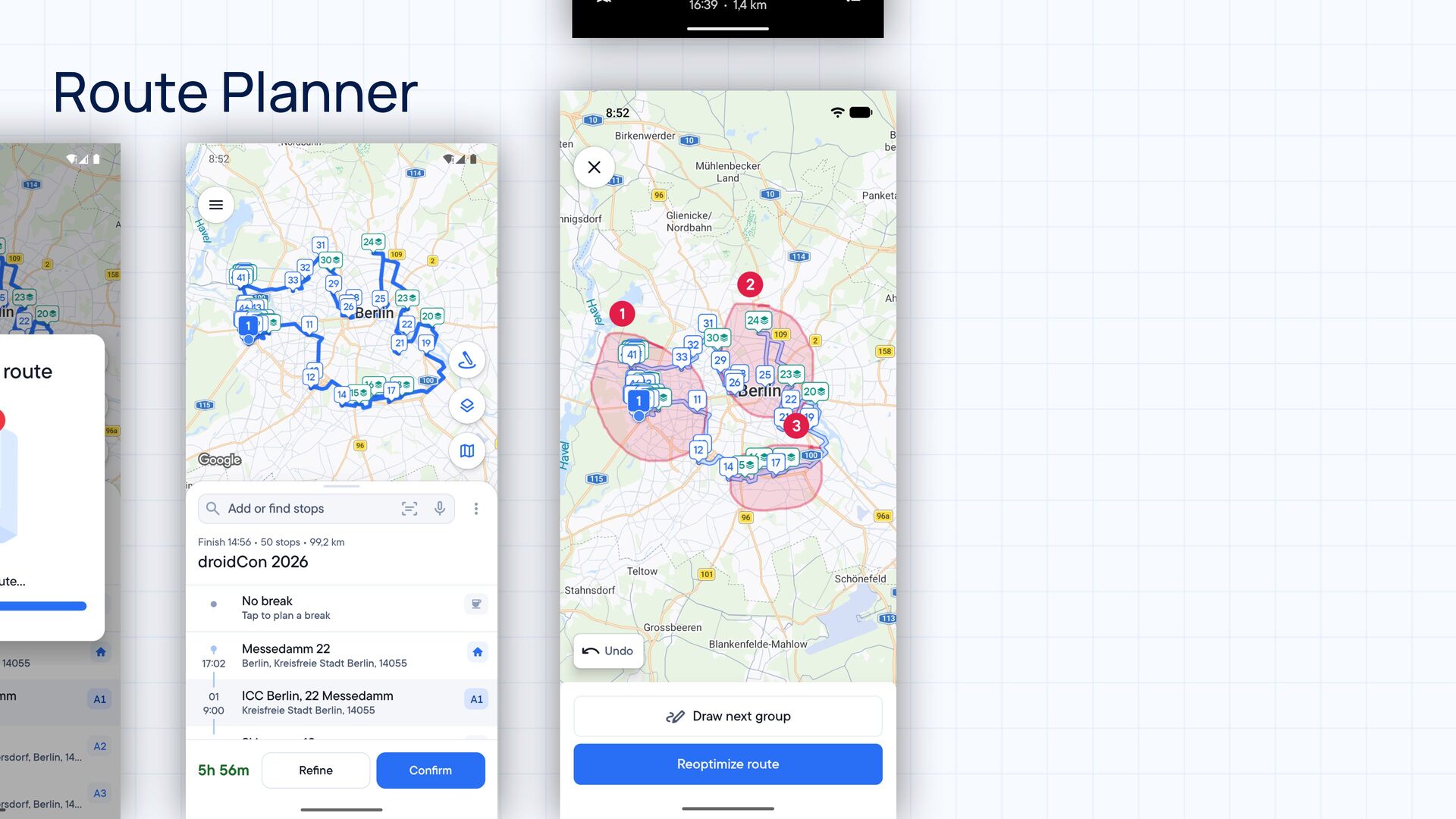
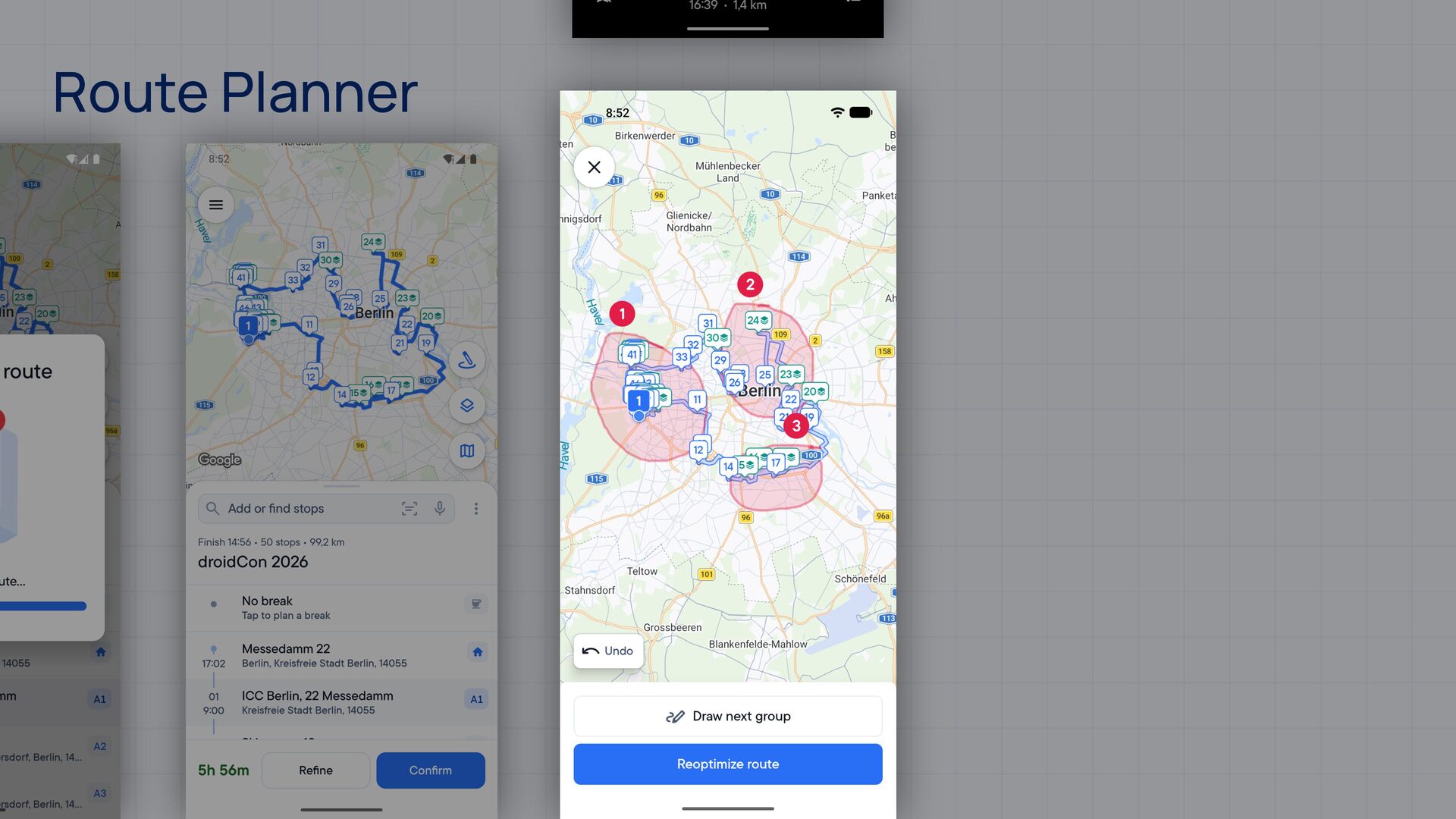
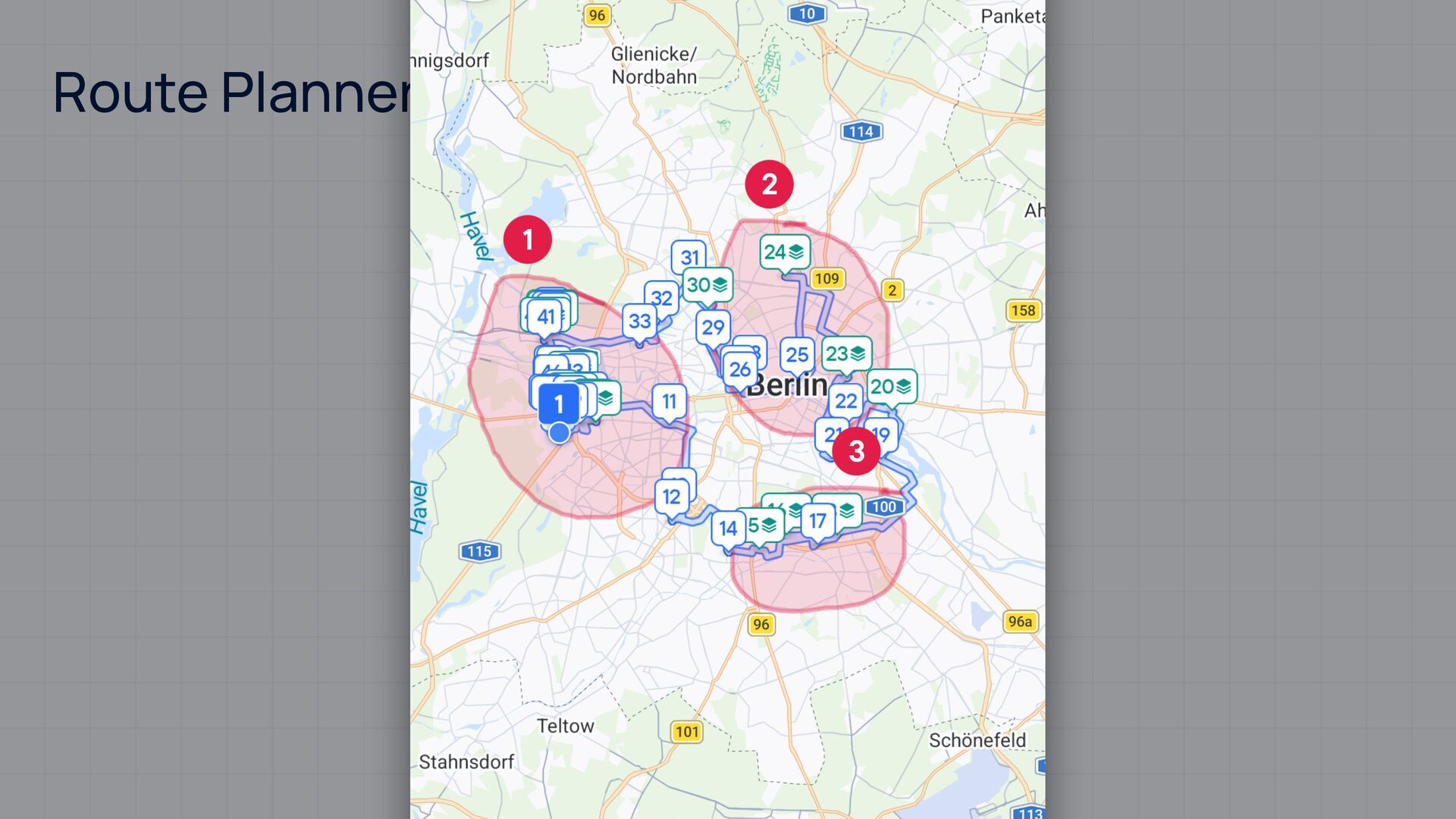
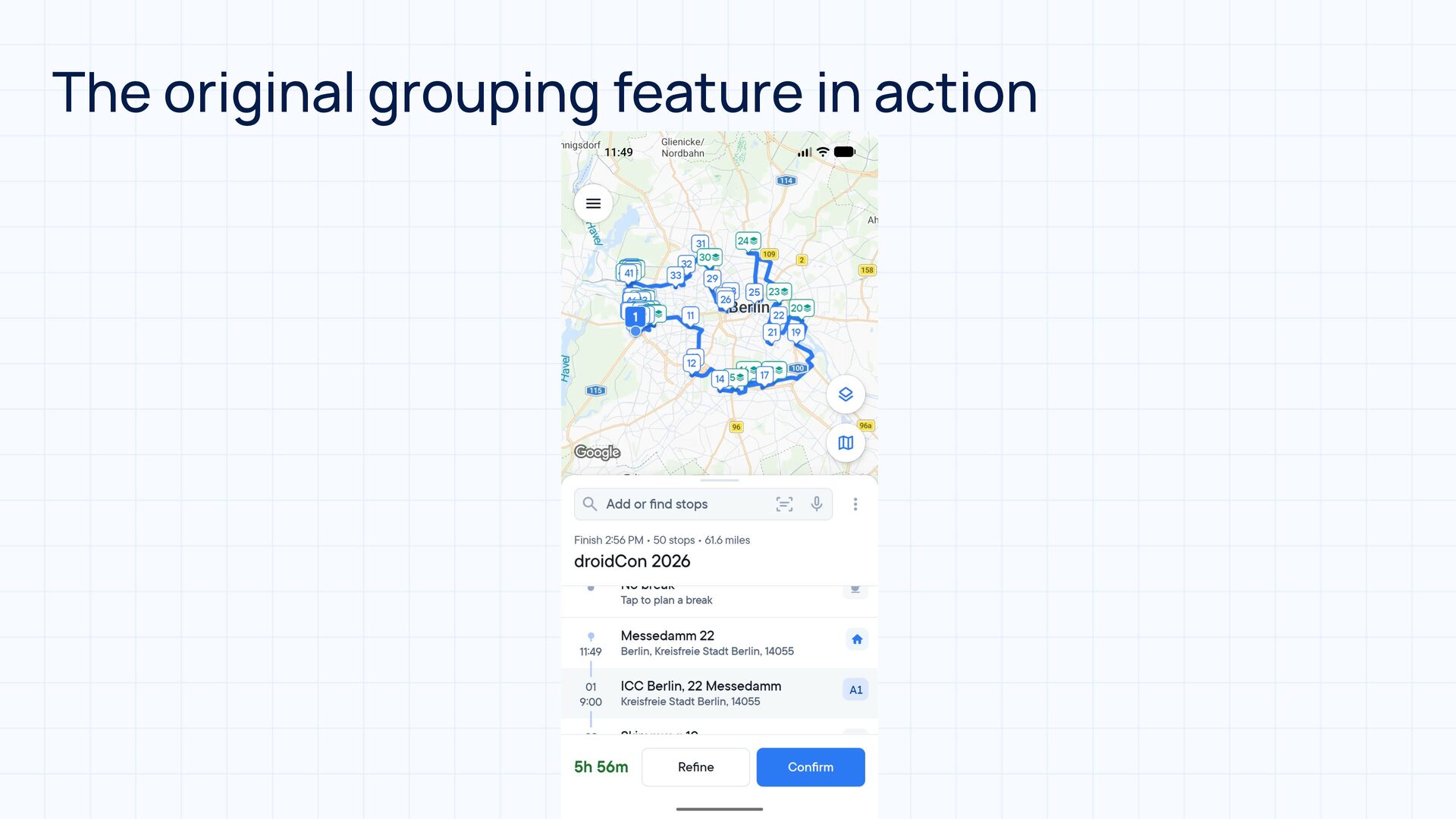
At Spoke, we build last-mile delivery tools for drivers, dispatchers, and retailers. One of our features lets drivers guide our route optimizer by grouping and ordering their stops with freehand lassoing. The first drawing tool only supported creating and undoing groups. Our users needed more control, so we built them a proper polygon editor.

In this talk, I'll share how finger-drags can become polygons on a map, and we'll dive into the tricky bits of editing them: self-intersecting loops, polygons with holes, and the machinery that decides which stops belong to a group. I'll cover finicky edge cases we caught, fixed, and screenshot-tested before release. There will be donuts!

By the end of the talk, you'll have a better grasp on:

- Turning freehand drawings into map polygons with Path and Path.Op
- How fill rules make or break boolean path operations
- Verifying drawing and grouping logic with screenshot tests

Avatar for István Juhos

István Juhos

October 08, 2026

More Decks by István Juhos

Other Decks in Programming

Transcript

  1. Paths, Polygons, and 🍩🍩 Building a Freehand Drawing Tool for

    Maps István Juhos Staff Android Engineer
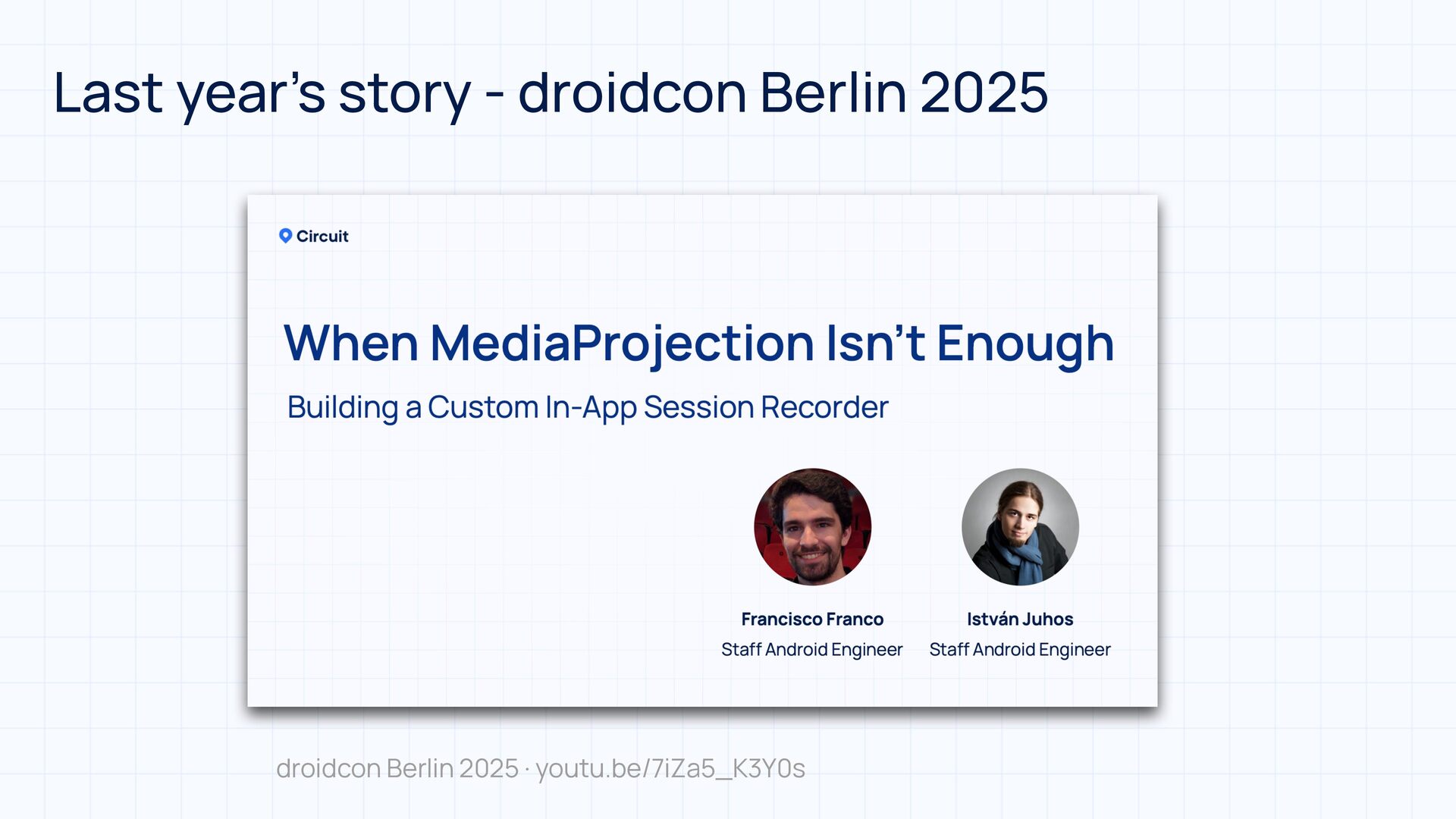
  2. What s "Spoke"? • Last-mile delivery management platform • Providing

    efficient route optimization to save time on deliveries • Building apps and services tailored to the use cases of last-mile delivery drivers, couriers, and consumers ' • Check out last year’s Circuit Spoke story from droidcon Berlin 😉
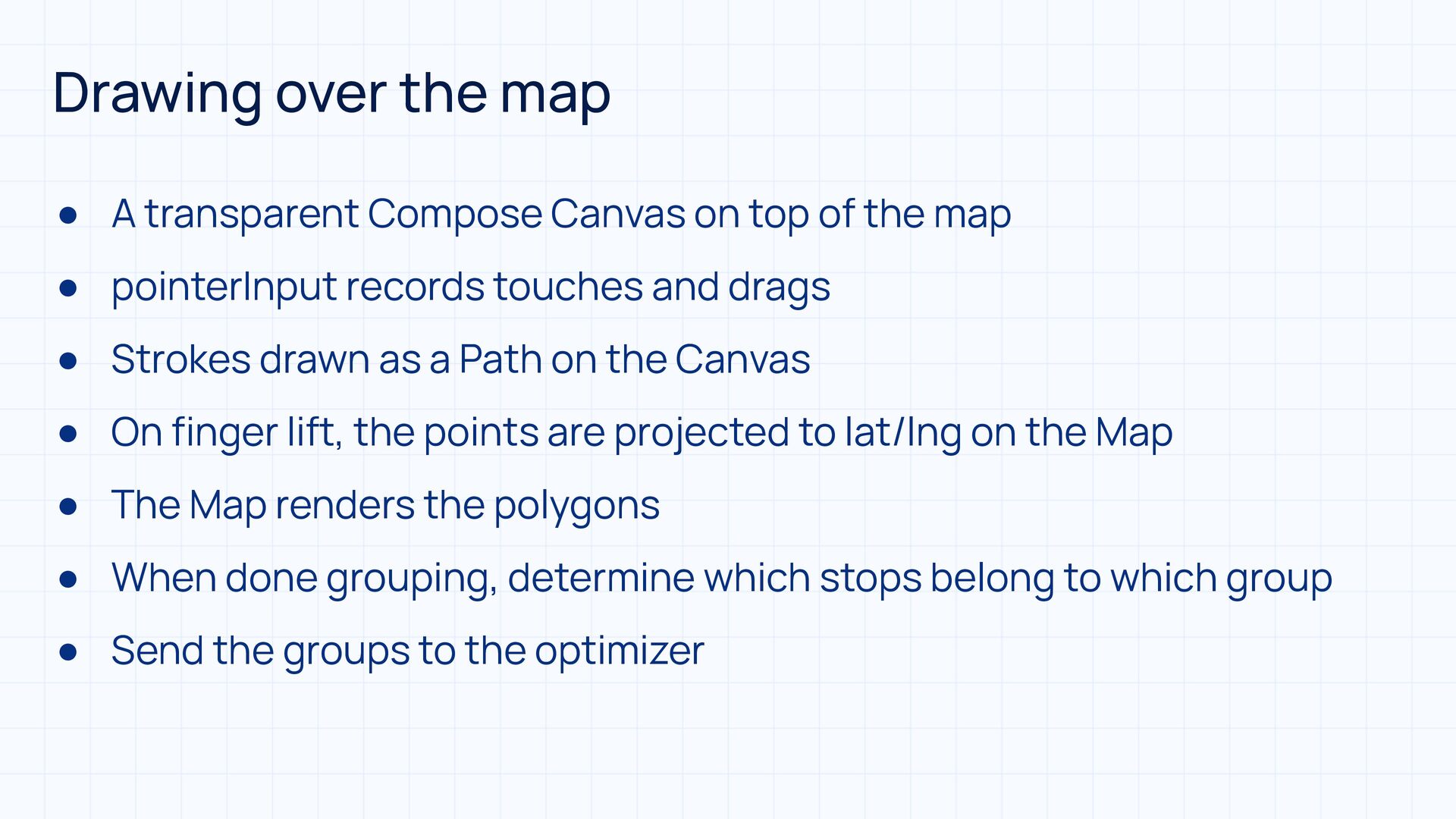
  3. Drawing over the map • A transparent Compose Canvas on

    top of the map • pointerInput records touches and drags • Strokes drawn as a Path on the Canvas • On finger lift, the points are projected to lat/lng on the Map • The Map renders the polygons • When done grouping, determine which stops belong to which group • Send the groups to the optimizer
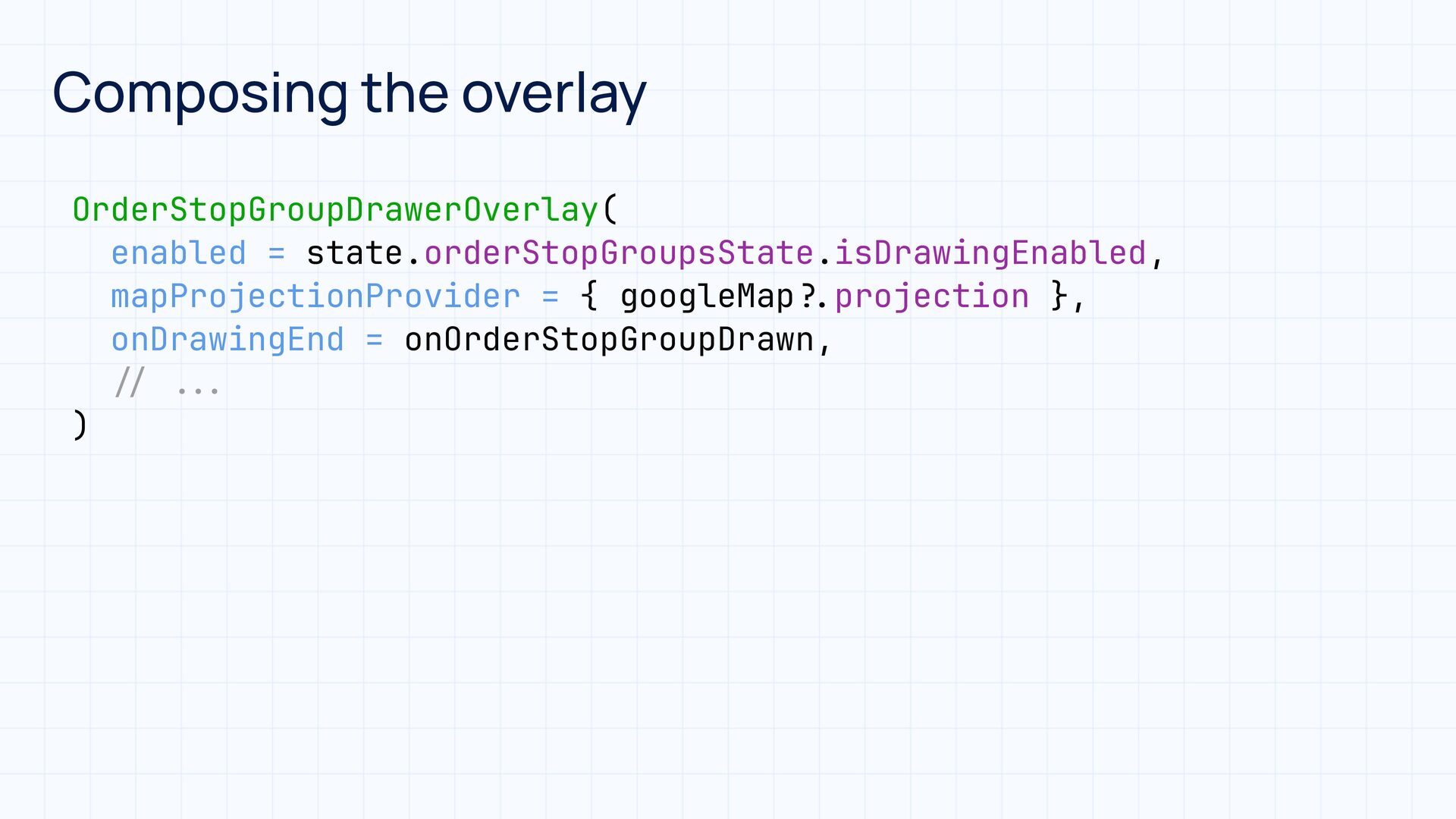
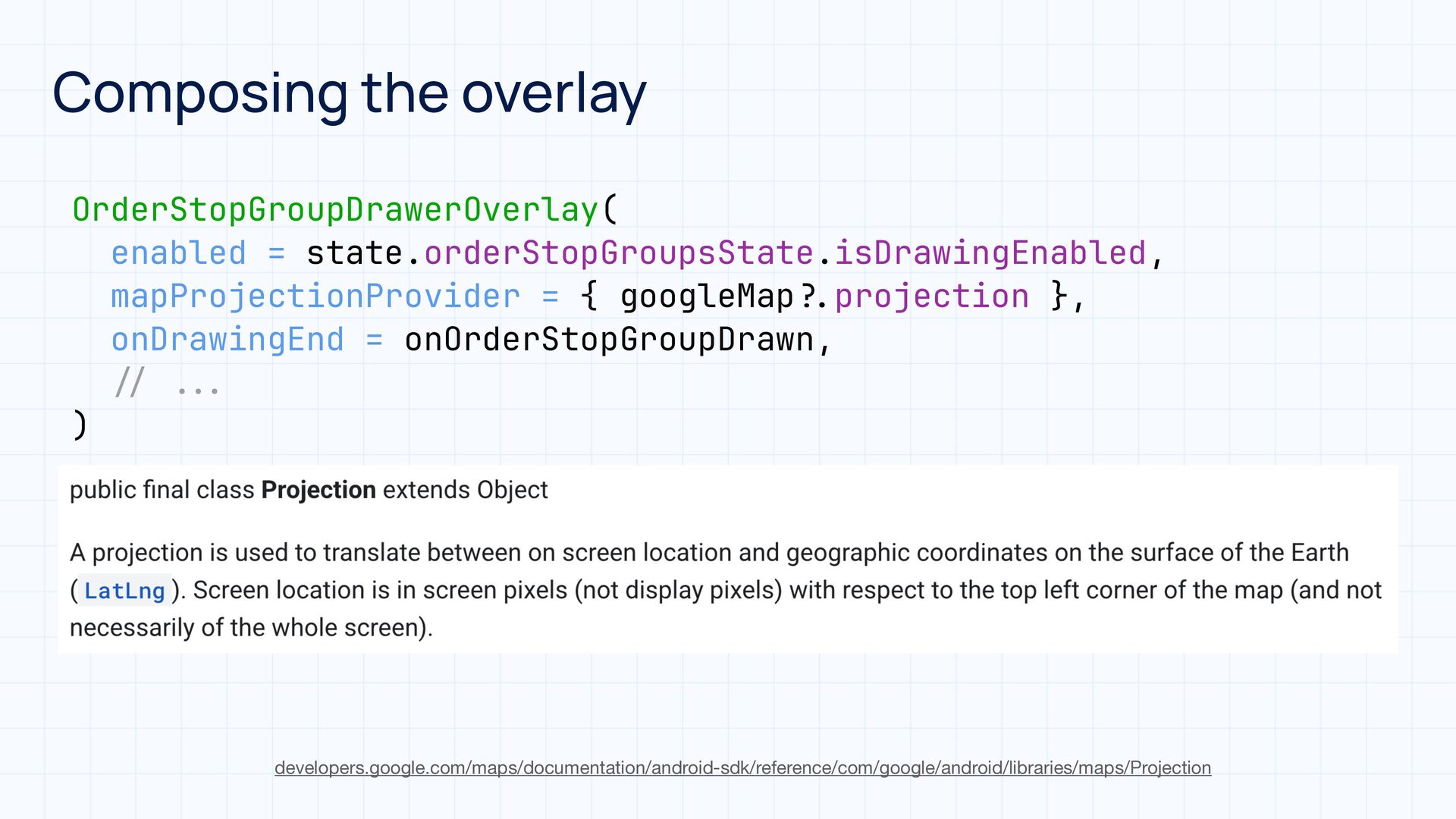
  4. Composing the overlay OrderStopGroupDrawerOverlay( enabled = state.orderStopGroupsState.isDrawingEnabled, mapProjectionProvider = {

    googleMap projection }, onDrawingEnd = onOrderStopGroupDrawn, ) . ? . . . / / developers.google.com/maps/documentation/android-sdk/reference/com/google/android/libraries/maps/Projection
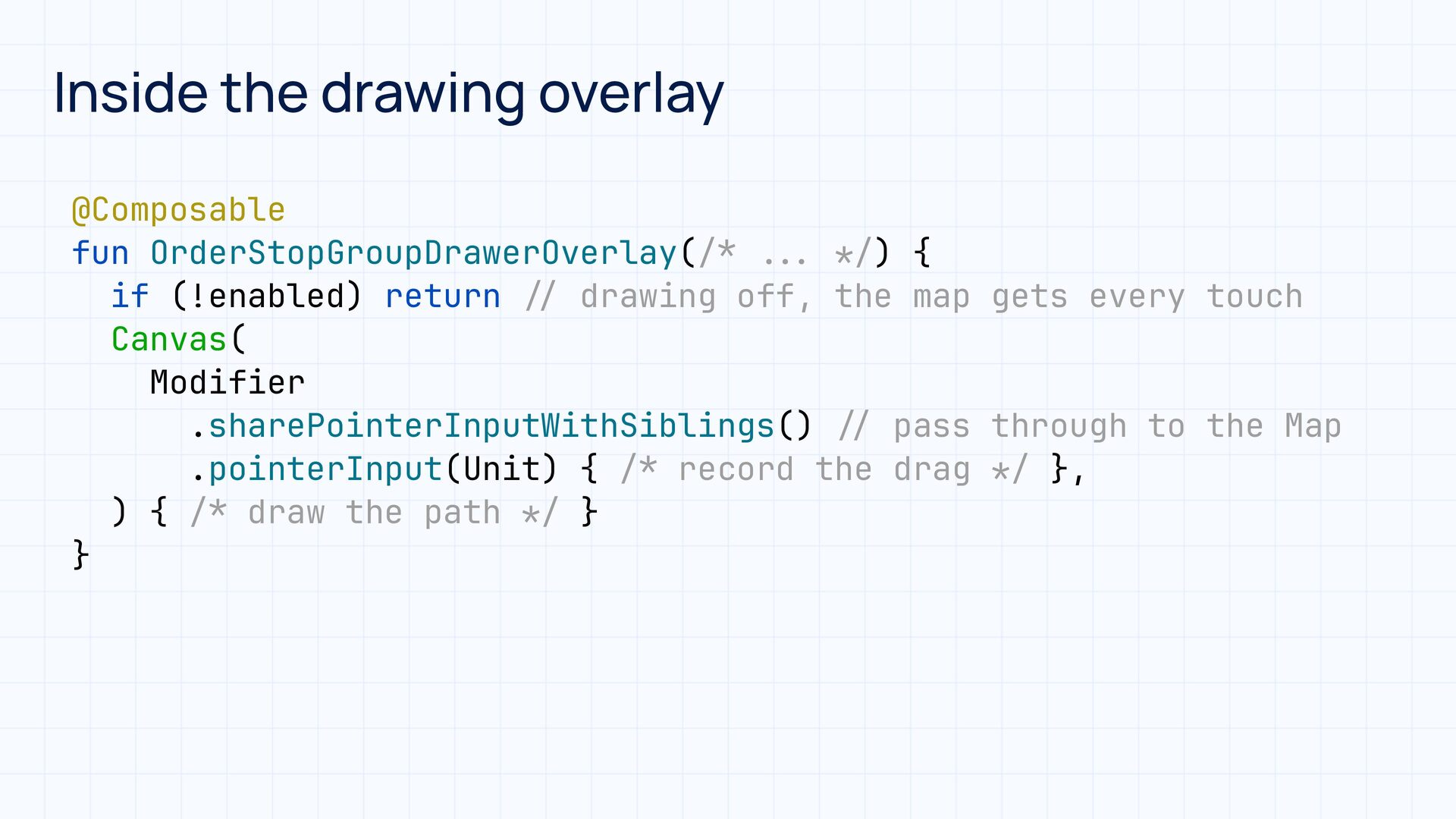
  5. Inside the drawing overlay / * / / * /

    . . . * / * / / / / * * / @Composable fun OrderStopGroupDrawerOverlay( ) { if (!enabled) return drawing off, the map gets every touch Canvas( Modifier .sharePointerInputWithSiblings() pass through to the Map .pointerInput(Unit) { record the drag }, ) { draw the path } }
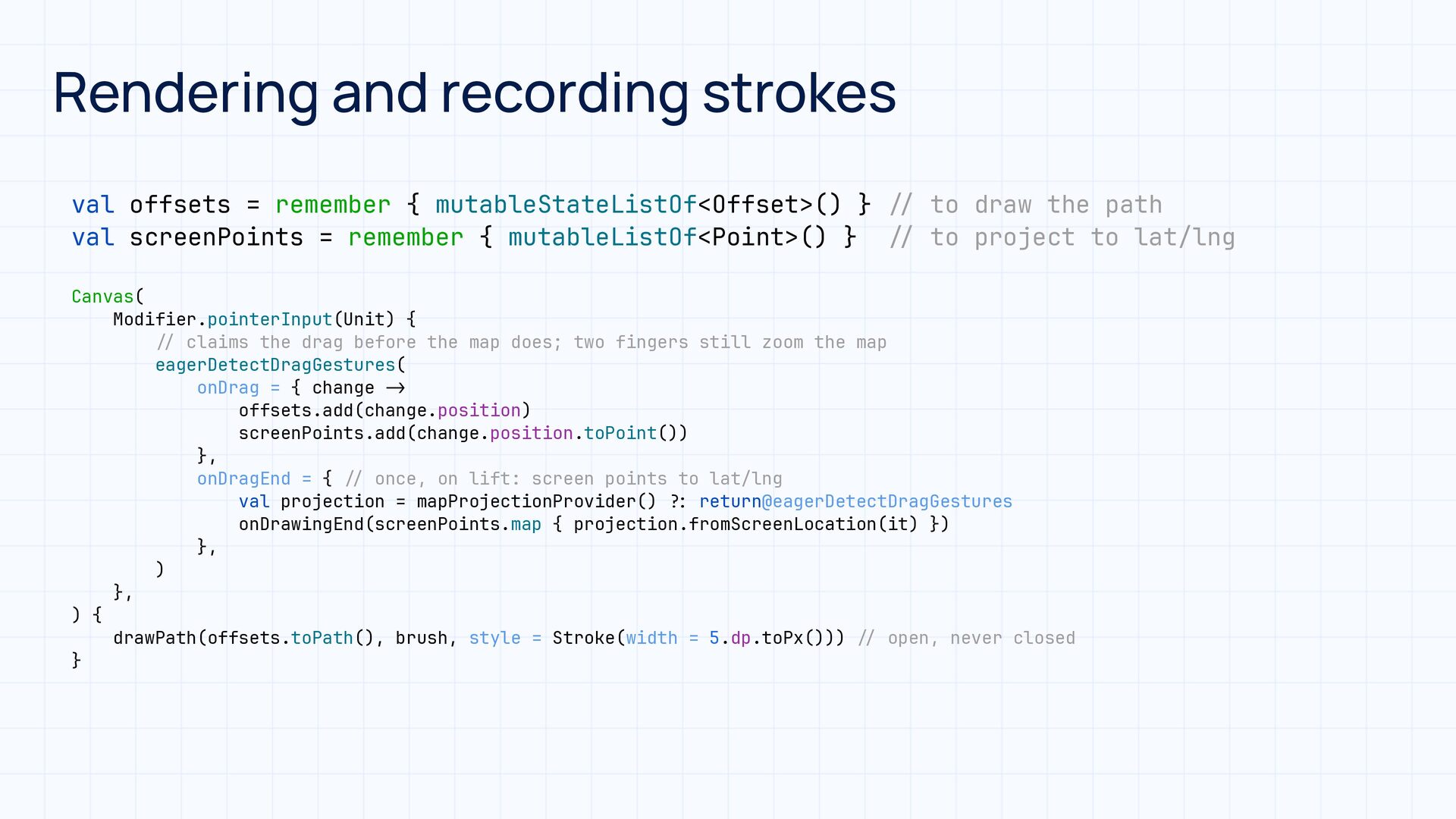
  6. Rendering and recording strokes val offsets = remember { mutableStateListOf<Offset>()

    } val screenPoints = remember { mutableListOf<Point>() } to draw the path to project to lat/lng / / / / / / : ? > - / / / / Canvas( Modifier.pointerInput(Unit) { claims the drag before the map does; two fingers still zoom the map eagerDetectDragGestures( onDrag = { change offsets.add(change.position) screenPoints.add(change.position.toPoint()) }, onDragEnd = { once, on lift: screen points to lat/lng val projection = mapProjectionProvider() return@eagerDetectDragGestures onDrawingEnd(screenPoints.map { projection.fromScreenLocation(it) }) }, ) }, ) { drawPath(offsets.toPath(), brush, style = Stroke(width = 5.dp.toPx())) open, never closed }
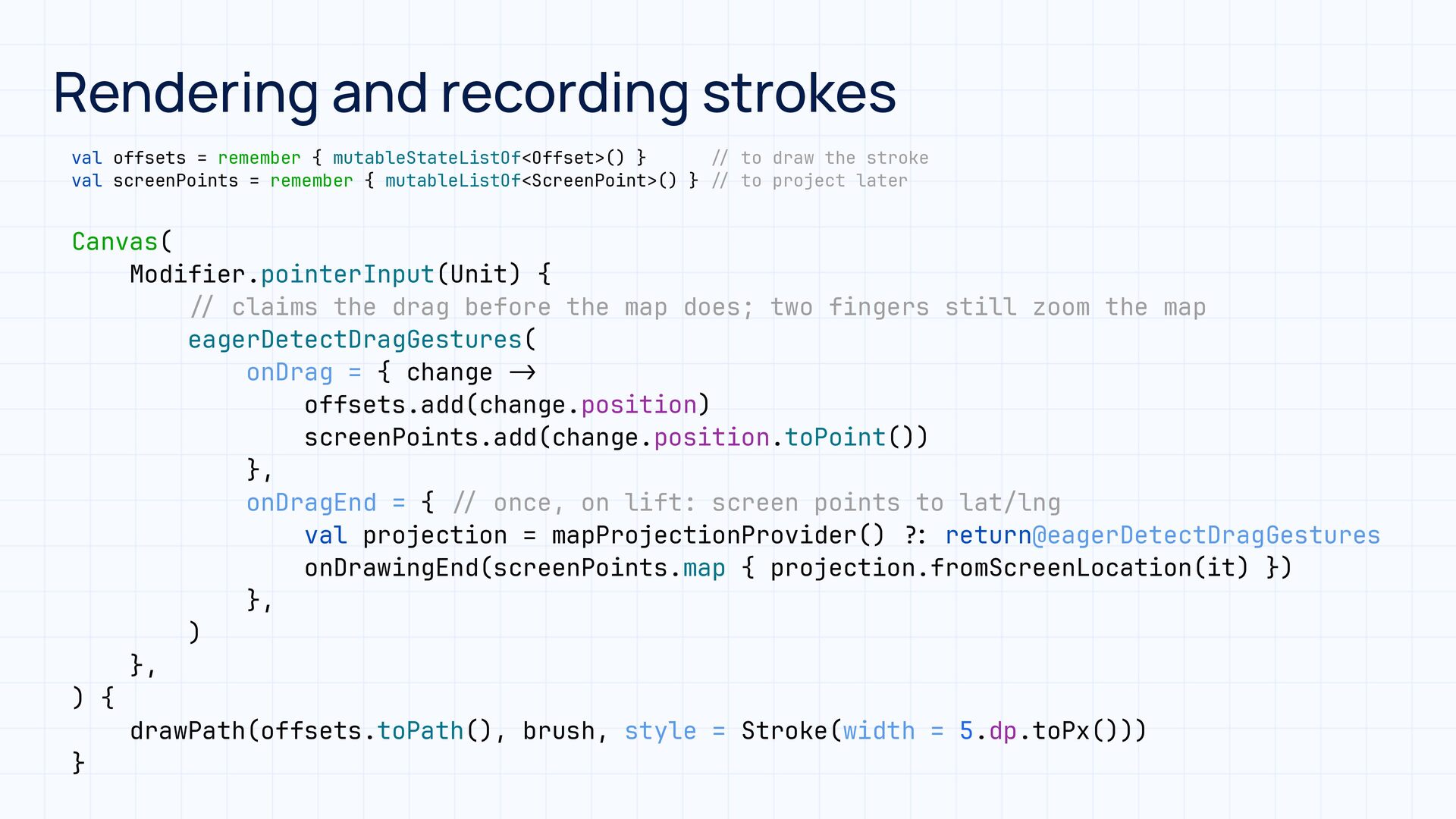
  7. Rendering and recording strokes val offsets = remember { mutableStateListOf<Offset>()

    } val screenPoints = remember { mutableListOf<ScreenPoint>() } to draw the stroke to project later : ? / / / / > - / / / / Canvas( Modifier.pointerInput(Unit) { claims the drag before the map does; two fingers still zoom the map eagerDetectDragGestures( onDrag = { change offsets.add(change.position) screenPoints.add(change.position.toPoint()) }, onDragEnd = { once, on lift: screen points to lat/lng val projection = mapProjectionProvider() return@eagerDetectDragGestures onDrawingEnd(screenPoints.map { projection.fromScreenLocation(it) }) }, ) }, ) { drawPath(offsets.toPath(), brush, style = Stroke(width = 5.dp.toPx())) }
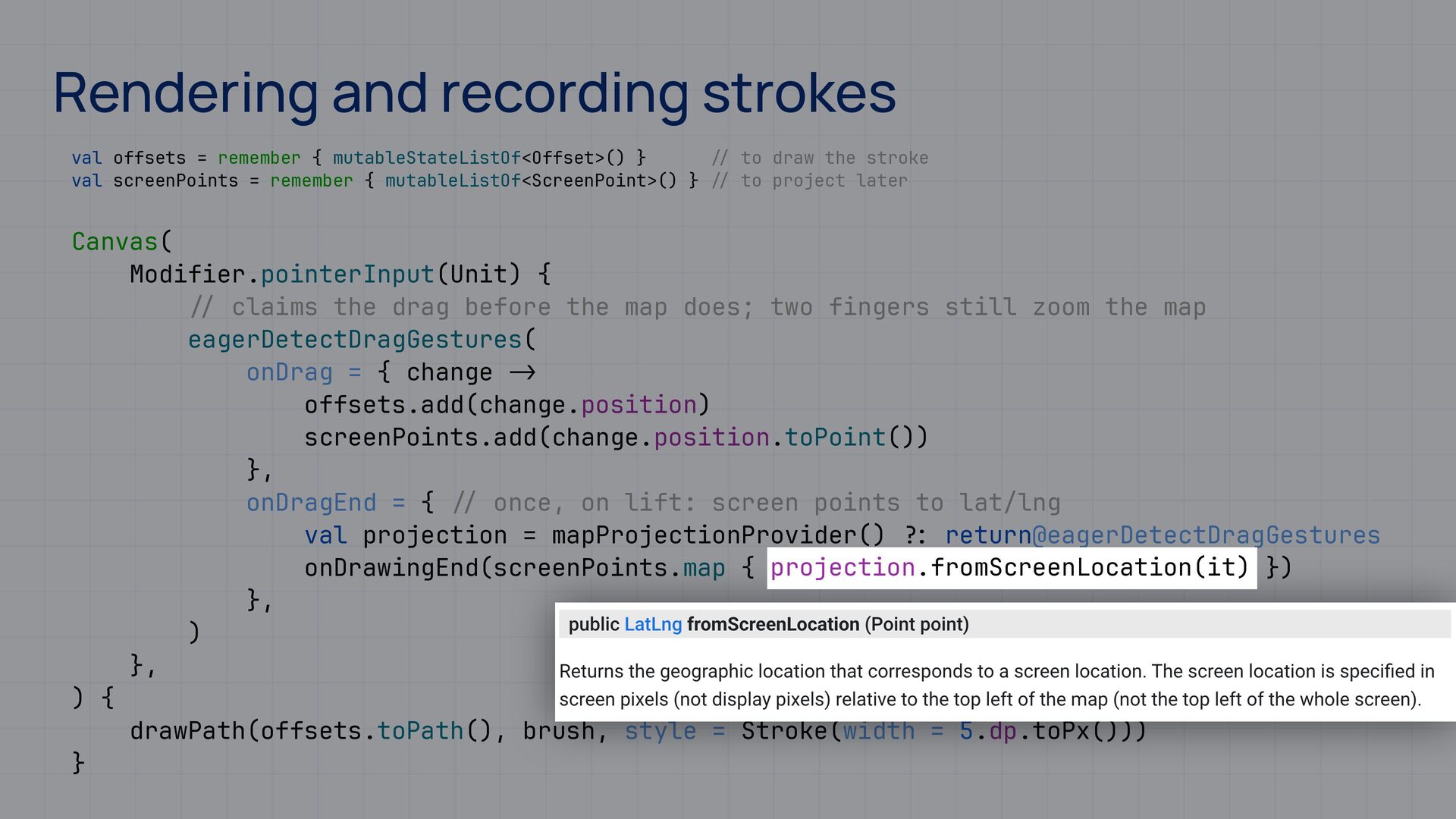
  8. Rendering and recording strokes val offsets = remember { mutableStateListOf<Offset>()

    } val screenPoints = remember { mutableListOf<ScreenPoint>() } to draw the stroke to project later : ? / / / / > - / / / / Canvas( Modifier.pointerInput(Unit) { claims the drag before the map does; two fingers still zoom the map eagerDetectDragGestures( onDrag = { change offsets.add(change.position) screenPoints.add(change.position.toPoint()) }, onDragEnd = { once, on lift: screen points to lat/lng val projection = mapProjectionProvider() return@eagerDetectDragGestures onDrawingEnd(screenPoints.map { projection.fromScreenLocation(it) }) }, ) }, ) { drawPath(offsets.toPath(), brush, style = Stroke(width = 5.dp.toPx())) }
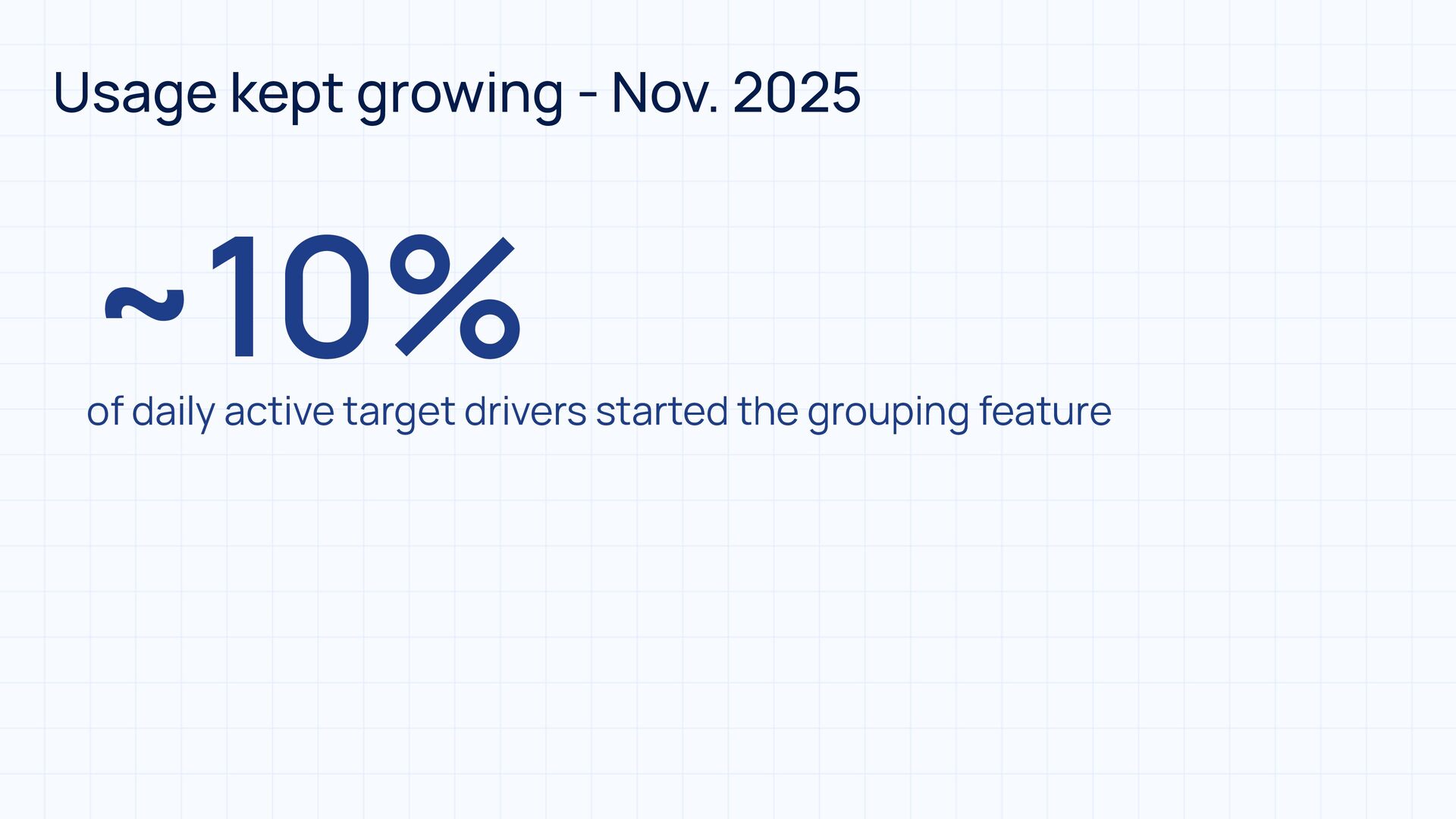
  9. Usage kept growing - Nov. 2025 ~10% of daily active

    target drivers started the grouping feature
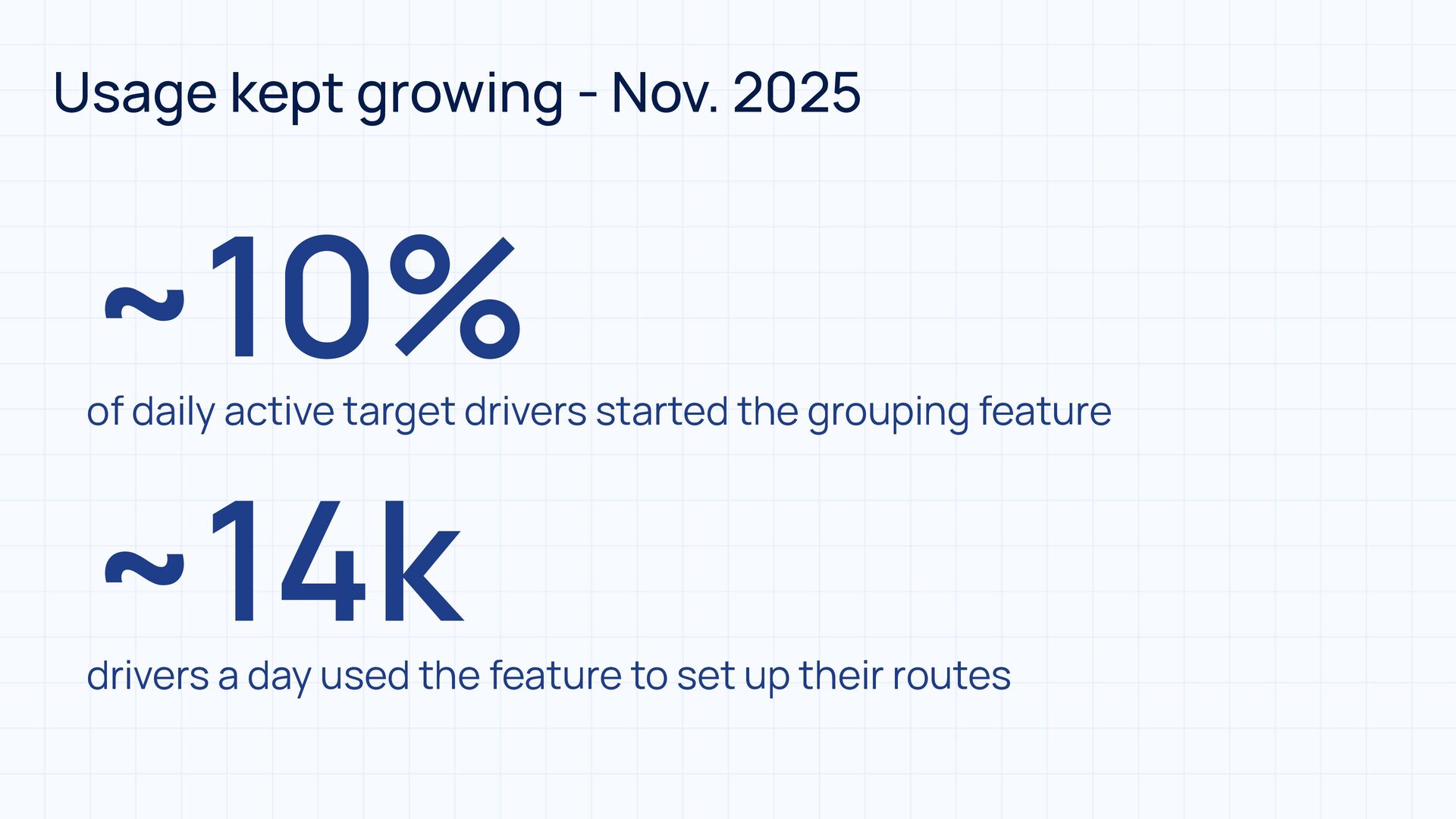
  10. Usage kept growing - Nov. 2025 ~10% of daily active

    target drivers started the grouping feature ~14k drivers a day used the feature to set up their routes
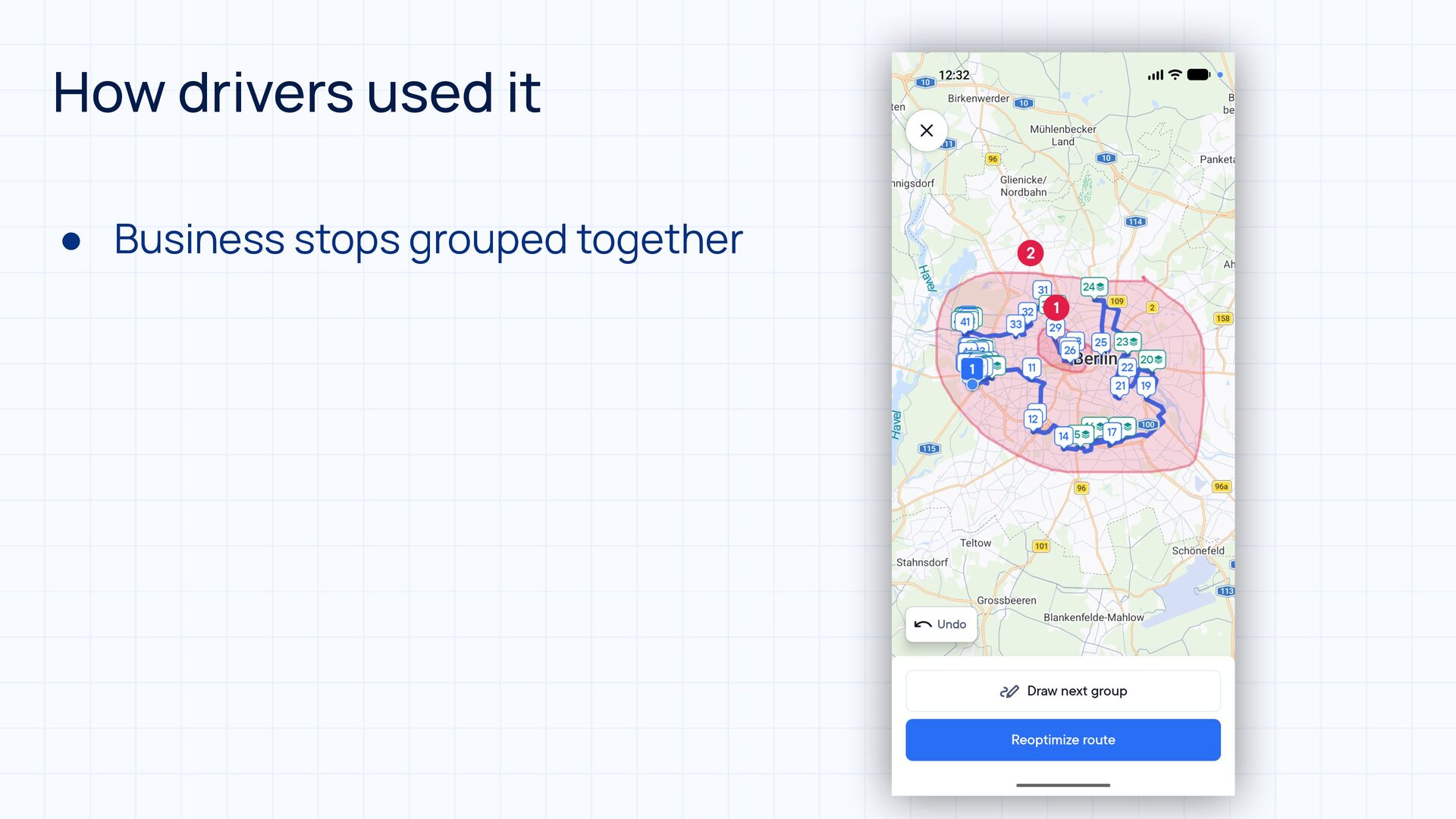
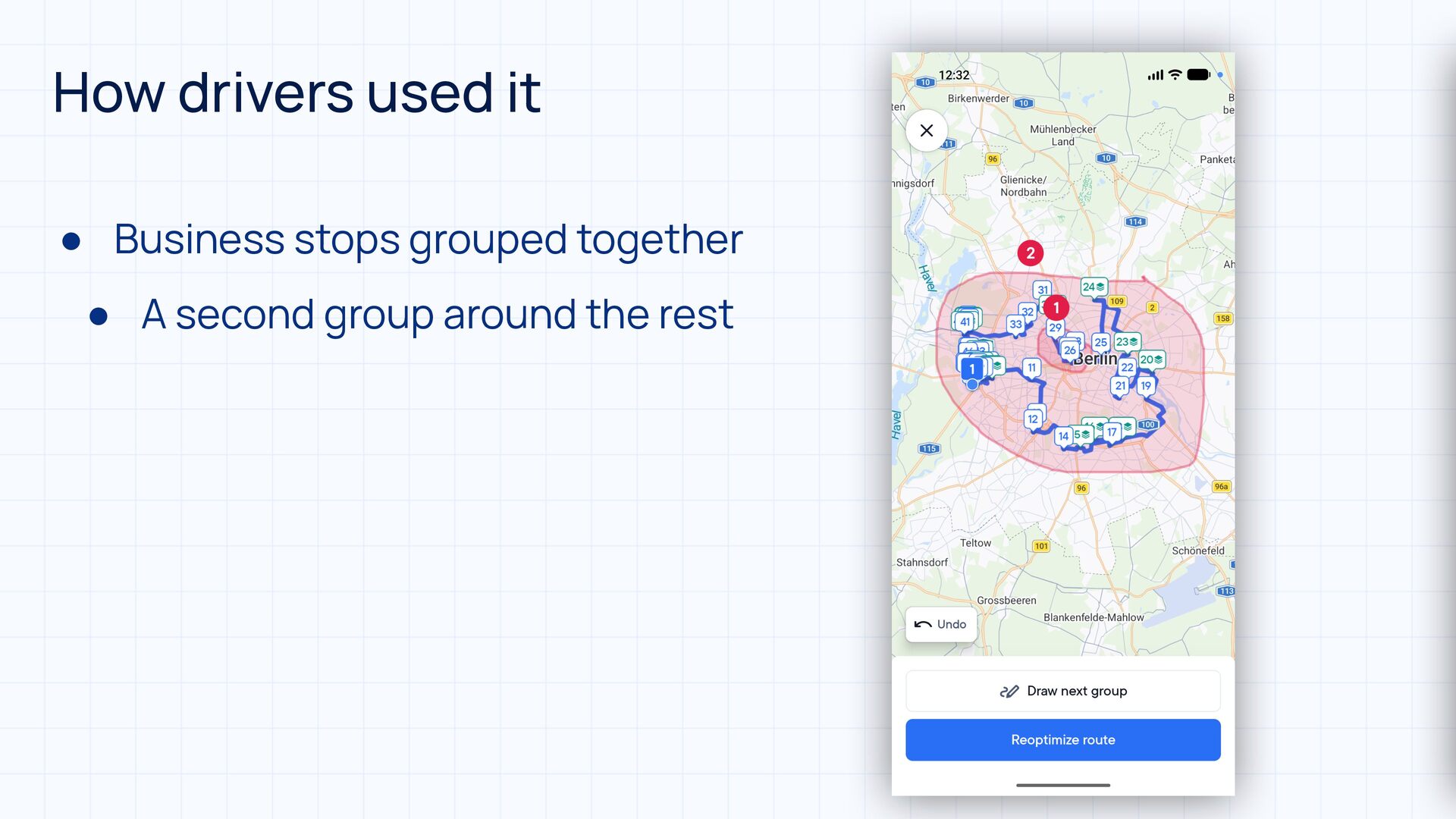
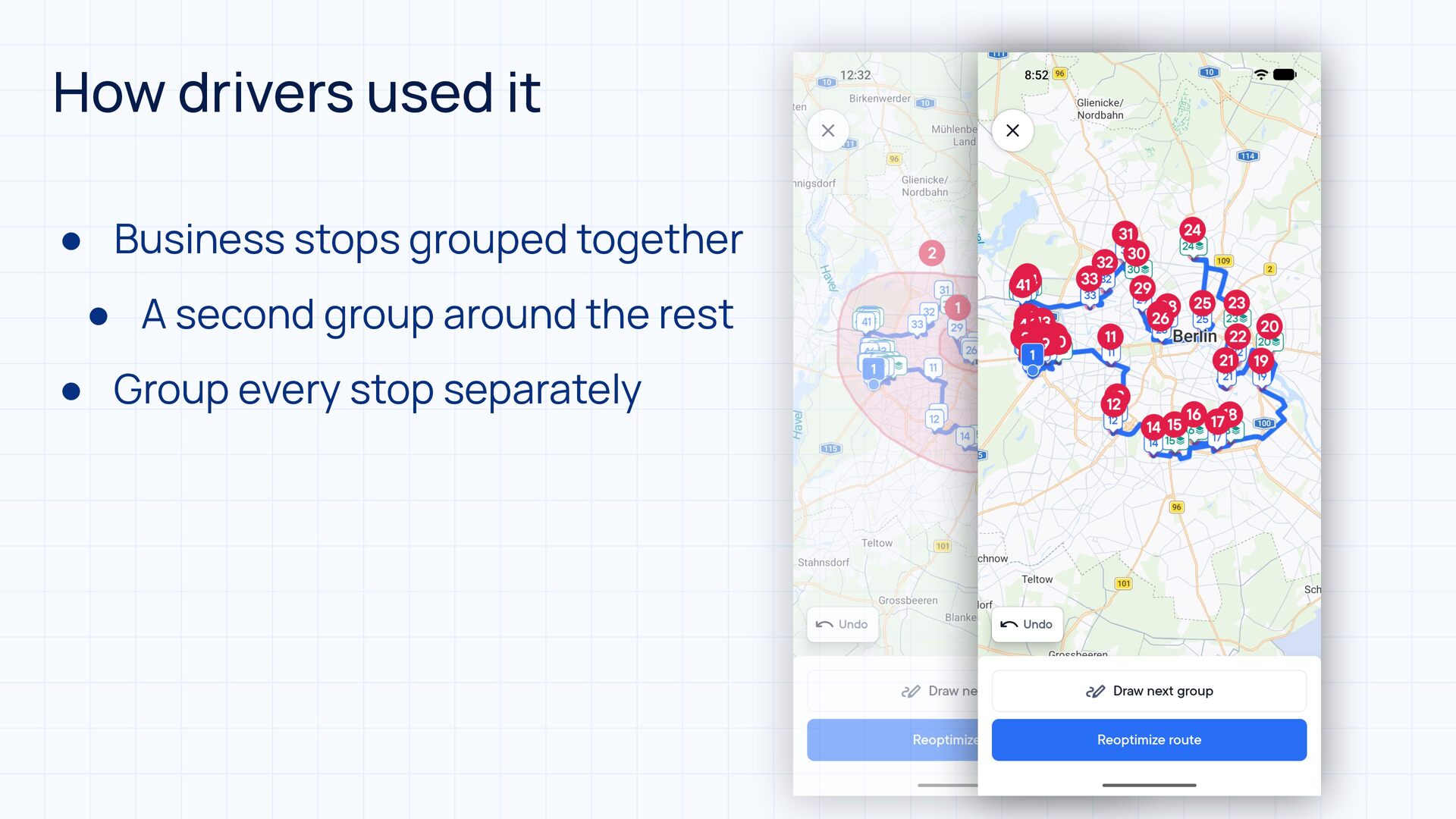
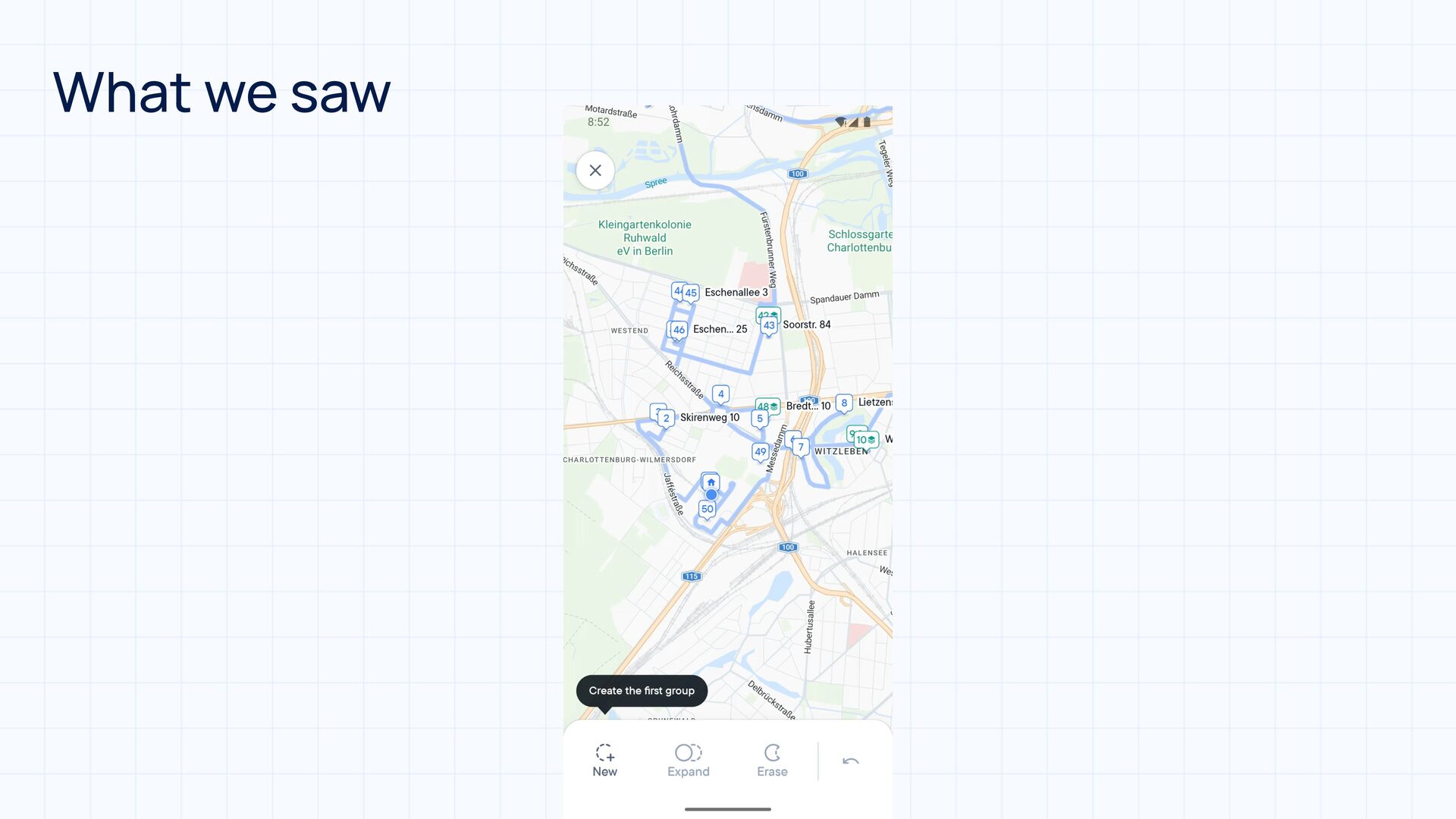
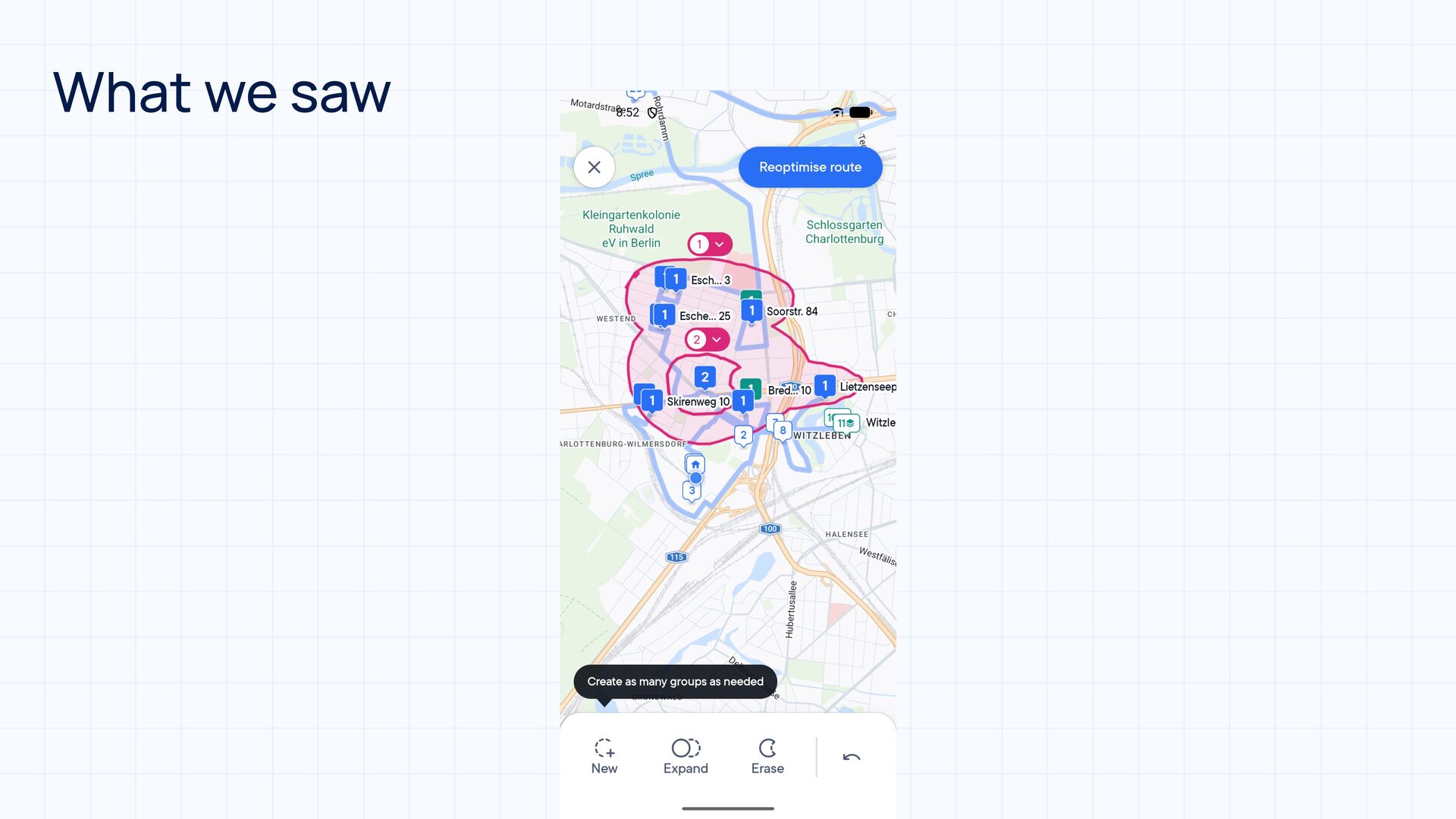
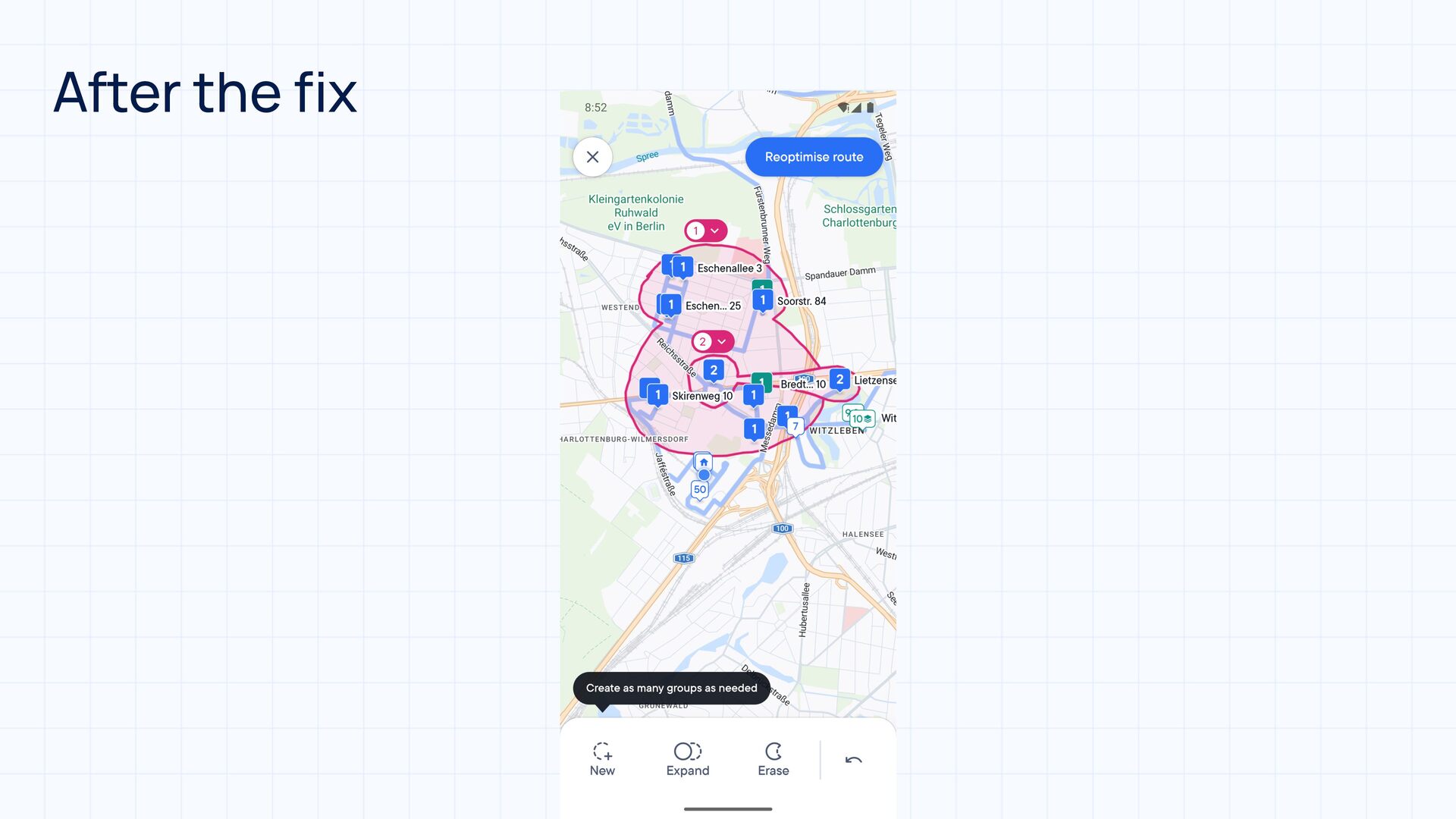
  11. How drivers used it • Business stops grouped together •

    A second group around the rest • Group every stop separately
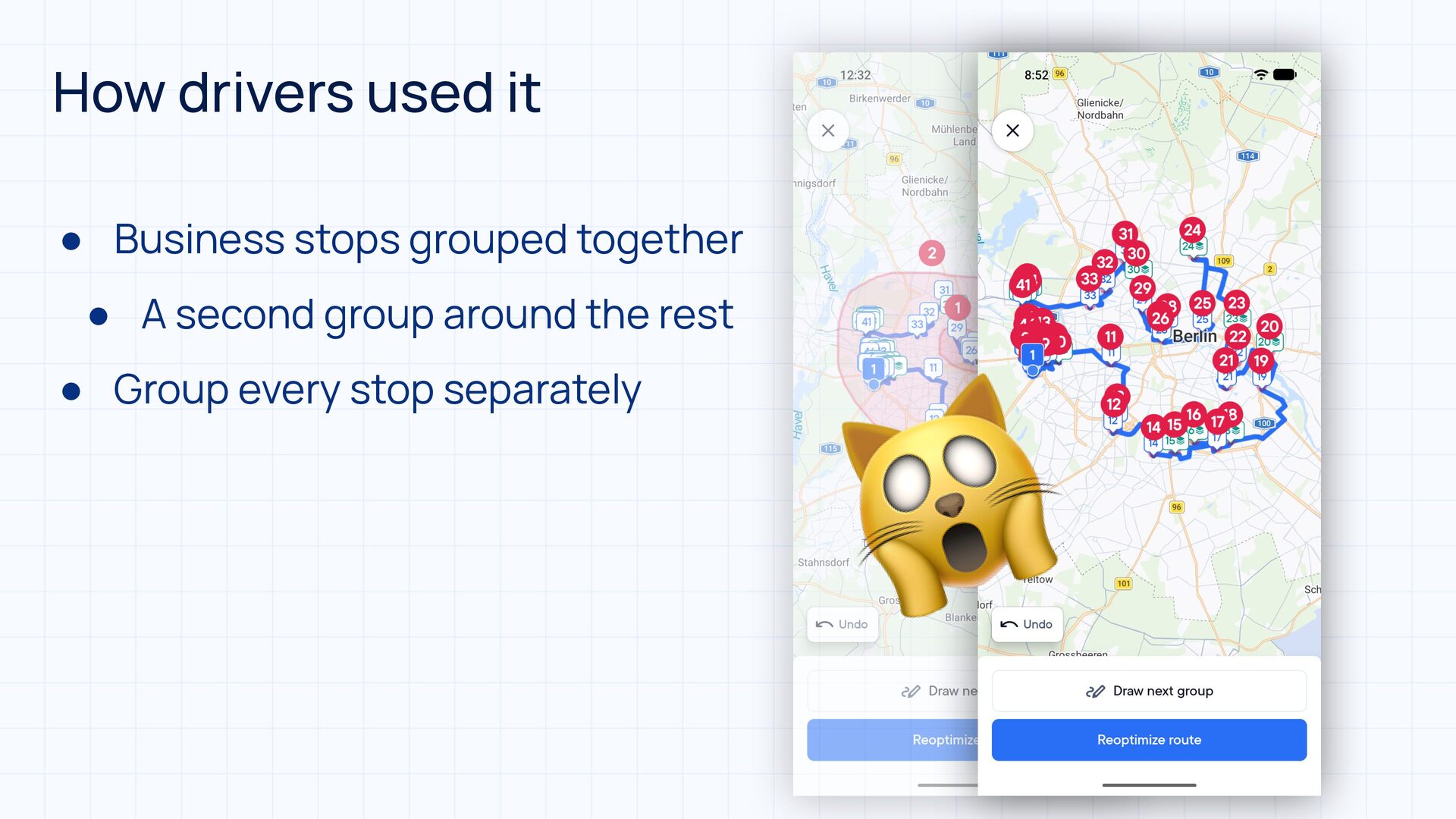
  12. How drivers used it • Business stops grouped together •

    A second group around the rest • Group every stop separately 🙀
  13. What drivers told us 💡 • Groups had to be

    right in one go, mistakes are expensive • Unclear if panning or drawing is active • Hard to tell which stops are grouped, which are missed • No clear indication of how ungrouped stops are ordered • Some more, but 🚫⏳
  14. Boolean operations on Paths path.op(other, Path.Op.[operation]) A B UNION A∪B

    developer.android.com/reference/android/graphics/Path.Op
  15. Boolean operations on Paths path.op(other, Path.Op.[operation]) A B UNION A∪B

    A B DIFFERENCE A−B developer.android.com/reference/android/graphics/Path.Op
  16. Boolean operations on Paths path.op(other, Path.Op.[operation]) A B UNION A∪B

    A B DIFFERENCE A−B A B INTERSECT A∩B developer.android.com/reference/android/graphics/Path.Op
  17. Boolean operations on Paths path.op(other, Path.Op.[operation]) A B UNION A∪B

    😅 A B DIFFERENCE A−B A B INTERSECT A∩B developer.android.com/reference/android/graphics/Path.Op
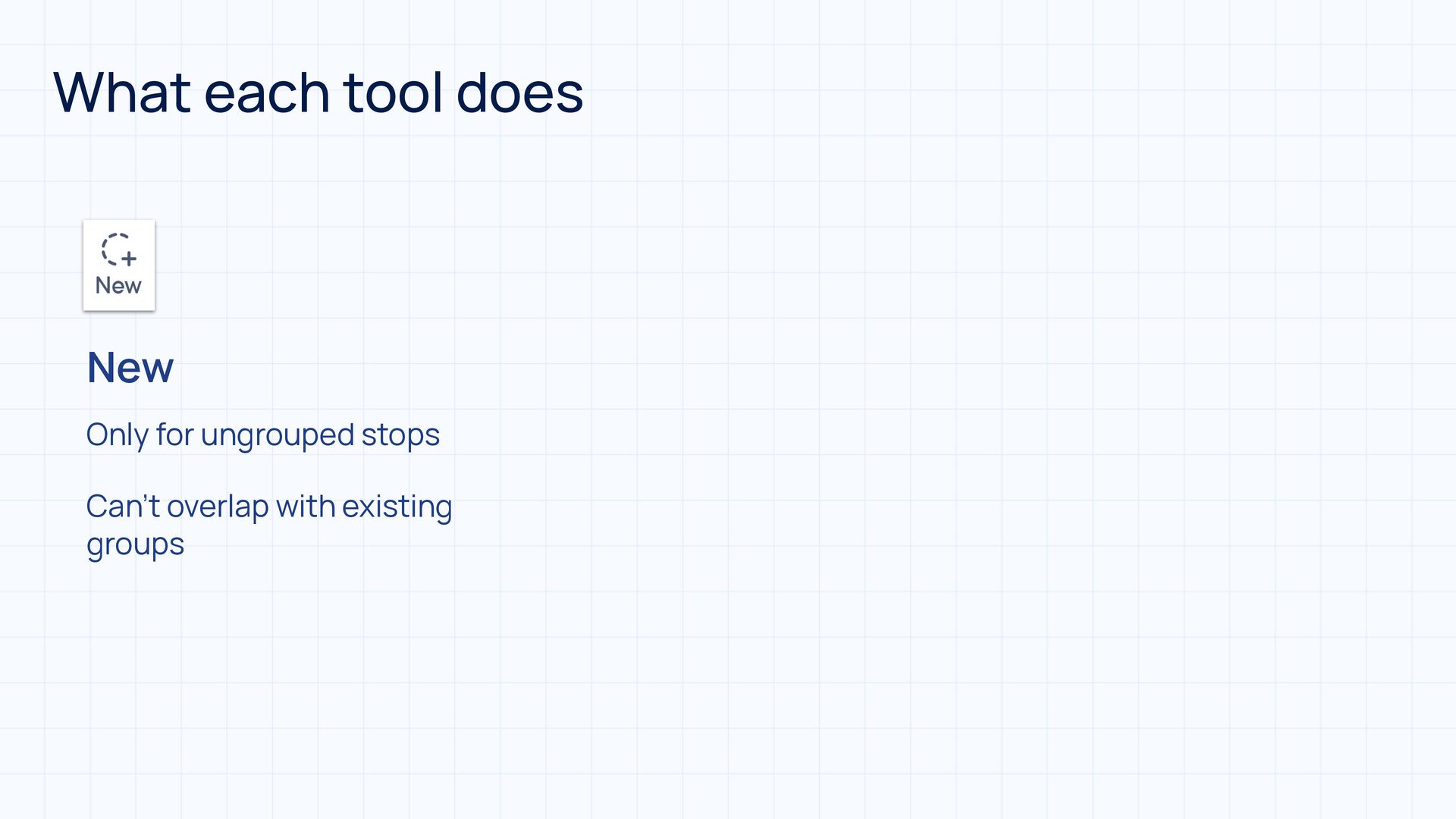
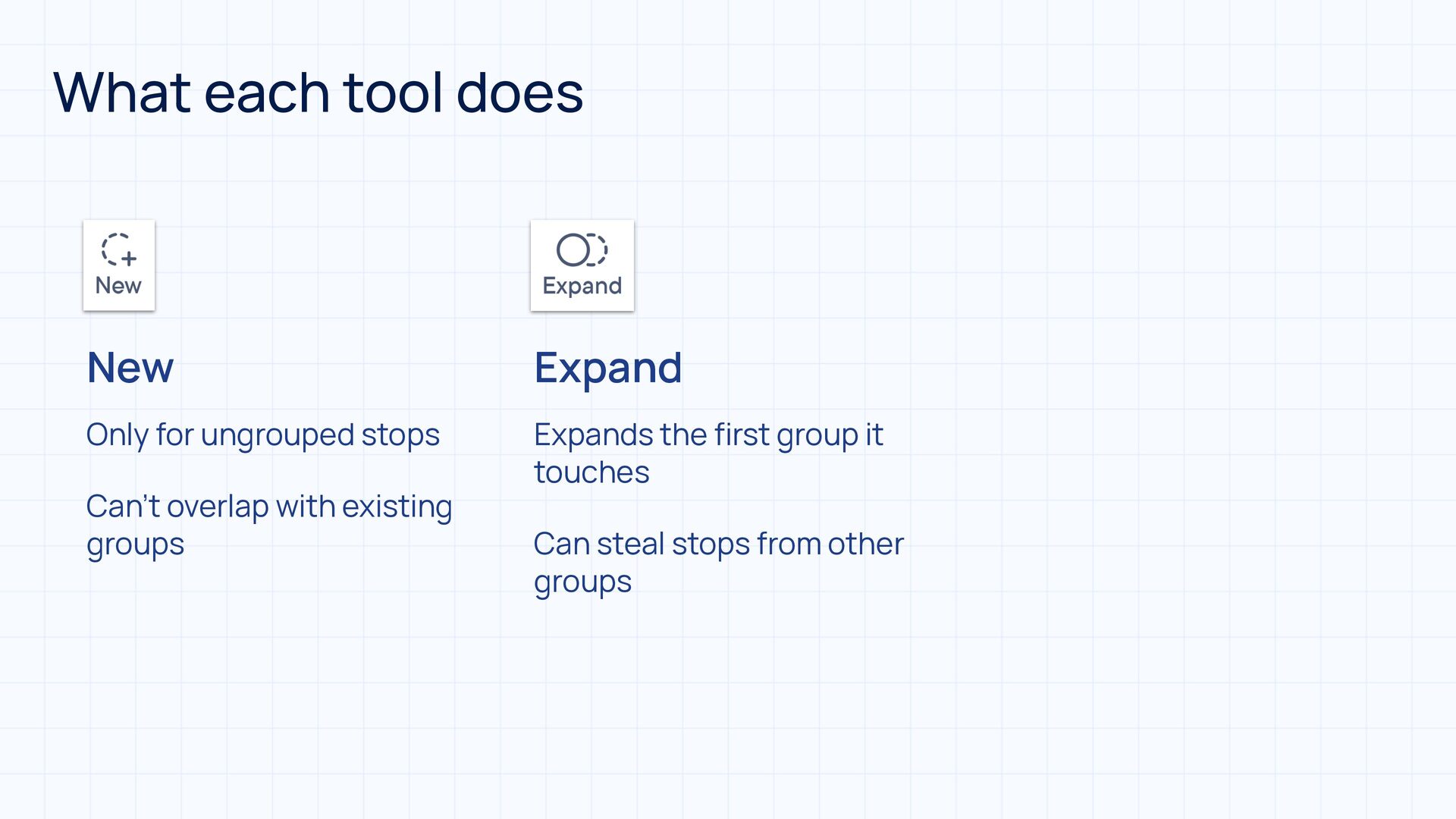
  18. What each tool does New Expand Only for ungrouped stops

    Expands the rst group it touches fi Can’t overlap with existing groups Can steal stops from other groups
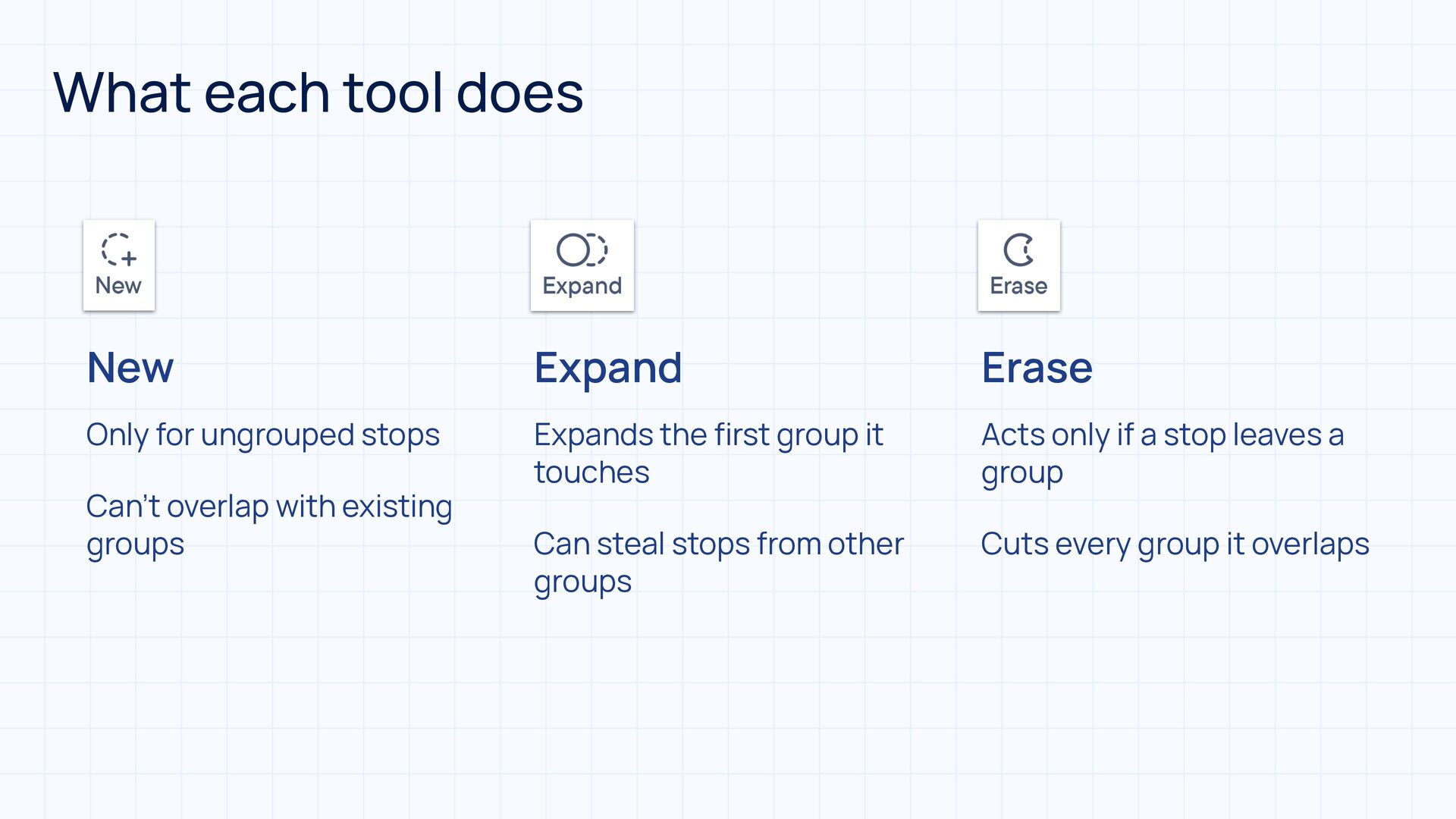
  19. What each tool does New Expand Erase Only for ungrouped

    stops Expands the rst group it touches Acts only if a stop leaves a group Can steal stops from other groups Cuts every group it overlaps fi Can’t overlap with existing groups
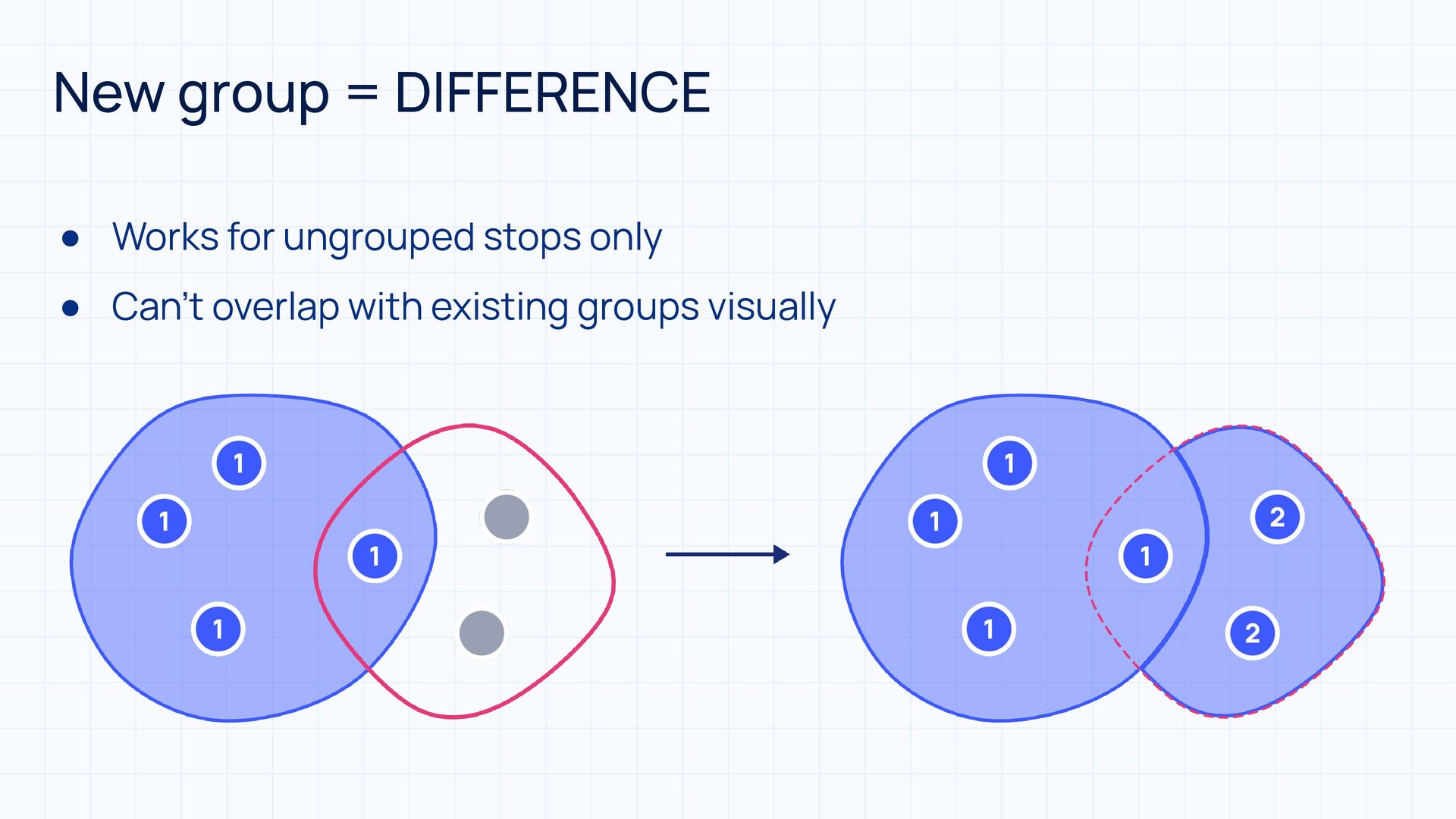
  20. New group = DIFFERENCE • Works for ungrouped stops only

    • Can’t overlap with existing groups visually
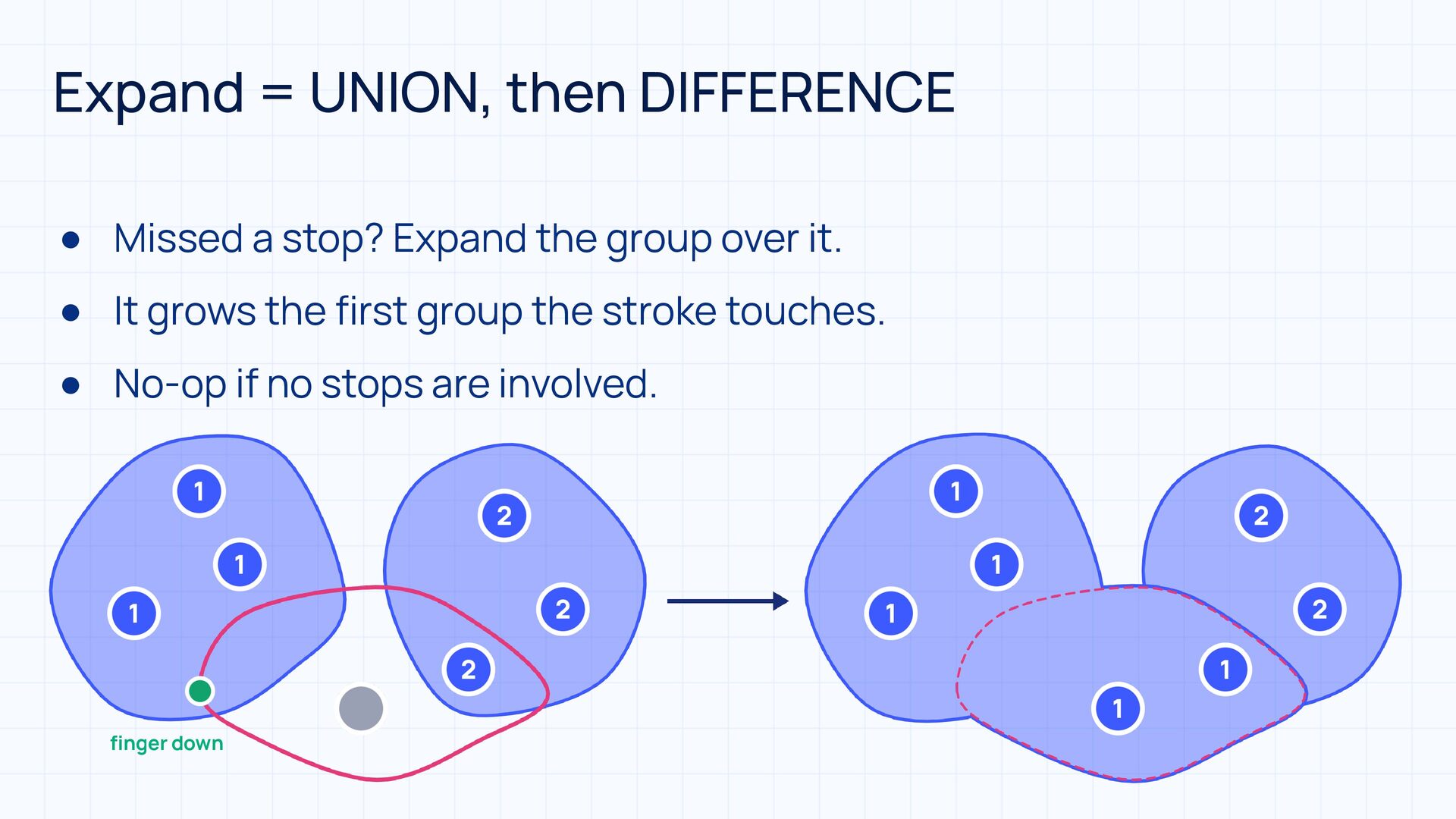
  21. fi Expand = UNION, then DIFFERENCE • Missed a stop?

    Expand the group over it. • It grows the first group the stroke touches. • No-op if no stops are involved. nger down
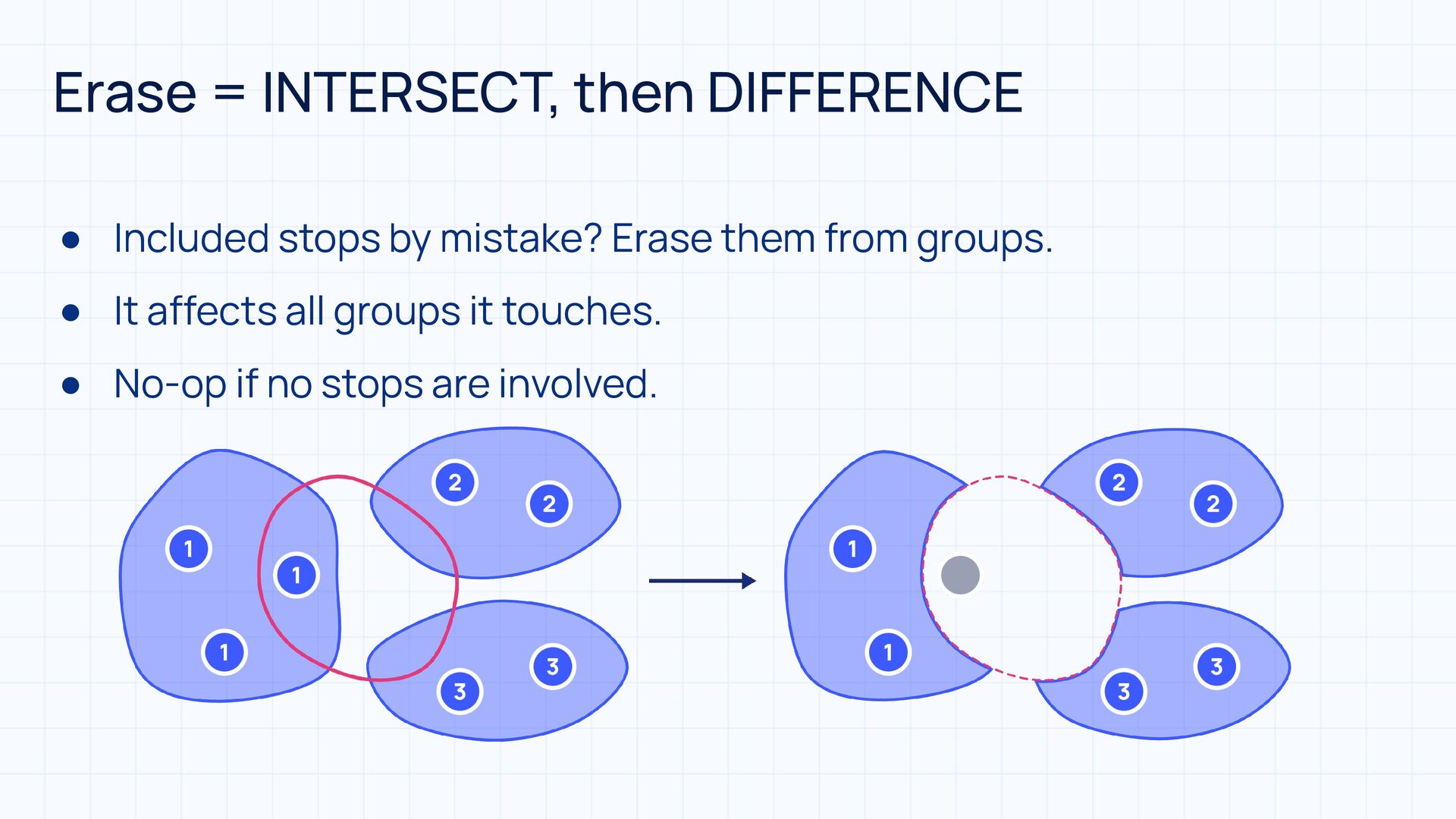
  22. Erase = INTERSECT, then DIFFERENCE • Included stops by mistake?

    Erase them from groups. • It affects all groups it touches. • No-op if no stops are involved.
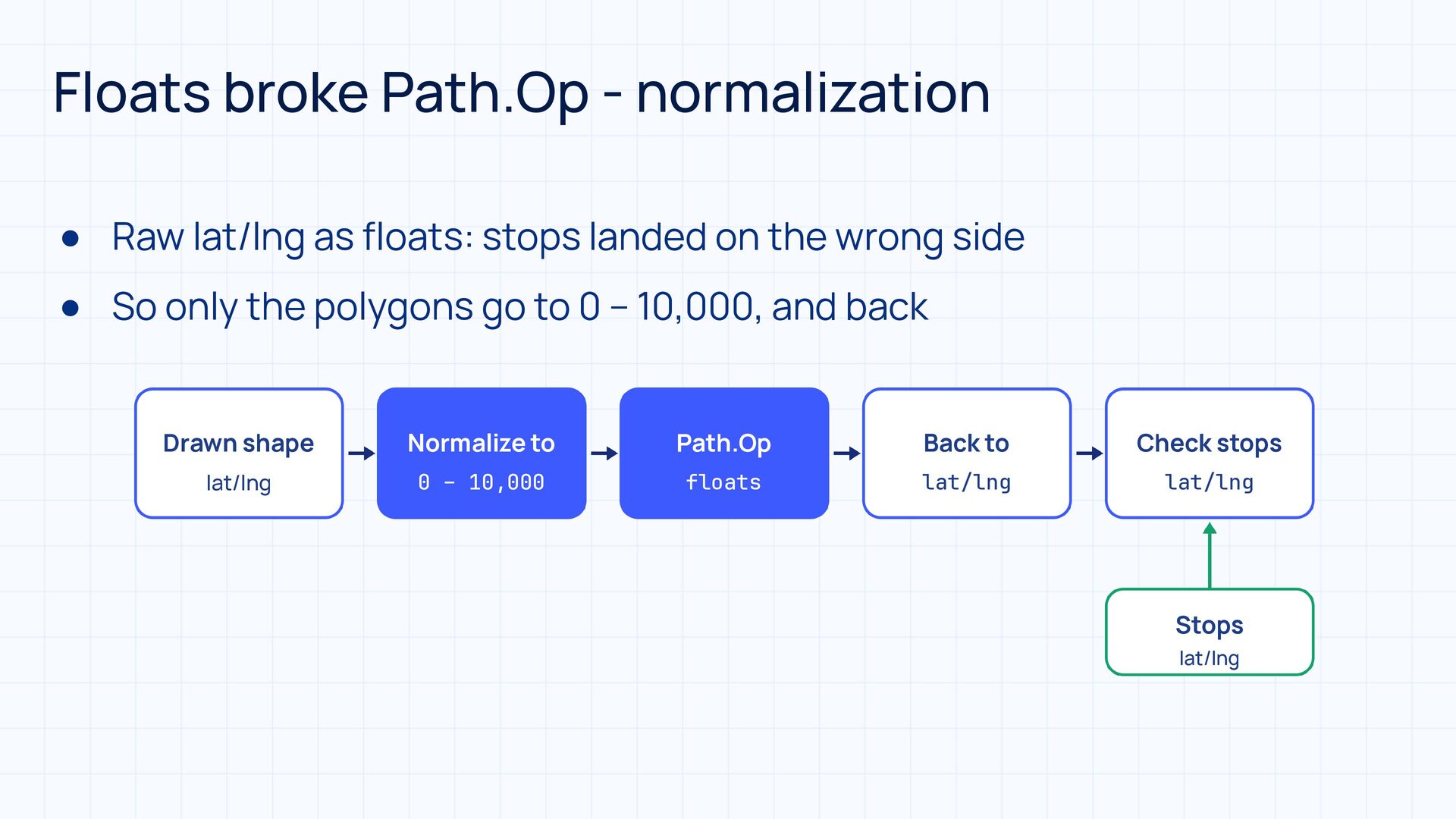
  23. Floats broke Path.Op - normalization • Raw lat/lng as floats:

    stops landed on the wrong side • So only the polygons go to 0 – 10,000, and back Drawn shape Normalize to Path.Op Back to Check stops lat/lng 0 – 10,000 floats lat/lng lat/lng Stops lat/lng
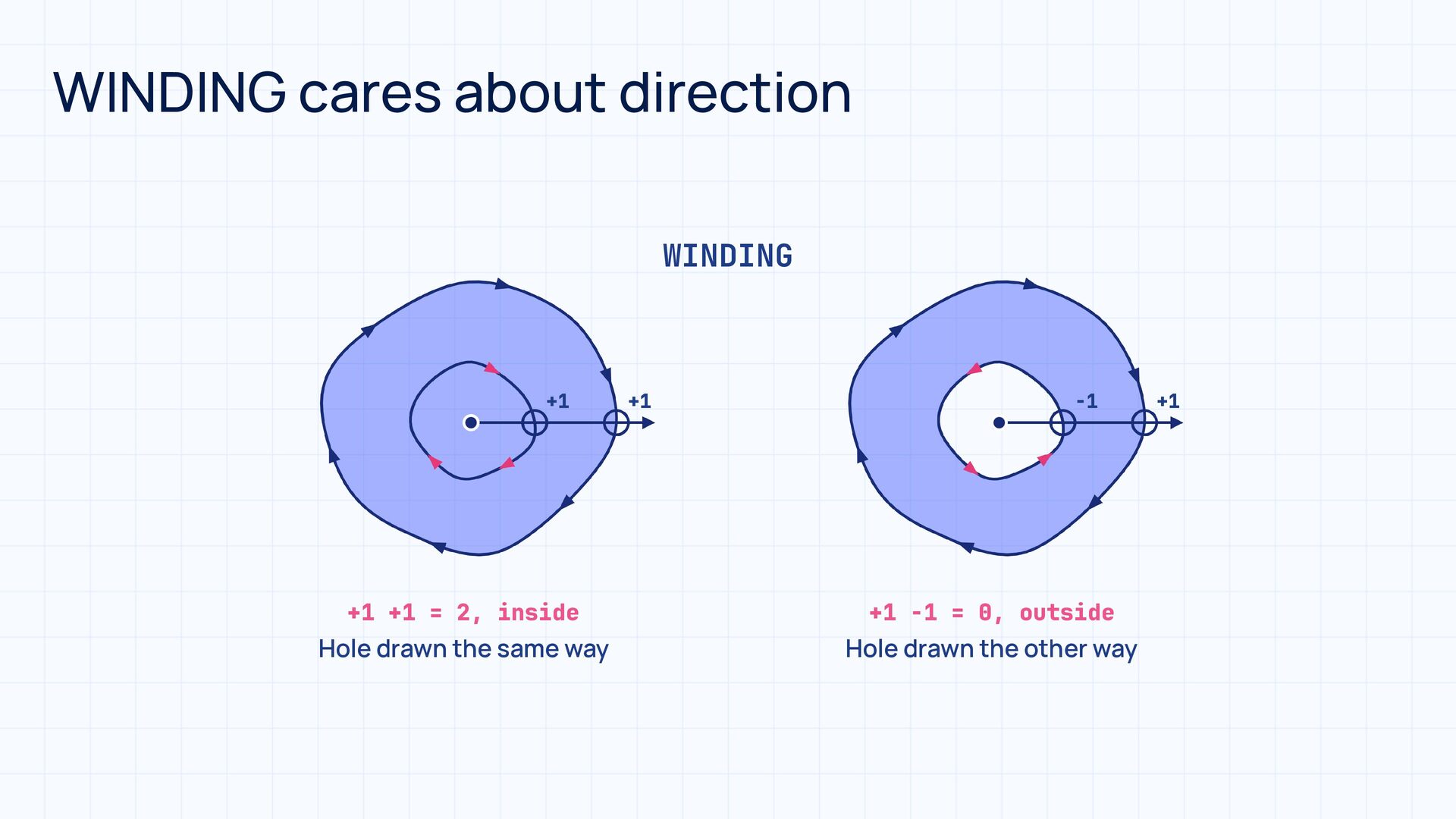
  24. Fill rules • A fill rule decides which points are

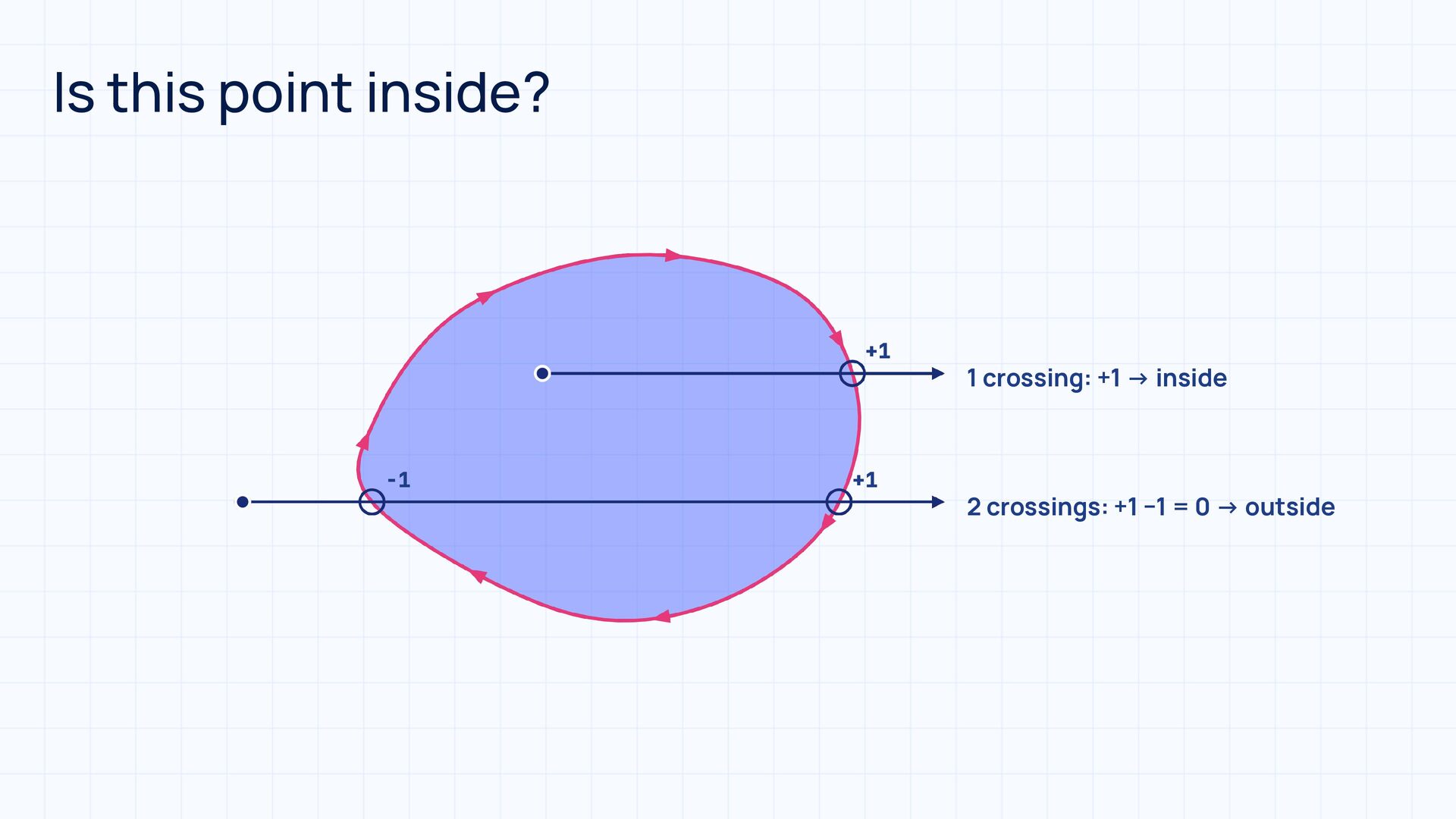
    inside a Path • Cast a ray from the point, look at every crossing • EVEN_ODD count crossings, odd = inside • WINDING +1 or −1 by direction, non-zero = inside : : • Default: WINDING on Android, NonZero in Compose
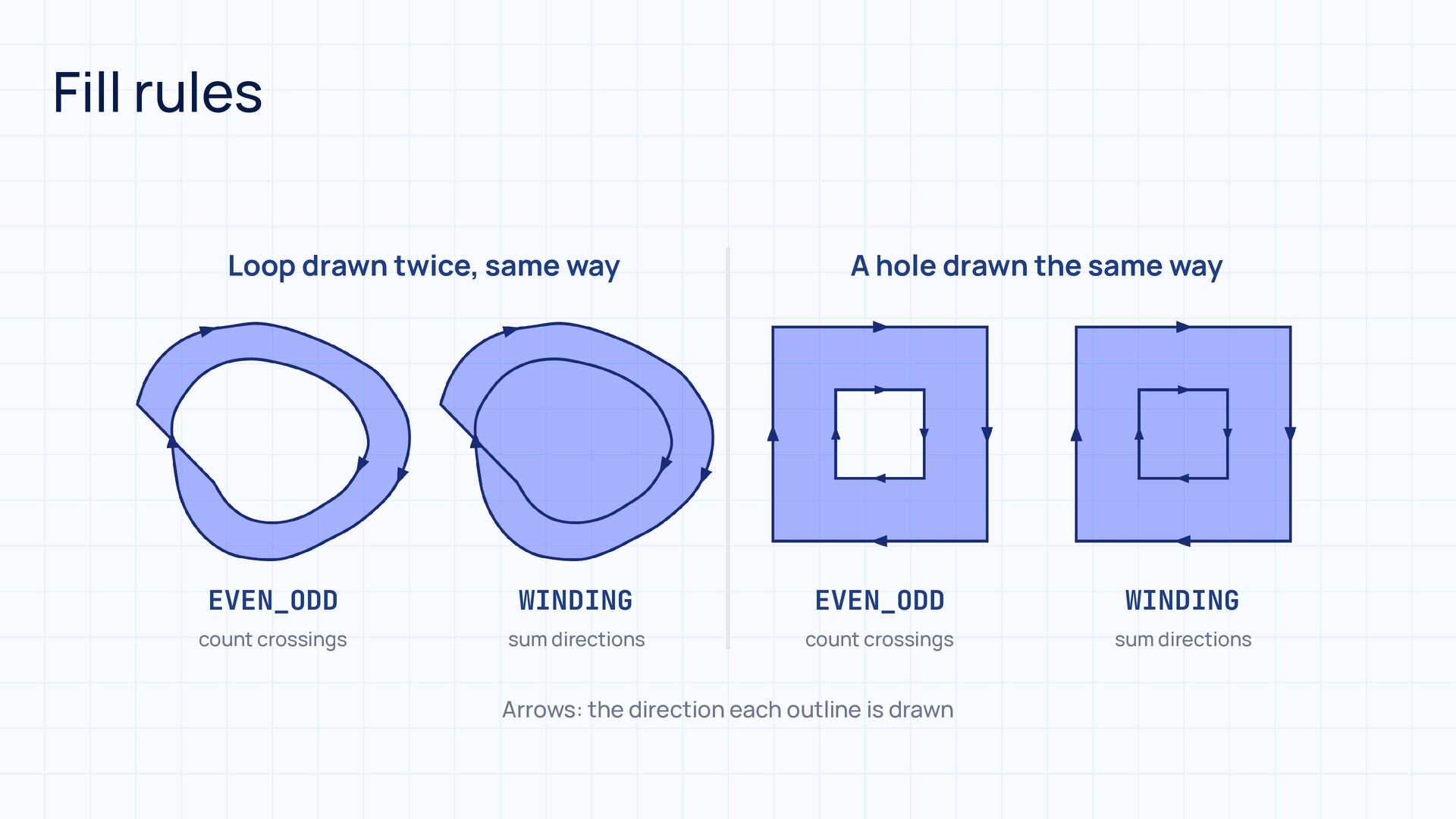
  25. Fill rules Loop drawn twice, same way A hole drawn

    the same way EVEN_ODD WINDING EVEN_ODD WINDING count crossings sum directions count crossings sum directions Arrows: the direction each outline is drawn
  26. Is this point inside? +1 −1 +1 1 crossing: +1

    → inside 2 crossings: +1 −1 = 0 → outside
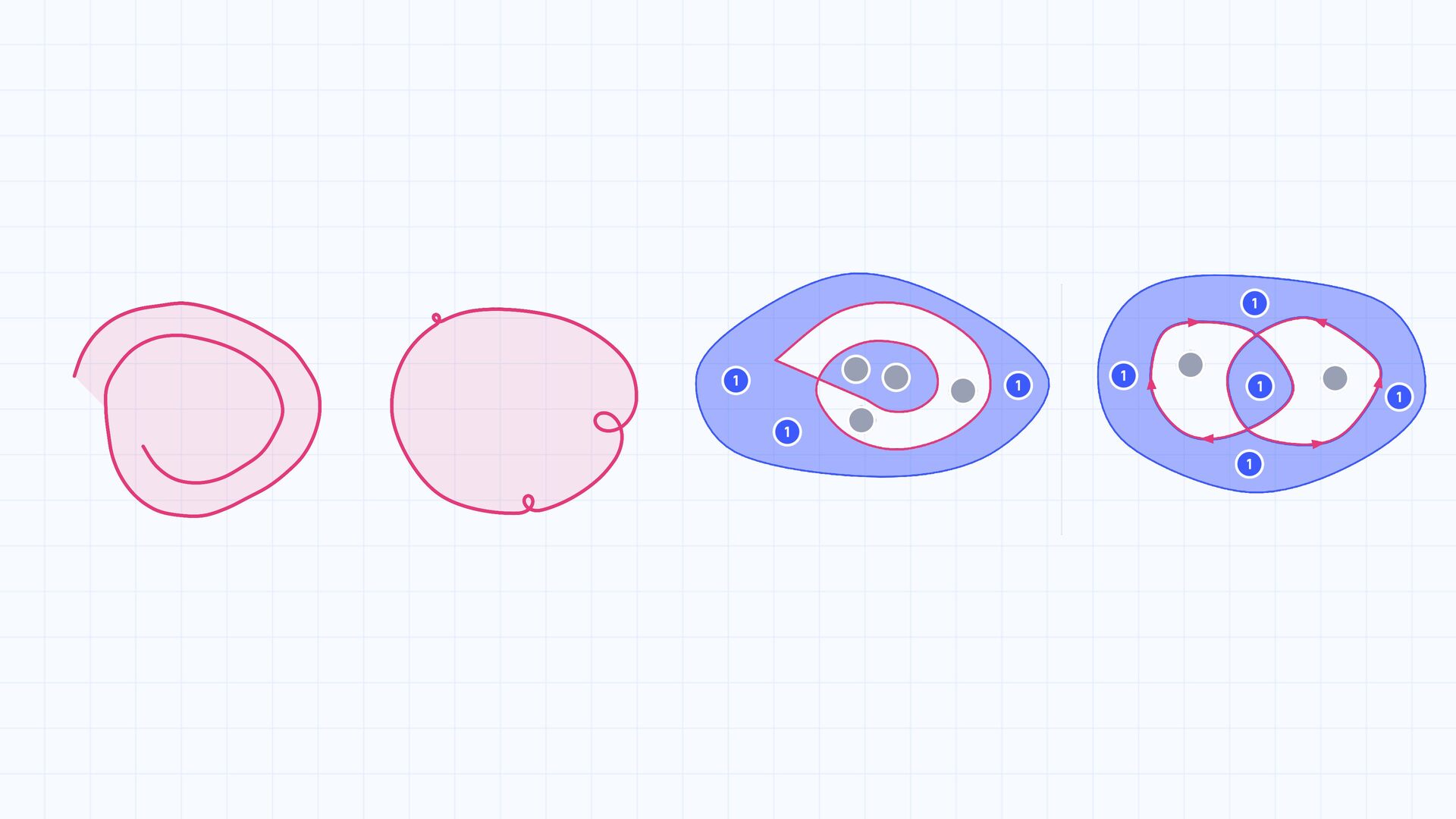
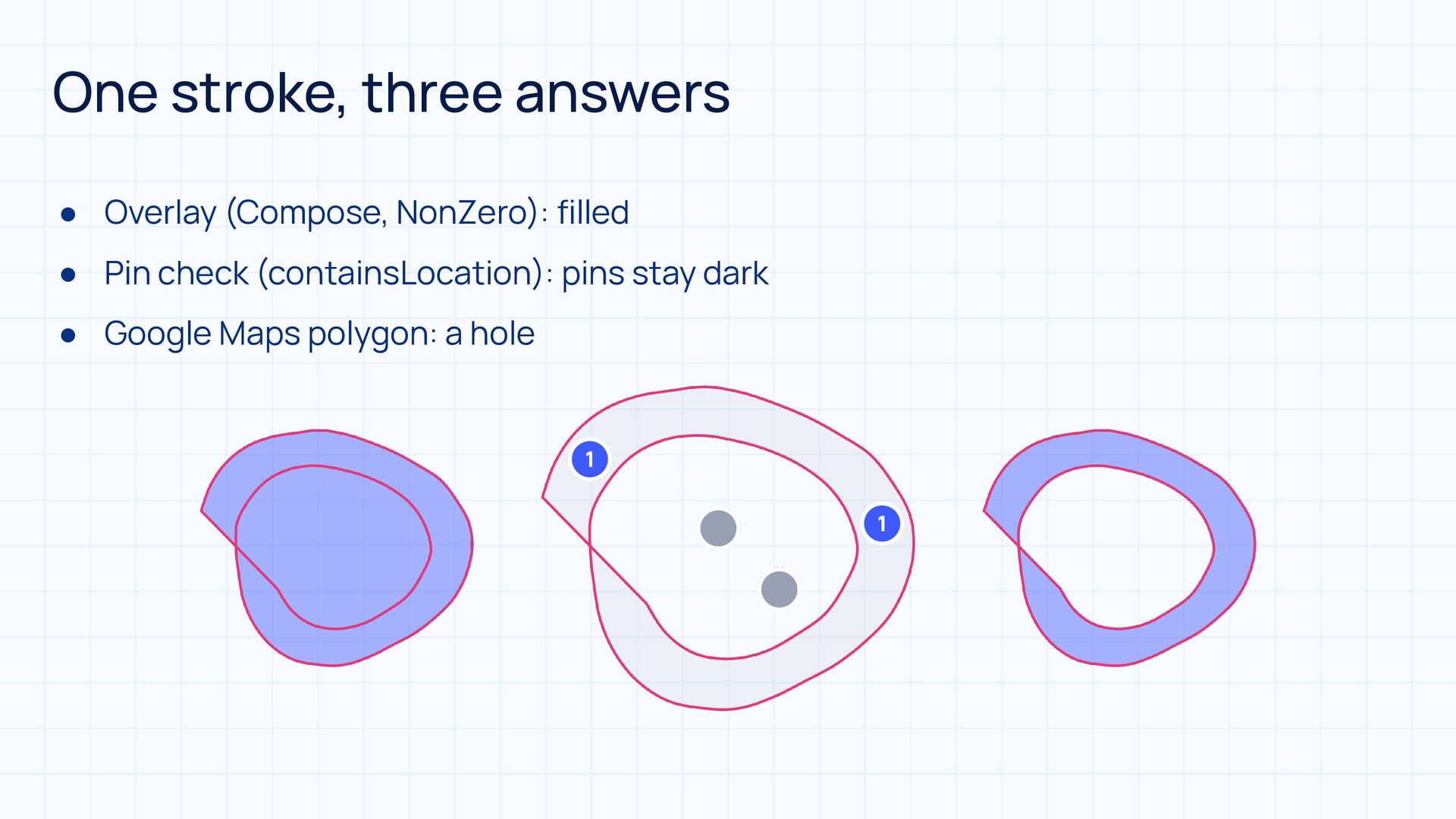
  27. One stroke, three answers • Overlay (Compose, NonZero): filled •

    Pin check (containsLocation): pins stay dark • Google Maps polygon: a hole
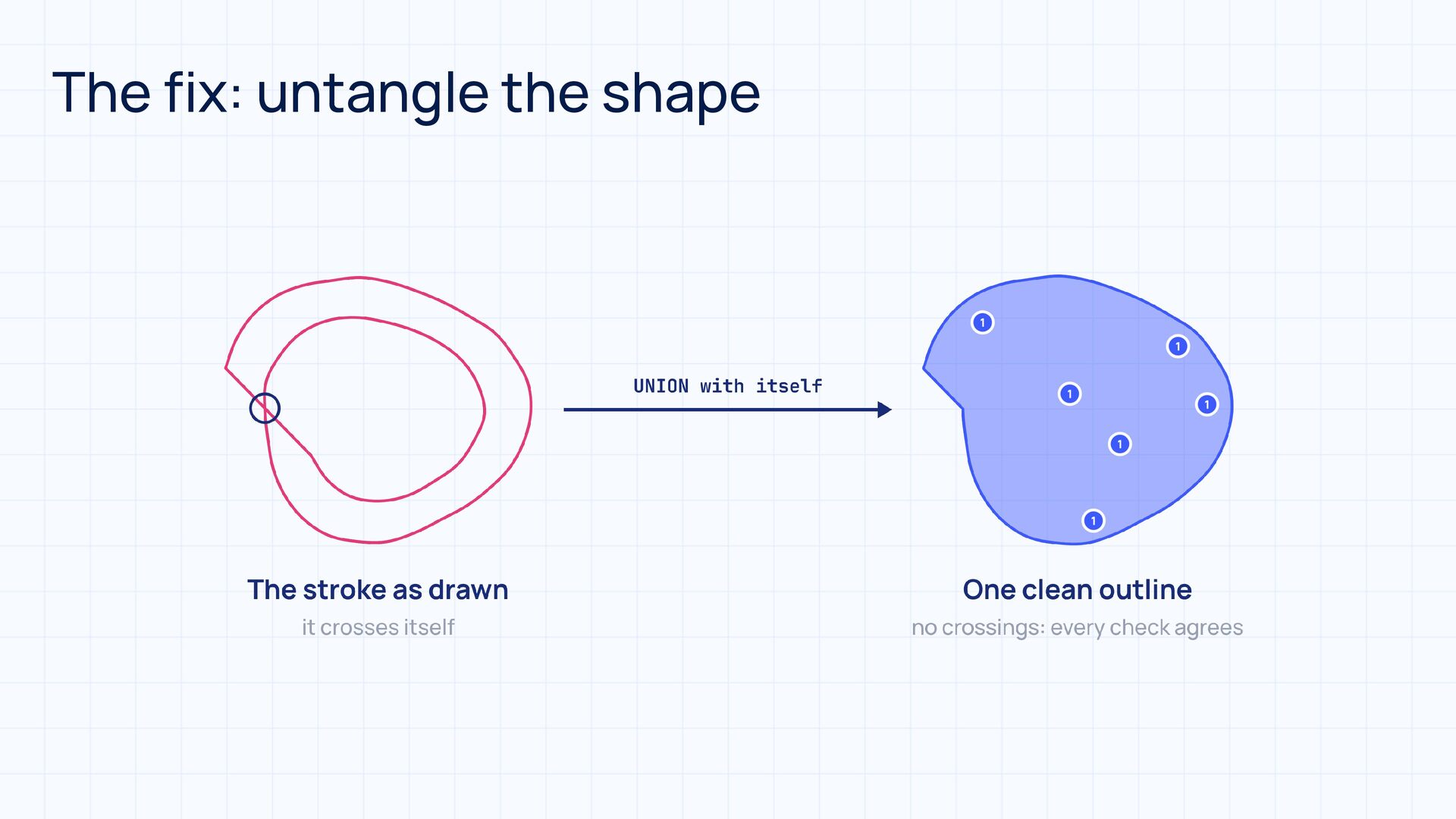
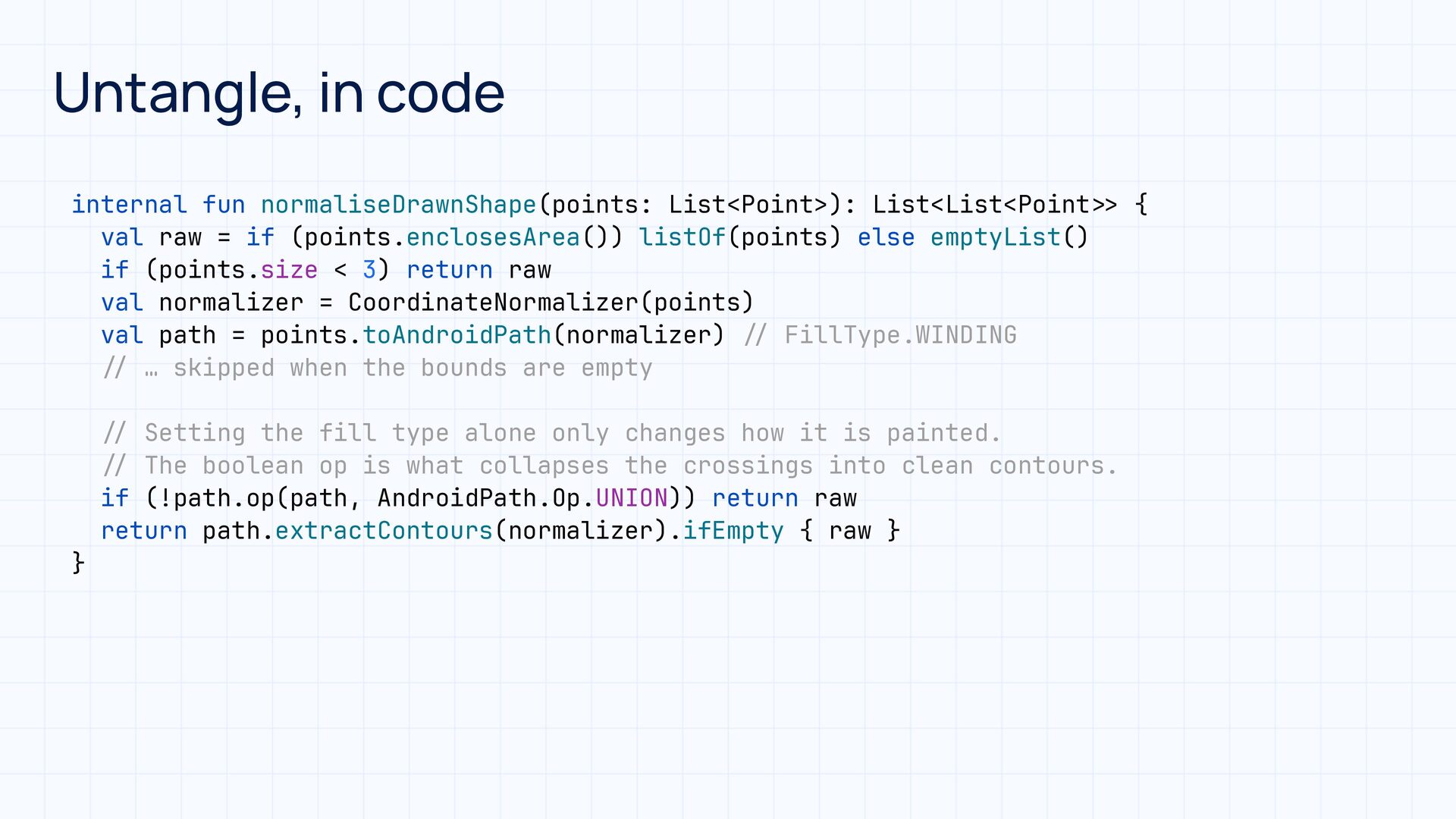
  28. Untangle, in code internal fun normaliseDrawnShape(points: List<Point>): List<List<Point val raw

    = if (points.enclosesArea()) listOf(points) else emptyList() if (points.size < 3) return raw val normalizer = CoordinateNormalizer(points) val path = points.toAndroidPath(normalizer) FillType.WINDING … skipped when the bounds are empty Setting the fill type alone only changes how it is painted. The boolean op is what collapses the crossings into clean contours. if (!path.op(path, AndroidPath.Op.UNION)) return raw return path.extractContours(normalizer).ifEmpty { raw } > > / / / / / / / / } {
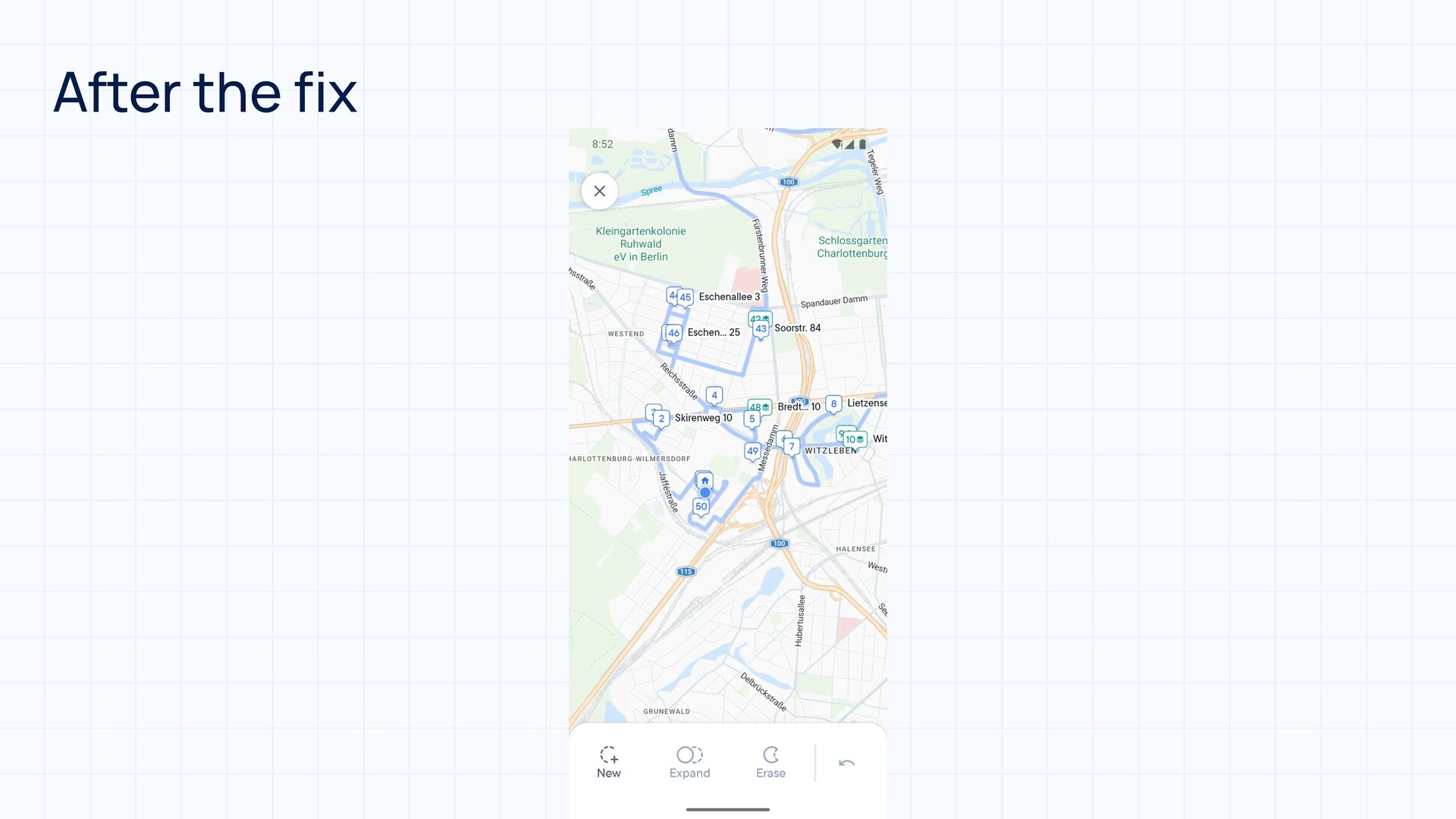
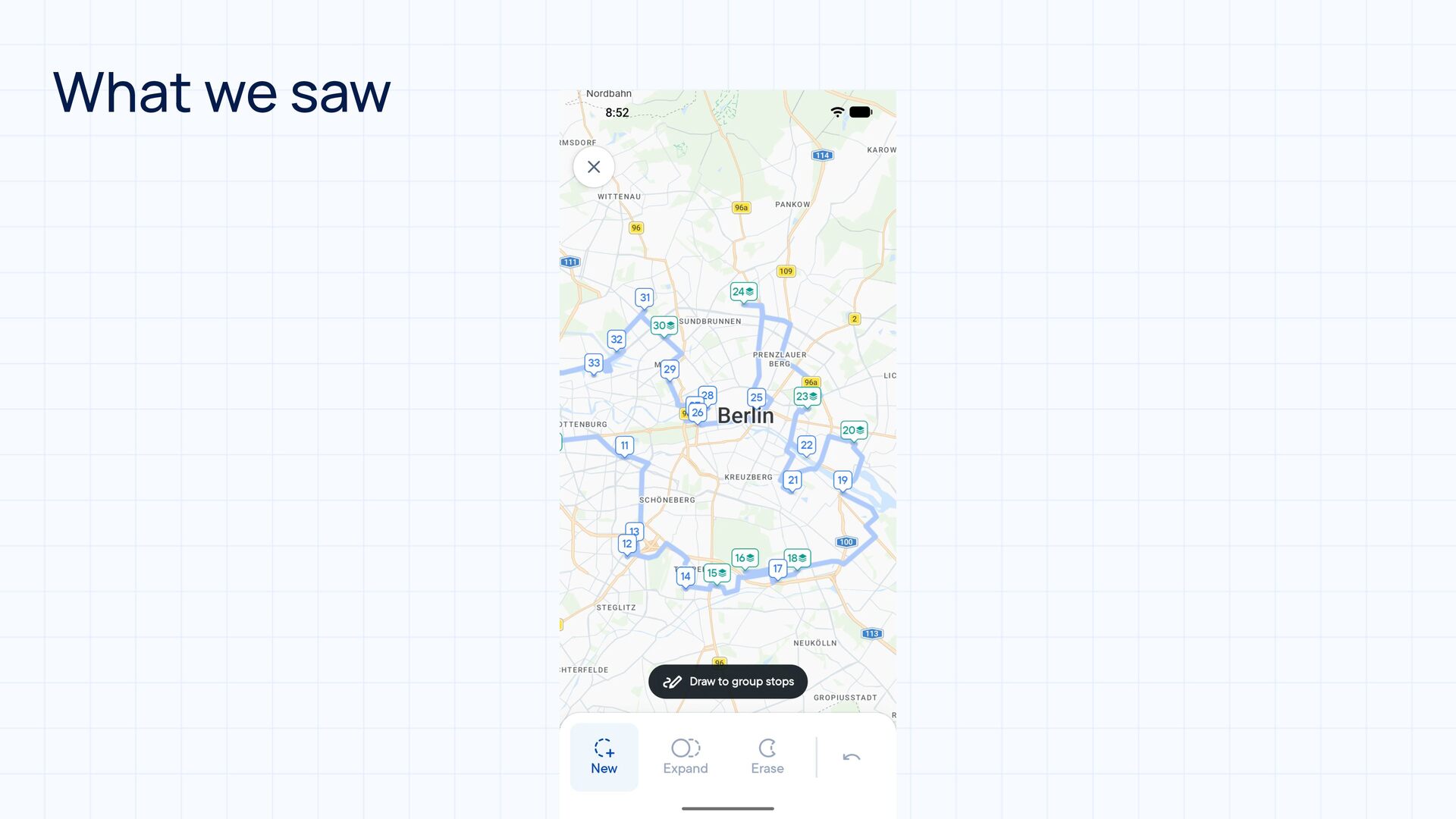
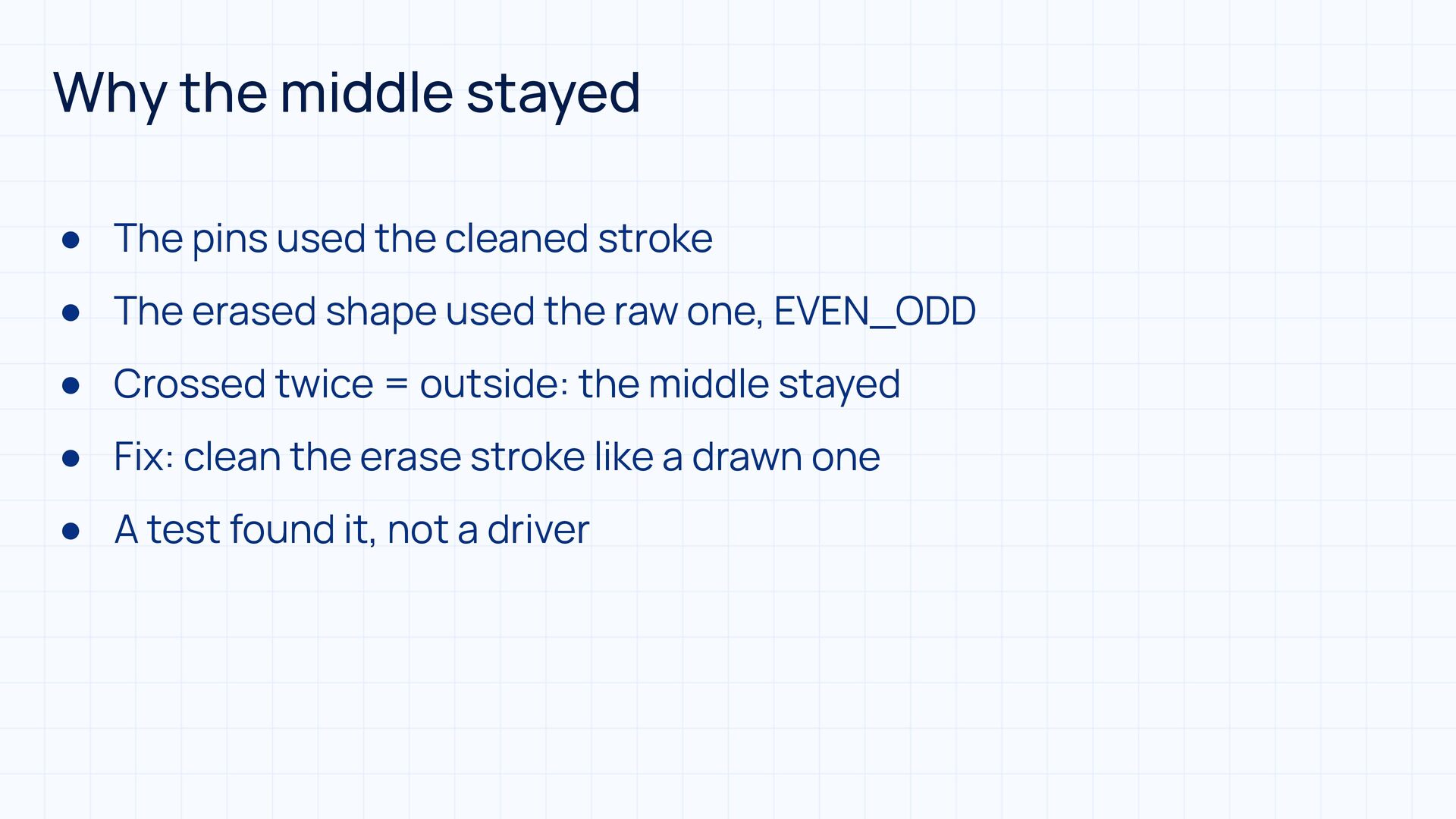
  29. Why the middle stayed • The pins used the cleaned

    stroke • The erased shape used the raw one, EVEN_ODD • Crossed twice = outside: the middle stayed • Fix: clean the erase stroke like a drawn one • A test found it, not a driver
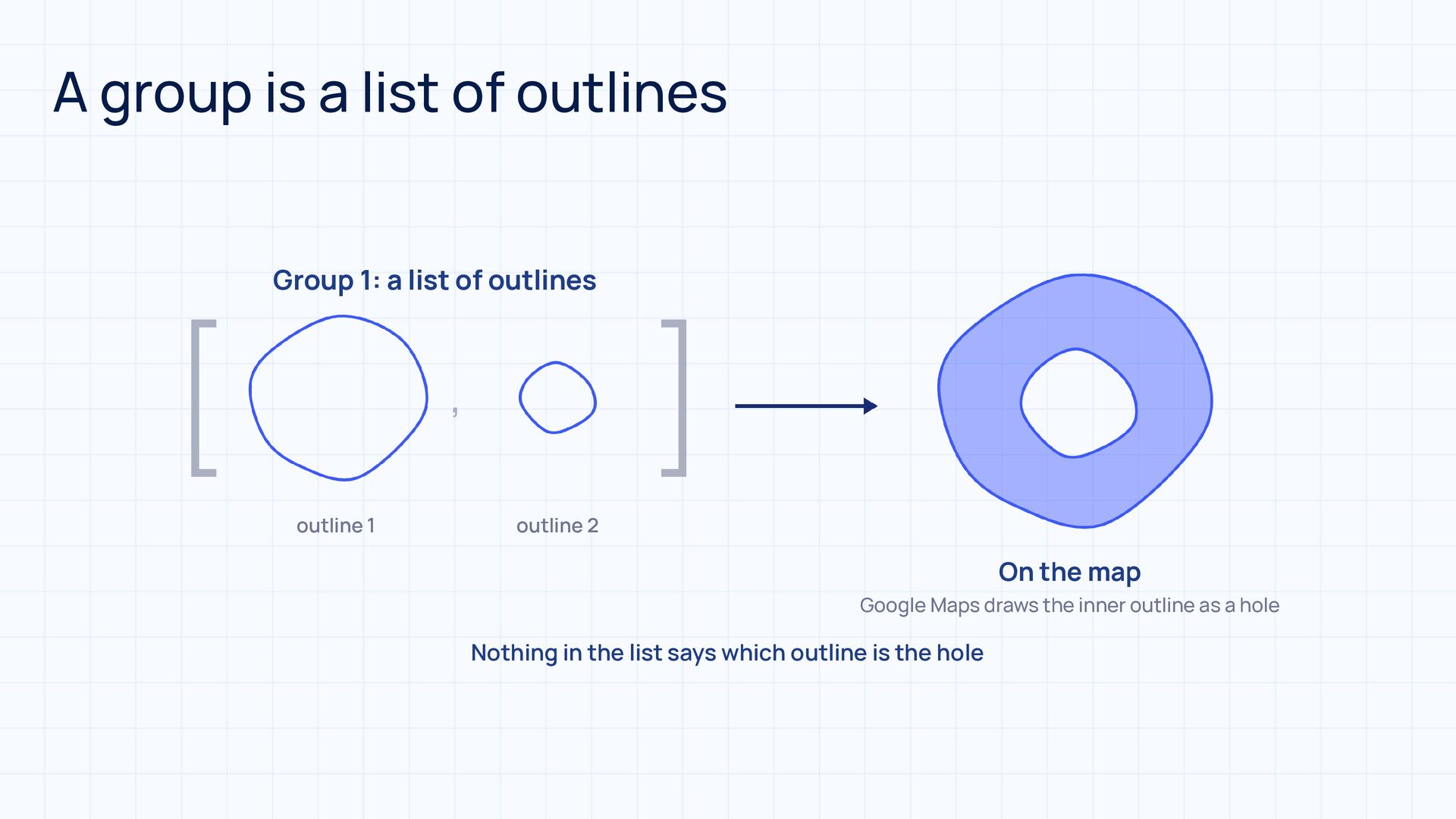
  30. A group is a list of outlines [ Group 1:

    a list of outlines , outline 1 ] outline 2 On the map Google Maps draws the inner outline as a hole Nothing in the list says which outline is the hole
  31. WINDING cares about direction WINDING +1 +1 −1 +1 +1

    = 2, inside +1 −1 = 0, outside Hole drawn the same way Hole drawn the other way +1
  32. One Path: many outlines, one fill rule One Path outline

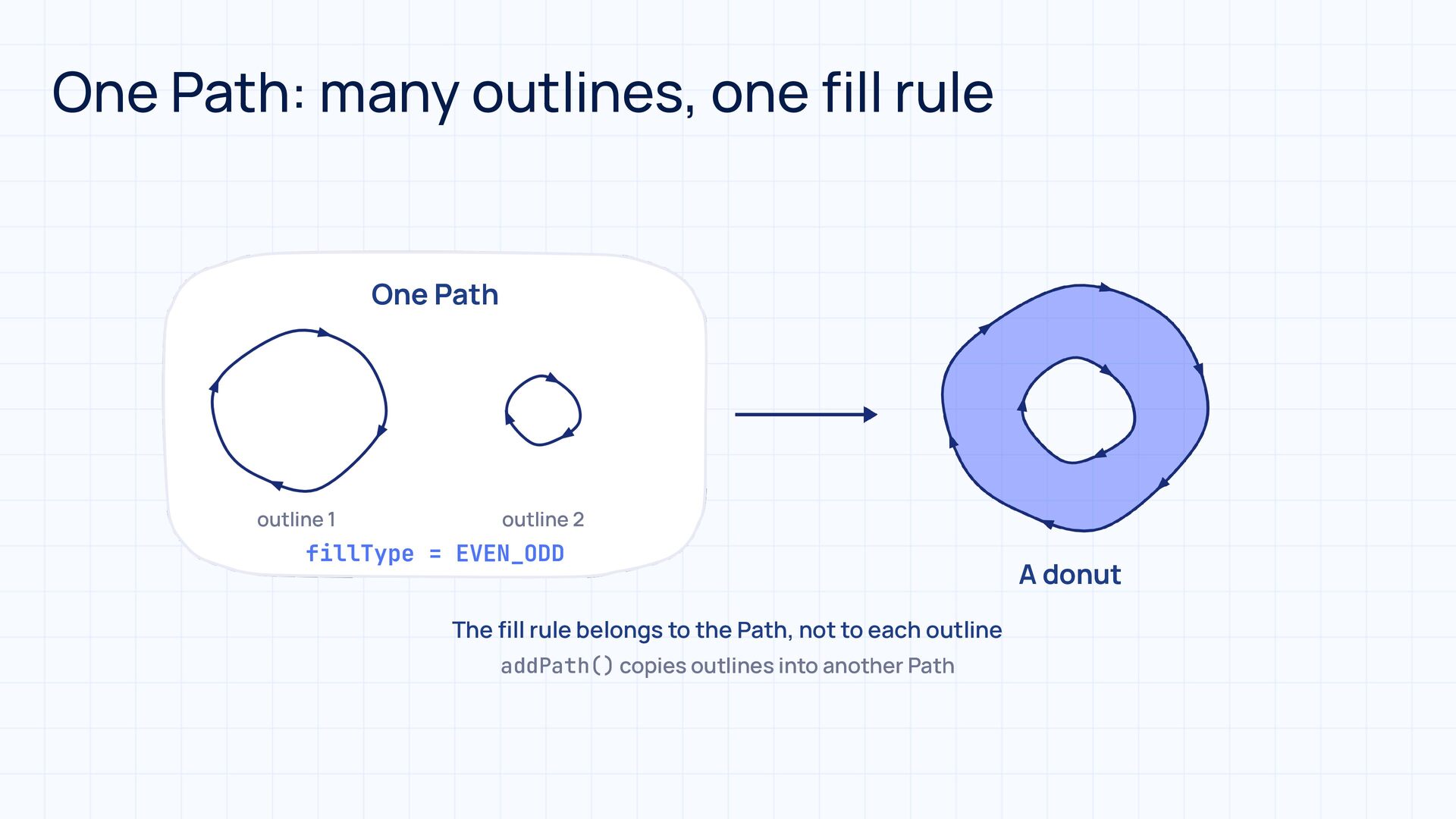
    1 outline 2 fillType = EVEN_ODD The ll rule belongs to the Path, not to each outline fi addPath() copies outlines into another Path A donut
  33. val newPath = newPoints.toAndroidPath(normalizer) Combine all existing group paths into

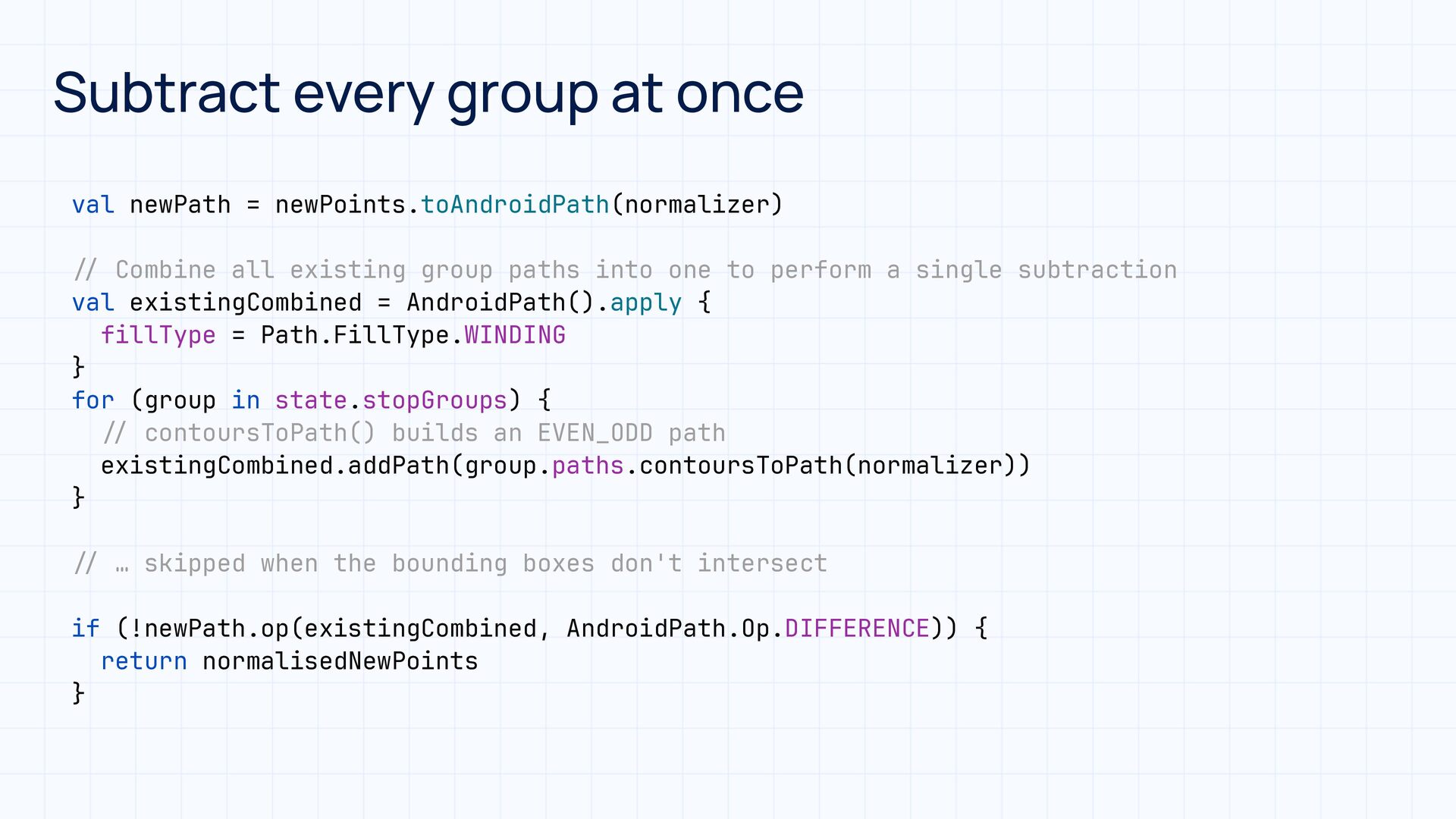
    one to perform a single subtraction val existingCombined = AndroidPath().apply { fillType = Path.FillType.WINDING } for (group in state.stopGroups) { contoursToPath() builds an EVEN_ODD path existingCombined.addPath(group.paths.contoursToPath(normalizer)) } … skipped when the bounding boxes don't intersect / / / if (!newPath.op(existingCombined, AndroidPath.Op.DIFFERENCE)) { return normalisedNewPoints } / / / Subtract every group at once
  34. What went wrong? 🤔 • Each group: one Path, EVEN_ODD

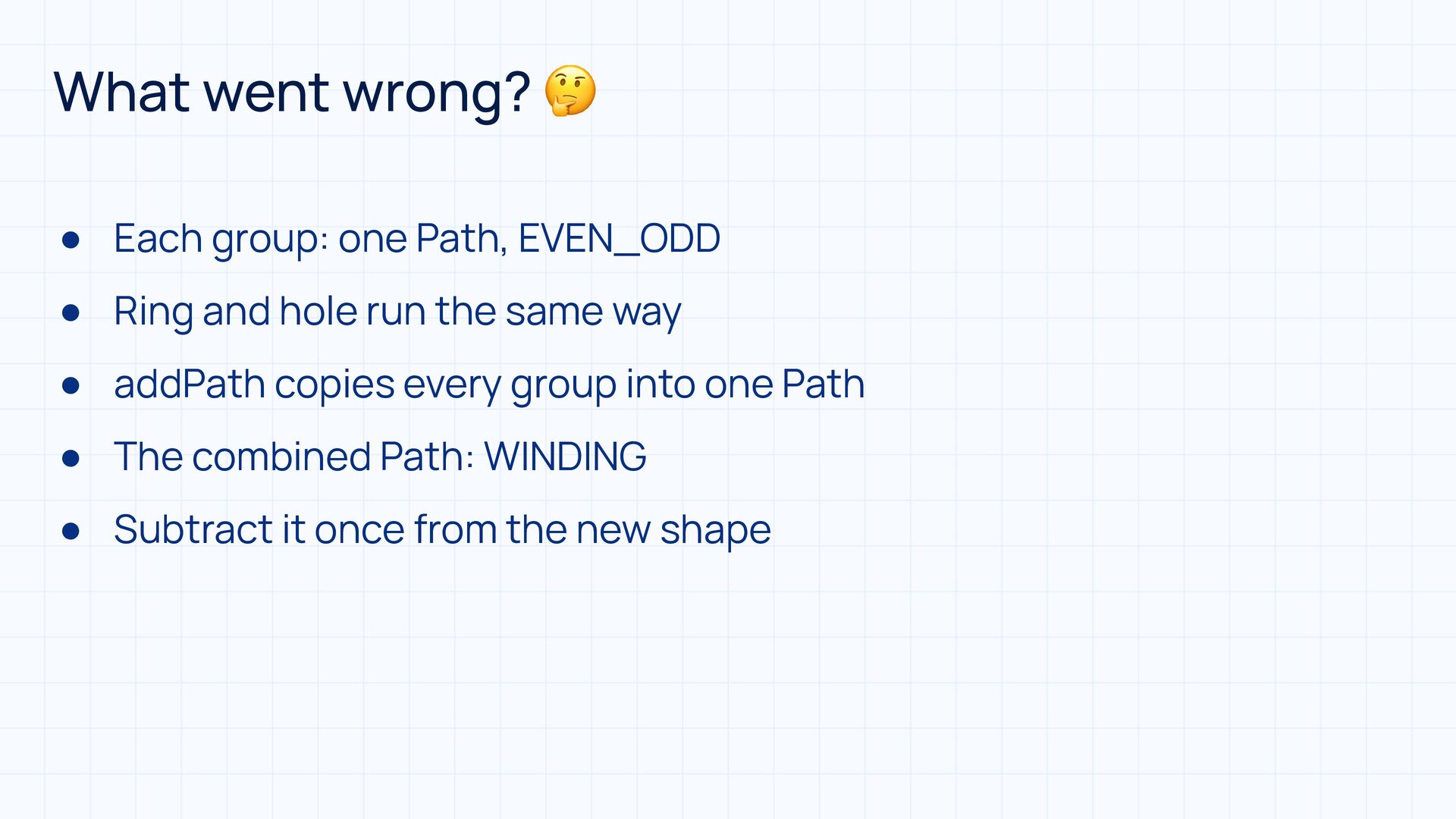
    • Ring and hole run the same way • addPath copies every group into one Path • The combined Path: WINDING • Subtract it once from the new shape
  35. The donut became a disc ∅ Group path After addPath

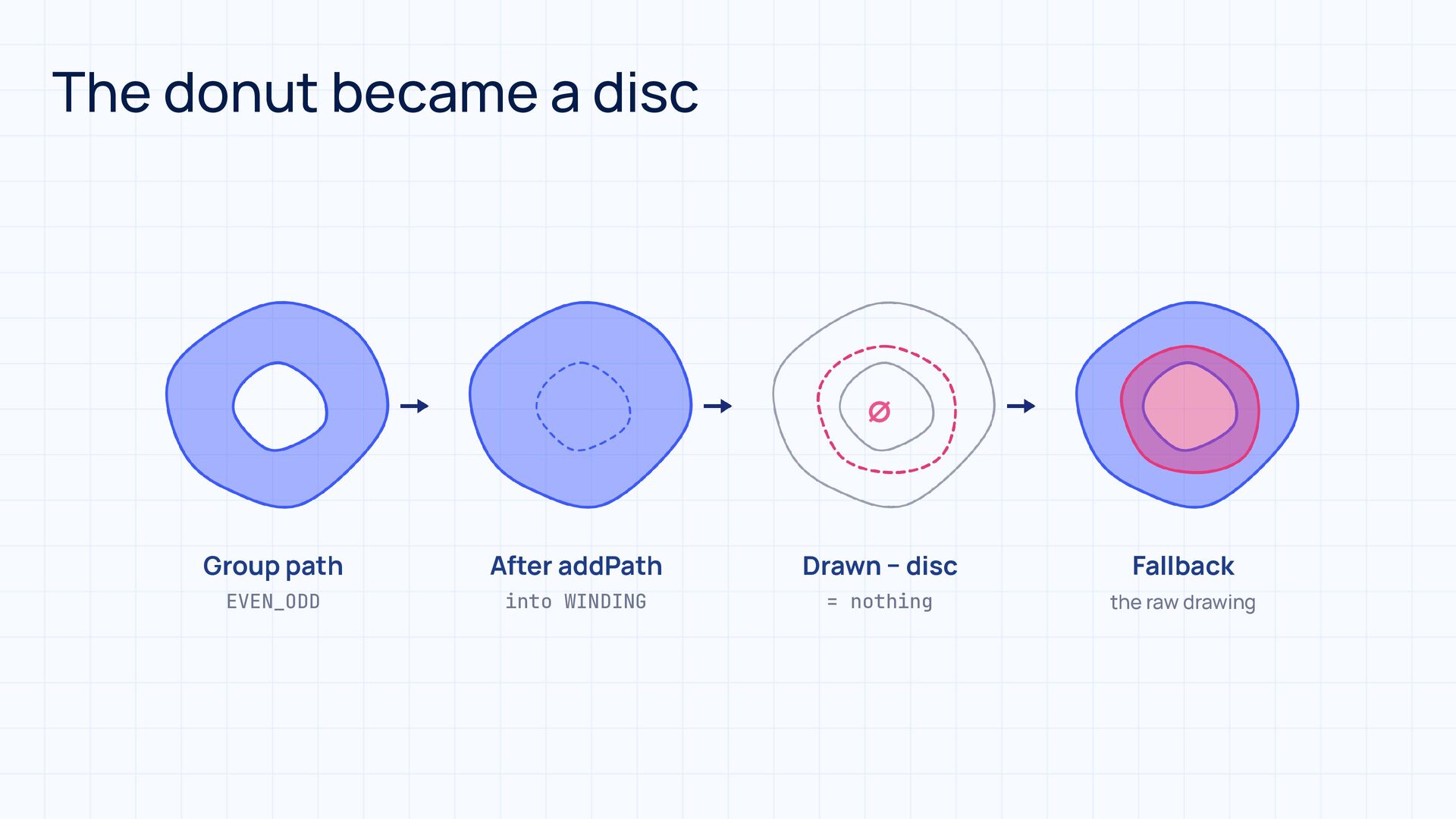
    Drawn − disc Fallback EVEN_ODD into WINDING = nothing the raw drawing
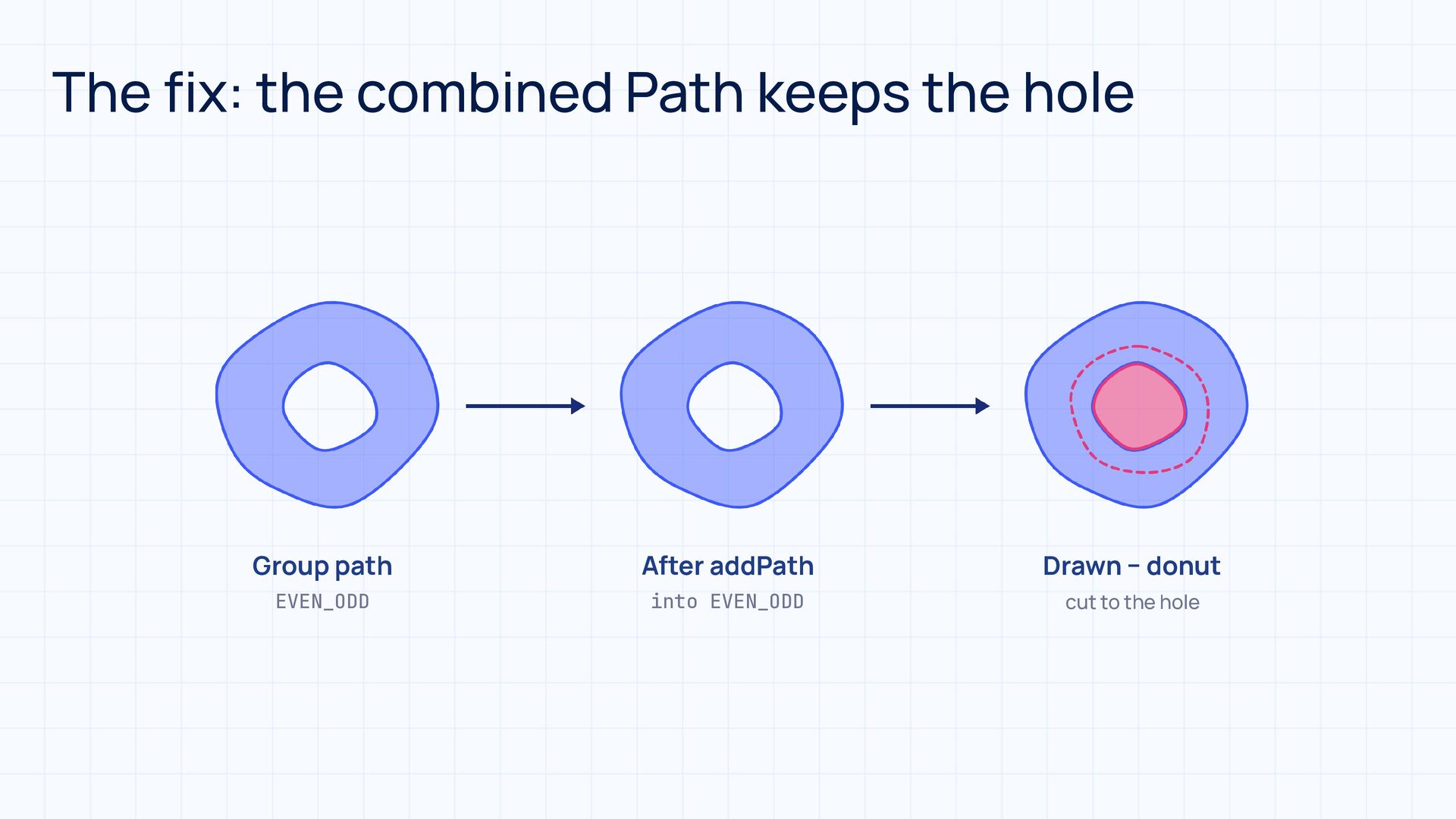
  36. The fix: the combined Path keeps the hole Group path

    After addPath Drawn − donut EVEN_ODD into EVEN_ODD cut to the hole
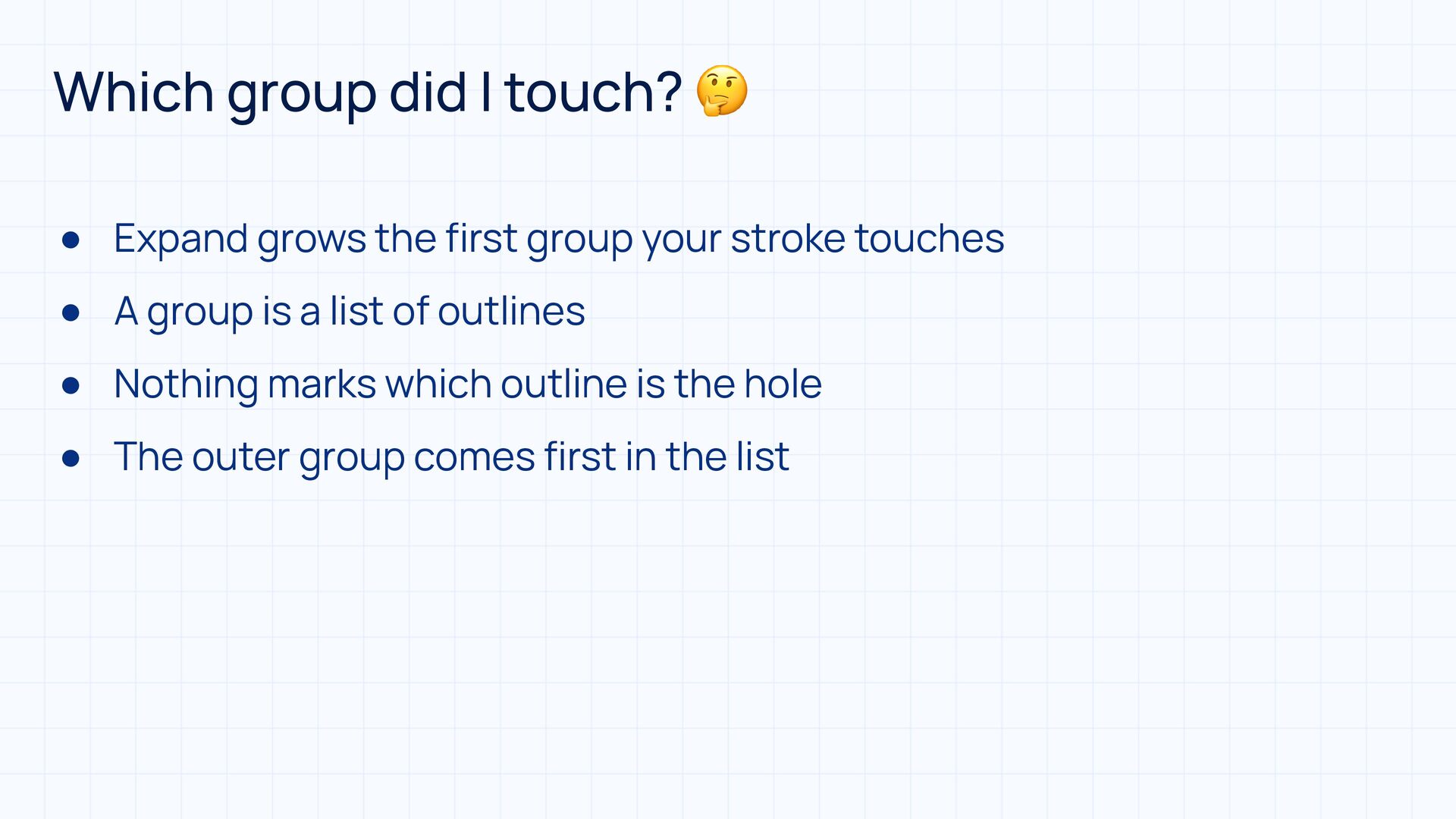
  37. Which group did I touch? 🤔 • Expand grows the

    first group your stroke touches • A group is a list of outlines • Nothing marks which outline is the hole • The outer group comes first in the list
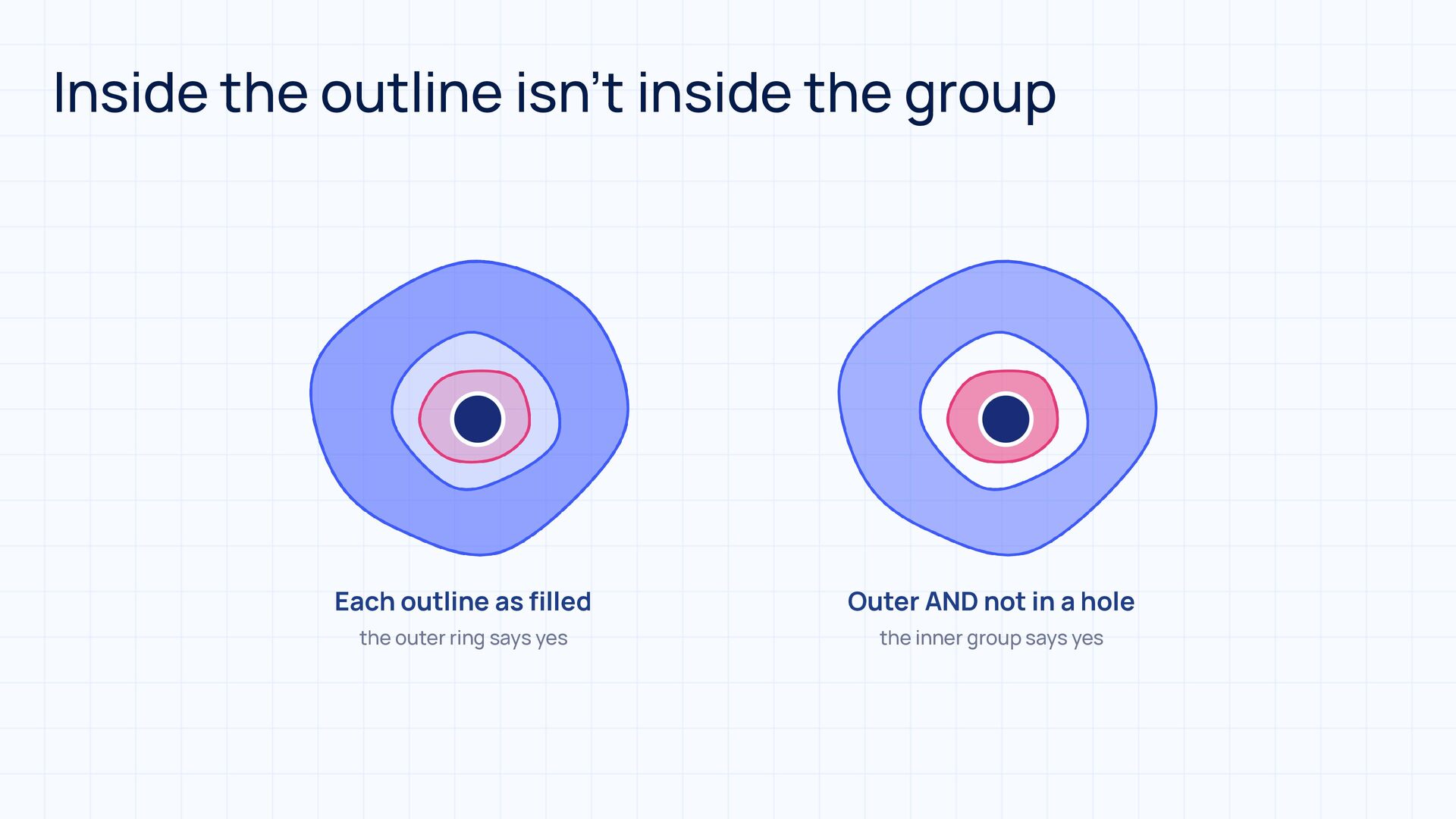
  38. fi Inside the outline isn’t inside the group Each outline

    as lled Outer AND not in a hole the outer ring says yes the inner group says yes
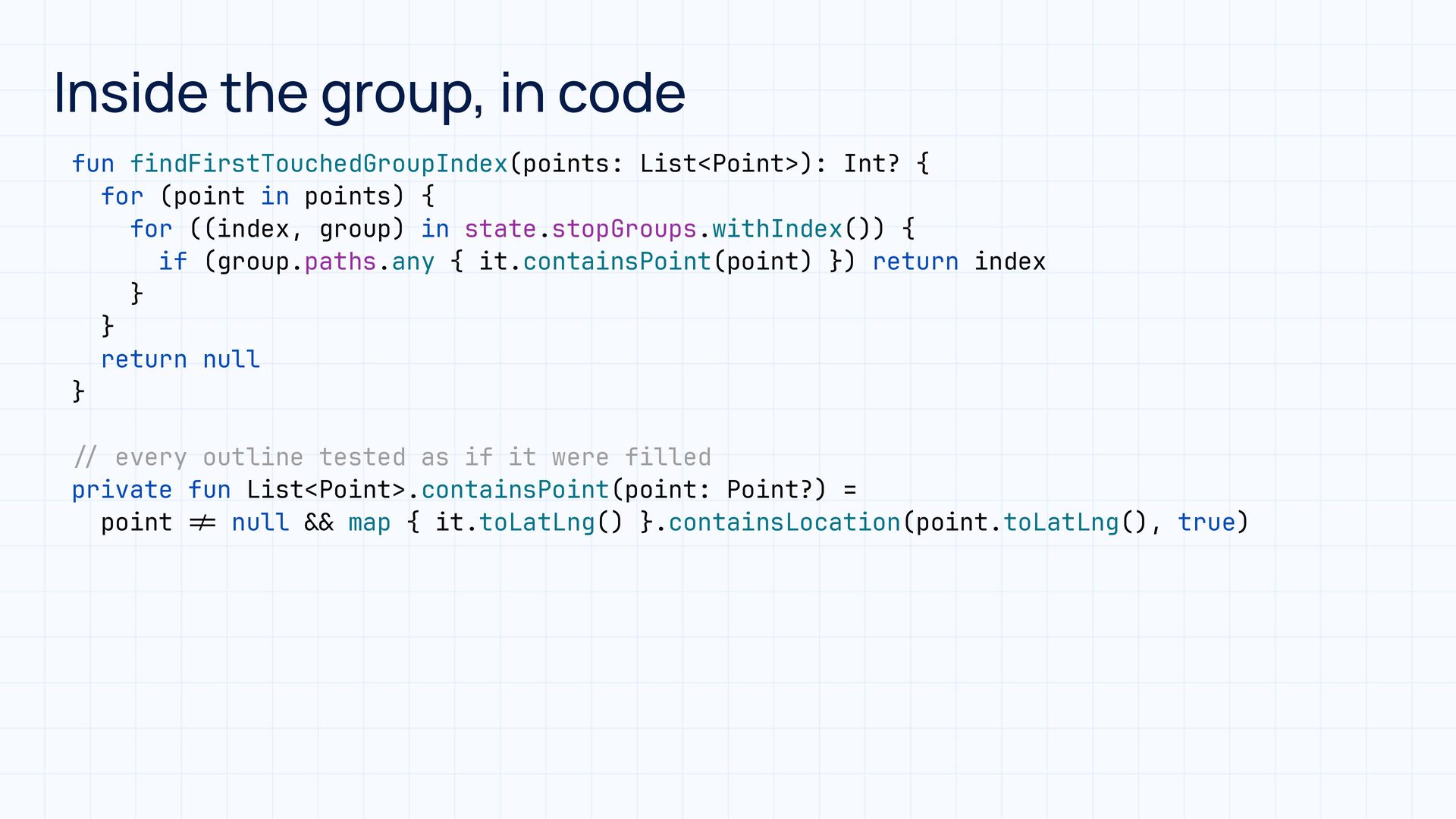
  39. fun findFirstTouchedGroupIndex(points: List<Point>): Int? { for (point in points) {

    for ((index, group) in state.stopGroups.withIndex()) { if (group.paths.any { it.containsPoint(point) }) return index } } return null } & & = ! every outline tested as if it were filled private fun List<Point>.containsPoint(point: Point?) = point null map { it.toLatLng() }.containsLocation(point.toLatLng(), true) / / Inside the group, in code
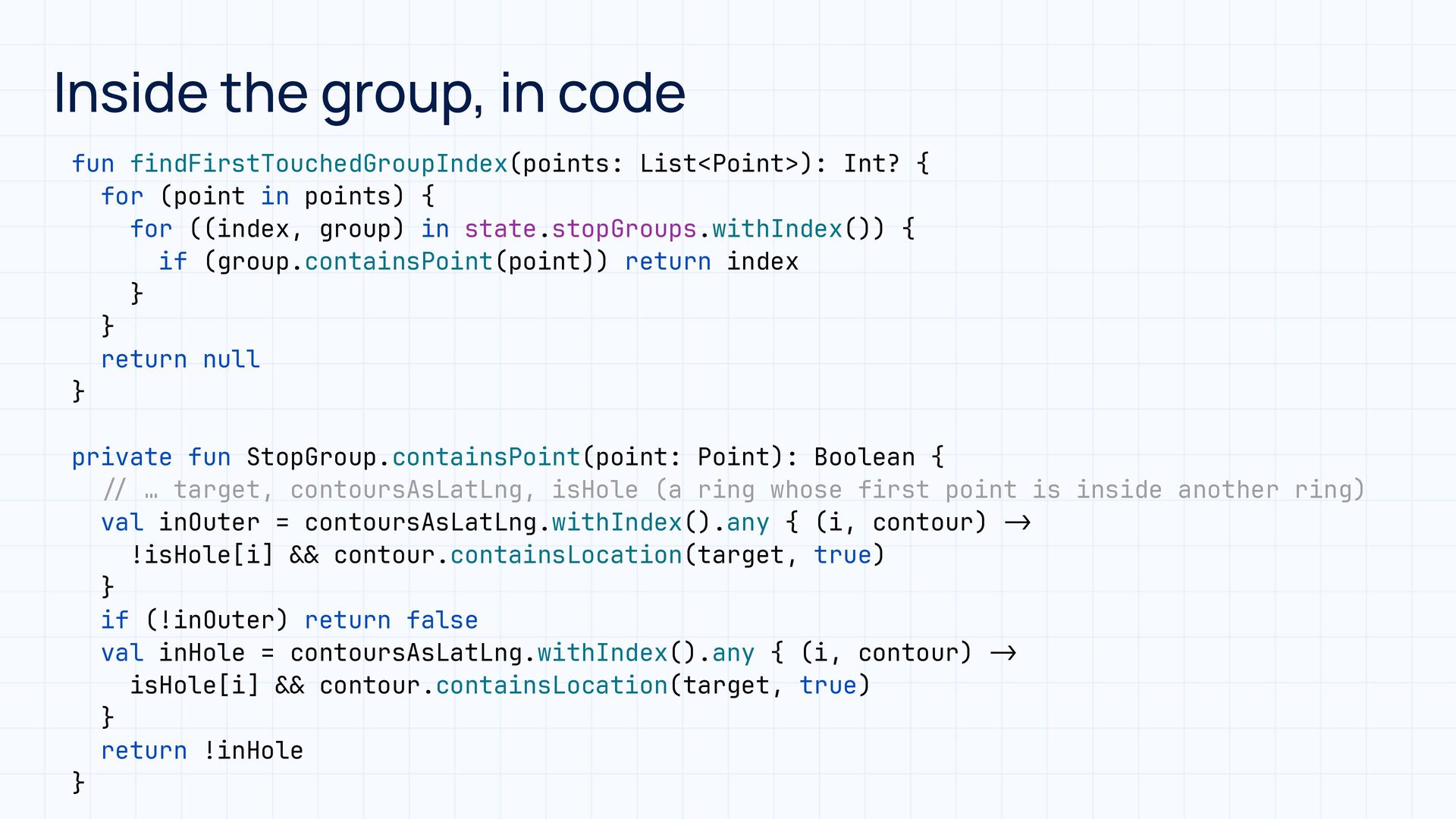
  40. Inside the group, in code fun findFirstTouchedGroupIndex(points: List<Point>): Int? {

    for (point in points) { for ((index, group) in state.stopGroups.withIndex()) { if (group.containsPoint(point)) return index } } return null } > - > - & & & & / / private fun StopGroup.containsPoint(point: Point): Boolean { … target, contoursAsLatLng, isHole (a ring whose first point is inside another ring) val inOuter = contoursAsLatLng.withIndex().any { (i, contour) !isHole[i] contour.containsLocation(target, true) } if (!inOuter) return false val inHole = contoursAsLatLng.withIndex().any { (i, contour) isHole[i] contour.containsLocation(target, true) } return !inHole }
  41. The logic only knows coordinates • A controller class for

    the logic • Independent from the UI • Lat/lng in, lat/lng out
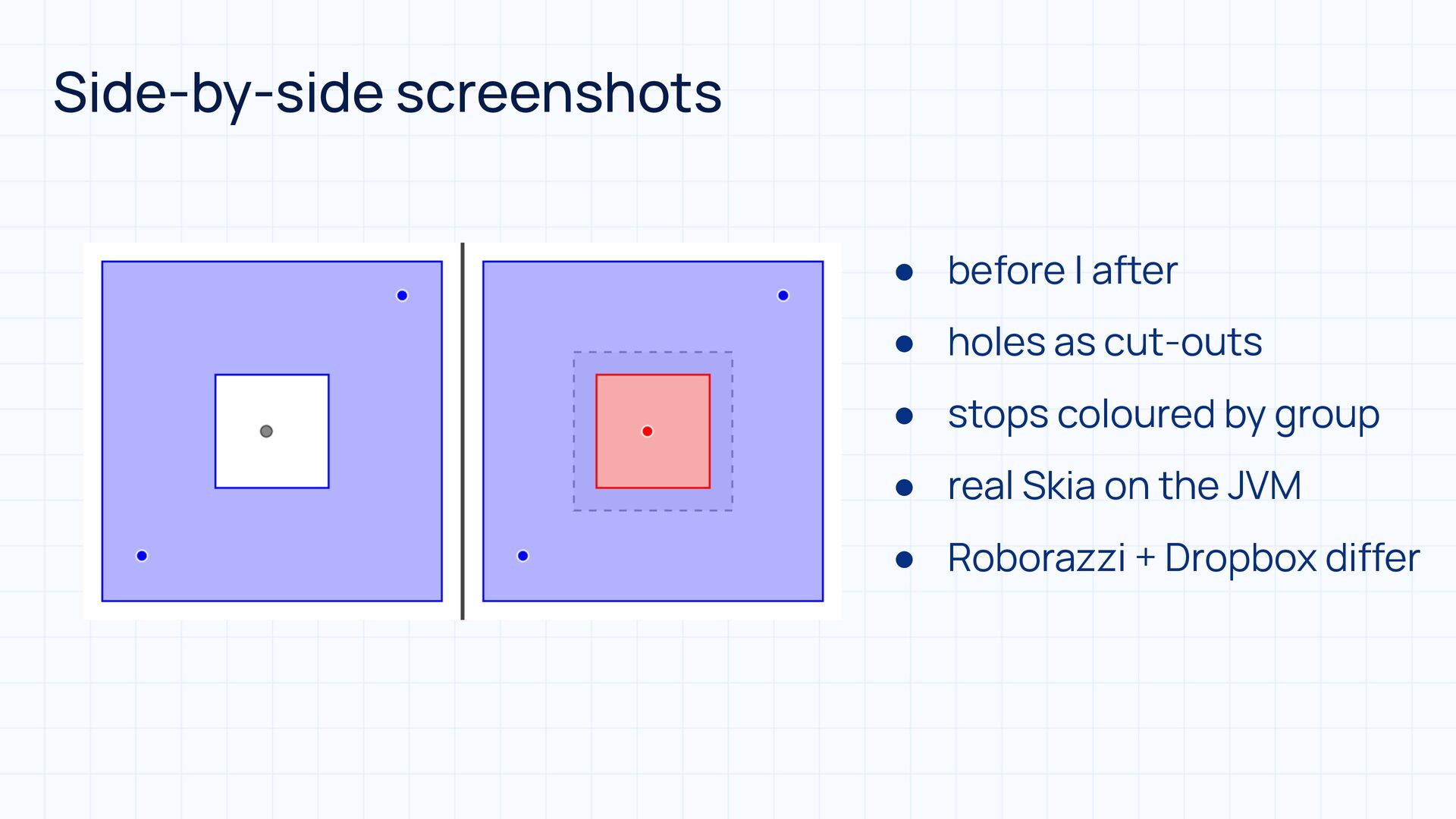
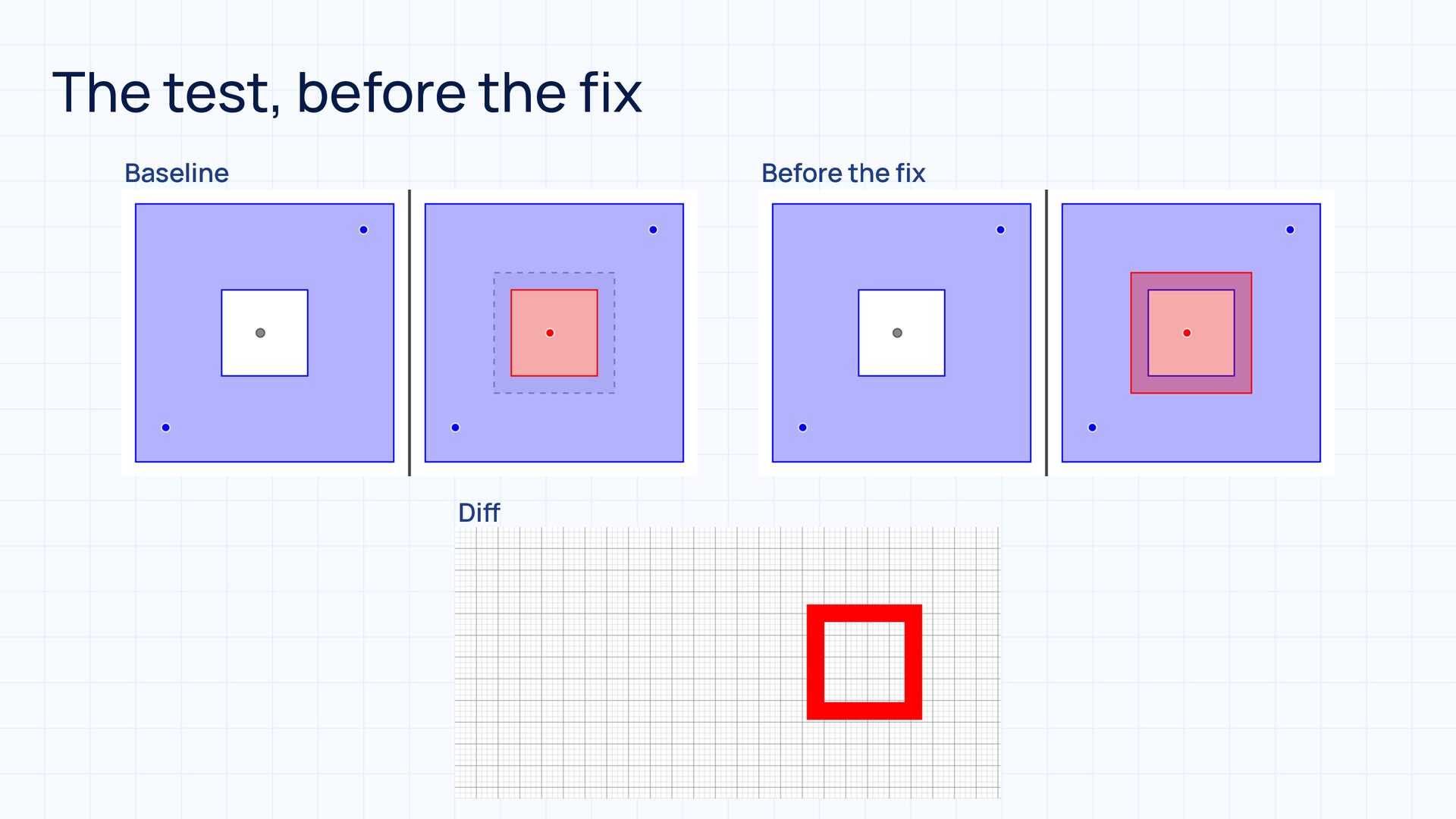
  42. Side-by-side screenshots • before | after • holes as cut-outs

    • stops coloured by group • real Skia on the JVM • Roborazzi + Dropbox differ
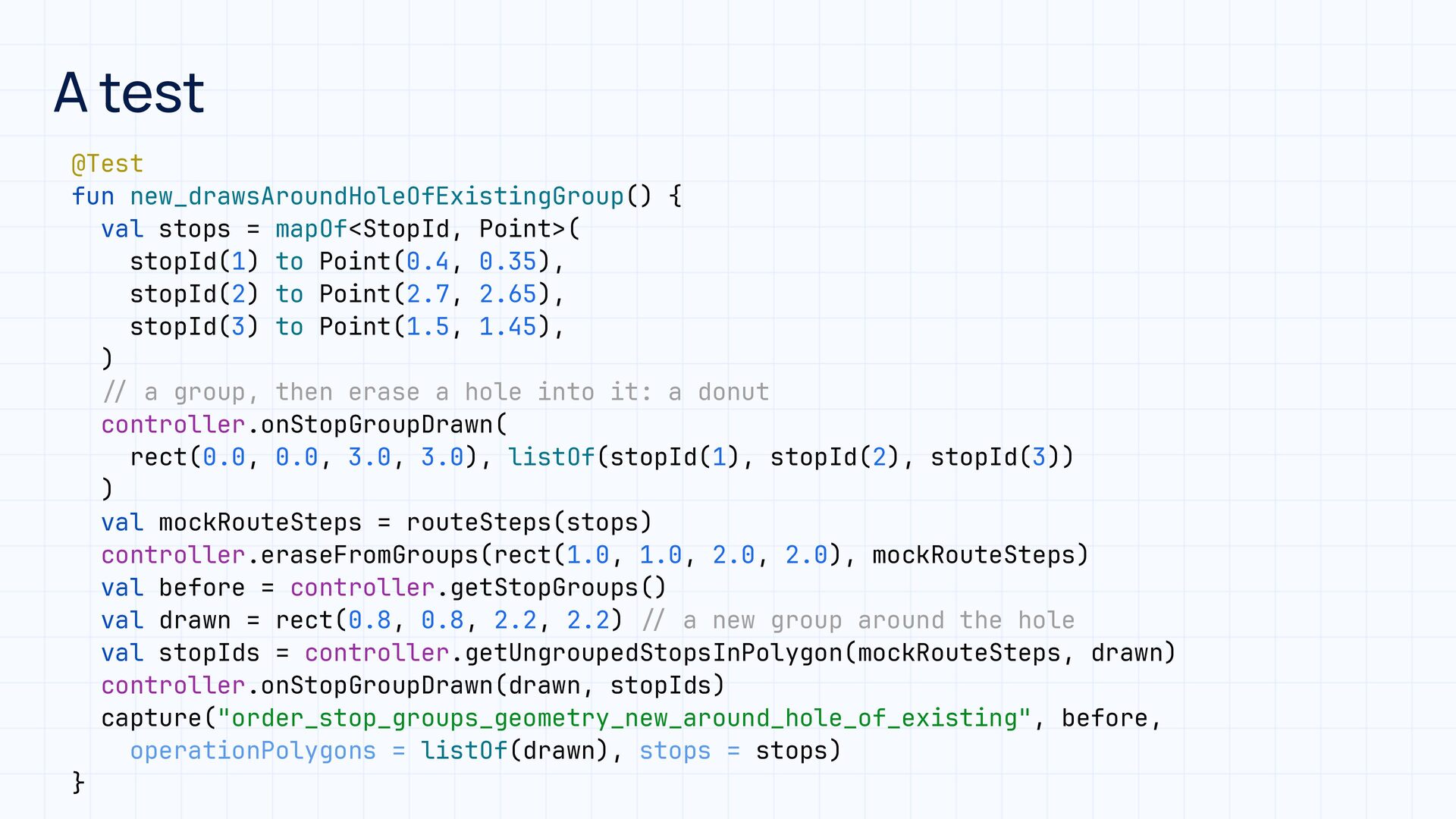
  43. A test / / / / @Test fun new_drawsAroundHoleOfExistingGroup() {

    val stops = mapOf<StopId, Point>( stopId(1) to Point(0.4, 0.35), stopId(2) to Point(2.7, 2.65), stopId(3) to Point(1.5, 1.45), ) a group, then erase a hole into it: a donut controller.onStopGroupDrawn( rect(0.0, 0.0, 3.0, 3.0), listOf(stopId(1), stopId(2), stopId(3)) ) val mockRouteSteps = routeSteps(stops) controller.eraseFromGroups(rect(1.0, 1.0, 2.0, 2.0), mockRouteSteps) val before = controller.getStopGroups() val drawn = rect(0.8, 0.8, 2.2, 2.2) a new group around the hole val stopIds = controller.getUngroupedStopsInPolygon(mockRouteSteps, drawn) controller.onStopGroupDrawn(drawn, stopIds) capture("order_stop_groups_geometry_new_around_hole_of_existing", before, operationPolygons = listOf(drawn), stops = stops) }
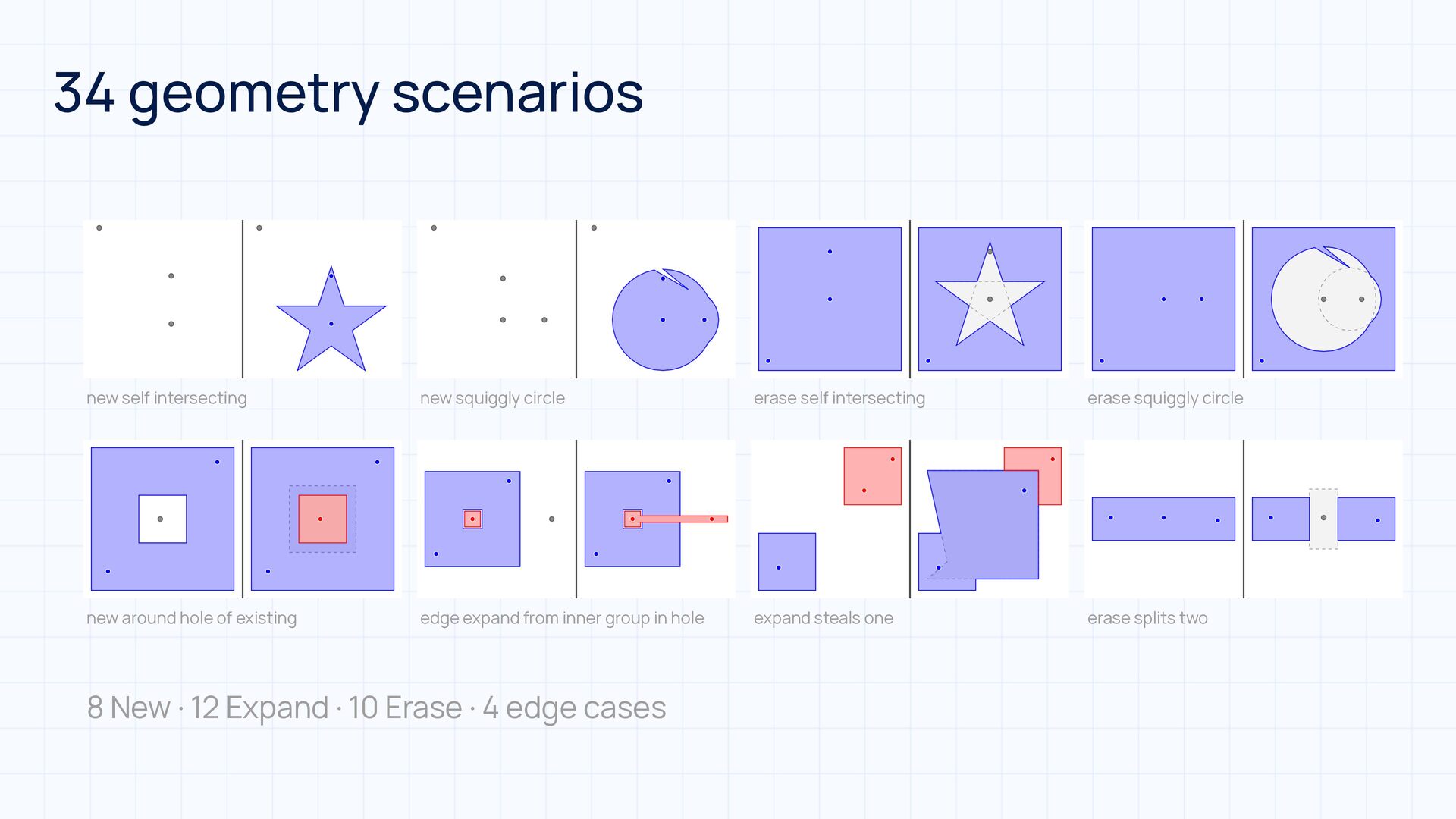
  44. 34 geometry scenarios new self intersecting new squiggly circle erase

    self intersecting erase squiggly circle new around hole of existing edge expand from inner group in hole expand steals one erase splits two 8 New · 12 Expand · 10 Erase · 4 edge cases
  45. One rule • A changed image is a question, not

    a failure • Re-record only on purpose
  46. Built with the help of AI 🤖 • Claude and

    Codex as a team • The maths and the test suite • Claude coding and reviewing, Codex as second reviewer • Edge cases, and keeping Android and iOS in sync
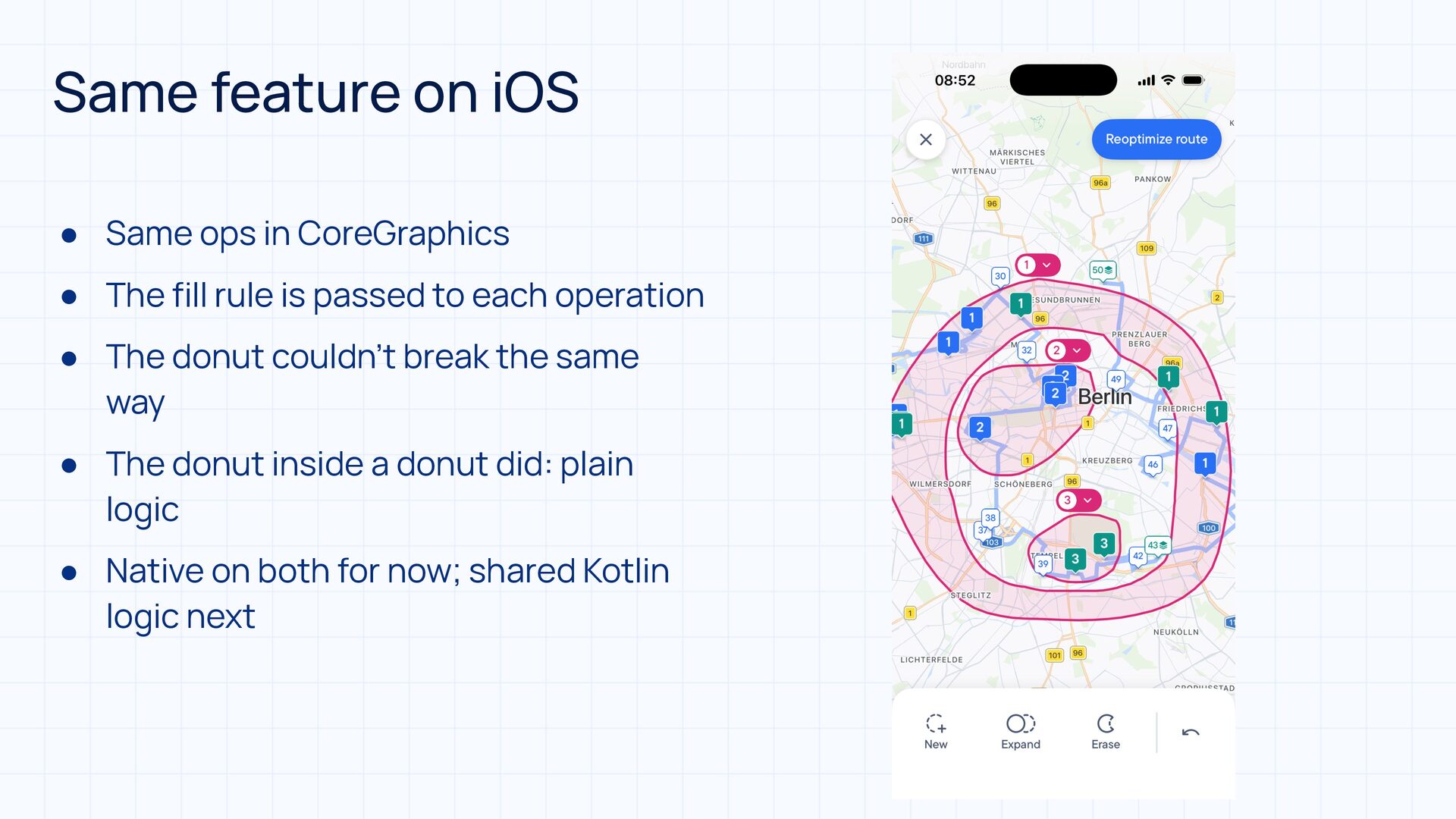
  47. Same feature on iOS • Same ops in CoreGraphics •

    The fill rule is passed to each operation • The donut couldn’t break the same way • The donut inside a donut did: plain logic • Native on both for now; shared Kotlin logic next
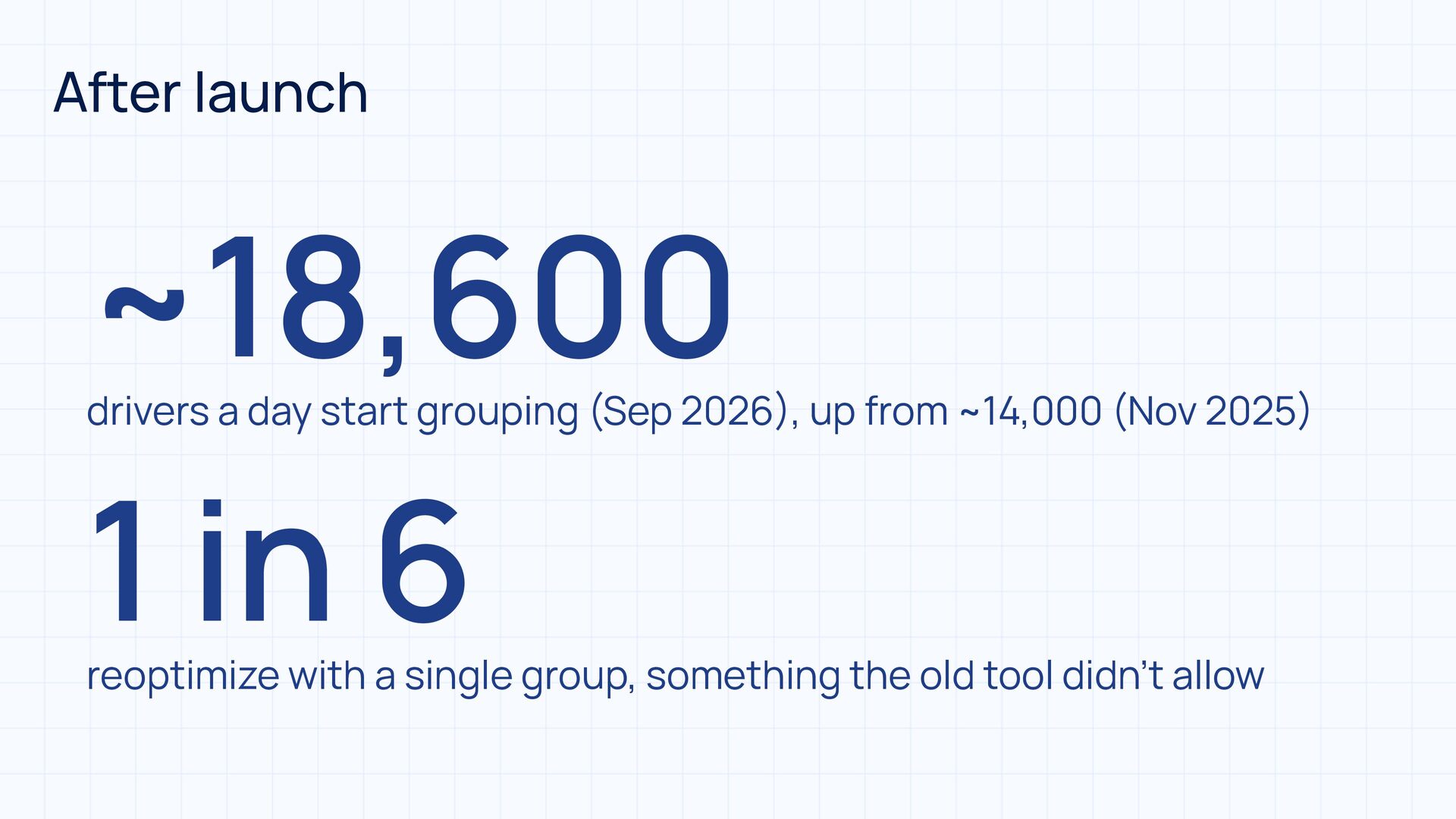
  48. After launch ~18,600 drivers a day start grouping (Sep 2026

    , up from ~14,000 (Nov 2025 1 in 6 ) ) reoptimize with a single group, something the old tool didn’t allow
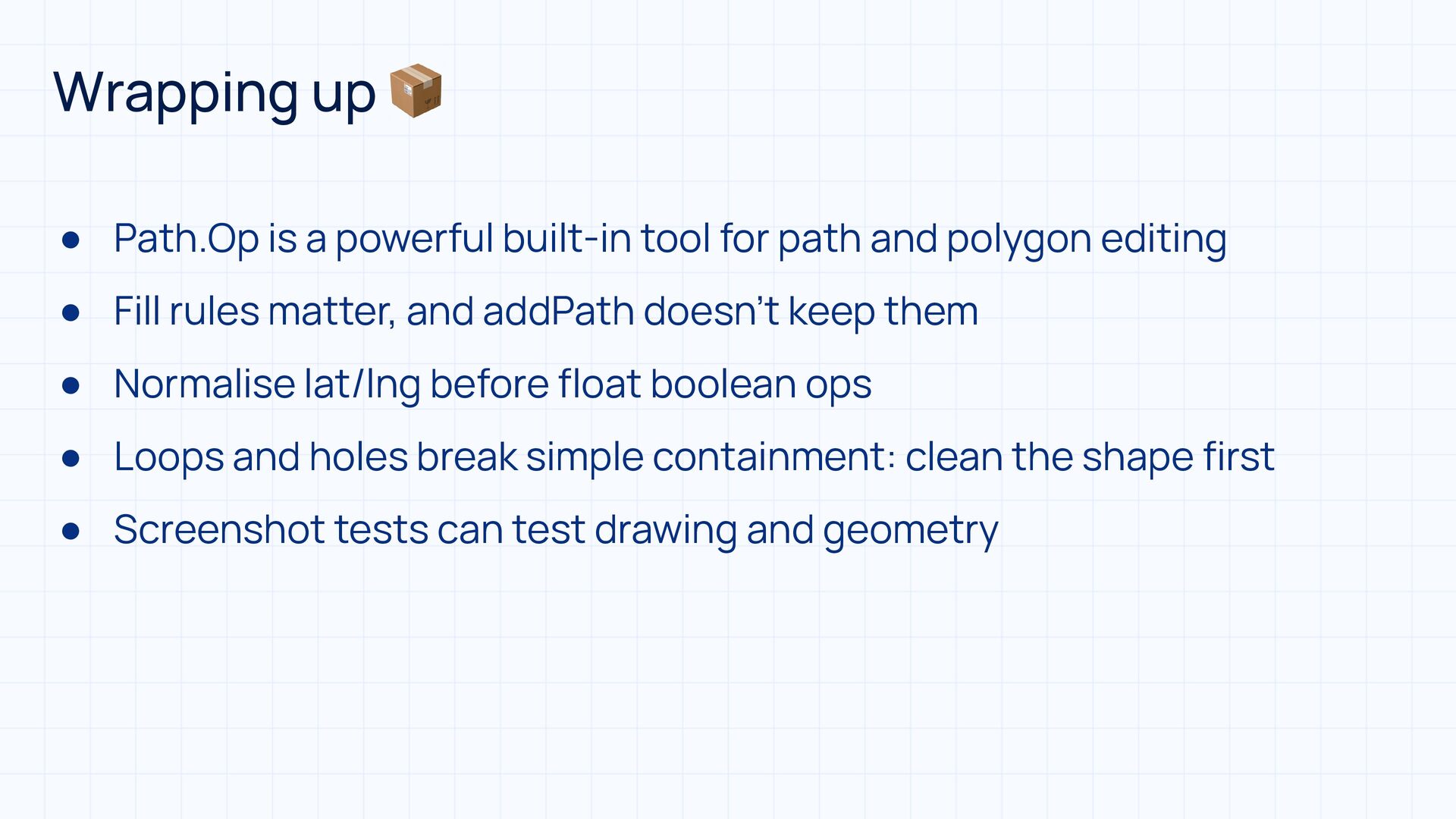
  49. Wrapping up 📦 • Path.Op is a powerful built-in tool

    for path and polygon editing • Fill rules matter, and addPath doesn’t keep them • Normalise lat/lng before float boolean ops • Loops and holes break simple containment: clean the shape first • Screenshot tests can test drawing and geometry