Upgrade to Pro — share decks privately, control downloads, hide ads and more …

Mastering In-App Purchases

Avatar for Batuhan Saka Batuhan Saka
November 27, 2019

Mastering In-App Purchases

This presentation allows you to understand how StoreKit should be integrated with your application, also gives pieces of information about the Receipt Validation and Status Update Notifications.

Avatar for Batuhan Saka

Batuhan Saka

November 27, 2019

Other Decks in Programming

Transcript

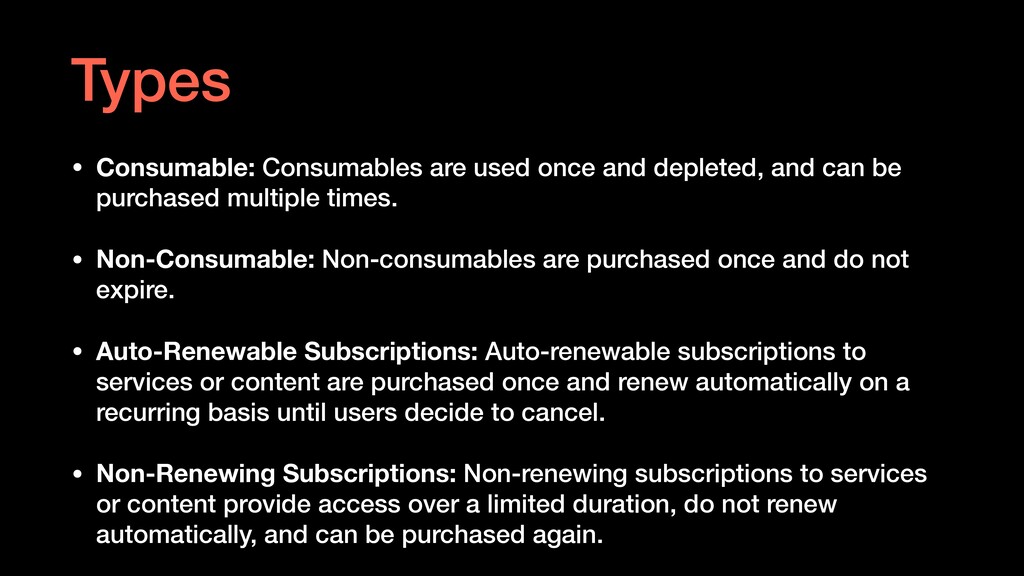
  1. • Consumable: Consumables are used once and depleted, and can

    be purchased multiple times. • Non-Consumable: Non-consumables are purchased once and do not expire. • Auto-Renewable Subscriptions: Auto-renewable subscriptions to services or content are purchased once and renew automatically on a recurring basis until users decide to cancel. • Non-Renewing Subscriptions: Non-renewing subscriptions to services or content provide access over a limited duration, do not renew automatically, and can be purchased again. Types
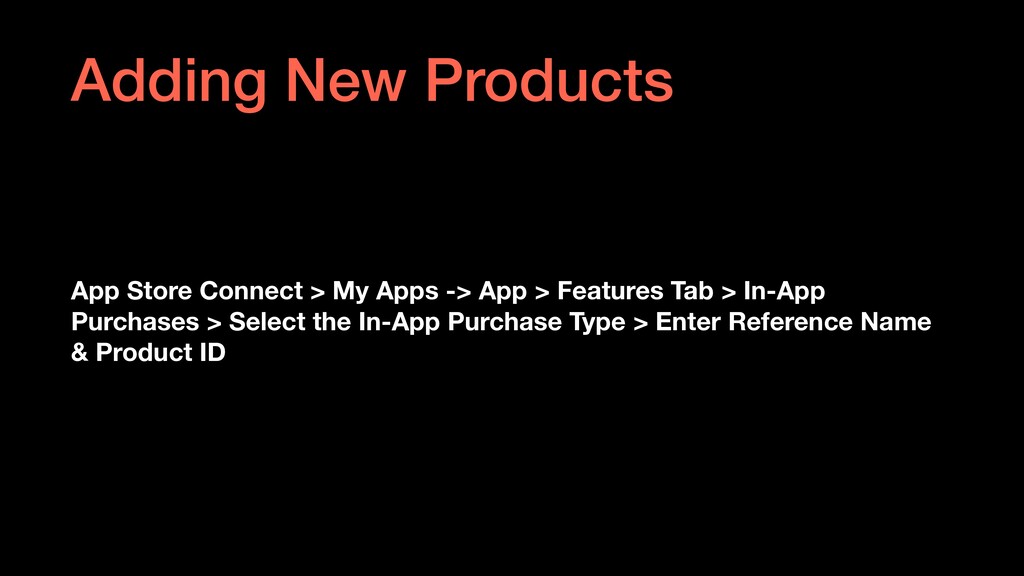
  2. App Store Connect > My Apps -> App > Features

    Tab > In-App Purchases > Select the In-App Purchase Type > Enter Reference Name & Product ID Adding New Products
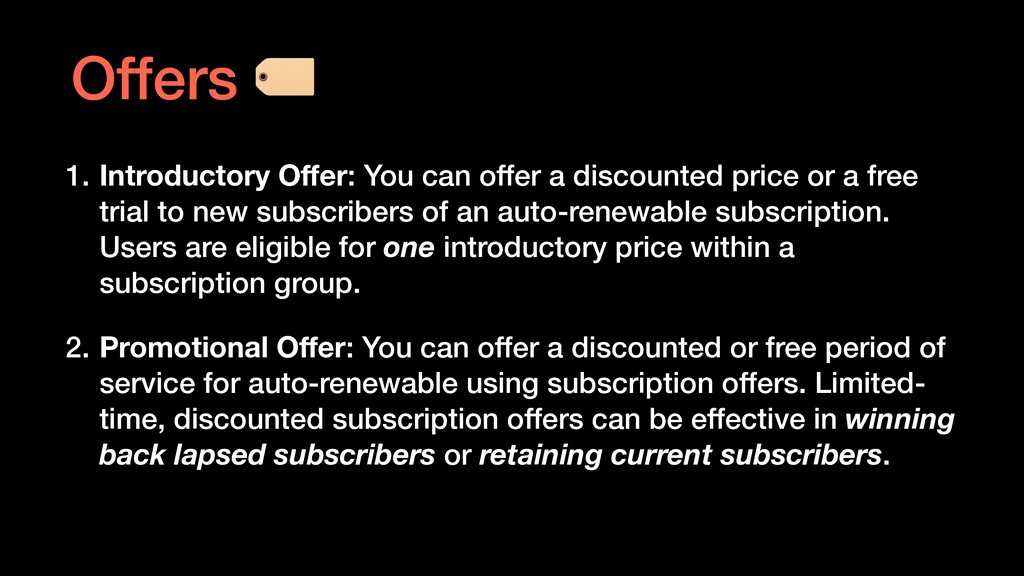
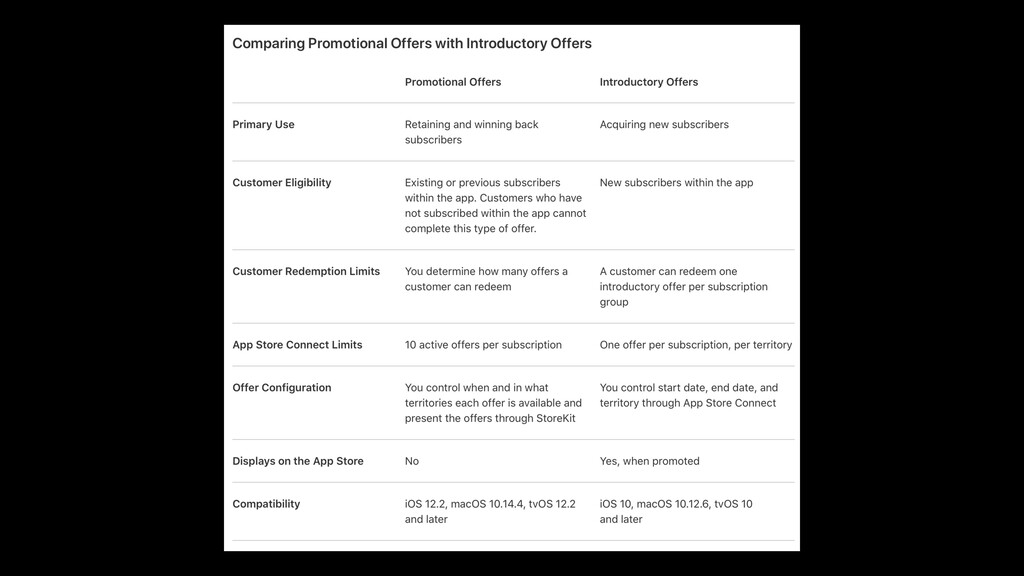
  3. 1. Introductory Offer: You can offer a discounted price or

    a free trial to new subscribers of an auto-renewable subscription. Users are eligible for one introductory price within a subscription group. 2. Promotional Offer: You can offer a discounted or free period of service for auto-renewable using subscription offers. Limited- time, discounted subscription offers can be effective in winning back lapsed subscribers or retaining current subscribers. Offers
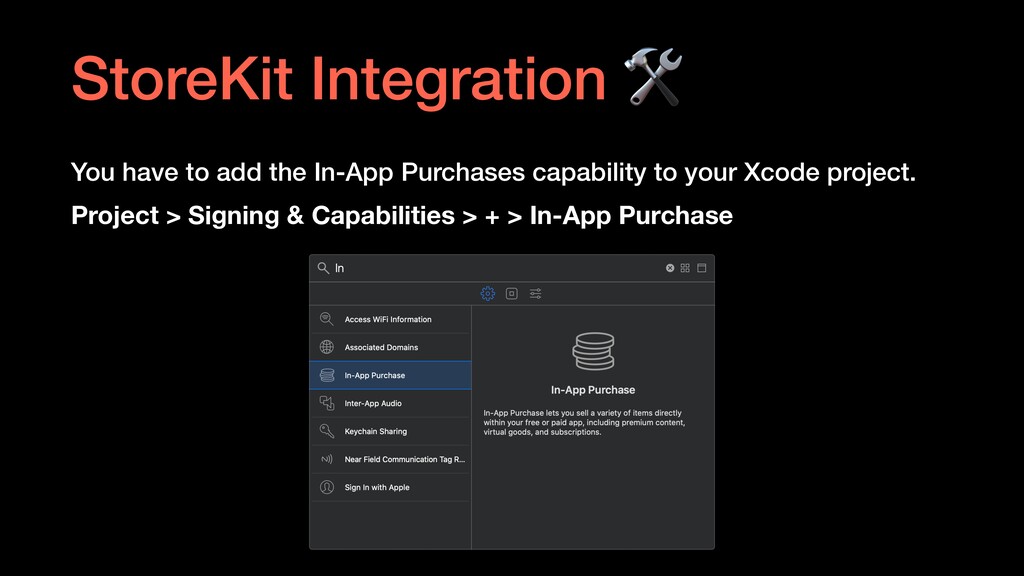
  4. You have to add the In-App Purchases capability to your

    Xcode project. Project > Signing & Capabilities > + > In-App Purchase StoreKit Integration
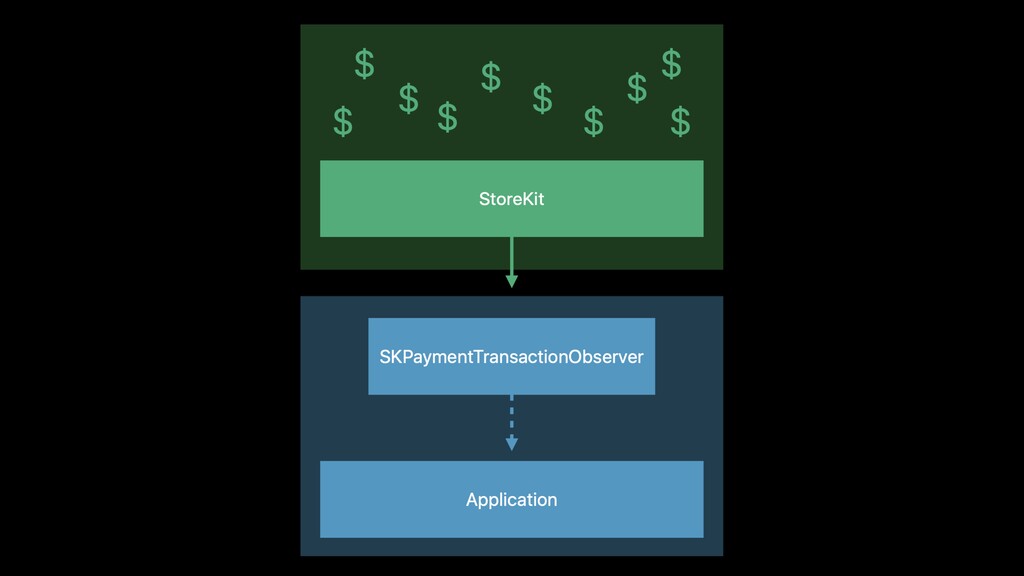
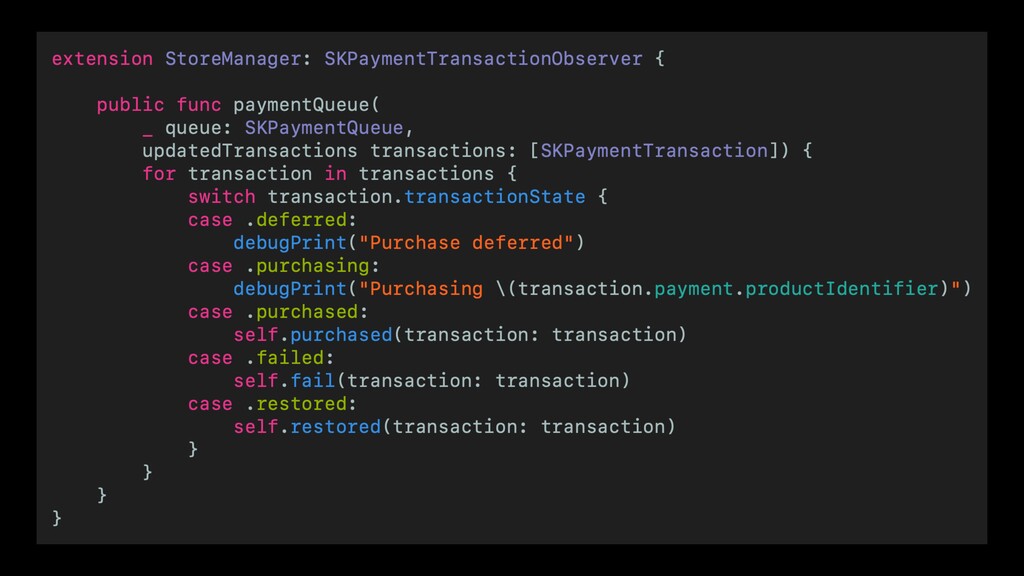
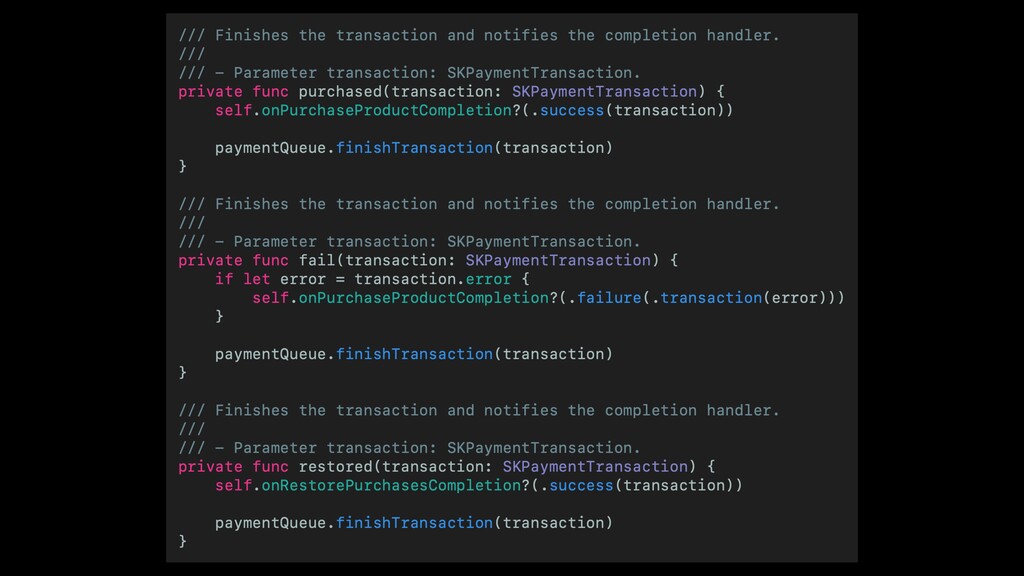
  5. You have to add the `SKPaymentQueue` observer in the app

    launch. Also, you have to remove the `SKPaymentQueue` observer on the app termination. StoreKit Integration
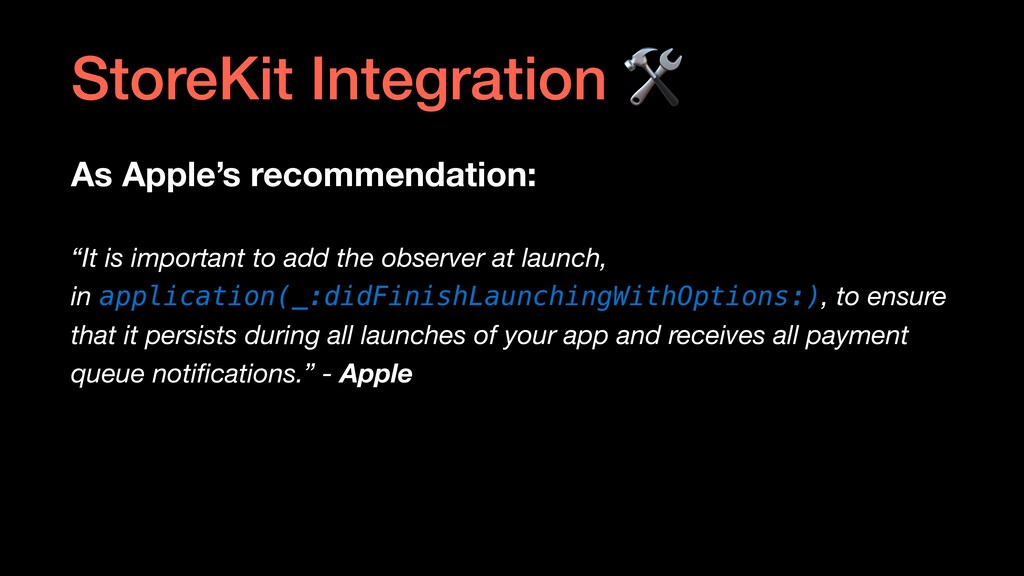
  6. As Apple’s recommendation: “It is important to add the observer

    at launch, in application(_:didFinishLaunchingWithOptions:), to ensure that it persists during all launches of your app and receives all payment queue notifications.” - Apple StoreKit Integration
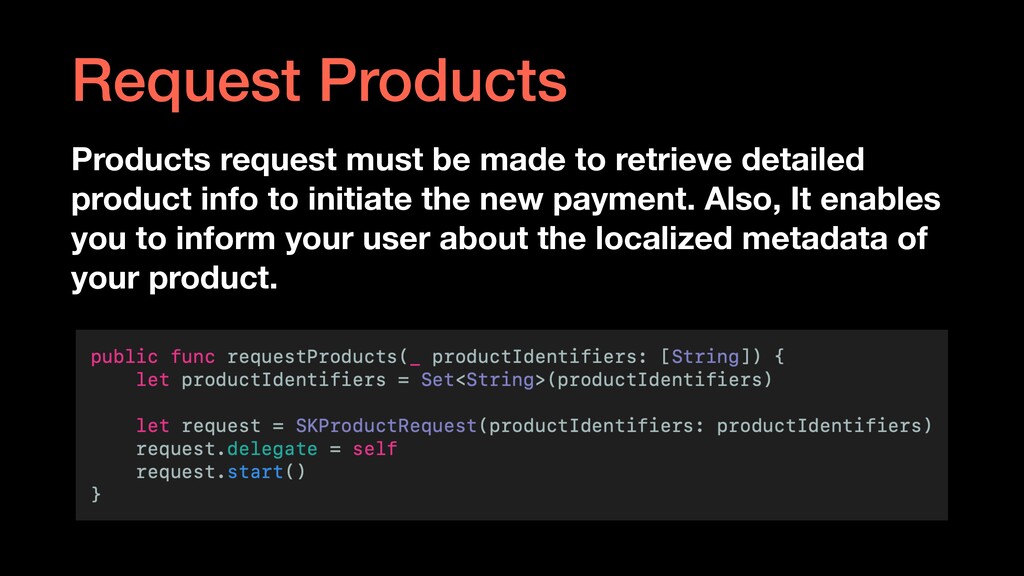
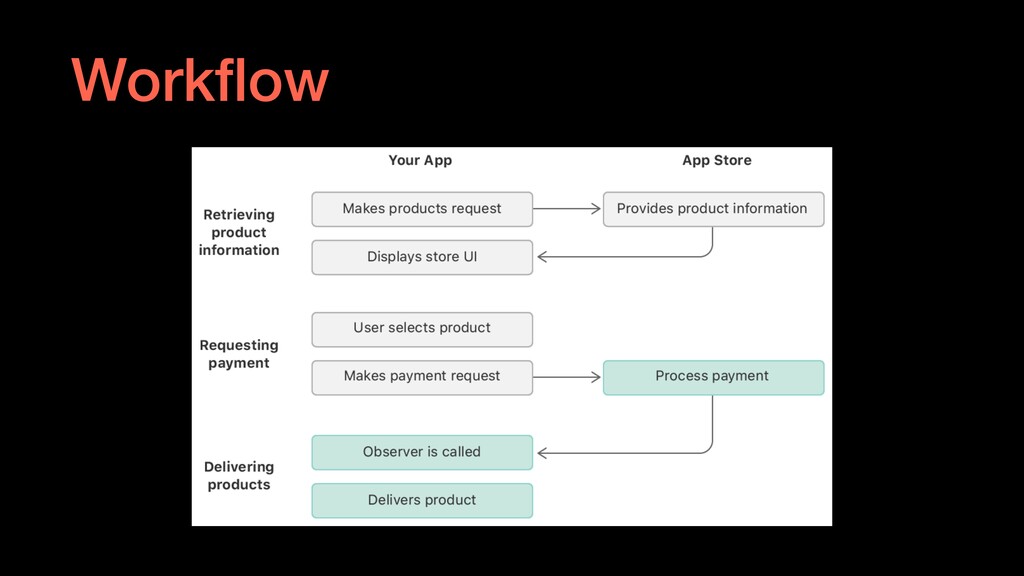
  7. Request Products Products request must be made to retrieve detailed

    product info to initiate the new payment. Also, It enables you to inform your user about the localized metadata of your product.
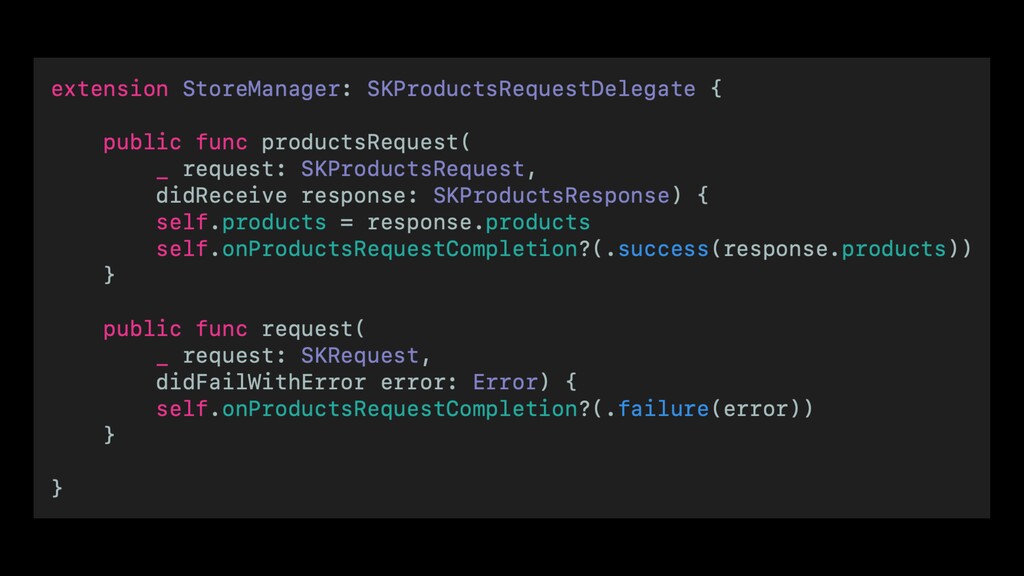
  8. Request Products The store manager should conform to the `SKProductRequestDelegate`

    to catch the response. Also, you can handle the failure case too.
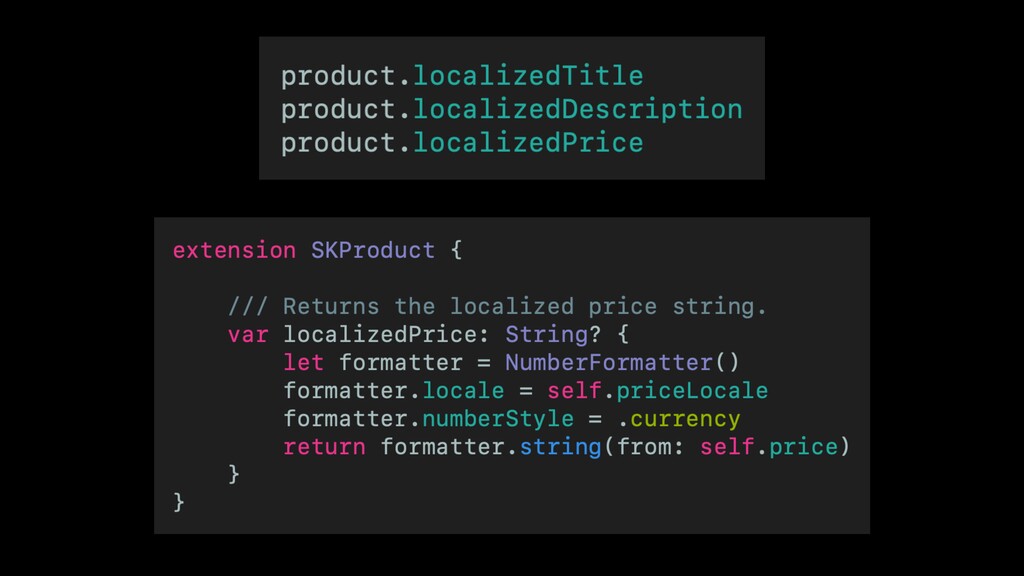
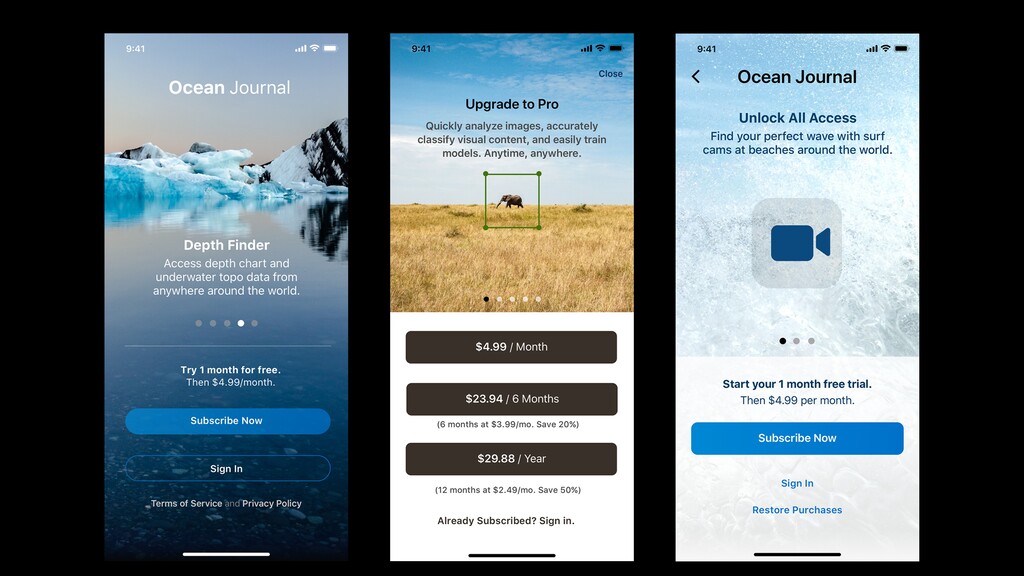
  9. Using the Localized Product Details App Store Connect forces you

    to fill the localized parts of your In-App Purchases before submitting for review. That enables you to present the different variations of the metadata as well.
  10. Initiate a New Payment To initiate a new payment, we

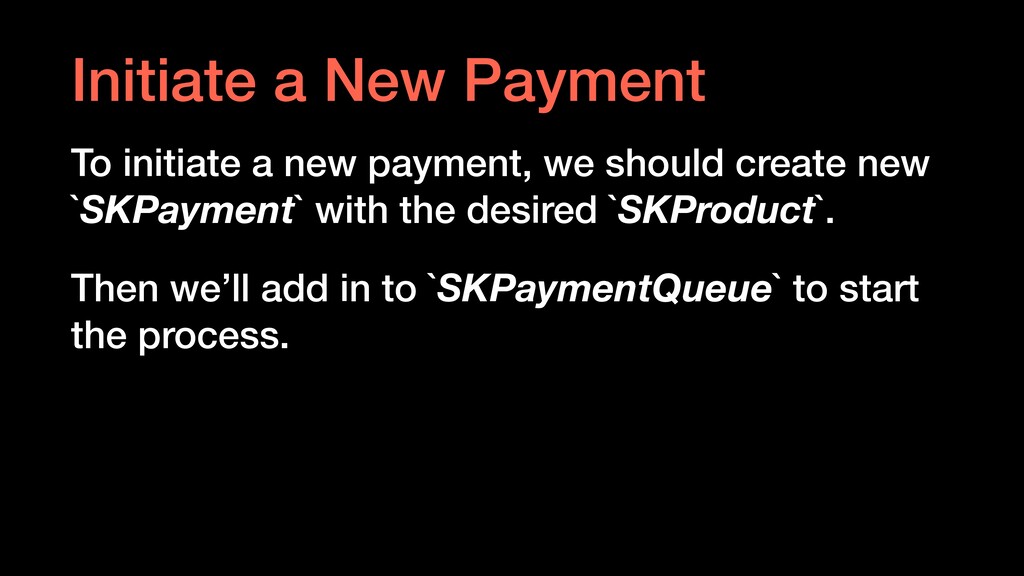
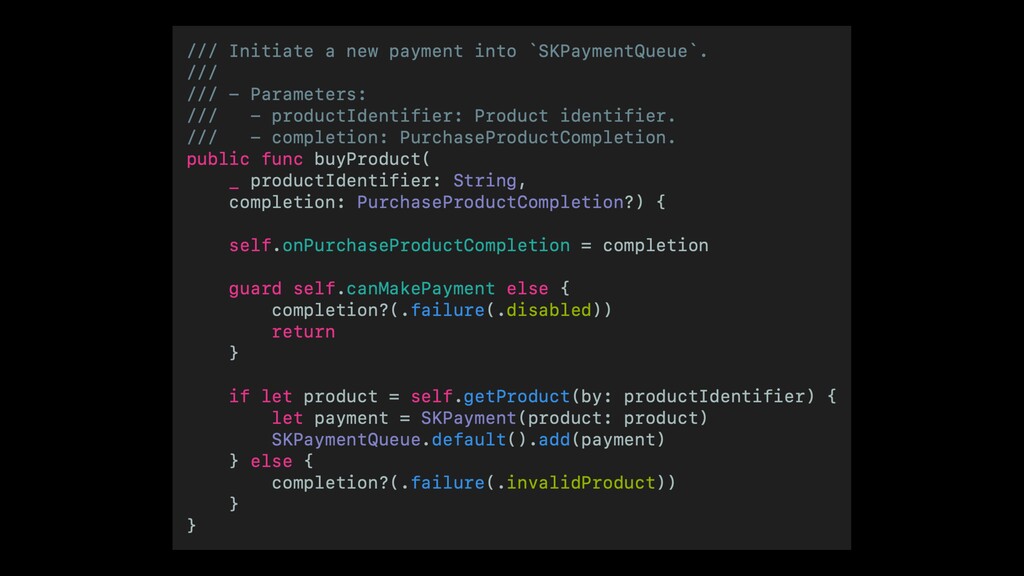
    should create new `SKPayment` with the desired `SKProduct`. Then we’ll add in to `SKPaymentQueue` to start the process.
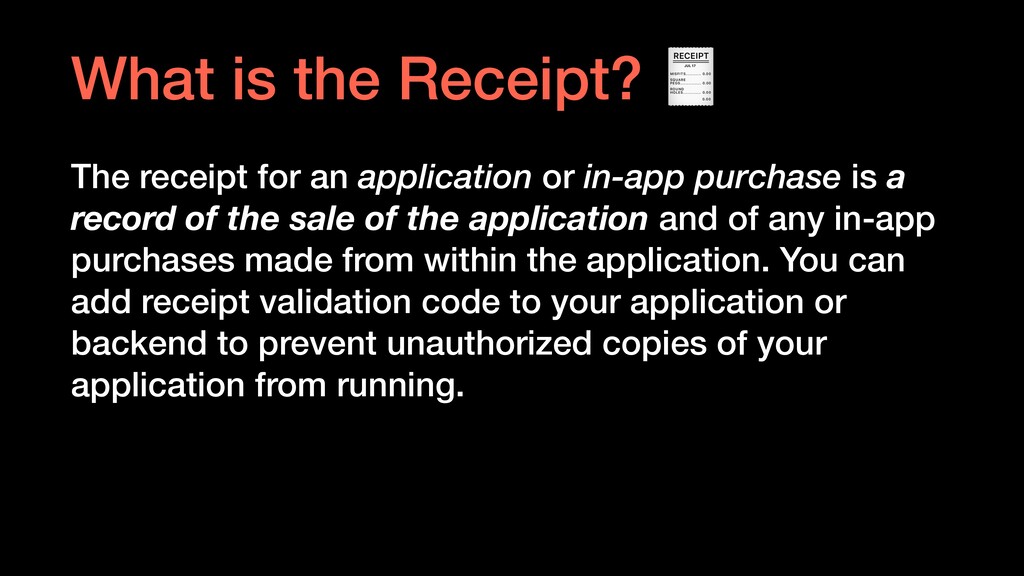
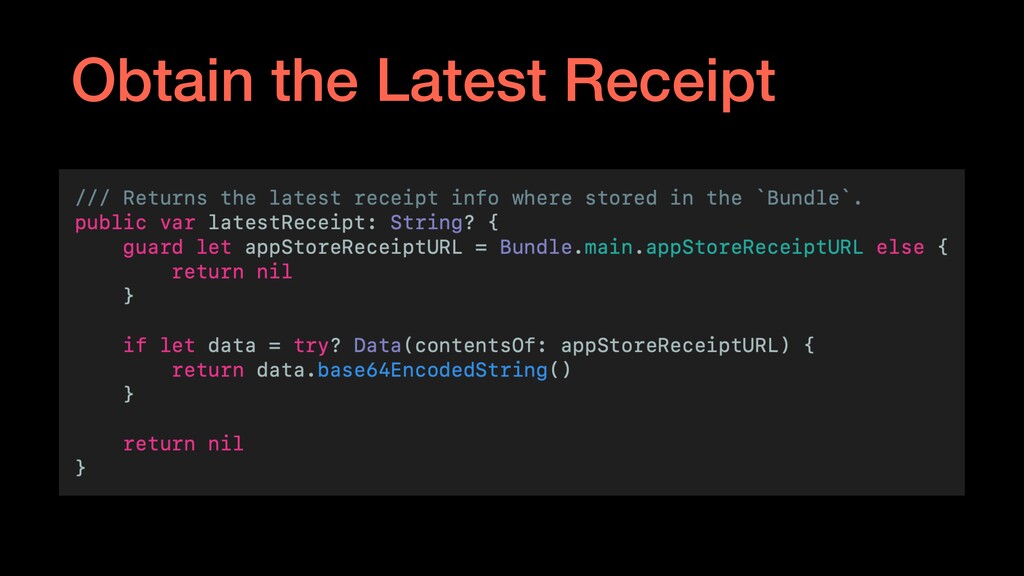
  11. The receipt for an application or in-app purchase is a

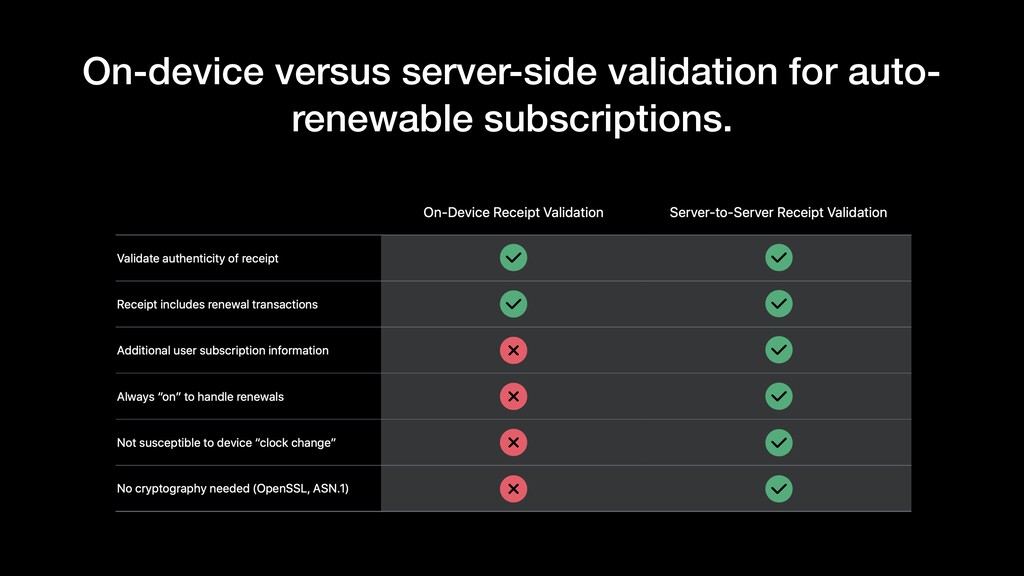
    record of the sale of the application and of any in-app purchases made from within the application. You can add receipt validation code to your application or backend to prevent unauthorized copies of your application from running. What is the Receipt?
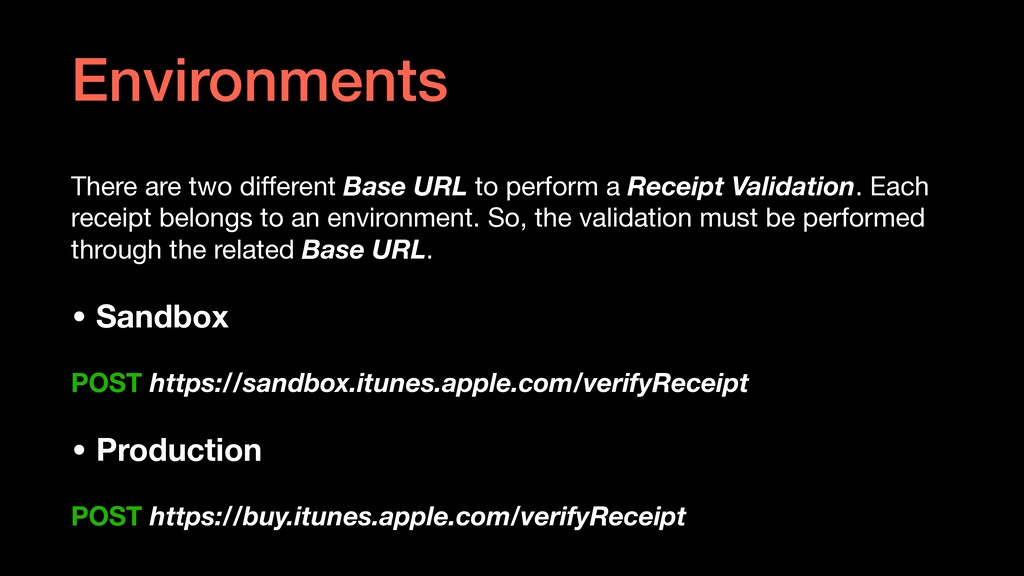
  12. There are two different Base URL to perform a Receipt

    Validation. Each receipt belongs to an environment. So, the validation must be performed through the related Base URL. • Sandbox POST https://sandbox.itunes.apple.com/verifyReceipt • Production POST https://buy.itunes.apple.com/verifyReceipt Environments
  13. Sandbox is an environment to test our purchase flow. Actually,

    that’s pretty good. But, there are some of tricks to keep in mind while testing. If you do not get those of tricks, you may be confused ▶ What is the Sandbox Environment?
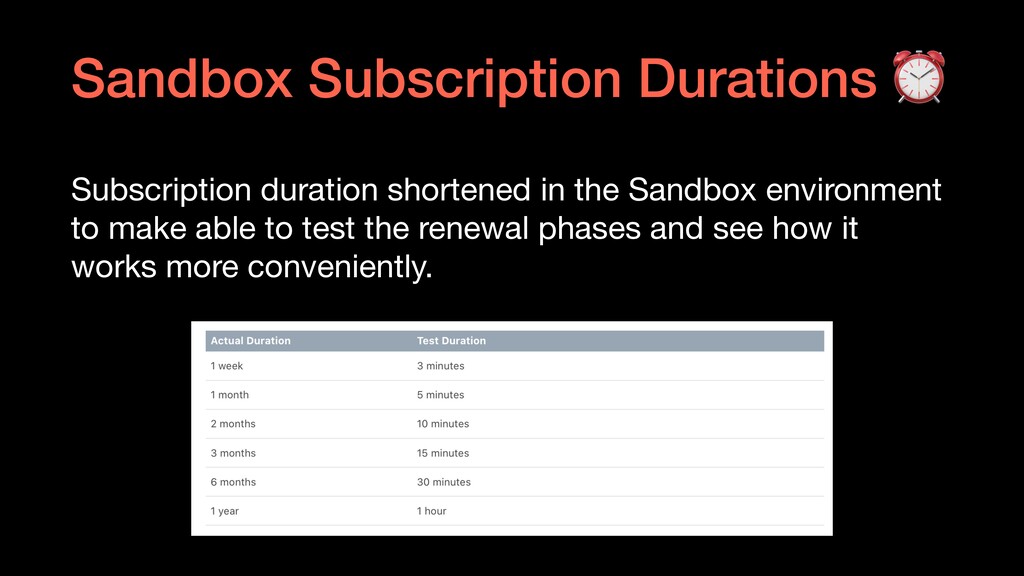
  14. Subscription duration shortened in the Sandbox environment to make able

    to test the renewal phases and see how it works more conveniently. Sandbox Subscription Durations ⏰
  15. • Server-side receipt validation enables you - … to track

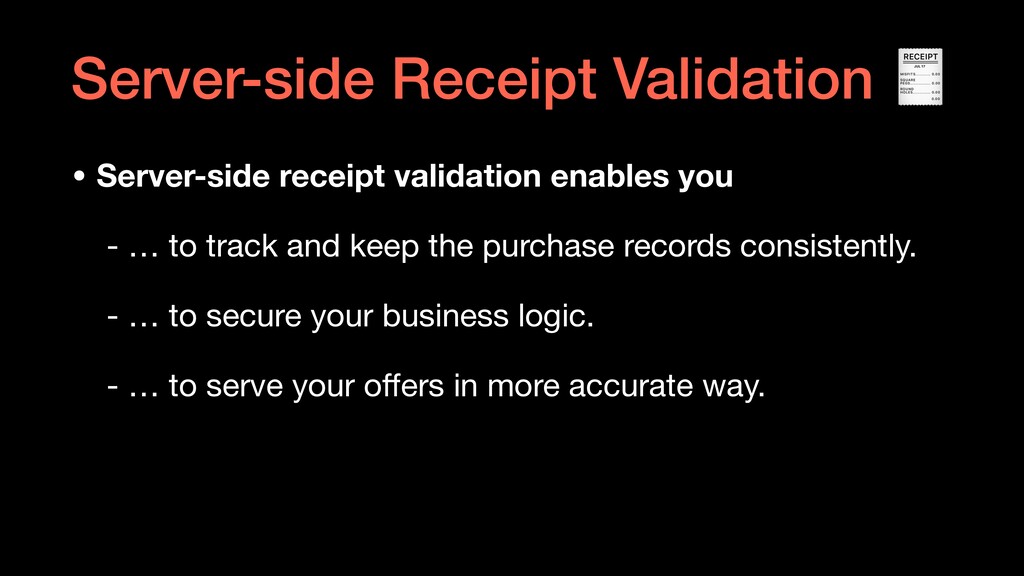
    and keep the purchase records consistently. - … to secure your business logic. - … to serve your offers in more accurate way. Server-side Receipt Validation
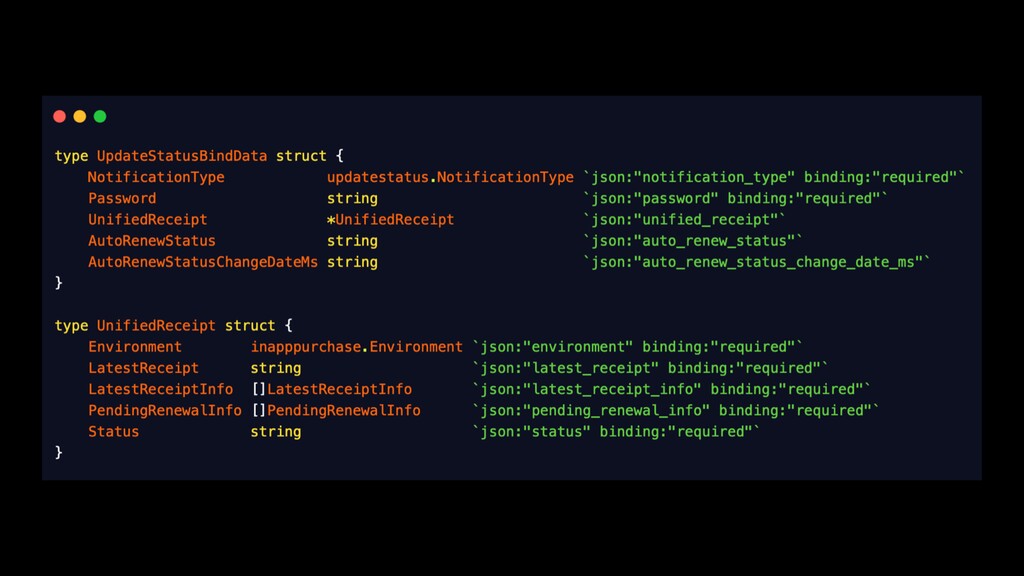
  16. What is the Server-to-Server Notifications? Server-to-server notifications are a service

    for auto- renewable subscriptions. The App Store sends notifications to your server of real-time changes in a subscription's status.
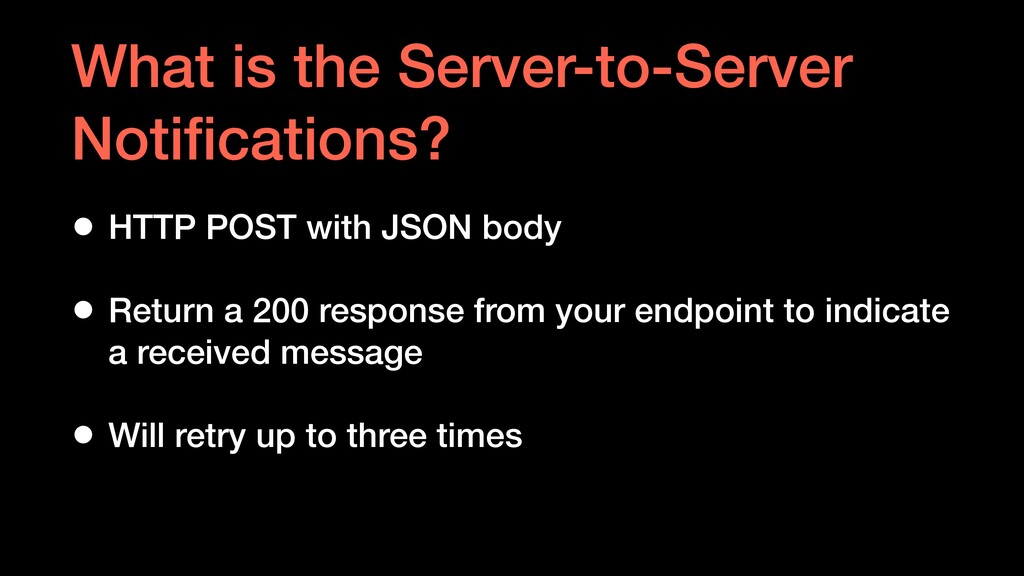
  17. What is the Server-to-Server Notifications? • HTTP POST with JSON

    body • Return a 200 response from your endpoint to indicate a received message • Will retry up to three times
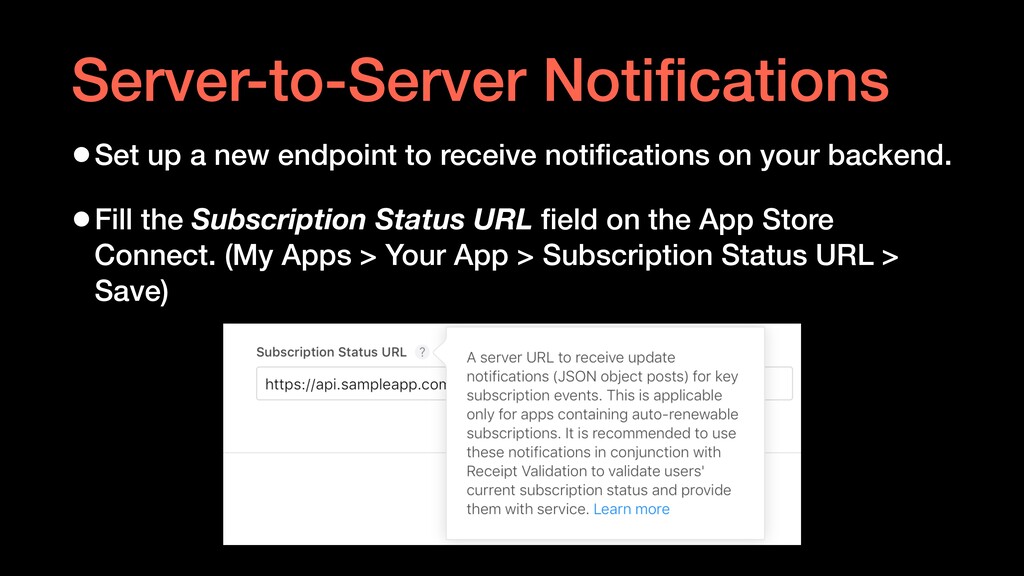
  18. •Set up a new endpoint to receive notifications on your

    backend. •Fill the Subscription Status URL field on the App Store Connect. (My Apps > Your App > Subscription Status URL > Save) Server-to-Server Notifications
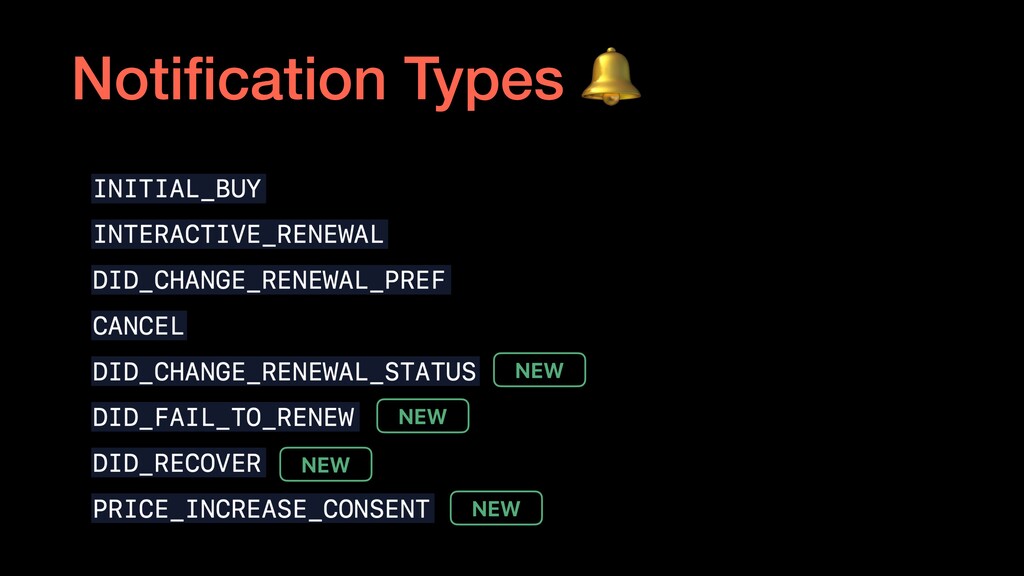
  19. Initial Buy Occurs at the initial purchase of the subscription.

    Store latest_receipt on your server as a token to verify the user’s subscription status at any time, by validating it with the App Store.
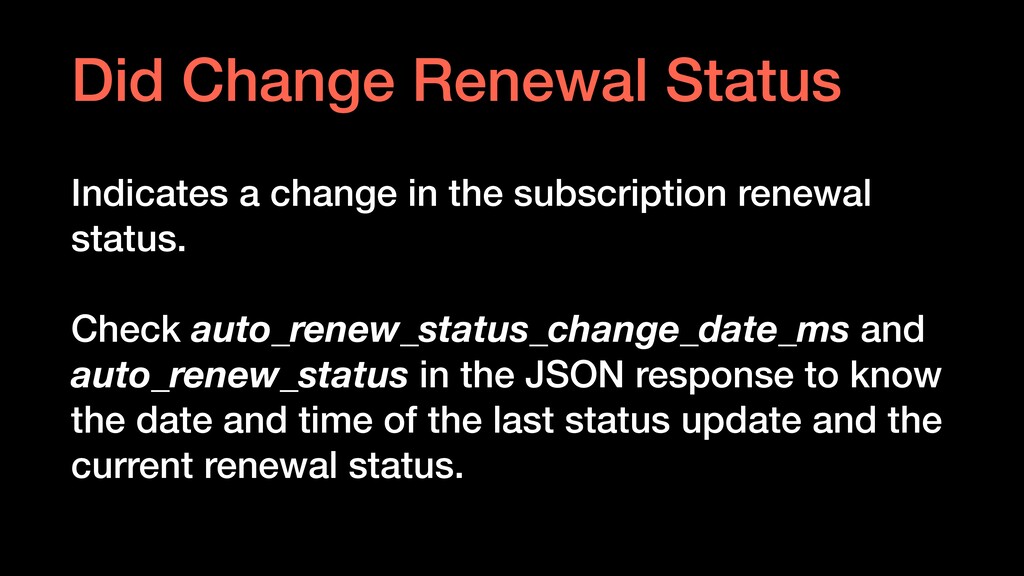
  20. Did Change Renewal Status Indicates a change in the subscription

    renewal status. Check auto_renew_status_change_date_ms and auto_renew_status in the JSON response to know the date and time of the last status update and the current renewal status.
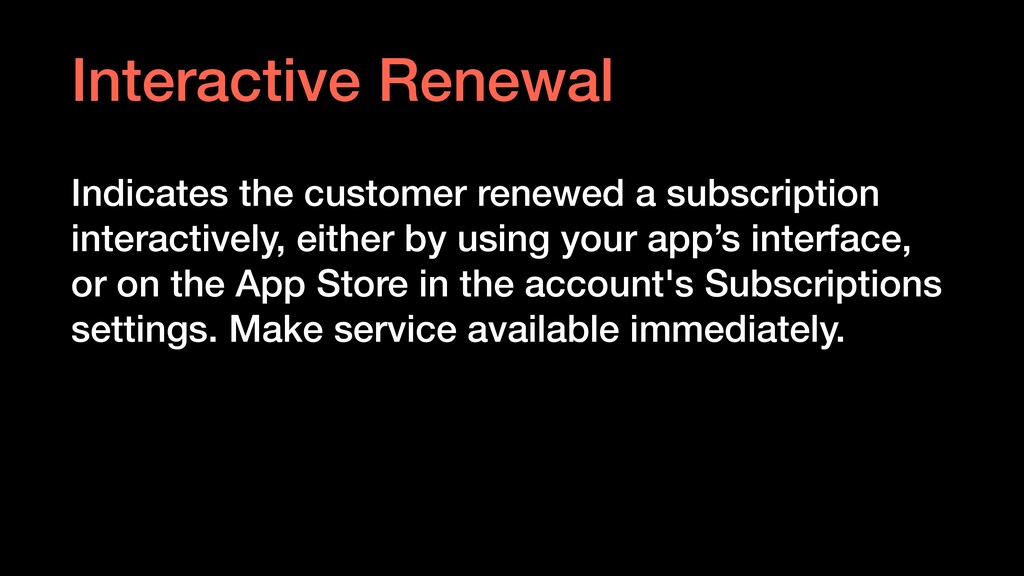
  21. Interactive Renewal Indicates the customer renewed a subscription interactively, either

    by using your app’s interface, or on the App Store in the account's Subscriptions settings. Make service available immediately.
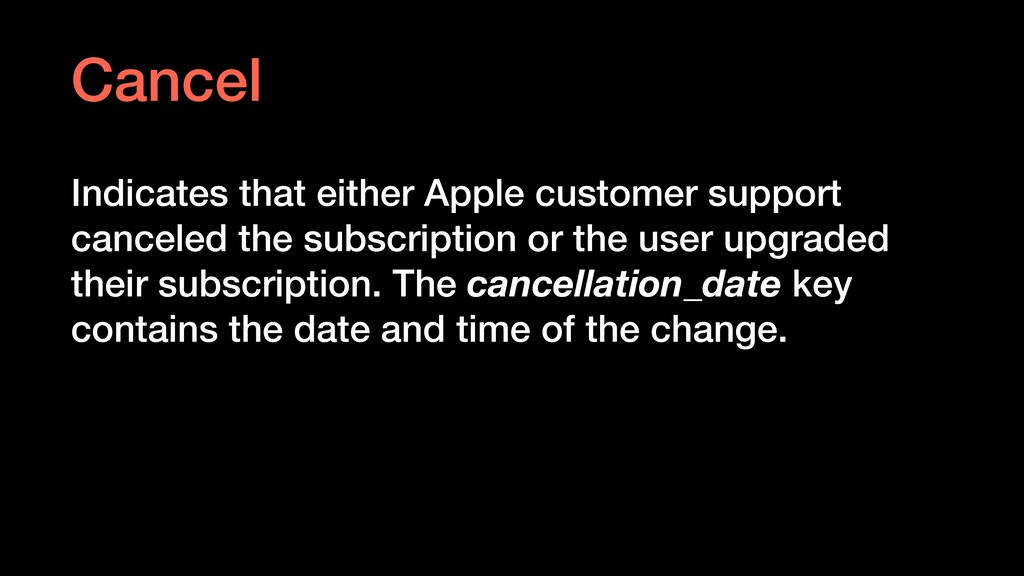
  22. Cancel Indicates that either Apple customer support canceled the subscription

    or the user upgraded their subscription. The cancellation_date key contains the date and time of the change.
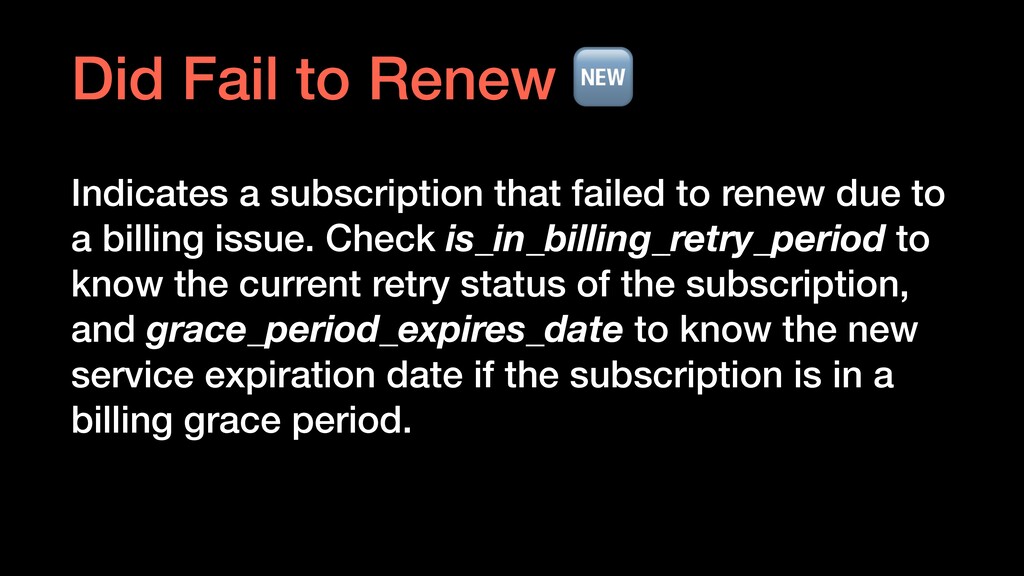
  23. Did Fail to Renew Indicates a subscription that failed to

    renew due to a billing issue. Check is_in_billing_retry_period to know the current retry status of the subscription, and grace_period_expires_date to know the new service expiration date if the subscription is in a billing grace period.
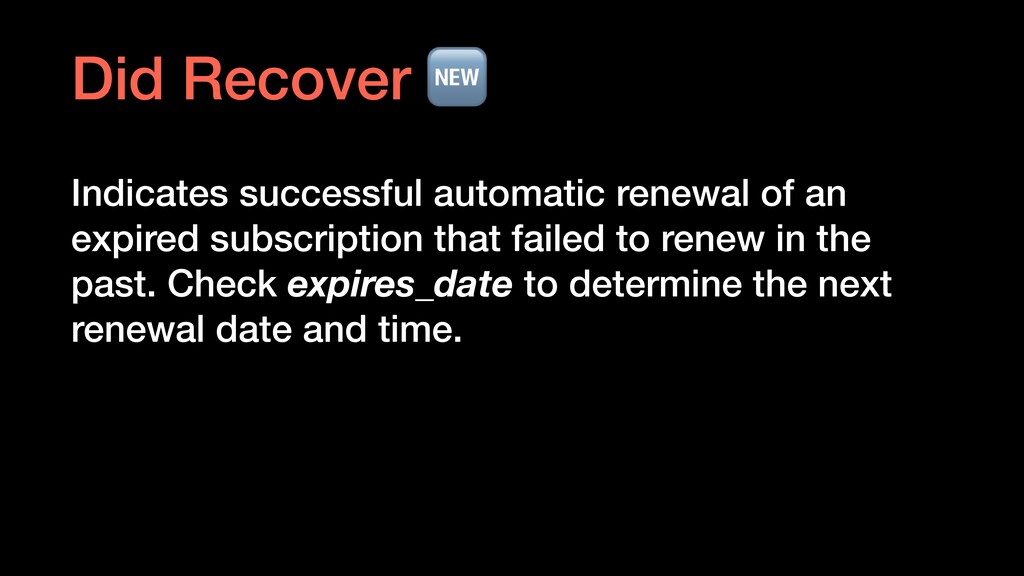
  24. Did Recover Indicates successful automatic renewal of an expired subscription

    that failed to renew in the past. Check expires_date to determine the next renewal date and time.
  25. • https://developer.apple.com/design/human-interface-guidelines/subscriptions/ overview/ • https://developer.apple.com/documentation/appstoreservernotifications • https://developer.apple.com/documentation/appstorereceipts • https://developer.apple.com/videos/play/wwdc2019/302/ •

    https://developer.apple.com/videos/play/wwdc2019/305/ • https://developer.apple.com/videos/play/wwdc2018/705/ • https://developer.apple.com/documentation/storekit/in-app_purchase/ choosing_a_receipt_validation_technique Sources