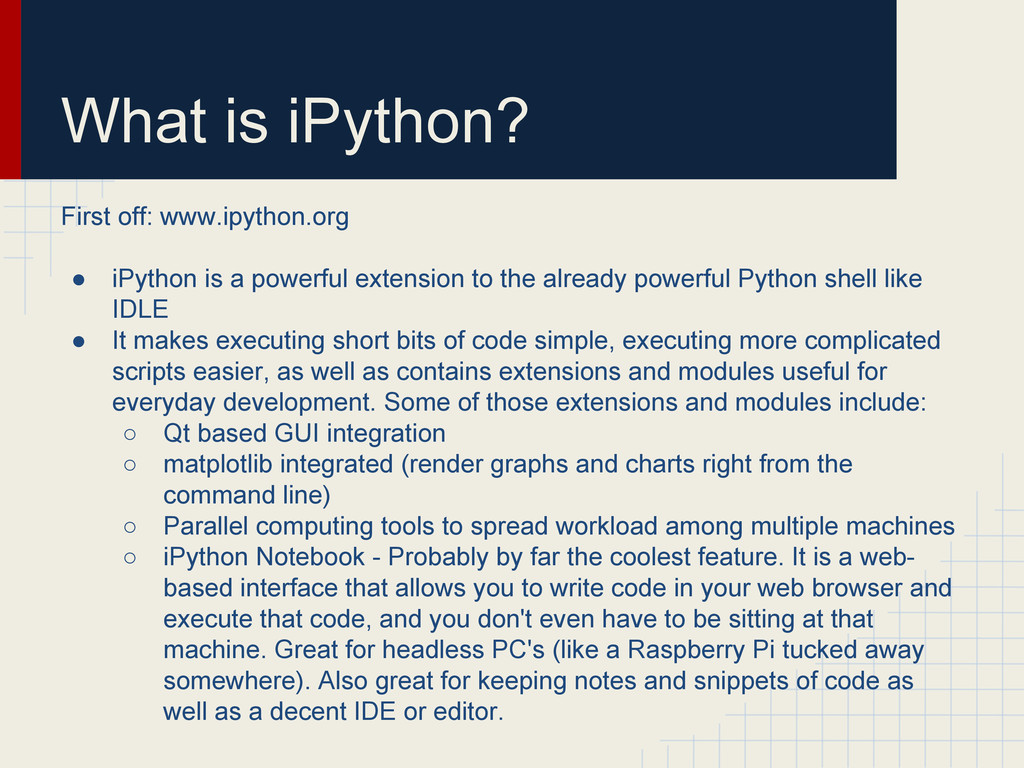
powerful extension to the already powerful Python shell like IDLE • It makes executing short bits of code simple, executing more complicated scripts easier, as well as contains extensions and modules useful for everyday development. Some of those extensions and modules include: ◦ Qt based GUI integration ◦ matplotlib integrated (render graphs and charts right from the command line) ◦ Parallel computing tools to spread workload among multiple machines ◦ iPython Notebook - Probably by far the coolest feature. It is a web- based interface that allows you to write code in your web browser and execute that code, and you don't even have to be sitting at that machine. Great for headless PC's (like a Raspberry Pi tucked away somewhere). Also great for keeping notes and snippets of code as well as a decent IDE or editor.
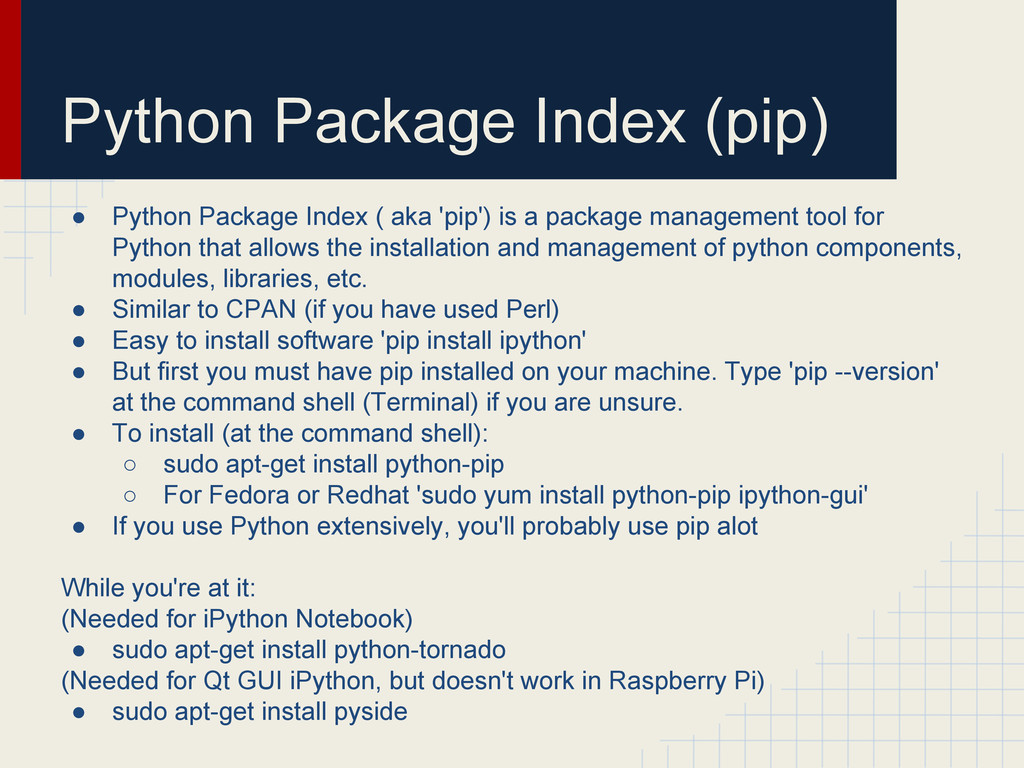
'pip') is a package management tool for Python that allows the installation and management of python components, modules, libraries, etc. • Similar to CPAN (if you have used Perl) • Easy to install software 'pip install ipython' • But first you must have pip installed on your machine. Type 'pip --version' at the command shell (Terminal) if you are unsure. • To install (at the command shell): ◦ sudo apt-get install python-pip ◦ For Fedora or Redhat 'sudo yum install python-pip ipython-gui' • If you use Python extensively, you'll probably use pip alot While you're at it: (Needed for iPython Notebook) • sudo apt-get install python-tornado (Needed for Qt GUI iPython, but doesn't work in Raspberry Pi) • sudo apt-get install pyside
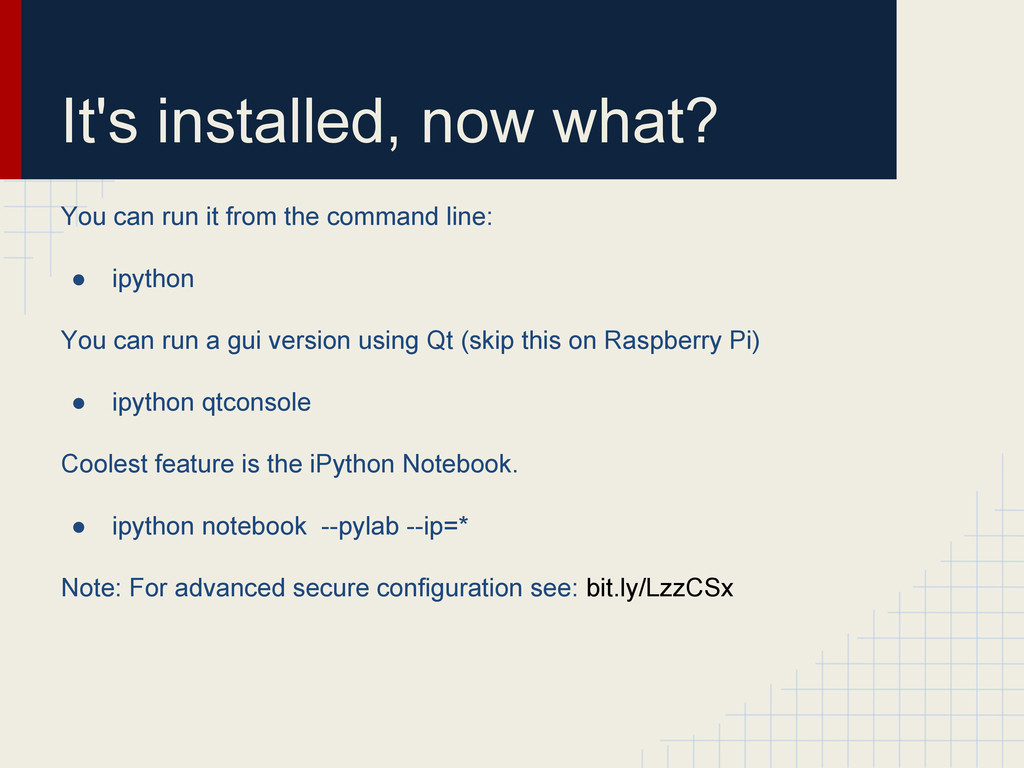
command line: • ipython You can run a gui version using Qt (skip this on Raspberry Pi) • ipython qtconsole Coolest feature is the iPython Notebook. • ipython notebook --pylab --ip=* Note: For advanced secure configuration see: bit.ly/LzzCSx
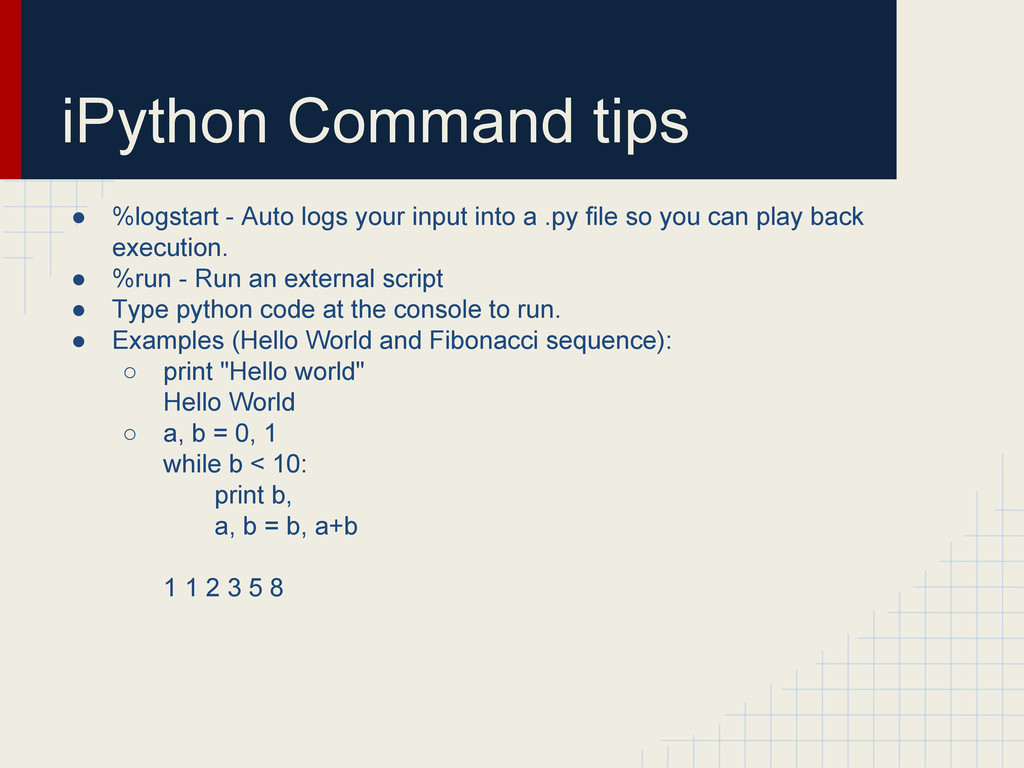
into a .py file so you can play back execution. • %run - Run an external script • Type python code at the console to run. • Examples (Hello World and Fibonacci sequence): ◦ print "Hello world" Hello World ◦ a, b = 0, 1 while b < 10: print b, a, b = b, a+b 1 1 2 3 5 8


 surgeterrix
 neuecc
 clockmaker
 iwatsukayura
 taiseiue
 nao_randd
 kenjiyoneyama
 n_takehata
 tanahiro2010
 lynnswap
 mixplace
 rshindo
 suneo3476
 notwaldorf
 scottboms
 shlominoach
 katarinadahlin
 addyosmani
 csswizardry
 kimpetersen
 takai
takai
 skipperchong
 akosma
 schroneko