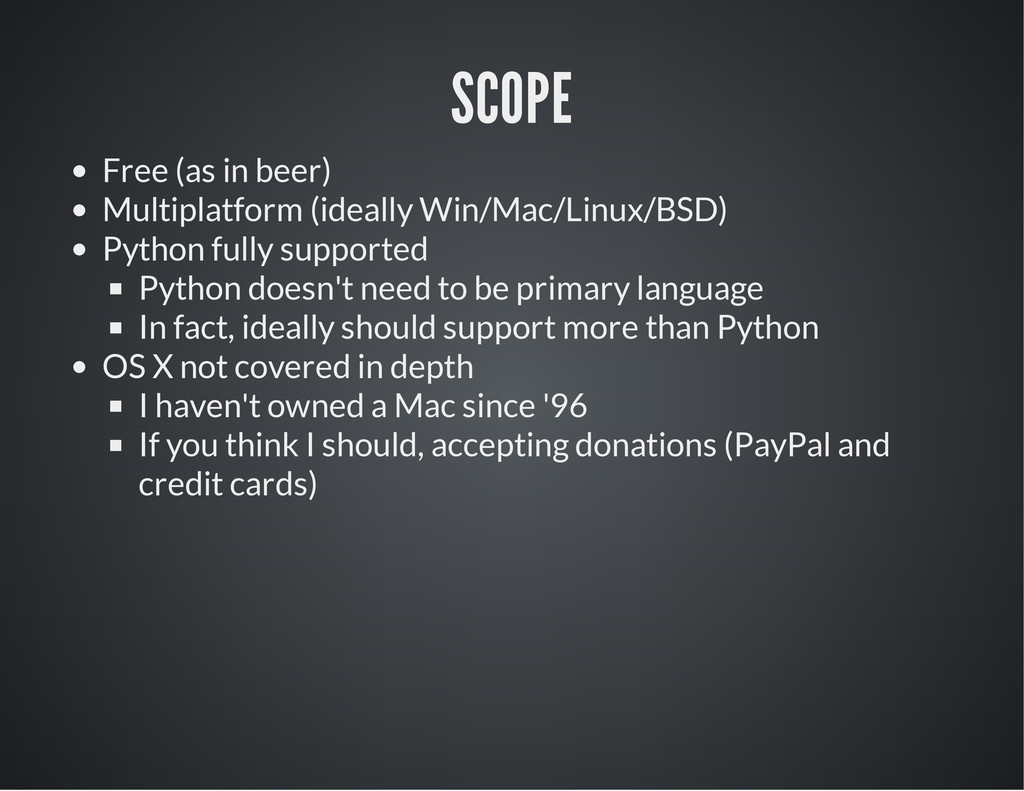
supported Python doesn't need to be primary language In fact, ideally should support more than Python OS X not covered in depth I haven't owned a Mac since '96 If you think I should, accepting donations (PayPal and credit cards)
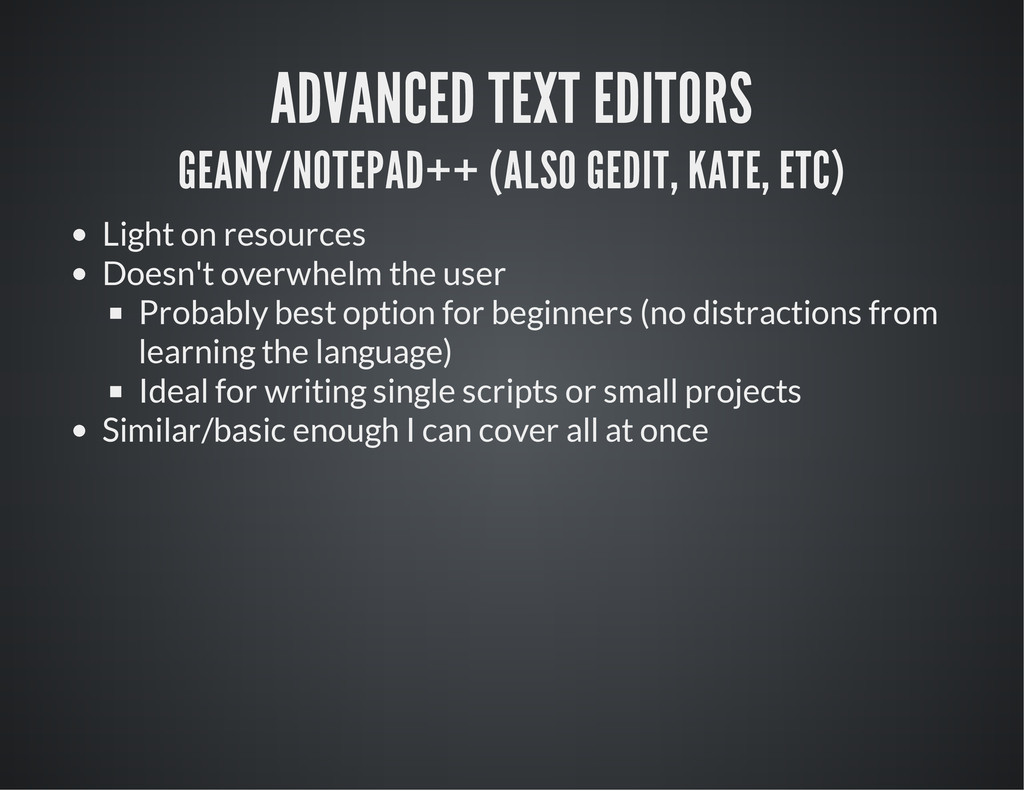
resources Doesn't overwhelm the user Probably best option for beginners (no distractions from learning the language) Ideal for writing single scripts or small projects Similar/basic enough I can cover all at once
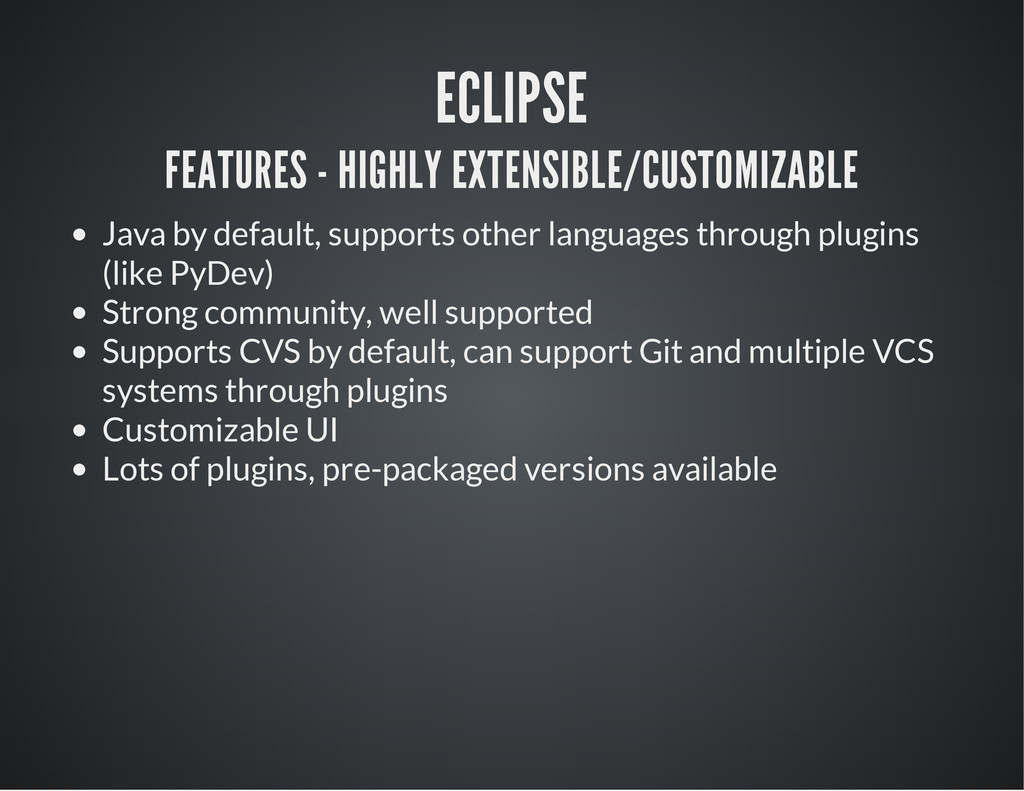
languages through plugins (like PyDev) Strong community, well supported Supports CVS by default, can support Git and multiple VCS systems through plugins Customizable UI Lots of plugins, pre-packaged versions available
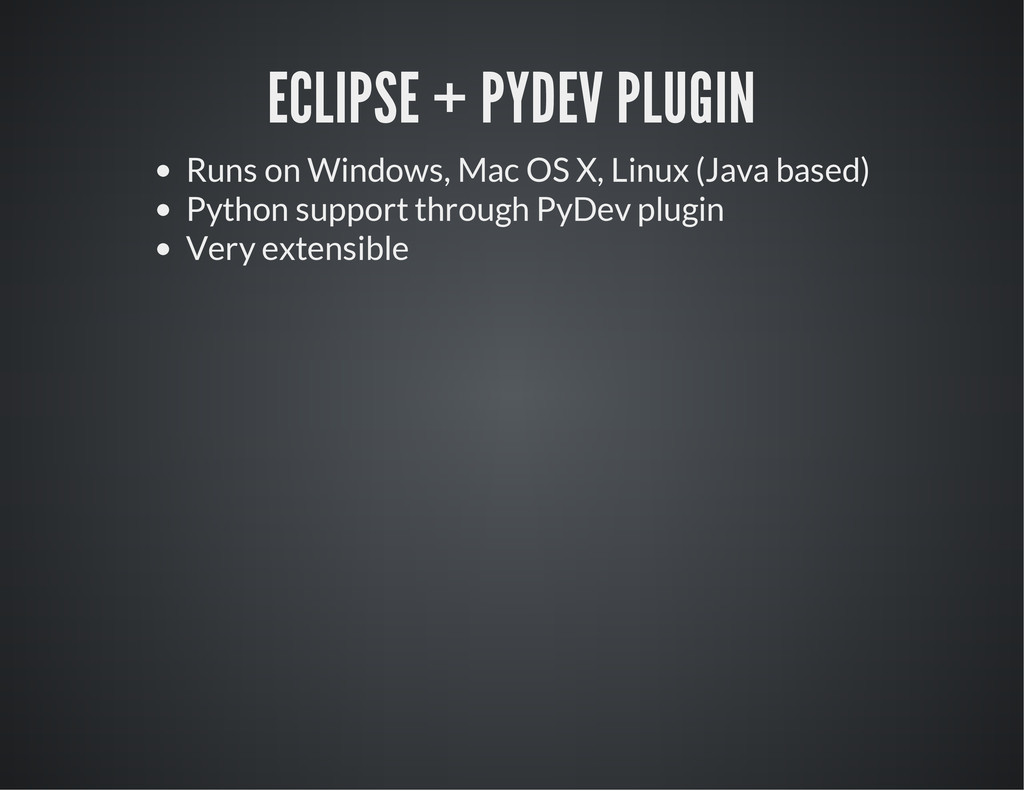
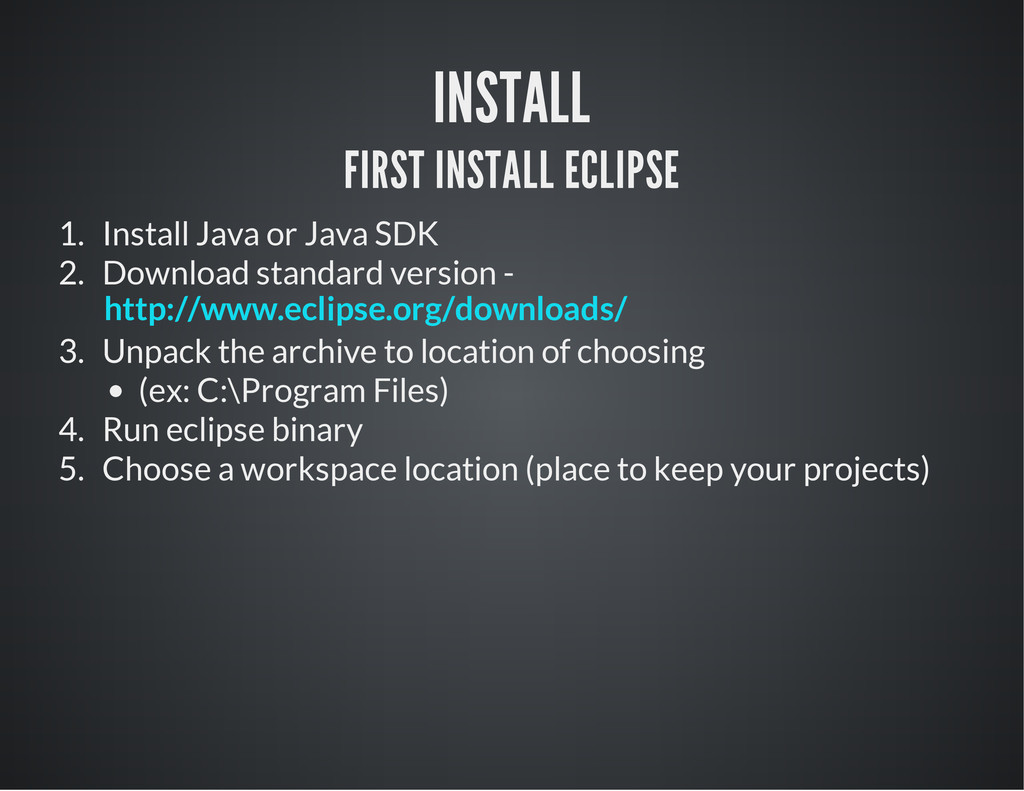
2. Download standard version - 3. Unpack the archive to location of choosing (ex: C:\Program Files) 4. Run eclipse binary 5. Choose a workspace location (place to keep your projects) http://www.eclipse.org/downloads/
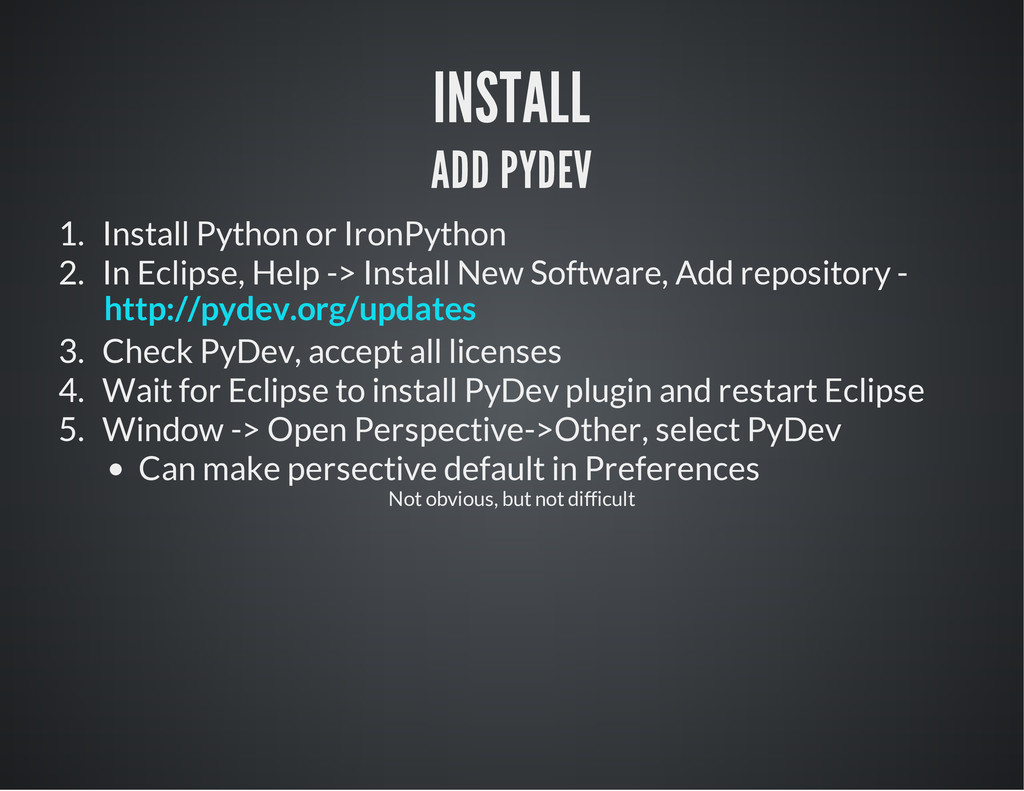
Eclipse, Help -> Install New Software, Add repository - 3. Check PyDev, accept all licenses 4. Wait for Eclipse to install PyDev plugin and restart Eclipse 5. Window -> Open Perspective->Other, select PyDev Can make persective default in Preferences http://pydev.org/updates Not obvious, but not difficult
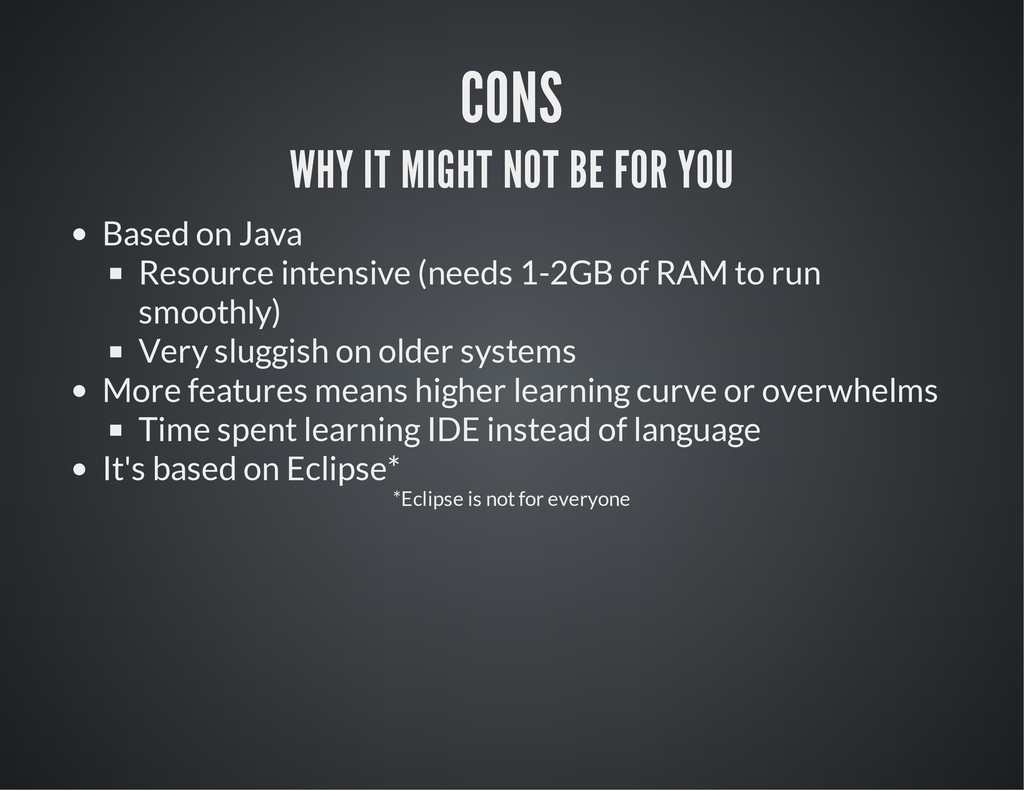
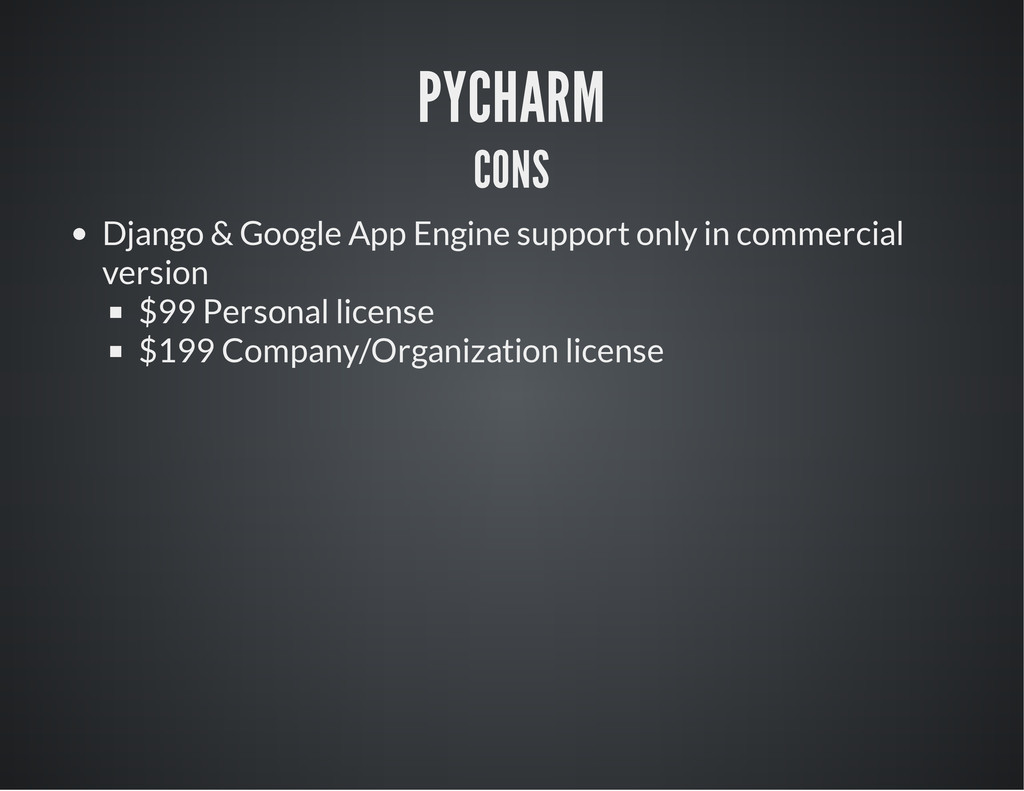
Java Resource intensive (needs 1-2GB of RAM to run smoothly) Very sluggish on older systems More features means higher learning curve or overwhelms Time spent learning IDE instead of language It's based on Eclipse* *Eclipse is not for everyone
plugins (like bash script plugin) Well supported, community plugins, commercial version available Wide VCS support out of the box, like Github API (and Gist), regular Git, Mercurial, Subversion Virtualenv support and remote interpreters
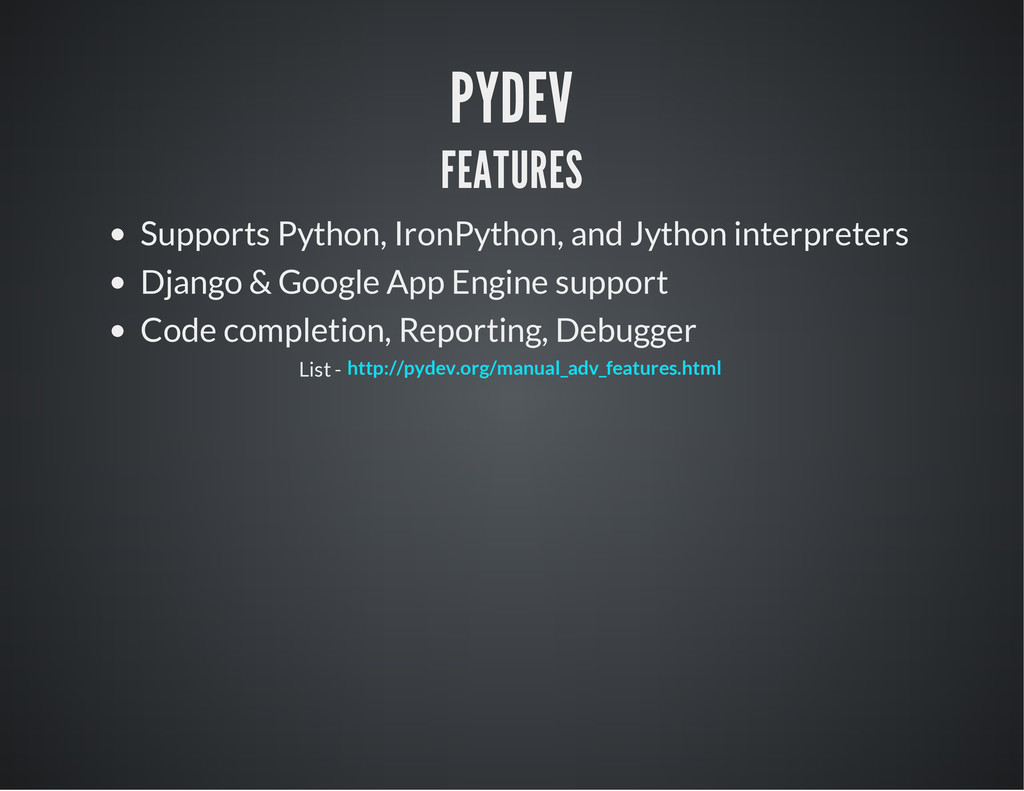
Jython interpreters Code completion and analysis (PEP8) Reporting, Debugger vim keybindings (for those used to vim) Testing support List - http://www.jetbrains.com/pycharm/features/index.html
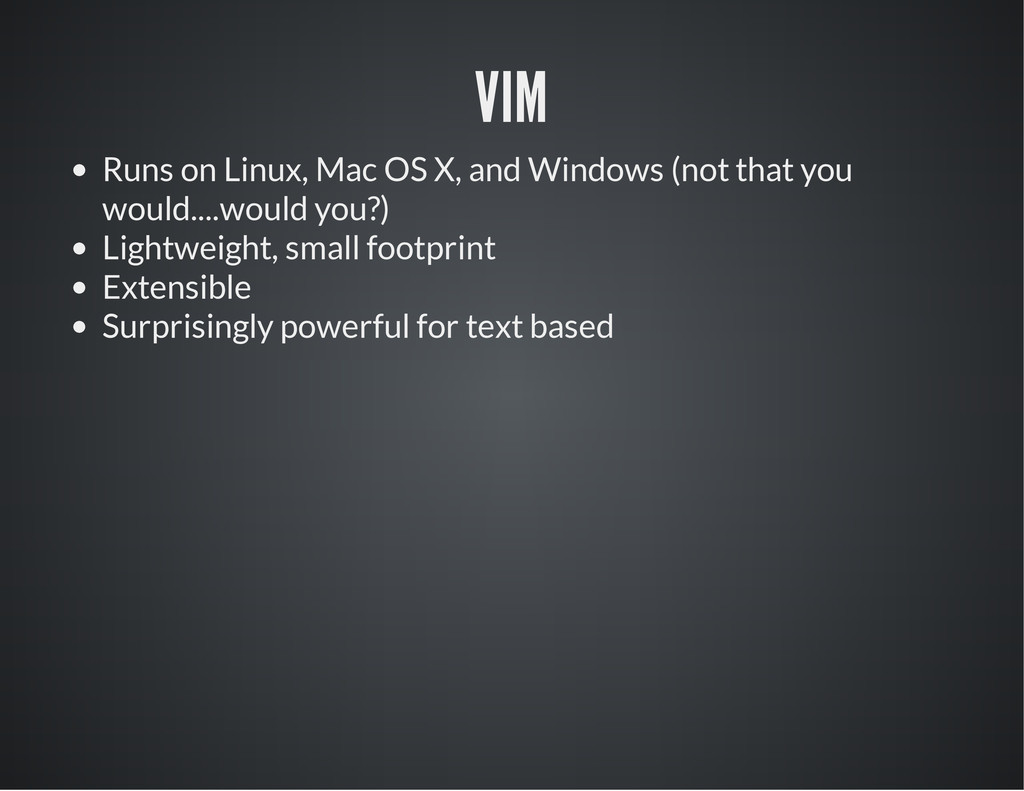
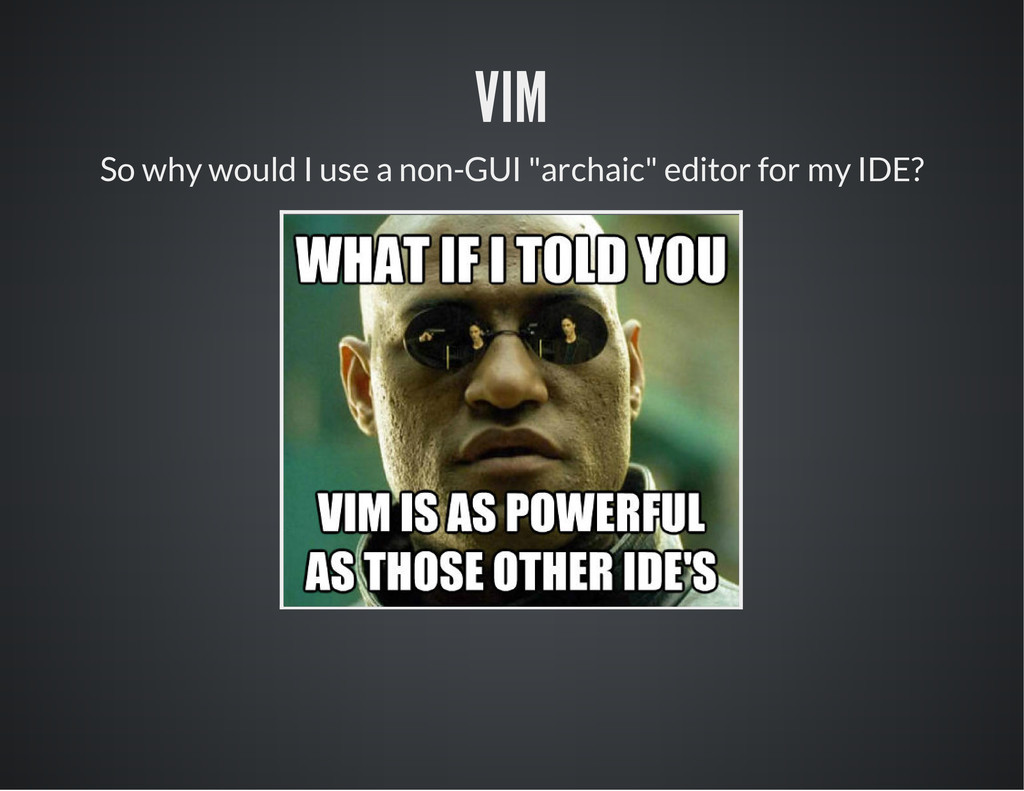
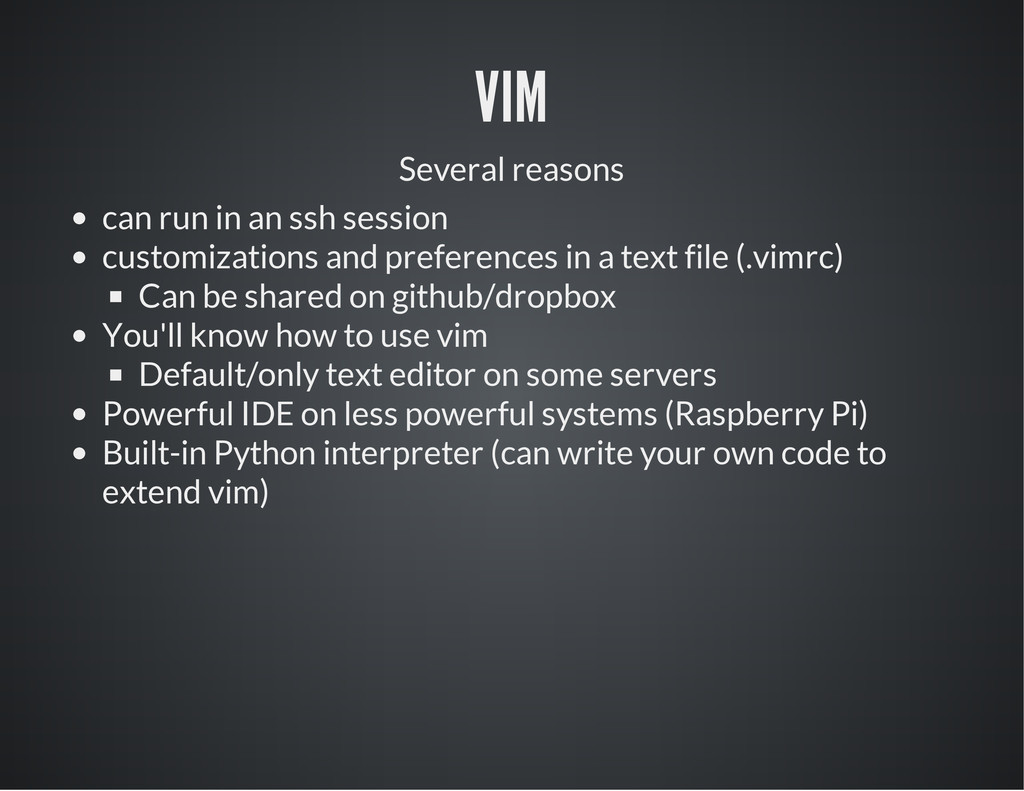
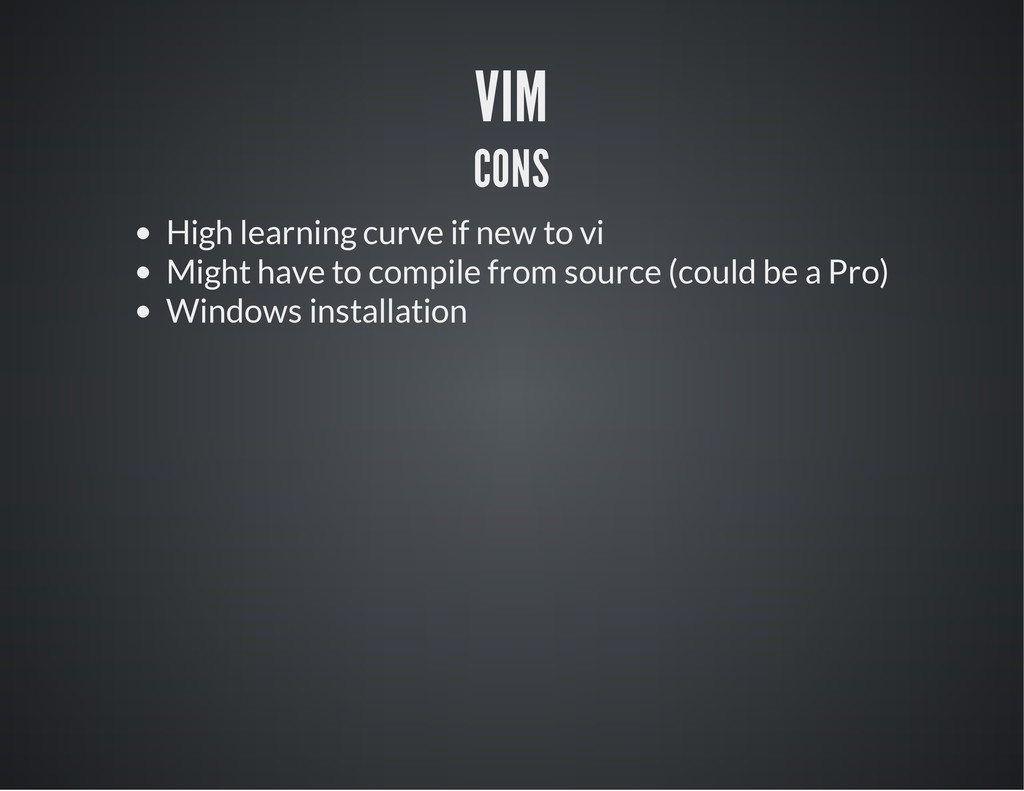
and preferences in a text file (.vimrc) Can be shared on github/dropbox You'll know how to use vim Default/only text editor on some servers Powerful IDE on less powerful systems (Raspberry Pi) Built-in Python interpreter (can write your own code to extend vim)
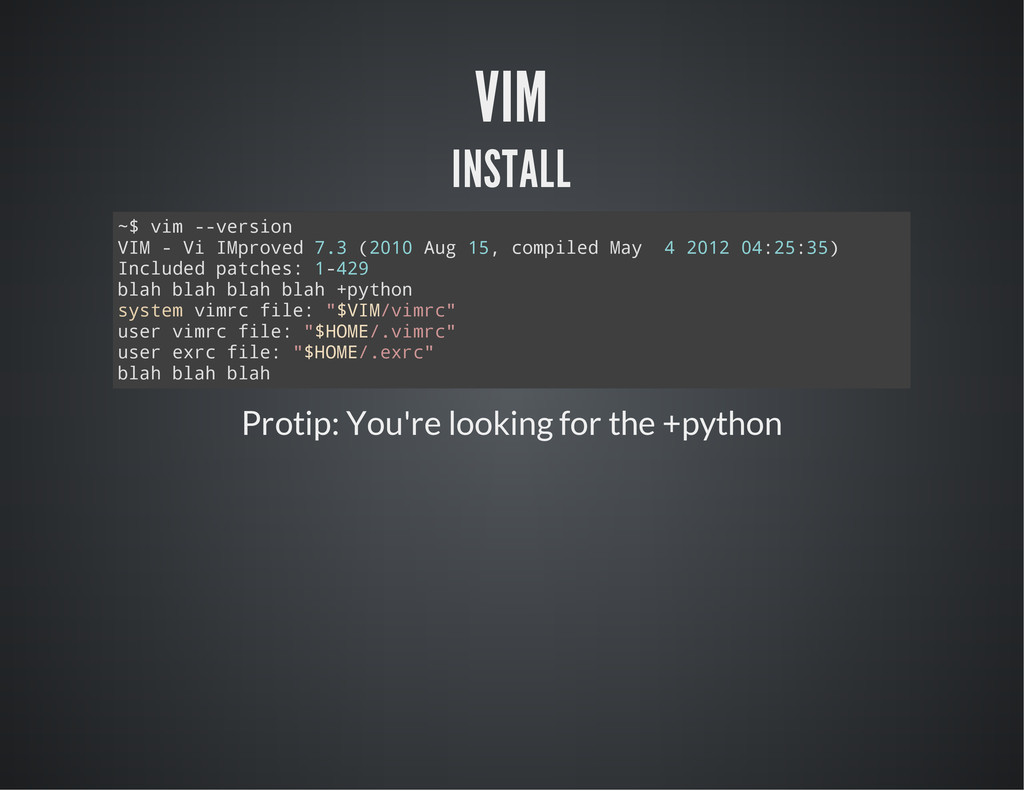
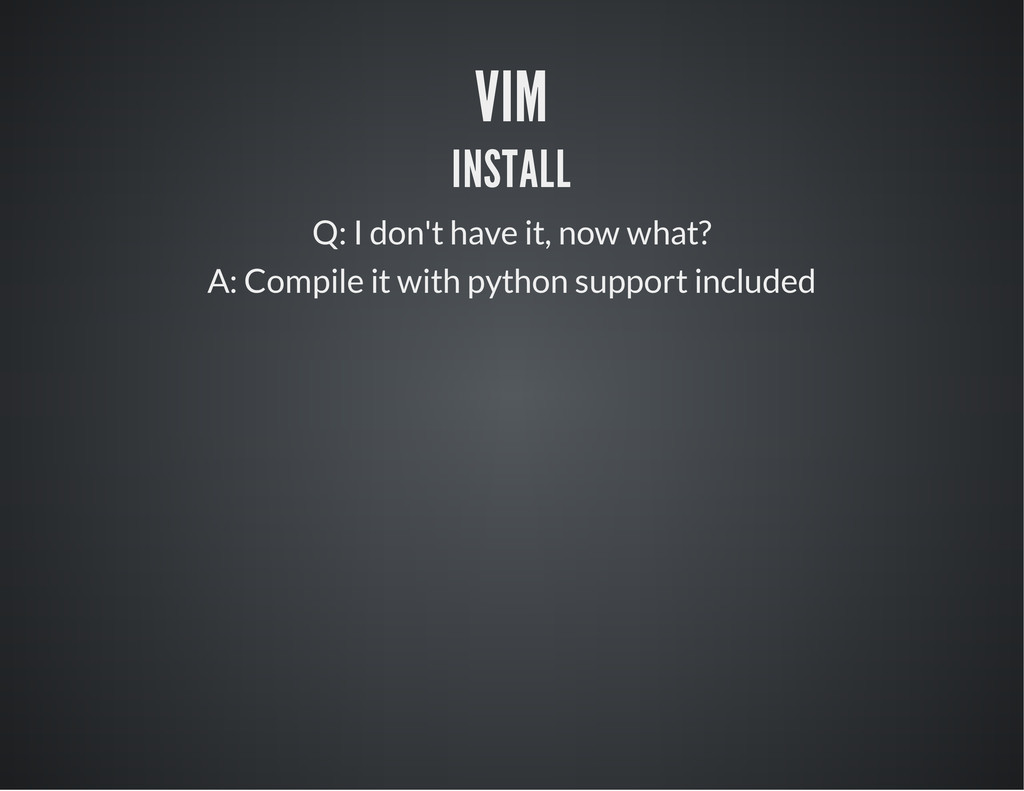
e r s i o n V I M - V i I M p r o v e d 7 . 3 ( 2 0 1 0 A u g 1 5 , c o m p i l e d M a y 4 2 0 1 2 0 4 : 2 5 : 3 5 ) I n c l u d e d p a t c h e s : 1 - 4 2 9 b l a h b l a h b l a h b l a h + p y t h o n s y s t e m v i m r c f i l e : " $ V I M / v i m r c " u s e r v i m r c f i l e : " $ H O M E / . v i m r c " u s e r e x r c f i l e : " $ H O M E / . e x r c " b l a h b l a h b l a h Protip: You're looking for the +python
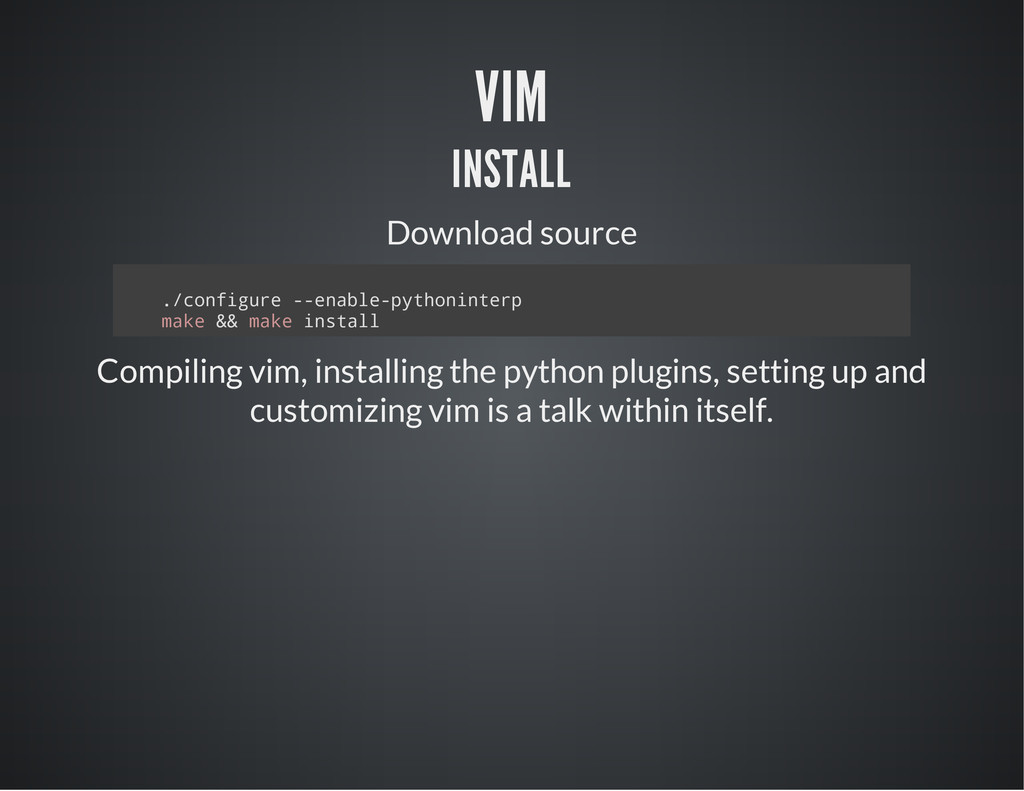
i g u r e - - e n a b l e - p y t h o n i n t e r p m a k e & & m a k e i n s t a l l Compiling vim, installing the python plugins, setting up and customizing vim is a talk within itself.
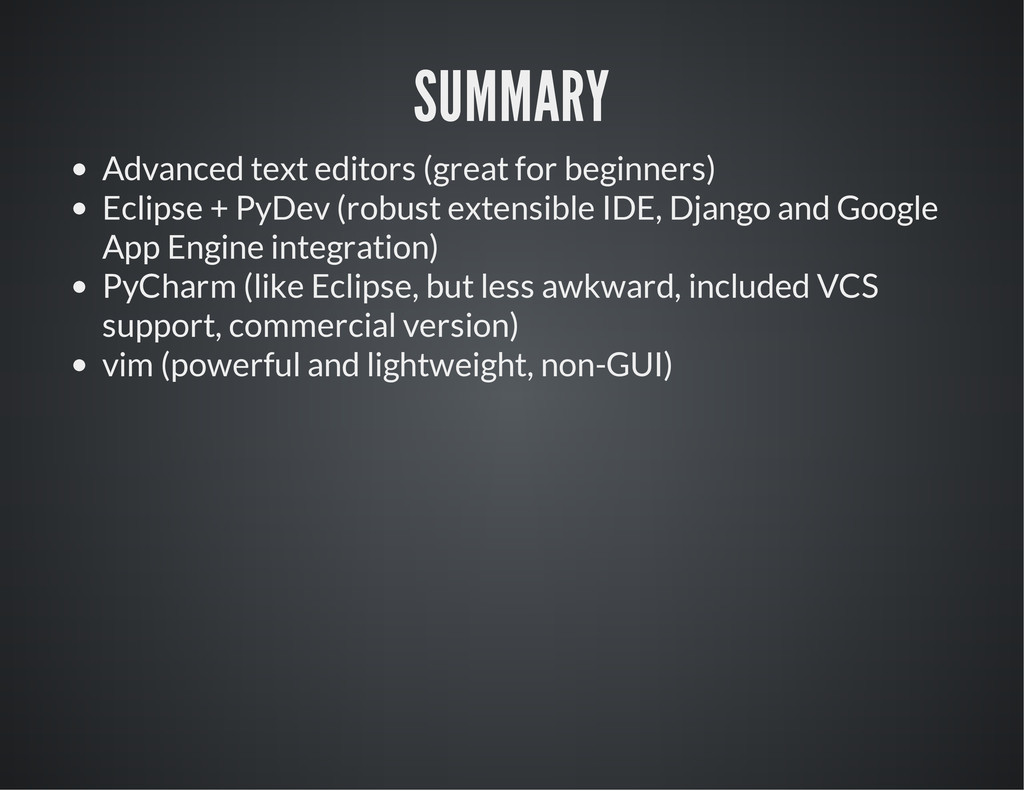
(robust extensible IDE, Django and Google App Engine integration) PyCharm (like Eclipse, but less awkward, included VCS support, commercial version) vim (powerful and lightweight, non-GUI)


 surgeterrix
 sorah
sorah
 ___akari11
 tomokon
 artoy
artoy
 nabondance
 rshindo
 gam0022
 optim
optim
 iwiwi
iwiwi
 hschwentner
 panda728
 eed3si9n
 scottboms
 tenderlove
 rabernat
 cassininazir
 reverentgeek
 tonyrice
 codingconduct
 chriscoyier
 jonoalderson
 aleyda
 lauravandoore