Upgrade to Pro — share decks privately, control downloads, hide ads and more …

Scraping (some of) the NYPL Catalog: A story of...

Sponsored · Your Podcast. Everywhere. Effortlessly. Share. Educate. Inspire. Entertain. You do you. We'll handle the rest. →
Avatar for Susan Susan
August 16, 2015

Scraping (some of) the NYPL Catalog: A story of Requests and BeautifulSoup

An introduction to web scraping in Python.
Pygotham, August 16th, 2015

Avatar for Susan

Susan

August 16, 2015

Other Decks in Programming

Transcript

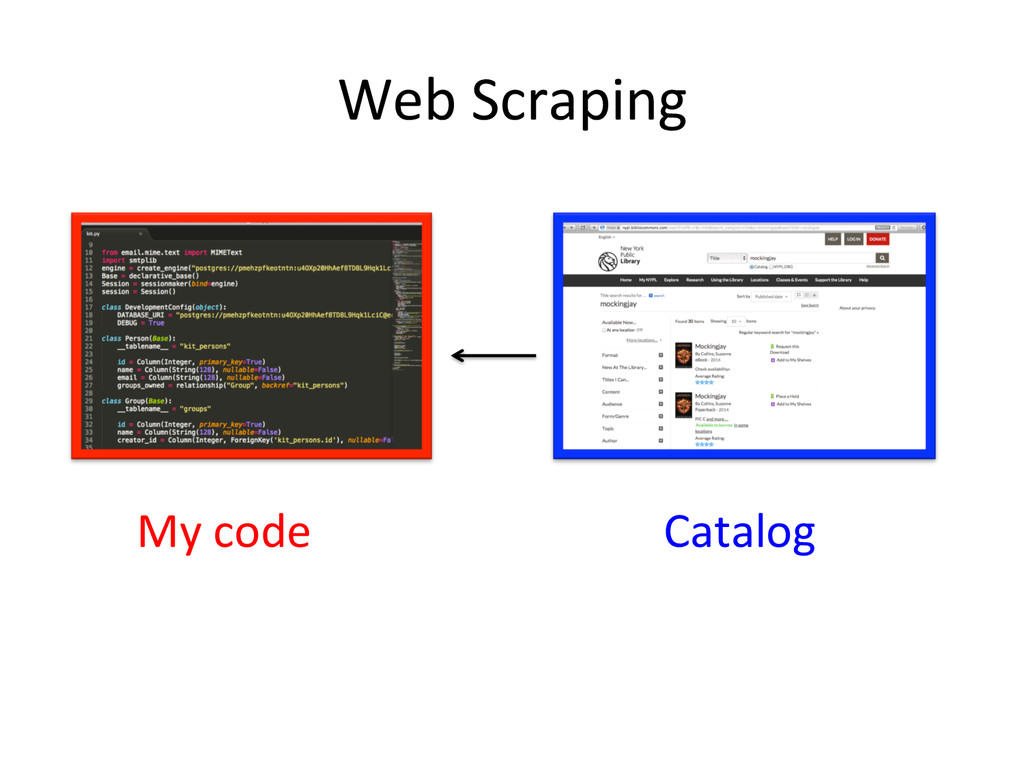
  1. Scraping  (some  of)  the  NYPL   Catalog   A  story

     of  Requests  and   Beau@fulSoup   Susan  Steinman     Pygotham   August  16th,  2015  
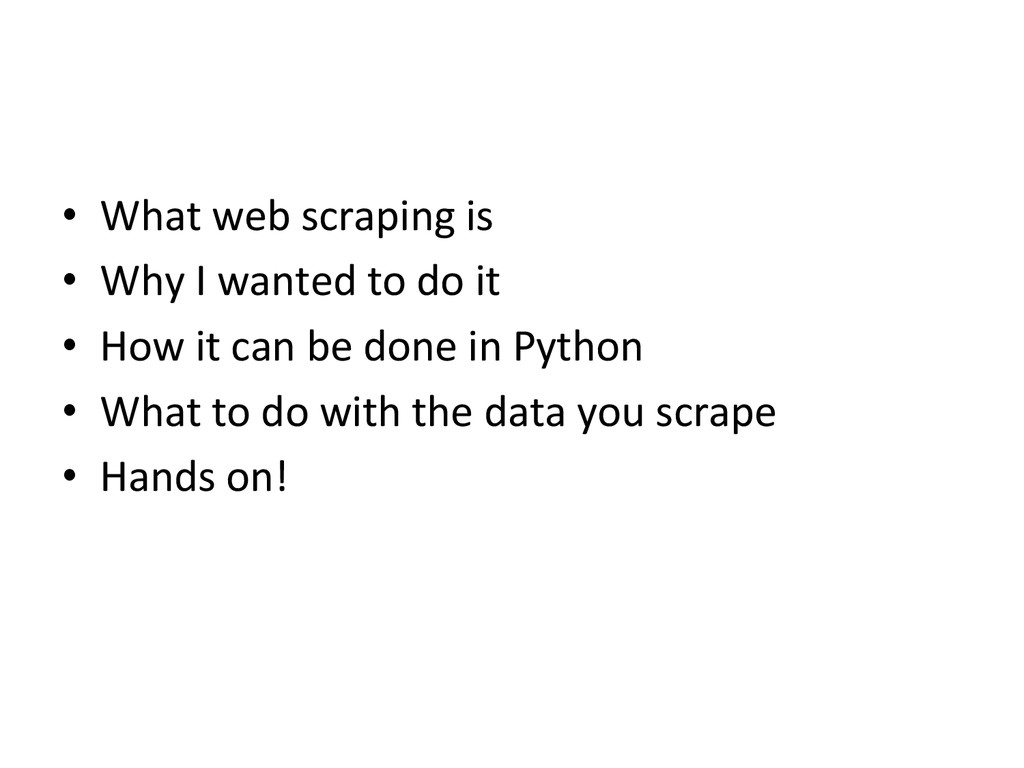
  2. •  What  web  scraping  is   •  Why  I  wanted

     to  do  it   •  How  it  can  be  done  in  Python   •  What  to  do  with  the  data  you  scrape   •  Hands  on!  
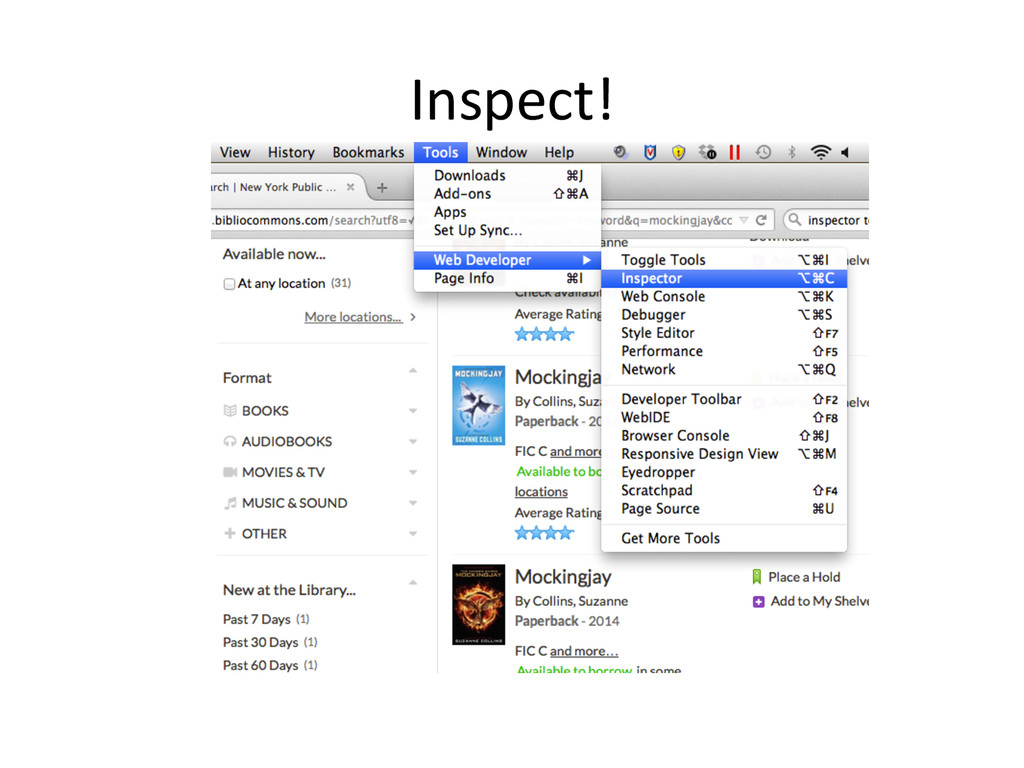
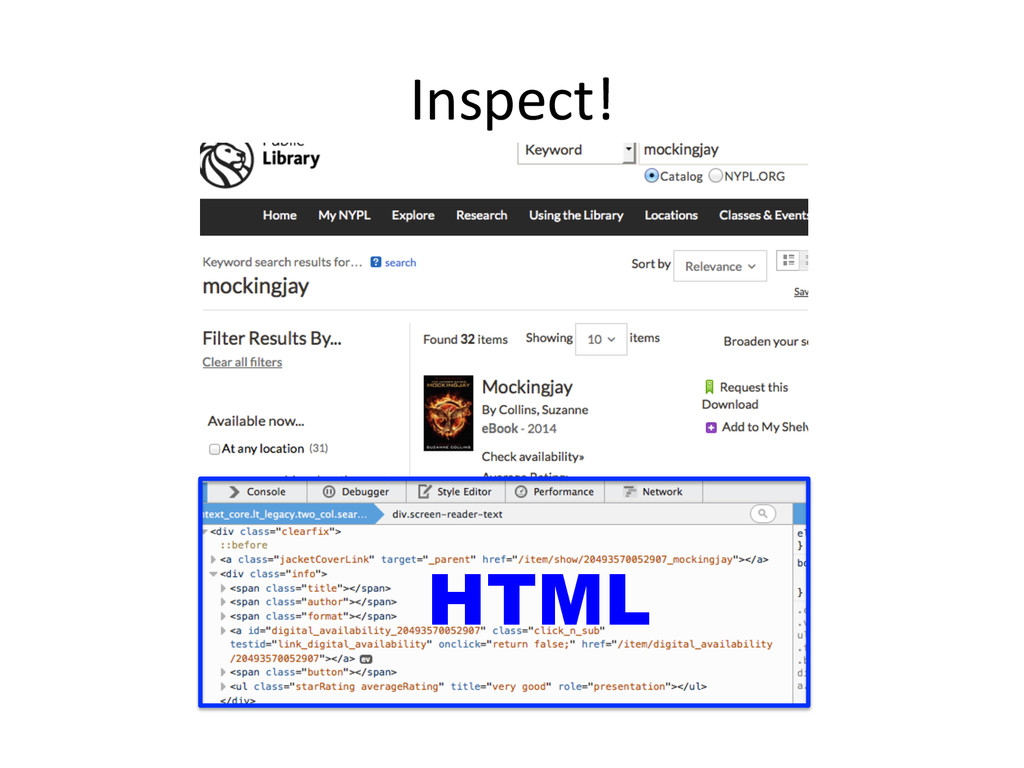
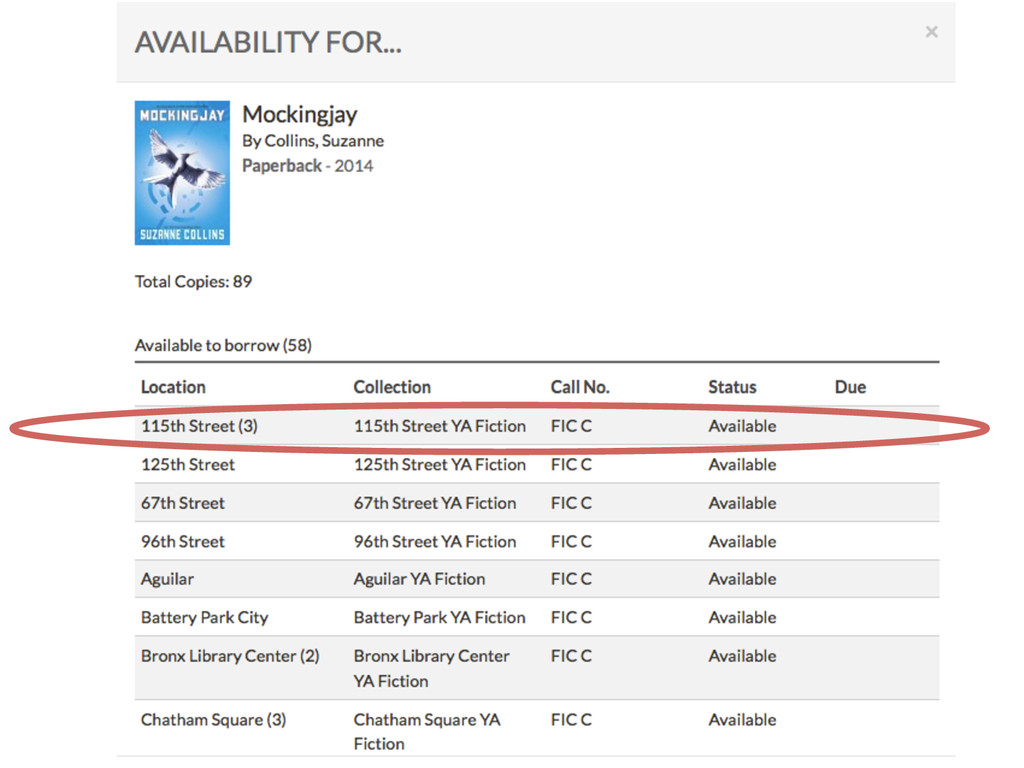
  3. Let’s  inspect  together   •  Find  a  friend!   • 

    Pick  a  site.   •  Inspect       hUp://on.nypl.org/1OTIe9i    
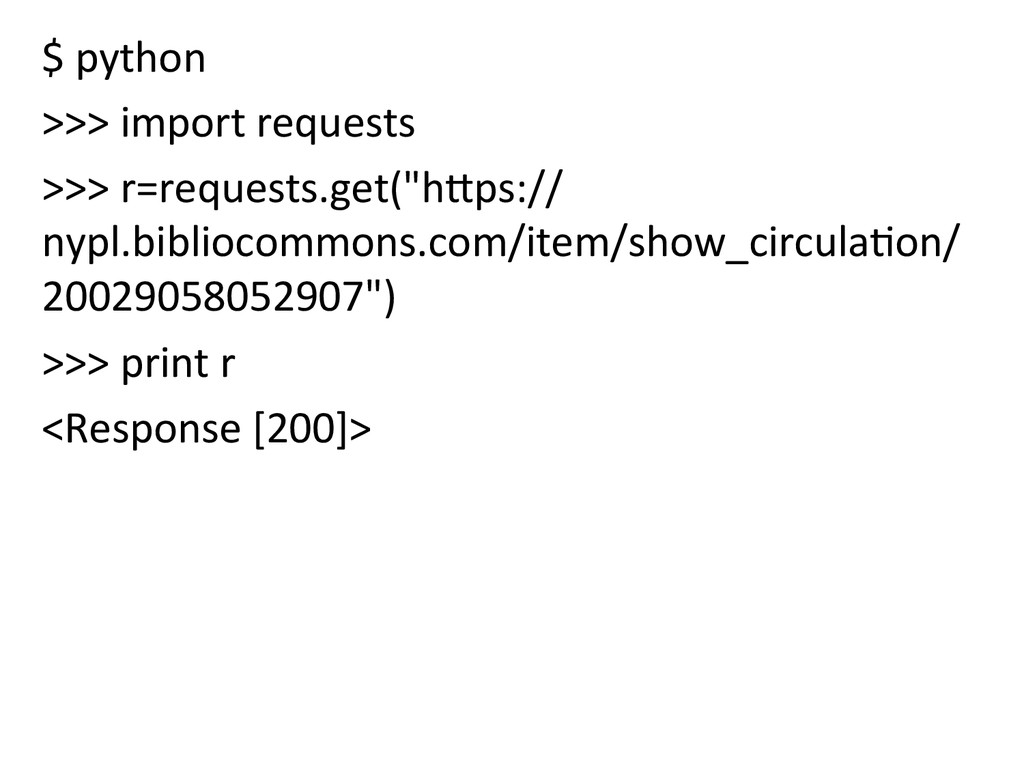
  4. The  Requests  Module   >>>  r=requests.get(“[URL]”)   >>>  print  r

      <Response  [200]>   >>>  print  r.content  
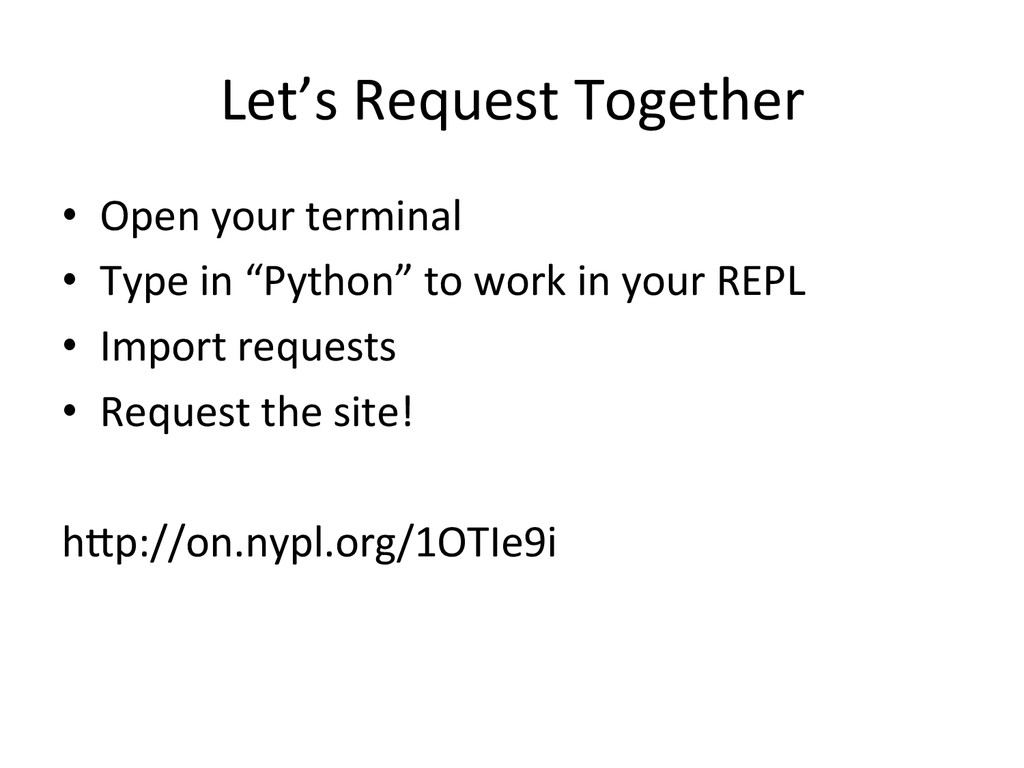
  5. Let’s  Request  Together   •  Open  your  terminal   • 

    Type  in  “Python”  to  work  in  your  REPL   •  Import  requests   •  Request  the  site!   hUp://on.nypl.org/1OTIe9i    
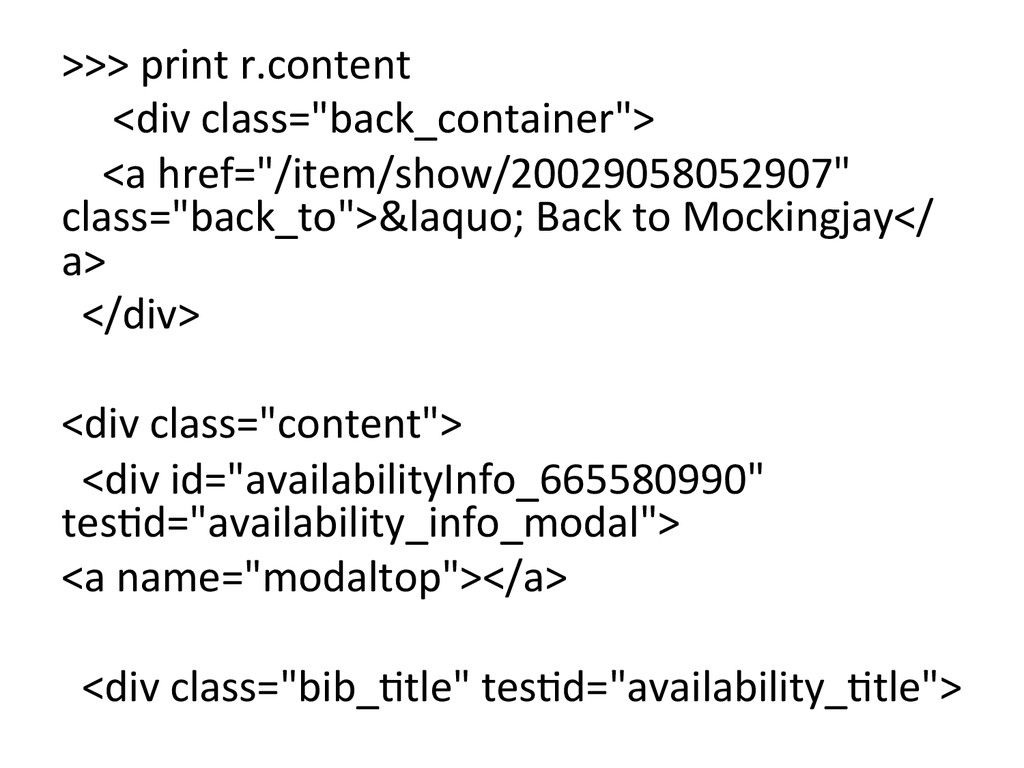
  6. >>>  print  r.content            <div  class="back_container">

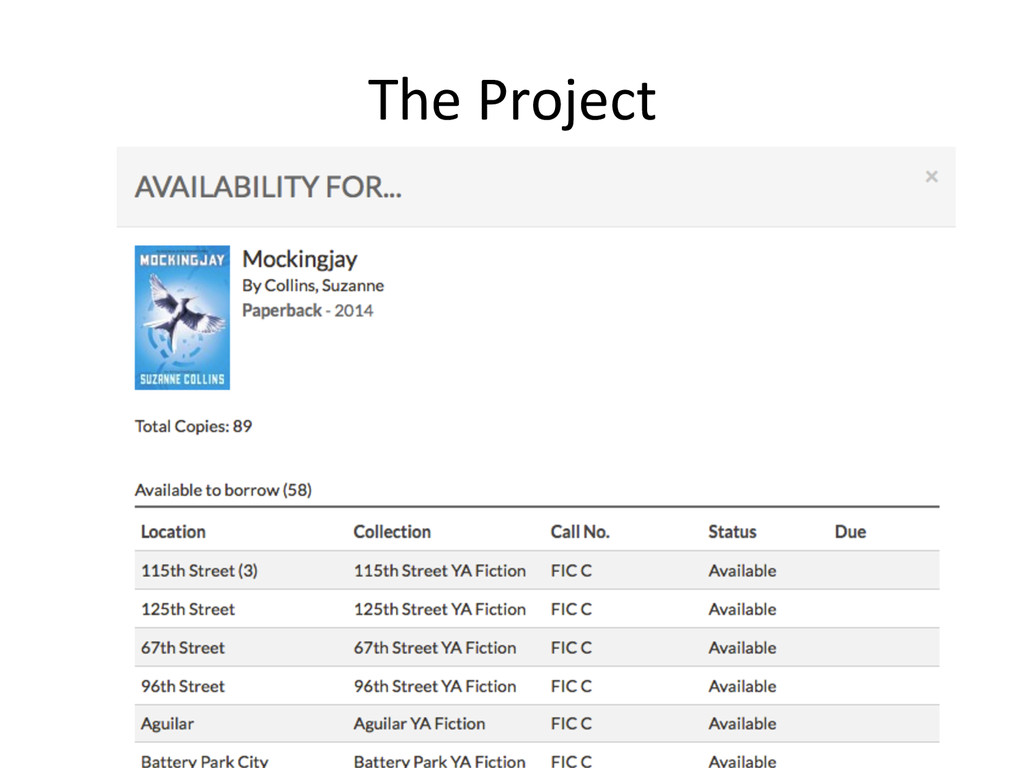
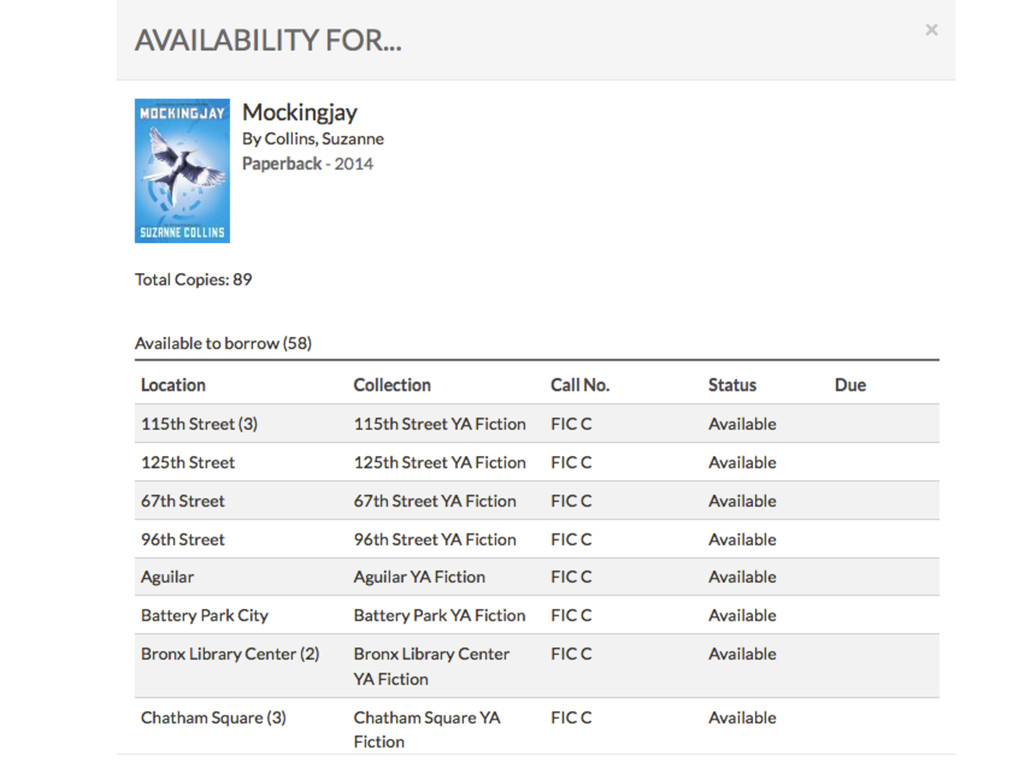
             <a  href="/item/show/20029058052907"   class="back_to">&laquo;  Back  to  Mockingjay</ a>              </div>             <div  class="content">      <div  id="availabilityInfo_665580990"   tes@d="availability_info_modal">   <a  name="modaltop"></a>        <div  class="bib_@tle"  tes@d="availability_@tle">            
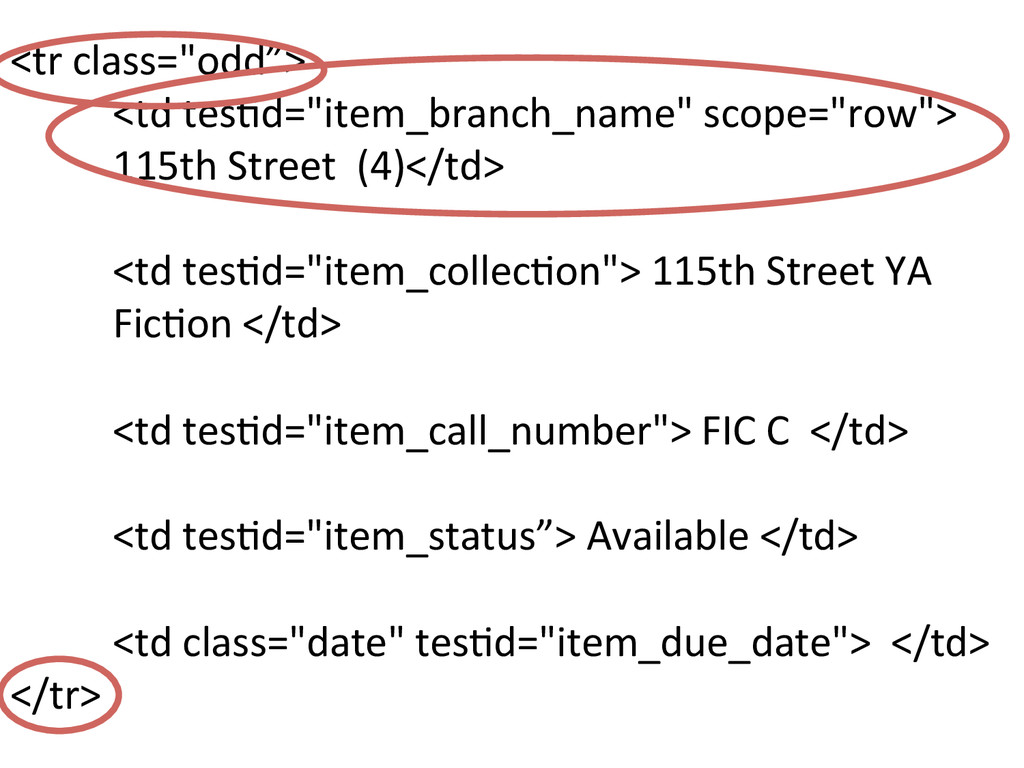
  7. <tr  class="odd”>      <td  tes@d="item_branch_name"  scope="row">      

     115th  Street    (4)</td>        <td  tes@d="item_collec@on">  115th  Street  YA        Fic@on  </td>        <td  tes@d="item_call_number">  FIC  C    </td>        <td  tes@d="item_status”>  Available  </td>            <td  class="date"  tes@d="item_due_date">    </td>   </tr>  
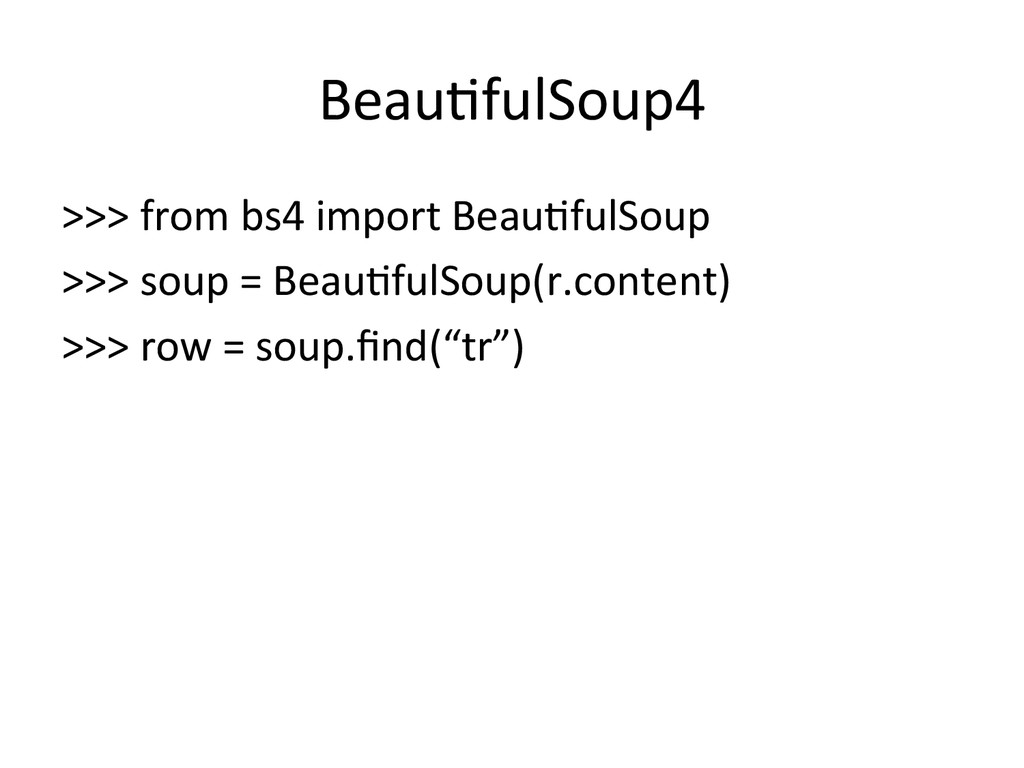
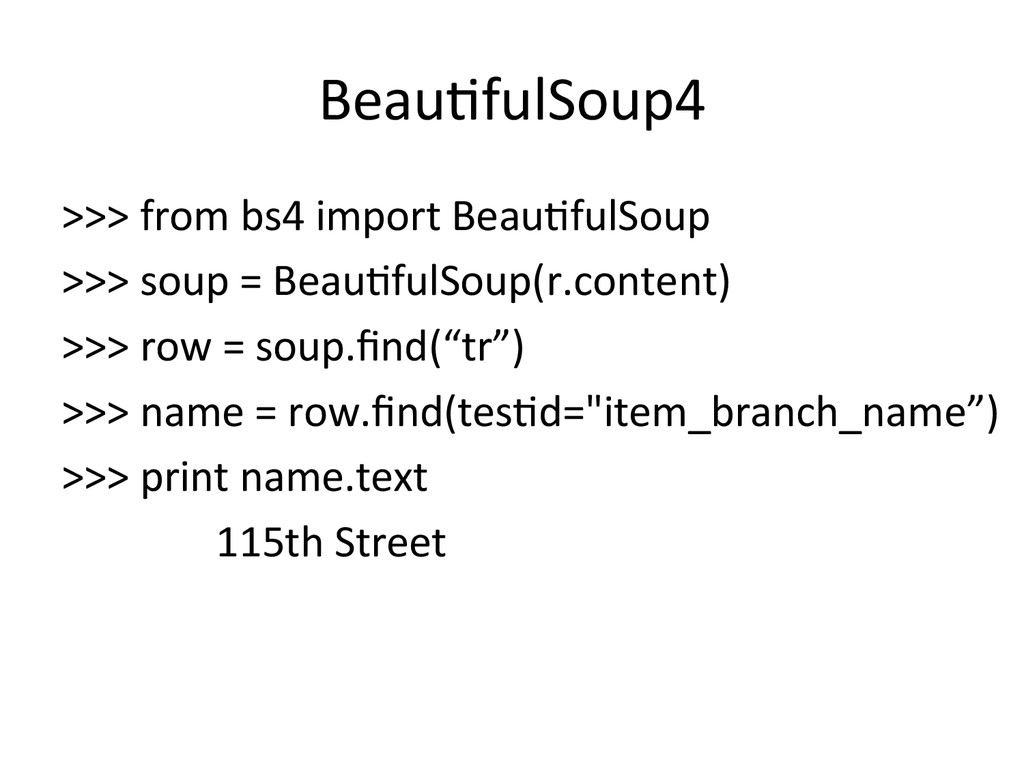
  8. Beau@fulSoup4   >>>  from  bs4  import  Beau@fulSoup   >>>  soup

     =  Beau@fulSoup(r.content)   >>>  row  =  soup.find(“tr”)      
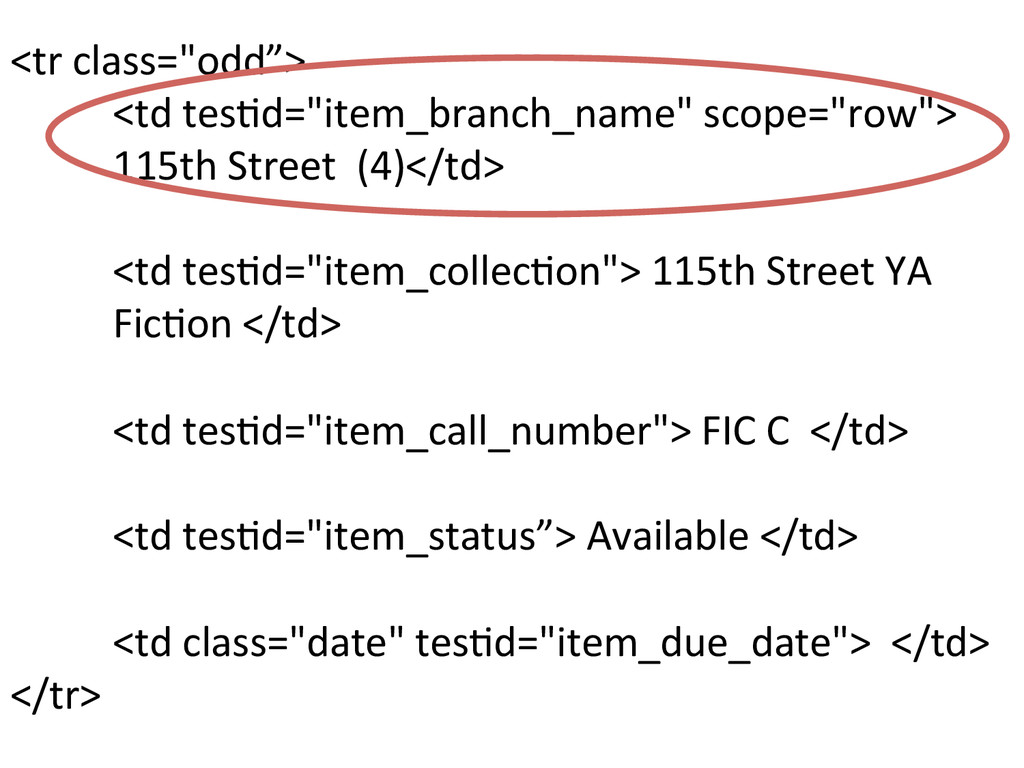
  9. <tr  class="odd”>      <td  tes@d="item_branch_name"  scope="row">      

     115th  Street    (4)</td>        <td  tes@d="item_collec@on">  115th  Street  YA        Fic@on  </td>        <td  tes@d="item_call_number">  FIC  C    </td>        <td  tes@d="item_status”>  Available  </td>            <td  class="date"  tes@d="item_due_date">    </td>   </tr>  
  10. Beau@fulSoup4   >>>  from  bs4  import  Beau@fulSoup   >>>  soup

     =  Beau@fulSoup(r.content)   >>>  row  =  soup.find(“tr”)   >>>  name  =  row.find(tes@d="item_branch_name”)   >>>  print  name.text                                115th  Street