Upgrade to Pro — share decks privately, control downloads, hide ads and more …

WordPress Development for Serious Developers

WordPress Development for Serious Developers

My presentation at WordCamp Ahmedabad 2017

If you know PHP and a little bit about WordPress, you can write a function or a plugin and even create a WordPress theme. But a serious developer will be concerned about the users. He/she will make sure the code will not impact other common functionalities. He/she will make sure the code is scalable and will utilize all the resources available in WordPress ecosystem.

My talk will be for the developers to understand the real power of WordPress to write non-obtrusive, extensible, secure and developer friendly functionalities on WordPress.

WordPress code is poetry and not a stand up comedy!

Avatar for Tejaswini Deshpande

Tejaswini Deshpande

October 10, 2017

More Decks by Tejaswini Deshpande

Other Decks in Programming

Transcript

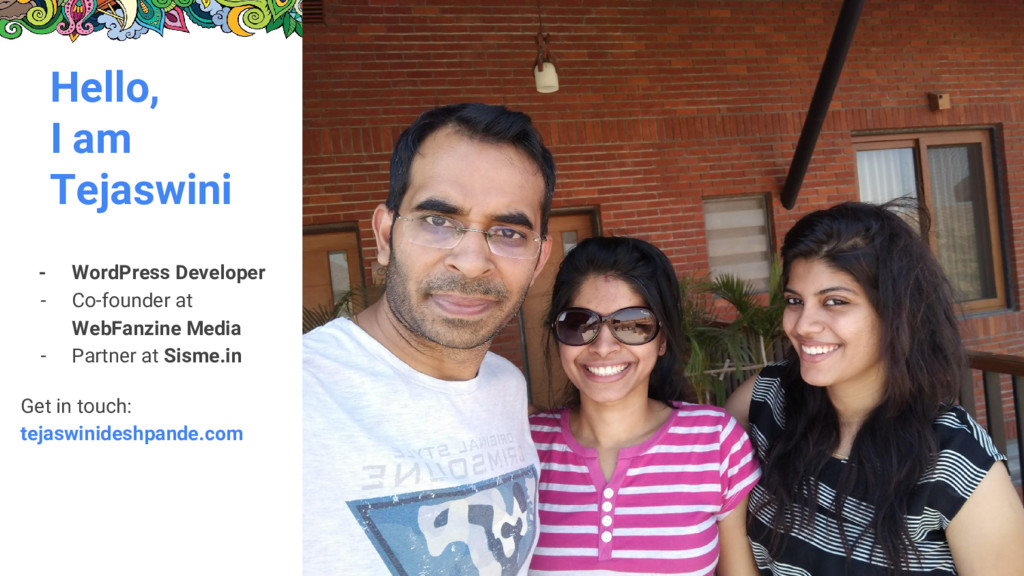
  1. Hello, I am Tejaswini - WordPress Developer - Co-founder at

    WebFanzine Media - Partner at Sisme.in Get in touch: tejaswinideshpande.com
  2. Remove Duplicate Code • Check if there is any WordPress

    core function for that • Always try to use WordPress Custom Post Types for any kind of custom content rather than creating own database table • Use validation functions shipped with core WordPress rather than writing them again
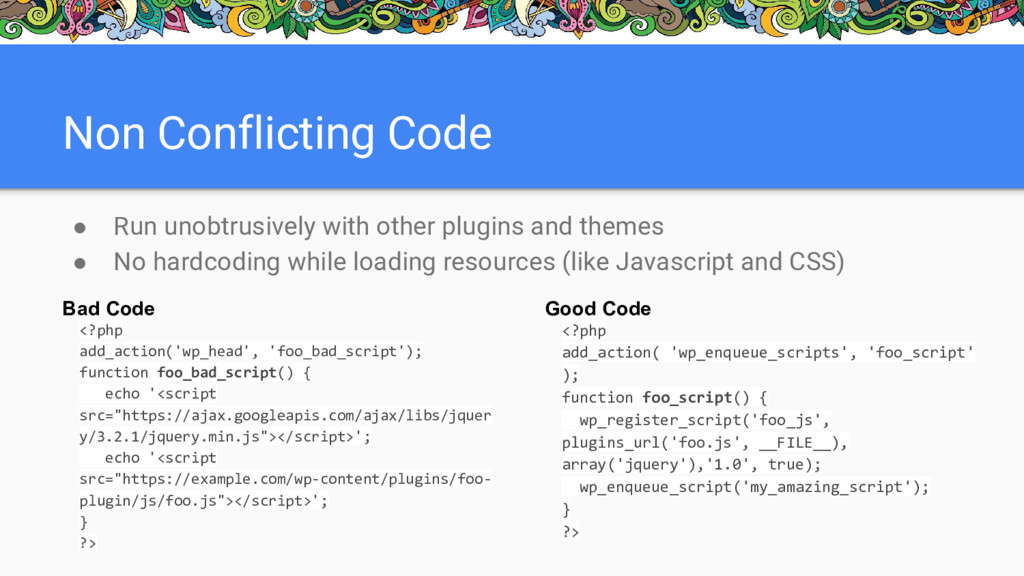
  3. Non Conflicting Code • Run unobtrusively with other plugins and

    themes • No hardcoding while loading resources (like Javascript and CSS) Bad Code <?php add_action('wp_head', 'foo_bad_script'); function foo_bad_script() { echo '<script src="https://ajax.googleapis.com/ajax/libs/jquer y/3.2.1/jquery.min.js"></script>'; echo '<script src="https://example.com/wp-content/plugins/foo- plugin/js/foo.js"></script>'; } ?> Good Code <?php add_action( 'wp_enqueue_scripts', 'foo_script' ); function foo_script() { wp_register_script('foo_js', plugins_url('foo.js', __FILE__), array('jquery'),'1.0', true); wp_enqueue_script('my_amazing_script'); } ?>
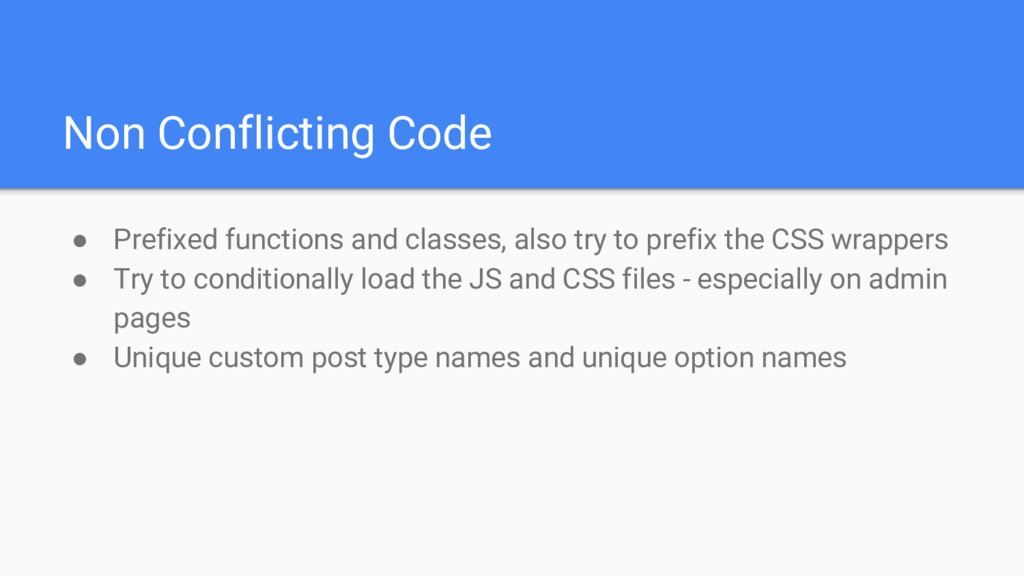
  4. Non Conflicting Code • Prefixed functions and classes, also try

    to prefix the CSS wrappers • Try to conditionally load the JS and CSS files - especially on admin pages • Unique custom post type names and unique option names
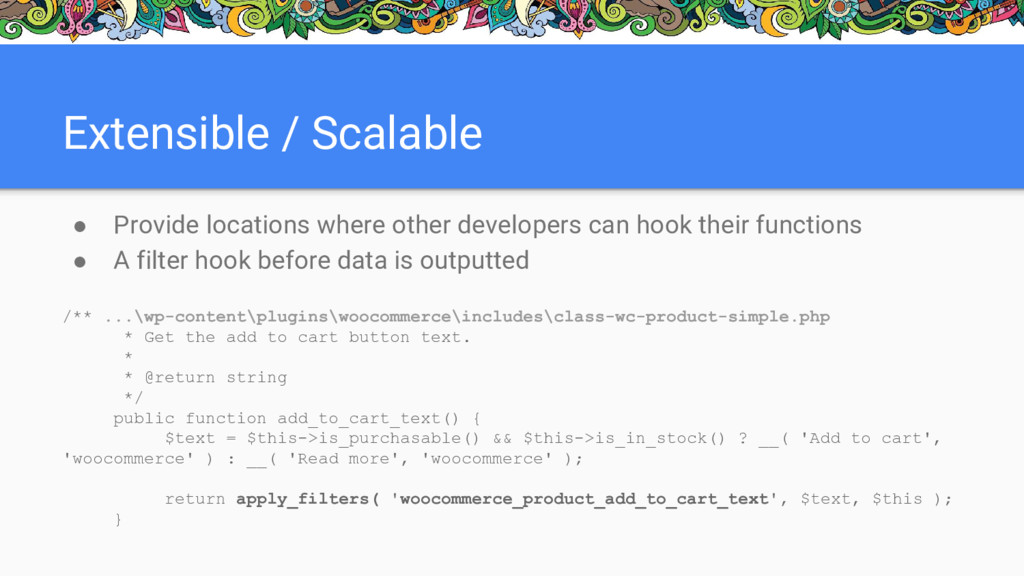
  5. Extensible / Scalable • Provide locations where other developers can

    hook their functions • A filter hook before data is outputted /** ...\wp-content\plugins\woocommerce\includes\class-wc-product-simple.php * Get the add to cart button text. * * @return string */ public function add_to_cart_text() { $text = $this->is_purchasable() && $this->is_in_stock() ? __( 'Add to cart', 'woocommerce' ) : __( 'Read more', 'woocommerce' ); return apply_filters( 'woocommerce_product_add_to_cart_text', $text, $this ); }
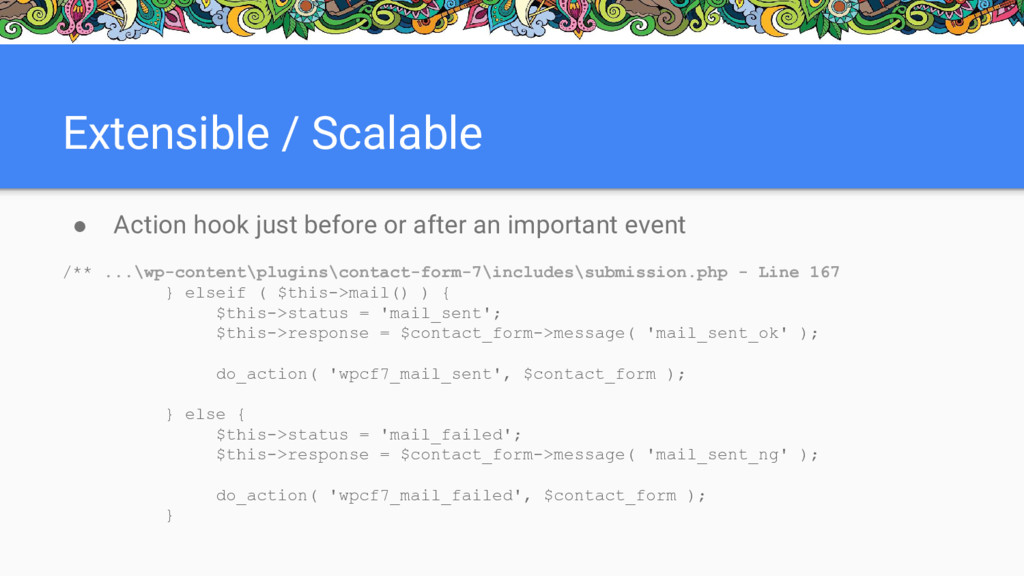
  6. Extensible / Scalable • Action hook just before or after

    an important event /** ...\wp-content\plugins\contact-form-7\includes\submission.php - Line 167 } elseif ( $this->mail() ) { $this->status = 'mail_sent'; $this->response = $contact_form->message( 'mail_sent_ok' ); do_action( 'wpcf7_mail_sent', $contact_form ); } else { $this->status = 'mail_failed'; $this->response = $contact_form->message( 'mail_sent_ng' ); do_action( 'wpcf7_mail_failed', $contact_form ); }
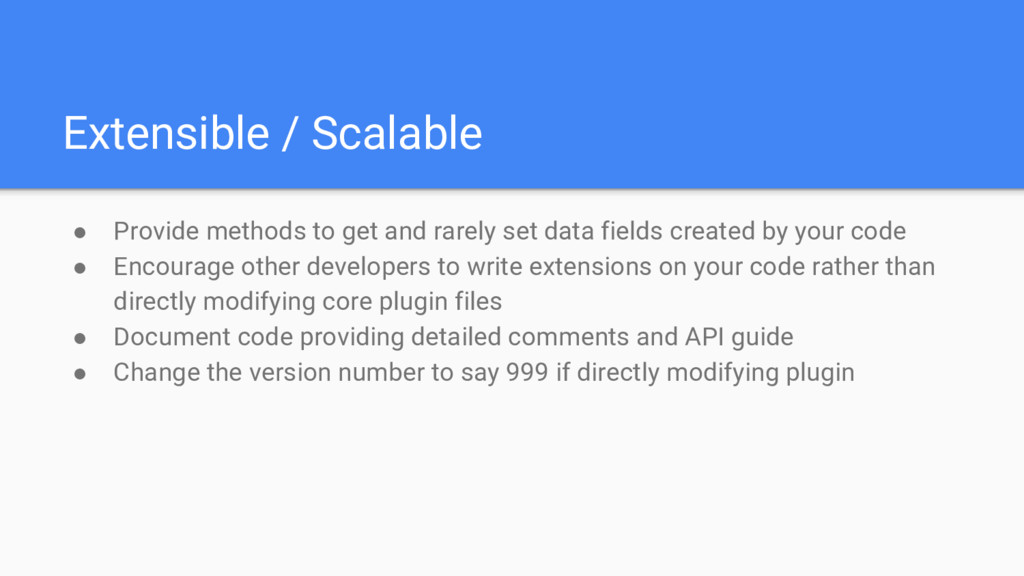
  7. Extensible / Scalable • Provide methods to get and rarely

    set data fields created by your code • Encourage other developers to write extensions on your code rather than directly modifying core plugin files • Document code providing detailed comments and API guide • Change the version number to say 999 if directly modifying plugin
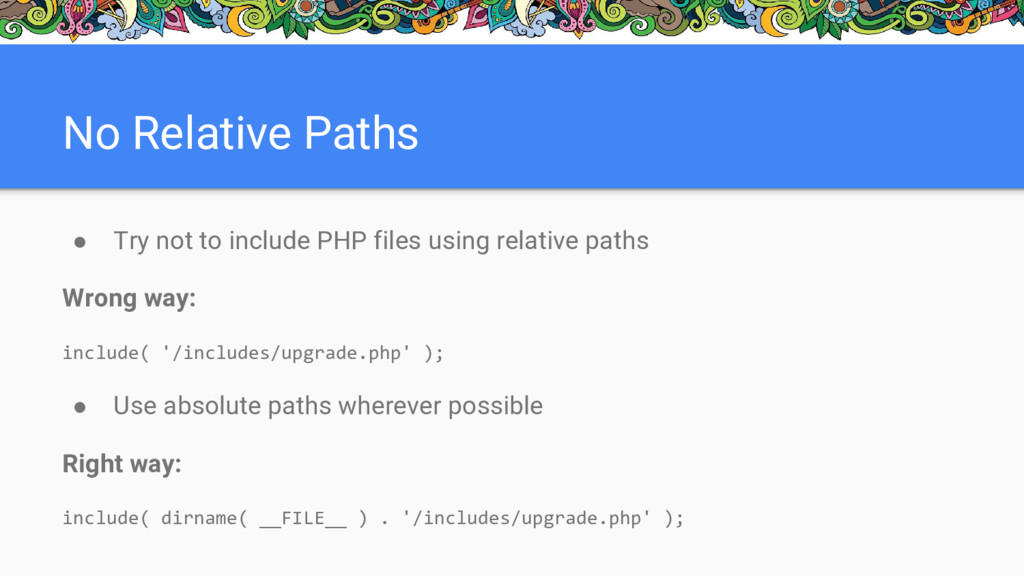
  8. No Relative Paths • Try not to include PHP files

    using relative paths Wrong way: include( '/includes/upgrade.php' ); • Use absolute paths wherever possible Right way: include( dirname( __FILE__ ) . '/includes/upgrade.php' );
  9. Code Efficiency • Restrict calls to Database (SQL queries) •

    Cache the data extracted from DB which is needed often • No excessive use of global variables
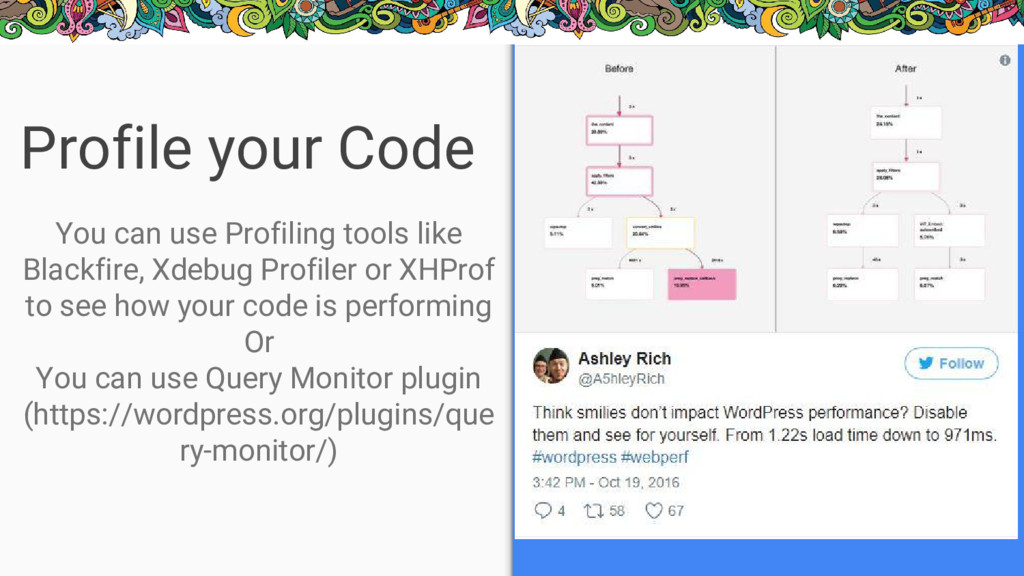
  10. Profile your Code You can use Profiling tools like Blackfire,

    Xdebug Profiler or XHProf to see how your code is performing Or You can use Query Monitor plugin (https://wordpress.org/plugins/que ry-monitor/)
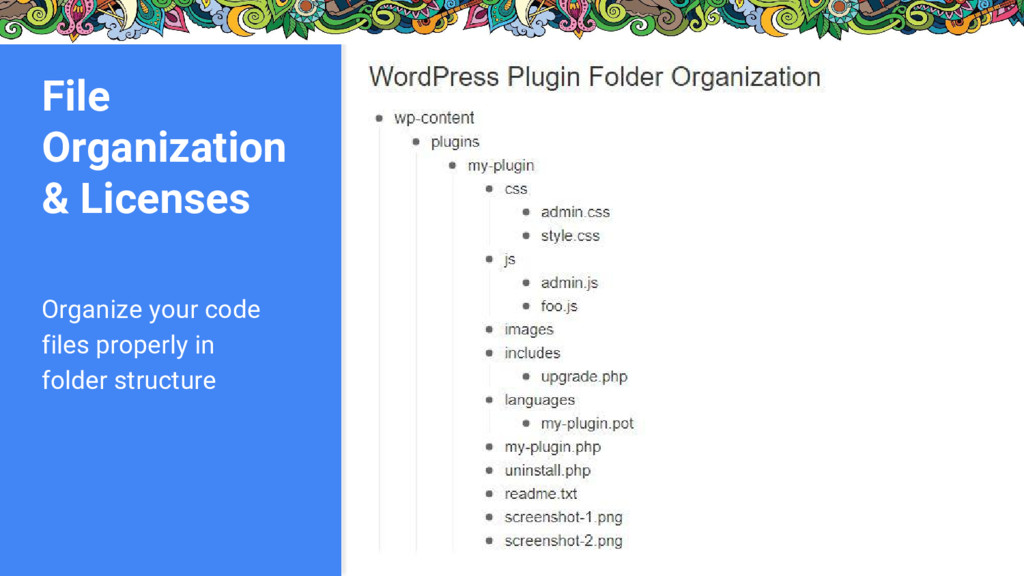
  11. File Organization & Licenses • Helps you in easy bug

    fixes and aides you for future enhancements • Other developers can also understand the code structure easily • Include readme file with your code • Mention licenses and make sure all are GPL compatible • Helps in code/plugin acquisition as well
  12. Translation Friendly • All hardcoded strings including messages and warnings

    in the code must be translatable • At least make sure that each hardcoded string on the FRONT is translatable - e.g. ‘Powered by’ • Create the .pot file for your plugin using Poedit and put it in ‘languages’ folder
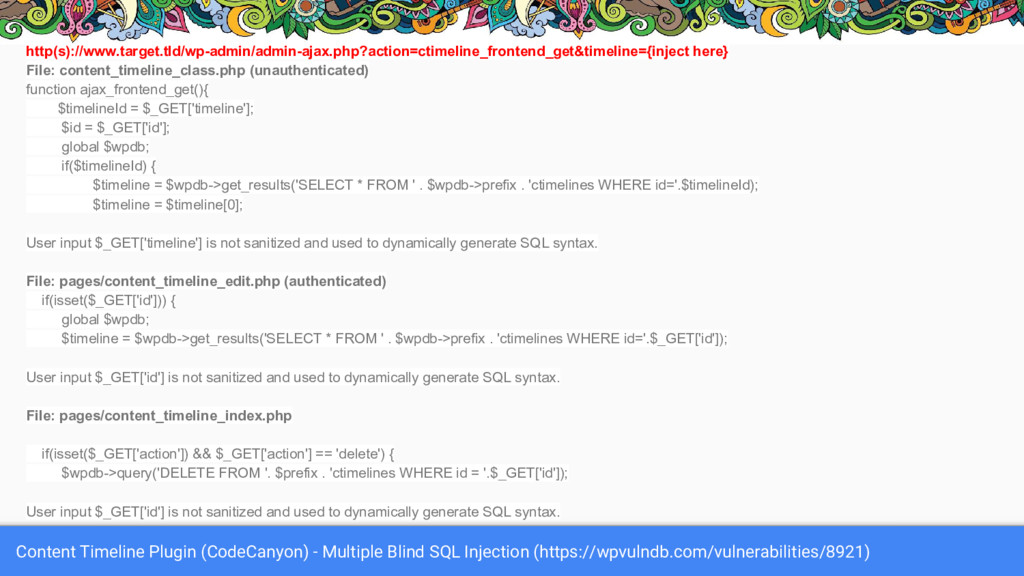
  13. Content Timeline Plugin (CodeCanyon) - Multiple Blind SQL Injection (https://wpvulndb.com/vulnerabilities/8921)

    http(s)://www.target.tld/wp-admin/admin-ajax.php?action=ctimeline_frontend_get&timeline={inject here} File: content_timeline_class.php (unauthenticated) function ajax_frontend_get(){ $timelineId = $_GET['timeline']; $id = $_GET['id']; global $wpdb; if($timelineId) { $timeline = $wpdb->get_results('SELECT * FROM ' . $wpdb->prefix . 'ctimelines WHERE id='.$timelineId); $timeline = $timeline[0]; User input $_GET['timeline'] is not sanitized and used to dynamically generate SQL syntax. File: pages/content_timeline_edit.php (authenticated) if(isset($_GET['id'])) { global $wpdb; $timeline = $wpdb->get_results('SELECT * FROM ' . $wpdb->prefix . 'ctimelines WHERE id='.$_GET['id']); User input $_GET['id'] is not sanitized and used to dynamically generate SQL syntax. File: pages/content_timeline_index.php if(isset($_GET['action']) && $_GET['action'] == 'delete') { $wpdb->query('DELETE FROM '. $prefix . 'ctimelines WHERE id = '.$_GET['id']); User input $_GET['id'] is not sanitized and used to dynamically generate SQL syntax.
  14. Secure Code • Validate input by users as early as

    possible • Sanitize each and every user input • Escape all HTML output • Check permissions before adding any data to database or deleting or uploading any file (almost before doing any action) • Use Nonces while submitting form or deleting anything
  15. Let’s get Serious and Value the Quality of Our Code

    Carelessness only shows what we don't value......