Upgrade to Pro — share decks privately, control downloads, hide ads and more …

Single Page Web Applications with WordPress RES...

Sponsored · Ship Features Fearlessly Turn features on and off without deploys. Used by thousands of Ruby developers. →

Single Page Web Applications with WordPress REST API

My talk at WordCamp Nashik 2017 on "Single Page Application development with WordPress RESTful API". Single page applications are future and they can be built with Reactive JA framework and HTML+CSS on the frontend and we can use power of WordPress at the backend. This presentation will help you with the concepts for such application development. It also has a start Single Page Application Project and a custom WordPress Plugin that adds custom REST routes and endpoints for the SPA.

Avatar for Tejaswini Deshpande

Tejaswini Deshpande

November 06, 2017

More Decks by Tejaswini Deshpande

Other Decks in Programming

Transcript

  1. Hello, I am Tejaswini - WordPress Developer - Co-founder at

    Staenz Academy - Partner at Sisme.in Get in touch: tejaswinideshpande.com
  2. Vue.js • Easy to learn even if you don’t have

    experience with other libraries. • Well documented. • Strong community involvement and lots of auxiliary projects. • Small file size. • Fast & Reactive
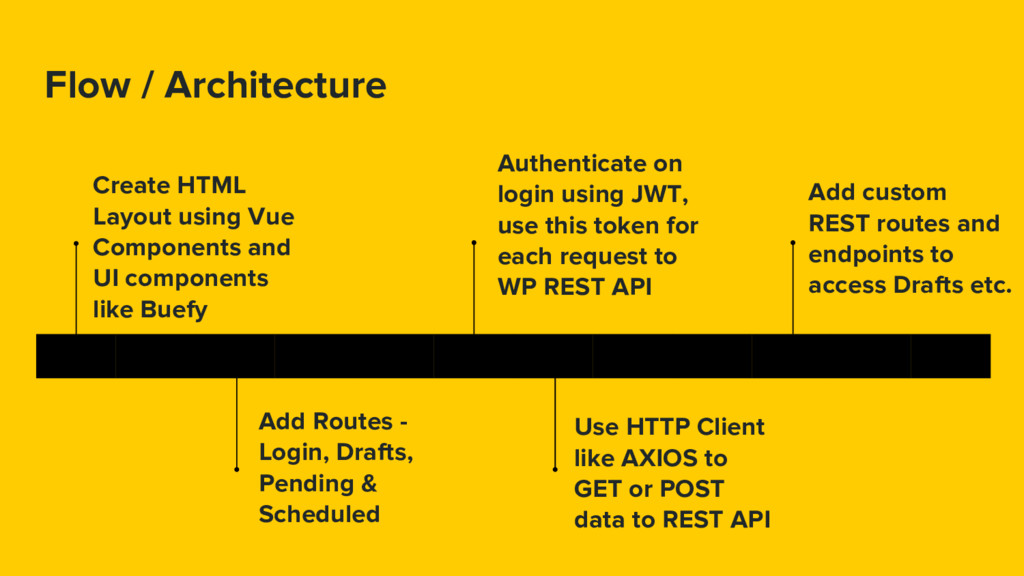
  3. Flow / Architecture Create HTML Layout using Vue Components and

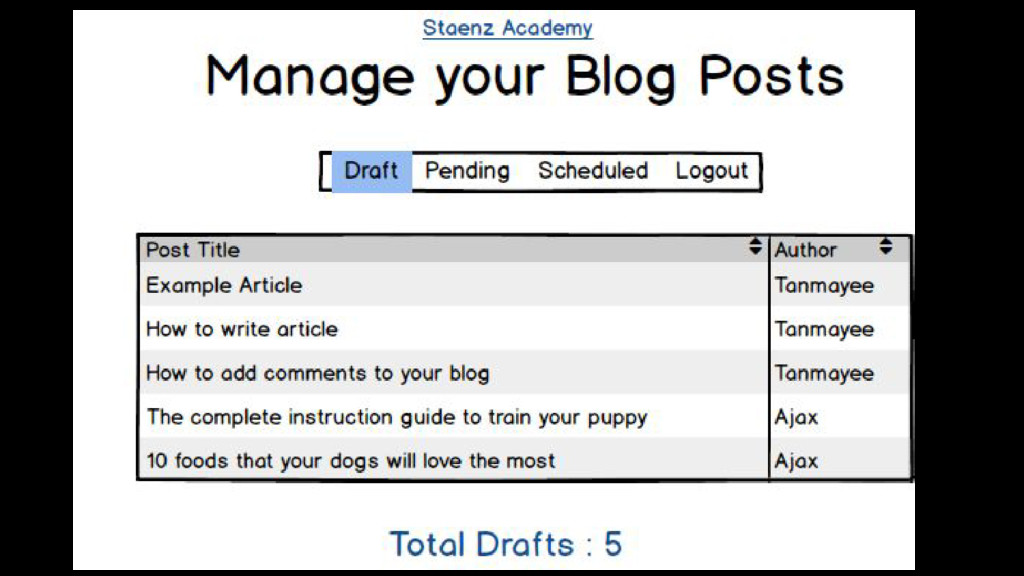
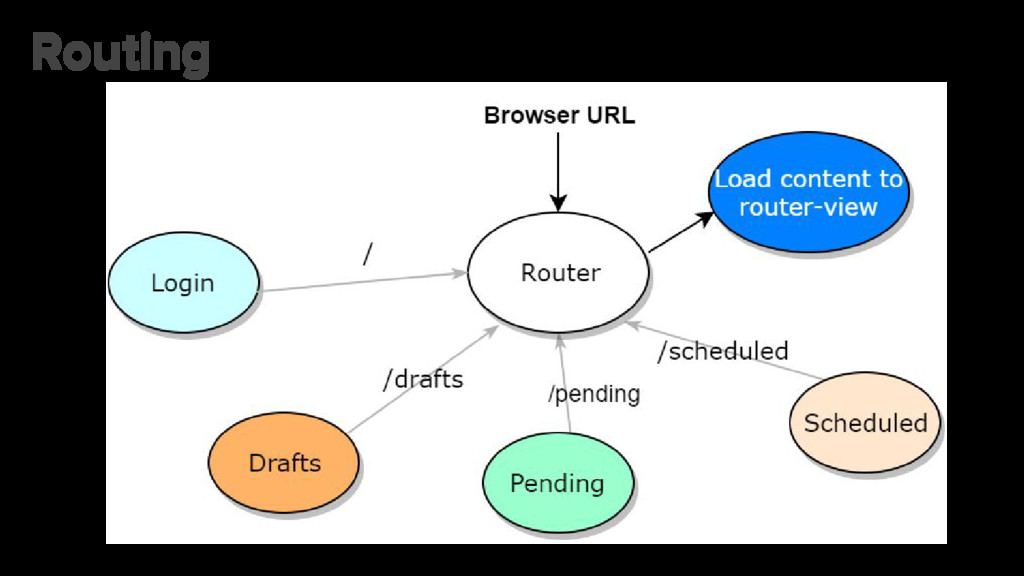
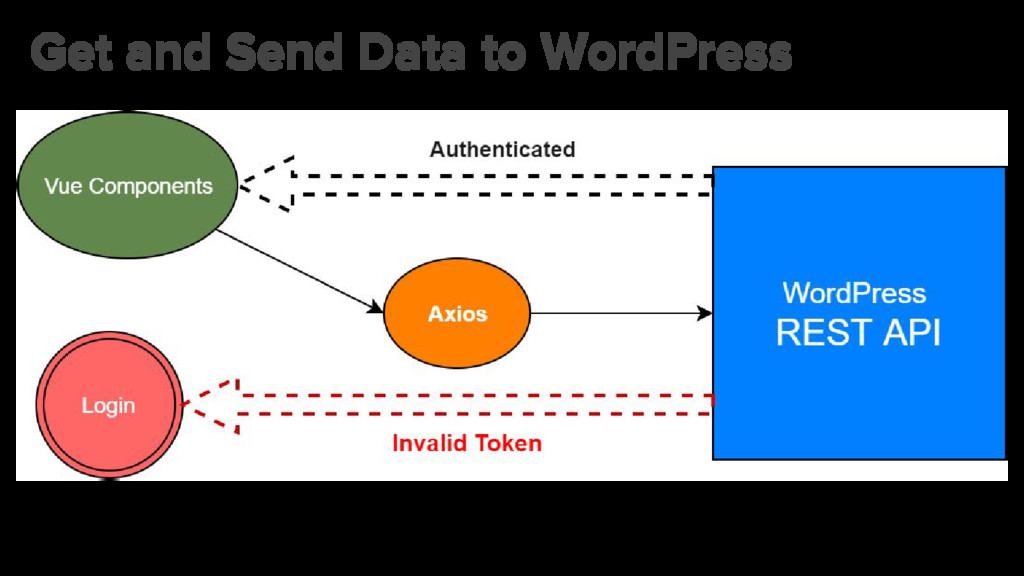
    UI components like Buefy Add Routes - Login, Drafts, Pending & Scheduled Authenticate on login using JWT, use this token for each request to WP REST API Use HTTP Client like AXIOS to GET or POST data to REST API Add custom REST routes and endpoints to access Drafts etc.
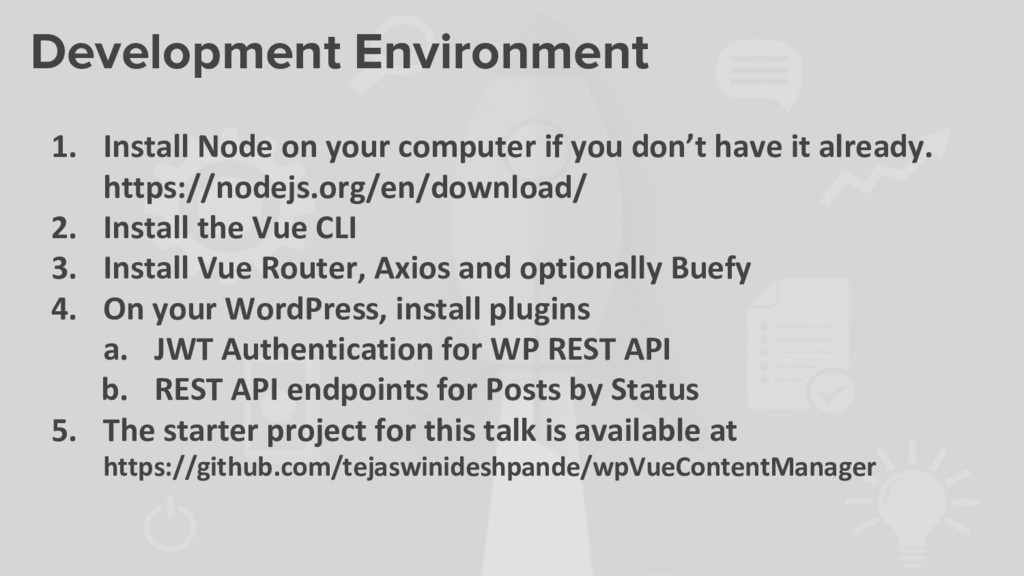
  4. Development Environment 1. Install Node on your computer if you

    don’t have it already. https://nodejs.org/en/download/ 2. Install the Vue CLI 3. Install Vue Router, Axios and optionally Buefy 4. On your WordPress, install plugins a. JWT Authentication for WP REST API b. REST API endpoints for Posts by Status 5. The starter project for this talk is available at https://github.com/tejaswinideshpande/wpVueContentManager
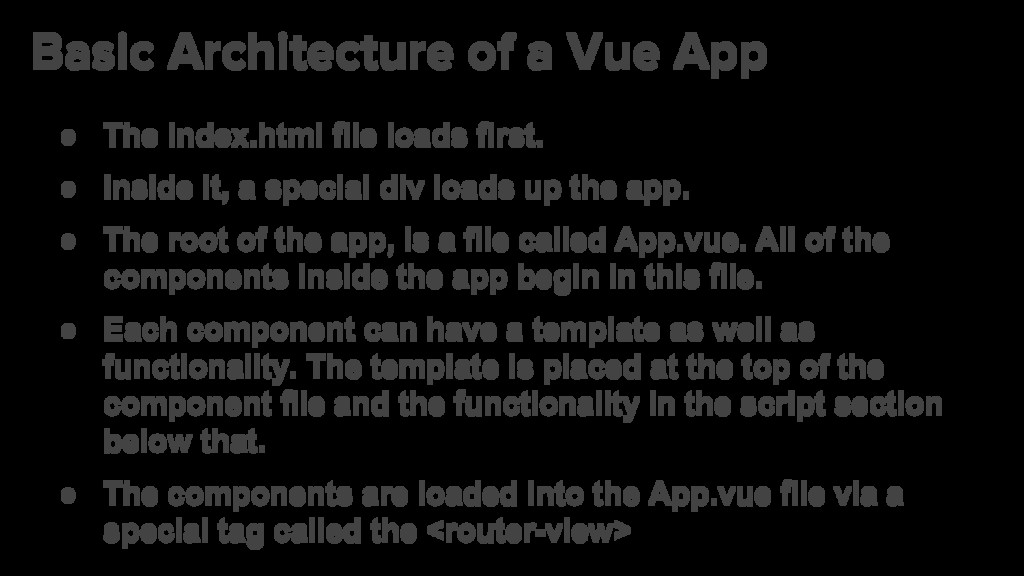
  5. Basic Architecture of a Vue App • The index.html file

    loads first. • Inside it, a special div loads up the app. • The root of the app, is a file called App.vue. All of the components inside the app begin in this file. • Each component can have a template as well as functionality. The template is placed at the top of the component file and the functionality in the script section below that. • The components are loaded into the App.vue file via a special tag called the <router-view>
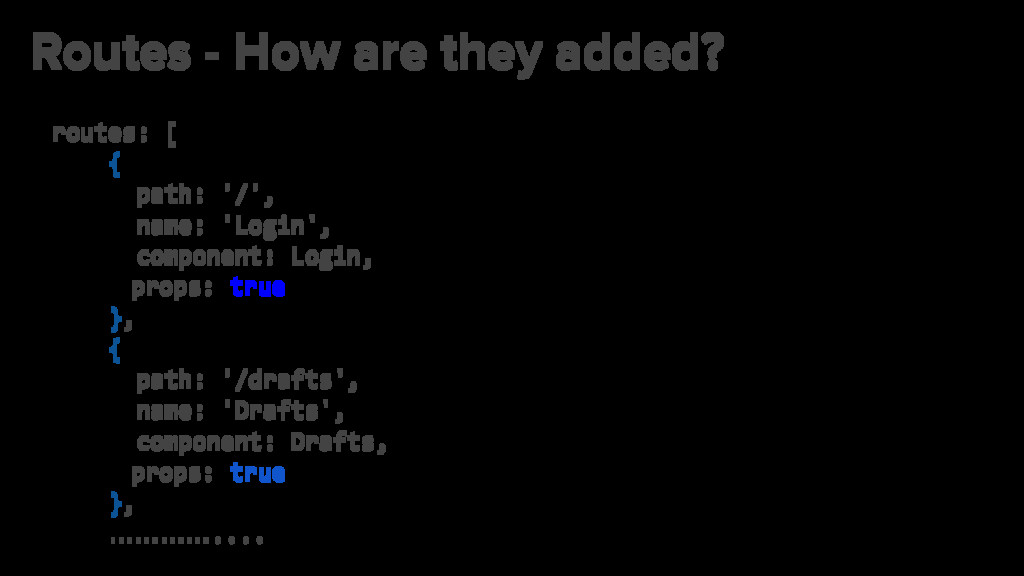
  6. Routes - How are they added? routes: [ { path:

    '/', name: 'Login', component: Login, props: true }, { path: '/drafts', name: 'Drafts', component: Drafts, props: true }, …………....
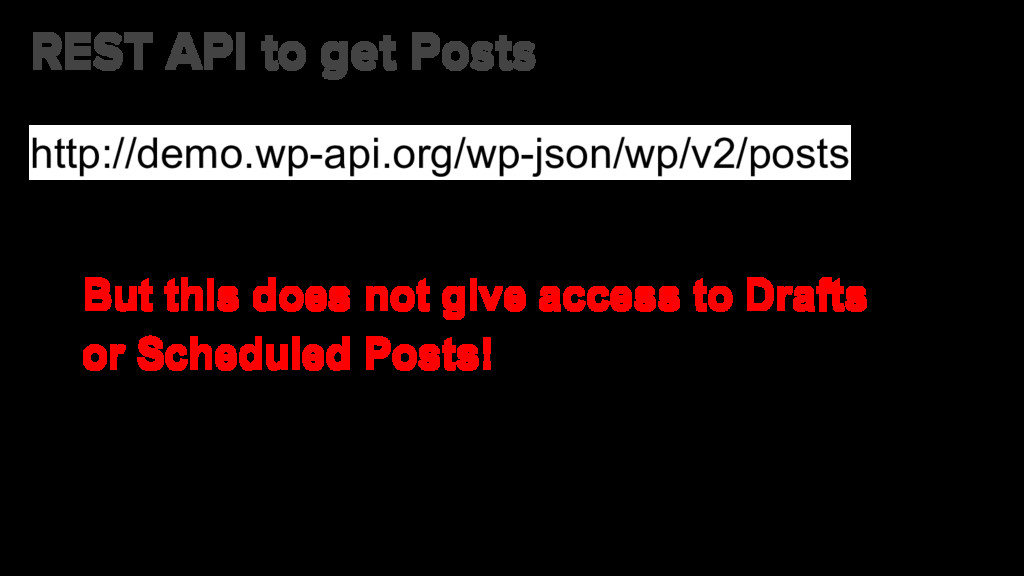
  7. Register our own Custom Routes http://demo.wp-api.org/wp-json/wppbs/v2/draft I have added Custom

    Endpoints for this talk in the plugin https://github.com/tejaswinideshpande/wp-rest-api-post-by-status
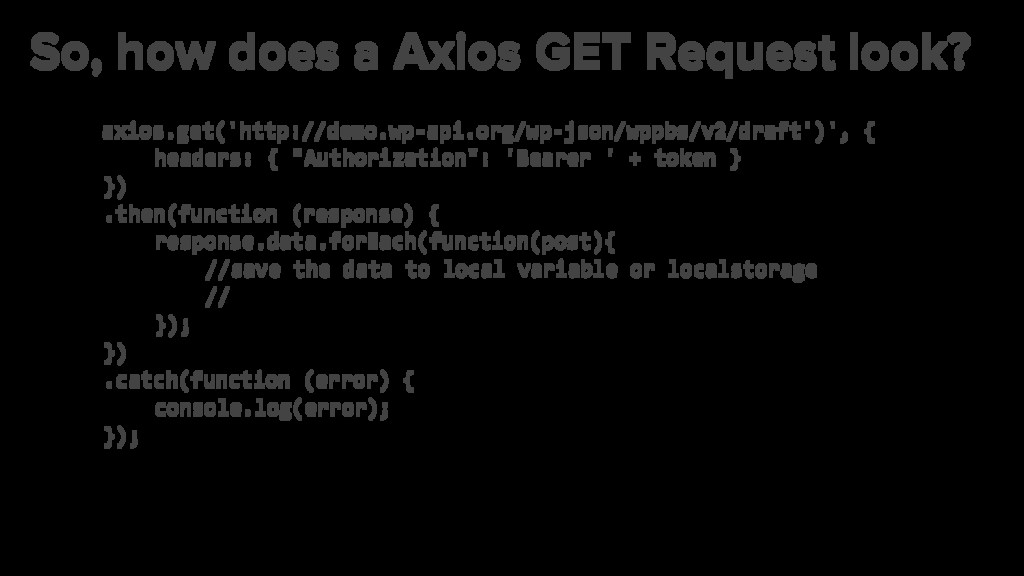
  8. So, how does a Axios GET Request look? axios.get('http://demo.wp-api.org/wp-json/wppbs/v2/draft')', {

    headers: { "Authorization": 'Bearer ' + token } }) .then(function (response) { response.data.forEach(function(post){ //save the data to local variable or localstorage // }); }) .catch(function (error) { console.log(error); });
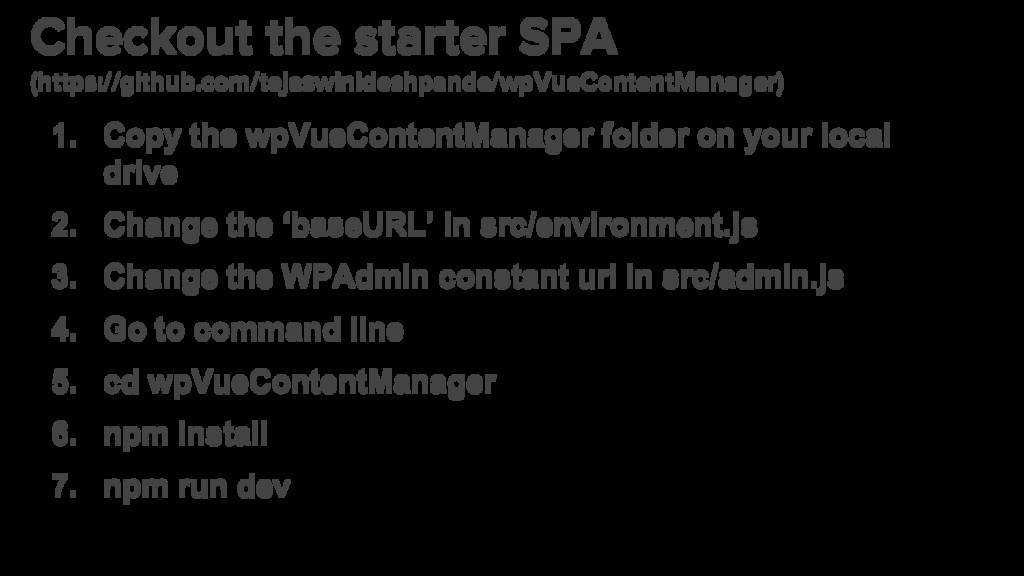
  9. Checkout the starter SPA (https://github.com/tejaswinideshpande/wpVueContentManager) 1. Copy the wpVueContentManager folder

    on your local drive 2. Change the ‘baseURL’ in src/environment.js 3. Change the WPAdmin constant url in src/admin.js 4. Go to command line 5. cd wpVueContentManager 6. npm install 7. npm run dev
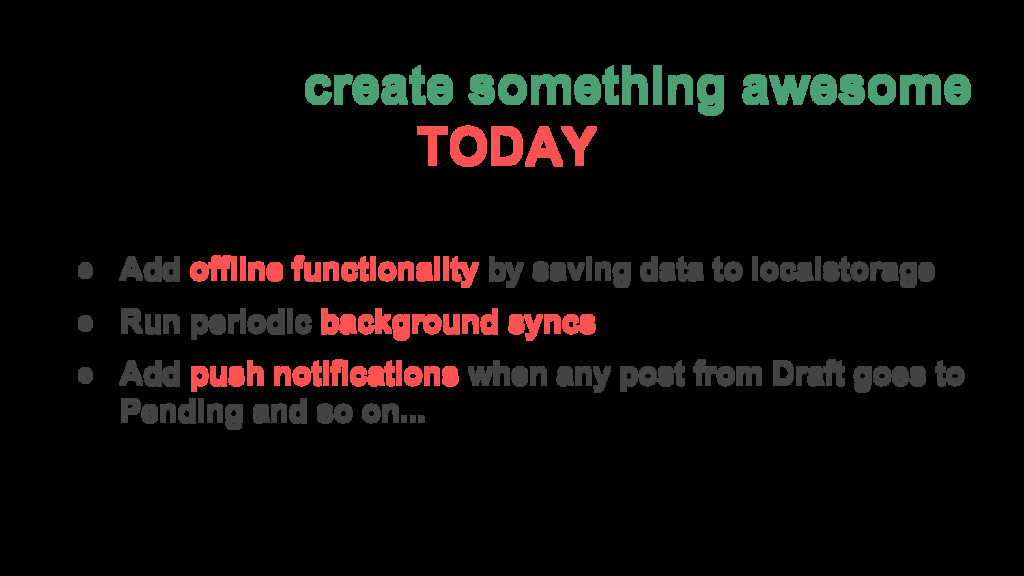
  10. Ready to create something awesome TODAY? • Add offline functionality

    by saving data to localstorage • Run periodic background syncs • Add push notifications when any post from Draft goes to Pending and so on...
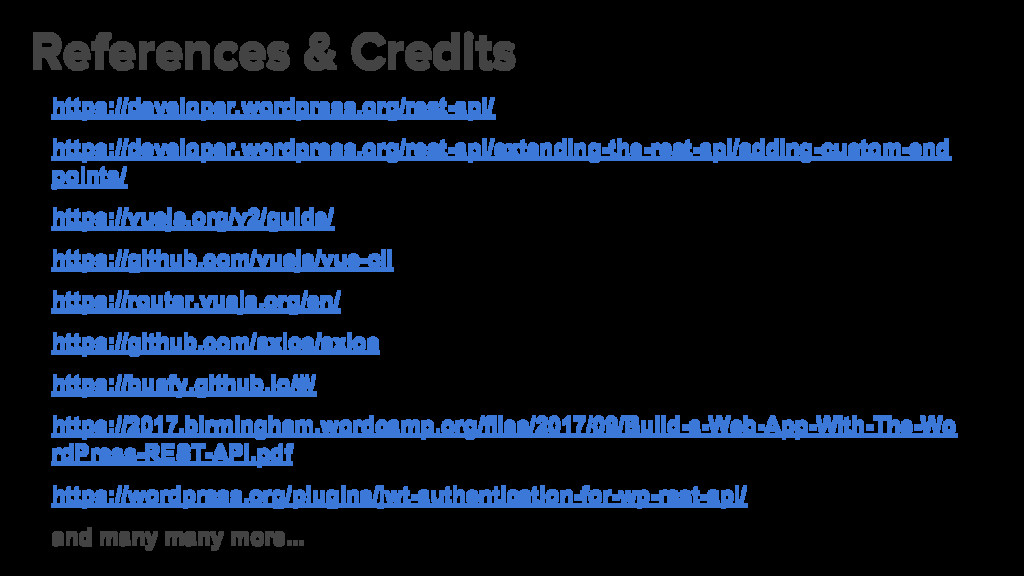
  11. References & Credits https://developer.wordpress.org/rest-api/ https://developer.wordpress.org/rest-api/extending-the-rest-api/adding-custom-end points/ https://vuejs.org/v2/guide/ https://github.com/vuejs/vue-cli https://router.vuejs.org/en/ https://github.com/axios/axios

    https://buefy.github.io/#/ https://2017.birmingham.wordcamp.org/files/2017/09/Build-a-Web-App-With-The-Wo rdPress-REST-API.pdf https://wordpress.org/plugins/jwt-authentication-for-wp-rest-api/ and many many more...