Upgrade to Pro — share decks privately, control downloads, hide ads and more …

Keeping your database under source control with...

Avatar for Chui Tey Chui Tey
September 28, 2015

Keeping your database under source control with DbUp

While Rails has db migrations, .NET developers have a bit of choice, and this talk discusses why your data migration should be based on DbUp and what you should consider in the process.

Avatar for Chui Tey

Chui Tey

September 28, 2015

Other Decks in Technology

Transcript

  1. Page Has this happened to you? › You find a

    bug that occurs only in development environment and you spend half a day only to find out that the development database missed a small change / Copyright ©2014 by Readify Limited 3
  2. Page Has this happened to you? › You find two

    databases have slightly different stored proc and you don’t know which one is right / Copyright ©2014 by Readify Limited 4
  3. Page Why control databases › Reduce variability between dev/test/prod ›

    Source control is the source of truth › Proper processes to control database changes › Developer happiness
  4. Page Technology Choices for .NET › DbUp (this talk!) ›

    EF Migration › Nhibernate Schema Upgrader › RedGate Db Compare / Copyright ©2014 by Readify Limited 6
  5. Page Why DbUp › Not specific to ORM choice ›

    No workarounds required when team size > 1 (EF!) › Free. No licensing issues to consider when doing complex deployments. › Easy to figure out how to integrate with other parts of CI/CD pipeline e.g. Octopus / Copyright ©2014 by Readify Limited 7
  6. Page How to use? › NuGet install-package DbUp › Copy

    and paste usage script https://github.com/DbUp/DbUp/blob/master/d ocs/usage.md / Copyright ©2014 by Readify Limited 8
  7. Page You should try this tonight › How to start

    a DbUp project in 60 seconds / Copyright ©2014 by Readify Limited 9
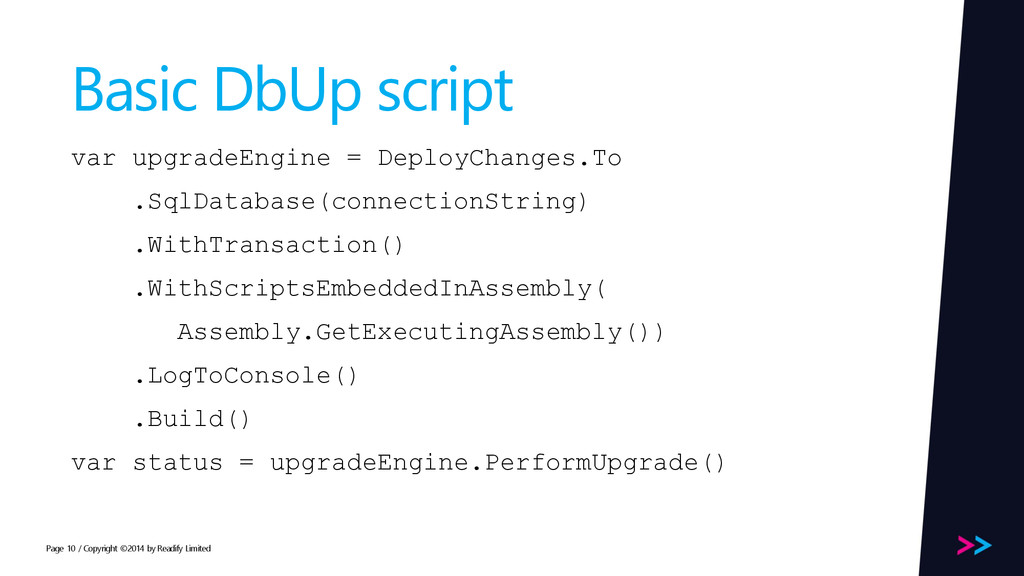
  8. Page Basic DbUp script var upgradeEngine = DeployChanges.To .SqlDatabase(connectionString) .WithTransaction()

    .WithScriptsEmbeddedInAssembly( Assembly.GetExecutingAssembly()) .LogToConsole() .Build() var status = upgradeEngine.PerformUpgrade() / Copyright ©2014 by Readify Limited 10
  9. Page Demo – How to add changes › adding change

    script / Copyright ©2014 by Readify Limited 11
  10. Page 4 modes of Upgrading Databases › Upgrade Once-only (DbUp

    default) › Upgrade Always › Reset › Seed data Your db migration solution should handle all 4 or you’ll be back doing manual database schema management at one of the phases. / Copyright ©2014 by Readify Limited 14
  11. Page Reset › Used in development environments › Drops database

    › Recreates new one › Runs scripts until database up to date › Not part of DbUp, but it should be part of your database migration project / Copyright ©2014 by Readify Limited 15
  12. Page Upgrade › Useful for production environments › Only runs

    upgrade scripts / Copyright ©2014 by Readify Limited 16
  13. Page Upgrade Once only › This is default in DbUp

    › Runs CREATE TABLE, ALTER TABLE, ALTER VIEW scripts only once, and journal changes to SchemaVersions table / Copyright ©2014 by Readify Limited 17
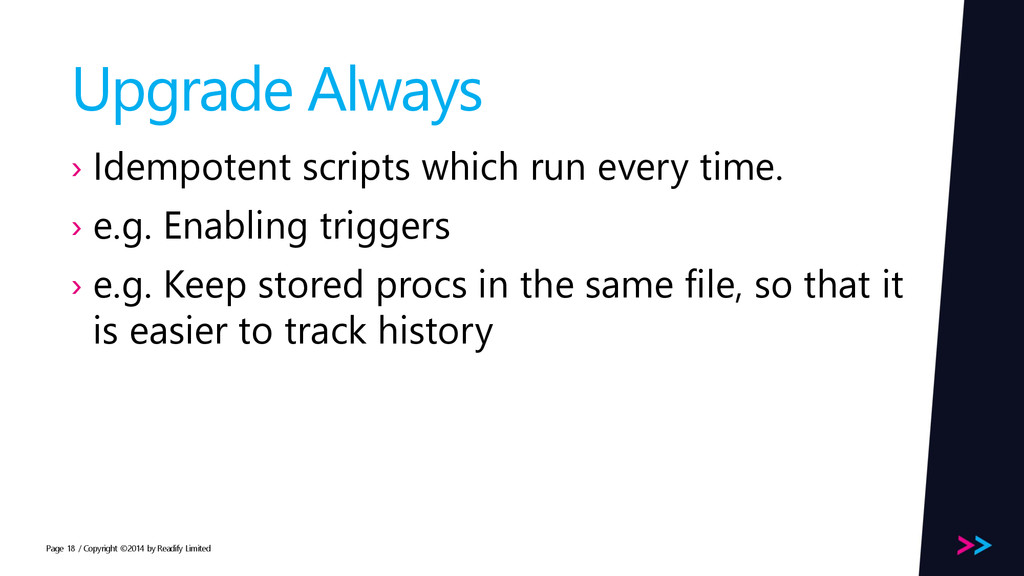
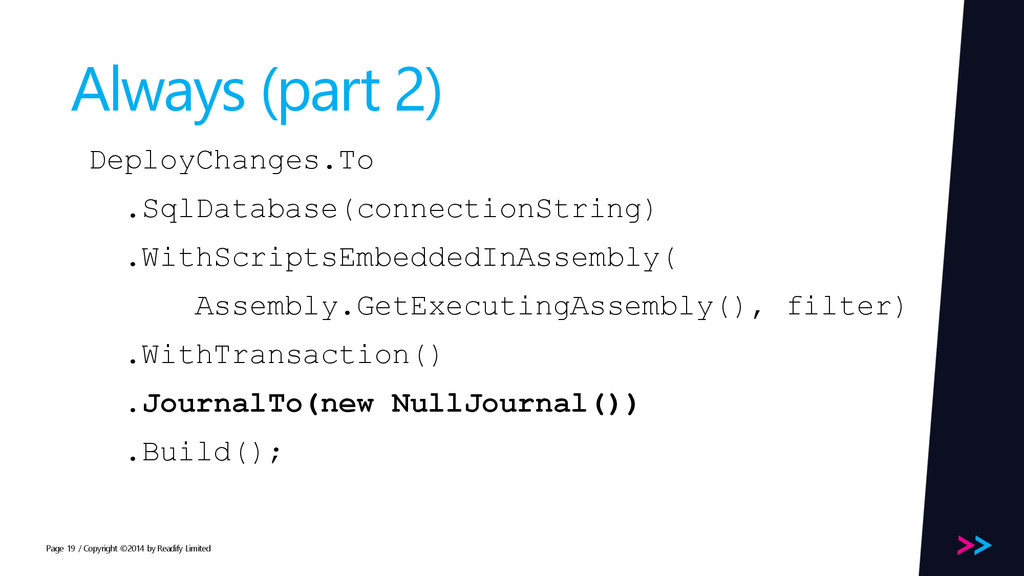
  14. Page Upgrade Always › Idempotent scripts which run every time.

    › e.g. Enabling triggers › e.g. Keep stored procs in the same file, so that it is easier to track history / Copyright ©2014 by Readify Limited 18
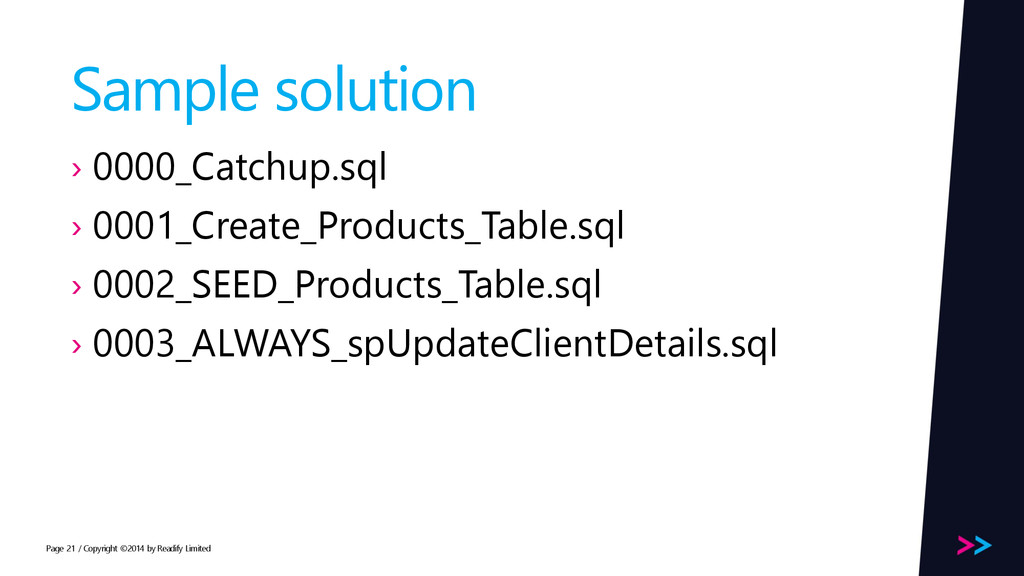
  15. Page Sample solution › 0000_Catchup.sql › 0001_Create_Products_Table.sql › 0002_SEED_Products_Table.sql ›

    0003_ALWAYS_spUpdateClientDetails.sql / Copyright ©2014 by Readify Limited 21
  16. Page Roll back › DbUp does not support rolling back

    › In practical terms it has not been an issue › Your scripts represent a history of the database as it undergoes changes / Copyright ©2014 by Readify Limited 22
  17. Page Handling complexity: Case 1 My organisation already has database

    with data. How do I deploy a private db environment to the developer? › Strategy 1: restore database from back up › Strategy 2: create schema scripts / Copyright ©2014 by Readify Limited 23
  18. Page Handling complexity: Case 2 › You have a dozen

    databases that has to be deployed to different db servers in production, but a single db server in CI › Deploy MyMigration.exe to every db server, and which scripts execute depends on Octopus.Machine.Roles set in app.config › <add key=“Octopus.Machine.Roles” value=“SQL1,SQL2,SQL3” /> / Copyright ©2014 by Readify Limited 24
  19. Page Case 3: multiple identical DBs › Multitenant SAAS ›

    One database per customer › One database per year › It’s just a for-loop with DbUp / Copyright ©2014 by Readify Limited 25
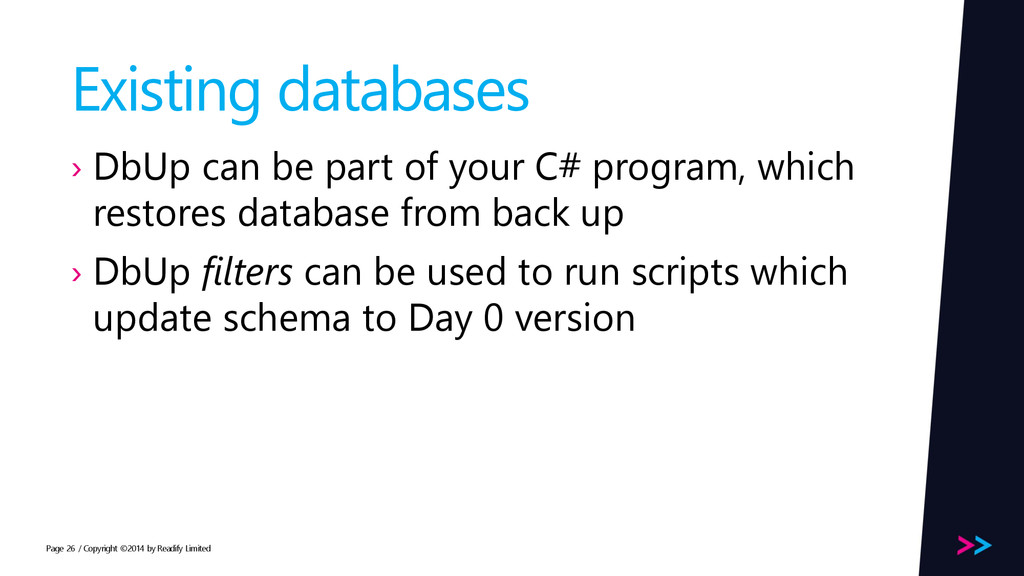
  20. Page Existing databases › DbUp can be part of your

    C# program, which restores database from back up › DbUp filters can be used to run scripts which update schema to Day 0 version / Copyright ©2014 by Readify Limited 26
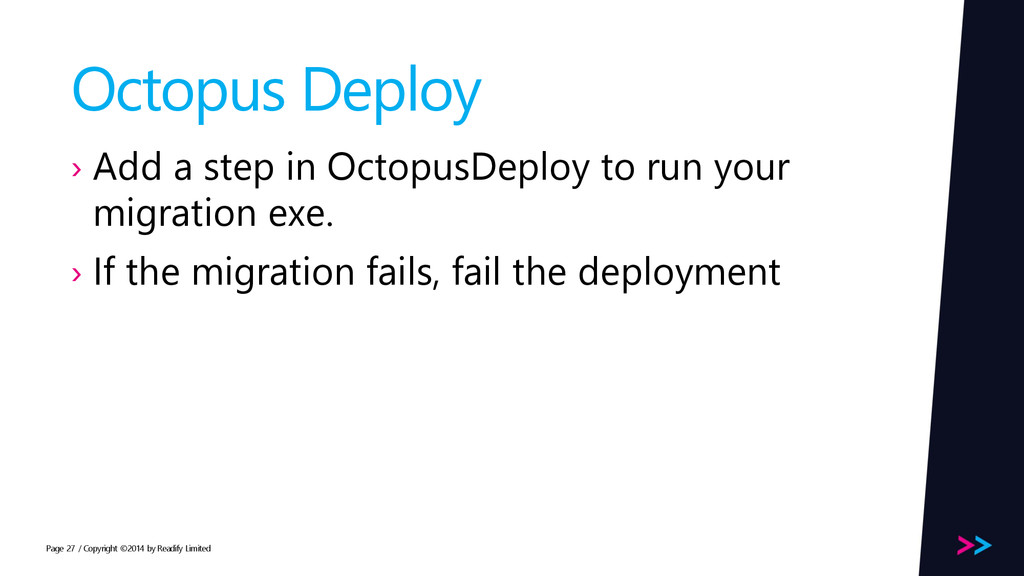
  21. Page Octopus Deploy › Add a step in OctopusDeploy to

    run your migration exe. › If the migration fails, fail the deployment / Copyright ©2014 by Readify Limited 27
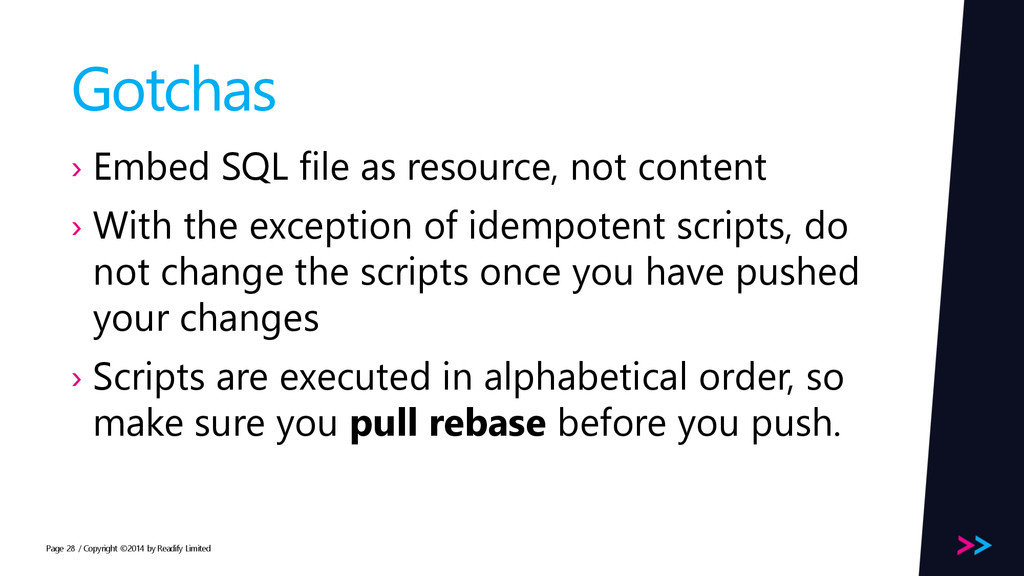
  22. Page Gotchas › Embed SQL file as resource, not content

    › With the exception of idempotent scripts, do not change the scripts once you have pushed your changes › Scripts are executed in alphabetical order, so make sure you pull rebase before you push. / Copyright ©2014 by Readify Limited 28
  23. Page Thank you › Chui Tey › [email protected] › @teyc

    › github.com/teyc / Copyright ©2014 by Readify Limited 29