Upgrade to PRO for Only $50/Year—Limited-Time Offer! 🔥

Hands On With visionOS 2025 Kodeco Webinar

Avatar for Tim Mitra Tim Mitra
December 09, 2025

Hands On With visionOS 2025 Kodeco Webinar

This is a webinar I gave to the Kodeco iOS Bootcamp in Nov 2025

Avatar for Tim Mitra

Tim Mitra

December 09, 2025
Tweet

More Decks by Tim Mitra

Other Decks in Technology

Transcript

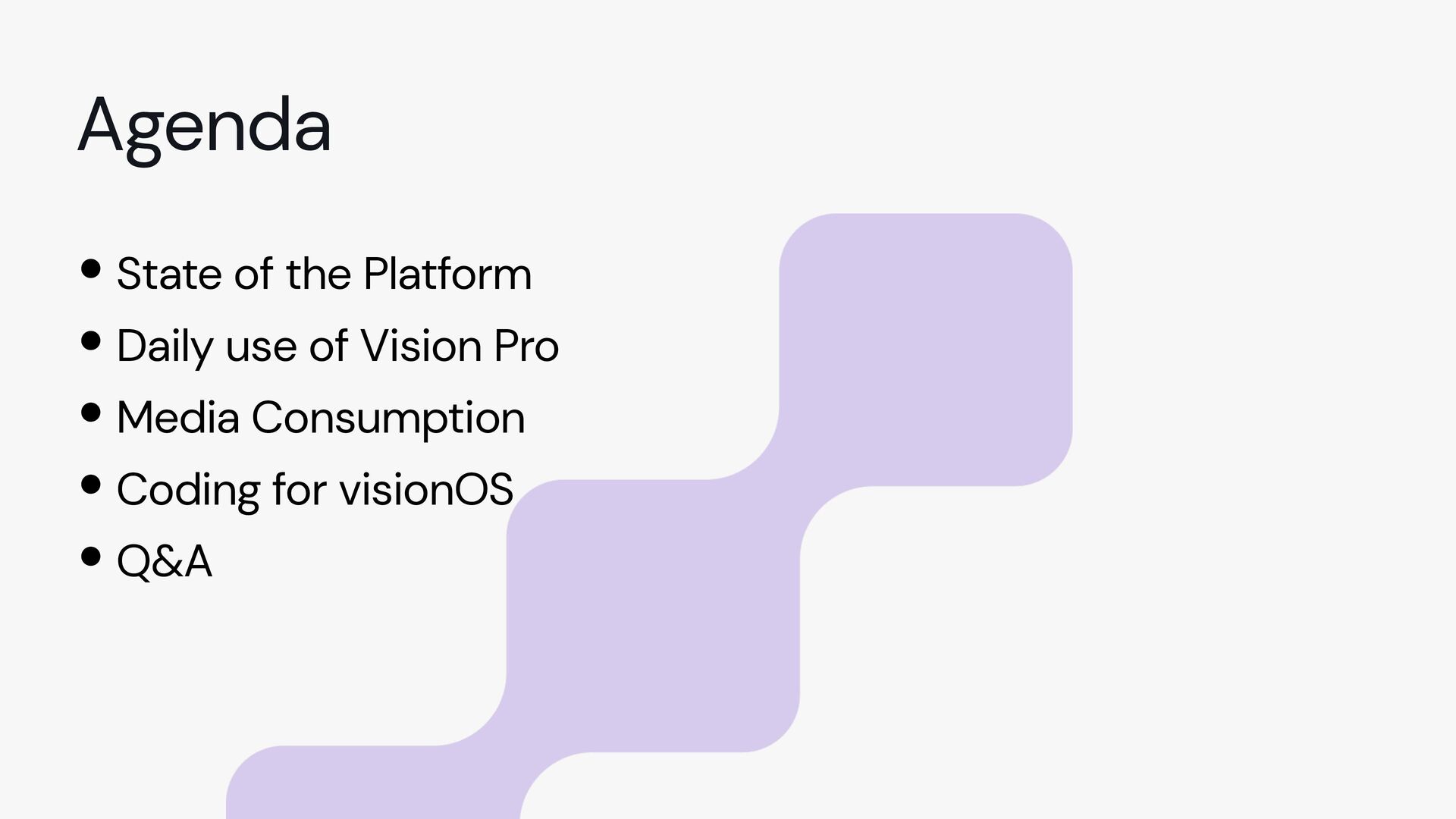
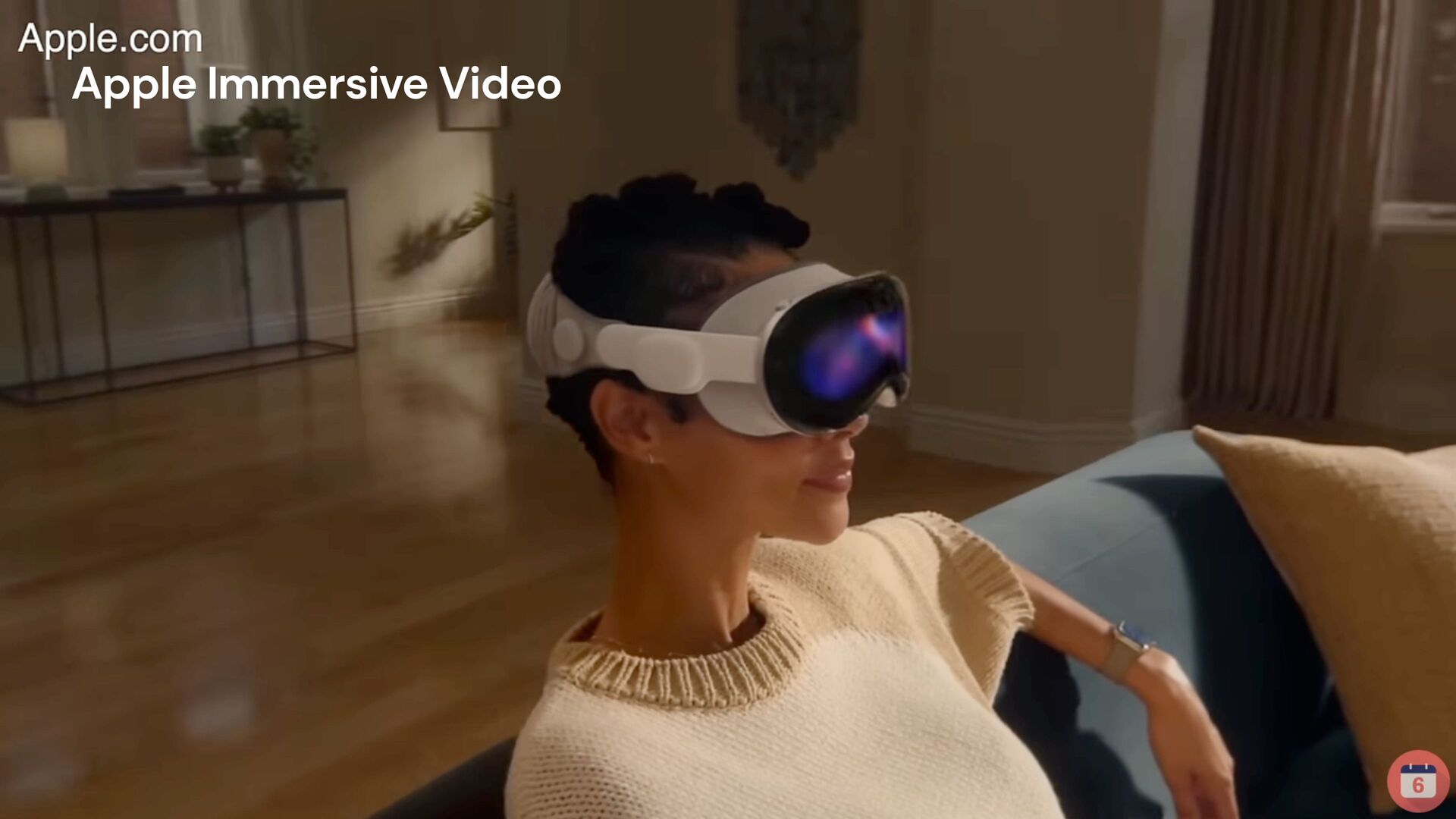
  1. •State of the Platform •Daily use of Vision Pro •Media

    Consumption •Coding for visionOS •Q&A Agenda
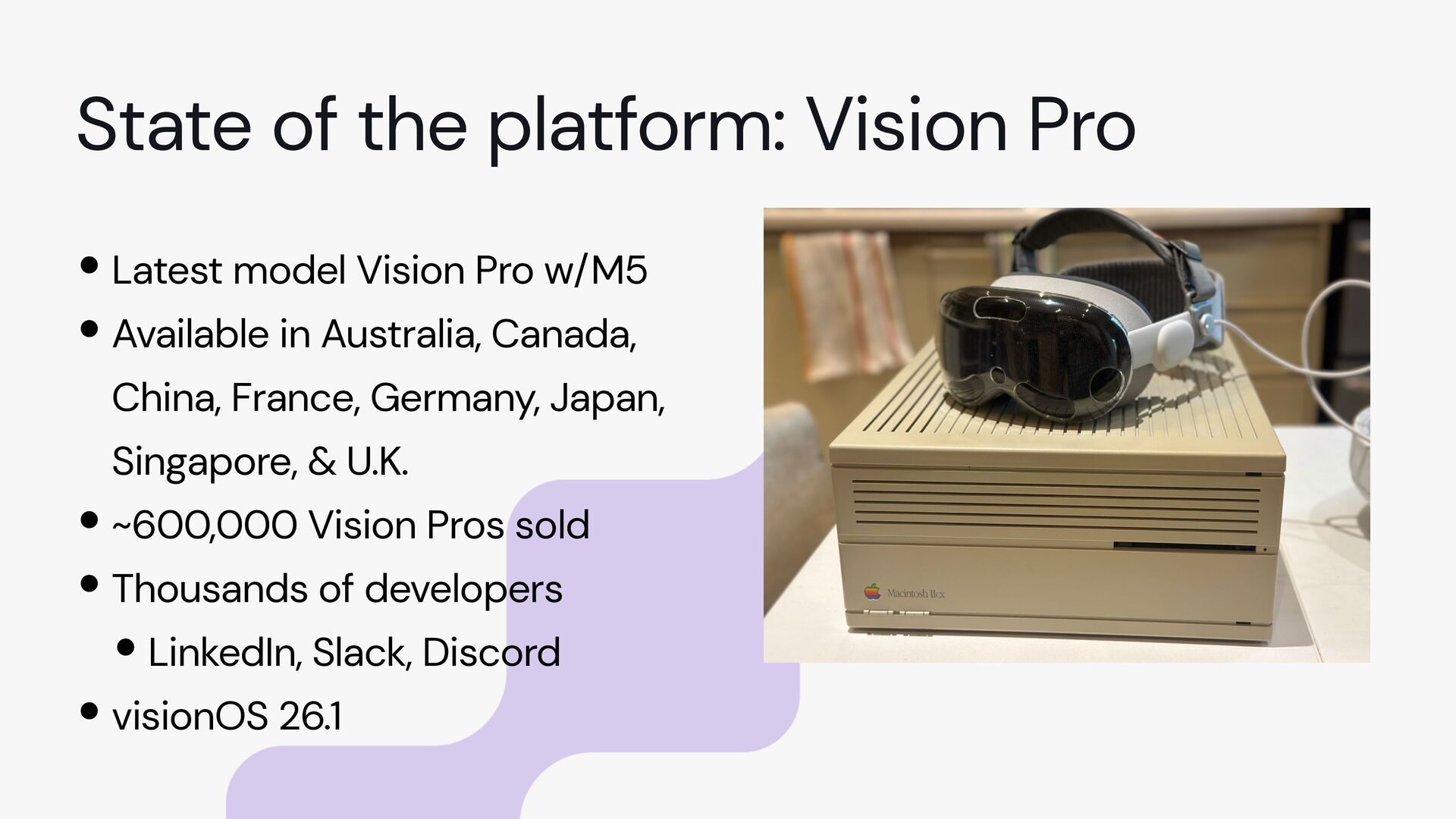
  2. •Latest model Vision Pro w/M5 •Available in Australia, Canada, China,

    France, Germany, Japan, Singapore, & U.K. •~600,000 Vision Pros sold •Thousands of developers •LinkedIn, Slack, Discord •visionOS 26.1 State of the platform: Vision Pro
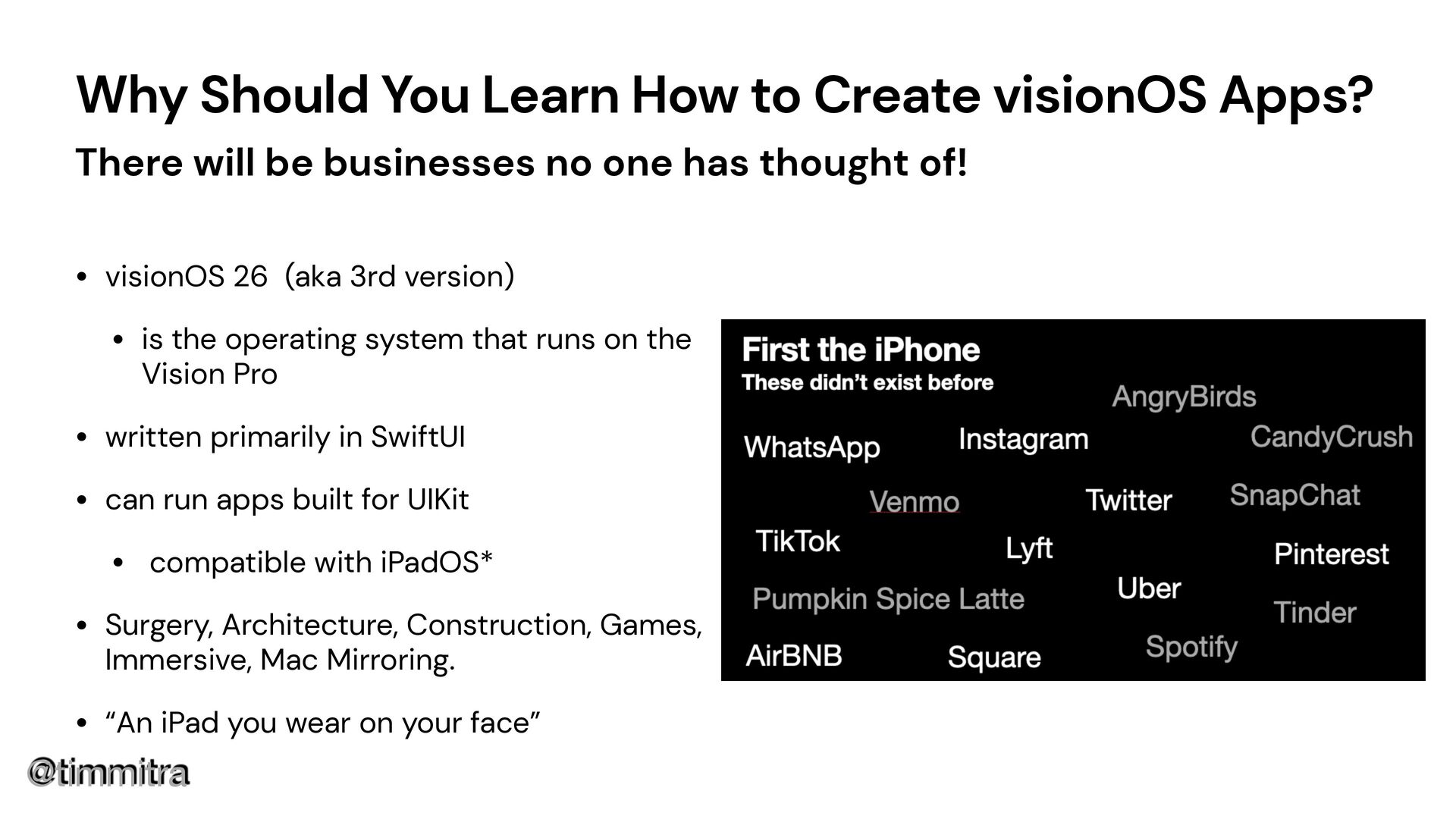
  3. @timmitra Why Should You Learn How to Create visionOS Apps?

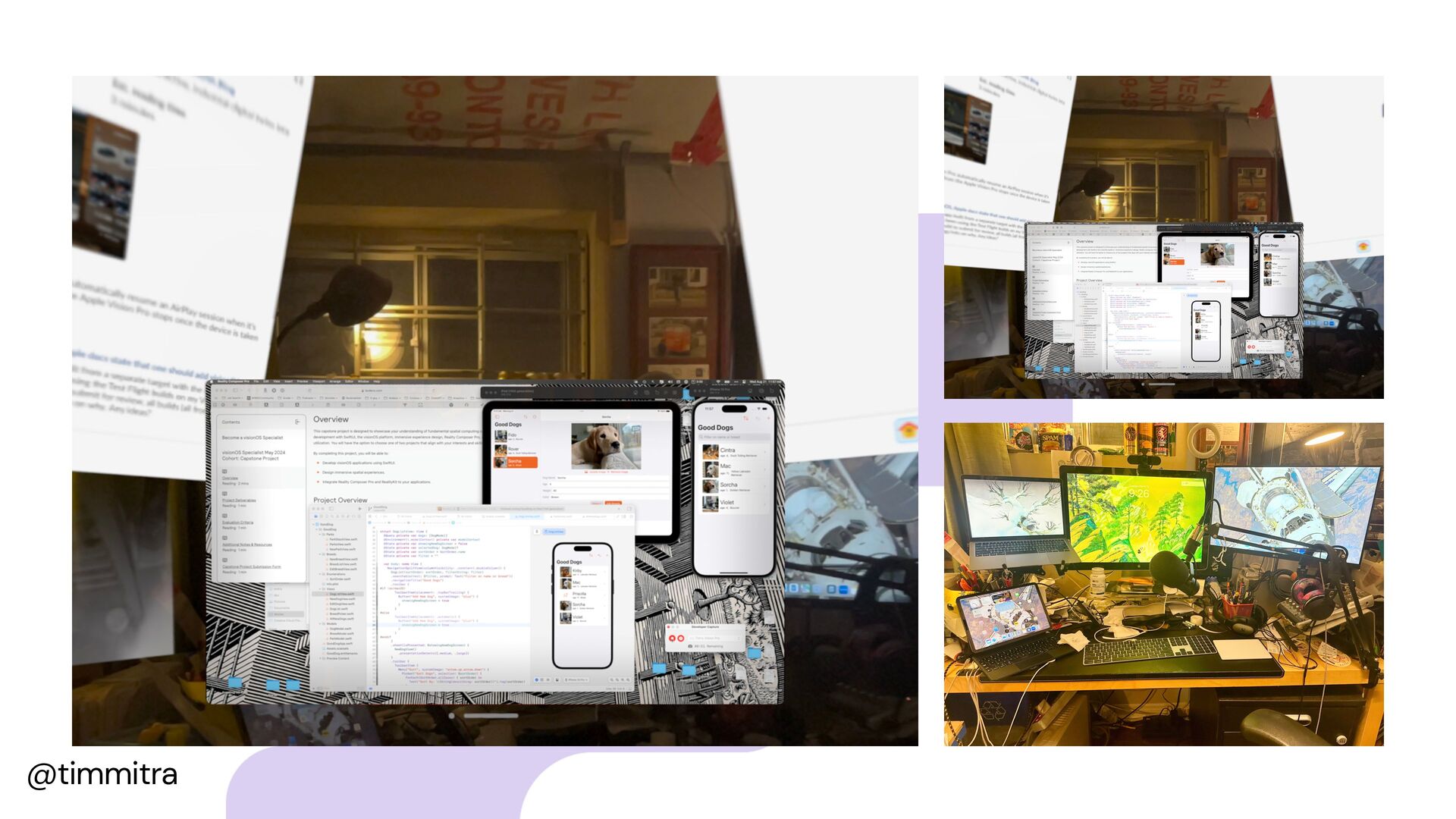
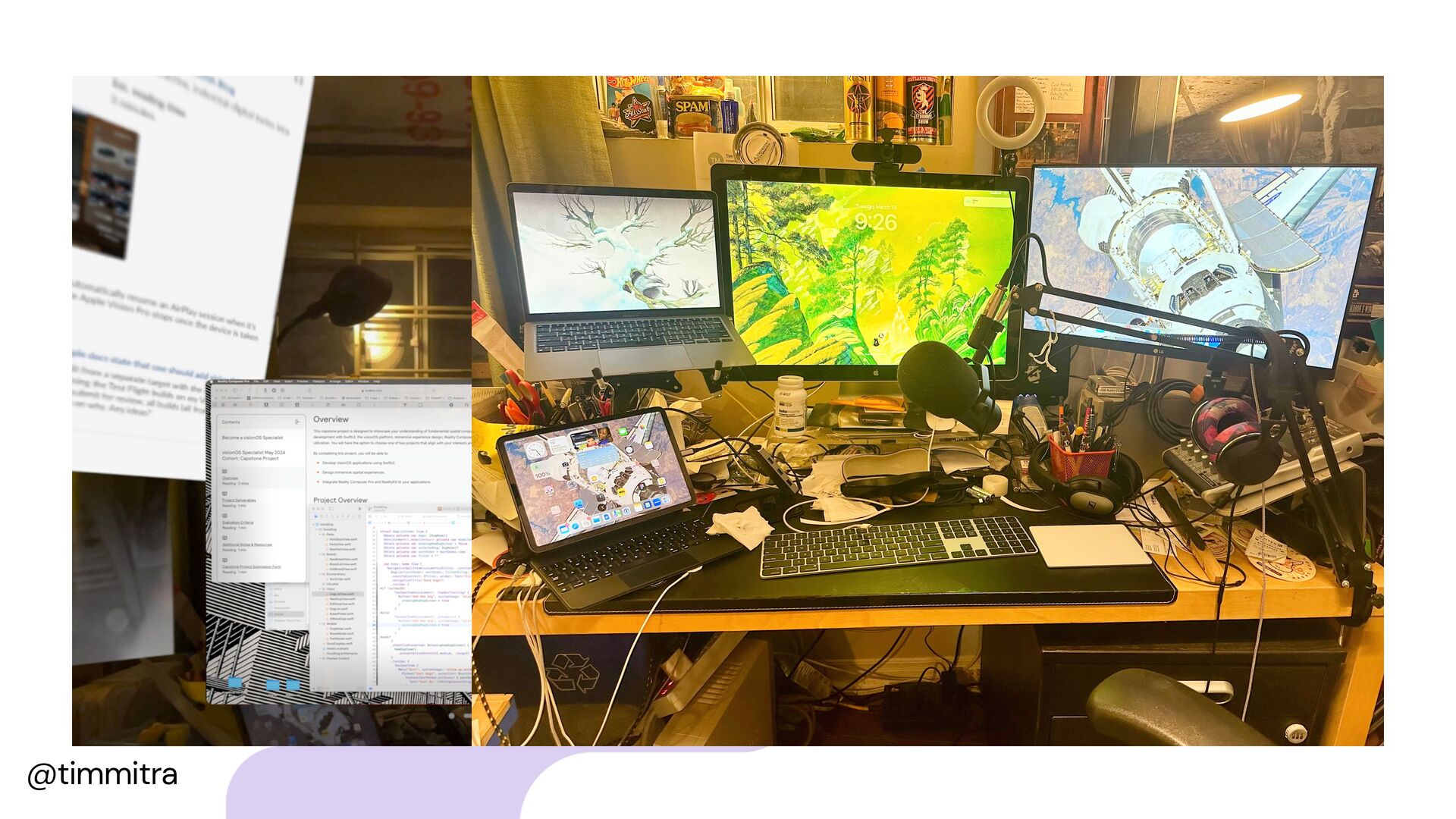
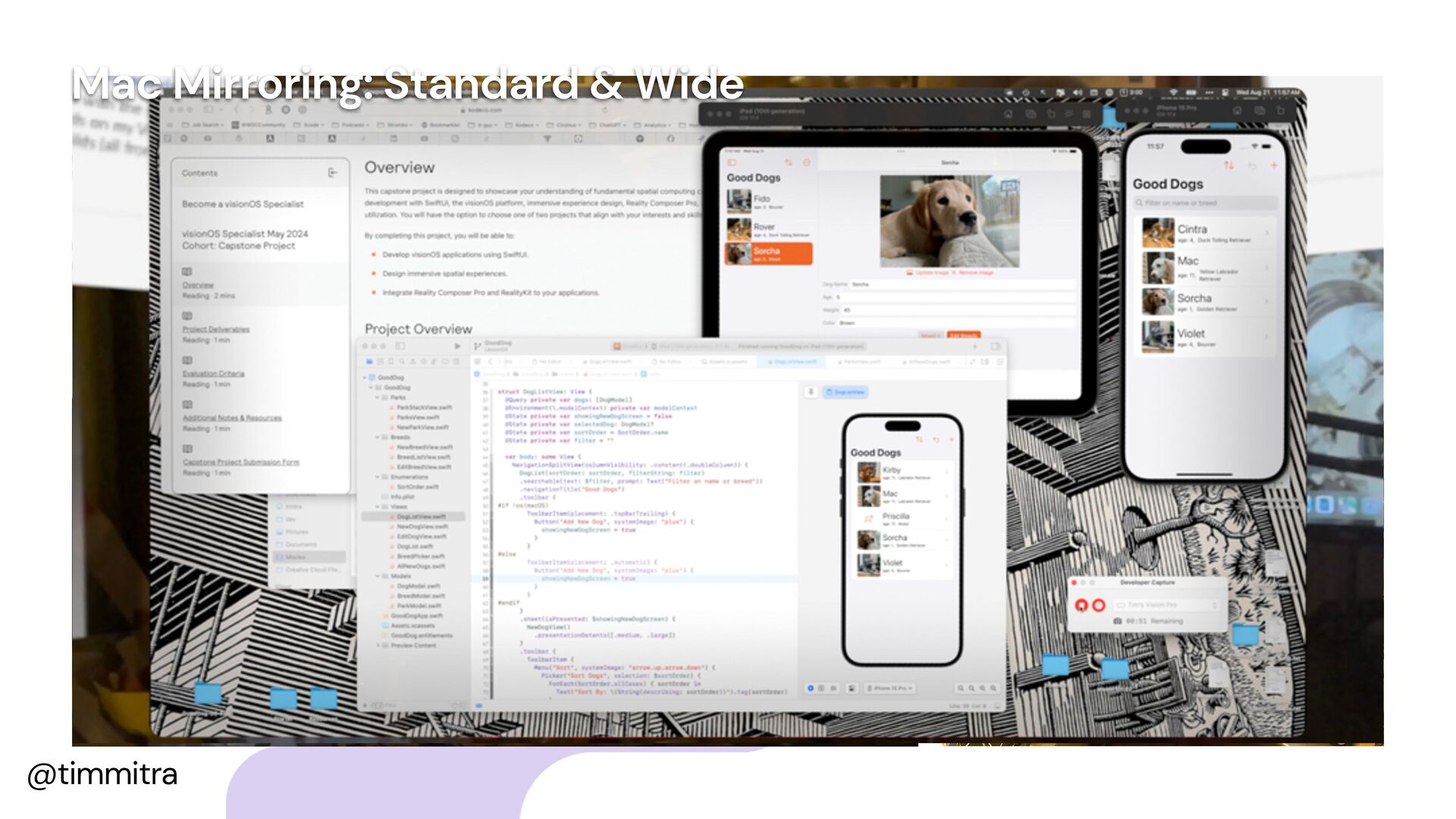
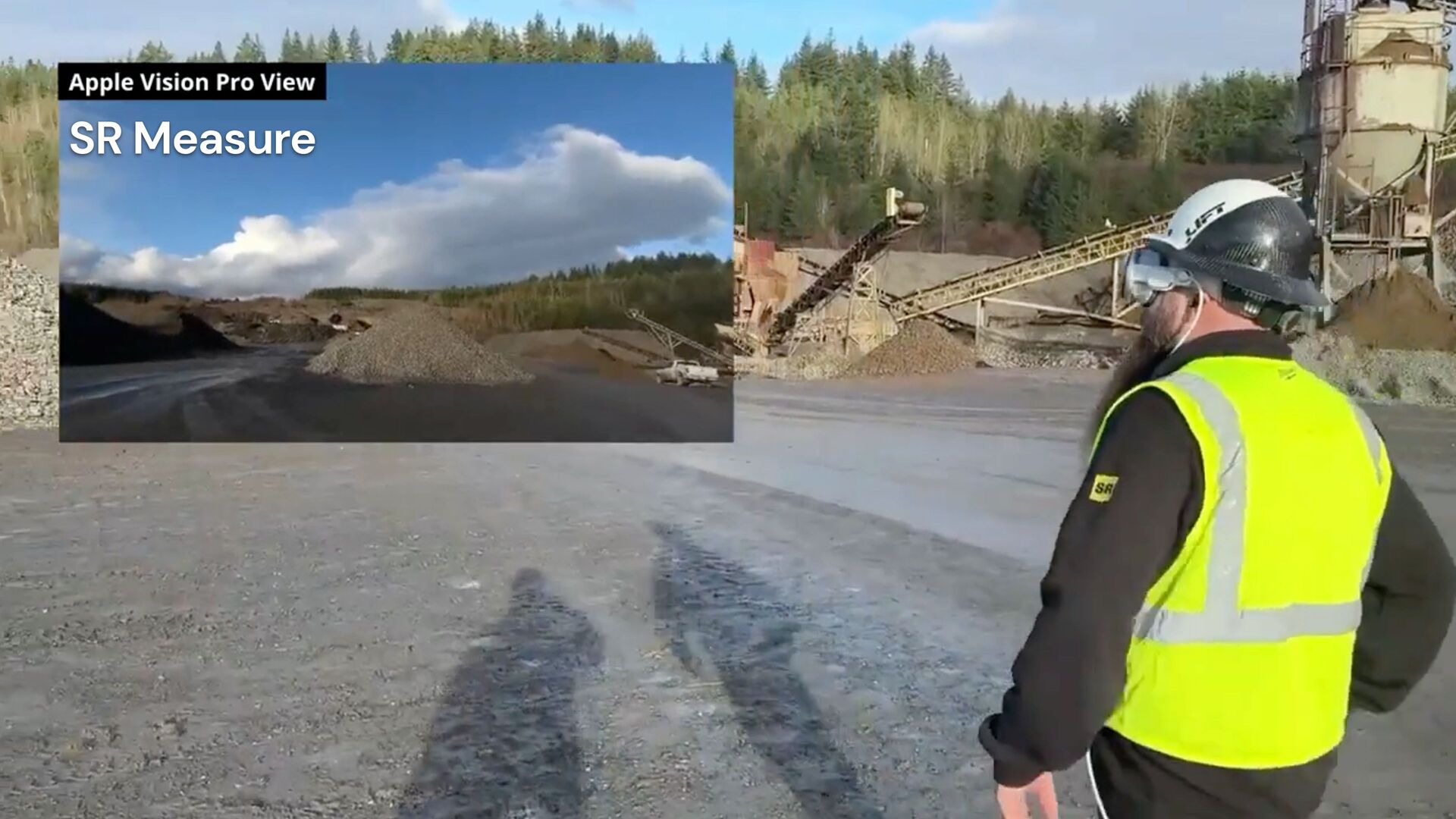
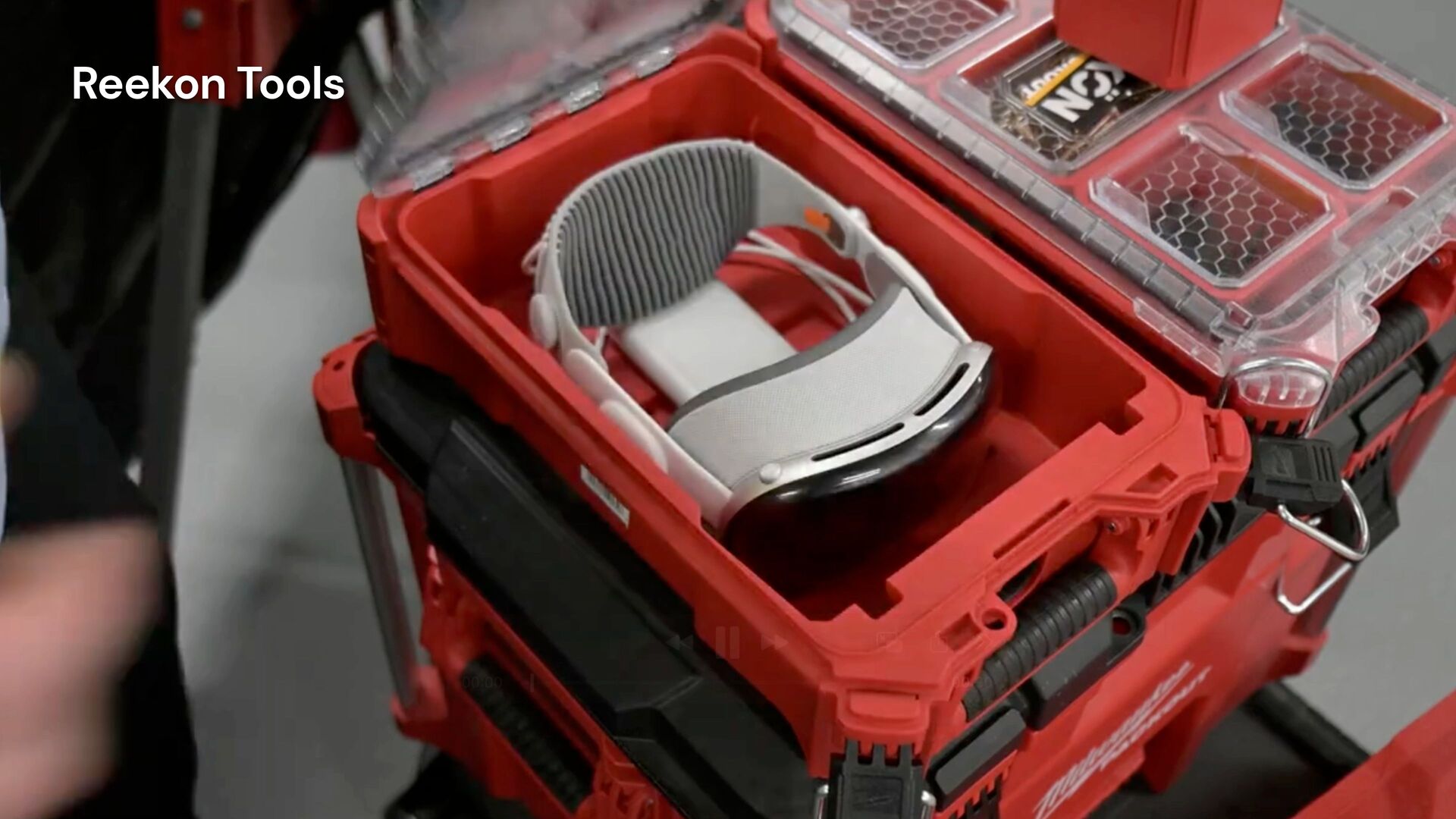
    There will be businesses no one has thought of! • visionOS 26 (aka 3rd version) • is the operating system that runs on the Vision Pro • written primarily in SwiftUI • can run apps built for UIKit • compatible with iPadOS* • Surgery, Architecture, Construction, Games, Immersive, Mac Mirroring. • “An iPad you wear on your face”
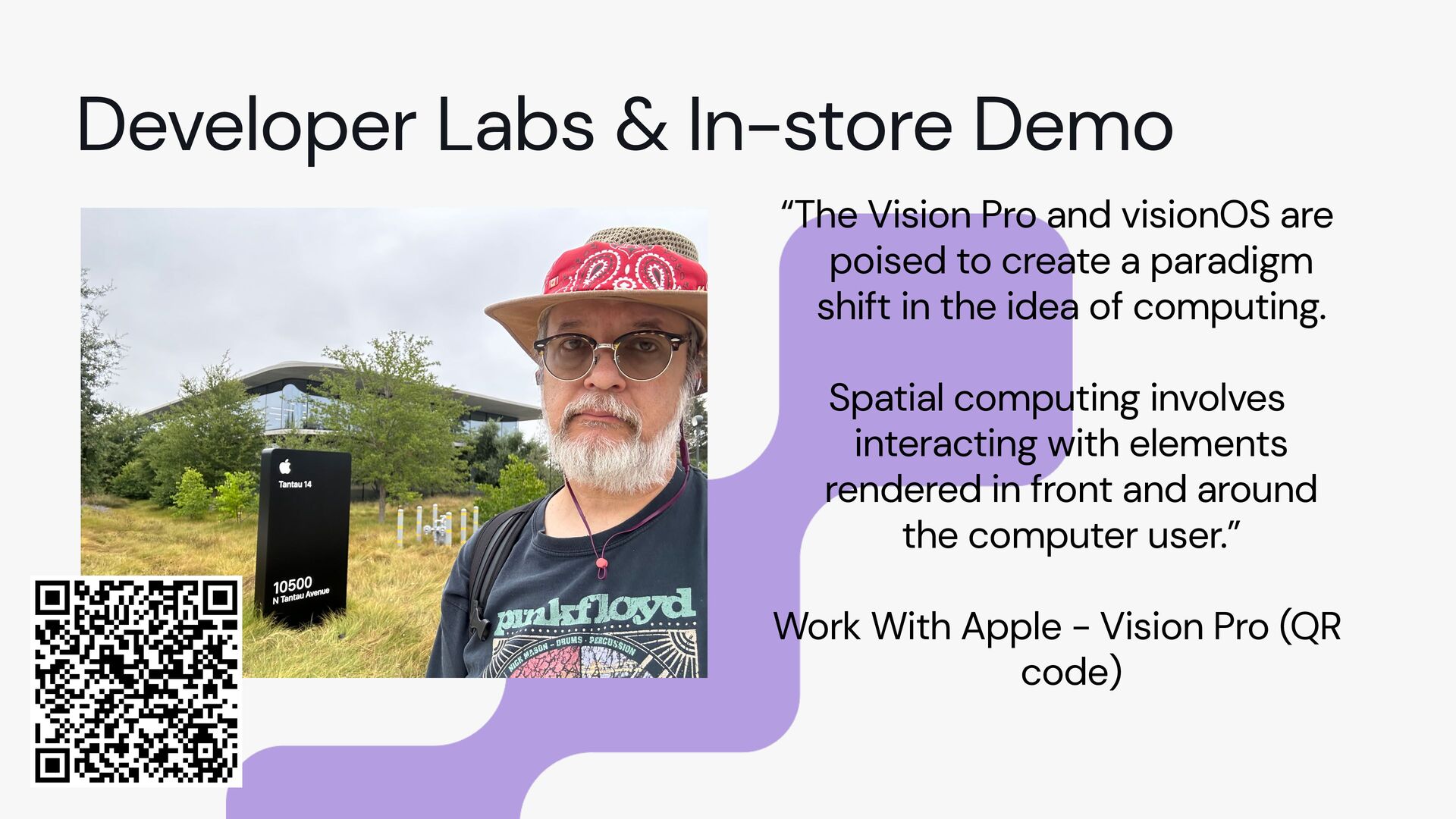
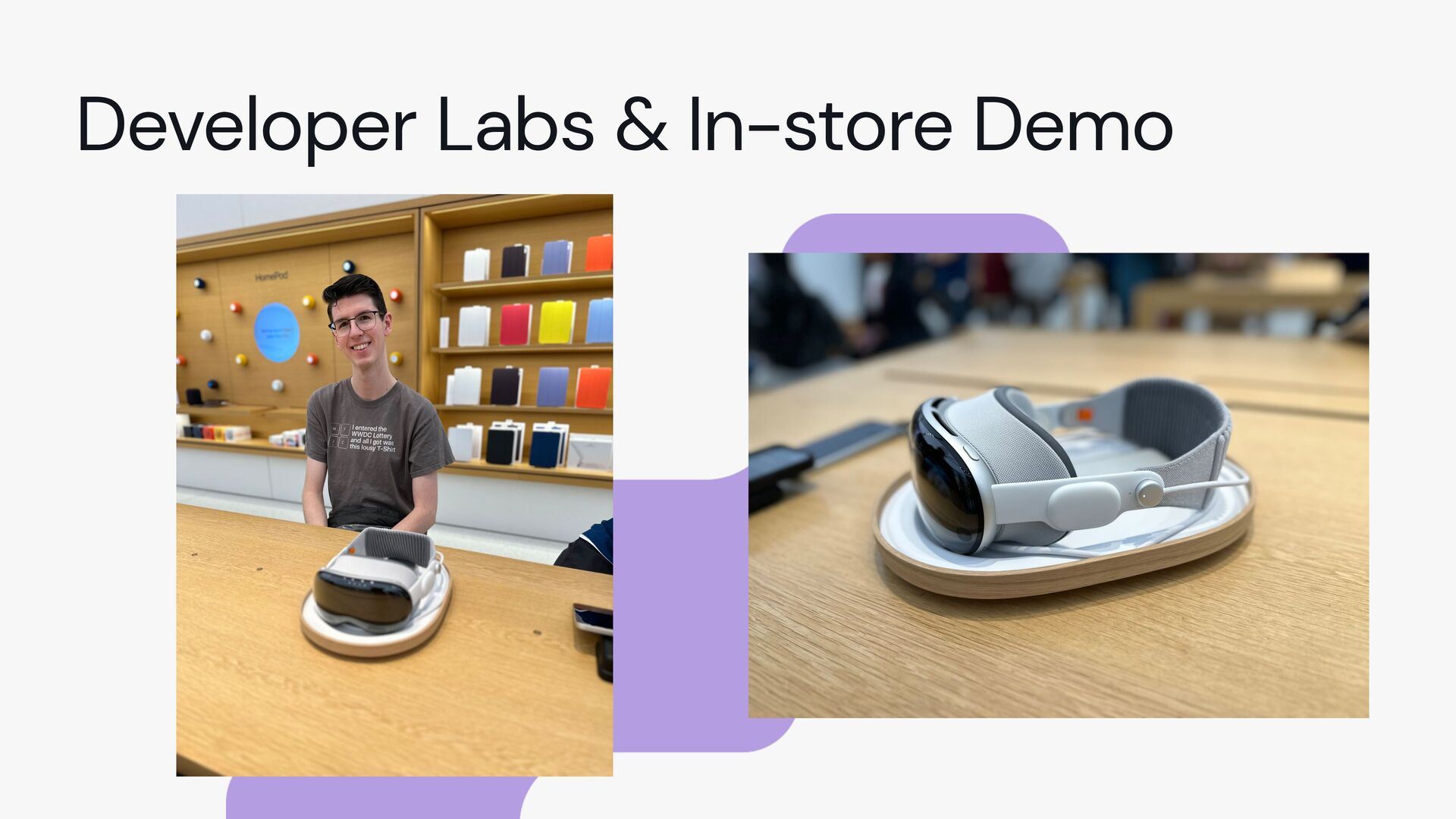
  4. Developer Labs & In-store Demo “The Vision Pro and visionOS

    are poised to create a paradigm shift in the idea of computing. Spatial computing involves interacting with elements rendered in front and around the computer user.” Work With Apple - Vision Pro (QR code)
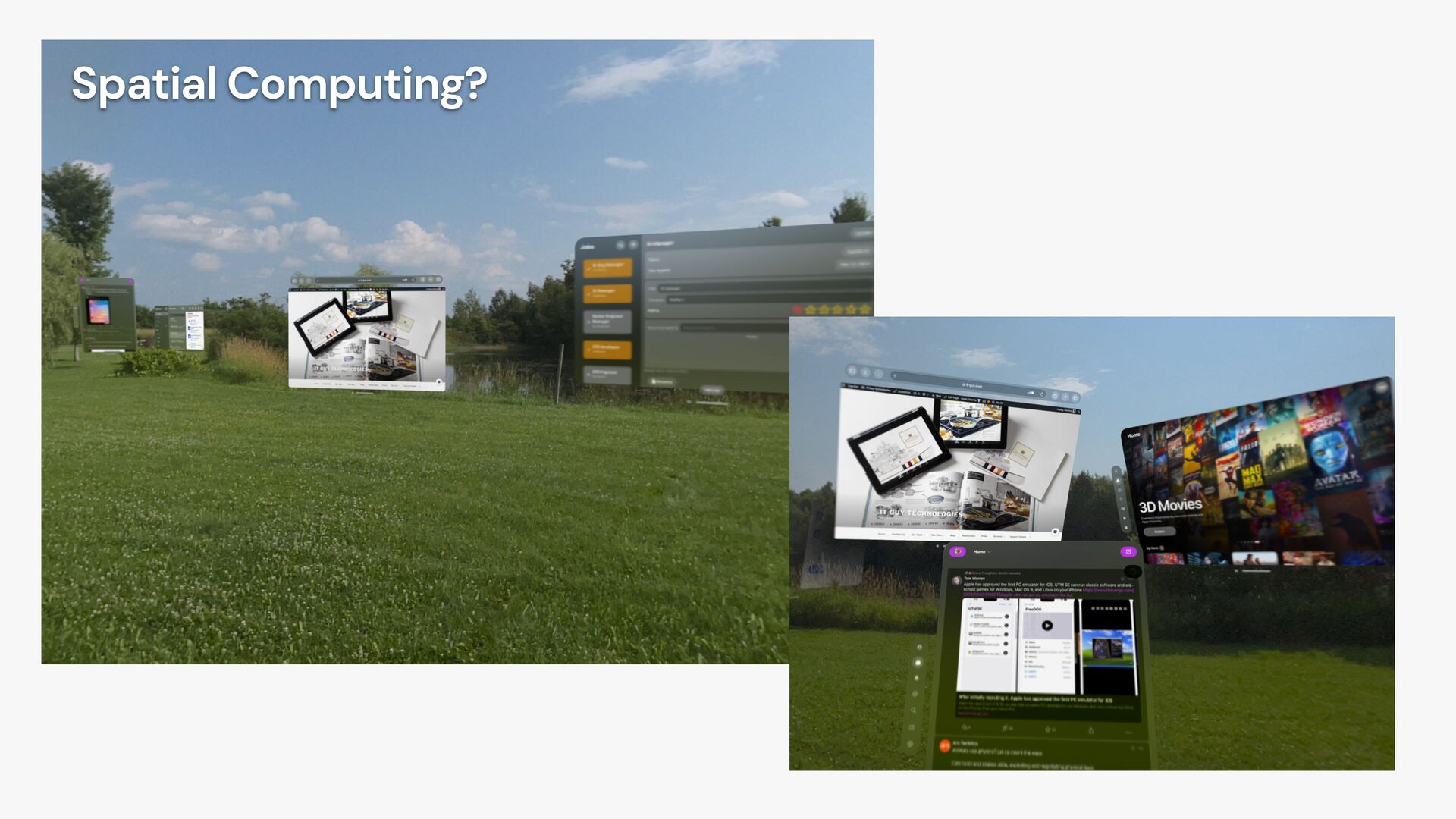
  5. Developer Labs & In-store Demo “The Vision Pro and visionOS

    are poised to create a paradigm shift in the idea of computing. Spatial computing involves interacting with elements rendered in front and around the computer user.”
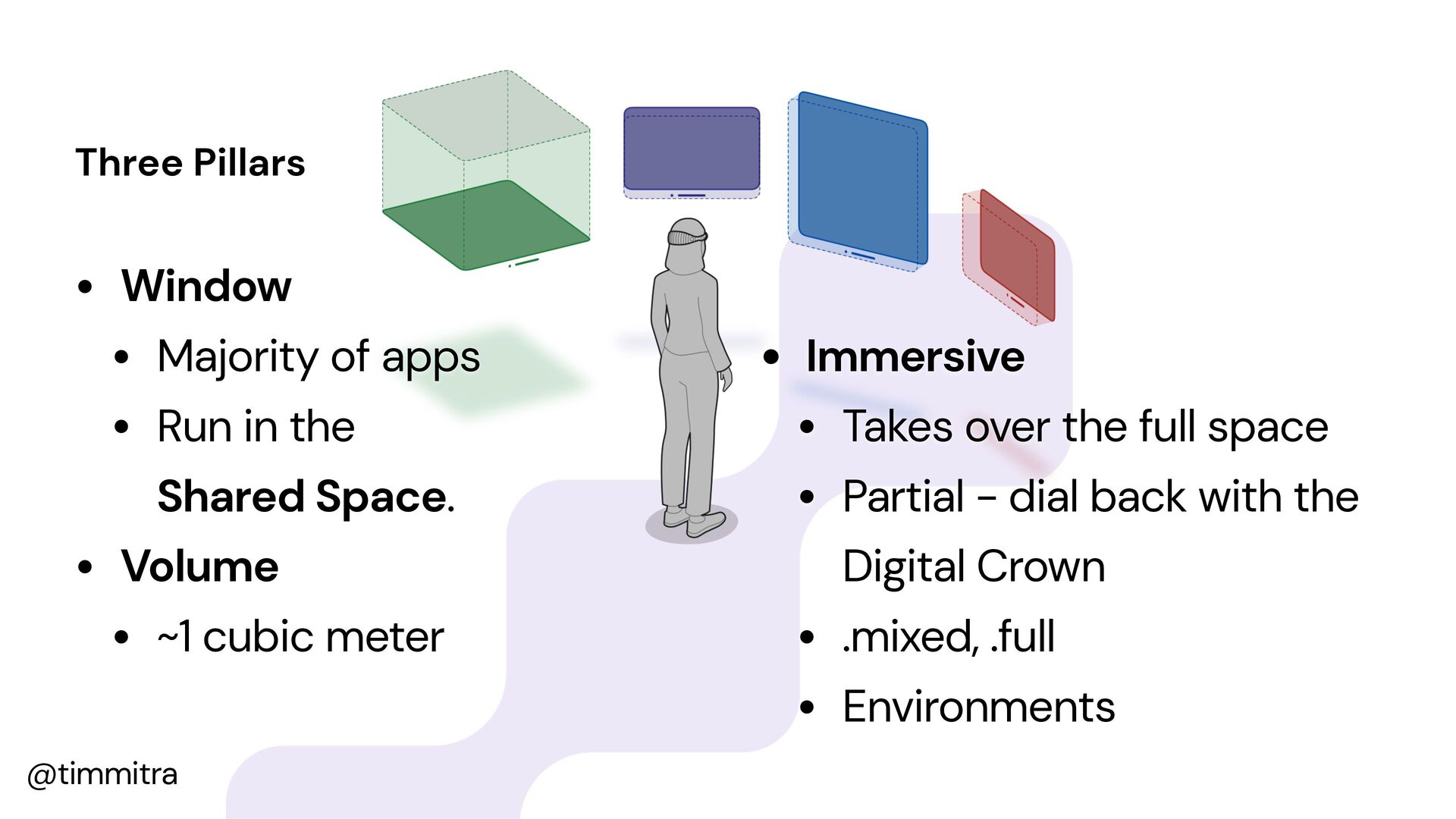
  6. @timmitra The Three Faces of visionOS Three Pillars • Window

    • Majority of apps • Run in the Shared Space. • Volume • ~1 cubic meter • Immersive • Takes over the full space • Partial - dial back with the Digital Crown • .mixed, .full • Environments
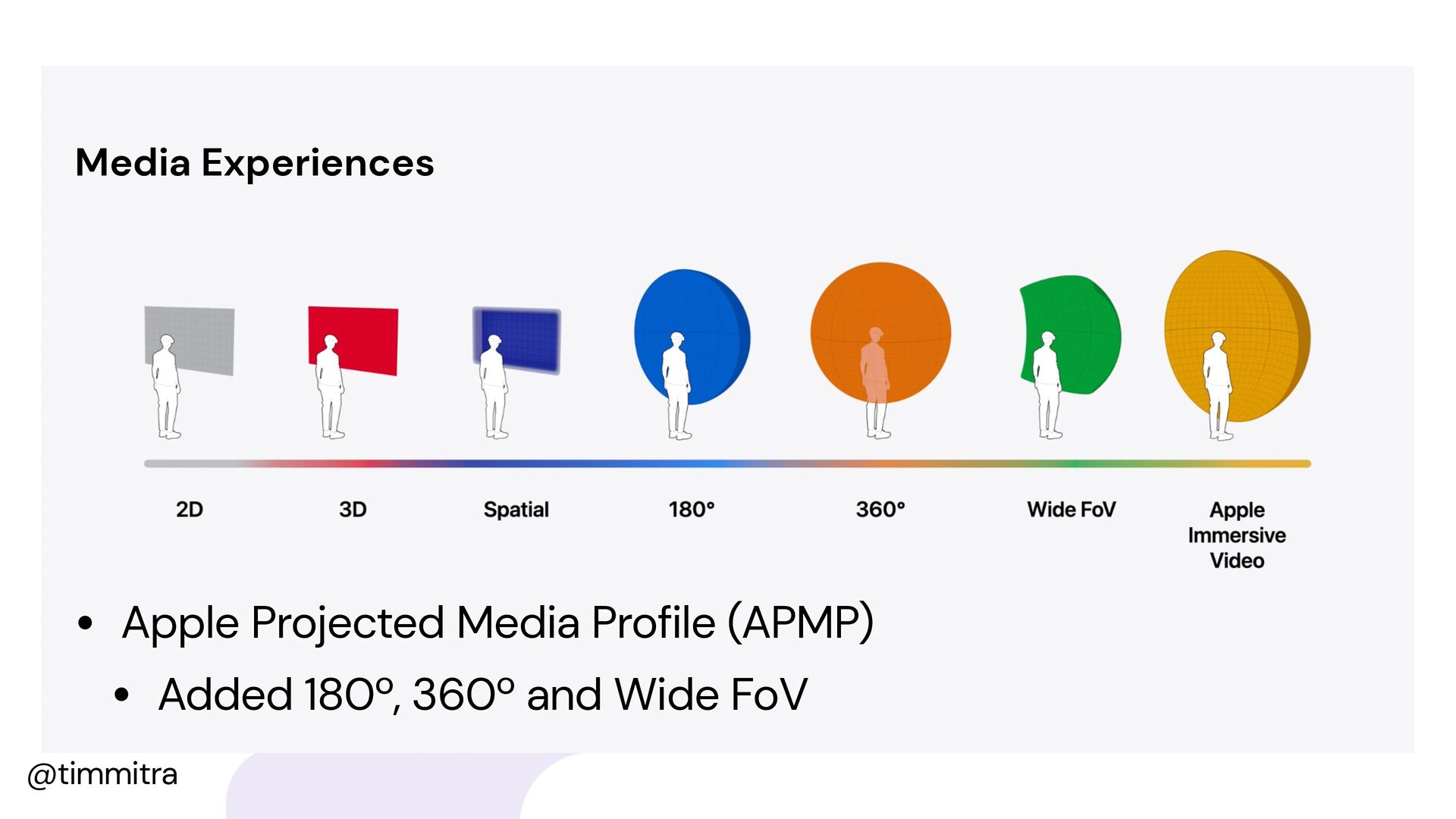
  7. @timmitra The Three Faces of visionOS Media Experiences • Apple

    Projected Media Profile (APMP) • Added 180º, 360º and Wide FoV
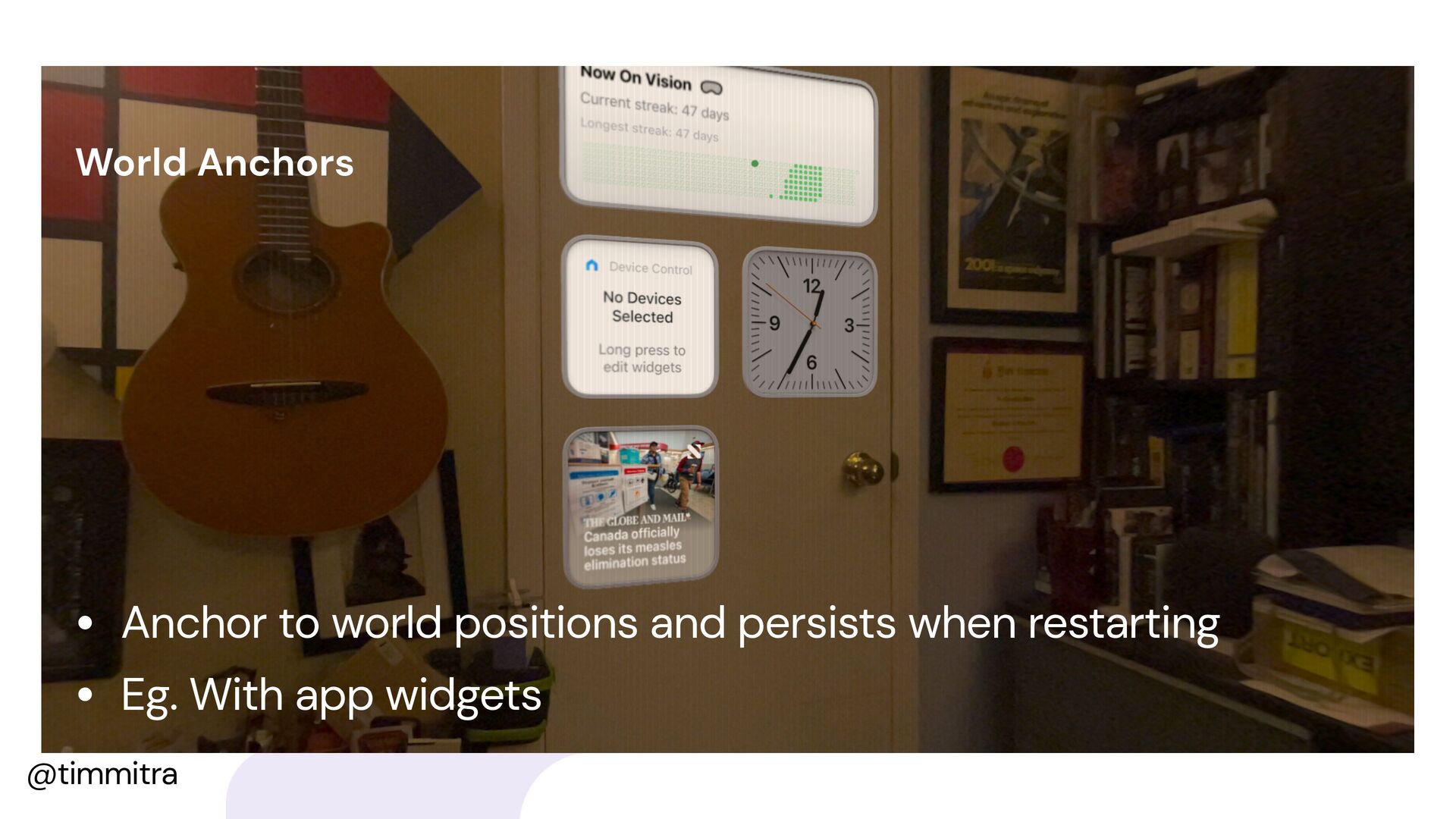
  8. @timmitra The Three Faces of visionOS World Anchors • Anchor

    to world positions and persists when restarting • Eg. With app widgets
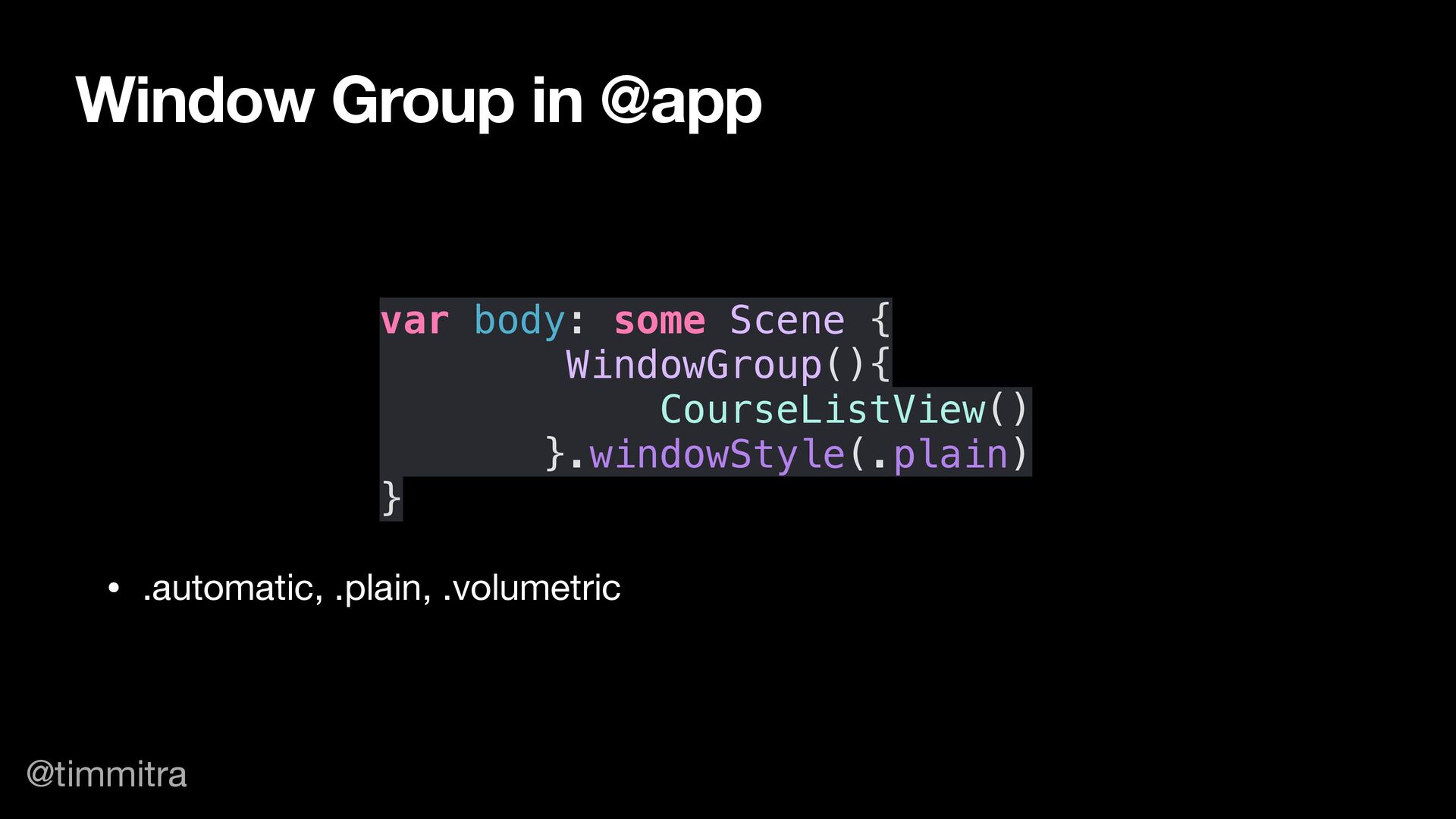
  9. @timmitra var body: some Scene { WindowGroup(){ CourseListView() }.windowStyle(.plain) }

    Window Group in @app • .automatic, .plain, .volumetric
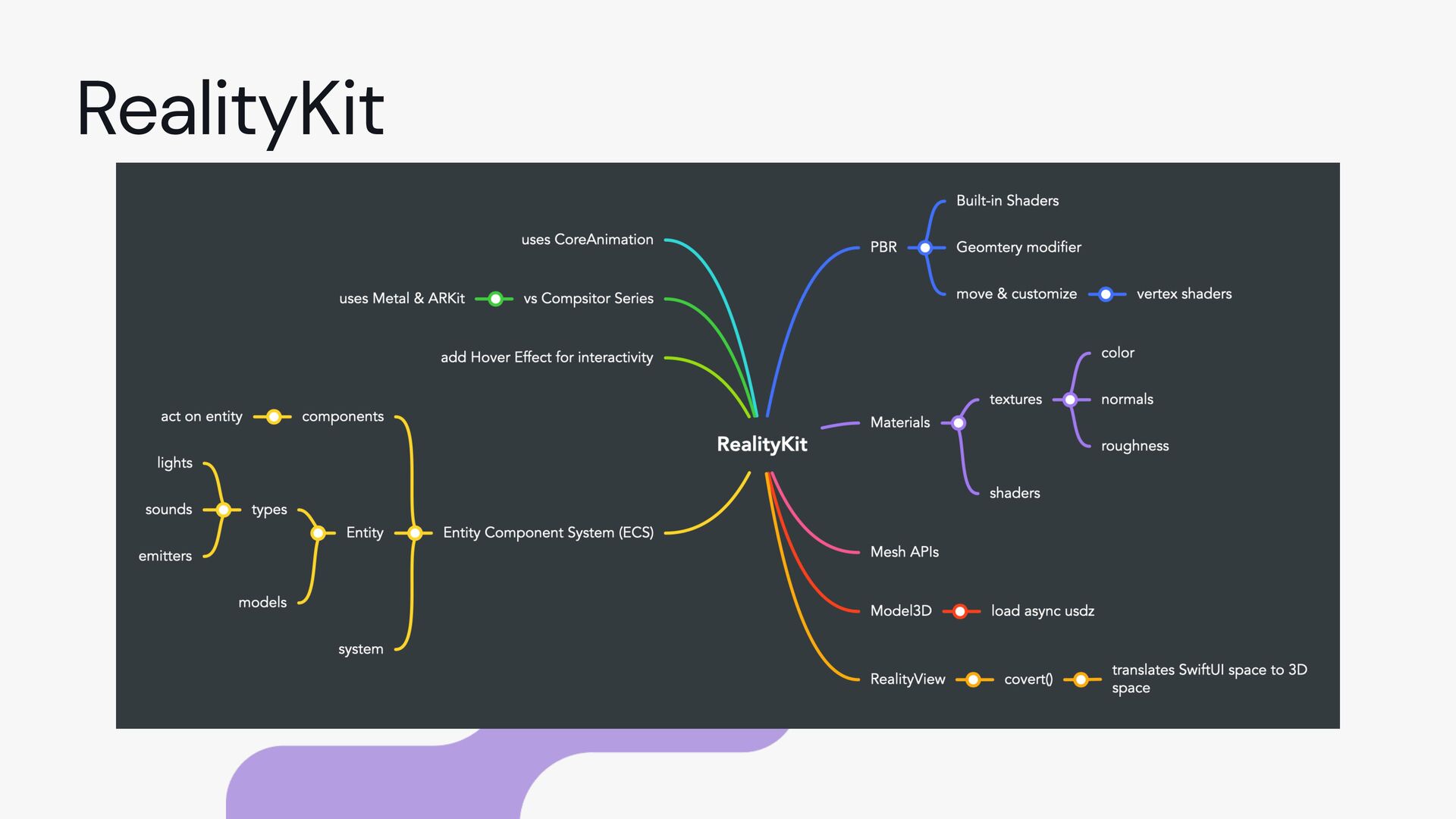
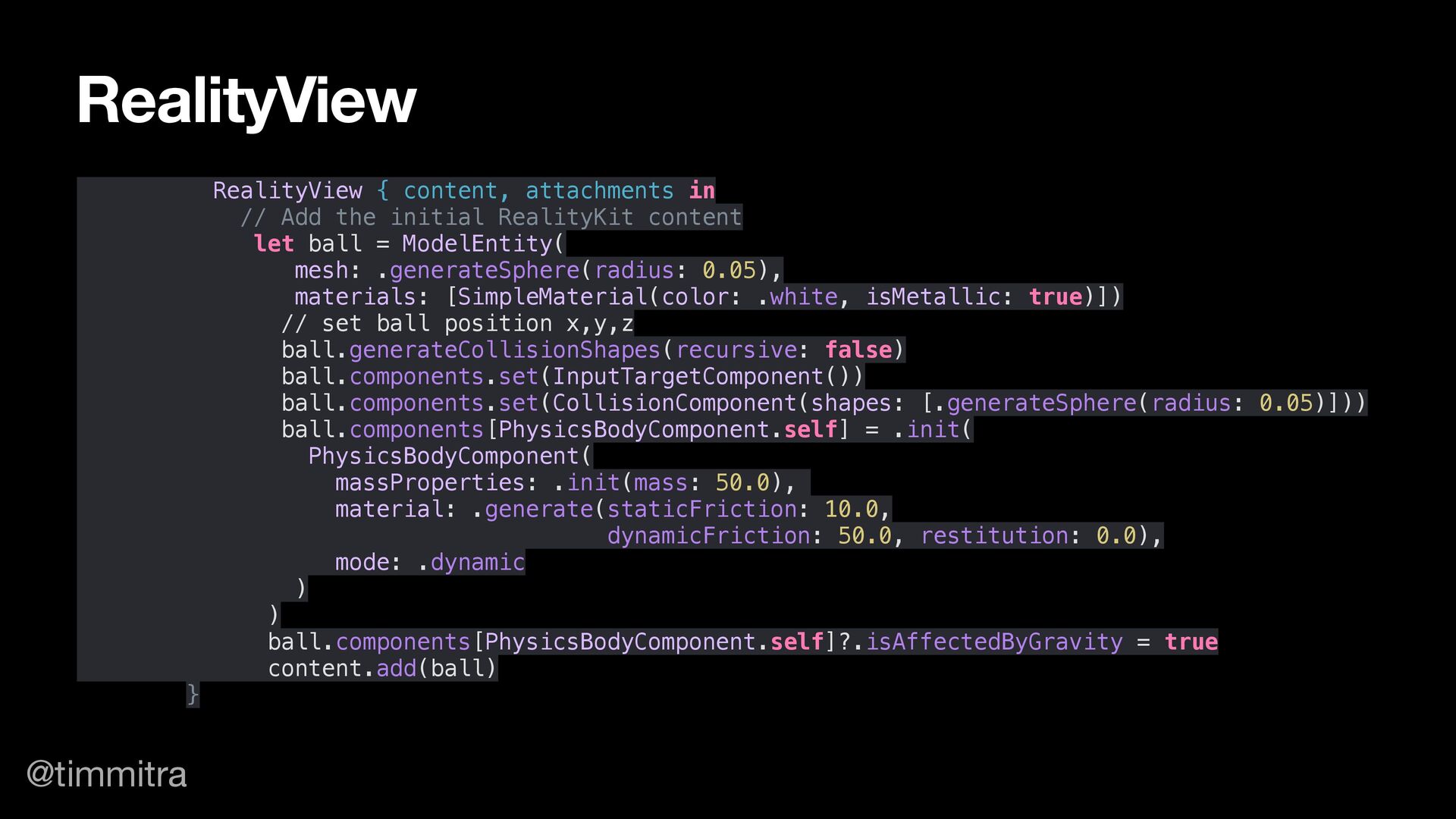
  10. @timmitra RealityView { content, attachments in // Add the initial

    RealityKit content let ball = ModelEntity( mesh: .generateSphere(radius: 0.05), materials: [SimpleMaterial(color: .white, isMetallic: true)]) // set ball position x,y,z ball.generateCollisionShapes(recursive: false) ball.components.set(InputTargetComponent()) ball.components.set(CollisionComponent(shapes: [.generateSphere(radius: 0.05)])) ball.components[PhysicsBodyComponent.self] = .init( PhysicsBodyComponent( massProperties: .init(mass: 50.0), material: .generate(staticFriction: 10.0, dynamicFriction: 50.0, restitution: 0.0), mode: .dynamic ) ) ball.components[PhysicsBodyComponent.self]?.isAffectedByGravity = true content.add(ball) } RealityView
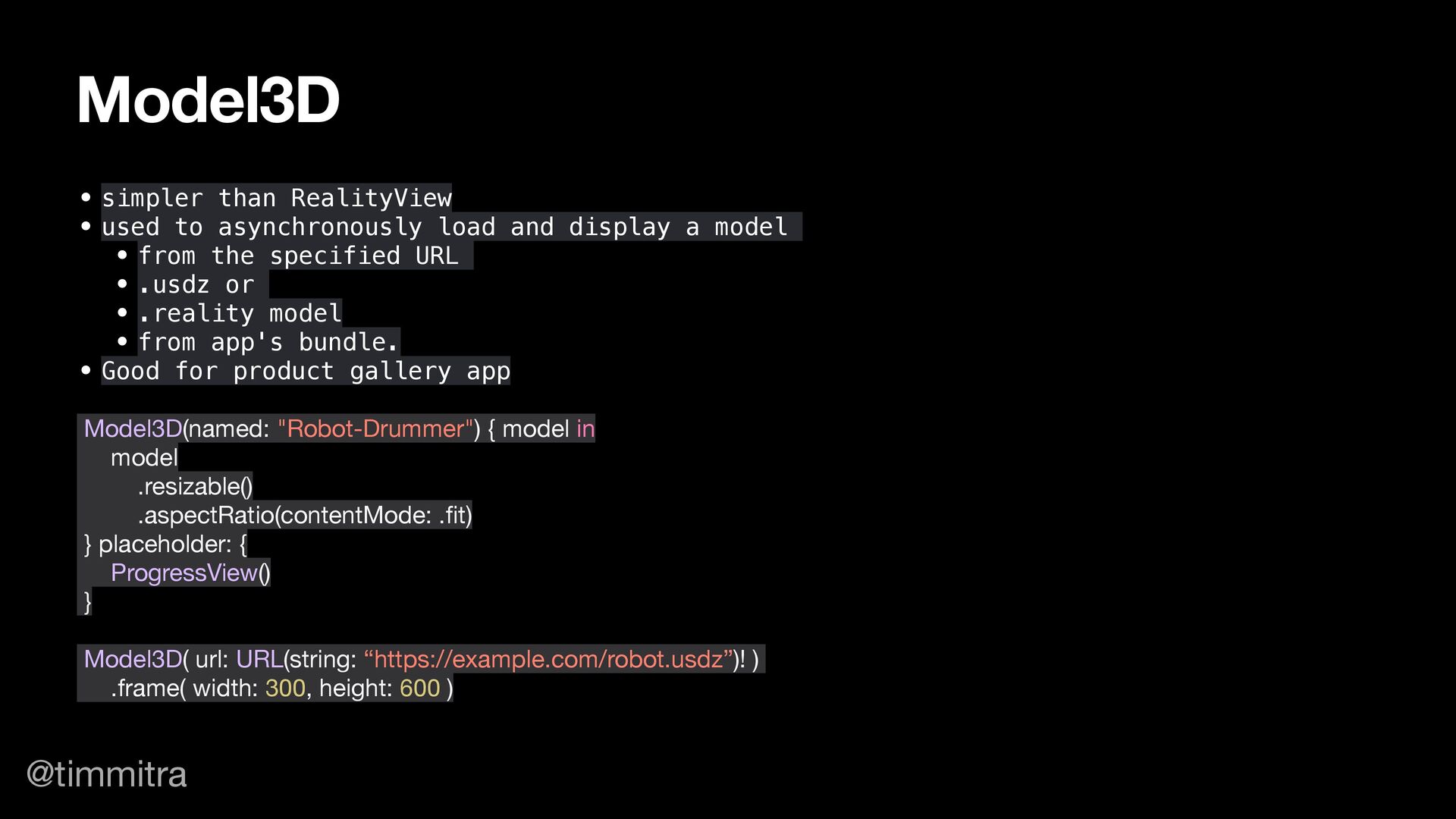
  11. @timmitra • simpler than RealityView • used to asynchronously load

    and display a model • from the specified URL • .usdz or • .reality model • from app's bundle. • Good for product gallery app Model3D(named: "Robot-Drummer") { model in model .resizable() .aspectRatio(contentMode: .fit) } placeholder: { ProgressView() } Model3D( url: URL(string: “https://example.com/robot.usdz”)! ) .frame( width: 300, height: 600 ) Model3D
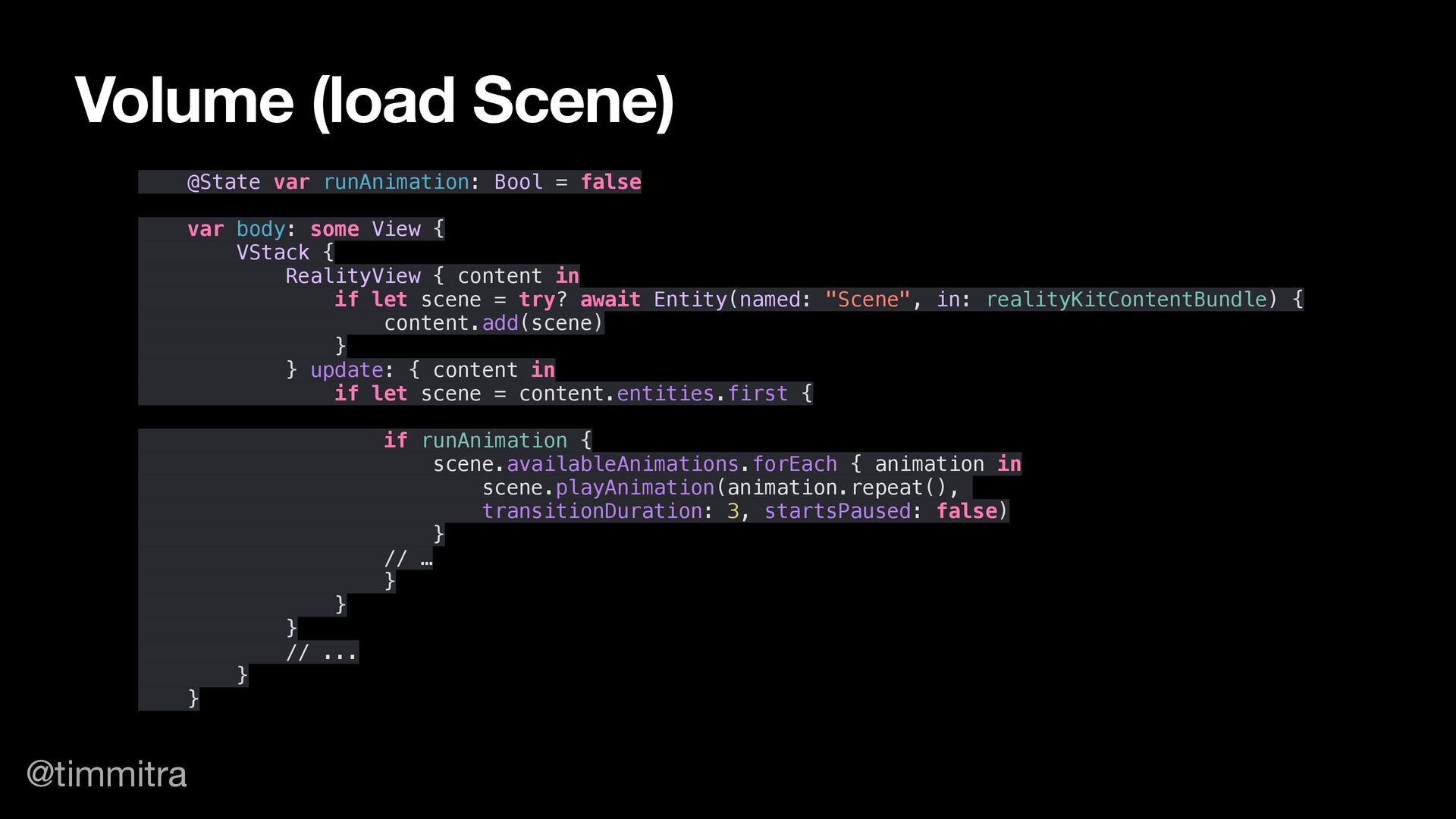
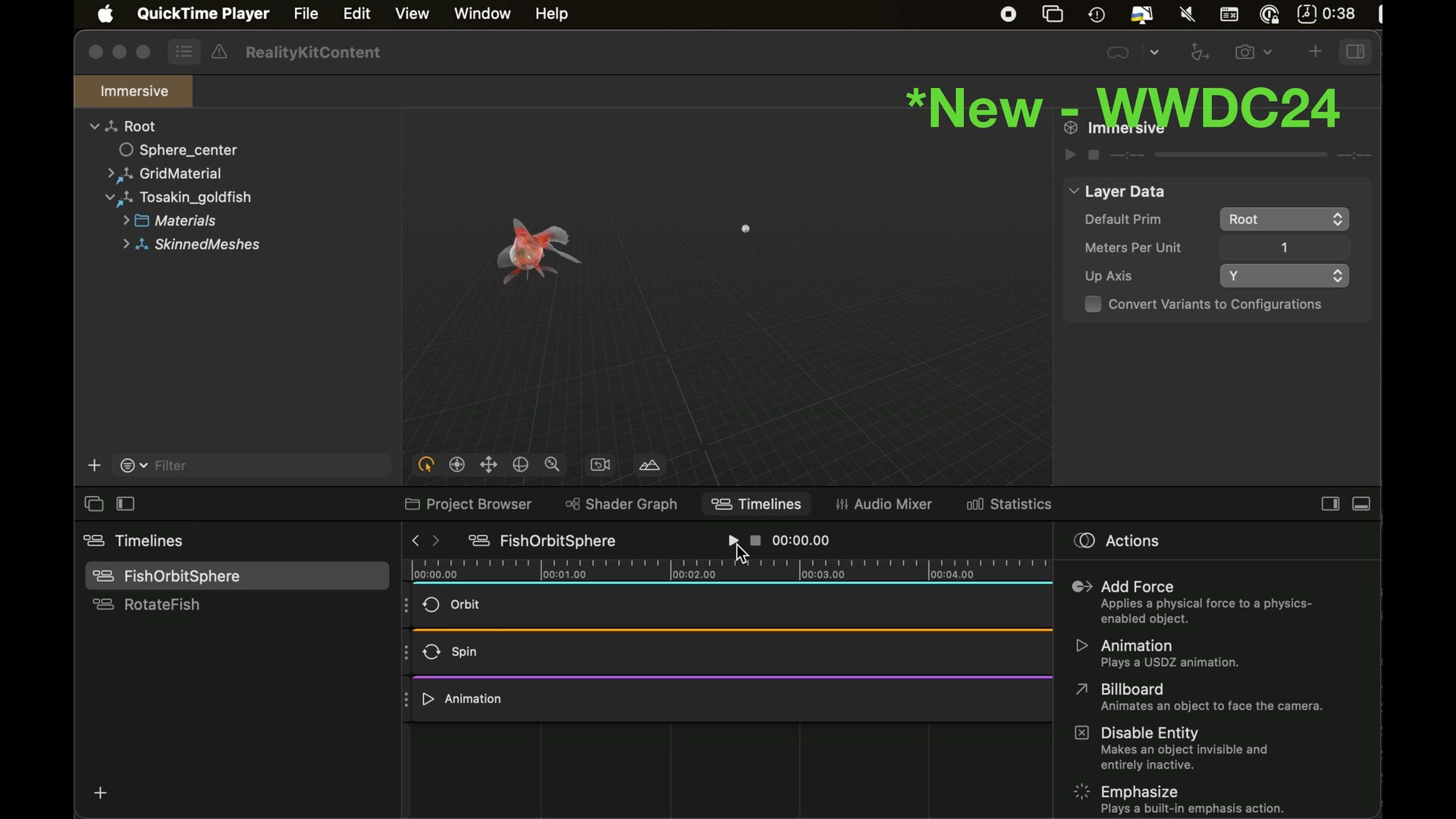
  12. @timmitra @State var runAnimation: Bool = false var body: some

    View { VStack { RealityView { content in if let scene = try? await Entity(named: "Scene", in: realityKitContentBundle) { content.add(scene) } } update: { content in if let scene = content.entities.first { if runAnimation { scene.availableAnimations.forEach { animation in scene.playAnimation(animation.repeat(), transitionDuration: 3, startsPaused: false) } // … } } } // ... } } Volume (load Scene)
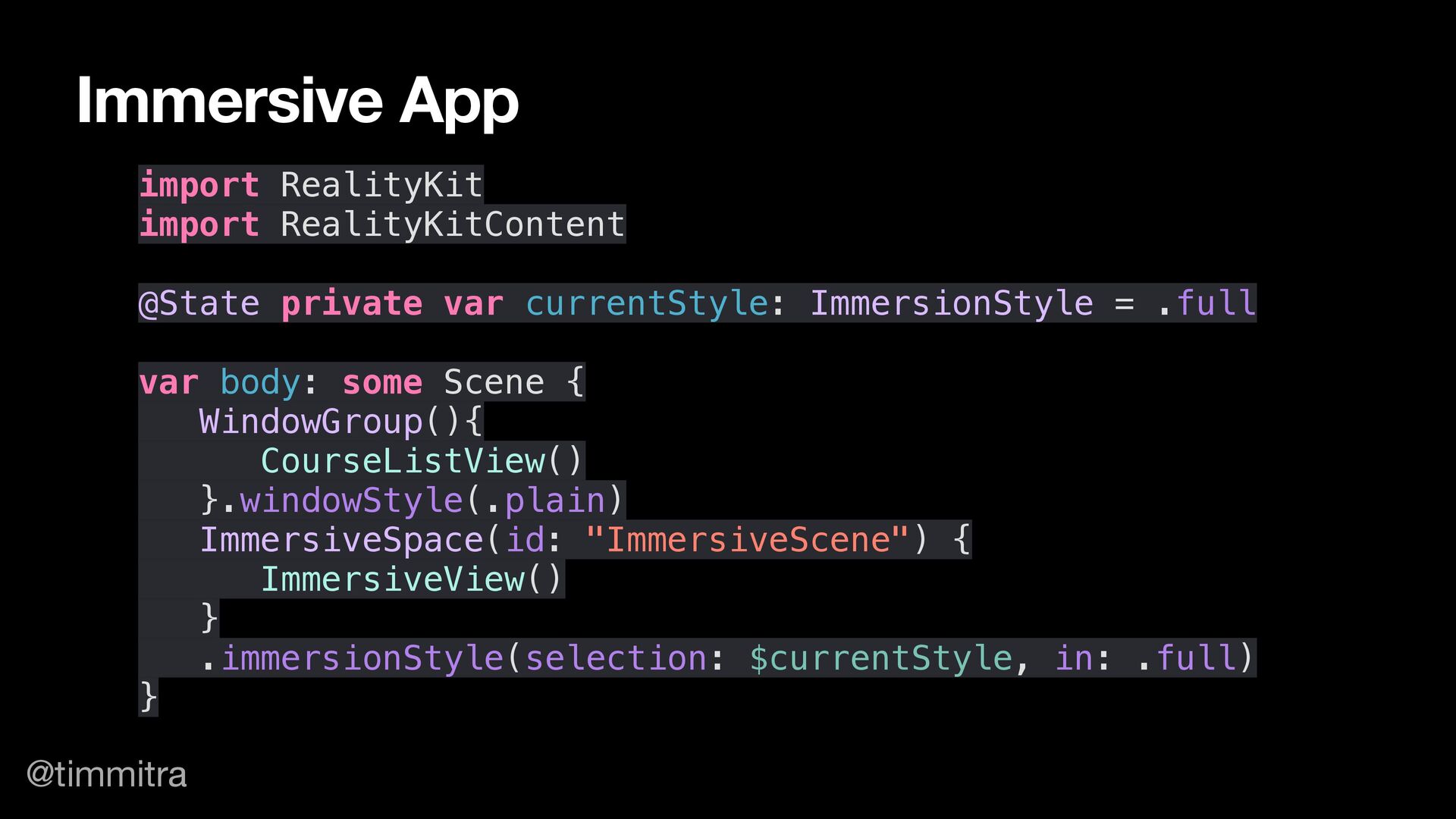
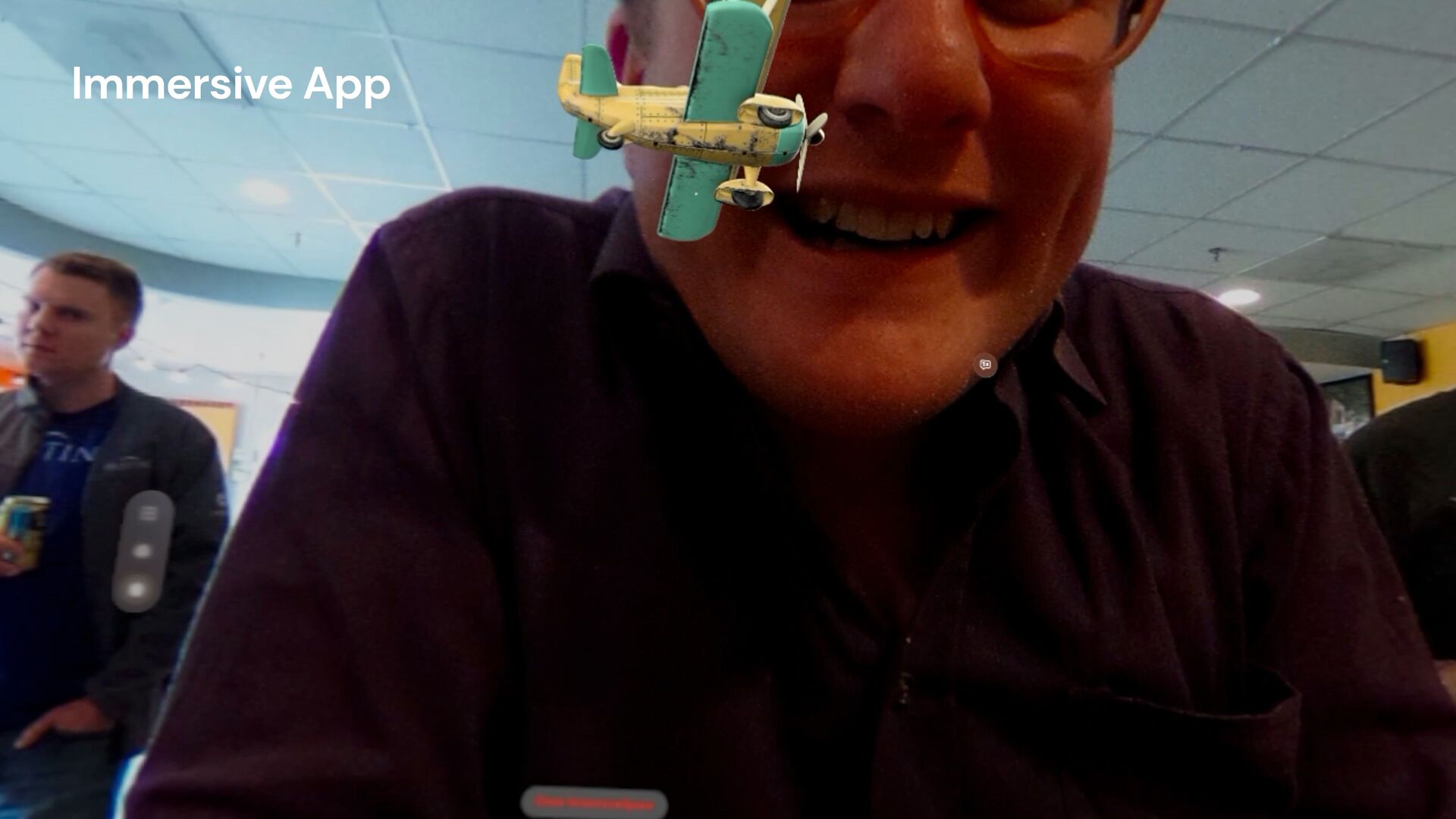
  13. @timmitra import RealityKit import RealityKitContent @State private var currentStyle: ImmersionStyle

    = .full var body: some Scene { WindowGroup(){ CourseListView() }.windowStyle(.plain) ImmersiveSpace(id: "ImmersiveScene") { ImmersiveView() } .immersionStyle(selection: $currentStyle, in: .full) } Immersive App
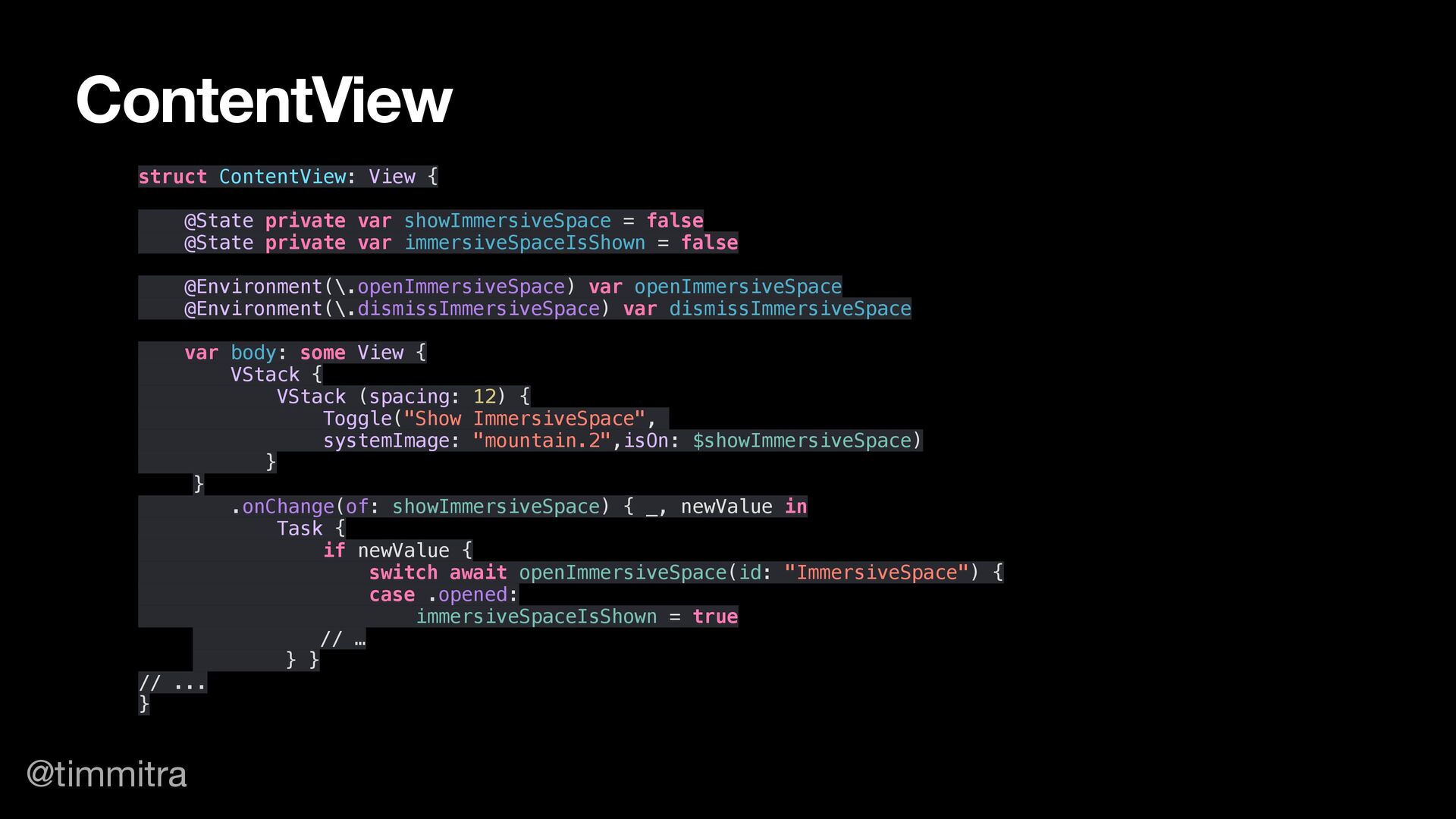
  14. @timmitra struct ContentView: View { @State private var showImmersiveSpace =

    false @State private var immersiveSpaceIsShown = false @Environment(\.openImmersiveSpace) var openImmersiveSpace @Environment(\.dismissImmersiveSpace) var dismissImmersiveSpace var body: some View { VStack { VStack (spacing: 12) { Toggle("Show ImmersiveSpace", systemImage: "mountain.2",isOn: $showImmersiveSpace) } } .onChange(of: showImmersiveSpace) { _, newValue in Task { if newValue { switch await openImmersiveSpace(id: "ImmersiveSpace") { case .opened: immersiveSpaceIsShown = true // … } } // ... } ContentView
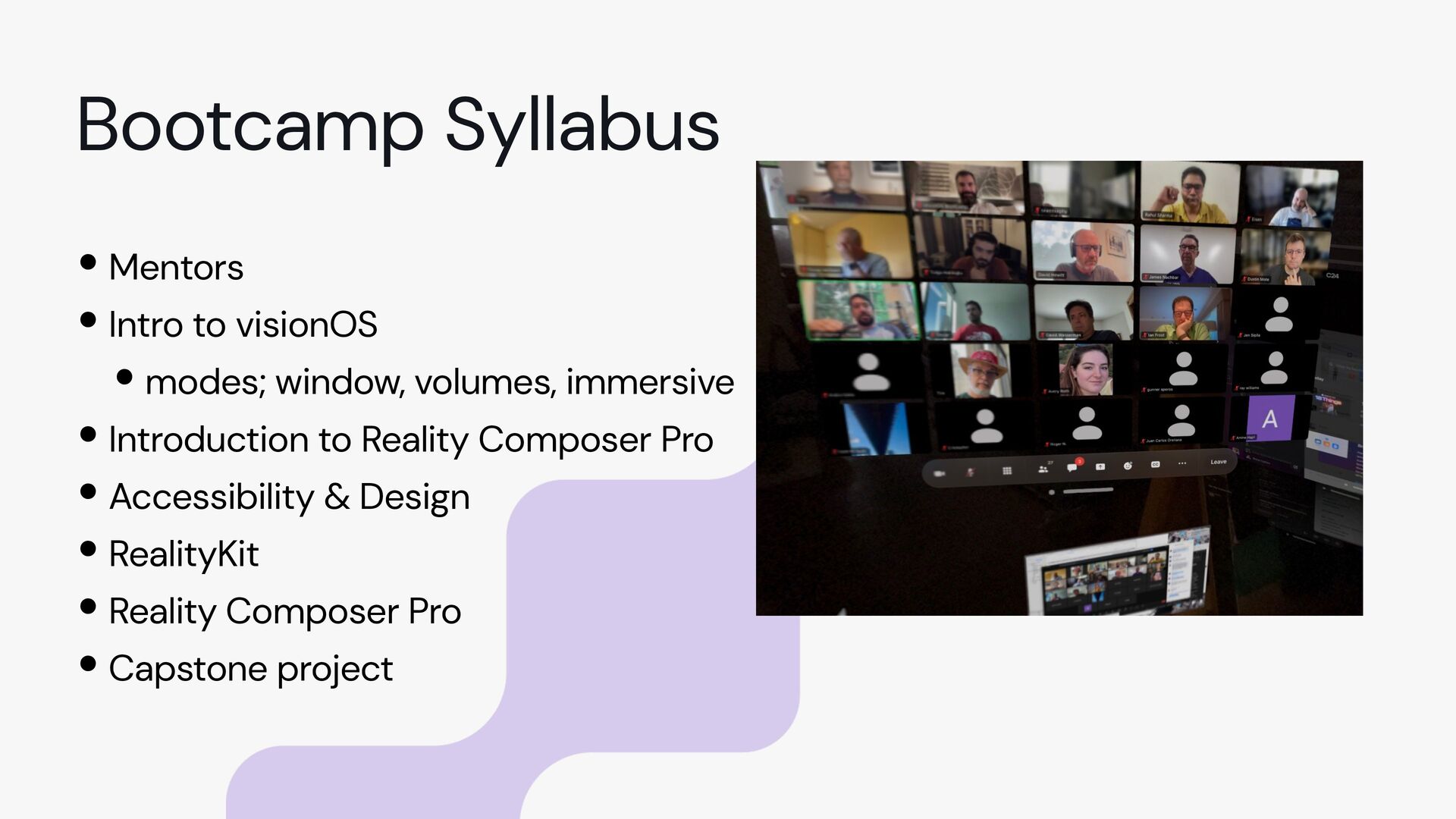
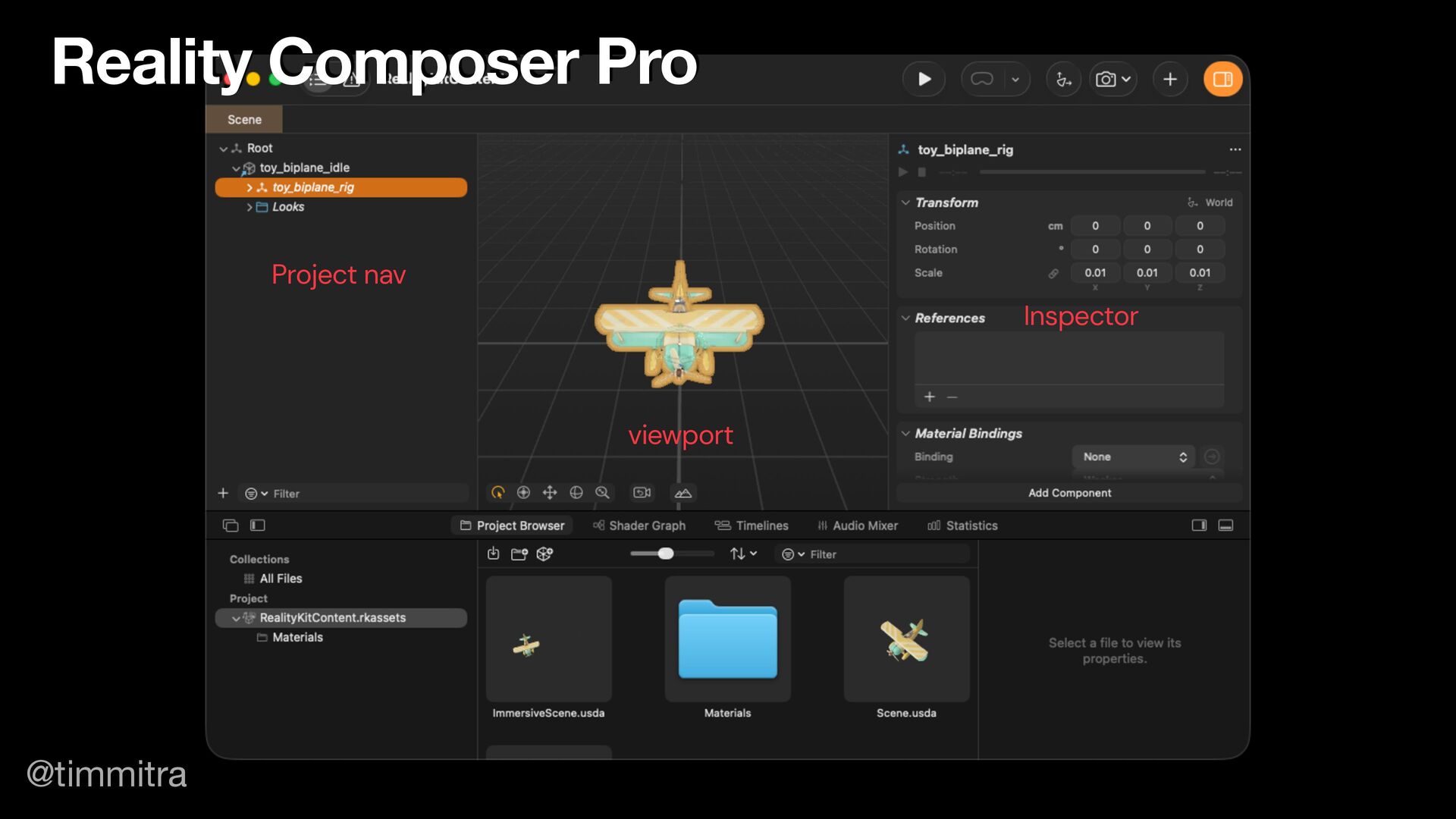
  15. •Mentors •Intro to visionOS •modes; window, volumes, immersive •Introduction to

    Reality Composer Pro •Accessibility & Design •RealityKit •Reality Composer Pro •Capstone project Bootcamp Syllabus
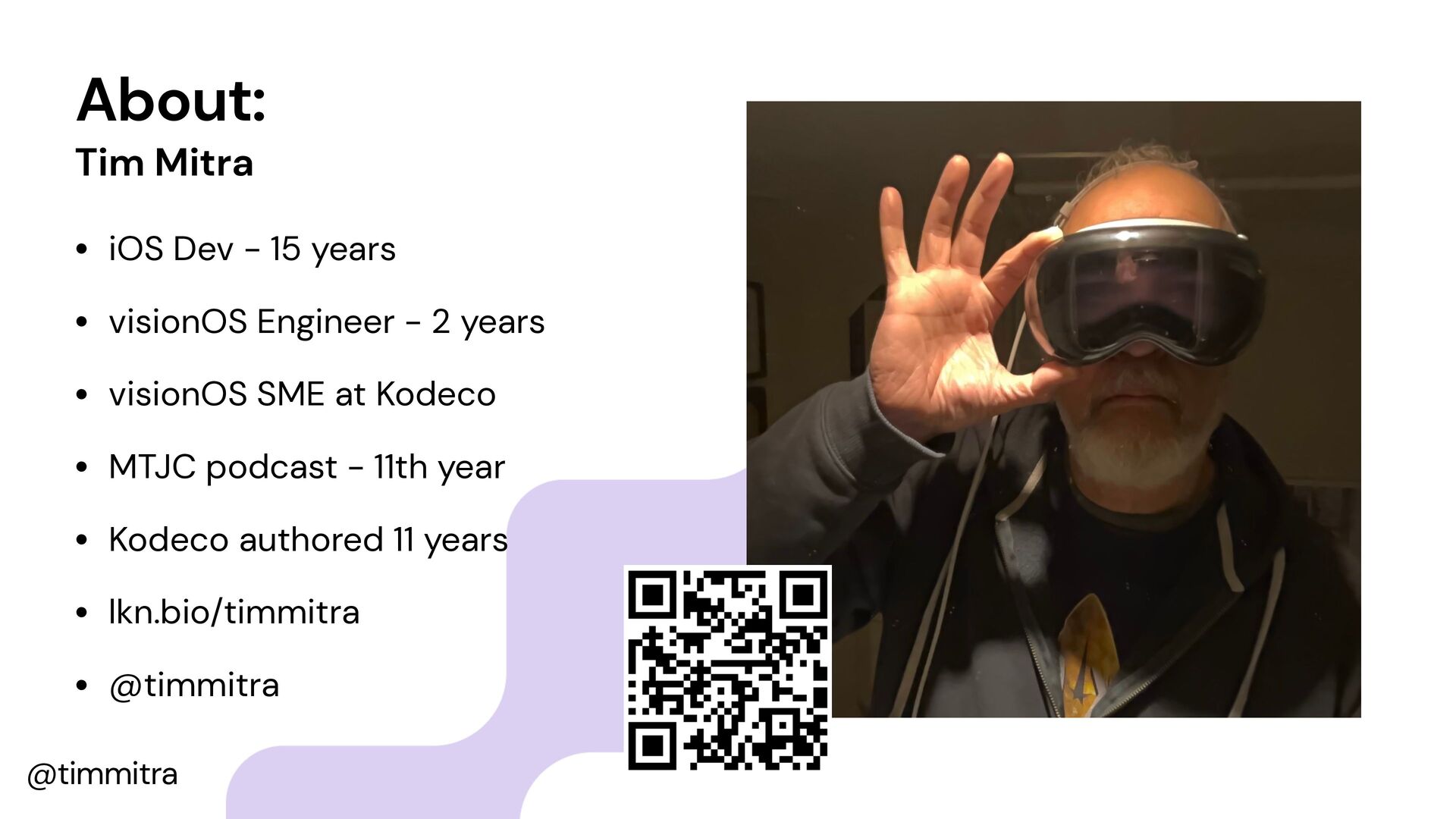
  16. @timmitra About: Tim Mitra • iOS Dev - 15 years

    • visionOS Engineer - 2 years • visionOS SME at Kodeco • MTJC podcast - 11th year • Kodeco authored 11 years • lkn.bio/timmitra • @timmitra