Upgrade to Pro — share decks privately, control downloads, hide ads and more …

Set up an Android CI using GitHub Actions

Set up an Android CI using GitHub Actions

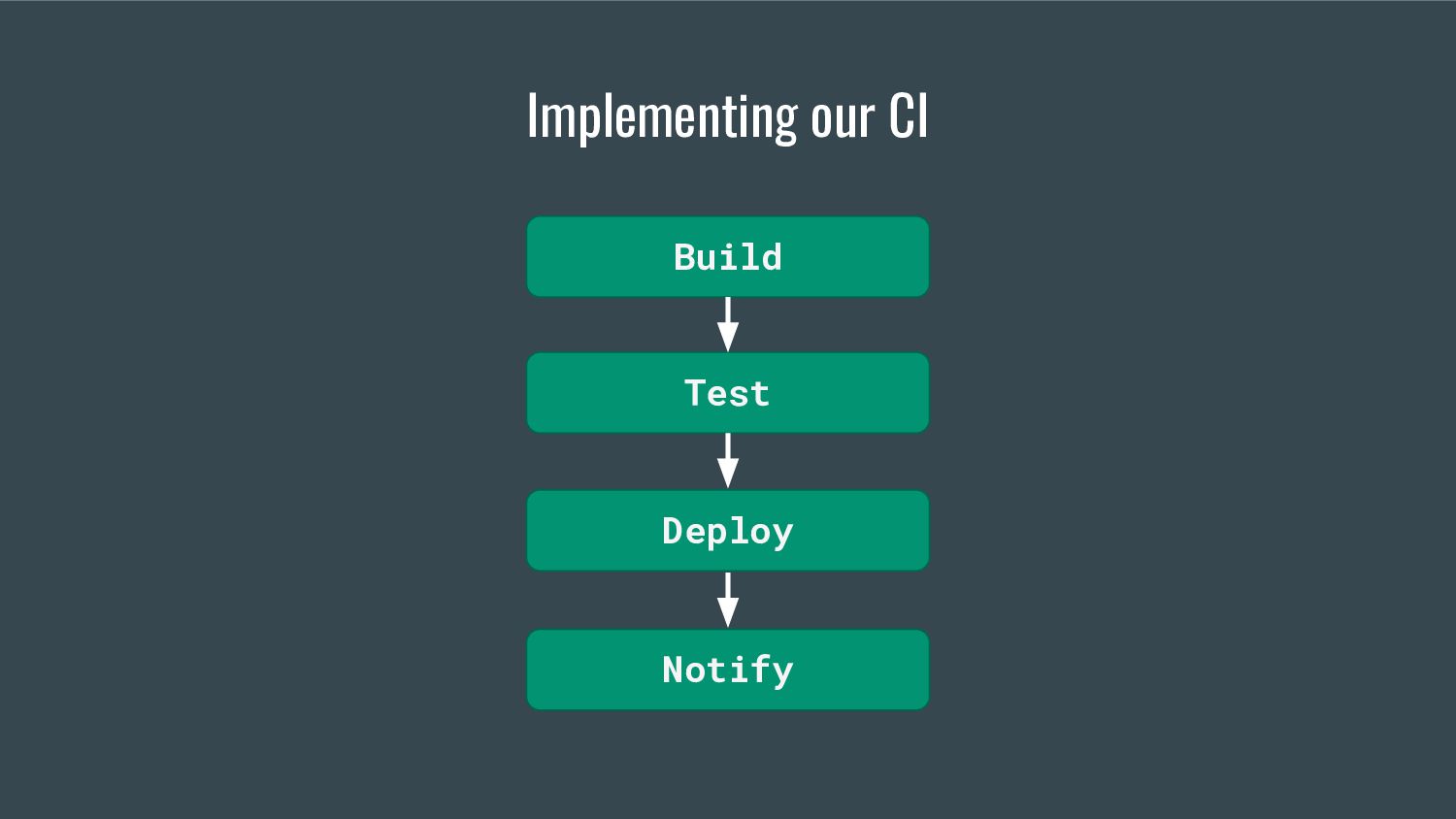
In any software development process, the CI/CD is a crucial piece that helps teams catch the problems early, improve the code quality, automate the release process, among other benefits.

At Innovorder, we used to work with a legacy CI/CD based on Google Cloud Build. It was hard to maintain mainly because no-one in the team really knew how it worked and because of a lack of good documentation, so we ended up deciding to build a new and more reliable CI/CD.

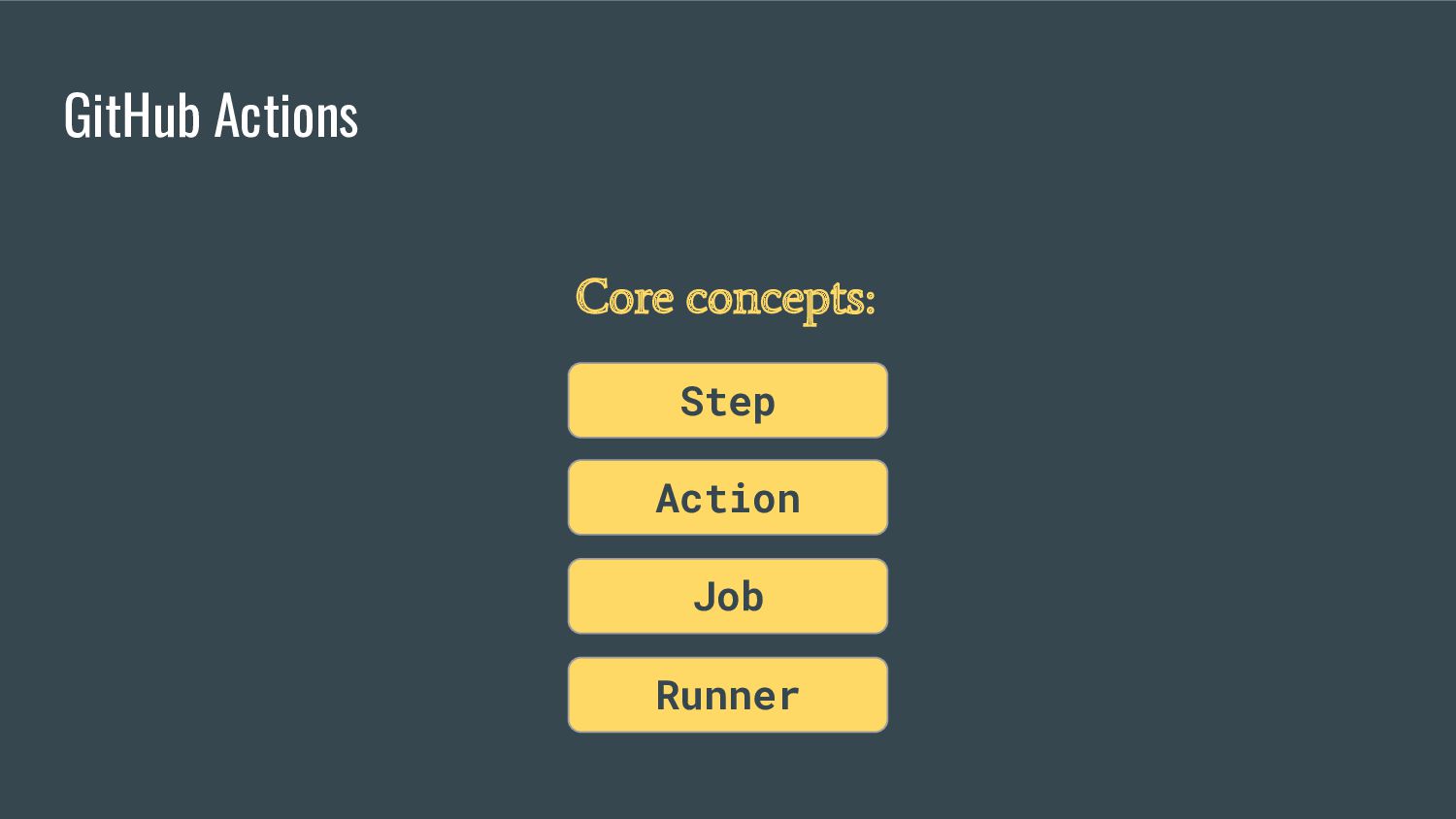
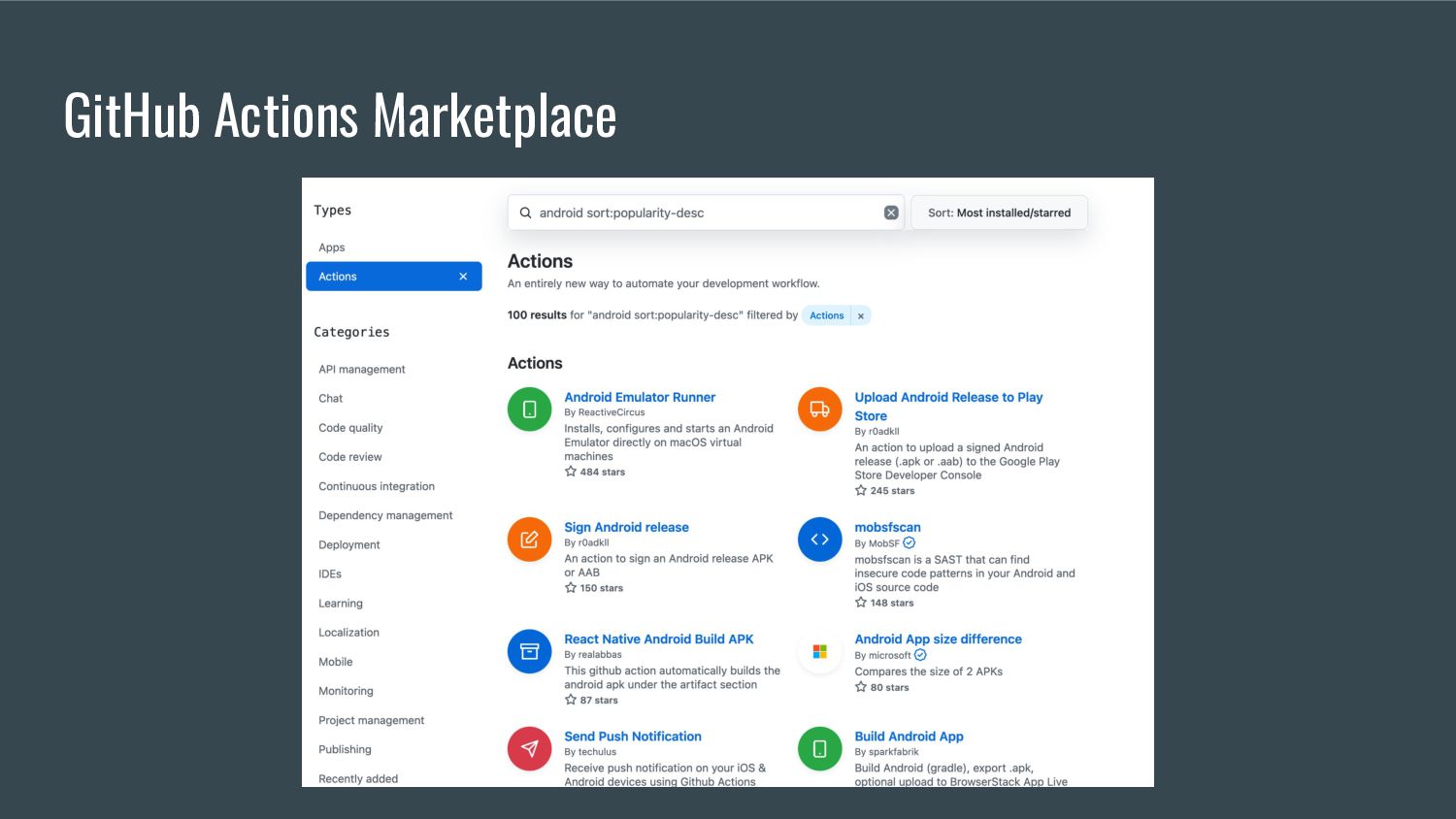
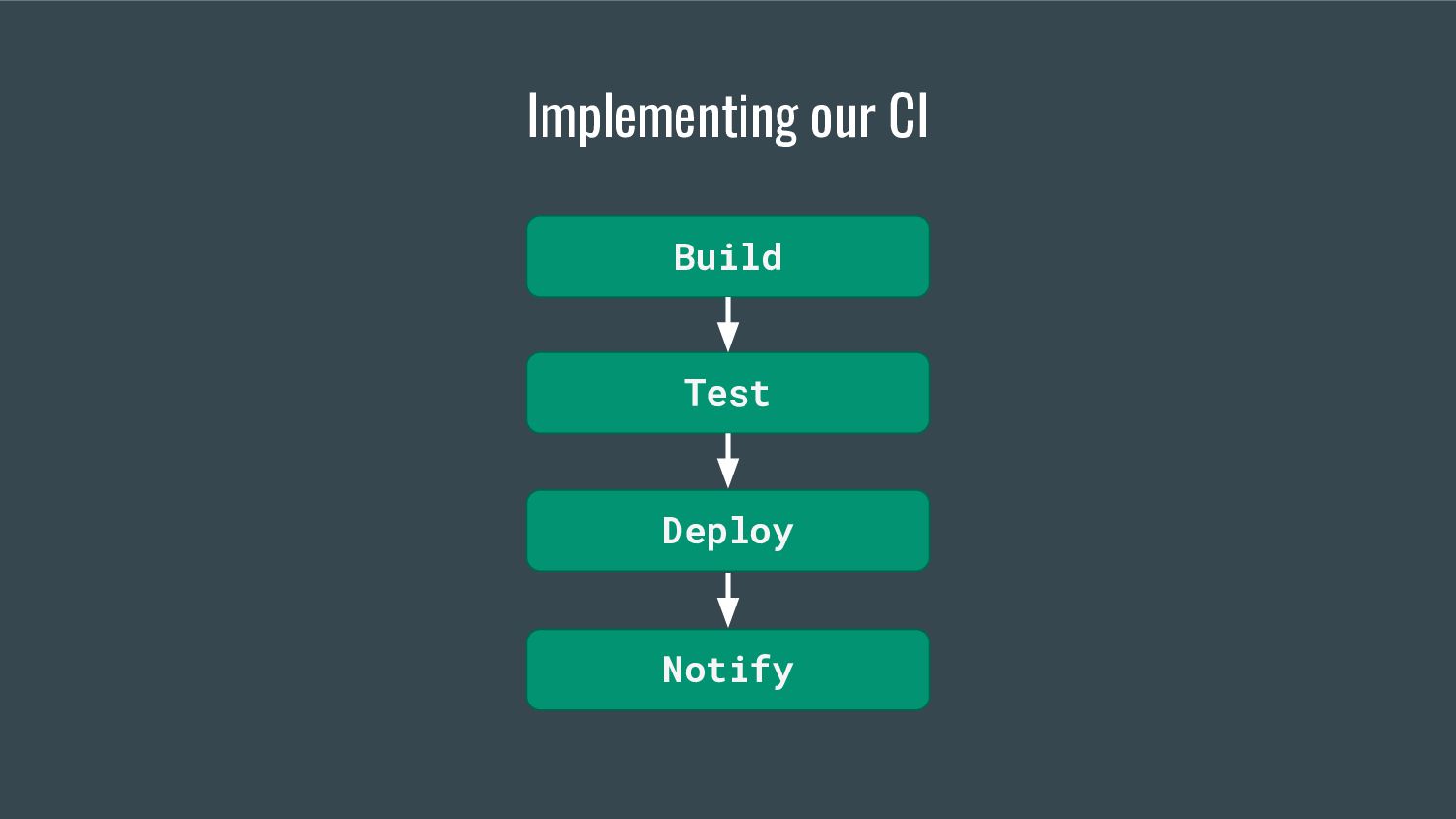
In this session, I’ll share the story of how we migrated to GitHub Actions. Outline challenges we faced and how we solved them. And finally show how we went even further, by improving on the previously existant CI in different ways, including :

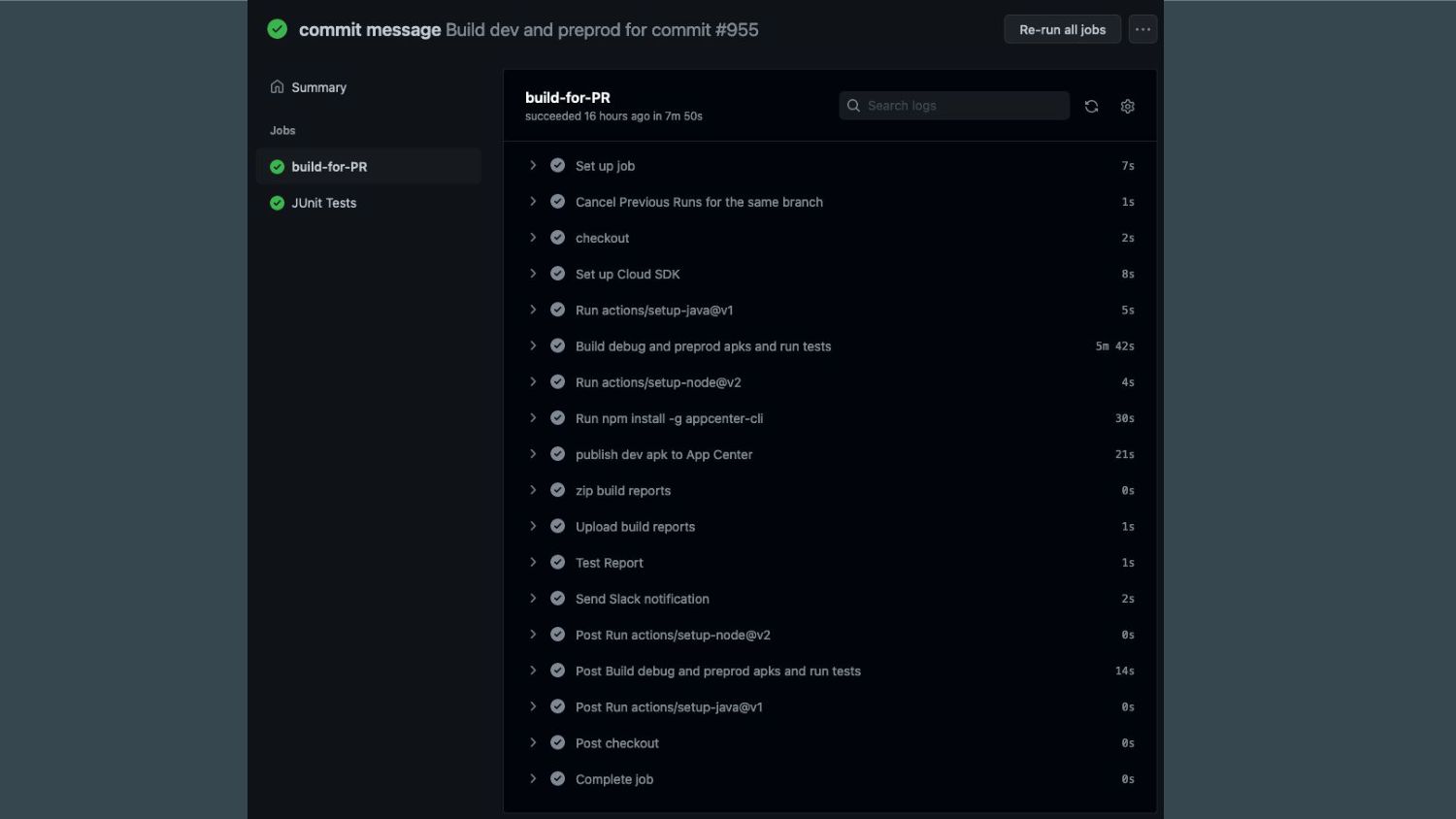
- improving the use of resources by canceling the workflows running on the previous commits when a new commit is pushed to a branch
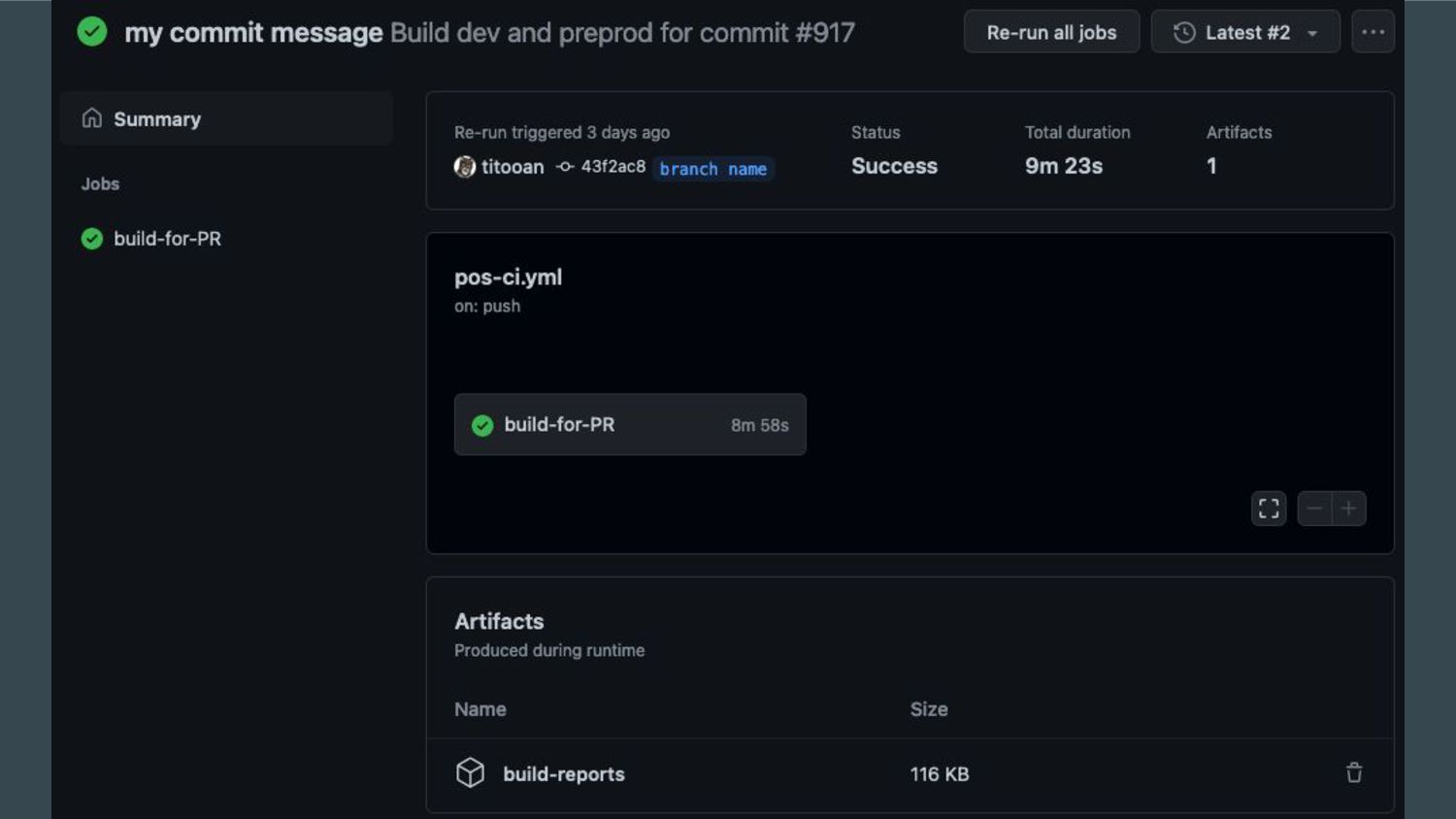
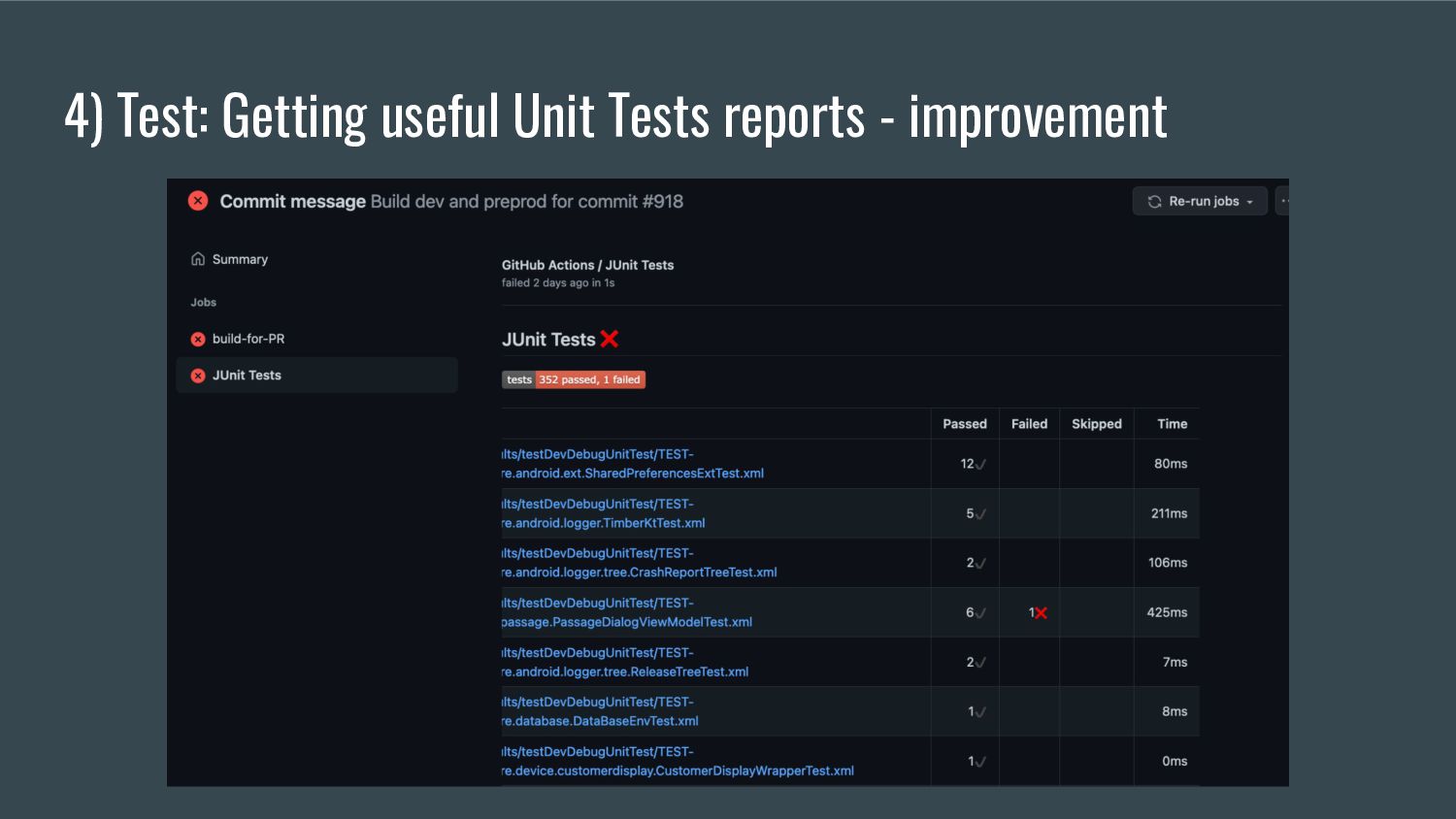
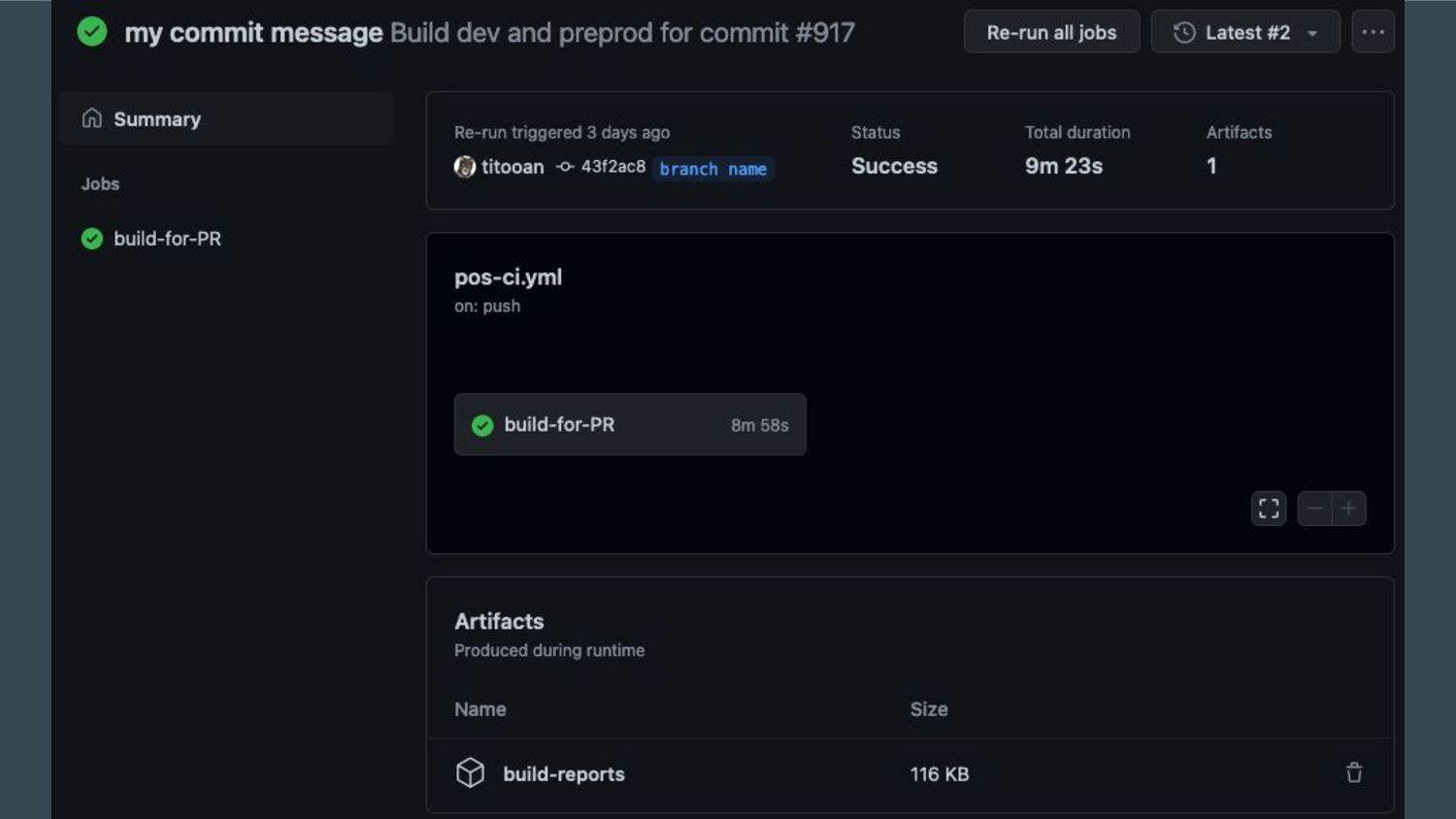
- display the results of the Unit Tests directly in the Workflow result page
- add timeout to steps that can run forever because of a call to an external service
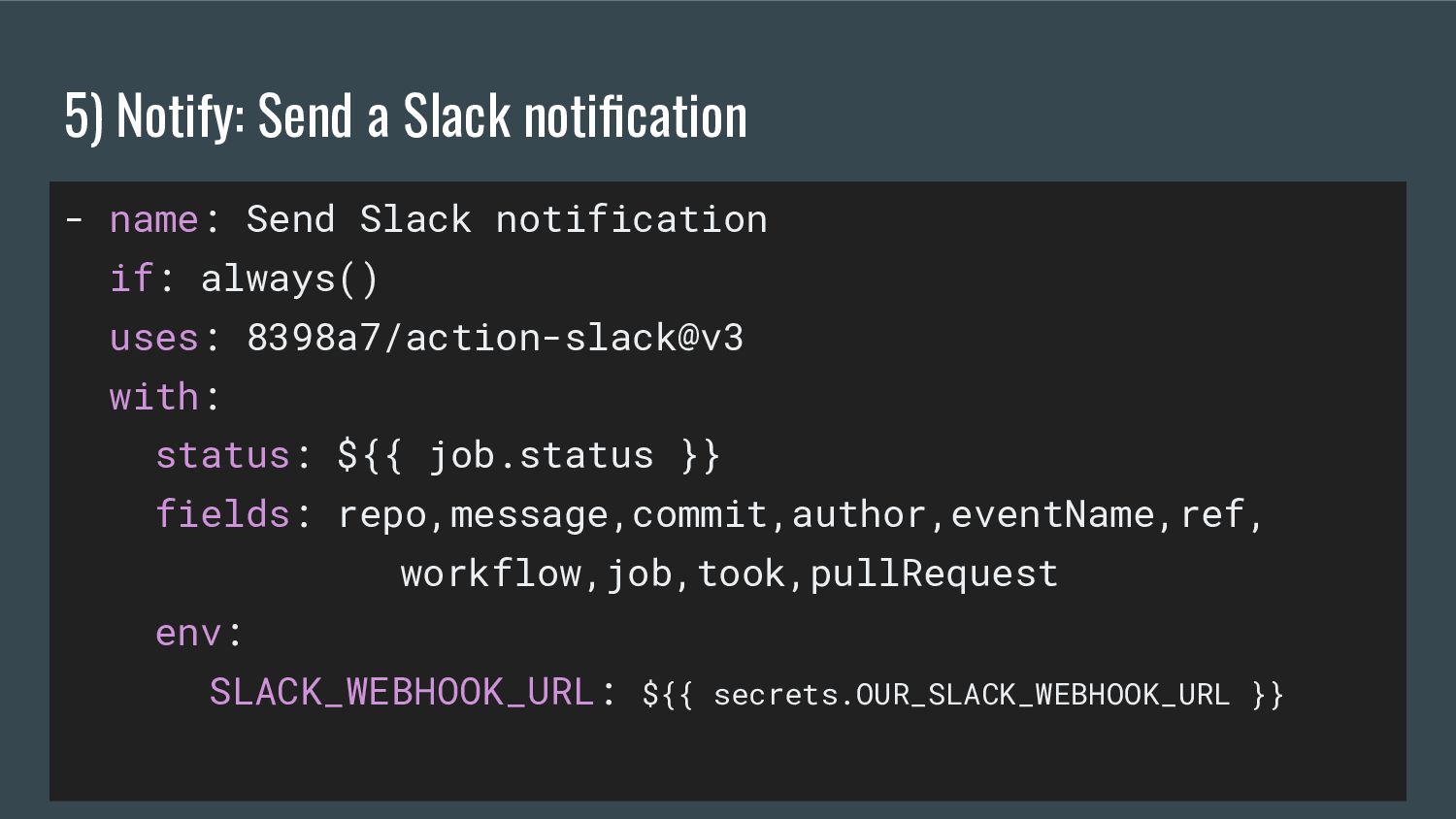
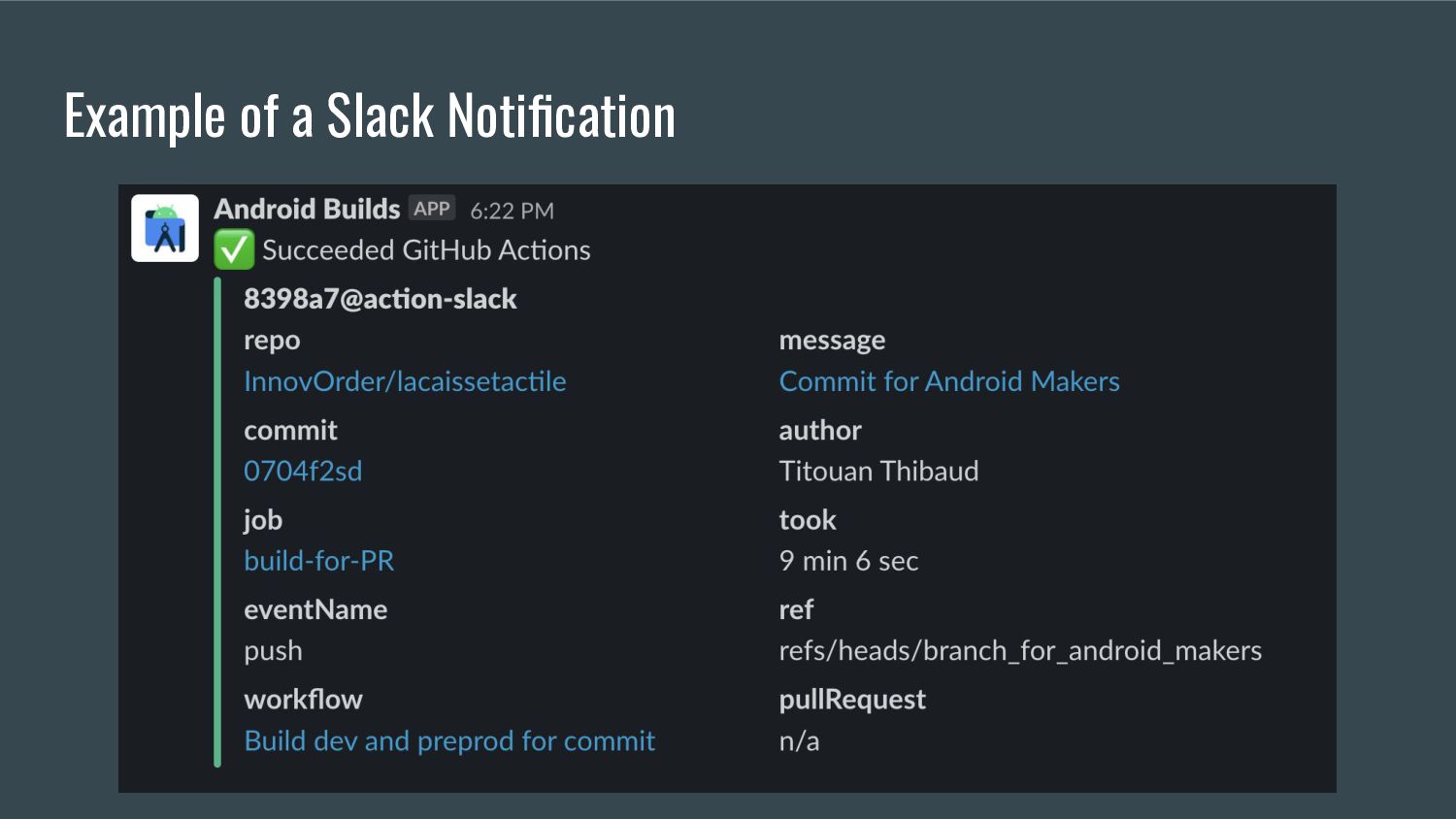
- send a Slack notification with all the important information about the workflow run

Avatar for Titouan

Titouan

May 04, 2022

Other Decks in Programming

Transcript

  1. Set up an Android CI using GitHub Actions Titouan Thibaud

    Senior Android Engineer @TitouanThibaud
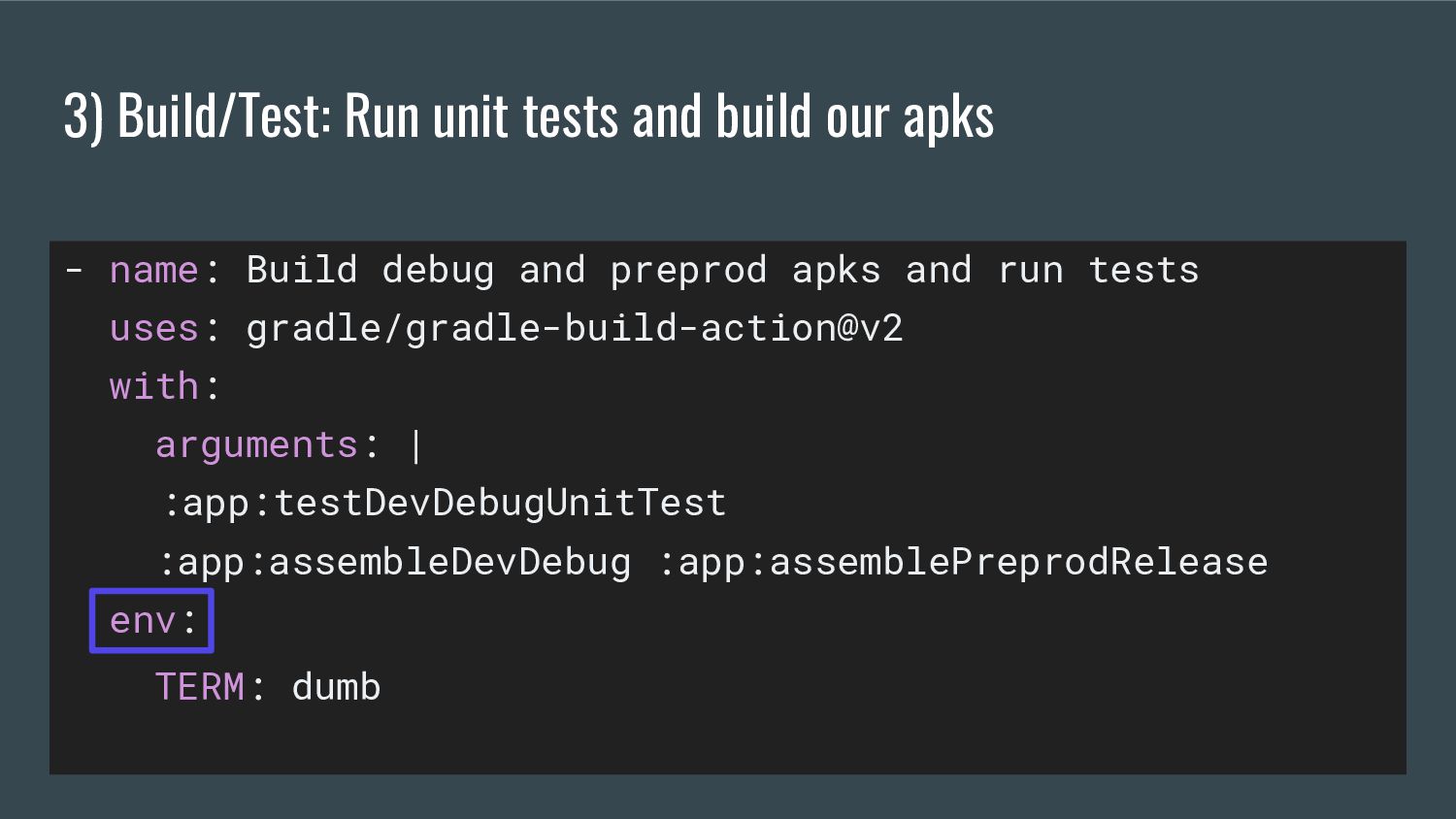
  2. 3) Build/Test: Run unit tests and build our apks -

    name: Build debug and preprod apks and run tests uses: gradle/gradle-build-action@v2 with: arguments: | :app:testDevDebugUnitTest :app:assembleDevDebug :app:assemblePreprodRelease env: TERM: dumb
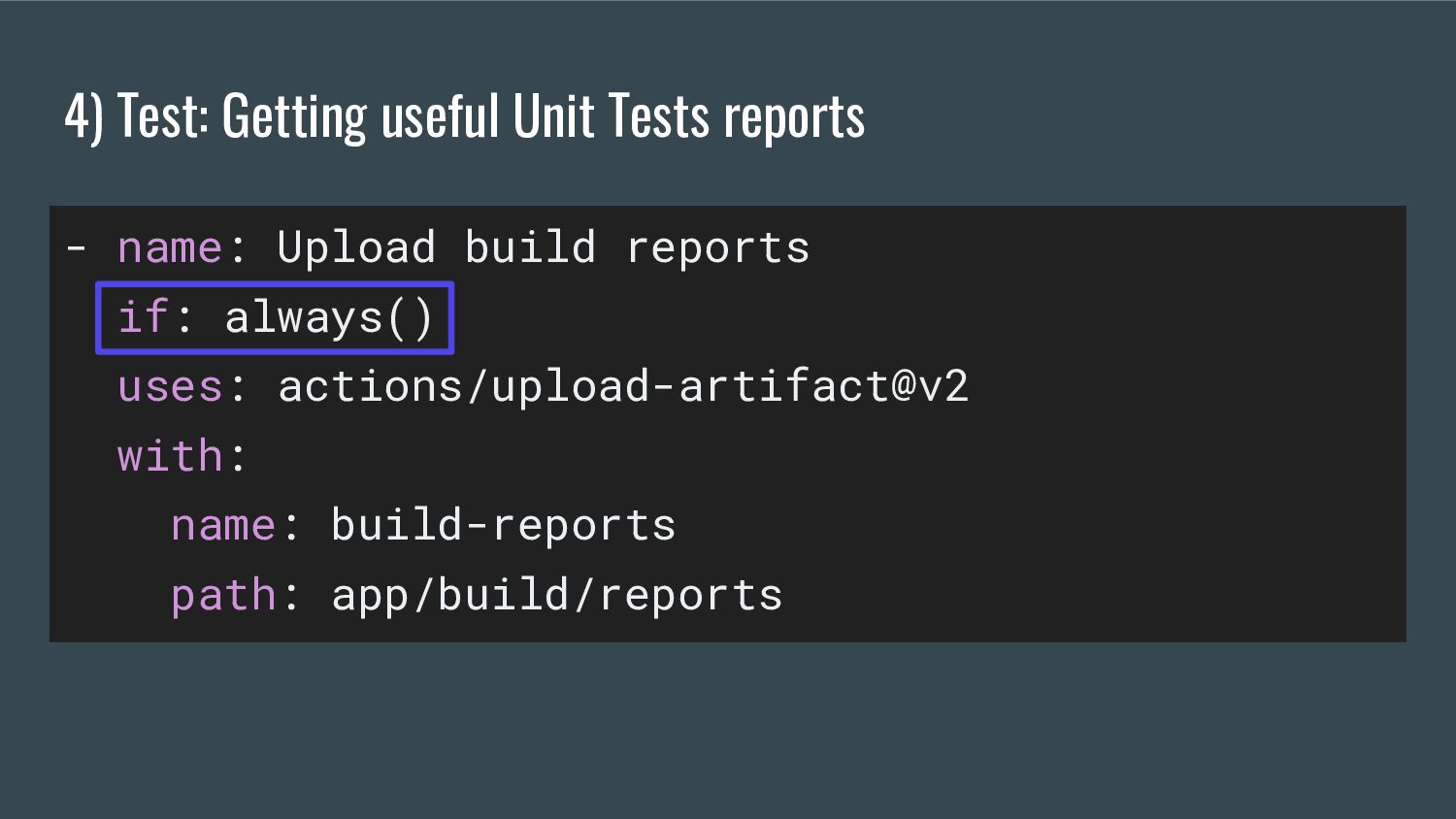
  3. 4) Test: Getting useful Unit Tests reports - name: Upload

    build reports if: always() uses: actions/upload-artifact@v2 with: name: build-reports path: app/build/reports
  4. 5) Notify: Send a Slack notification - name: Send Slack

    notification if: always() uses: 8398a7/action-slack@v3 with: status: ${{ job.status }} fields: repo,message,commit,author,eventName,ref, workflow,job,took,pullRequest env: SLACK_WEBHOOK_URL: ${{ secrets.OUR_SLACK_WEBHOOK_URL }}
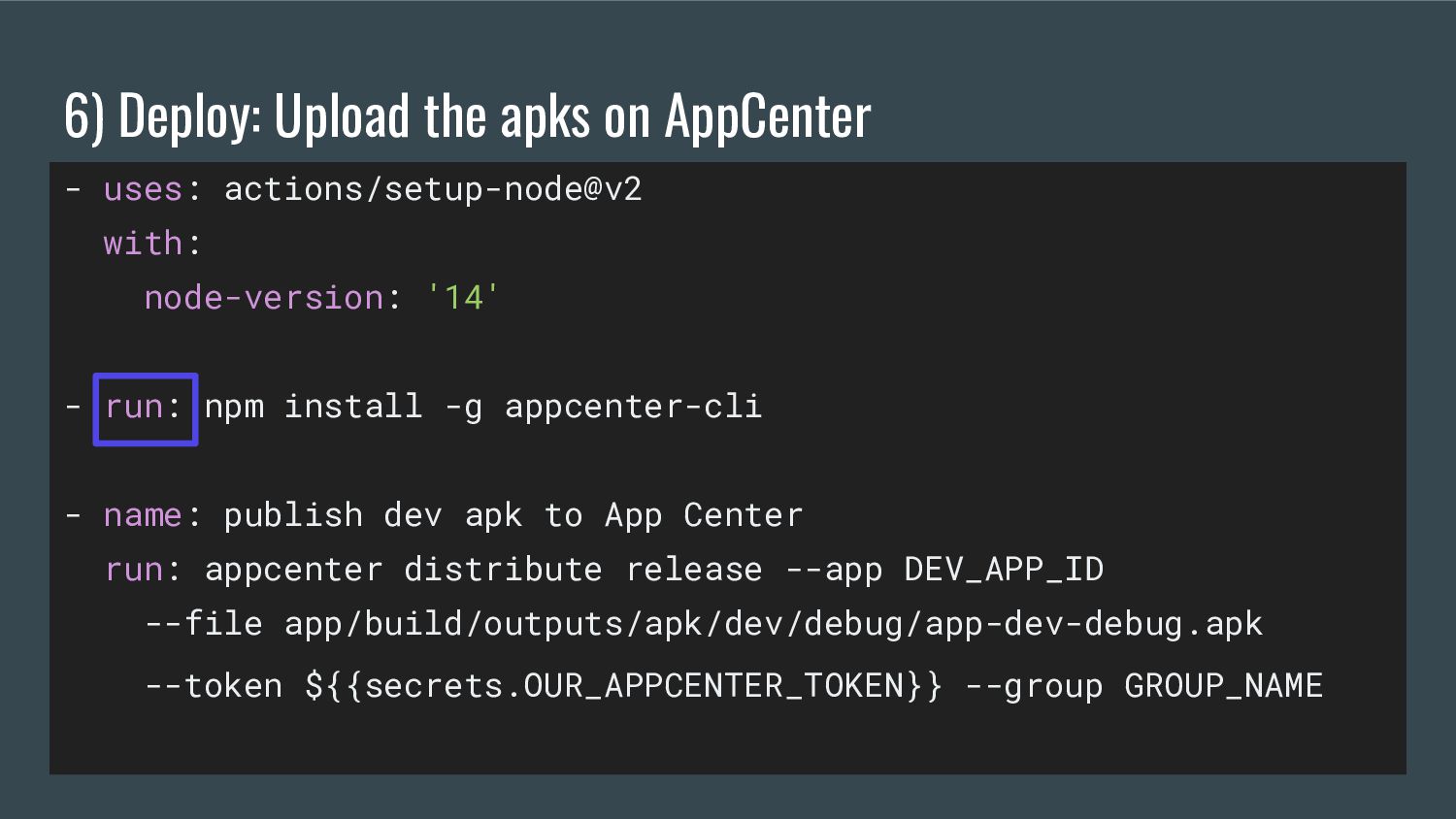
  5. 6) Deploy: Upload the apks on AppCenter - uses: actions/setup-node@v2

    with: node-version: '14' - run: npm install -g appcenter-cli - name: publish dev apk to App Center run: appcenter distribute release --app DEV_APP_ID --file app/build/outputs/apk/dev/debug/app-dev-debug.apk --token ${{secrets.OUR_APPCENTER_TOKEN}} --group GROUP_NAME
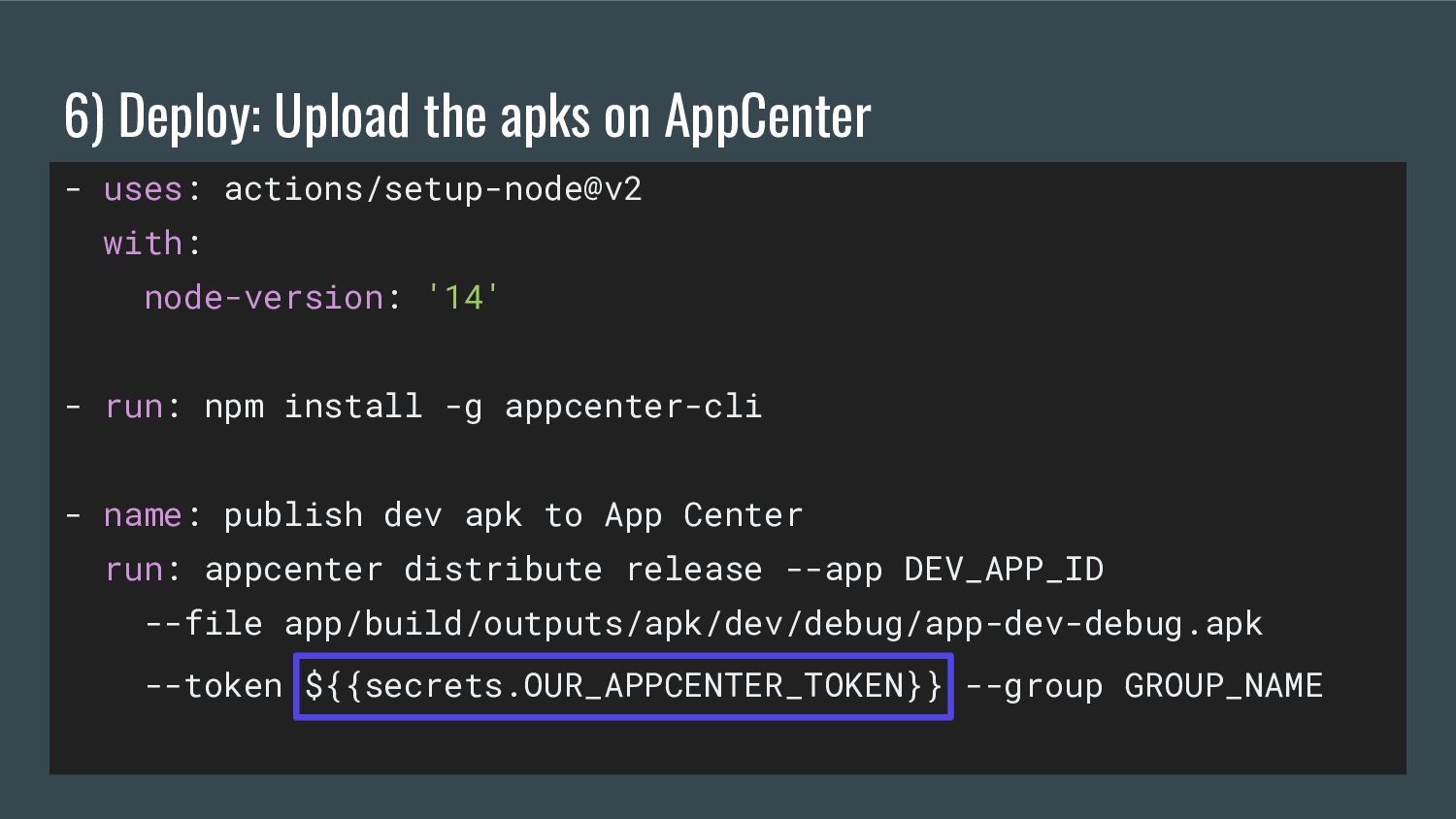
  6. 6) Deploy: Upload the apks on AppCenter - uses: actions/setup-node@v2

    with: node-version: '14' - run: npm install -g appcenter-cli - name: publish dev apk to App Center run: appcenter distribute release --app DEV_APP_ID --file app/build/outputs/apk/dev/debug/app-dev-debug.apk --token ${{secrets.OUR_APPCENTER_TOKEN}} --group GROUP_NAME
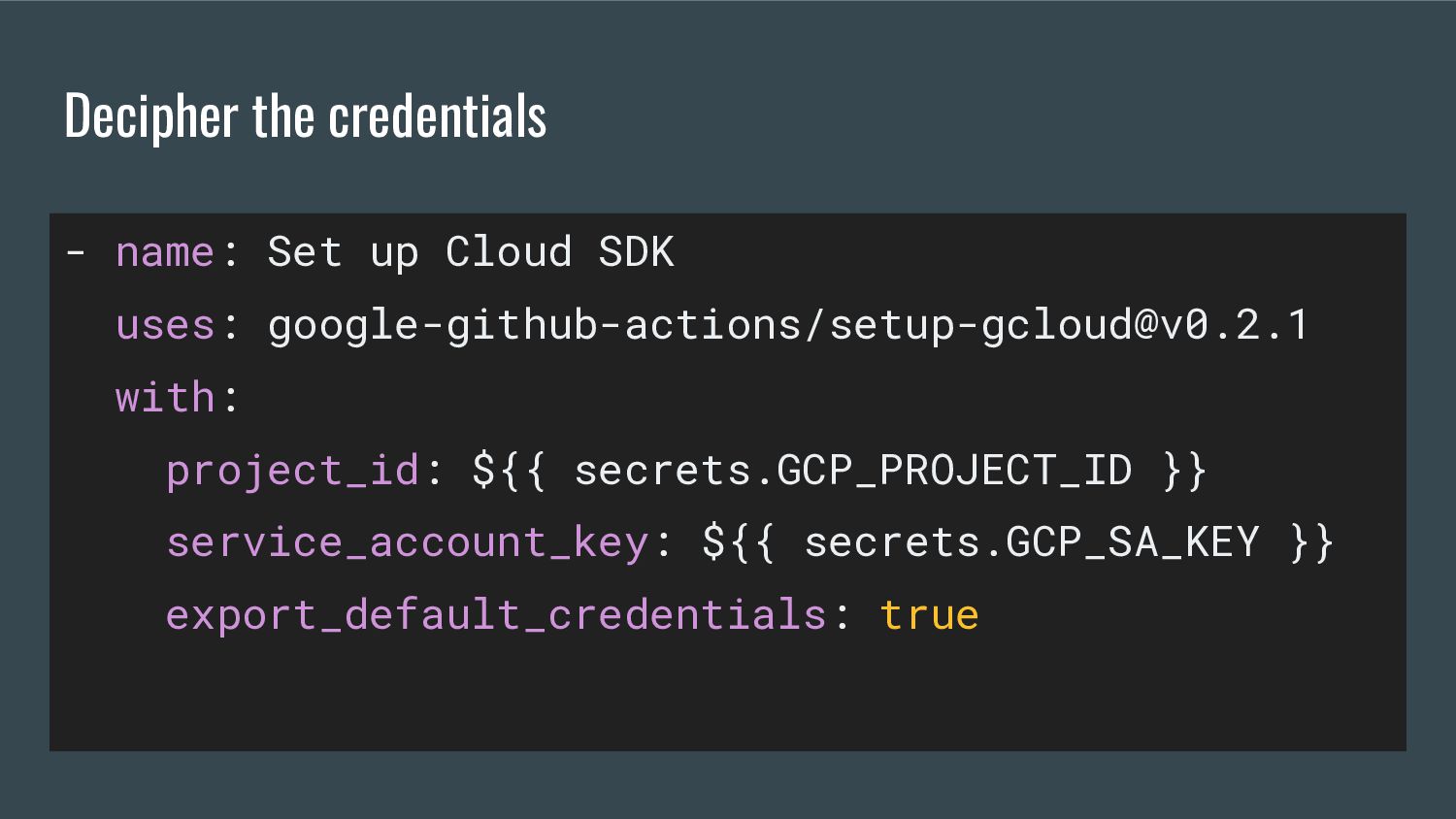
  7. Decipher the credentials - name: Set up Cloud SDK uses:

    google-github-actions/[email protected] with: project_id: ${{ secrets.GCP_PROJECT_ID }} service_account_key: ${{ secrets.GCP_SA_KEY }} export_default_credentials: true
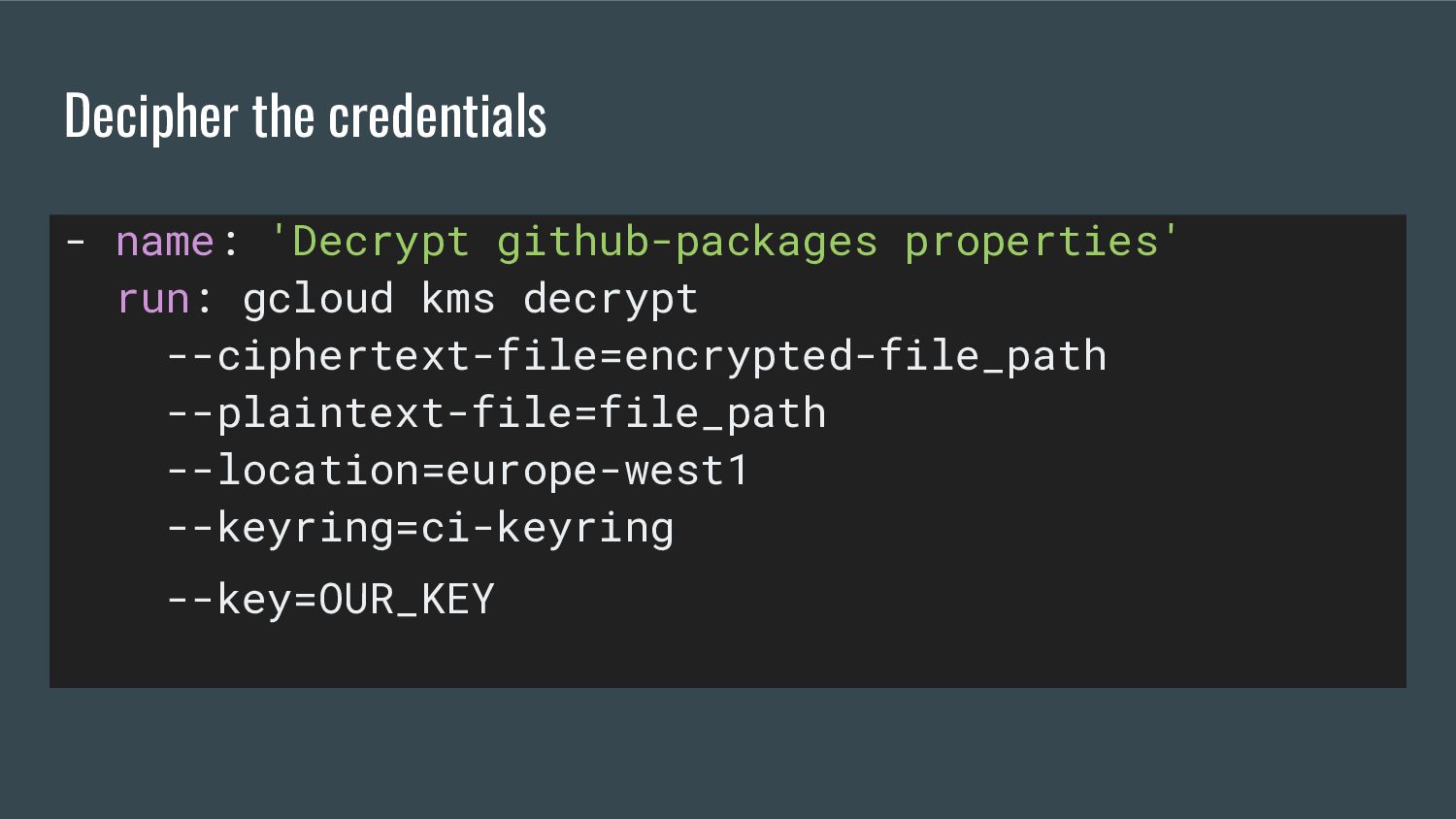
  8. Decipher the credentials - name: 'Decrypt github-packages properties' run: gcloud

    kms decrypt --ciphertext-file=encrypted-file_path --plaintext-file=file_path --location=europe-west1 --keyring=ci-keyring --key=OUR_KEY
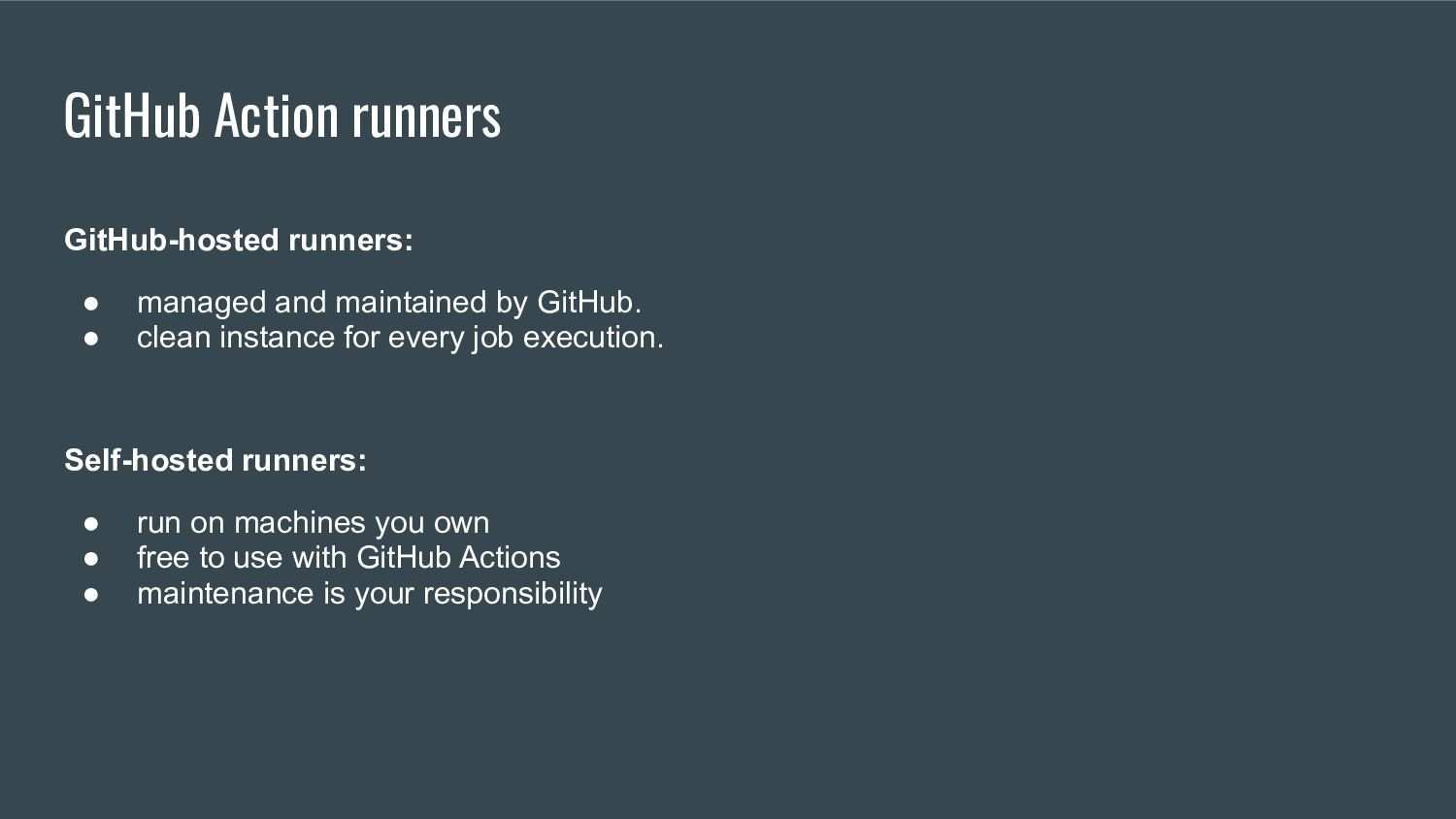
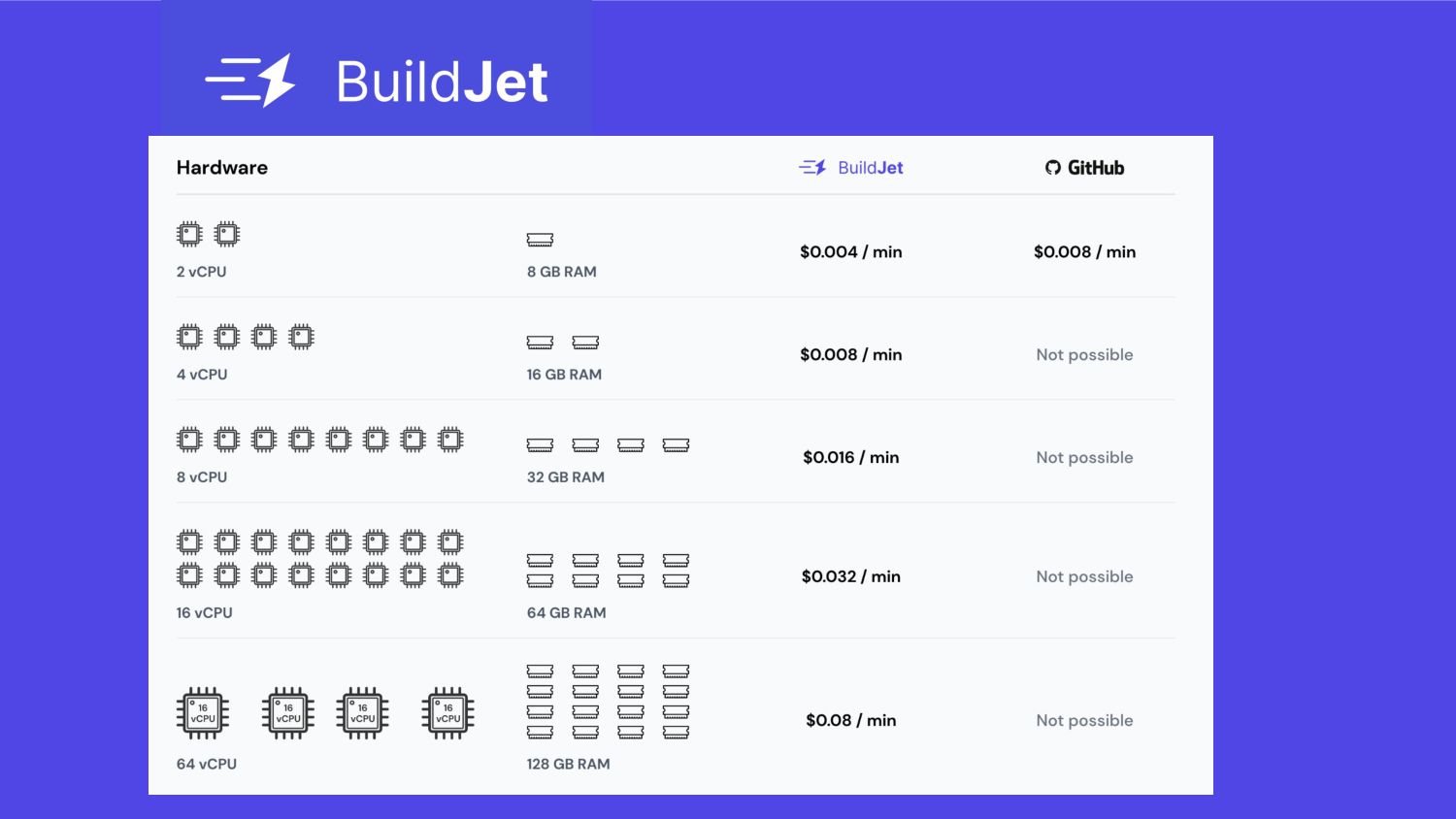
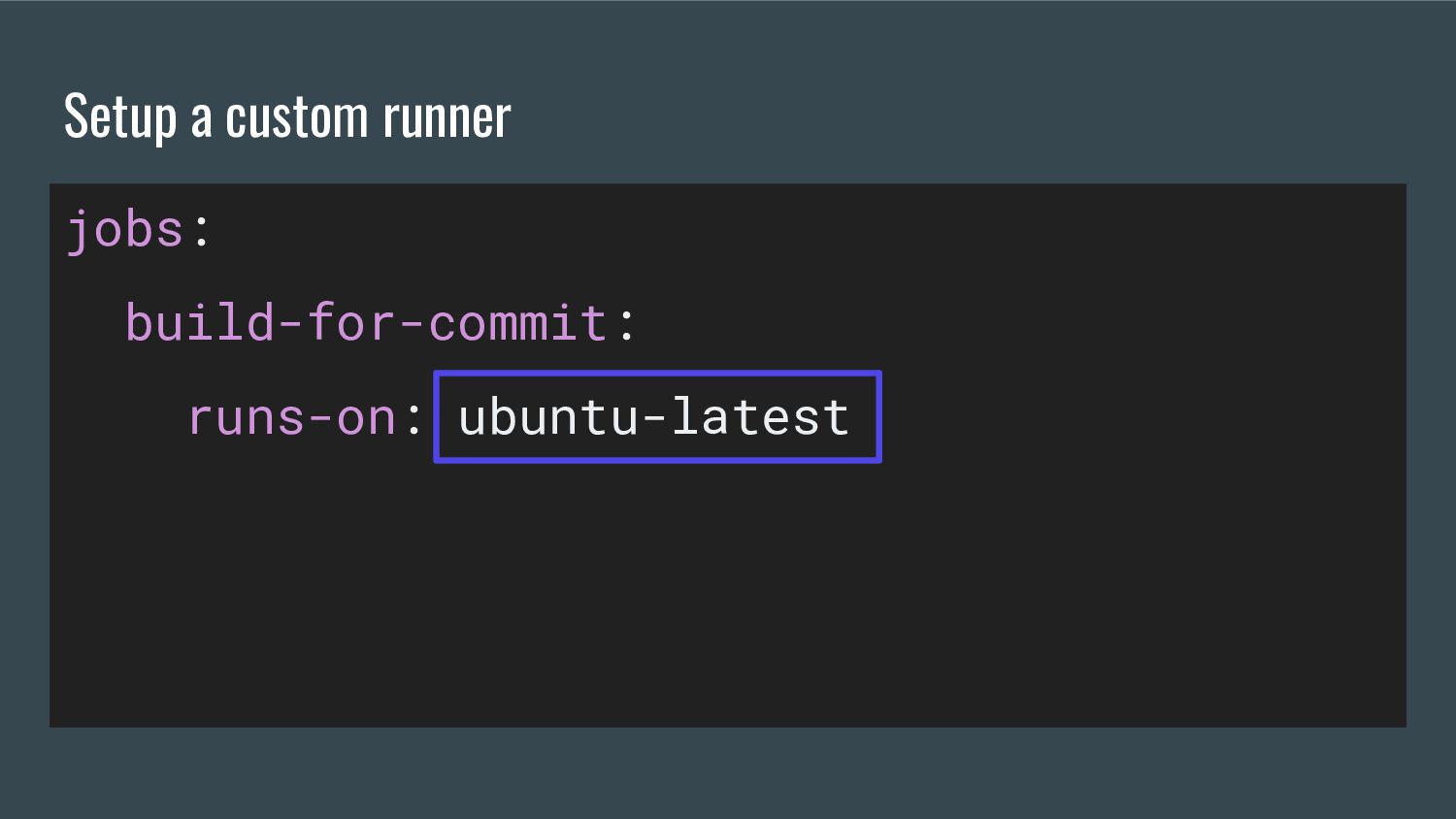
  9. GitHub-hosted runners: • managed and maintained by GitHub. • clean

    instance for every job execution. Self-hosted runners: • run on machines you own • free to use with GitHub Actions • maintenance is your responsibility GitHub Action runners
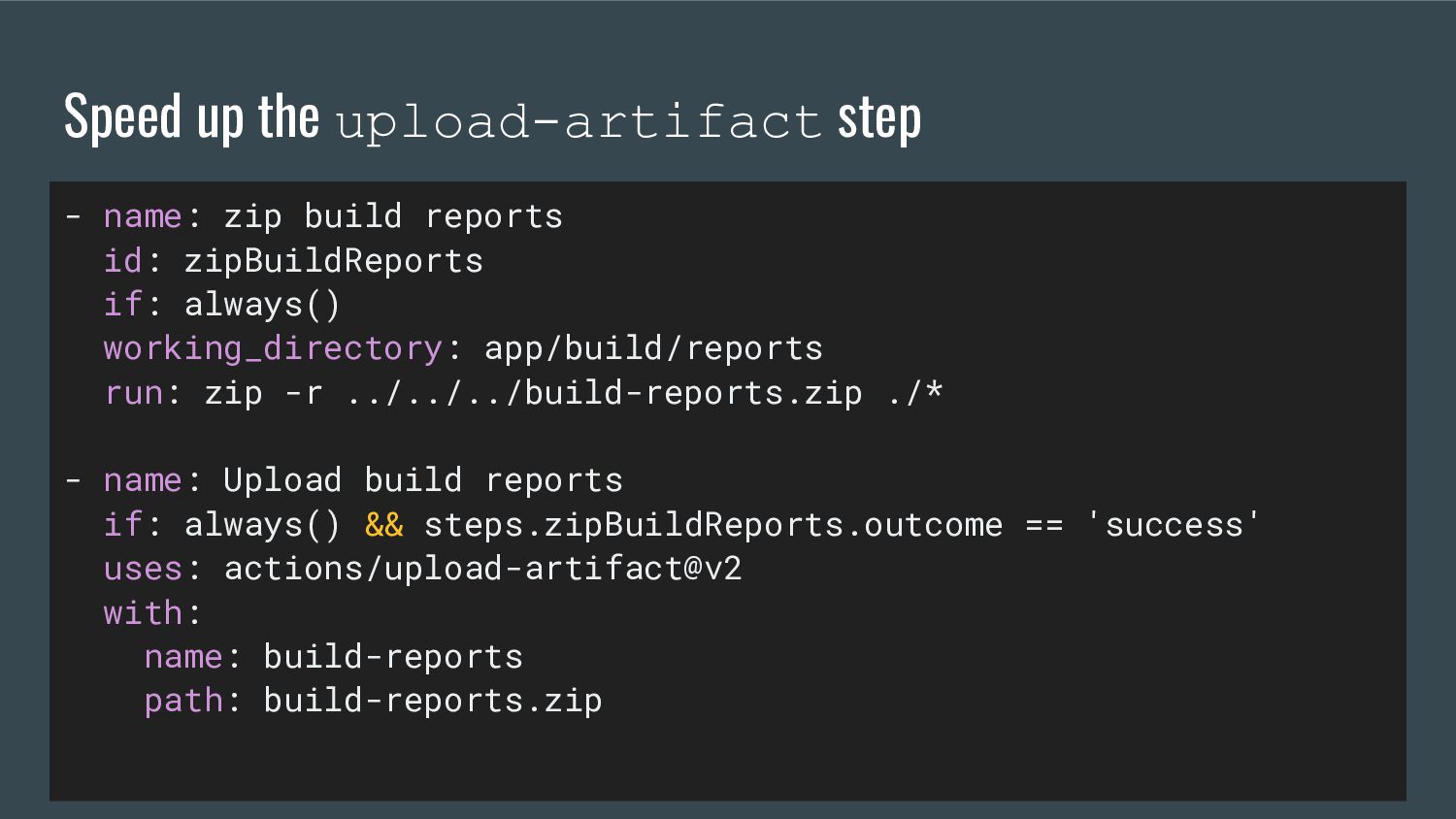
  10. Speed up the upload-artifact step - name: zip build reports

    id: zipBuildReports if: always() working_directory: app/build/reports run: zip -r ../../../build-reports.zip ./* - name: Upload build reports if: always() && steps.zipBuildReports.outcome == 'success' uses: actions/upload-artifact@v2 with: name: build-reports path: build-reports.zip
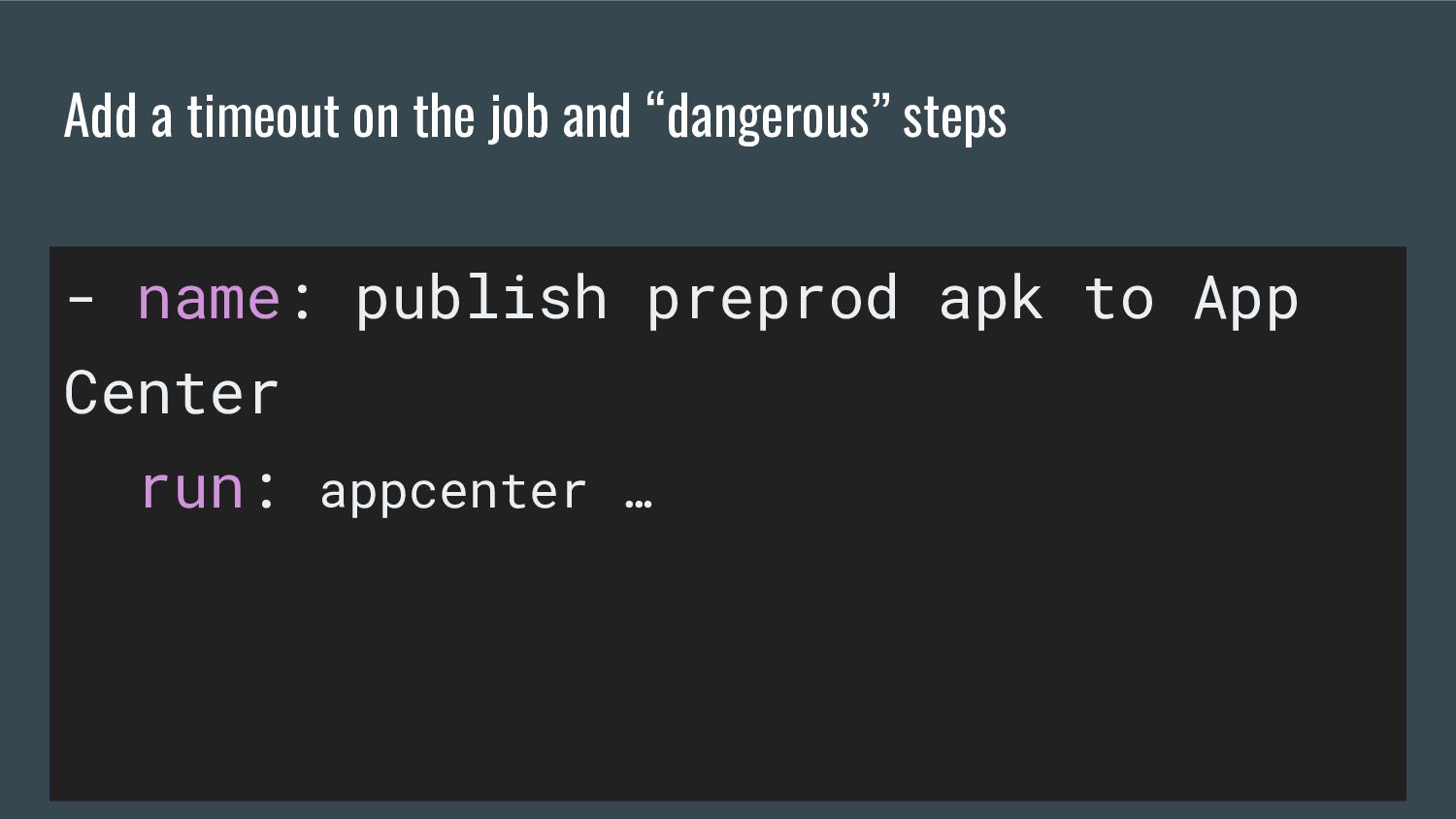
  11. Add a timeout on the job and “dangerous” steps -

    name: publish preprod apk to App Center run: appcenter … timeout-minutes: 1
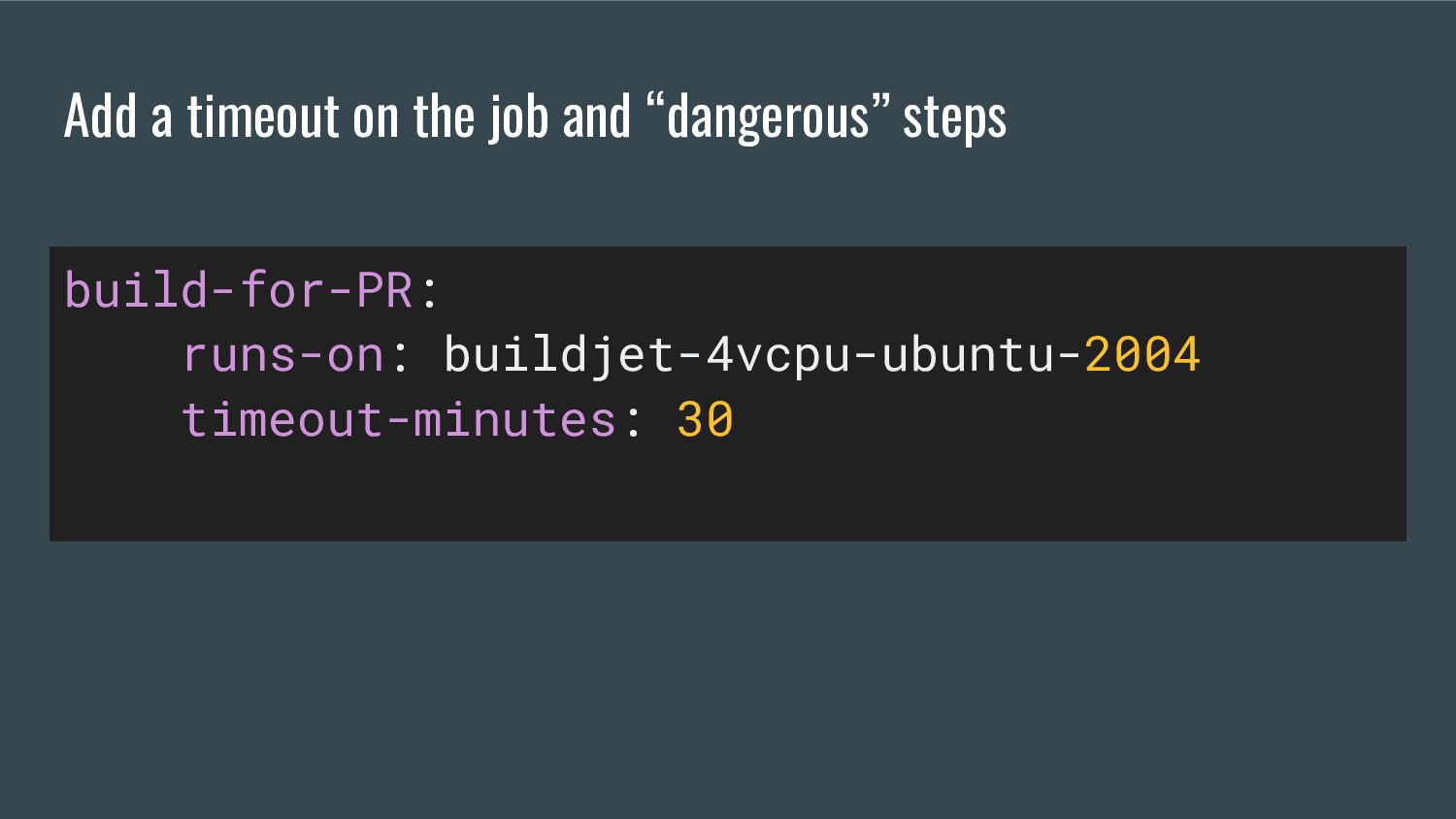
  12. Add a timeout on the job and “dangerous” steps build-for-PR:

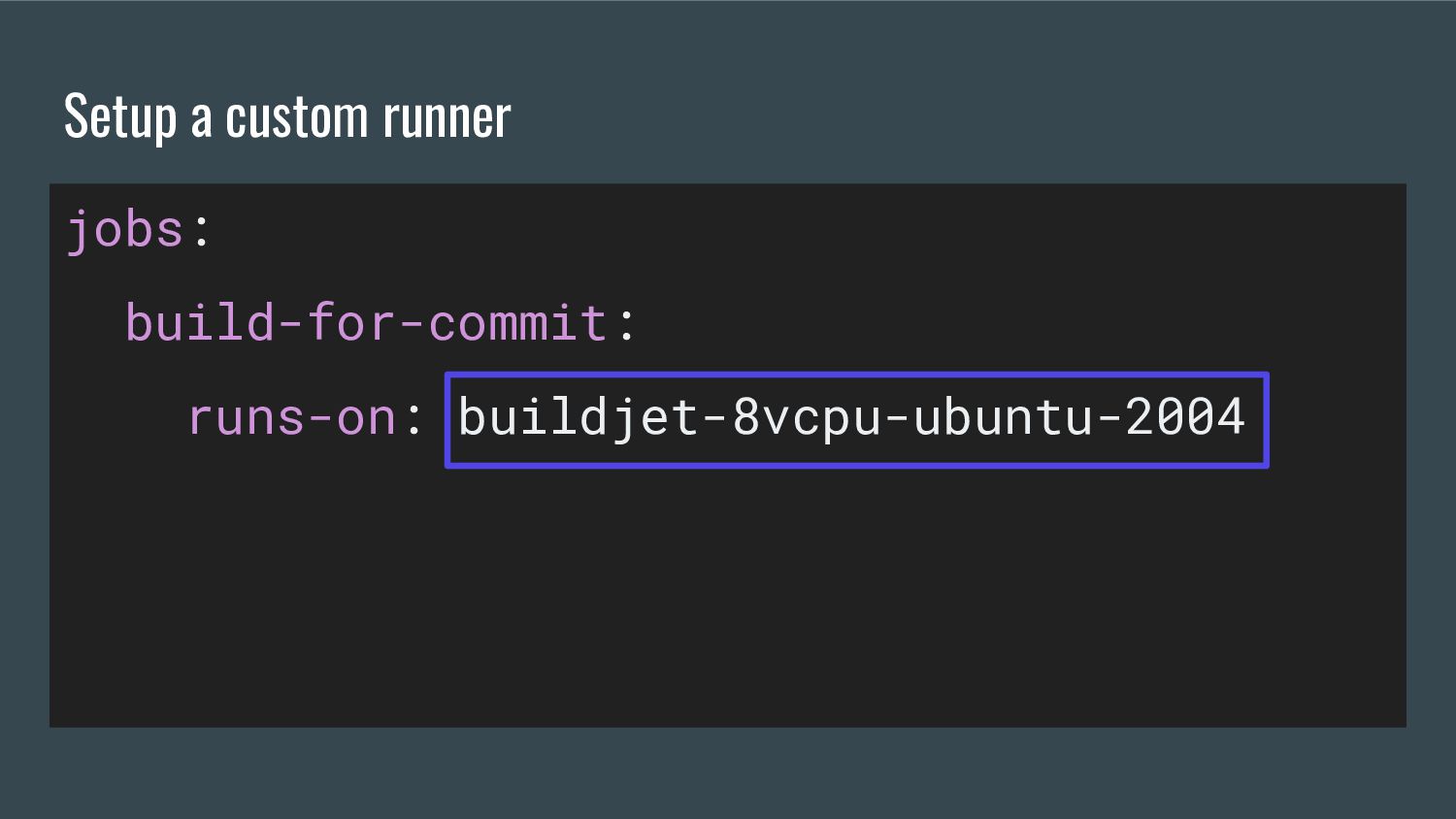
    runs-on: buildjet-4vcpu-ubuntu-2004 timeout-minutes: 30
  13. Set up an Android CI using GitHub Actions Titouan Thibaud

    Senior Android Engineer @TitouanThibaud Slack Android FR We’re hiring!