2003 • Always trying to figure out ways of optimizing CSS architecture and workflow • During tenure at Caddis, have helped to organize and set our CSS standards and finalize our Object Oriented approach Senior Developer at Caddis
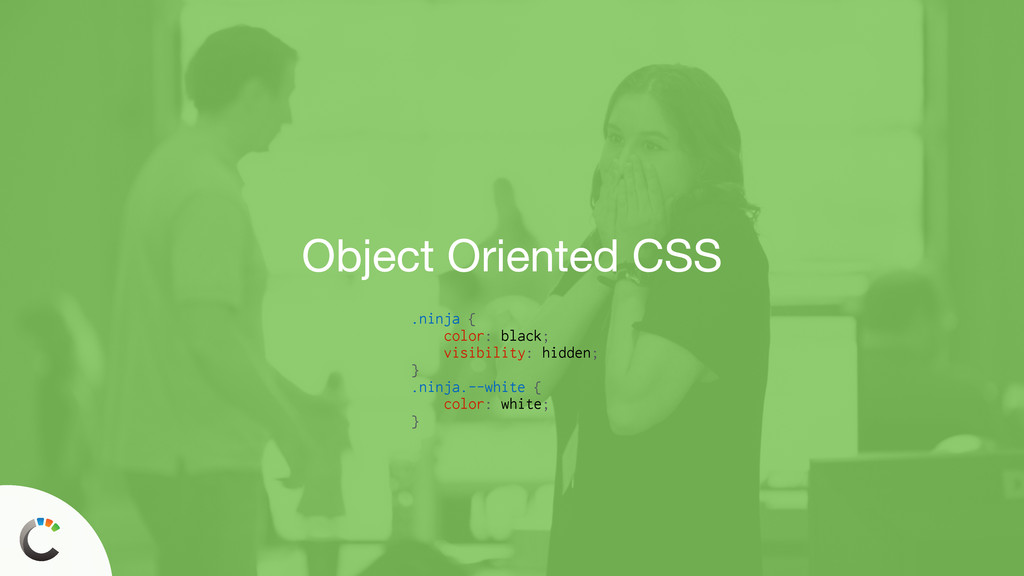
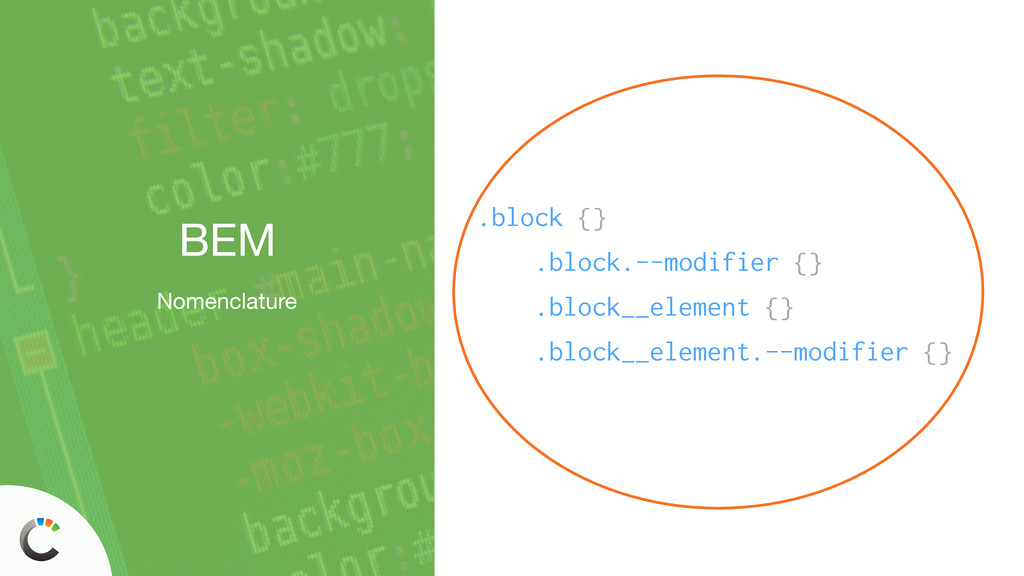
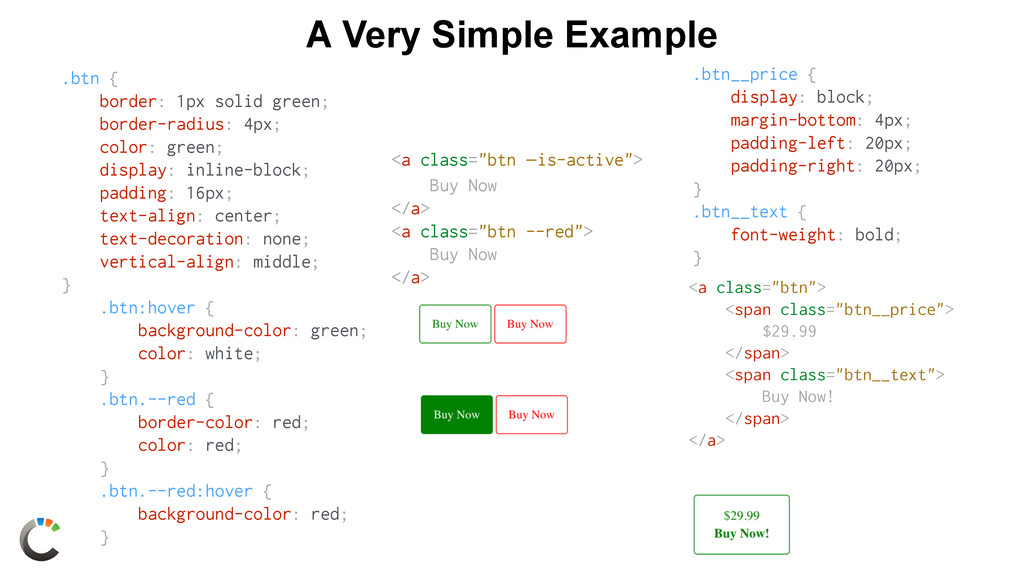
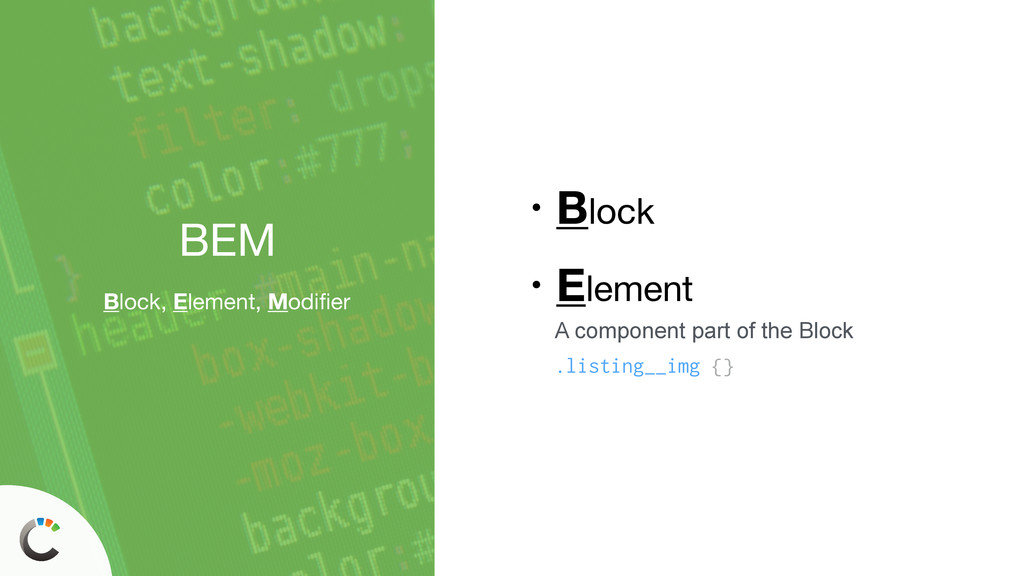
Oriented approach to CSS • How we can use something like BEM to accomplish this • How all this impacts our markup • How to effectively use preprocessing
or not, most of us are going to need to work with CSS in some way or another • We should apply good development principles across the board — even to a loose language like CSS • We should care about our craft • We should always be refining what we do to make ourselves better
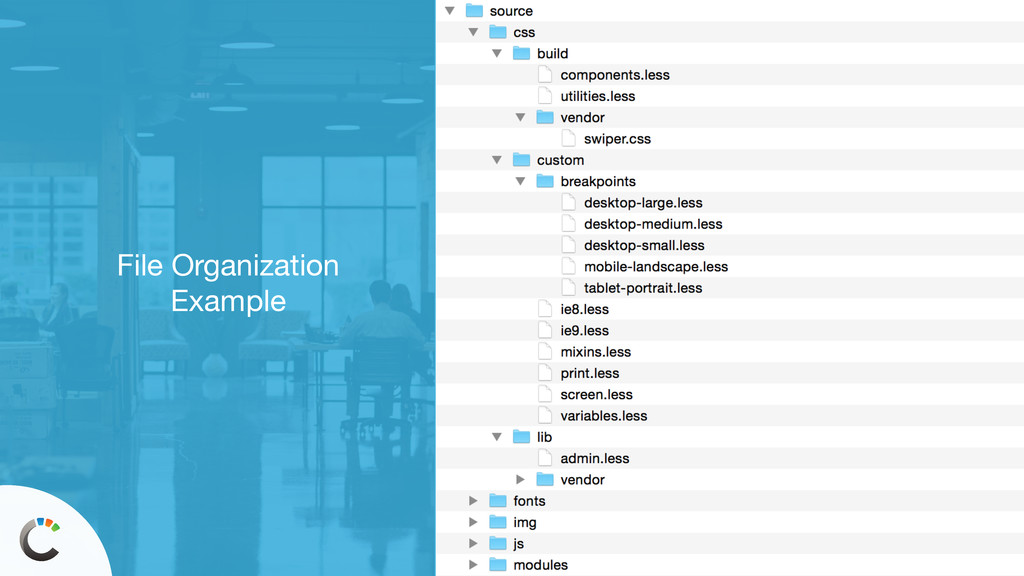
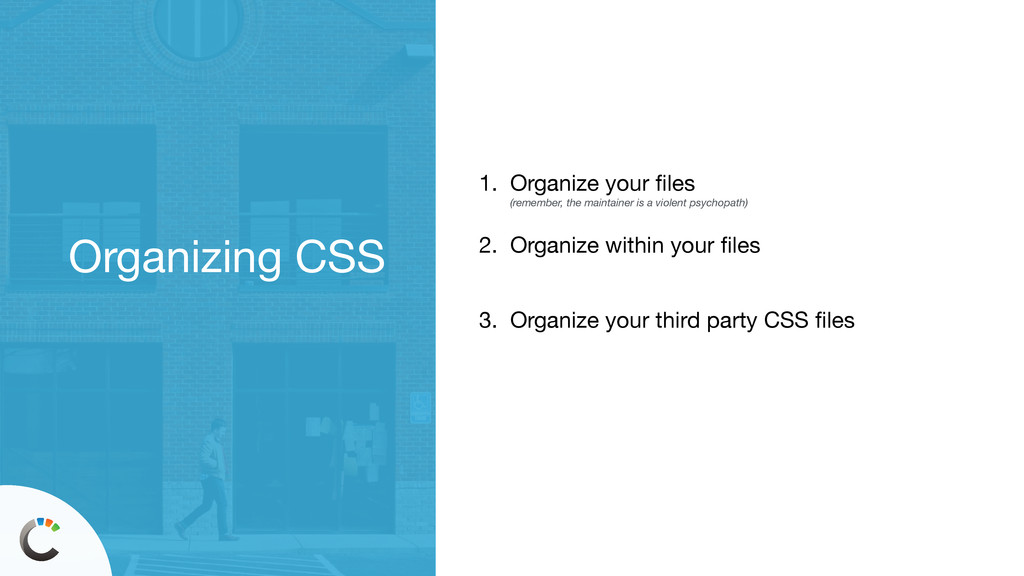
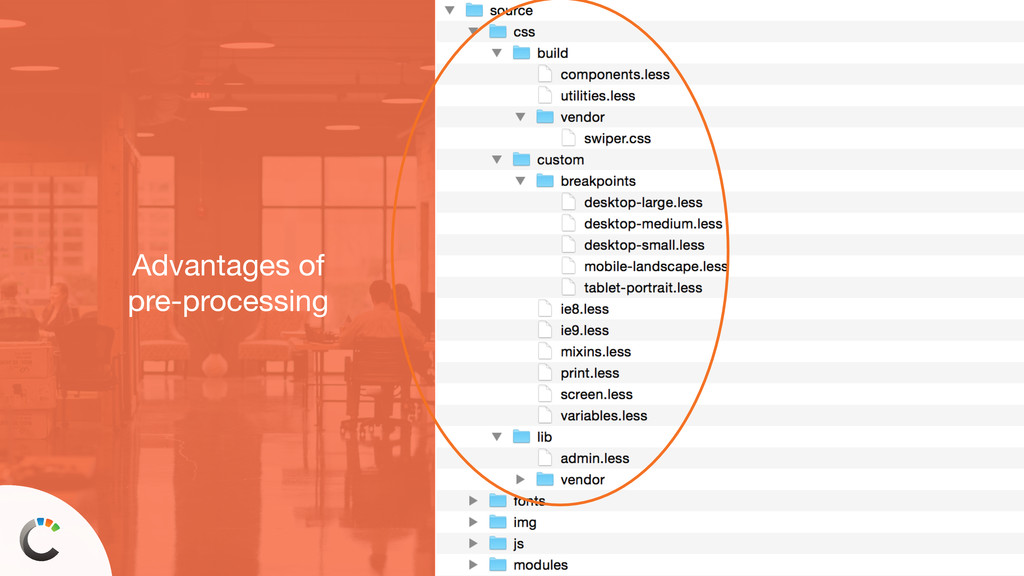
work itself out • If you don’t have a plan, your CSS isn’t going to organize itself and you won’t be able to find anything. EVER. • Have a principle behind why your CSS is organized the way it is. • Use a build process so you can split up your files in a way that makes the most sense organizationally.
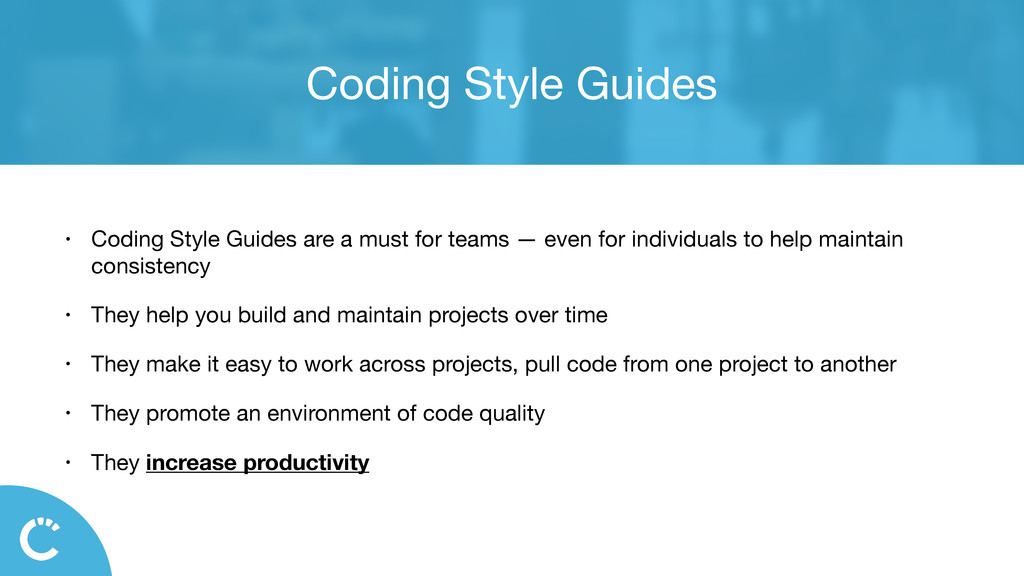
for teams — even for individuals to help maintain consistency • They help you build and maintain projects over time • They make it easy to work across projects, pull code from one project to another • They promote an environment of code quality • They increase productivity
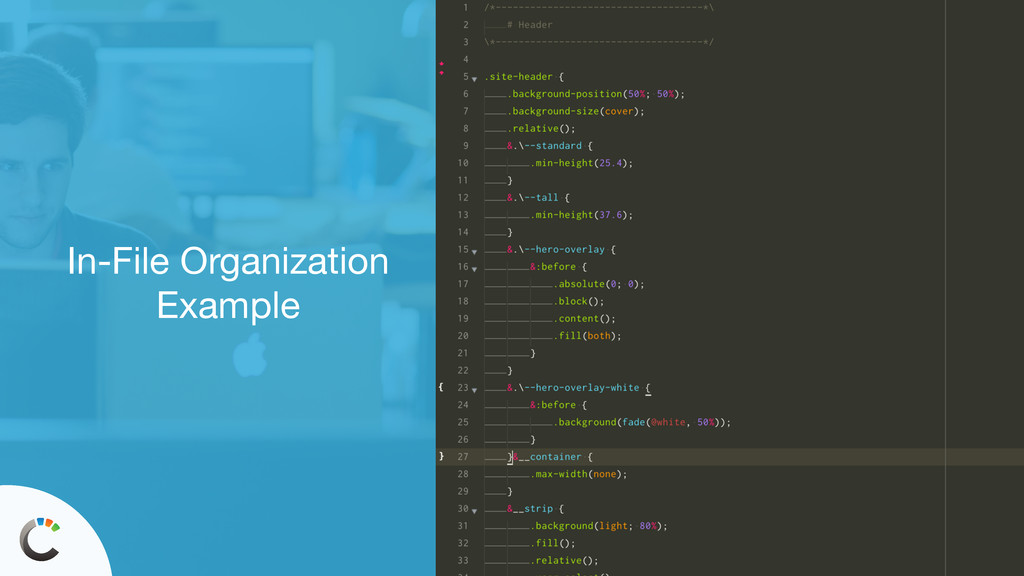
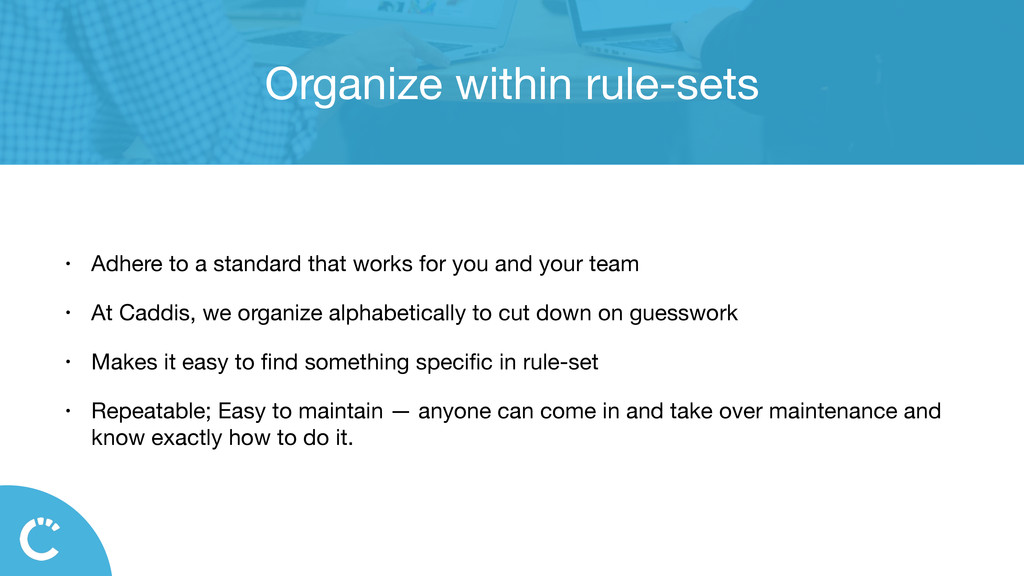
for you and your team • At Caddis, we organize alphabetically to cut down on guesswork • Makes it easy to find something specific in rule-set • Repeatable; Easy to maintain — anyone can come in and take over maintenance and know exactly how to do it.
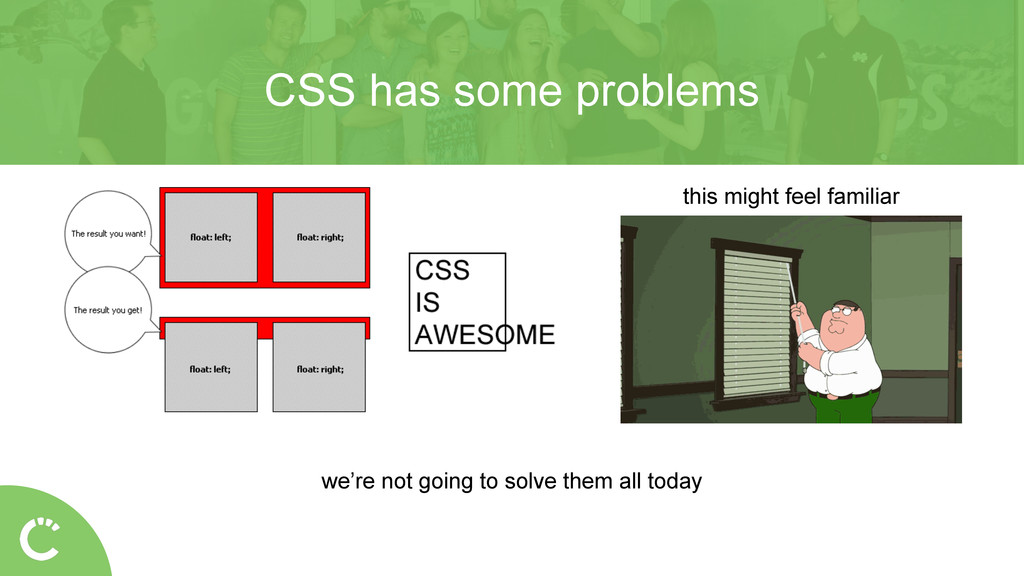
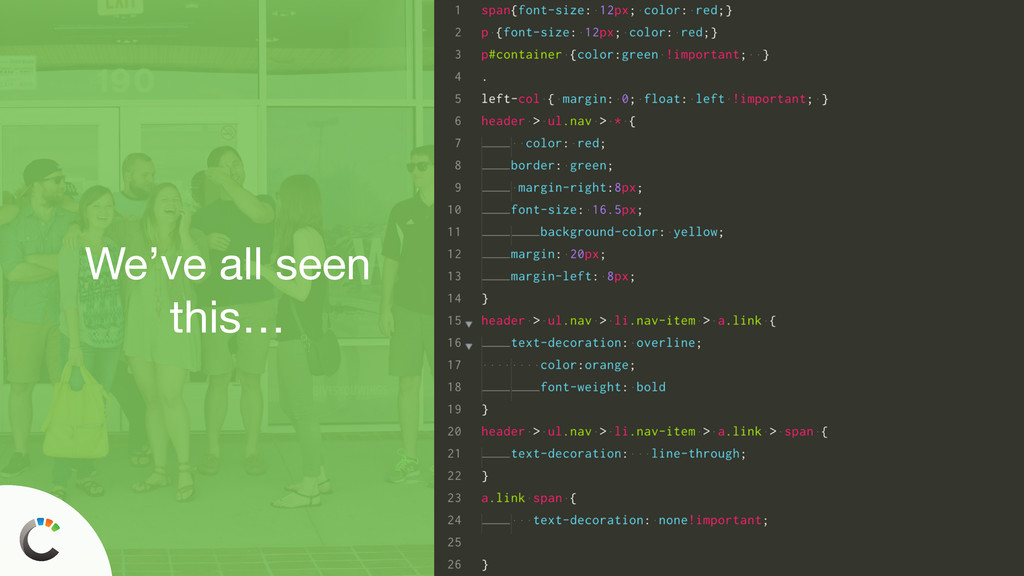
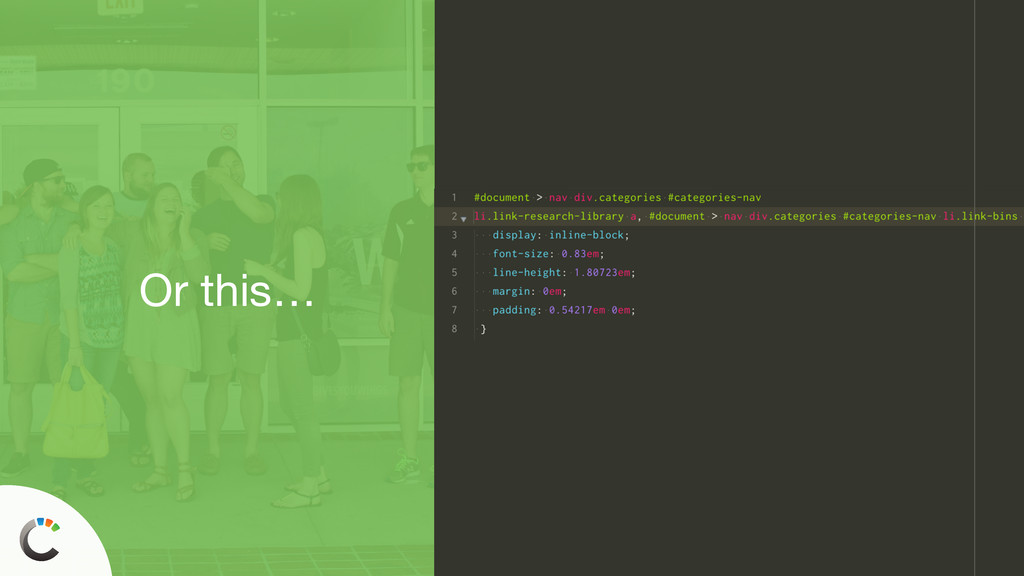
has the potential to affect everything else • This global nature can cause specificity and selector wars with yourself • CSS was not conceived and built to do what we do with it today CSS has some problems
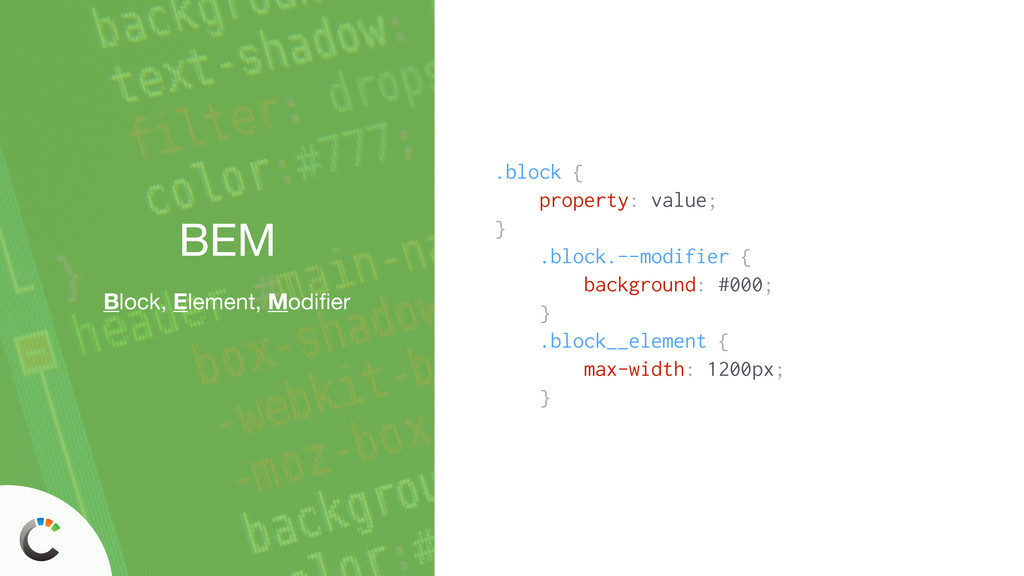
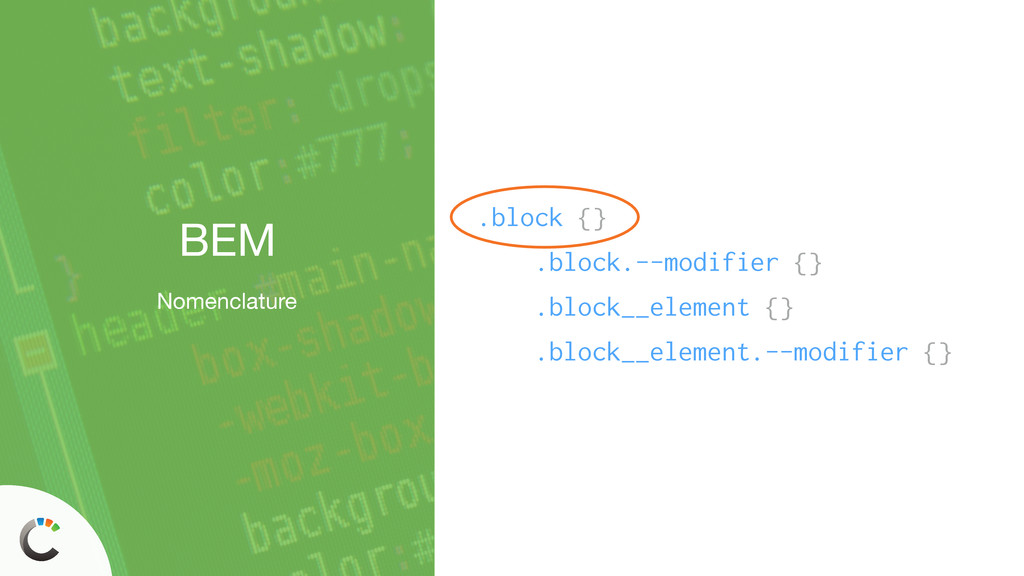
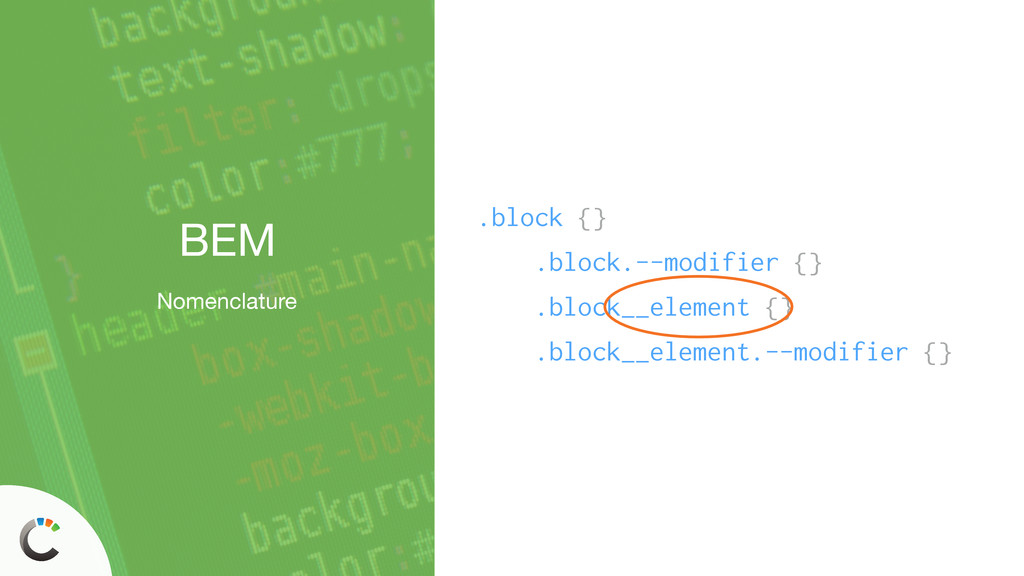
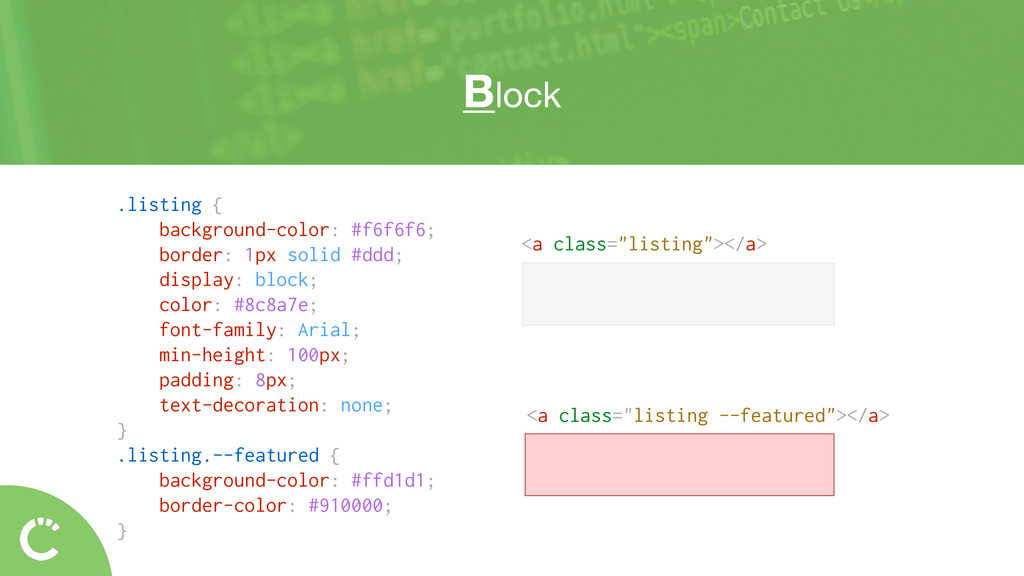
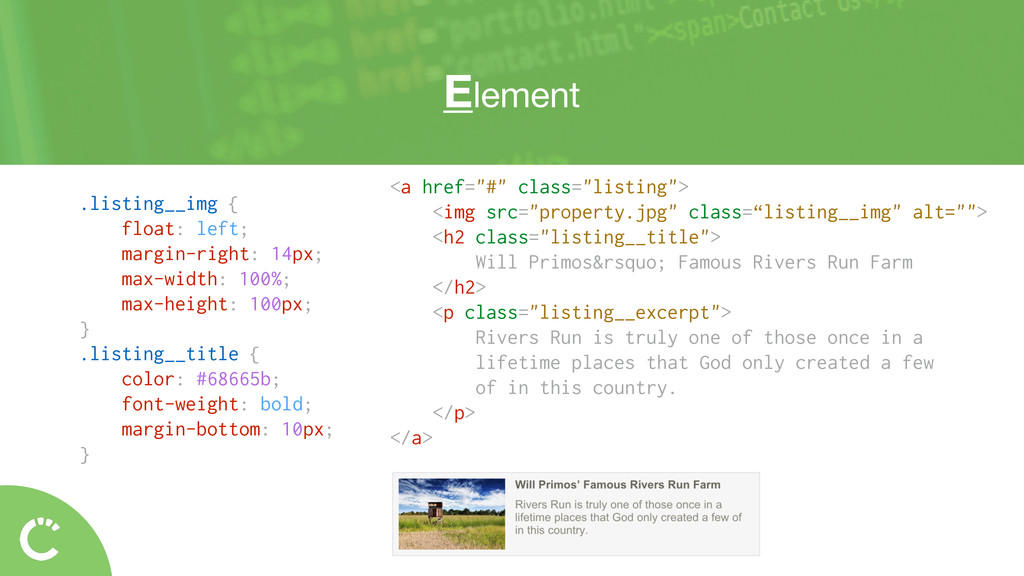
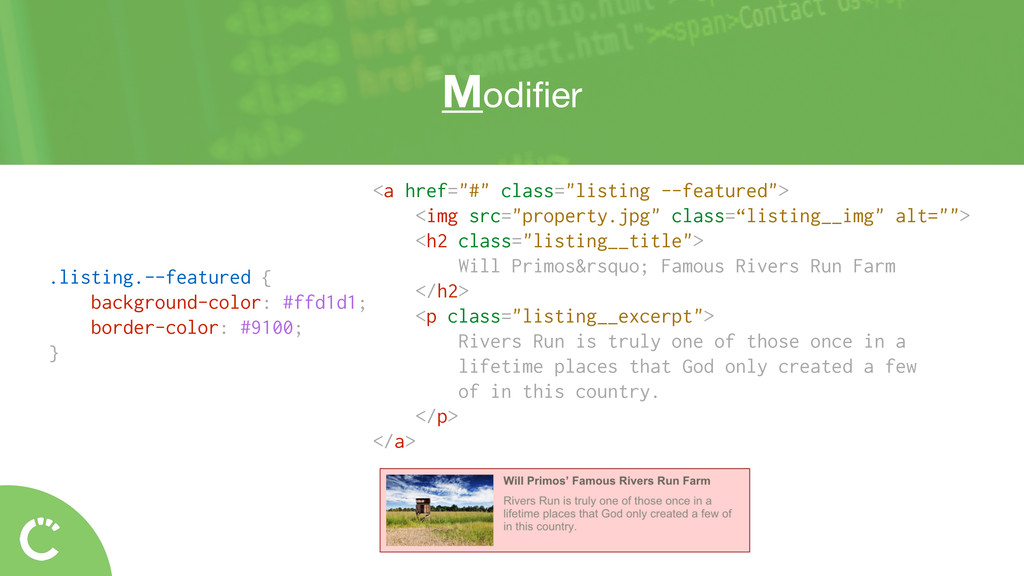
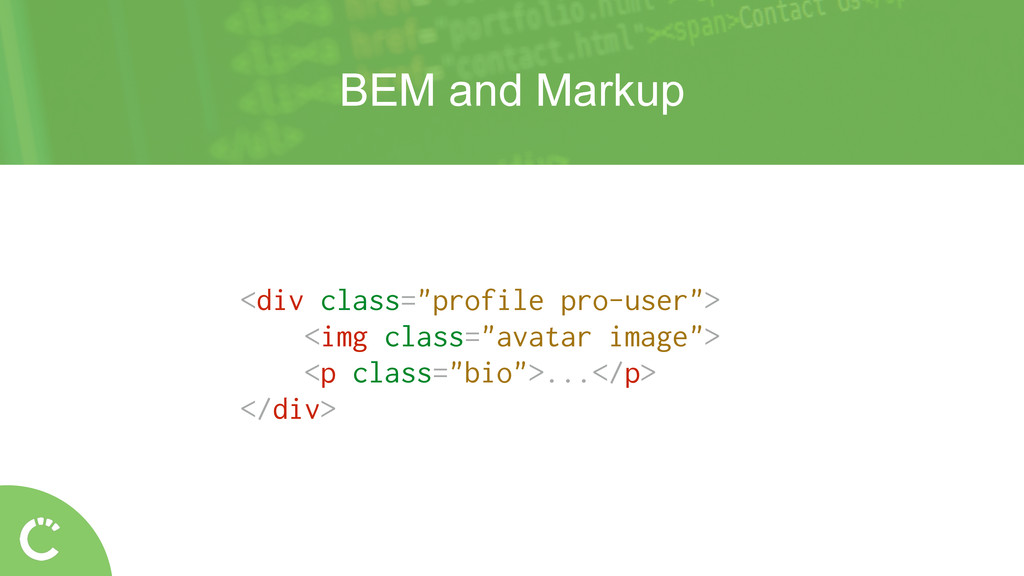
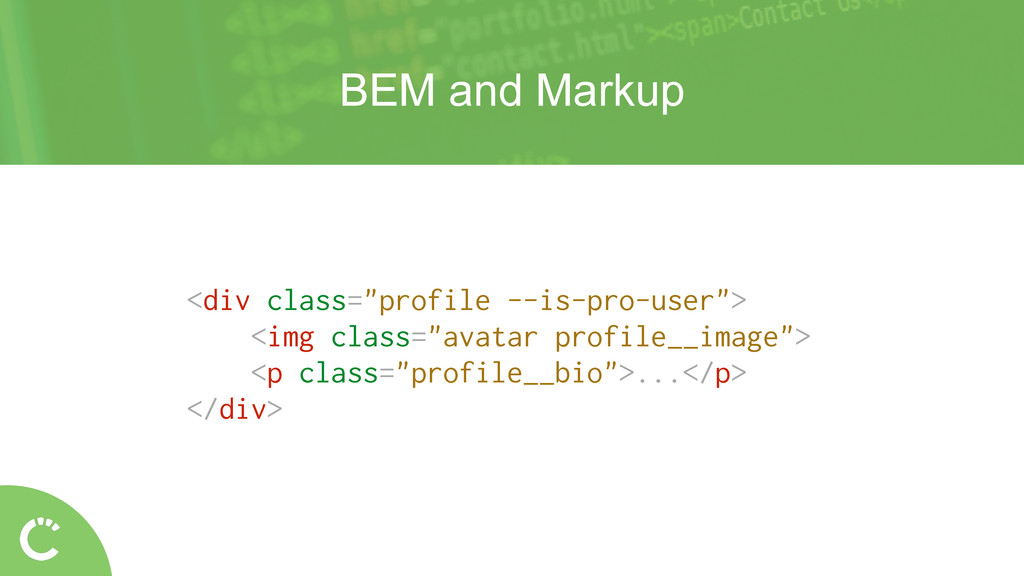
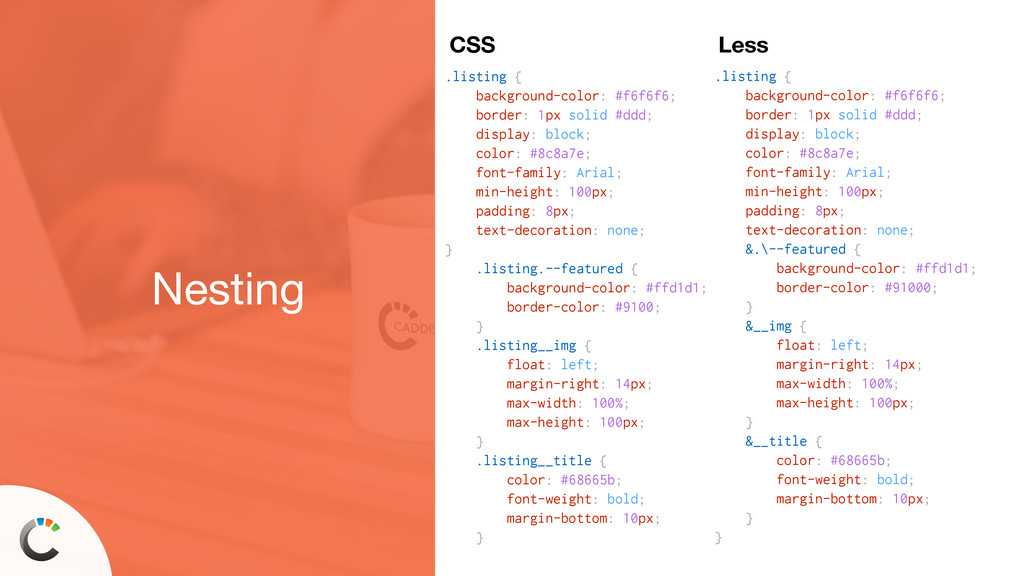
100px; } .listing__title { color: #68665b; font-weight: bold; margin-bottom: 10px; } <a href="#" class="listing"> <img src="property.jpg" class=“listing__img" alt=""> <h2 class="listing__title"> Will Primos’ Famous Rivers Run Farm </h2> <p class="listing__excerpt"> Rivers Run is truly one of those once in a lifetime places that God only created a few of in this country. </p> </a>
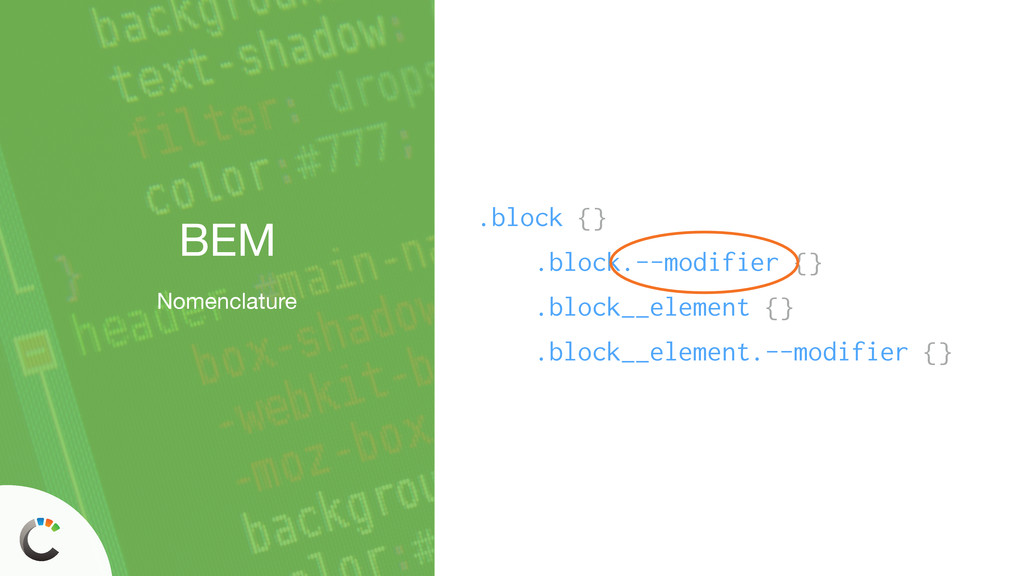
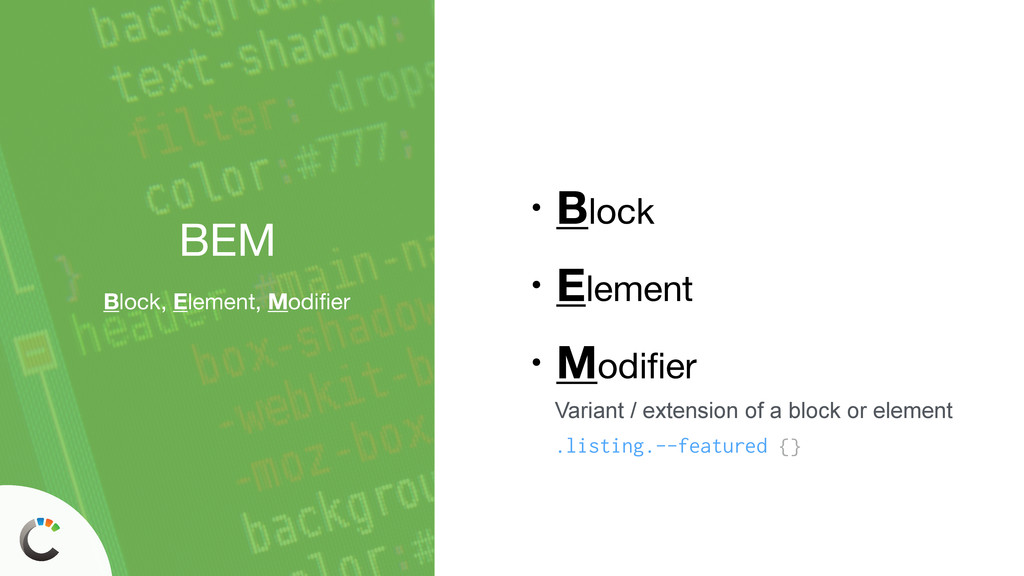
class="listing --featured"> <img src="property.jpg" class=“listing__img" alt=""> <h2 class="listing__title"> Will Primos’ Famous Rivers Run Farm </h2> <p class="listing__excerpt"> Rivers Run is truly one of those once in a lifetime places that God only created a few of in this country. </p> </a>
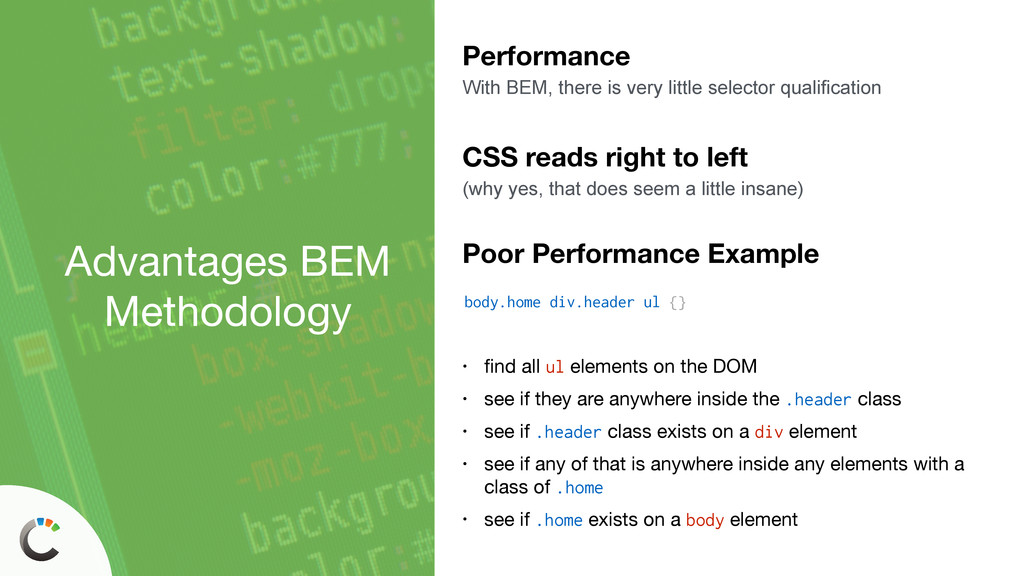
selector qualification body.home div.header ul {} Poor Performance Example • find all ul elements on the DOM • see if they are anywhere inside the .header class • see if .header class exists on a div element • see if any of that is anywhere inside any elements with a class of .home • see if .home exists on a body element CSS reads right to left (why yes, that does seem a little insane)
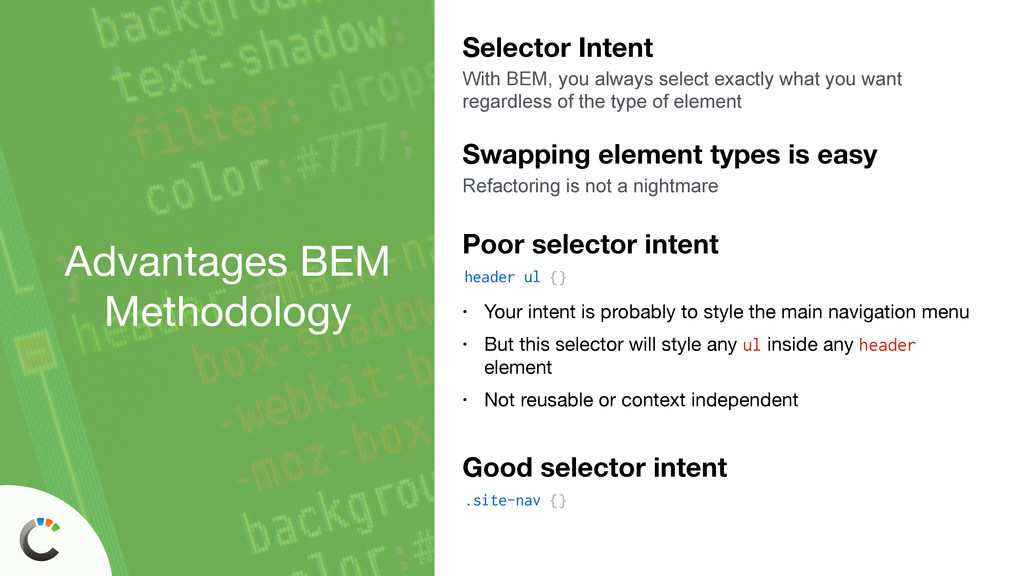
exactly what you want regardless of the type of element header ul {} Poor selector intent • Your intent is probably to style the main navigation menu • But this selector will style any ul inside any header element • Not reusable or context independent Swapping element types is easy Refactoring is not a nightmare .site-nav {} Good selector intent
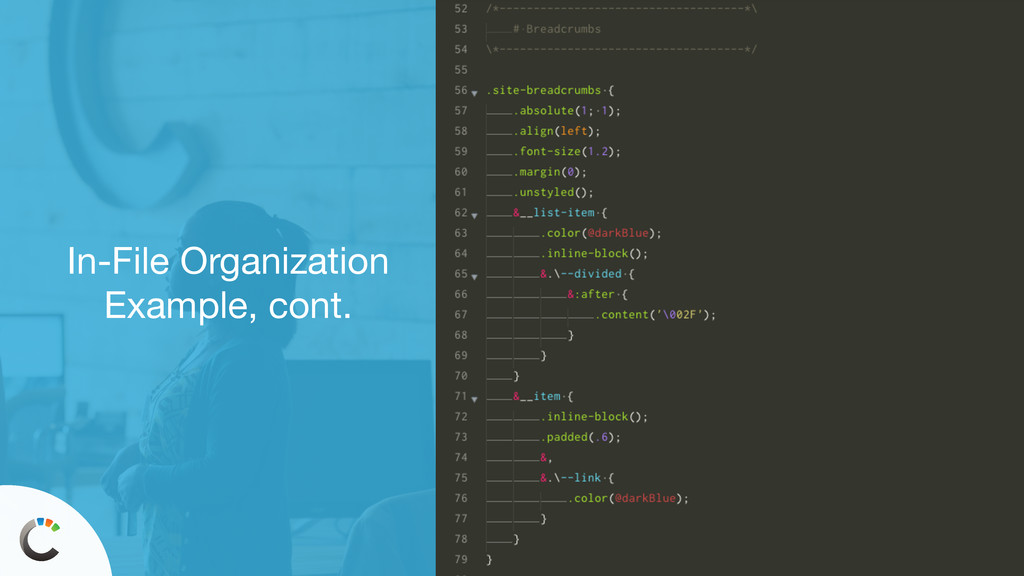
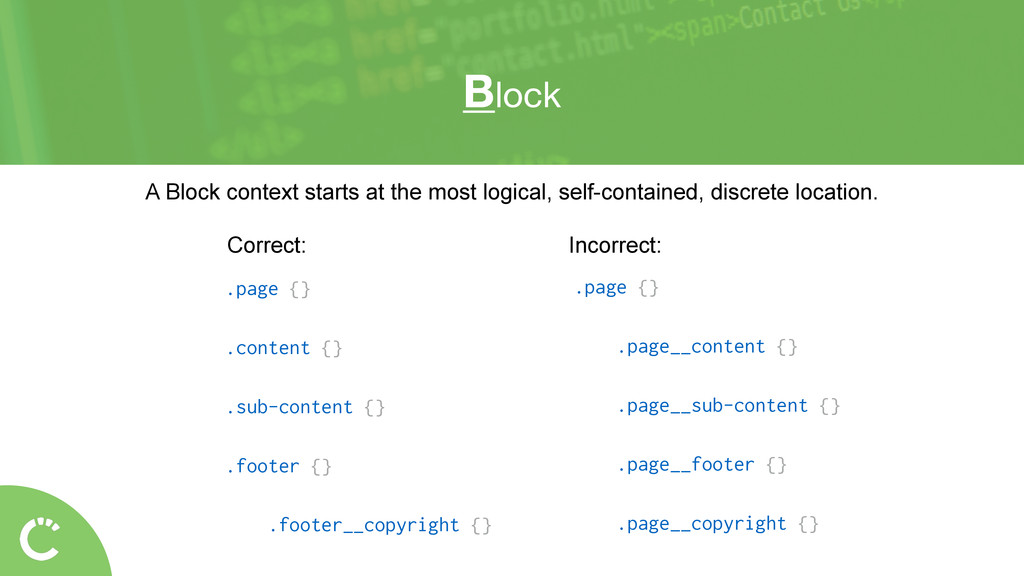
your markup • Will give you a better sense of how elements are connected to each other • Show you the logical starting point of blocks and their groupings Adding to markup by way of classes But that’s not bad. It will give you a better look at what’s going on and enhance readability


 iwatsukayura
 florets1
 nokomoro3
 moro
moro
 tomokon
 teyamagu
 satoshi256kbyte
 htkym
htkym
 econanringo
 oniak3ibm
 deka_morita
 hollycummins
 danielanewman
 rocio
rocio
 bkeepers
 tammyeverts
 reverentgeek
 cassininazir
 tammielis
 jct
jct
 michaelherold
 addyosmani
 morganepeng