Share
Embed
Plugin System in Rust based JavaScript / TypeScript Linters
TSKaigi 2025 Session 30 minutes
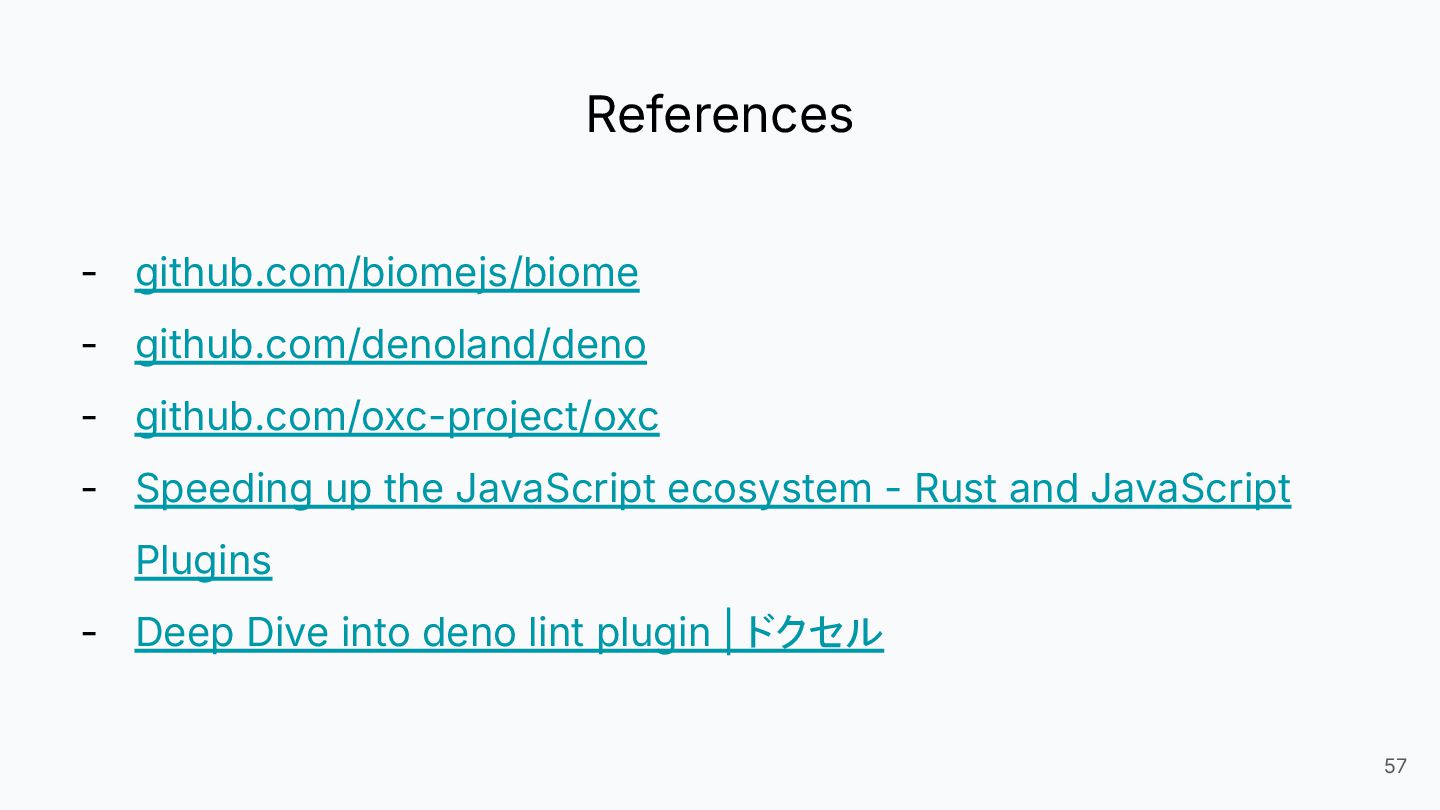
biome: https://github.com/biomejs/biome
deno_lint: https://github.com/denoland/deno
oxc: https://github.com/oxc-project/oxc
btw: ephe.app is https://github.com/unvalley/ephe
unvalley
May 23, 2025
Transcript
58 slides
-
Plugin System in Rust based JavaScript / TypeScript Linters 1
Rust製JavaScript / TypeScript Linterにおける プラグインシステムの裏側 TSKaigi 2025 @unvalley_ -
- Biome Member - Work at FRAIM Rust / TS
- building ephe.app Note OSS 2 @unvalley_ -
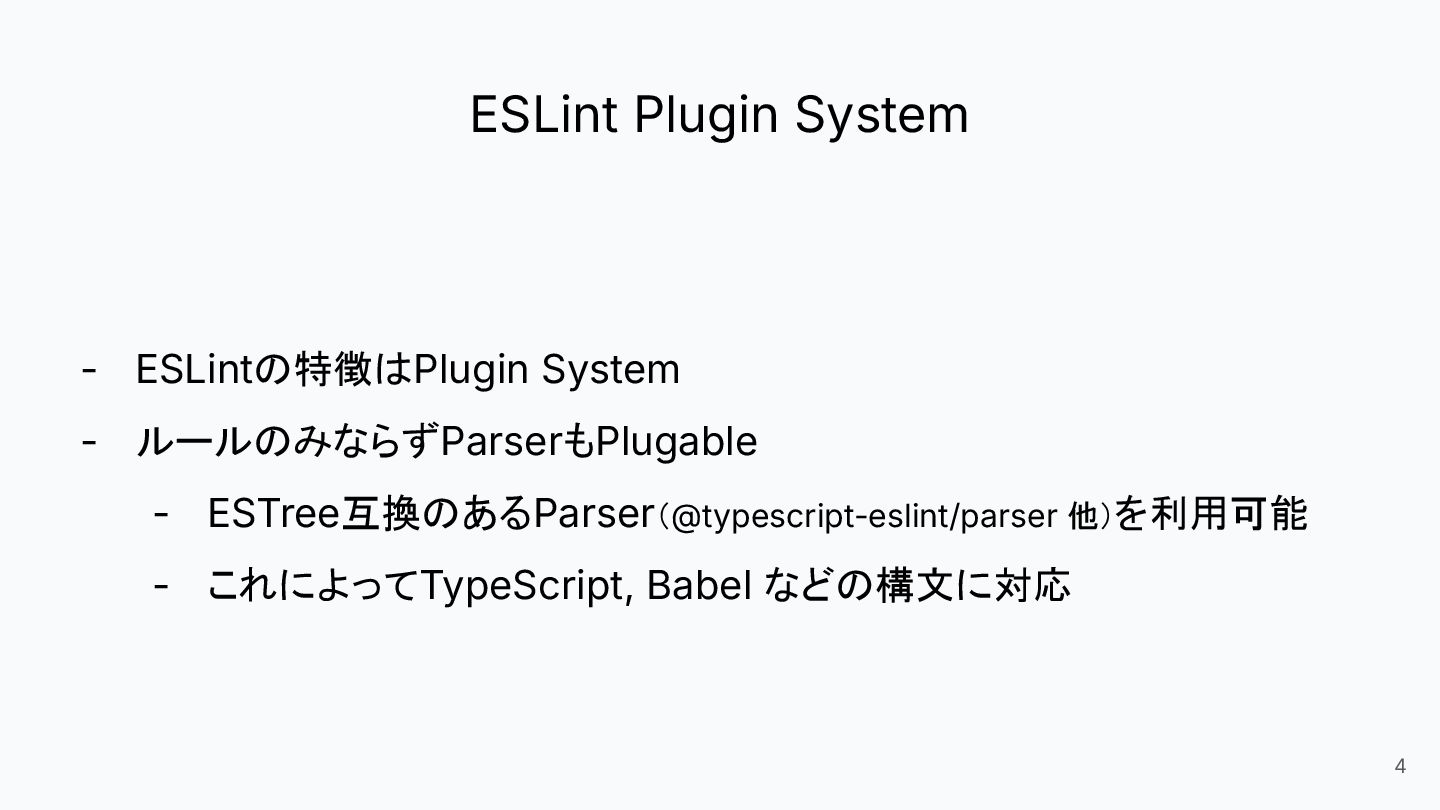
4 ESLint Plugin System - ESLintの特徴はPlugin System - ルールのみならずParserもPlugable -
ESTree互換のあるParser(@typescript-eslint/parser 他)を利用可能 - これによってTypeScript, Babel などの構文に対応 -
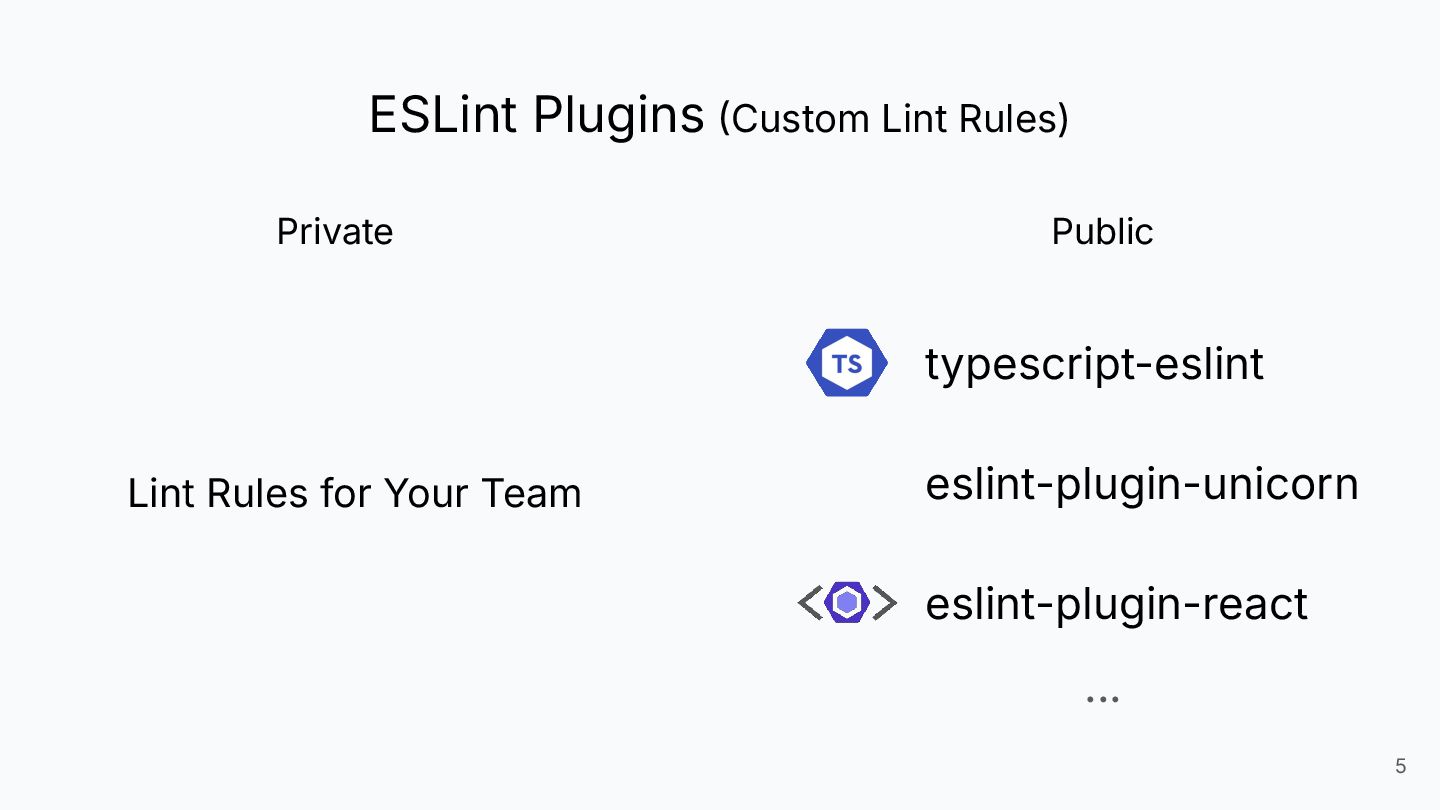
5 typescript-eslint eslint-plugin-unicorn eslint-plugin-react … Lint Rules for Your Team
Private Public ESLint Plugins Custom Lint Rules) -
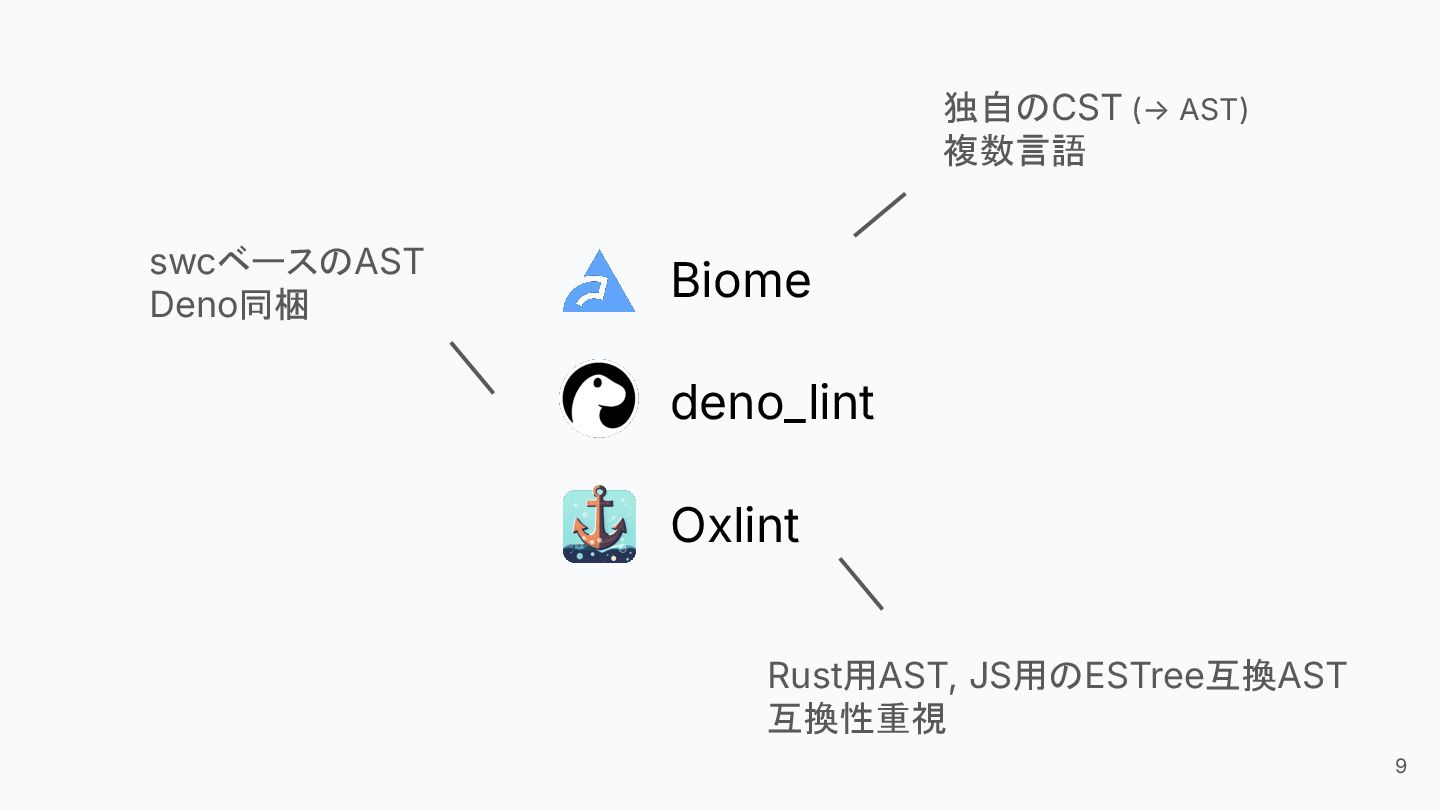
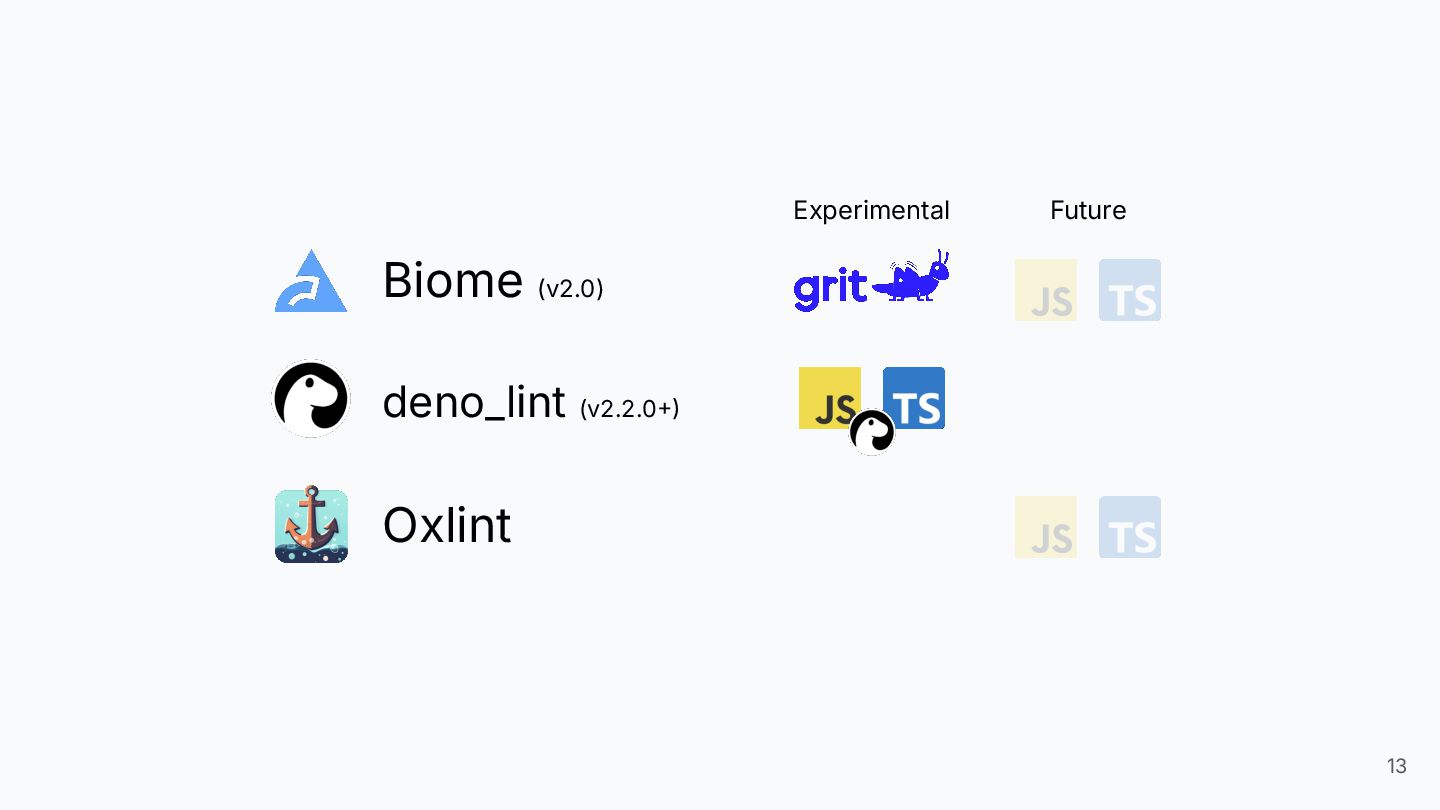
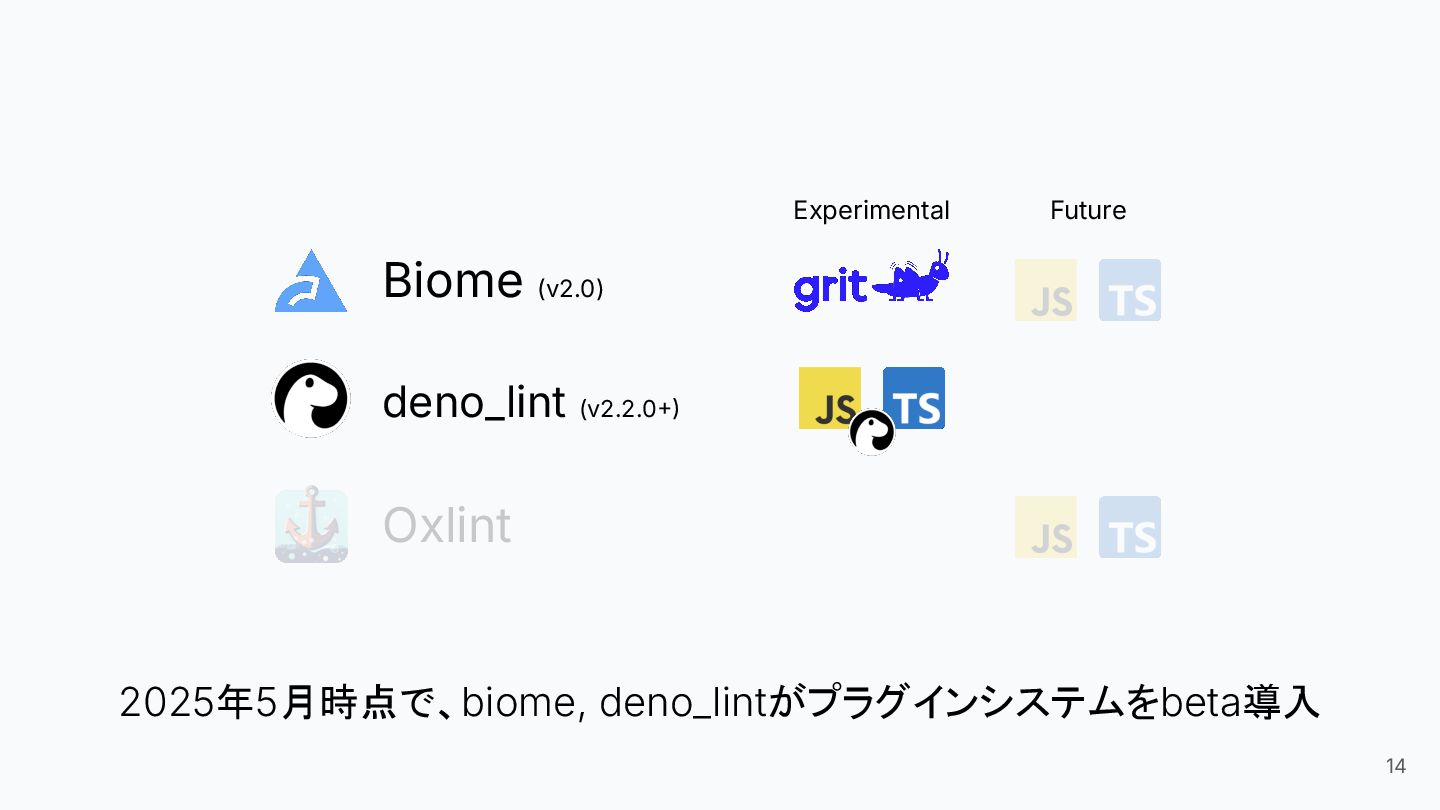
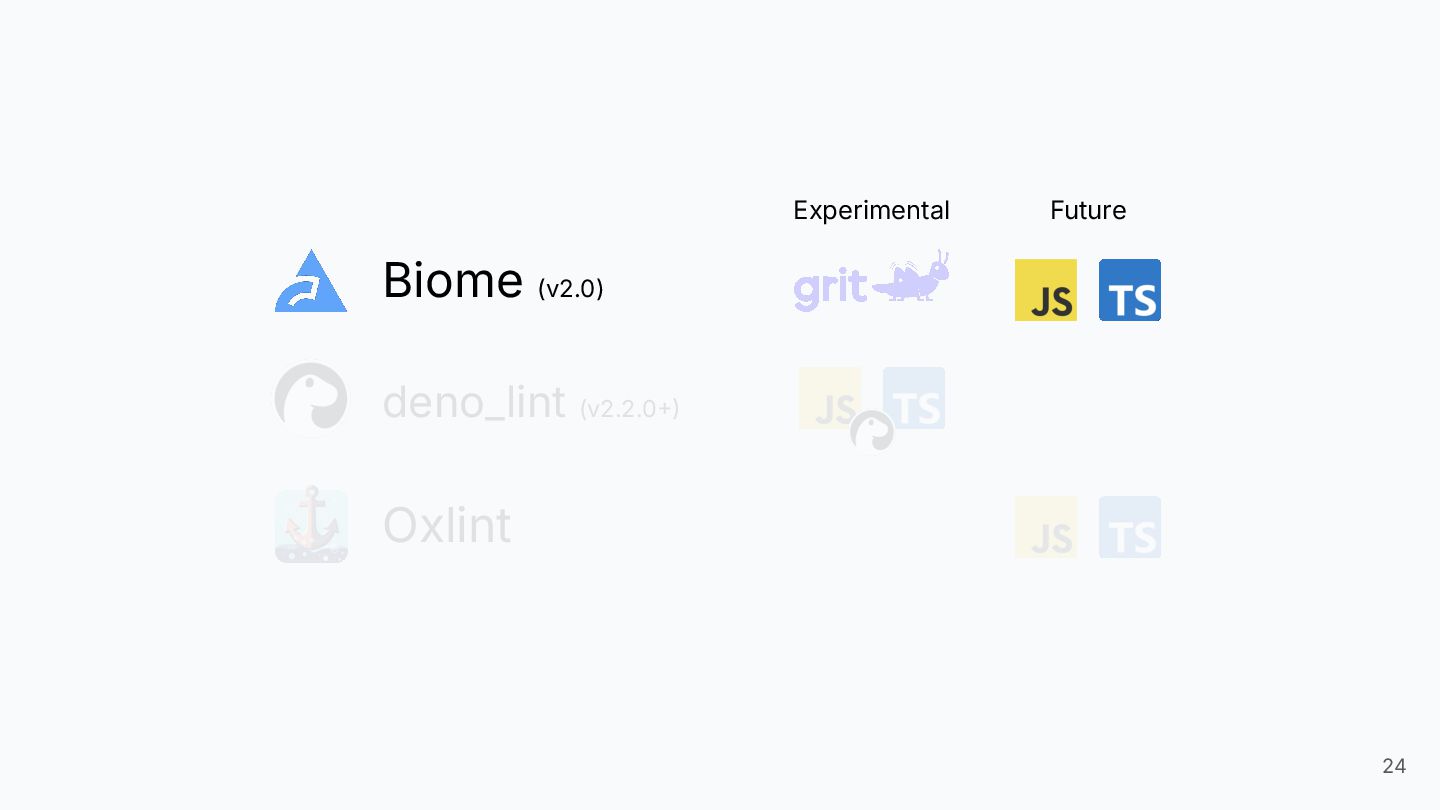
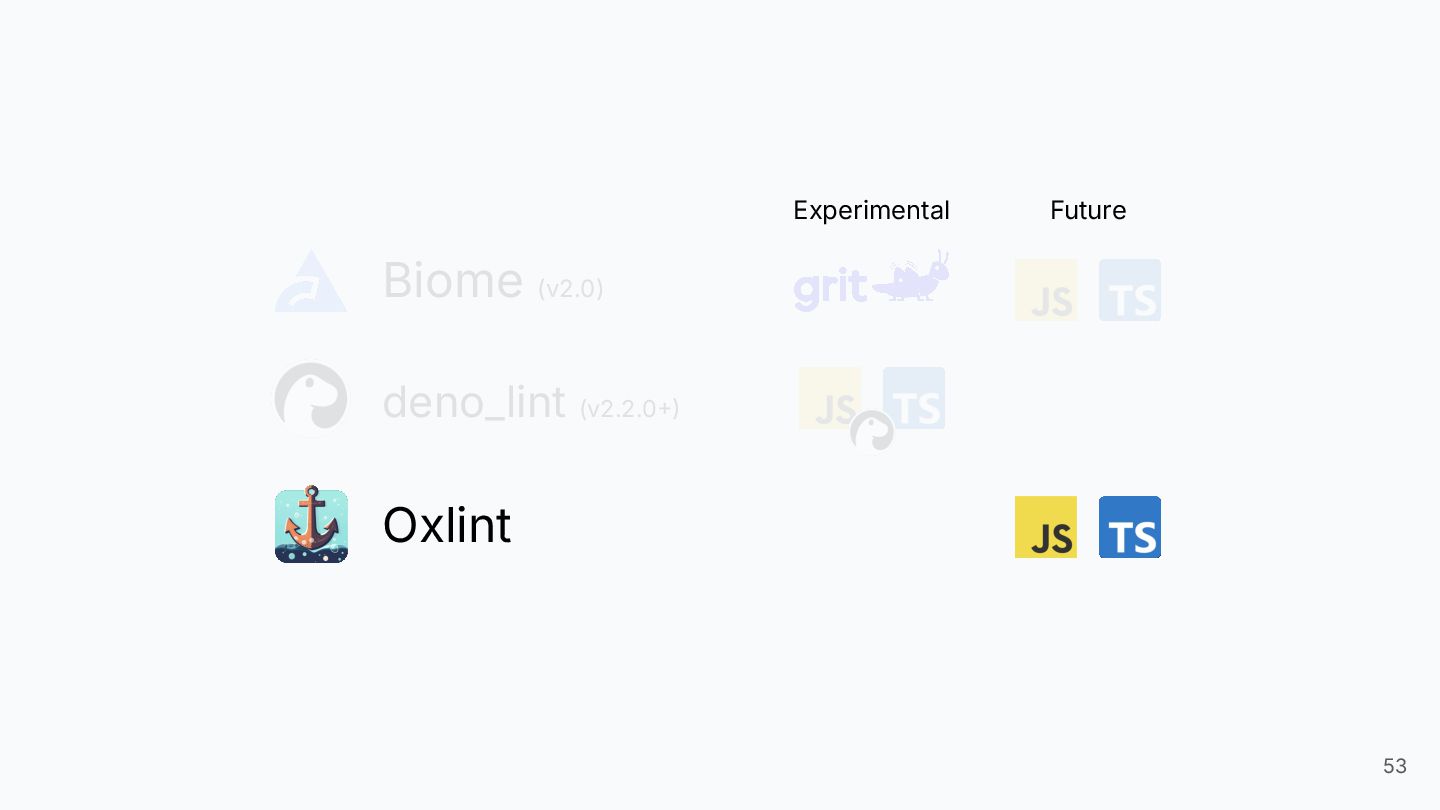
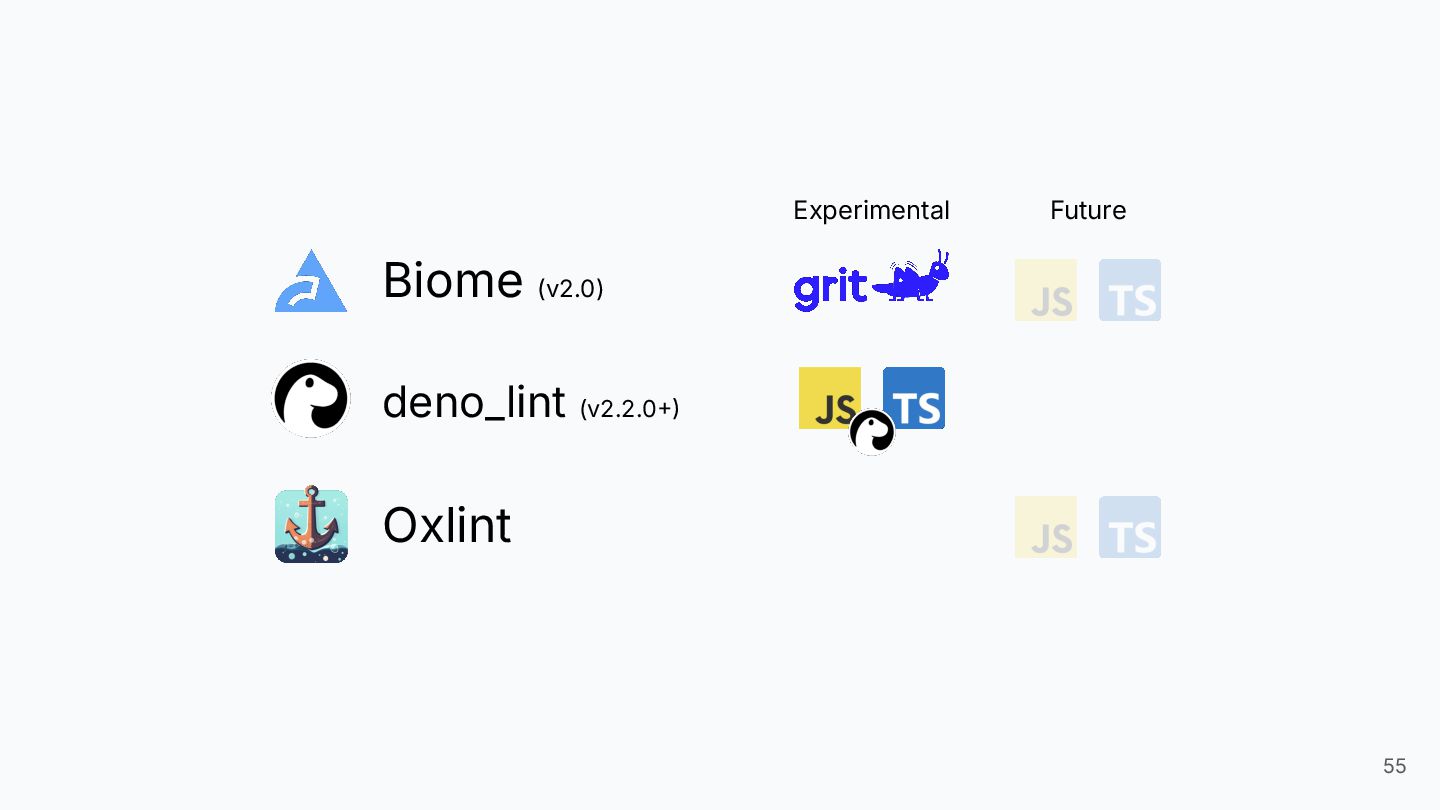
9 Biome Oxlint deno_lint 独自のCST (→ AST) 複数言語 swcベースのAST Deno同梱
Rust用AST, JS用のESTree互換AST 互換性重視 / / / -
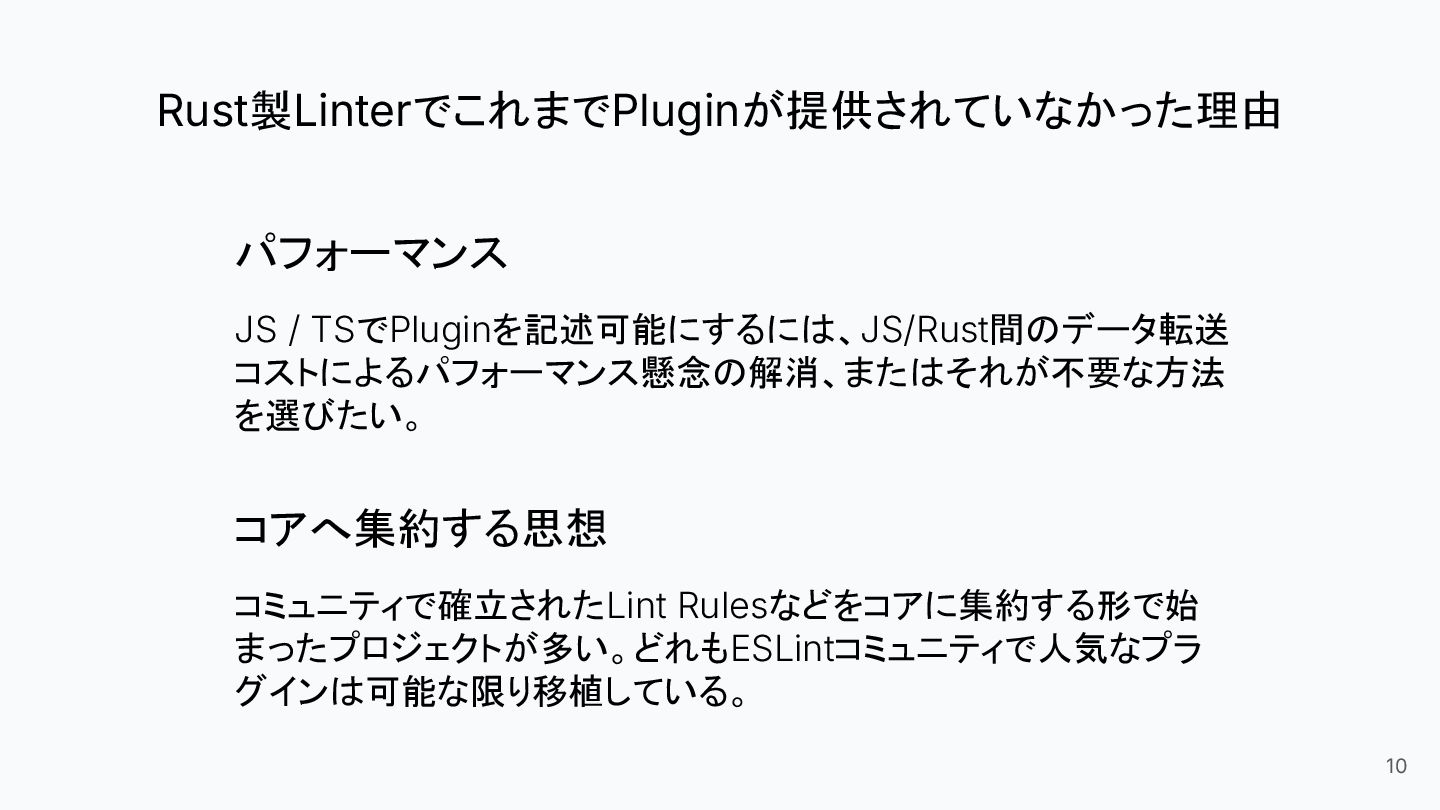
Rust製LinterでこれまでPluginが提供されていなかった理由 10 パフォーマンス JS / TSでPluginを記述可能にするには、JS/Rust間のデータ転送 コストによるパフォーマンス懸念の解消、またはそれが不要な方法 を選びたい。 コアへ集約する思想 コミュニティで確立されたLint
Rulesなどをコアに集約する形で始 まったプロジェクトが多い。どれもESLintコミュニティで人気なプラ グインは可能な限り移植している。 -
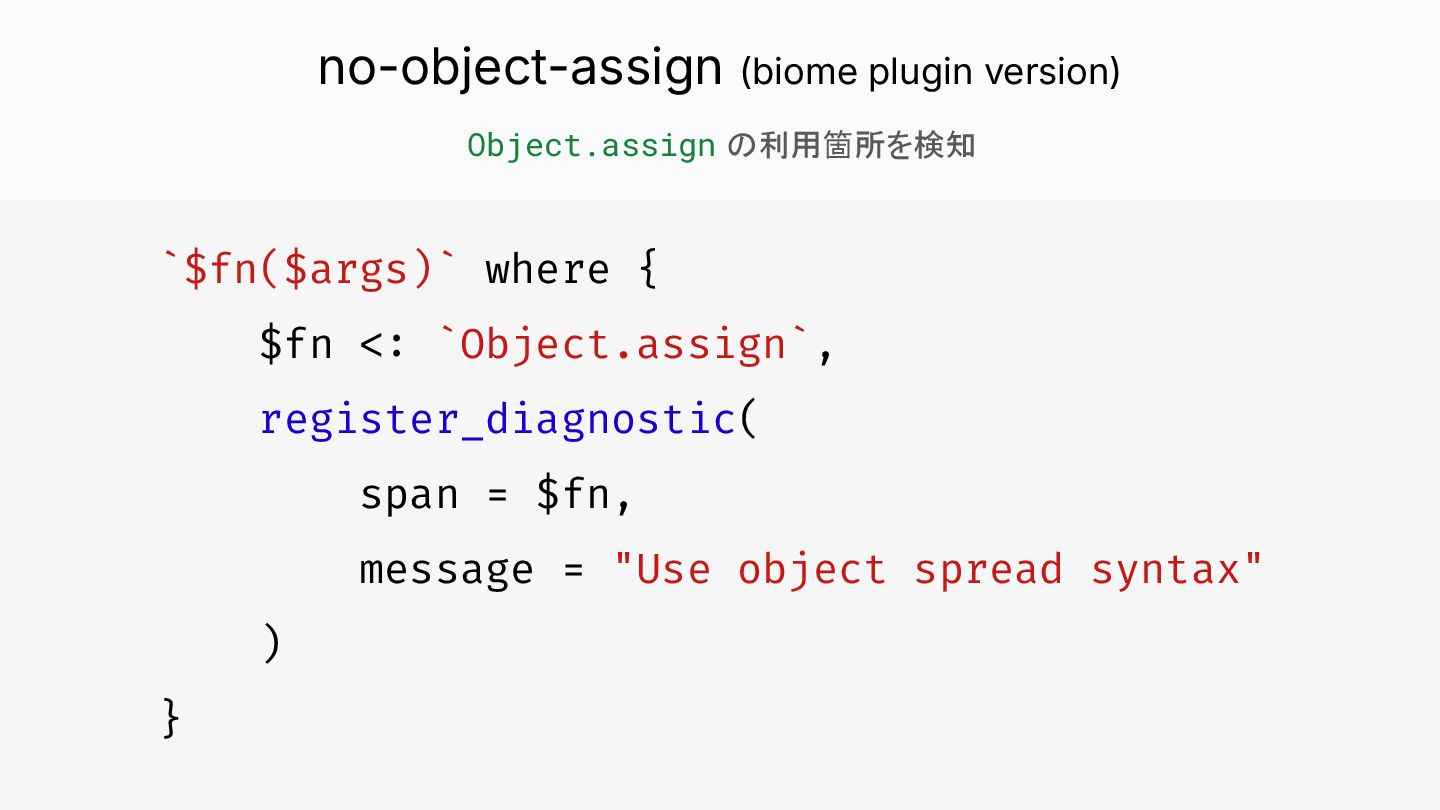
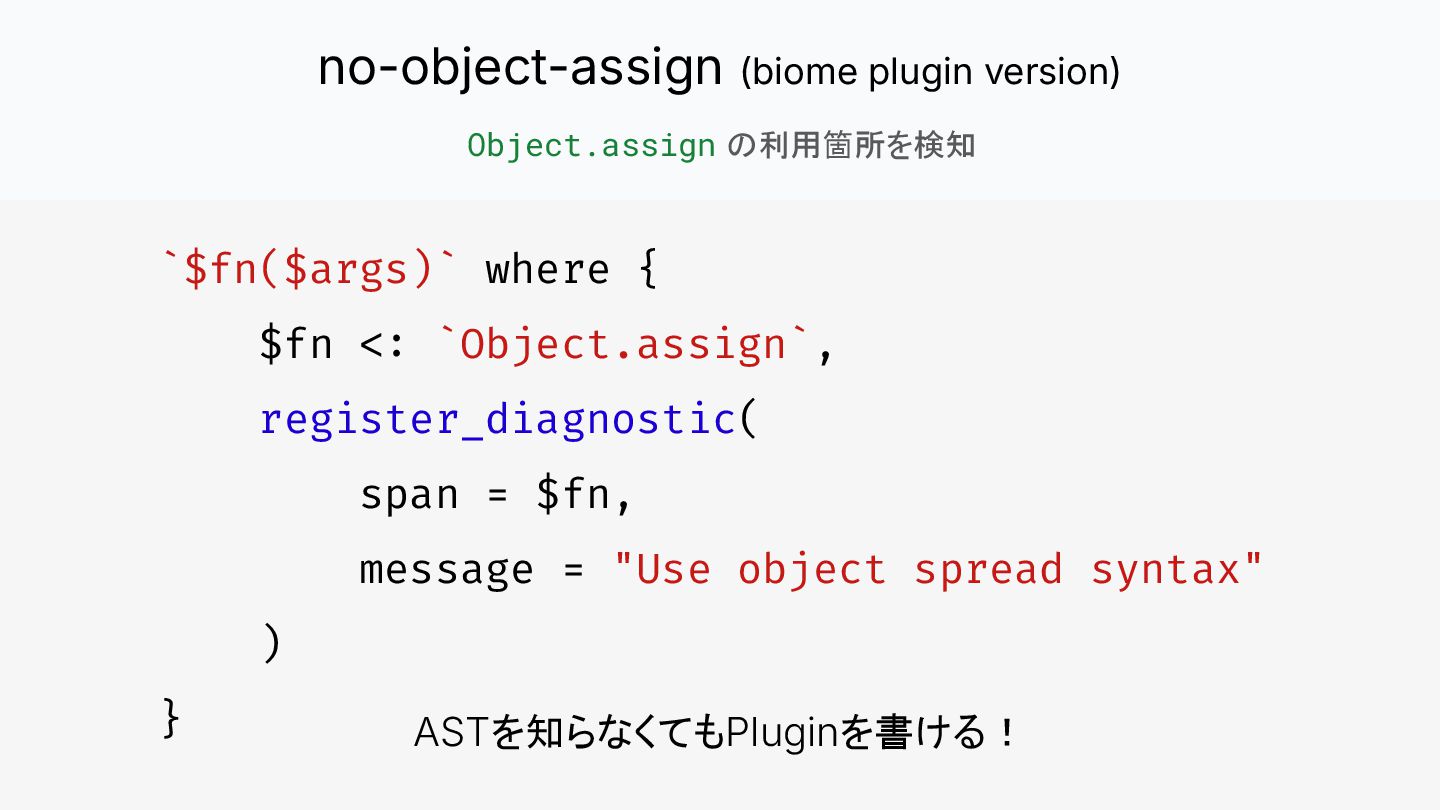
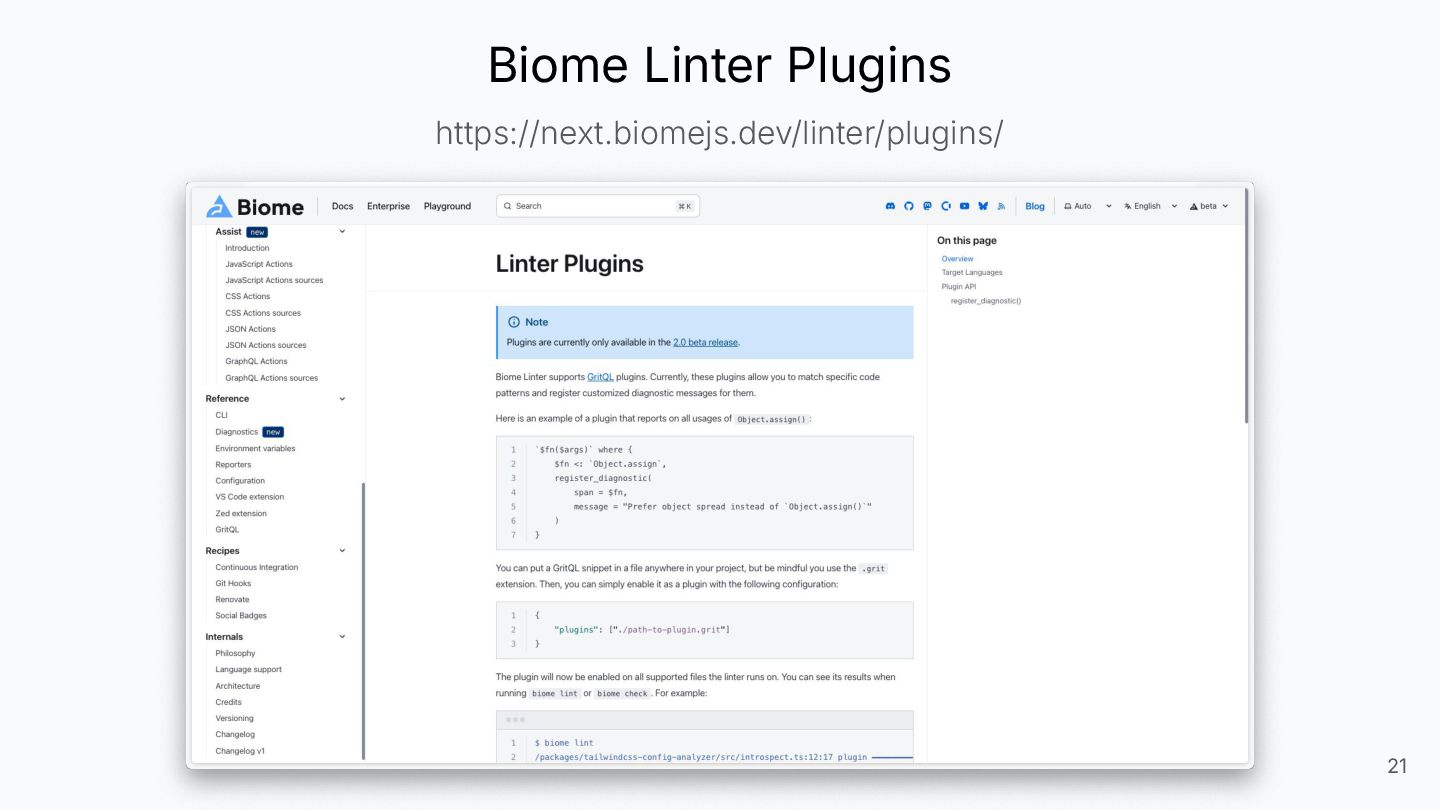
no-object-assign (biome plugin version) 18 Object.assign の利用箇所を検知 `$fn($args)` where {
$fn <: `Object.assign`, register_diagnostic( span = $fn, message = "Use object spread syntax" ) } -
no-object-assign (biome plugin version) 19 Object.assign の利用箇所を検知 `$fn($args)` where {
$fn <: `Object.assign`, register_diagnostic( span = $fn, message = "Use object spread syntax" ) } ASTを知らなくてもPluginを書ける! -
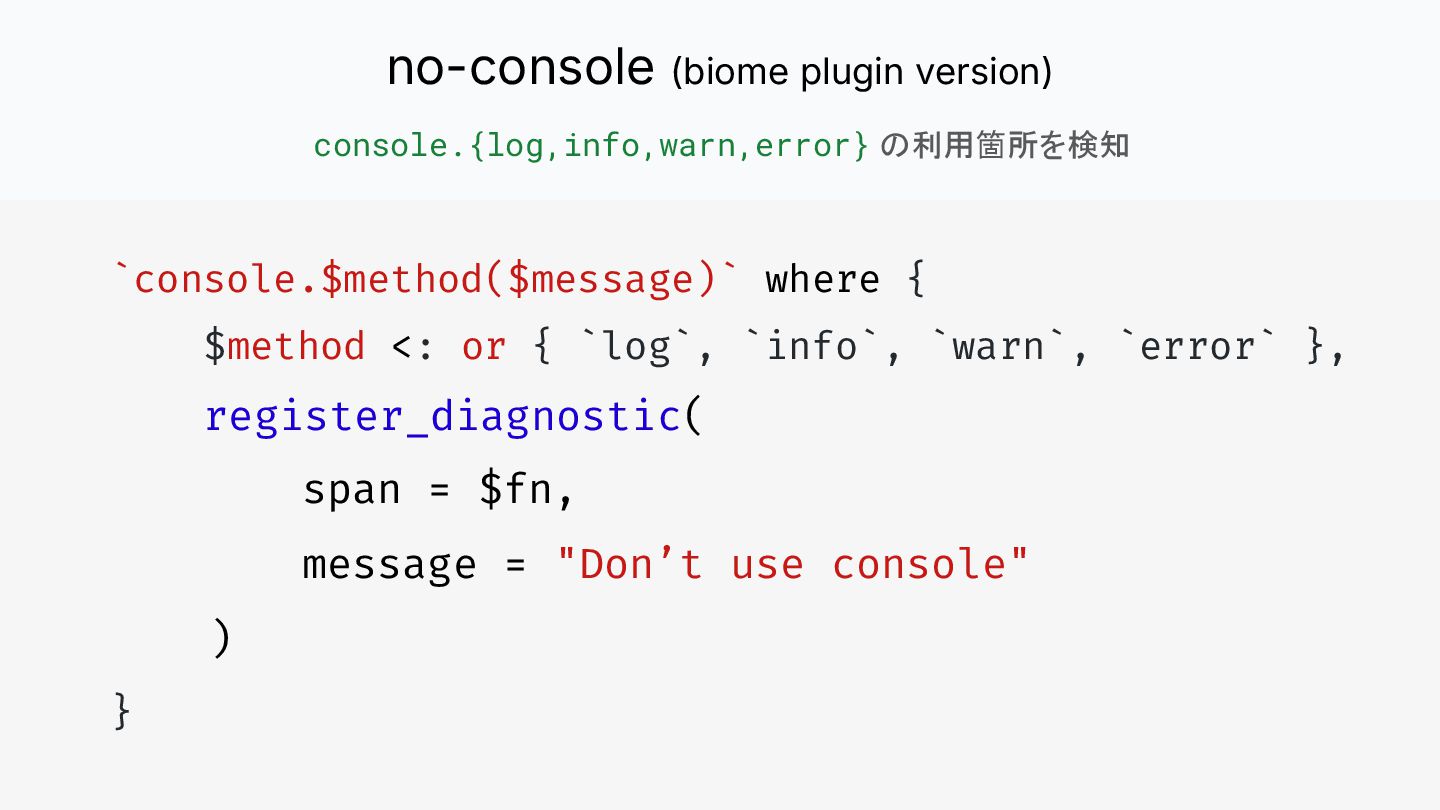
no-console (biome plugin version) 20 console.{log,info,warn,error} の利用箇所を検知 `console.$method($message)` where {
$method <: or { `log`, `info`, `warn`, `error` }, register_diagnostic( span = $fn, message = "Don’t use console" ) } -
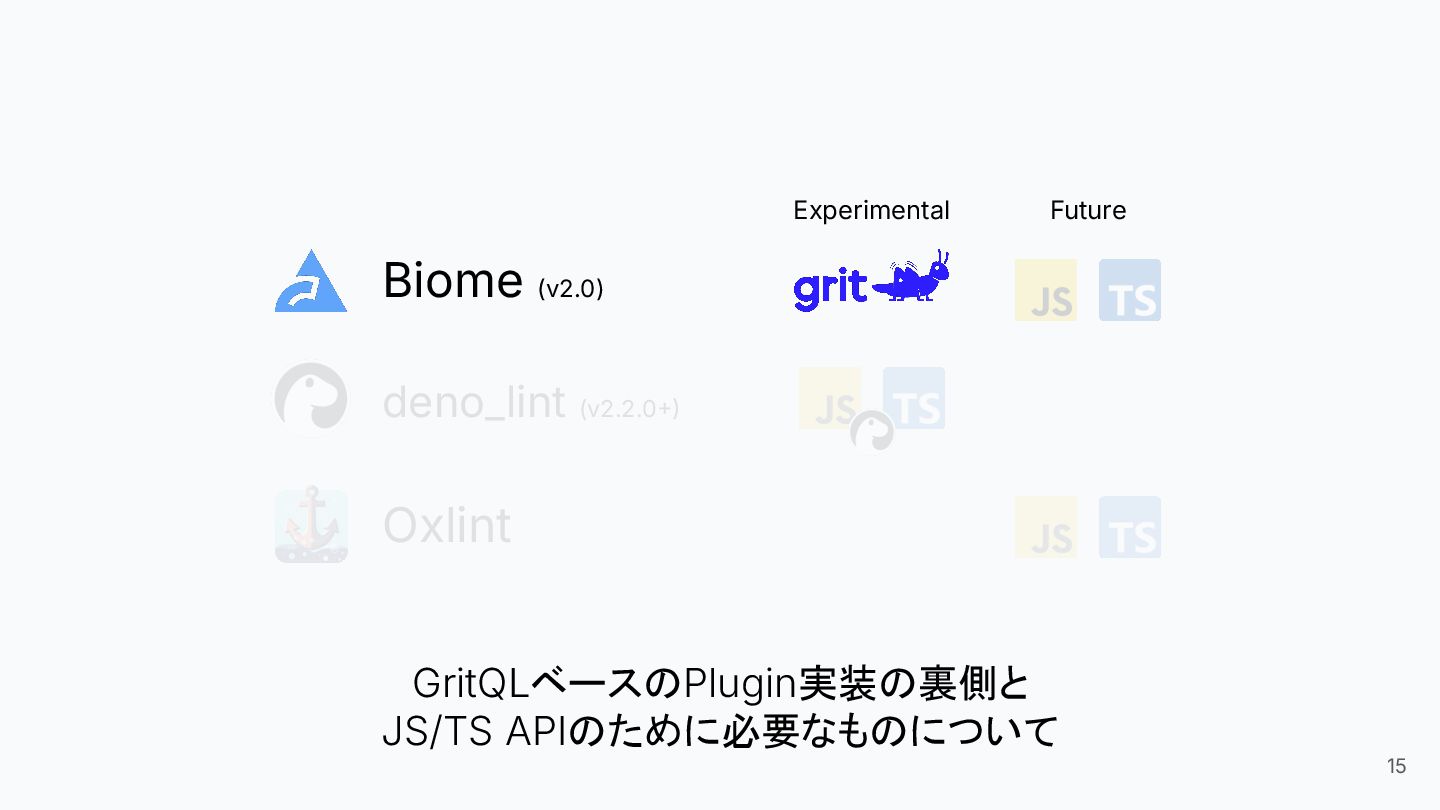
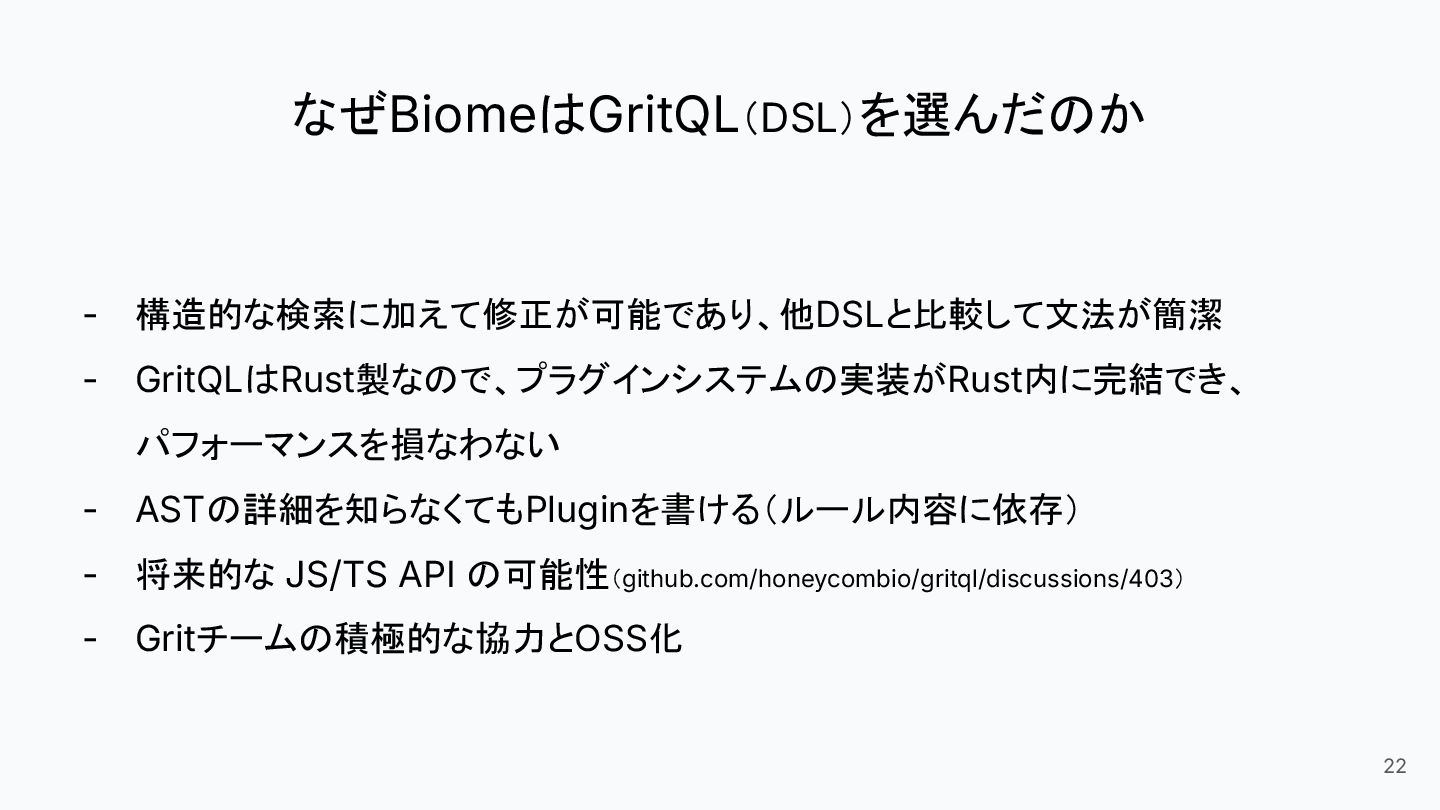
なぜBiomeはGritQL(DSL)を選んだのか 22 - 構造的な検索に加えて修正が可能であり、他DSLと比較して文法が簡潔 - GritQLはRust製なので、プラグインシステムの実装がRust内に完結でき、 パフォーマンスを損なわない - ASTの詳細を知らなくてもPluginを書ける(ルール内容に依存) -
将来的な JS/TS API の可能性(github.com/honeycombio/gritql/discussions/403) - Gritチームの積極的な協力とOSS化 -
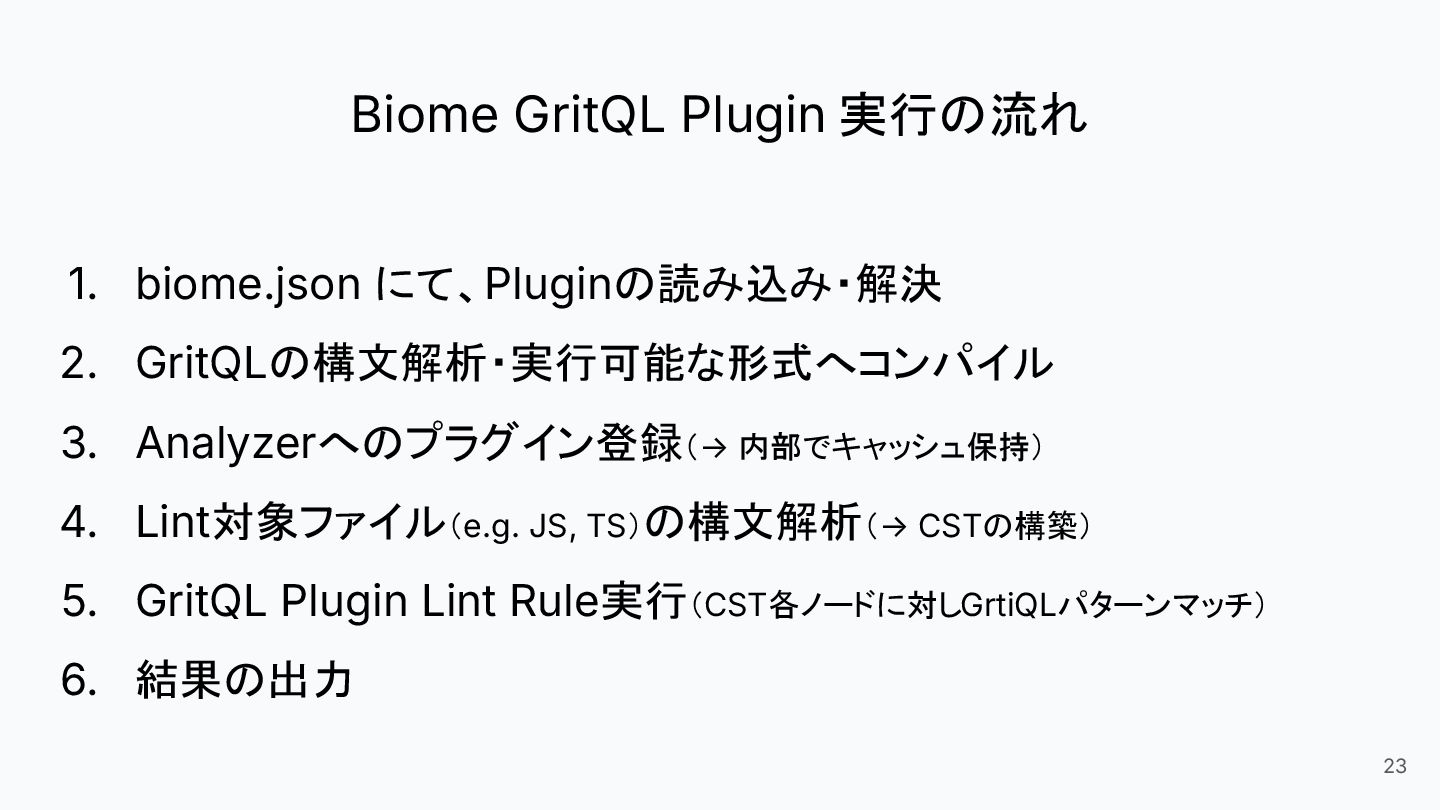
Biome GritQL Plugin 実行の流れ 23 1. biome.json にて、Pluginの読み込み・解決 2. GritQLの構文解析・実行可能な形式へコンパイル
3. Analyzerへのプラグイン登録(→ 内部でキャッシュ保持) 4. Lint対象ファイル(e.g. JS, TS)の構文解析(→ CSTの構築) 5. GritQL Plugin Lint Rule実行(CST各ノードに対しGrtiQLパターンマッチ) 6. 結果の出力 -
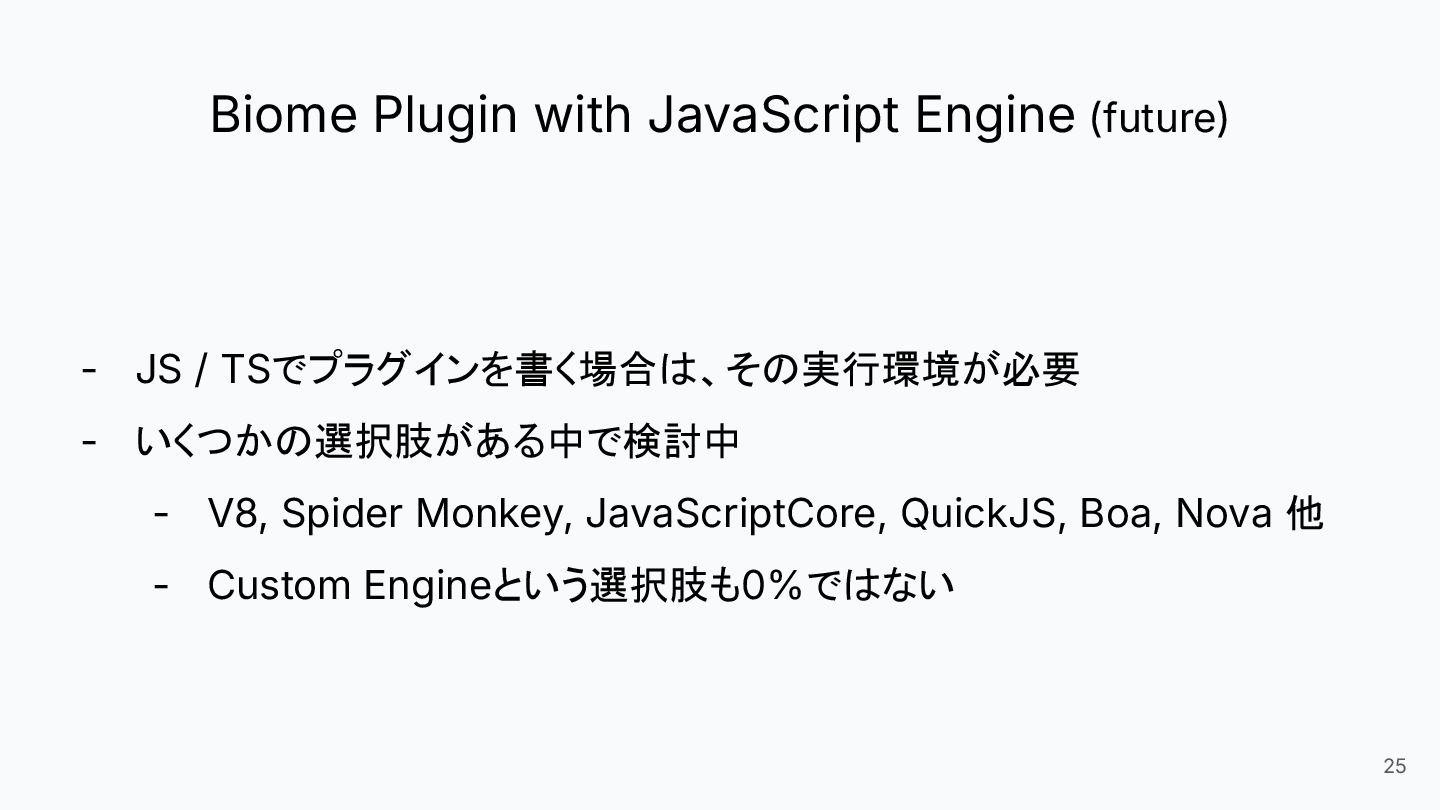
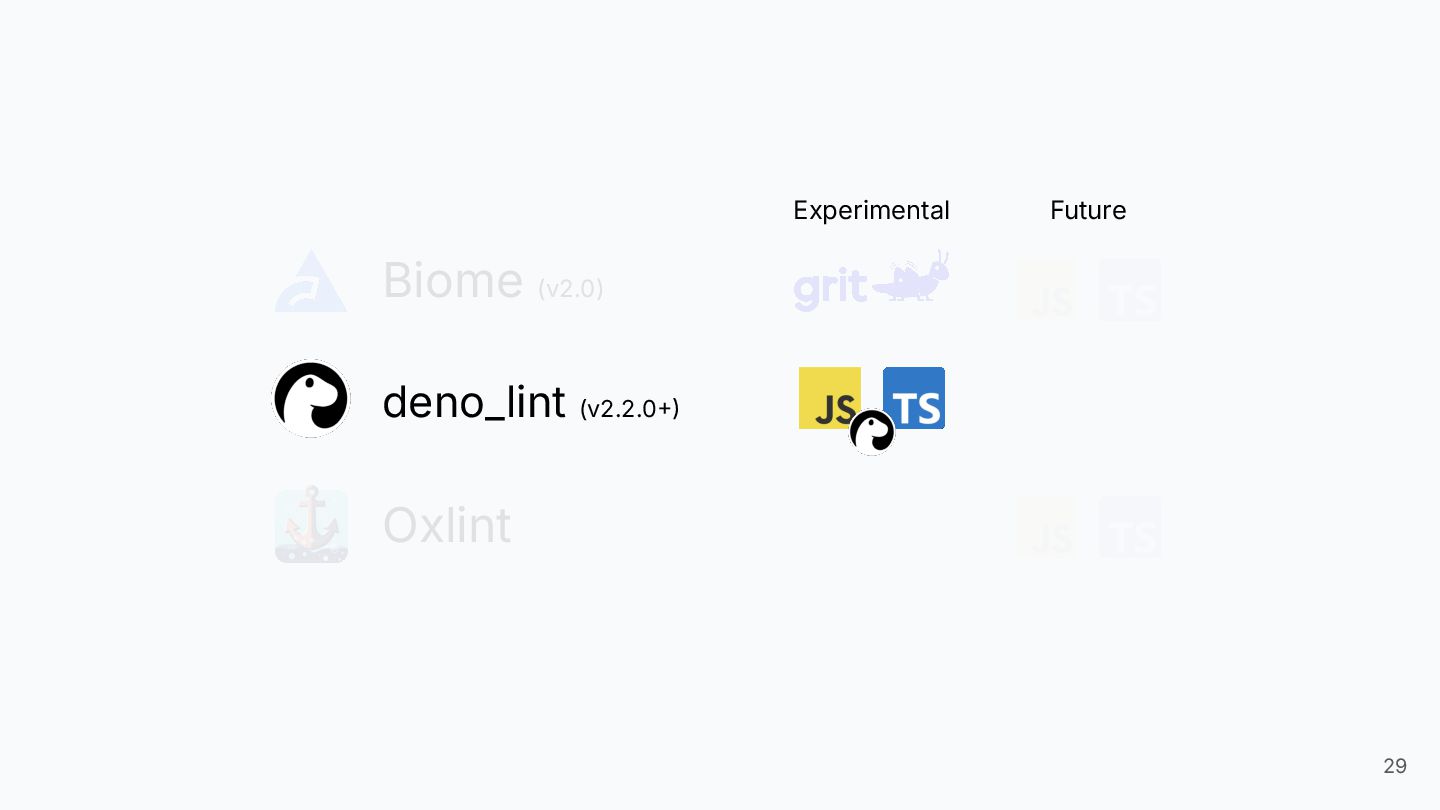
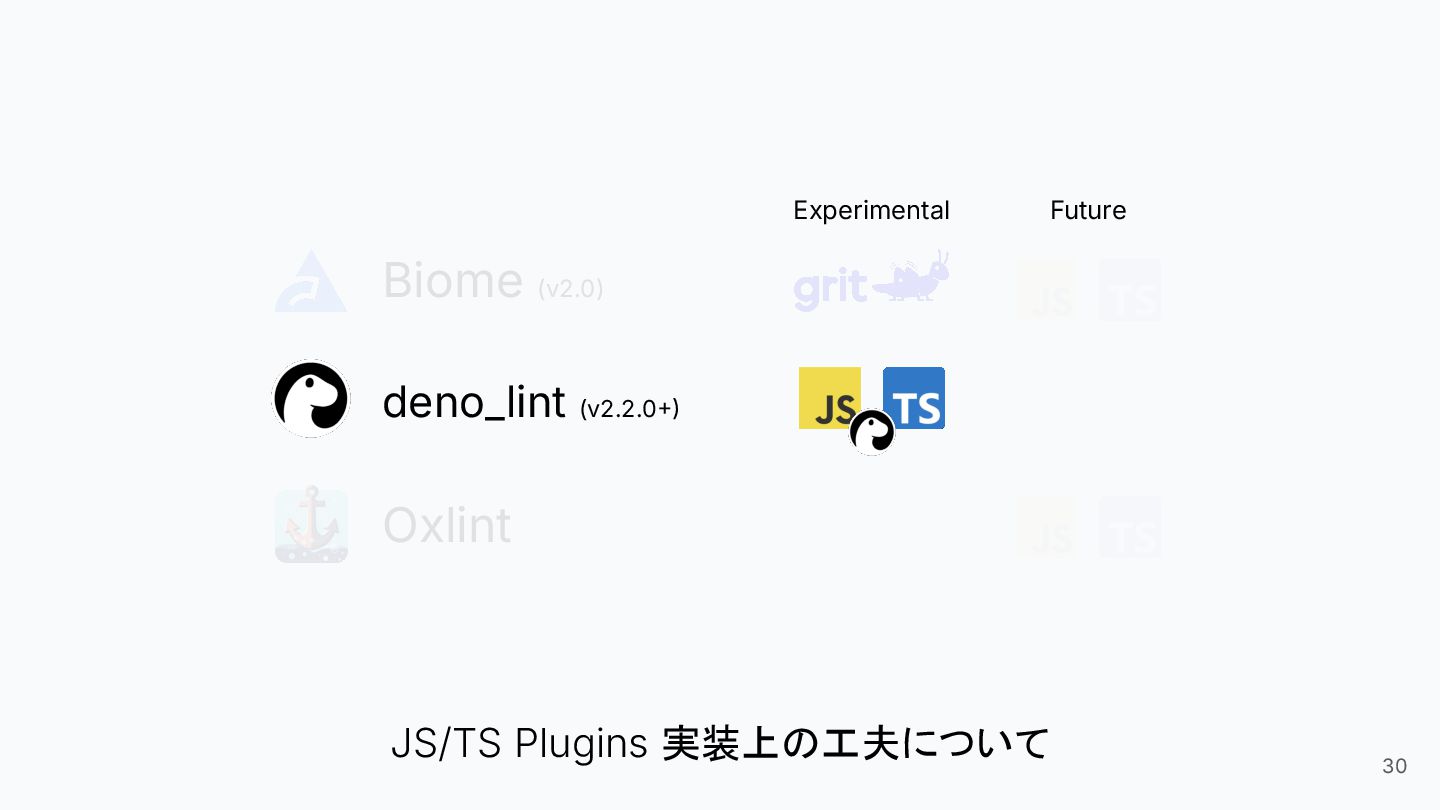
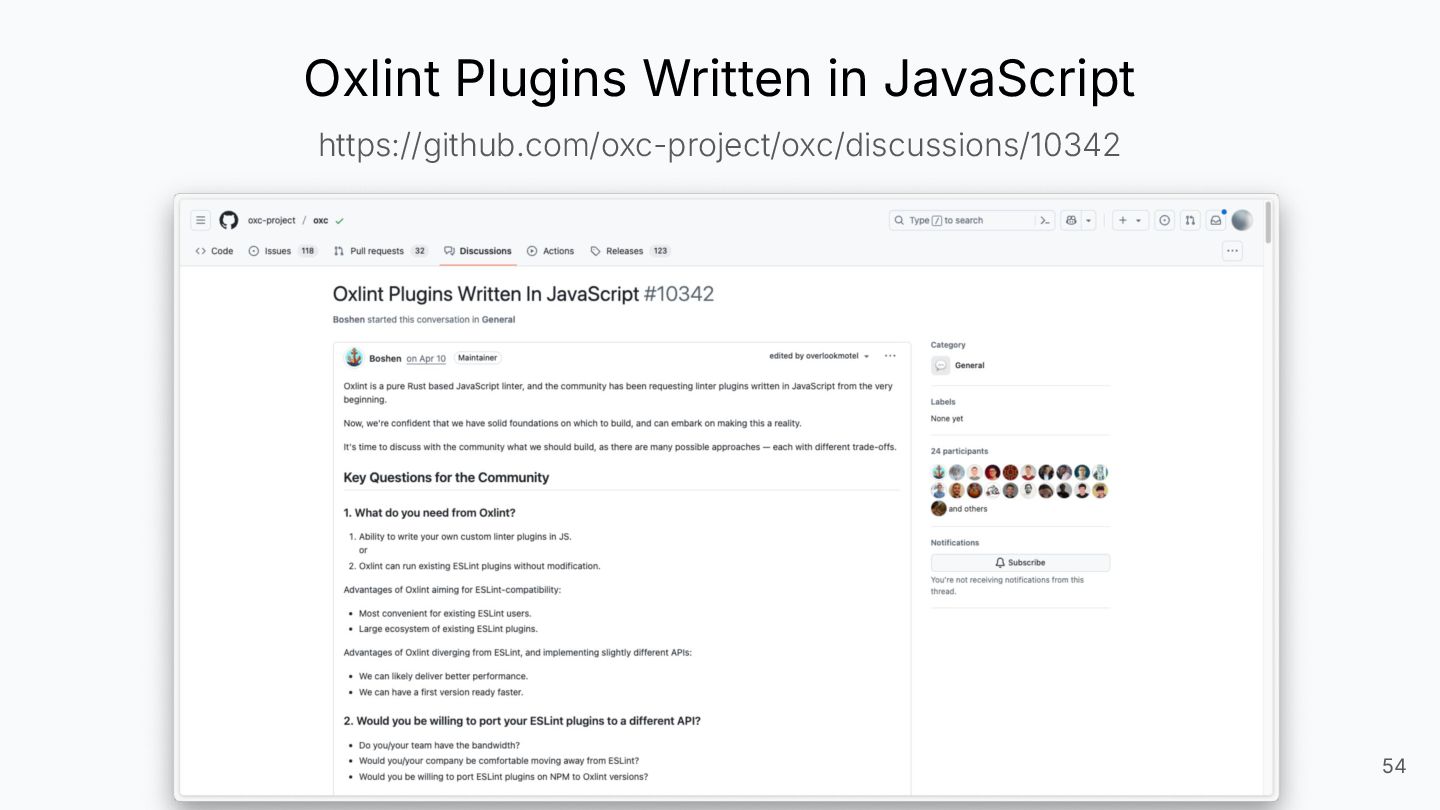
Biome Plugin with JavaScript Engine (future) 25 - JS /
TSでプラグインを書く場合は、その実行環境が必要 - いくつかの選択肢がある中で検討中 - V8, Spider Monkey, JavaScriptCore, QuickJS, Boa, Nova 他 - Custom Engineという選択肢も0%ではない -
28 Biome Biome Plugins は Lead Member : Arend (github.com/arendjr)
の功績。 V2 coming soon! -
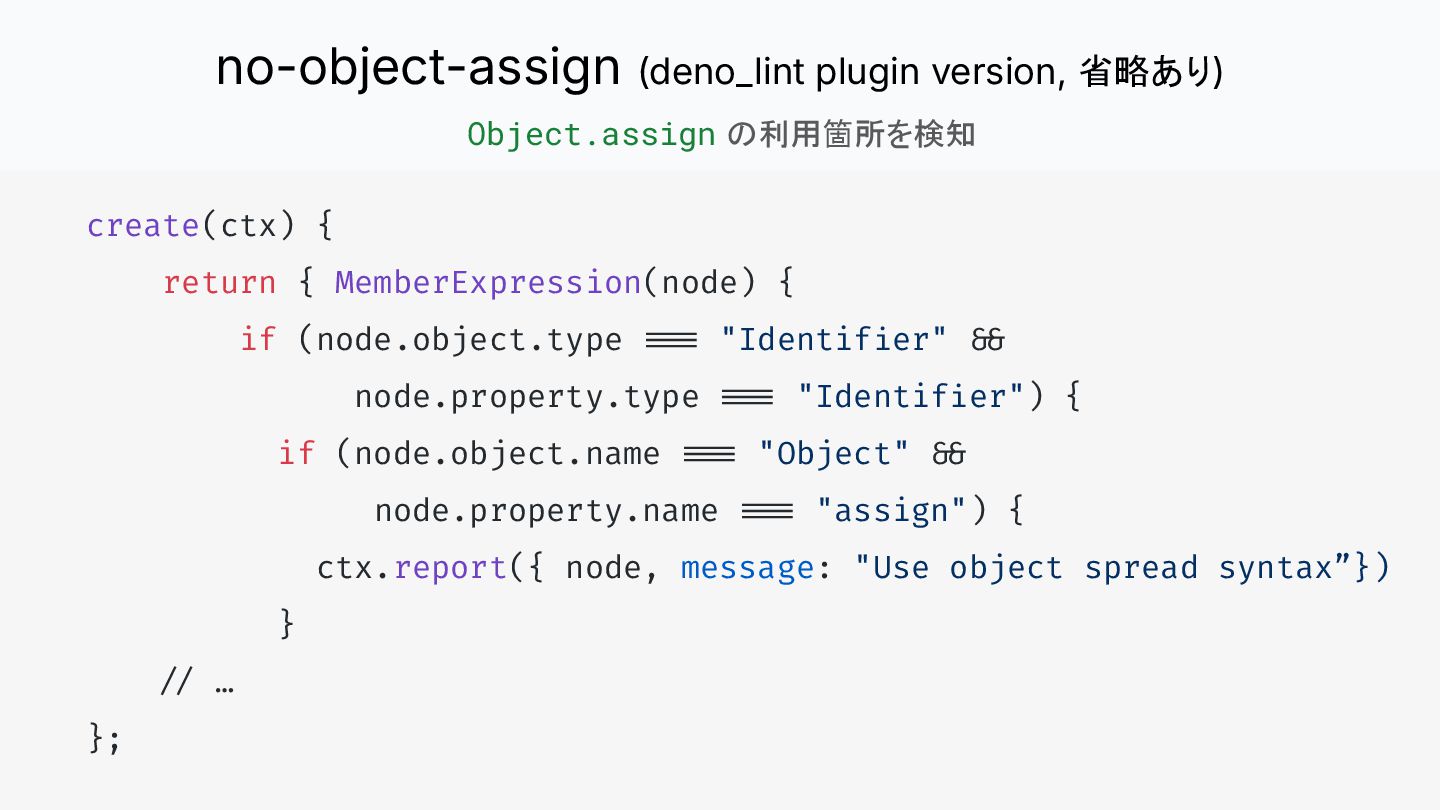
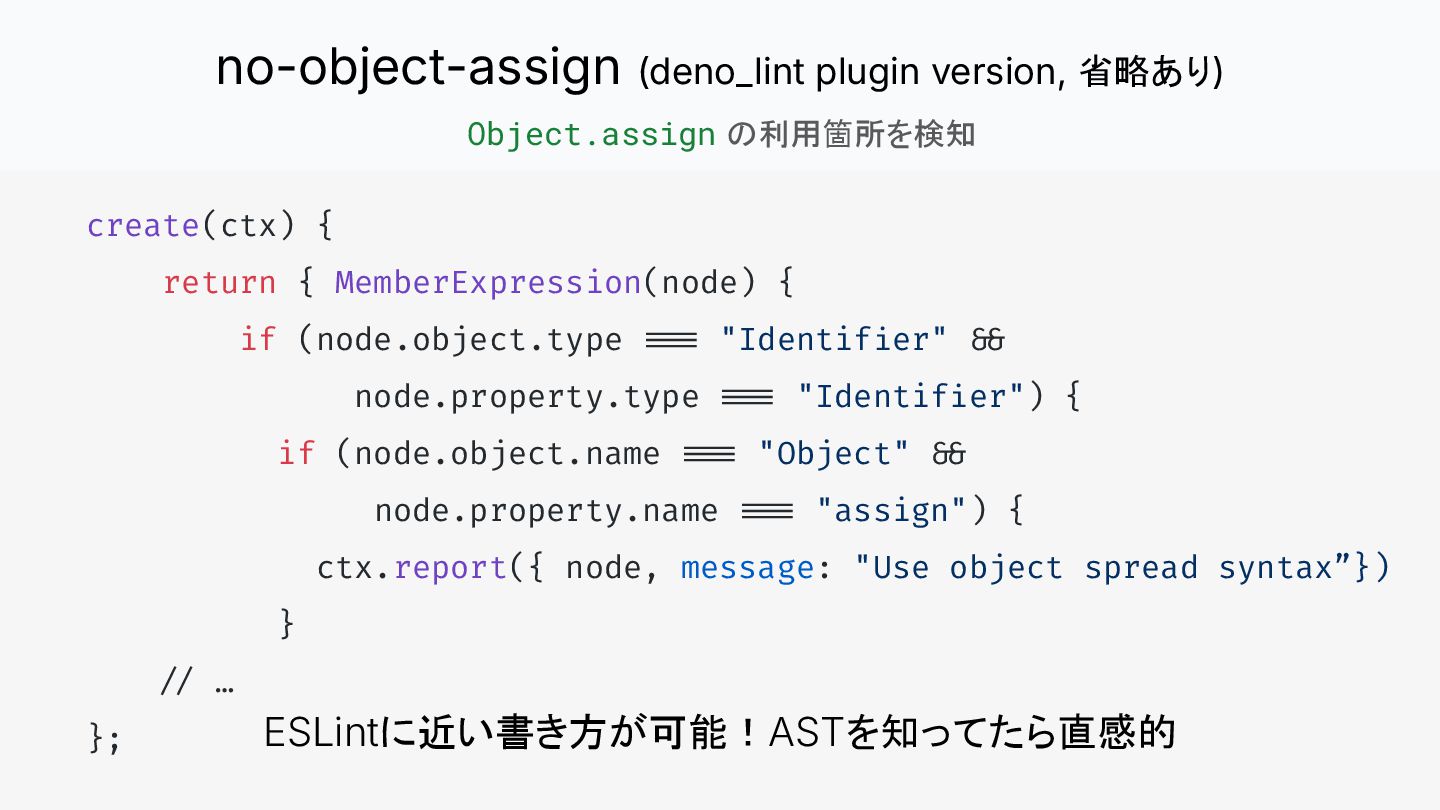
no-object-assign (deno_lint plugin version, 省略あり) 31 Object.assign の利用箇所を検知 create(ctx) {
return { MemberExpression(node) { if (node.object.type === "Identifier" && node.property.type === "Identifier") { if (node.object.name === "Object" && node.property.name === "assign") { ctx.report({ node, message: "Use object spread syntax”}) } // … }; -
no-object-assign (deno_lint plugin version, 省略あり) 32 Object.assign の利用箇所を検知 create(ctx) {
return { MemberExpression(node) { if (node.object.type === "Identifier" && node.property.type === "Identifier") { if (node.object.name === "Object" && node.property.name === "assign") { ctx.report({ node, message: "Use object spread syntax”}) } // … }; ESLintに近い書き方が可能!ASTを知ってたら直感的 -
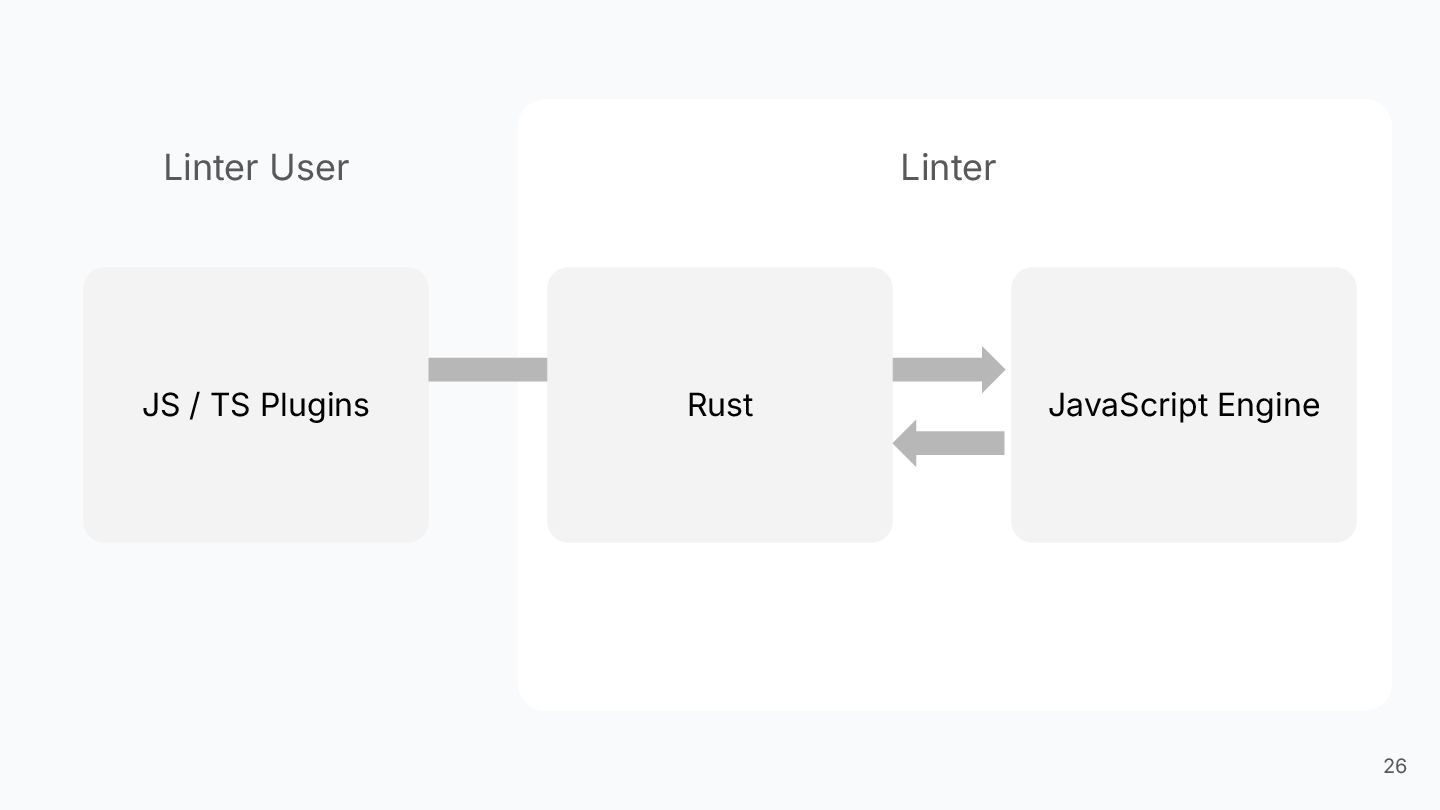
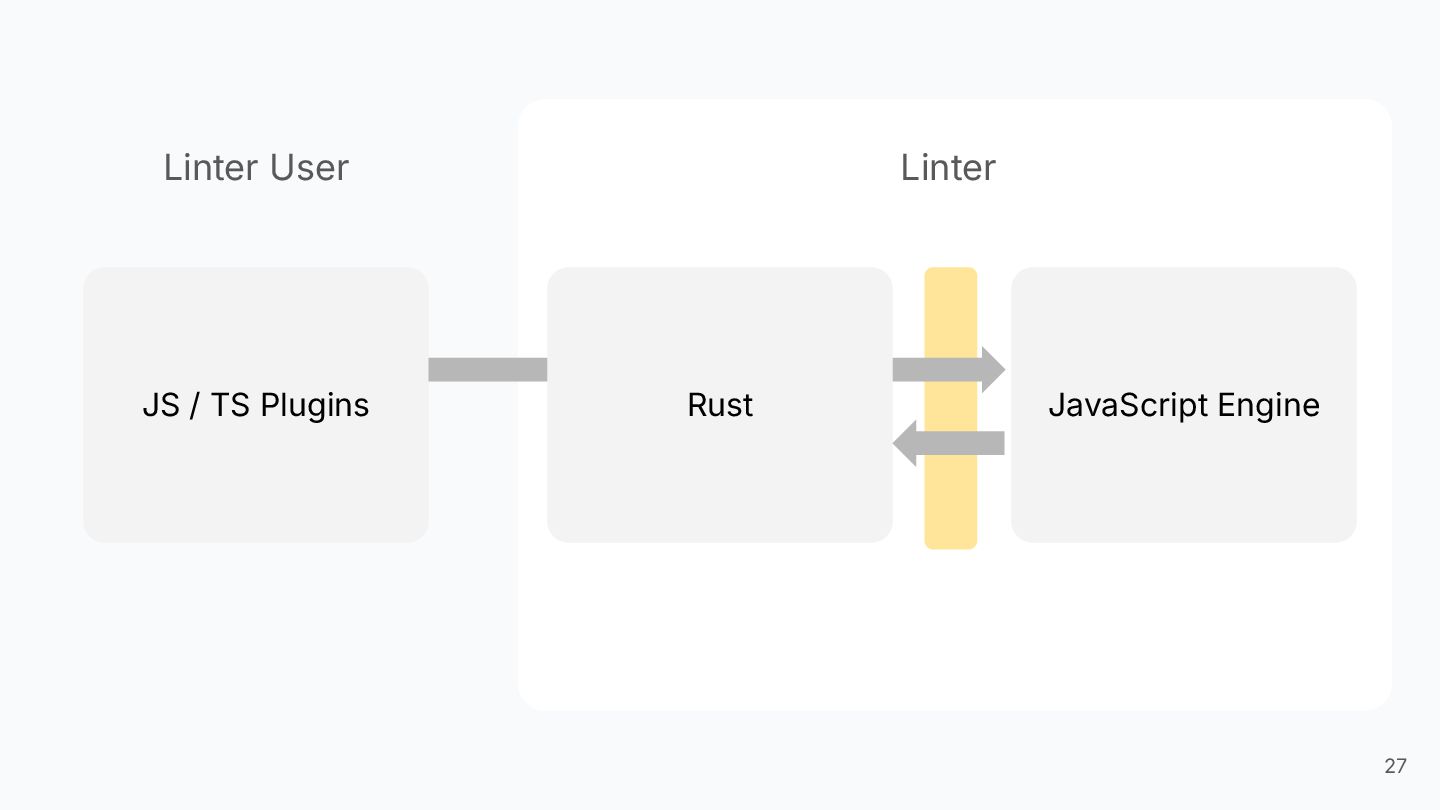
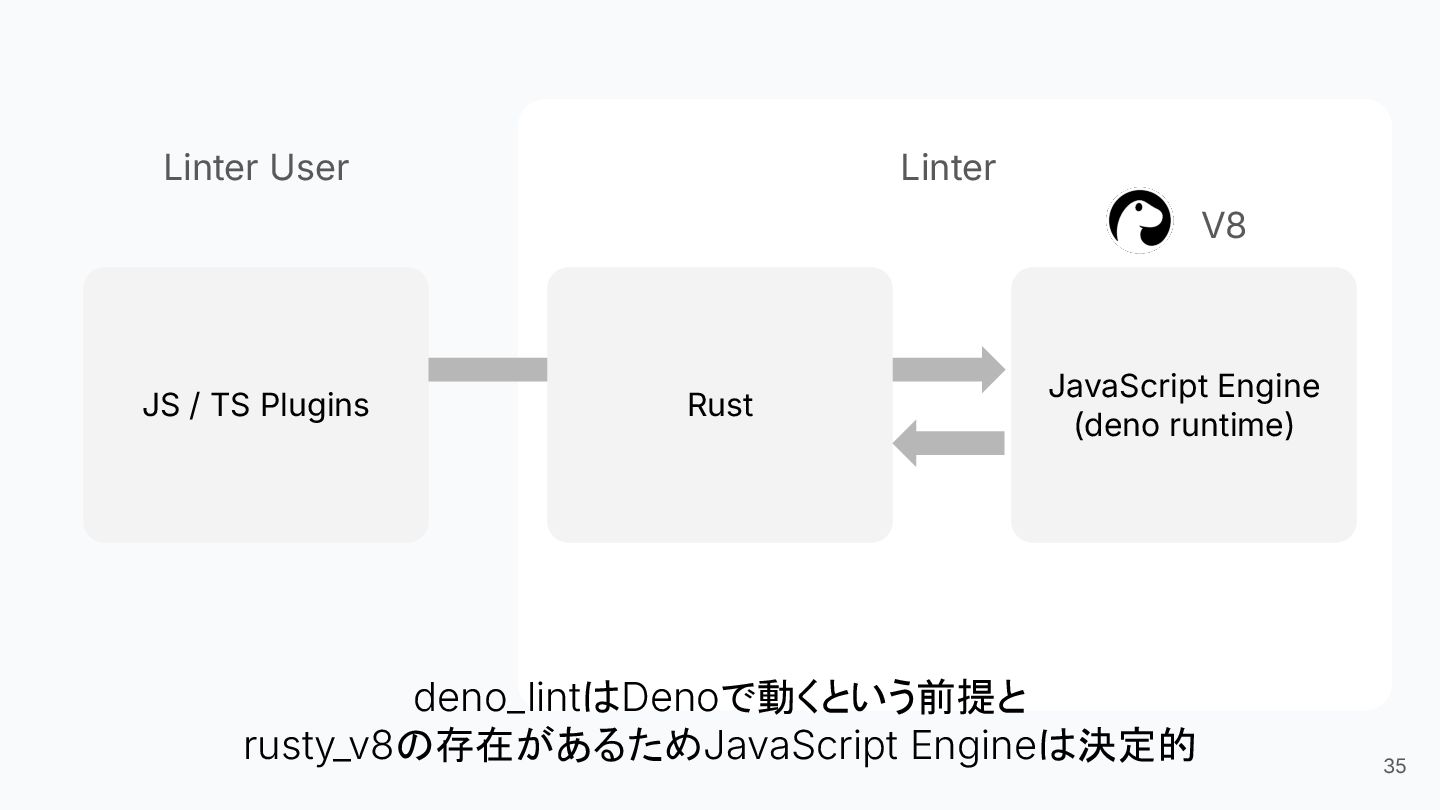
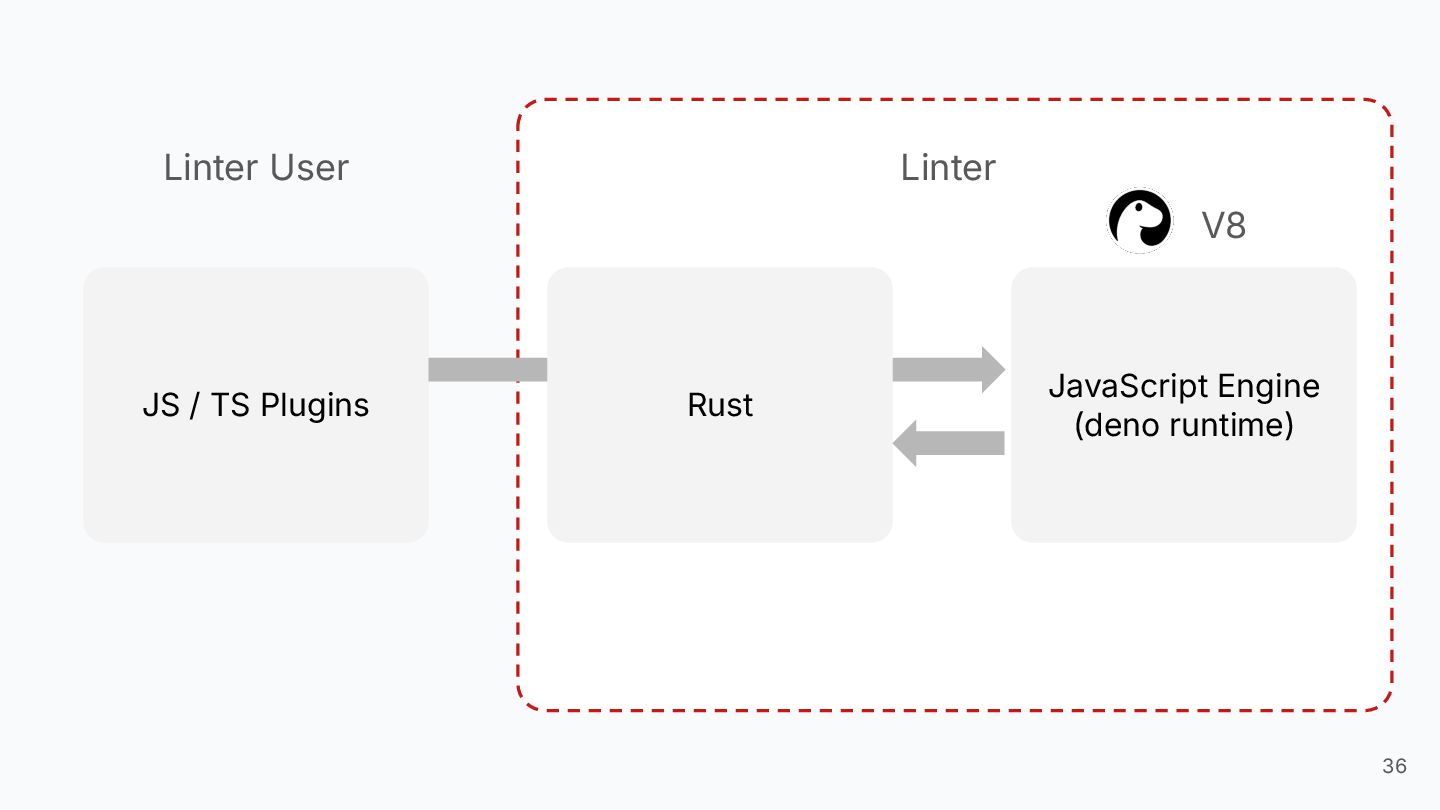
35 JS / TS Plugins JavaScript Engine (deno runtime) Rust
Linter Linter User V8 deno_lintはDenoで動くという前提と rusty_v8の存在があるためJavaScript Engineは決定的 -
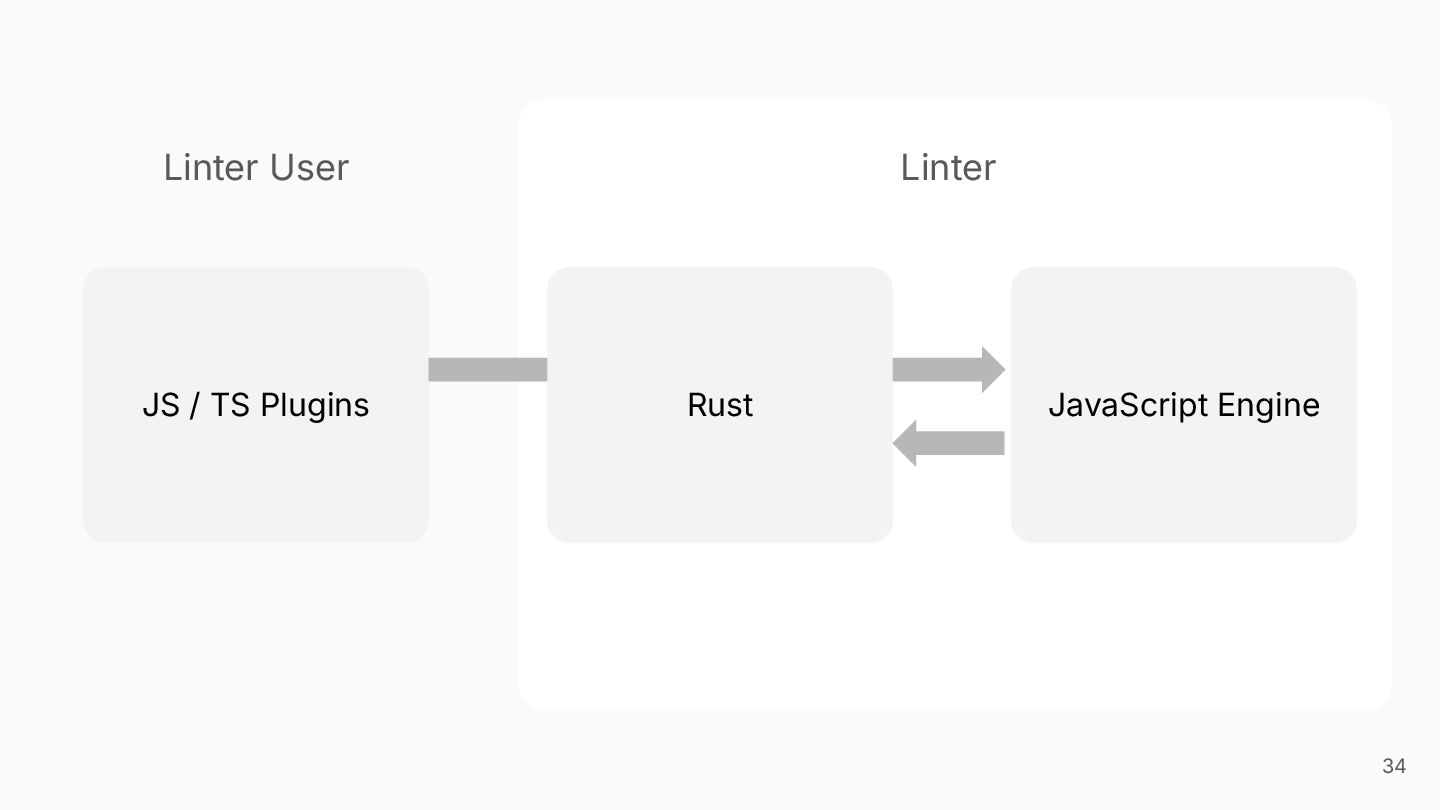
36 JS / TS Plugins JavaScript Engine (deno runtime) Rust
Linter Linter User V8 -
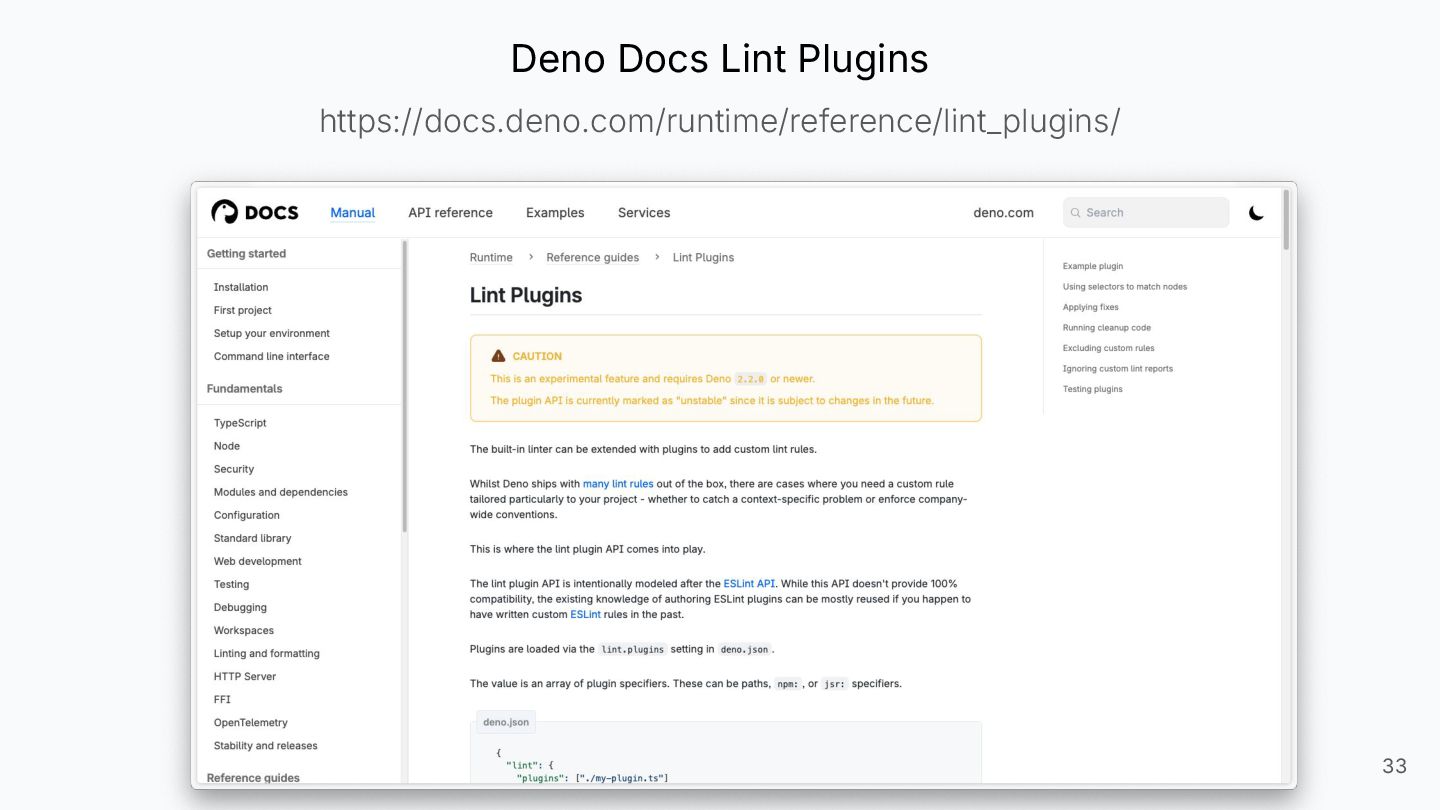
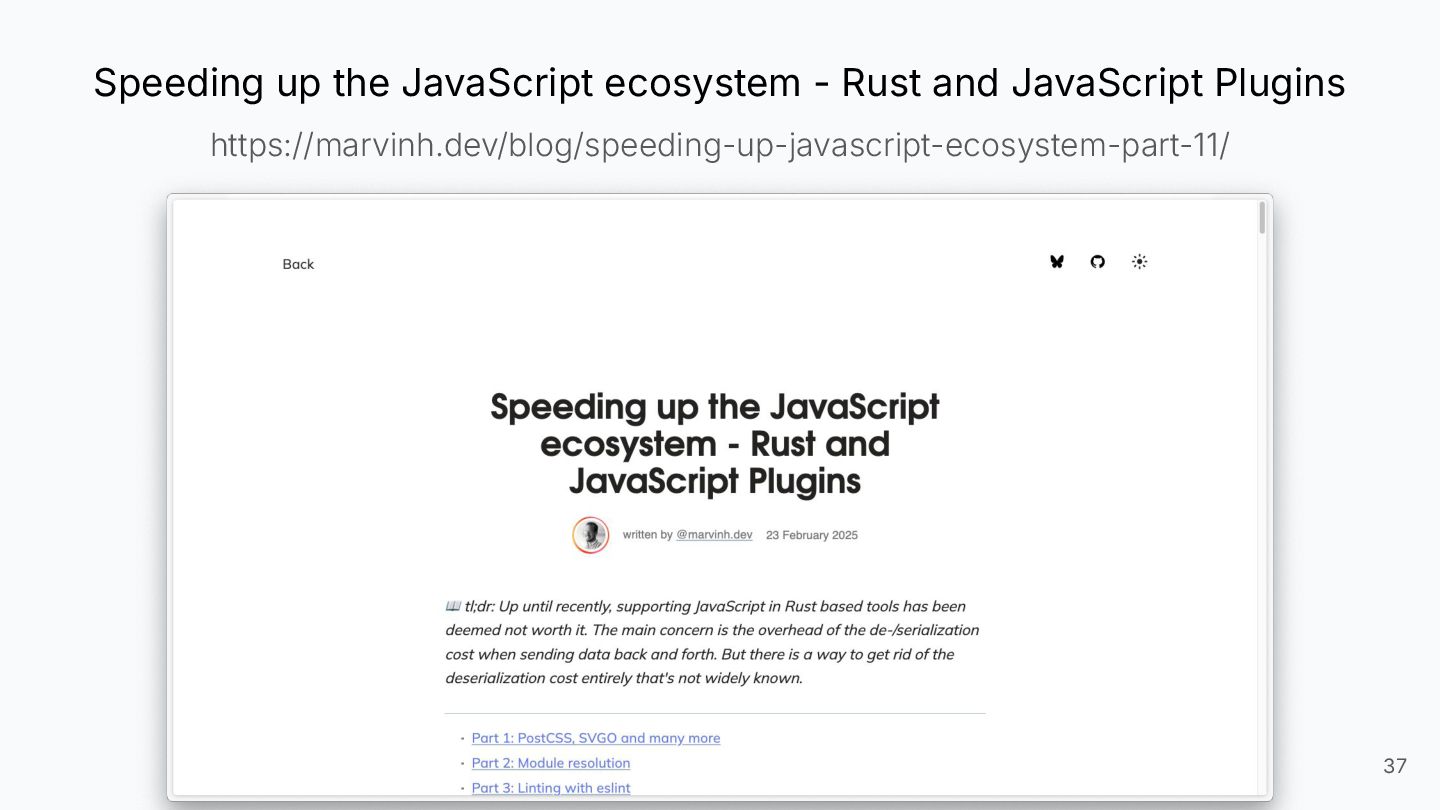
Speeding up the JavaScript ecosystem - Rust and JavaScript Plugins
37 https://marvinh.dev/blog/speeding-up-javascript-ecosystem-part-11/ -
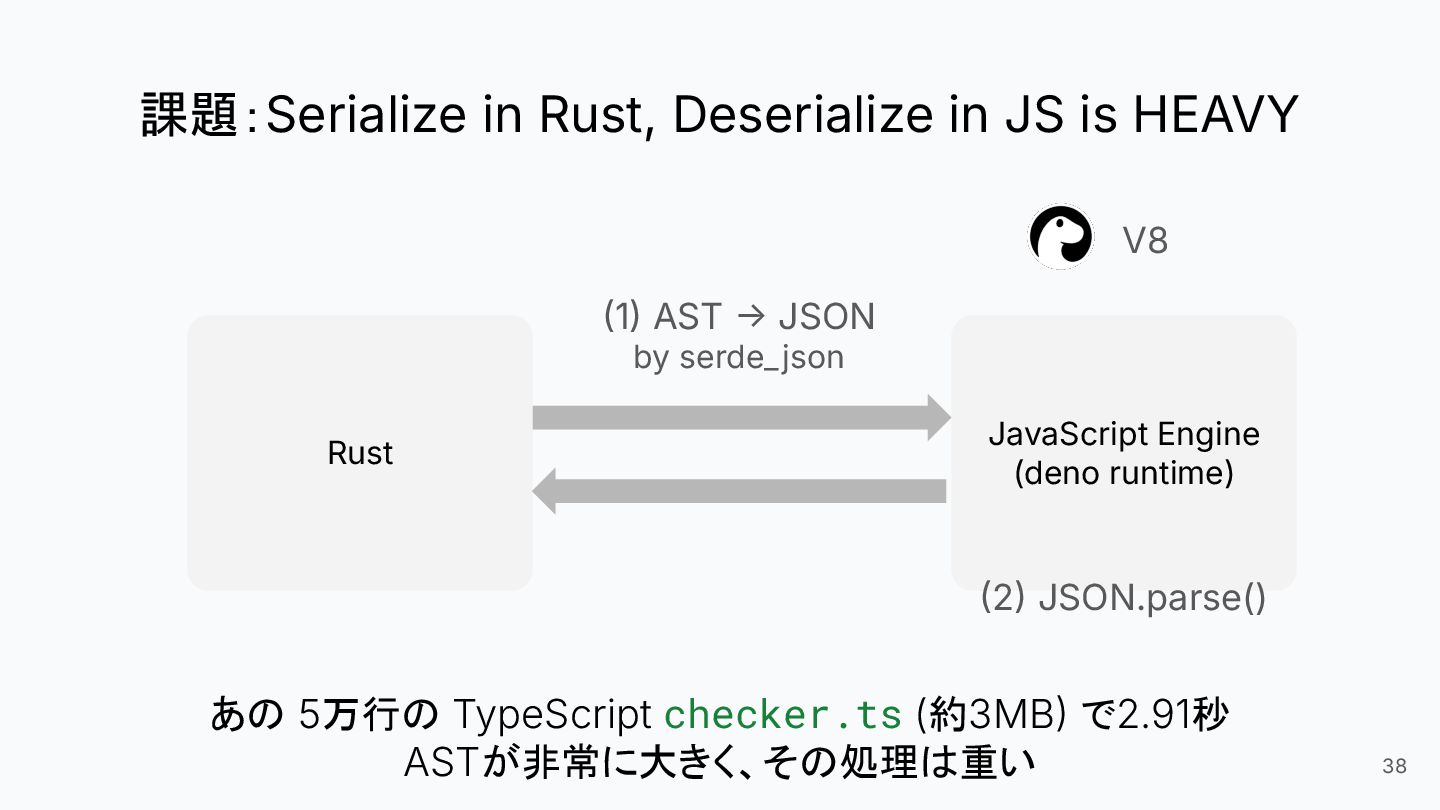
38 JavaScript Engine (deno runtime) Rust あの 5万行の TypeScript checker.ts
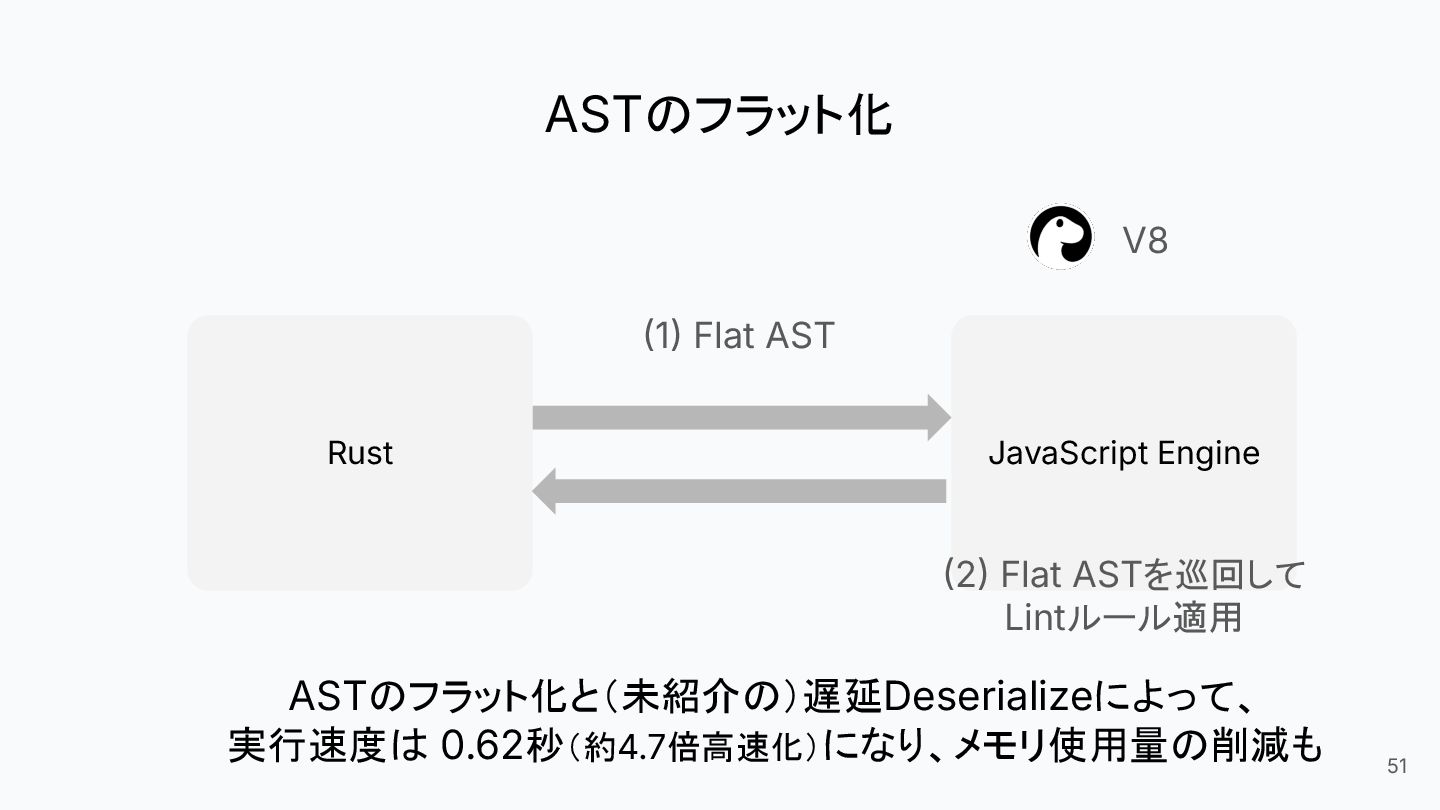
(約3MB で2.91秒 ASTが非常に大きく、その処理は重い 1 AST JSON by serde_json V8 2 JSON.parse() 課題:Serialize in Rust, Deserialize in JS is HEAVY -
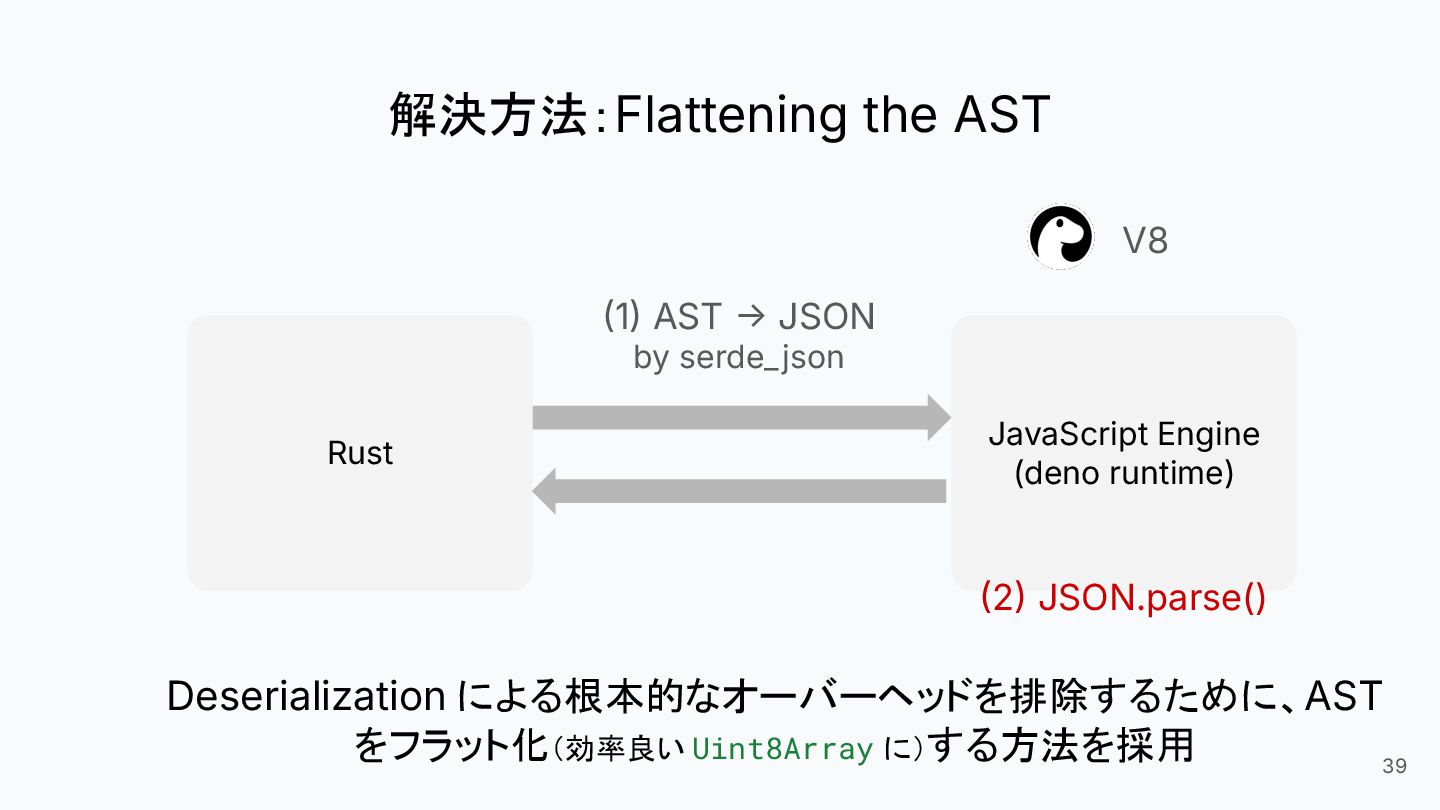
39 JavaScript Engine (deno runtime) Rust 1 AST JSON
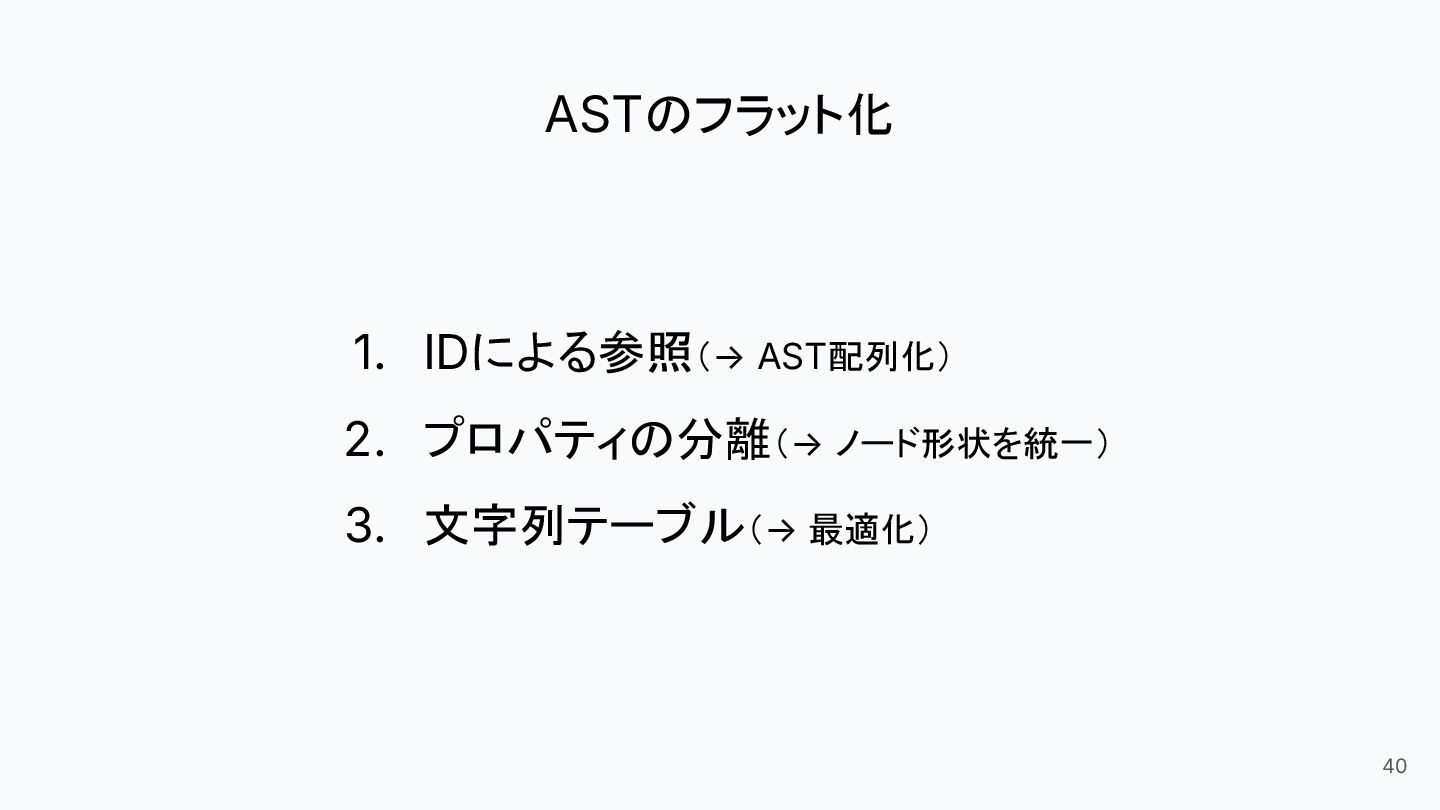
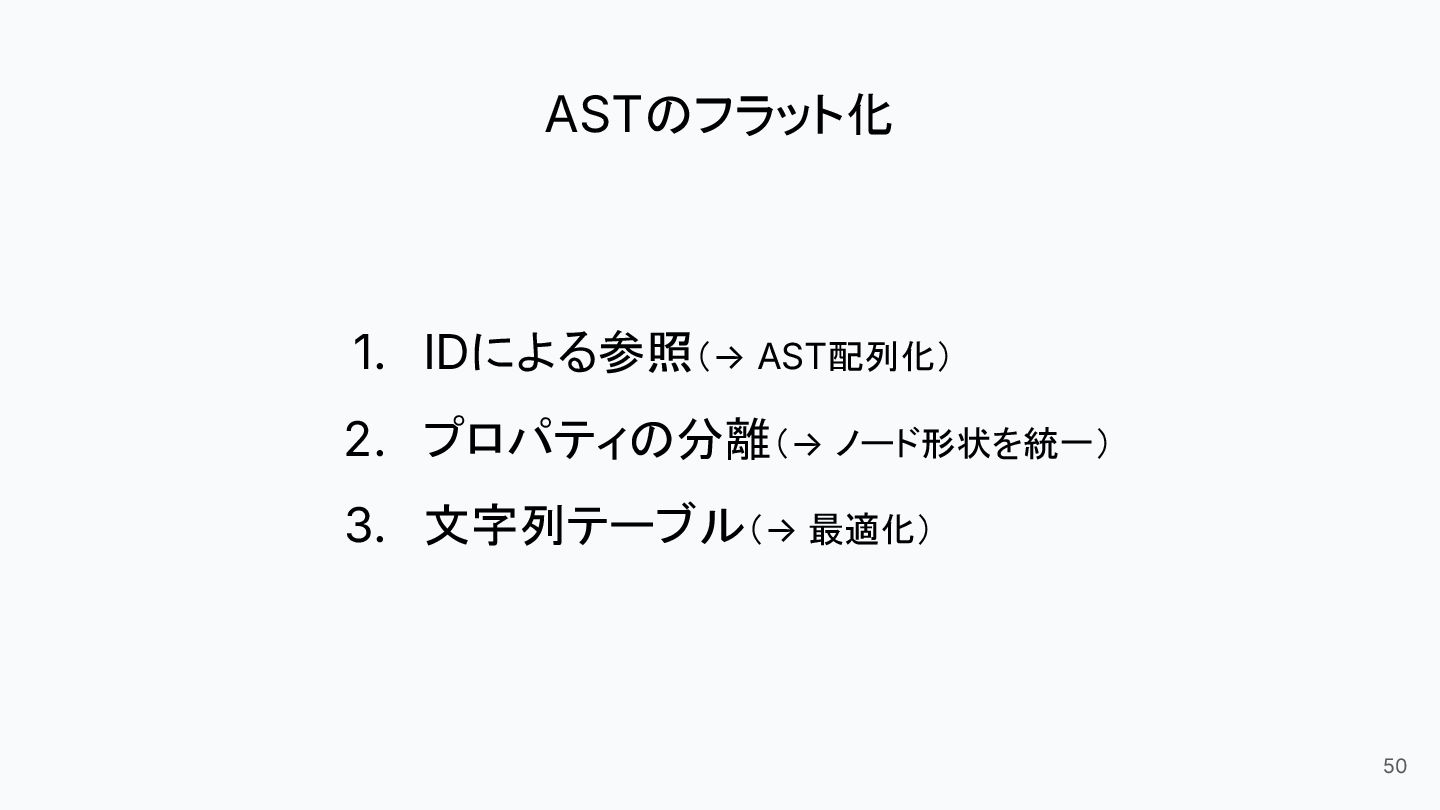
by serde_json V8 2 JSON.parse() Deserialization による根本的なオーバーヘッドを排除するために、AST をフラット化(効率良い Uint8Array に)する方法を採用 解決方法:Flattening the AST -
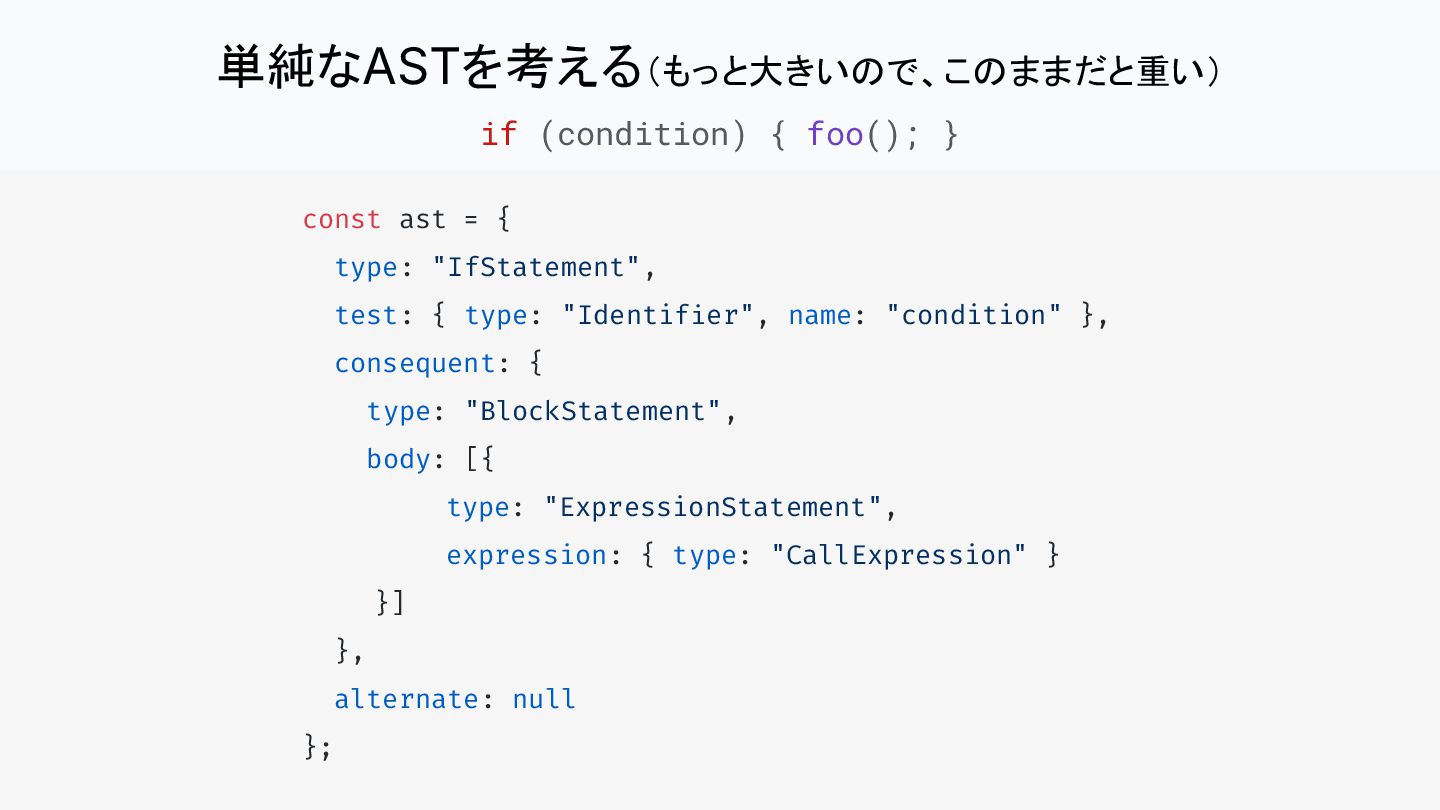
単純なASTを考える(もっと大きいので、このままだと重い) 41 if (condition) { foo(); } const ast =
{ type: "IfStatement", test: { type: "Identifier", name: "condition" }, consequent: { type: "BlockStatement", body: [{ type: "ExpressionStatement", expression: { type: "CallExpression" } }] }, alternate: null }; -
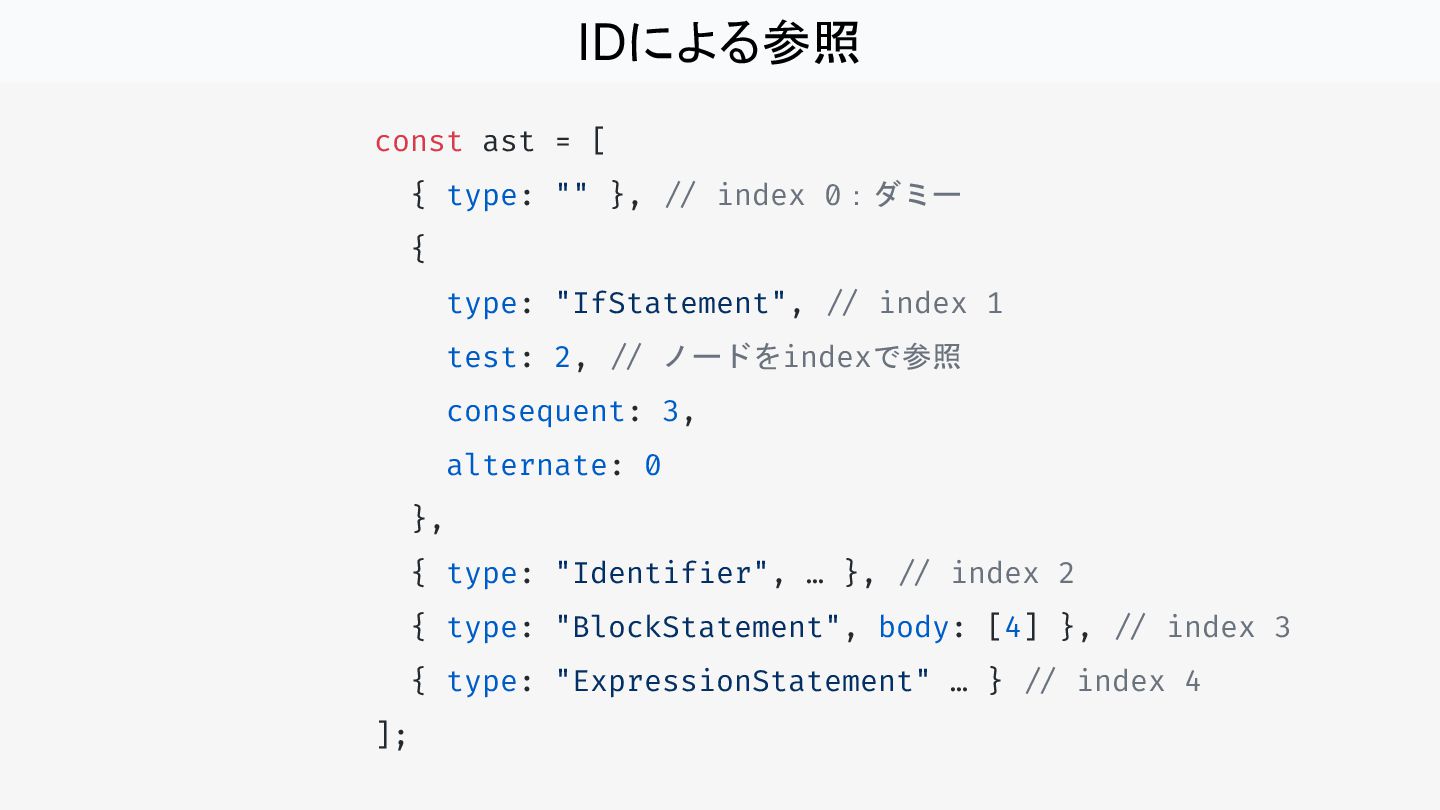
43 const ast = [ { type: "" }, //
index 0:ダミー { type: "IfStatement", // index 1 test: 2, // ノードをindexで参照 consequent: 3, alternate: 0 }, { type: "Identifier", … }, // index 2 { type: "BlockStatement", body: [4] }, // index 3 { type: "ExpressionStatement" … } // index 4 ]; IDによる参照 -
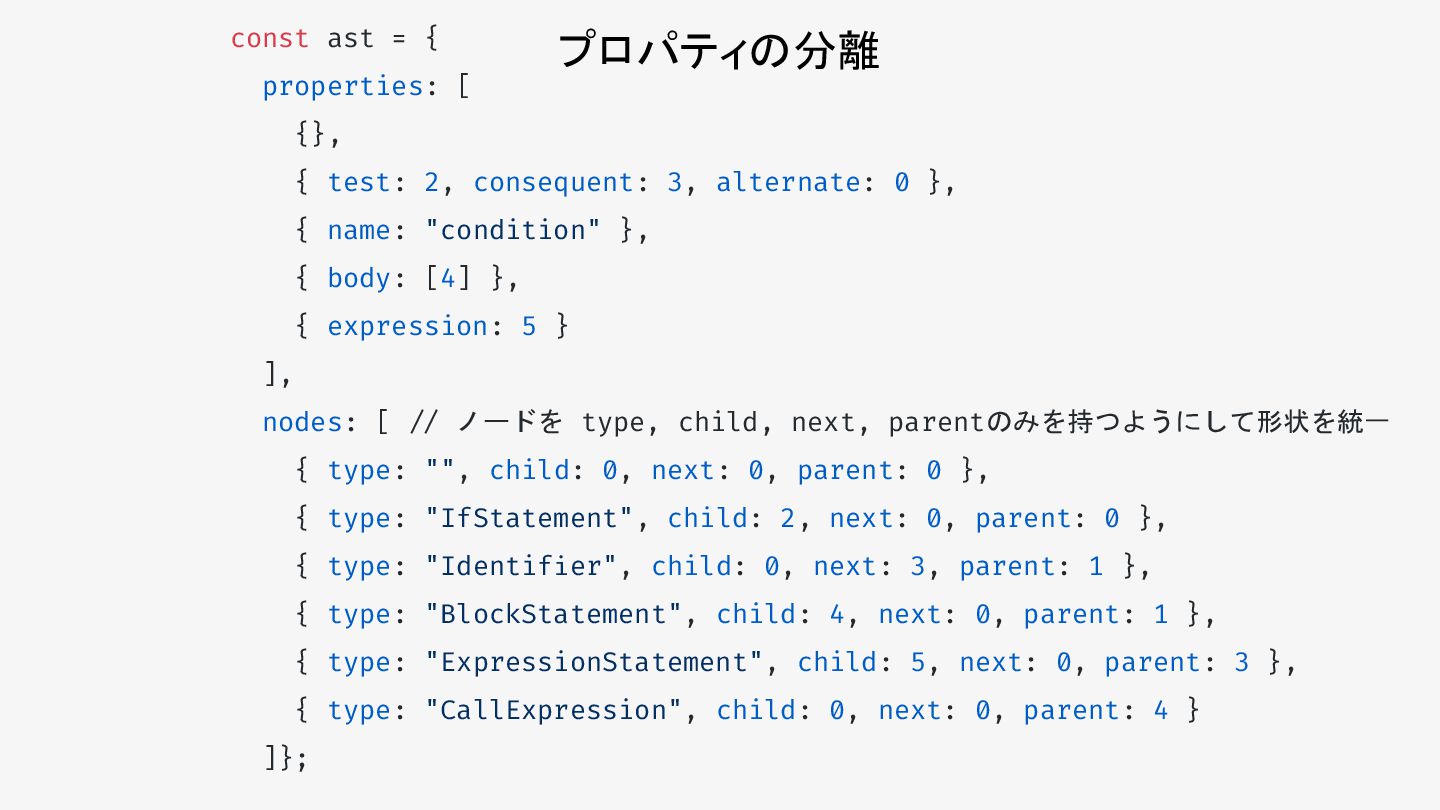
45 const ast = { properties: [ {}, { test:
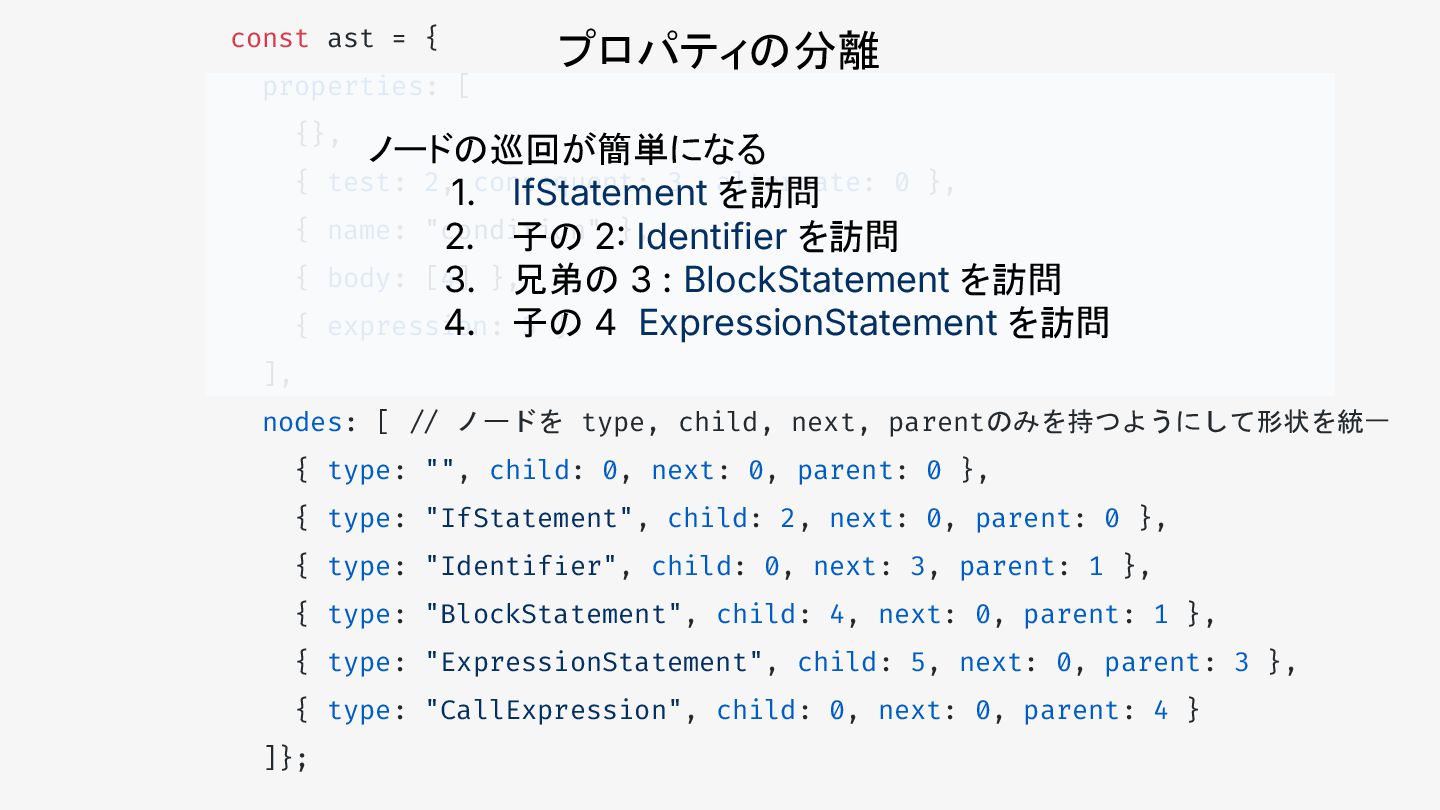
2, consequent: 3, alternate: 0 }, { name: "condition" }, { body: [4] }, { expression: 5 } ], nodes: [ // ノードを type, child, next, parentのみを持つようにして形状を統一 { type: "", child: 0, next: 0, parent: 0 }, { type: "IfStatement", child: 2, next: 0, parent: 0 }, { type: "Identifier", child: 0, next: 3, parent: 1 }, { type: "BlockStatement", child: 4, next: 0, parent: 1 }, { type: "ExpressionStatement", child: 5, next: 0, parent: 3 }, { type: "CallExpression", child: 0, next: 0, parent: 4 } ]}; プロパティの分離 -
46 const ast = { properties: [ {}, { test:
2, consequent: 3, alternate: 0 }, { name: "condition" }, { body: [4] }, { expression: 5 } ], nodes: [ // ノードを type, child, next, parentのみを持つようにして形状を統一 { type: "", child: 0, next: 0, parent: 0 }, { type: "IfStatement", child: 2, next: 0, parent: 0 }, { type: "Identifier", child: 0, next: 3, parent: 1 }, { type: "BlockStatement", child: 4, next: 0, parent: 1 }, { type: "ExpressionStatement", child: 5, next: 0, parent: 3 }, { type: "CallExpression", child: 0, next: 0, parent: 4 } ]}; プロパティの分離 ノードの巡回が簡単になる 1. IfStatement を訪問 2. 子の 2 Identifier を訪問 3. 兄弟の 3 : BlockStatement を訪問 4. 子の 4 ExpressionStatement を訪問 -
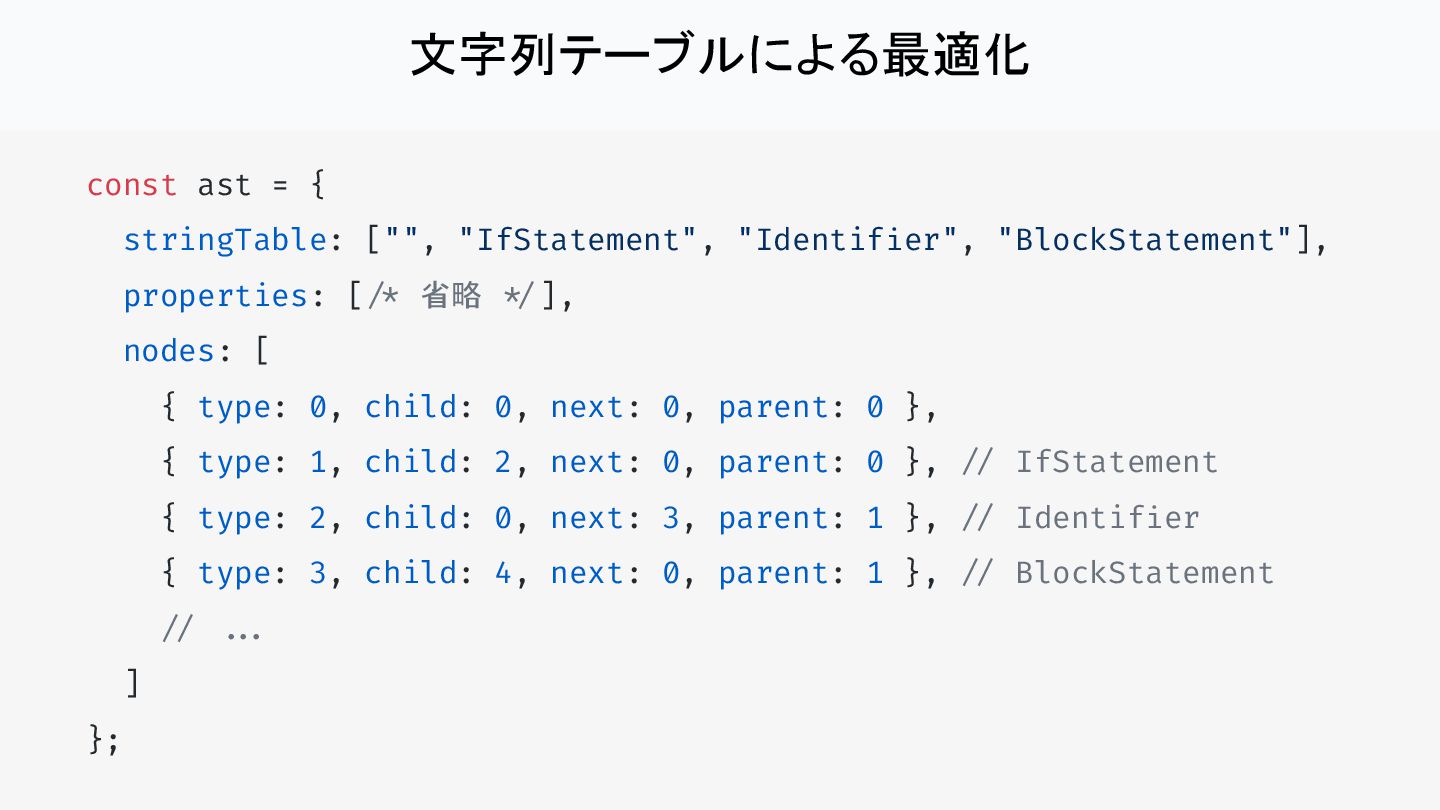
48 const ast = { stringTable: ["", "IfStatement", "Identifier", "BlockStatement"],
properties: [/* 省略 */], nodes: [ { type: 0, child: 0, next: 0, parent: 0 }, { type: 1, child: 2, next: 0, parent: 0 }, // IfStatement { type: 2, child: 0, next: 3, parent: 1 }, // Identifier { type: 3, child: 4, next: 0, parent: 1 }, // BlockStatement // ... ] }; 文字列テーブルによる最適化 -
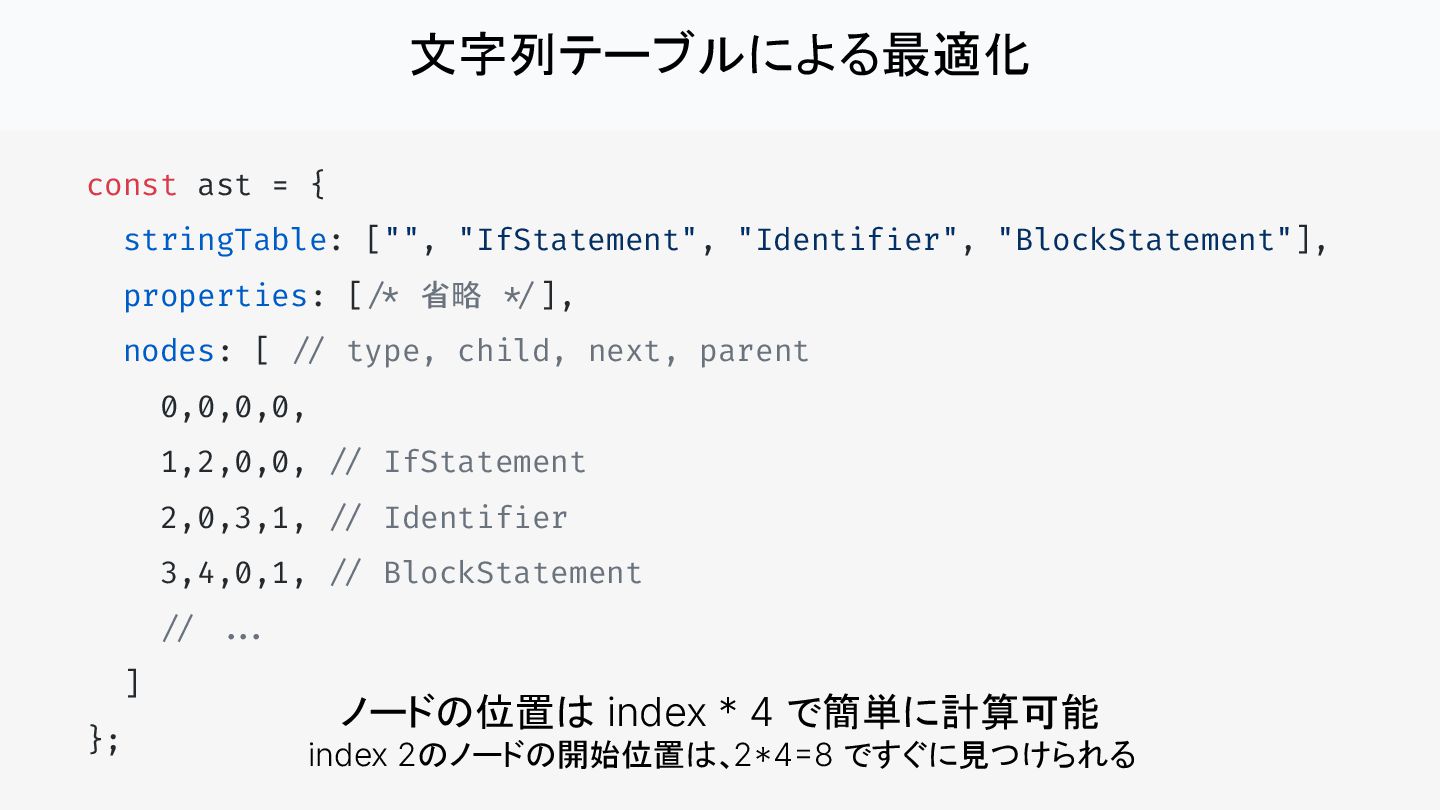
49 const ast = { stringTable: ["", "IfStatement", "Identifier", "BlockStatement"],
properties: [/* 省略 */], nodes: [ // type, child, next, parent 0,0,0,0, 1,2,0,0, // IfStatement 2,0,3,1, // Identifier 3,4,0,1, // BlockStatement // ... ] }; 文字列テーブルによる最適化 ノードの位置は index * 4 で簡単に計算可能 index 2のノードの開始位置は、248 ですぐに見つけられる -
51 JavaScript Engine Rust 1 Flat AST V8 2 Flat
ASTを巡回して Lintルール適用 ASTのフラット化 ASTのフラット化と(未紹介の)遅延Deserializeによって、 実行速度は 0.62秒(約4.7倍高速化)になり、メモリ使用量の削減も -
References 57 - github.com/biomejs/biome - github.com/denoland/deno - github.com/oxc-project/oxc - Speeding
up the JavaScript ecosystem - Rust and JavaScript Plugins - Deep Dive into deno lint plugin | ドクセル -
Plugin System in Rust based JavaScript / TypeScript Linters 58
Rust製JavaScript / TypeScript Linterにおける プラグインシステムの裏側 TSKaigi 2025 @unvalley_