Upgrade to Pro
— share decks privately, control downloads, hide ads and more …
Speaker Deck
Sign up for free
Menu
Search
Features
All features
Private URLs
Password Protection
Custom URLS
Scheduled publishing
Remove Branding
Restrict embedding
Deck Collections
Notes
Features
All features
Private URLs
Password Protection
Custom URLS
Scheduled publishing
Remove Branding
Restrict embedding
Deck Collections
Notes
Explore
Featured decks
Featured speakers
Programming
Technology
Storyboards
Explore
Featured decks
Featured speakers
Programming
Technology
Storyboards
Pricing
Search
Sign in
Sign up for free
tparseでgo testの出力を見やすくする
Search
Sponsored
·
Your Podcast. Everywhere. Effortlessly.
Share. Educate. Inspire. Entertain. You do you. We'll handle the rest.
→
utagawa kiki
December 03, 2025
Programming
2.4k
2
Share
Embed
Copy iframe code
Copy JS code
Copy link
Start on current slide
tparseでgo testの出力を見やすくする
明日から使えるgo test実践テクニック集
https://findy.connpass.com/event/375530/
utagawa kiki
December 03, 2025
More Decks by utagawa kiki
See All by utagawa kiki
メソッドのジェネリクスでGoの夢は広がるか? / Kyoto.go #65
utgwkk
2
1.6k
new(1.26) ← これすき / kamakura.go #8
utgwkk
0
4.8k
go test -json そして testing.T.Attr / Kyoto.go #63
utgwkk
4
2.9k
自動で //nolint を挿入する取り組み / Gopher's Gathering
utgwkk
1
3.6k
ゆるやかにgolangci-lintのルールを強くする / Kyoto.go #56
utgwkk
2
4.6k
君たちはどうコードをレビューする (される) か / 大吉祥寺.pm
utgwkk
21
18k
Dive into gomock / Go Conference 2024
utgwkk
14
8.8k
Goでリフレクションする、その前に / Kansai.go #1
utgwkk
4
3.8k
Go製Webアプリケーションのエラーとの向き合い方大全、あるいはやっぱりスタックトレース欲しいやん / Kyoto.go #50
utgwkk
7
4.4k
Other Decks in Programming
See All in Programming
AIに “答え“を書かせるのを やめてみた
___akari11
0
110
Turning Architecture into Unit Tests in the AI Era (NSSpain XIV)
steliosf
PRO
1
130
KiroのSpecで「五目並べ」を作ってみる
satoshi256kbyte
1
350
Java 27新機能 / Java 27 new features
kishida
2
200
技術的負債の返済は、AI時代の複利で効く投資 — 経営としての意思決定とその遂行
curekoshimizu
1
2.2k
wkhtmltopdfの次どうするか問題2026
willnet
2
1.9k
Apple Intelligence を用いた個人情報誤送信防止、及びユーザーリクエスト体験の改善について
yukiny
0
310
スマートフォンでモールス信号を送受信する 〜スマートフォンのLEDとカメラで作る光通信の設計と実装〜
atsuki_seo
0
230
Vue Fes Japan の “作る側”に関わってみて
naokihaba
0
120
Streamlitで実現する自然言語データアプリ開発
ayumu_yamaguchi
1
340
Androidだけじゃない、DroidKaigiで広がった私の技術スタック
akkeylab
0
120
Everything will be SERVERLESS — 信じて運用した10年の経験値 / Everything Will be Serverless — Lessons Learned from 10 Years of Operational Experience
seike460
PRO
1
770
Featured
See All Featured
Stop Working from a Prison Cell
hatefulcrawdad
274
21k
The Pragmatic Product Professional
lauravandoore
37
7.5k
Unsuck your backbone
ammeep
672
58k
How Fast Is Fast Enough? [PerfNow 2025]
tammyeverts
3
920
How to Build an AI Search Optimization Roadmap - Criteria and Steps to Take #SEOIRL
aleyda
1
2.2k
Connecting the Dots Between Site Speed, User Experience & Your Business [WebExpo 2025]
tammyeverts
11
1.1k
Six Lessons from altMBA
skipperchong
29
4.5k
Product Roadmaps are Hard
iamctodd
55
13k
The Illustrated Guide to Node.js - THAT Conference 2024
reverentgeek
1
550
4 Signs Your Business is Dying
shpigford
187
23k
Believing is Seeing
oripsolob
1
240
Conquering PDFs: document understanding beyond plain text
inesmontani
PRO
4
3.2k
Transcript
tparseでgo testの出力を 見やすくする id:utgwkk / @utgwkk (うたがわきき) 2025/12/3 明日から使えるgo test実践テクニック集
1
自己紹介 • うたがわきき (@utgwkk) • 株式会社はてな ◦ Webアプリケーションエンジニア • 好きなパッケージはreflect
2
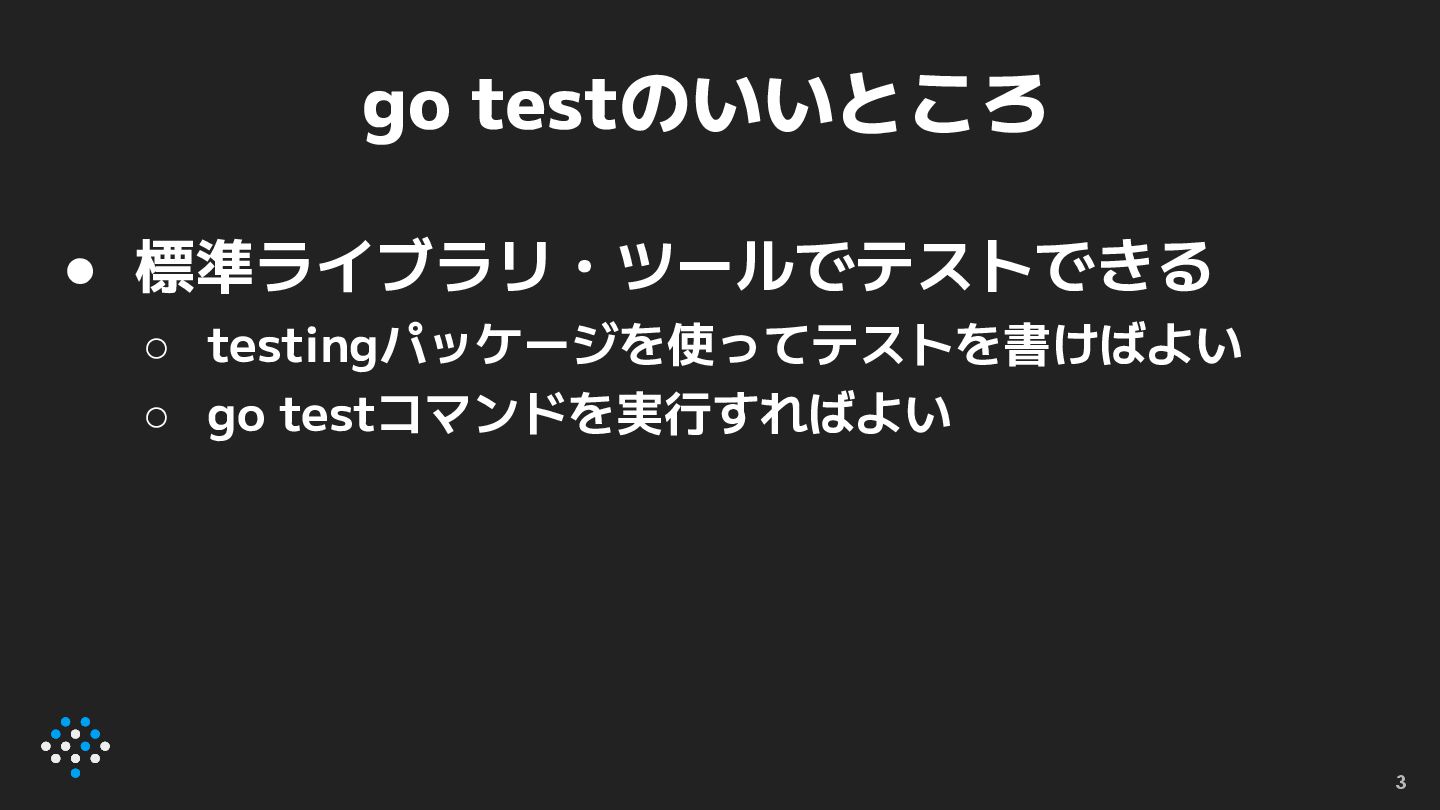
go testのいいところ • 標準ライブラリ・ツールでテストできる ◦ testingパッケージを使ってテストを書けばよい ◦ go testコマンドを実行すればよい 3
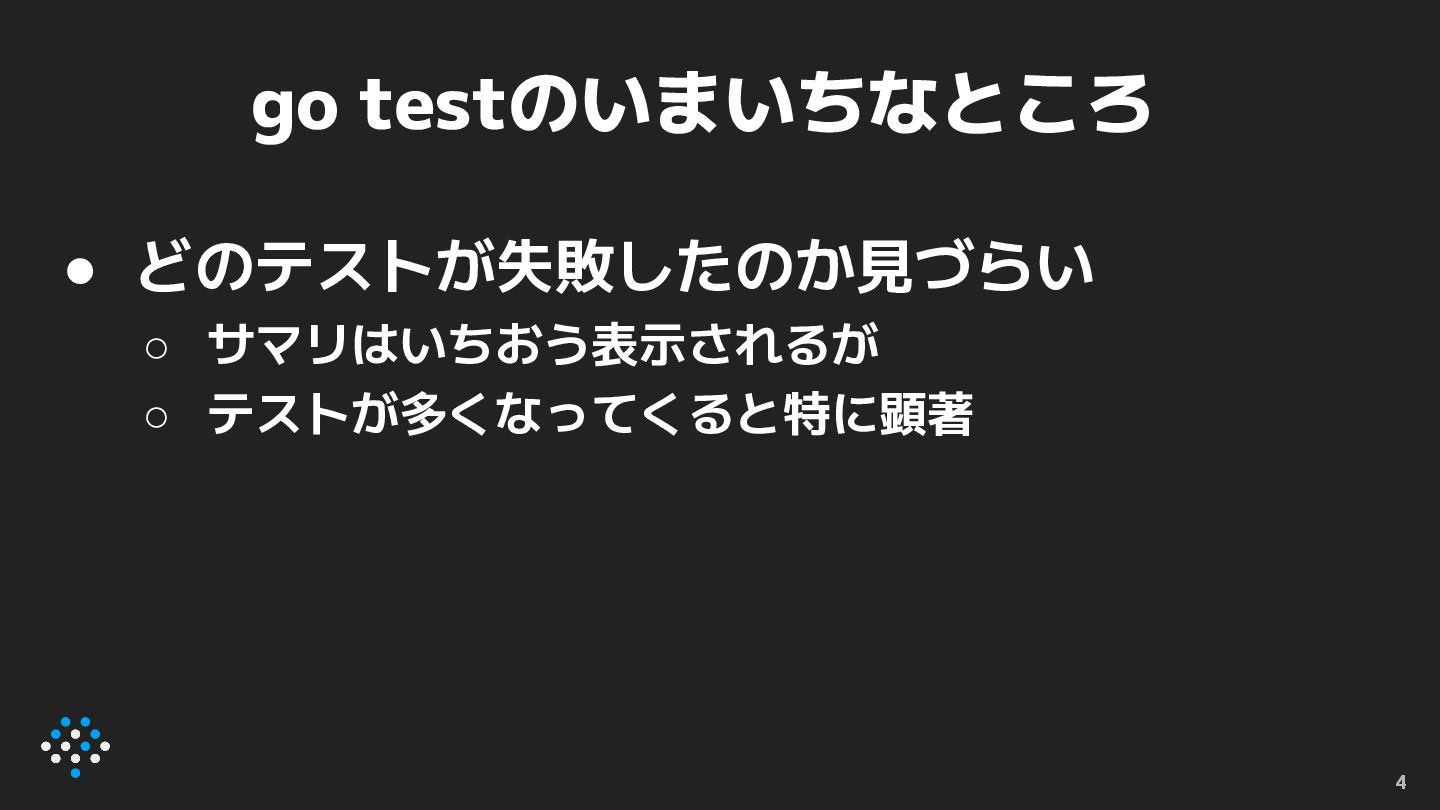
go testのいまいちなところ • どのテストが失敗したのか見づらい ◦ サマリはいちおう表示されるが ◦ テストが多くなってくると特に顕著 ◦ -v
オプションを付けると顕著 4
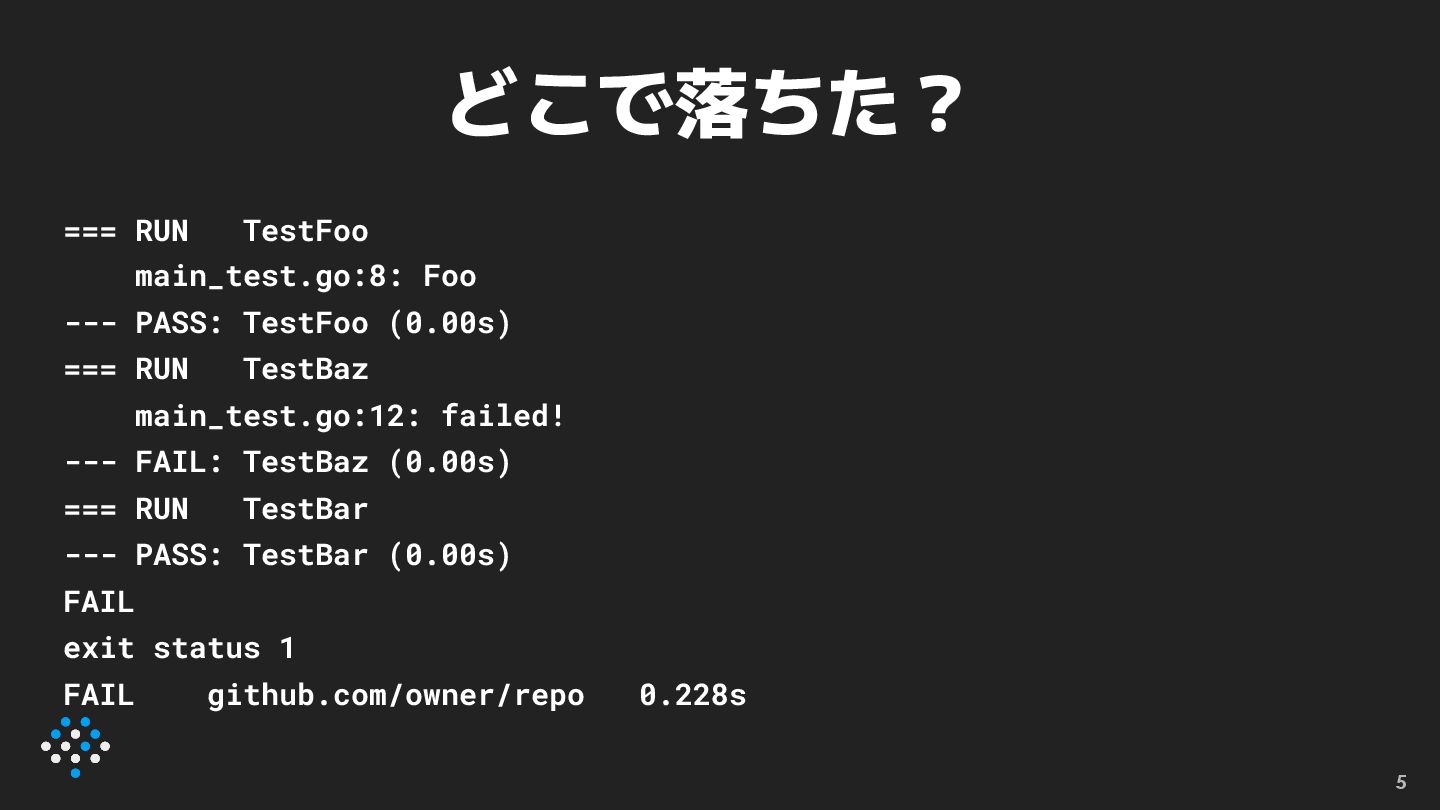
どこで落ちた? === RUN TestFoo main_test.go:8: Foo --- PASS: TestFoo (0.00s)
=== RUN TestBaz main_test.go:12: failed! --- FAIL: TestBaz (0.00s) === RUN TestBar --- PASS: TestBar (0.00s) FAIL exit status 1 FAIL github.com/owner/repo 0.228s 5
どこで落ちた? === RUN TestFoo main_test.go:8: Foo --- PASS: TestFoo (0.00s)
=== RUN TestBaz main_test.go:12: failed! --- FAIL: TestBaz (0.00s) === RUN TestBar --- PASS: TestBar (0.00s) FAIL exit status 1 FAIL github.com/owner/repo 0.228s 6
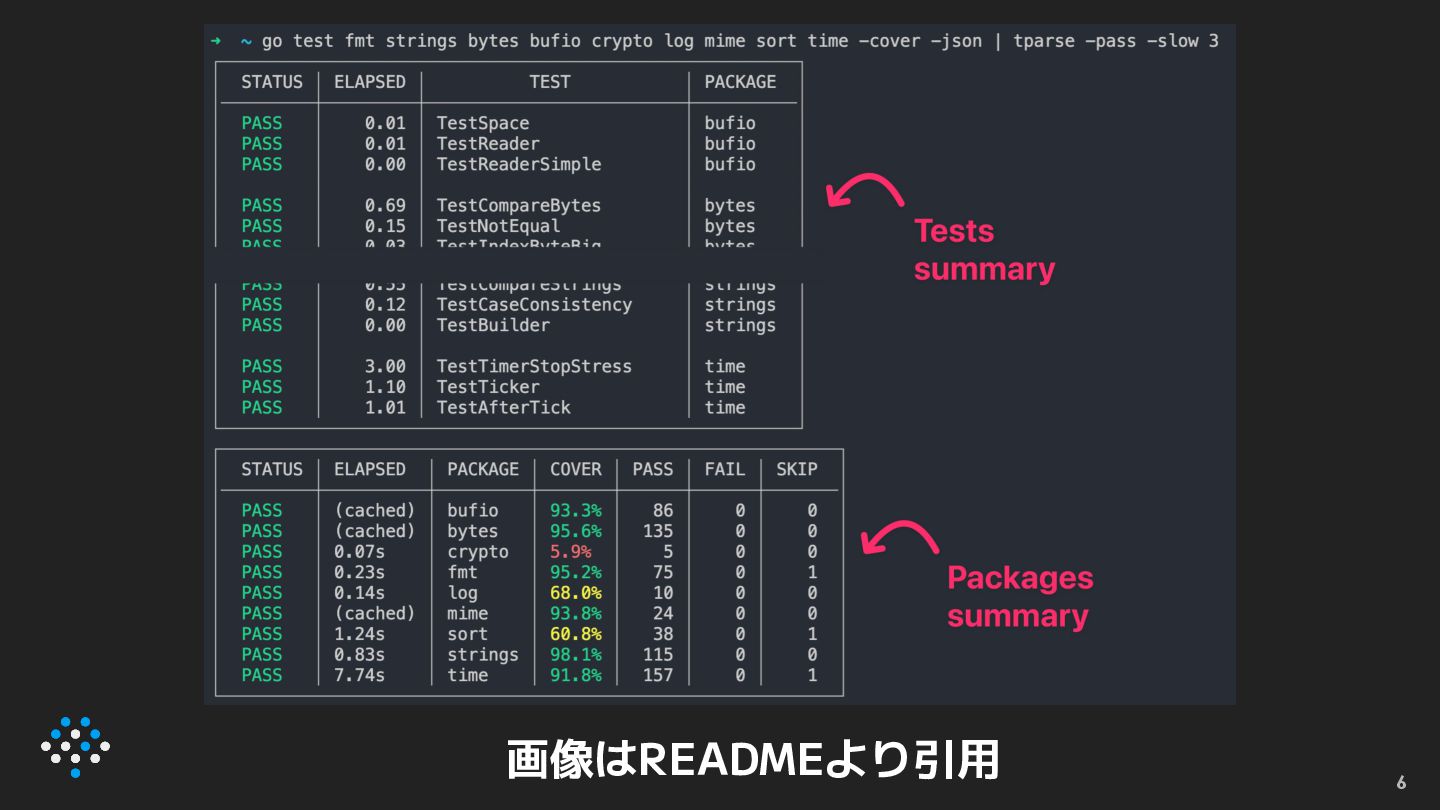
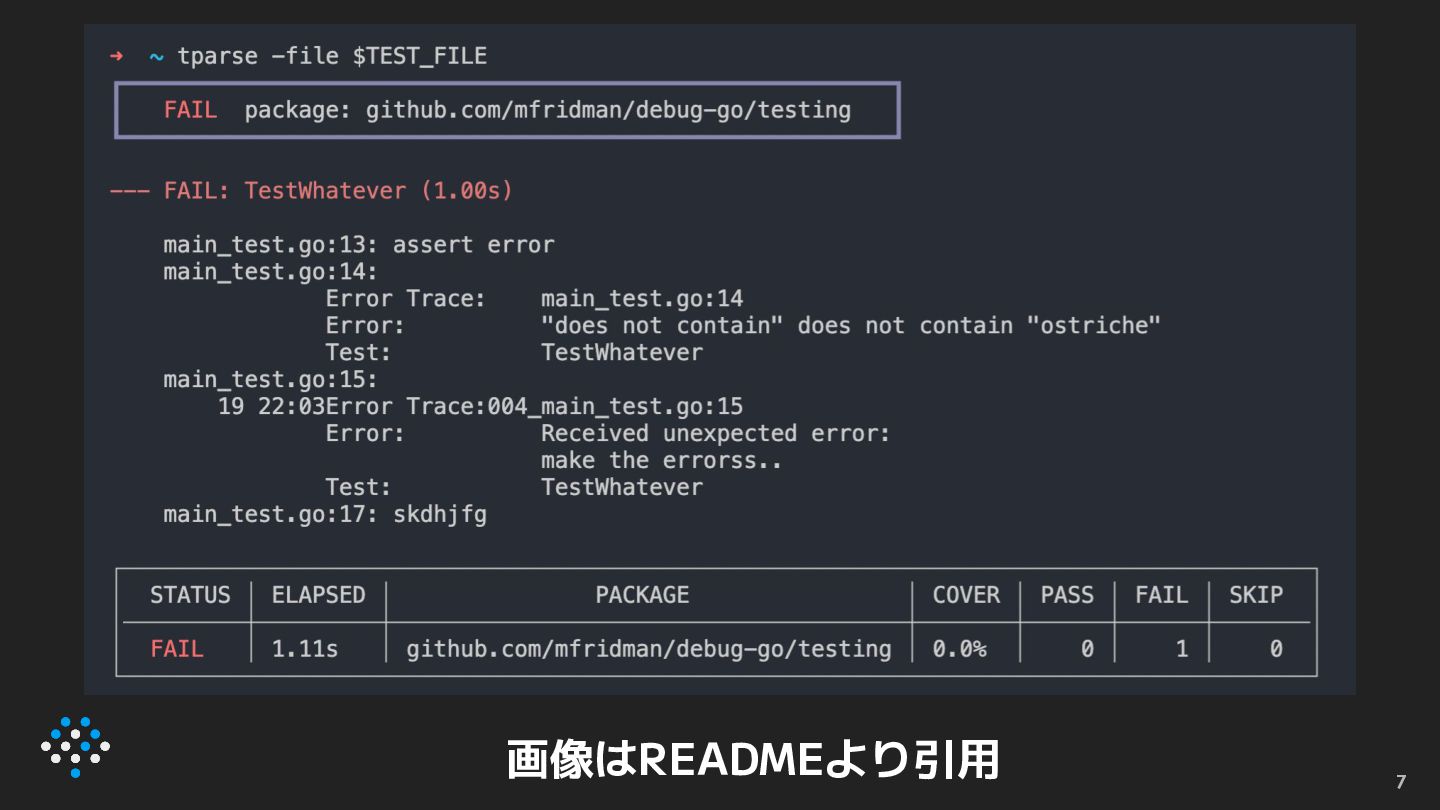
そこでtparse • https://github.com/mfridman/tparse • go testの出力を整形するツール 7
8 画像はREADMEより引用
9 画像はREADMEより引用
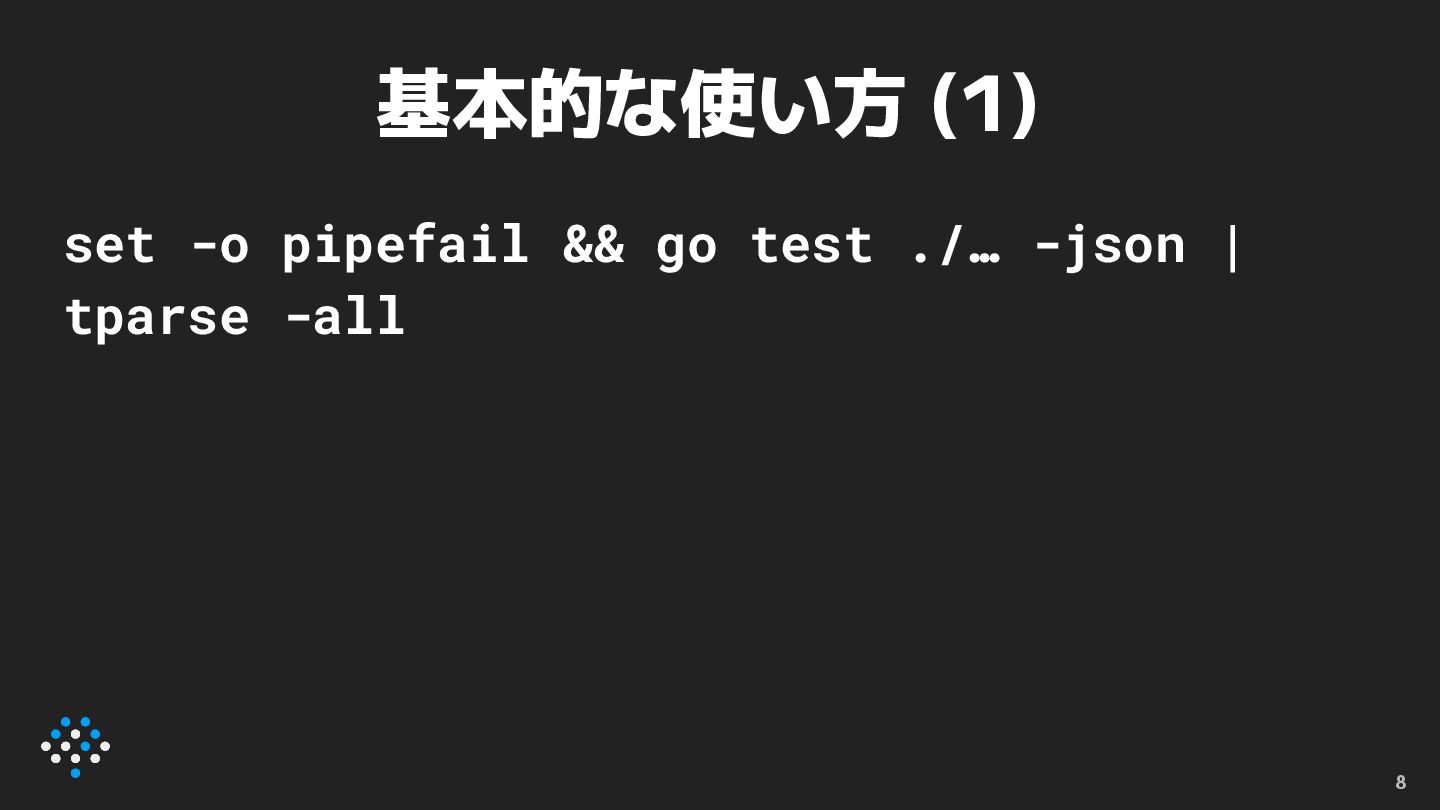
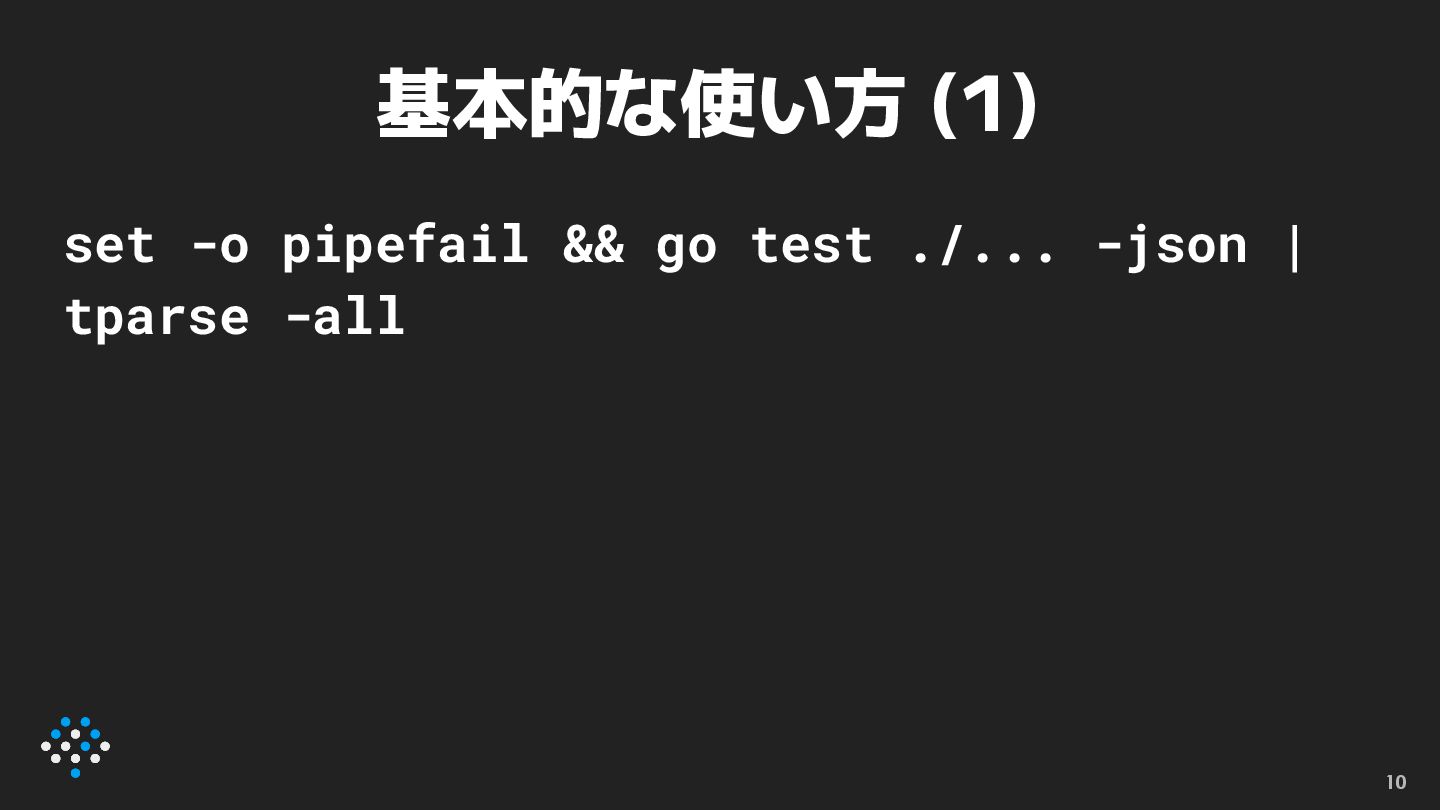
基本的な使い方 (1) set -o pipefail && go test ./... -json
| tparse -all 10
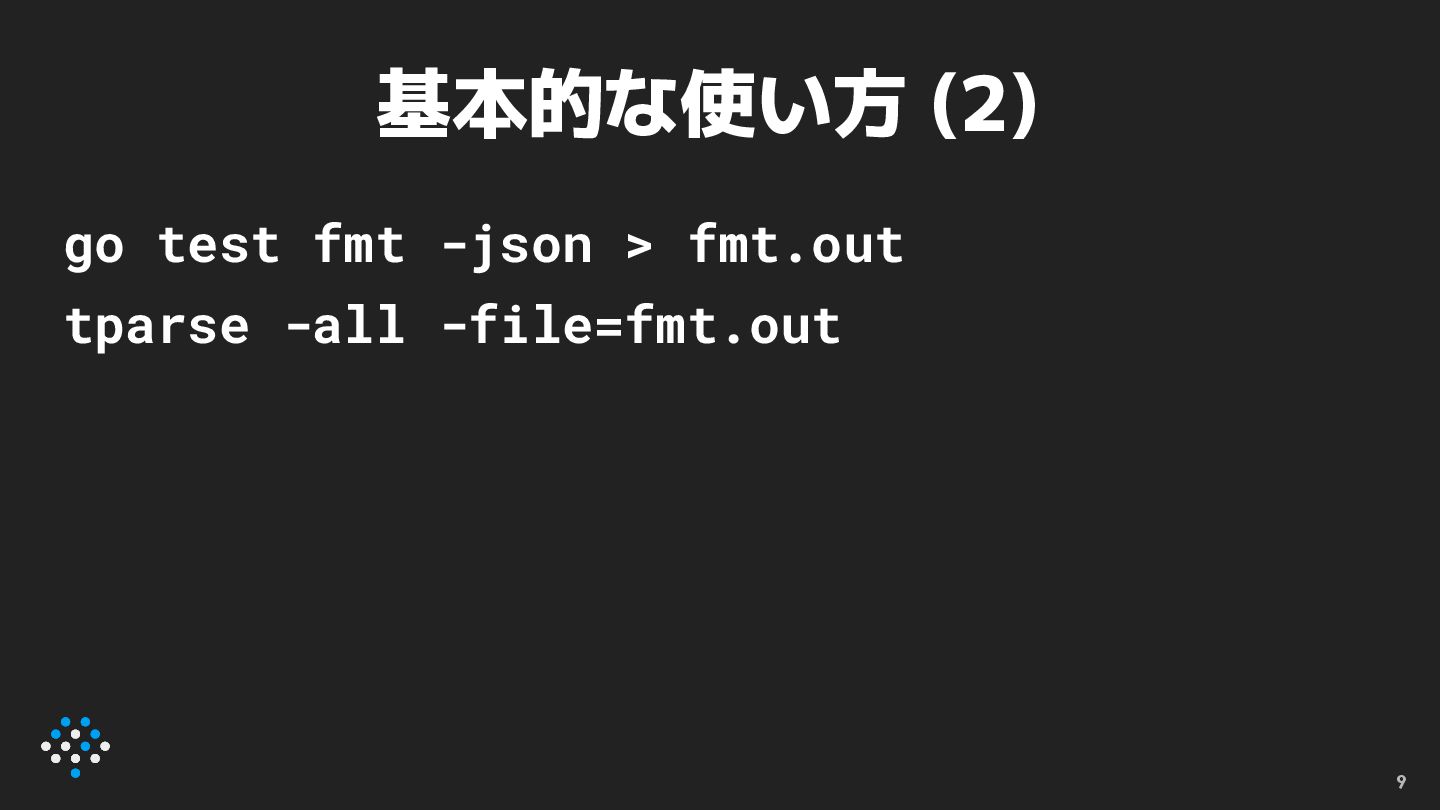
基本的な使い方 (2) go test ./... -json > test.json tparse -all
-file=test.json 11
CIでの注意事項 12 • 異常終了したら以降のステップをskipする設定に なっていがち ◦ テスト失敗するとtparseで整形されない!! • 対策 ◦
go testとtparseを1つのstepで実行する ◦ go testが失敗しても後続のstepが実行されるようにする ▪ GitHub Actionsならif: always()
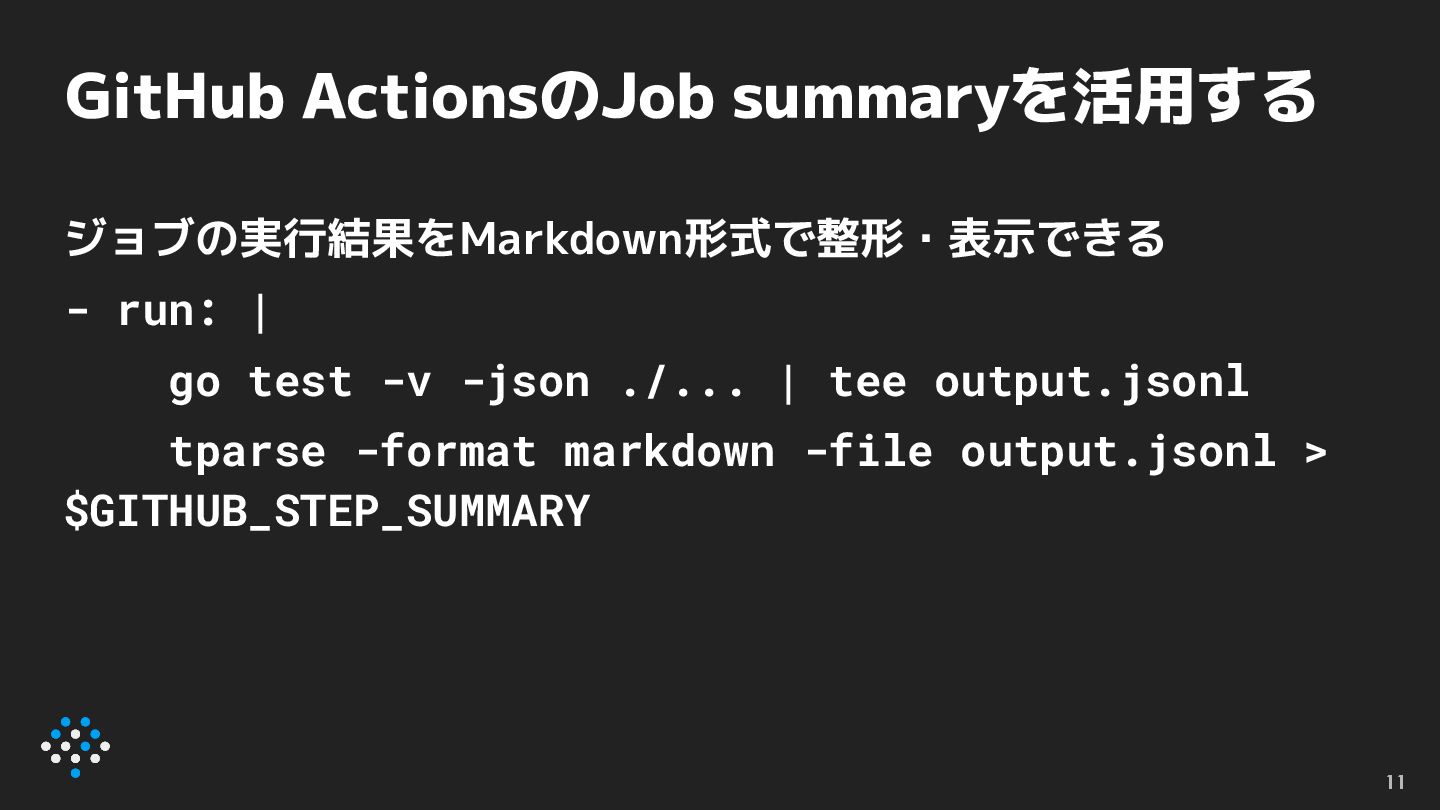
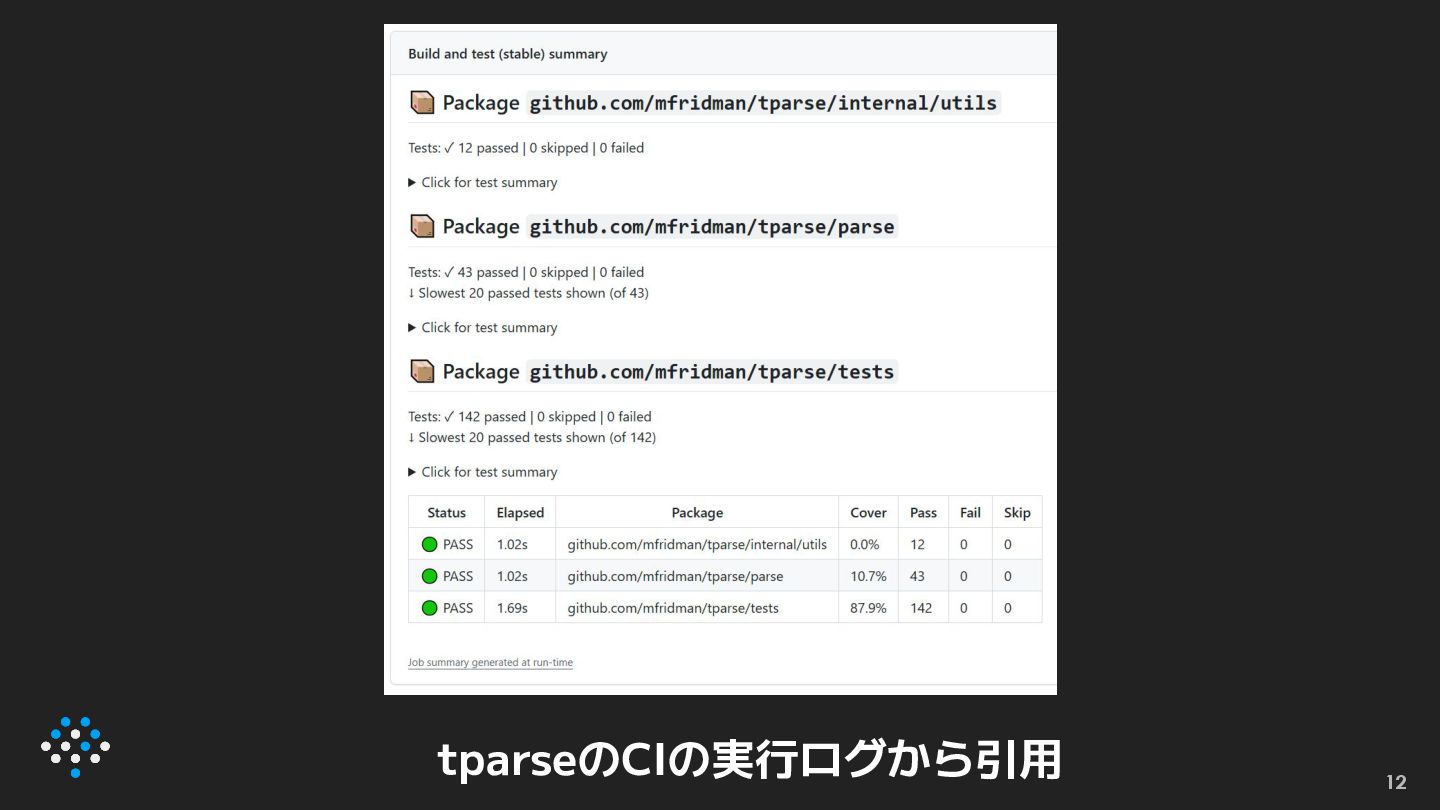
GitHub ActionsのJob summaryを活用する ジョブの実行結果をMarkdown形式で整形・表示できる - run: | go test -v
-json ./... | tee output.jsonl tparse -format markdown -file output.jsonl > $GITHUB_STEP_SUMMARY 13
14 tparseのCIの実行ログから引用
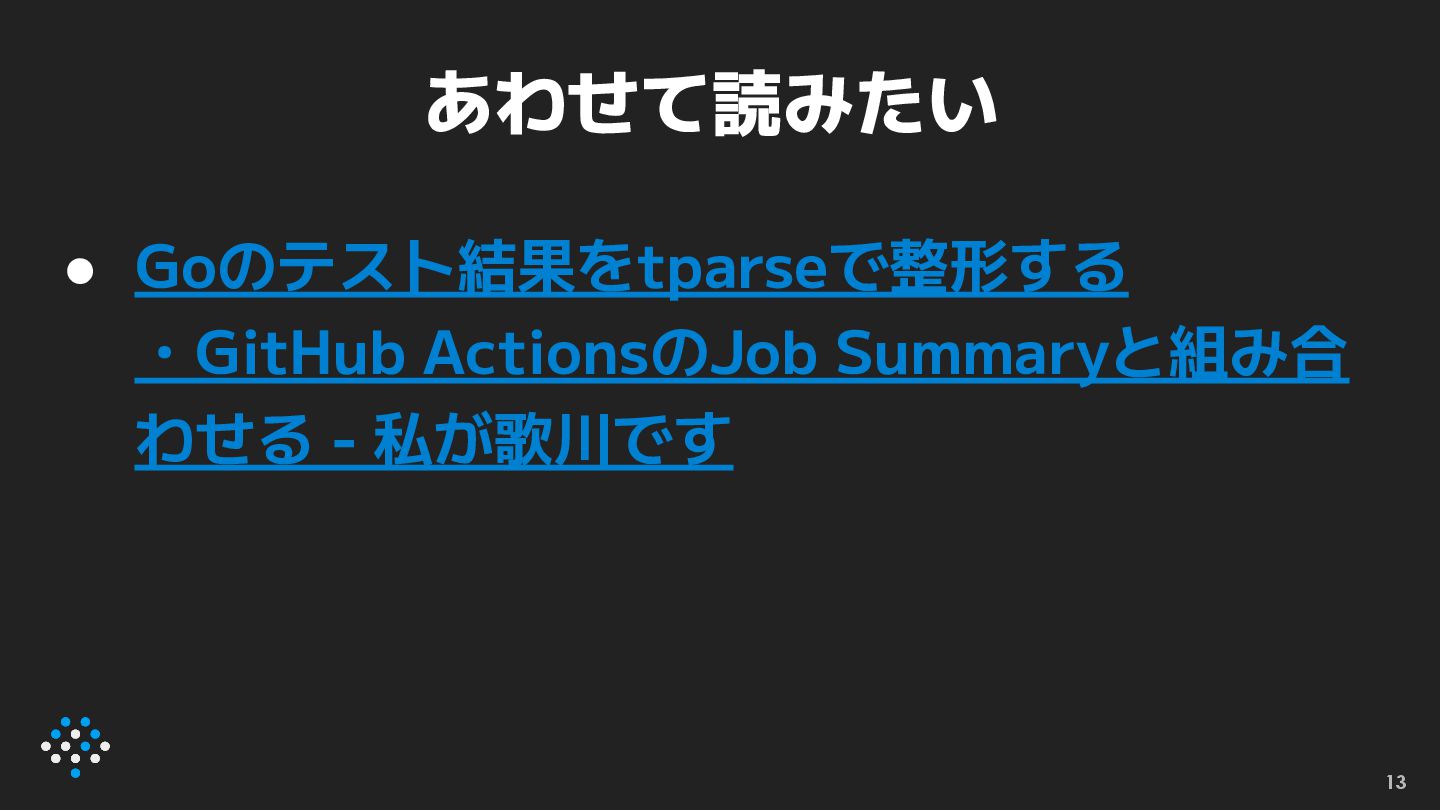
あわせて読みたい • Goのテスト結果をtparseで整形する ・GitHub ActionsのJob Summaryと組み合 わせる - 私が歌川です 15
tparseの仕組み • go test -jsonの出力をパースしている 16
go test -json • テストの出力をJSON形式で得られる • テスト結果をプログラマブルに解析・パース するのに便利 17
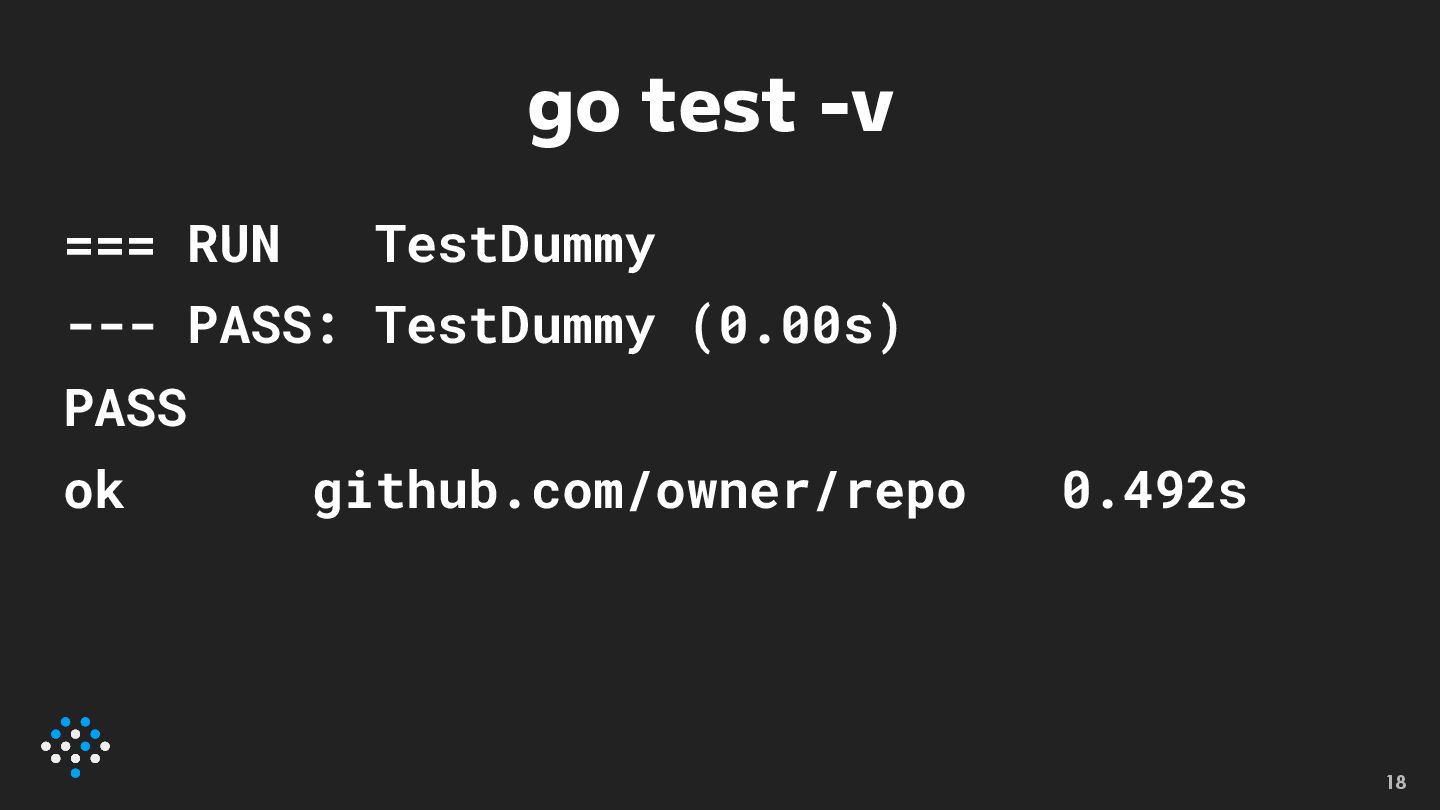
go test -v 18 === RUN TestDummy --- PASS: TestDummy
(0.00s) PASS ok github.com/owner/repo 0.492s
go test -json {"Time":"2025-08-25T22:14:43.946504+09:00","Action":"start","Package":"github.com/owner/repo"} {"Time":"2025-08-25T22:14:44.522307+09:00","Action":"run","Package":"github.com/owner/repo","Test":"TestDummy "} {"Time":"2025-08-25T22:14:44.522455+09:00","Action":"output","Package":"github.com/owner/repo","Test":"TestDu mmy","Output":"=== RUN TestDummy\n"}
{"Time":"2025-08-25T22:14:44.522499+09:00","Action":"output","Package":"github.com/owner/repo","Test":"TestDu mmy","Output":"--- PASS: TestDummy (0.00s)\n"} {"Time":"2025-08-25T22:14:44.522507+09:00","Action":"pass","Package":"github.com/owner/repo","Test":"TestDumm y","Elapsed":0} {"Time":"2025-08-25T22:14:44.522513+09:00","Action":"output","Package":"github.com/owner/repo","Output":"PASS \n"} {"Time":"2025-08-25T22:14:44.522989+09:00","Action":"output","Package":"github.com/owner/repo","Output":"ok \tgithub.com/owner/repo\t0.576s\n"} {"Time":"2025-08-25T22:14:44.52587+09:00","Action":"pass","Package":"github.com/owner/repo","Elapsed":0.579} 19
JSONのフィールド 20 • Actionにイベントの種類が入る ◦ start/run/output/pass/(fail) • Actionに応じてJSONのフィールドが変わる
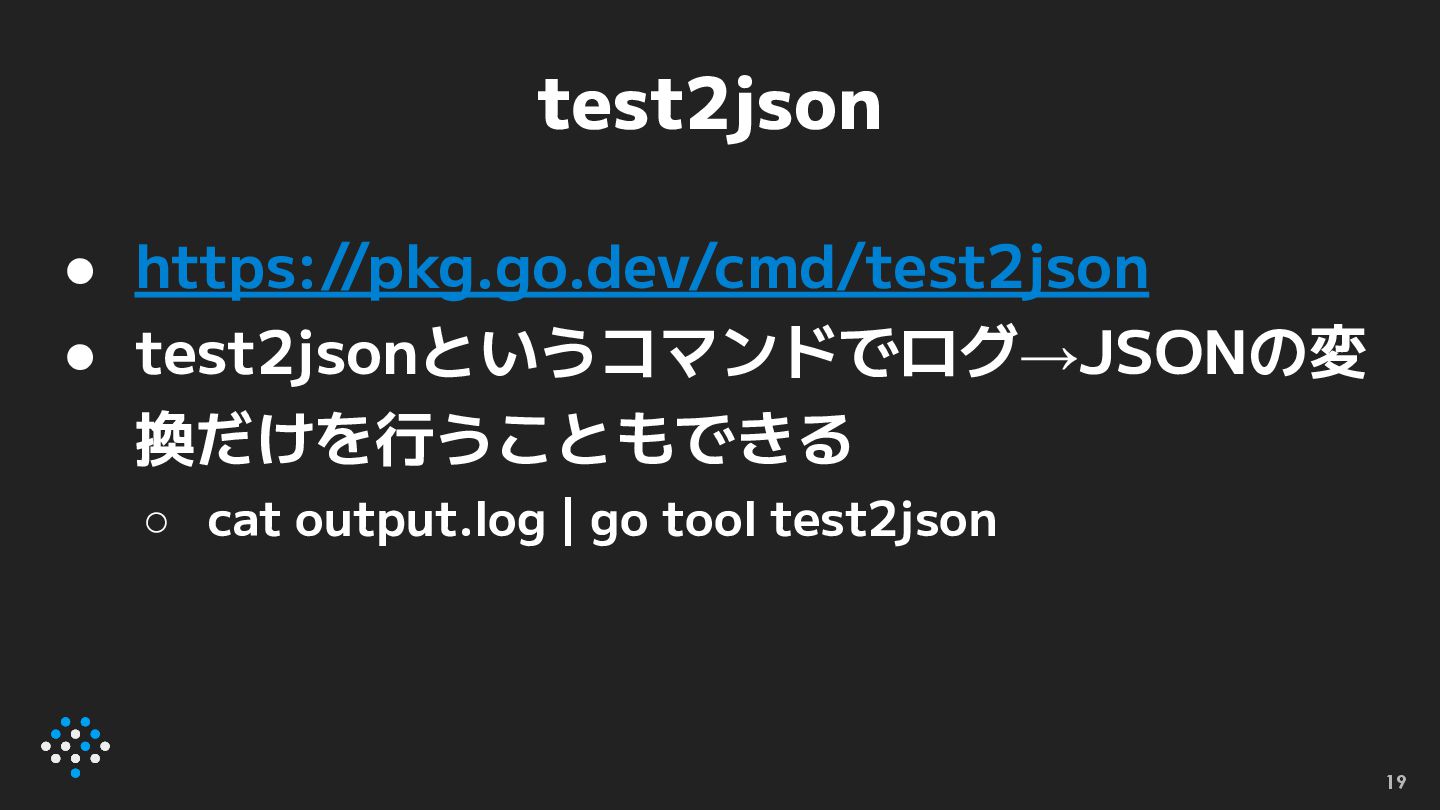
test2json • https://pkg.go.dev/cmd/test2json • test2jsonというコマンドでログ→JSONの変 換だけを行うこともできる ◦ cat output.log |
go tool test2json 21
あわせて読みたい • go test -json そして testing.T.Attr 22
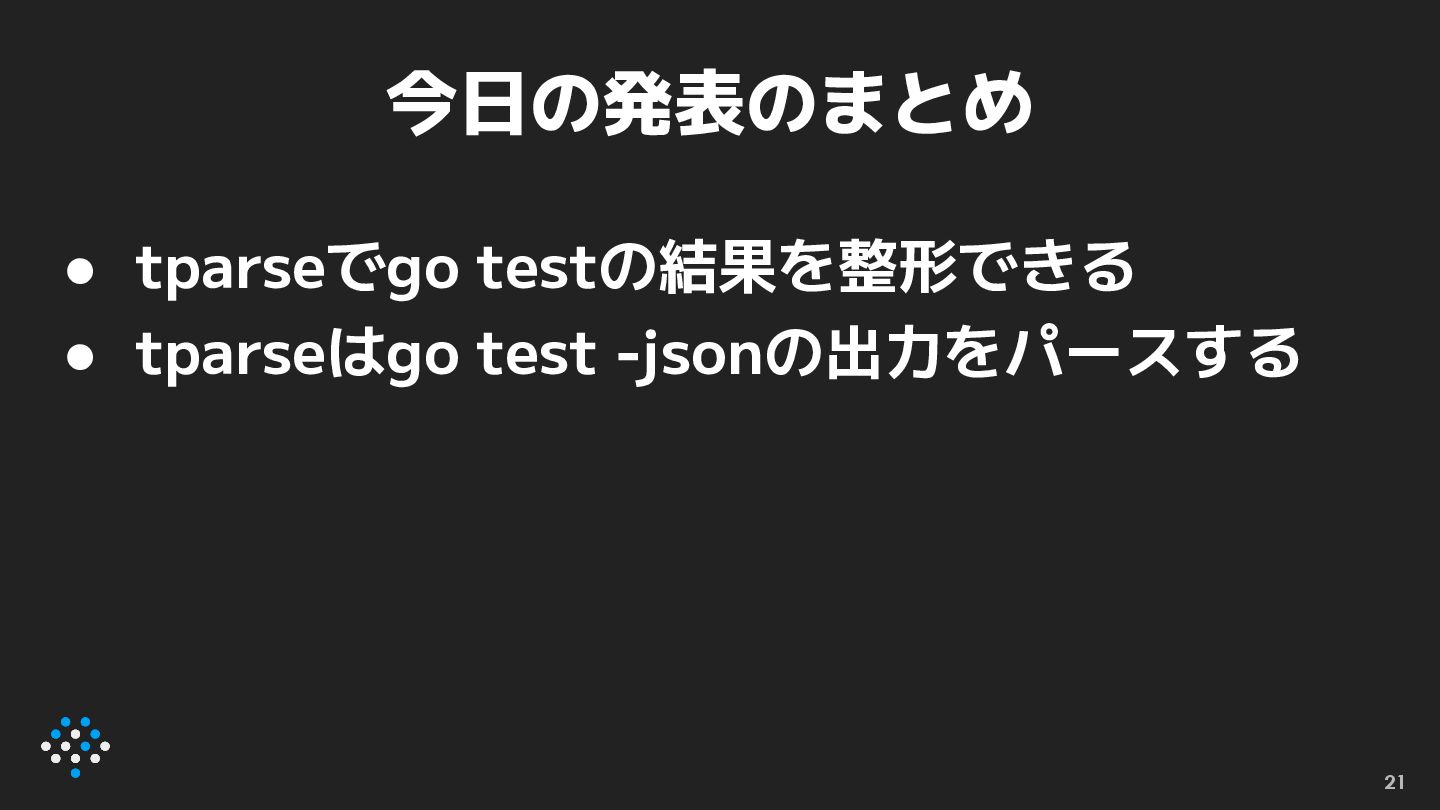
今日の発表のまとめ 23 • tparseでgo testの結果を整形できる • tparseはgo test -jsonの出力をパースする
株式会社はてなのエンジニア求人一覧 https://findy-code.io/companies/1096/jobs 24
hatena.co.jp/recruit 25 25
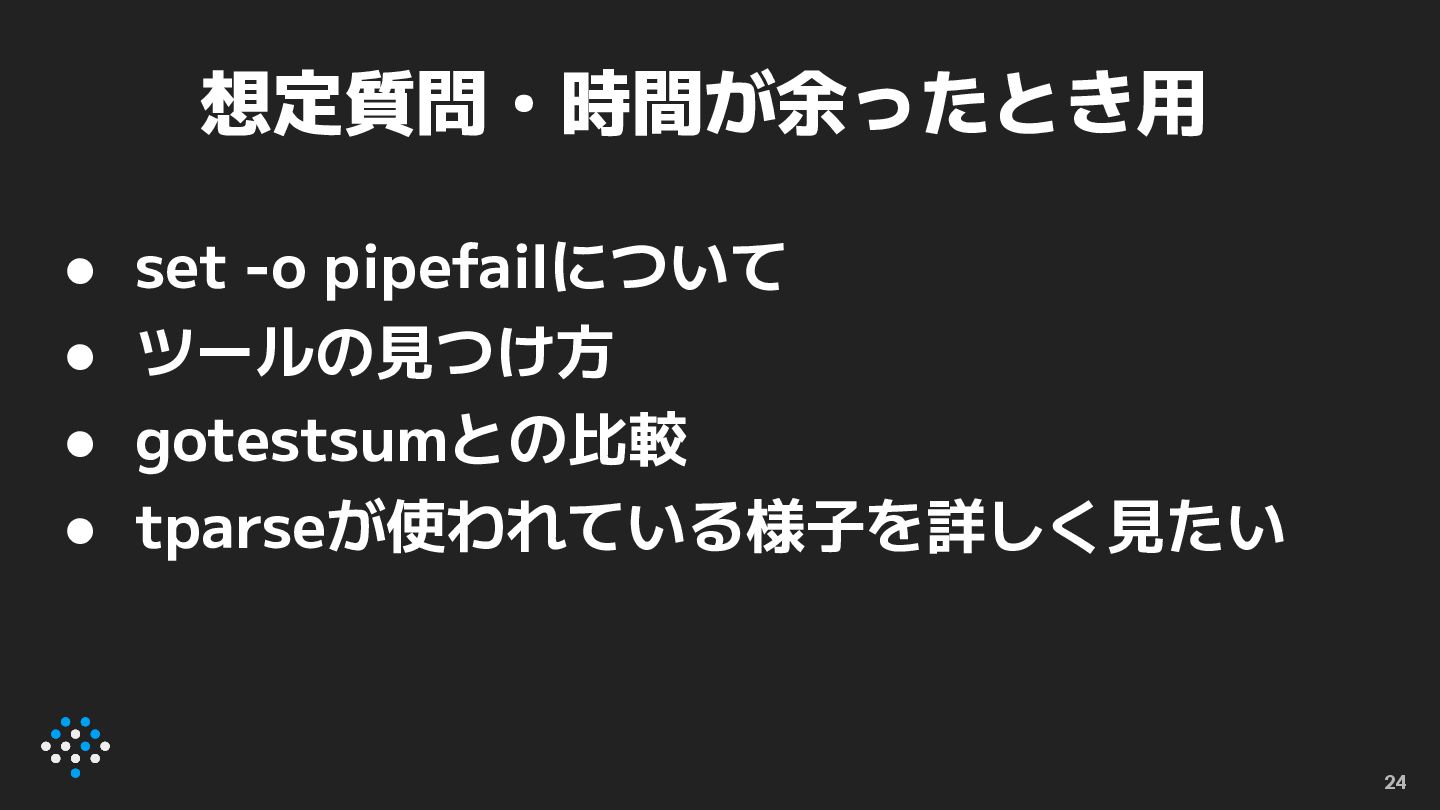
想定質問・時間が余ったとき用 • set -o pipefailについて • ツールの見つけ方 • gotestsumとの比較 •
tparseが使われている様子を詳しく見たい 26
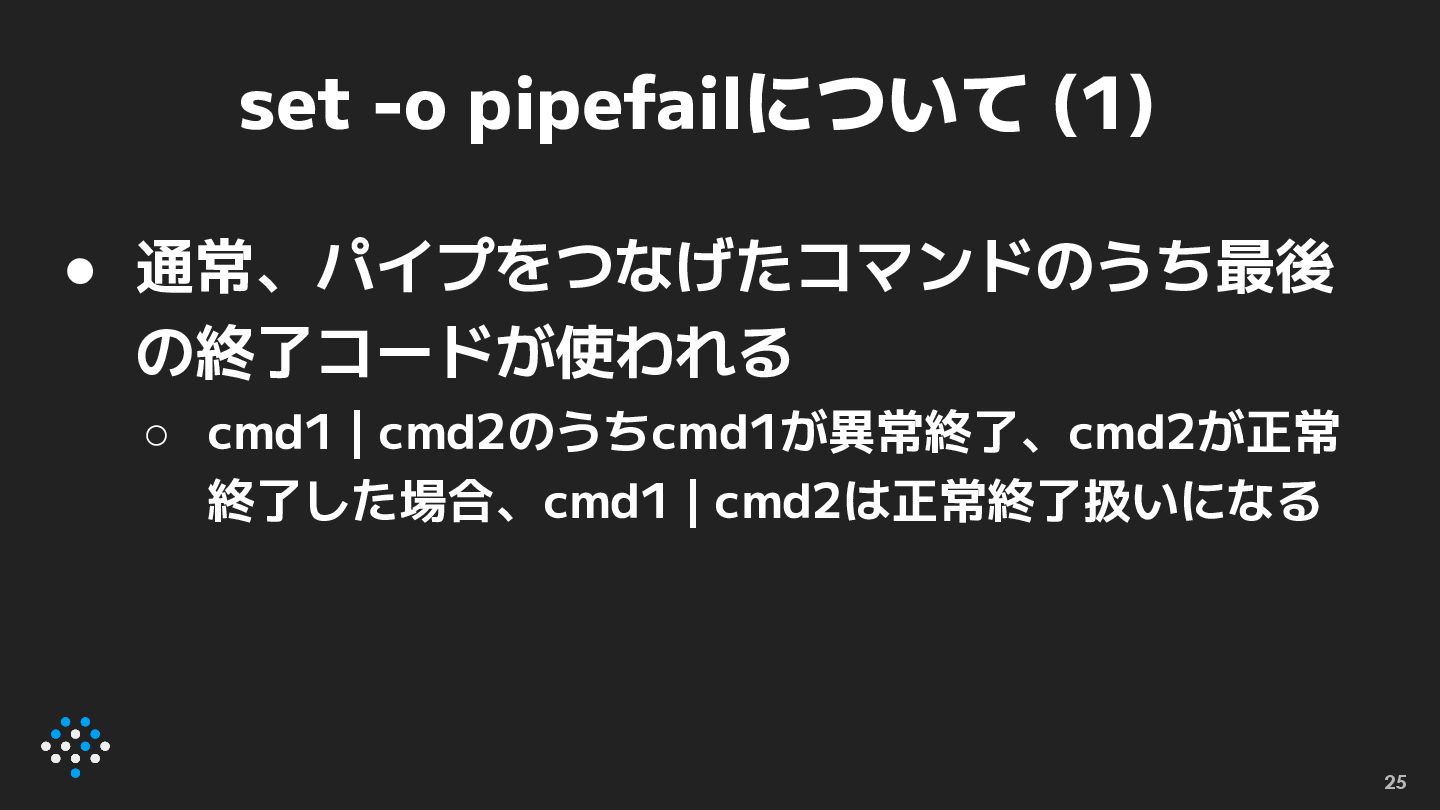
set -o pipefailについて (1) • 通常、パイプをつなげたコマンドのうち最後 の終了コードが使われる ◦ cmd1 |
cmd2のうちcmd1が異常終了、cmd2が正常 終了した場合、cmd1 | cmd2は正常終了扱いになる 27
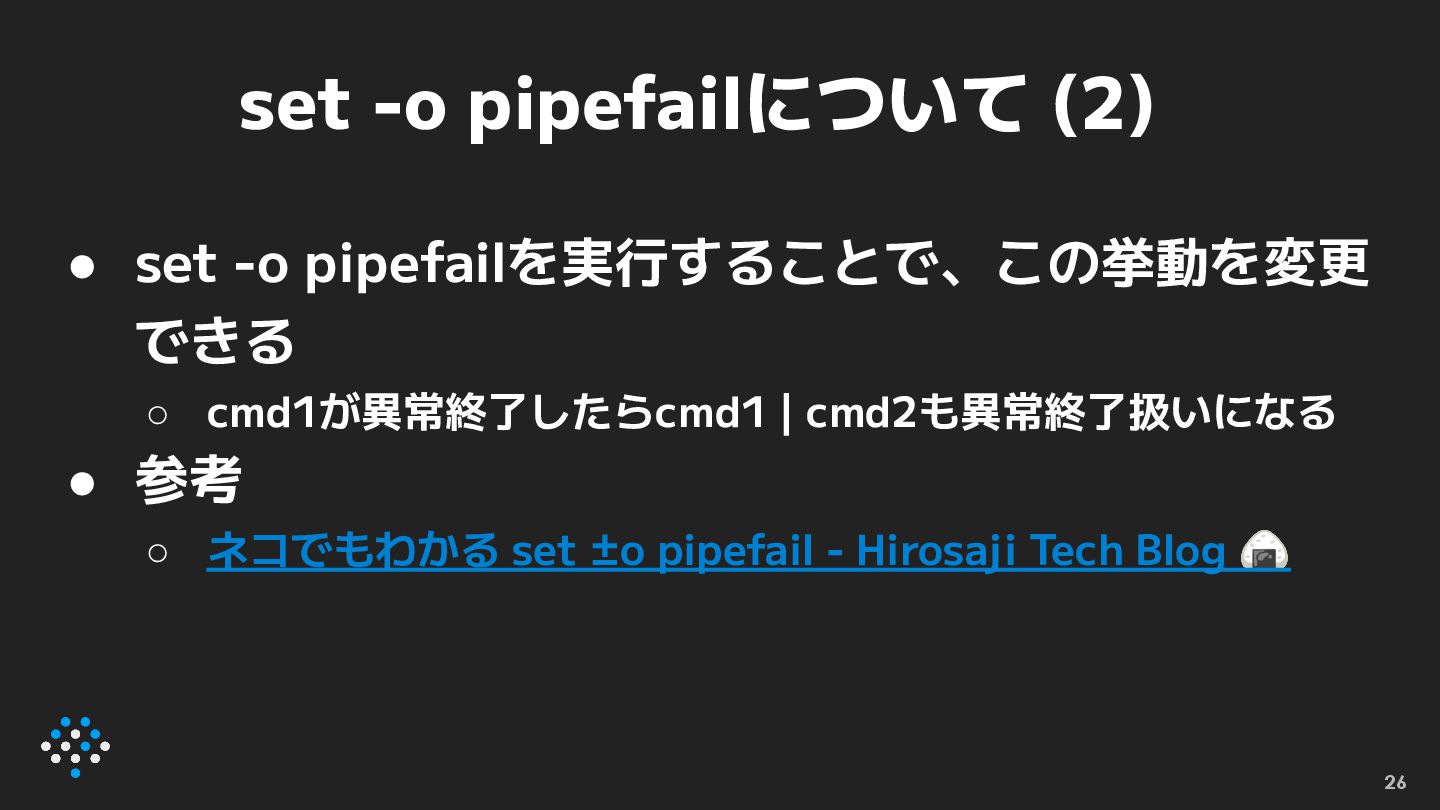
set -o pipefailについて (2) • set -o pipefailを実行することで、この挙動を変更 できる ◦
cmd1が異常終了したらcmd1 | cmd2も異常終了扱いになる • 参考 ◦ ネコでもわかる set ±o pipefail - Hirosaji Tech Blog 🍙 28
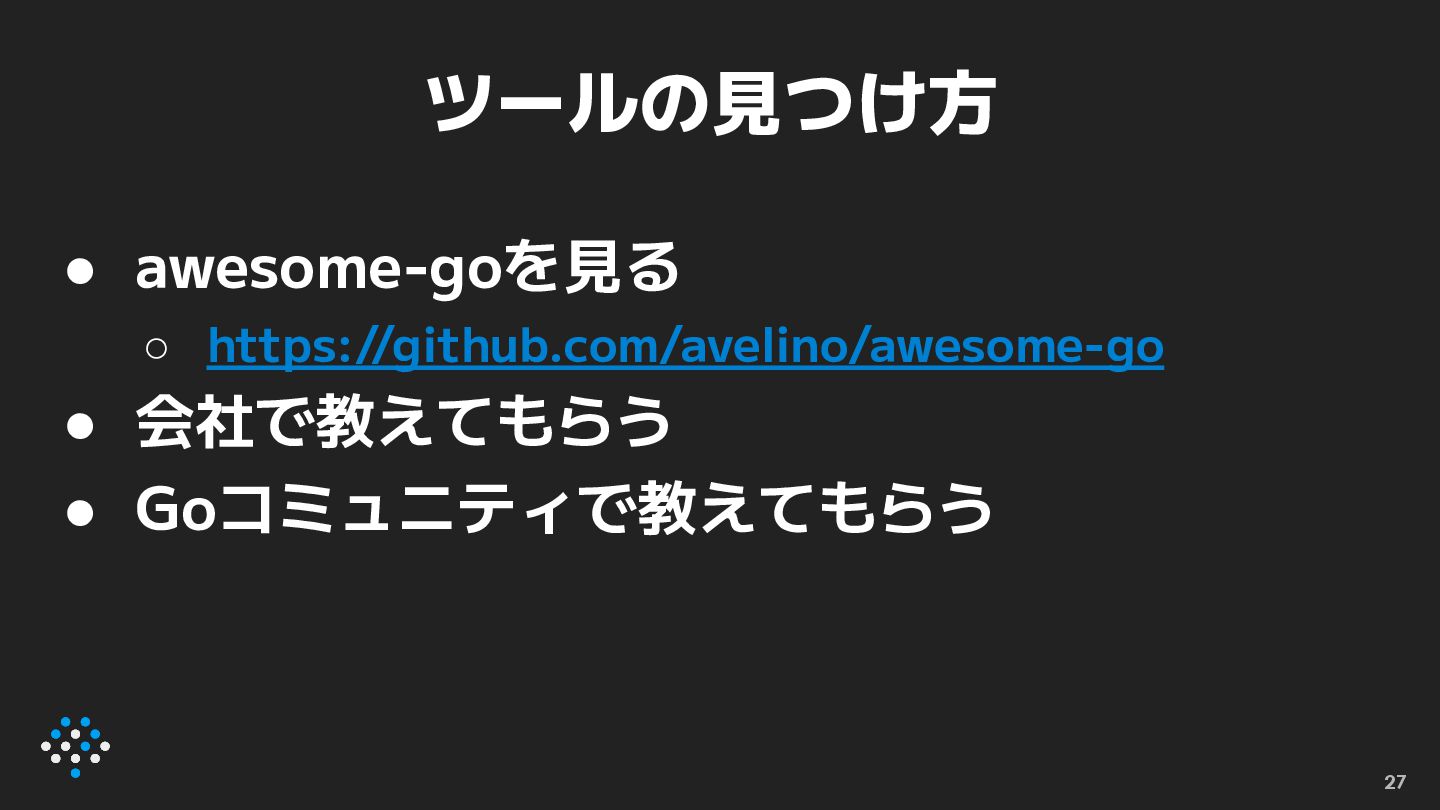
ツールの見つけ方 • awesome-goを見る ◦ https://github.com/avelino/awesome-go • 会社で教えてもらう • Goコミュニティで教えてもらう 29
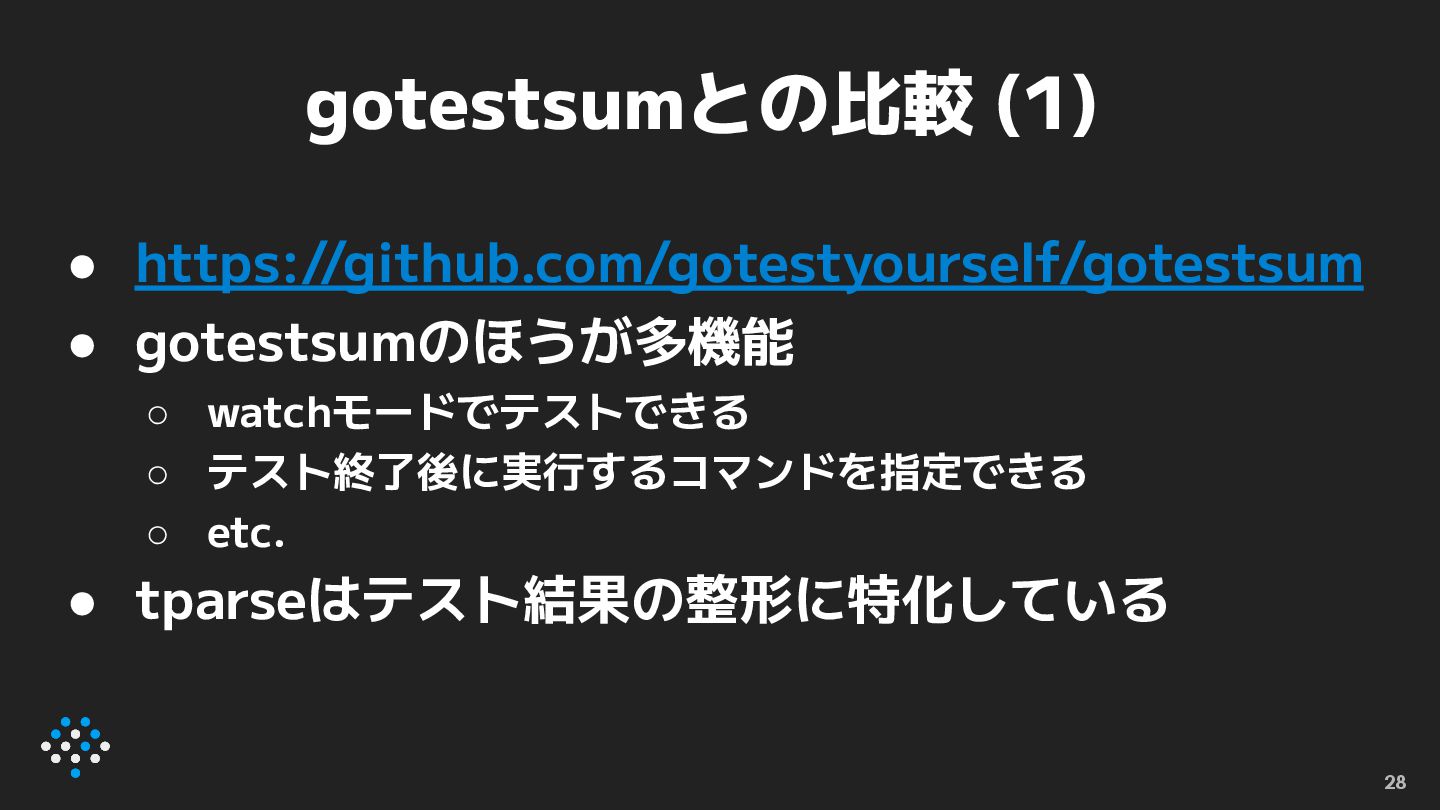
gotestsumとの比較 (1) • https://github.com/gotestyourself/gotestsum • gotestsumのほうが多機能 ◦ watchモードでテストできる ◦ テスト終了後に実行するコマンドを指定できる
◦ etc. • tparseはテスト結果の整形に特化している 30
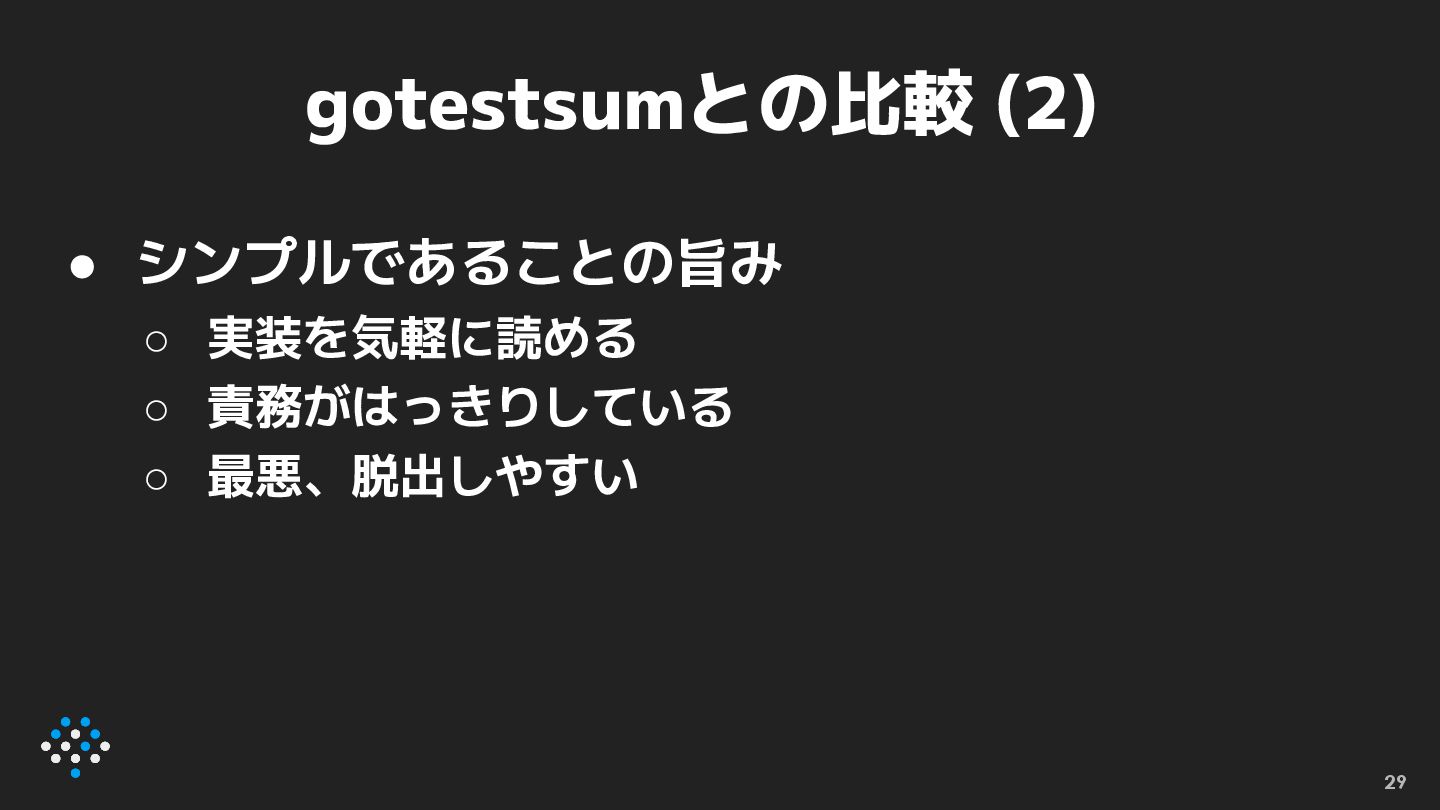
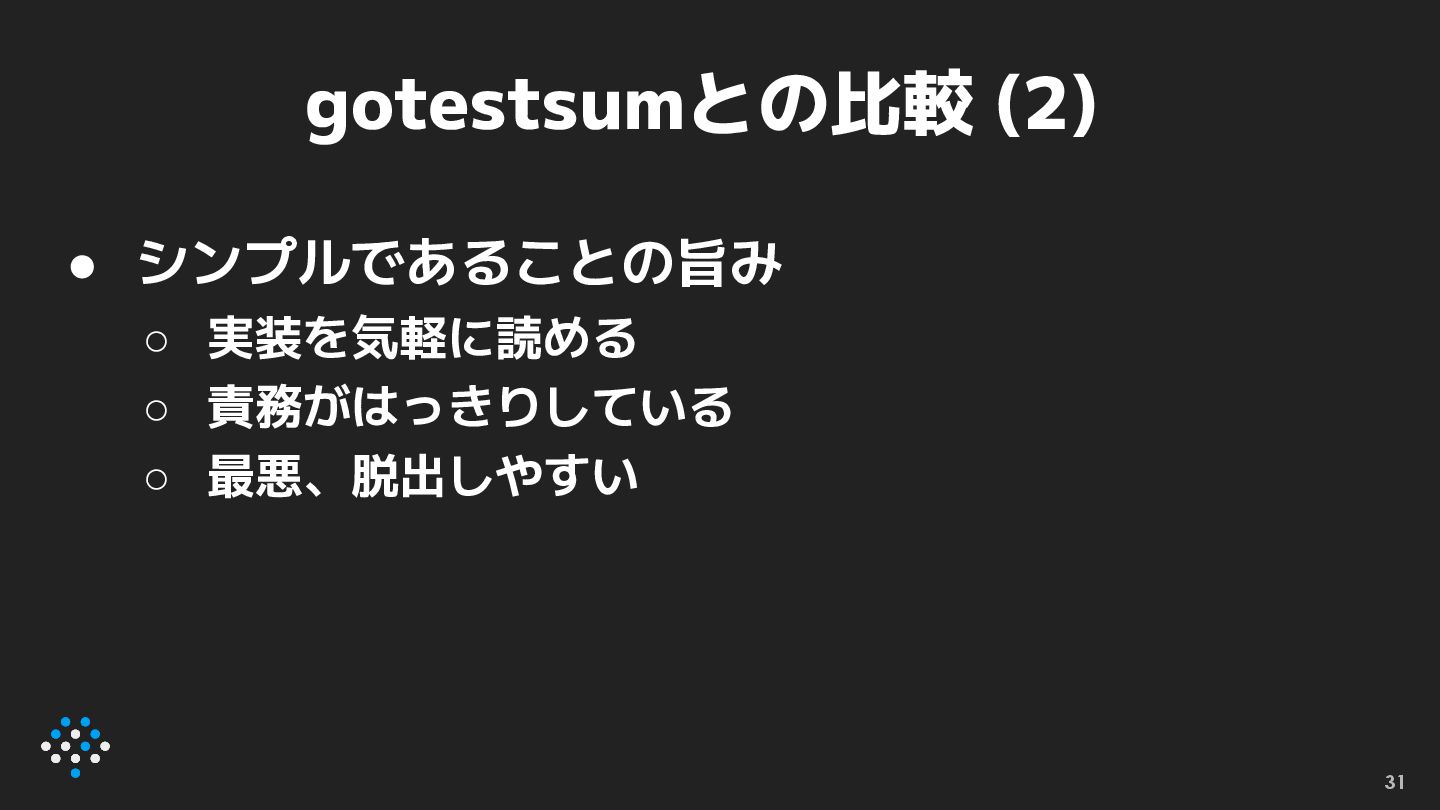
gotestsumとの比較 (2) • シンプルであることの旨み ◦ 実装を気軽に読める ◦ 責務がはっきりしている ◦ 最悪、脱出しやすい
31
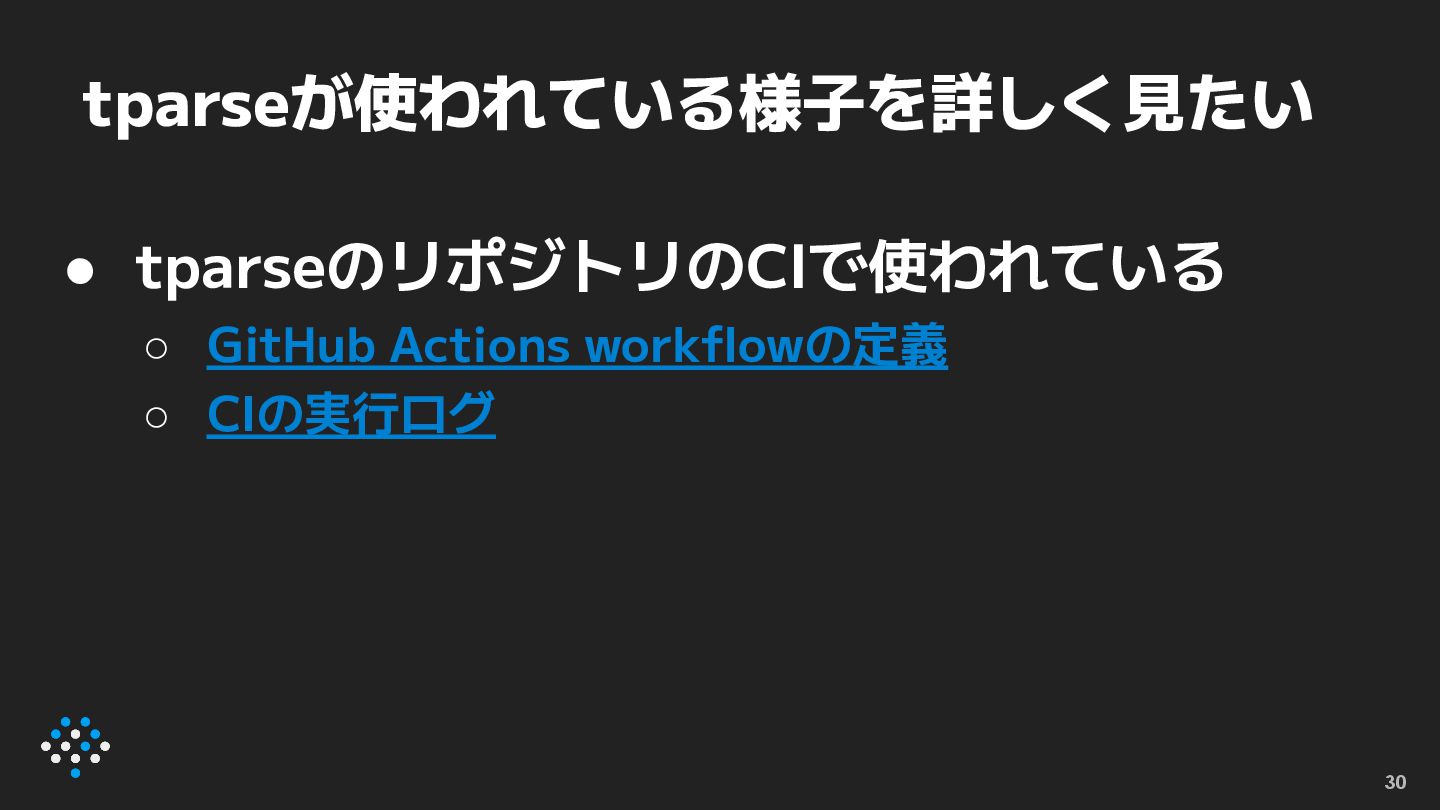
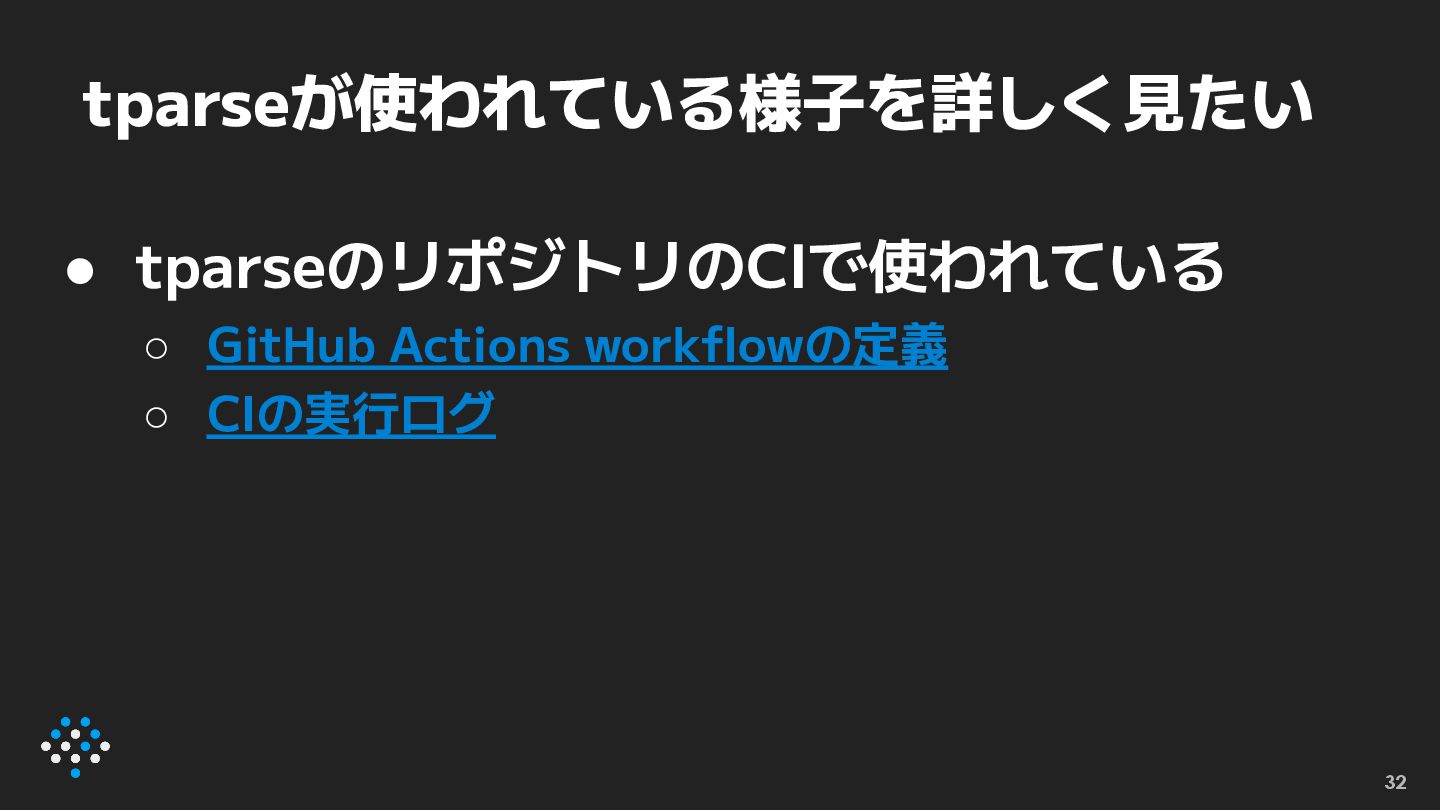
tparseが使われている様子を詳しく見たい • tparseのリポジトリのCIで使われている ◦ GitHub Actions workflowの定義 ◦ CIの実行ログ 32


 utgwkk
 ___akari11
 steliosf
 satoshi256kbyte
 kishida
 curekoshimizu
 willnet
 yukiny
 atsuki_seo
 naokihaba
 ayumu_yamaguchi
 akkeylab
 seike460
 hatefulcrawdad
 lauravandoore
 ammeep
 tammyeverts
 aleyda
 skipperchong
 iamctodd
 reverentgeek
 shpigford
 oripsolob
 inesmontani