Lets you measure how well software is designed • Find the bugs! • Checks how the product meets the requirements • Testing does not make software perfect Alexander Vanwynsberghe – 09/05/2011
activities that will be performed • Shows how the tests will be organized • A list of tests which, if performed, will identify all of the requirements that have been set Alexander Vanwynsberghe – 09/05/2011
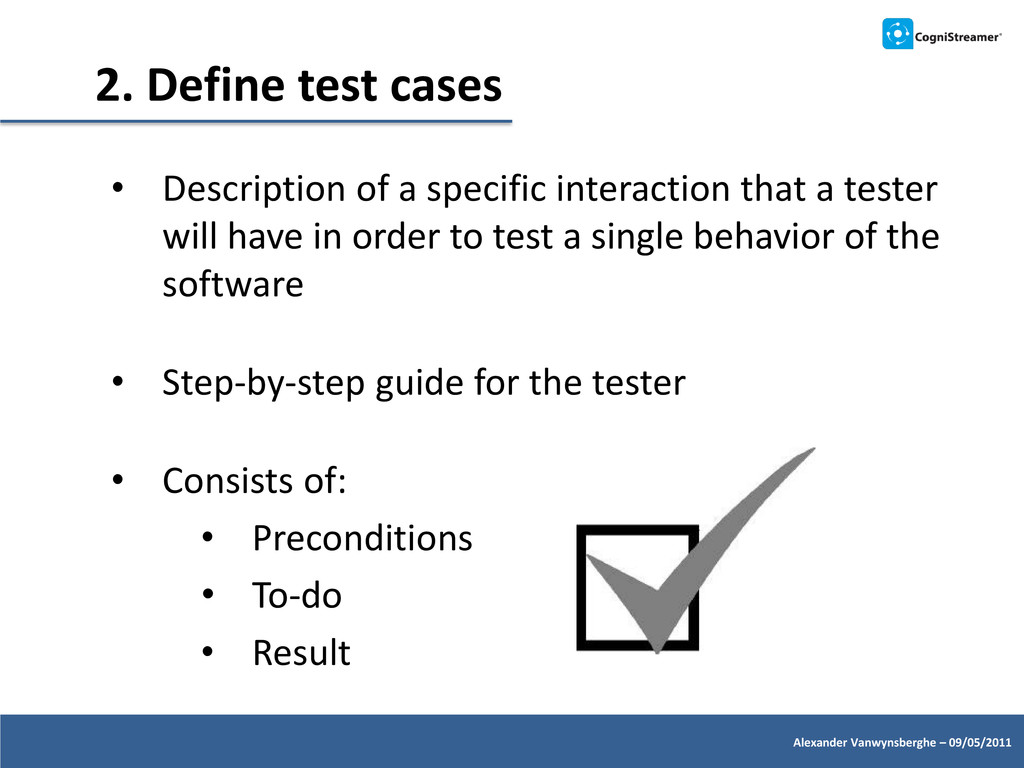
that a tester will have in order to test a single behavior of the software • Step-by-step guide for the tester • Consists of: • Preconditions • To-do • Result Alexander Vanwynsberghe – 09/05/2011
appropriate test plan • First iteration test focuses on new features • Regression testing usually involves executing all test cases which have previously been executed • Test parallel with the developers, not only just before a release Alexander Vanwynsberghe – 09/05/2011
Eliminate repetitive tasks • Can save the testers a lot of time if many iterations of testing are required • Do not automate one-time-only tests Alexander Vanwynsberghe – 09/05/2011
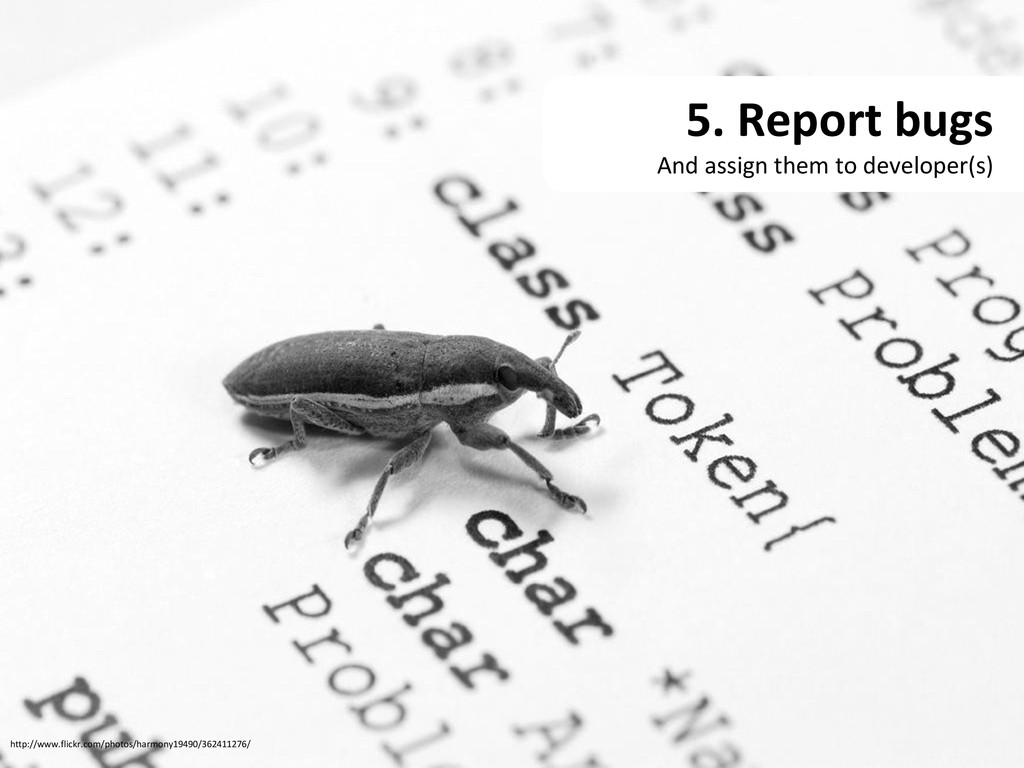
A work-item of type ‘bug’ assigned to him/her • An email to inform about the bug (configured using TFS Alert Explorer) • The performed testcase with completed steps • Necessary information to reproduce the bug • IntelliTrace to get to the ‘bug point’ in code • Video recording • Comments of the tester
Check-in the changes • Link the bug to the changeset • The changes for a particular bug are traceable • Developer sets the bug work-item to ‘Resolved’ • Tester can test again and check the influence of the code change on other tests (Test Impact Analysis)
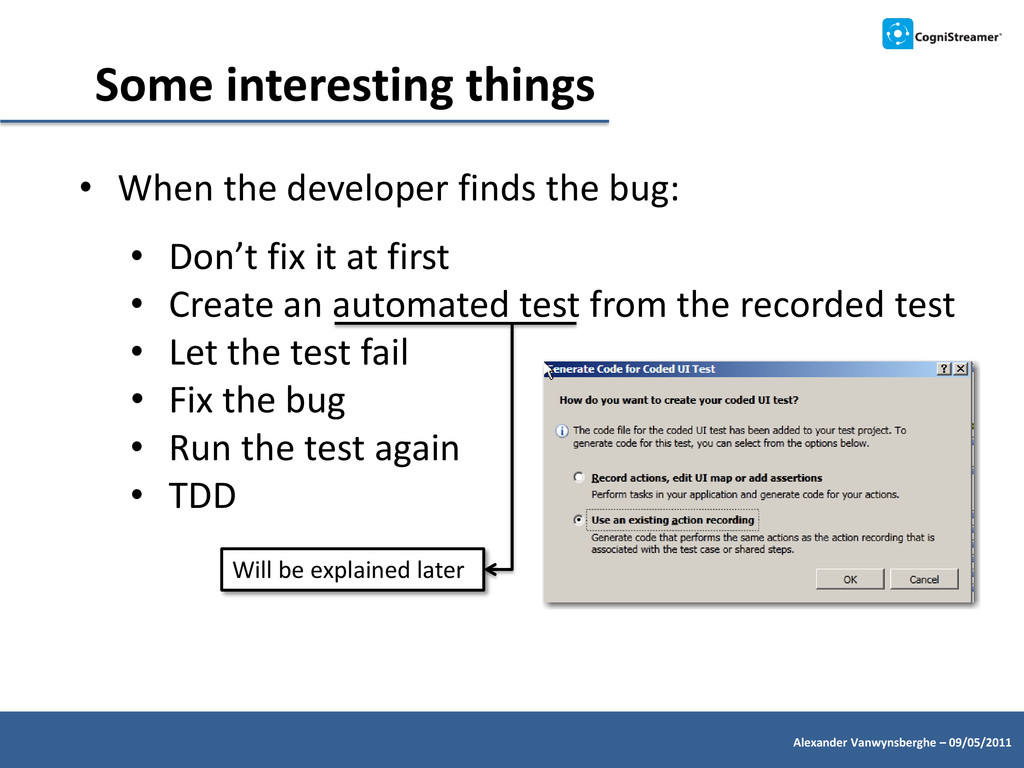
developer finds the bug: • Don’t fix it at first • Create an automated test from the recorded test • Let the test fail • Fix the bug • Run the test again • TDD Will be explained later
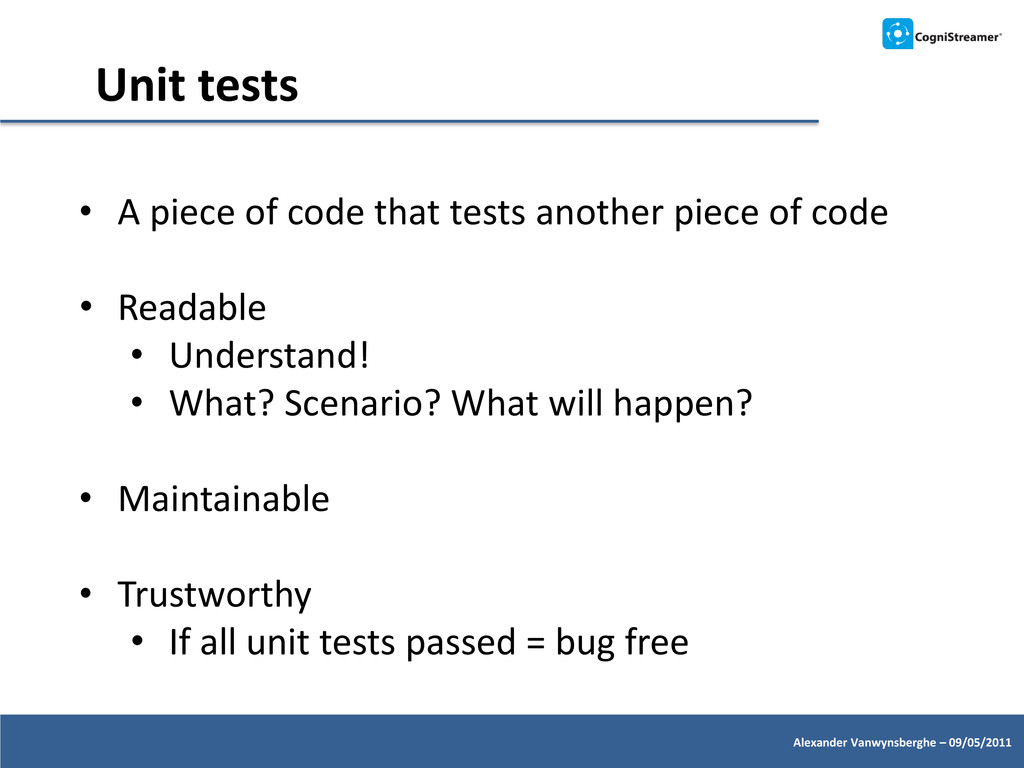
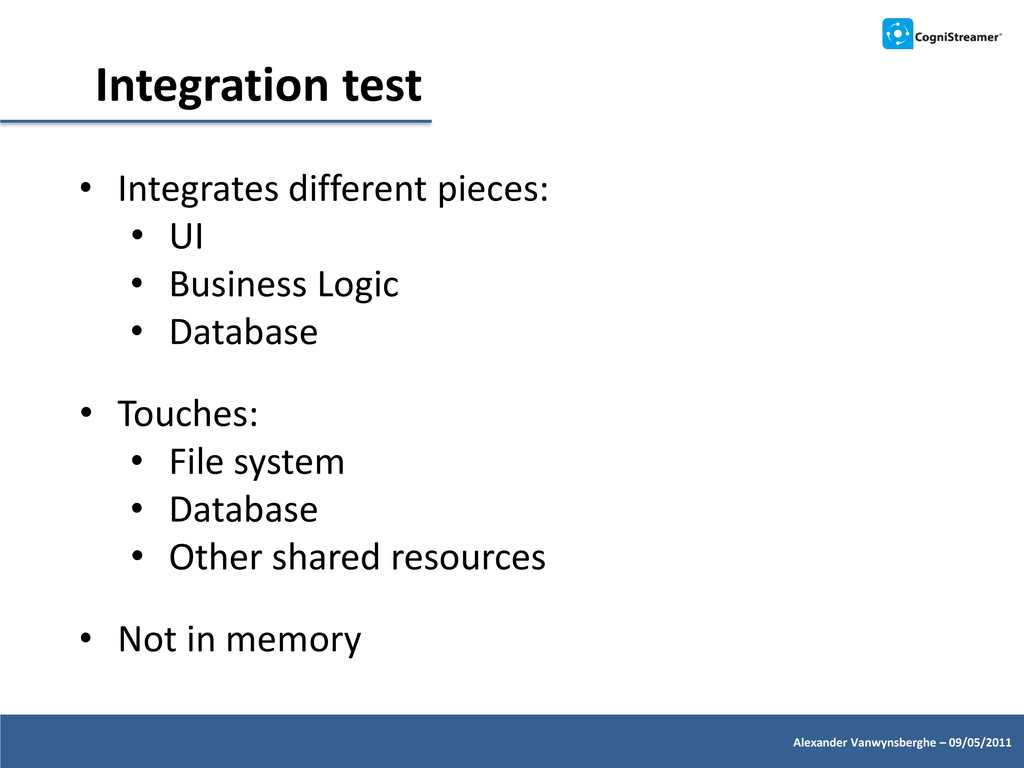
code that tests another piece of code • Readable • Understand! • What? Scenario? What will happen? • Maintainable • Trustworthy • If all unit tests passed = bug free
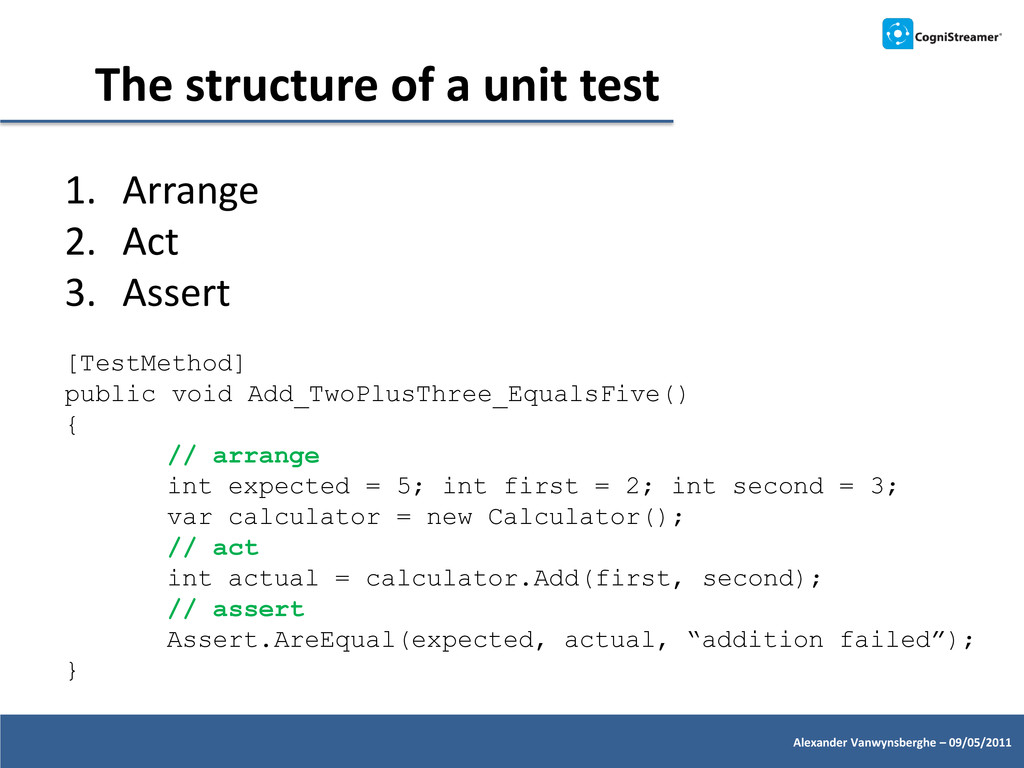
1. Arrange 2. Act 3. Assert [TestMethod] public void Add_TwoPlusThree_EqualsFive() { // arrange int expected = 5; int first = 2; int second = 3; var calculator = new Calculator(); // act int actual = calculator.Add(first, second); // assert Assert.AreEqual(expected, actual, “addition failed”); }
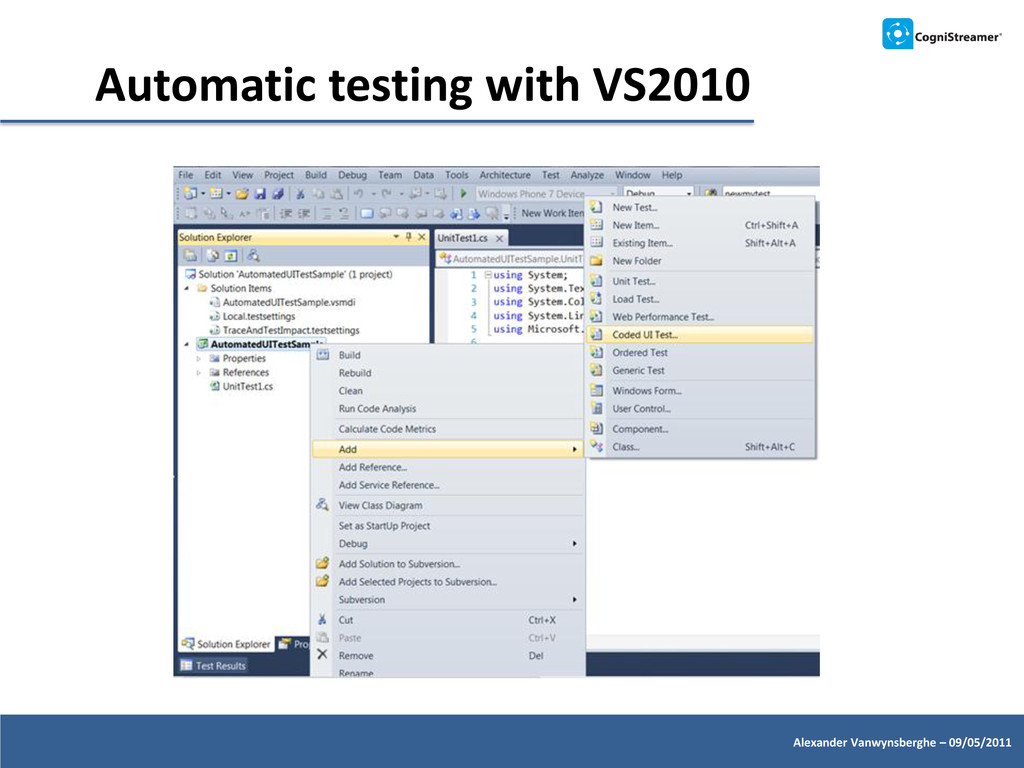
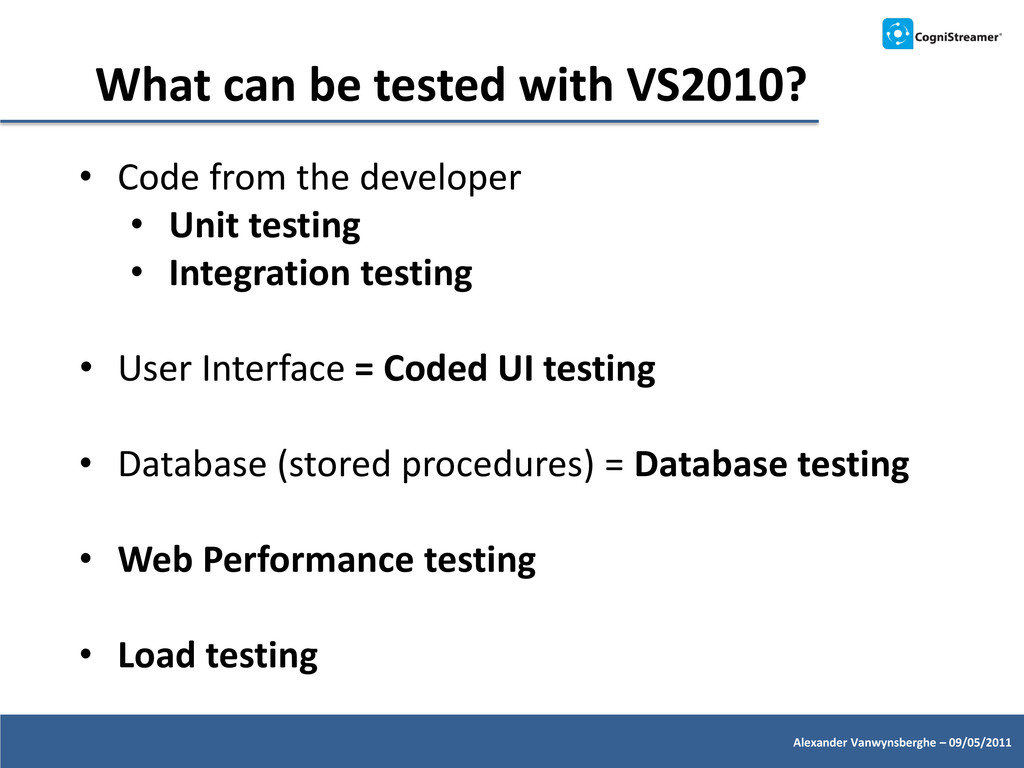
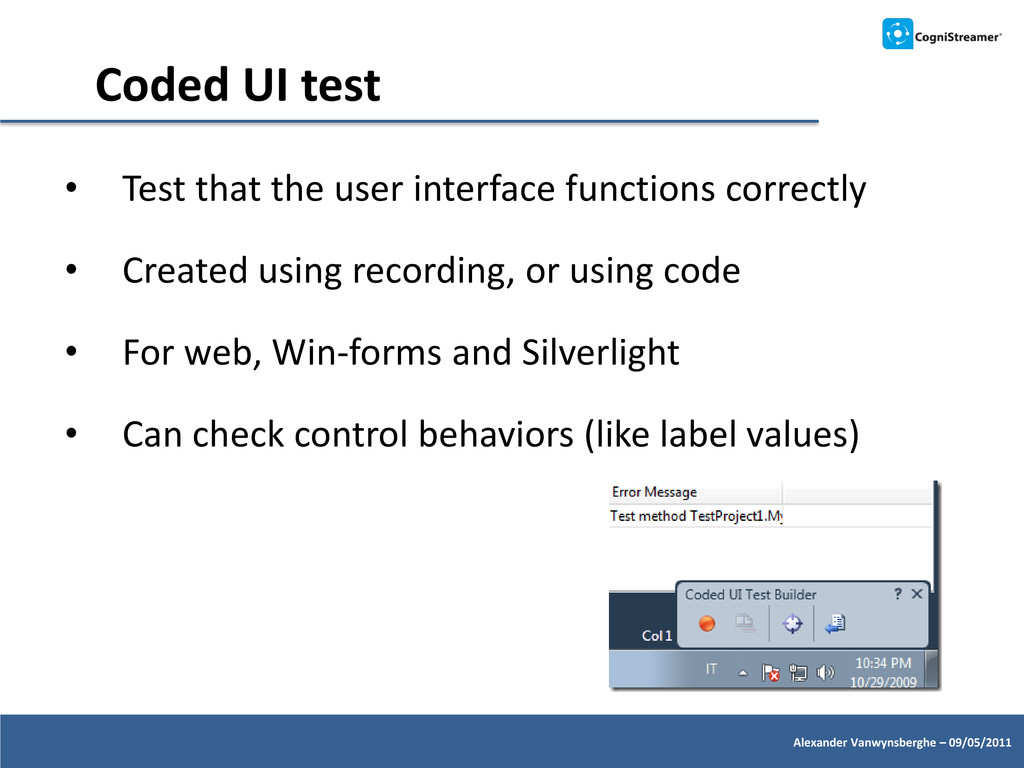
the user interface functions correctly • Created using recording, or using code • For web, Win-forms and Silverlight • Can check control behaviors (like label values)
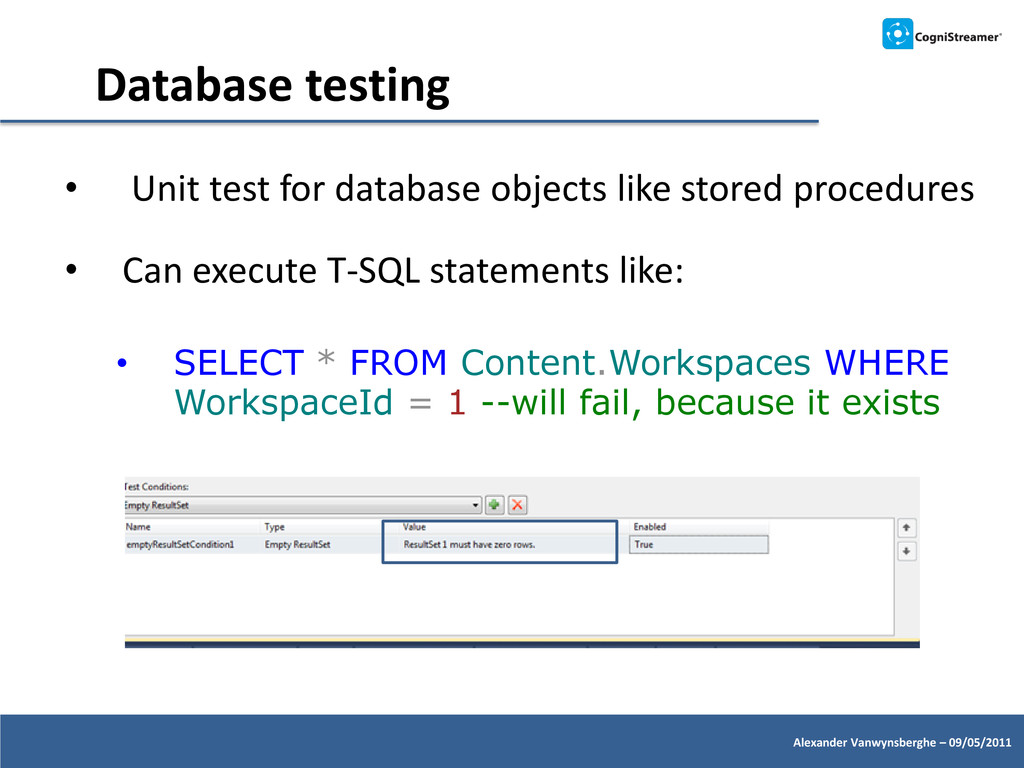
database objects like stored procedures • Can execute T-SQL statements like: • SELECT * FROM Content.Workspaces WHERE WorkspaceId = 1 --will fail, because it exists
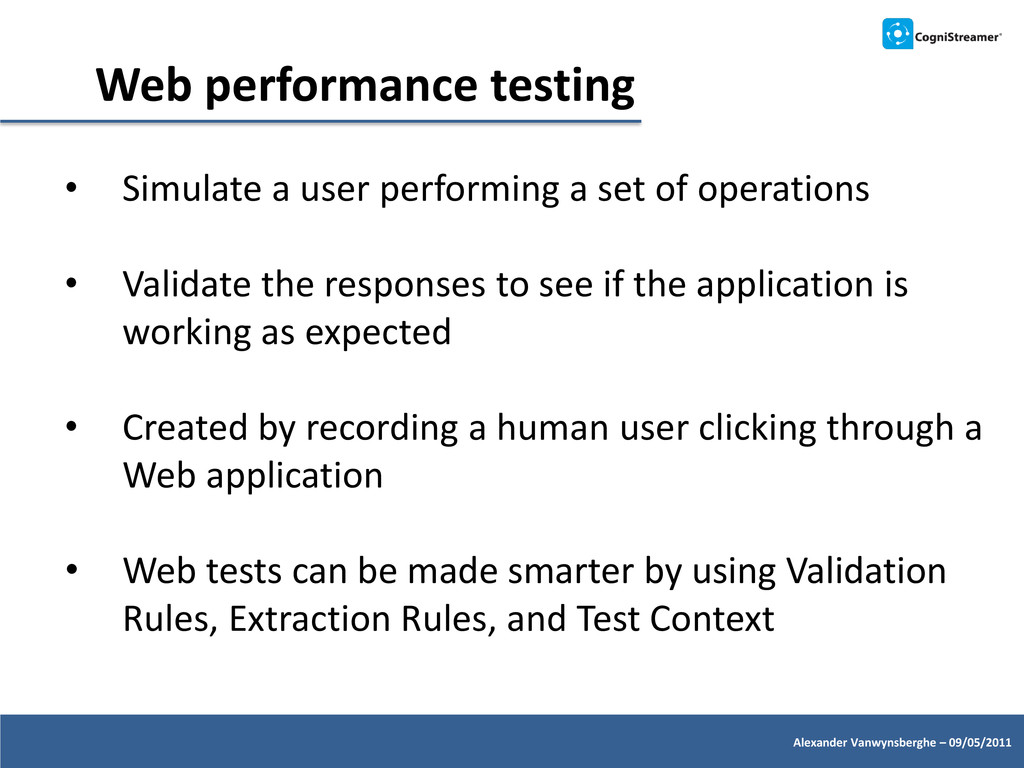
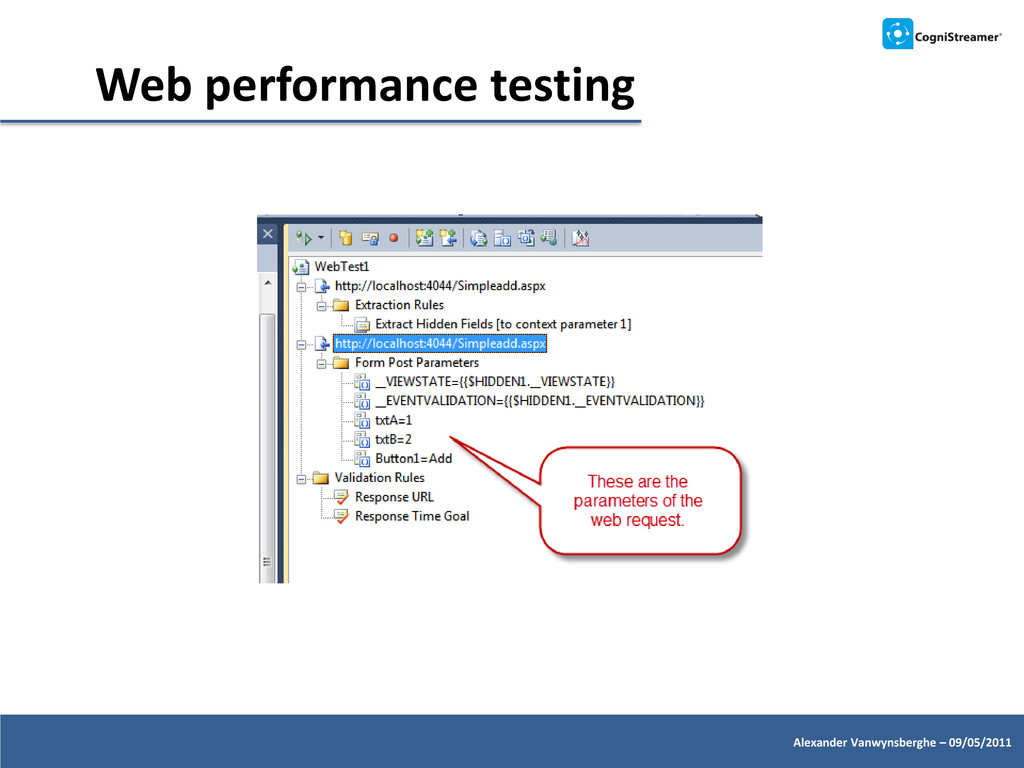
user performing a set of operations • Validate the responses to see if the application is working as expected • Created by recording a human user clicking through a Web application • Web tests can be made smarter by using Validation Rules, Extraction Rules, and Test Context
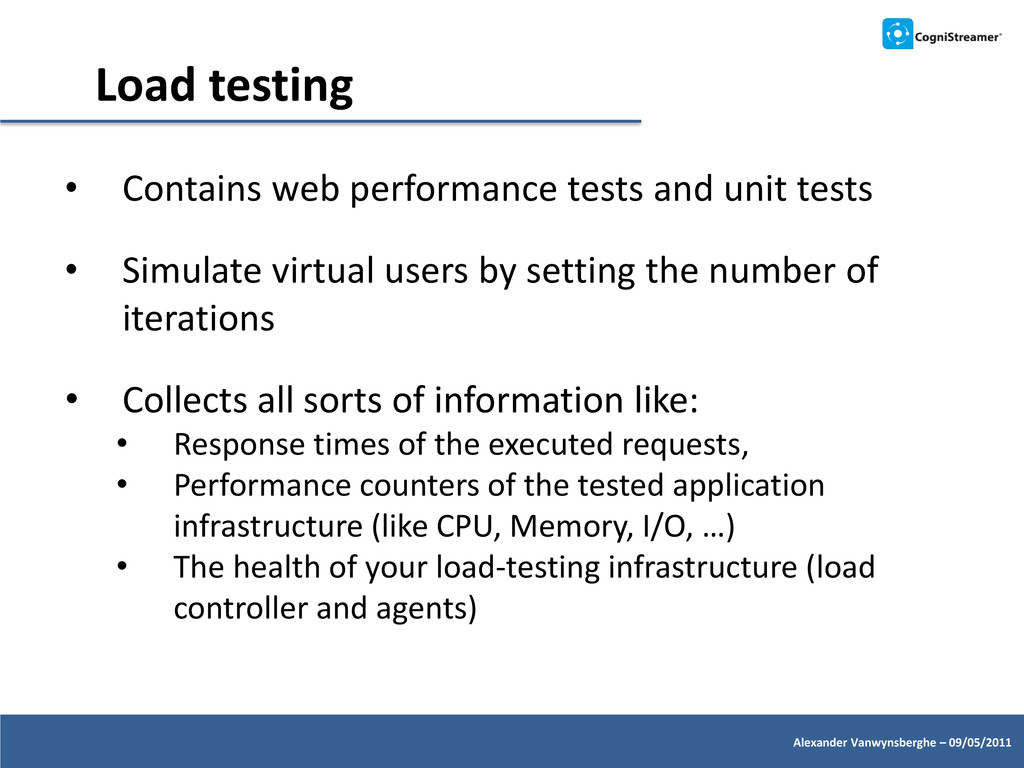
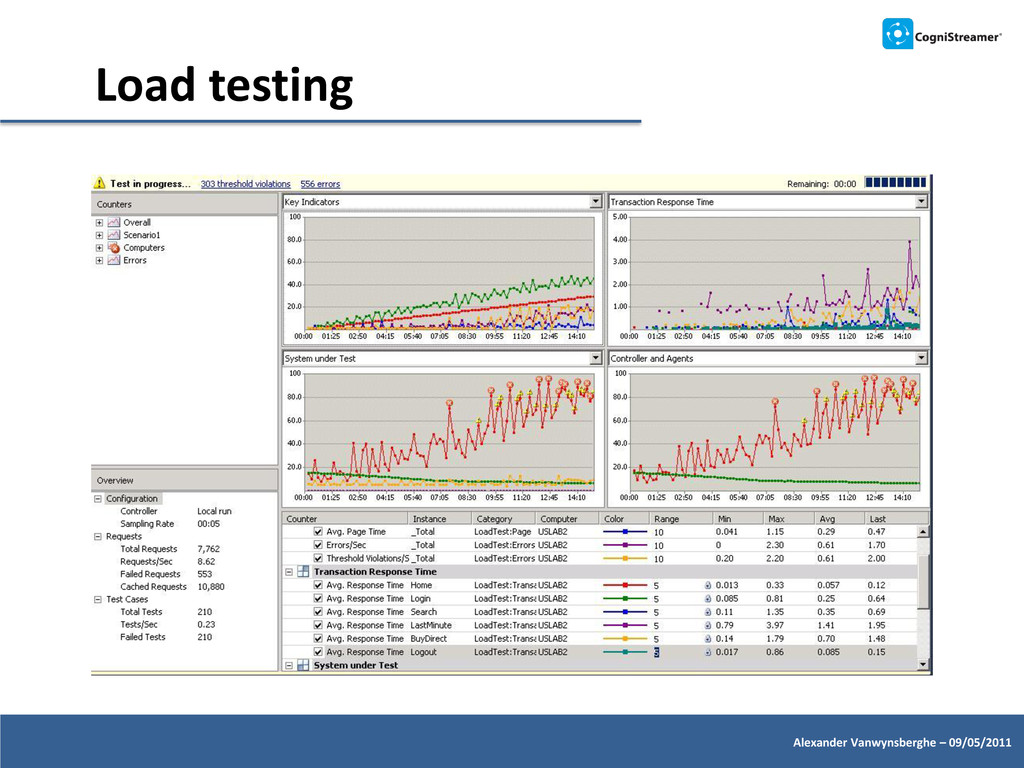
tests and unit tests • Simulate virtual users by setting the number of iterations • Collects all sorts of information like: • Response times of the executed requests, • Performance counters of the tested application infrastructure (like CPU, Memory, I/O, …) • The health of your load-testing infrastructure (load controller and agents)
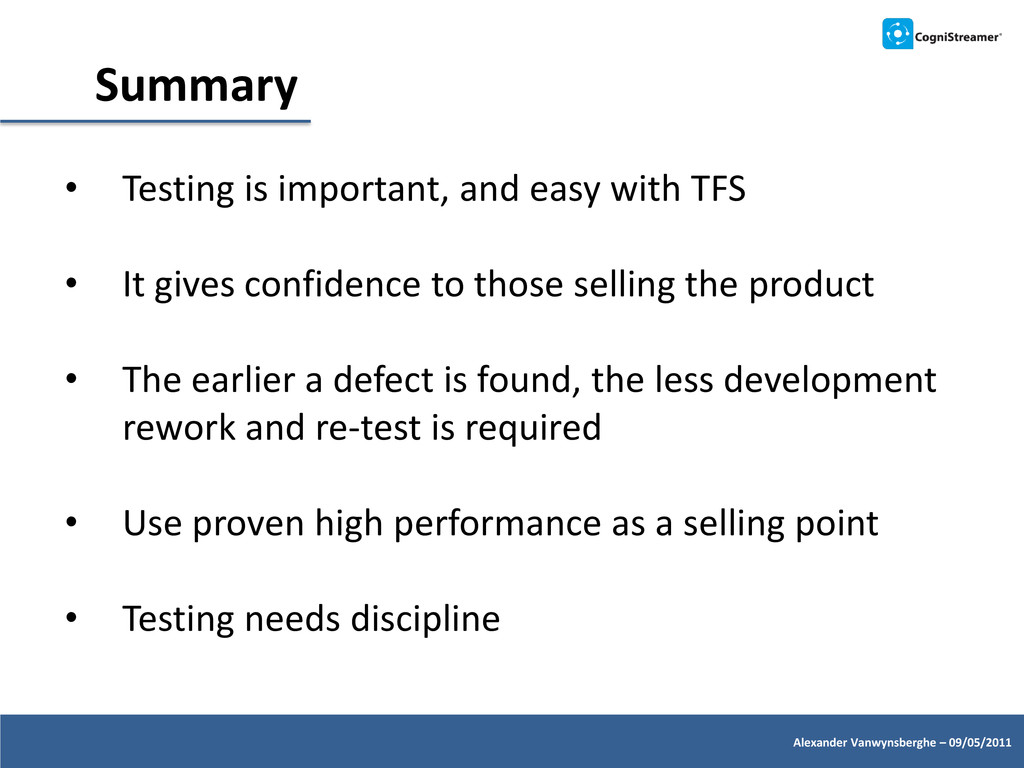
easy with TFS • It gives confidence to those selling the product • The earlier a defect is found, the less development rework and re-test is required • Use proven high performance as a selling point • Testing needs discipline


 nealle
 carta_engineering
 kentarofujii
 yamanoku
 masakiokuda
 kenichiodo
 rfdnxbro
 makocchi
 kaminashi
 taketakekaho
 yut0naga1_fa
 kakehashi
 rasagy
 rocio
rocio
 jct
jct
 frankvandijk
 apolaine
 stephenakadiri
 schlessera
 baasie
 mayatellez
 tammyeverts
 mclloyd
 kristinabergwall1
![Engelse Wandeling 2, K18 B-8500 Kortrijk, Belgium [email protected] www.cognistreamer.com Alexander](https://files.speakerdeck.com/presentations/4e822c605d910b0027005b30/slide_39.jpg)