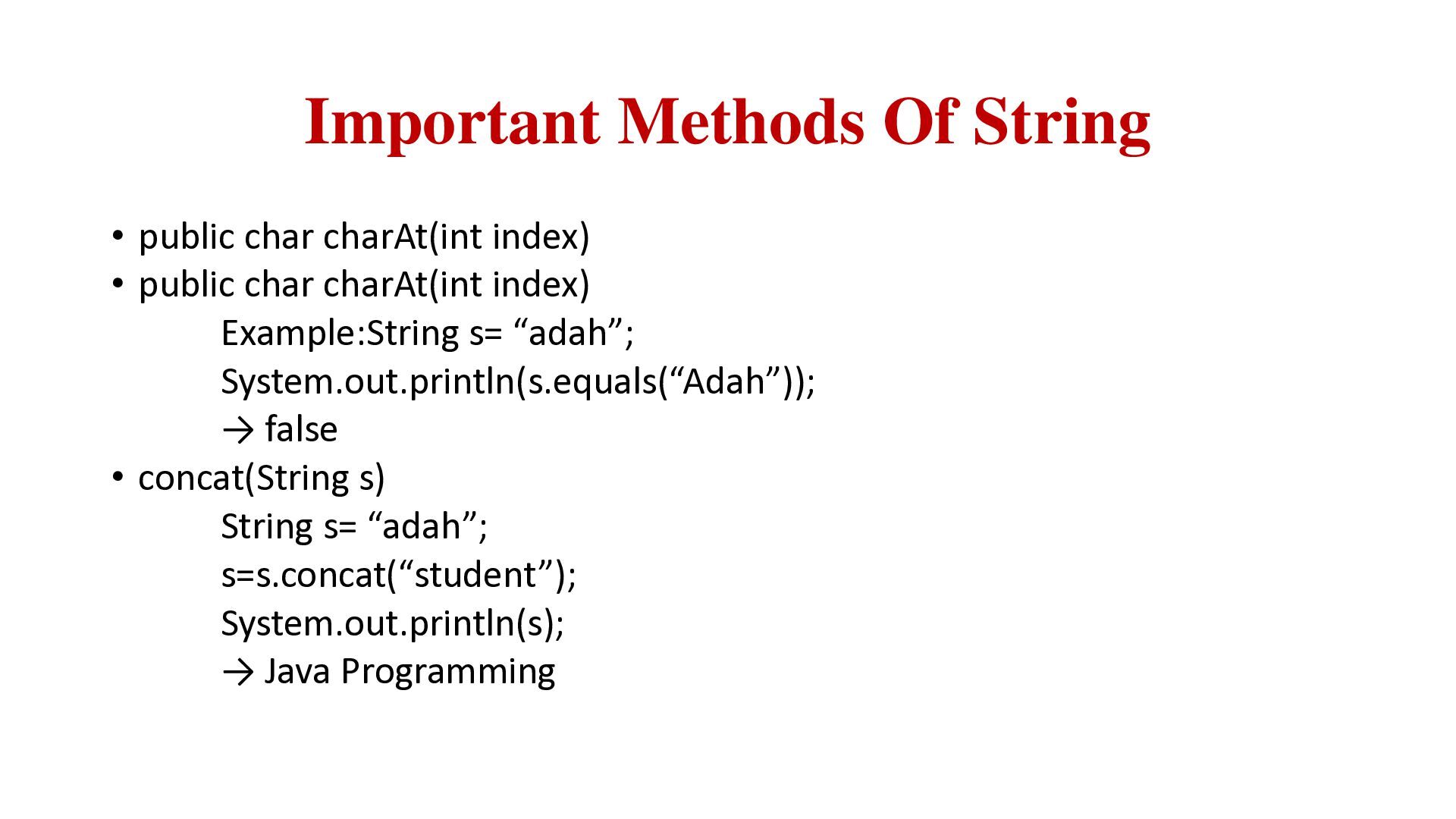
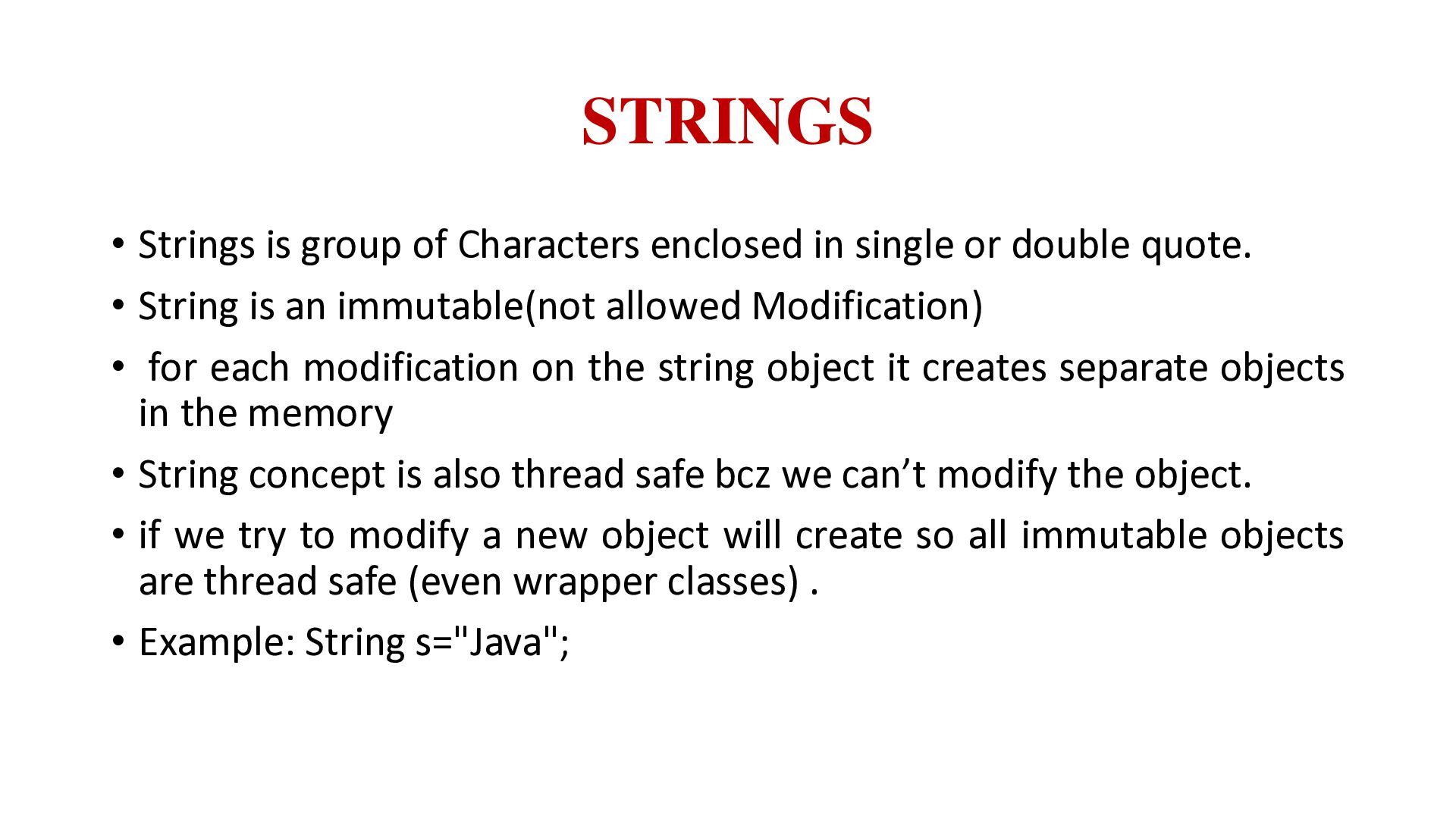
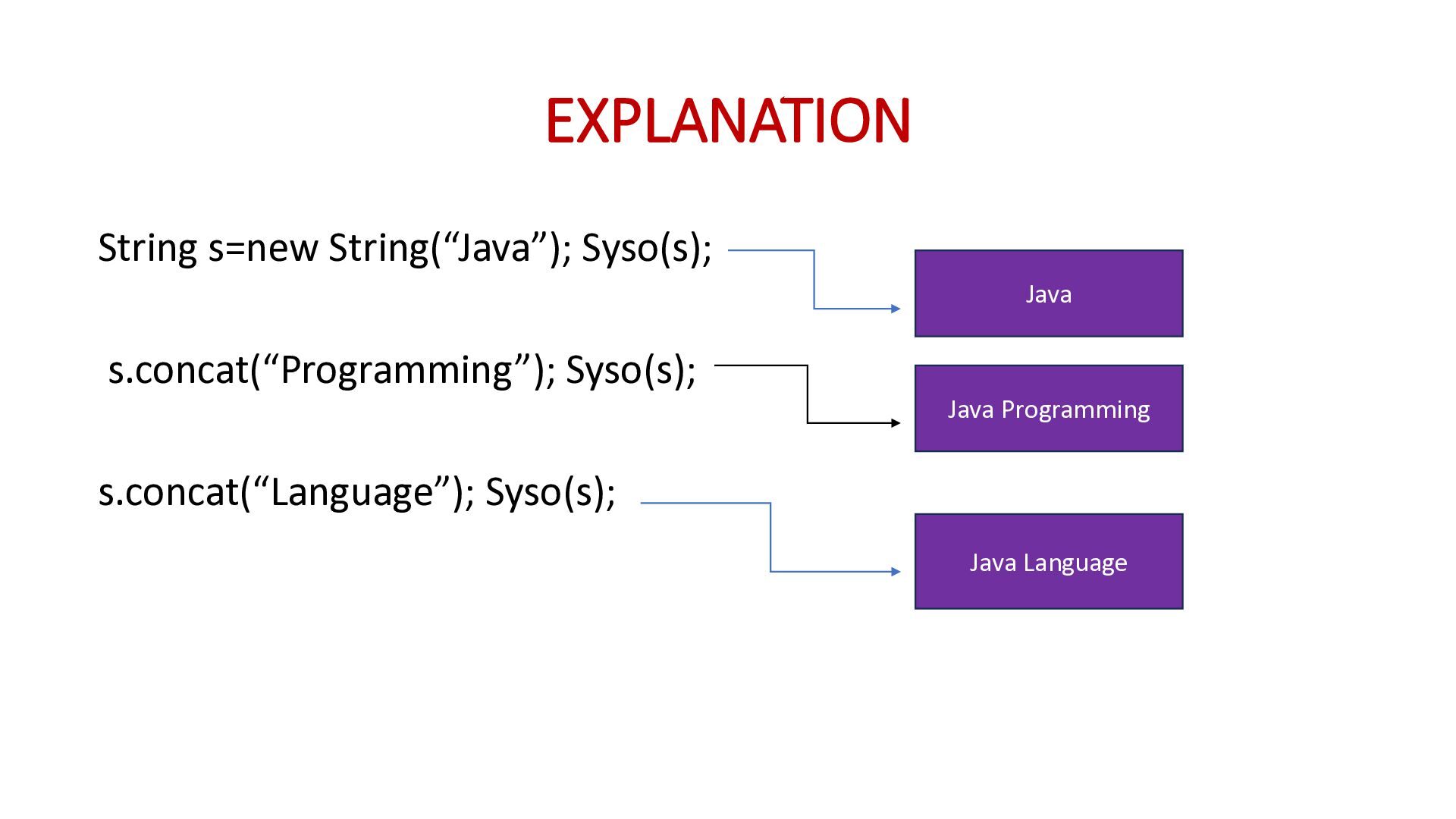
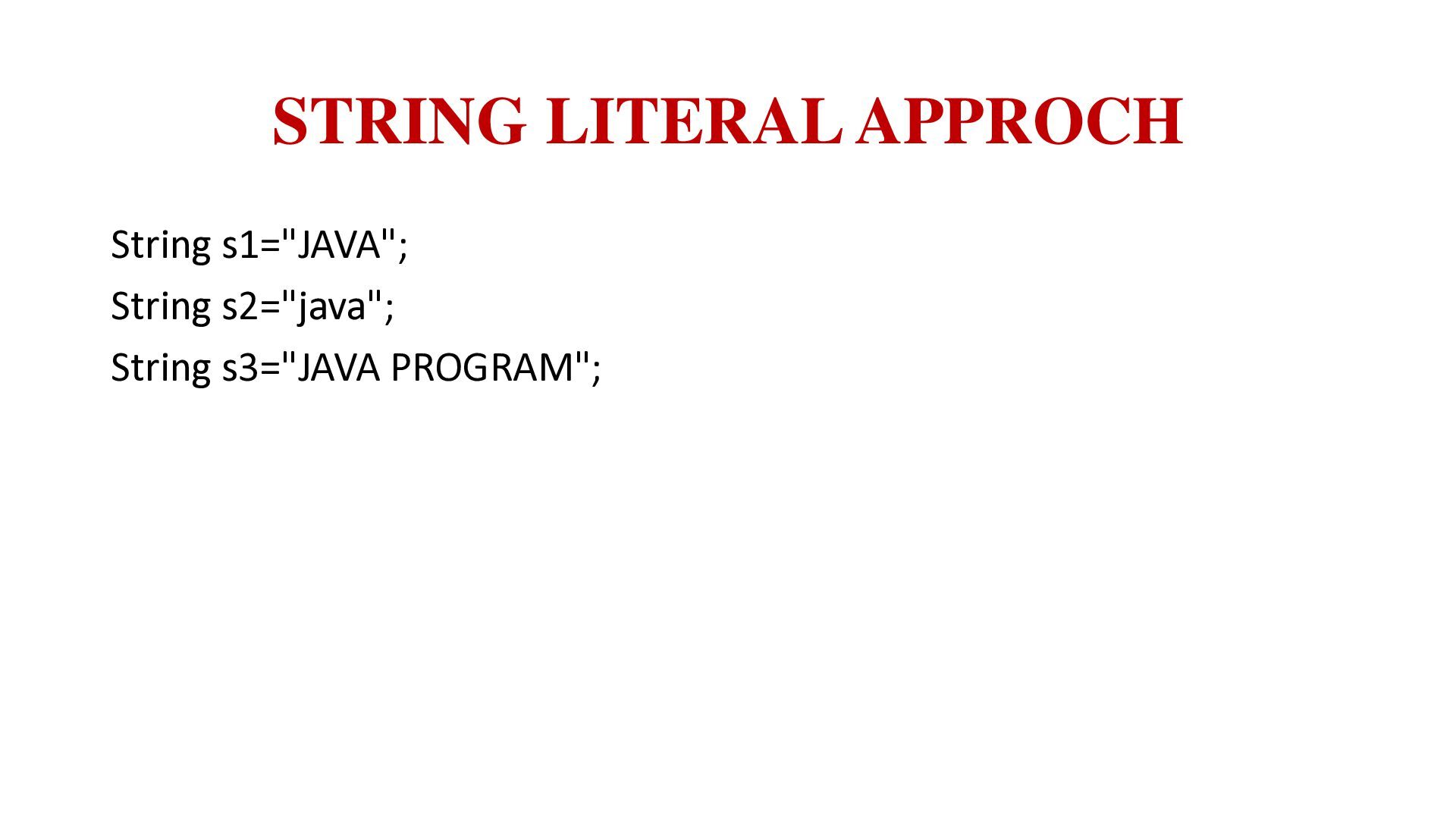
or double quote. • String is an immutable(not allowed Modification) • for each modification on the string object it creates separate objects in the memory • String concept is also thread safe bcz we can’t modify the object. • if we try to modify a new object will create so all immutable objects are thread safe (even wrapper classes) . • Example: String s="Java";
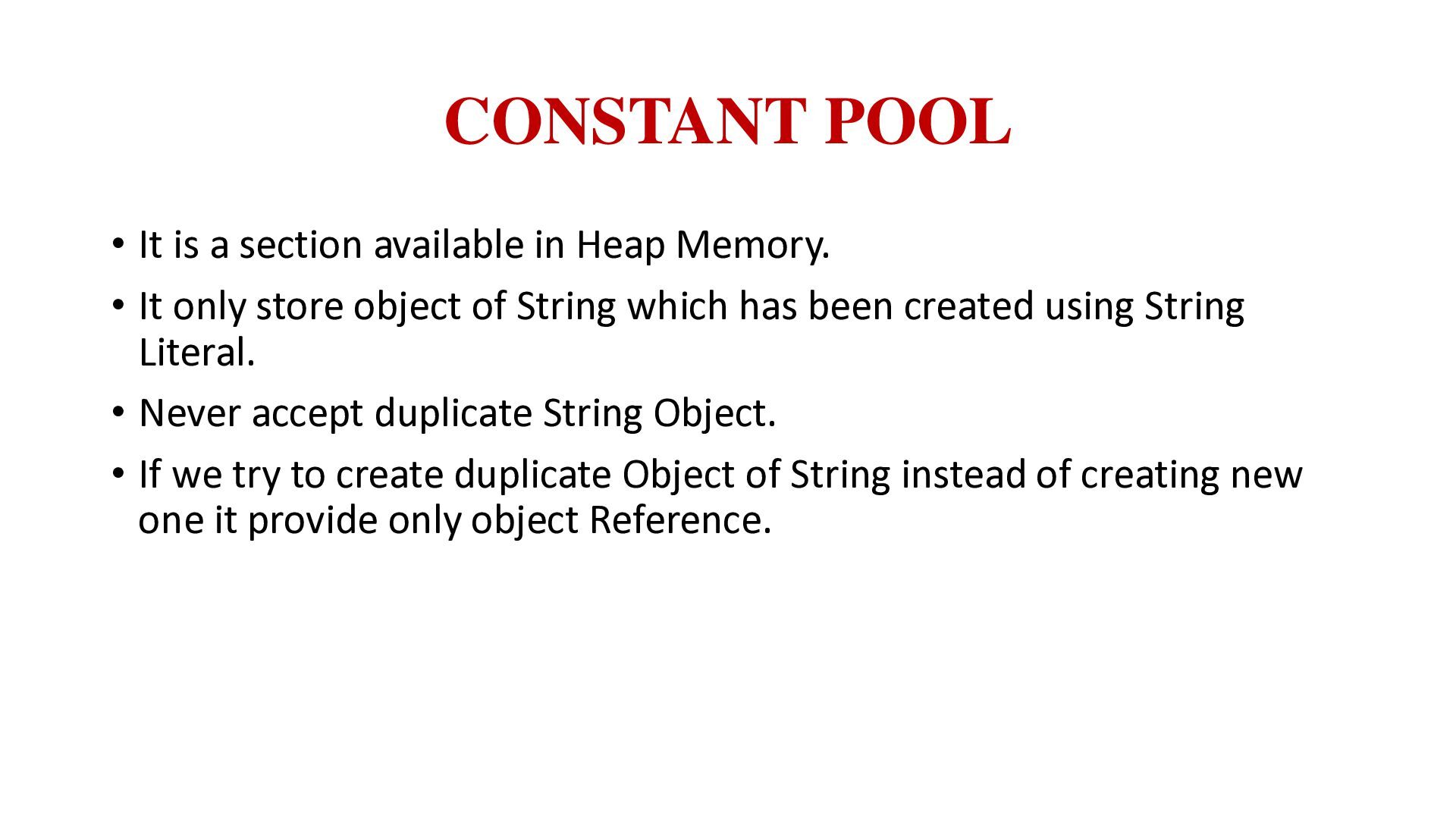
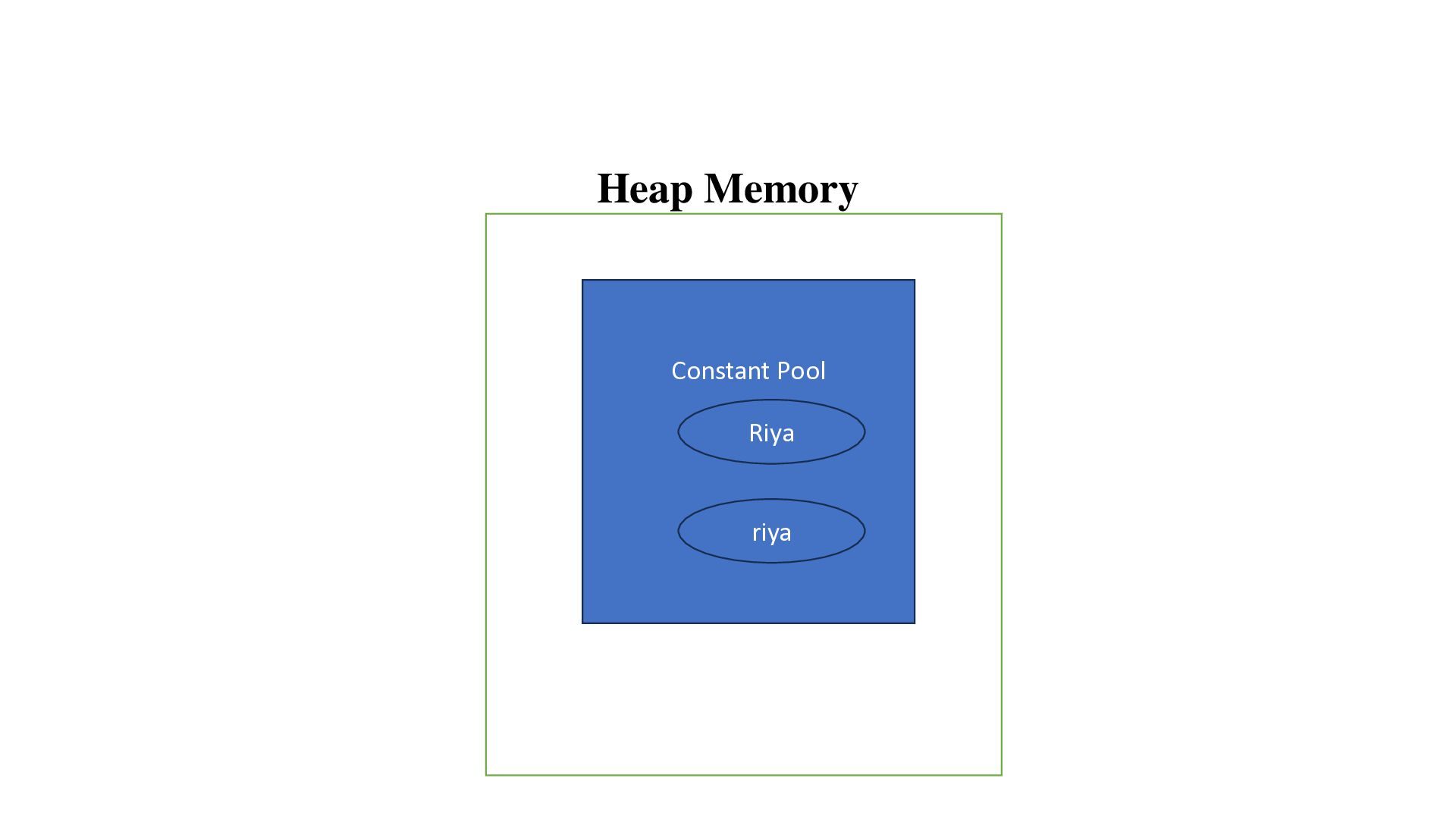
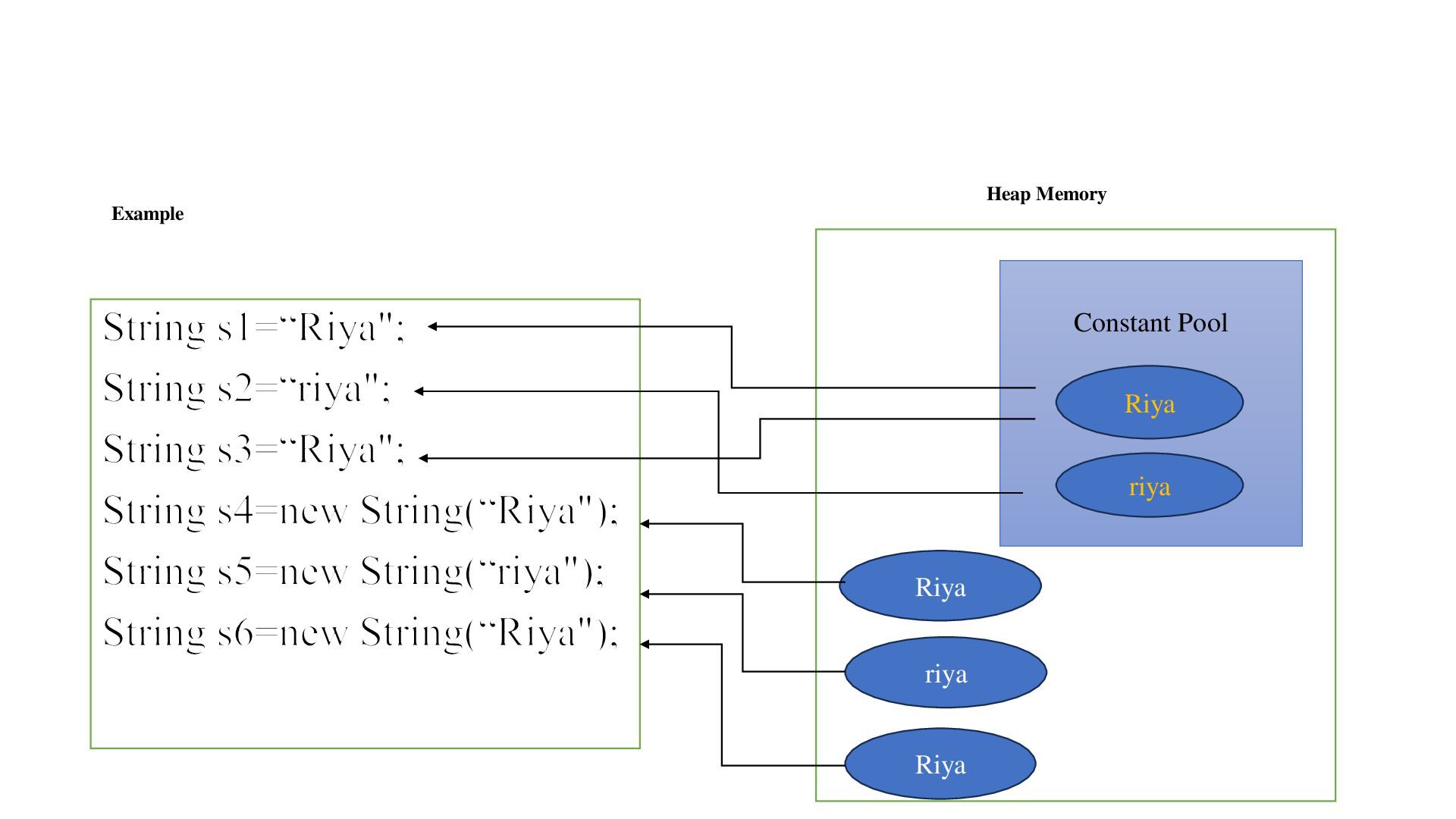
Memory. • It only store object of String which has been created using String Literal. • Never accept duplicate String Object. • If we try to create duplicate Object of String instead of creating new one it provide only object Reference.


 terasawat
 ainischool
 matleenalaakso
 pawan_pharm
 moriyuya
 cbtlibrary
 bvr7352
 ishii_mit
 hiragahh
 signer
 juanmartin2026
 ianozsvald
 matthewcrist
 tammyeverts
 vanstee
 leimatthew05
 rabernat
 ryanjones
 marcelosomers
 moore
moore
 palkan
 jmmastey
 jcasabona
![EXAMPLES public class StringDemoS { public static void main(String[] args)](https://files.speakerdeck.com/presentations/7b7f0fddbf064489b6ce71bd320e9a40/slide_2.jpg)
![EXAMPLE public class StringDemo { public static void main(String[] args)](https://files.speakerdeck.com/presentations/7b7f0fddbf064489b6ce71bd320e9a40/slide_10.jpg)