Unit 4: Introduction to Software Development Li...
Sponsored
·
 Your Podcast. Everywhere. Effortlessly.
Share. Educate. Inspire. Entertain. You do you. We'll handle the rest.
→
Your Podcast. Everywhere. Effortlessly.
Share. Educate. Inspire. Entertain. You do you. We'll handle the rest.
→

Share
Embed
Unit 4: Introduction to Software Development Life Cycle
Definition and need for SDLC – Basic steps in SDLC: Requirement Gathering, Planning, Design, Development, Testing, Deployment, and Maintenance; Introduction to Common SDLC Models: Waterfall, Agile, Spiral, V-Model, Big Bang – Differences between models – Importance of choosing the right model – People involved in SDLC (developers, testers, clients, etc.) – Basic tools used in SDLC – Introduction to modern trends like DevOps.

Sona Shaiju
November 02, 2026
Transcript
80 slides
-
Unit 4: Introduction to Software Development Life Cycle Definition and
need for SDLC – Basic steps in SDLC: Requirement Gathering, Planning, Design, Development, Testing, Deployment, and Maintenance; Introduction to Common SDLC Models: Waterfall, Agile, Spiral, V-Model, Big Bang – Differences between models – Importance of choosing the right model – People involved in SDLC (developers, testers, clients, etc.) – Basic tools used in SDLC – Introduction to modern trends like DevOps. 1 -
•A life cycle model is also known as a process
model. •The life cycle model deals with each phase of the software development process and includes all the activities that are involved in its life cycle, -
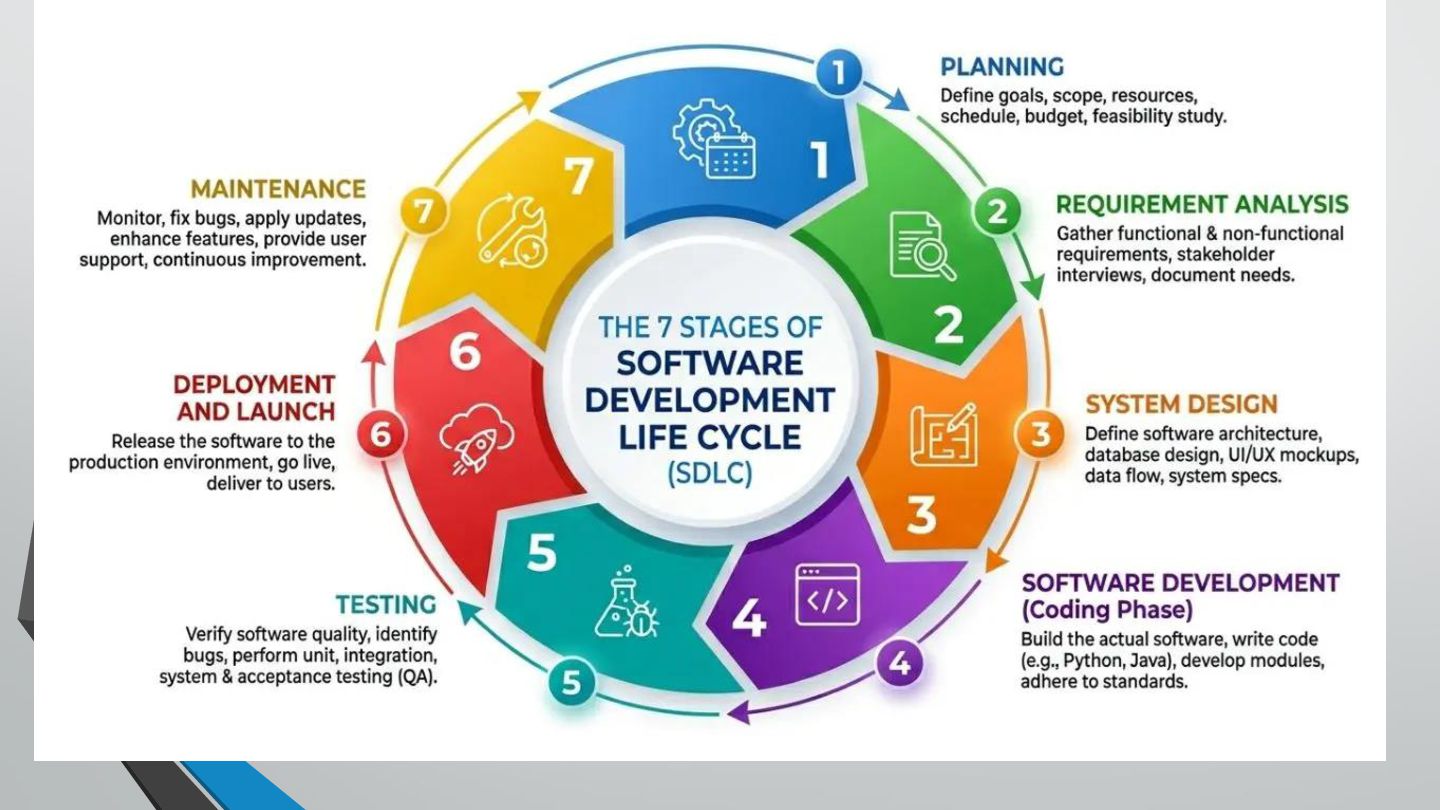
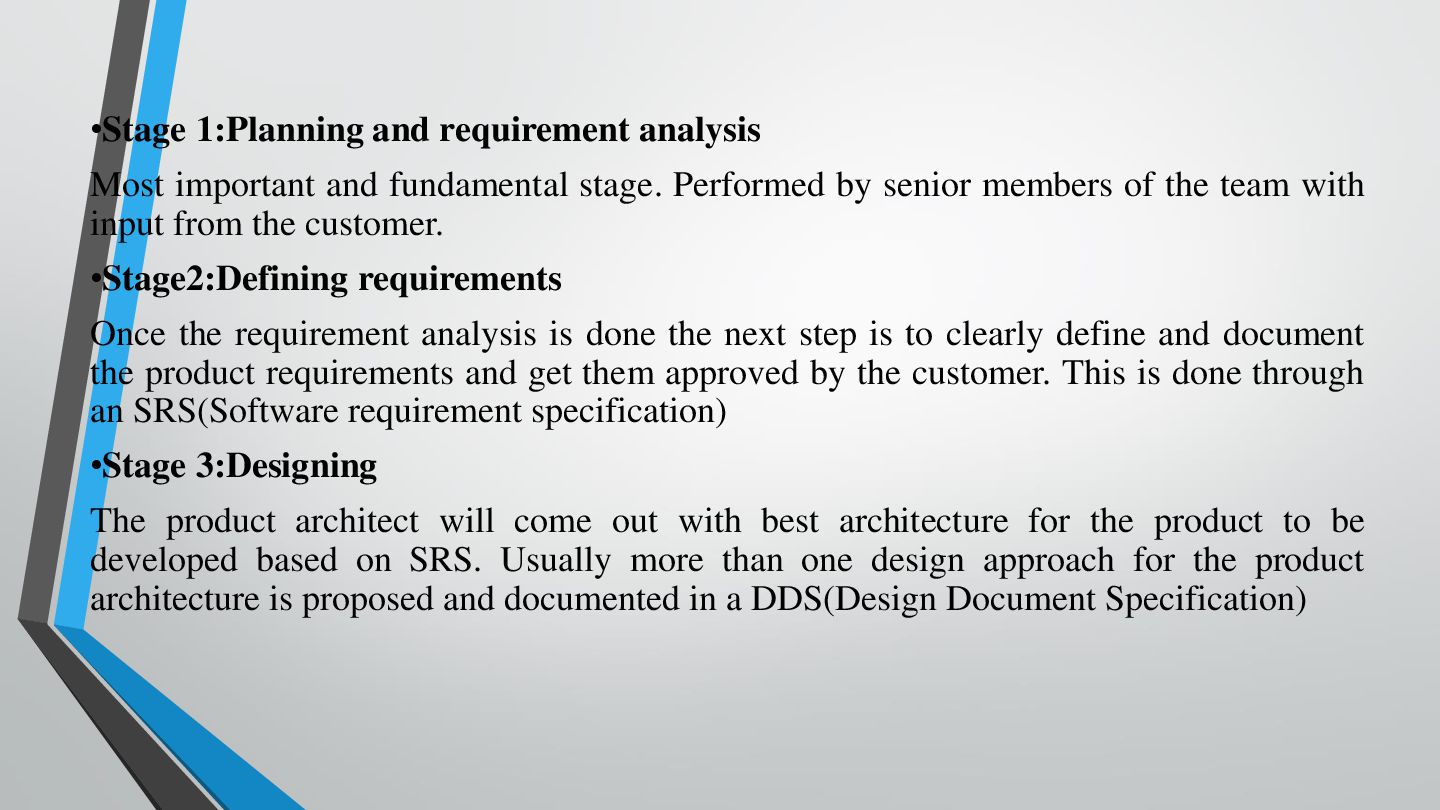
•Stage 1:Planning and requirement analysis Most important and fundamental stage.
Performed by senior members of the team with input from the customer. •Stage2:Defining requirements Once the requirement analysis is done the next step is to clearly define and document the product requirements and get them approved by the customer. This is done through an SRS(Software requirement specification) •Stage 3:Designing The product architect will come out with best architecture for the product to be developed based on SRS. Usually more than one design approach for the product architecture is proposed and documented in a DDS(Design Document Specification) -
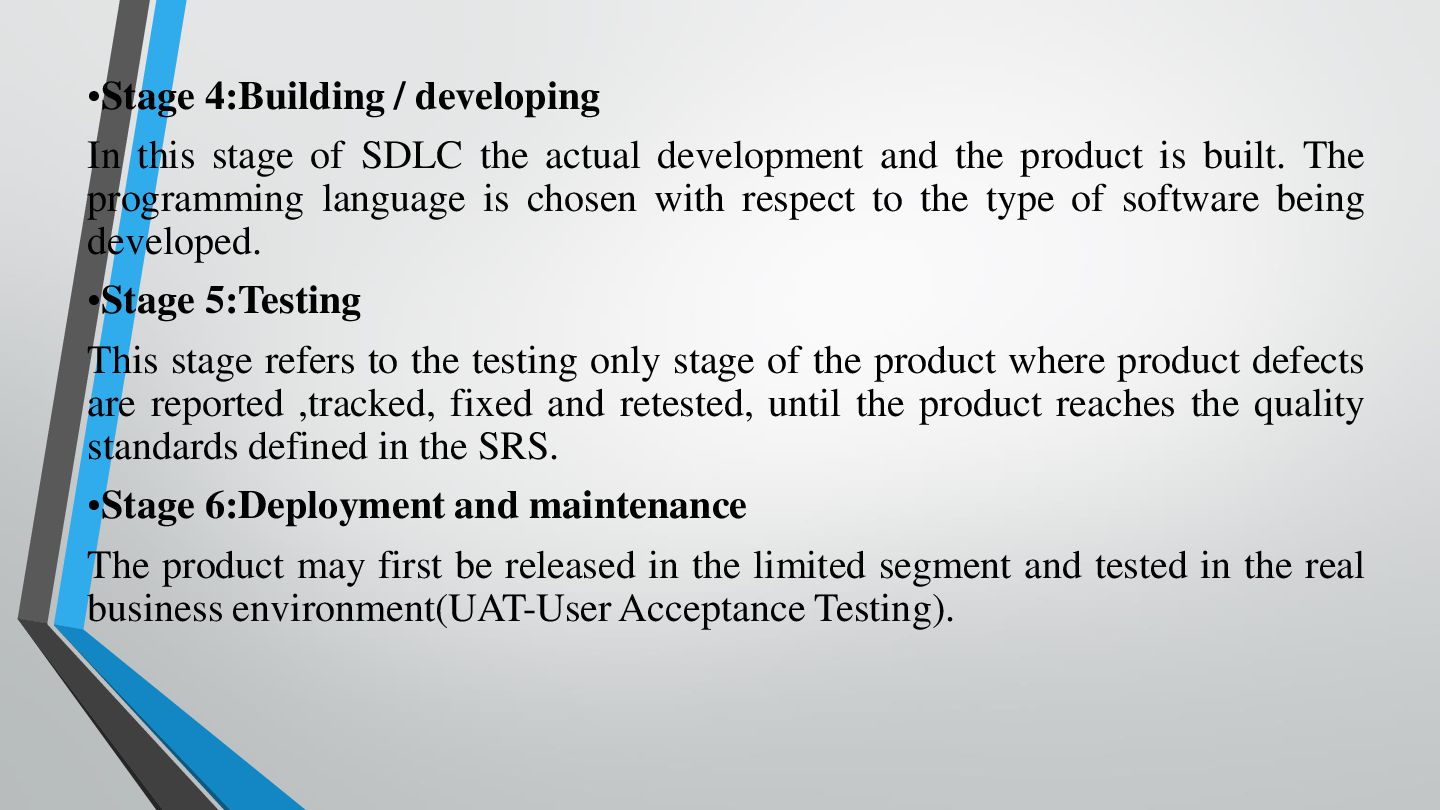
•Stage 4:Building / developing In this stage of SDLC the
actual development and the product is built. The programming language is chosen with respect to the type of software being developed. •Stage 5:Testing This stage refers to the testing only stage of the product where product defects are reported ,tracked, fixed and retested, until the product reaches the quality standards defined in the SRS. •Stage 6:Deployment and maintenance The product may first be released in the limited segment and tested in the real business environment(UAT-User Acceptance Testing). -
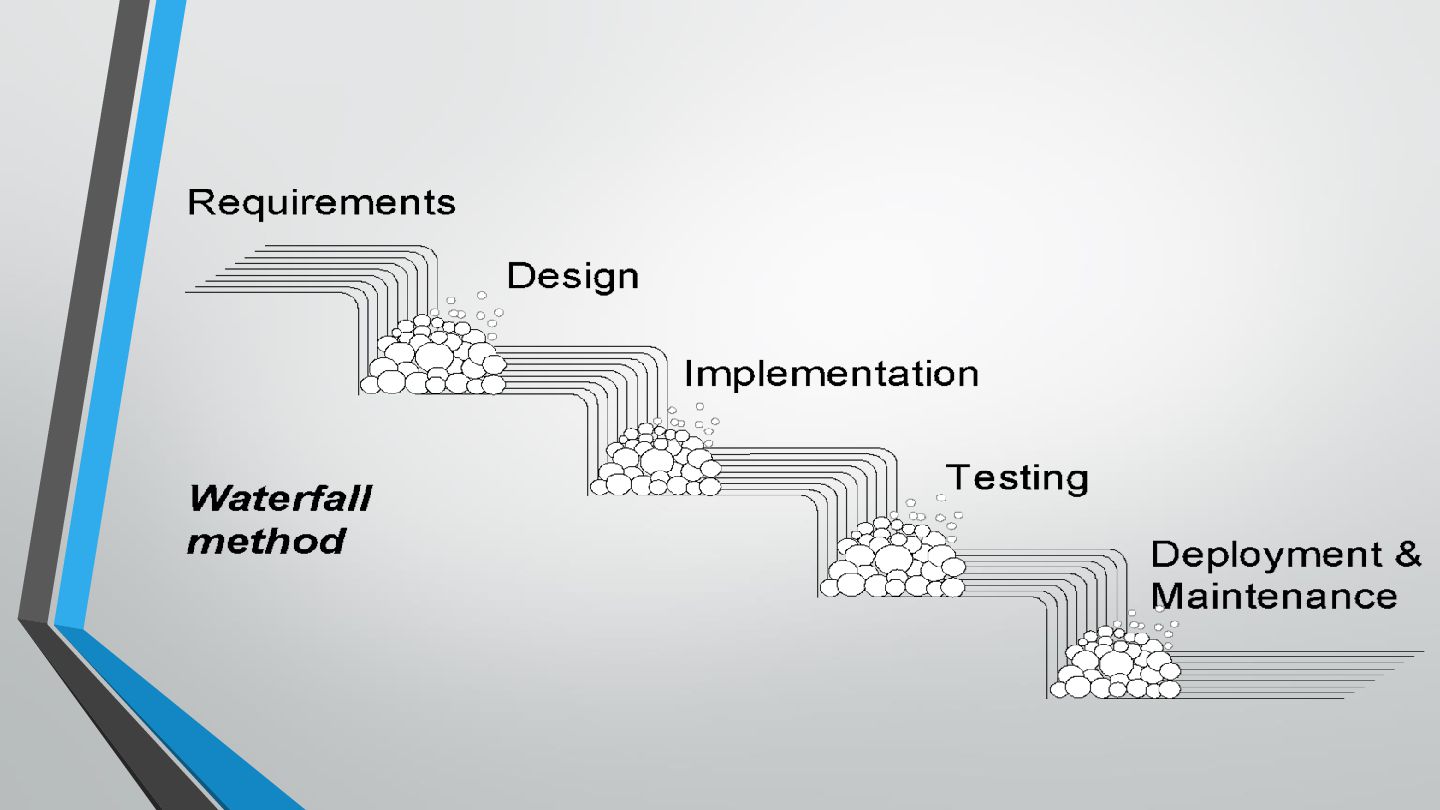
THE WATERFALL MODEL •In waterfall model the sequence of steps
that are followed in this model resemble the flow of a waterfall. •As the water falls from top to down, in waterfall model you are allowed to move in the direction as that of a waterfall therefore backtracking is not possible in this type of model. -
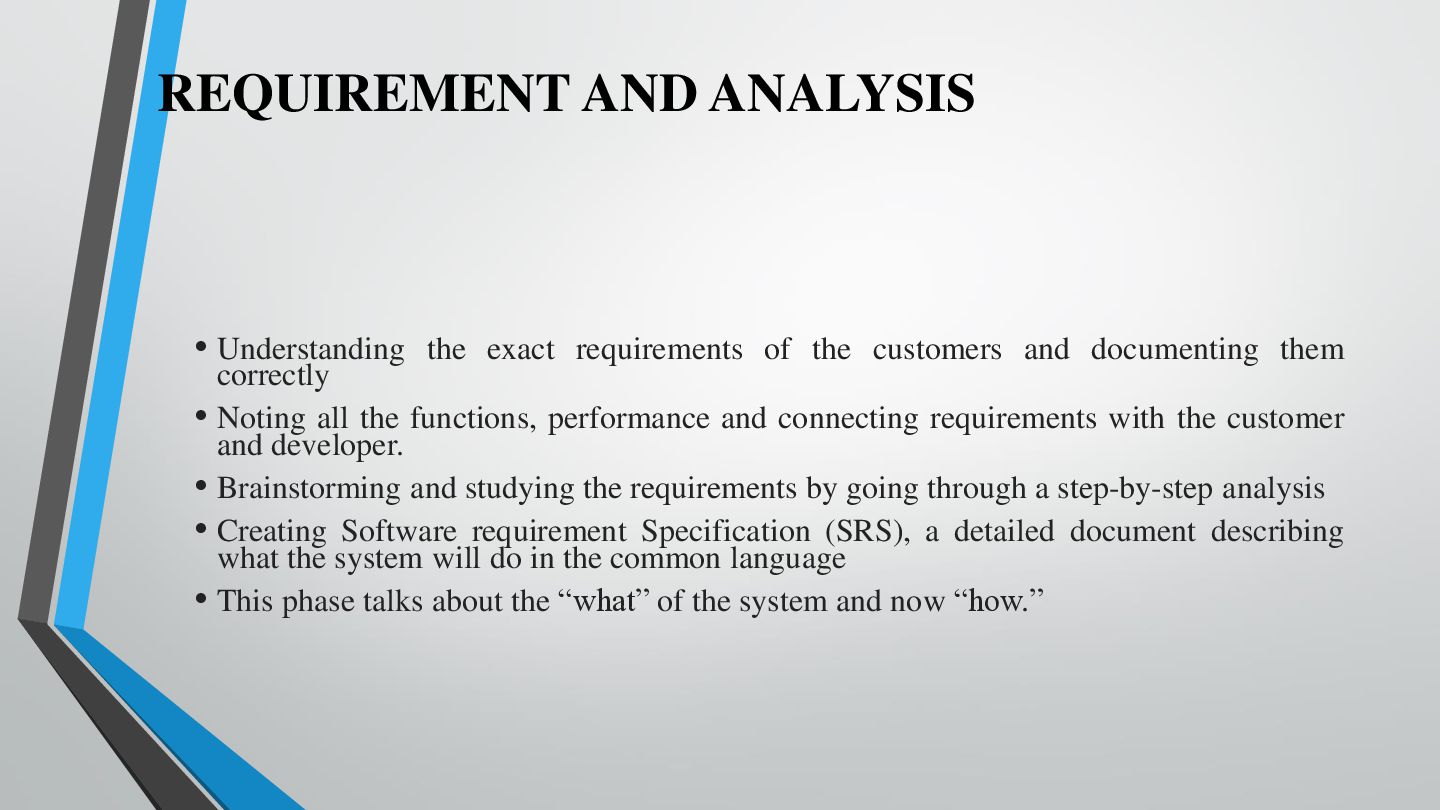
REQUIREMENT AND ANALYSIS • Understanding the exact requirements of the
customers and documenting them correctly • Noting all the functions, performance and connecting requirements with the customer and developer. • Brainstorming and studying the requirements by going through a step-by-step analysis • Creating Software requirement Specification (SRS), a detailed document describing what the system will do in the common language • This phase talks about the “what” of the system and now “how.” -
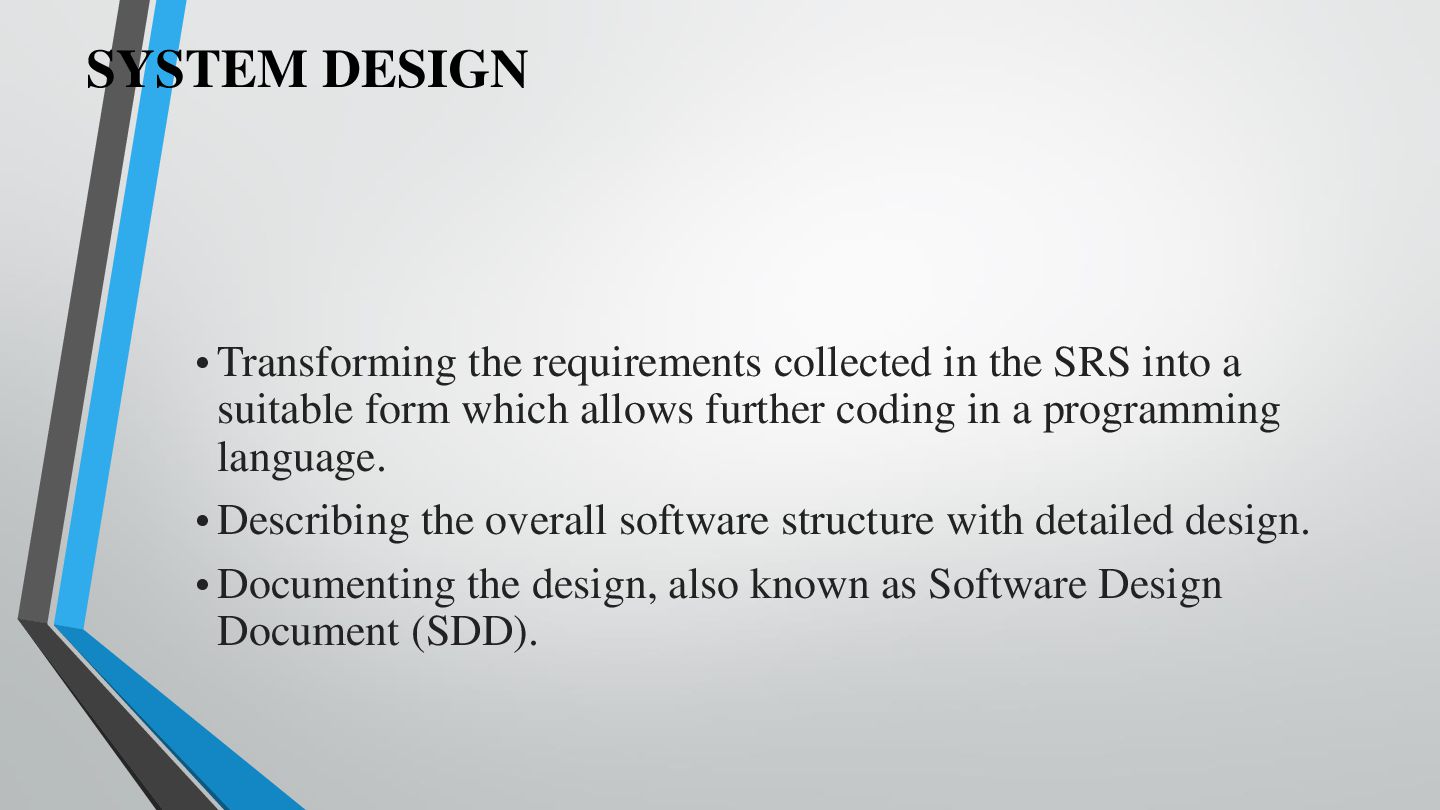
SYSTEM DESIGN • Transforming the requirements collected in the SRS
into a suitable form which allows further coding in a programming language. • Describing the overall software structure with detailed design. • Documenting the design, also known as Software Design Document (SDD). -
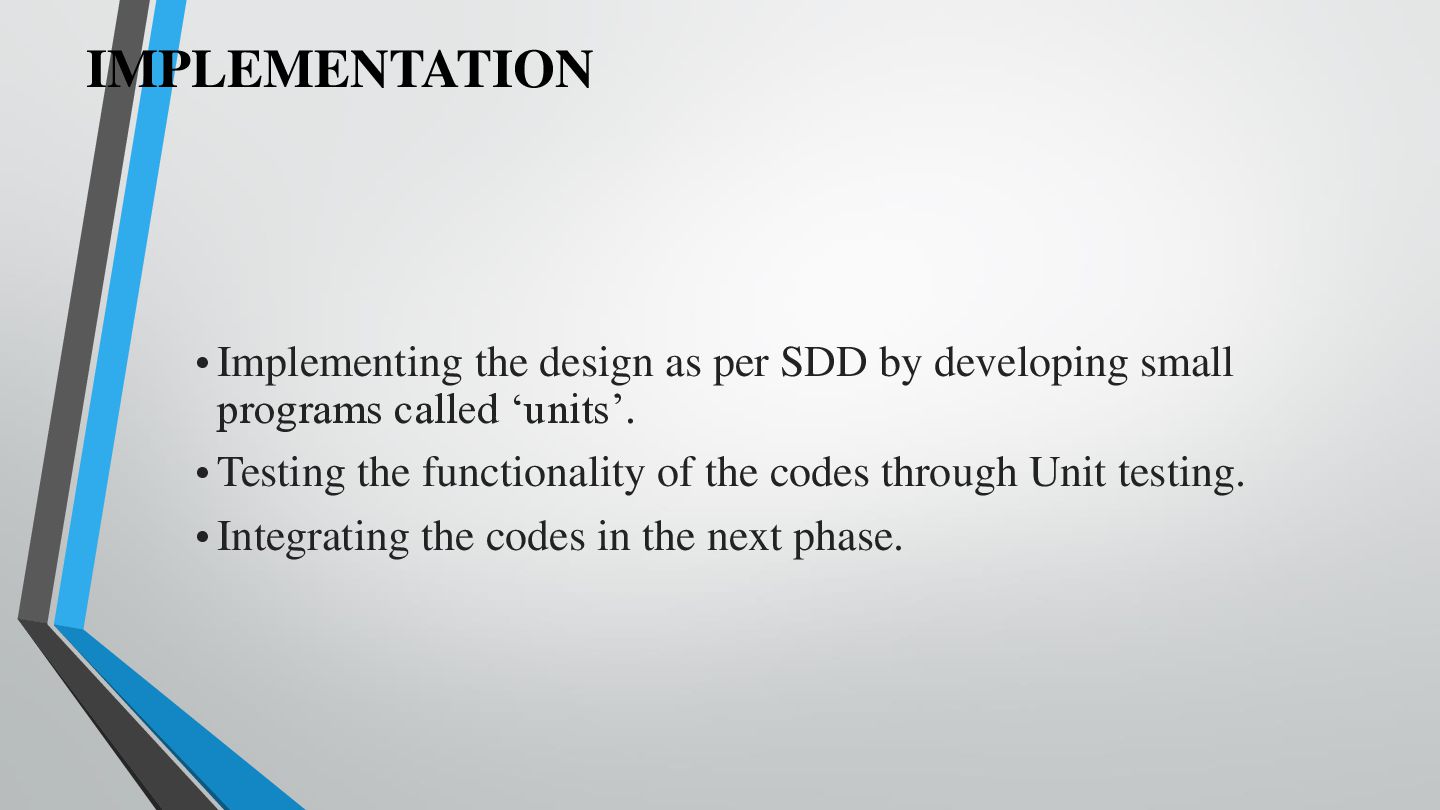
IMPLEMENTATION • Implementing the design as per SDD by developing
small programs called ‘units’. • Testing the functionality of the codes through Unit testing. • Integrating the codes in the next phase. -
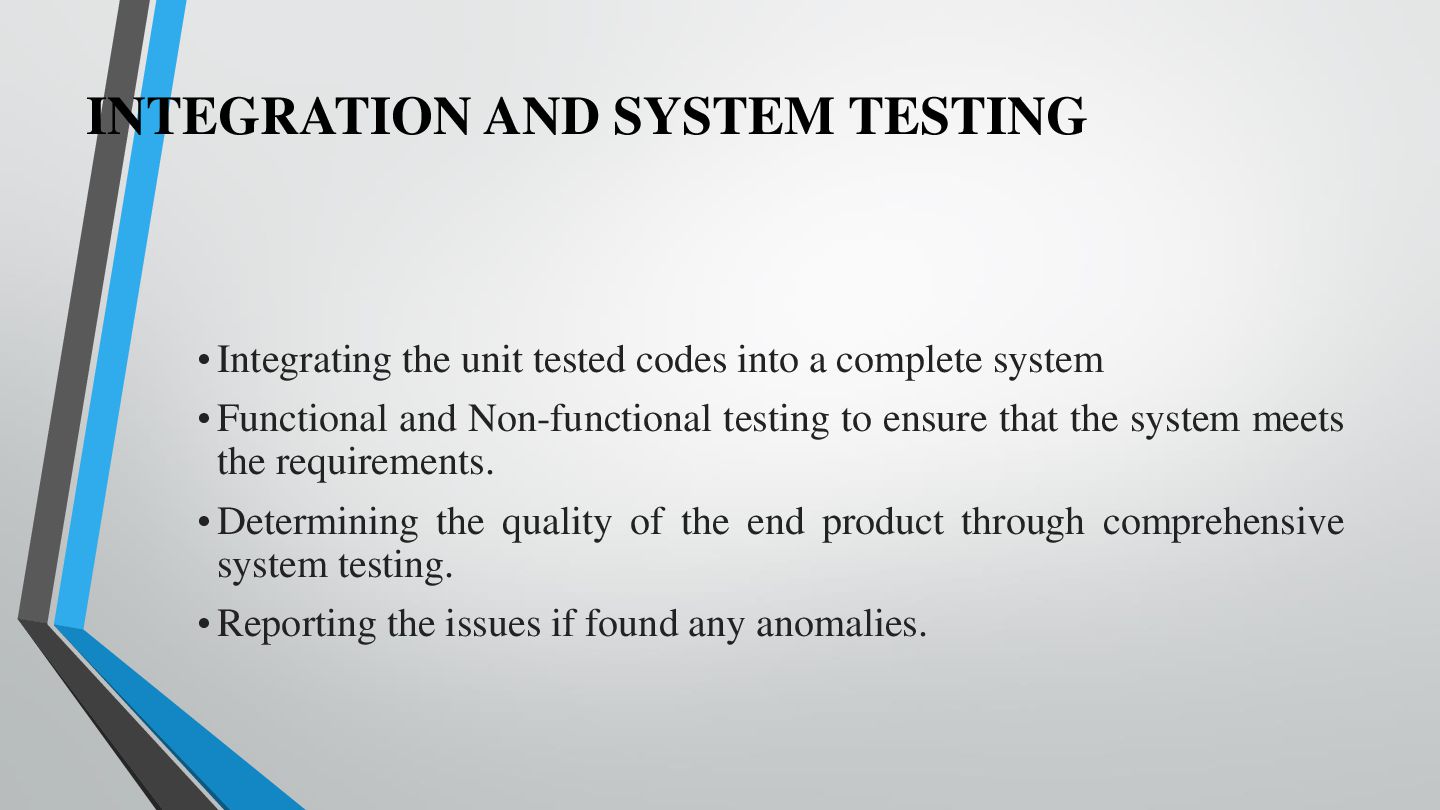
INTEGRATION AND SYSTEM TESTING • Integrating the unit tested codes
into a complete system • Functional and Non-functional testing to ensure that the system meets the requirements. • Determining the quality of the end product through comprehensive system testing. • Reporting the issues if found any anomalies. -
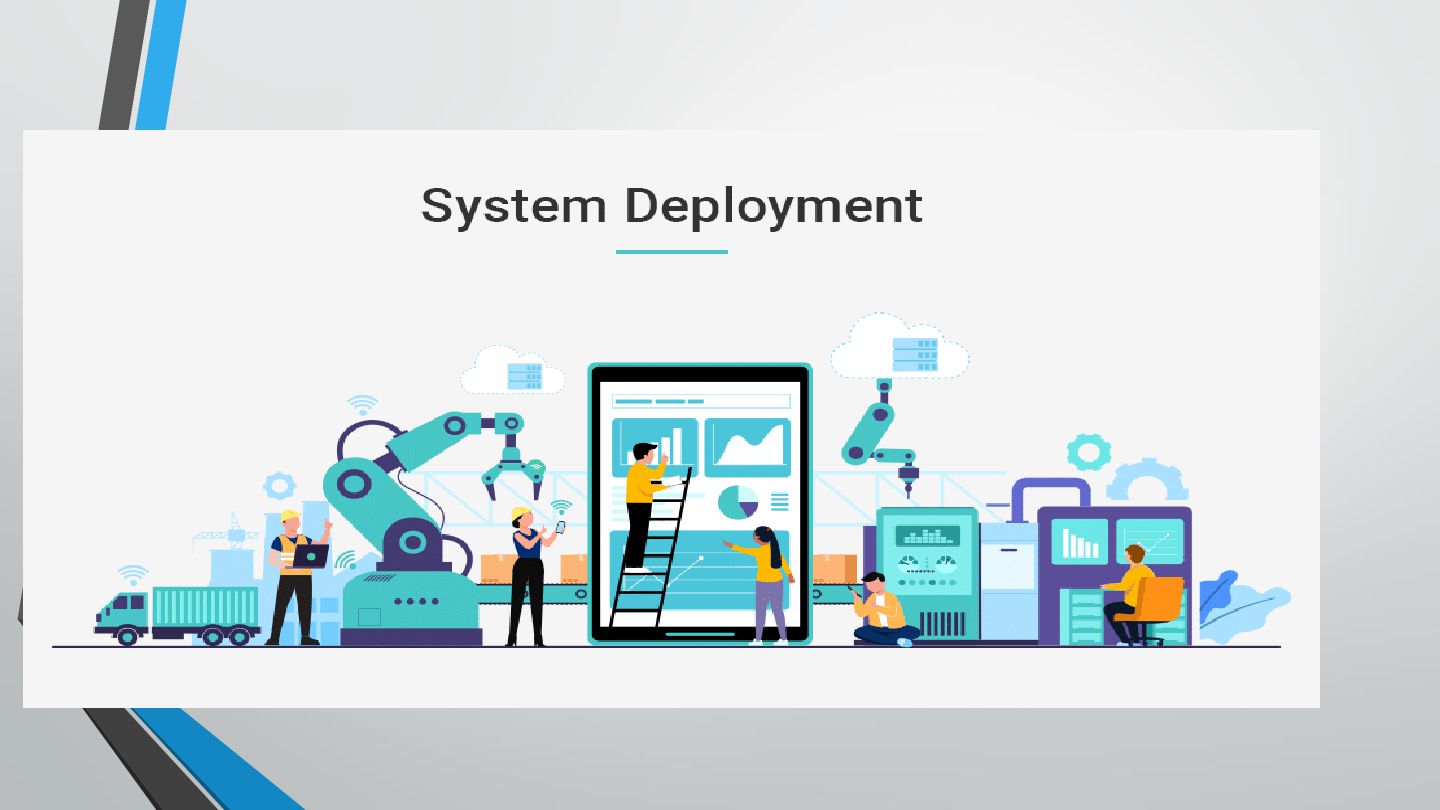
SYSTEM DEPLOYMENT • Deploying the final tested product into the
respective customer environment or in the market. • Performing a sanity check in the environment after software deployment to check whether it functions well or not. -
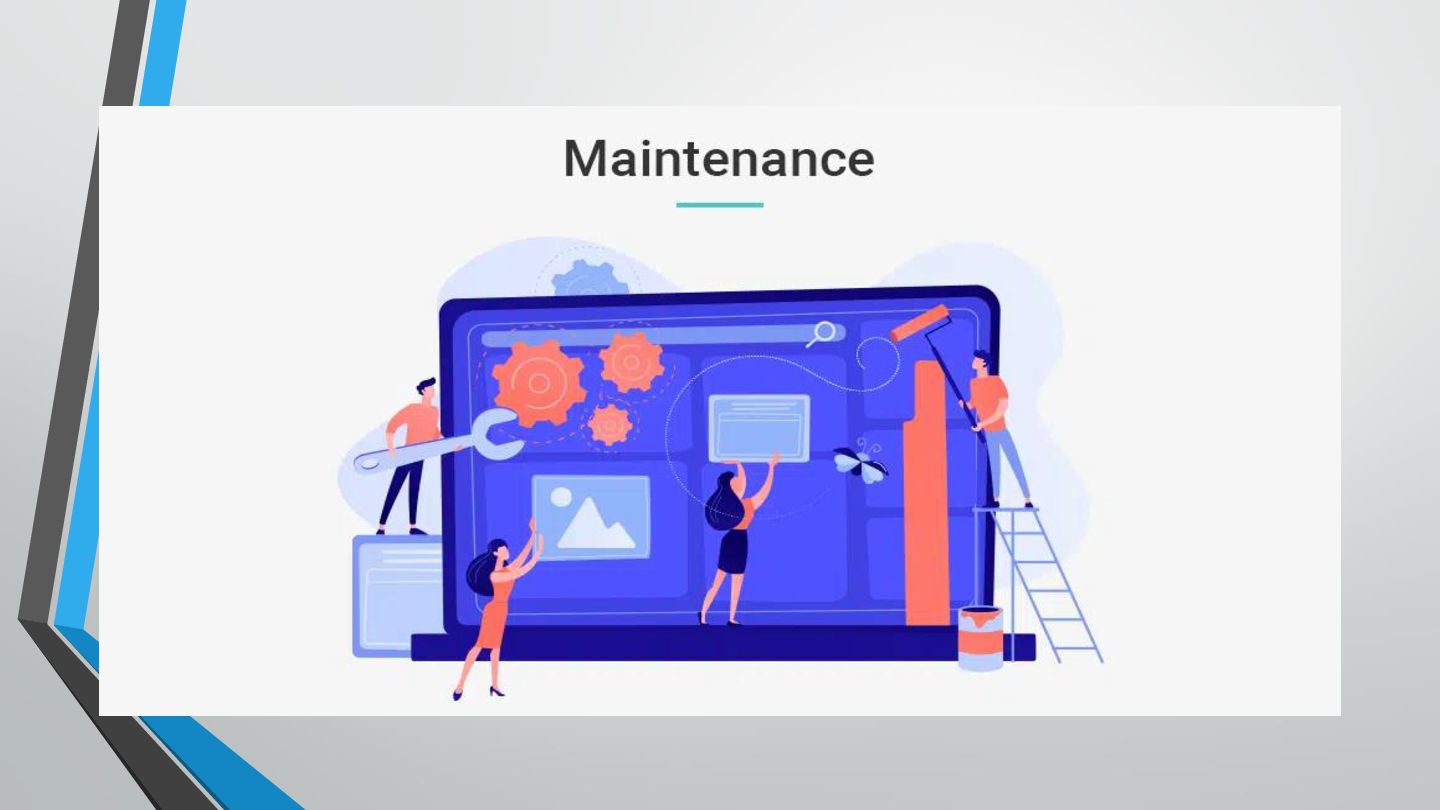
SYSTEM MAINTENANCE • Ensuring that the software is performing well
in the respective environment. • Providing maintenance and operational support to the customers after the deployment and installation of the software. • Noting and fixing the issues encountered by the customers, if any. • Updating the system with the latest features. -
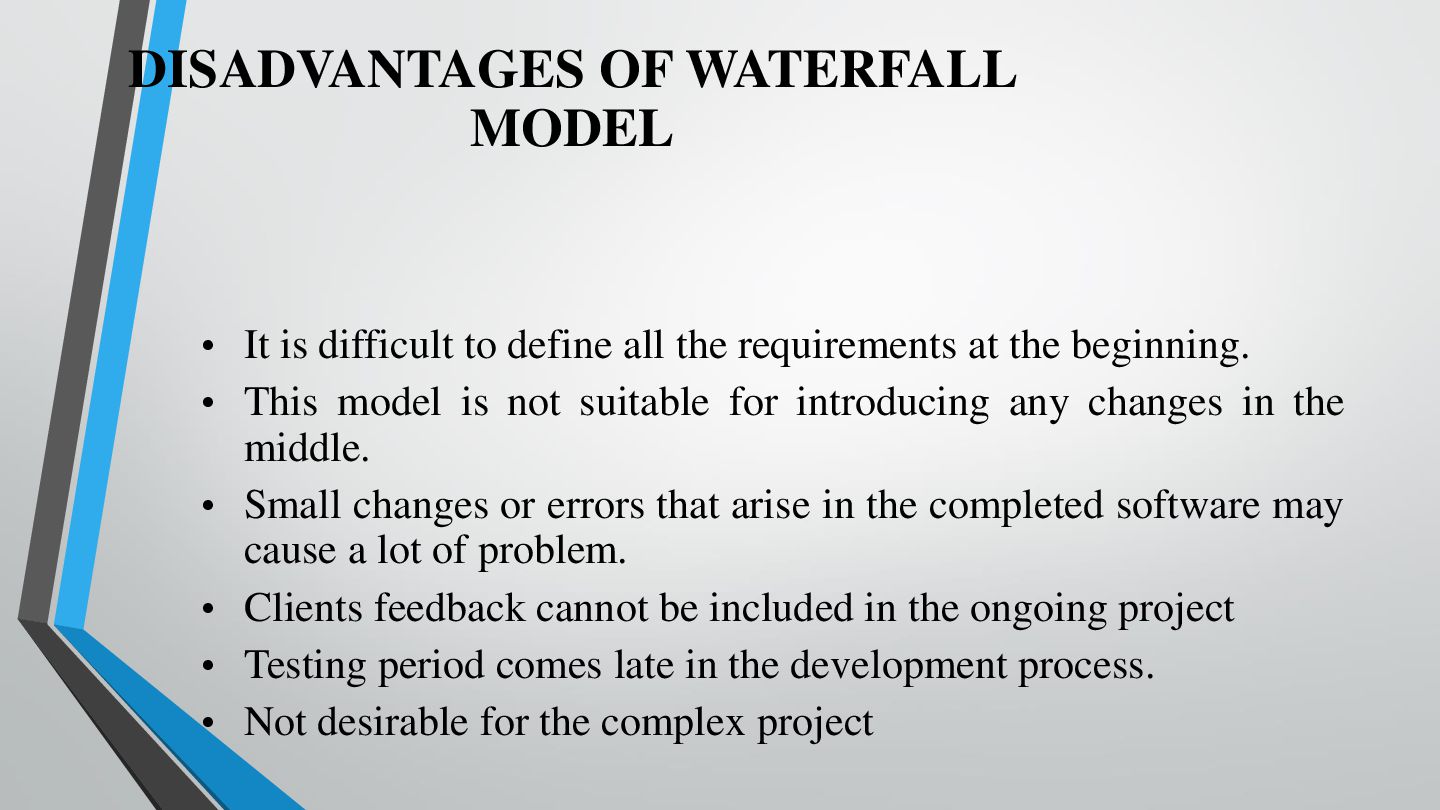
DISADVANTAGES OF WATERFALL MODEL • It is difficult to define
all the requirements at the beginning. • This model is not suitable for introducing any changes in the middle. • Small changes or errors that arise in the completed software may cause a lot of problem. • Clients feedback cannot be included in the ongoing project • Testing period comes late in the development process. • Not desirable for the complex project -
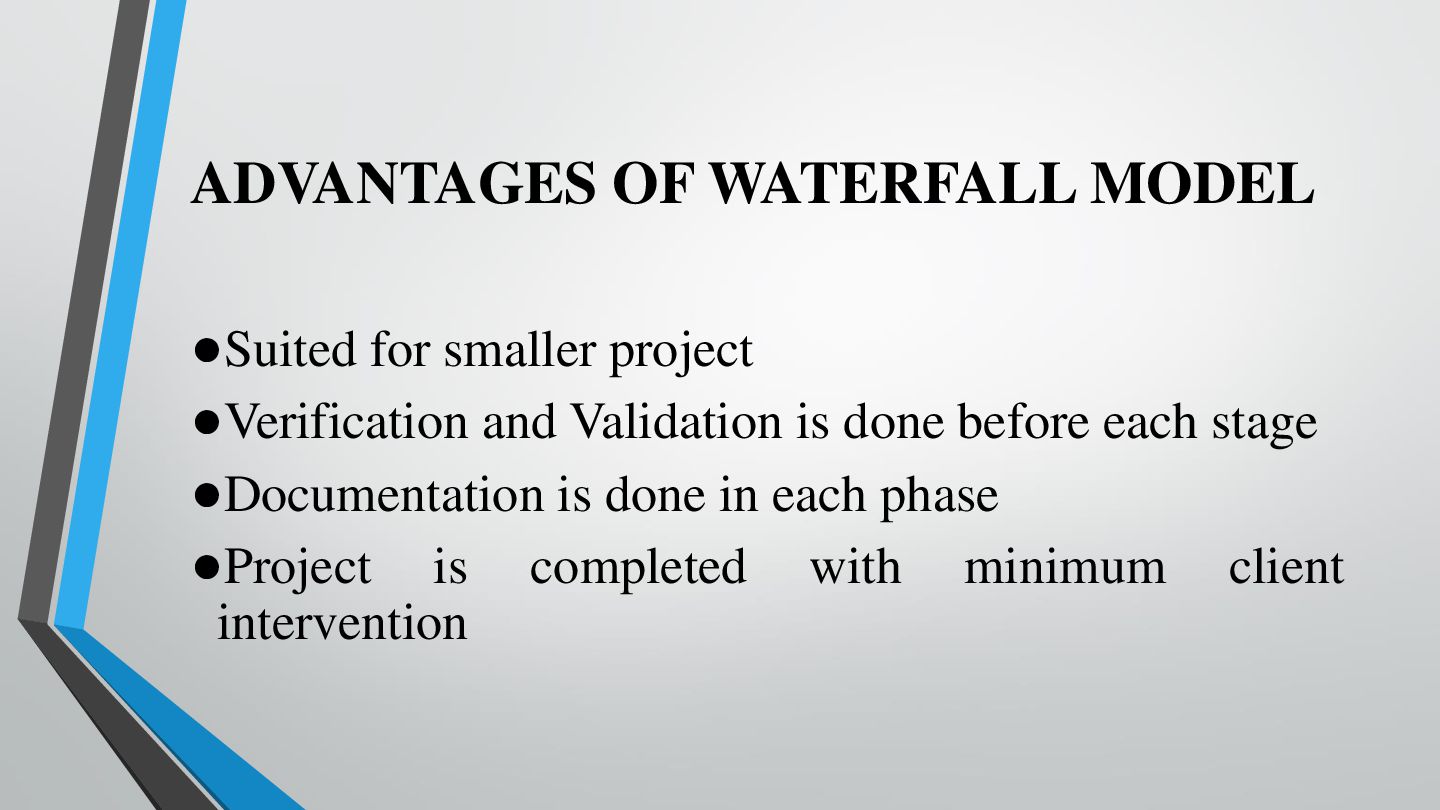
ADVANTAGES OF WATERFALL MODEL •Suited for smaller project •Verification and
Validation is done before each stage •Documentation is done in each phase •Project is completed with minimum client intervention -
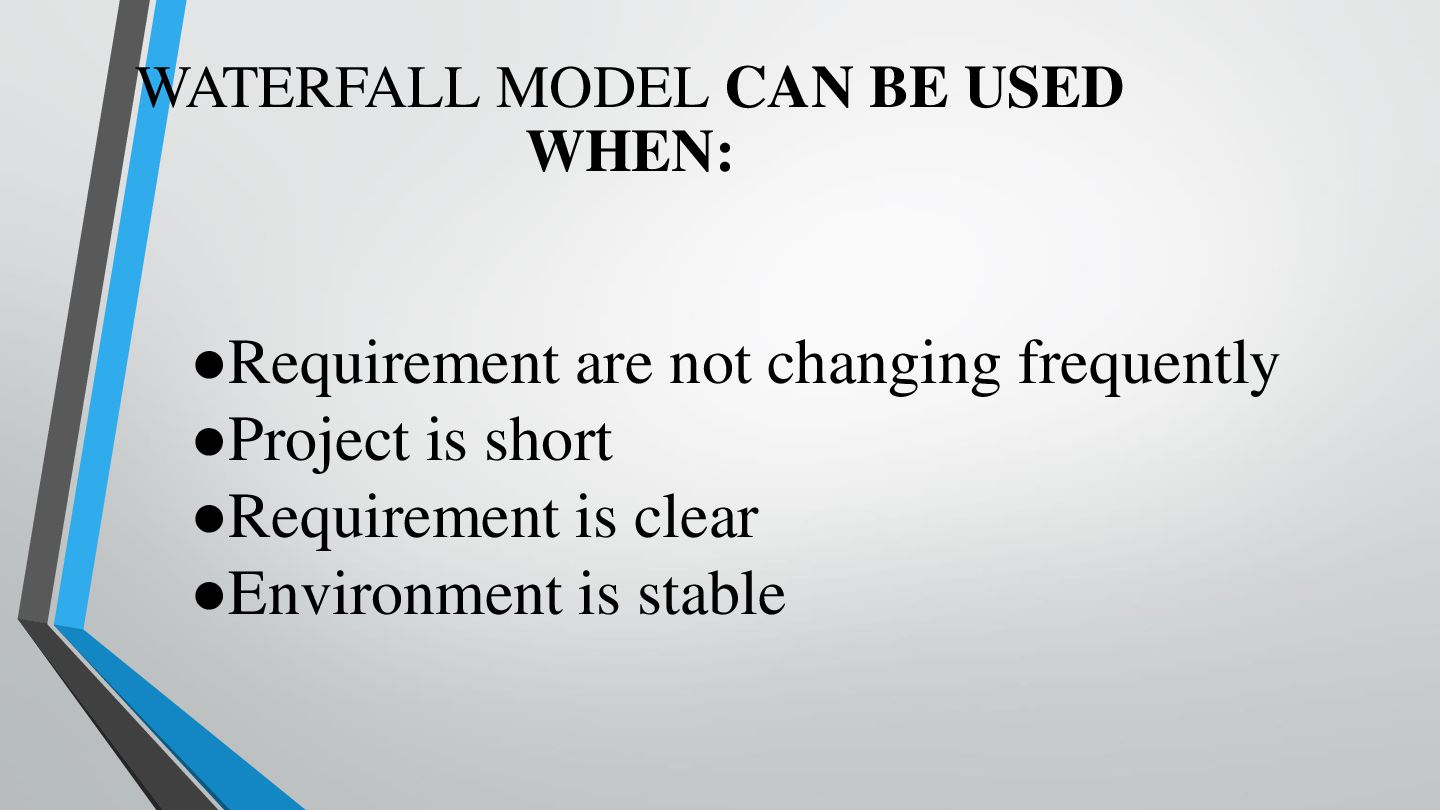
WATERFALL MODEL CAN BE USED WHEN: •Requirement are not changing
frequently •Project is short •Requirement is clear •Environment is stable -
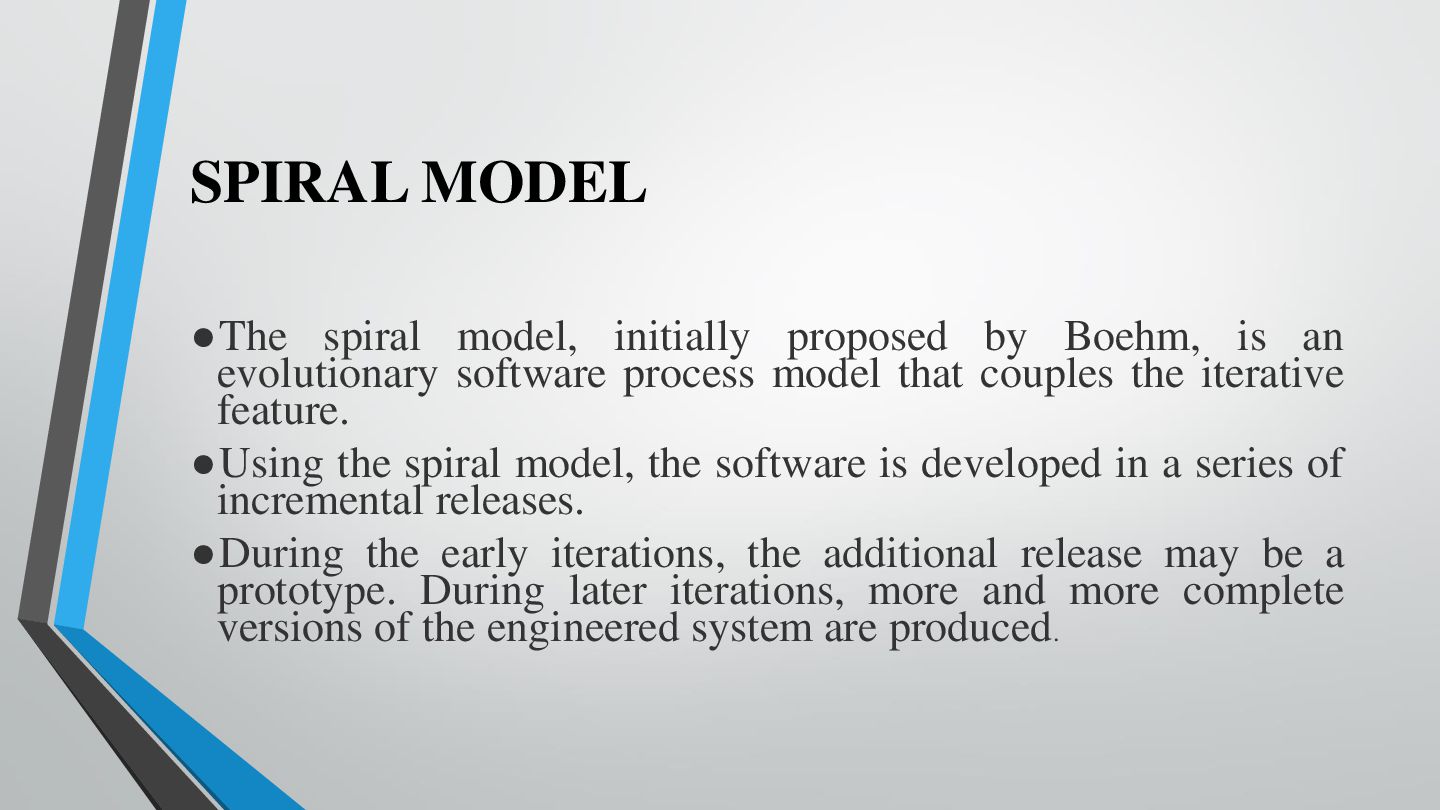
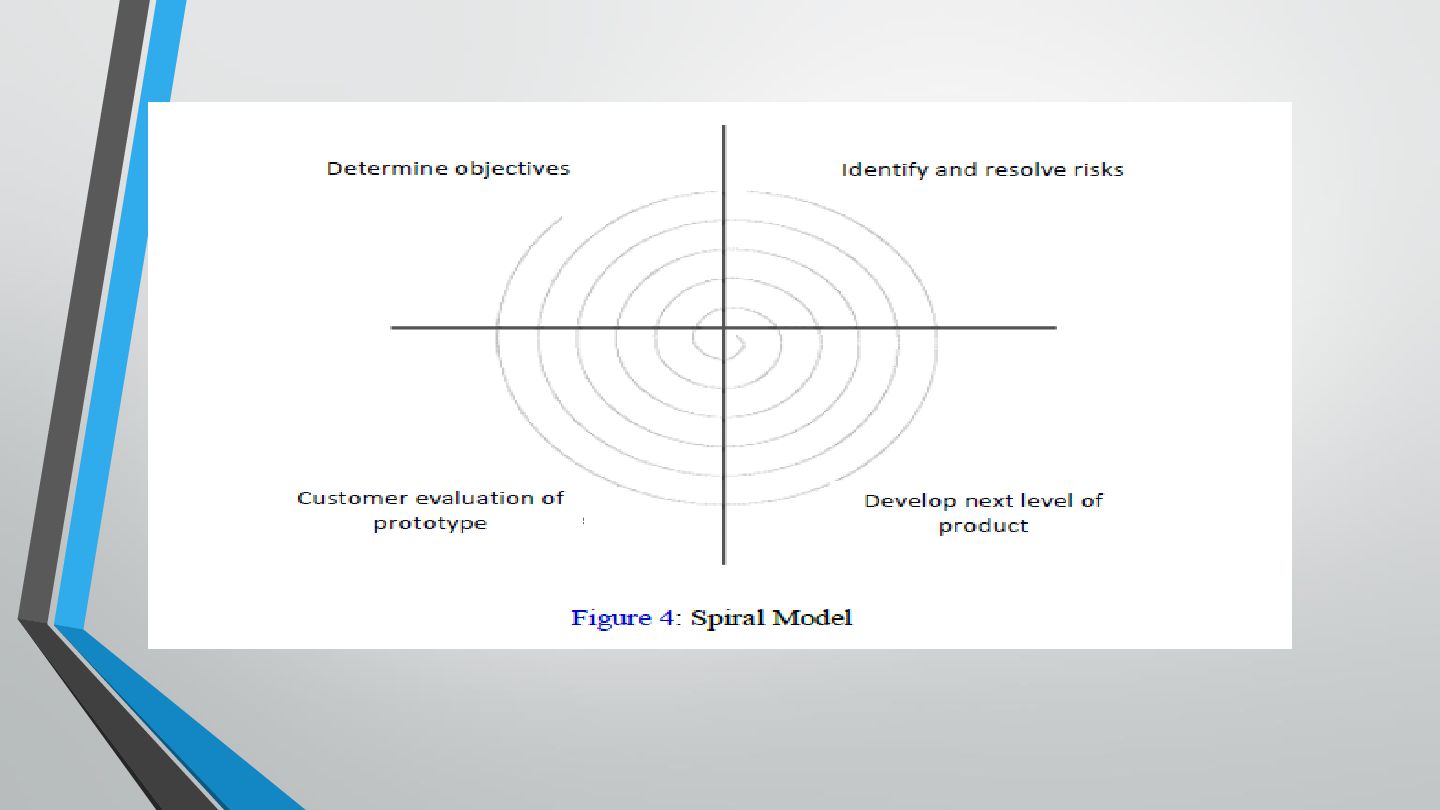
SPIRAL MODEL •The spiral model, initially proposed by Boehm, is
an evolutionary software process model that couples the iterative feature. •Using the spiral model, the software is developed in a series of incremental releases. •During the early iterations, the additional release may be a prototype. During later iterations, more and more complete versions of the engineered system are produced. -
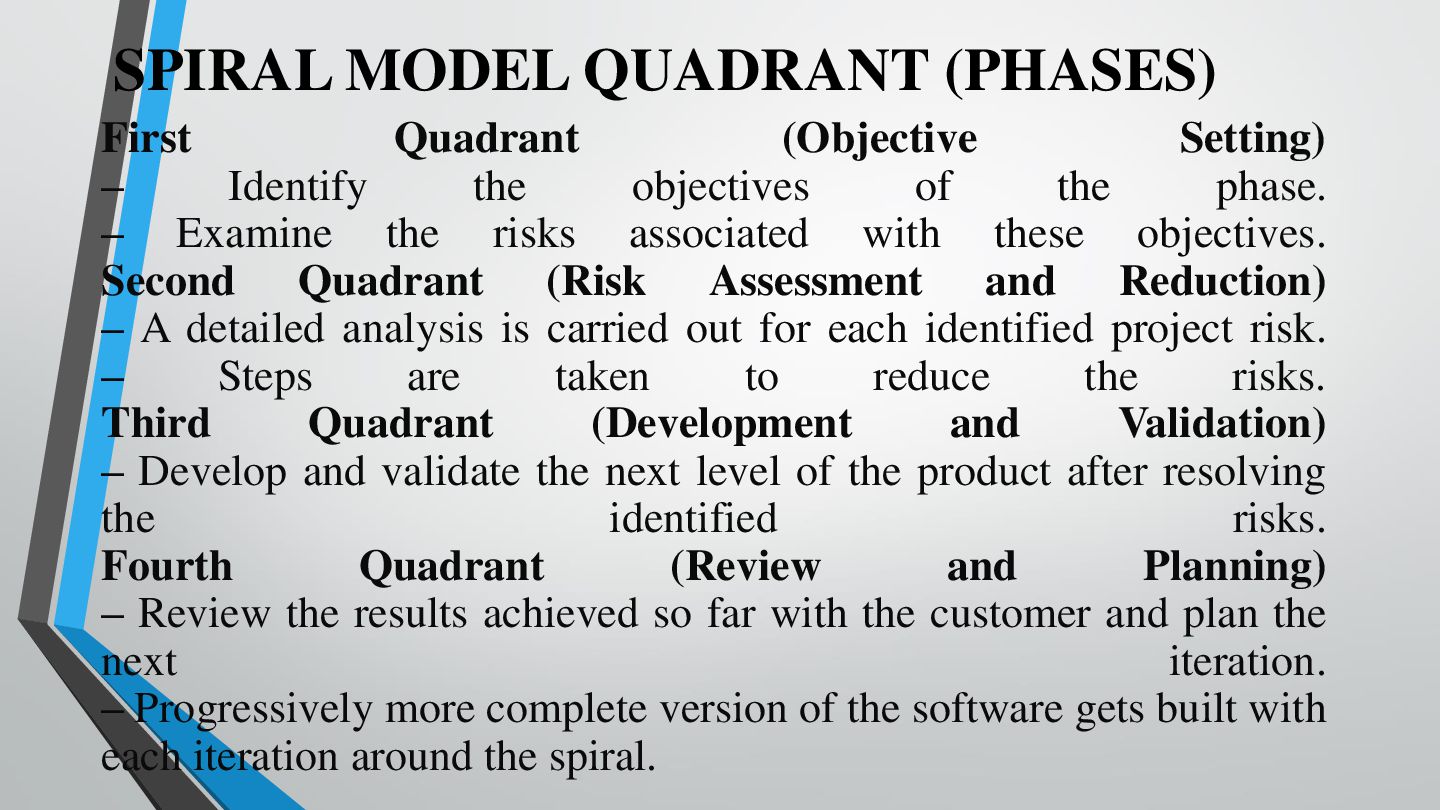
SPIRAL MODEL QUADRANT (PHASES) First Quadrant (Objective Setting) – Identify
the objectives of the phase. – Examine the risks associated with these objectives. Second Quadrant (Risk Assessment and Reduction) – A detailed analysis is carried out for each identified project risk. – Steps are taken to reduce the risks. Third Quadrant (Development and Validation) – Develop and validate the next level of the product after resolving the identified risks. Fourth Quadrant (Review and Planning) – Review the results achieved so far with the customer and plan the next iteration. – Progressively more complete version of the software gets built with each iteration around the spiral. -
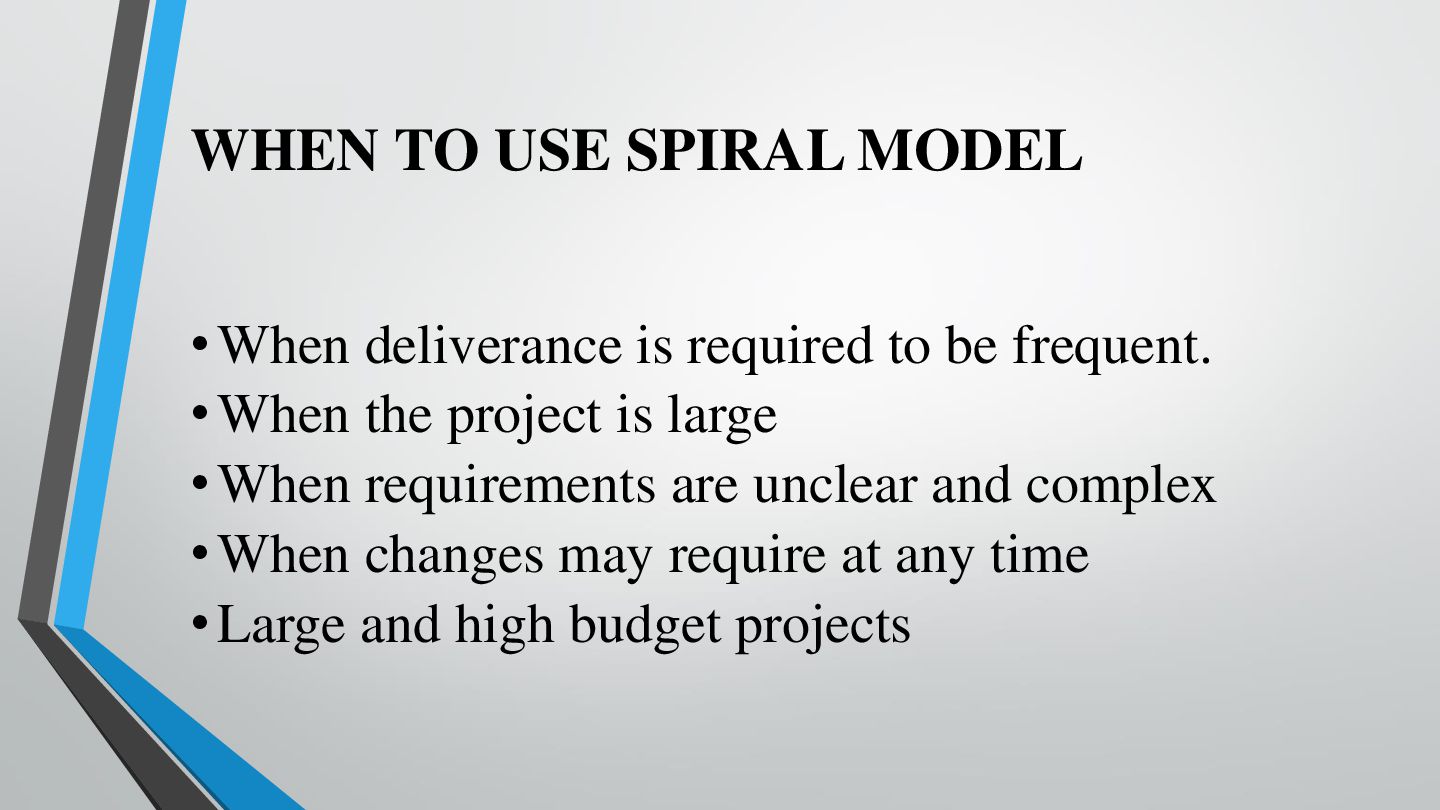
WHEN TO USE SPIRAL MODEL • When deliverance is required
to be frequent. • When the project is large • When requirements are unclear and complex • When changes may require at any time • Large and high budget projects -
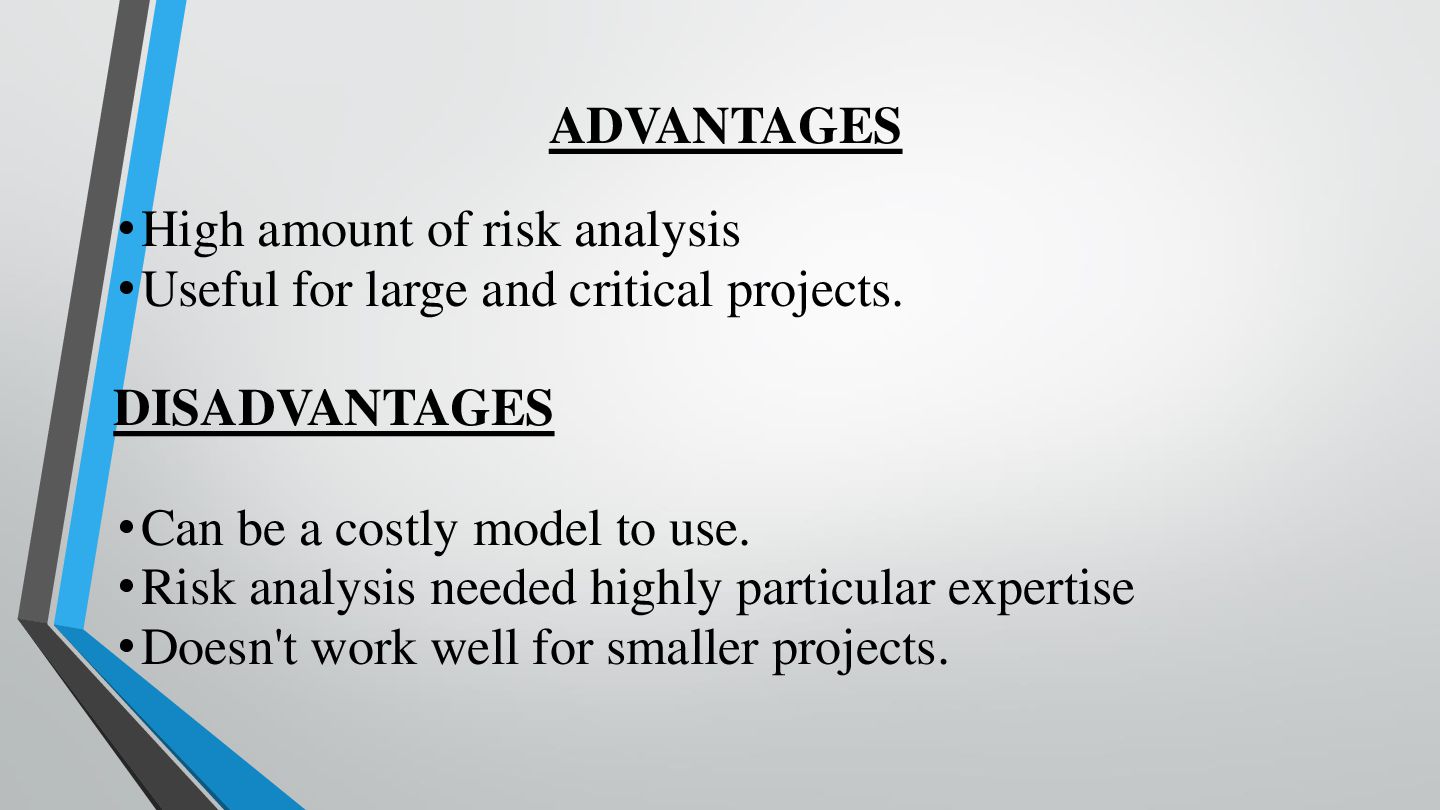
ADVANTAGES • High amount of risk analysis • Useful for
large and critical projects. DISADVANTAGES • Can be a costly model to use. • Risk analysis needed highly particular expertise • Doesn't work well for smaller projects. -
AGILE MODEL The Agile process model is more focused on
delivering working software. Agile can accommodate changes easily and has shown tremendous outcomes in delivering software. That is the reason it has become such a popular name among IT developers and organizations -
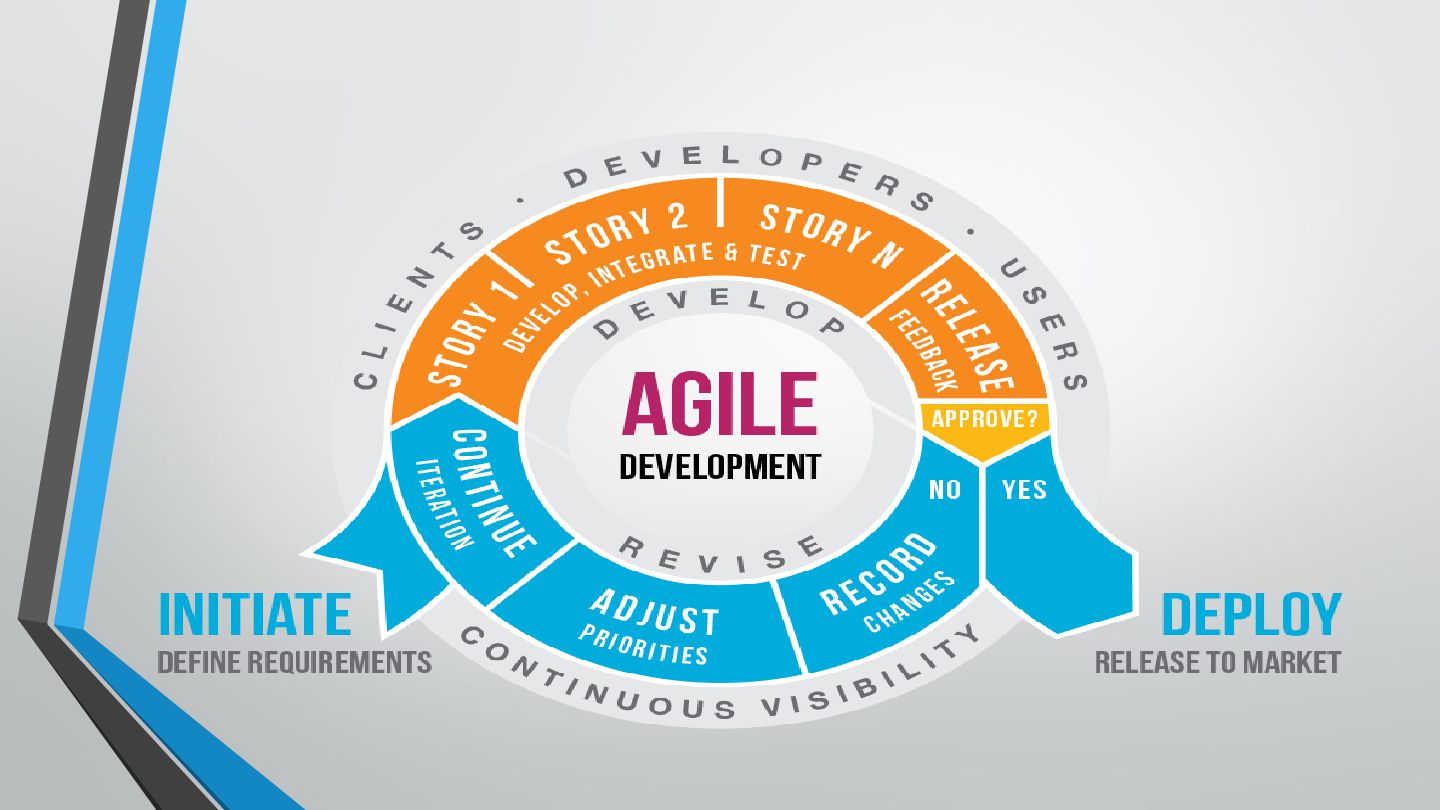
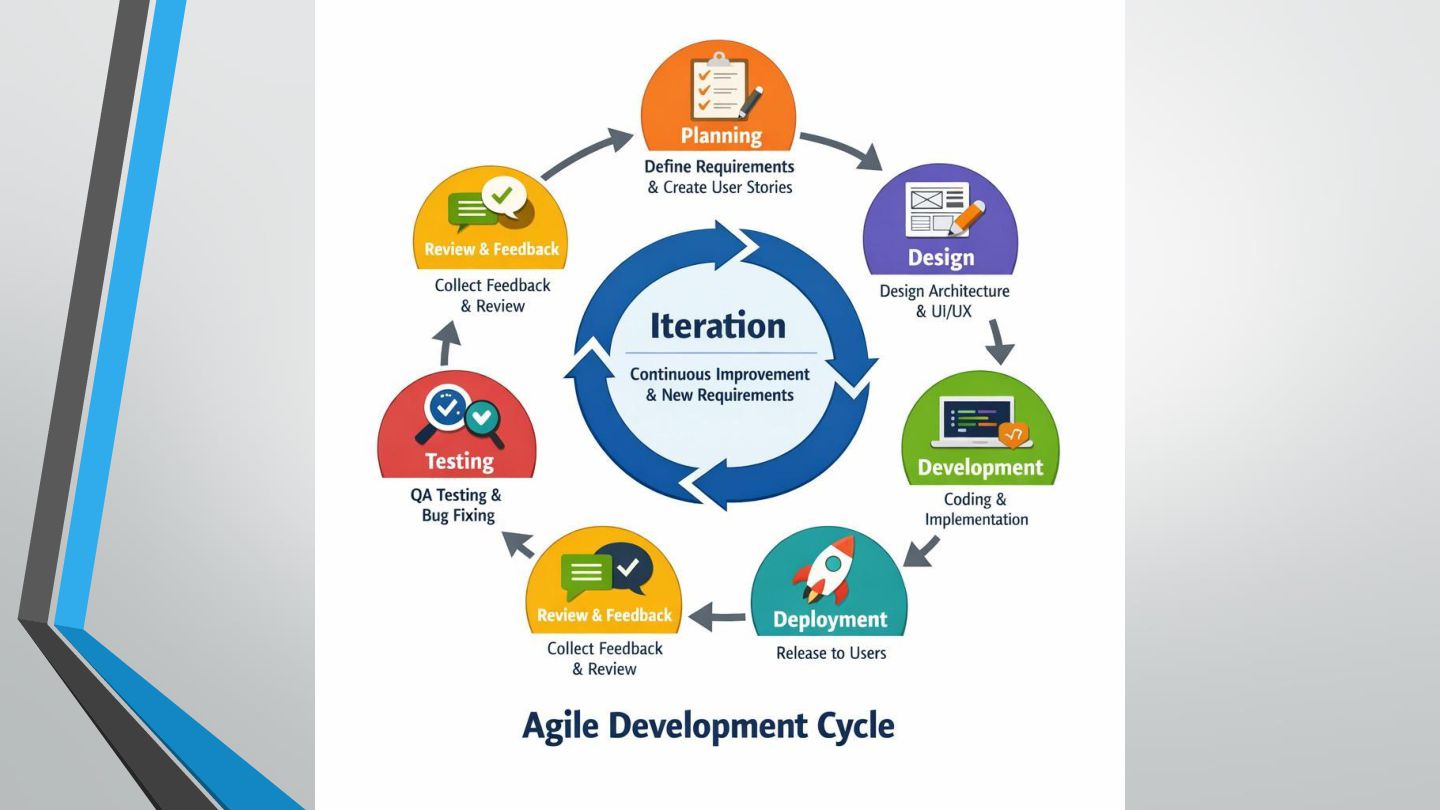
Phases of the Agile Model 1. Requirement Gathering The team
understands the customer's needs and prepares a list of features to be developed. Example: An online shopping application needs login, product search, and payment features. 2. Planning The team selects the features to develop in the current iteration, often called a sprint in Scrum. 3. Design The team prepares the design for the selected features. 4. Development Programmers write code to implement the selected features. -
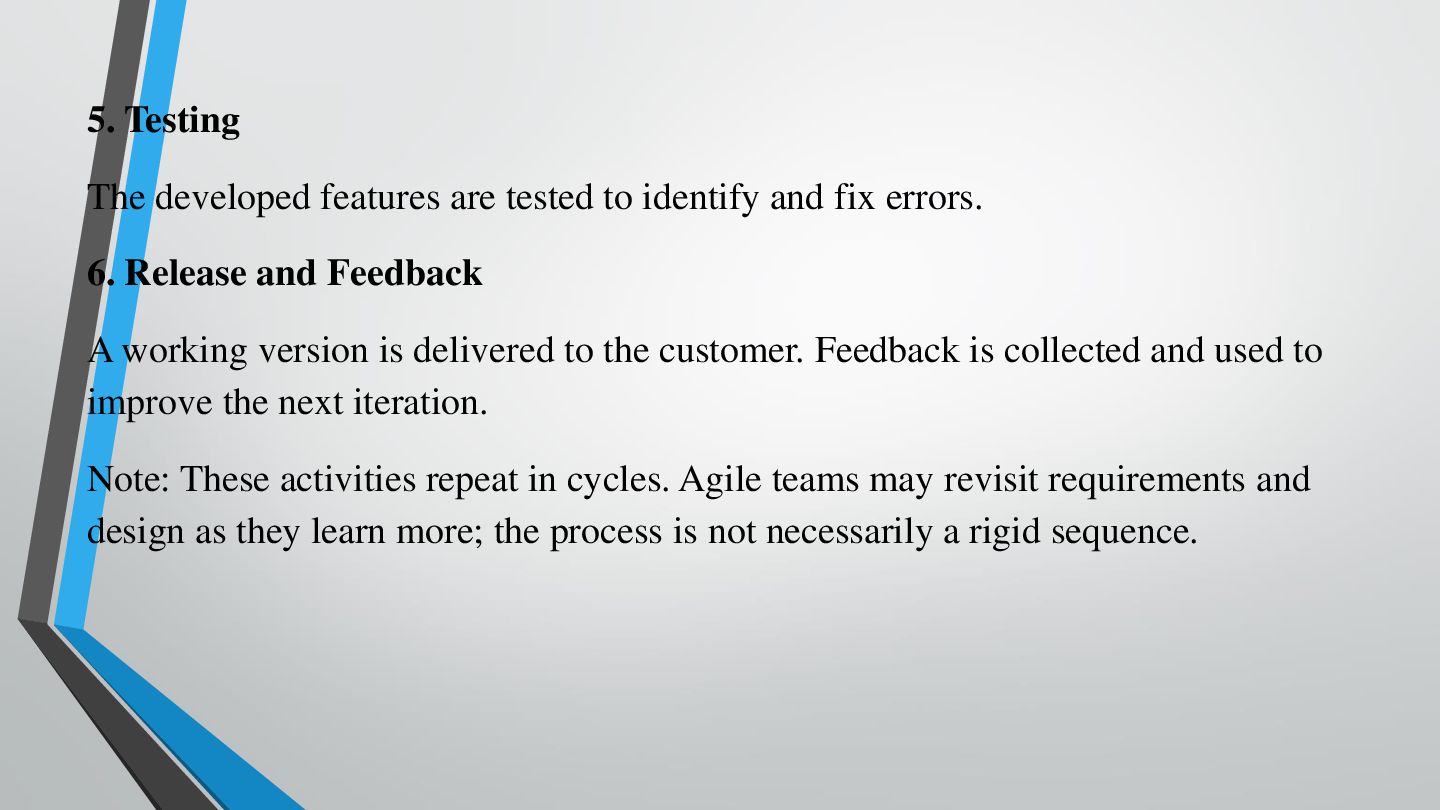
5. Testing The developed features are tested to identify and
fix errors. 6. Release and Feedback A working version is delivered to the customer. Feedback is collected and used to improve the next iteration. Note: These activities repeat in cycles. Agile teams may revisit requirements and design as they learn more; the process is not necessarily a rigid sequence. -
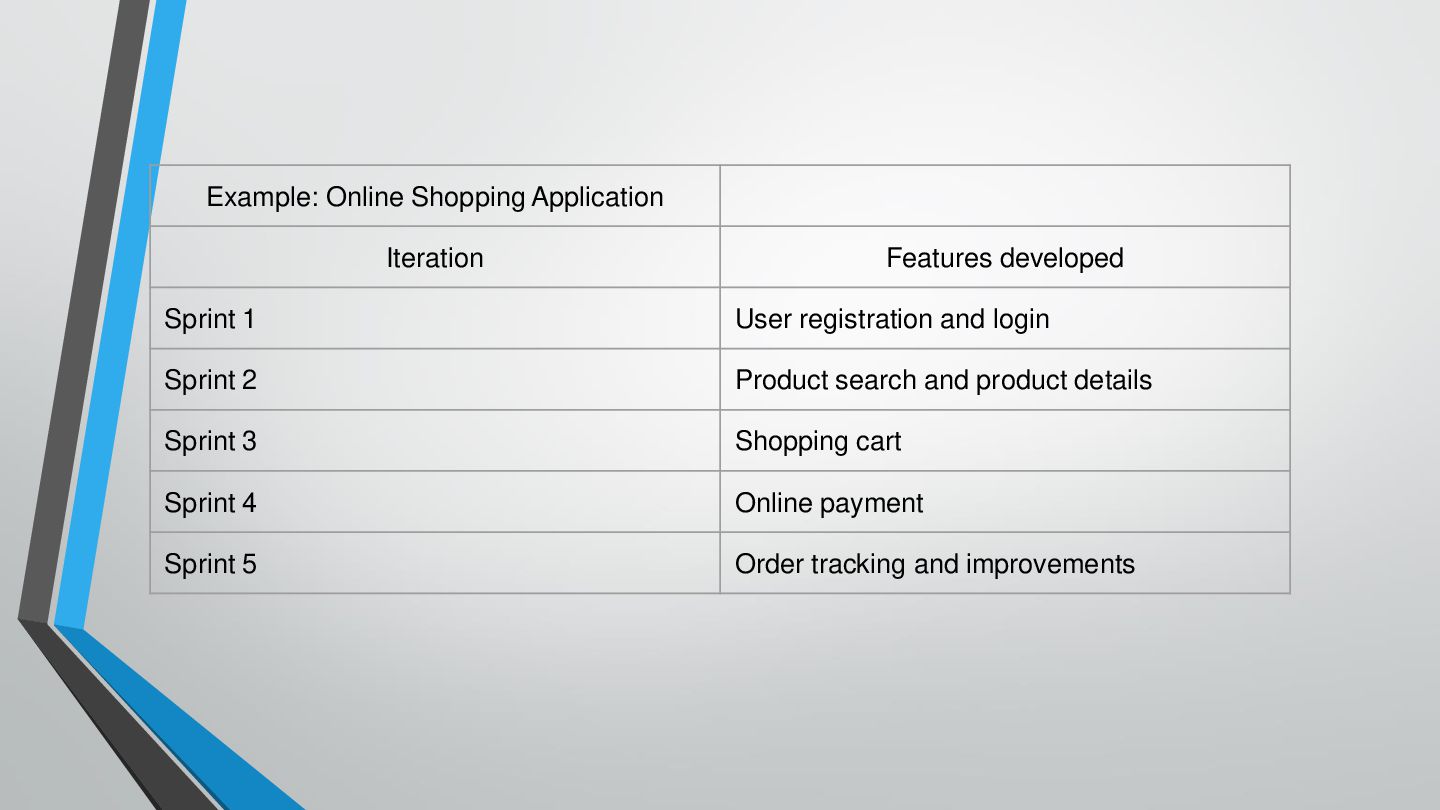
Example: Online Shopping Application Iteration Features developed Sprint 1 User
registration and login Sprint 2 Product search and product details Sprint 3 Shopping cart Sprint 4 Online payment Sprint 5 Order tracking and improvements -
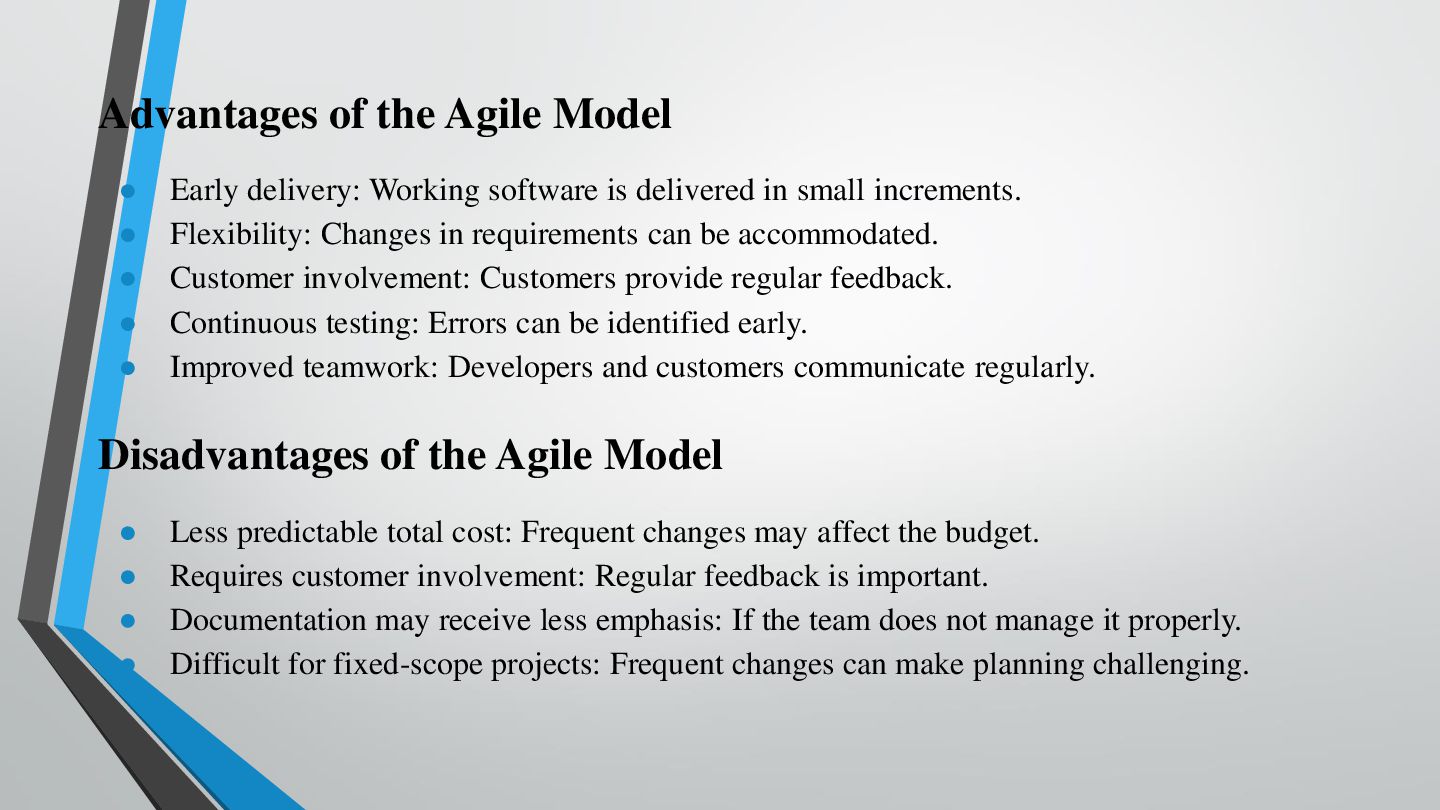
Advantages of the Agile Model • • • • •
Early delivery: Working software is delivered in small increments. Flexibility: Changes in requirements can be accommodated. Customer involvement: Customers provide regular feedback. Continuous testing: Errors can be identified early. Improved teamwork: Developers and customers communicate regularly. Disadvantages of the Agile Model • • • • Less predictable total cost: Frequent changes may affect the budget. Requires customer involvement: Regular feedback is important. Documentation may receive less emphasis: If the team does not manage it properly. Difficult for fixed-scope projects: Frequent changes can make planning challenging. -
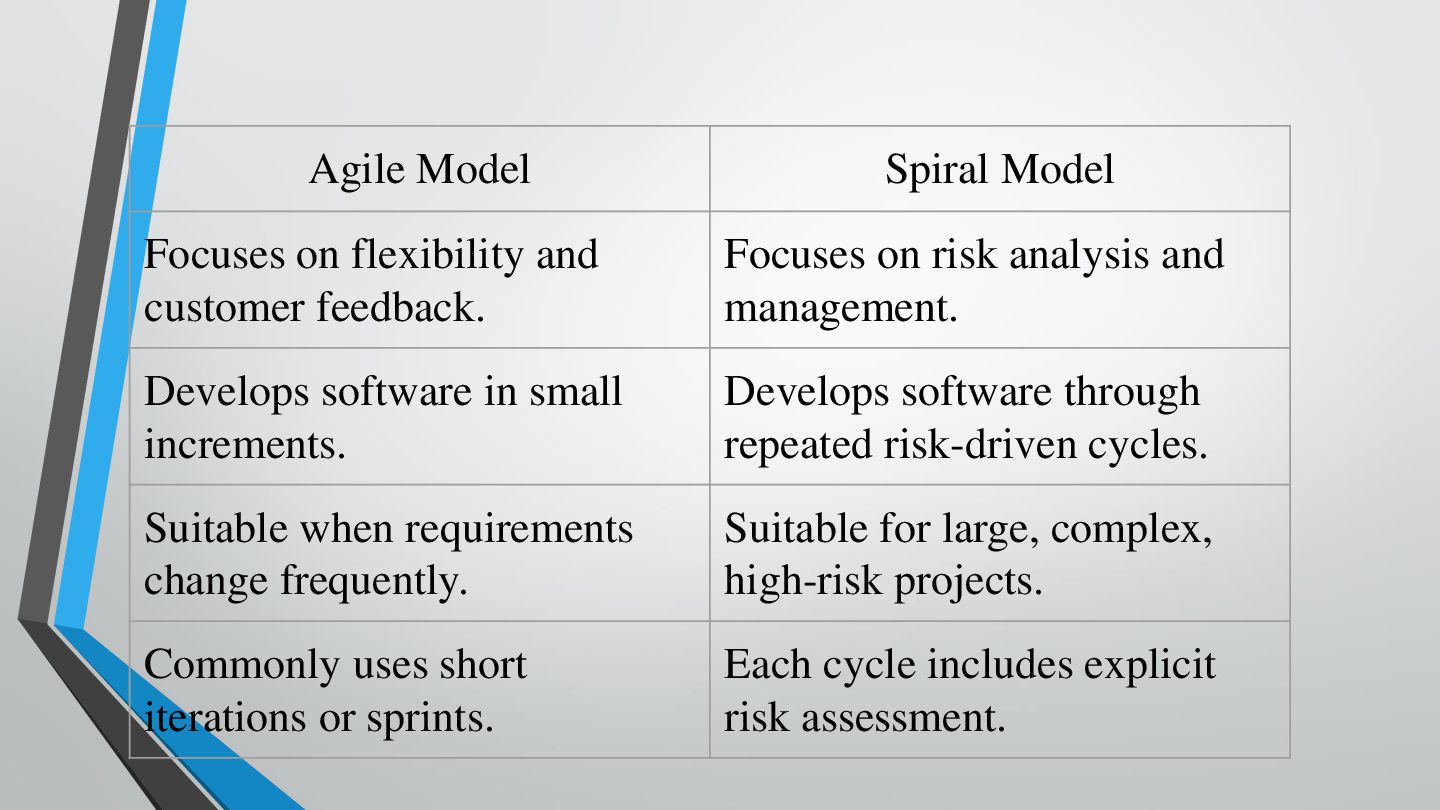
Agile Model Spiral Model Focuses on flexibility and customer feedback.
Focuses on risk analysis and management. Develops software in small increments. Develops software through repeated risk-driven cycles. Suitable when requirements change frequently. Suitable for large, complex, high-risk projects. Commonly uses short iterations or sprints. Each cycle includes explicit risk assessment. -
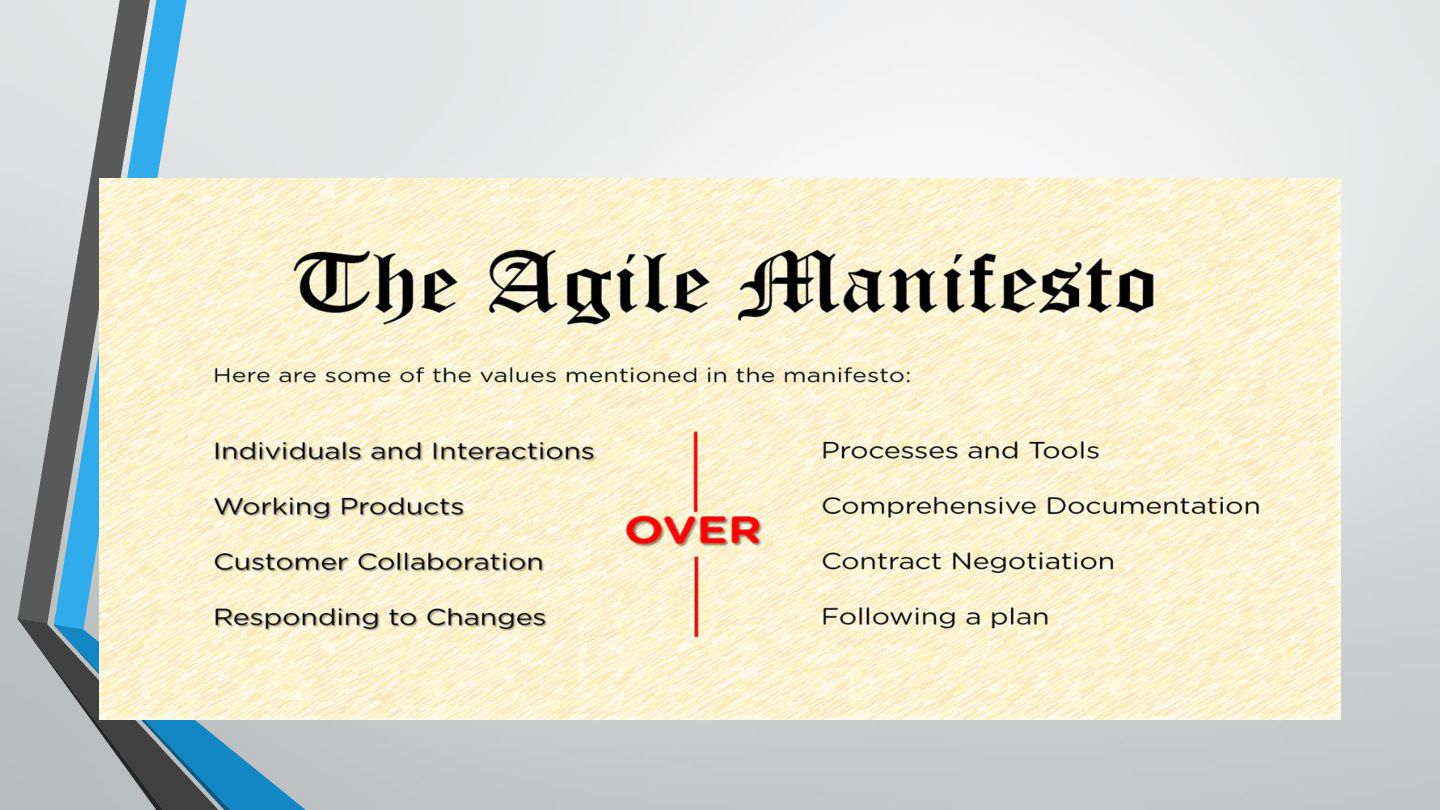
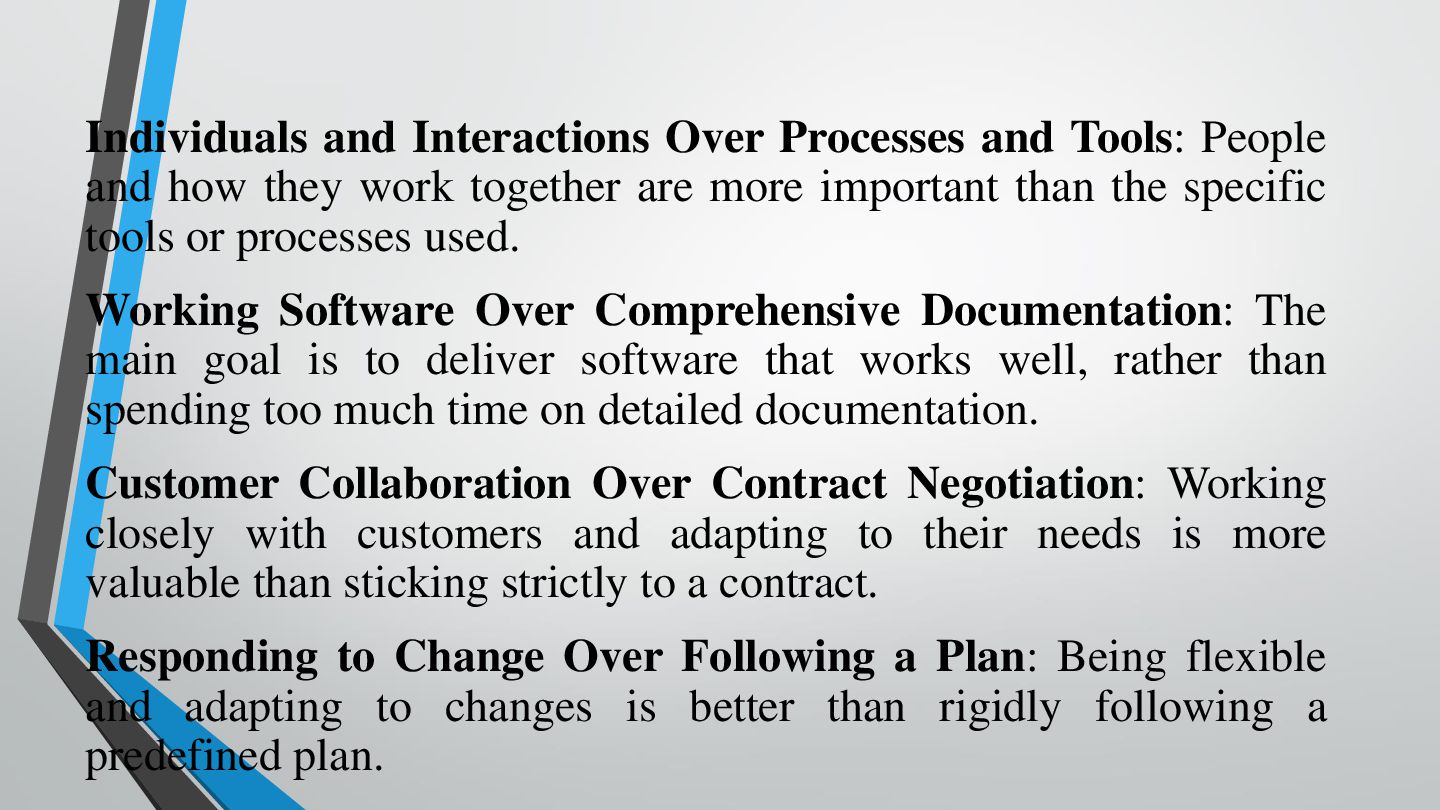
Individuals and Interactions Over Processes and Tools: People and how
they work together are more important than the specific tools or processes used. Working Software Over Comprehensive Documentation: The main goal is to deliver software that works well, rather than spending too much time on detailed documentation. Customer Collaboration Over Contract Negotiation: Working closely with customers and adapting to their needs is more valuable than sticking strictly to a contract. Responding to Change Over Following a Plan: Being flexible and adapting to changes is better than rigidly following a predefined plan. -
AGILE VALUES •Value 1: Individuals and interactions In the past,
a lot of software teams would concentrate on having the best possible tools or processes with which to build their software. The Agile Manifesto suggests that while those things are important, the people behind the processes are even more so. •Value 2: Working software Previously, software developers would spend ages creating detailed documentation. That was before they even started writing a single line of code. And while documentation isn’t a bad thing, -
•Value 3: Customer collaboration Once upon a time, contracts were
king. You would draw up contracts with your customers who would then detail the finished product. As a result, there was often a contrast between what the contract said, what the product did, and what the customer actually required. •Value 4: Responding to change The Agile Manifesto suggests that a software team should have the ability to pivot and change direction whenever they need to, with a flexible roadmap that reflects that. A dynamic roadmap can change from quarter to quarter, sometimes even month to month, and agile teams are able to keep up with those changes. -
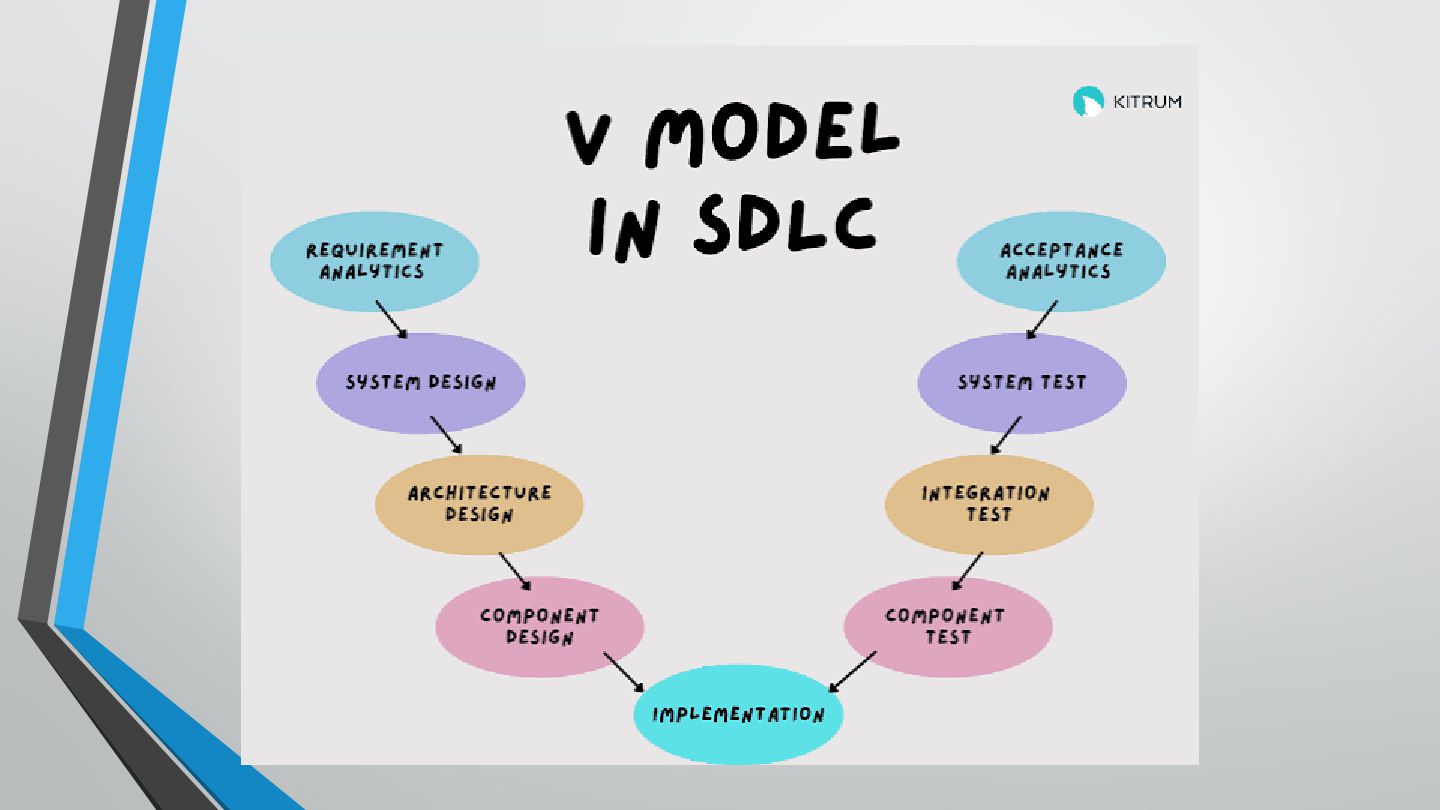
1. Requirement Analysis → Acceptance Testing Requirement Analysis means understanding
what the customer wants. Example: A college says, "The attendance system should allow teachers to mark attendance and students to view their attendance." Later, Acceptance Testing checks: "Does the final software satisfy the customer's requirements?" -
2. System Design → System Testing System Design decides how
the complete software will work. Example: • • • • Login Student module Faculty module Attendance module System Testing checks the complete software to see whether all functions work correctly. -
3. Architecture Design → Integration Testing Architecture Design decides how
the different major parts/modules of the software will communicate. Example: Login ↓ Student Module ↓ Attendance Module ↓ Database Integration Testing checks whether these different modules work correctly together. -
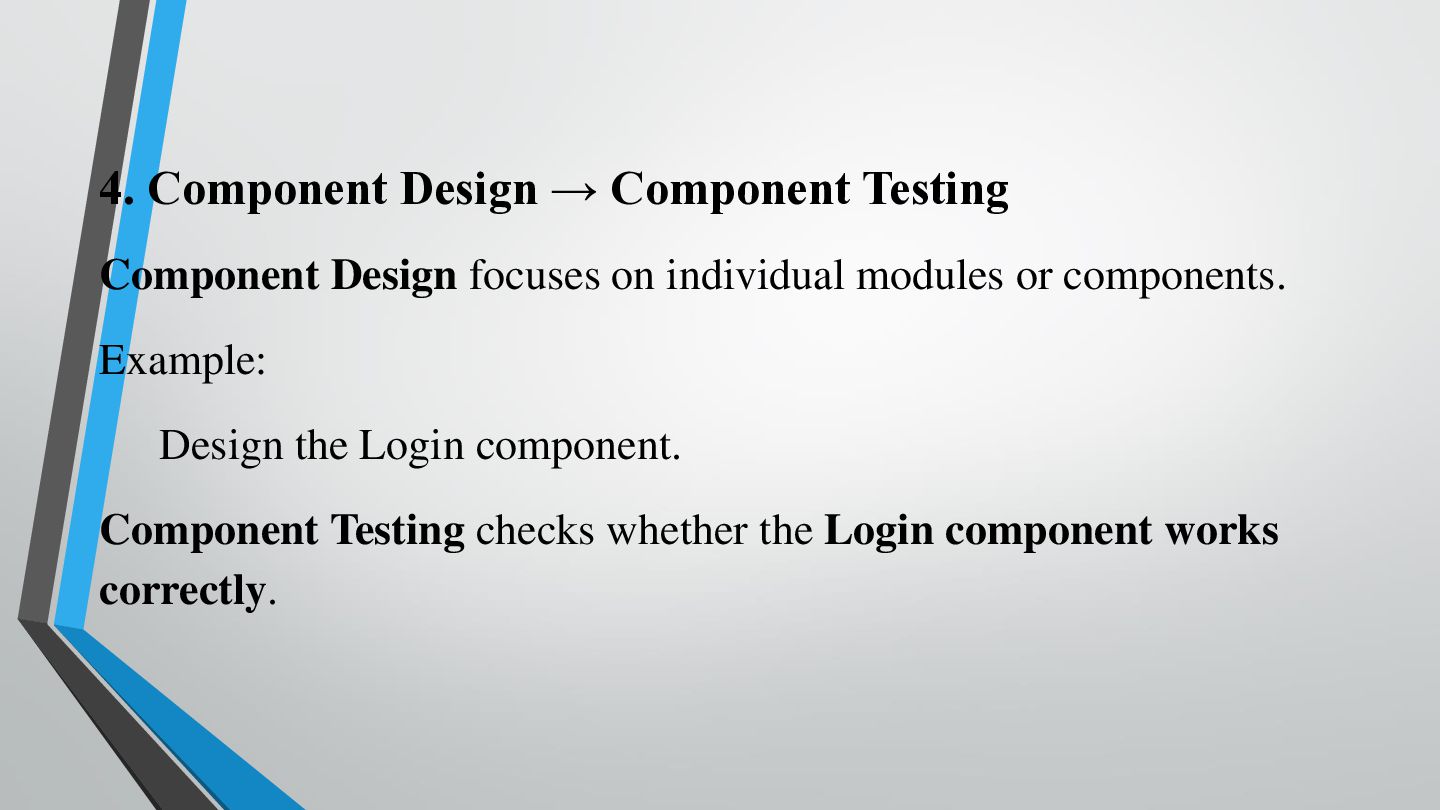
4. Component Design → Component Testing Component Design focuses on
individual modules or components. Example: Design the Login component. Component Testing checks whether the Login component works correctly. -
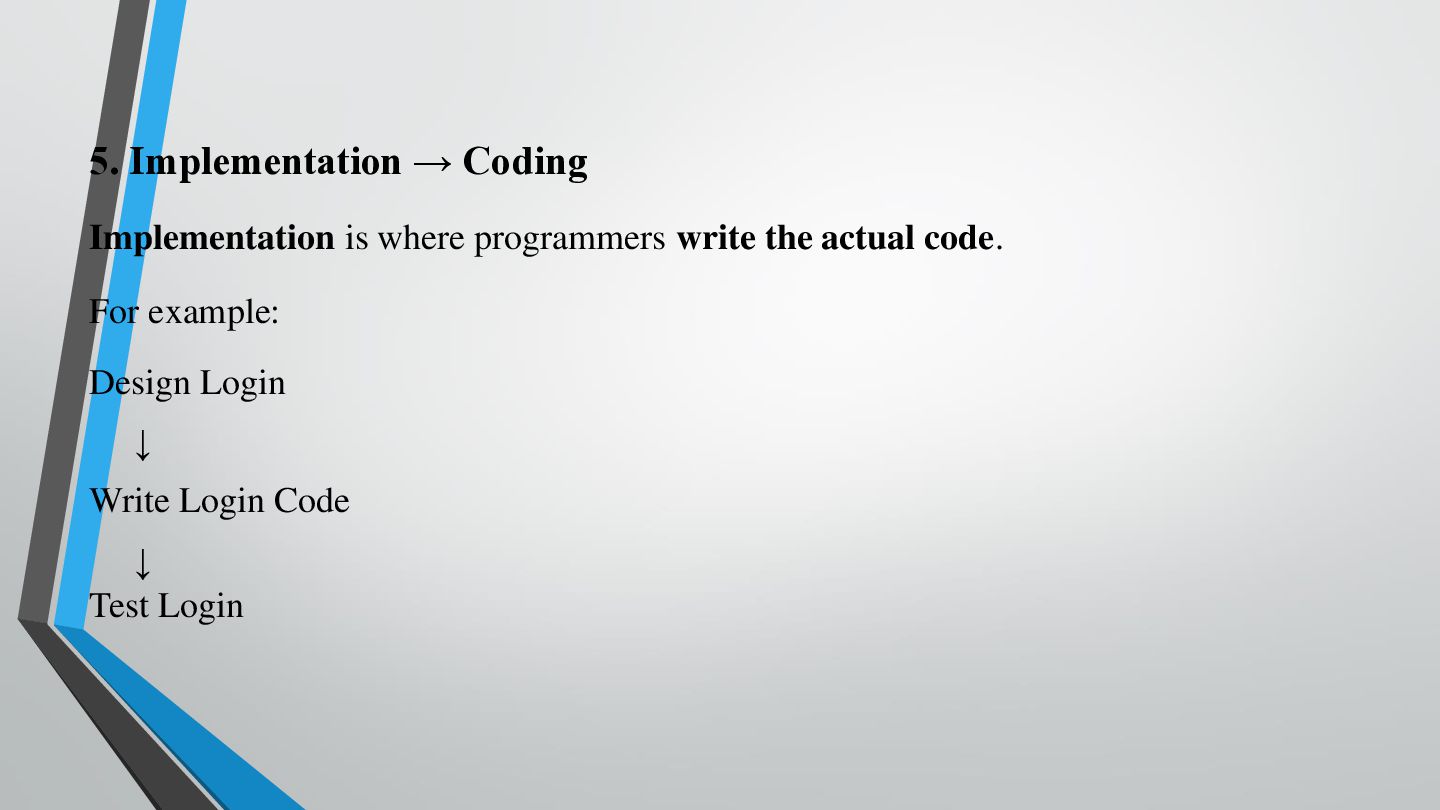
5. Implementation → Coding Implementation is where programmers write the
actual code. For example: Design Login ↓ Write Login Code ↓ Test Login -
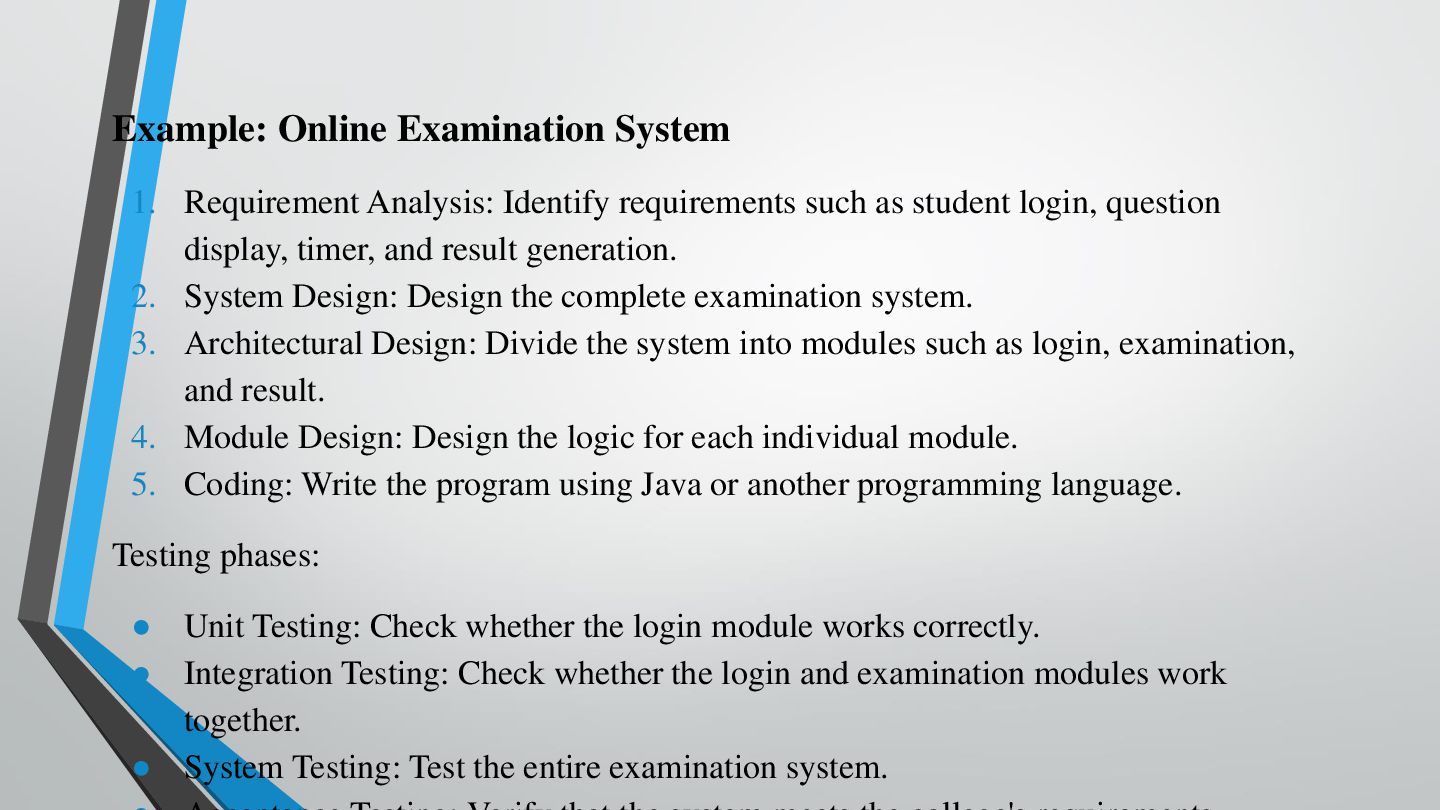
Example: Online Examination System 1. Requirement Analysis: Identify requirements such
as student login, question display, timer, and result generation. 2. System Design: Design the complete examination system. 3. Architectural Design: Divide the system into modules such as login, examination, and result. 4. Module Design: Design the logic for each individual module. 5. Coding: Write the program using Java or another programming language. Testing phases: • Unit Testing: Check whether the login module works correctly. • Integration Testing: Check whether the login and examination modules work together. • System Testing: Test the entire examination system. -
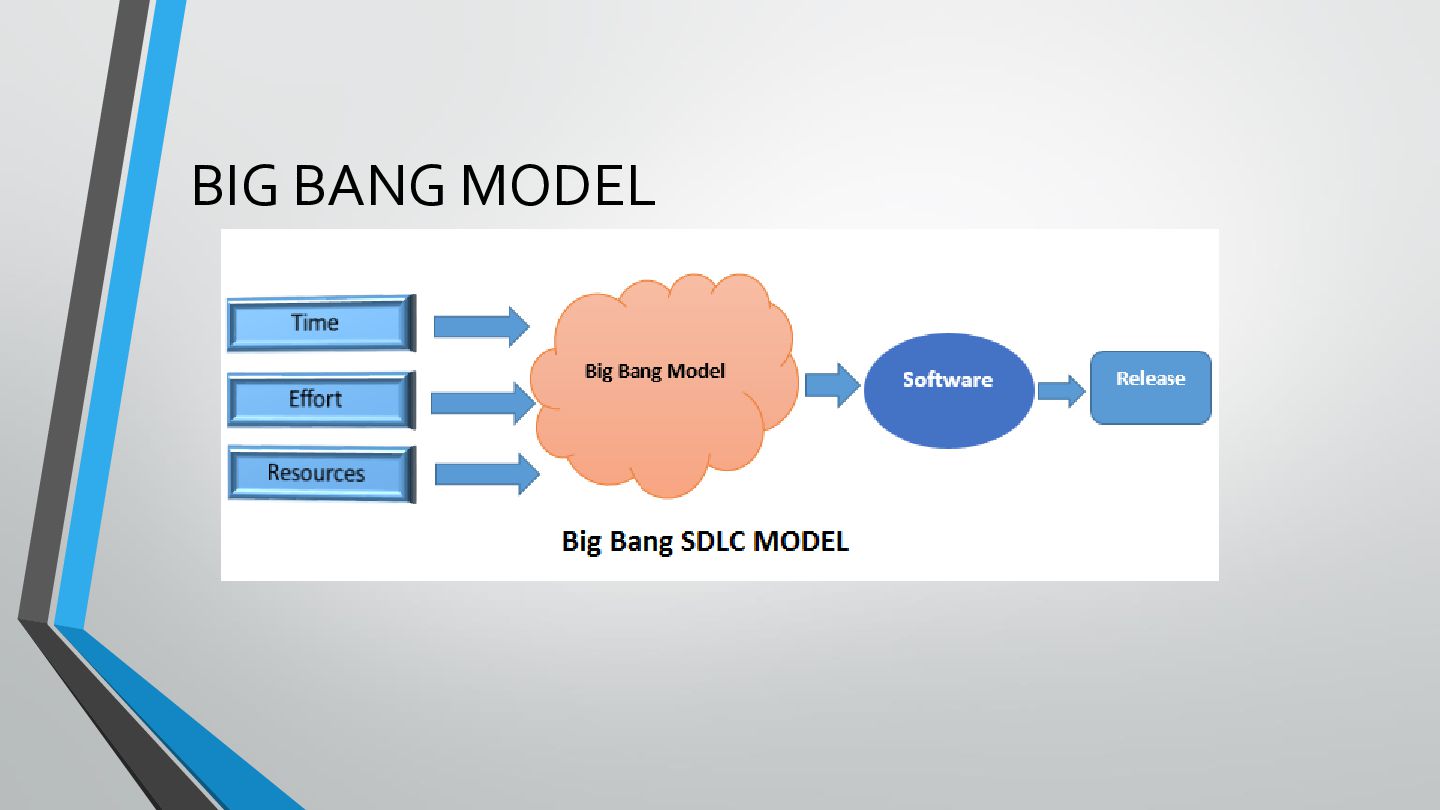
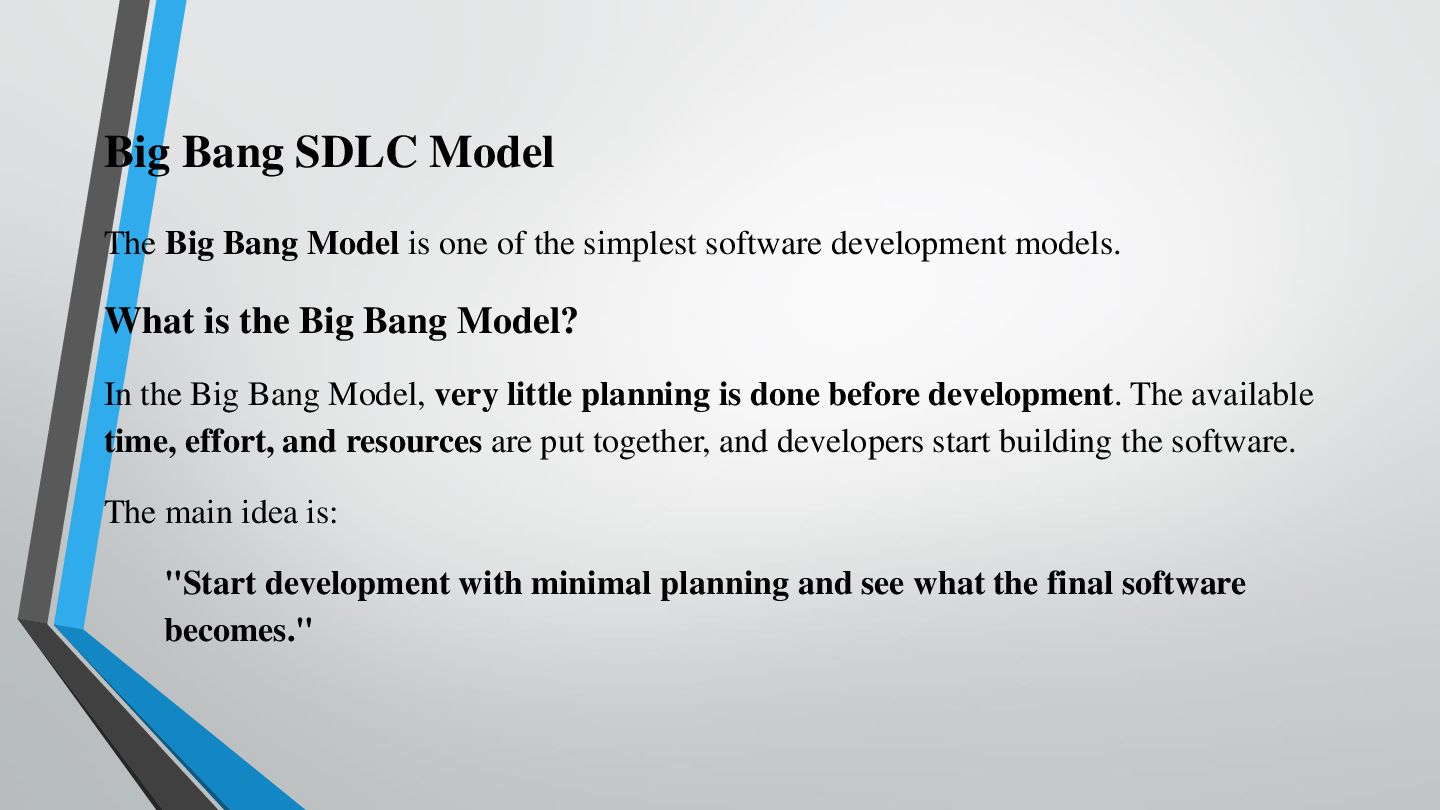
Big Bang SDLC Model The Big Bang Model is one
of the simplest software development models. What is the Big Bang Model? In the Big Bang Model, very little planning is done before development. The available time, effort, and resources are put together, and developers start building the software. The main idea is: "Start development with minimal planning and see what the final software becomes." -
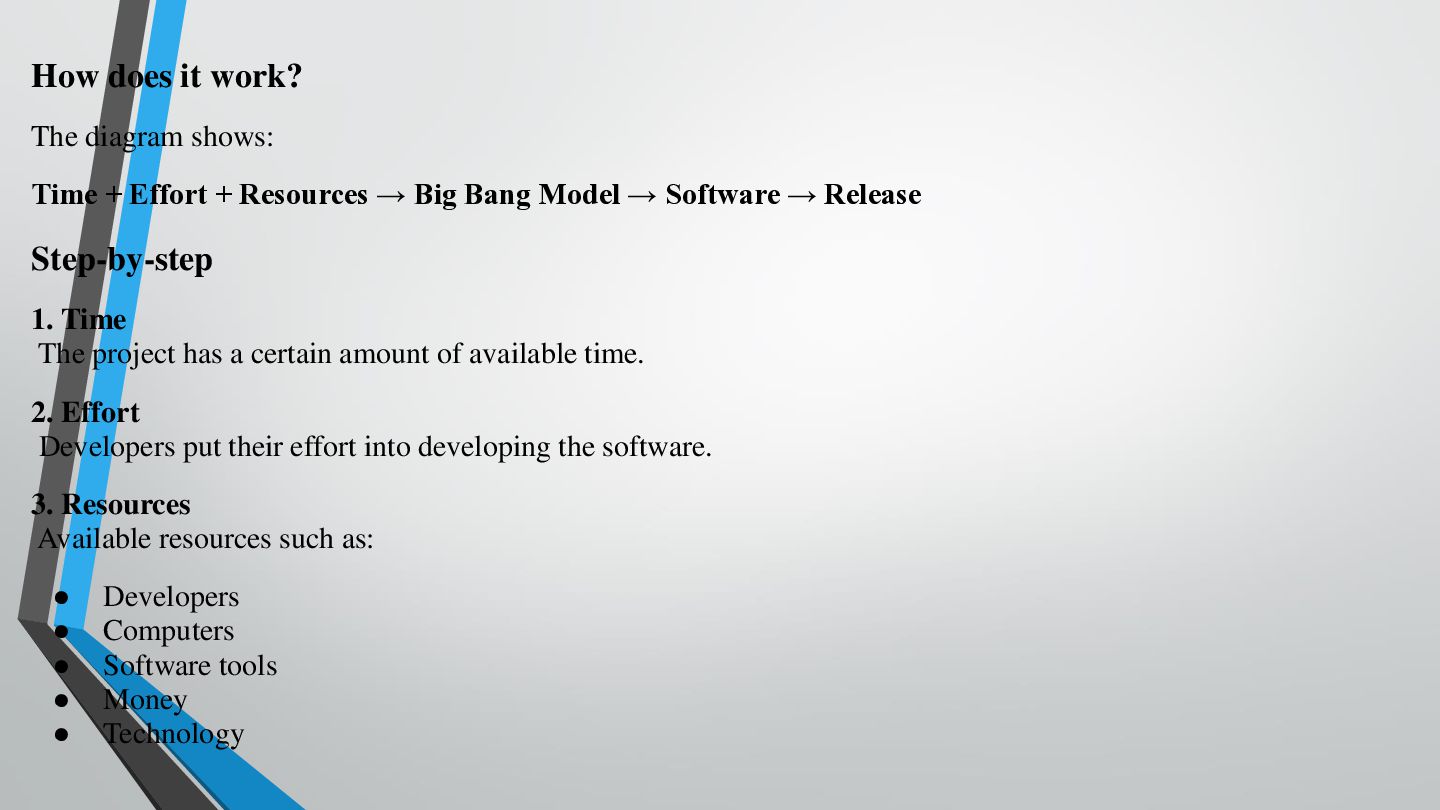
How does it work? The diagram shows: Time + Effort
+ Resources → Big Bang Model → Software → Release Step-by-step 1. Time The project has a certain amount of available time. 2. Effort Developers put their effort into developing the software. 3. Resources Available resources such as: • • • • • Developers Computers Software tools Money Technology -
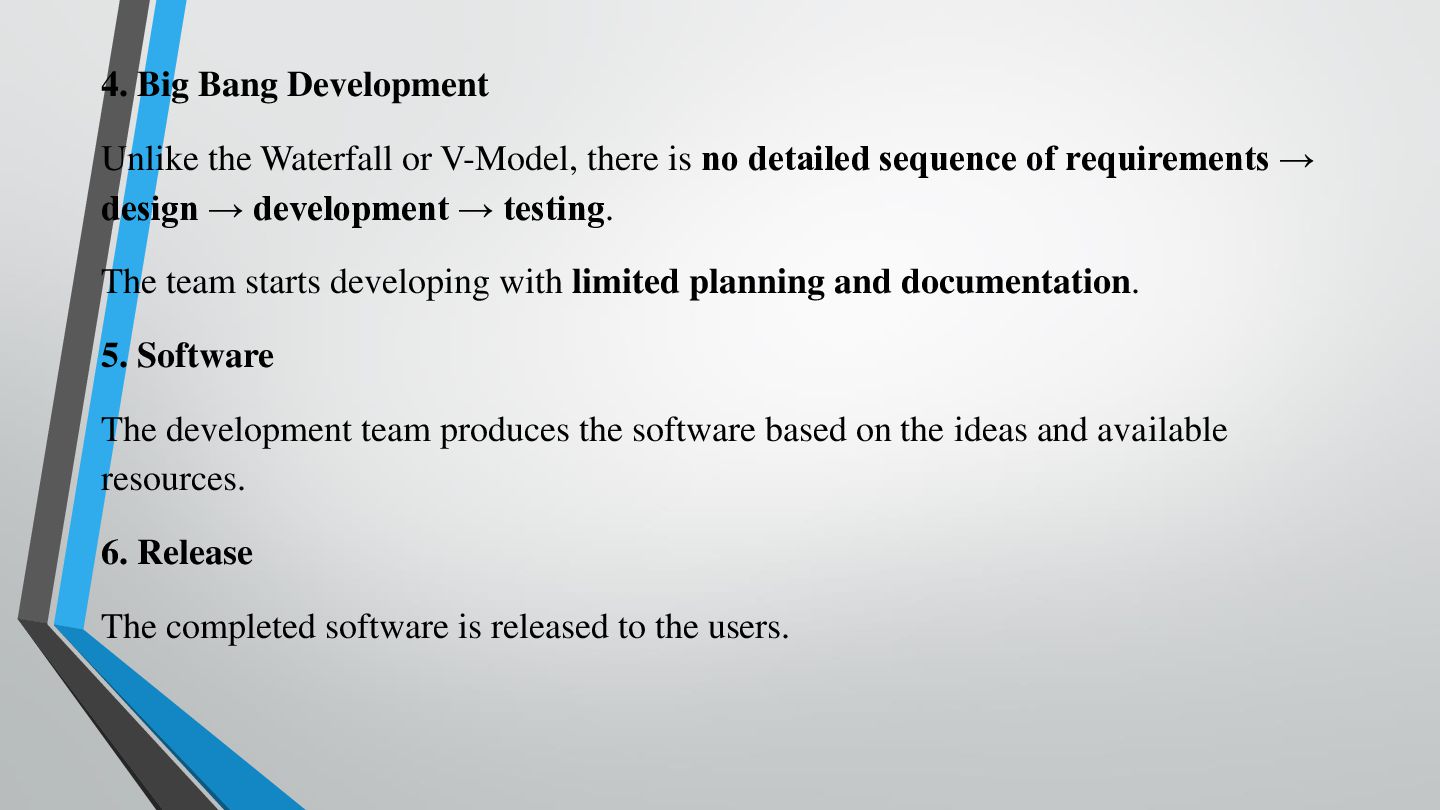
4. Big Bang Development Unlike the Waterfall or V-Model, there
is no detailed sequence of requirements → design → development → testing. The team starts developing with limited planning and documentation. 5. Software The development team produces the software based on the ideas and available resources. 6. Release The completed software is released to the users. -
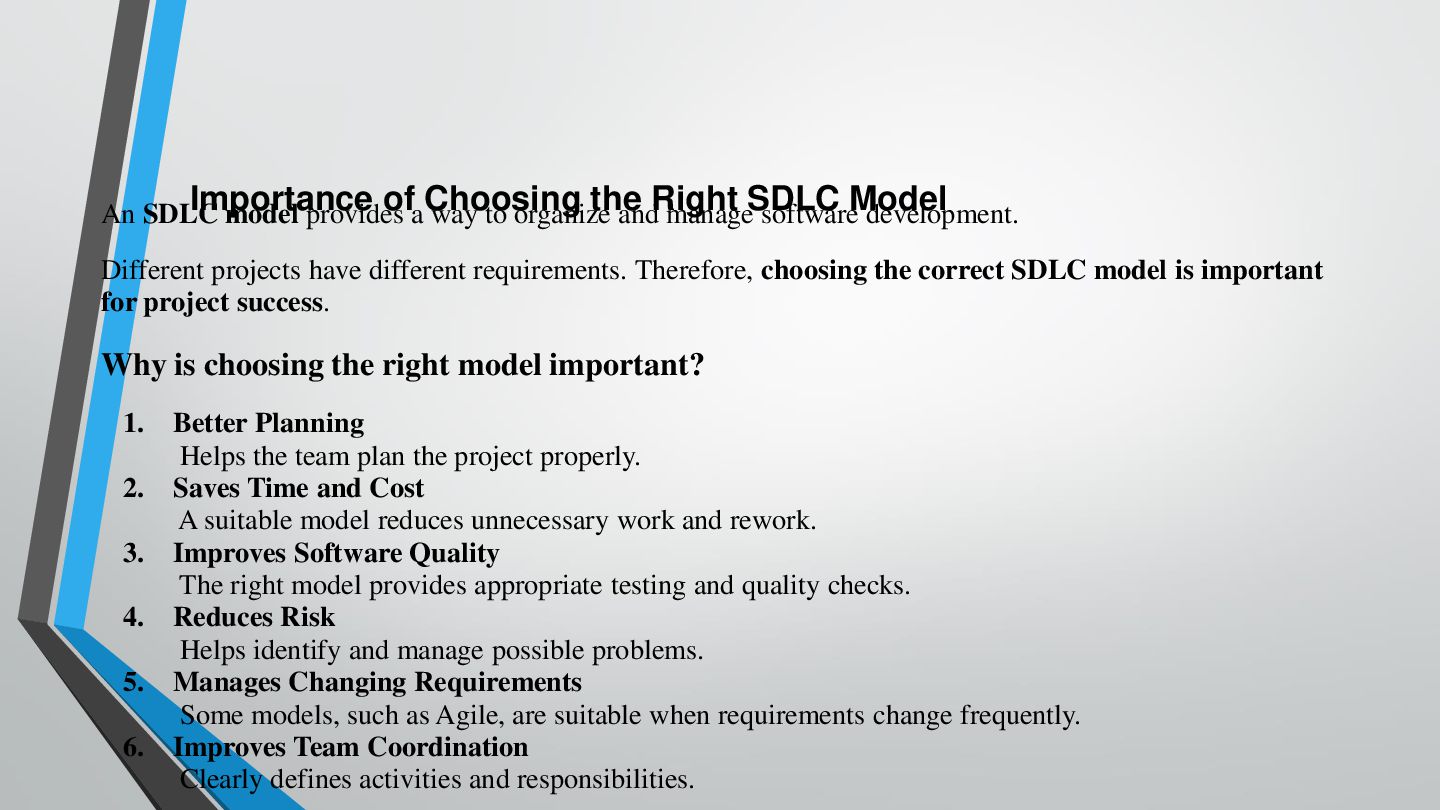
Importance ofaChoosing the An SDLC model provides way to organize
andRight manageSDLC softwareModel development. Different projects have different requirements. Therefore, choosing the correct SDLC model is important for project success. Why is choosing the right model important? 1. 2. 3. 4. 5. 6. Better Planning Helps the team plan the project properly. Saves Time and Cost A suitable model reduces unnecessary work and rework. Improves Software Quality The right model provides appropriate testing and quality checks. Reduces Risk Helps identify and manage possible problems. Manages Changing Requirements Some models, such as Agile, are suitable when requirements change frequently. Improves Team Coordination Clearly defines activities and responsibilities. -
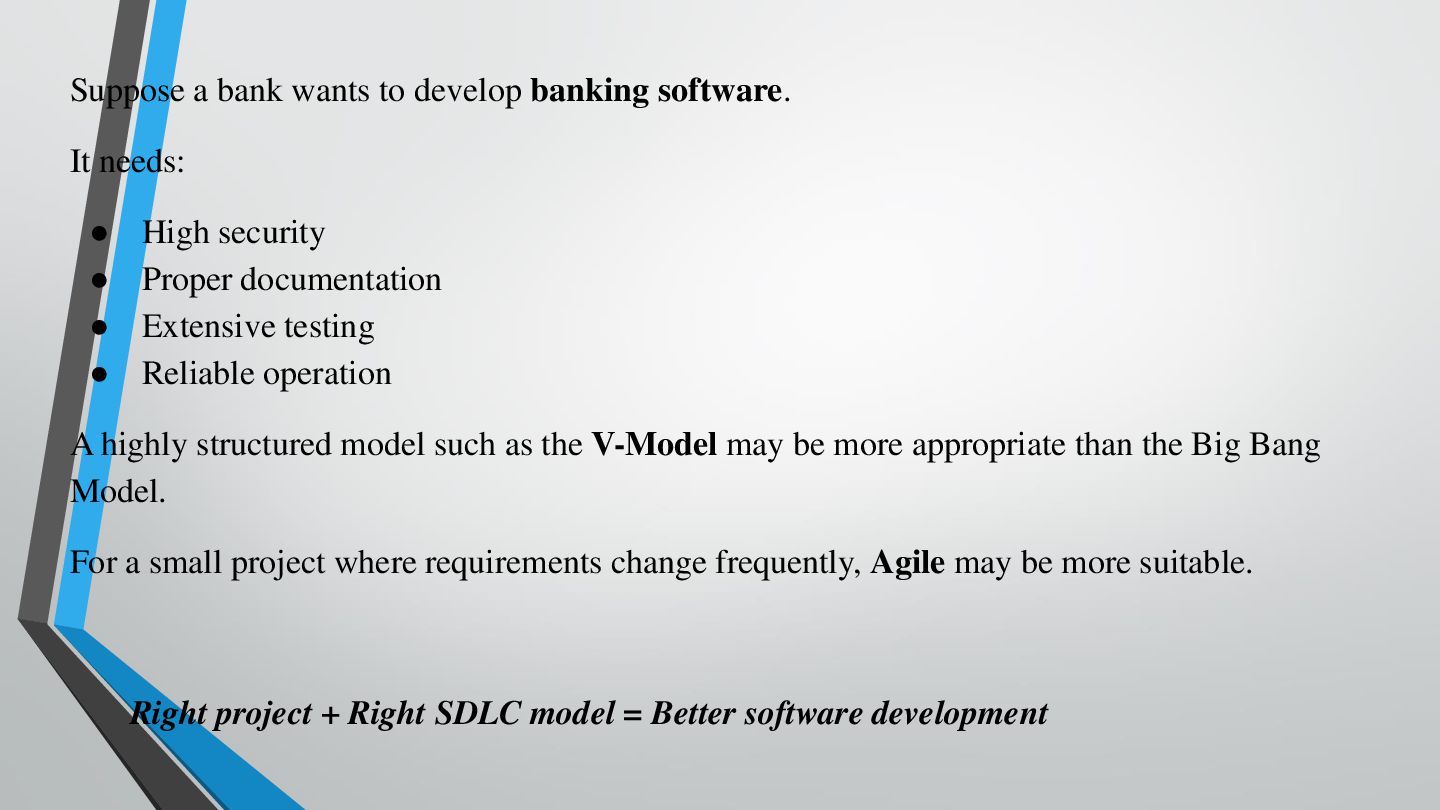
Suppose a bank wants to develop banking software. It needs:
• • • • High security Proper documentation Extensive testing Reliable operation A highly structured model such as the V-Model may be more appropriate than the Big Bang Model. For a small project where requirements change frequently, Agile may be more suitable. Right project + Right SDLC model = Better software development -
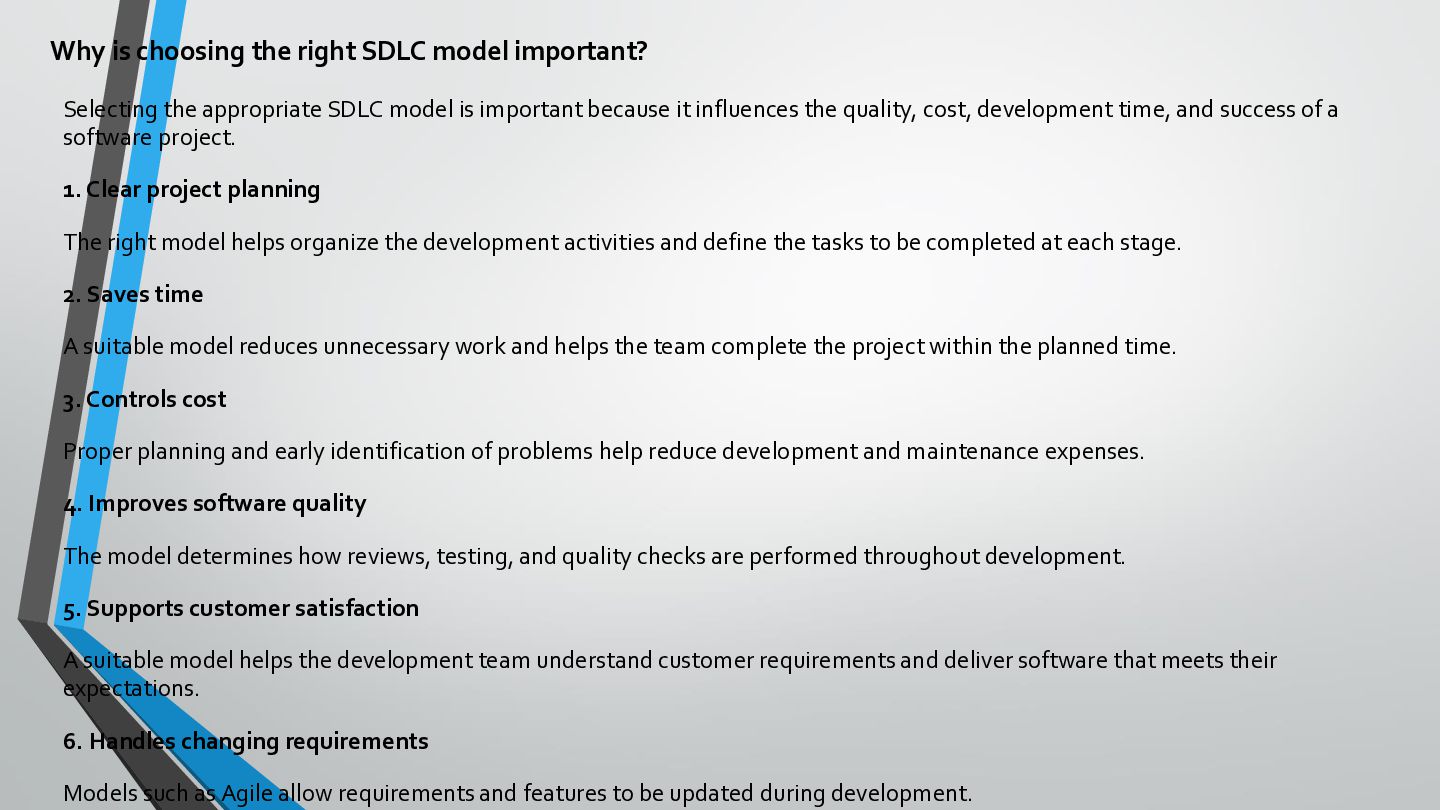
Why is choosing the right SDLC model important? Selecting the
appropriate SDLC model is important because it influences the quality, cost, development time, and success of a software project. 1. Clear project planning The right model helps organize the development activities and define the tasks to be completed at each stage. 2. Saves time A suitable model reduces unnecessary work and helps the team complete the project within the planned time. 3. Controls cost Proper planning and early identification of problems help reduce development and maintenance expenses. 4. Improves software quality The model determines how reviews, testing, and quality checks are performed throughout development. 5. Supports customer satisfaction A suitable model helps the development team understand customer requirements and deliver software that meets their expectations. 6. Handles changing requirements Models such as Agile allow requirements and features to be updated during development. -
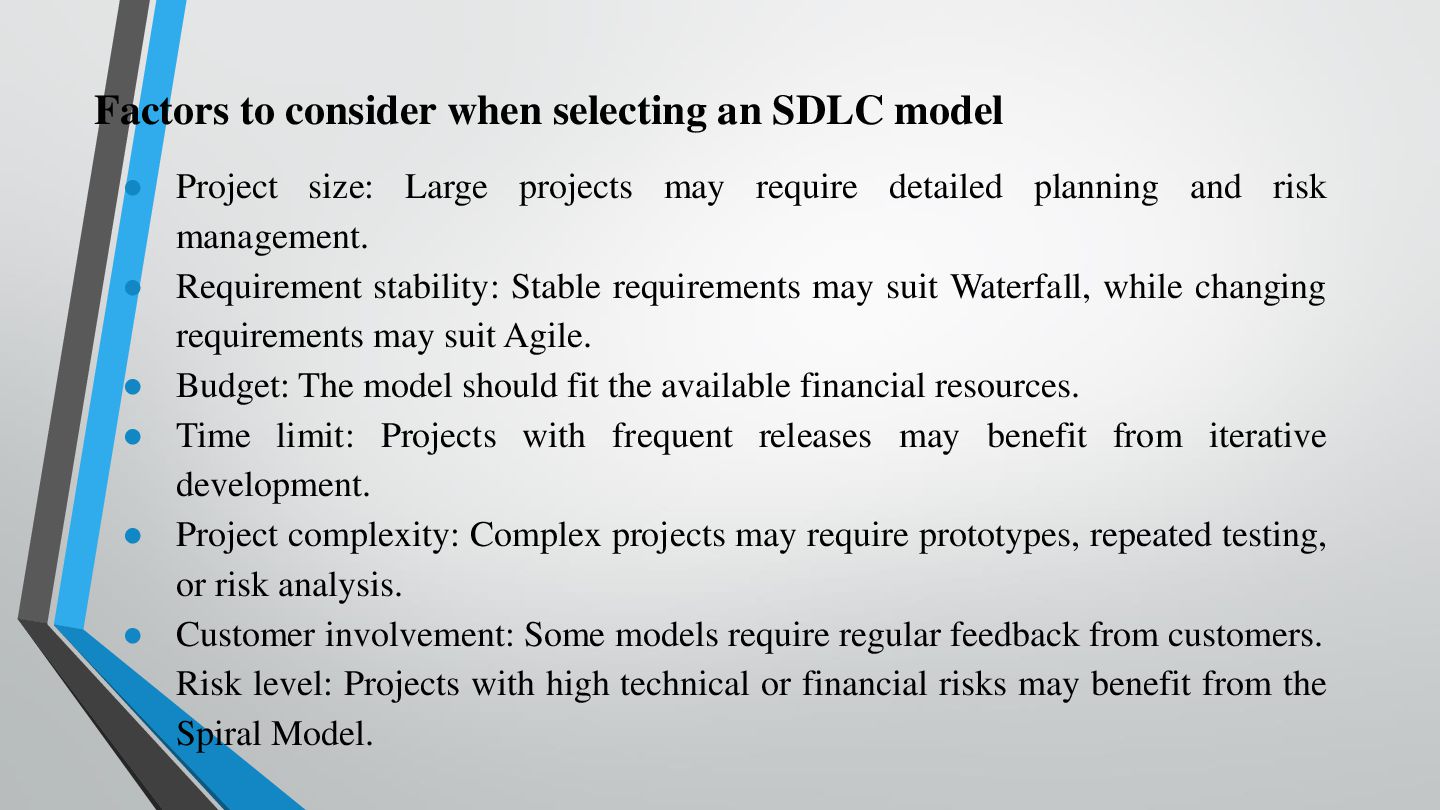
Factors to consider when selecting an SDLC model • Project
size: Large projects may require detailed planning and risk management. • Requirement stability: Stable requirements may suit Waterfall, while changing requirements may suit Agile. • Budget: The model should fit the available financial resources. • Time limit: Projects with frequent releases may benefit from iterative development. • Project complexity: Complex projects may require prototypes, repeated testing, or risk analysis. • Customer involvement: Some models require regular feedback from customers. • Risk level: Projects with high technical or financial risks may benefit from the Spiral Model. -
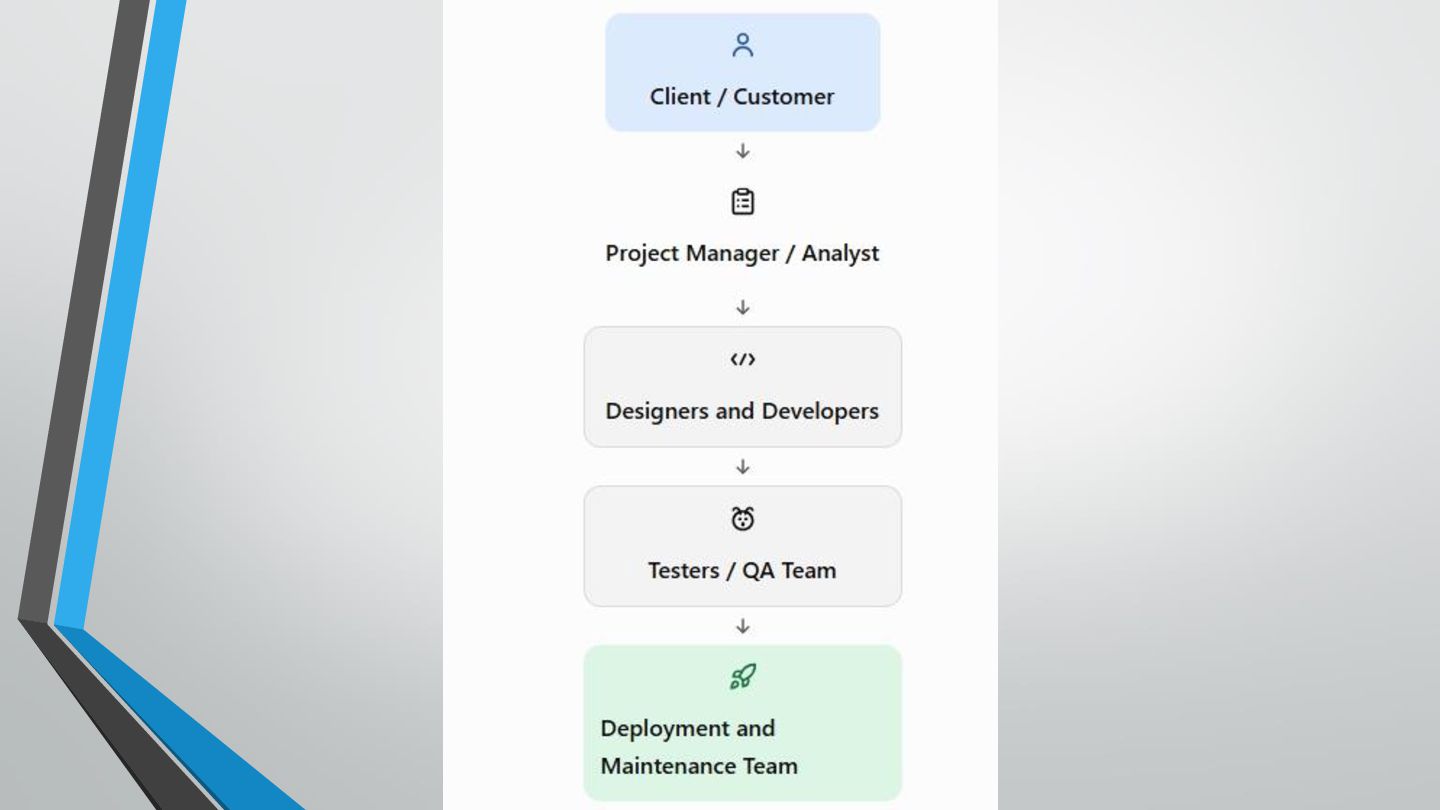
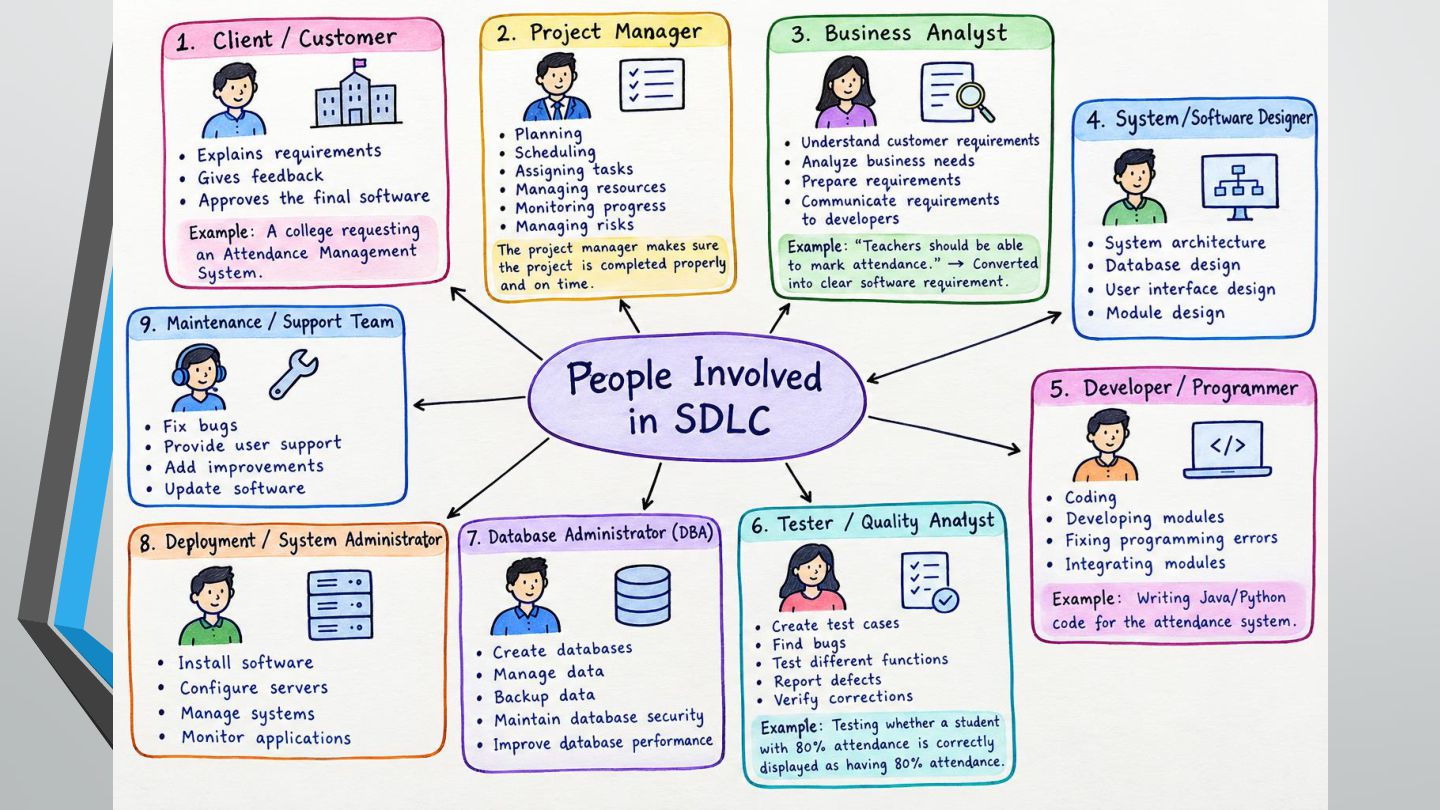
People Involved in SDLC Software development is a team activity.
Different people perform different responsibilities during the SDLC to ensure that the software meets the user's requirements and works correctly. The people involved in software development are called project stakeholders and development team members. -
Client or Customer The client is the person or organization
that requests the software. Responsibilities: • • • • Explains the problem that the software must solve. Provides requirements and expectations. Gives feedback on prototypes and software versions. Checks whether the final software meets the requirements. Example: A college administration requests software to manage student attendance and examination results. -
Project Manager The project manager plans, coordinates, and monitors the
software development project. Responsibilities: • • • • • Prepares the project schedule. Assigns tasks to team members. Manages the budget and resources. Monitors progress and project risks. Coordinates communication among stakeholders. Example: The project manager ensures that the college management system is completed within six months. -
System Analyst / Business Analyst The analyst studies the customer's
needs and converts them into clear software requirements. Responsibilities: • • • • • Collects and analyzes requirements. Studies the existing system. Prepares requirement documents. Identifies system functions and constraints. Communicates requirements to developers and testers. Example: The analyst specifies that teachers must be able to mark attendance, while students can view their attendance records. -
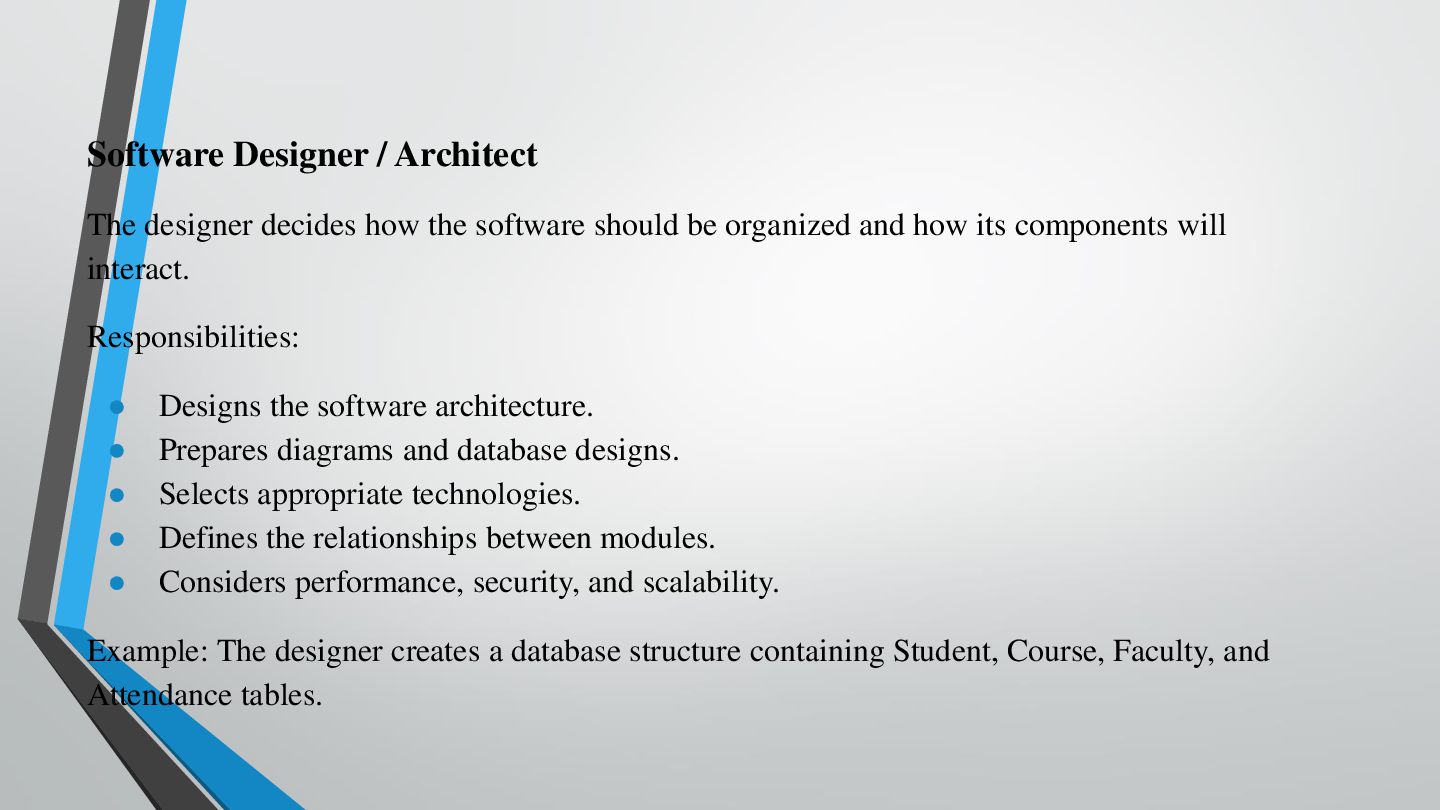
Software Designer / Architect The designer decides how the software
should be organized and how its components will interact. Responsibilities: • • • • • Designs the software architecture. Prepares diagrams and database designs. Selects appropriate technologies. Defines the relationships between modules. Considers performance, security, and scalability. Example: The designer creates a database structure containing Student, Course, Faculty, and Attendance tables. -
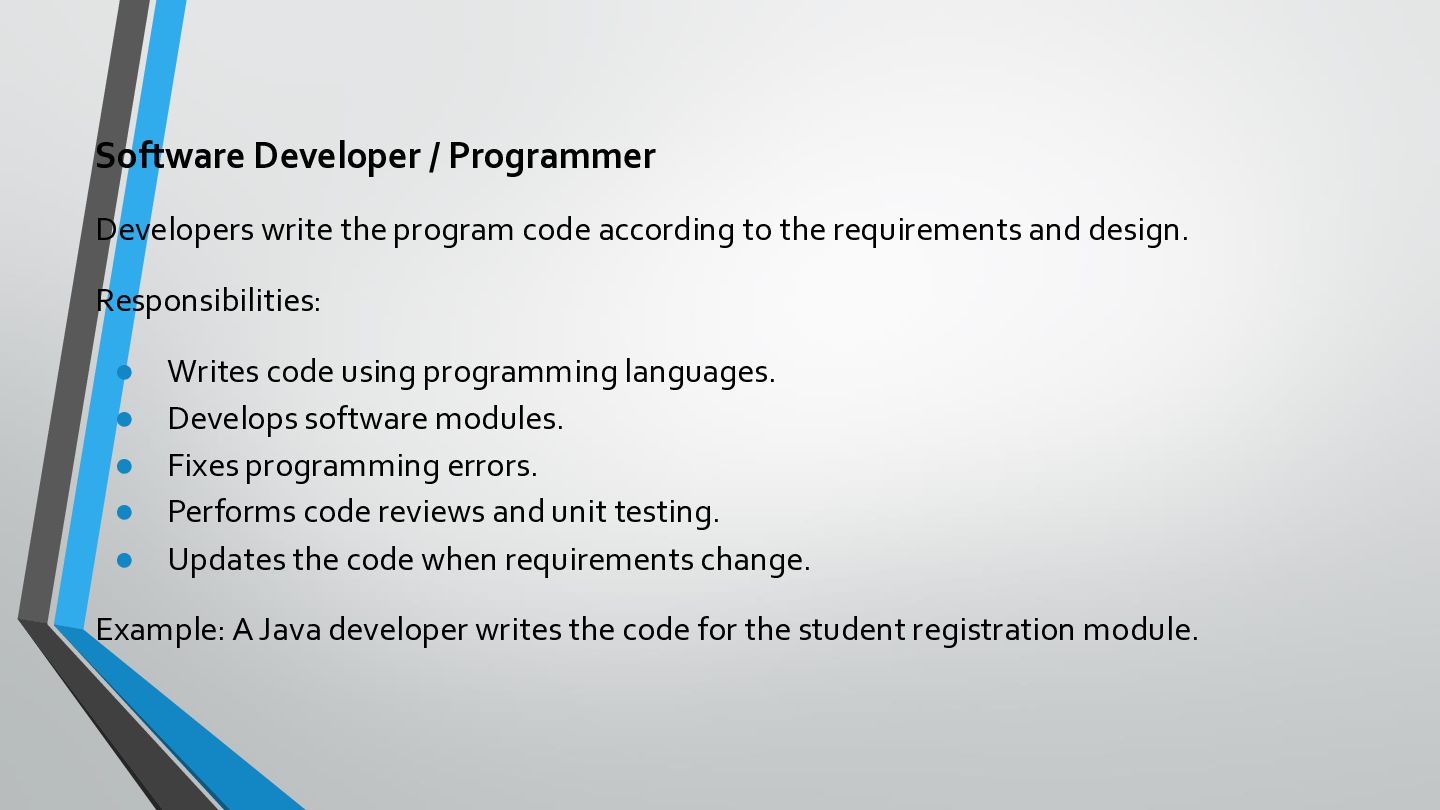
Software Developer / Programmer Developers write the program code according
to the requirements and design. Responsibilities: • • • • • Writes code using programming languages. Develops software modules. Fixes programming errors. Performs code reviews and unit testing. Updates the code when requirements change. Example: A Java developer writes the code for the student registration module. -
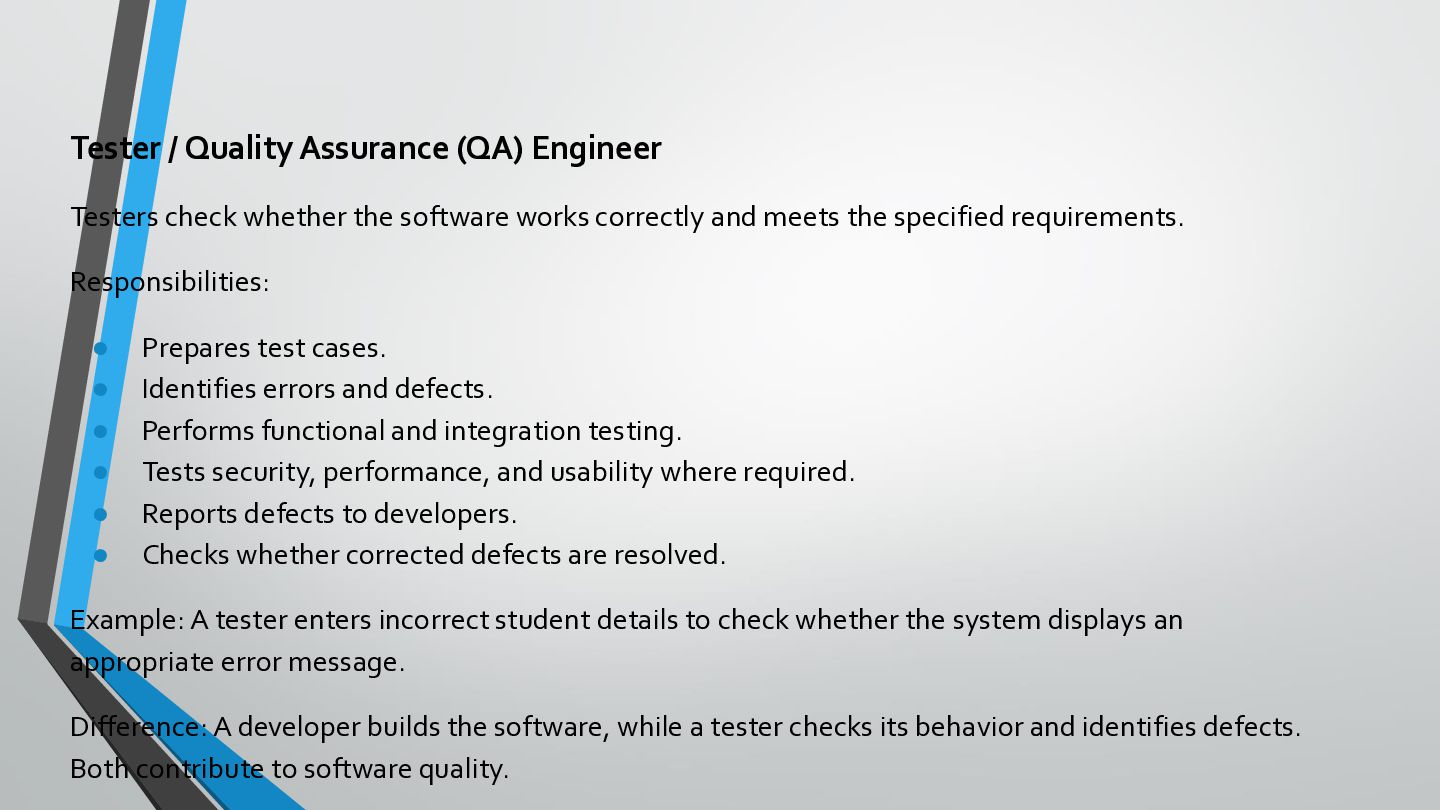
Tester / Quality Assurance (QA) Engineer Testers check whether the
software works correctly and meets the specified requirements. Responsibilities: • • • • • • Prepares test cases. Identifies errors and defects. Performs functional and integration testing. Tests security, performance, and usability where required. Reports defects to developers. Checks whether corrected defects are resolved. Example: A tester enters incorrect student details to check whether the system displays an appropriate error message. Difference: A developer builds the software, while a tester checks its behavior and identifies defects. Both contribute to software quality. -
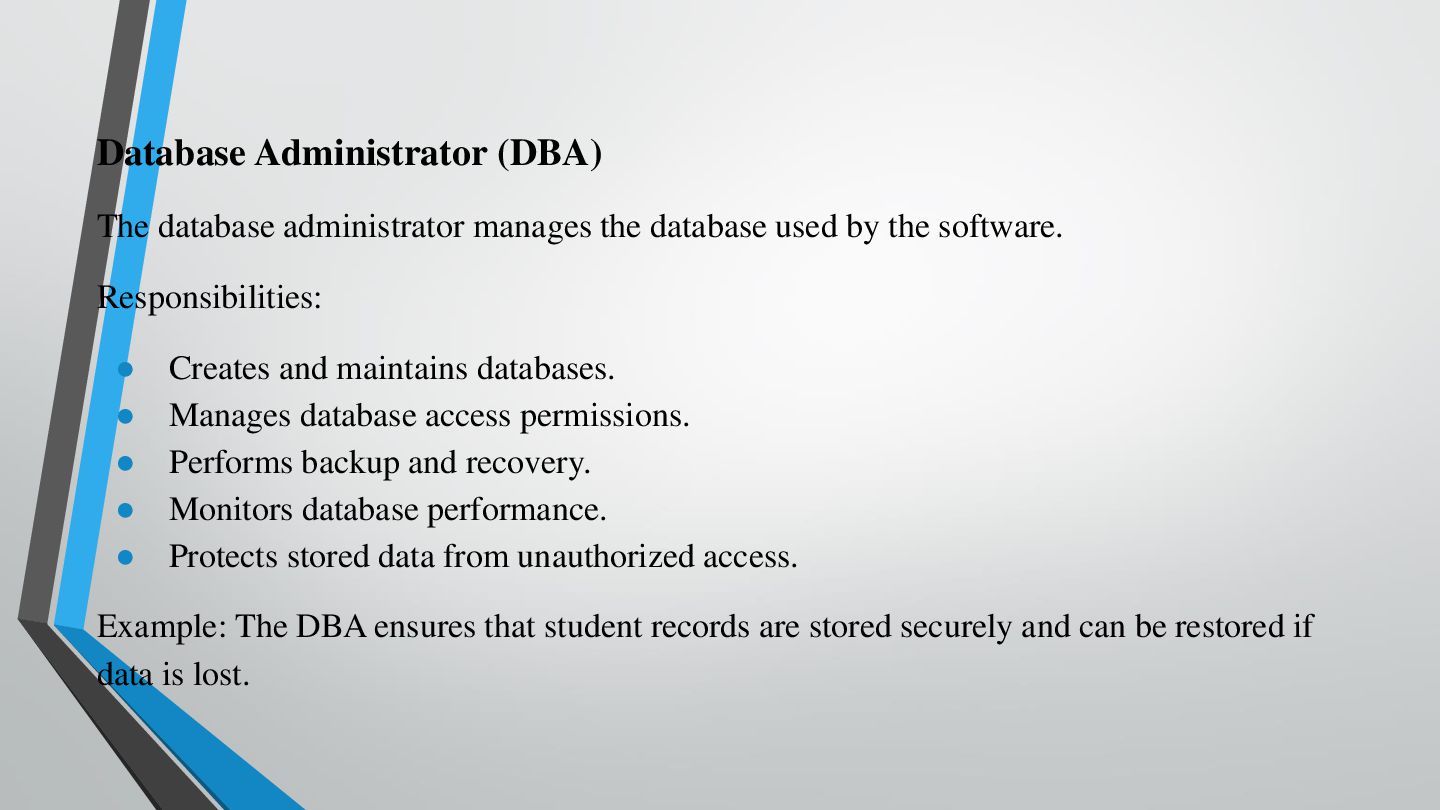
Database Administrator (DBA) The database administrator manages the database used
by the software. Responsibilities: • • • • • Creates and maintains databases. Manages database access permissions. Performs backup and recovery. Monitors database performance. Protects stored data from unauthorized access. Example: The DBA ensures that student records are stored securely and can be restored if data is lost. -
UI/UX Designer A User Interface (UI) designer focuses on the
appearance of the software, while a User Experience (UX) designer focuses on how easy and effective it is to use. Responsibilities: • • • • Designs screens, menus, and buttons. Creates wireframes and prototypes. Improves navigation and accessibility. Studies user feedback. Example: A UI/UX designer creates a simple login page for students and faculty. -
DevOps Engineer / Deployment Engineer These professionals help deliver software
to the production environment and maintain its operation. Responsibilities: • • • • • Automates software building and deployment. Configures servers and cloud environments. Monitors application performance. Supports continuous integration and delivery. Helps teams manage releases and recover from failures. Example: A DevOps engineer automates the process of publishing an updated college application to its web server. -
End User The end user is the person who actually
uses the completed software. Responsibilities: • • • • Uses the application to perform daily tasks. Provides feedback about usability. Reports problems encountered during use. Participates in user acceptance testing when required. Example: Students use the college application to view attendance, examination results, and notifications. -
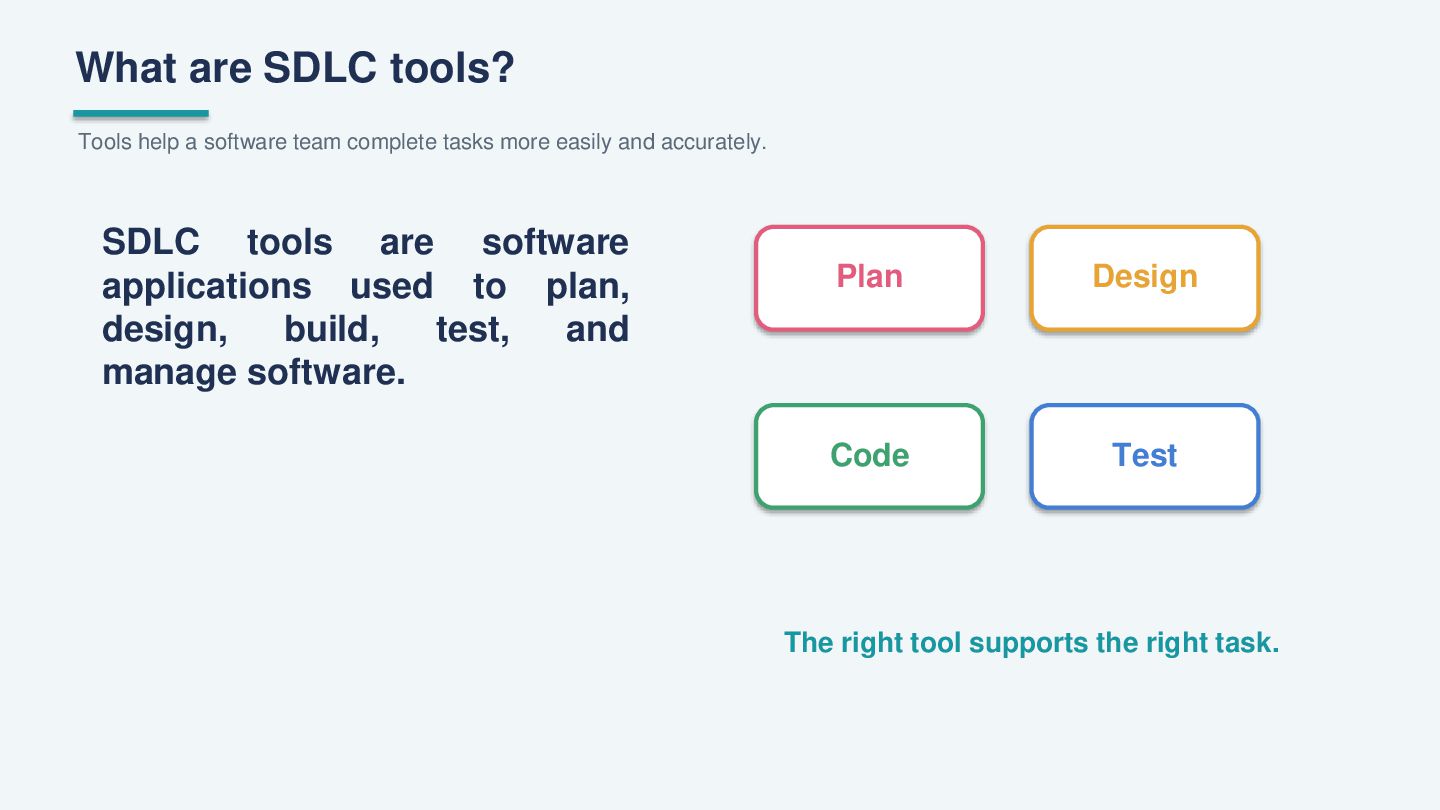
What are SDLC tools? Tools help a software team complete
tasks more easily and accurately. SDLC tools are software applications used to plan, design, build, test, and manage software. Plan Design Code Test The right tool supports the right task. -
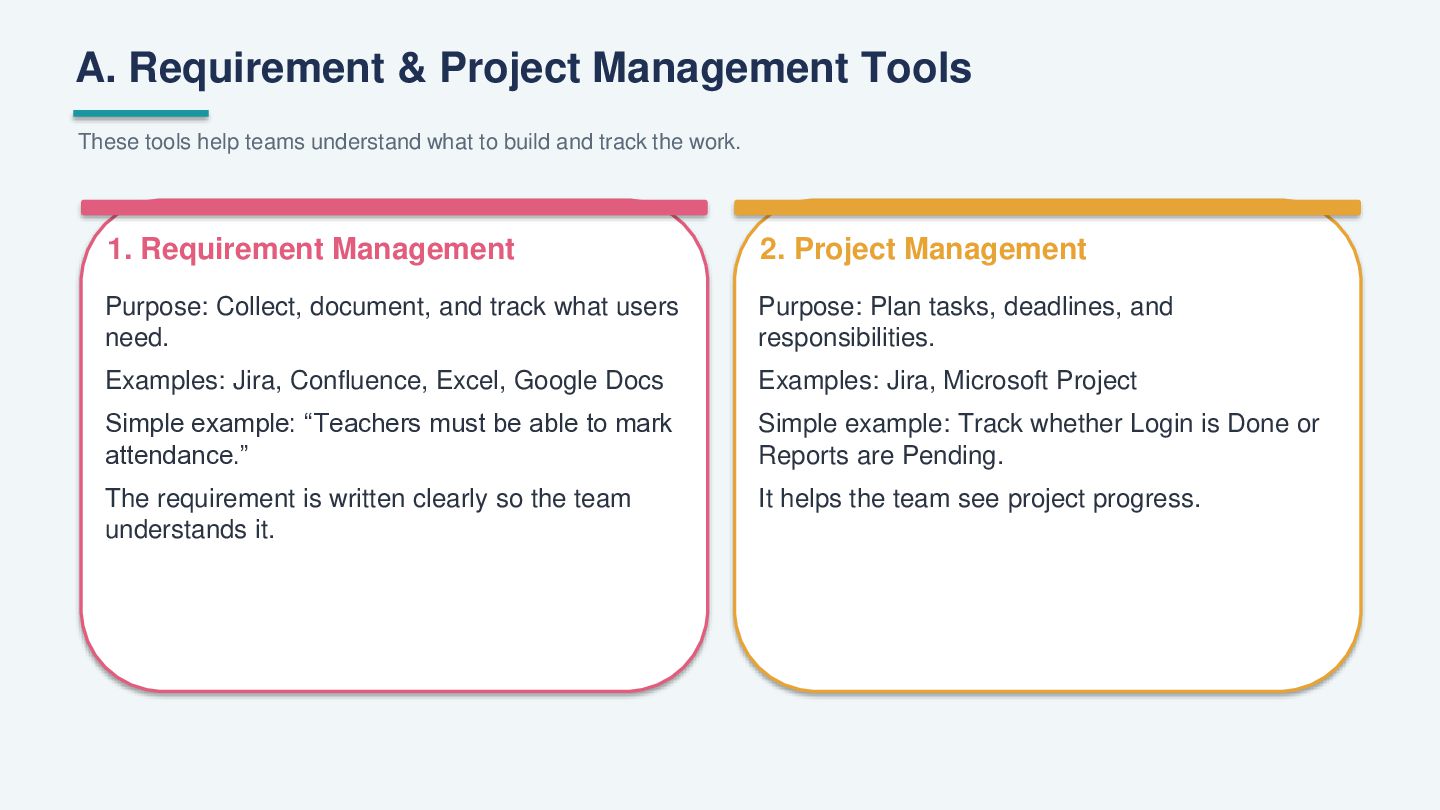
A. Requirement & Project Management Tools These tools help teams
understand what to build and track the work. 1. Requirement Management 2. Project Management Purpose: Collect, document, and track what users need. Purpose: Plan tasks, deadlines, and responsibilities. Examples: Jira, Confluence, Excel, Google Docs Examples: Jira, Microsoft Project Simple example: “Teachers must be able to mark attendance.” Simple example: Track whether Login is Done or Reports are Pending. The requirement is written clearly so the team understands it. It helps the team see project progress. -
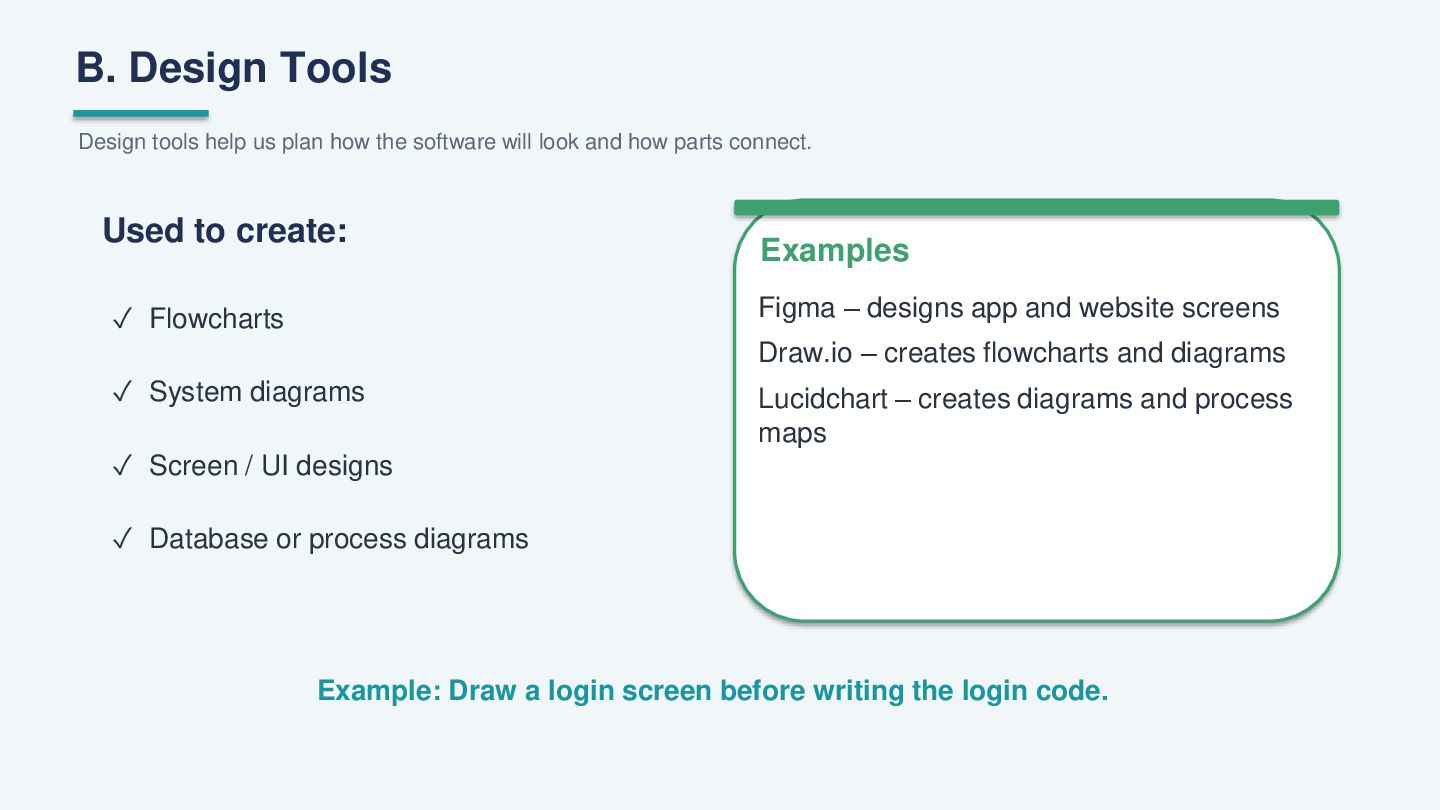
B. Design Tools Design tools help us plan how the
software will look and how parts connect. Used to create: Examples Figma – designs app and website screens ✓ Flowcharts Draw.io – creates flowcharts and diagrams ✓ System diagrams ✓ Screen / UI designs Lucidchart – creates diagrams and process maps ✓ Database or process diagrams Example: Draw a login screen before writing the login code. -
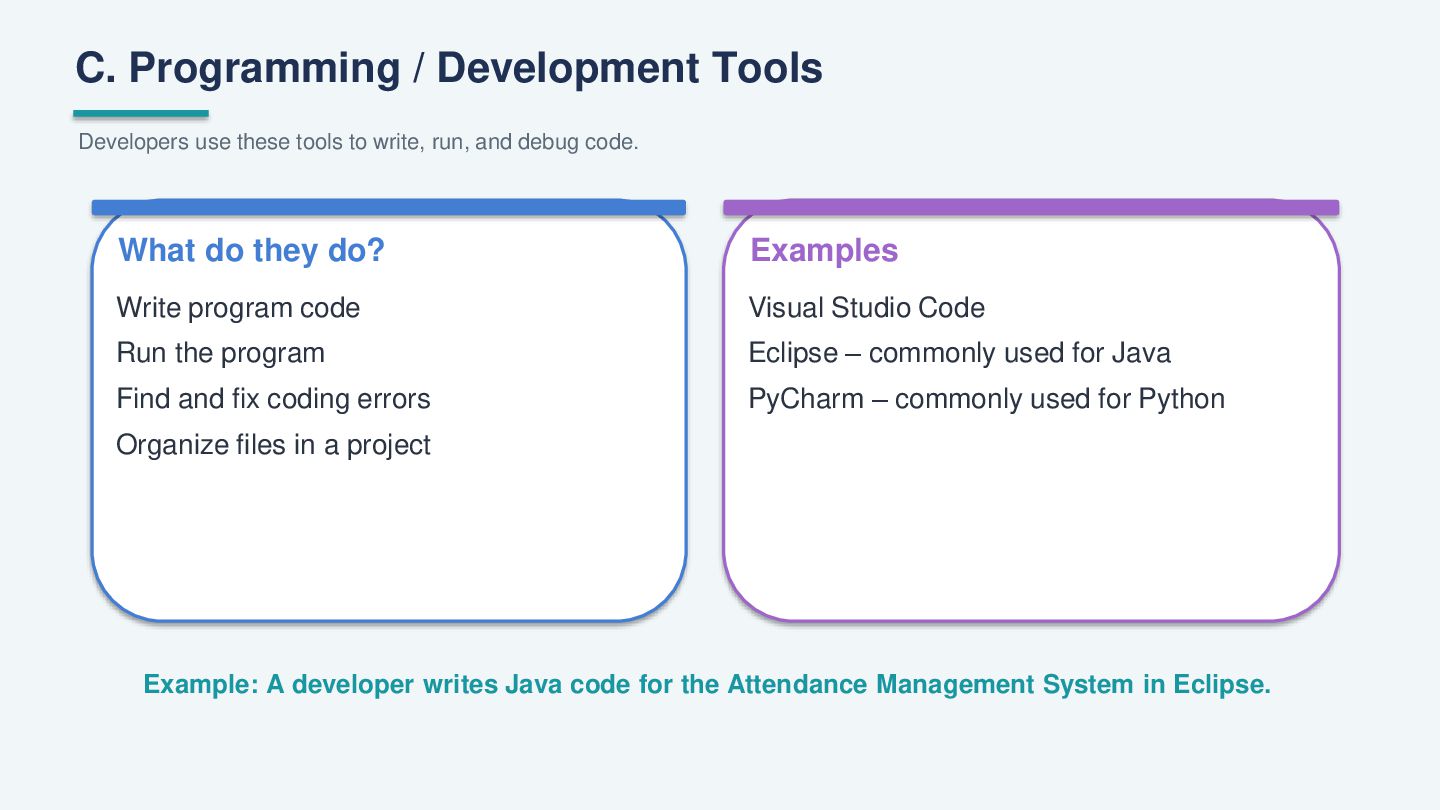
C. Programming / Development Tools Developers use these tools to
write, run, and debug code. What do they do? Examples Write program code Visual Studio Code Run the program Eclipse – commonly used for Java Find and fix coding errors PyCharm – commonly used for Python Organize files in a project Example: A developer writes Java code for the Attendance Management System in Eclipse. -
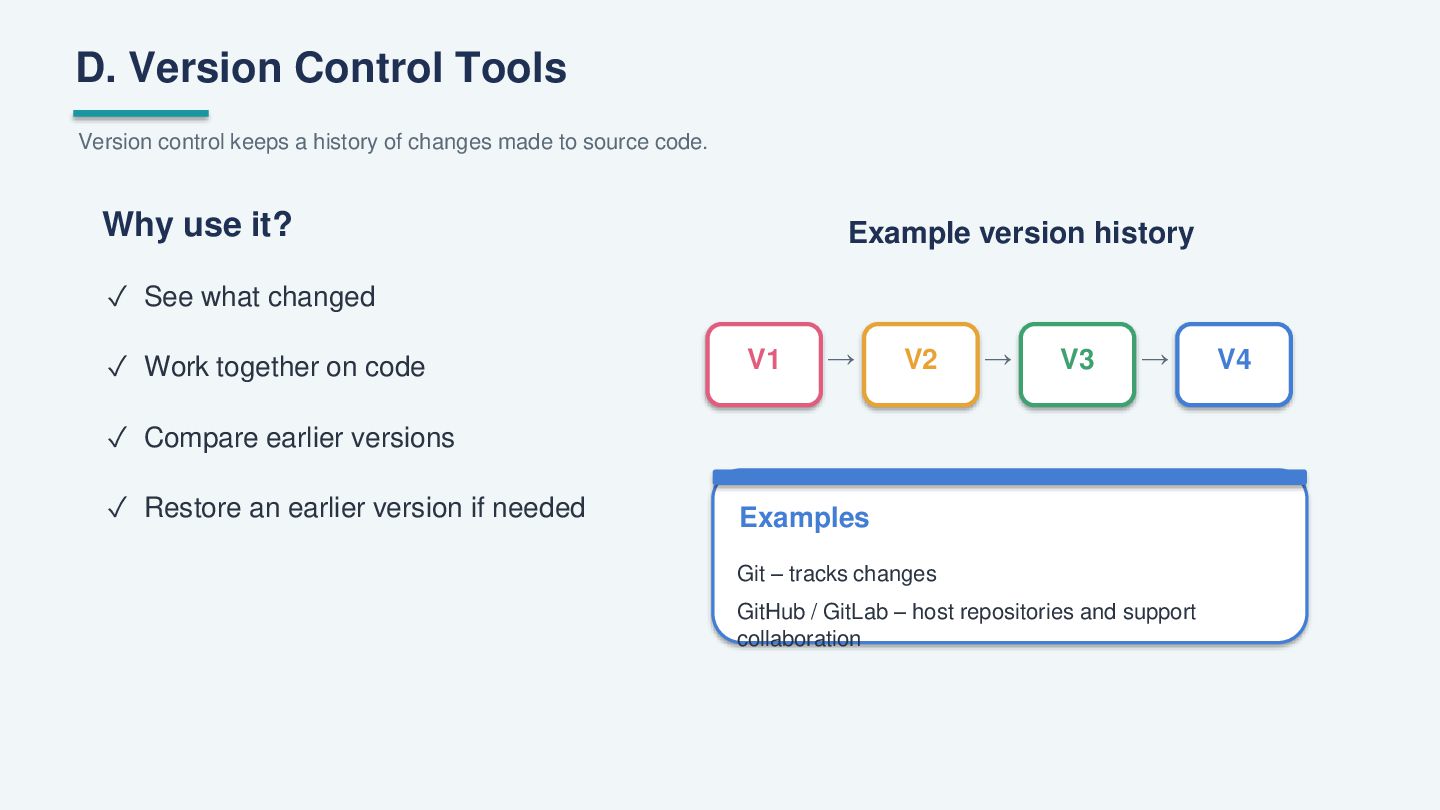
D. Version Control Tools Version control keeps a history of
changes made to source code. Why use it? Example version history ✓ See what changed ✓ Work together on code V1 → V2 → V3 → ✓ Compare earlier versions ✓ Restore an earlier version if needed Examples Git – tracks changes GitHub / GitLab – host repositories and support collaboration V4 -
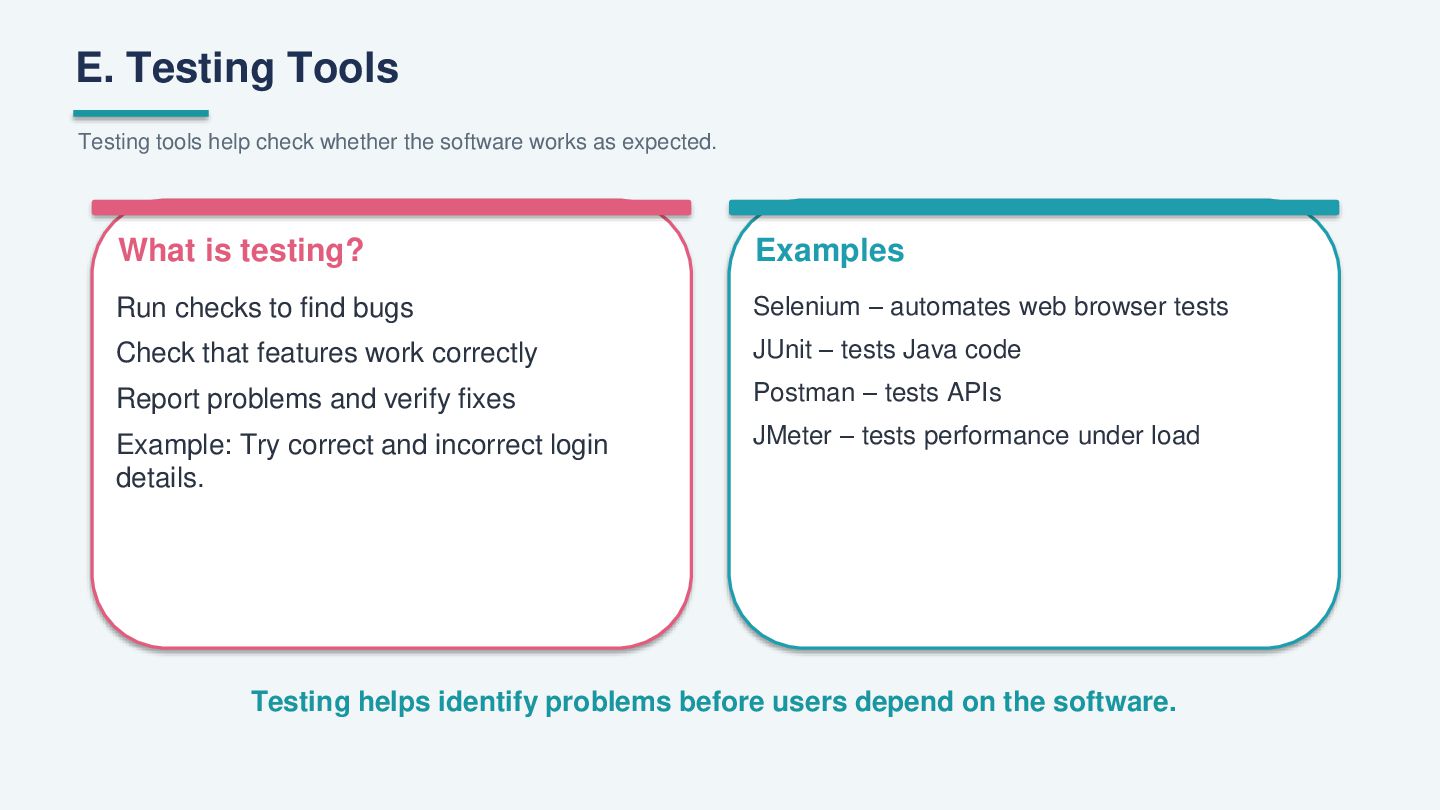
E. Testing Tools Testing tools help check whether the software
works as expected. What is testing? Examples Run checks to find bugs Selenium – automates web browser tests Check that features work correctly JUnit – tests Java code Report problems and verify fixes Postman – tests APIs Example: Try correct and incorrect login details. JMeter – tests performance under load Testing helps identify problems before users depend on the software. -
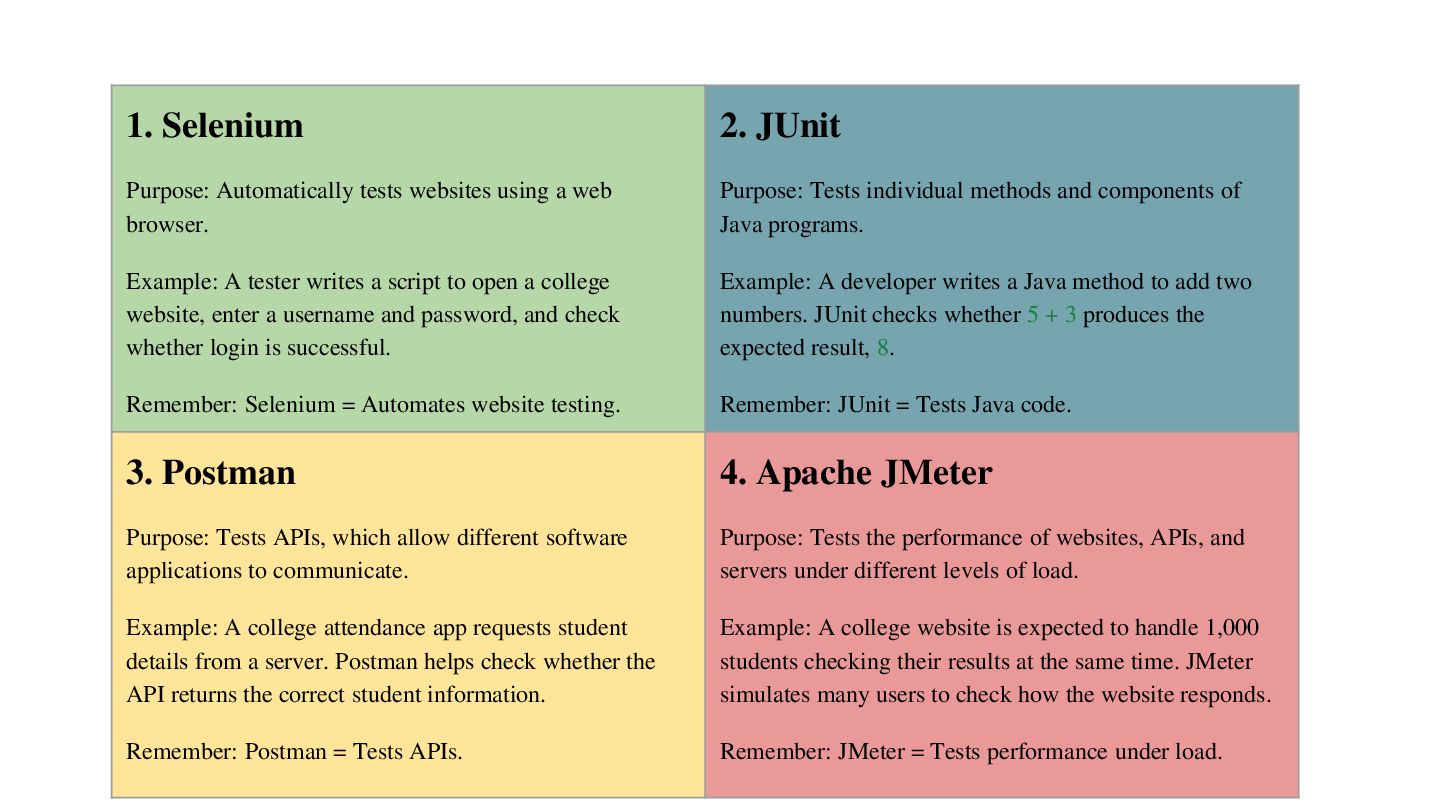
1. Selenium 2. JUnit Purpose: Automatically tests websites using a
web browser. Purpose: Tests individual methods and components of Java programs. Example: A tester writes a script to open a college website, enter a username and password, and check whether login is successful. Example: A developer writes a Java method to add two numbers. JUnit checks whether 5 + 3 produces the expected result, 8. Remember: Selenium = Automates website testing. Remember: JUnit = Tests Java code. 3. Postman 4. Apache JMeter Purpose: Tests APIs, which allow different software applications to communicate. Purpose: Tests the performance of websites, APIs, and servers under different levels of load. Example: A college attendance app requests student details from a server. Postman helps check whether the API returns the correct student information. Example: A college website is expected to handle 1,000 students checking their results at the same time. JMeter simulates many users to check how the website responds. Remember: Postman = Tests APIs. Remember: JMeter = Tests performance under load. -
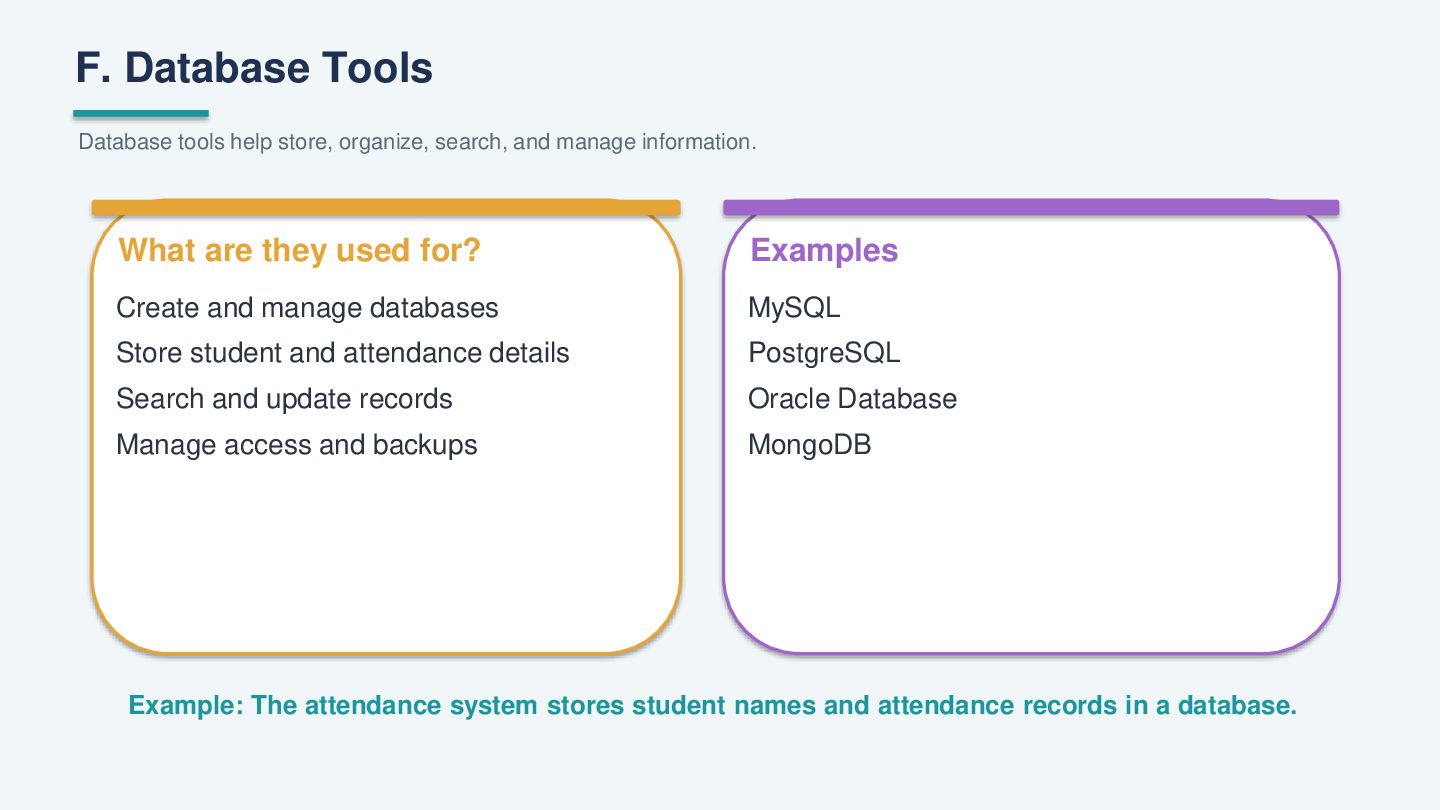
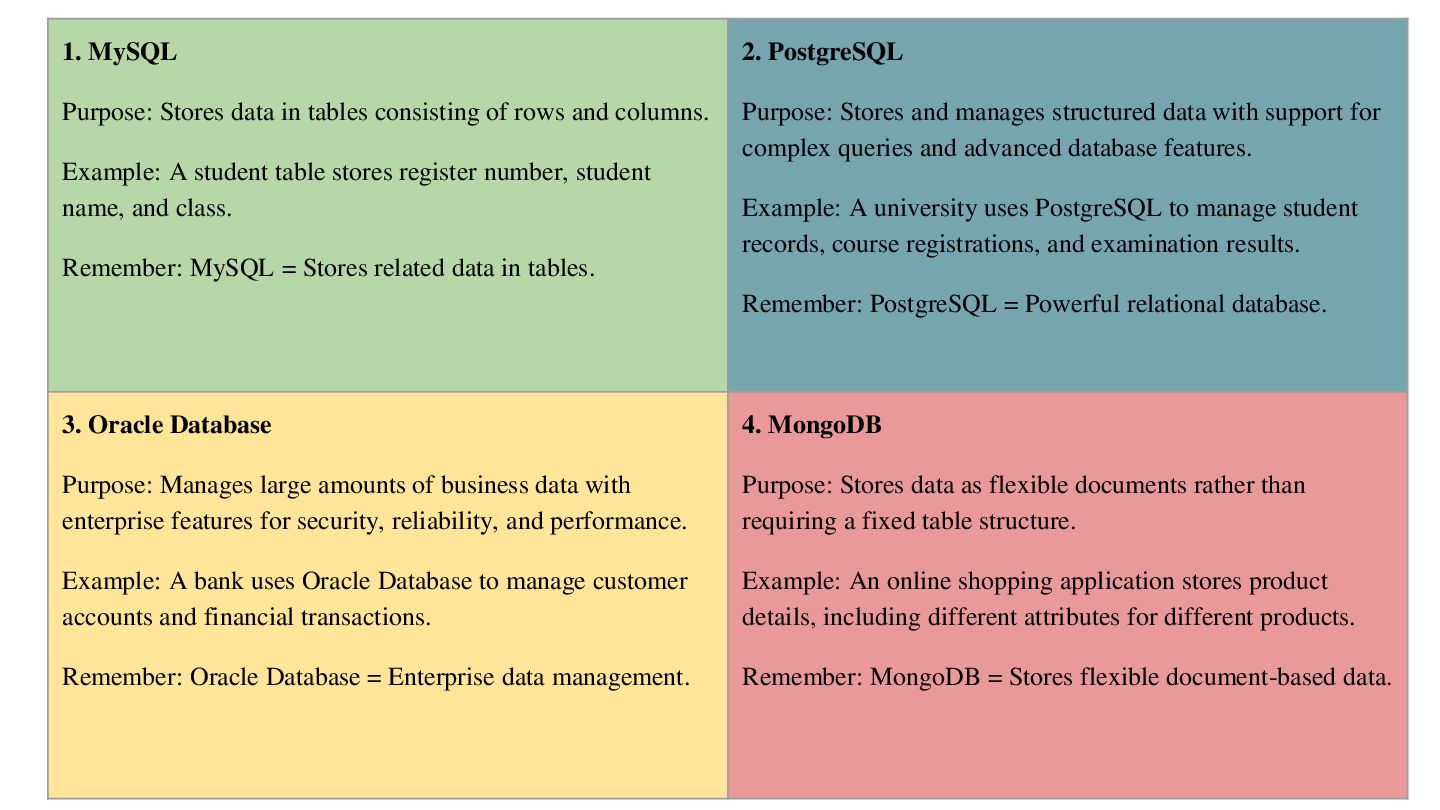
F. Database Tools Database tools help store, organize, search, and
manage information. What are they used for? Examples Create and manage databases MySQL Store student and attendance details PostgreSQL Search and update records Oracle Database Manage access and backups MongoDB Example: The attendance system stores student names and attendance records in a database. -
1. MySQL 2. PostgreSQL Purpose: Stores data in tables consisting
of rows and columns. Purpose: Stores and manages structured data with support for complex queries and advanced database features. Example: A student table stores register number, student name, and class. Example: A university uses PostgreSQL to manage student records, course registrations, and examination results. Remember: MySQL = Stores related data in tables. Remember: PostgreSQL = Powerful relational database. 3. Oracle Database 4. MongoDB Purpose: Manages large amounts of business data with enterprise features for security, reliability, and performance. Purpose: Stores data as flexible documents rather than requiring a fixed table structure. Example: A bank uses Oracle Database to manage customer accounts and financial transactions. Example: An online shopping application stores product details, including different attributes for different products. Remember: Oracle Database = Enterprise data management. Remember: MongoDB = Stores flexible document-based data. -
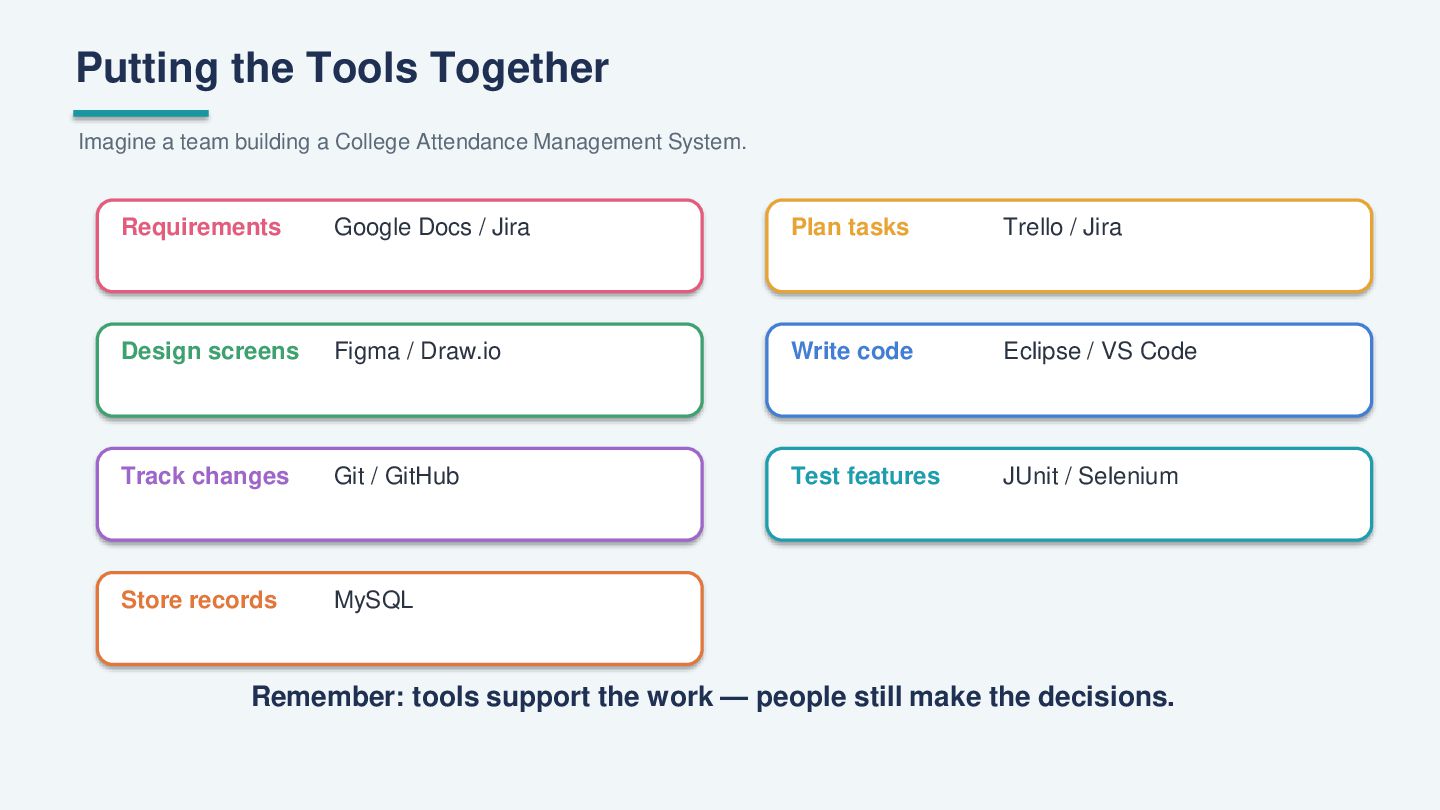
Putting the Tools Together Imagine a team building a College
Attendance Management System. Requirements Google Docs / Jira Plan tasks Trello / Jira Design screens Figma / Draw.io Write code Eclipse / VS Code Track changes Git / GitHub Test features JUnit / Selenium Store records MySQL Remember: tools support the work — people still make the decisions. -
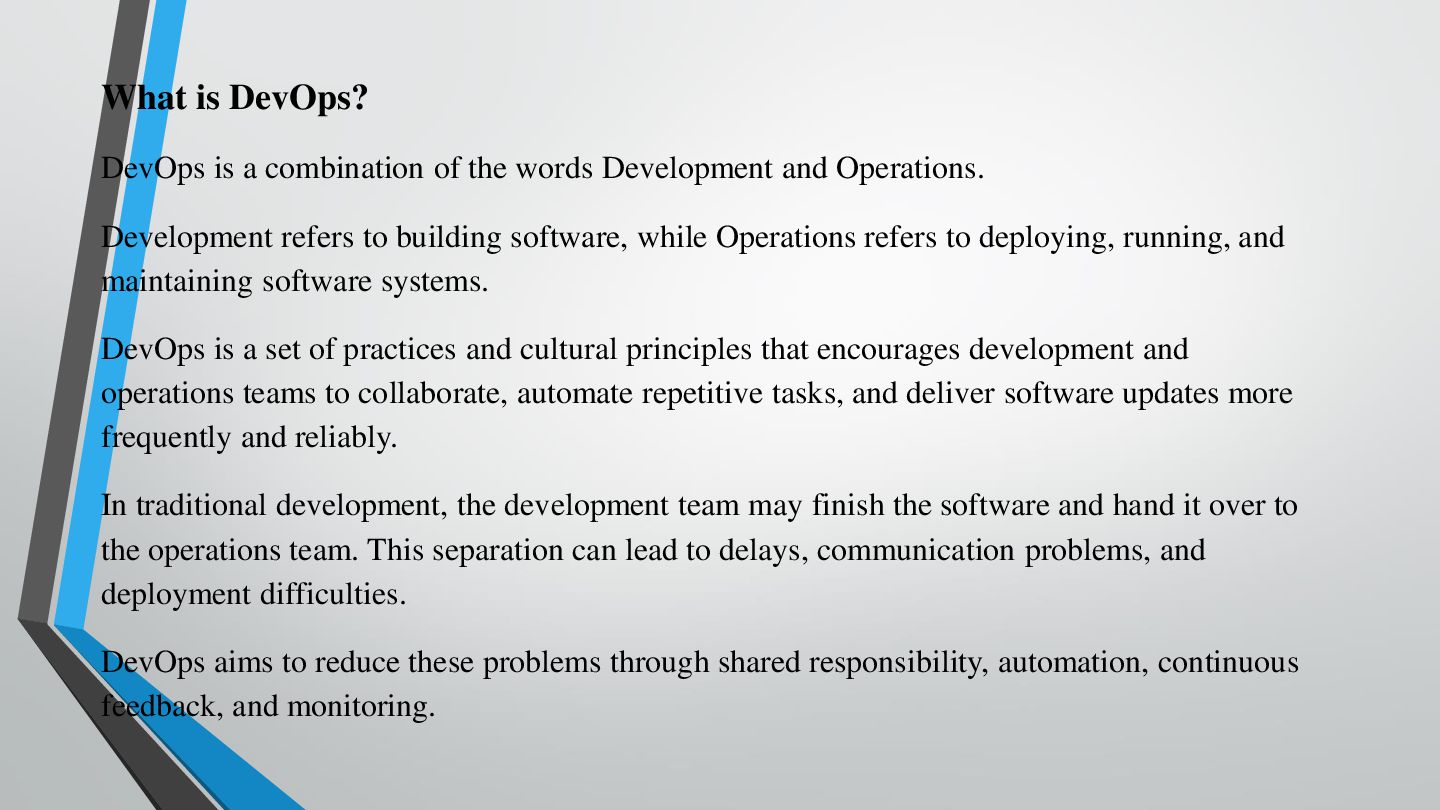
What is DevOps? DevOps is a combination of the words
Development and Operations. Development refers to building software, while Operations refers to deploying, running, and maintaining software systems. DevOps is a set of practices and cultural principles that encourages development and operations teams to collaborate, automate repetitive tasks, and deliver software updates more frequently and reliably. In traditional development, the development team may finish the software and hand it over to the operations team. This separation can lead to delays, communication problems, and deployment difficulties. DevOps aims to reduce these problems through shared responsibility, automation, continuous feedback, and monitoring.
 sonakv
 hiola
 signer
 akiraasano
 cbtlibrary
 dragon2
 baltimoreniso
 arnoknobbe
 afnizarnur
 bkeepers
 rmw
 mkilby
 schlessera
 lara
 productmarketing
 deanohume
 garrettdimon
 emna__ayadi
 trishagee
 rkendrick25