Upgrade to Pro
— share decks privately, control downloads, hide ads and more …
Speaker Deck
Sign up for free
Menu
Search
Features
All features
Private URLs
Password Protection
Custom URLS
Scheduled publishing
Remove Branding
Restrict embedding
Deck Collections
Notes
Features
All features
Private URLs
Password Protection
Custom URLS
Scheduled publishing
Remove Branding
Restrict embedding
Deck Collections
Notes
Explore
Featured decks
Featured speakers
Programming
Technology
Storyboards
Explore
Featured decks
Featured speakers
Programming
Technology
Storyboards
Pricing
Search
Sign in
Sign up for free
Gitのよく使うコマンド
Search
YUKI Kaoru
March 29, 2013
Programming
80
0
Share
Embed
Copy iframe code
Copy JS code
Copy link
Start on current slide
Gitのよく使うコマンド
Gitのよく使うコマンドを解説しました。
YUKI Kaoru
March 29, 2013
More Decks by YUKI Kaoru
See All by YUKI Kaoru
TDDの基本.pdf
vectorxenon
0
41
Other Decks in Programming
See All in Programming
Findy - エンジニア向け会社紹介/Findy Company Deck
findyinc
6
400k
[Rails World 2026] Durable orchestration on Rails: from continuation to workflow
palkan
1
750
Augmenting AI with the Power of Jakarta EE
ivargrimstad
0
190
気持ちぃ〜角丸 Squircle
ryu1013
0
310
Event is what happens
moro
2
780
見えないものを探る要求要件定義に必要な基本的思考 / invisible-requirement-thinking
minodriven
15
8.5k
Unity6 URPによる海底をテーマにしたVJシステムの解説 | Unity Shader 完全に理解した 勉強会
gam0022
0
370
[ハンズオン]AIへの指示だけで「五目並べ」を作ってみよう
satoshi256kbyte
1
380
機械に任せるテスト、人が見るテスト ⽣成AIで引き直した、運⽤保守フェーズの線引き
dske104
0
190
Herb in Rails 8.2: Your ERB views, now HTML-aware @ Rails World 2026, Austin, Texas
marcoroth
0
220
GemmaをJevのように使ってみる / Use Gemma like Jev
kishida
5
790
phperだってパンチカードでコーディングしたい
o0h
PRO
0
330
Featured
See All Featured
End of SEO as We Know It (SMX Advanced Version)
ipullrank
3
4.4k
Visual Storytelling: How to be a Superhuman Communicator
reverentgeek
2
710
Marketing Yourself as an Engineer | Alaka | Gurzu
gurzu
0
330
The Pragmatic Product Professional
lauravandoore
37
7.5k
Taking LLMs out of the black box: A practical guide to human-in-the-loop distillation
inesmontani
PRO
3
2.5k
RailsConf & Balkan Ruby 2019: The Past, Present, and Future of Rails at GitHub
eileencodes
141
35k
Measuring Dark Social's Impact On Conversion and Attribution
stephenakadiri
2
310
Designing Powerful Visuals for Engaging Learning
tmiket
1
610
Building AI with AI
inesmontani
PRO
1
1.3k
GitHub's CSS Performance
jonrohan
1033
470k
The Success of Rails: Ensuring Growth for the Next 100 Years
eileencodes
47
8.4k
Google's AI Overviews - The New Search
badams
0
1.6k
Transcript
Gitのよく使うコマンド
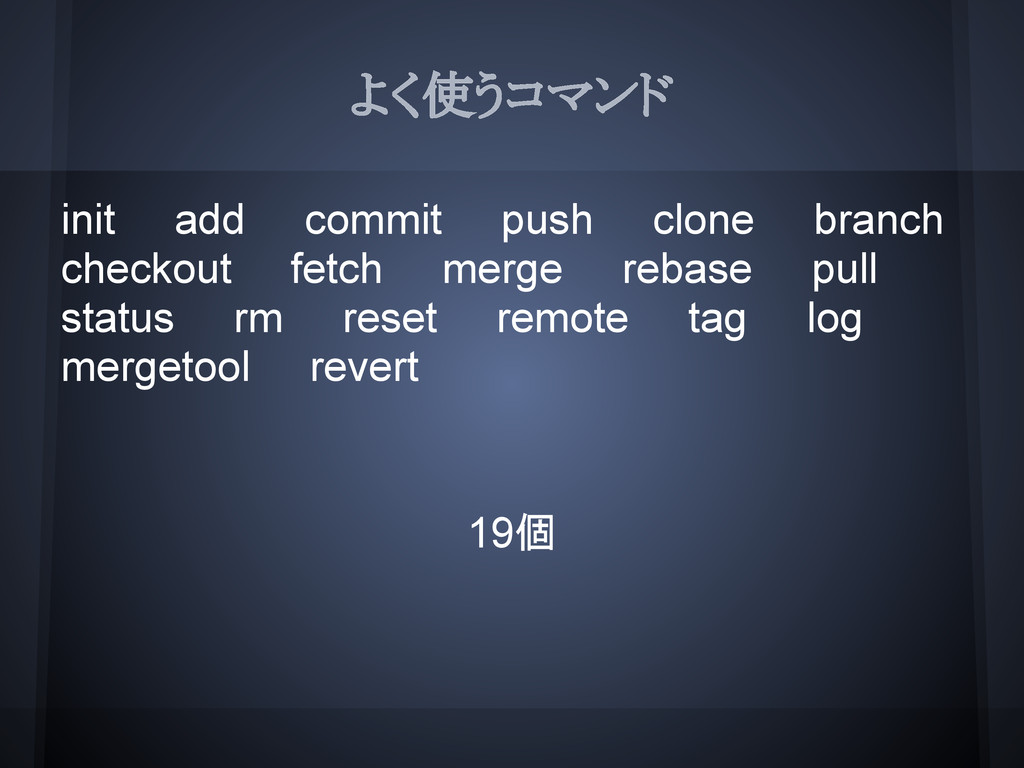
よく使うコマンド init add commit push clone branch checkout fetch merge
rebase pull status rm reset remote tag log mergetool revert 19個
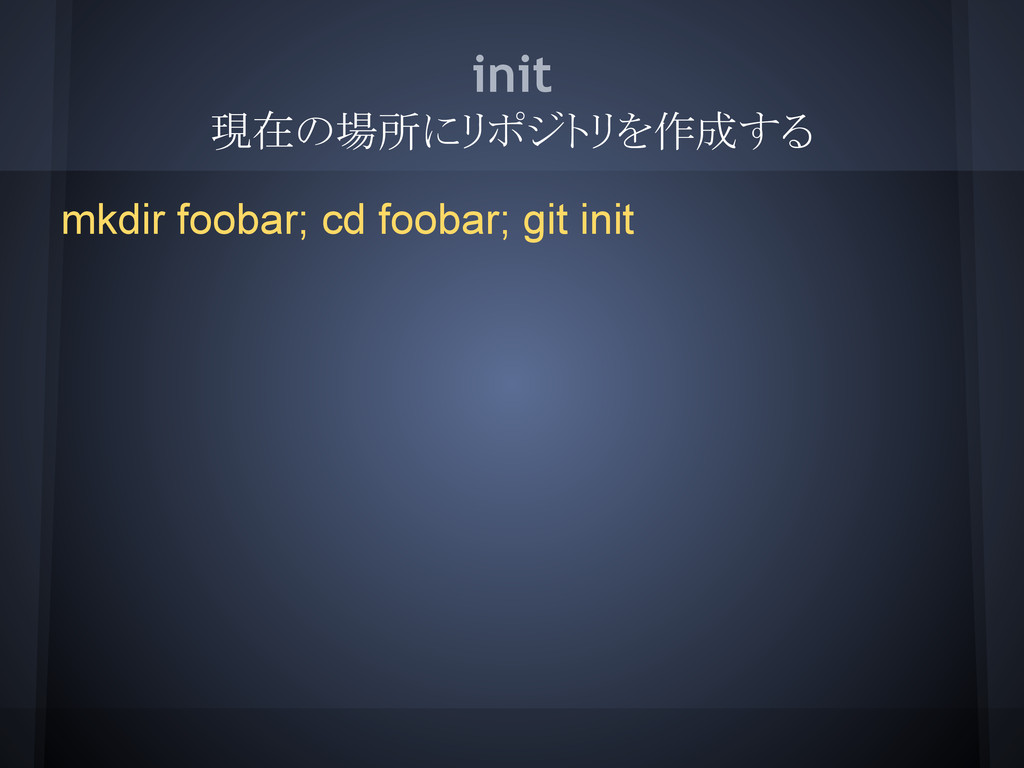
init 現在の場所にリポジトリを作成する mkdir foobar; cd foobar; git init
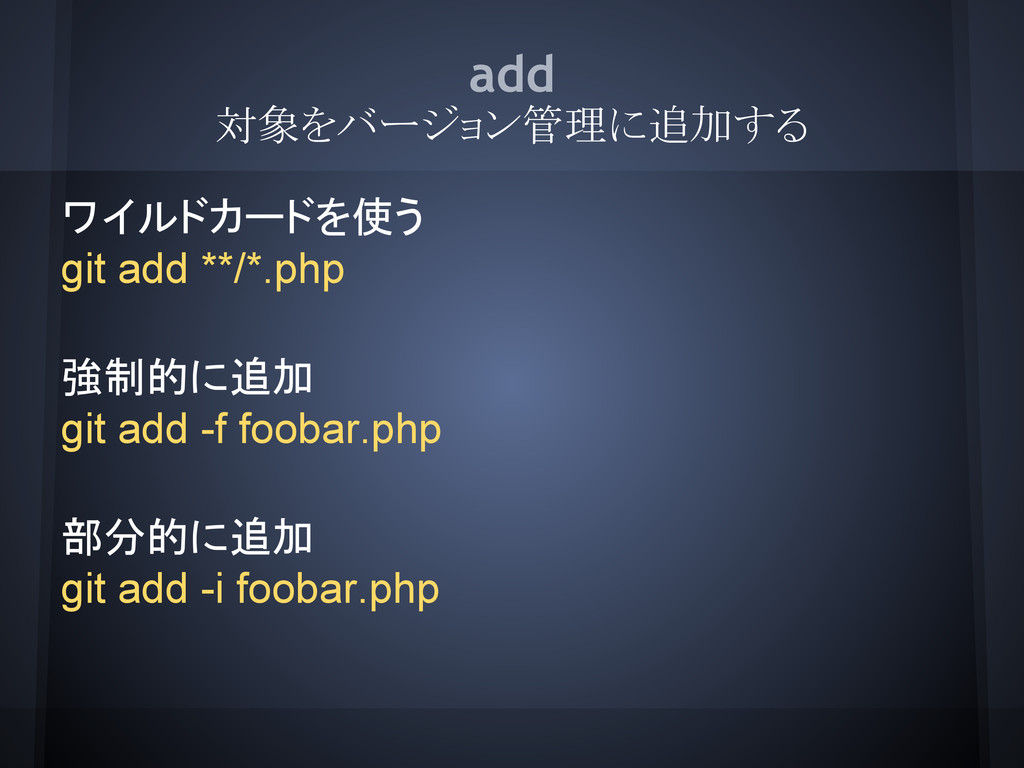
add 対象をバージョン管理に追加する ワイルドカードを使う git add **/*.php 強制的に追加 git add -f
foobar.php 部分的に追加 git add -i foobar.php
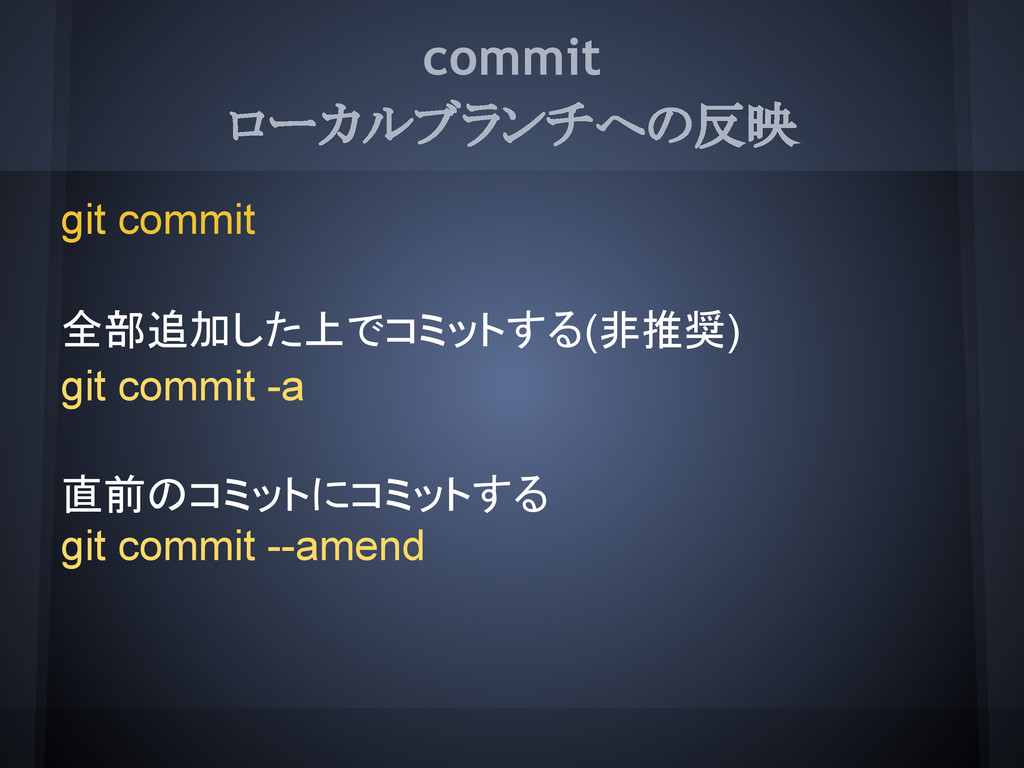
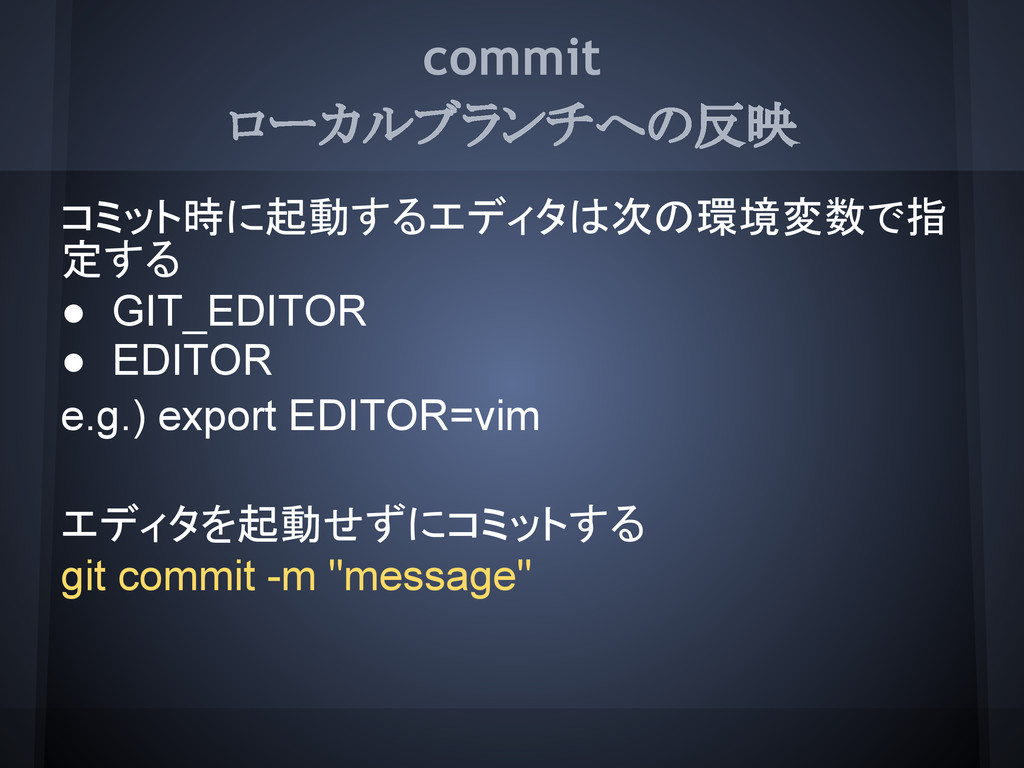
commit ローカルブランチへの反映 git commit 全部追加した上でコミットする(非推奨) git commit -a 直前のコミットにコミットする git
commit --amend
commit ローカルブランチへの反映 コミット時に起動するエディタは次の環境変数で指 定する • GIT_EDITOR • EDITOR e.g.) export
EDITOR=vim エディタを起動せずにコミットする git commit -m "message"
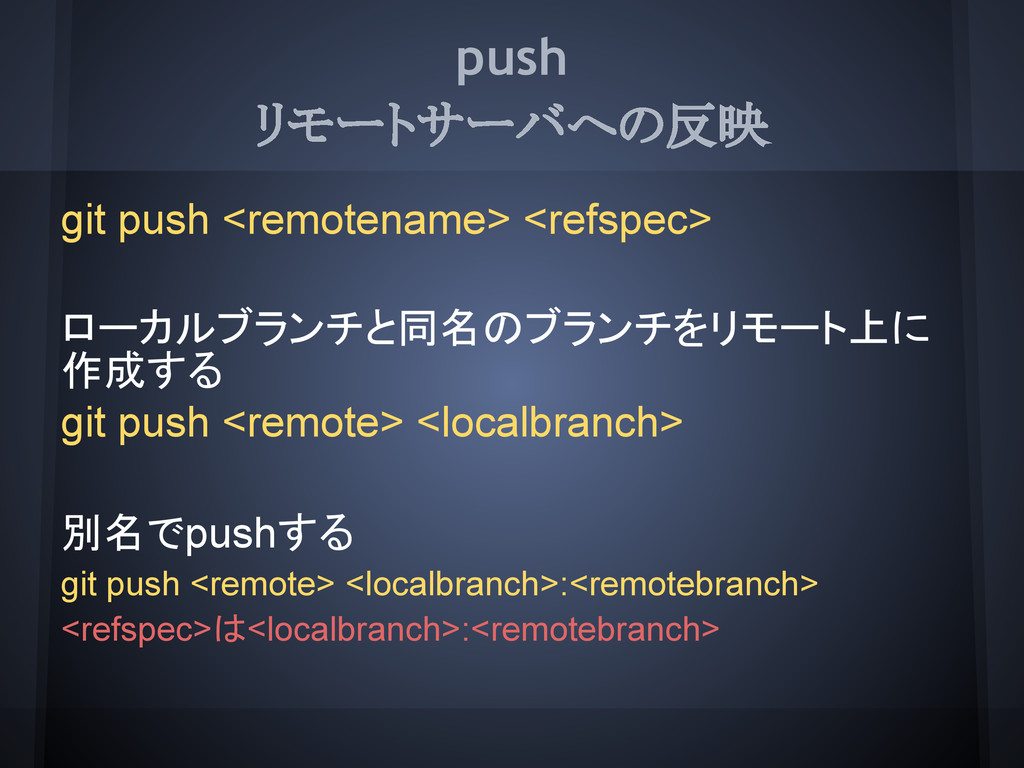
push リモートサーバへの反映 git push <remotename> <refspec> ローカルブランチと同名のブランチをリモート上に 作成する git push
<remote> <localbranch> 別名でpushする git push <remote> <localbranch>:<remotebranch> <refspec>は<localbranch>:<remotebranch>
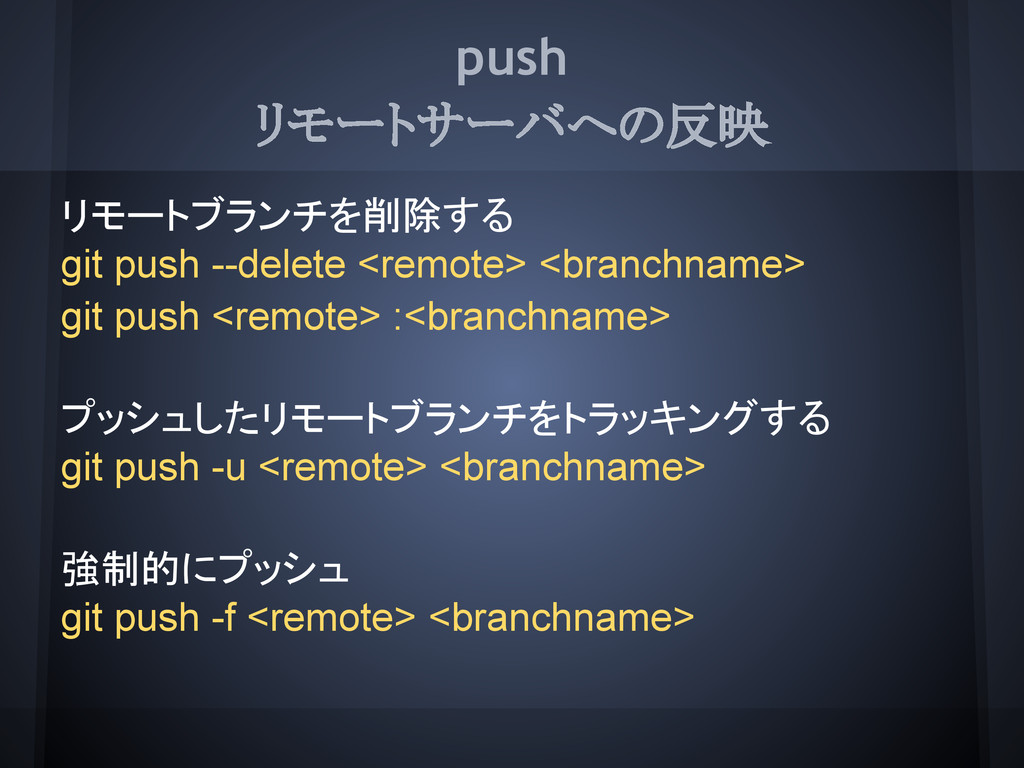
push リモートサーバへの反映 リモートブランチを削除する git push --delete <remote> <branchname> git push
<remote> :<branchname> プッシュしたリモートブランチをトラッキングする git push -u <remote> <branchname> 強制的にプッシュ git push -f <remote> <branchname>
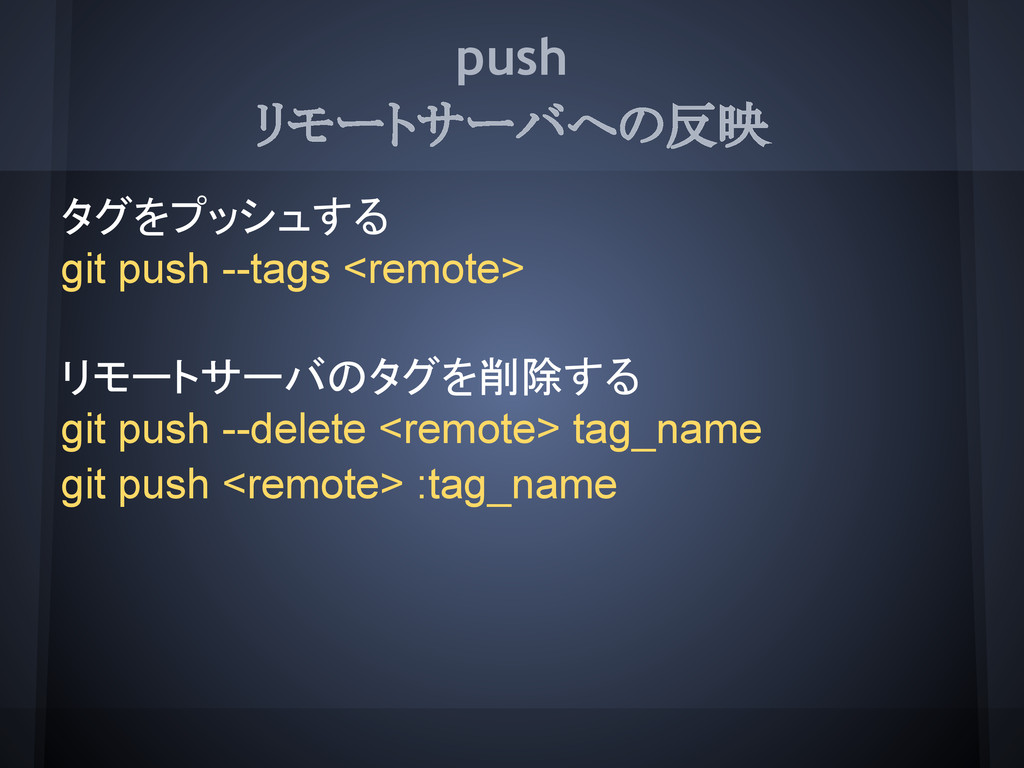
push リモートサーバへの反映 タグをプッシュする git push --tags <remote> リモートサーバのタグを削除する git push
--delete <remote> tag_name git push <remote> :tag_name
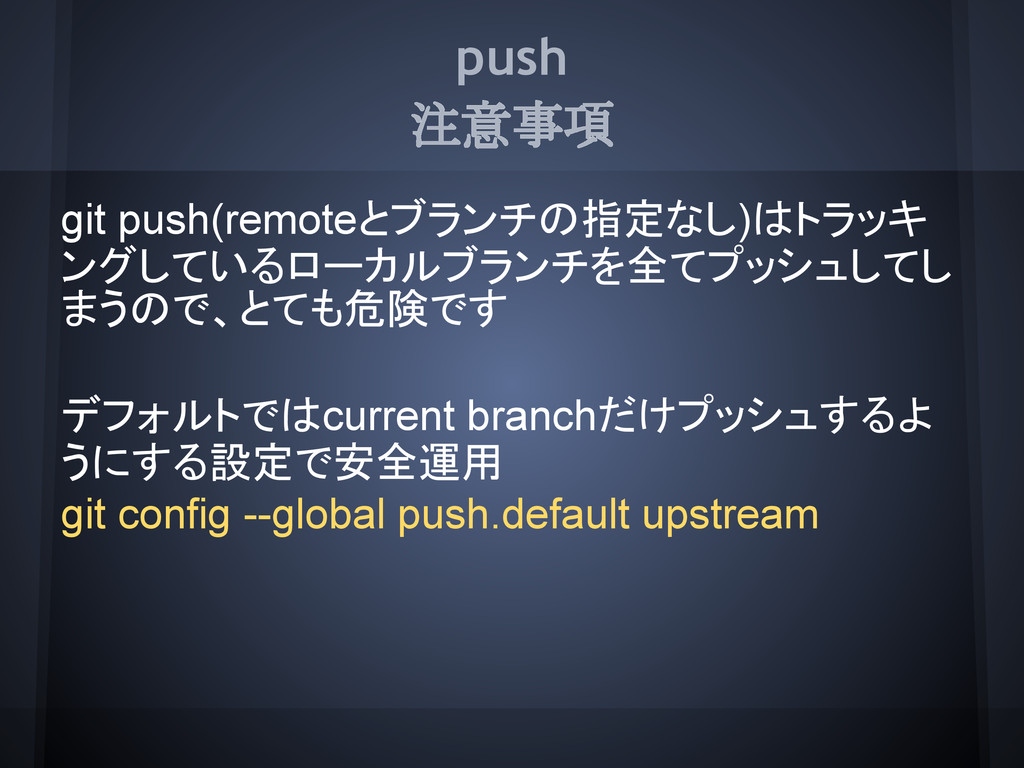
push 注意事項 git push(remoteとブランチの指定なし)はトラッキ ングしているローカルブランチを全てプッシュしてし まうので、とても危険です デフォルトではcurrent branchだけプッシュするよ うにする設定で安全運用 git
config --global push.default upstream
clone リポジトリのコピーを作成する sshを利用 git clone ssh://[user@]host[:port]/path/to/repo.git/ git clone [user@]host:path/to/repo.git/ httpsを利用
git clone http[s]://host[:port]/path/to/repo.git/ ローカル git clone [file://]/path/to/repo.git/
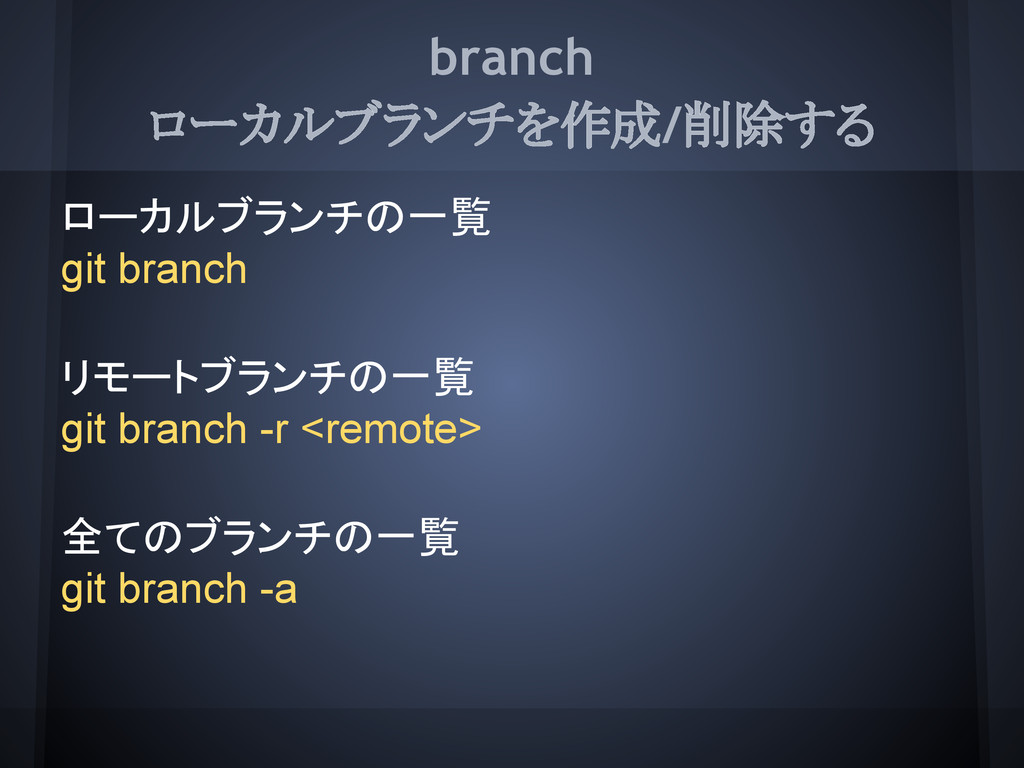
branch ローカルブランチを作成/削除する ローカルブランチの一覧 git branch リモートブランチの一覧 git branch -r <remote>
全てのブランチの一覧 git branch -a
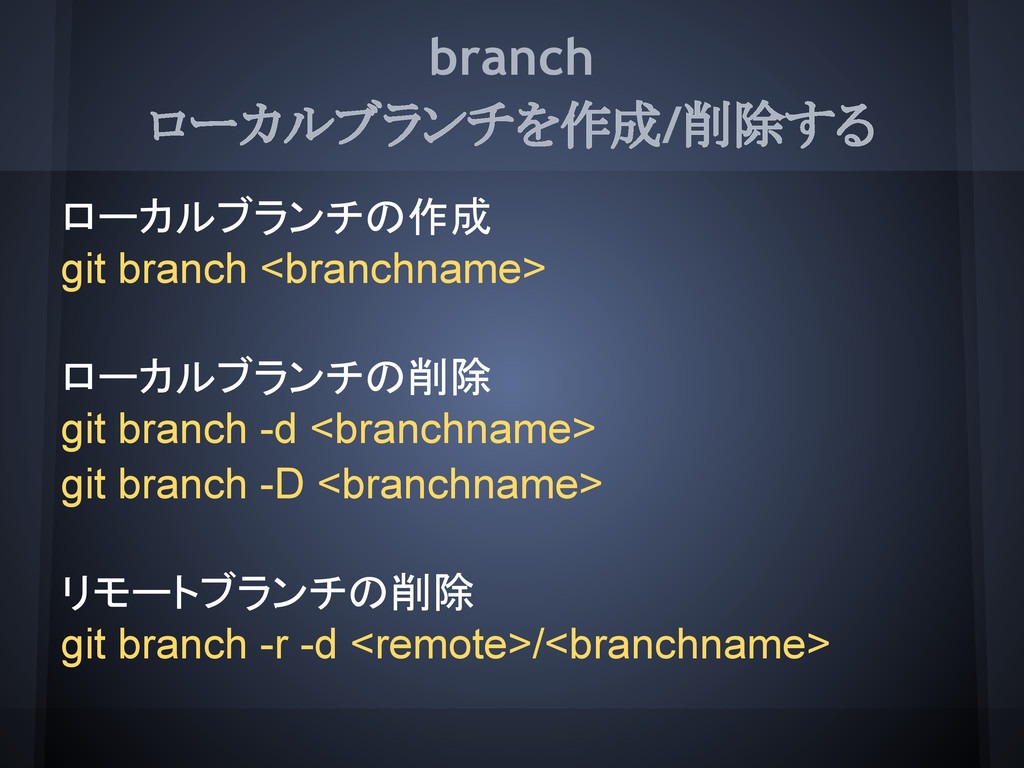
branch ローカルブランチを作成/削除する ローカルブランチの作成 git branch <branchname> ローカルブランチの削除 git branch -d
<branchname> git branch -D <branchname> リモートブランチの削除 git branch -r -d <remote>/<branchname>
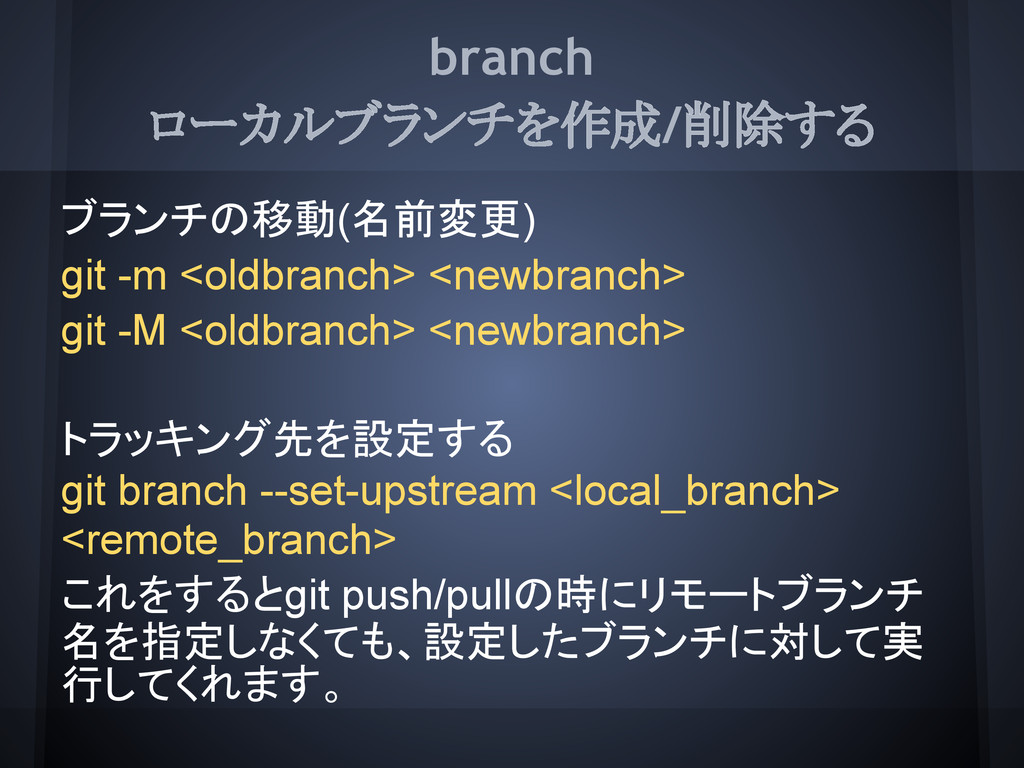
branch ローカルブランチを作成/削除する ブランチの移動(名前変更) git -m <oldbranch> <newbranch> git -M <oldbranch>
<newbranch> トラッキング先を設定する git branch --set-upstream <local_branch> <remote_branch> これをするとgit push/pullの時にリモートブランチ 名を指定しなくても、設定したブランチに対して実 行してくれます。
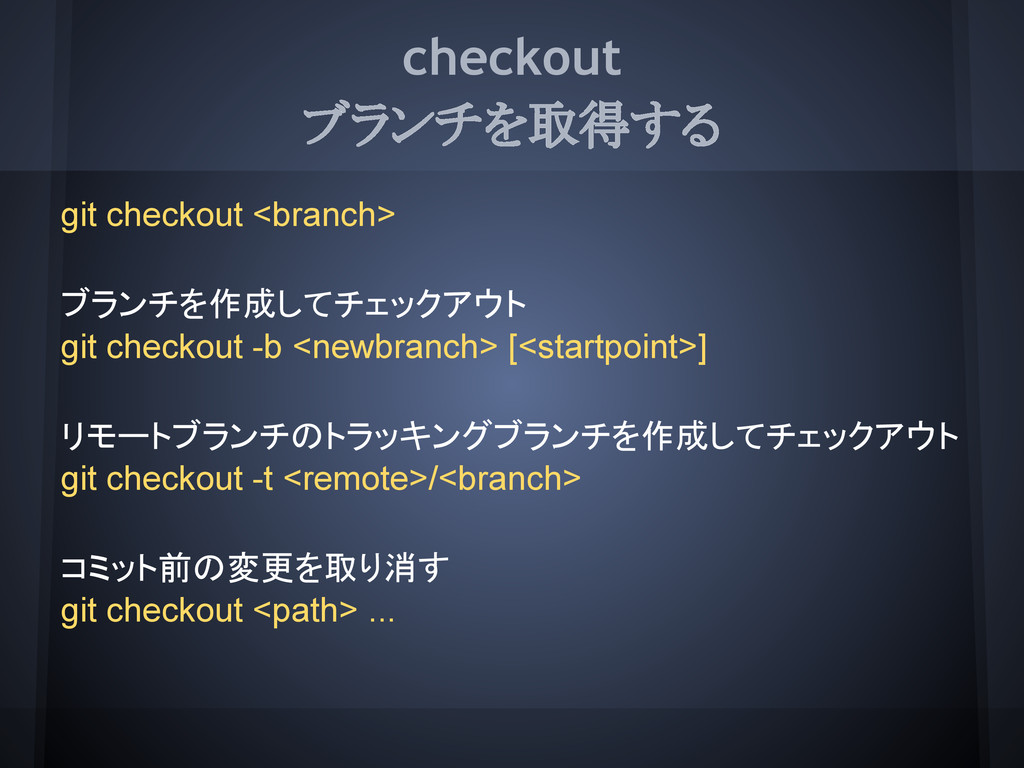
checkout ブランチを取得する git checkout <branch> ブランチを作成してチェックアウト git checkout -b <newbranch>
[<startpoint>] リモートブランチのトラッキングブランチを作成してチェックアウト git checkout -t <remote>/<branch> コミット前の変更を取り消す git checkout <path> ...
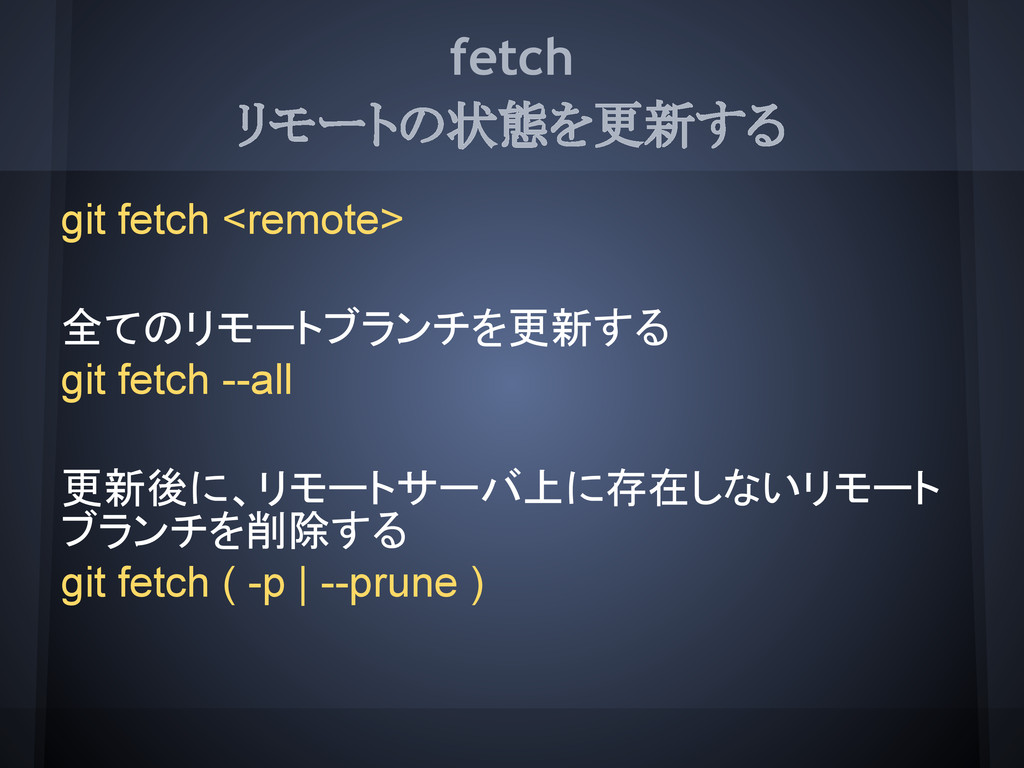
fetch リモートの状態を更新する git fetch <remote> 全てのリモートブランチを更新する git fetch --all 更新後に、リモートサーバ上に存在しないリモート
ブランチを削除する git fetch ( -p | --prune )
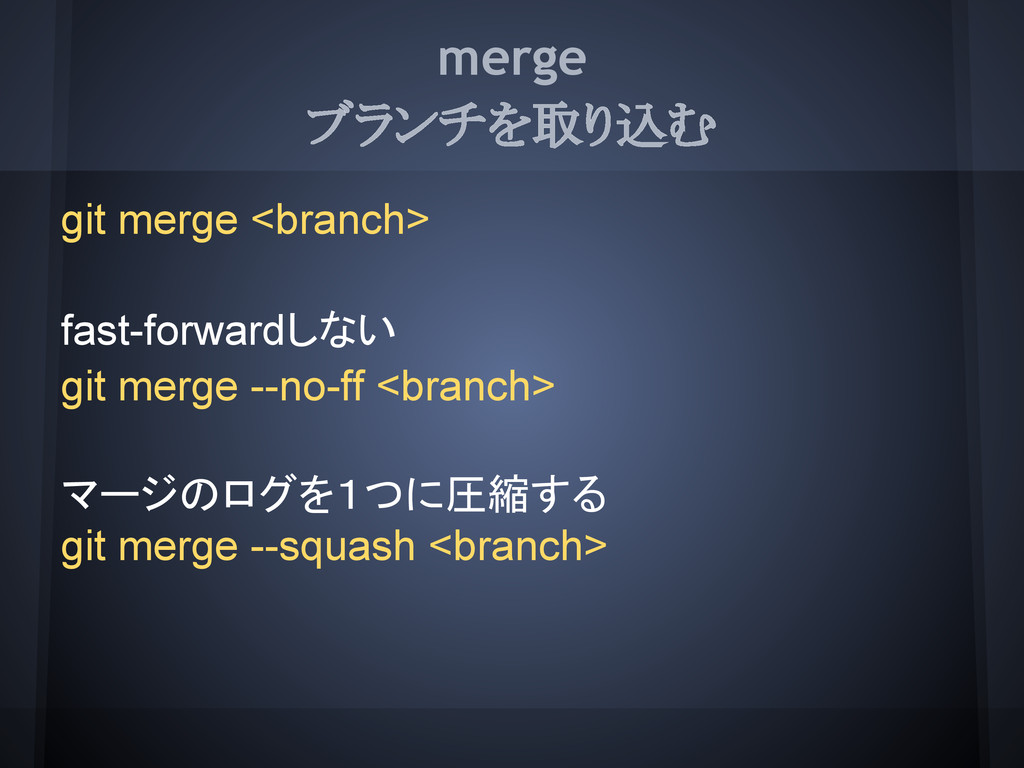
merge ブランチを取り込む git merge <branch> fast-forwardしない git merge --no-ff <branch>
マージのログを1つに圧縮する git merge --squash <branch>
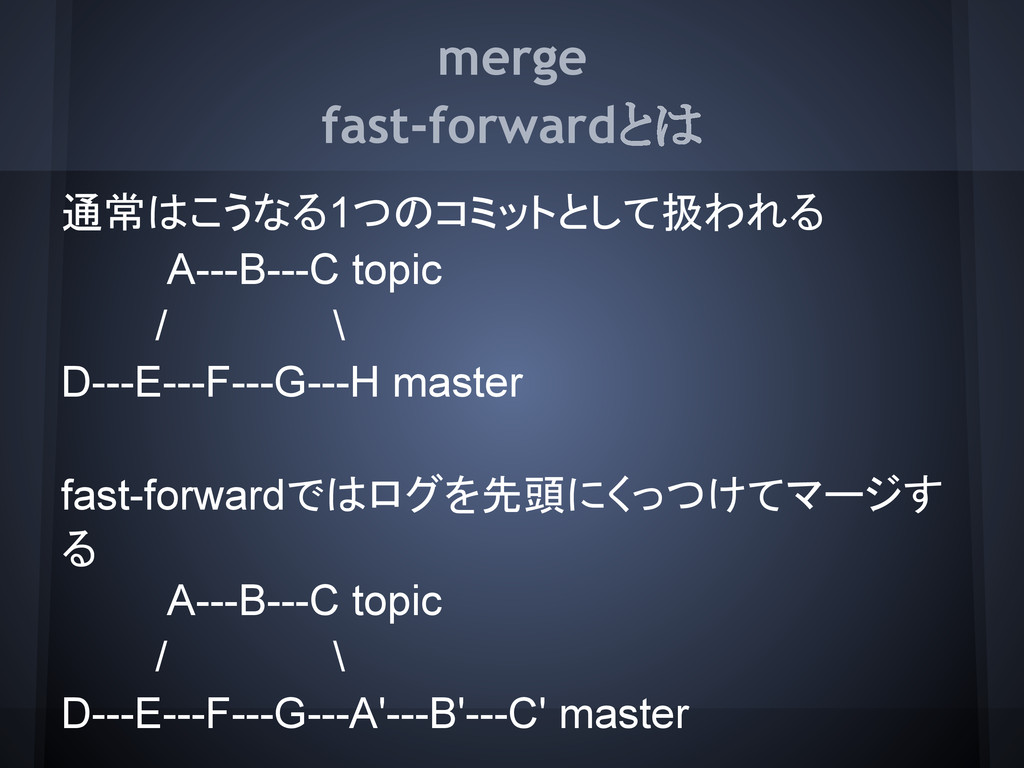
merge fast-forwardとは 通常はこうなる1つのコミットとして扱われる A---B---C topic / \ D---E---F---G---H master fast-forwardではログを先頭にくっつけてマージす
る A---B---C topic / \ D---E---F---G---A'---B'---C' master
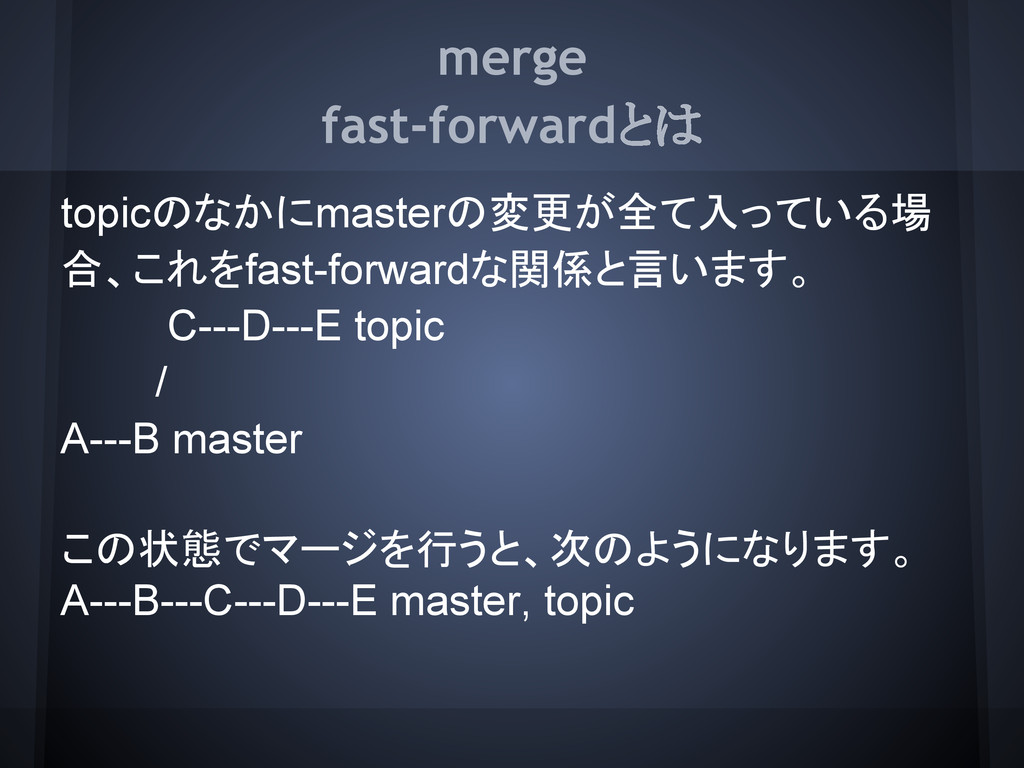
merge fast-forwardとは topicのなかにmasterの変更が全て入っている場 合、これをfast-forwardな関係と言います。 C---D---E topic / A---B master この状態でマージを行うと、次のようになります。
A---B---C---D---E master, topic
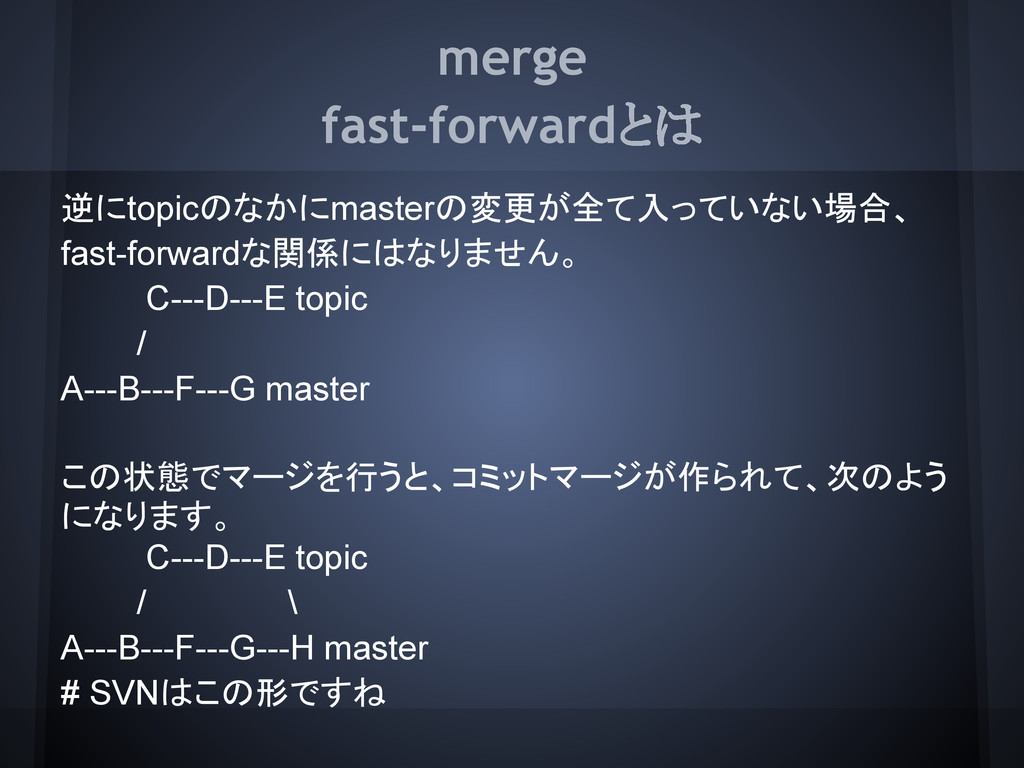
merge fast-forwardとは 逆にtopicのなかにmasterの変更が全て入っていない場合、 fast-forwardな関係にはなりません。 C---D---E topic / A---B---F---G master この状態でマージを行うと、コミットマージが作られて、次のよう
になります。 C---D---E topic / \ A---B---F---G---H master # SVNはこの形ですね
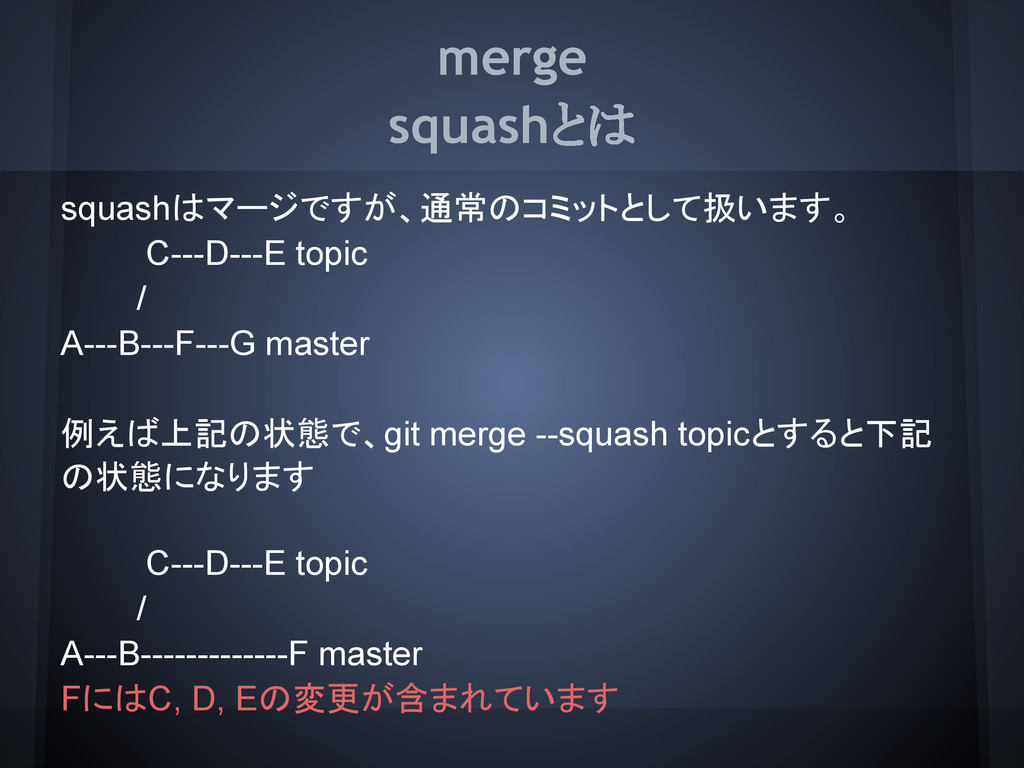
merge squashとは squashはマージですが、通常のコミットとして扱います。 C---D---E topic / A---B---F---G master 例えば上記の状態で、git merge
--squash topicとすると下記 の状態になります C---D---E topic / A---B-------------F master FにはC, D, Eの変更が含まれています
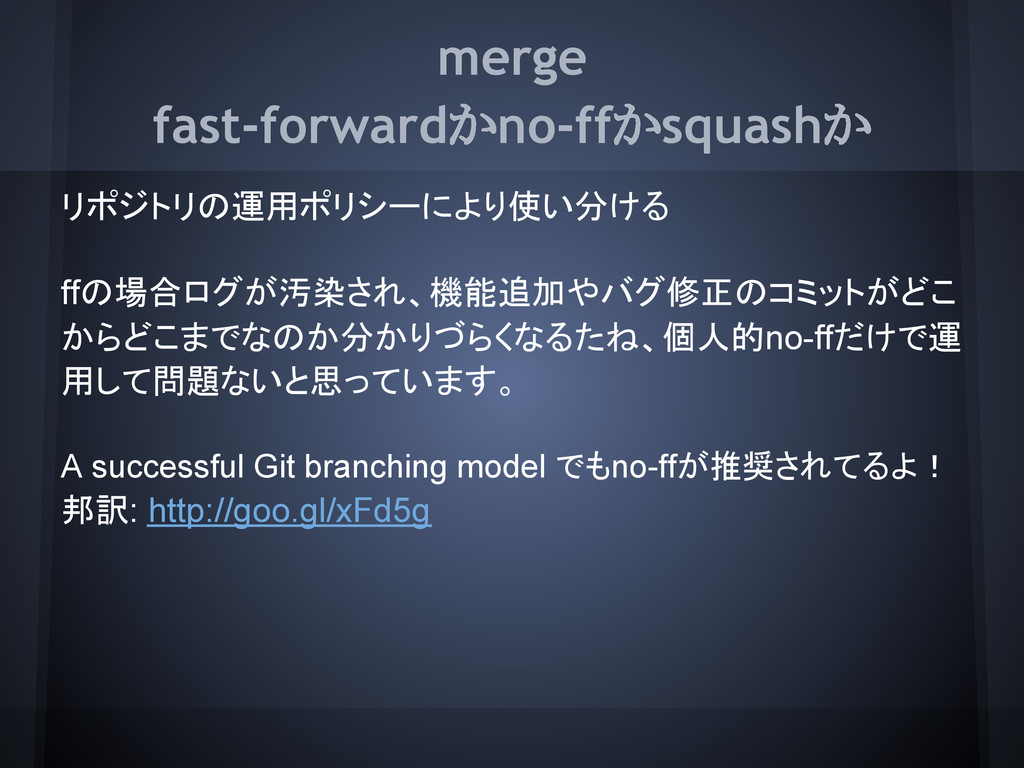
merge fast-forwardかno-ffかsquashか リポジトリの運用ポリシーにより使い分ける ffの場合ログが汚染され、機能追加やバグ修正のコミットがどこ からどこまでなのか分かりづらくなるたね、個人的no-ffだけで運 用して問題ないと思っています。 A successful Git branching
model でもno-ffが推奨されてるよ! 邦訳: http://goo.gl/xFd5g
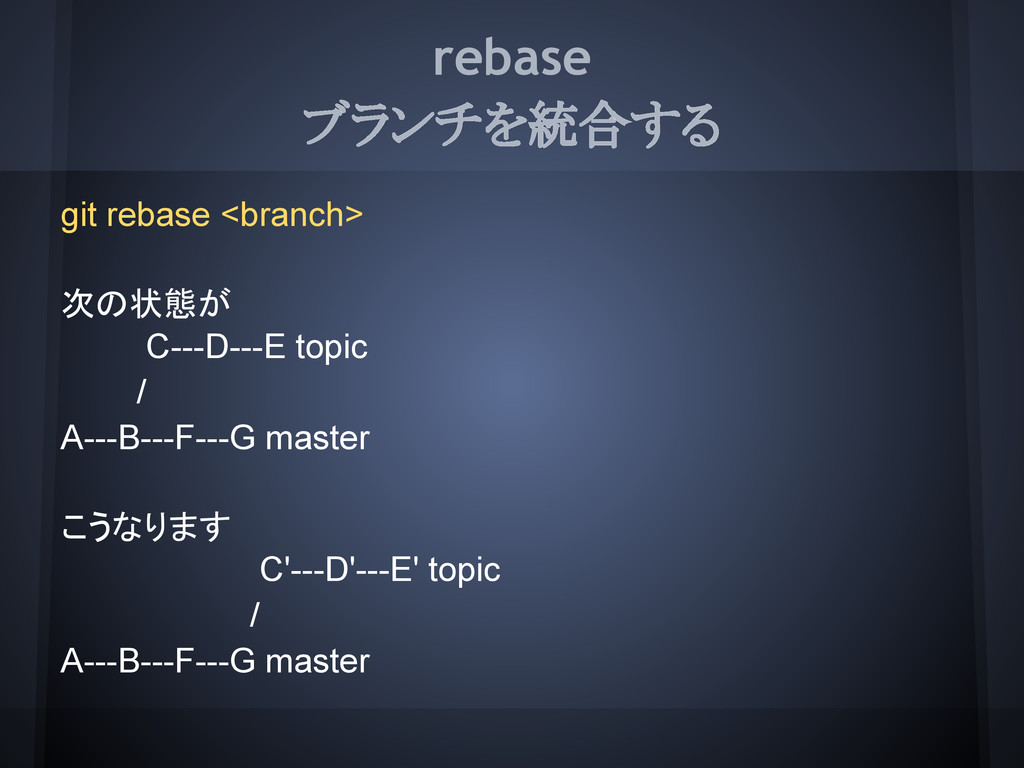
rebase ブランチを統合する git rebase <branch> 次の状態が C---D---E topic / A---B---F---G
master こうなります C'---D'---E' topic / A---B---F---G master
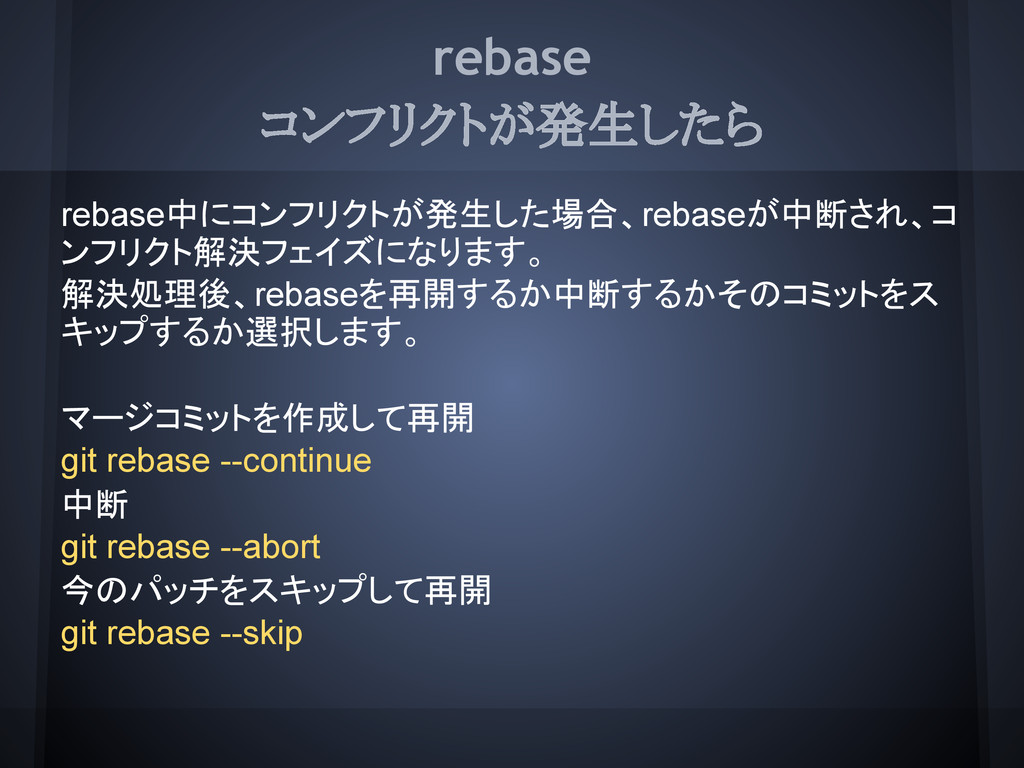
rebase コンフリクトが発生したら rebase中にコンフリクトが発生した場合、rebaseが中断され、コ ンフリクト解決フェイズになります。 解決処理後、rebaseを再開するか中断するかそのコミットをス キップするか選択します。 マージコミットを作成して再開 git rebase --continue
中断 git rebase --abort 今のパッチをスキップして再開 git rebase --skip
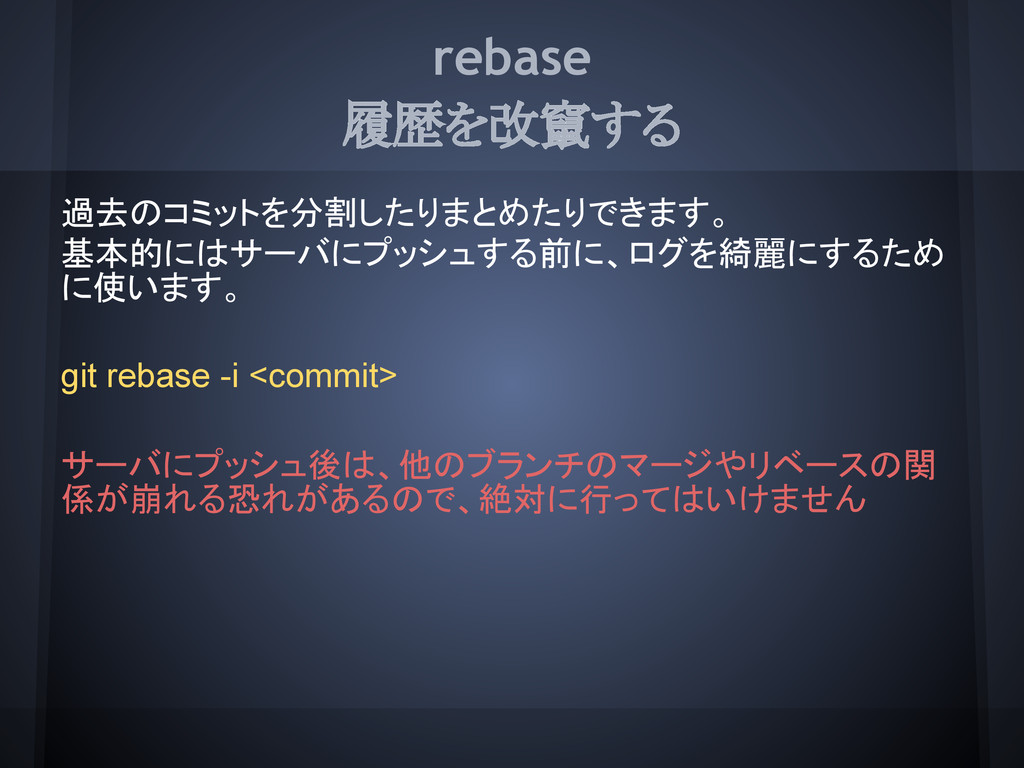
rebase 履歴を改竄する 過去のコミットを分割したりまとめたりできます。 基本的にはサーバにプッシュする前に、ログを綺麗にするため に使います。 git rebase -i <commit> サーバにプッシュ後は、他のブランチのマージやリベースの関
係が崩れる恐れがあるので、絶対に行ってはいけません
pull fetch & merge git pull [<remote>] [<branch>] 次の2つは等価です git
pull origin master git fetch origin && git merge origin/master 次の設定をしていると、git pullだけで<remote>と <branch>を自動解決してくれます。 git branch --set-upstream <localbranch> <remote>/<remoptebranch>
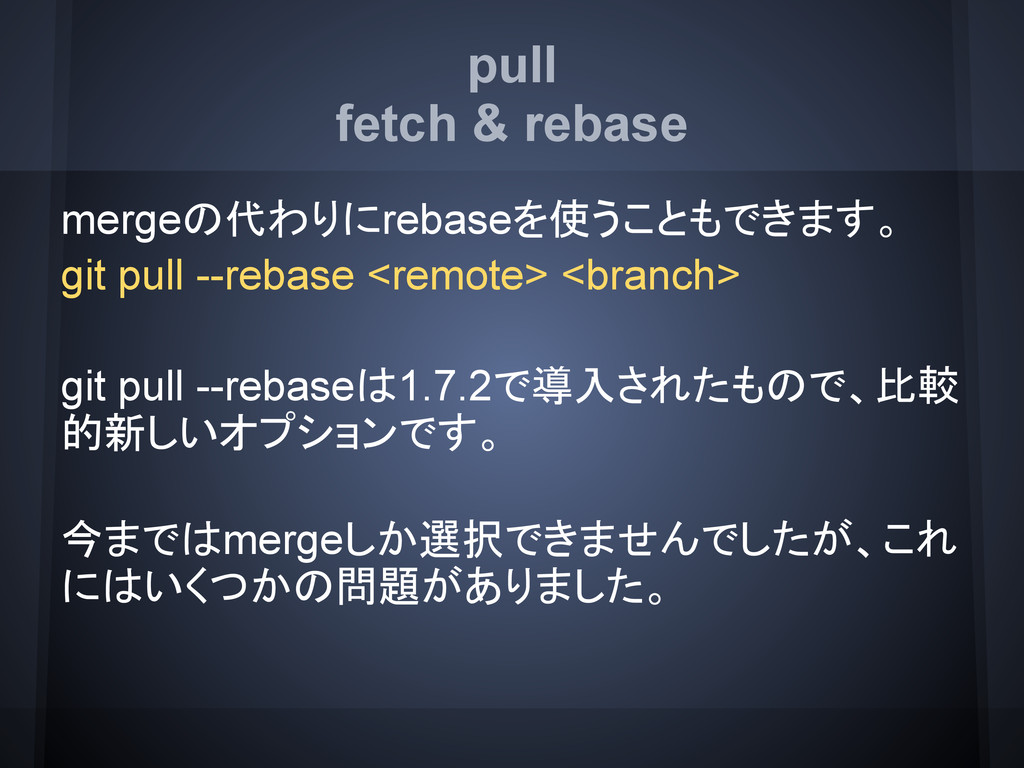
pull fetch & rebase mergeの代わりにrebaseを使うこともできます。 git pull --rebase <remote> <branch>
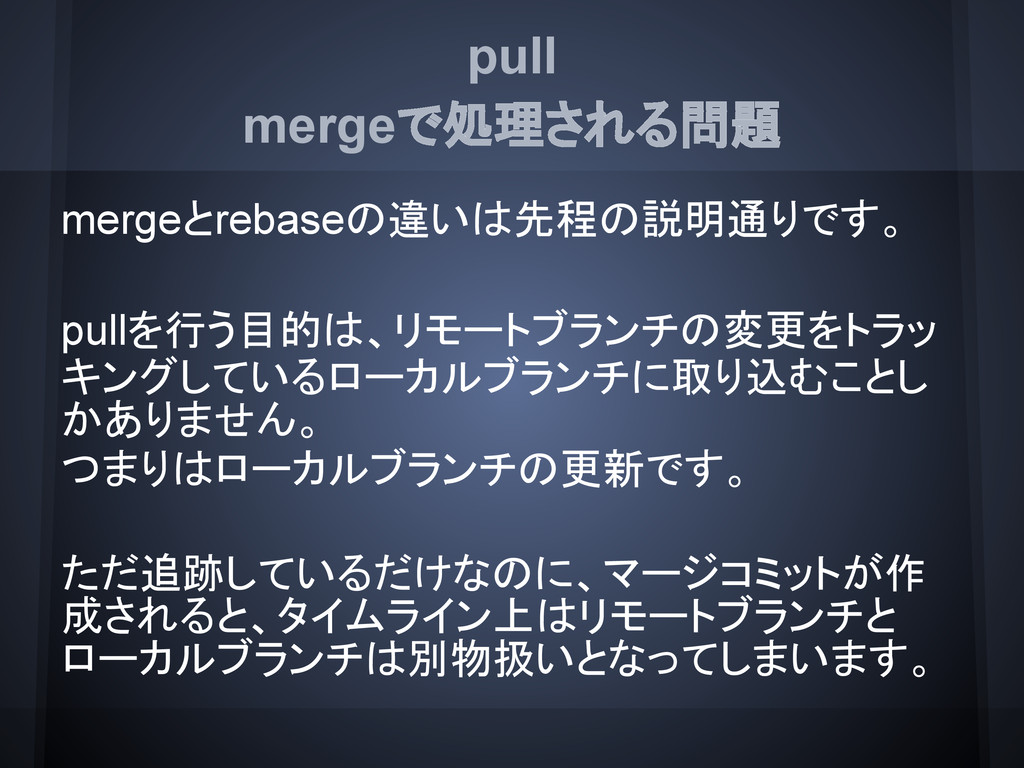
git pull --rebaseは1.7.2で導入されたもので、比較 的新しいオプションです。 今まではmergeしか選択できませんでしたが、これ にはいくつかの問題がありました。
pull mergeで処理される問題 mergeとrebaseの違いは先程の説明通りです。 pullを行う目的は、リモートブランチの変更をトラッ キングしているローカルブランチに取り込むことし かありません。 つまりはローカルブランチの更新です。 ただ追跡しているだけなのに、マージコミットが作 成されると、タイムライン上はリモートブランチと ローカルブランチは別物扱いとなってしまいます。
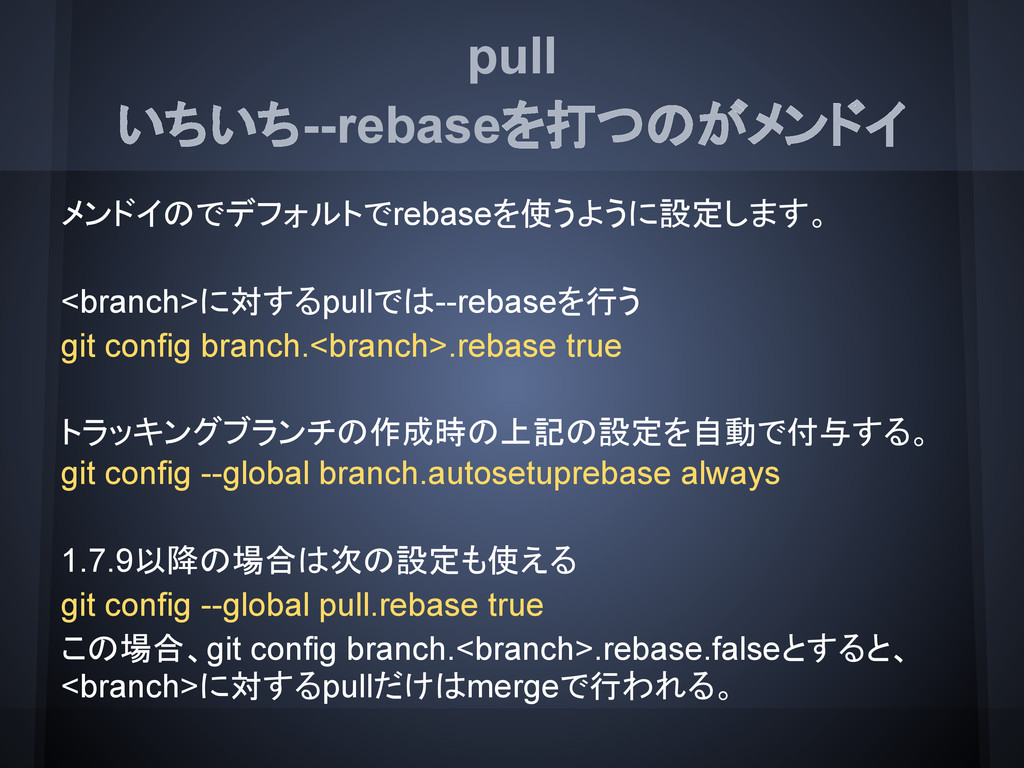
pull いちいち--rebaseを打つのがメンドイ メンドイのでデフォルトでrebaseを使うように設定します。 <branch>に対するpullでは--rebaseを行う git config branch.<branch>.rebase true トラッキングブランチの作成時の上記の設定を自動で付与する。 git
config --global branch.autosetuprebase always 1.7.9以降の場合は次の設定も使える git config --global pull.rebase true この場合、git config branch.<branch>.rebase.falseとすると、 <branch>に対するpullだけはmergeで行われる。
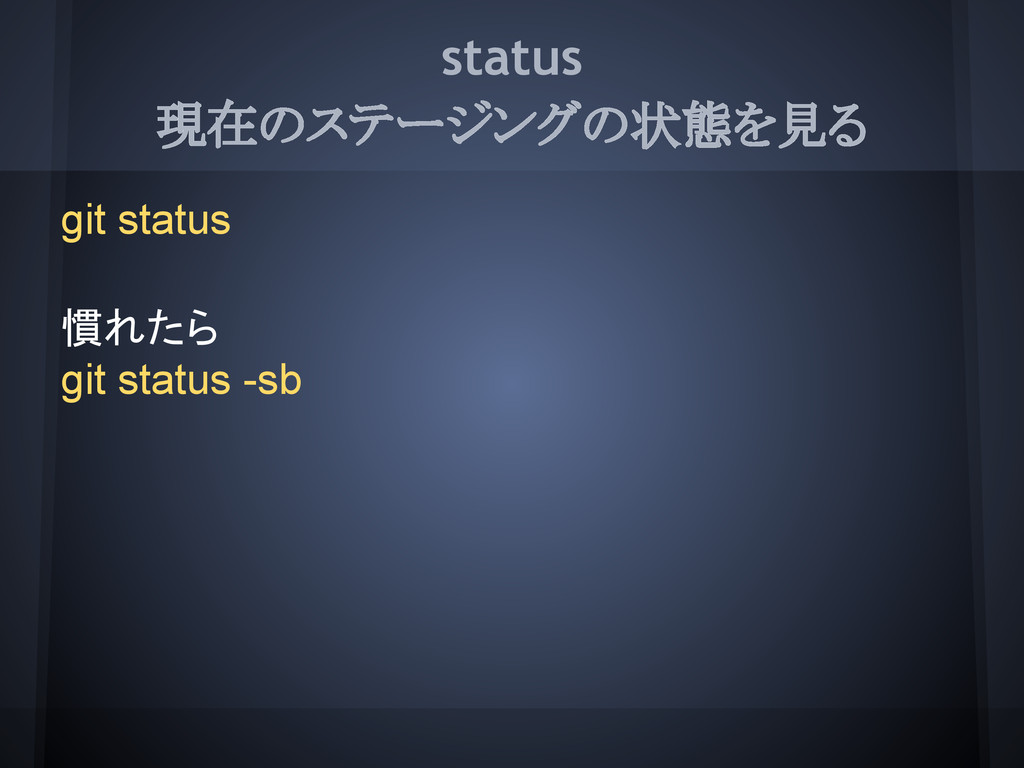
status 現在のステージングの状態を見る git status 慣れたら git status -sb
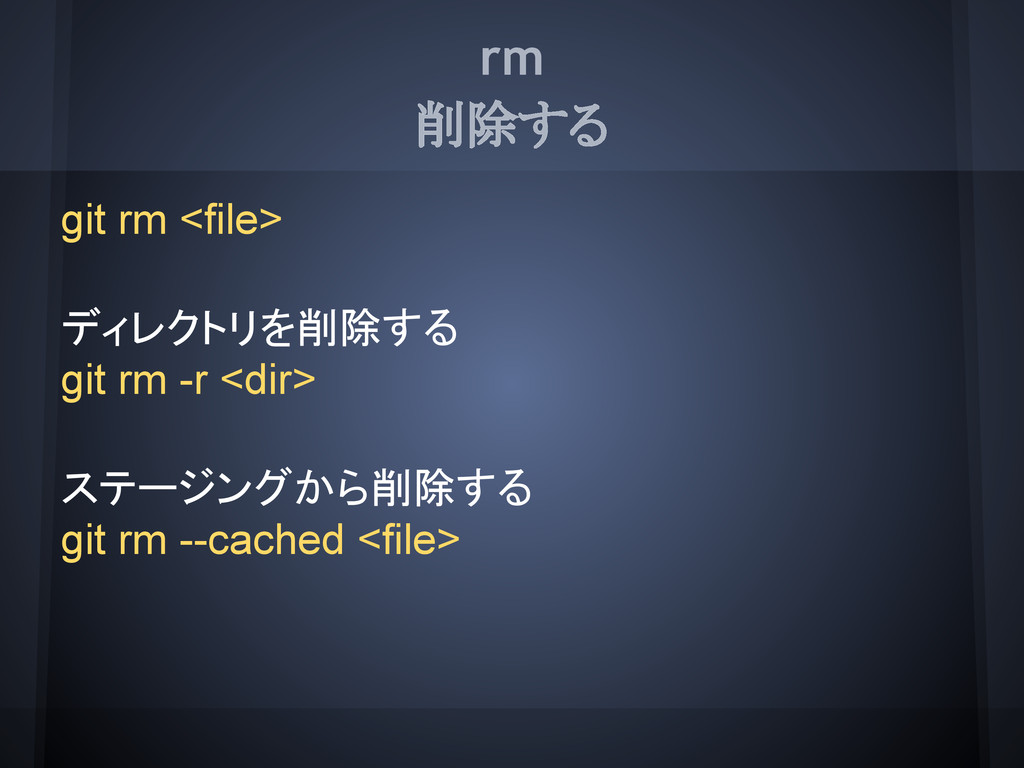
rm 削除する git rm <file> ディレクトリを削除する git rm -r <dir>
ステージングから削除する git rm --cached <file>
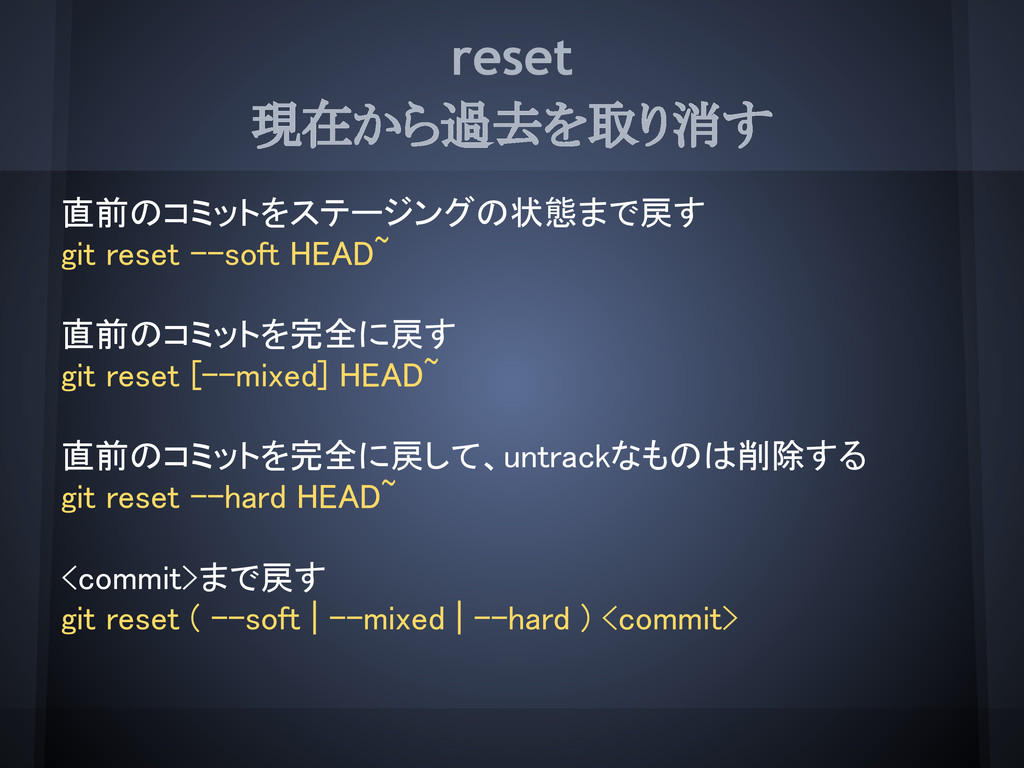
reset 現在から過去を取り消す 直前のコミットをステージングの状態まで戻す git reset --soft HEAD~ 直前のコミットを完全に戻す git reset
[--mixed] HEAD~ 直前のコミットを完全に戻して、untrackなものは削除する git reset --hard HEAD~ <commit>まで戻す git reset ( --soft | --mixed | --hard ) <commit>
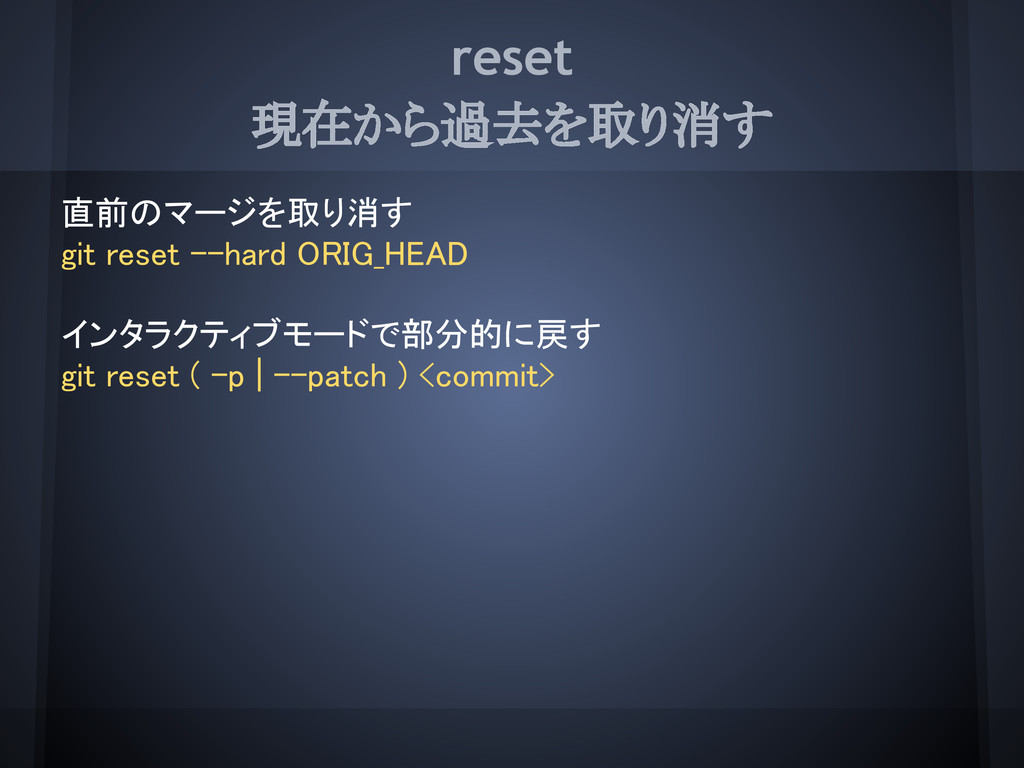
reset 現在から過去を取り消す 直前のマージを取り消す git reset --hard ORIG_HEAD インタラクティブモードで部分的に戻す git reset
( -p | --patch ) <commit>
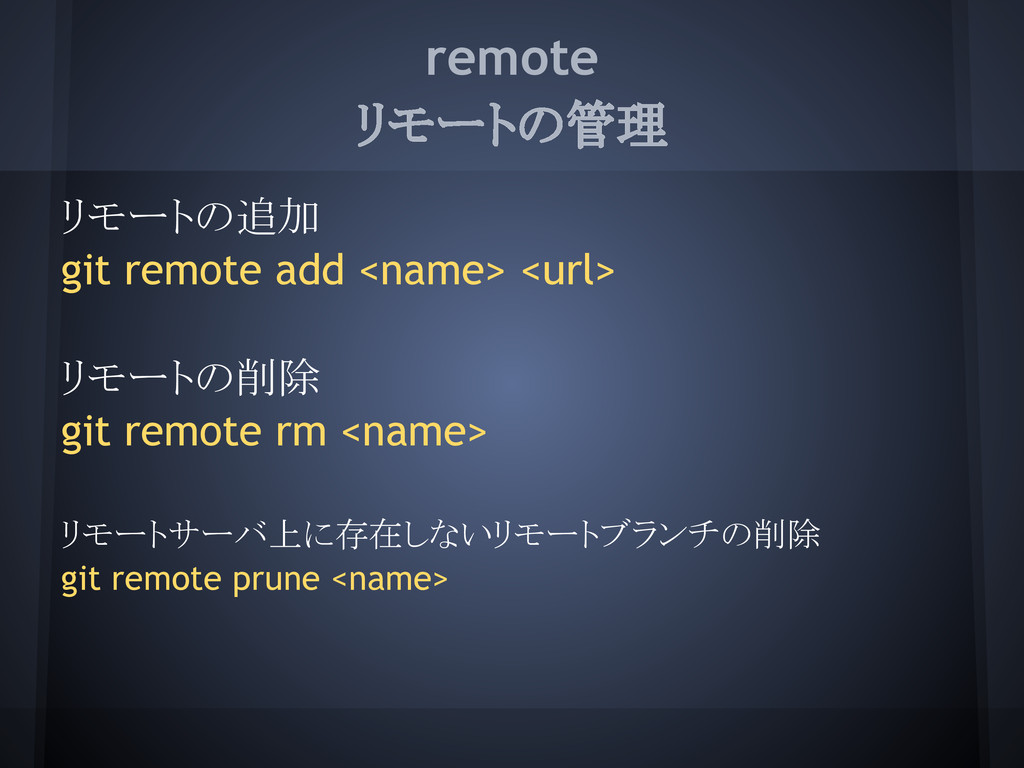
remote リモートの管理 リモートの追加 git remote add <name> <url> リモートの削除 git
remote rm <name> リモートサーバ上に存在しないリモートブランチの削除 git remote prune <name>
tag タグの管理 タグの作成 git tag <tagname> [<commit>] タグの削除 git tag
-d <tagname> 署名付きタグの作成 git tag ( -s | -u <key_id> ) <tagname>
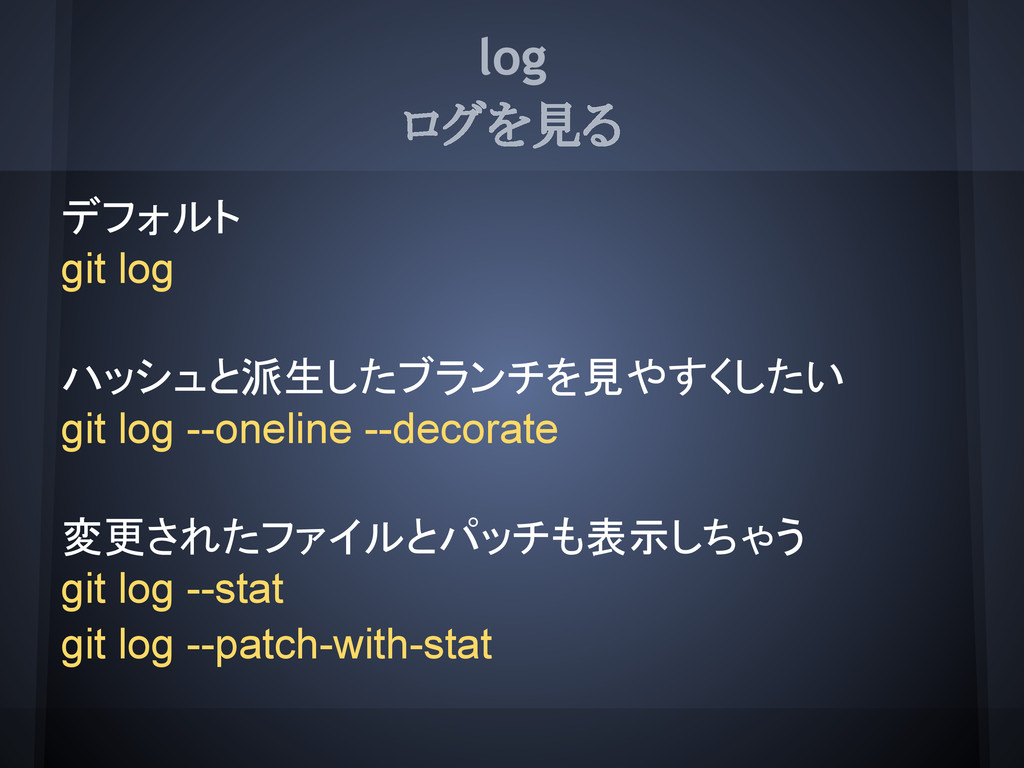
log ログを見る デフォルト git log ハッシュと派生したブランチを見やすくしたい git log --oneline --decorate
変更されたファイルとパッチも表示しちゃう git log --stat git log --patch-with-stat
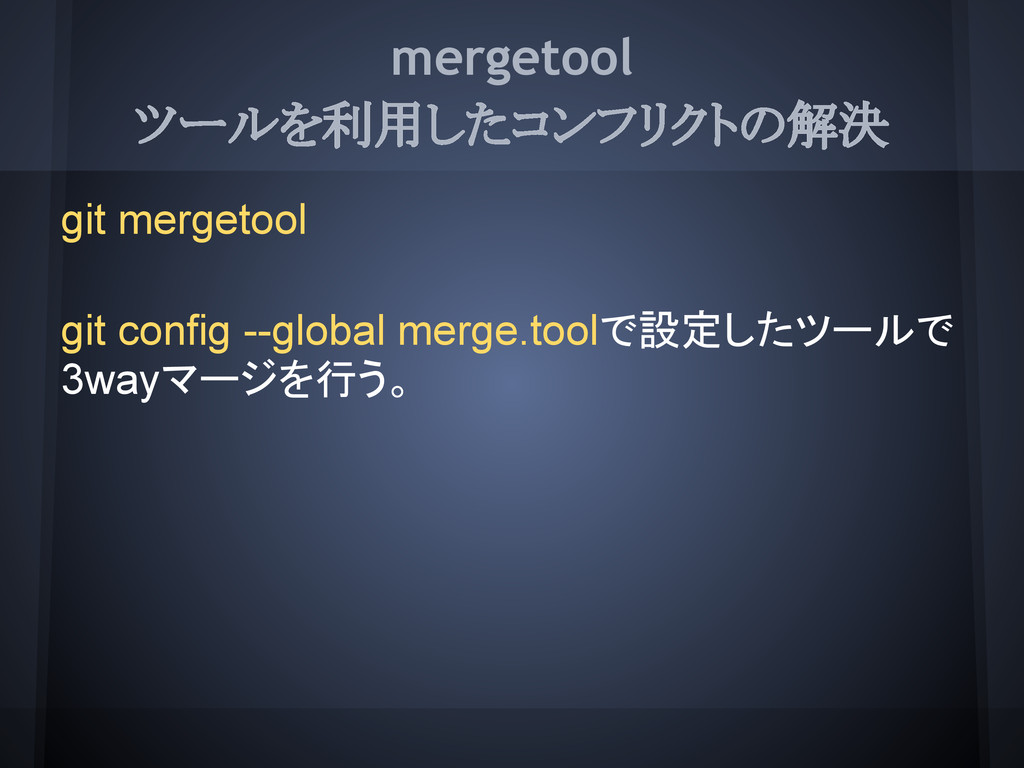
mergetool ツールを利用したコンフリクトの解決 git mergetool git config --global merge.toolで設定したツールで 3wayマージを行う。
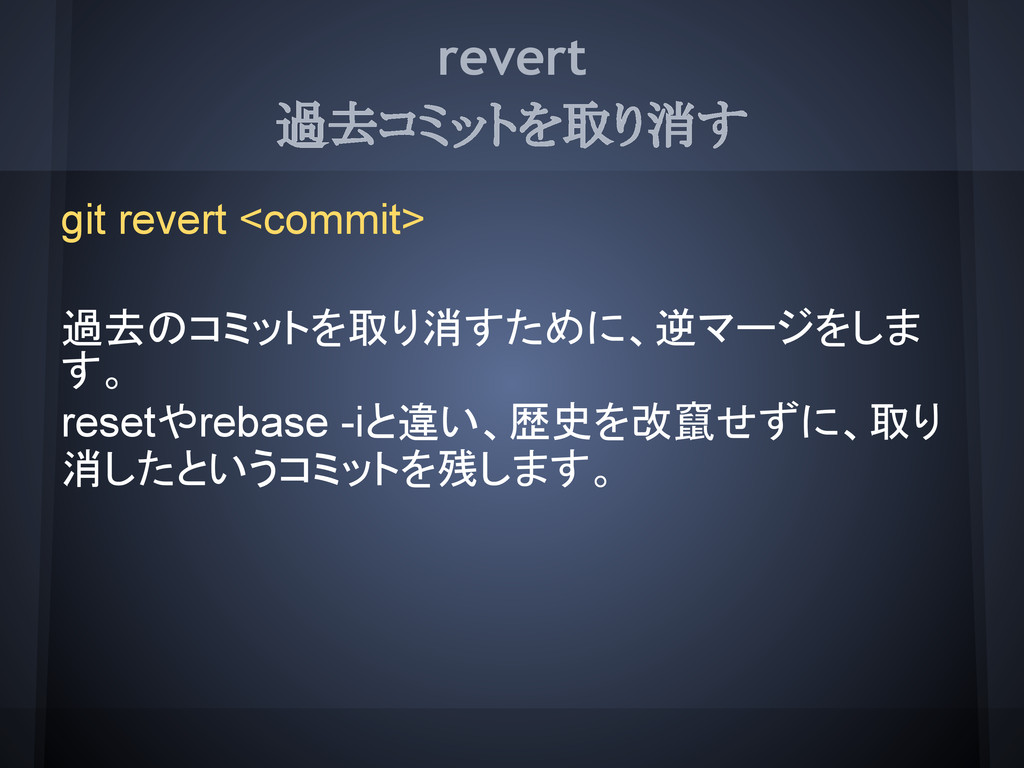
revert 過去コミットを取り消す git revert <commit> 過去のコミットを取り消すために、逆マージをしま す。 resetやrebase -iと違い、歴史を改竄せずに、取り 消したというコミットを残します。
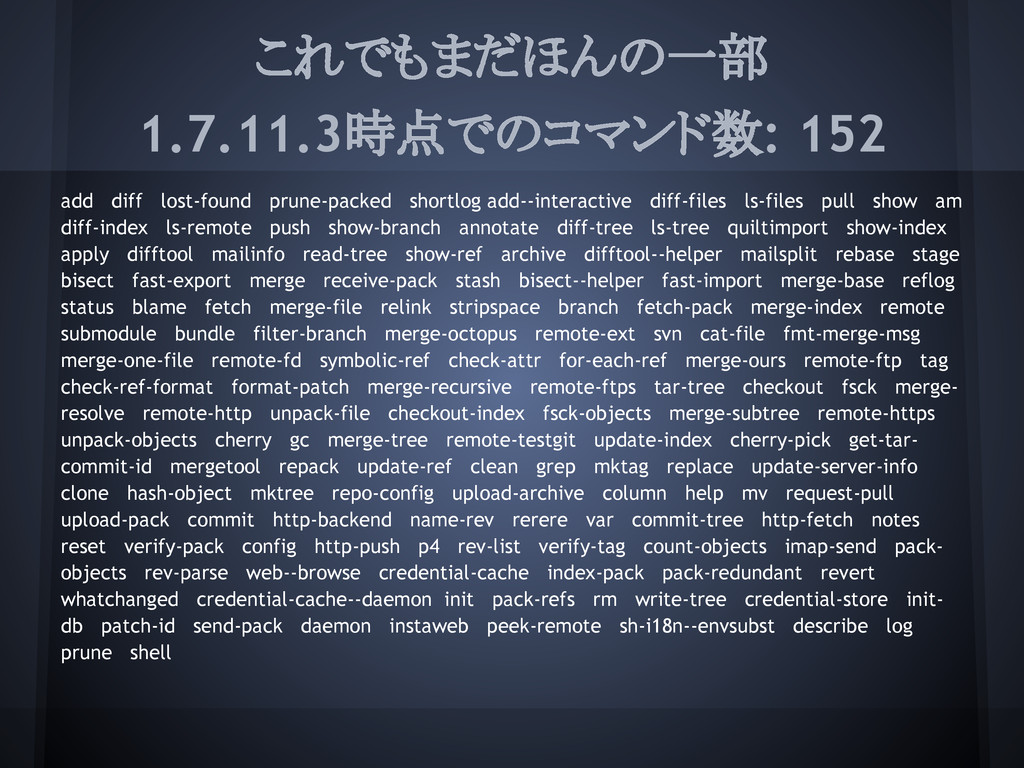
これでもまだほんの一部 1.7.11.3時点でのコマンド数: 152 add diff lost-found prune-packed shortlog add--interactive diff-files
ls-files pull show am diff-index ls-remote push show-branch annotate diff-tree ls-tree quiltimport show-index apply difftool mailinfo read-tree show-ref archive difftool--helper mailsplit rebase stage bisect fast-export merge receive-pack stash bisect--helper fast-import merge-base reflog status blame fetch merge-file relink stripspace branch fetch-pack merge-index remote submodule bundle filter-branch merge-octopus remote-ext svn cat-file fmt-merge-msg merge-one-file remote-fd symbolic-ref check-attr for-each-ref merge-ours remote-ftp tag check-ref-format format-patch merge-recursive remote-ftps tar-tree checkout fsck merge- resolve remote-http unpack-file checkout-index fsck-objects merge-subtree remote-https unpack-objects cherry gc merge-tree remote-testgit update-index cherry-pick get-tar- commit-id mergetool repack update-ref clean grep mktag replace update-server-info clone hash-object mktree repo-config upload-archive column help mv request-pull upload-pack commit http-backend name-rev rerere var commit-tree http-fetch notes reset verify-pack config http-push p4 rev-list verify-tag count-objects imap-send pack- objects rev-parse web--browse credential-cache index-pack pack-redundant revert whatchanged credential-cache--daemon init pack-refs rm write-tree credential-store init- db patch-id send-pack daemon instaweb peek-remote sh-i18n--envsubst describe log prune shell
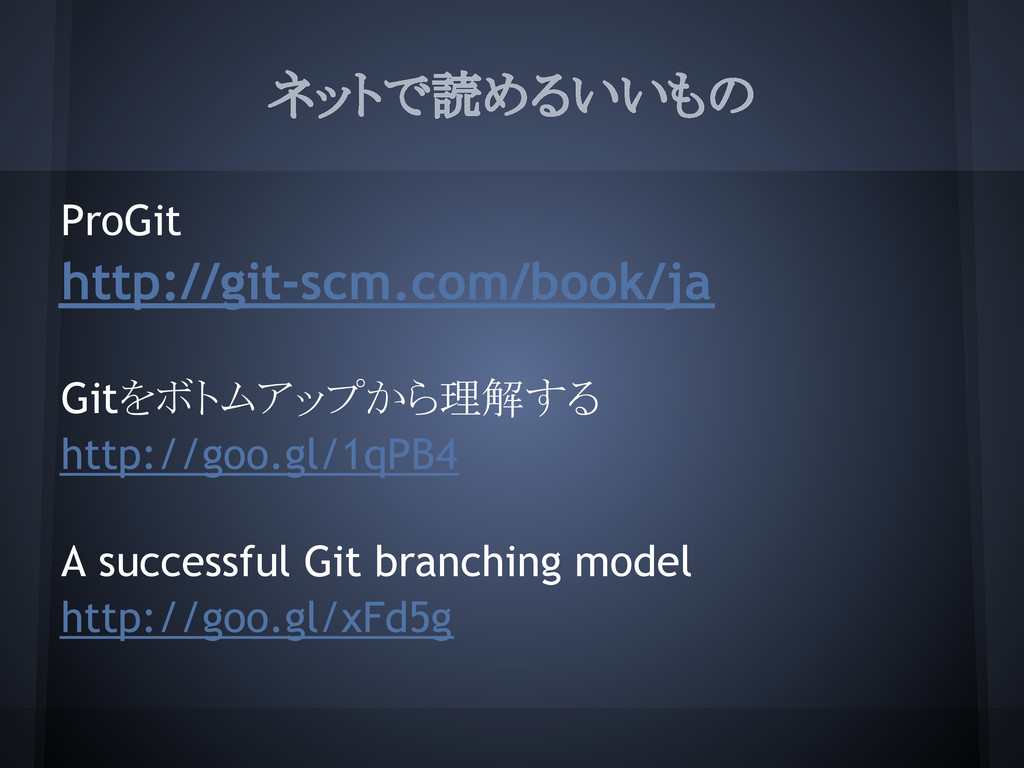
ネットで読めるいいもの ProGit http://git-scm.com/book/ja Gitをボトムアップから理解する http://goo.gl/1qPB4 A successful Git branching model
http://goo.gl/xFd5g
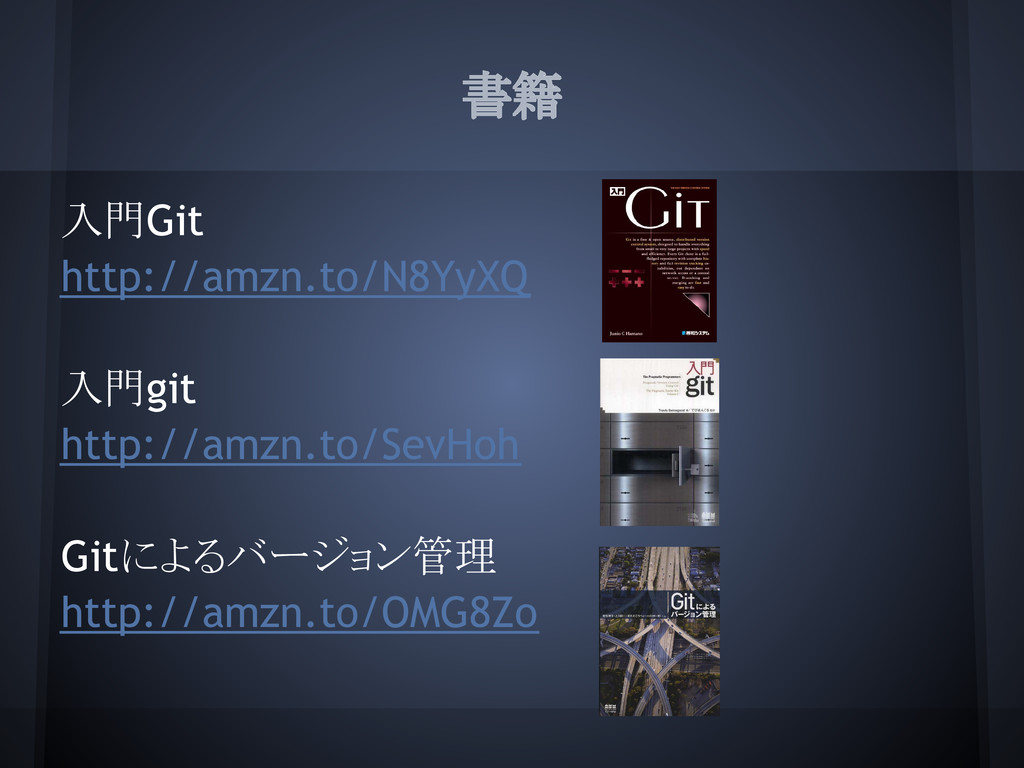
書籍 入門Git http://amzn.to/N8YyXQ 入門git http://amzn.to/SevHoh Gitによるバージョン管理 http://amzn.to/OMG8Zo
._ \ヽ, ,、 `''|/ノ .|
_ | \`ヽ、| \, V `L,,_ |ヽ、) ,、 / ヽYノ / r''ヽ、.| | `ー-ヽ|ヮ | `| |. | ヽ、 | ヽ____ノ /_ノ ' ヽ_\ /(≡) (≡)\ /::::::⌒(__人__)⌒::::: \ | |r┬-| | \ `ー'´ / / \ ( | | ) \| э |/ ( ,,,, ,ノ \ 、(U)ノ ノ \/ / ┼ヽ -|r‐、. レ | / /\ d⌒) ./| _ノ __ノ


 vectorxenon
 findyinc
 palkan
 ivargrimstad
 ryu1013
 moro
moro
 minodriven
 gam0022
 satoshi256kbyte
 dske104
 marcoroth
 kishida
 o0h
o0h
 ipullrank
 reverentgeek
 gurzu
gurzu
 lauravandoore
 inesmontani
 eileencodes
 stephenakadiri
 tmiket
 jonrohan
 badams
![clone リポジトリのコピーを作成する sshを利用 git clone ssh://[user@]host[:port]/path/to/repo.git/ git clone [user@]host:path/to/repo.git/ httpsを利用](https://files.speakerdeck.com/presentations/664c1f007a76013029a522000a1c45f1/slide_10.jpg)
![pull fetch & merge git pull [<remote>] [<branch>] 次の2つは等価です git](https://files.speakerdeck.com/presentations/664c1f007a76013029a522000a1c45f1/slide_25.jpg)
![tag タグの管理 タグの作成 git tag <tagname> [<commit>] タグの削除 git tag](https://files.speakerdeck.com/presentations/664c1f007a76013029a522000a1c45f1/slide_34.jpg)