Upgrade to Pro — share decks privately, control downloads, hide ads and more …

How to Install Vonwik on a Firestick (2026 Setu...

Sponsored · Your Podcast. Everywhere. Effortlessly. Share. Educate. Inspire. Entertain. You do you. We'll handle the rest. →

How to Install Vonwik on a Firestick (2026 Setup Guide)

Step-by-step guide from Vonwik TV (vonwik.tv) to set up the service on a Fire TV Stick: allow the Downloader app, get the app, log in with your welcome email, and the 5 checks to run when something is not working. More guides: https://vonwik.tv/vonwik-setup-guides/ Vonwik TV is an independent service and is not connected to vonwik.com.

Vonwik TV

November 16, 2026

Transcript

6 slides
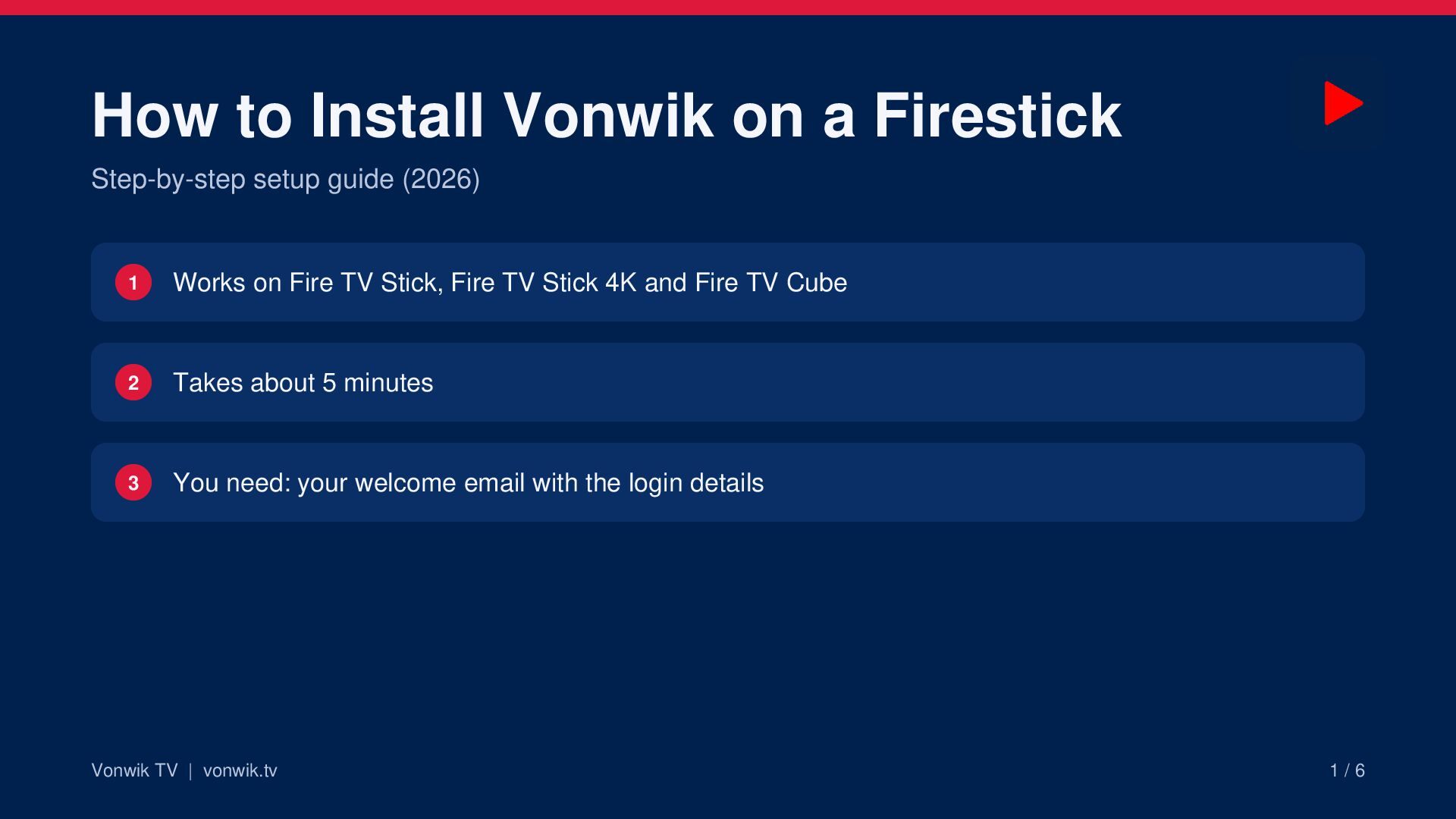
  1. How to Install Vonwik on a Firestick Step-by-step setup guide

    (2026) 1 Works on Fire TV Stick, Fire TV Stick 4K and Fire TV Cube 2 Takes about 5 minutes 3 You need: your welcome email with the login details Vonwik TV | vonwik.tv 1/6
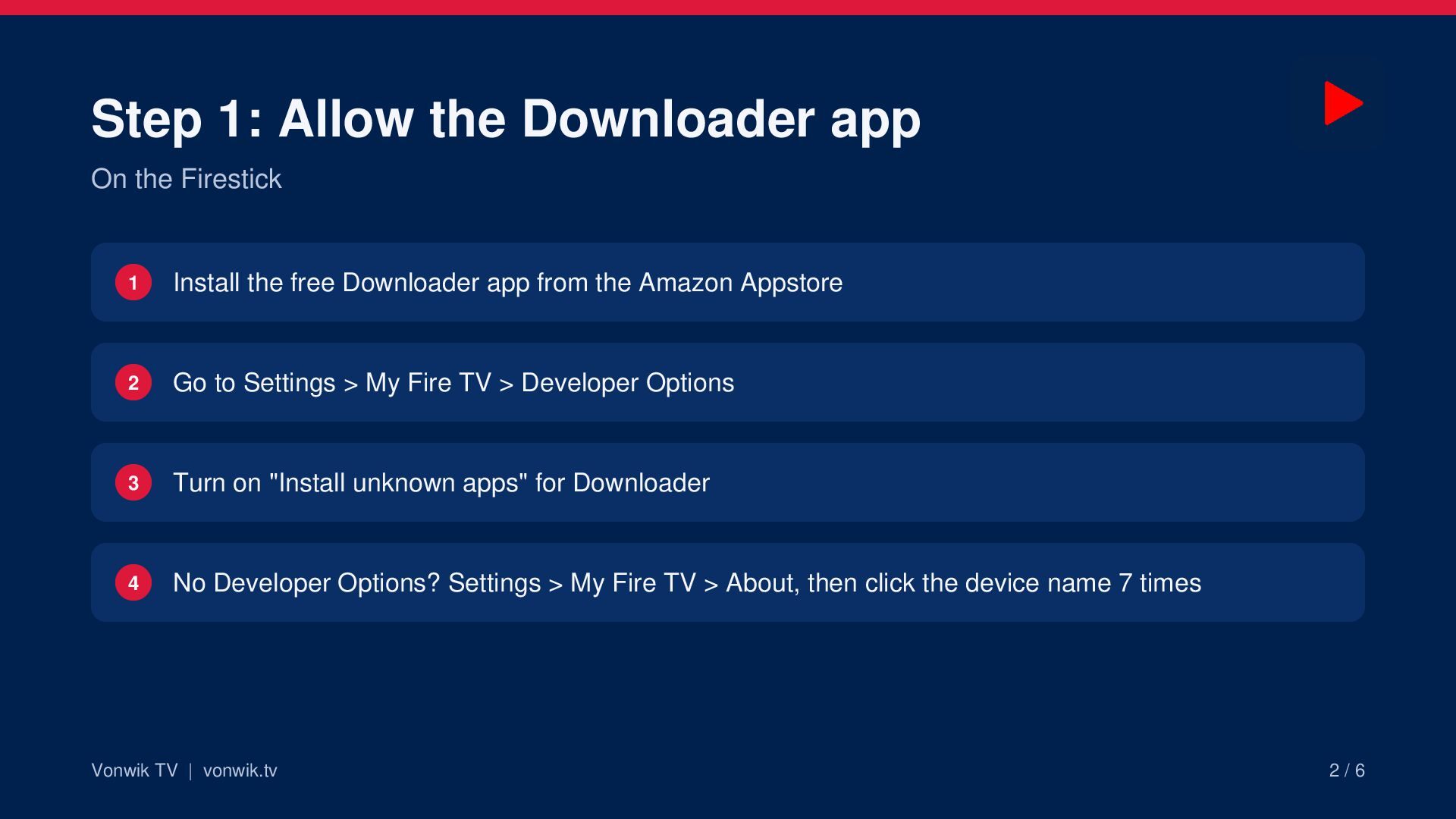
  2. Step 1: Allow the Downloader app On the Firestick 1

    Install the free Downloader app from the Amazon Appstore 2 Go to Settings > My Fire TV > Developer Options 3 Turn on "Install unknown apps" for Downloader 4 No Developer Options? Settings > My Fire TV > About, then click the device name 7 times Vonwik TV | vonwik.tv 2/6
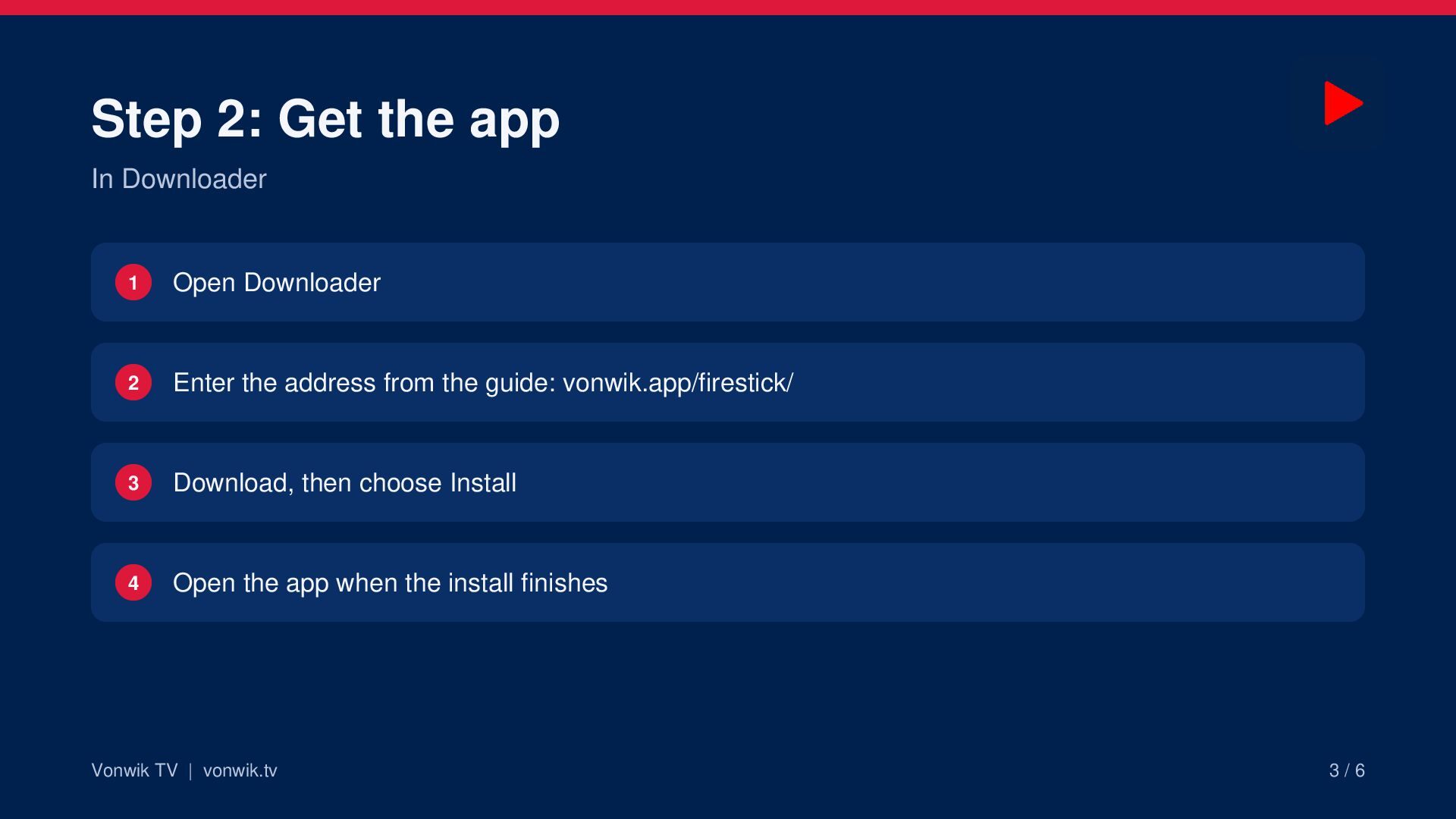
  3. Step 2: Get the app In Downloader 1 Open Downloader

    2 Enter the address from the guide: vonwik.app/firestick/ 3 Download, then choose Install 4 Open the app when the install finishes Vonwik TV | vonwik.tv 3/6
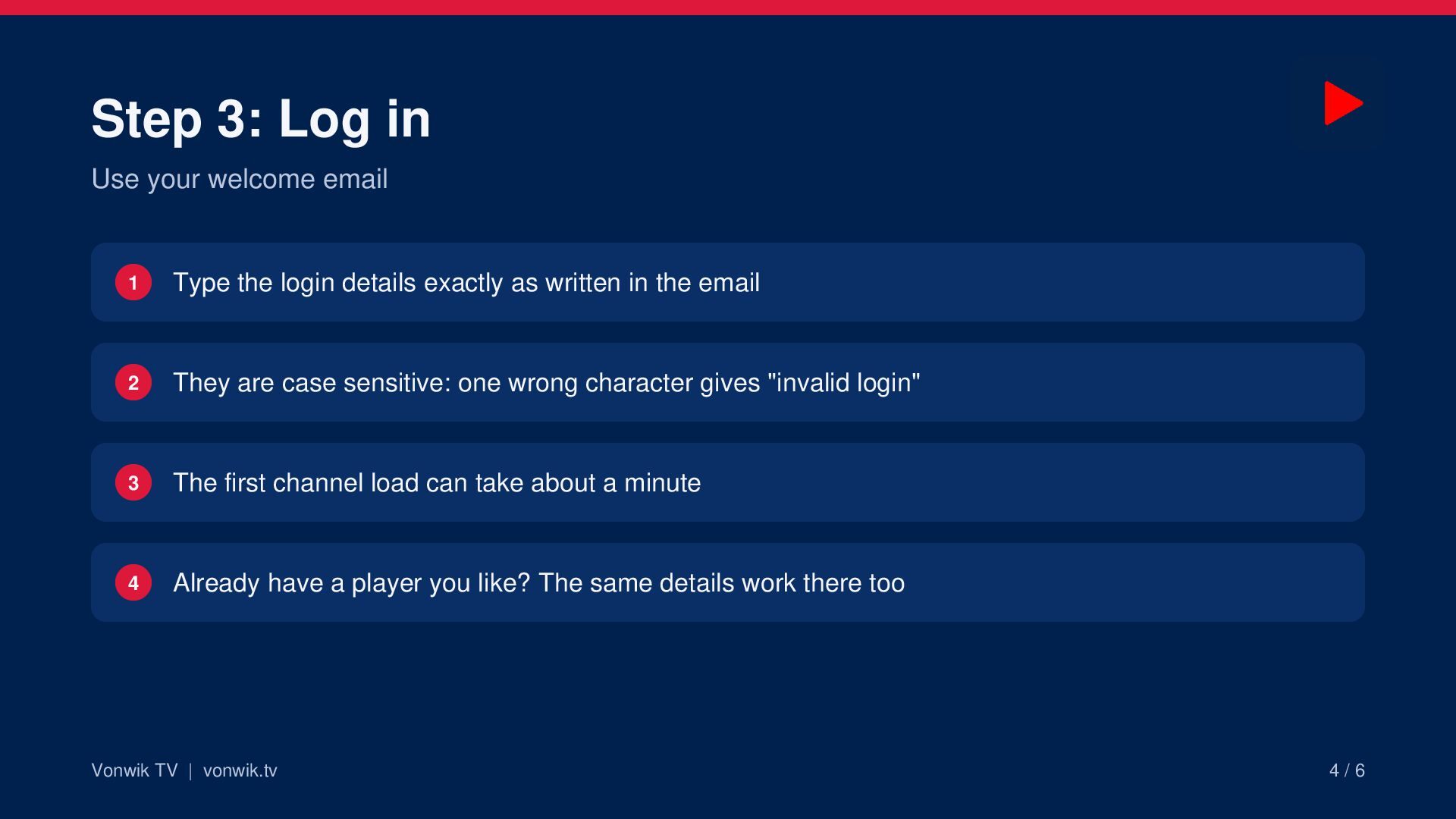
  4. Step 3: Log in Use your welcome email 1 Type

    the login details exactly as written in the email 2 They are case sensitive: one wrong character gives "invalid login" 3 The first channel load can take about a minute 4 Already have a player you like? The same details work there too Vonwik TV | vonwik.tv 4/6
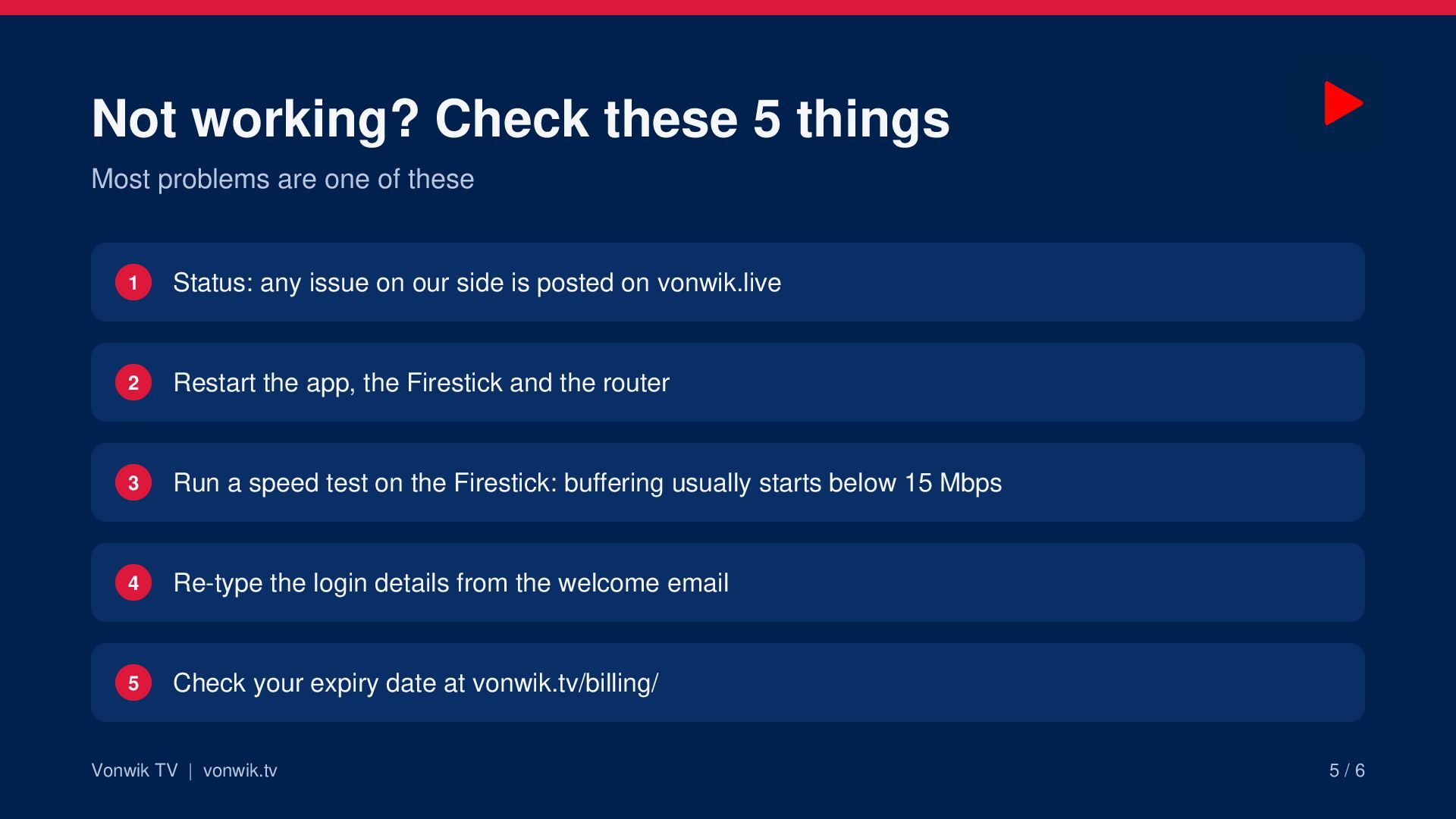
  5. Not working? Check these 5 things Most problems are one

    of these 1 Status: any issue on our side is posted on vonwik.live 2 Restart the app, the Firestick and the router 3 Run a speed test on the Firestick: buffering usually starts below 15 Mbps 4 Re-type the login details from the welcome email 5 Check your expiry date at vonwik.tv/billing/ Vonwik TV | vonwik.tv 5/6
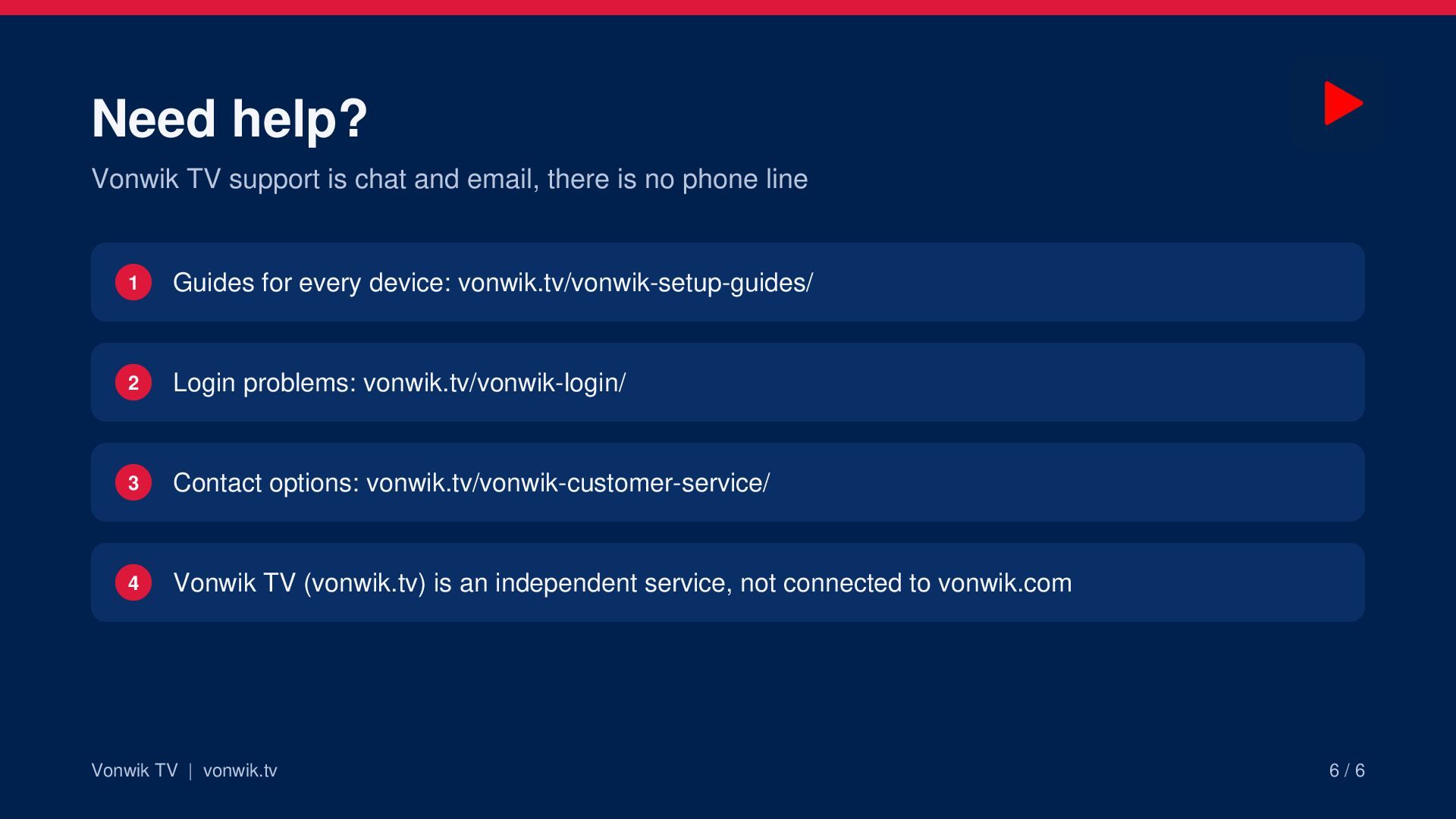
  6. Need help? Vonwik TV support is chat and email, there

    is no phone line 1 Guides for every device: vonwik.tv/vonwik-setup-guides/ 2 Login problems: vonwik.tv/vonwik-login/ 3 Contact options: vonwik.tv/vonwik-customer-service/ 4 Vonwik TV (vonwik.tv) is an independent service, not connected to vonwik.com Vonwik TV | vonwik.tv 6/6

Other Decks in How-to & DIY