Upgrade to Pro — share decks privately, control downloads, hide ads and more …

Get Started on Android in 2026

Get Started on Android in 2026

What Android development looks like in 2026, and what the Android team
recommends you learn first. For people who have not shipped an app yet.
Kotlin, Compose first, the recommended architecture, and where AI
actually fits. With a live demo of a 40-line Compose app.

GDG On Campus Baraton, September 2026.

Avatar for Harun Wangereka

Harun Wangereka

September 22, 2026

More Decks by Harun Wangereka

Other Decks in Programming

Transcript

  1. Modern Android Development What the Android team recommends in 2026

    Harun Wangereka Senior Mobile Engineer at Smile ID · Google Developer Expert, Android
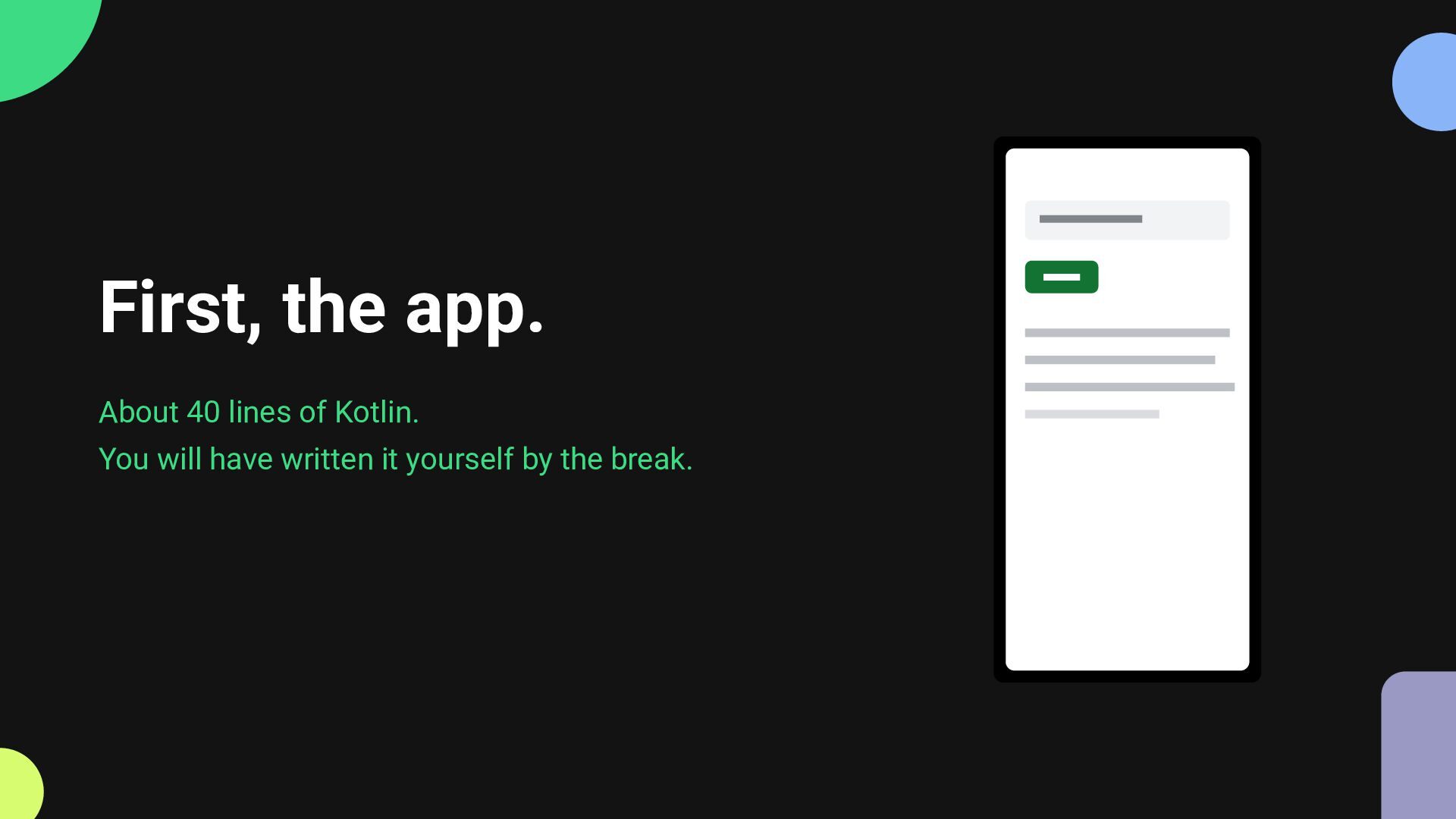
  2. First, the app. About 40 lines of Kotlin. You will

    have written it yourself by the break.
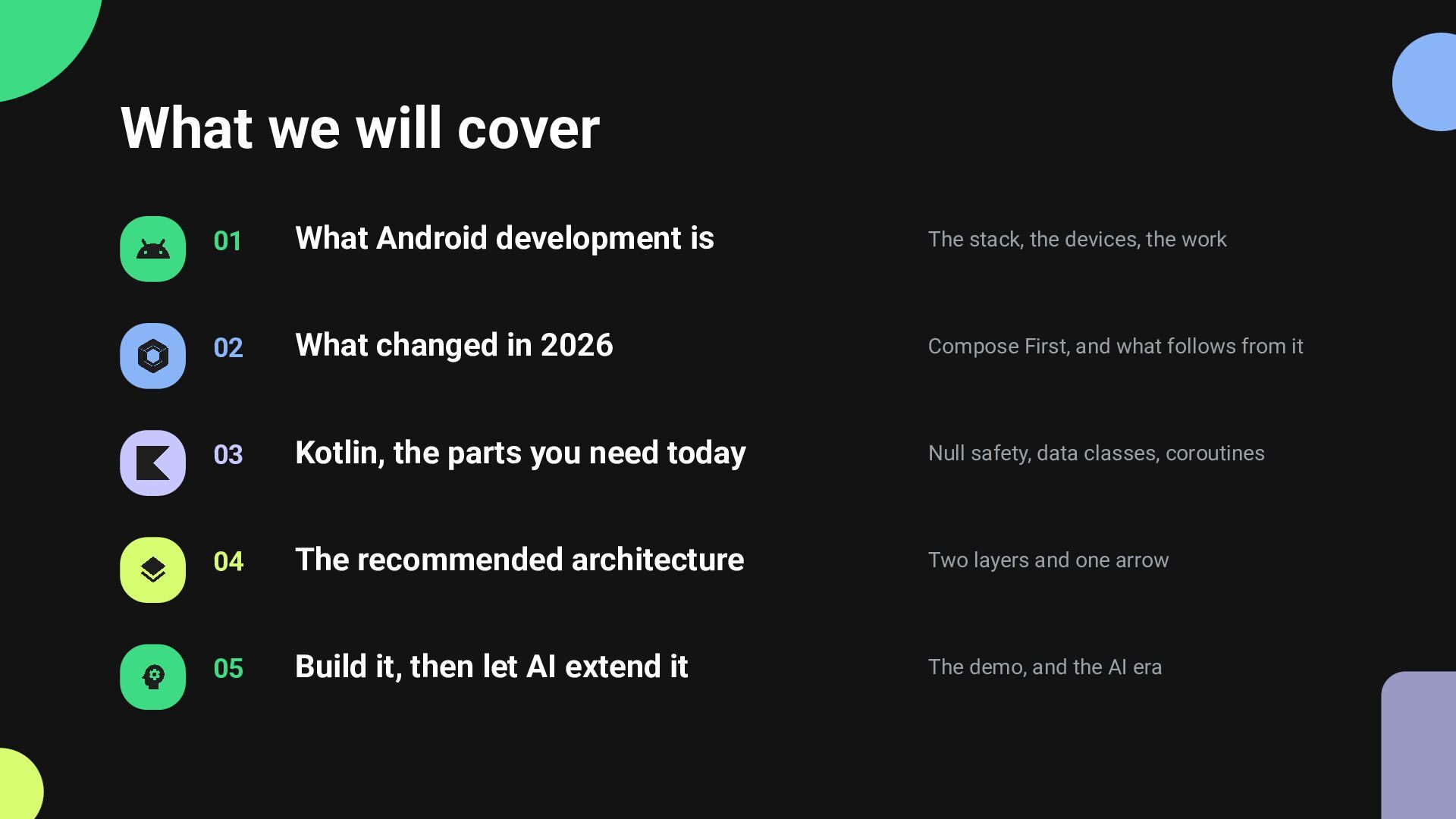
  3. What we will cover 01 What Android development is The

    stack, the devices, the work 02 What changed in 2026 Compose First, and what follows from it 03 Kotlin, the parts you need today Null safety, data classes, coroutines 04 The recommended architecture Two layers and one arrow 05 Build it, then let AI extend it The demo, and the AI era
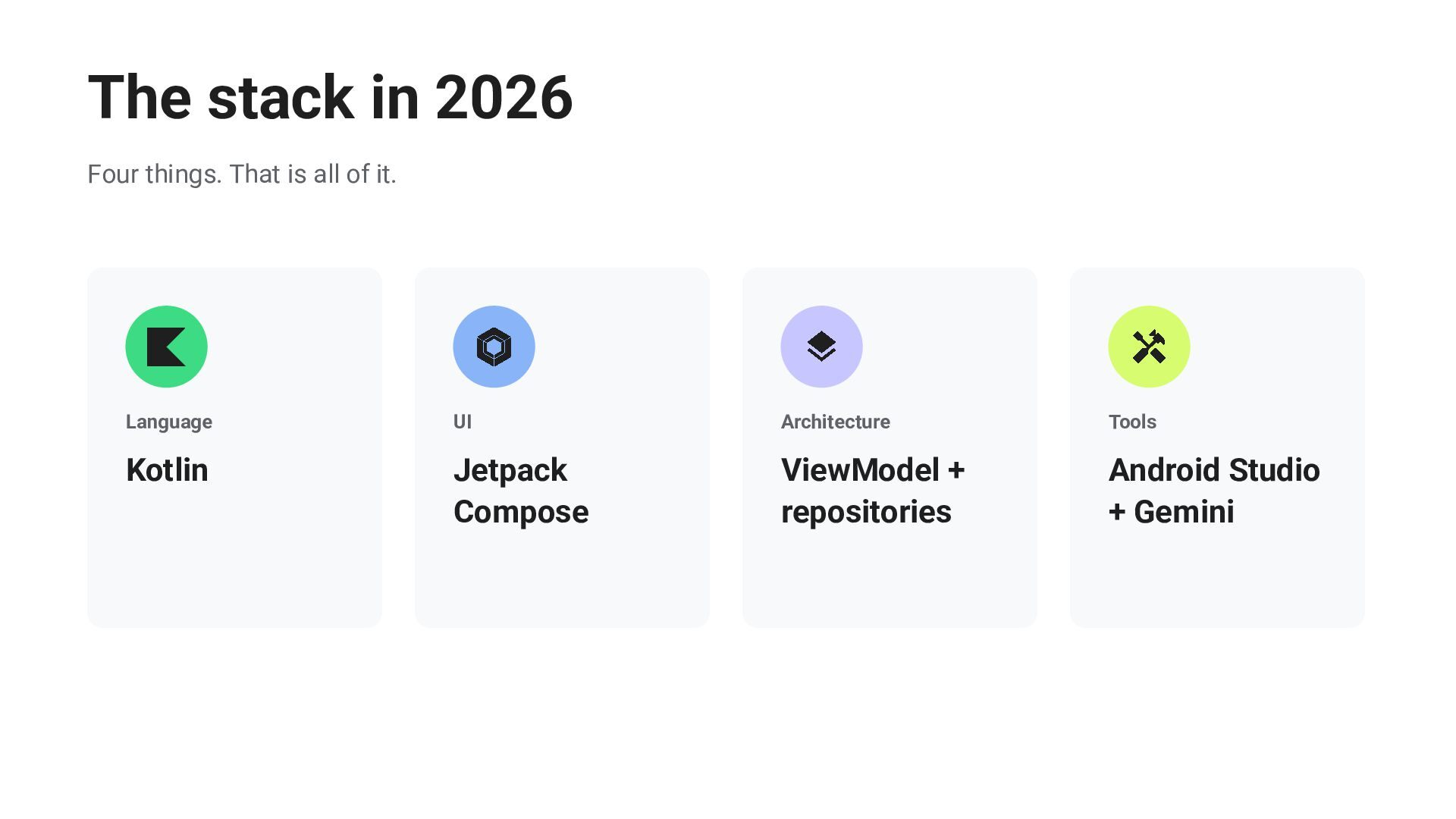
  4. The stack in 2026 Four things. That is all of

    it. Language UI Architecture Tools Kotlin Jetpack Compose ViewModel + repositories Android Studio + Gemini
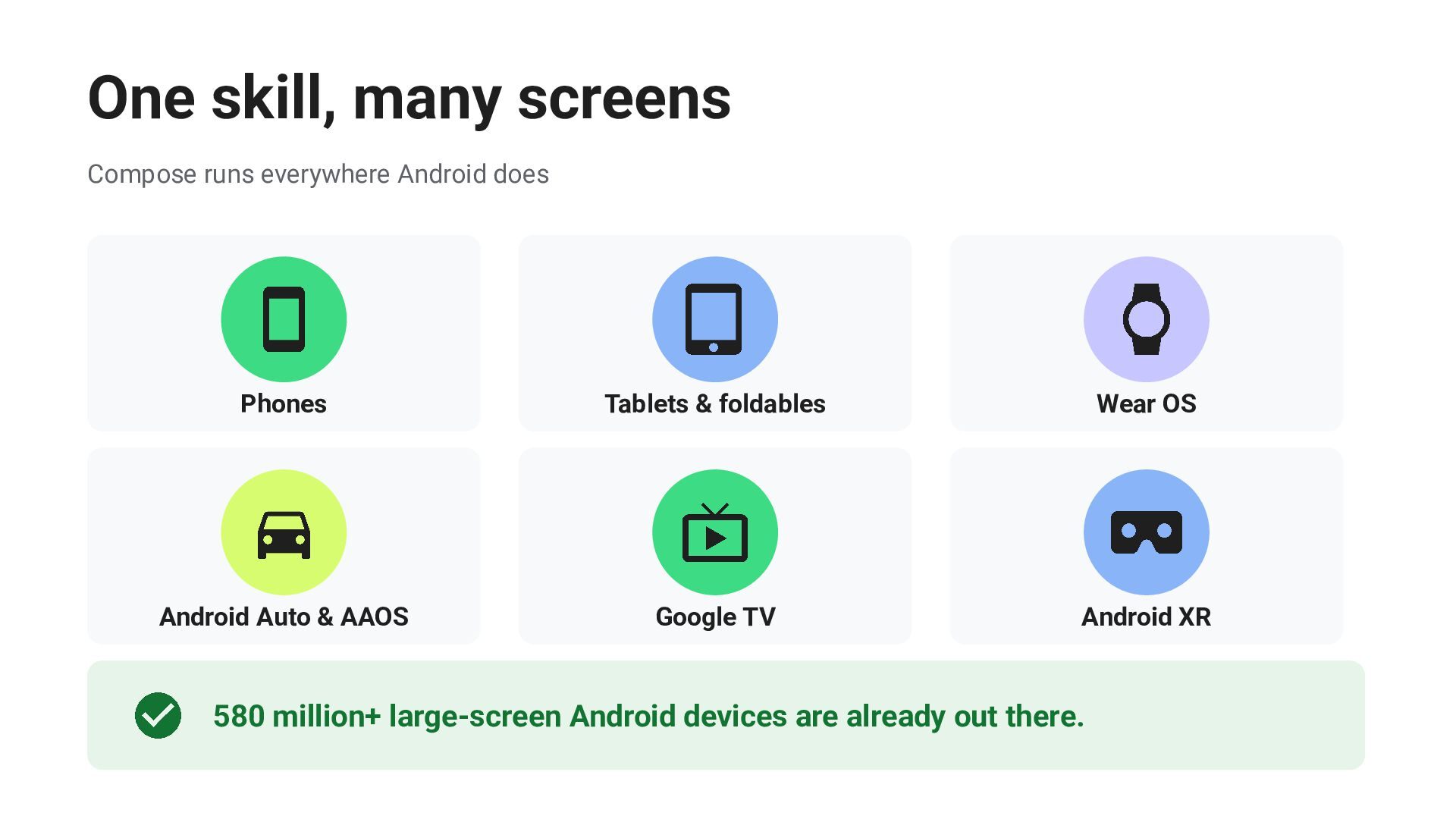
  5. One skill, many screens Compose runs everywhere Android does Phones

    Tablets & foldables Wear OS Android Auto & AAOS Google TV Android XR 580 million+ large-screen Android devices are already out there.
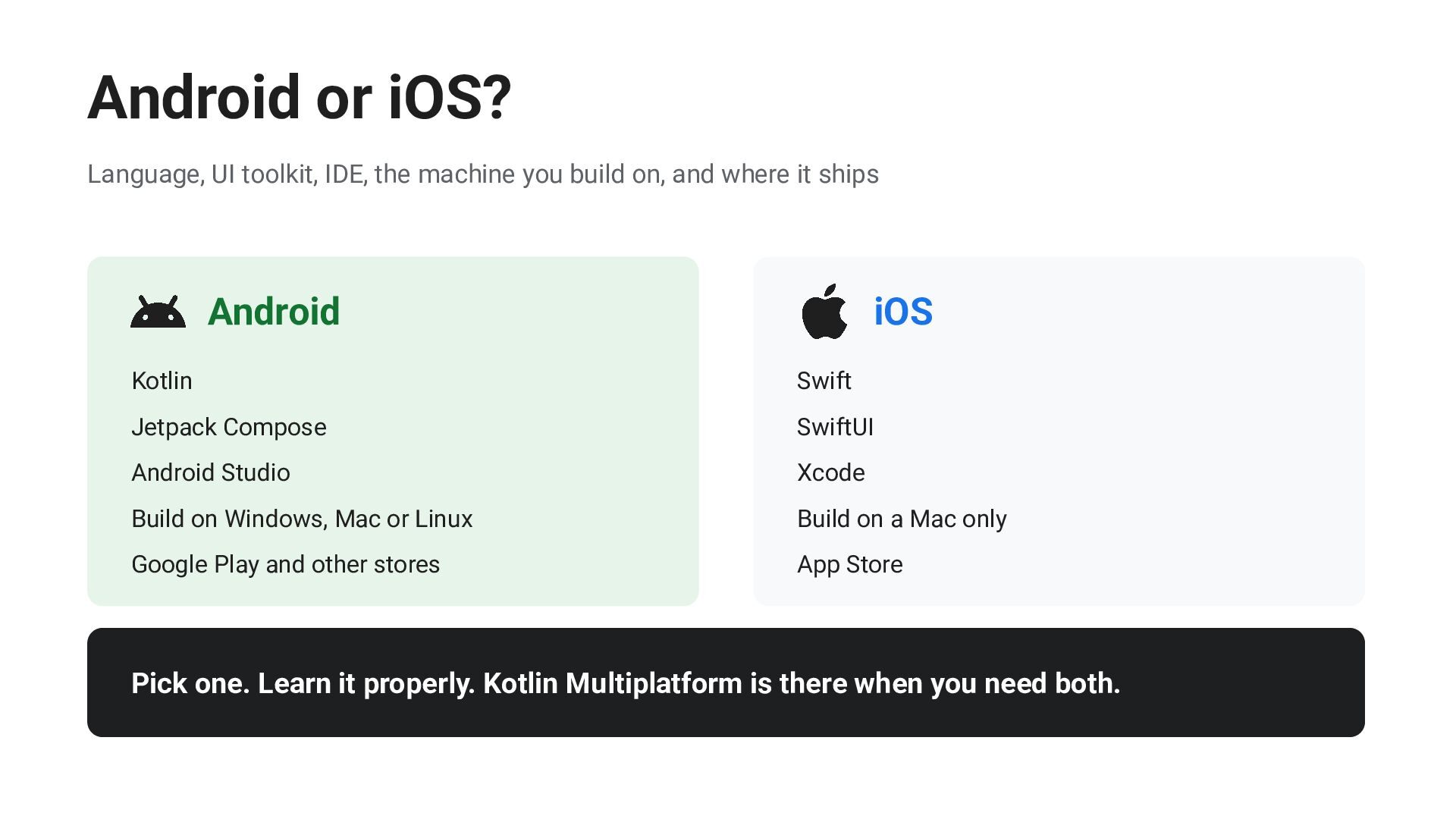
  6. Android or iOS? Language, UI toolkit, IDE, the machine you

    build on, and where it ships Android iOS Kotlin Swift Jetpack Compose SwiftUI Android Studio Xcode Build on Windows, Mac or Linux Build on a Mac only Google Play and other stores App Store Pick one. Learn it properly. Kotlin Multiplatform is there when you need both.
  7. Compose First All new Android UI is built with Compose.

    Announced at Google I/O 2026 goo.gle/compose-first
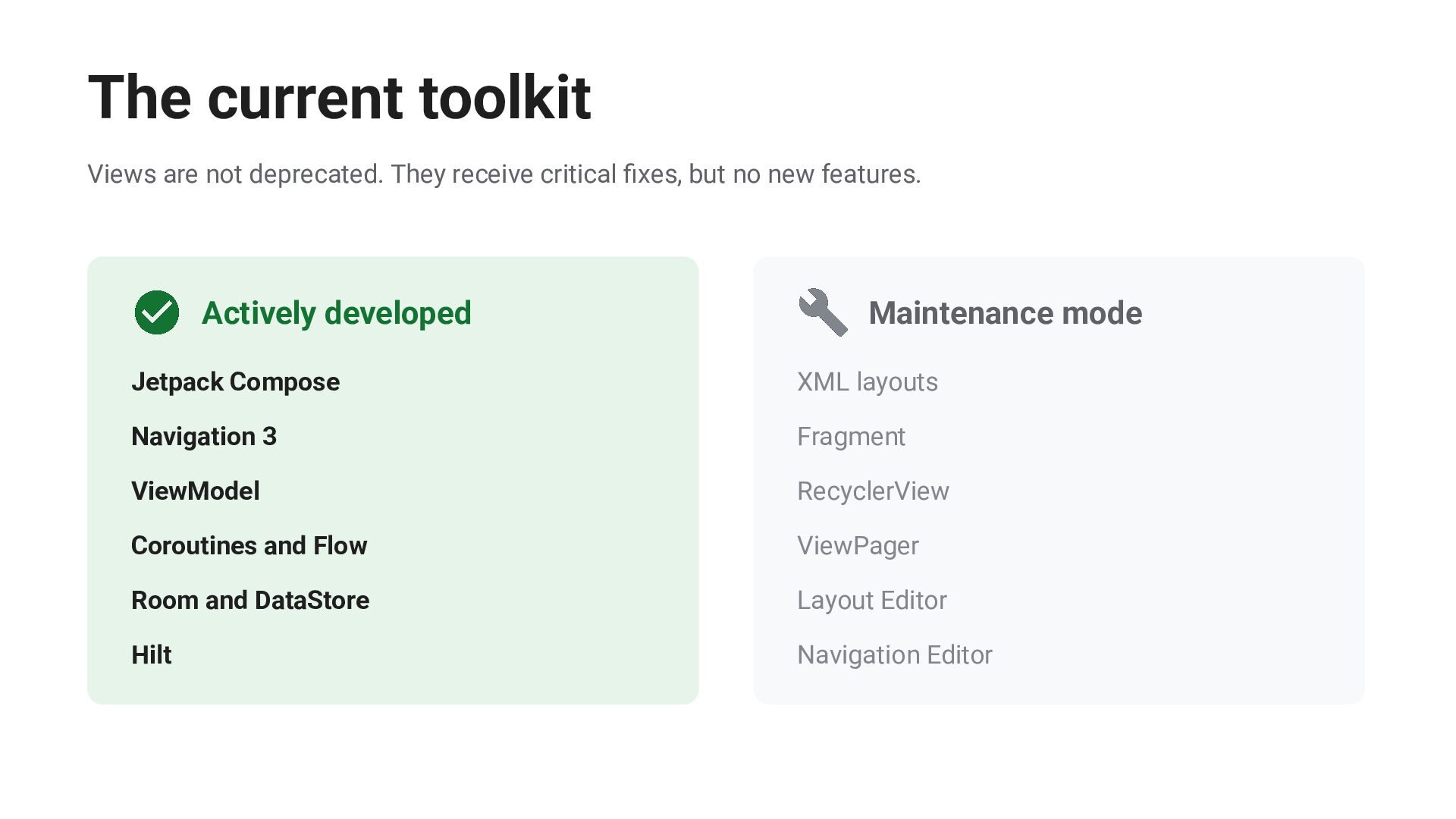
  8. The current toolkit Views are not deprecated. They receive critical

    fixes, but no new features. Actively developed Maintenance mode Jetpack Compose XML layouts Navigation 3 Fragment ViewModel RecyclerView Coroutines and Flow ViewPager Room and DataStore Layout Editor Hilt Navigation Editor
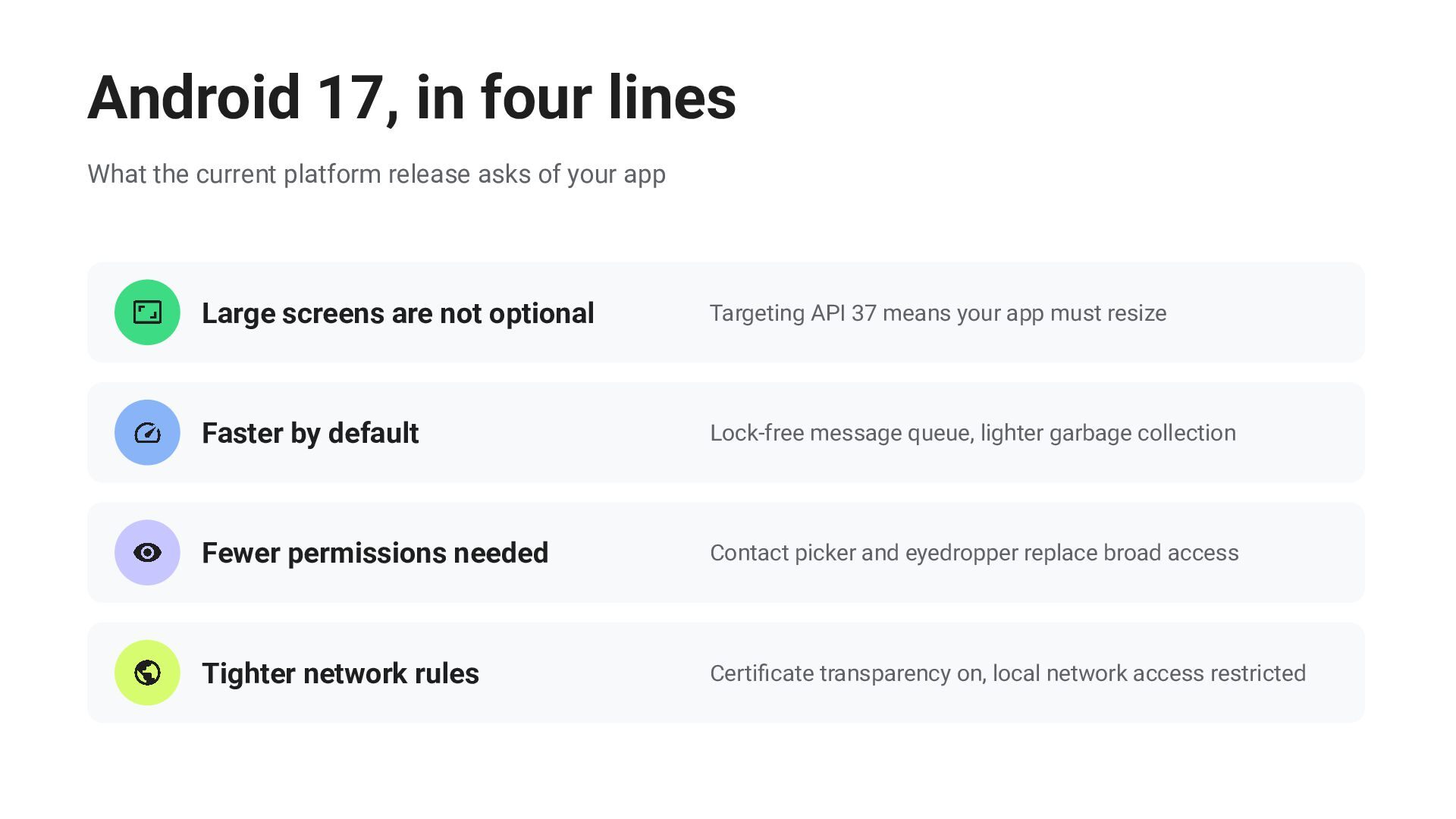
  9. Android 17, in four lines What the current platform release

    asks of your app Large screens are not optional Targeting API 37 means your app must resize Faster by default Lock-free message queue, lighter garbage collection Fewer permissions needed Contact picker and eyedropper replace broad access Tighter network rules Certificate transparency on, local network access restricted
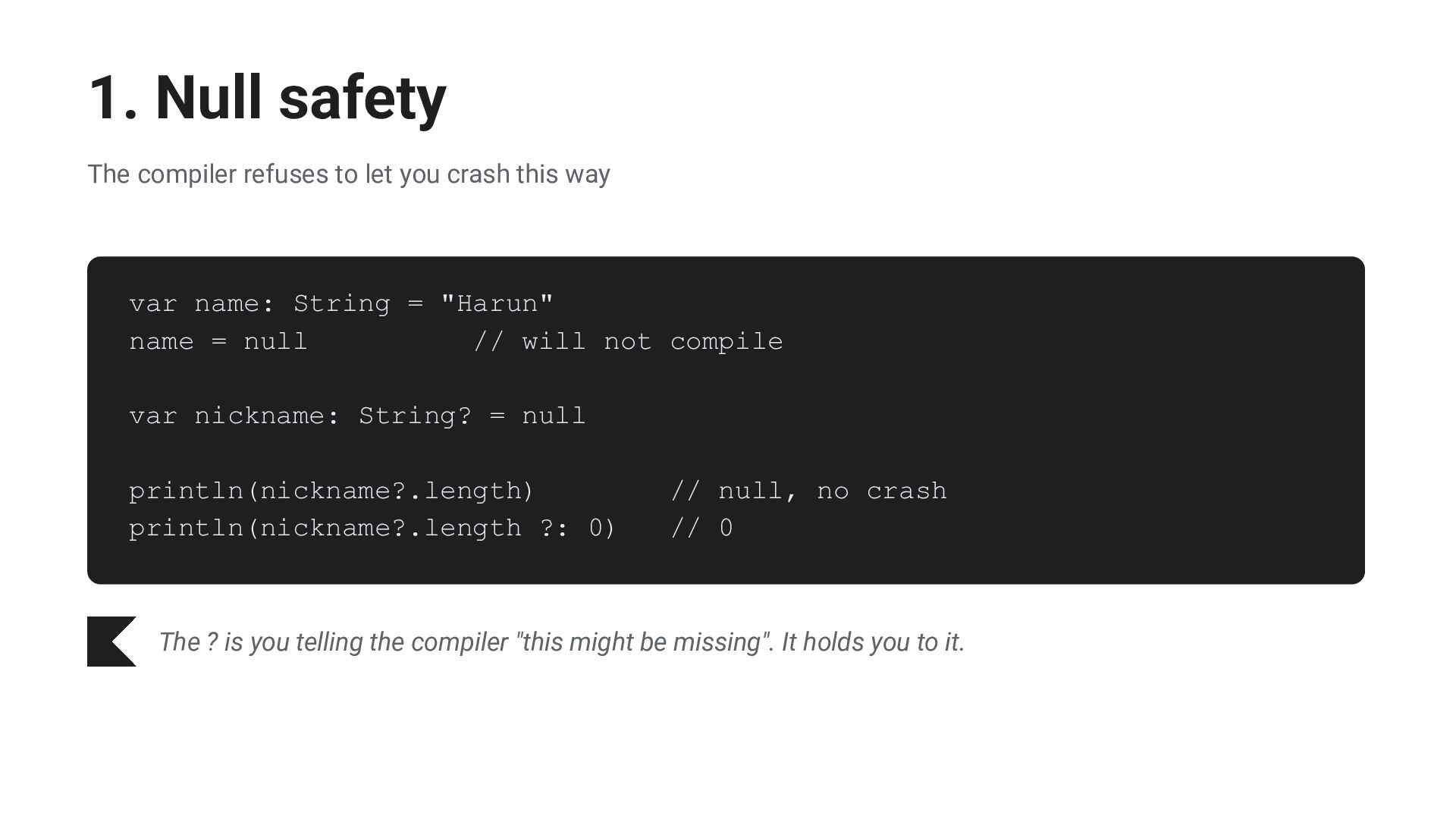
  10. 1. Null safety The compiler refuses to let you crash

    this way var name: String = "Harun" name = null // will not compile var nickname: String? = null println(nickname?.length) println(nickname?.length ?: 0) // null, no crash // 0 The ? is you telling the compiler "this might be missing". It holds you to it.
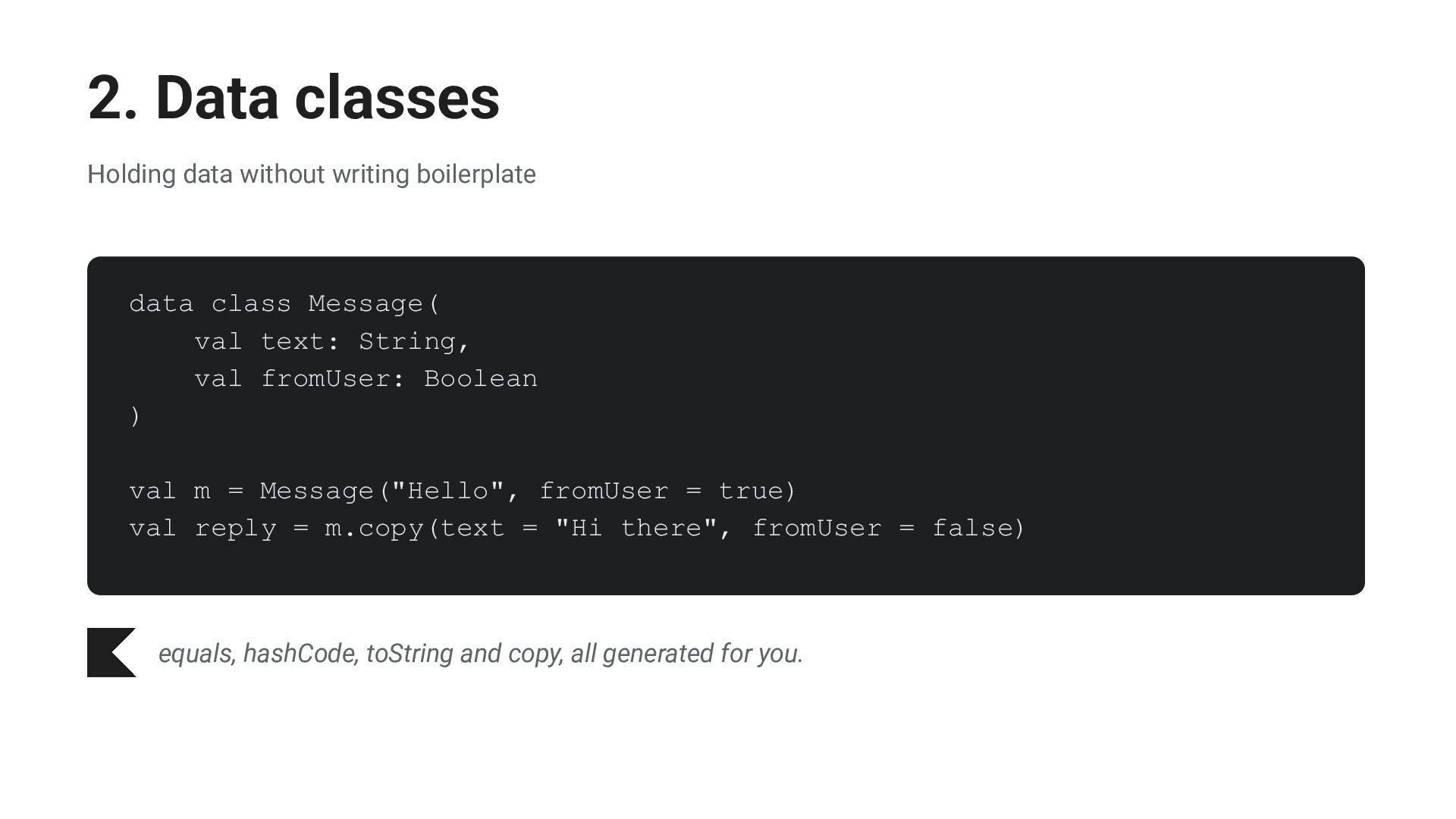
  11. 2. Data classes Holding data without writing boilerplate data class

    Message( val text: String, val fromUser: Boolean ) val m = Message("Hello", fromUser = true) val reply = m.copy(text = "Hi there", fromUser = false) equals, hashCode, toString and copy, all generated for you.
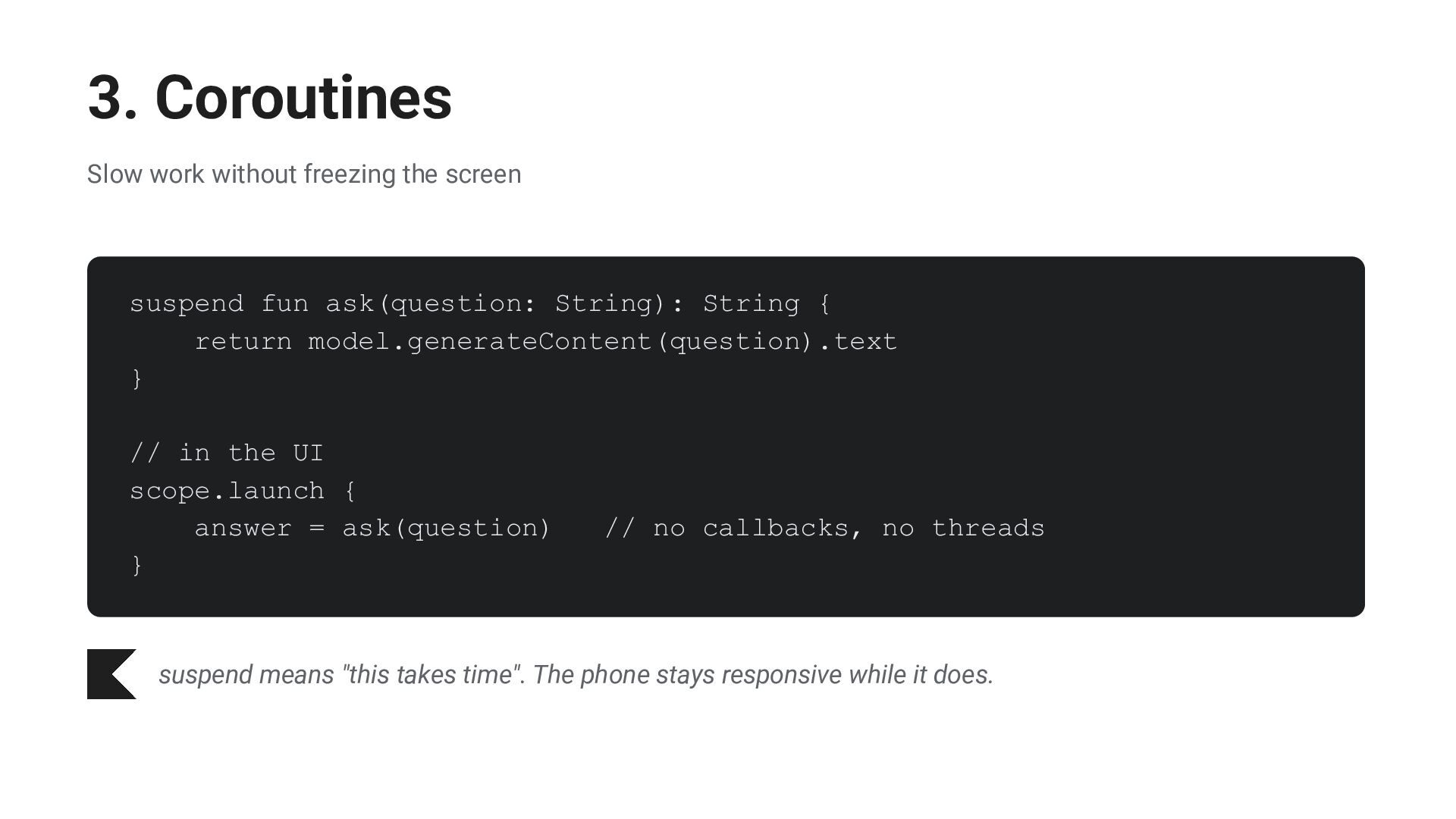
  12. 3. Coroutines Slow work without freezing the screen suspend fun

    ask(question: String): String { return model.generateContent(question).text } // in the UI scope.launch { answer = ask(question) } // no callbacks, no threads suspend means "this takes time". The phone stays responsive while it does.
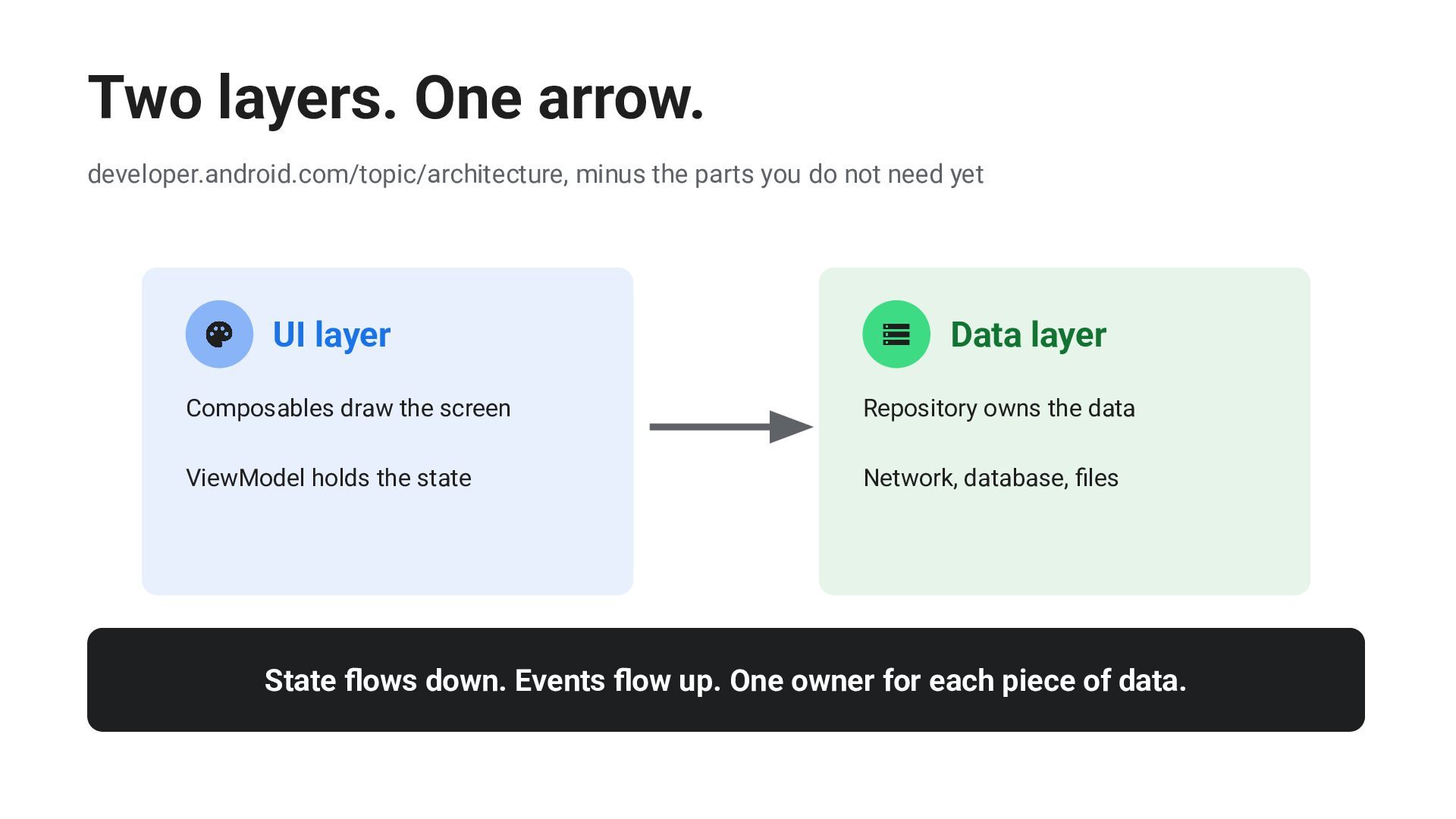
  13. Two layers. One arrow. developer.android.com/topic/architecture, minus the parts you do

    not need yet UI layer Data layer Composables draw the screen Repository owns the data ViewModel holds the state Network, database, files State flows down. Events flow up. One owner for each piece of data.
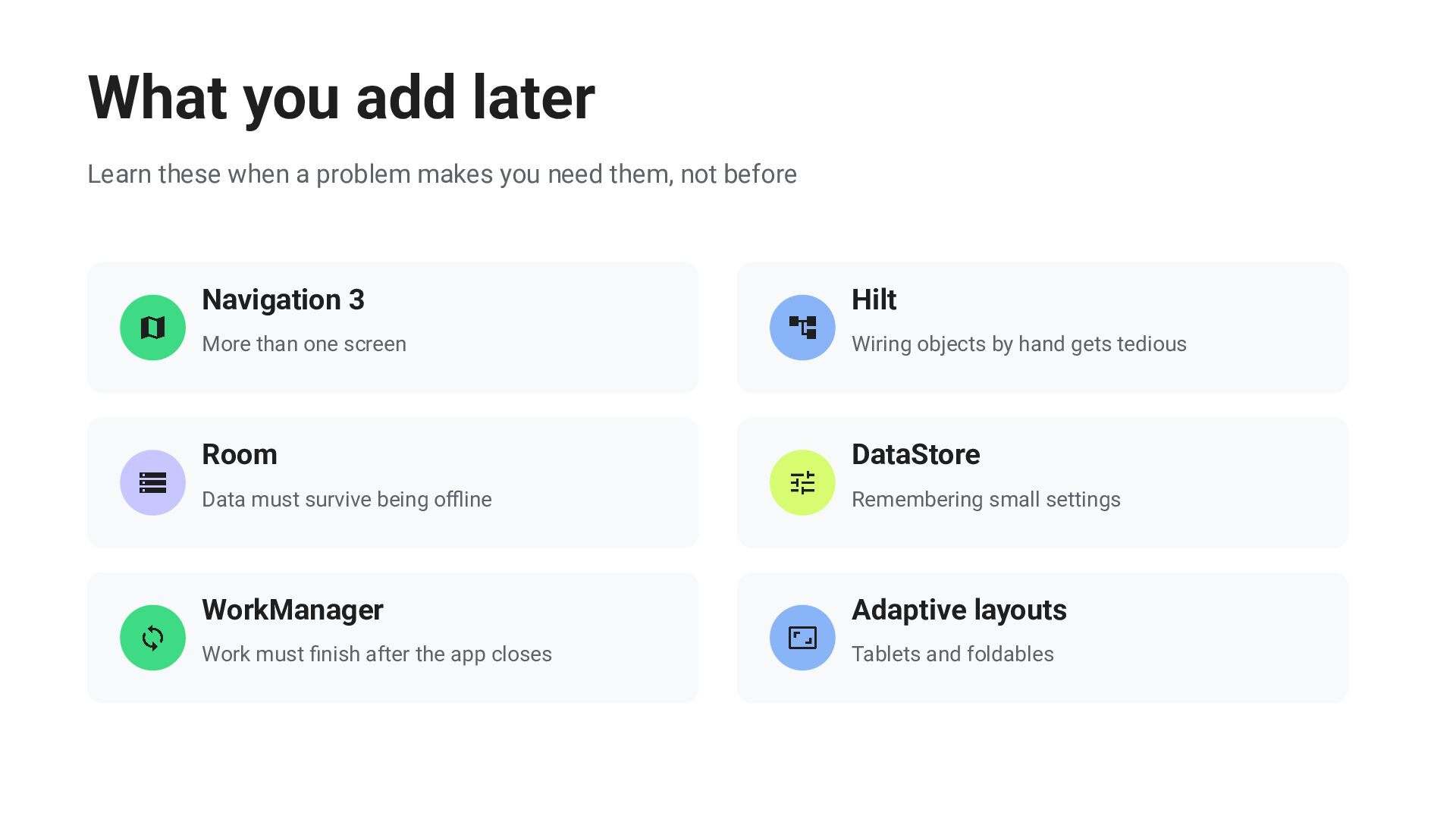
  14. What you add later Learn these when a problem makes

    you need them, not before Navigation 3 Hilt More than one screen Wiring objects by hand gets tedious Room DataStore Data must survive being offline Remembering small settings WorkManager Adaptive layouts Work must finish after the app closes Tablets and foldables
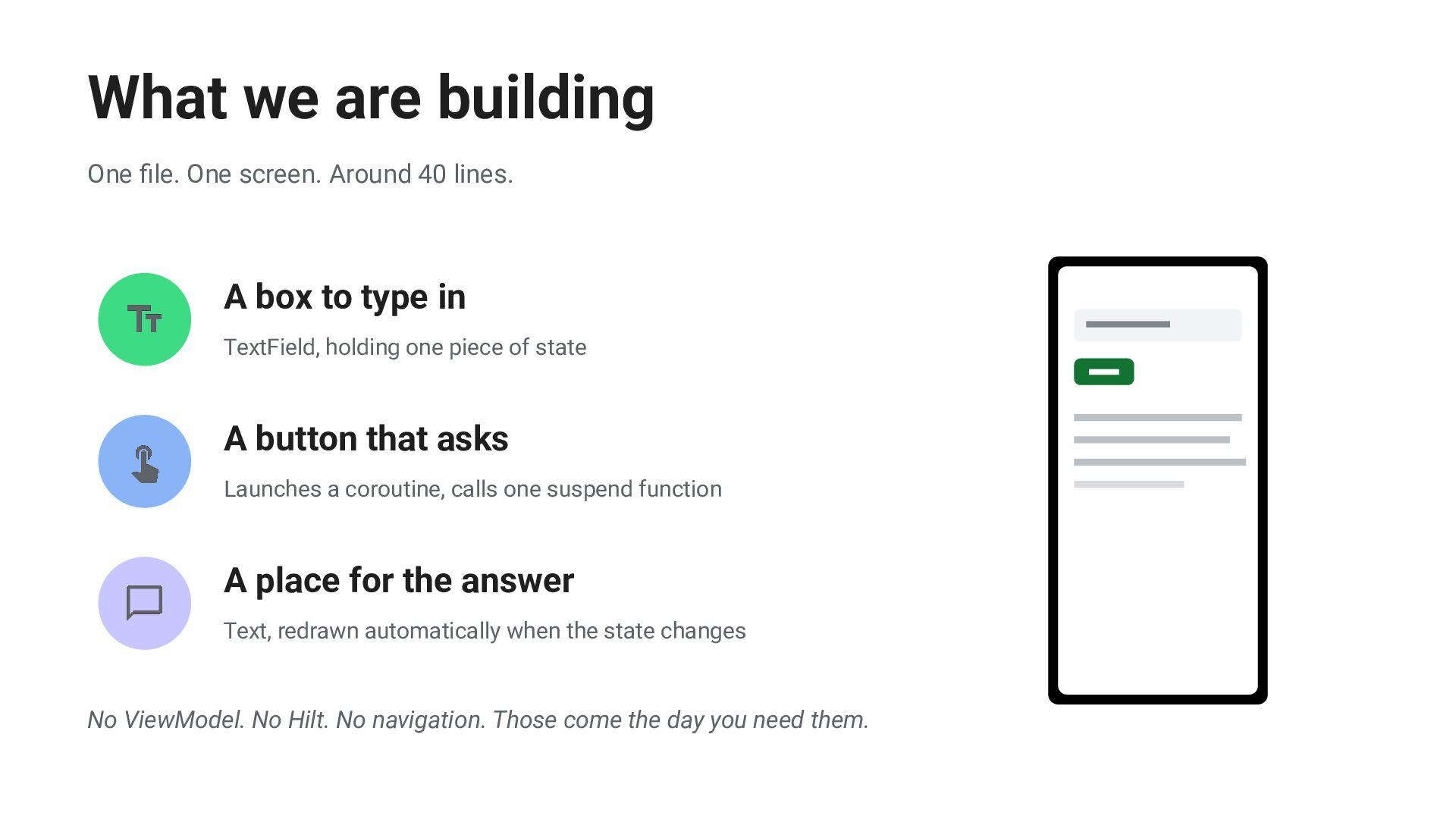
  15. What we are building One file. One screen. Around 40

    lines. A box to type in TextField, holding one piece of state A button that asks Launches a coroutine, calls one suspend function A place for the answer Text, redrawn automatically when the state changes No ViewModel. No Hilt. No navigation. Those come the day you need them.
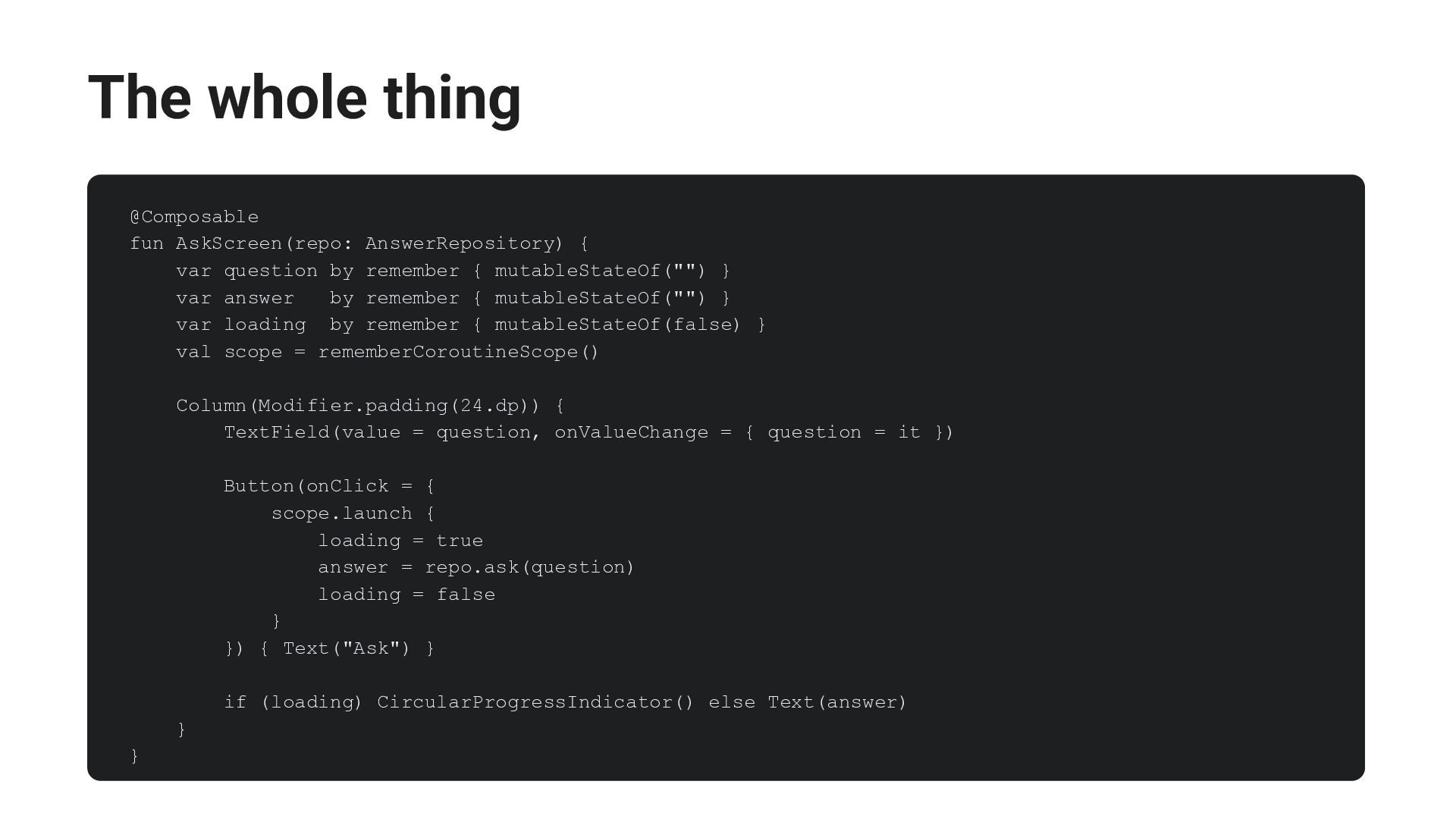
  16. The whole thing @Composable fun AskScreen(repo: AnswerRepository) { var question

    by remember { mutableStateOf("") } var answer by remember { mutableStateOf("") } var loading by remember { mutableStateOf(false) } val scope = rememberCoroutineScope() Column(Modifier.padding(24.dp)) { TextField(value = question, onValueChange = { question = it }) Button(onClick = { scope.launch { loading = true answer = repo.ask(question) loading = false } }) { Text("Ask") } if (loading) CircularProgressIndicator() else Text(answer) } }
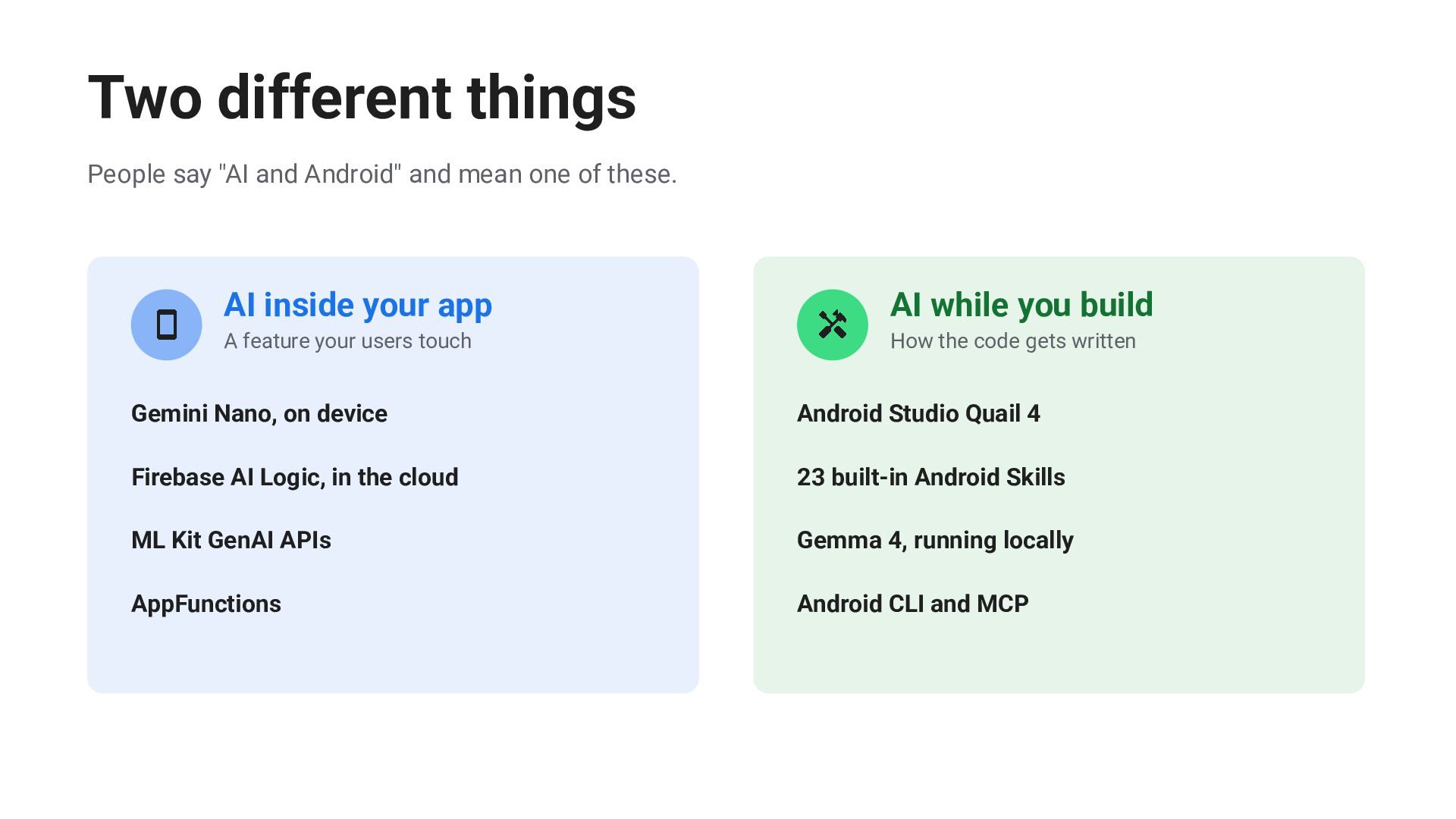
  17. Two different things People say "AI and Android" and mean

    one of these. AI inside your app AI while you build A feature your users touch How the code gets written Gemini Nano, on device Android Studio Quail 4 Firebase AI Logic, in the cloud 23 built-in Android Skills ML Kit GenAI APIs Gemma 4, running locally AppFunctions Android CLI and MCP
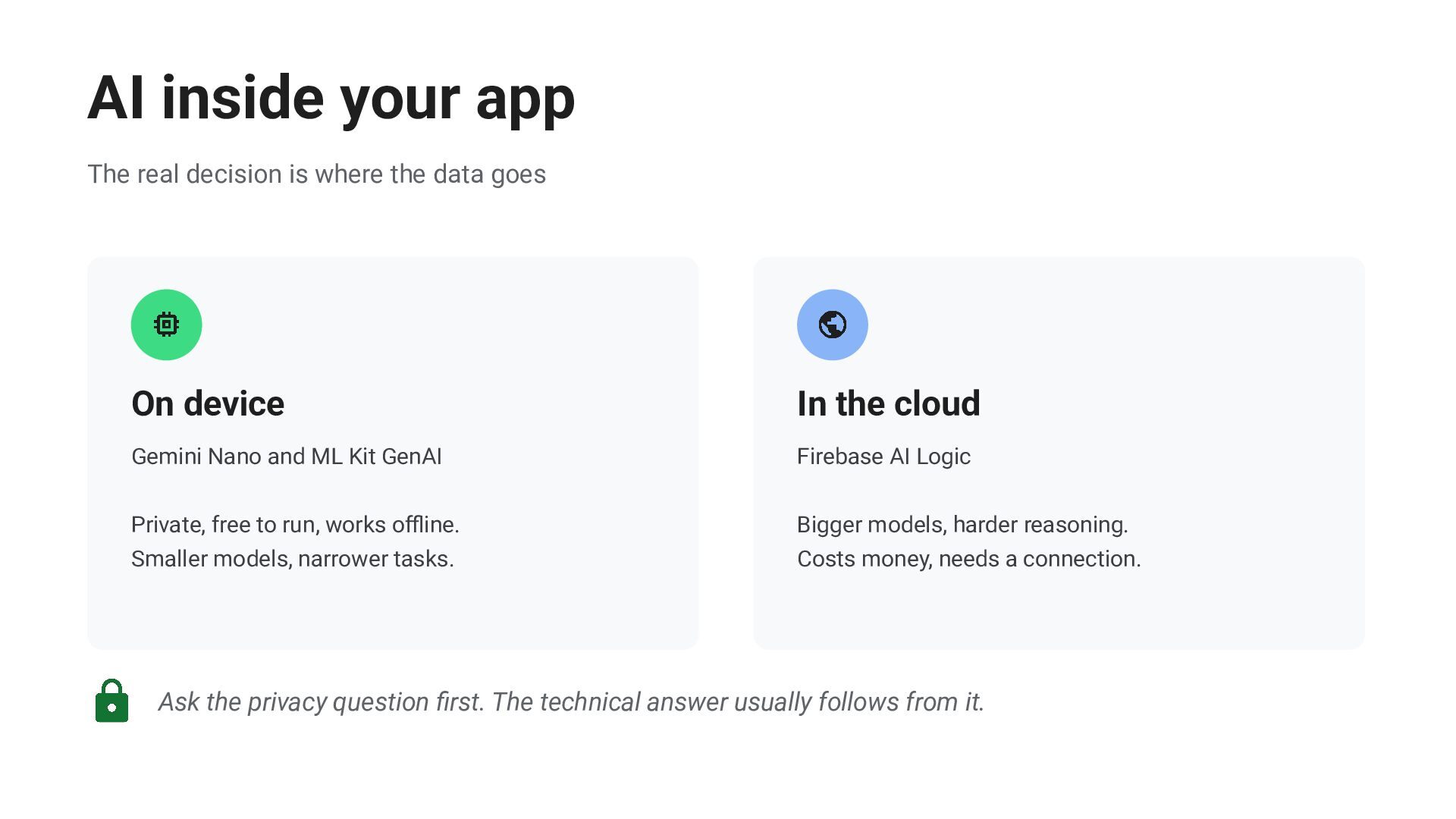
  18. AI inside your app The real decision is where the

    data goes On device In the cloud Gemini Nano and ML Kit GenAI Firebase AI Logic Private, free to run, works offline. Bigger models, harder reasoning. Smaller models, narrower tasks. Costs money, needs a connection. Ask the privacy question first. The technical answer usually follows from it.
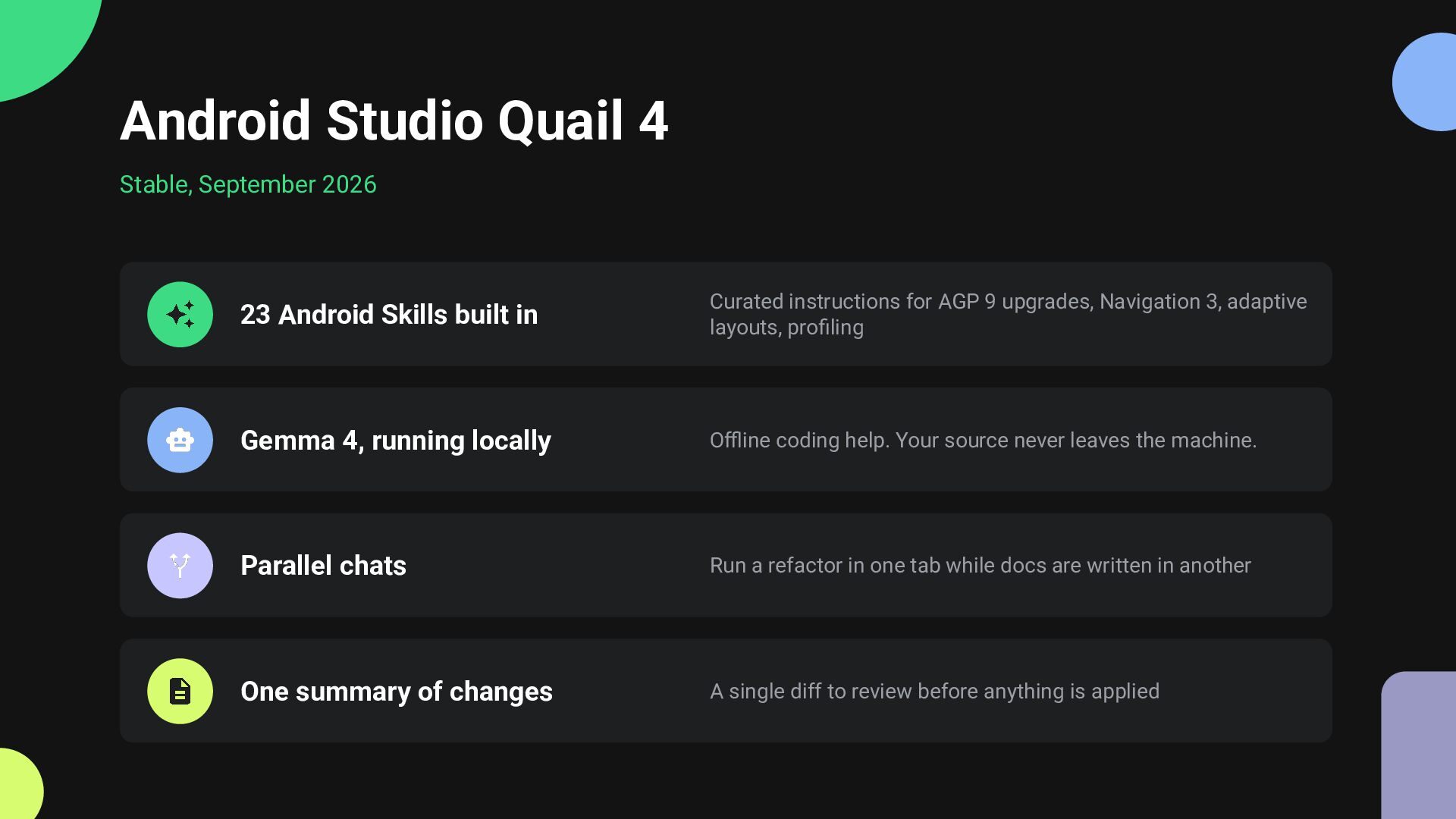
  19. Android Studio Quail 4 Stable, September 2026 23 Android Skills

    built in Curated instructions for AGP 9 upgrades, Navigation 3, adaptive layouts, profiling Gemma 4, running locally Offline coding help. Your source never leaves the machine. Parallel chats Run a refactor in one tab while docs are written in another One summary of changes A single diff to review before anything is applied
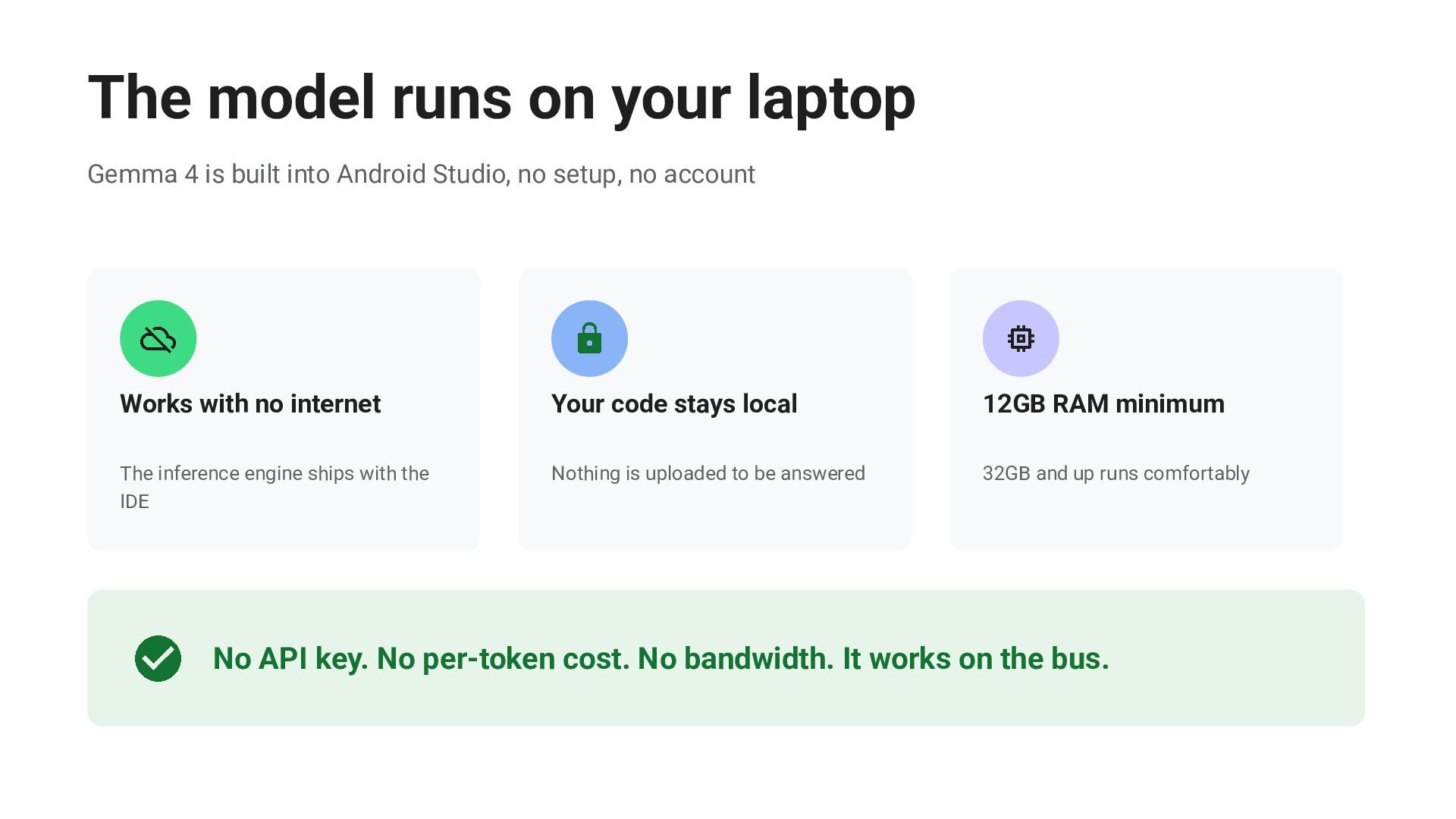
  20. The model runs on your laptop Gemma 4 is built

    into Android Studio, no setup, no account Works with no internet Your code stays local 12GB RAM minimum The inference engine ships with the IDE Nothing is uploaded to be answered 32GB and up runs comfortably No API key. No per-token cost. No bandwidth. It works on the bus.
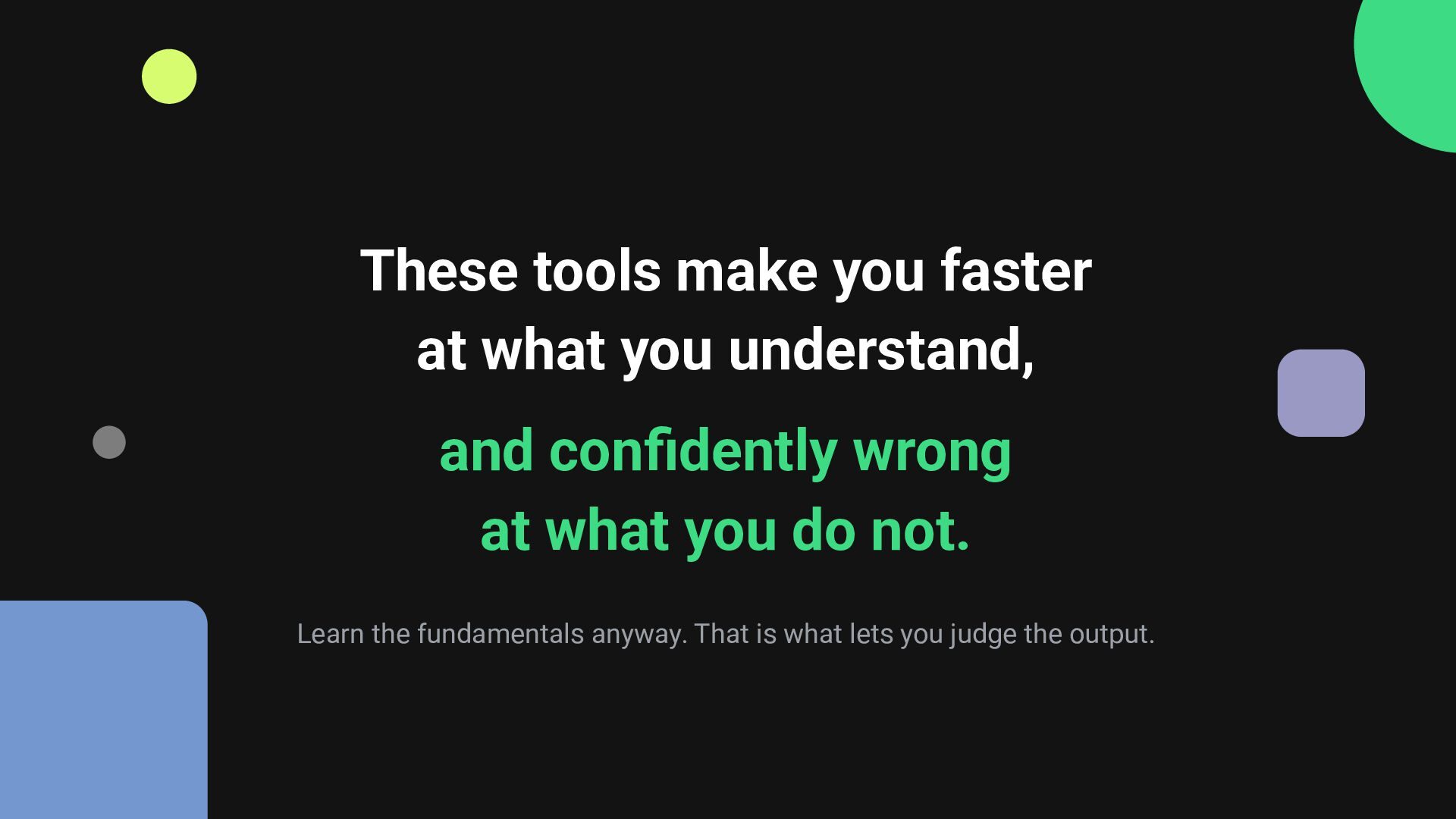
  21. These tools make you faster at what you understand, and

    confidently wrong at what you do not. Learn the fundamentals anyway. That is what lets you judge the output.
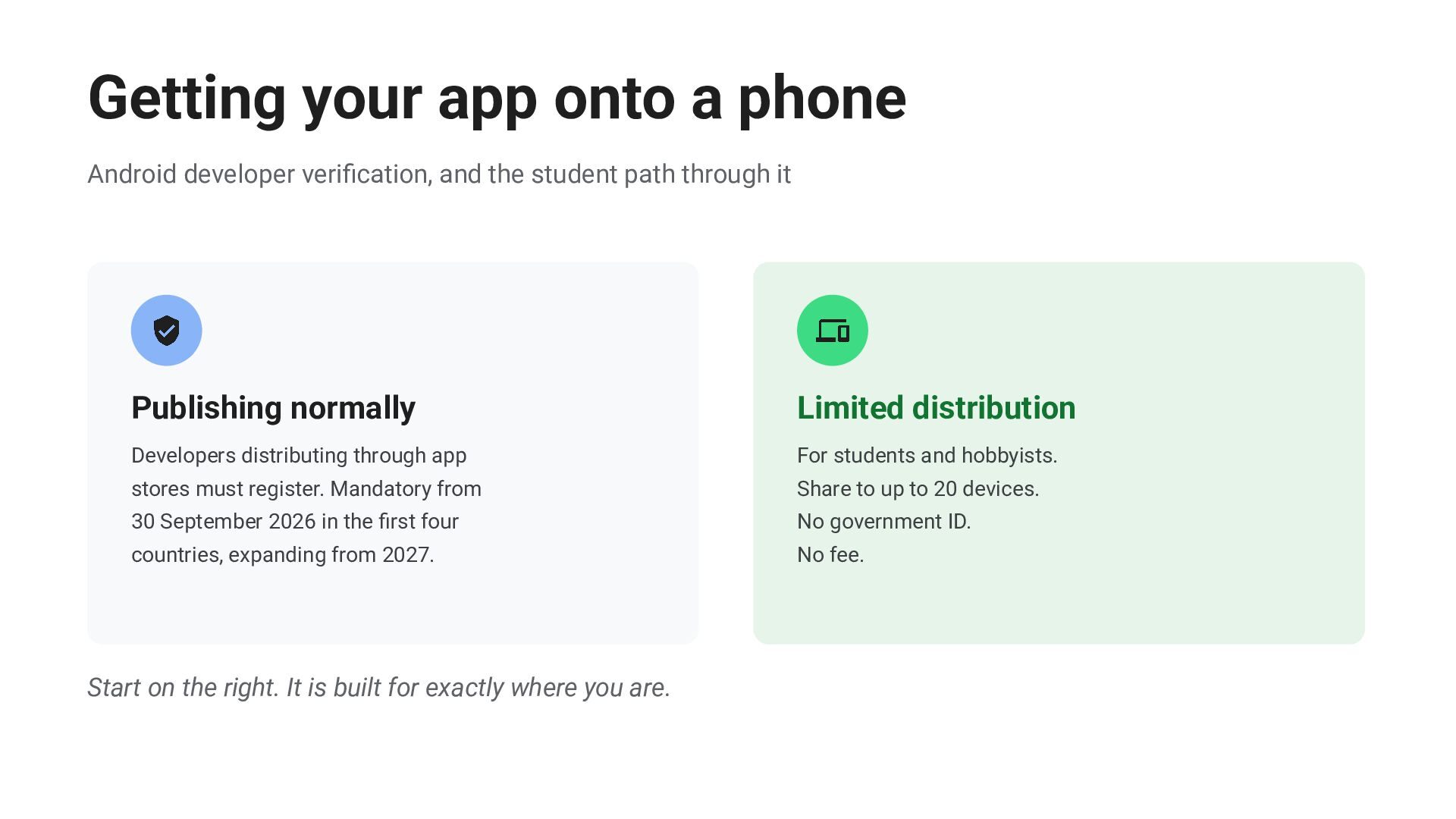
  22. Getting your app onto a phone Android developer verification, and

    the student path through it Publishing normally Limited distribution Developers distributing through app For students and hobbyists. stores must register. Mandatory from Share to up to 20 devices. 30 September 2026 in the first four No government ID. countries, expanding from 2027. No fee. Start on the right. It is built for exactly where you are.
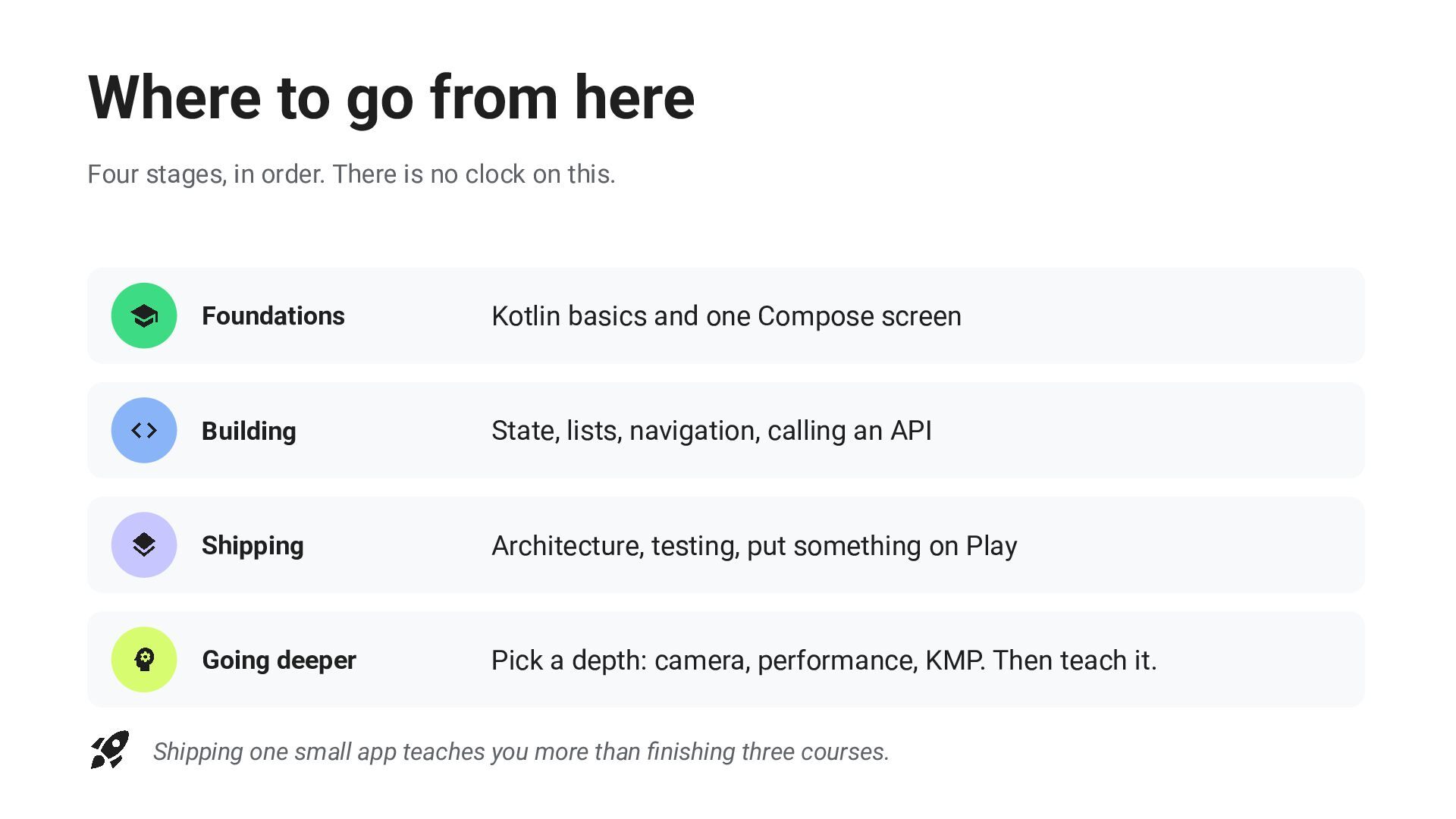
  23. Where to go from here Four stages, in order. There

    is no clock on this. Foundations Kotlin basics and one Compose screen Building State, lists, navigation, calling an API Shipping Architecture, testing, put something on Play Going deeper Pick a depth: camera, performance, KMP. Then teach it. Shipping one small app teaches you more than finishing three courses.
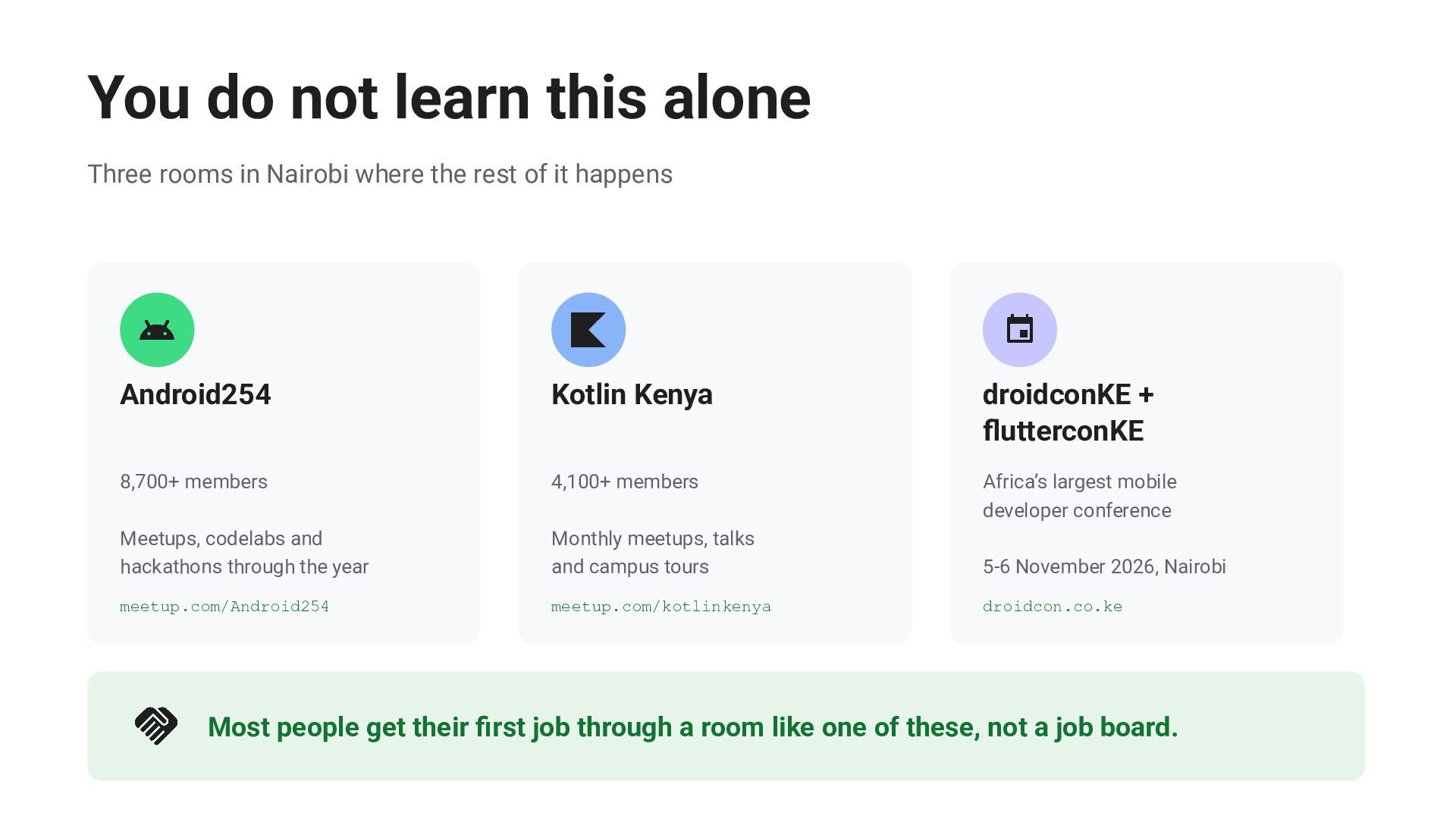
  24. You do not learn this alone Three rooms in Nairobi

    where the rest of it happens Android254 Kotlin Kenya droidconKE + flutterconKE 8,700+ members 4,100+ members Africa’s largest mobile developer conference Meetups, codelabs and hackathons through the year Monthly meetups, talks and campus tours 5-6 November 2026, Nairobi meetup.com/Android254 meetup.com/kotlinkenya droidcon.co.ke Most people get their first job through a room like one of these, not a job board.
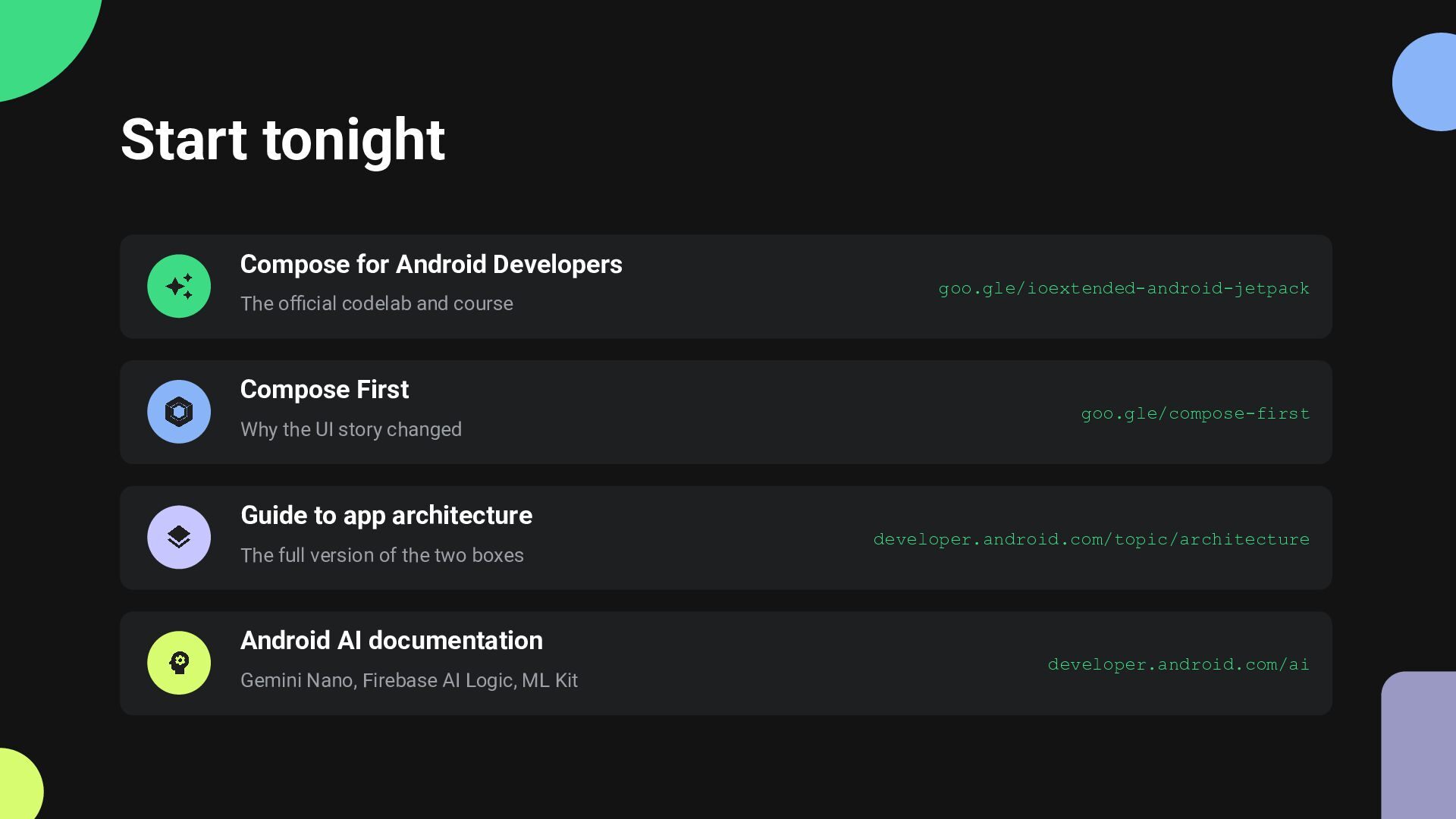
  25. Start tonight Compose for Android Developers The official codelab and

    course goo.gle/ioextended-android-jetpack Compose First Why the UI story changed goo.gle/compose-first Guide to app architecture The full version of the two boxes developer.android.com/topic/architecture Android AI documentation Gemini Nano, Firebase AI Logic, ML Kit developer.android.com/ai