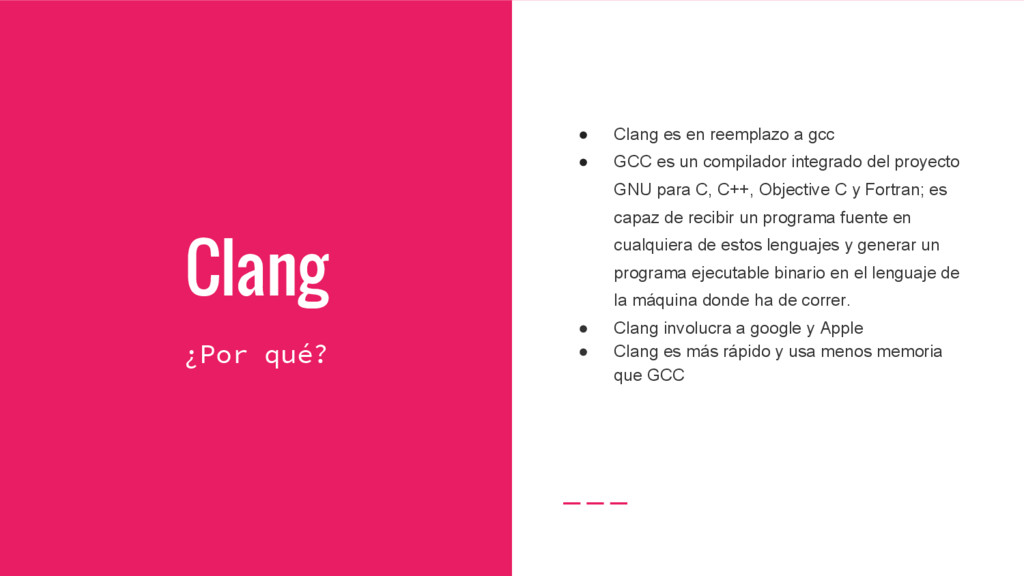
• GCC es un compilador integrado del proyecto GNU para C, C++, Objective C y Fortran; es capaz de recibir un programa fuente en cualquiera de estos lenguajes y generar un programa ejecutable binario en el lenguaje de la máquina donde ha de correr. • Clang involucra a google y Apple • Clang es más rápido y usa menos memoria que GCC
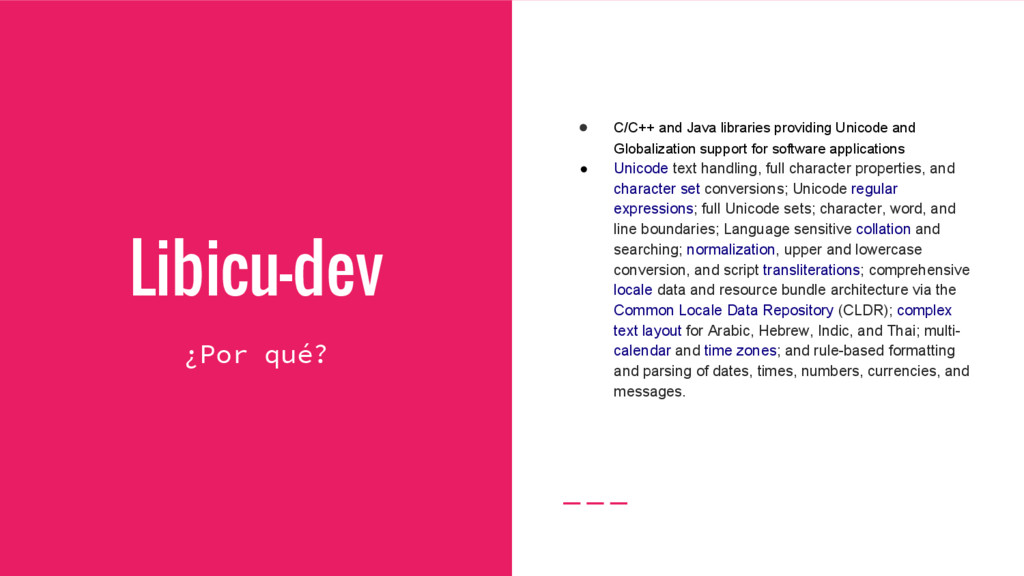
and Globalization support for software applications • Unicode text handling, full character properties, and character set conversions; Unicode regular expressions; full Unicode sets; character, word, and line boundaries; Language sensitive collation and searching; normalization, upper and lowercase conversion, and script transliterations; comprehensive locale data and resource bundle architecture via the Common Locale Data Repository (CLDR); complex text layout for Arabic, Hebrew, Indic, and Thai; multi- calendar and time zones; and rule-based formatting and parsing of dates, times, numbers, currencies, and messages.


 wavecos
 prog893
 glaforge
 oikon48
 takanorip
 yu23ki14
 hiracky16
 masakiokuda
 kentapapa
 ykanoh
 riyaamemiya
 satoshi7
 persolserverworks
 jonoalderson
 speakerdeck
 notwaldorf
 marcduiker
 watany
 nonsquared
 shlominoach
 baasie
 aarron
 holman
 mclloyd
 codingconduct