Upgrade to Pro — share decks privately, control downloads, hide ads and more …

Design Relational Databases - Jan 2026

Sponsored · Your Podcast. Everywhere. Effortlessly. Share. Educate. Inspire. Entertain. You do you. We'll handle the rest. →

Design Relational Databases - Jan 2026

Master the Power Behind Every App: SQL Server & Database Development (Four 3-hour class sessions)

Every modern application depends on data — and in this class, you'll learn how to design, build, and manage that data using Microsoft SQL Server. From writing your first query to designing normalized relational databases, you'll gain the skills real-world developers use every day to build reliable, efficient, and secure data-driven systems.

No experience required. Just bring your curiosity.

Avatar for Weddington Coder

Weddington Coder

January 29, 2026

More Decks by Weddington Coder

Other Decks in Education

Transcript

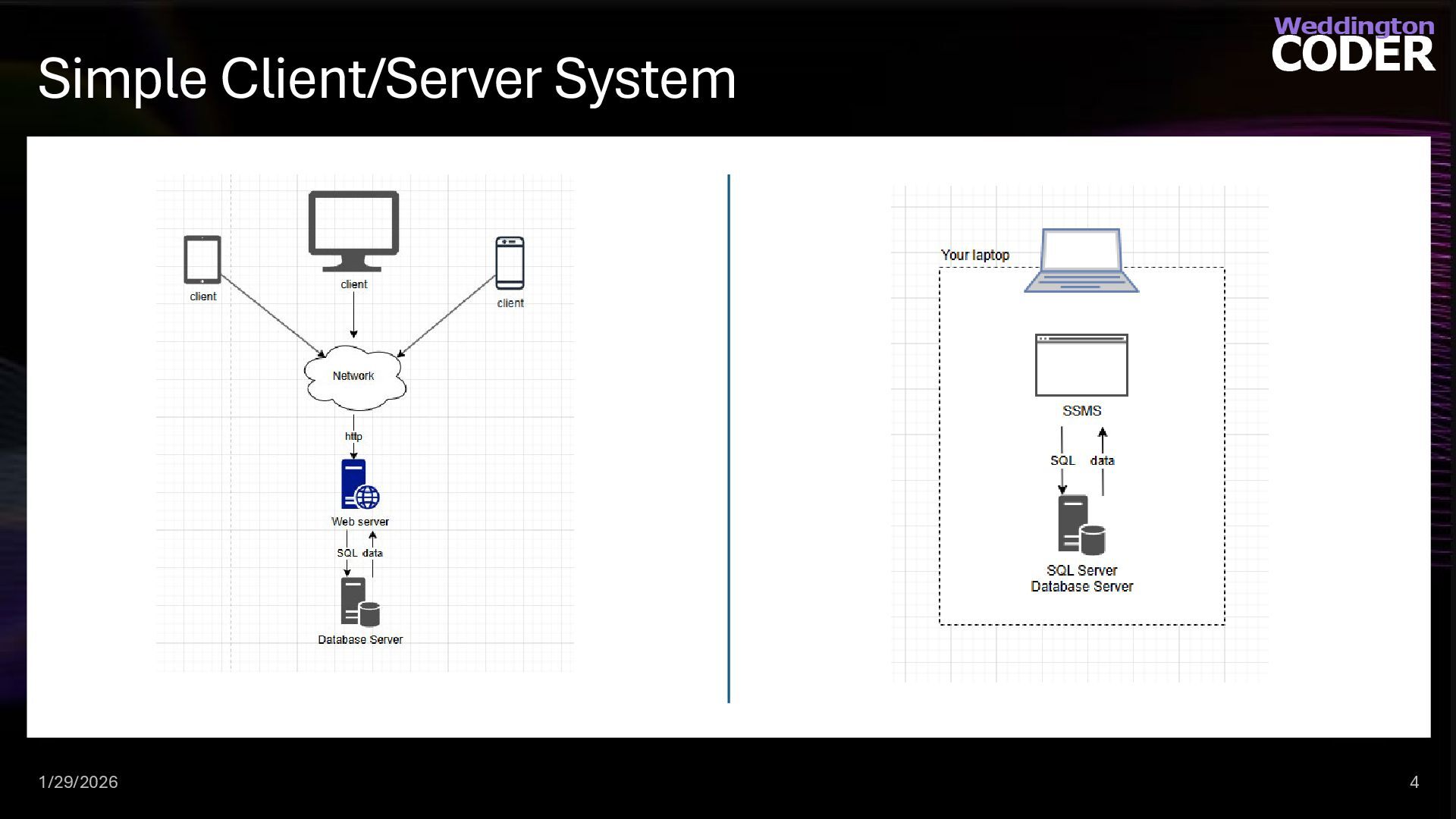
  1. Client/Server Systems Almost all applications depend on a database system.

    Building a well-designed database allows you to be flexible to future changes and a you code to be performant Clients – personal computers, mobile devices or tablets that consume data directly or indirectly though application server Servers – machines that provide functionality and data to clients types of servers: database servers, application servers, web servers, etc 1/29/2026 3
  2. We are going to need a theme. And it can’t

    be accounts receivable unless you want a nap. 1/29/2026 5
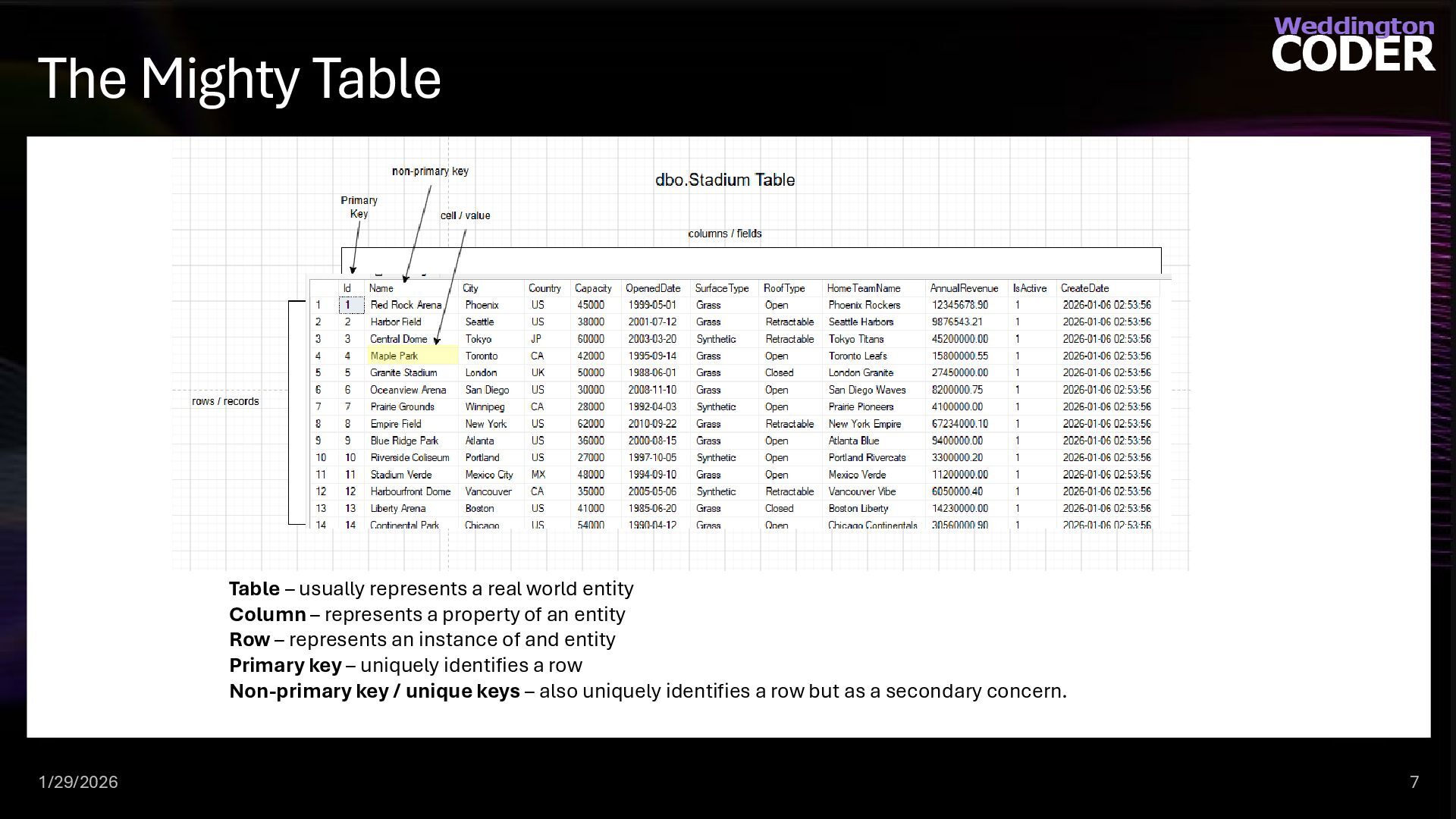
  3. The Mighty Table Table – usually represents a real world

    entity Column – represents a property of an entity Row – represents an instance of and entity Primary key – uniquely identifies a row Non-primary key / unique keys – also uniquely identifies a row but as a secondary concern. 1/29/2026 7
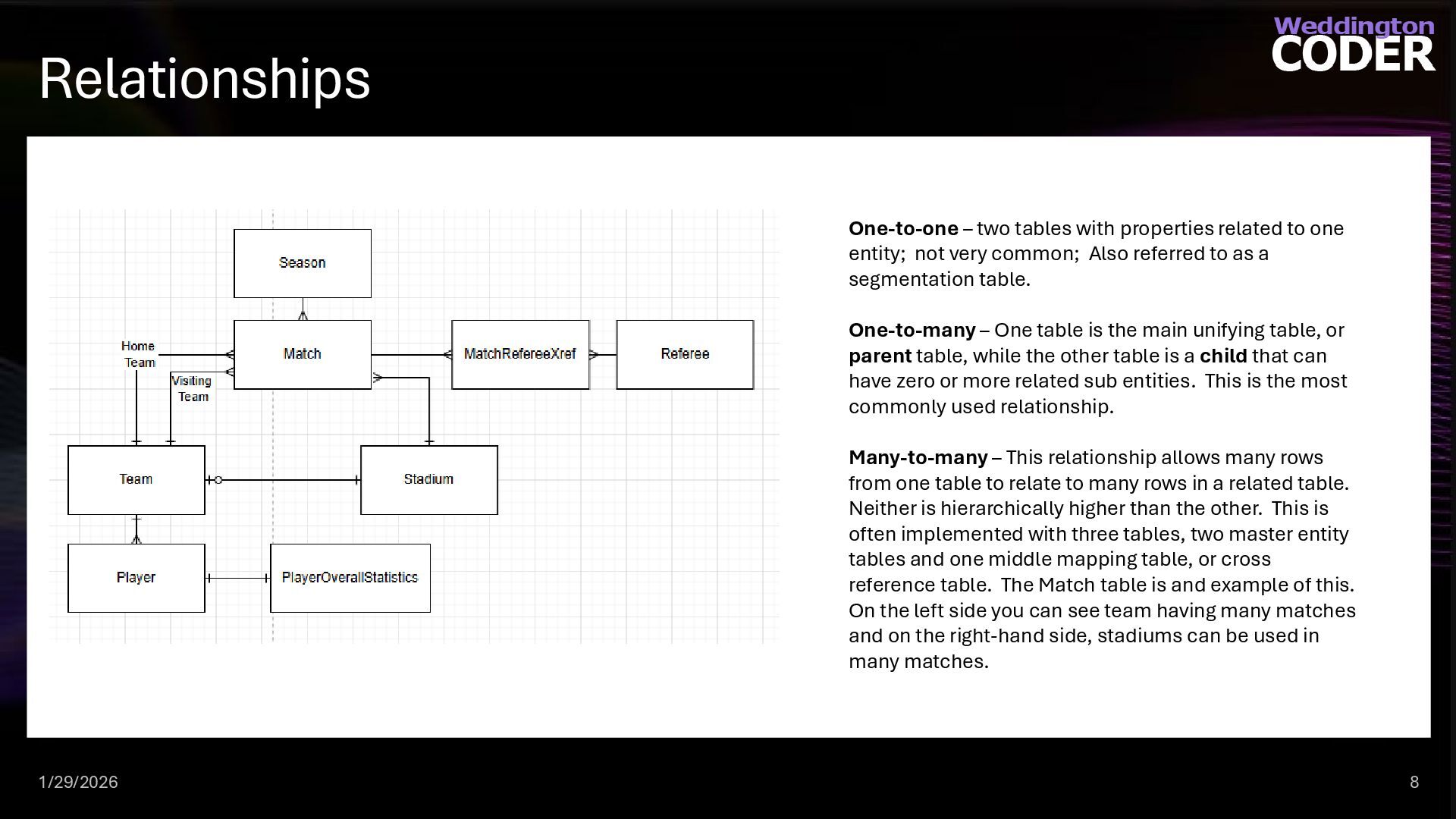
  4. Relationships One-to-one – two tables with properties related to one

    entity; not very common; Also referred to as a segmentation table. One-to-many – One table is the main unifying table, or parent table, while the other table is a child that can have zero or more related sub entities. This is the most commonly used relationship. Many-to-many – This relationship allows many rows from one table to relate to many rows in a related table. Neither is hierarchically higher than the other. This is often implemented with three tables, two master entity tables and one middle mapping table, or cross reference table. The Match table is and example of this. On the left side you can see team having many matches and on the right-hand side, stadiums can be used in many matches. 1/29/2026 8
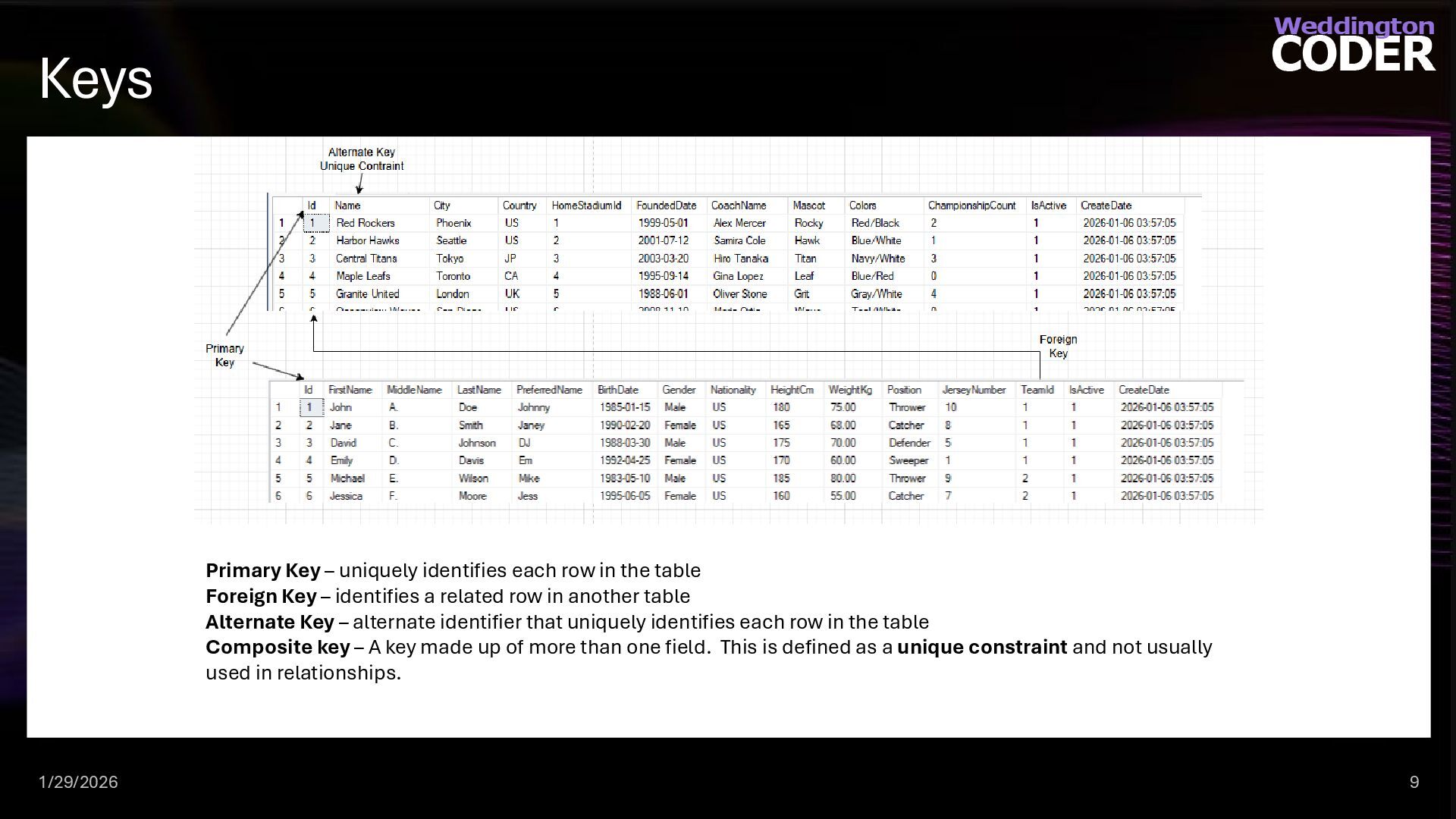
  5. Keys Primary Key – uniquely identifies each row in the

    table Foreign Key – identifies a related row in another table Alternate Key – alternate identifier that uniquely identifies each row in the table Composite key – A key made up of more than one field. This is defined as a unique constraint and not usually used in relationships. 1/29/2026 9
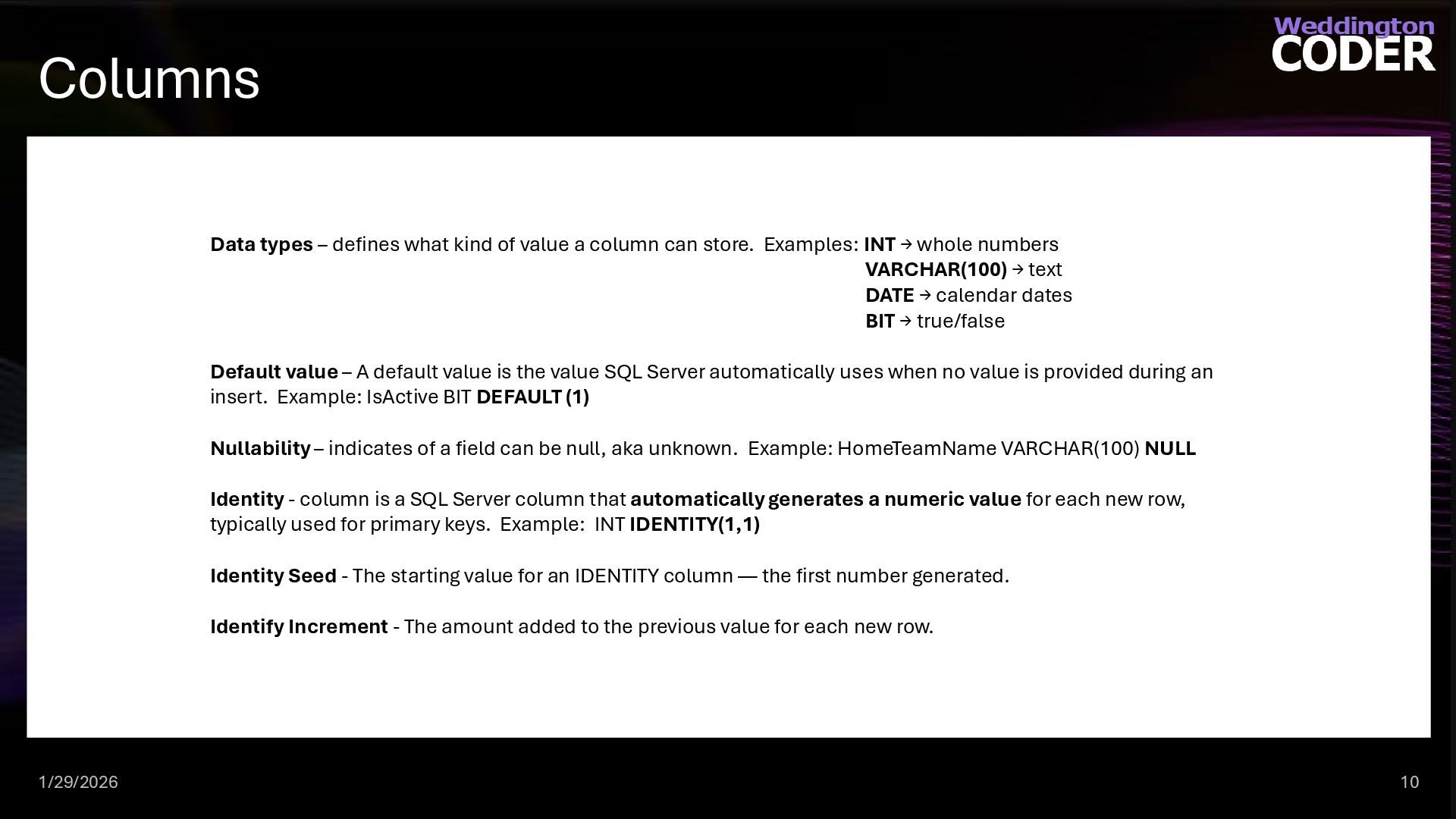
  6. Columns Data types – defines what kind of value a

    column can store. Examples: INT → whole numbers VARCHAR(100) → text DATE → calendar dates BIT → true/false Default value – A default value is the value SQL Server automatically uses when no value is provided during an insert. Example: IsActive BIT DEFAULT (1) Nullability – indicates of a field can be null, aka unknown. Example: HomeTeamName VARCHAR(100) NULL Identity - column is a SQL Server column that automatically generates a numeric value for each new row, typically used for primary keys. Example: INT IDENTITY(1,1) Identity Seed - The starting value for an IDENTITY column — the first number generated. Identify Increment - The amount added to the previous value for each new row. 1/29/2026 10
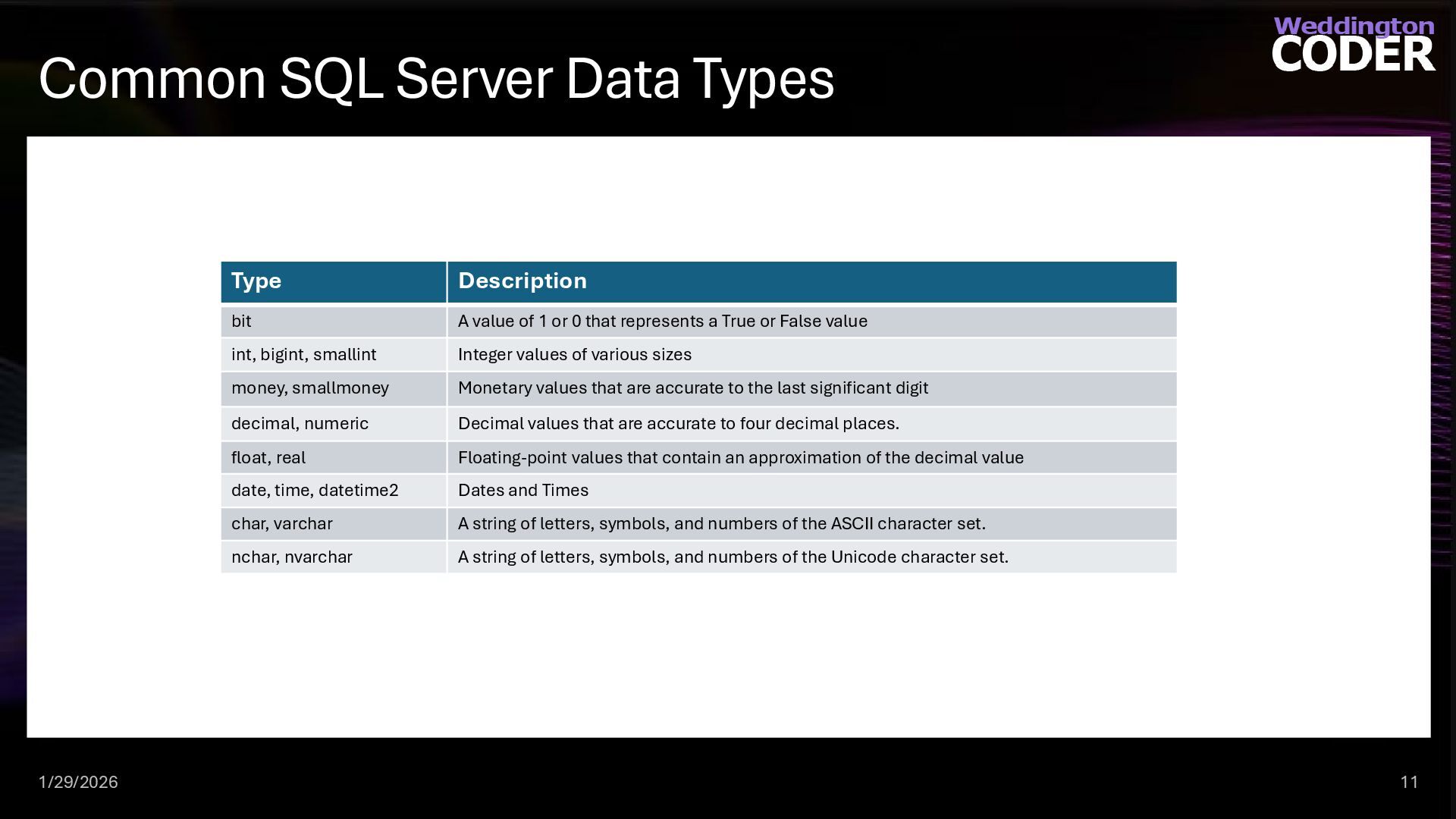
  7. Common SQL Server Data Types Type Description bit A value

    of 1 or 0 that represents a True or False value int, bigint, smallint Integer values of various sizes money, smallmoney Monetary values that are accurate to the last significant digit decimal, numeric Decimal values that are accurate to four decimal places. float, real Floating-point values that contain an approximation of the decimal value date, time, datetime2 Dates and Times char, varchar A string of letters, symbols, and numbers of the ASCII character set. nchar, nvarchar A string of letters, symbols, and numbers of the Unicode character set. 1/29/2026 11
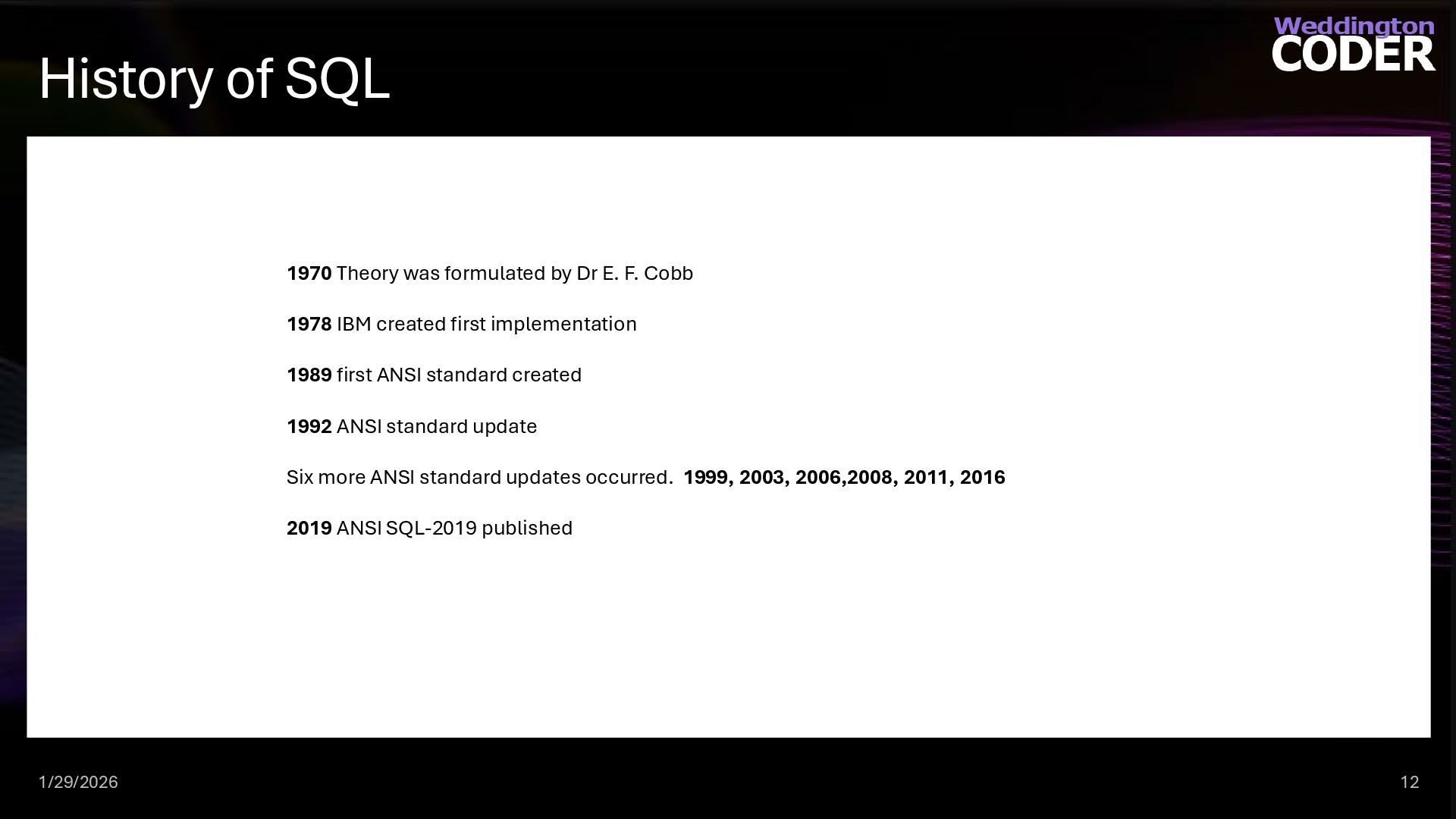
  8. History of SQL 1970 Theory was formulated by Dr E.

    F. Cobb 1978 IBM created first implementation 1989 first ANSI standard created 1992 ANSI standard update Six more ANSI standard updates occurred. 1999, 2003, 2006,2008, 2011, 2016 2019 ANSI SQL-2019 published 1/29/2026 12
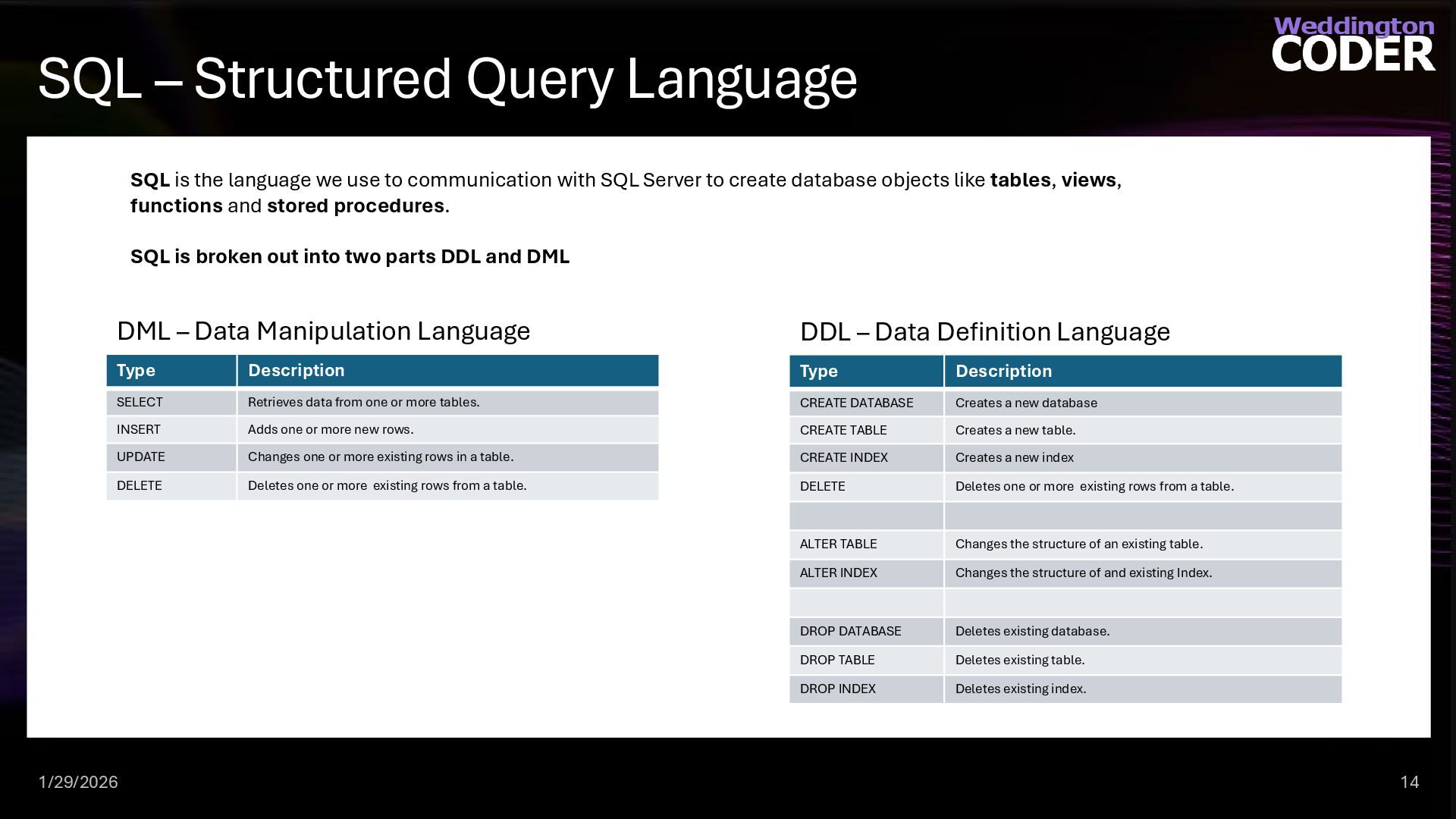
  9. SQL – Structured Query Language SQL is the language we

    use to communication with SQL Server to create database objects like tables, views, functions and stored procedures. SQL is broken out into two parts DDL and DML Type Description SELECT Retrieves data from one or more tables. INSERT Adds one or more new rows. UPDATE Changes one or more existing rows in a table. DELETE Deletes one or more existing rows from a table. DML – Data Manipulation Language Type Description CREATE DATABASE Creates a new database CREATE TABLE Creates a new table. CREATE INDEX Creates a new index DELETE Deletes one or more existing rows from a table. ALTER TABLE Changes the structure of an existing table. ALTER INDEX Changes the structure of and existing Index. DROP DATABASE Deletes existing database. DROP TABLE Deletes existing table. DROP INDEX Deletes existing index. DDL – Data Definition Language 1/29/2026 14
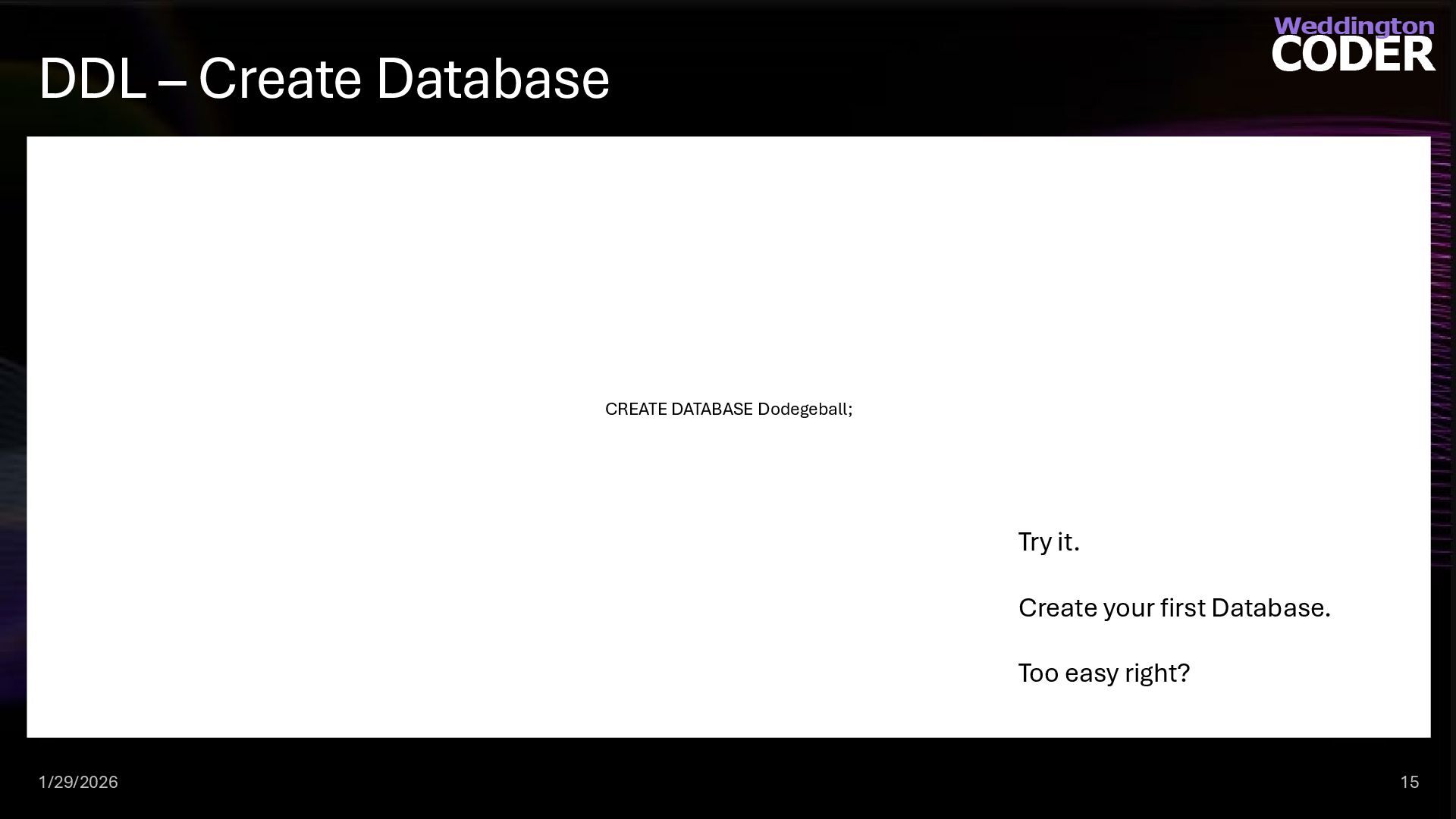
  10. DDL – Create Database CREATE DATABASE Dodegeball; 1/29/2026 15 Try

    it. Create your first Database. Too easy right?
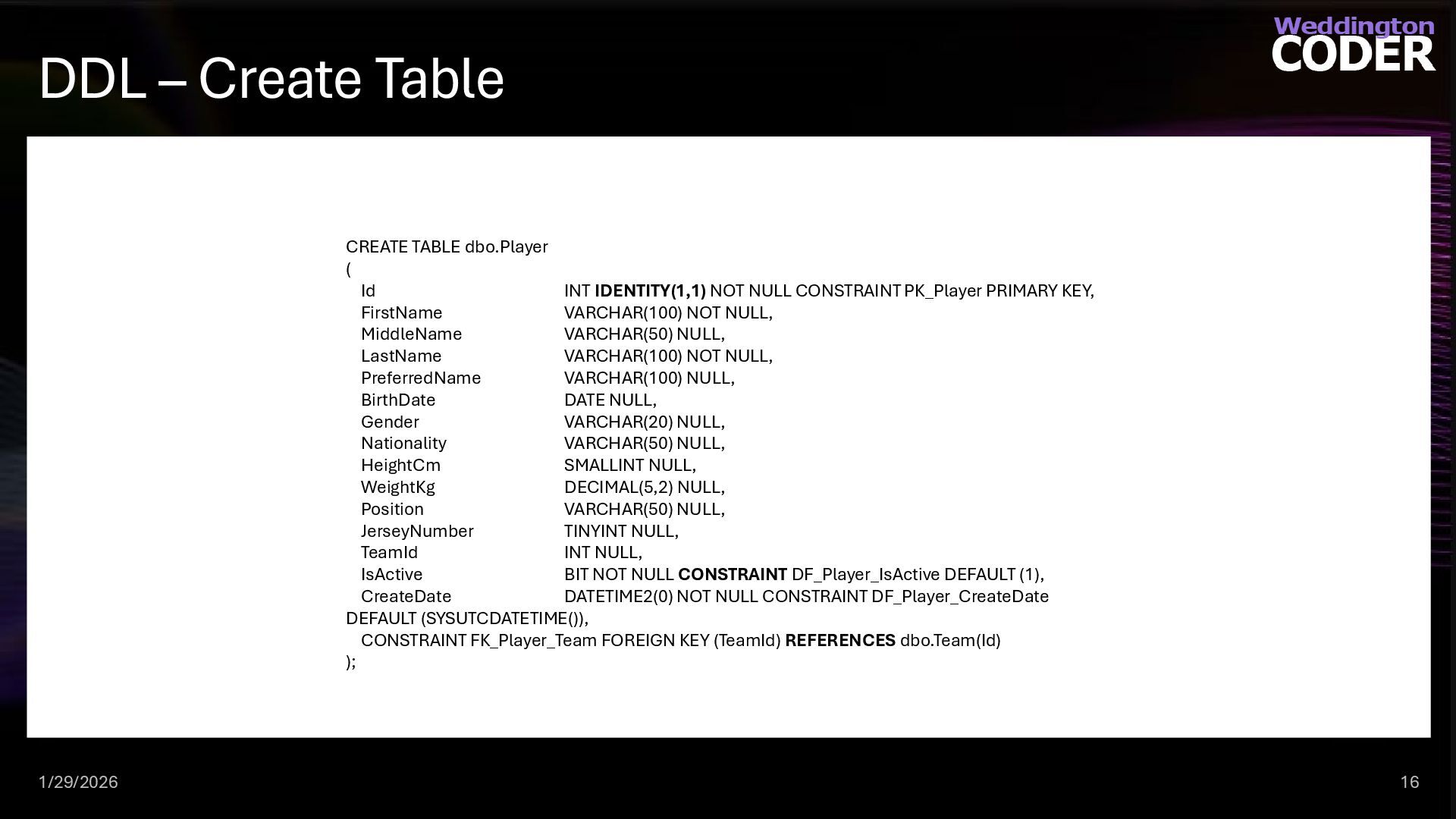
  11. DDL – Create Table CREATE TABLE dbo.Player ( Id INT

    IDENTITY(1,1) NOT NULL CONSTRAINT PK_Player PRIMARY KEY, FirstName VARCHAR(100) NOT NULL, MiddleName VARCHAR(50) NULL, LastName VARCHAR(100) NOT NULL, PreferredName VARCHAR(100) NULL, BirthDate DATE NULL, Gender VARCHAR(20) NULL, Nationality VARCHAR(50) NULL, HeightCm SMALLINT NULL, WeightKg DECIMAL(5,2) NULL, Position VARCHAR(50) NULL, JerseyNumber TINYINT NULL, TeamId INT NULL, IsActive BIT NOT NULL CONSTRAINT DF_Player_IsActive DEFAULT (1), CreateDate DATETIME2(0) NOT NULL CONSTRAINT DF_Player_CreateDate DEFAULT (SYSUTCDATETIME()), CONSTRAINT FK_Player_Team FOREIGN KEY (TeamId) REFERENCES dbo.Team(Id) ); 1/29/2026 16
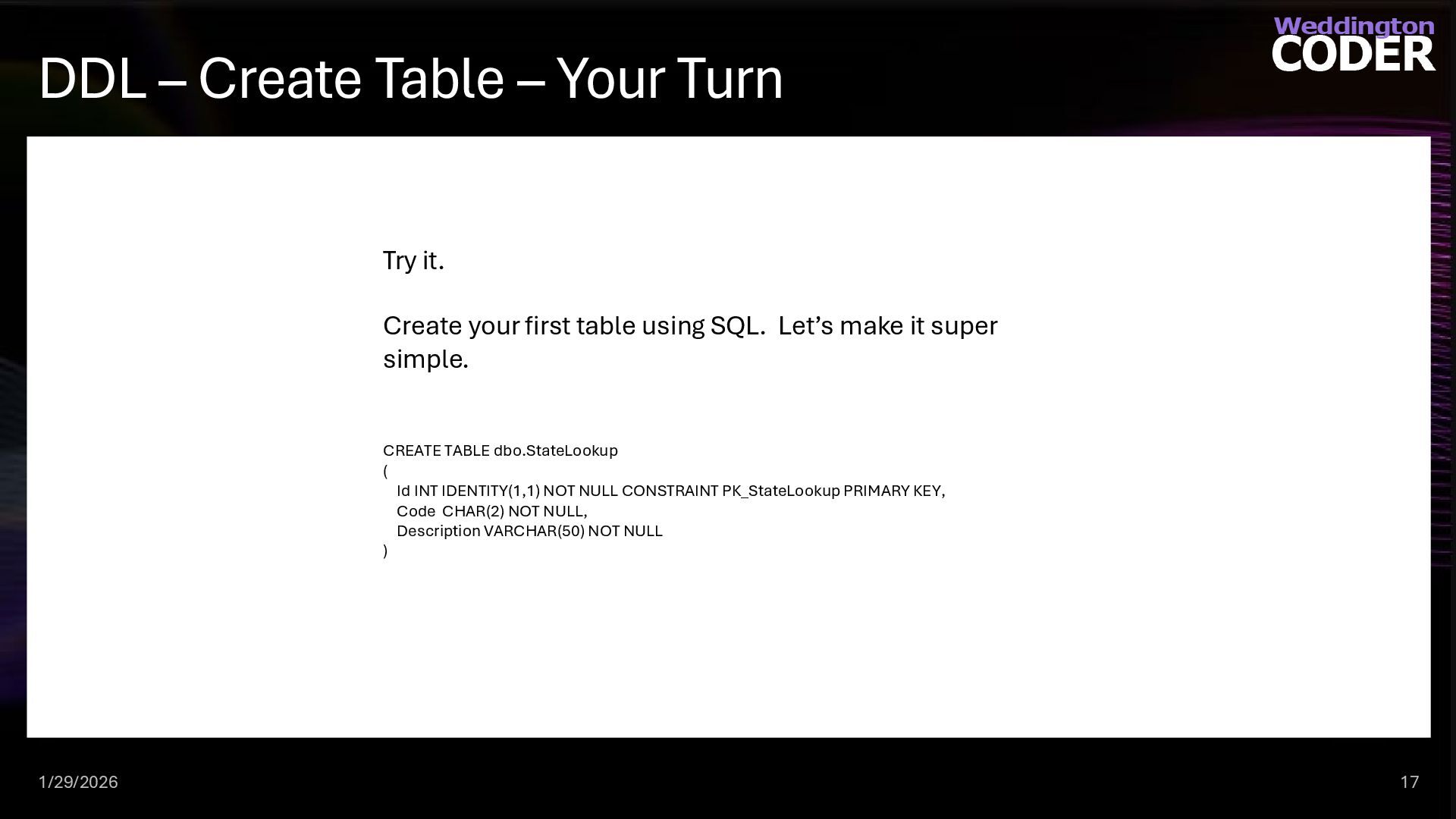
  12. DDL – Create Table – Your Turn 1/29/2026 17 Try

    it. Create your first table using SQL. Let’s make it super simple. CREATE TABLE dbo.StateLookup ( Id INT IDENTITY(1,1) NOT NULL CONSTRAINT PK_StateLookup PRIMARY KEY, Code CHAR(2) NOT NULL, Description VARCHAR(50) NOT NULL )
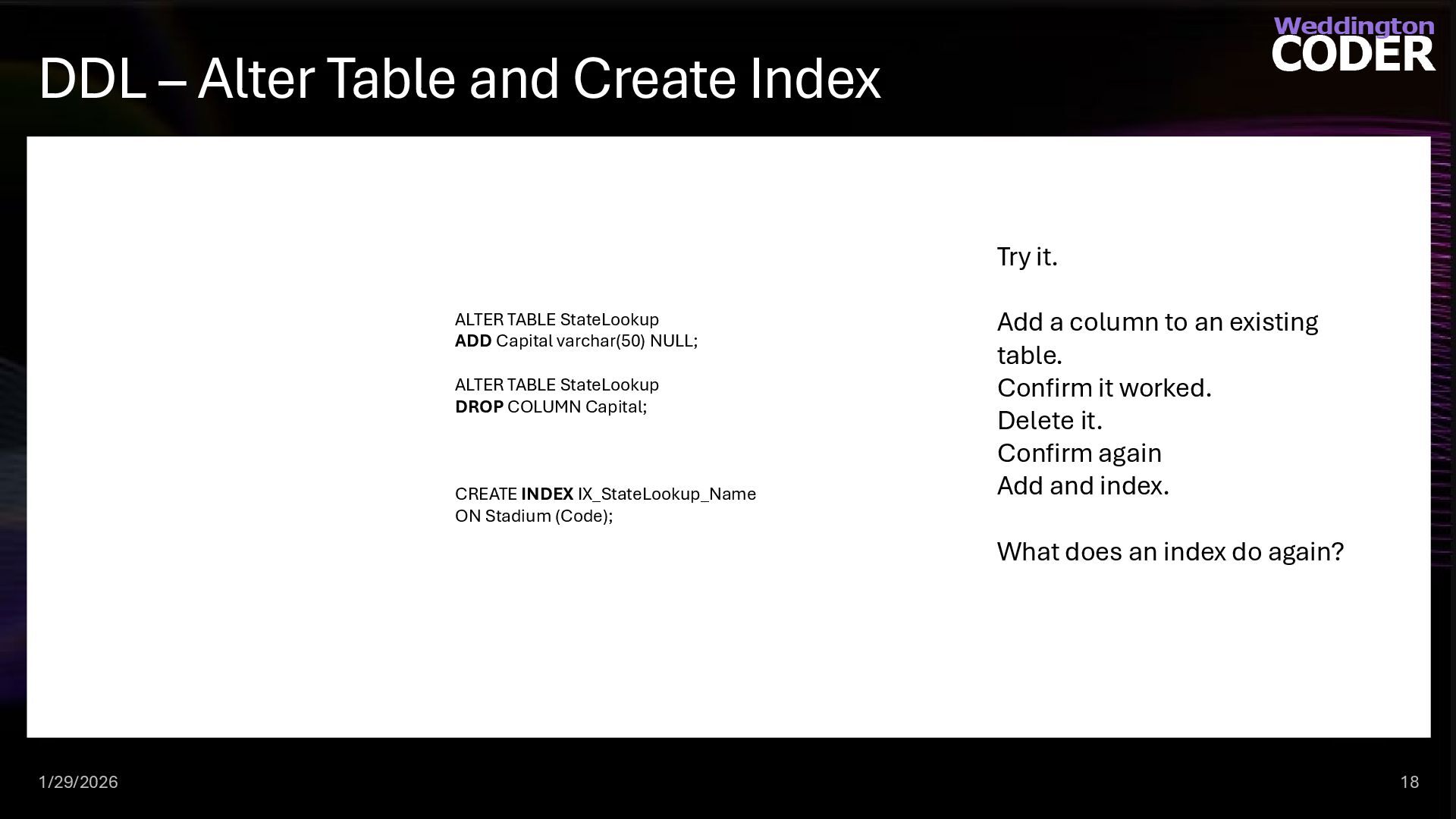
  13. DDL – Alter Table and Create Index ALTER TABLE StateLookup

    ADD Capital varchar(50) NULL; ALTER TABLE StateLookup DROP COLUMN Capital; CREATE INDEX IX_StateLookup_Name ON Stadium (Code); 1/29/2026 18 Try it. Add a column to an existing table. Confirm it worked. Delete it. Confirm again Add and index. What does an index do again?
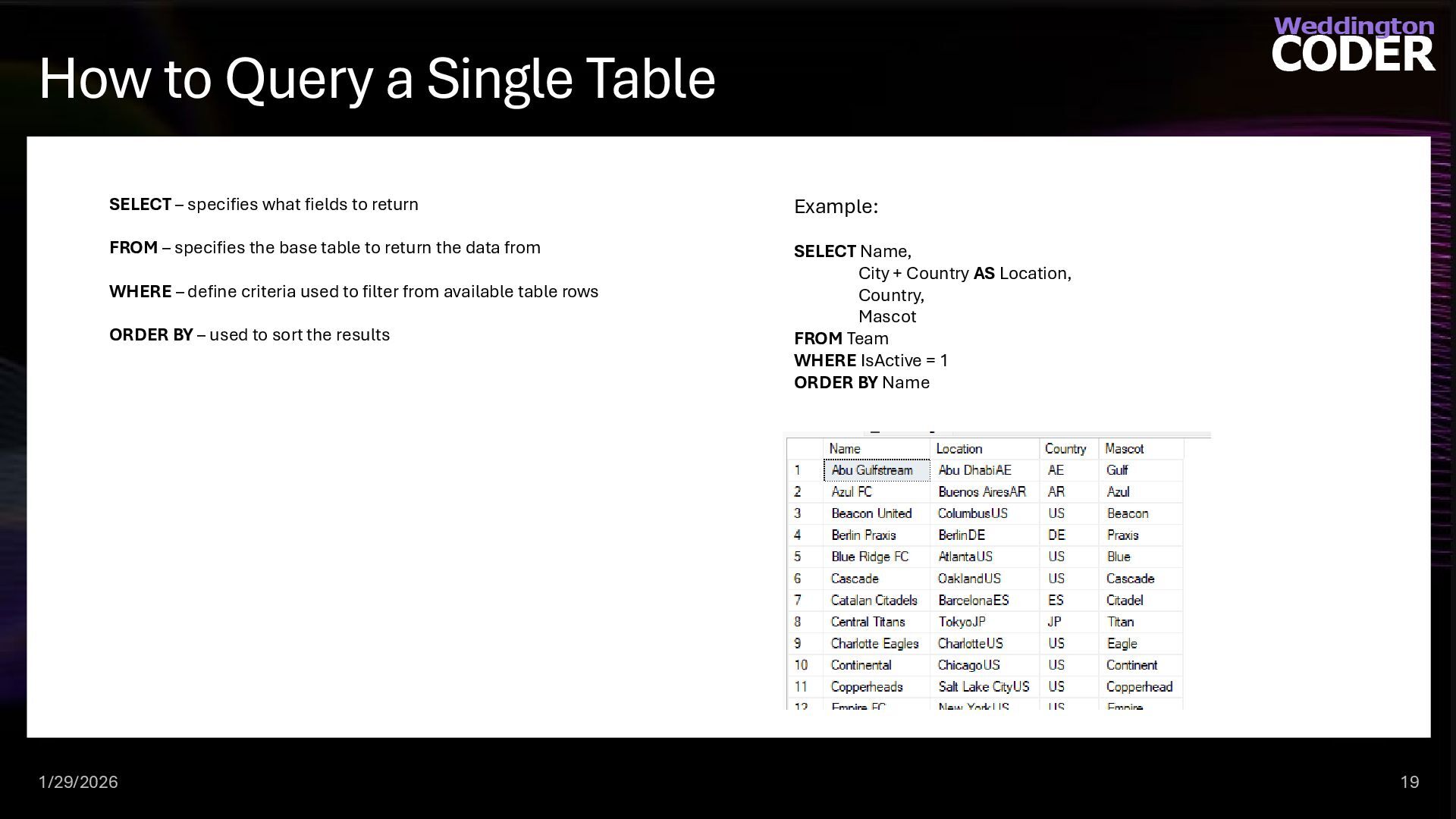
  14. How to Query a Single Table 1/29/2026 19 SELECT –

    specifies what fields to return FROM – specifies the base table to return the data from WHERE – define criteria used to filter from available table rows ORDER BY – used to sort the results Example: SELECT Name, City + Country AS Location, Country, Mascot FROM Team WHERE IsActive = 1 ORDER BY Name
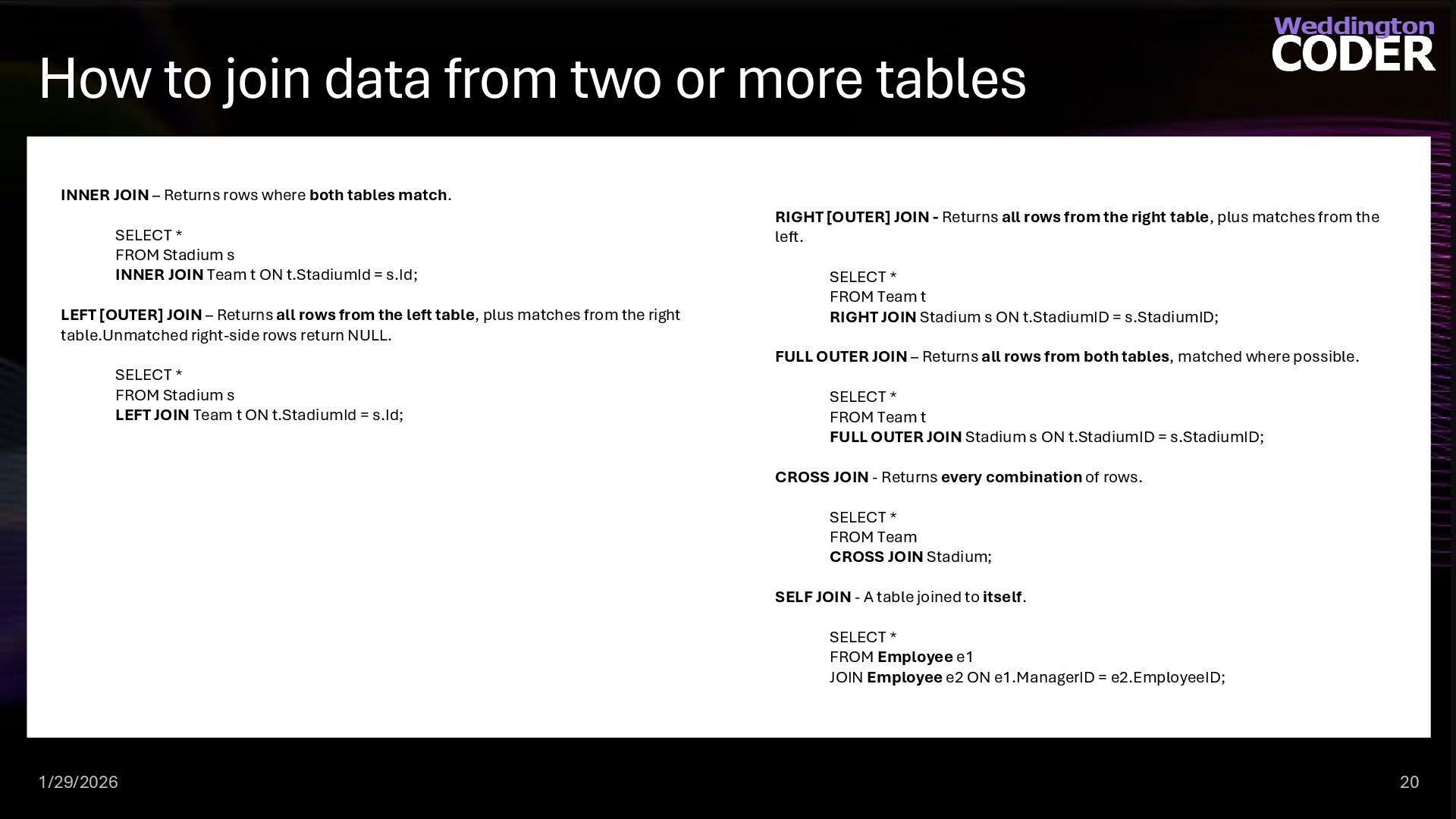
  15. How to join data from two or more tables 1/29/2026

    20 INNER JOIN – Returns rows where both tables match. SELECT * FROM Stadium s INNER JOIN Team t ON t.StadiumId = s.Id; LEFT [OUTER] JOIN – Returns all rows from the left table, plus matches from the right table.Unmatched right-side rows return NULL. SELECT * FROM Stadium s LEFT JOIN Team t ON t.StadiumId = s.Id; RIGHT [OUTER] JOIN - Returns all rows from the right table, plus matches from the left. SELECT * FROM Team t RIGHT JOIN Stadium s ON t.StadiumID = s.StadiumID; FULL OUTER JOIN – Returns all rows from both tables, matched where possible. SELECT * FROM Team t FULL OUTER JOIN Stadium s ON t.StadiumID = s.StadiumID; CROSS JOIN - Returns every combination of rows. SELECT * FROM Team CROSS JOIN Stadium; SELF JOIN - A table joined to itself. SELECT * FROM Employee e1 JOIN Employee e2 ON e1.ManagerID = e2.EmployeeID;
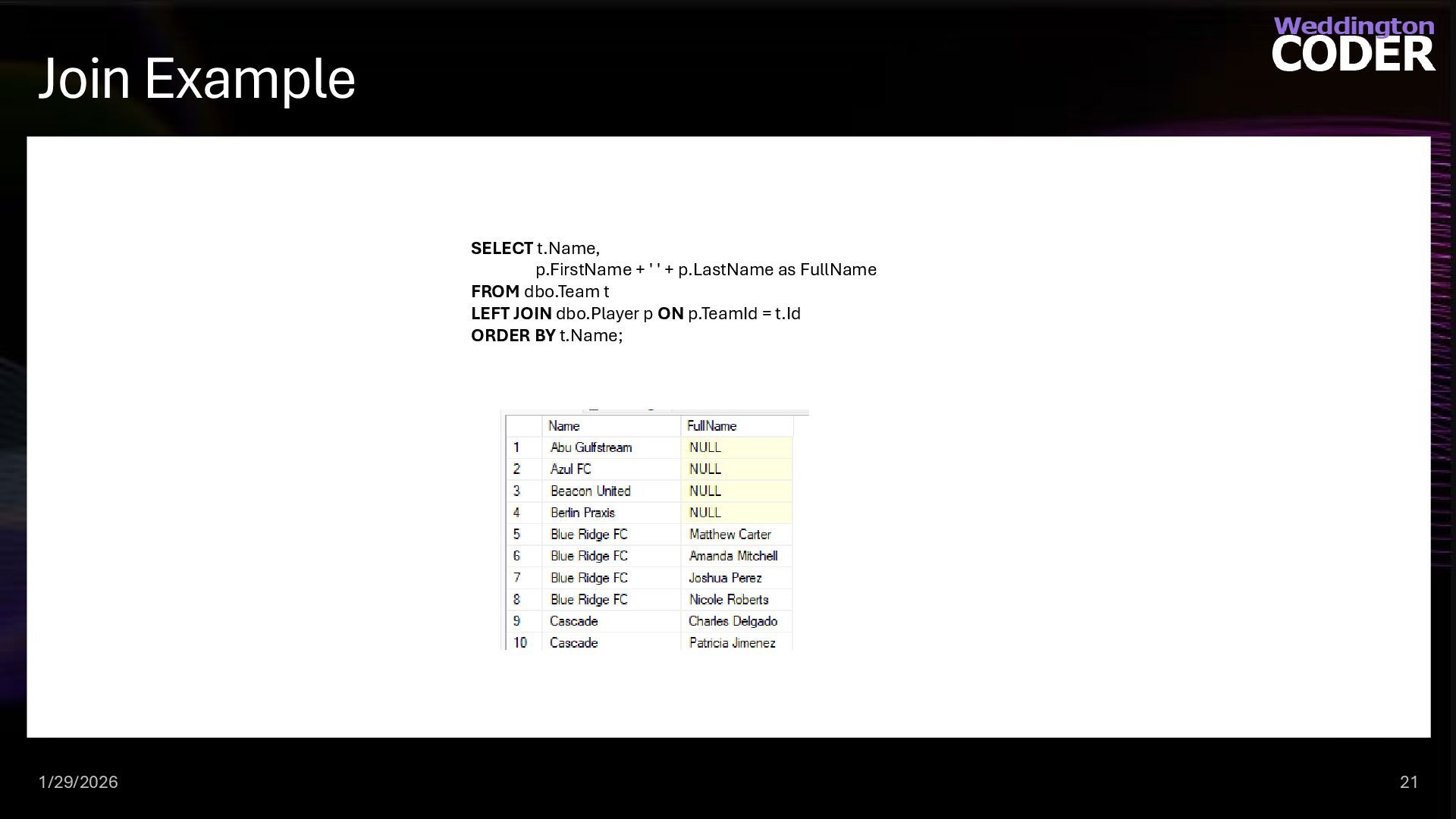
  16. Join Example 1/29/2026 21 SELECT t.Name, p.FirstName + ' '

    + p.LastName as FullName FROM dbo.Team t LEFT JOIN dbo.Player p ON p.TeamId = t.Id ORDER BY t.Name;
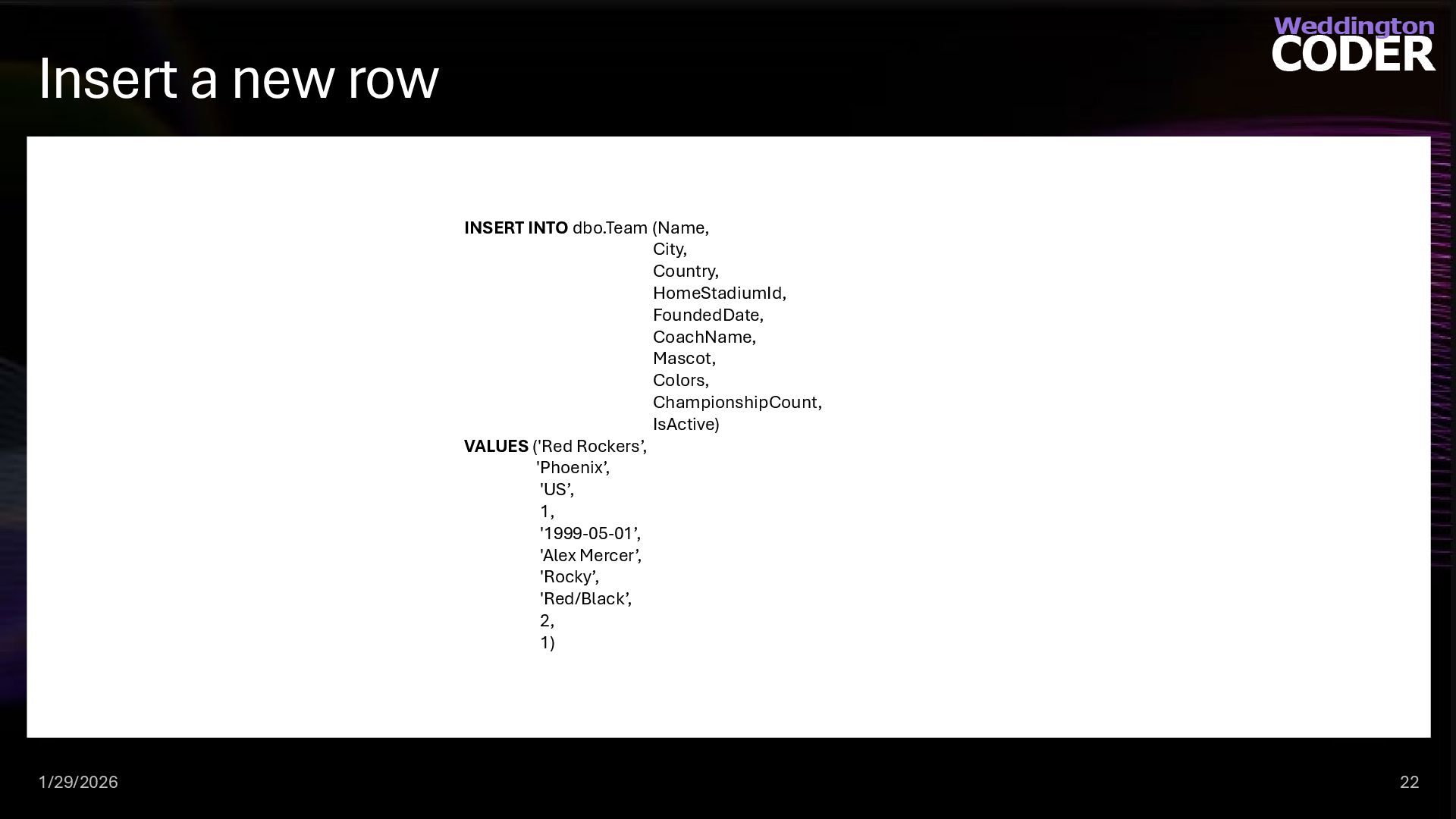
  17. Insert a new row 1/29/2026 22 INSERT INTO dbo.Team (Name,

    City, Country, HomeStadiumId, FoundedDate, CoachName, Mascot, Colors, ChampionshipCount, IsActive) VALUES ('Red Rockers’, 'Phoenix’, 'US’, 1, '1999-05-01’, 'Alex Mercer’, 'Rocky’, 'Red/Black’, 2, 1)
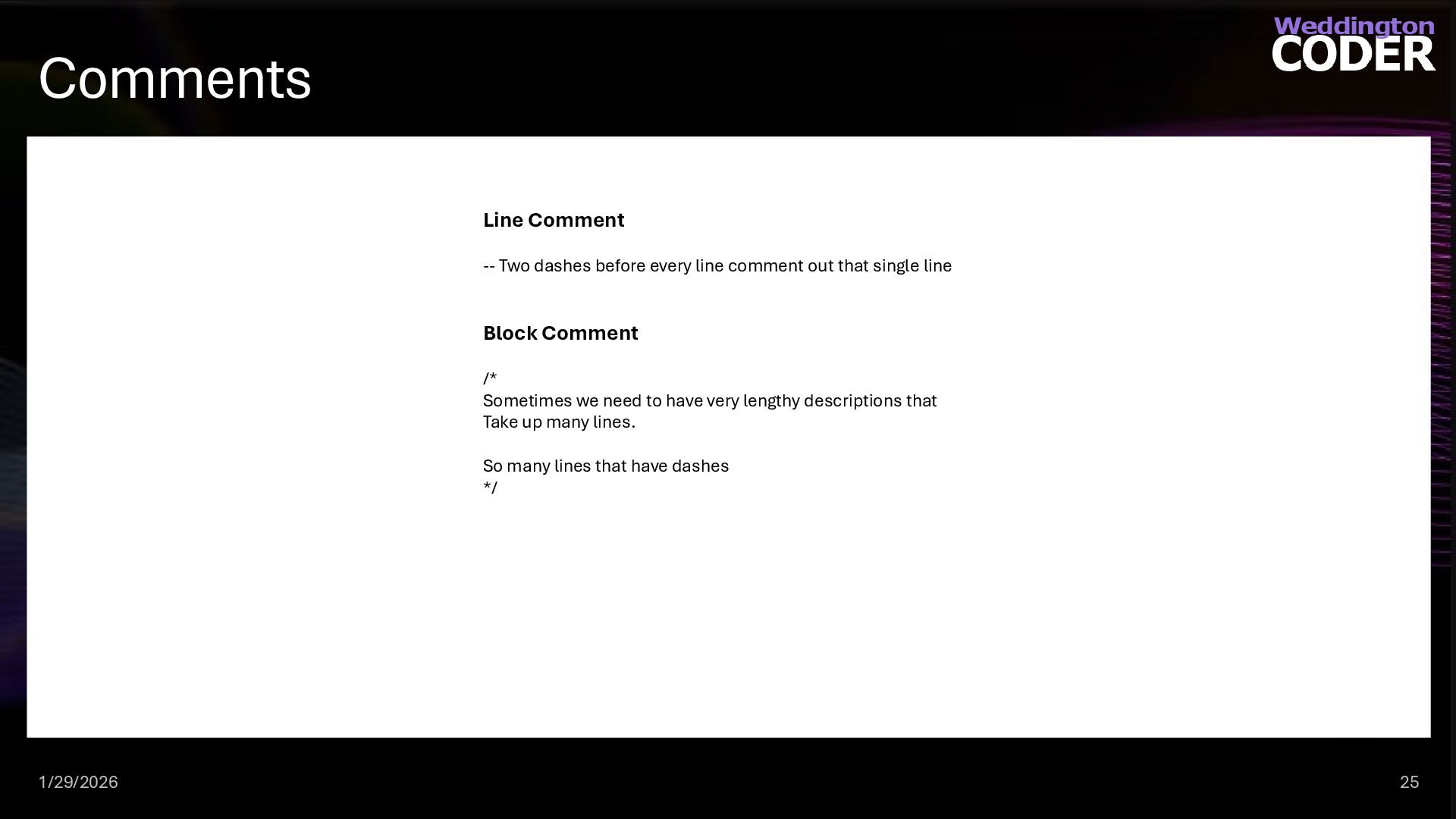
  18. Comments 1/29/2026 25 Line Comment -- Two dashes before every

    line comment out that single line Block Comment /* Sometimes we need to have very lengthy descriptions that Take up many lines. So many lines that have dashes */
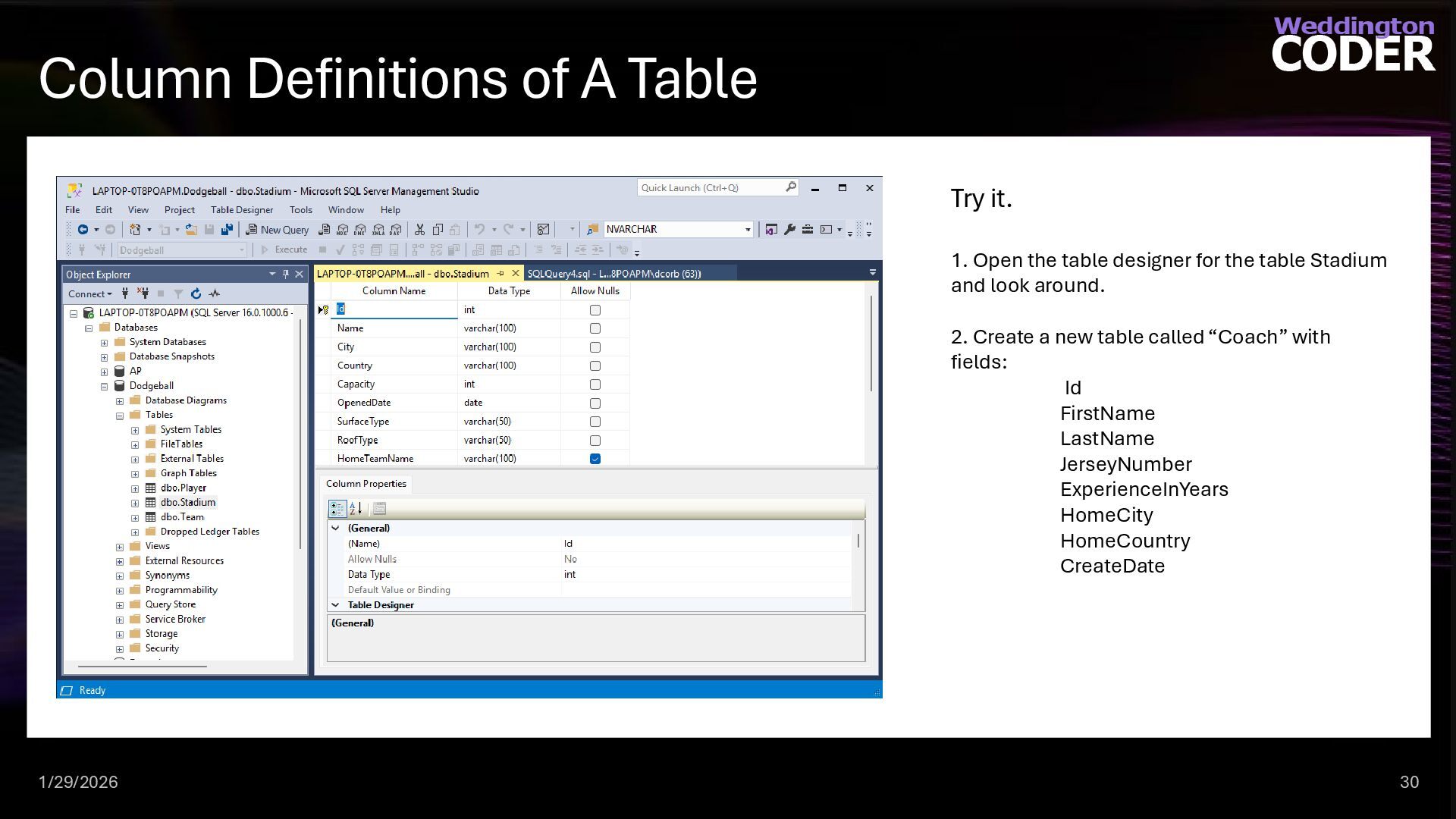
  19. Column Definitions of A Table 1/29/2026 30 Try it. 1.

    Open the table designer for the table Stadium and look around. 2. Create a new table called “Coach” with fields: Id FirstName LastName JerseyNumber ExperienceInYears HomeCity HomeCountry CreateDate
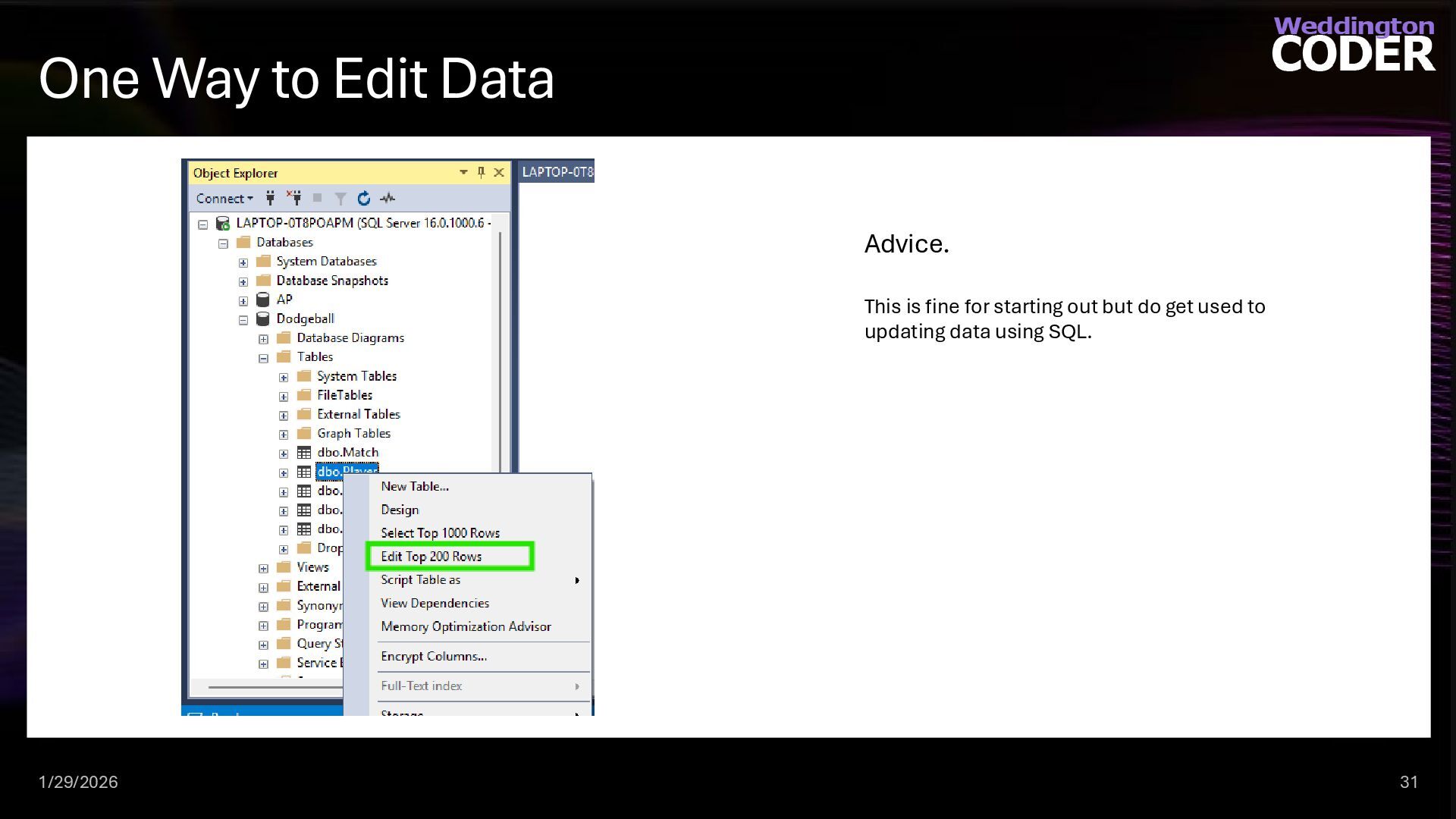
  20. One Way to Edit Data 1/29/2026 31 Advice. This is

    fine for starting out but do get used to updating data using SQL.
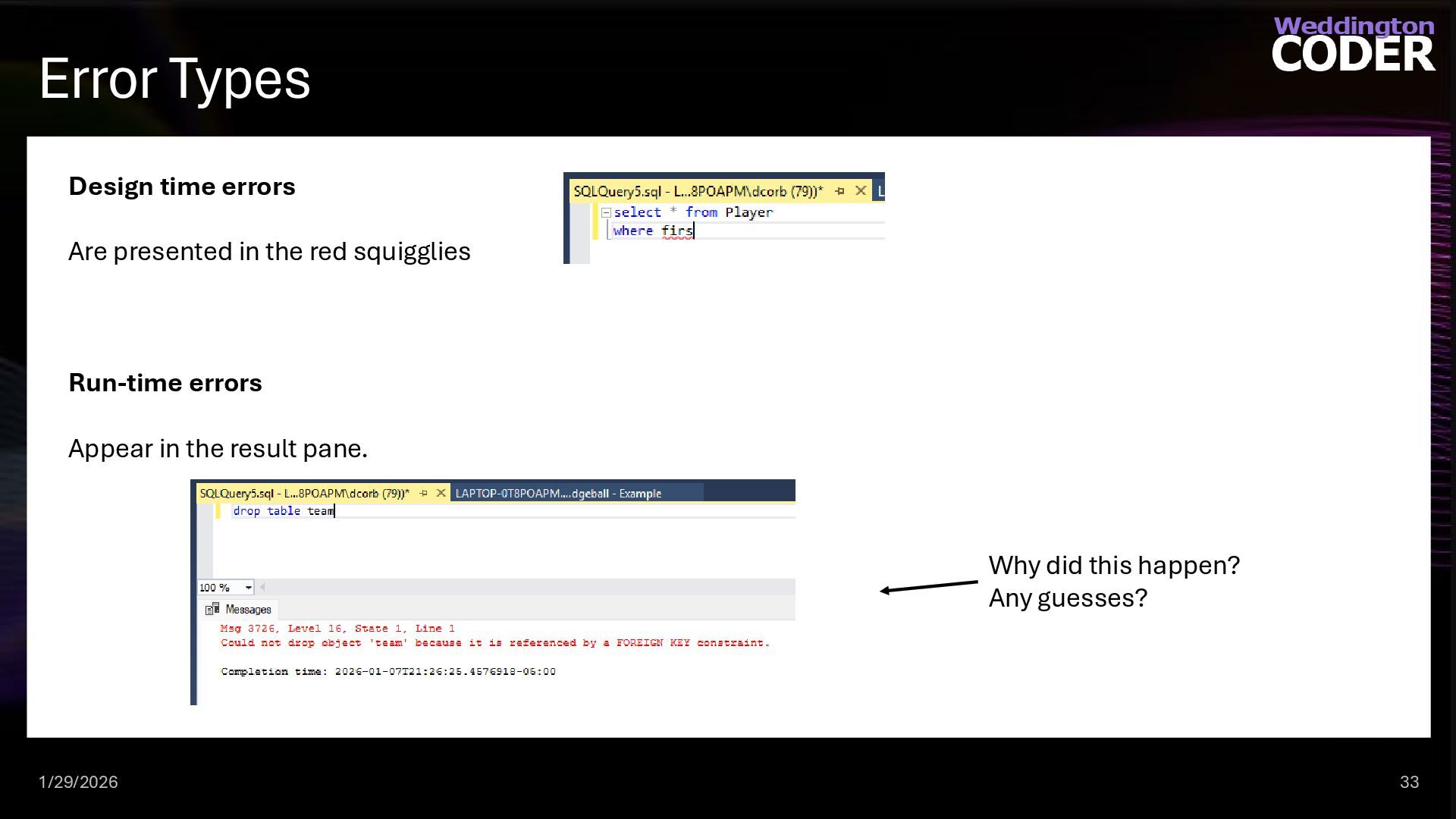
  21. Error Types 1/29/2026 33 Design time errors Are presented in

    the red squigglies Run-time errors Appear in the result pane. Why did this happen? Any guesses?
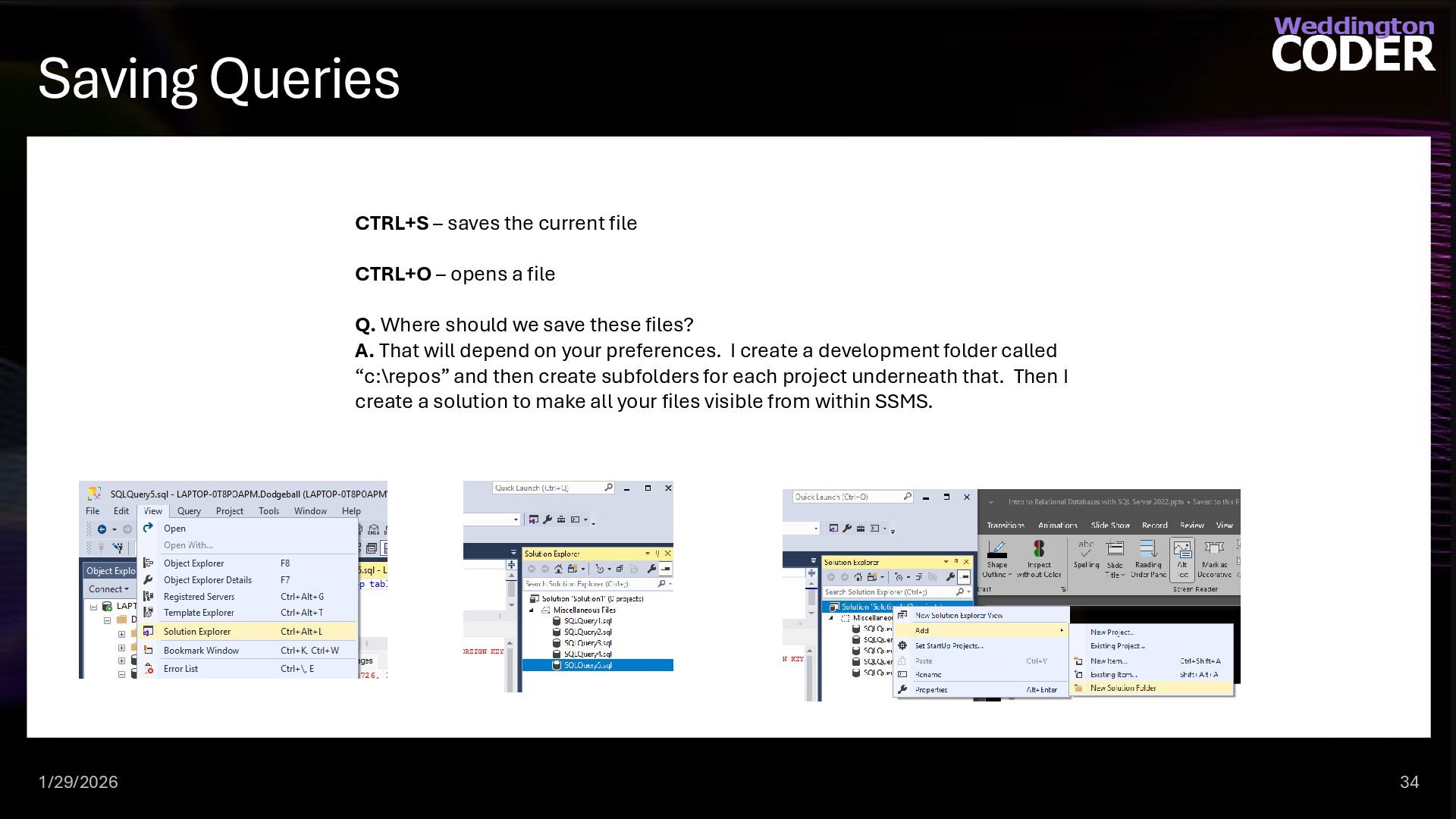
  22. Saving Queries 1/29/2026 34 CTRL+S – saves the current file

    CTRL+O – opens a file Q. Where should we save these files? A. That will depend on your preferences. I create a development folder called “c:\repos” and then create subfolders for each project underneath that. Then I create a solution to make all your files visible from within SSMS.
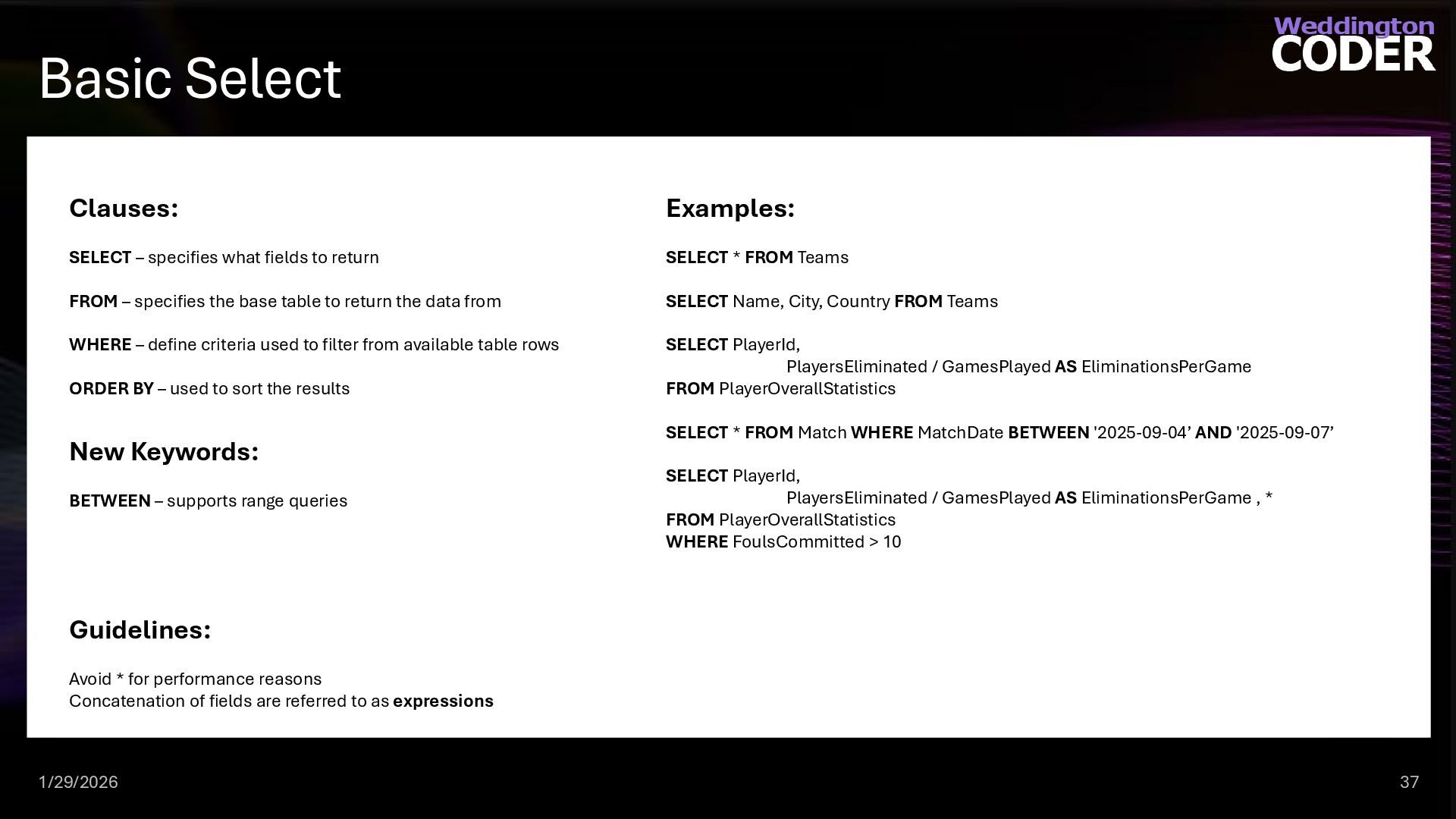
  23. Basic Select 1/29/2026 37 Clauses: SELECT – specifies what fields

    to return FROM – specifies the base table to return the data from WHERE – define criteria used to filter from available table rows ORDER BY – used to sort the results Examples: SELECT * FROM Teams SELECT Name, City, Country FROM Teams SELECT PlayerId, PlayersEliminated / GamesPlayed AS EliminationsPerGame FROM PlayerOverallStatistics SELECT * FROM Match WHERE MatchDate BETWEEN '2025-09-04’ AND '2025-09-07’ SELECT PlayerId, PlayersEliminated / GamesPlayed AS EliminationsPerGame , * FROM PlayerOverallStatistics WHERE FoulsCommitted > 10 Guidelines: Avoid * for performance reasons Concatenation of fields are referred to as expressions New Keywords: BETWEEN – supports range queries
  24. Practice Time 1/29/2026 38 Try it. Write a query that

    retrieves the FirstName, LastName, and Position for every player in the Player table
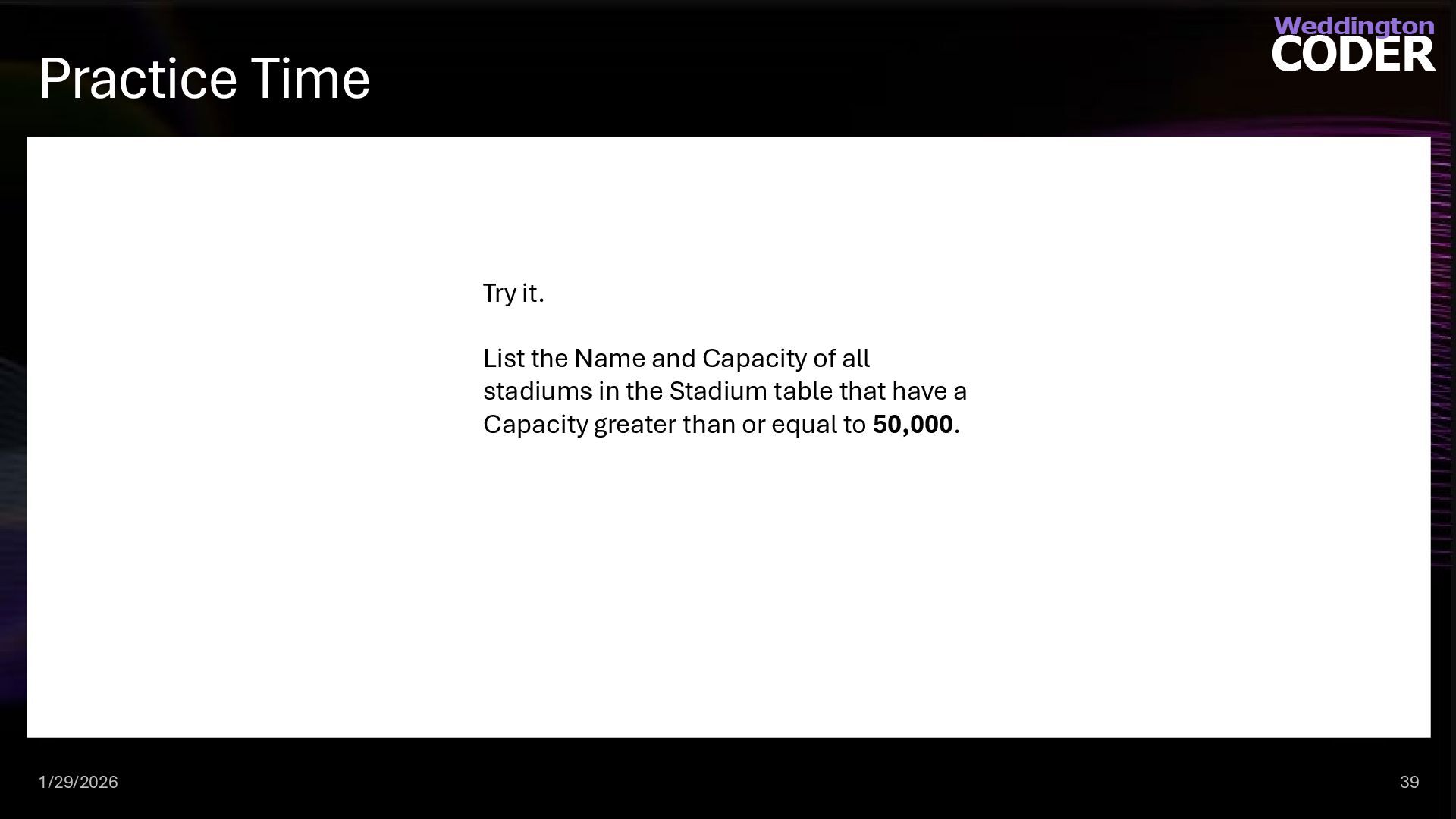
  25. Practice Time 1/29/2026 39 Try it. List the Name and

    Capacity of all stadiums in the Stadium table that have a Capacity greater than or equal to 50,000.
  26. Expanded SELECT Syntax 1/29/2026 40 Clauses: SELECT [ALLIDISTINCT] [TOP n

    [PERCENT] [WITH TIES]] column_specification [[AS] result_column] [, column_specification _[ [AS] result_column]] Examples: SELECT DISTINCT Name, City + ‘, ‘ + Country as [Home Location] FROM Teams SELECT PlayerId, PlayersEliminated / GamesPlayed FROM PlayerOverallStatistics -- Get top 5 teams by championship count, including ties SELECT TOP 5 WITH TIES Name, ChampionshipCount FROM dbo.Team ORDER BY ChampionshipCount DESC; SELECT TOP 10 PERCENT Name, ChampionshipCount FROM dbo.Team ORDER BY ChampionshipCount DESC; Guidelines: Avoid * for performance reasons Concatenation of fields are referred to as expressions New Keywords: ALL – never used as it is the default behavior DISTINCT – removes duplicate rows from a query result, returning only unique values TOP – specifies the number of rows to return PERCENT – specifies the percent of table rows to return WITH TIES - used with the TOP clause to include additional rows that have the same value in the ORDER BY column(s) as the last row in the result set. AS – used for aliasing column names New Functions: GETDATE() – gets the current date in the timezone the server results. GETUTCDATE() – gets the current time from Greenwich England. Also known as UTC or Coordinated Universal Time.
  27. Practice Time 1/29/2026 41 Try it. Find the top 5

    teams with the most championships. Retrieve the Name and ChampionshipCount, and sort the results from the highest number of championships to the lowest.
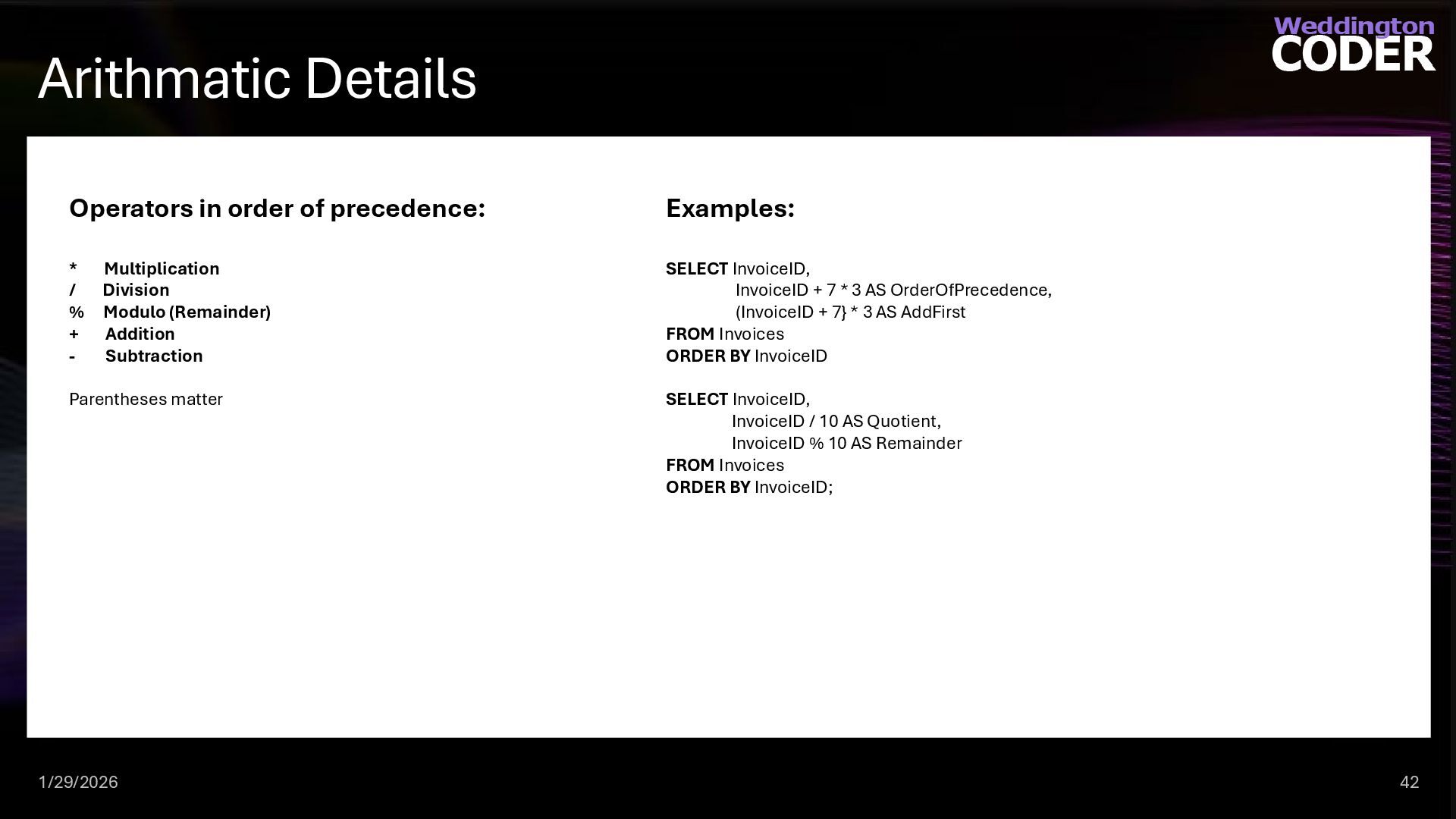
  28. Arithmatic Details 1/29/2026 42 Operators in order of precedence: *

    Multiplication / Division % Modulo (Remainder) + Addition - Subtraction Parentheses matter Examples: SELECT InvoiceID, InvoiceID + 7 * 3 AS OrderOfPrecedence, (InvoiceID + 7} * 3 AS AddFirst FROM Invoices ORDER BY InvoiceID SELECT InvoiceID, InvoiceID / 10 AS Quotient, InvoiceID % 10 AS Remainder FROM Invoices ORDER BY InvoiceID;
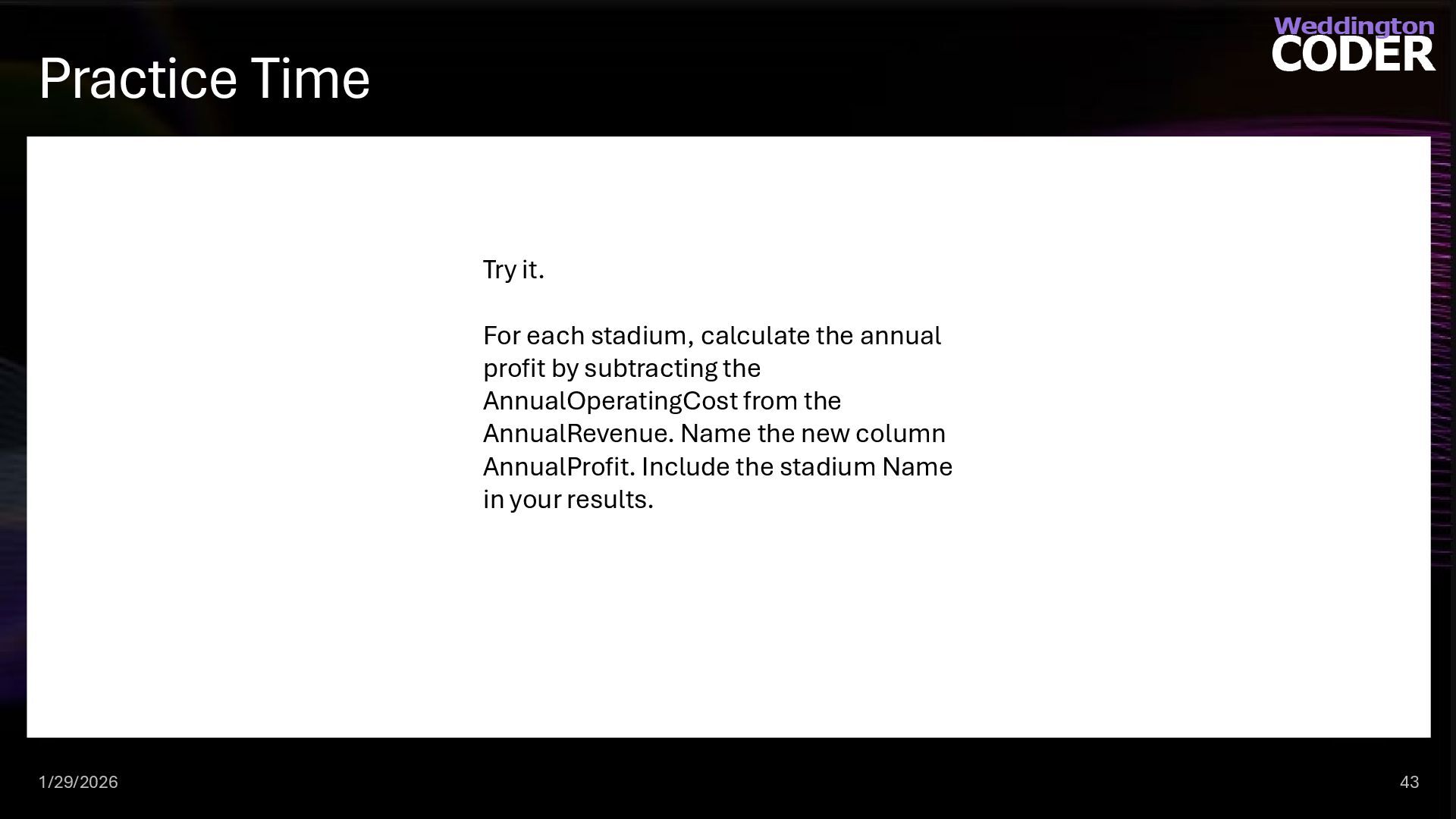
  29. Practice Time 1/29/2026 43 Try it. For each stadium, calculate

    the annual profit by subtracting the AnnualOperatingCost from the AnnualRevenue. Name the new column AnnualProfit. Include the stadium Name in your results.
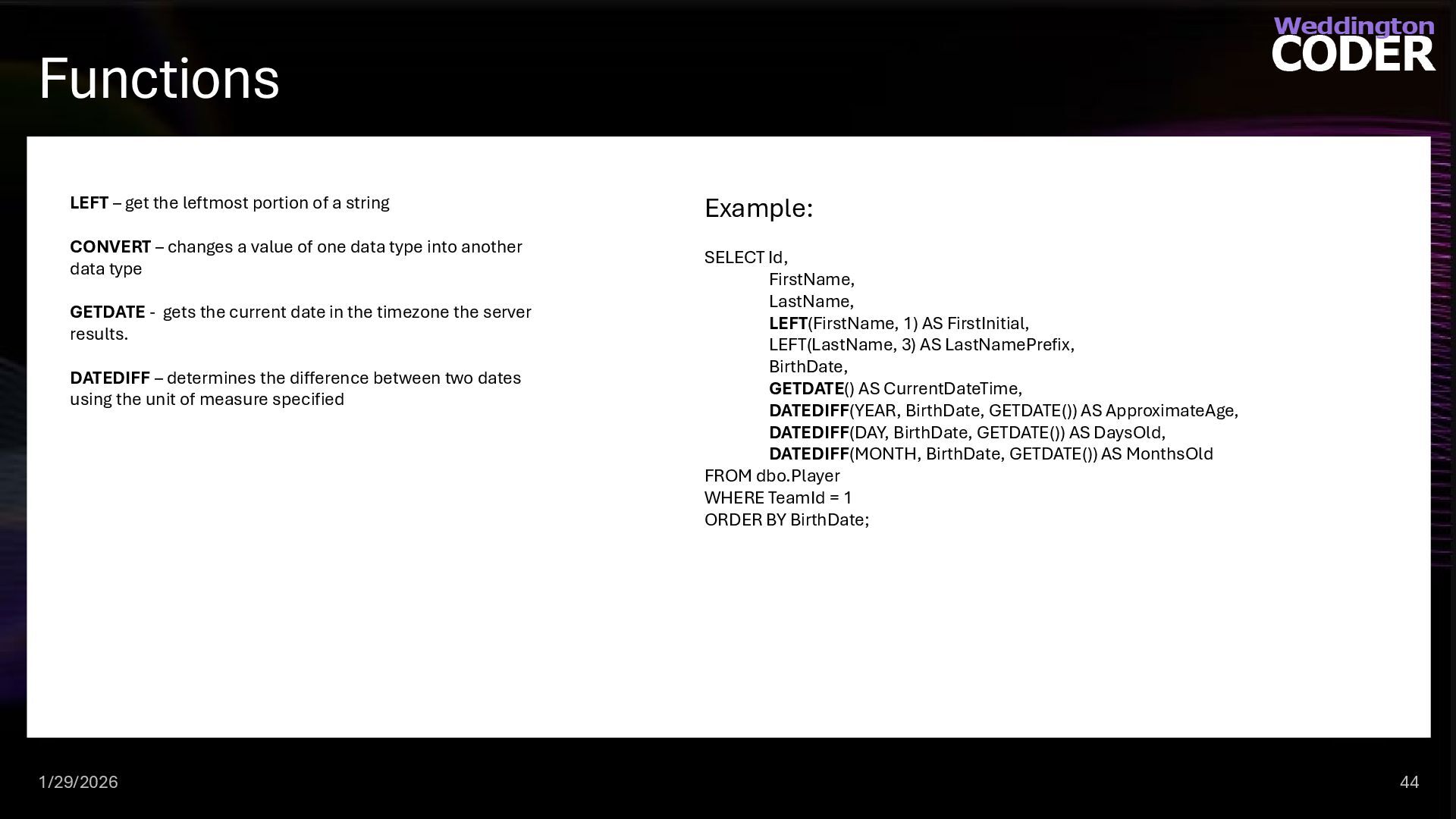
  30. Functions 1/29/2026 44 LEFT – get the leftmost portion of

    a string CONVERT – changes a value of one data type into another data type GETDATE - gets the current date in the timezone the server results. DATEDIFF – determines the difference between two dates using the unit of measure specified Example: SELECT Id, FirstName, LastName, LEFT(FirstName, 1) AS FirstInitial, LEFT(LastName, 3) AS LastNamePrefix, BirthDate, GETDATE() AS CurrentDateTime, DATEDIFF(YEAR, BirthDate, GETDATE()) AS ApproximateAge, DATEDIFF(DAY, BirthDate, GETDATE()) AS DaysOld, DATEDIFF(MONTH, BirthDate, GETDATE()) AS MonthsOld FROM dbo.Player WHERE TeamId = 1 ORDER BY BirthDate;
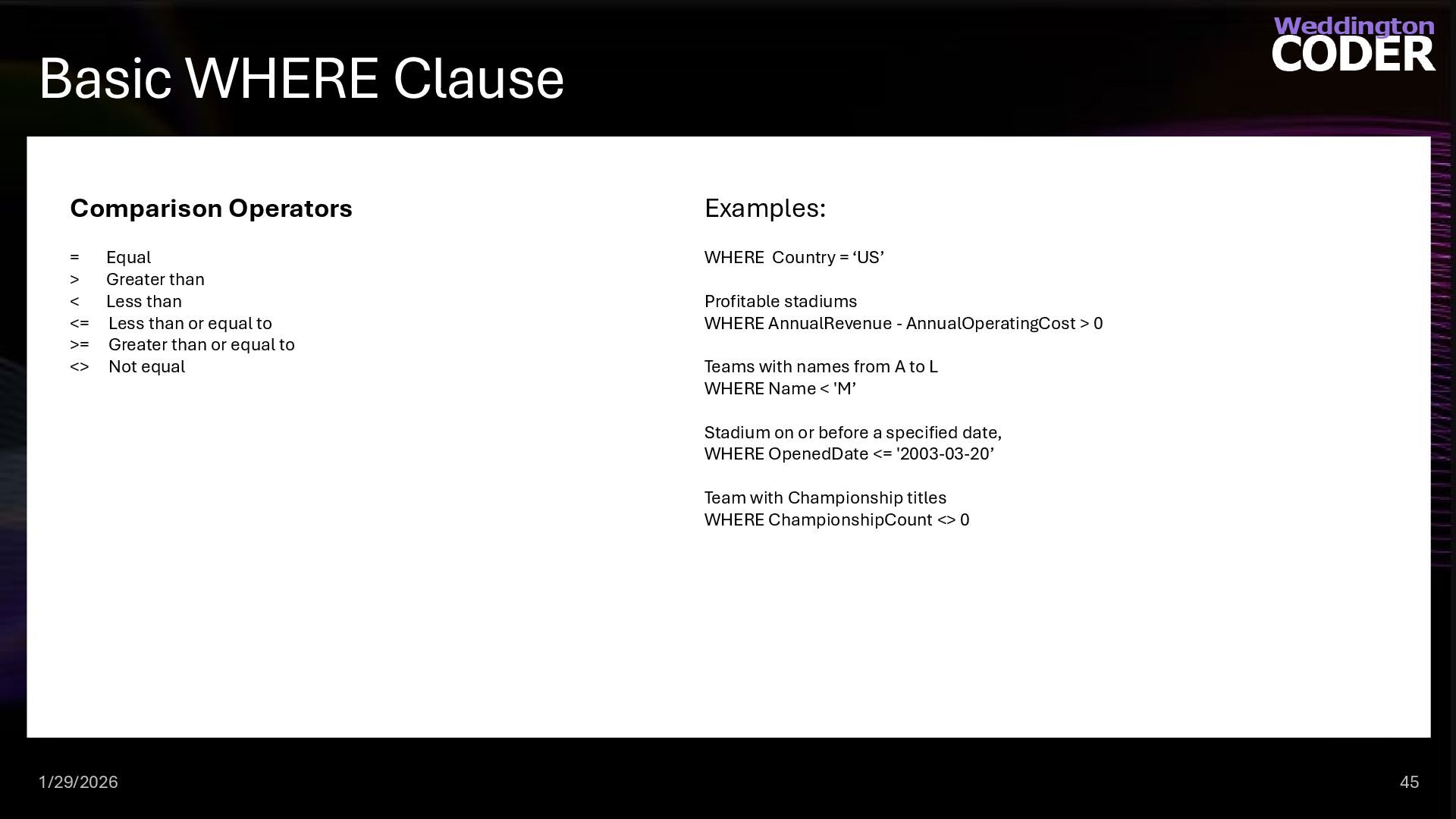
  31. Basic WHERE Clause 1/29/2026 45 Comparison Operators = Equal >

    Greater than < Less than <= Less than or equal to >= Greater than or equal to <> Not equal Examples: WHERE Country = ‘US’ Profitable stadiums WHERE AnnualRevenue - AnnualOperatingCost > 0 Teams with names from A to L WHERE Name < 'M’ Stadium on or before a specified date, WHERE OpenedDate <= '2003-03-20’ Team with Championship titles WHERE ChampionshipCount <> 0
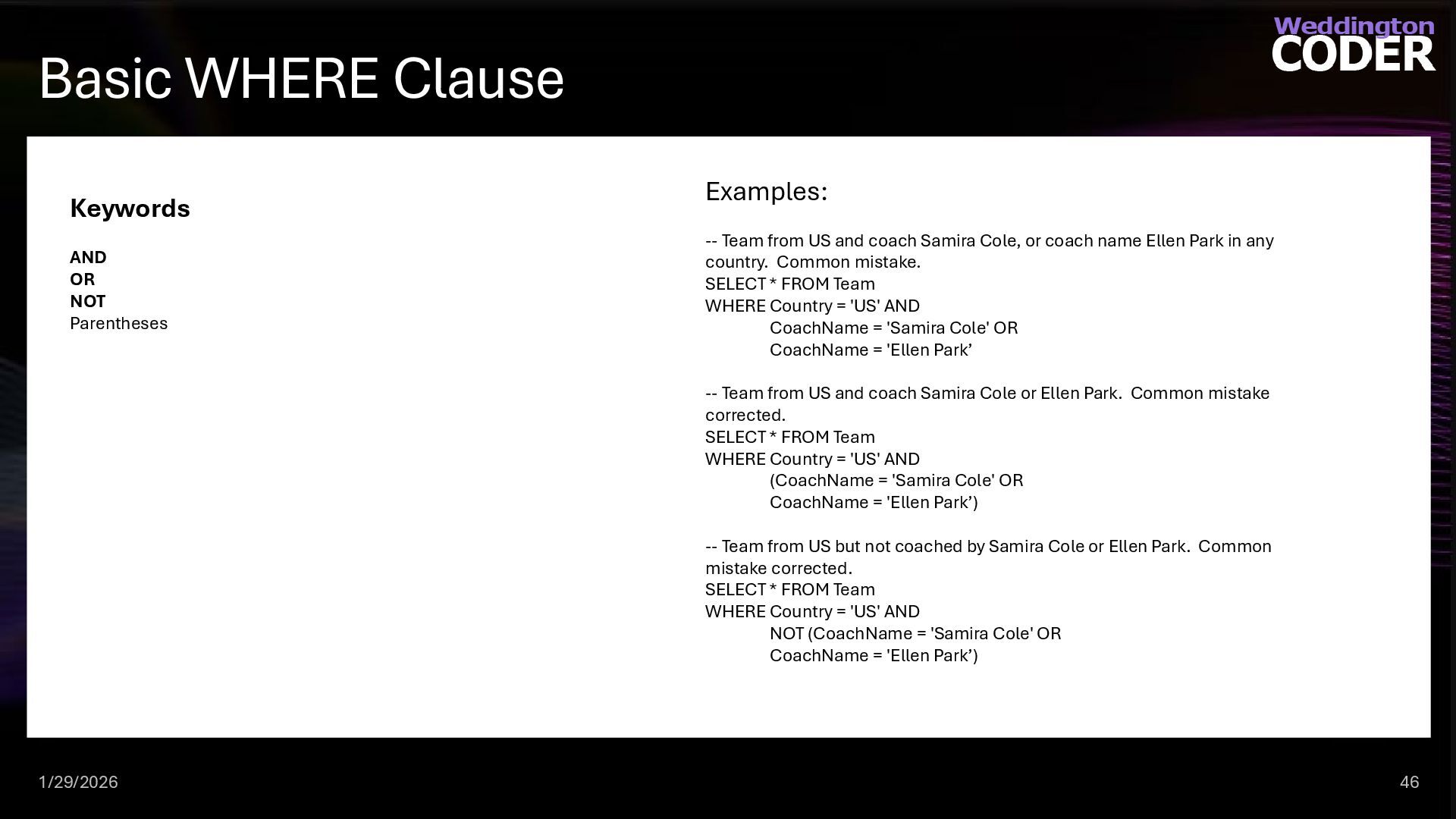
  32. Basic WHERE Clause 1/29/2026 46 Keywords AND OR NOT Parentheses

    Examples: -- Team from US and coach Samira Cole, or coach name Ellen Park in any country. Common mistake. SELECT * FROM Team WHERE Country = 'US' AND CoachName = 'Samira Cole' OR CoachName = 'Ellen Park’ -- Team from US and coach Samira Cole or Ellen Park. Common mistake corrected. SELECT * FROM Team WHERE Country = 'US' AND (CoachName = 'Samira Cole' OR CoachName = 'Ellen Park’) -- Team from US but not coached by Samira Cole or Ellen Park. Common mistake corrected. SELECT * FROM Team WHERE Country = 'US' AND NOT (CoachName = 'Samira Cole' OR CoachName = 'Ellen Park’)
  33. Practice Time 1/29/2026 47 Try it. Create a result set

    that shows a single column named PlayerDetails. This column should combine the FirstName and LastName with a space in between (e.g., "John Doe"). Only include players whose Nationality is 'US'.
  34. Practice Time 1/29/2026 48 Try it. Retrieve the Name and

    CoachName of all teams from the Team table that are located in the 'US' and have won more than 2 championships.
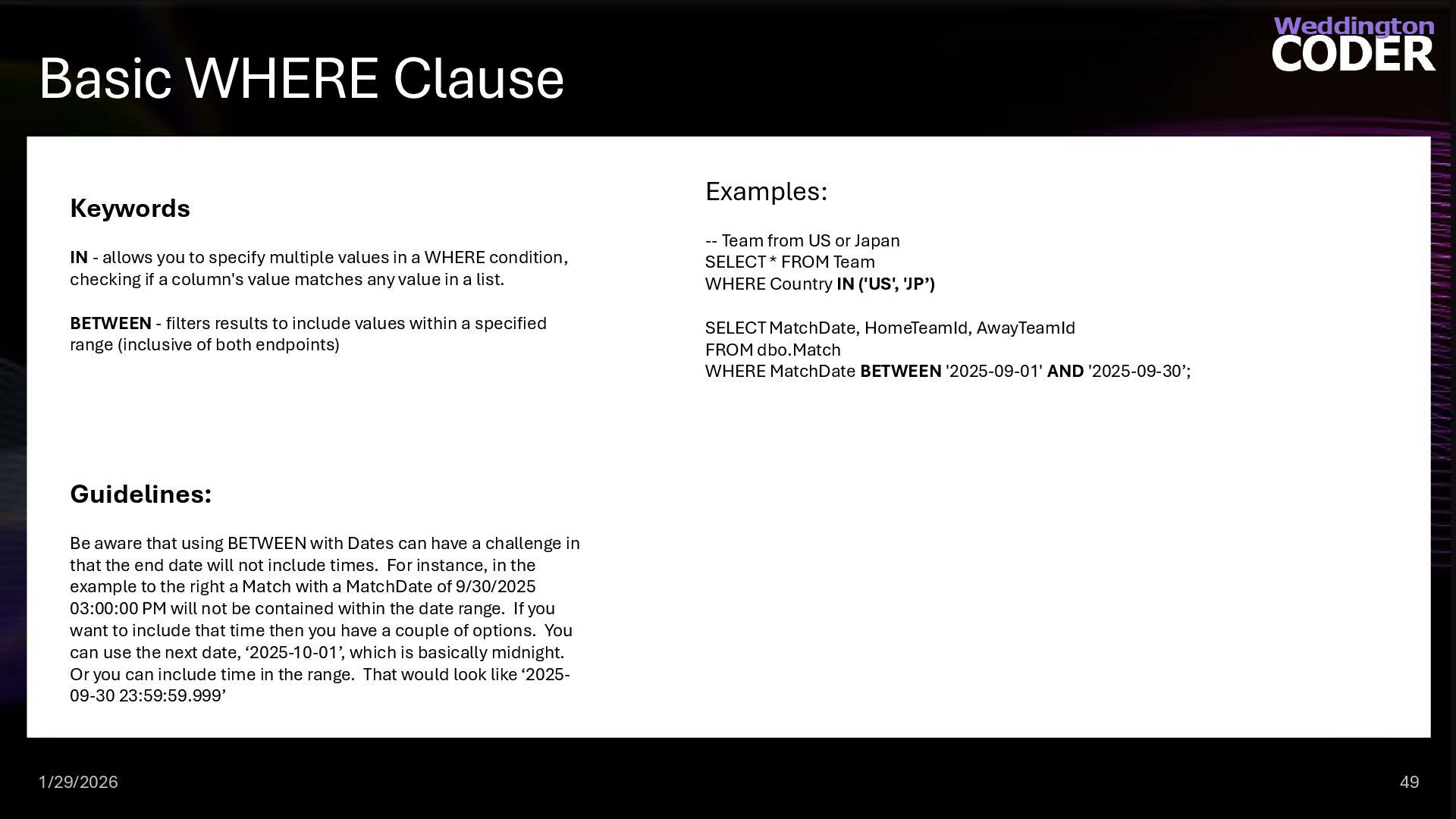
  35. Basic WHERE Clause 1/29/2026 49 Keywords IN - allows you

    to specify multiple values in a WHERE condition, checking if a column's value matches any value in a list. BETWEEN - filters results to include values within a specified range (inclusive of both endpoints) Examples: -- Team from US or Japan SELECT * FROM Team WHERE Country IN ('US', 'JP’) SELECT MatchDate, HomeTeamId, AwayTeamId FROM dbo.Match WHERE MatchDate BETWEEN '2025-09-01' AND '2025-09-30’; Guidelines: Be aware that using BETWEEN with Dates can have a challenge in that the end date will not include times. For instance, in the example to the right a Match with a MatchDate of 9/30/2025 03:00:00 PM will not be contained within the date range. If you want to include that time then you have a couple of options. You can use the next date, ‘2025-10-01’, which is basically midnight. Or you can include time in the range. That would look like ‘2025- 09-30 23:59:59.999’
  36. Practice Time 1/29/2026 50 Try it. Write a query to

    find all players who play in the positions of 'Thrower', 'Catcher', or 'Sweeper'. Sort the results by LastName.
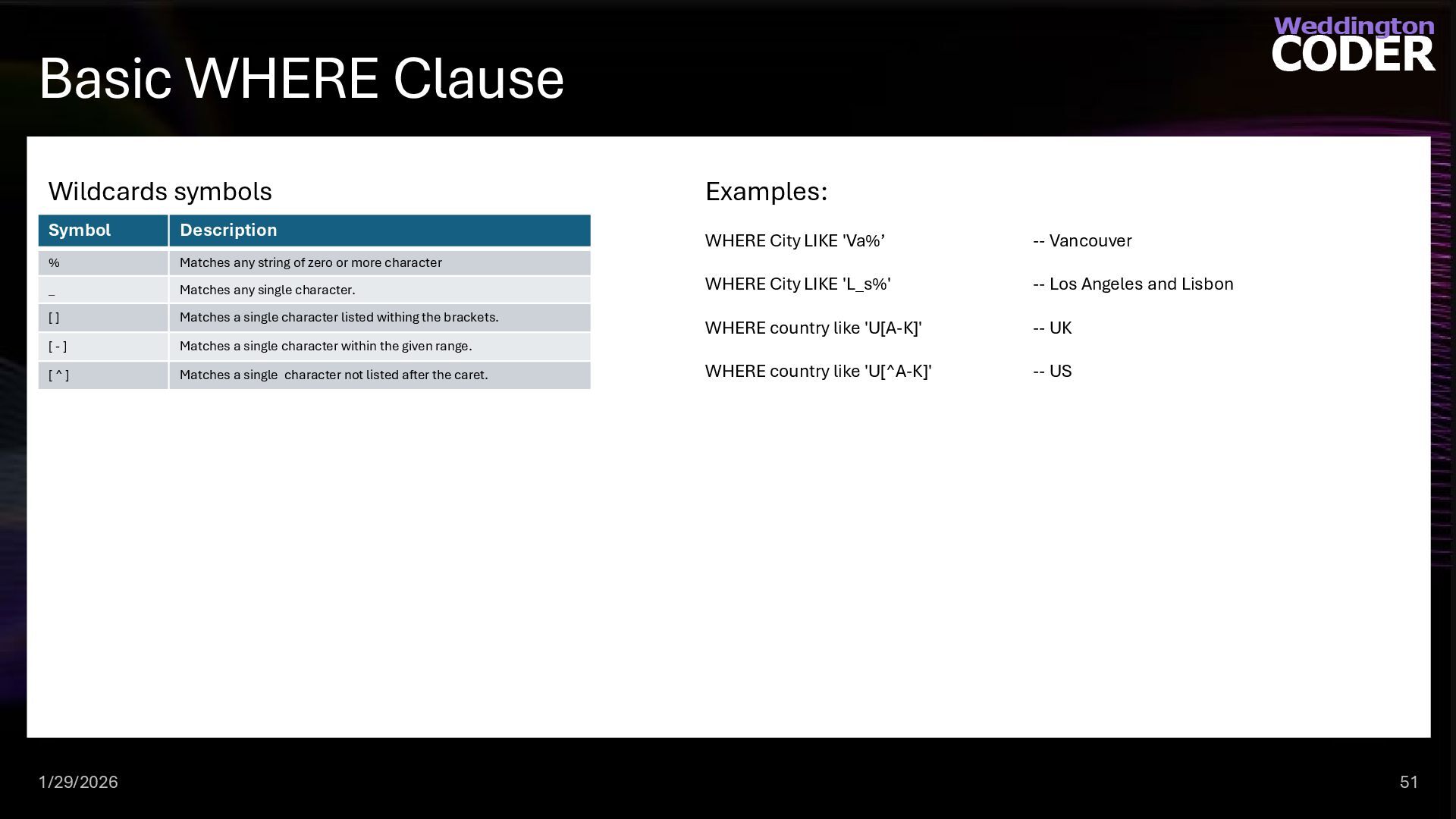
  37. Basic WHERE Clause 1/29/2026 51 Examples: WHERE City LIKE 'Va%’

    -- Vancouver WHERE City LIKE 'L_s%' -- Los Angeles and Lisbon WHERE country like 'U[A-K]' -- UK WHERE country like 'U[^A-K]' -- US Symbol Description % Matches any string of zero or more character _ Matches any single character. [ ] Matches a single character listed withing the brackets. [ - ] Matches a single character within the given range. [ ^ ] Matches a single character not listed after the caret. Wildcards symbols
  38. Practice Time 1/29/2026 52 Try it. Find all teams whose

    names start with the word 'Harbor'. Use the appropriate wildcard to ensure any characters following 'Harbor' are included.
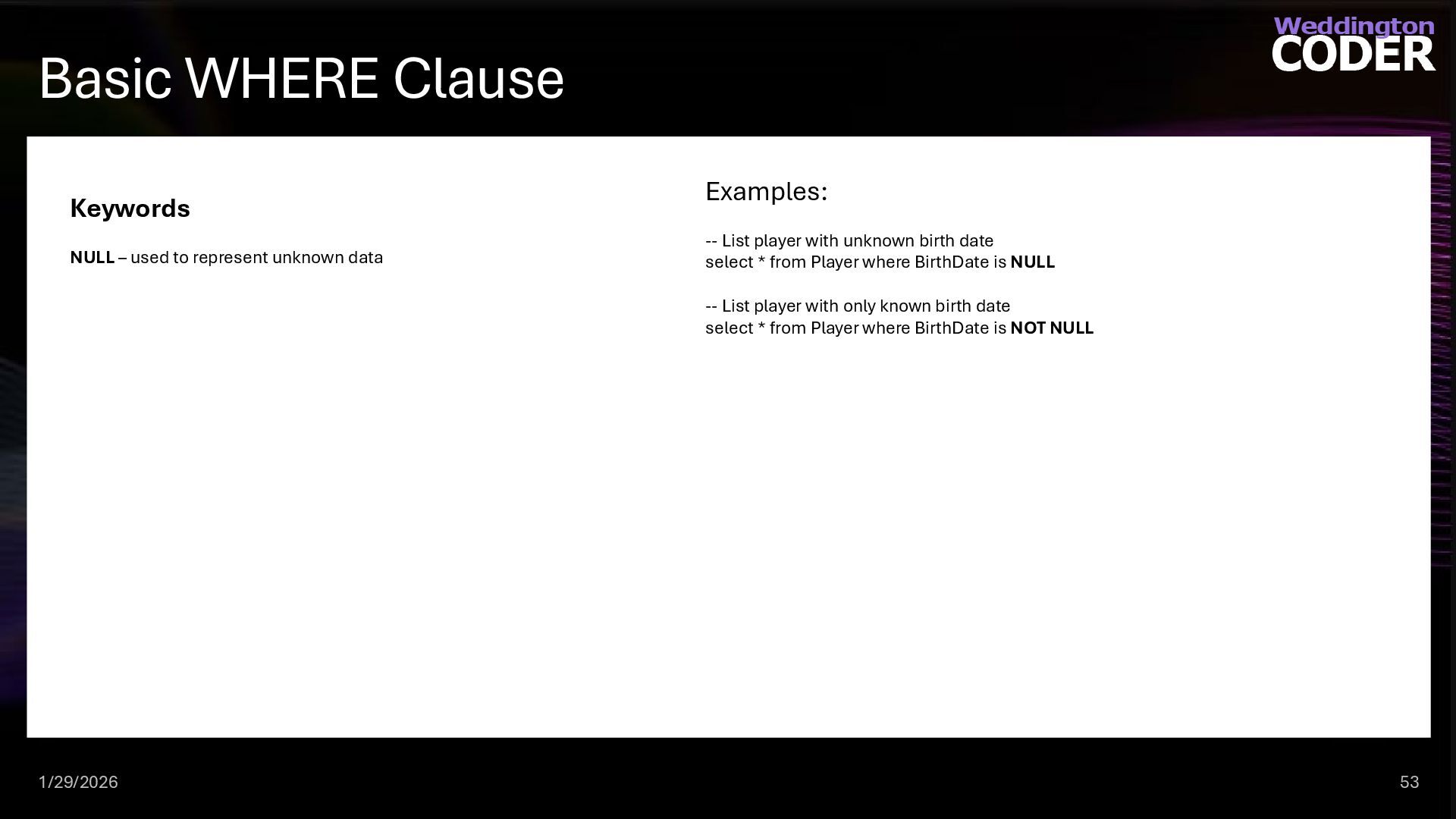
  39. Basic WHERE Clause 1/29/2026 53 Keywords NULL – used to

    represent unknown data Examples: -- List player with unknown birth date select * from Player where BirthDate is NULL -- List player with only known birth date select * from Player where BirthDate is NOT NULL
  40. Practice Time 1/29/2026 54 Try it. Identify players who do

    not have a middle name listed in the database. Retrieve their FirstName and LastName where the MiddleName is NULL.
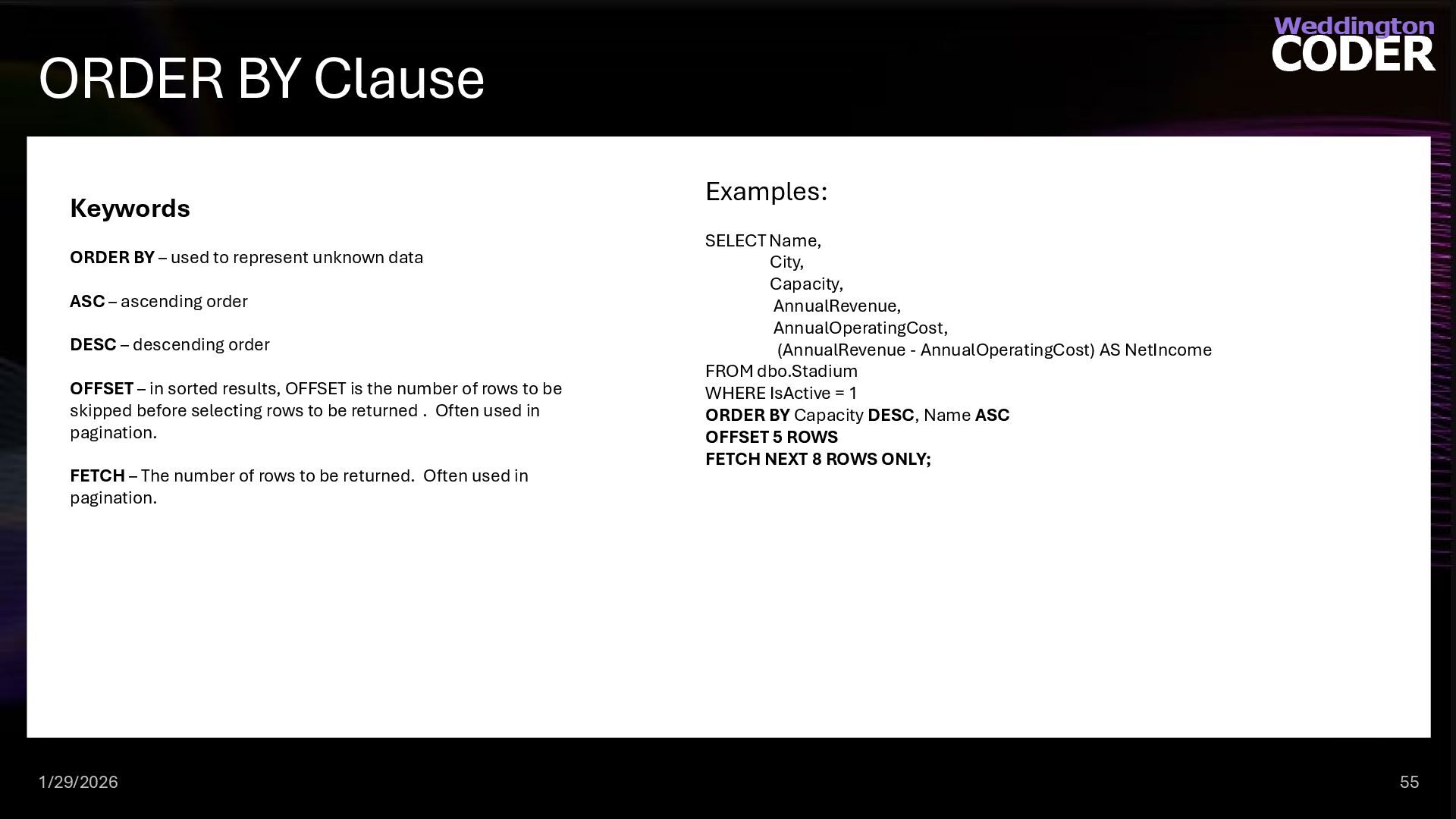
  41. ORDER BY Clause 1/29/2026 55 Keywords ORDER BY – used

    to represent unknown data ASC – ascending order DESC – descending order OFFSET – in sorted results, OFFSET is the number of rows to be skipped before selecting rows to be returned . Often used in pagination. FETCH – The number of rows to be returned. Often used in pagination. Examples: SELECT Name, City, Capacity, AnnualRevenue, AnnualOperatingCost, (AnnualRevenue - AnnualOperatingCost) AS NetIncome FROM dbo.Stadium WHERE IsActive = 1 ORDER BY Capacity DESC, Name ASC OFFSET 5 ROWS FETCH NEXT 8 ROWS ONLY;
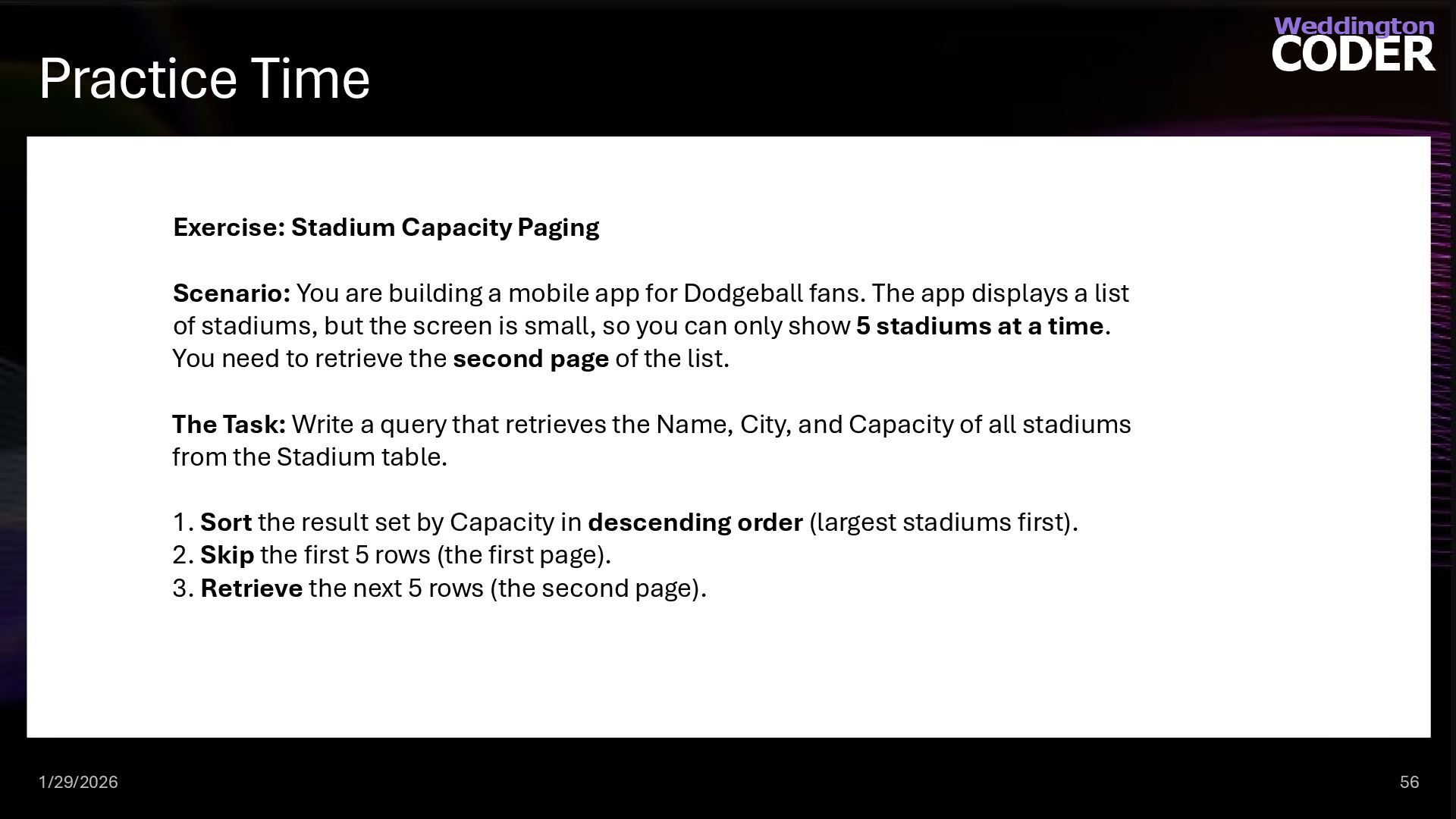
  42. Practice Time 1/29/2026 56 Exercise: Stadium Capacity Paging Scenario: You

    are building a mobile app for Dodgeball fans. The app displays a list of stadiums, but the screen is small, so you can only show 5 stadiums at a time. You need to retrieve the second page of the list. The Task: Write a query that retrieves the Name, City, and Capacity of all stadiums from the Stadium table. 1. Sort the result set by Capacity in descending order (largest stadiums first). 2. Skip the first 5 rows (the first page). 3. Retrieve the next 5 rows (the second page).
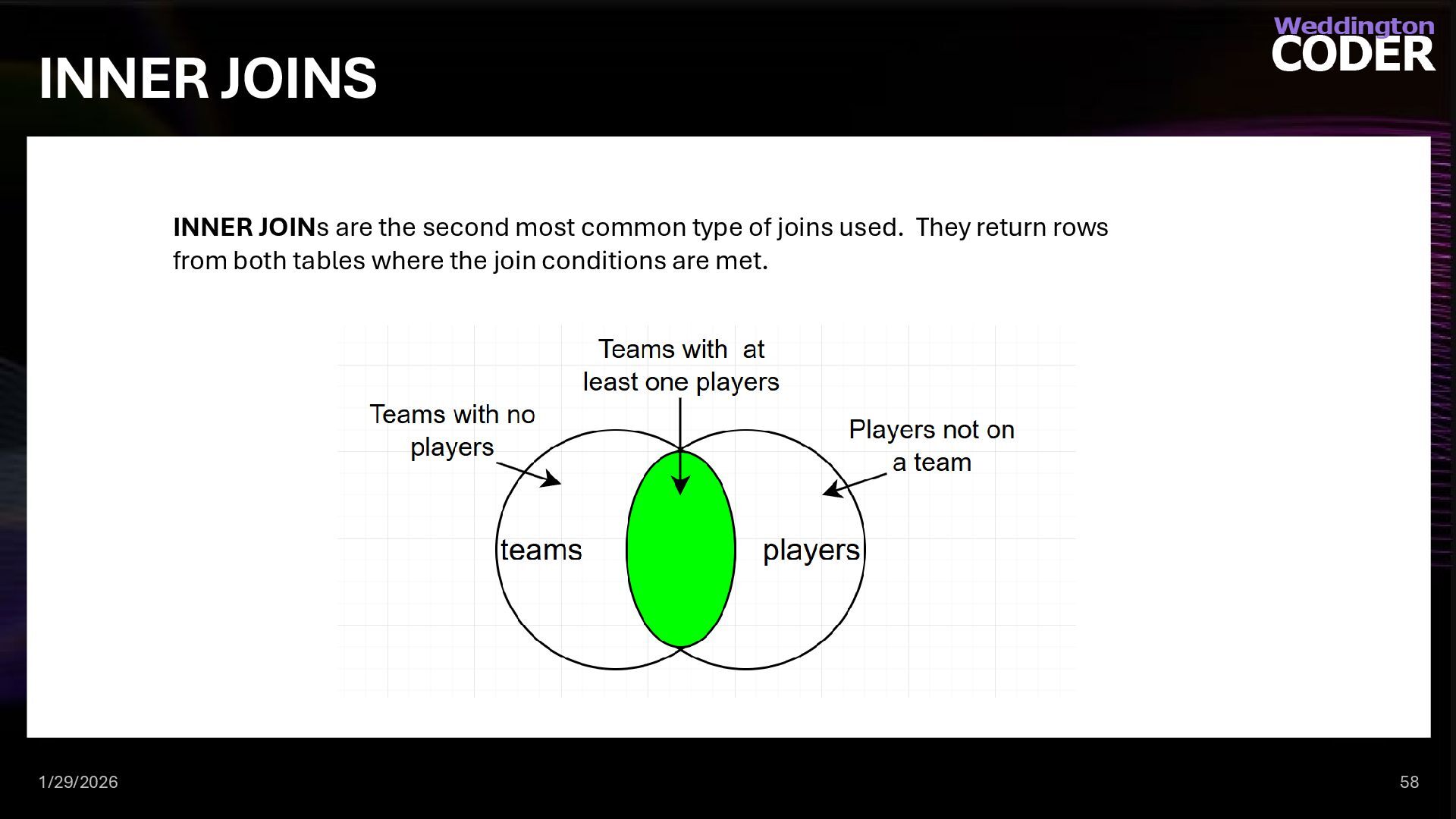
  43. INNER JOINS 1/29/2026 58 INNER JOINs are the second most

    common type of joins used. They return rows from both tables where the join conditions are met.
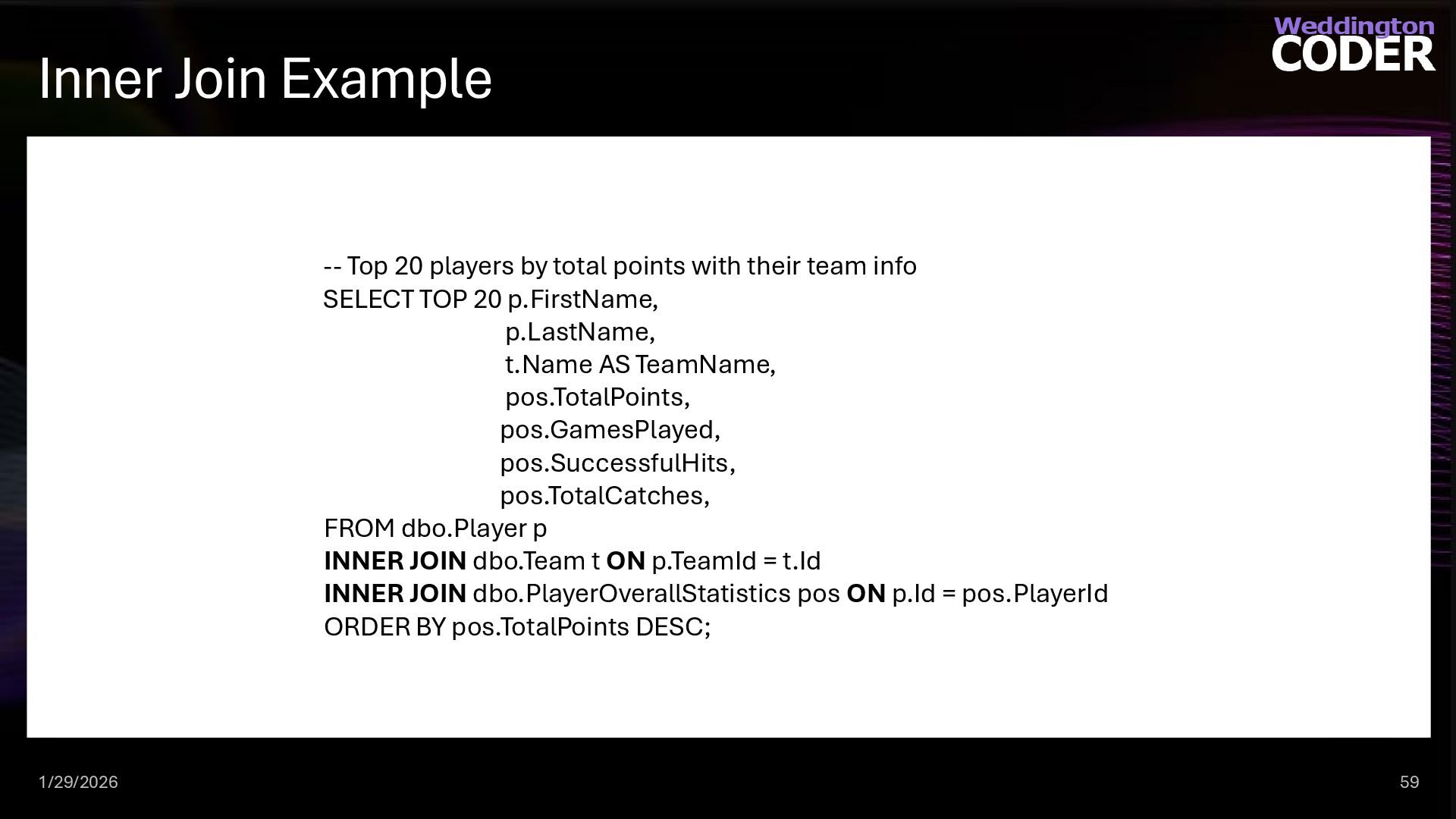
  44. Inner Join Example 1/29/2026 59 -- Top 20 players by

    total points with their team info SELECT TOP 20 p.FirstName, p.LastName, t.Name AS TeamName, pos.TotalPoints, pos.GamesPlayed, pos.SuccessfulHits, pos.TotalCatches, FROM dbo.Player p INNER JOIN dbo.Team t ON p.TeamId = t.Id INNER JOIN dbo.PlayerOverallStatistics pos ON p.Id = pos.PlayerId ORDER BY pos.TotalPoints DESC;
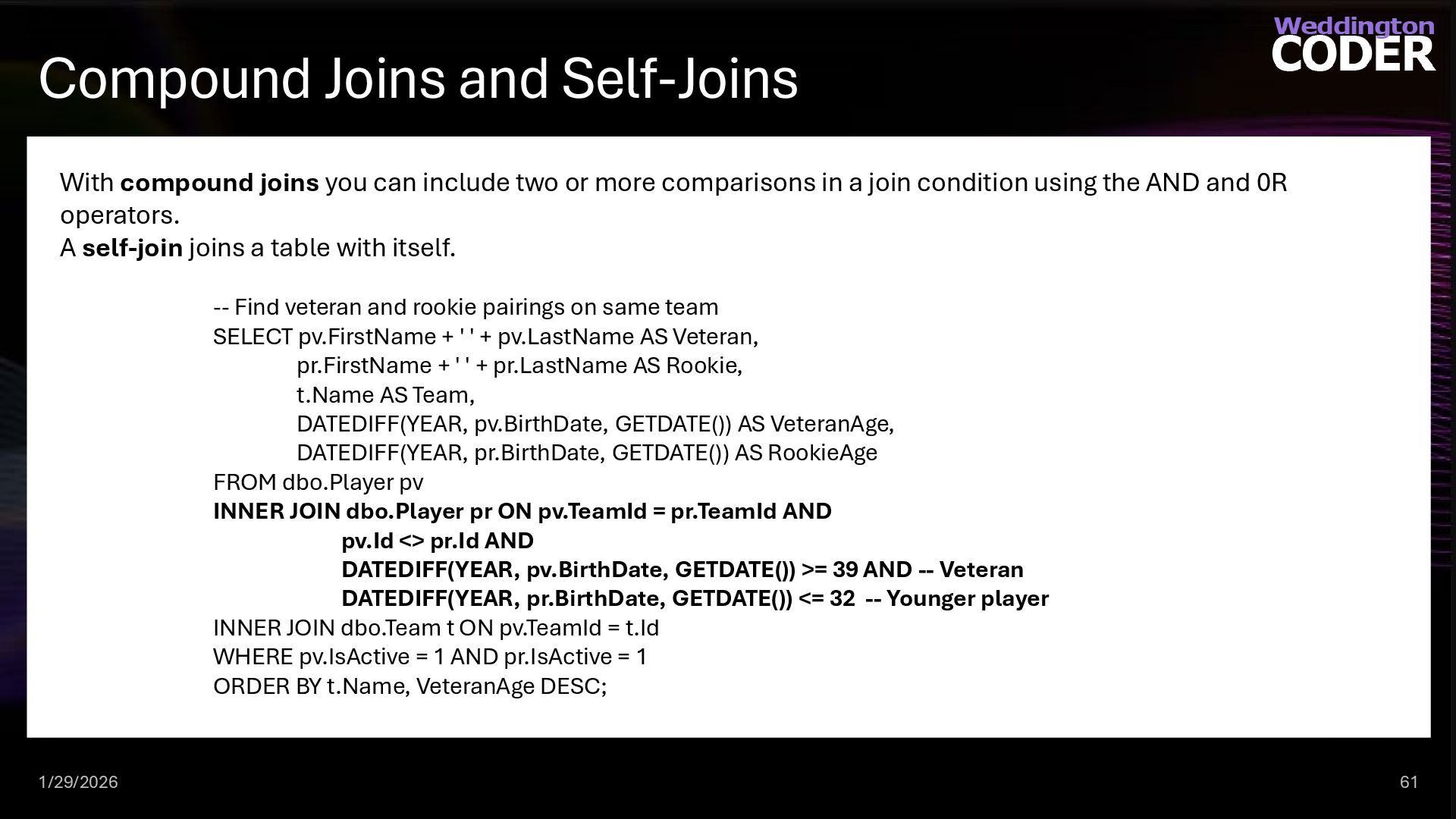
  45. Compound Joins and Self-Joins 1/29/2026 61 With compound joins you

    can include two or more comparisons in a join condition using the AND and 0R operators. A self-join joins a table with itself. -- Find veteran and rookie pairings on same team SELECT pv.FirstName + ' ' + pv.LastName AS Veteran, pr.FirstName + ' ' + pr.LastName AS Rookie, t.Name AS Team, DATEDIFF(YEAR, pv.BirthDate, GETDATE()) AS VeteranAge, DATEDIFF(YEAR, pr.BirthDate, GETDATE()) AS RookieAge FROM dbo.Player pv INNER JOIN dbo.Player pr ON pv.TeamId = pr.TeamId AND pv.Id <> pr.Id AND DATEDIFF(YEAR, pv.BirthDate, GETDATE()) >= 39 AND -- Veteran DATEDIFF(YEAR, pr.BirthDate, GETDATE()) <= 32 -- Younger player INNER JOIN dbo.Team t ON pv.TeamId = t.Id WHERE pv.IsActive = 1 AND pr.IsActive = 1 ORDER BY t.Name, VeteranAge DESC;
  46. LEFT [OUTER] JOIN 1/29/2026 62 LEFT JOINs are the most

    common type of joins used. They return all rows from the base table and those rows from the non-base table that match fields in the ON clause. -- returns all teams and their players as well as teams without players SELECT t.Name AS TeamName, t.City, p.FirstName, p.LastName, t.ChampionshipCount FROM dbo.Team t LEFT JOIN dbo.Player p ON t.Id = p.TeamId ORDER BY t.Name, p.LastName;
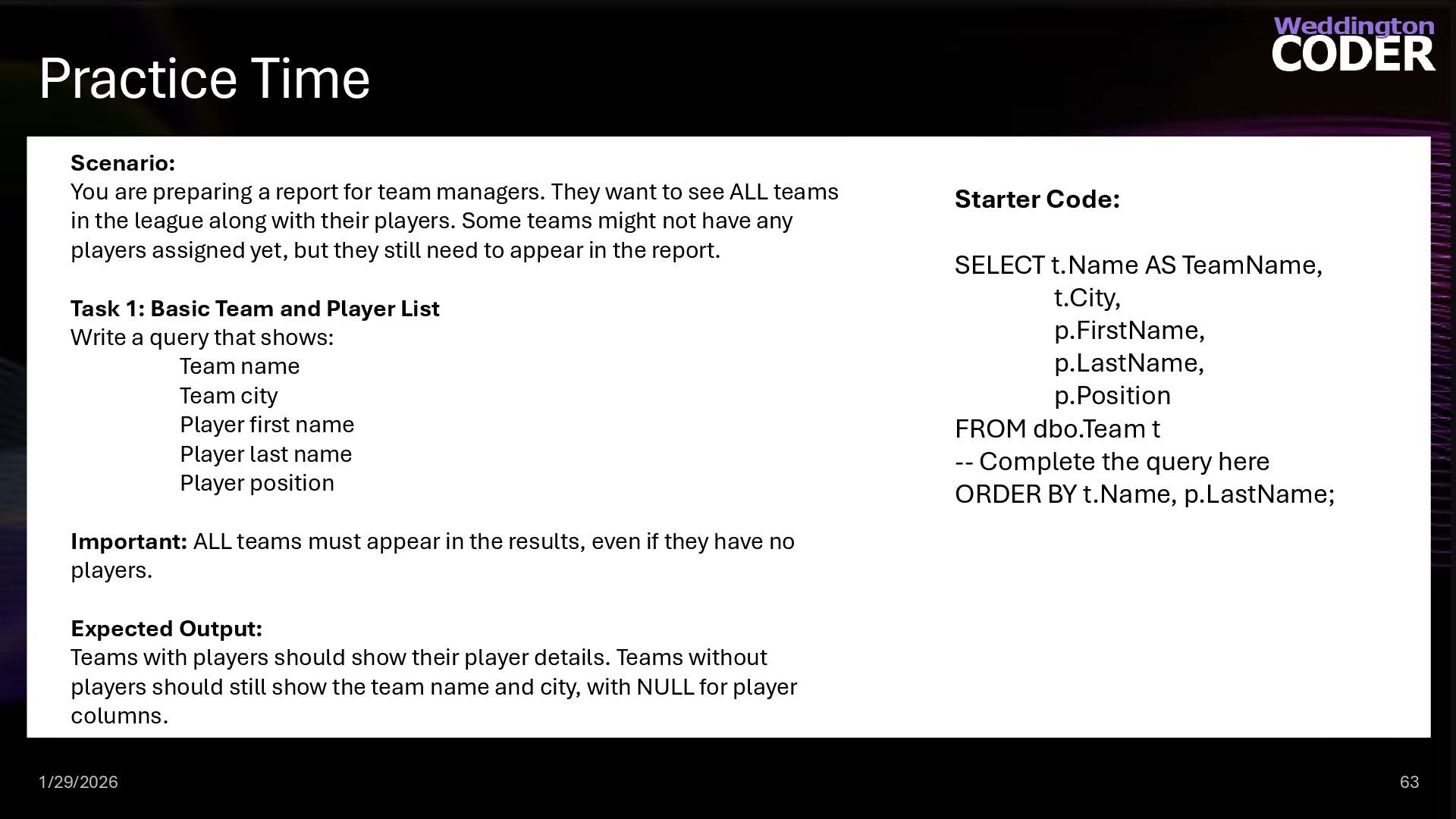
  47. Practice Time 1/29/2026 63 Scenario: You are preparing a report

    for team managers. They want to see ALL teams in the league along with their players. Some teams might not have any players assigned yet, but they still need to appear in the report. Task 1: Basic Team and Player List Write a query that shows: Team name Team city Player first name Player last name Player position Important: ALL teams must appear in the results, even if they have no players. Expected Output: Teams with players should show their player details. Teams without players should still show the team name and city, with NULL for player columns. Starter Code: SELECT t.Name AS TeamName, t.City, p.FirstName, p.LastName, p.Position FROM dbo.Team t -- Complete the query here ORDER BY t.Name, p.LastName;
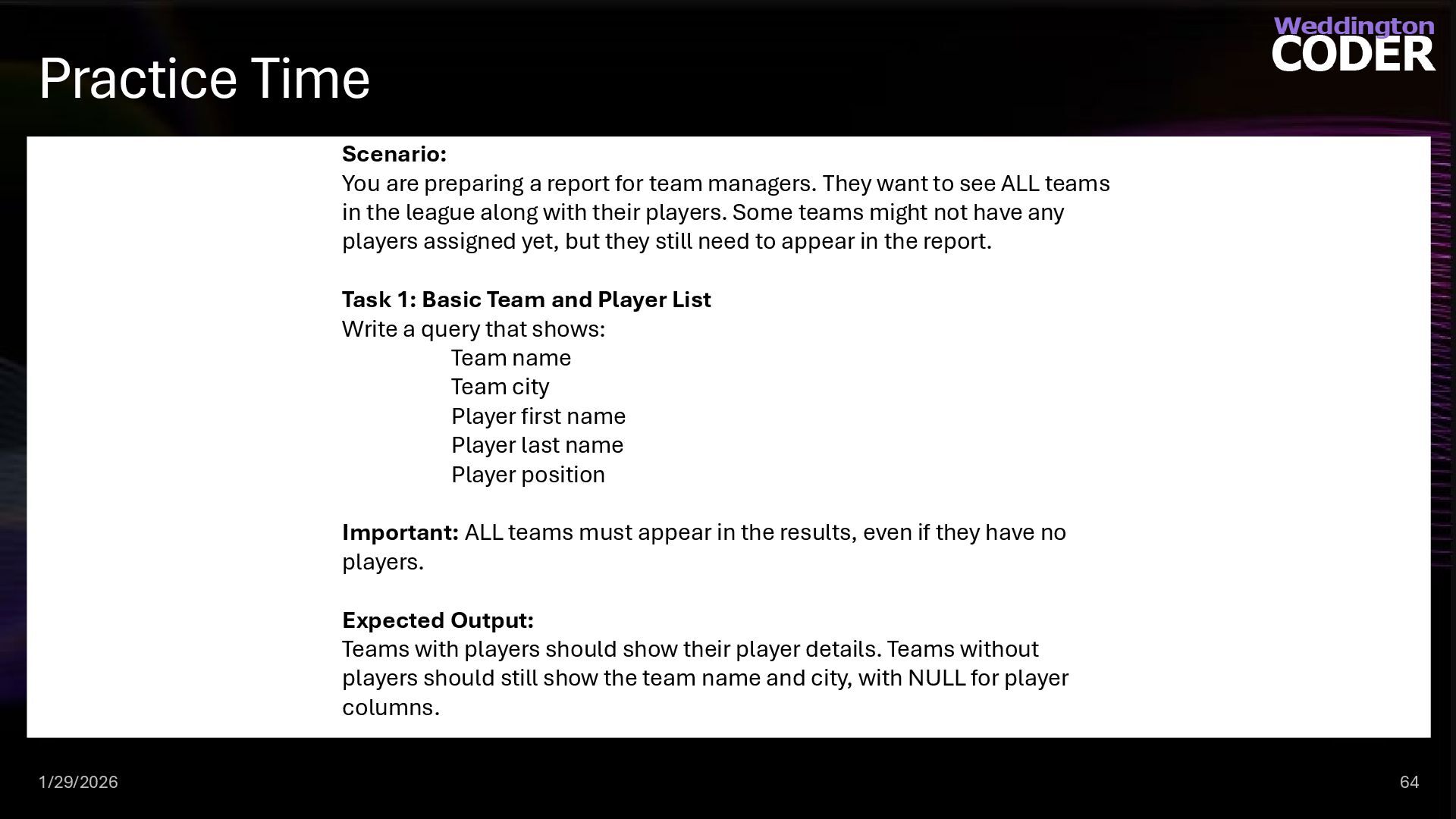
  48. Practice Time 1/29/2026 64 Scenario: You are preparing a report

    for team managers. They want to see ALL teams in the league along with their players. Some teams might not have any players assigned yet, but they still need to appear in the report. Task 1: Basic Team and Player List Write a query that shows: Team name Team city Player first name Player last name Player position Important: ALL teams must appear in the results, even if they have no players. Expected Output: Teams with players should show their player details. Teams without players should still show the team name and city, with NULL for player columns.
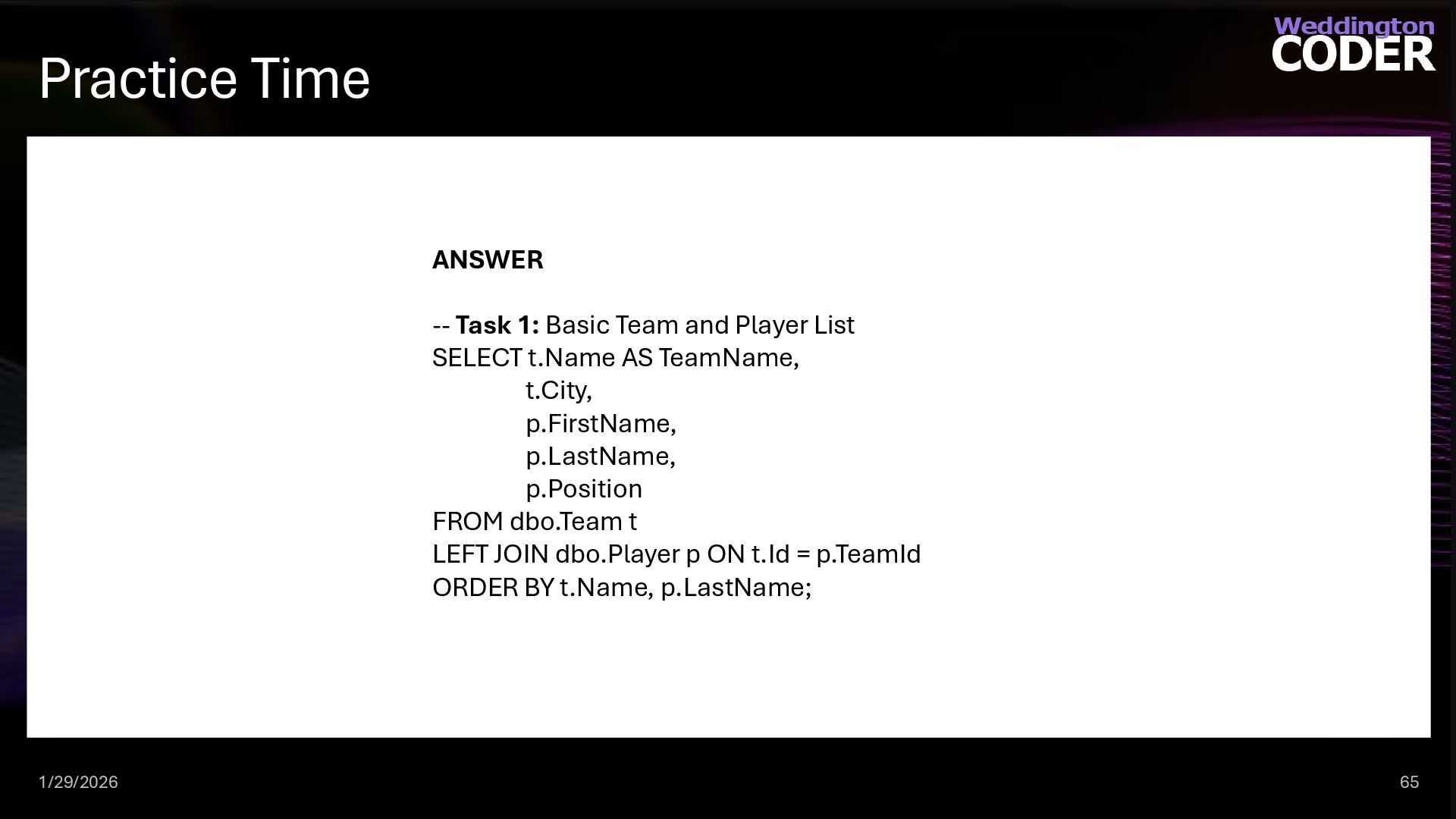
  49. Practice Time 1/29/2026 65 ANSWER -- Task 1: Basic Team

    and Player List SELECT t.Name AS TeamName, t.City, p.FirstName, p.LastName, p.Position FROM dbo.Team t LEFT JOIN dbo.Player p ON t.Id = p.TeamId ORDER BY t.Name, p.LastName;
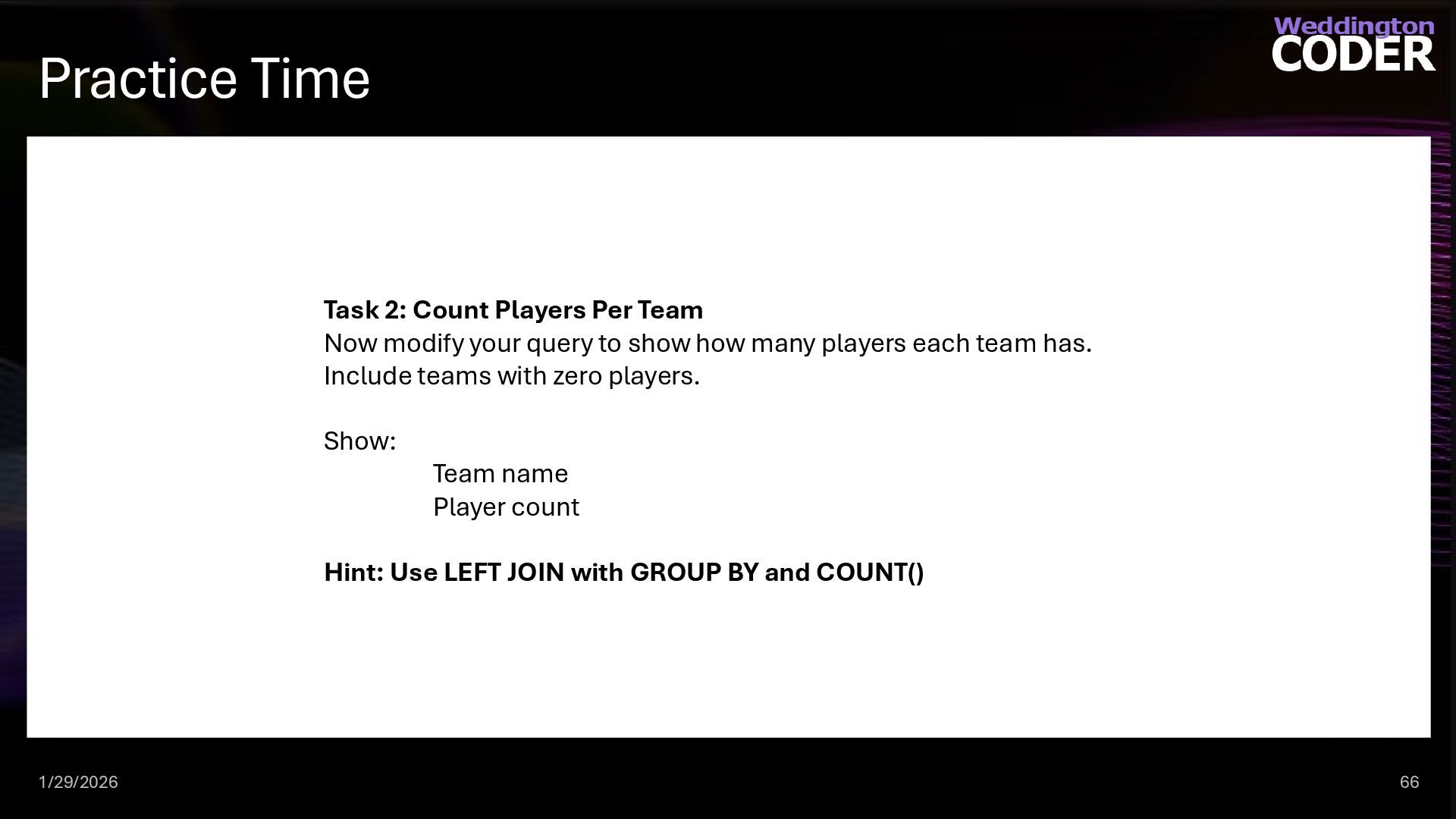
  50. Practice Time 1/29/2026 66 Task 2: Count Players Per Team

    Now modify your query to show how many players each team has. Include teams with zero players. Show: Team name Player count Hint: Use LEFT JOIN with GROUP BY and COUNT()
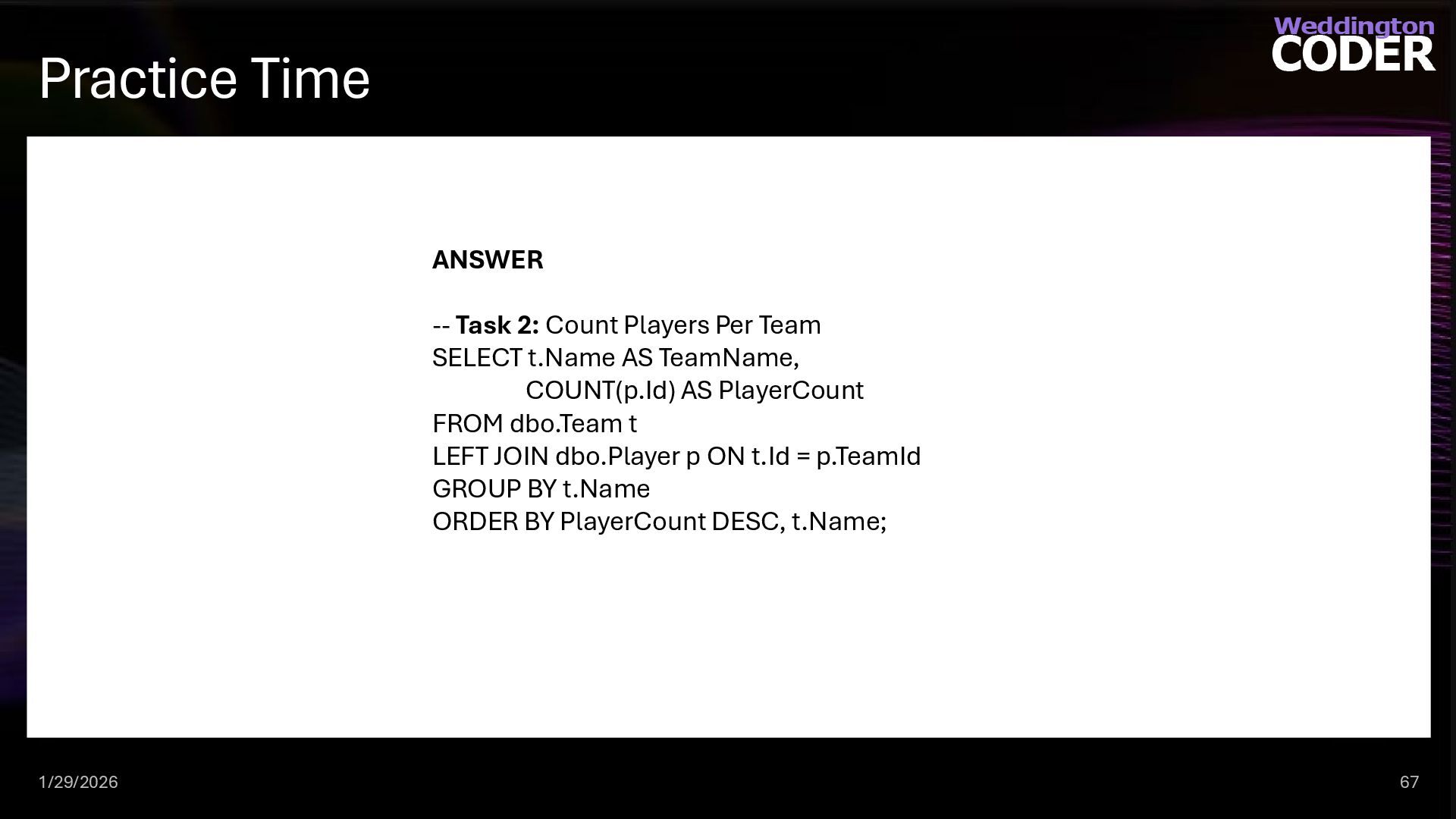
  51. Practice Time 1/29/2026 67 ANSWER -- Task 2: Count Players

    Per Team SELECT t.Name AS TeamName, COUNT(p.Id) AS PlayerCount FROM dbo.Team t LEFT JOIN dbo.Player p ON t.Id = p.TeamId GROUP BY t.Name ORDER BY PlayerCount DESC, t.Name;
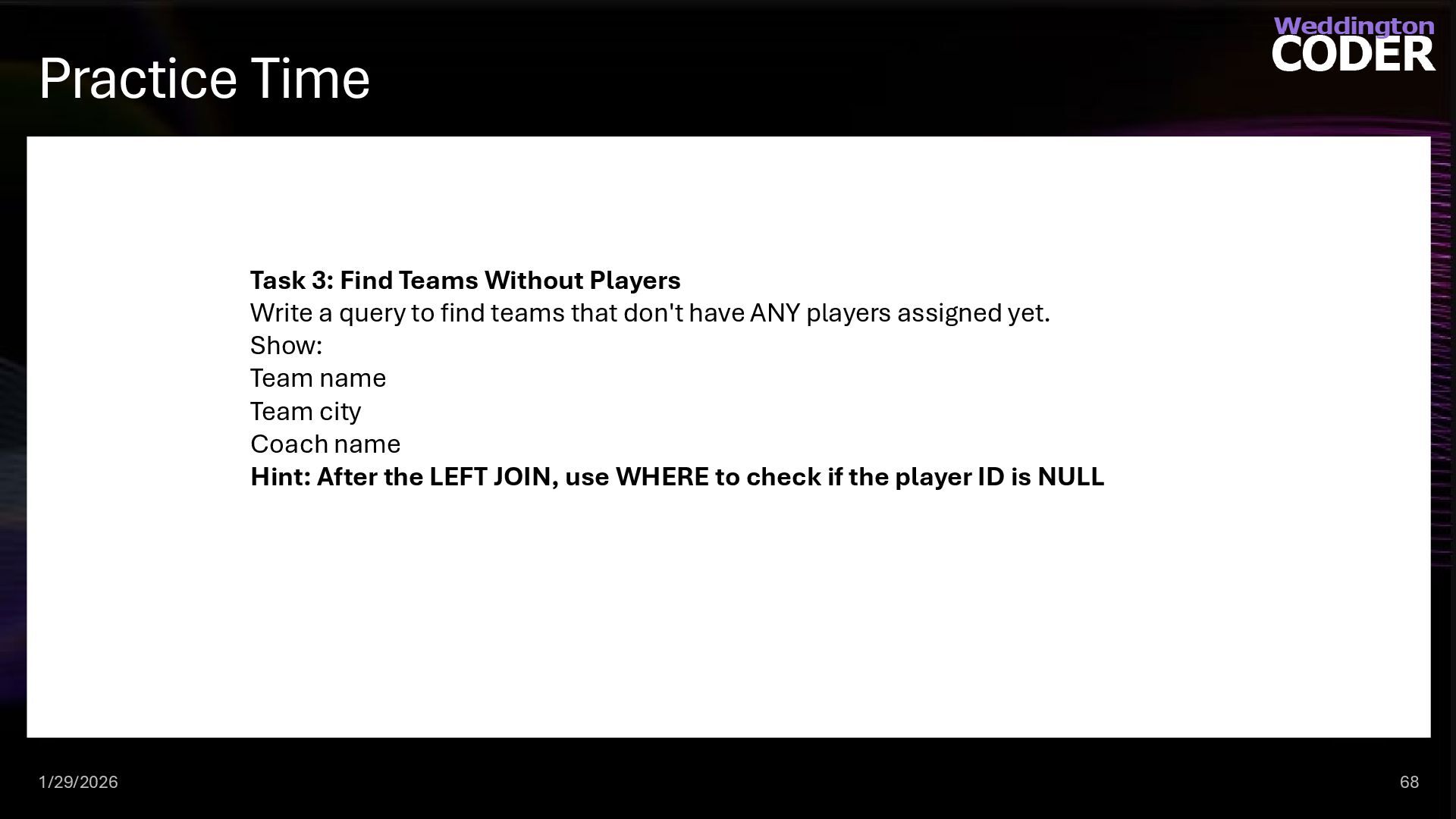
  52. Practice Time 1/29/2026 68 Task 3: Find Teams Without Players

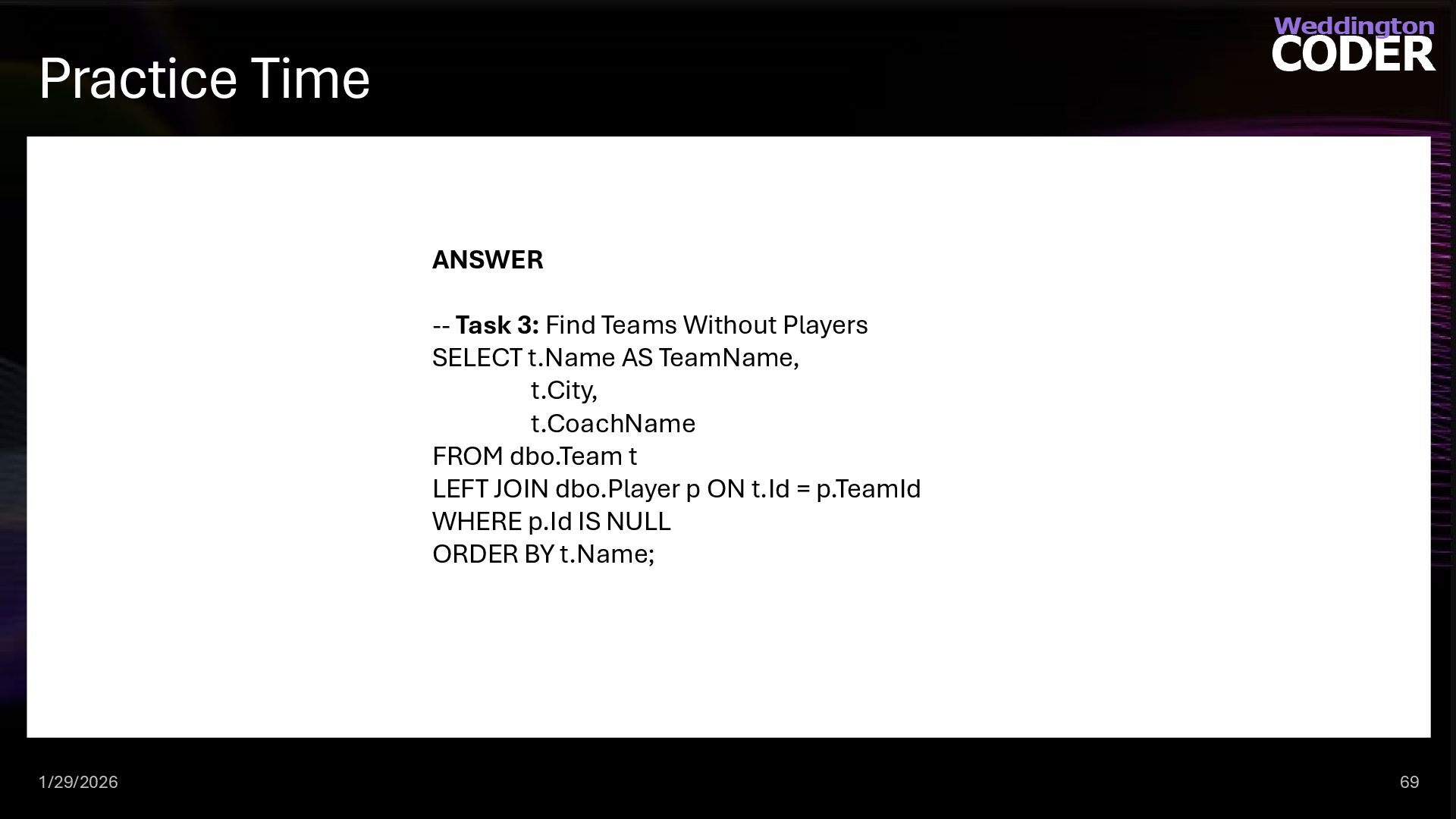
    Write a query to find teams that don't have ANY players assigned yet. Show: Team name Team city Coach name Hint: After the LEFT JOIN, use WHERE to check if the player ID is NULL
  53. Practice Time 1/29/2026 69 ANSWER -- Task 3: Find Teams

    Without Players SELECT t.Name AS TeamName, t.City, t.CoachName FROM dbo.Team t LEFT JOIN dbo.Player p ON t.Id = p.TeamId WHERE p.Id IS NULL ORDER BY t.Name;
  54. RIGHT [OUTER] JOIN 1/29/2026 70 RIGHT JOINs are seldom, if

    ever, used. They return all rows from the non-base table and those rows from the base table that match fields in the ON clause. -- returns all teams and their players as well as teams without players SELECT t.Name AS TeamName, t.City, p.FirstName, p.LastName, t.ChampionshipCount FROM dbo.Team t RIGHT JOIN dbo.Player p ON t.Id = p.TeamId ORDER BY t.Name, p.LastName;
  55. FULL [OUTER] JOIN 1/29/2026 71 FULL JOINs are seldom, if

    ever, used. They return all rows from the base table and all rows from the non-base table where the rows match in the ON clause or not. -- returns all teams and their players as well as teams without players SELECT t.Name AS TeamName, t.City, p.FirstName, p.LastName, t.ChampionshipCount FROM dbo.Team t FULL JOIN dbo.Player p ON t.Id = p.TeamId ORDER BY t.Name, p.LastName;
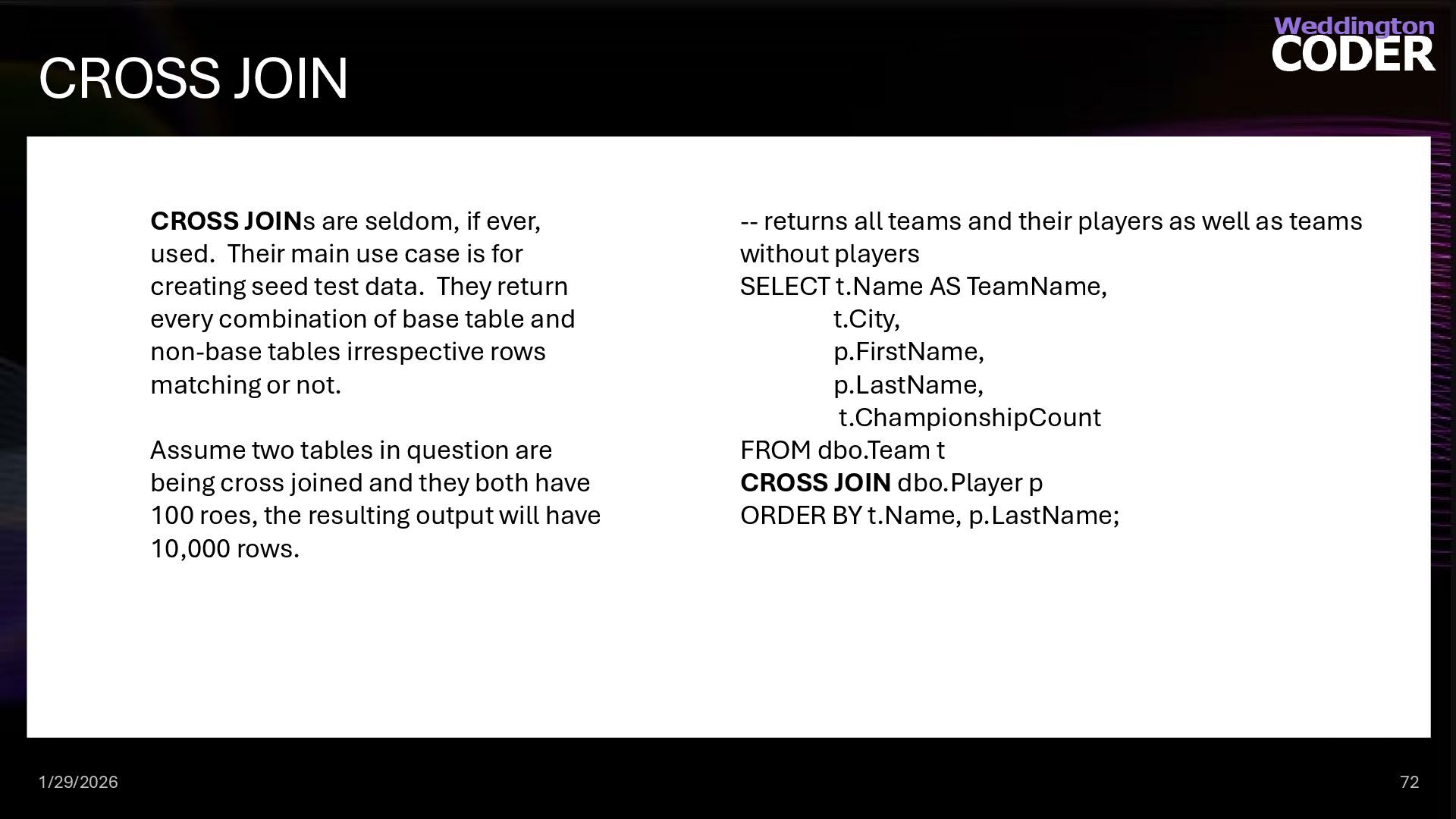
  56. CROSS JOIN 1/29/2026 72 CROSS JOINs are seldom, if ever,

    used. Their main use case is for creating seed test data. They return every combination of base table and non-base tables irrespective rows matching or not. Assume two tables in question are being cross joined and they both have 100 roes, the resulting output will have 10,000 rows. -- returns all teams and their players as well as teams without players SELECT t.Name AS TeamName, t.City, p.FirstName, p.LastName, t.ChampionshipCount FROM dbo.Team t CROSS JOIN dbo.Player p ORDER BY t.Name, p.LastName;
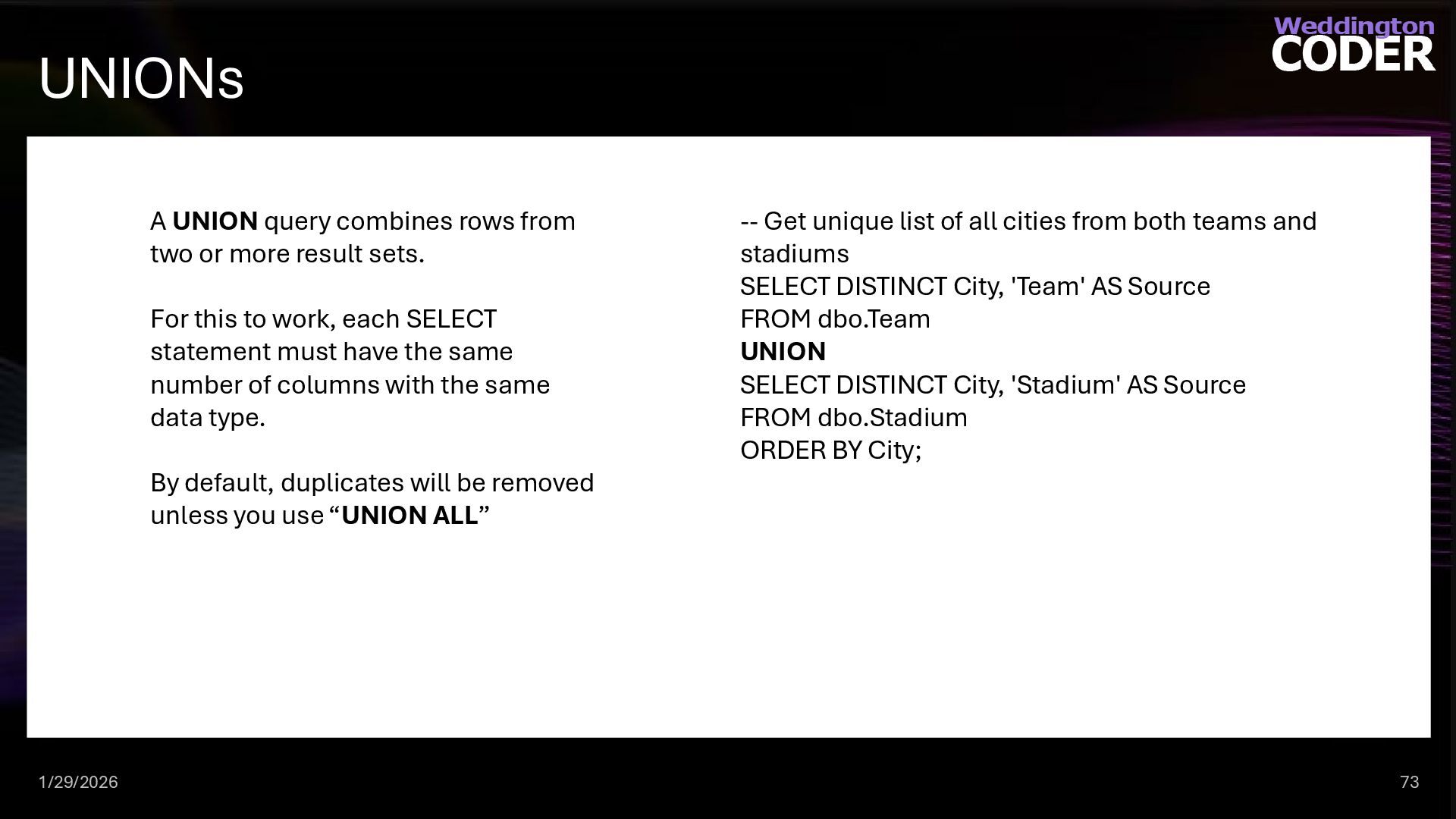
  57. UNIONs 1/29/2026 73 A UNION query combines rows from two

    or more result sets. For this to work, each SELECT statement must have the same number of columns with the same data type. By default, duplicates will be removed unless you use “UNION ALL” -- Get unique list of all cities from both teams and stadiums SELECT DISTINCT City, 'Team' AS Source FROM dbo.Team UNION SELECT DISTINCT City, 'Stadium' AS Source FROM dbo.Stadium ORDER BY City;
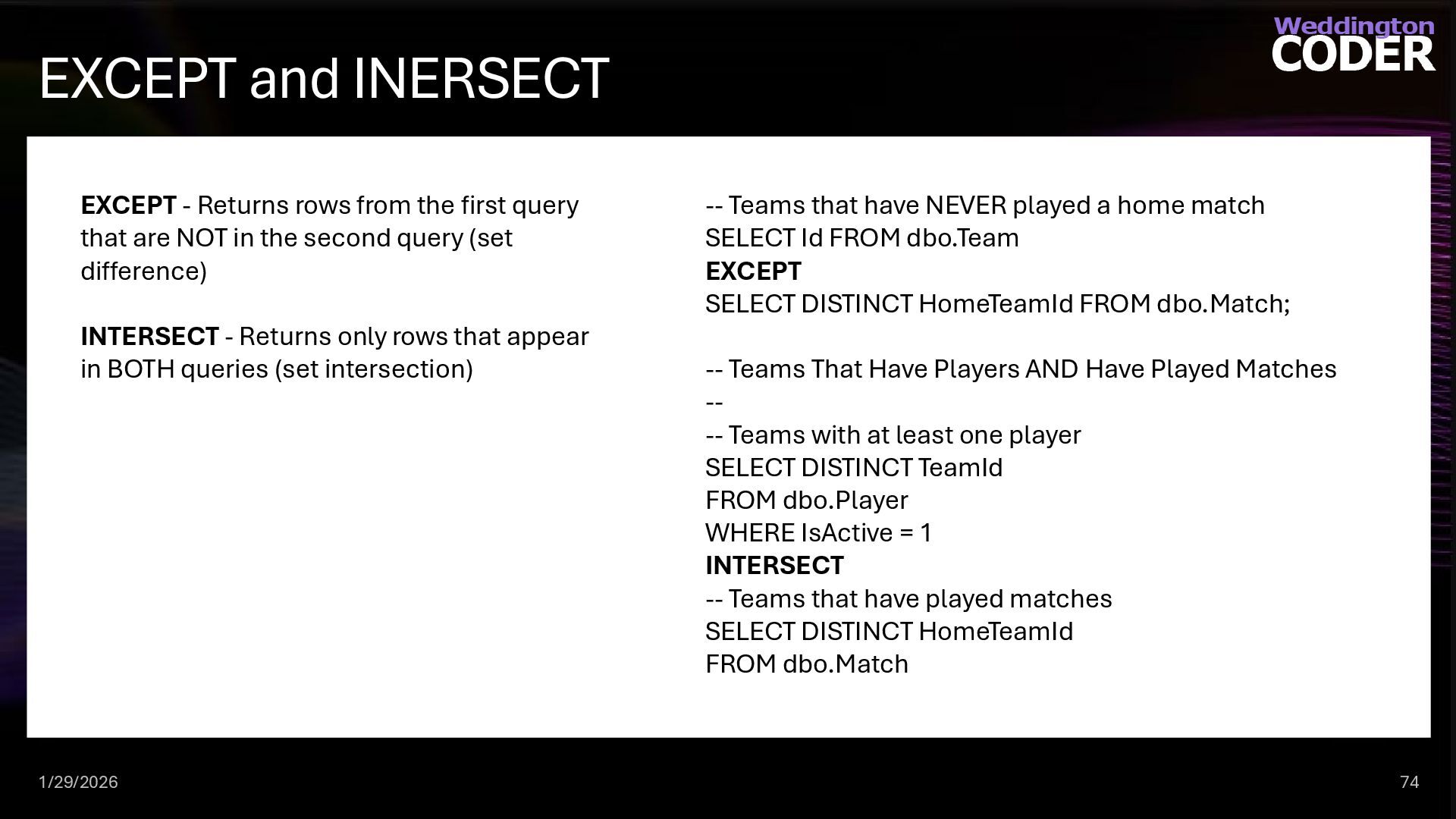
  58. EXCEPT and INERSECT 1/29/2026 74 EXCEPT - Returns rows from

    the first query that are NOT in the second query (set difference) INTERSECT - Returns only rows that appear in BOTH queries (set intersection) -- Teams that have NEVER played a home match SELECT Id FROM dbo.Team EXCEPT SELECT DISTINCT HomeTeamId FROM dbo.Match; -- Teams That Have Players AND Have Played Matches -- -- Teams with at least one player SELECT DISTINCT TeamId FROM dbo.Player WHERE IsActive = 1 INTERSECT -- Teams that have played matches SELECT DISTINCT HomeTeamId FROM dbo.Match
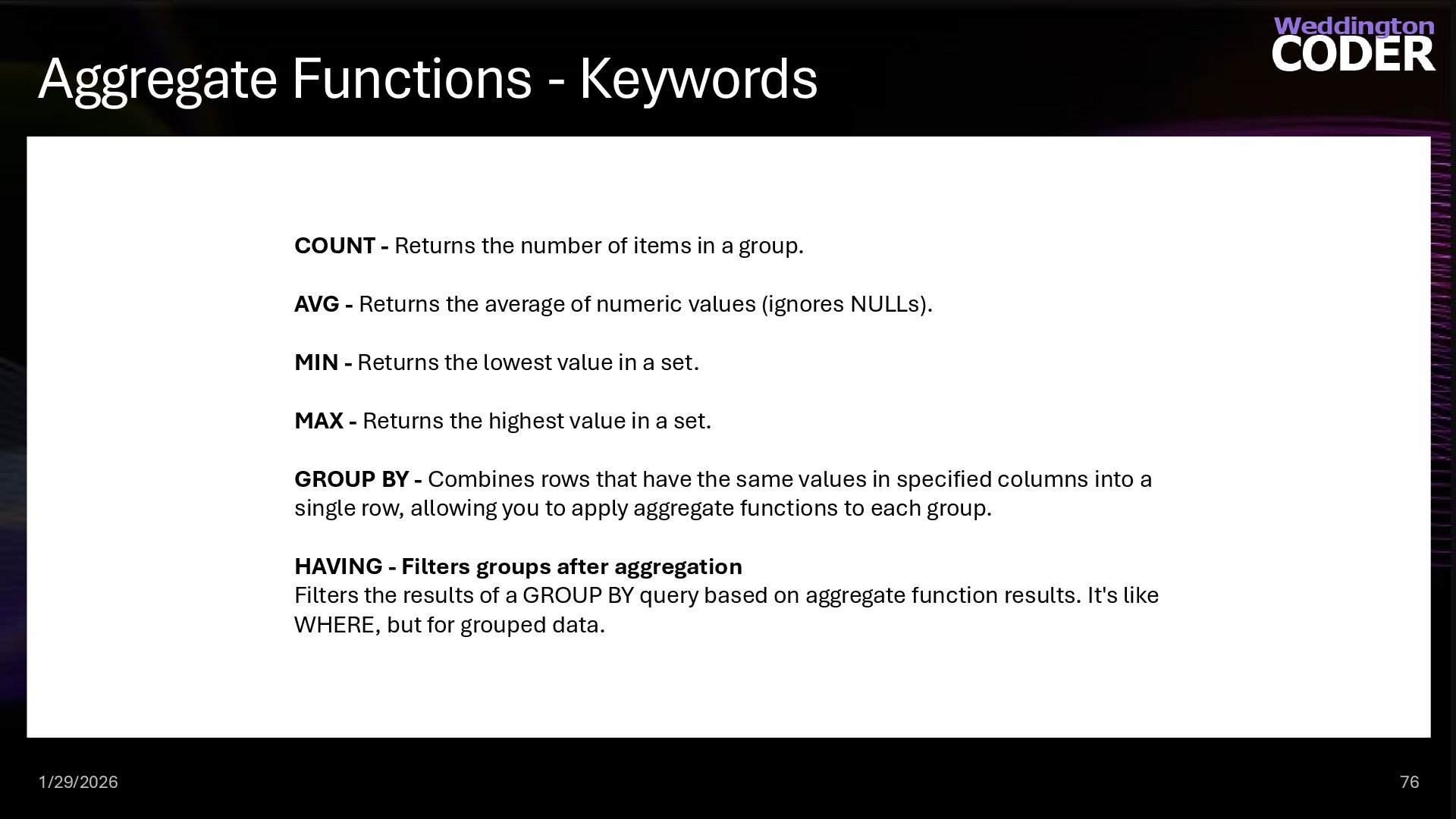
  59. Aggregate Functions - Keywords 1/29/2026 76 COUNT - Returns the

    number of items in a group. AVG - Returns the average of numeric values (ignores NULLs). MIN - Returns the lowest value in a set. MAX - Returns the highest value in a set. GROUP BY - Combines rows that have the same values in specified columns into a single row, allowing you to apply aggregate functions to each group. HAVING - Filters groups after aggregation Filters the results of a GROUP BY query based on aggregate function results. It's like WHERE, but for grouped data.
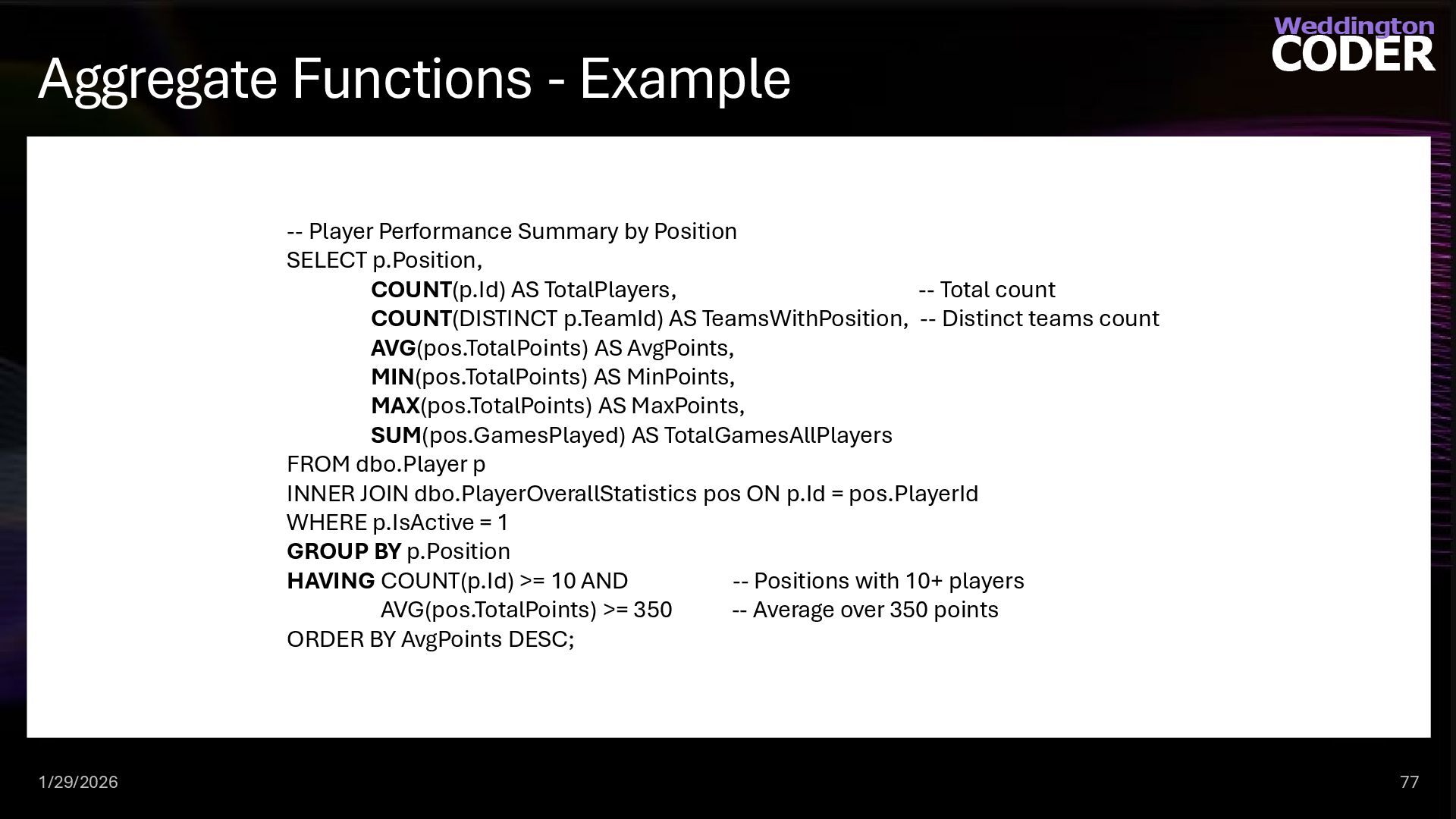
  60. Aggregate Functions - Example 1/29/2026 77 -- Player Performance Summary

    by Position SELECT p.Position, COUNT(p.Id) AS TotalPlayers, -- Total count COUNT(DISTINCT p.TeamId) AS TeamsWithPosition, -- Distinct teams count AVG(pos.TotalPoints) AS AvgPoints, MIN(pos.TotalPoints) AS MinPoints, MAX(pos.TotalPoints) AS MaxPoints, SUM(pos.GamesPlayed) AS TotalGamesAllPlayers FROM dbo.Player p INNER JOIN dbo.PlayerOverallStatistics pos ON p.Id = pos.PlayerId WHERE p.IsActive = 1 GROUP BY p.Position HAVING COUNT(p.Id) >= 10 AND -- Positions with 10+ players AVG(pos.TotalPoints) >= 350 -- Average over 350 points ORDER BY AvgPoints DESC;
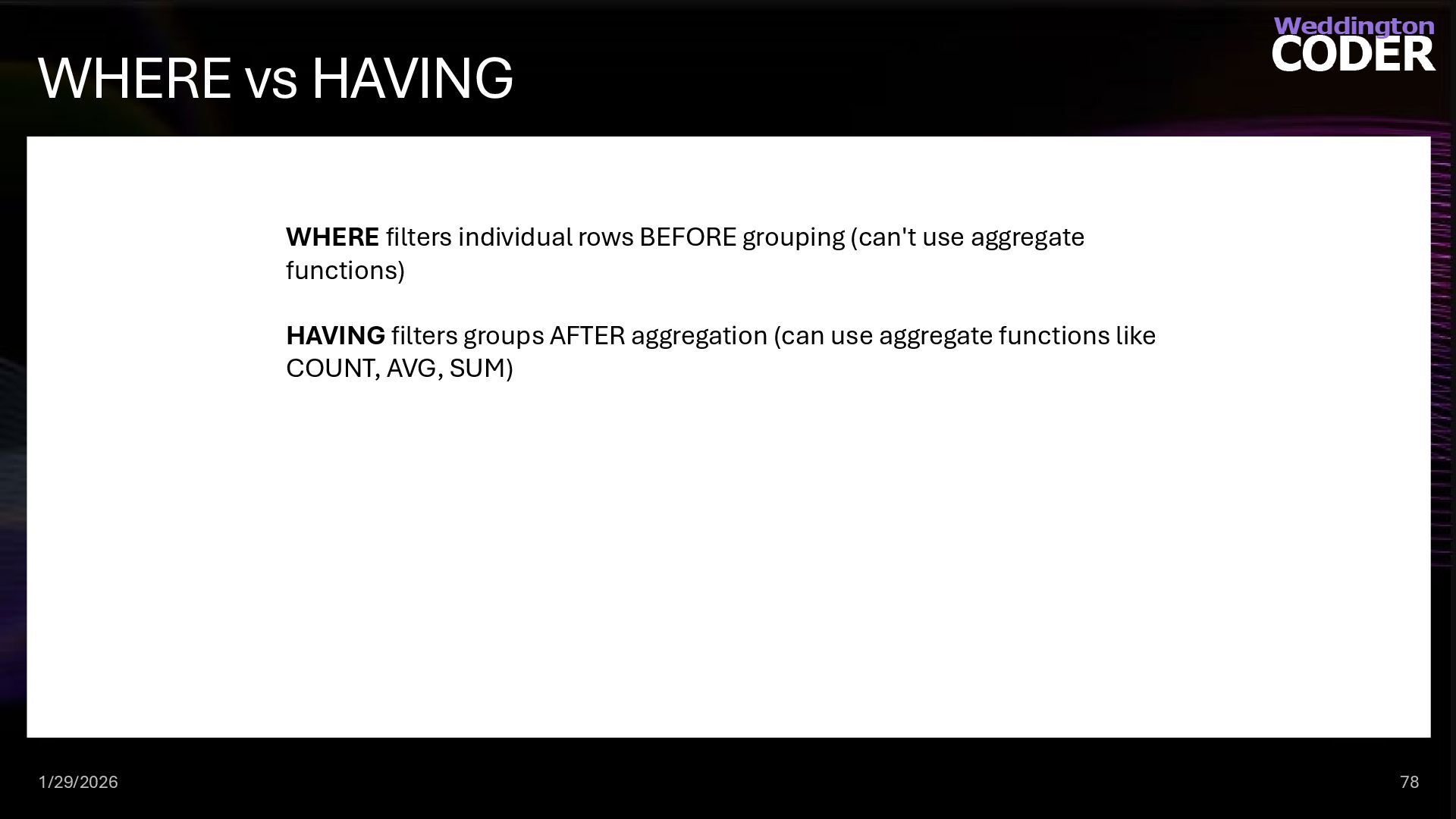
  61. WHERE vs HAVING 1/29/2026 78 WHERE filters individual rows BEFORE

    grouping (can't use aggregate functions) HAVING filters groups AFTER aggregation (can use aggregate functions like COUNT, AVG, SUM)
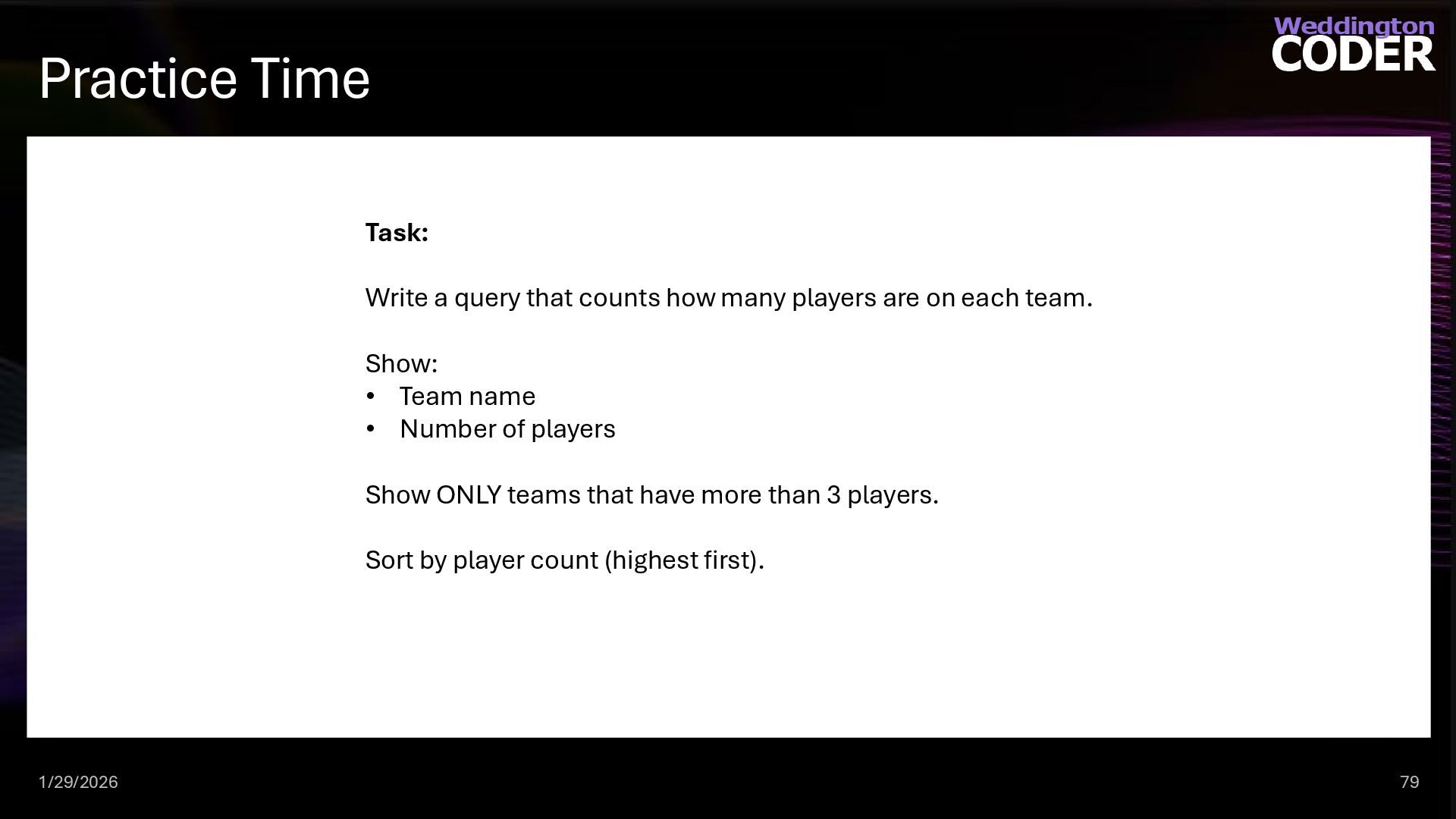
  62. Practice Time 1/29/2026 79 Task: Write a query that counts

    how many players are on each team. Show: • Team name • Number of players Show ONLY teams that have more than 3 players. Sort by player count (highest first).
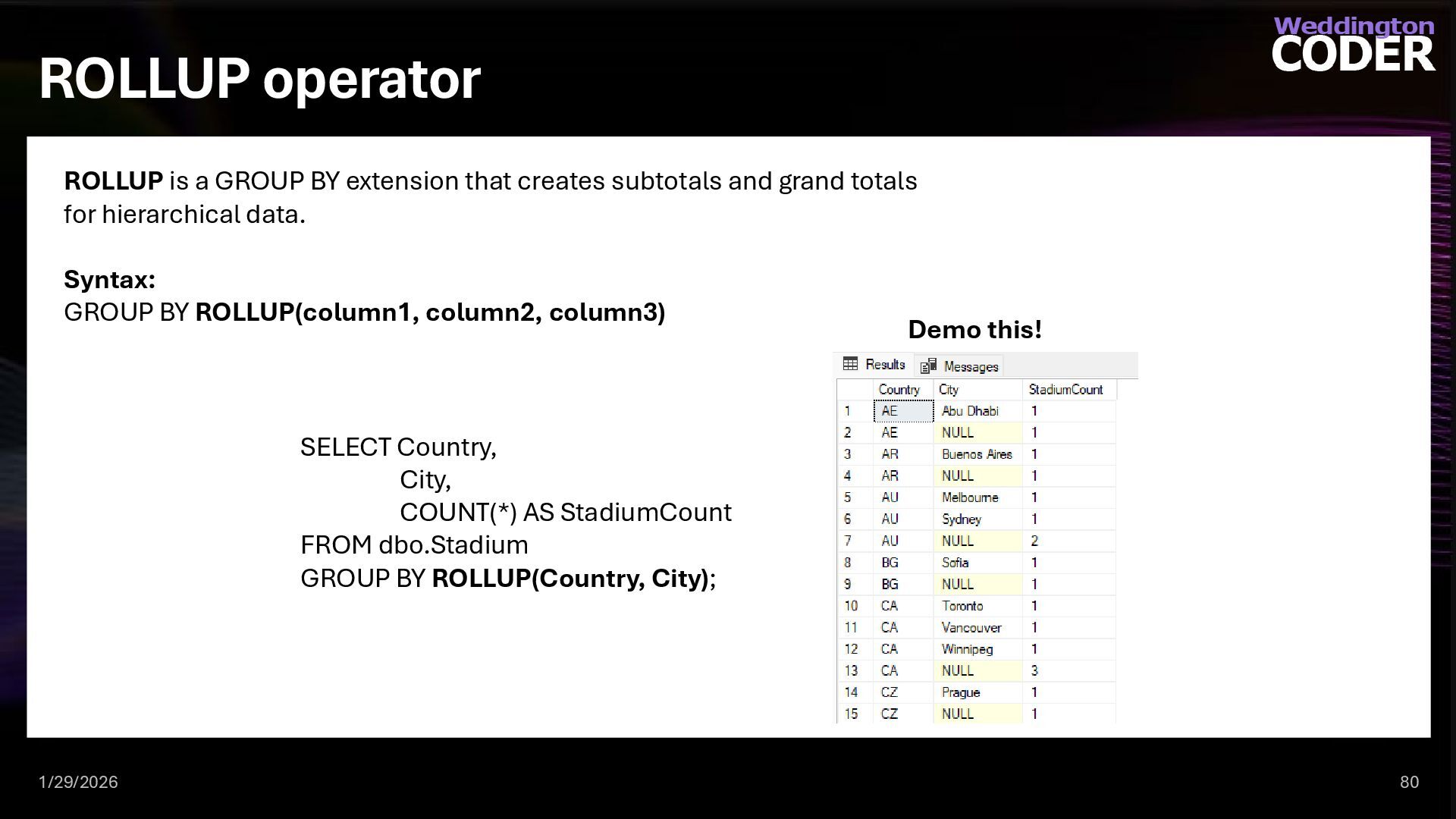
  63. ROLLUP operator 1/29/2026 80 ROLLUP is a GROUP BY extension

    that creates subtotals and grand totals for hierarchical data. Syntax: GROUP BY ROLLUP(column1, column2, column3) SELECT Country, City, COUNT(*) AS StadiumCount FROM dbo.Stadium GROUP BY ROLLUP(Country, City); Demo this!
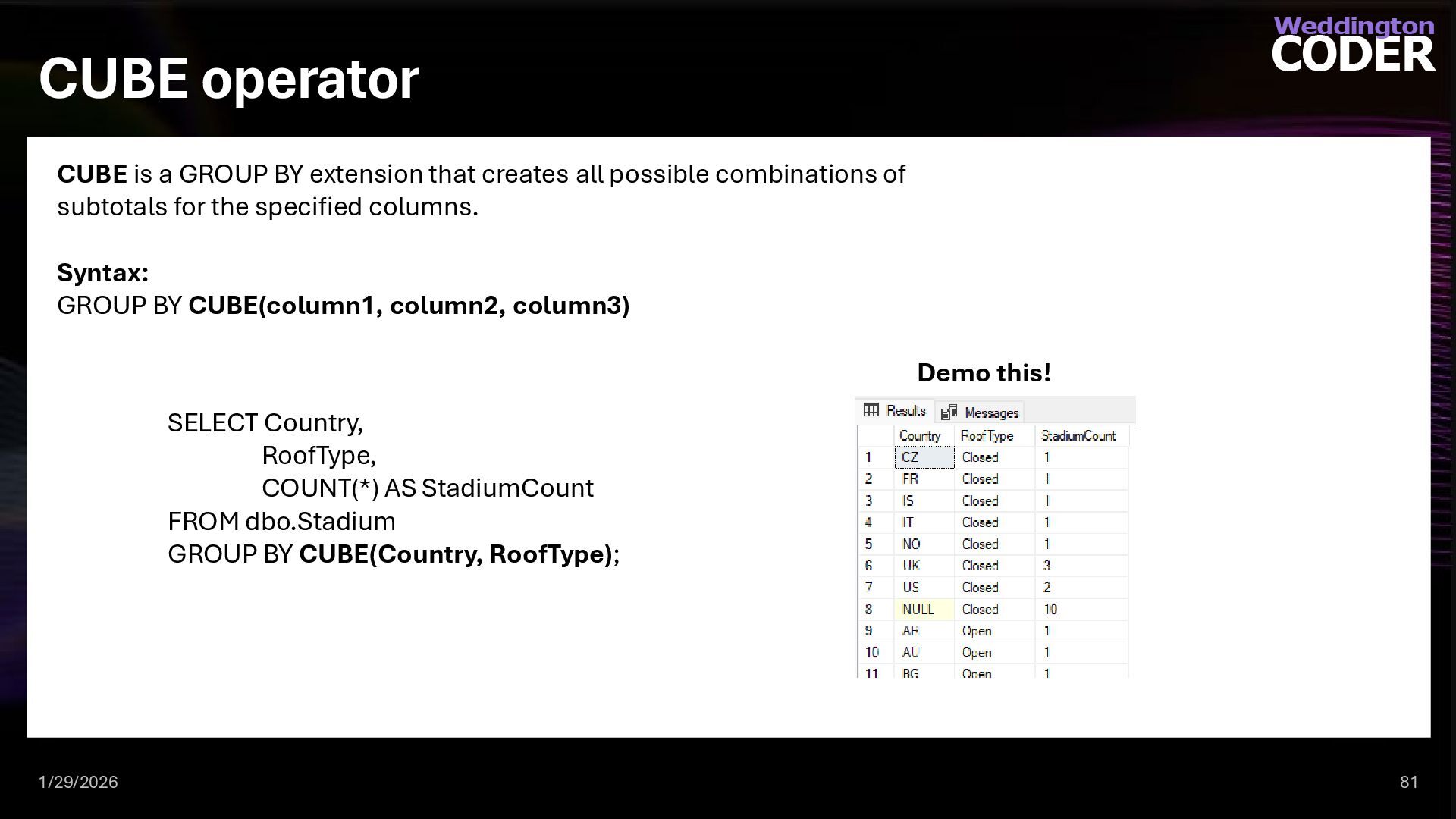
  64. CUBE operator 1/29/2026 81 CUBE is a GROUP BY extension

    that creates all possible combinations of subtotals for the specified columns. Syntax: GROUP BY CUBE(column1, column2, column3) SELECT Country, RoofType, COUNT(*) AS StadiumCount FROM dbo.Stadium GROUP BY CUBE(Country, RoofType); Demo this!
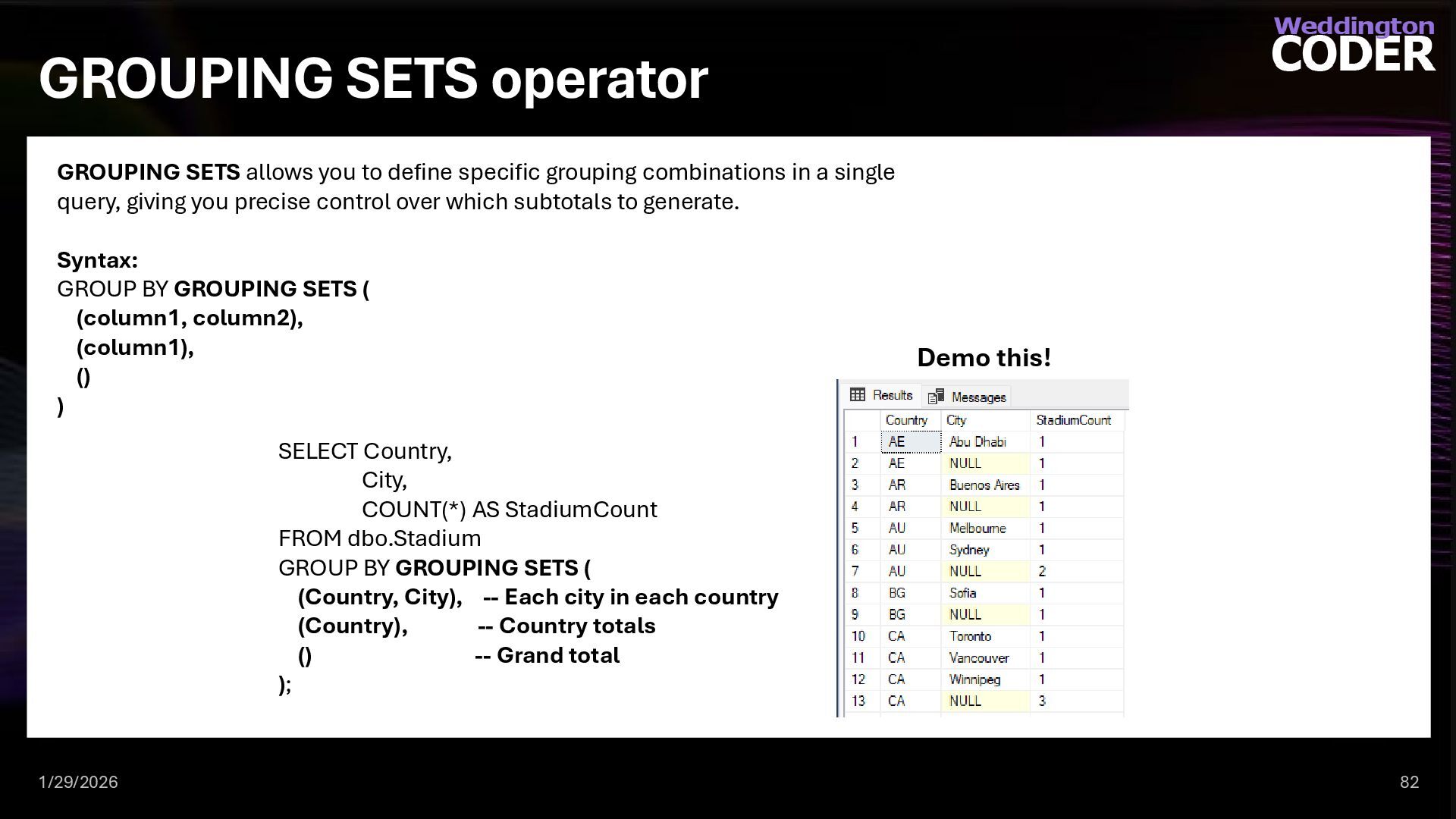
  65. GROUPING SETS operator 1/29/2026 82 GROUPING SETS allows you to

    define specific grouping combinations in a single query, giving you precise control over which subtotals to generate. Syntax: GROUP BY GROUPING SETS ( (column1, column2), (column1), () ) SELECT Country, City, COUNT(*) AS StadiumCount FROM dbo.Stadium GROUP BY GROUPING SETS ( (Country, City), -- Each city in each country (Country), -- Country totals () -- Grand total ); Demo this!
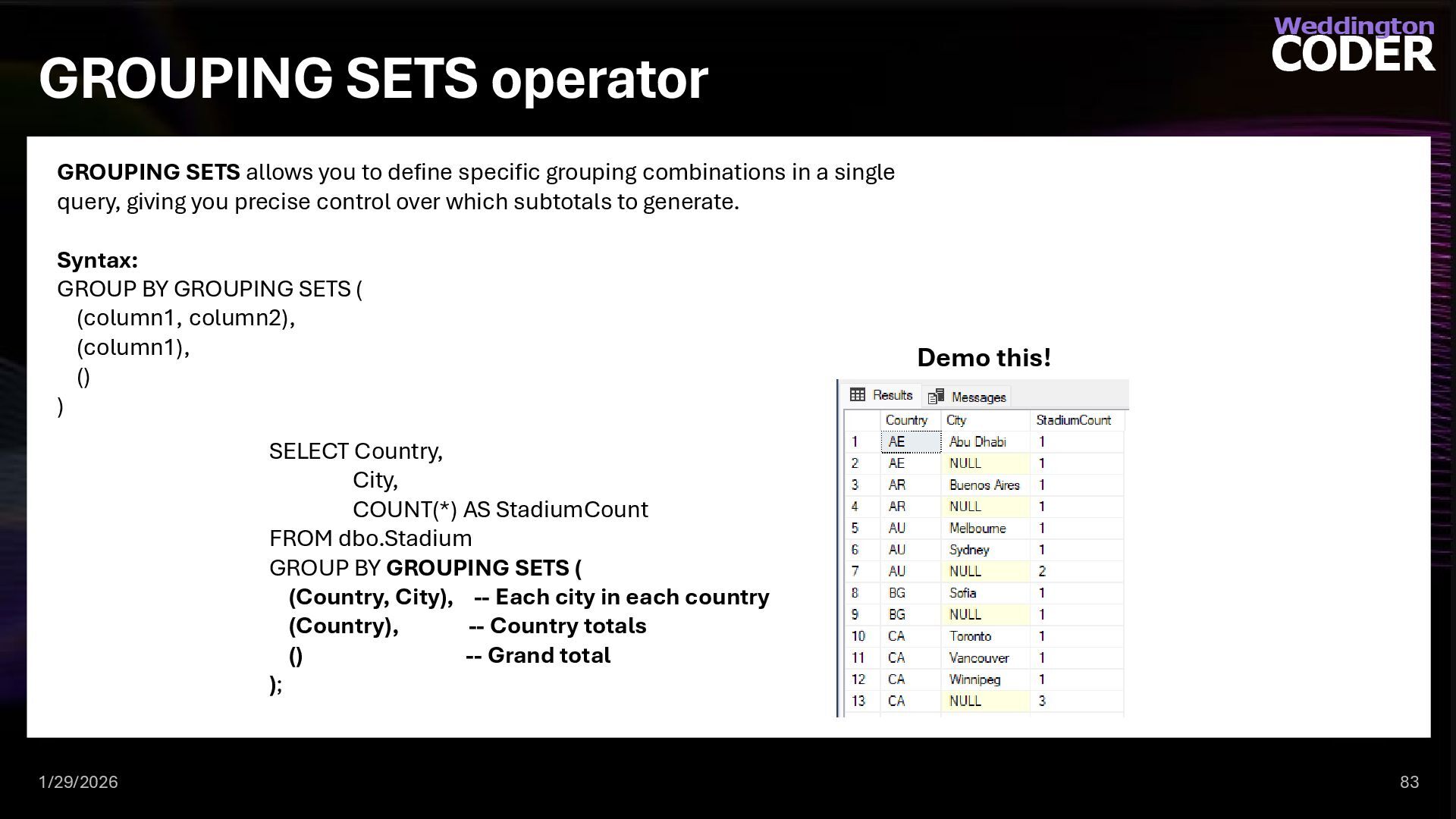
  66. GROUPING SETS operator 1/29/2026 83 GROUPING SETS allows you to

    define specific grouping combinations in a single query, giving you precise control over which subtotals to generate. Syntax: GROUP BY GROUPING SETS ( (column1, column2), (column1), () ) SELECT Country, City, COUNT(*) AS StadiumCount FROM dbo.Stadium GROUP BY GROUPING SETS ( (Country, City), -- Each city in each country (Country), -- Country totals () -- Grand total ); Demo this!
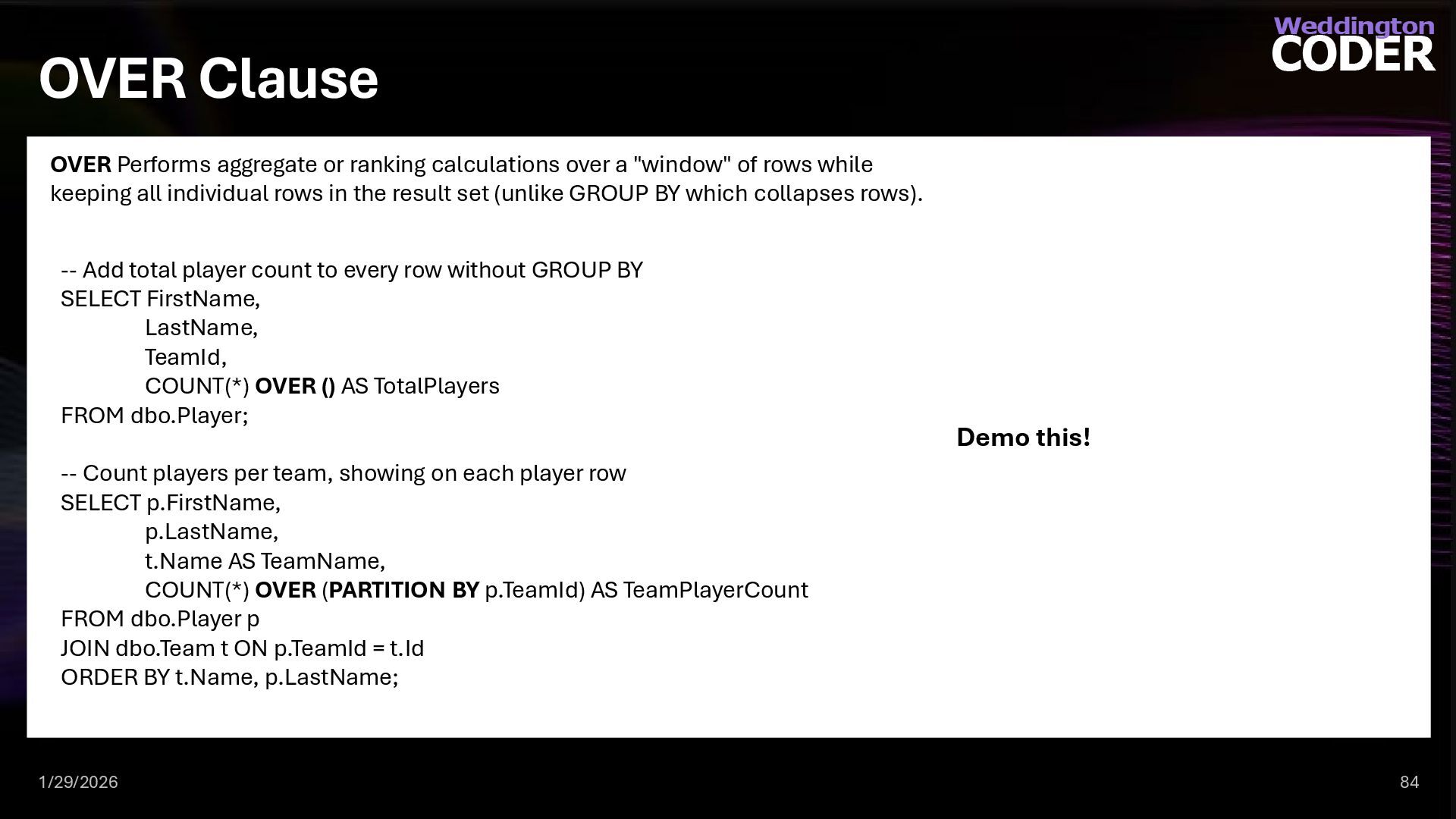
  67. OVER Clause 1/29/2026 84 OVER Performs aggregate or ranking calculations

    over a "window" of rows while keeping all individual rows in the result set (unlike GROUP BY which collapses rows). -- Add total player count to every row without GROUP BY SELECT FirstName, LastName, TeamId, COUNT(*) OVER () AS TotalPlayers FROM dbo.Player; -- Count players per team, showing on each player row SELECT p.FirstName, p.LastName, t.Name AS TeamName, COUNT(*) OVER (PARTITION BY p.TeamId) AS TeamPlayerCount FROM dbo.Player p JOIN dbo.Team t ON p.TeamId = t.Id ORDER BY t.Name, p.LastName; Demo this!
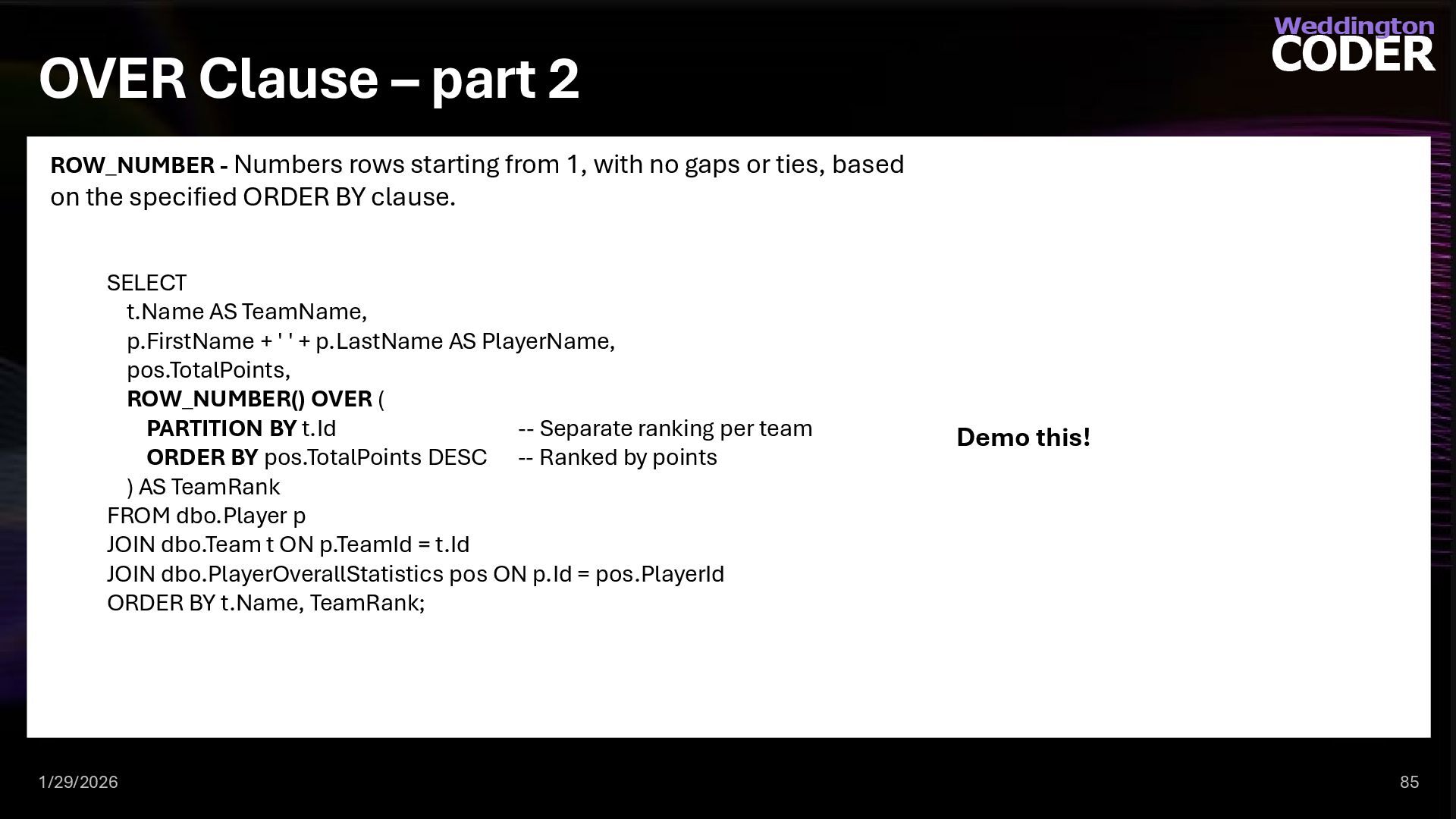
  68. OVER Clause – part 2 1/29/2026 85 ROW_NUMBER - Numbers

    rows starting from 1, with no gaps or ties, based on the specified ORDER BY clause. SELECT t.Name AS TeamName, p.FirstName + ' ' + p.LastName AS PlayerName, pos.TotalPoints, ROW_NUMBER() OVER ( PARTITION BY t.Id -- Separate ranking per team ORDER BY pos.TotalPoints DESC -- Ranked by points ) AS TeamRank FROM dbo.Player p JOIN dbo.Team t ON p.TeamId = t.Id JOIN dbo.PlayerOverallStatistics pos ON p.Id = pos.PlayerId ORDER BY t.Name, TeamRank; Demo this!
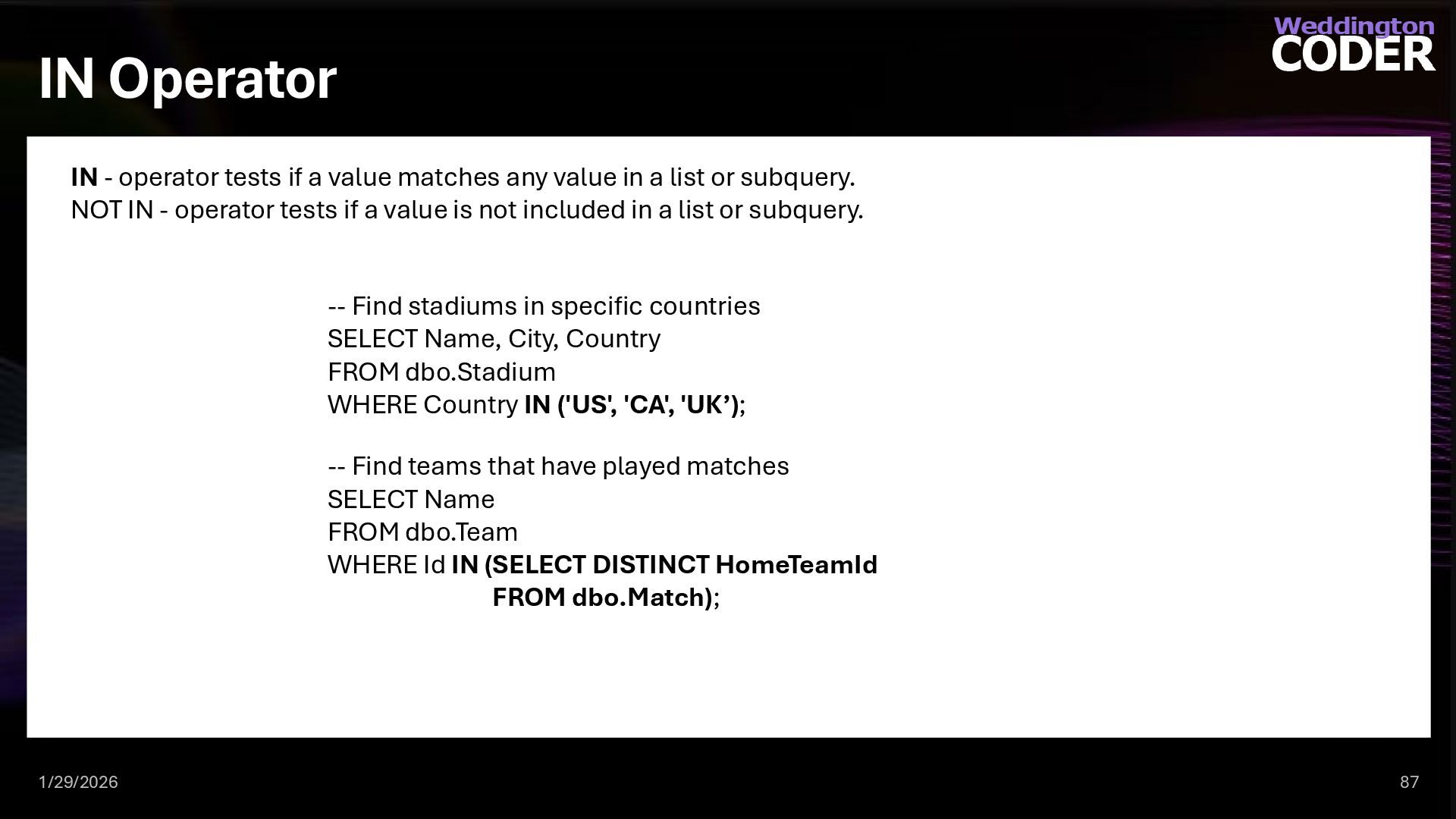
  69. IN Operator 1/29/2026 87 IN - operator tests if a

    value matches any value in a list or subquery. NOT IN - operator tests if a value is not included in a list or subquery. -- Find stadiums in specific countries SELECT Name, City, Country FROM dbo.Stadium WHERE Country IN ('US', 'CA', 'UK’); -- Find teams that have played matches SELECT Name FROM dbo.Team WHERE Id IN (SELECT DISTINCT HomeTeamId FROM dbo.Match);
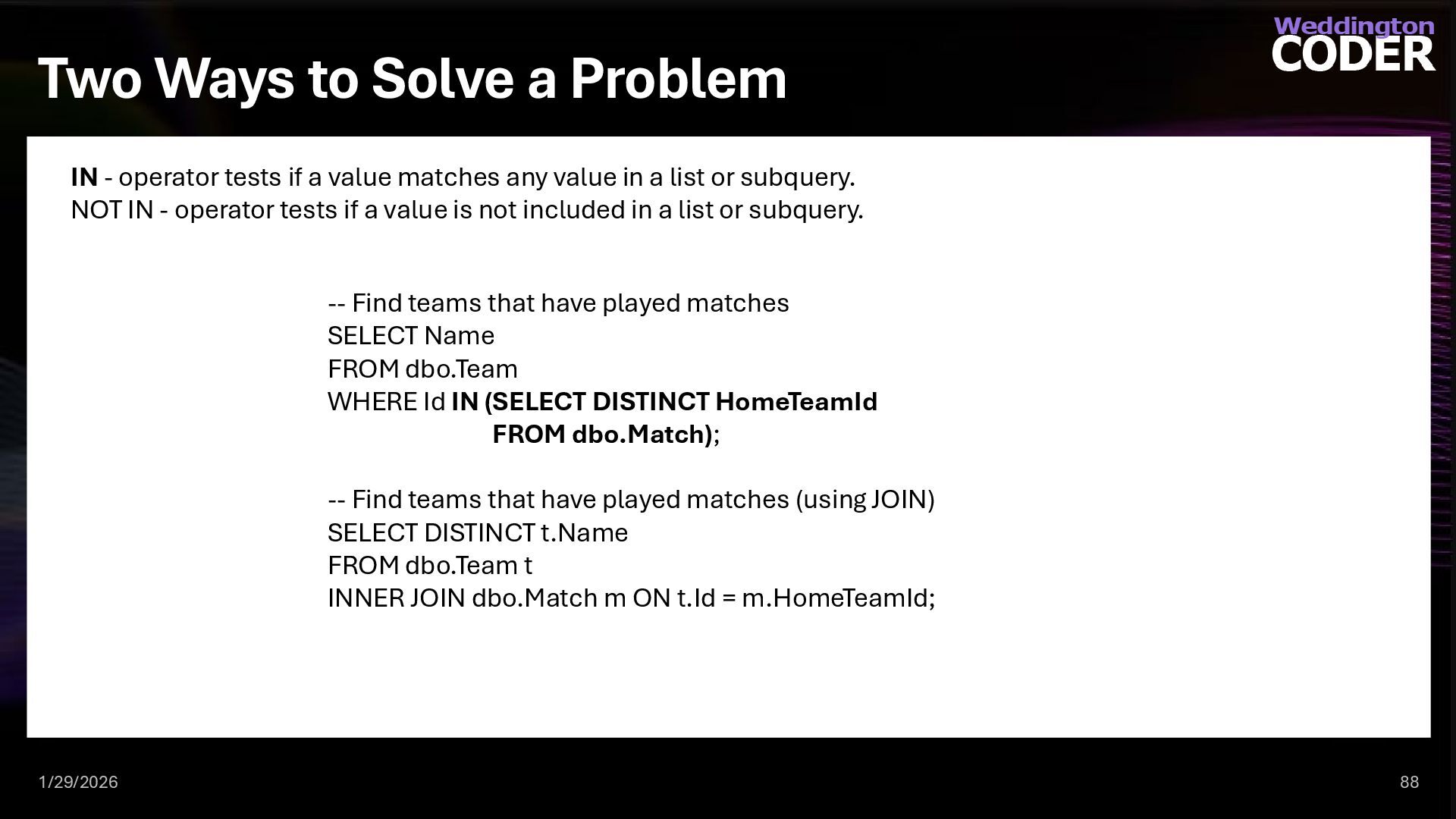
  70. Two Ways to Solve a Problem 1/29/2026 88 IN -

    operator tests if a value matches any value in a list or subquery. NOT IN - operator tests if a value is not included in a list or subquery. -- Find teams that have played matches SELECT Name FROM dbo.Team WHERE Id IN (SELECT DISTINCT HomeTeamId FROM dbo.Match); -- Find teams that have played matches (using JOIN) SELECT DISTINCT t.Name FROM dbo.Team t INNER JOIN dbo.Match m ON t.Id = m.HomeTeamId;
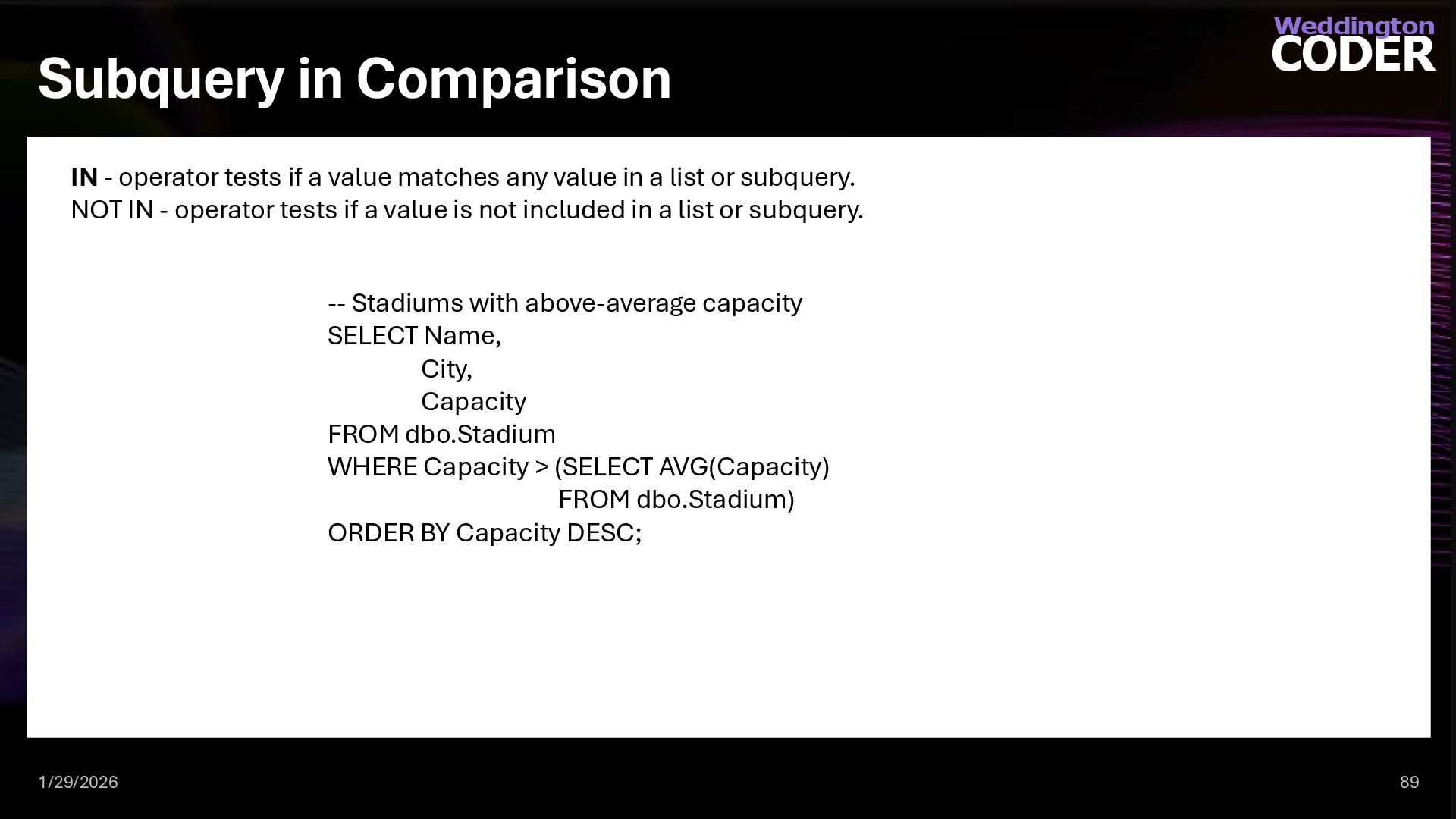
  71. Subquery in Comparison 1/29/2026 89 IN - operator tests if

    a value matches any value in a list or subquery. NOT IN - operator tests if a value is not included in a list or subquery. -- Stadiums with above-average capacity SELECT Name, City, Capacity FROM dbo.Stadium WHERE Capacity > (SELECT AVG(Capacity) FROM dbo.Stadium) ORDER BY Capacity DESC;
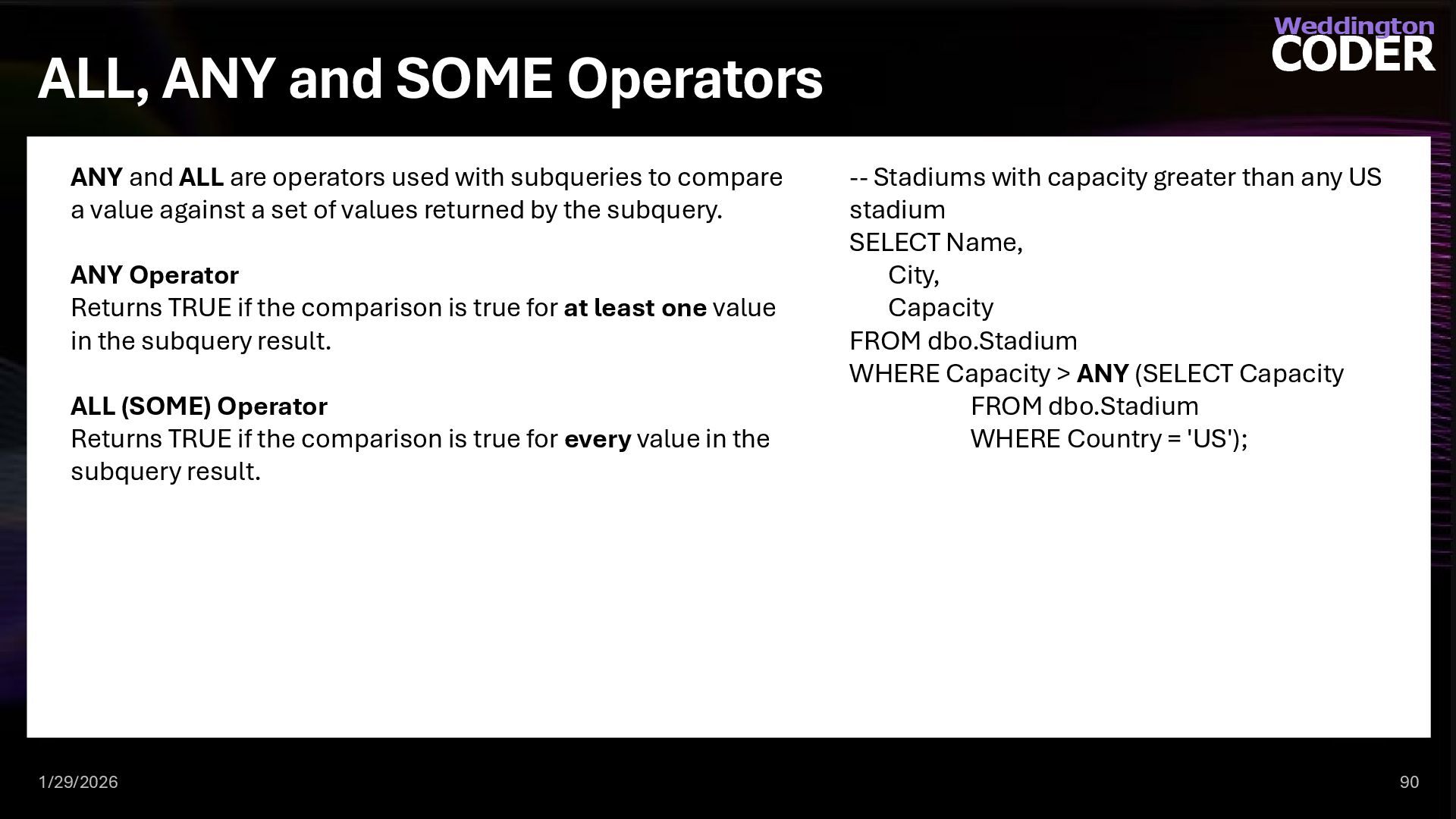
  72. ALL, ANY and SOME Operators 1/29/2026 90 ANY and ALL

    are operators used with subqueries to compare a value against a set of values returned by the subquery. ANY Operator Returns TRUE if the comparison is true for at least one value in the subquery result. ALL (SOME) Operator Returns TRUE if the comparison is true for every value in the subquery result. -- Stadiums with capacity greater than any US stadium SELECT Name, City, Capacity FROM dbo.Stadium WHERE Capacity > ANY (SELECT Capacity FROM dbo.Stadium WHERE Country = 'US');
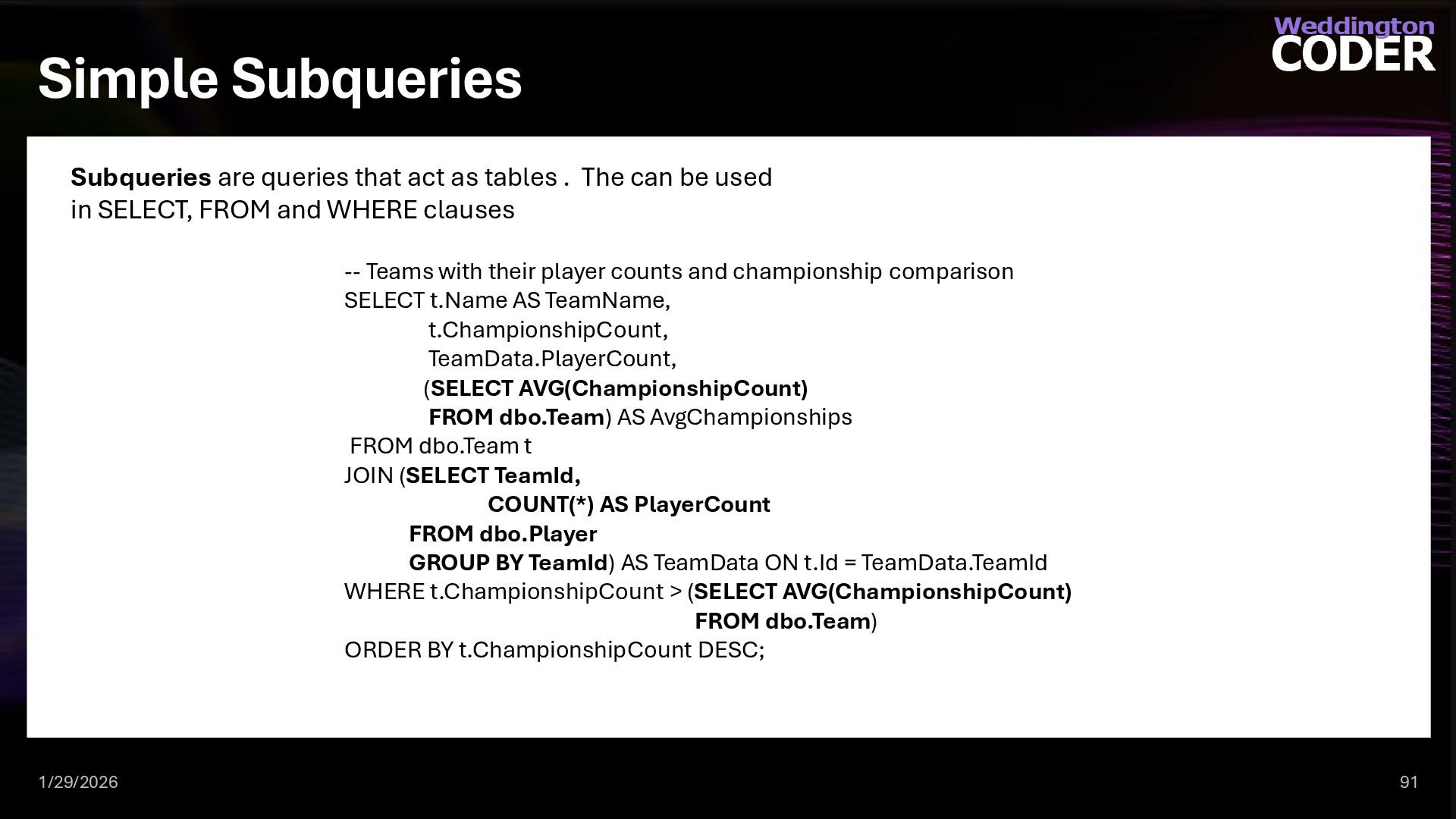
  73. Simple Subqueries 1/29/2026 91 Subqueries are queries that act as

    tables . The can be used in SELECT, FROM and WHERE clauses -- Teams with their player counts and championship comparison SELECT t.Name AS TeamName, t.ChampionshipCount, TeamData.PlayerCount, (SELECT AVG(ChampionshipCount) FROM dbo.Team) AS AvgChampionships FROM dbo.Team t JOIN (SELECT TeamId, COUNT(*) AS PlayerCount FROM dbo.Player GROUP BY TeamId) AS TeamData ON t.Id = TeamData.TeamId WHERE t.ChampionshipCount > (SELECT AVG(ChampionshipCount) FROM dbo.Team) ORDER BY t.ChampionshipCount DESC;
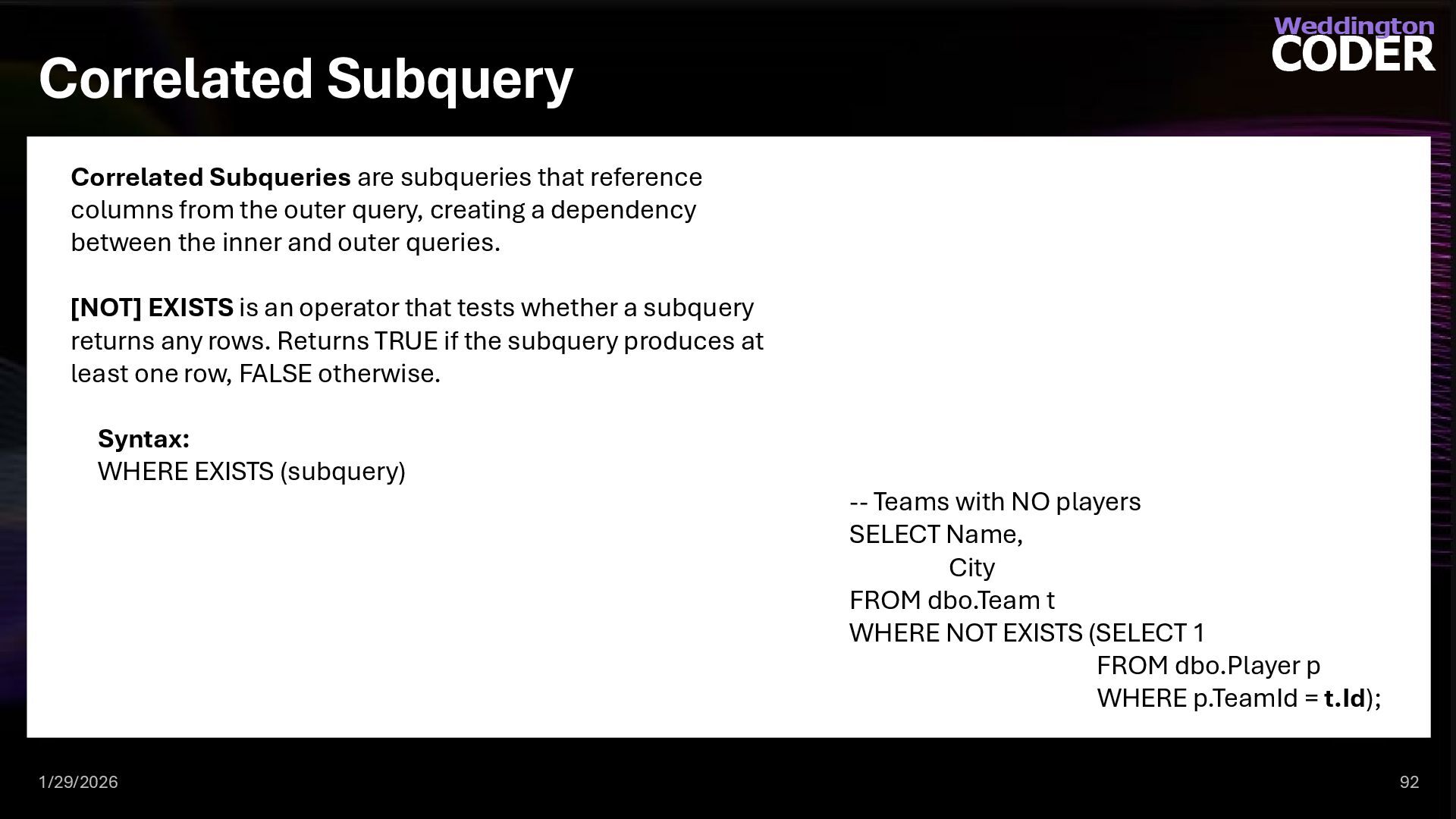
  74. Correlated Subquery 1/29/2026 92 Correlated Subqueries are subqueries that reference

    columns from the outer query, creating a dependency between the inner and outer queries. [NOT] EXISTS is an operator that tests whether a subquery returns any rows. Returns TRUE if the subquery produces at least one row, FALSE otherwise. Syntax: WHERE EXISTS (subquery) -- Teams with NO players SELECT Name, City FROM dbo.Team t WHERE NOT EXISTS (SELECT 1 FROM dbo.Player p WHERE p.TeamId = t.Id);
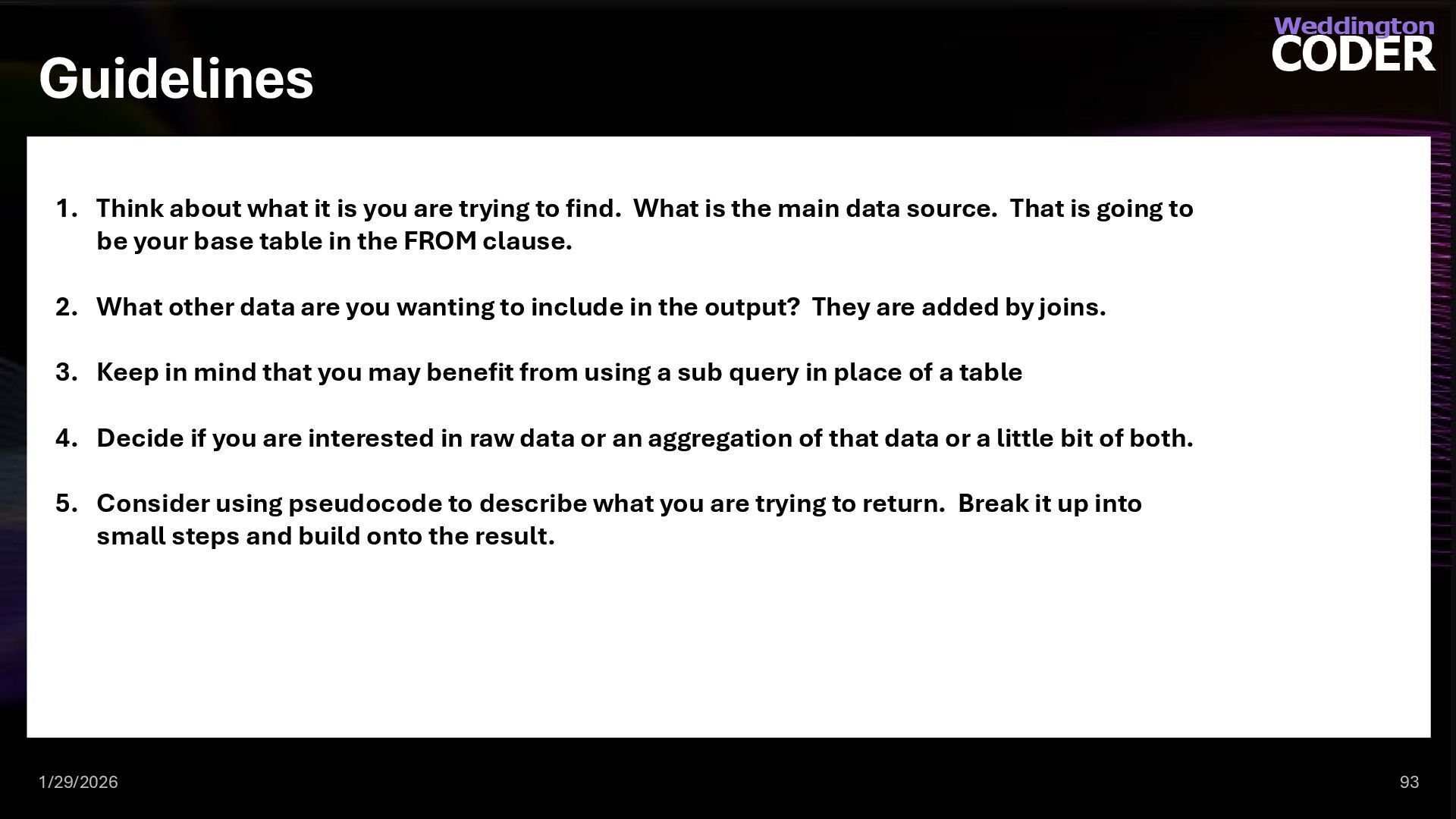
  75. Guidelines 1/29/2026 93 1. Think about what it is you

    are trying to find. What is the main data source. That is going to be your base table in the FROM clause. 2. What other data are you wanting to include in the output? They are added by joins. 3. Keep in mind that you may benefit from using a sub query in place of a table 4. Decide if you are interested in raw data or an aggregation of that data or a little bit of both. 5. Consider using pseudocode to describe what you are trying to return. Break it up into small steps and build onto the result.
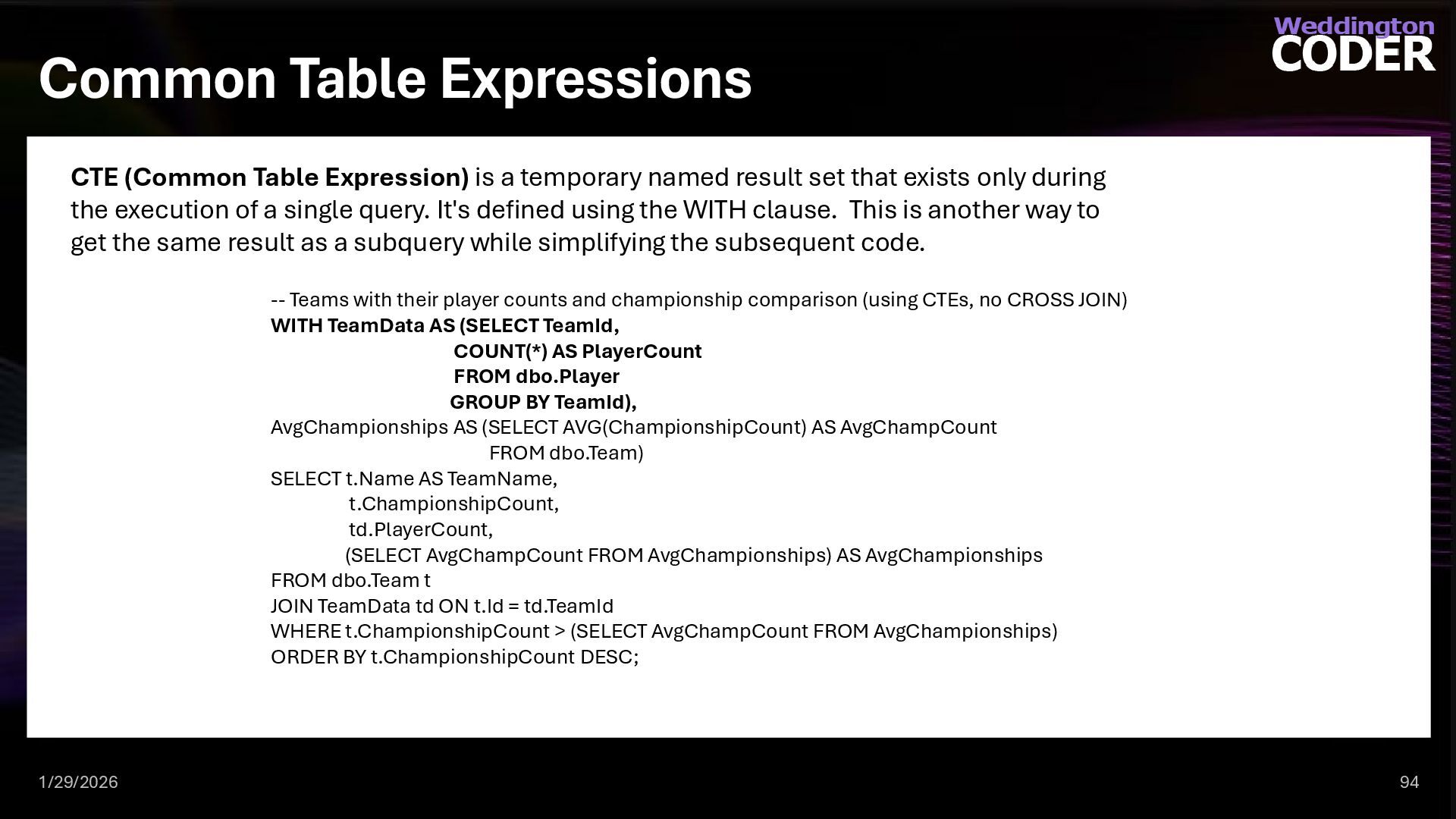
  76. Common Table Expressions 1/29/2026 94 CTE (Common Table Expression) is

    a temporary named result set that exists only during the execution of a single query. It's defined using the WITH clause. This is another way to get the same result as a subquery while simplifying the subsequent code. -- Teams with their player counts and championship comparison (using CTEs, no CROSS JOIN) WITH TeamData AS (SELECT TeamId, COUNT(*) AS PlayerCount FROM dbo.Player GROUP BY TeamId), AvgChampionships AS (SELECT AVG(ChampionshipCount) AS AvgChampCount FROM dbo.Team) SELECT t.Name AS TeamName, t.ChampionshipCount, td.PlayerCount, (SELECT AvgChampCount FROM AvgChampionships) AS AvgChampionships FROM dbo.Team t JOIN TeamData td ON t.Id = td.TeamId WHERE t.ChampionshipCount > (SELECT AvgChampCount FROM AvgChampionships) ORDER BY t.ChampionshipCount DESC;
  77. The Rest of CRUD – Create, Update and Delete Anything

    tables can do can be replaced by an inner query. 1/29/2026 95
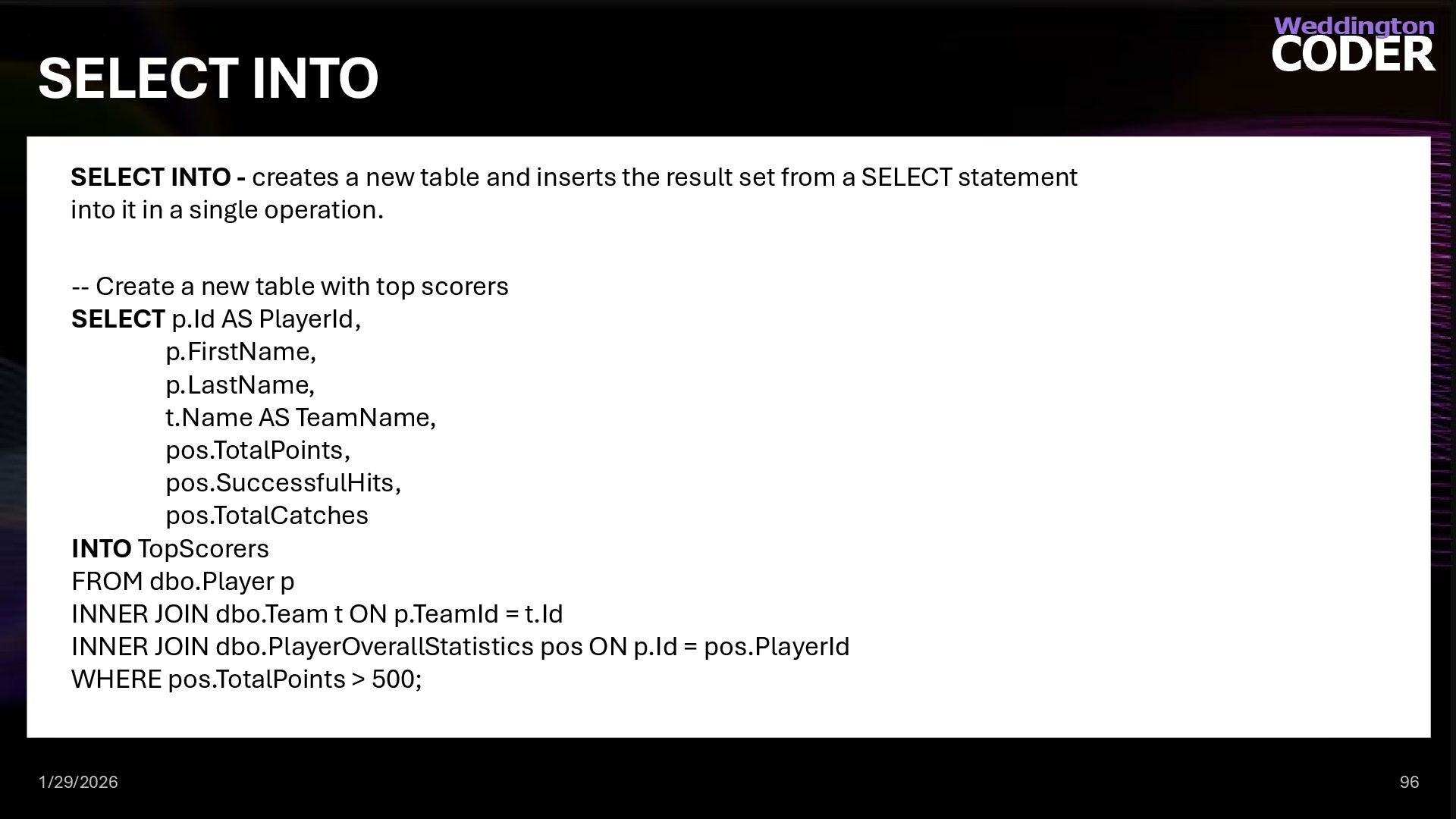
  78. SELECT INTO 1/29/2026 96 SELECT INTO - creates a new

    table and inserts the result set from a SELECT statement into it in a single operation. -- Create a new table with top scorers SELECT p.Id AS PlayerId, p.FirstName, p.LastName, t.Name AS TeamName, pos.TotalPoints, pos.SuccessfulHits, pos.TotalCatches INTO TopScorers FROM dbo.Player p INNER JOIN dbo.Team t ON p.TeamId = t.Id INNER JOIN dbo.PlayerOverallStatistics pos ON p.Id = pos.PlayerId WHERE pos.TotalPoints > 500;
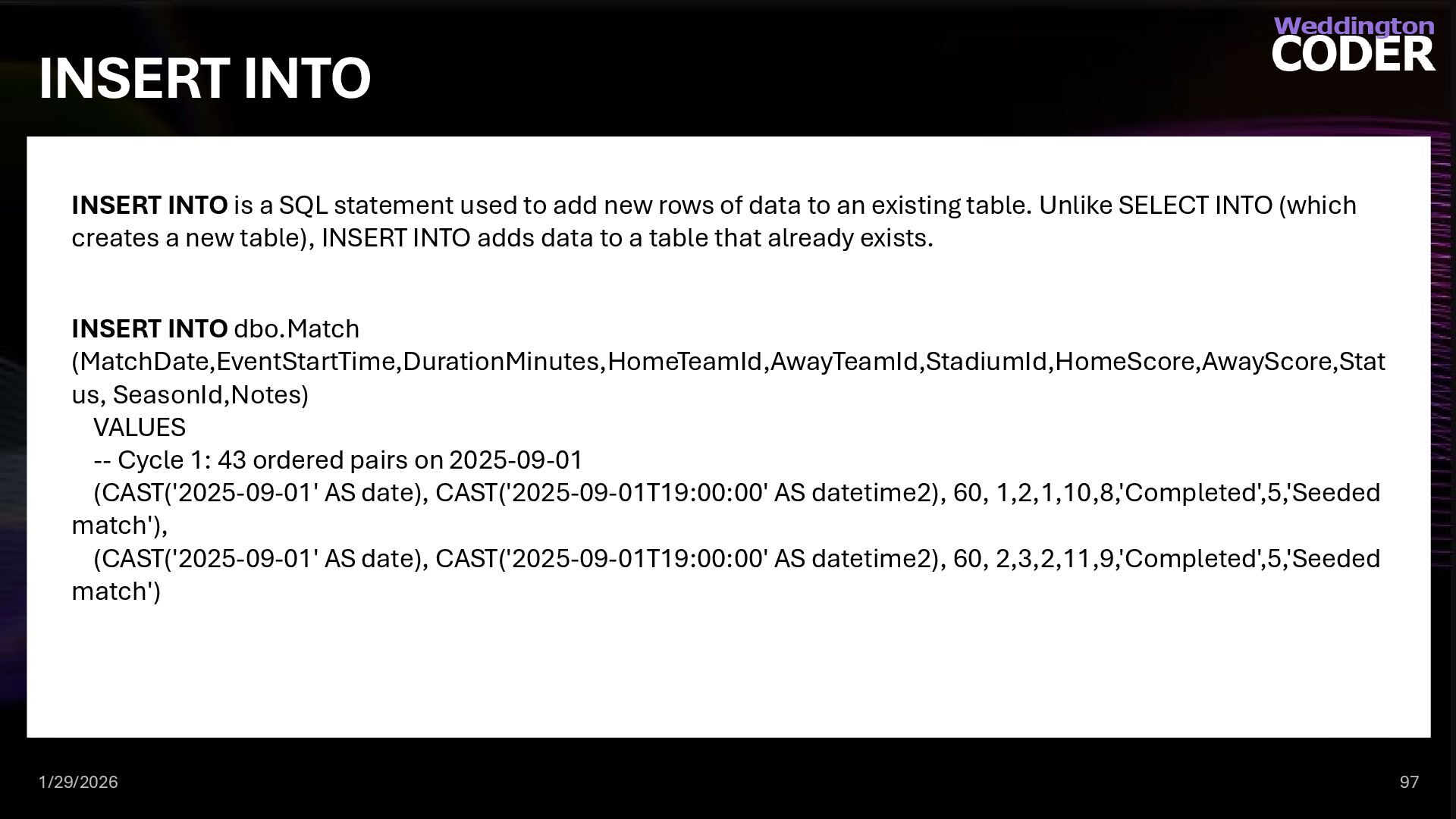
  79. INSERT INTO 1/29/2026 97 INSERT INTO is a SQL statement

    used to add new rows of data to an existing table. Unlike SELECT INTO (which creates a new table), INSERT INTO adds data to a table that already exists. INSERT INTO dbo.Match (MatchDate,EventStartTime,DurationMinutes,HomeTeamId,AwayTeamId,StadiumId,HomeScore,AwayScore,Stat us, SeasonId,Notes) VALUES -- Cycle 1: 43 ordered pairs on 2025-09-01 (CAST('2025-09-01' AS date), CAST('2025-09-01T19:00:00' AS datetime2), 60, 1,2,1,10,8,'Completed',5,'Seeded match'), (CAST('2025-09-01' AS date), CAST('2025-09-01T19:00:00' AS datetime2), 60, 2,3,2,11,9,'Completed',5,'Seeded match')
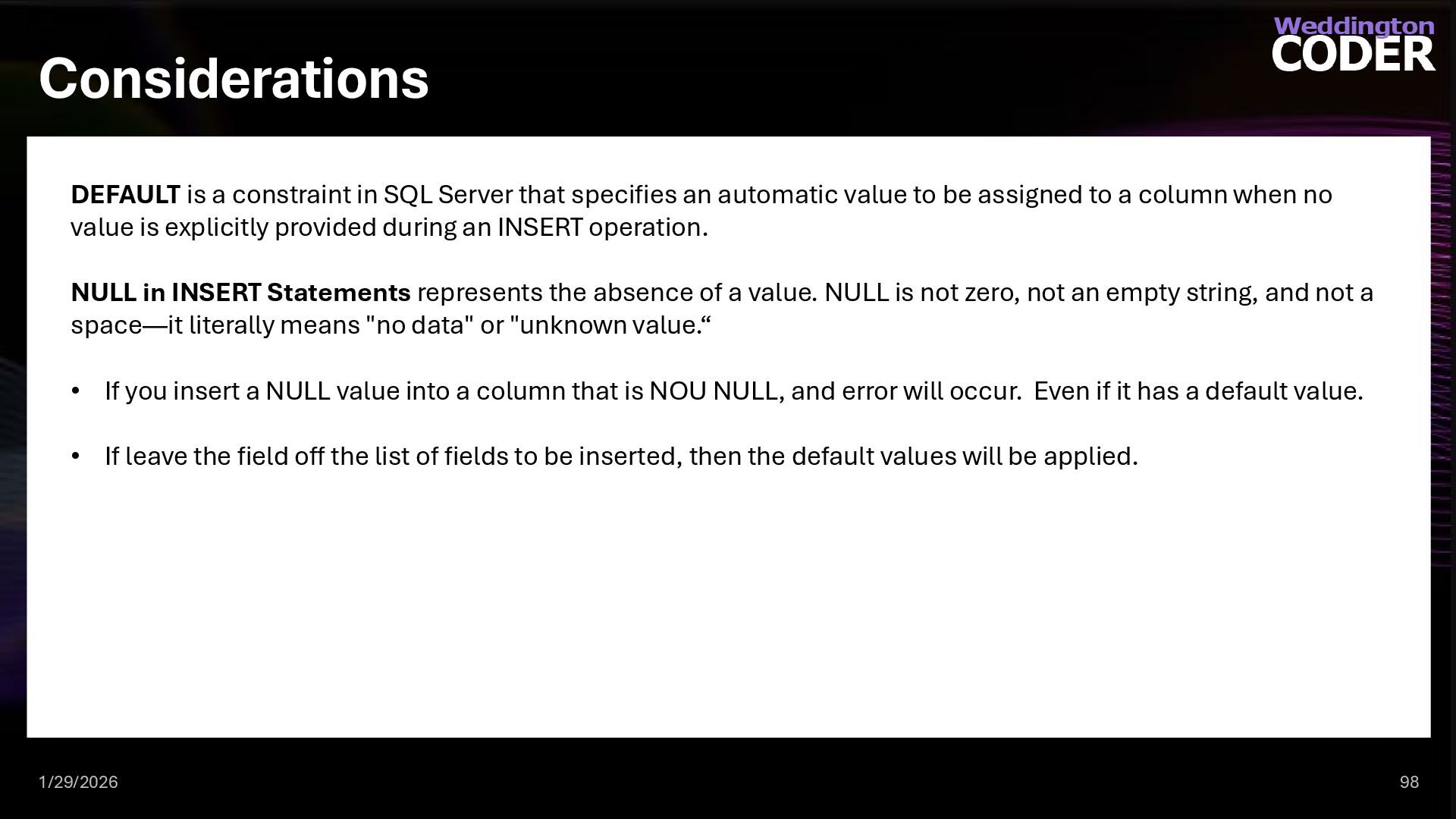
  80. Considerations 1/29/2026 98 DEFAULT is a constraint in SQL Server

    that specifies an automatic value to be assigned to a column when no value is explicitly provided during an INSERT operation. NULL in INSERT Statements represents the absence of a value. NULL is not zero, not an empty string, and not a space—it literally means "no data" or "unknown value.“ • If you insert a NULL value into a column that is NOU NULL, and error will occur. Even if it has a default value. • If leave the field off the list of fields to be inserted, then the default values will be applied.
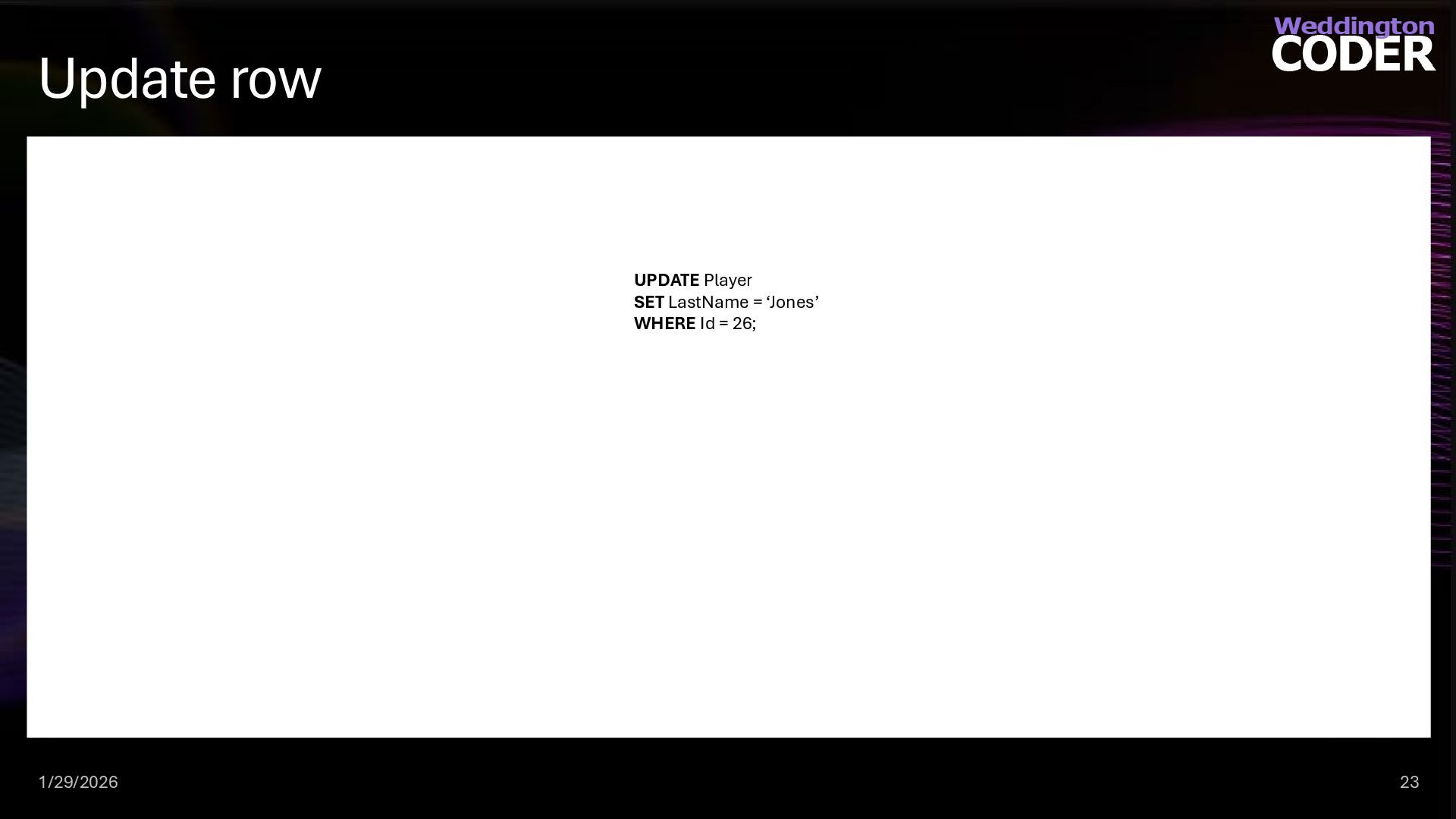
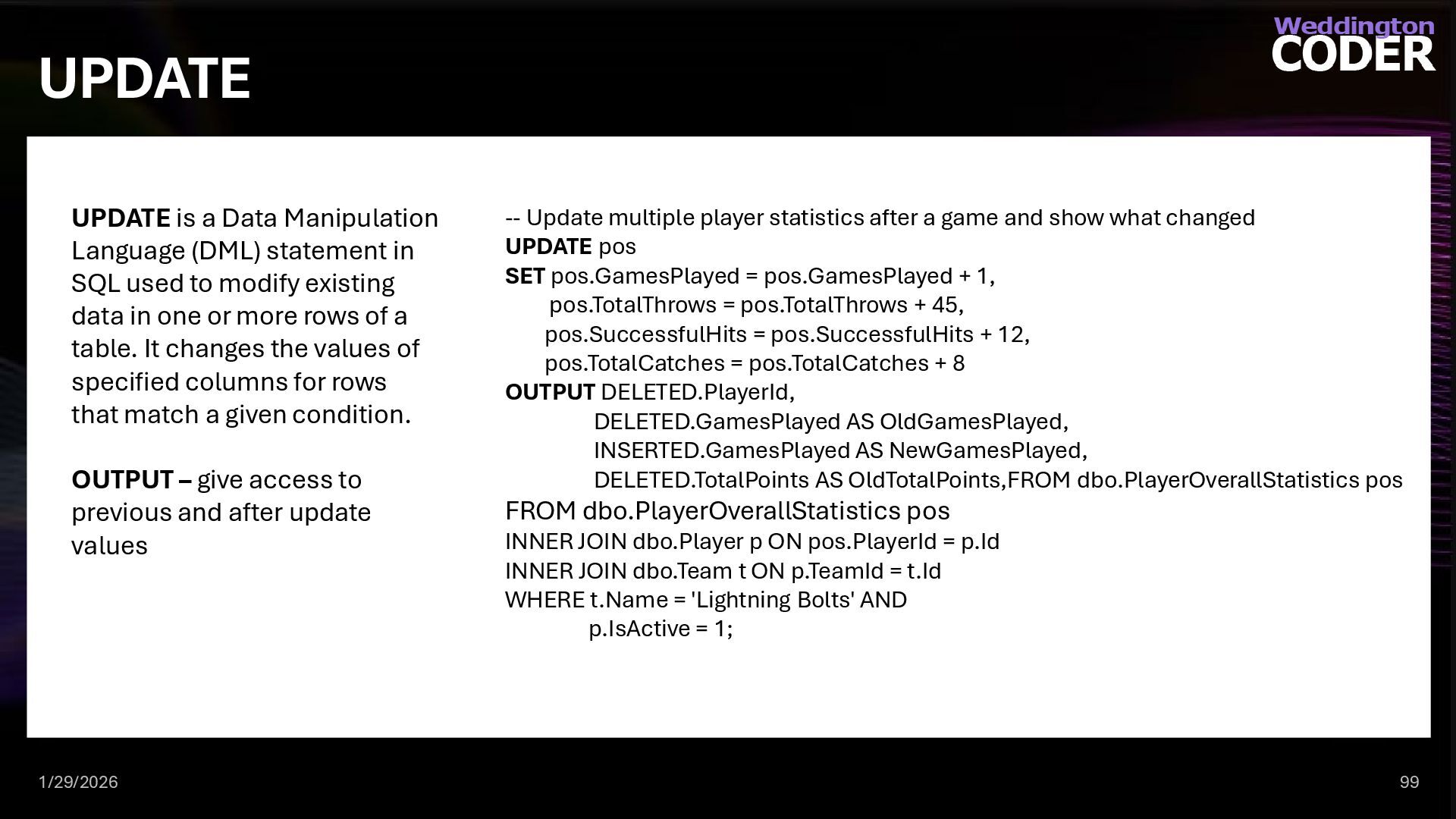
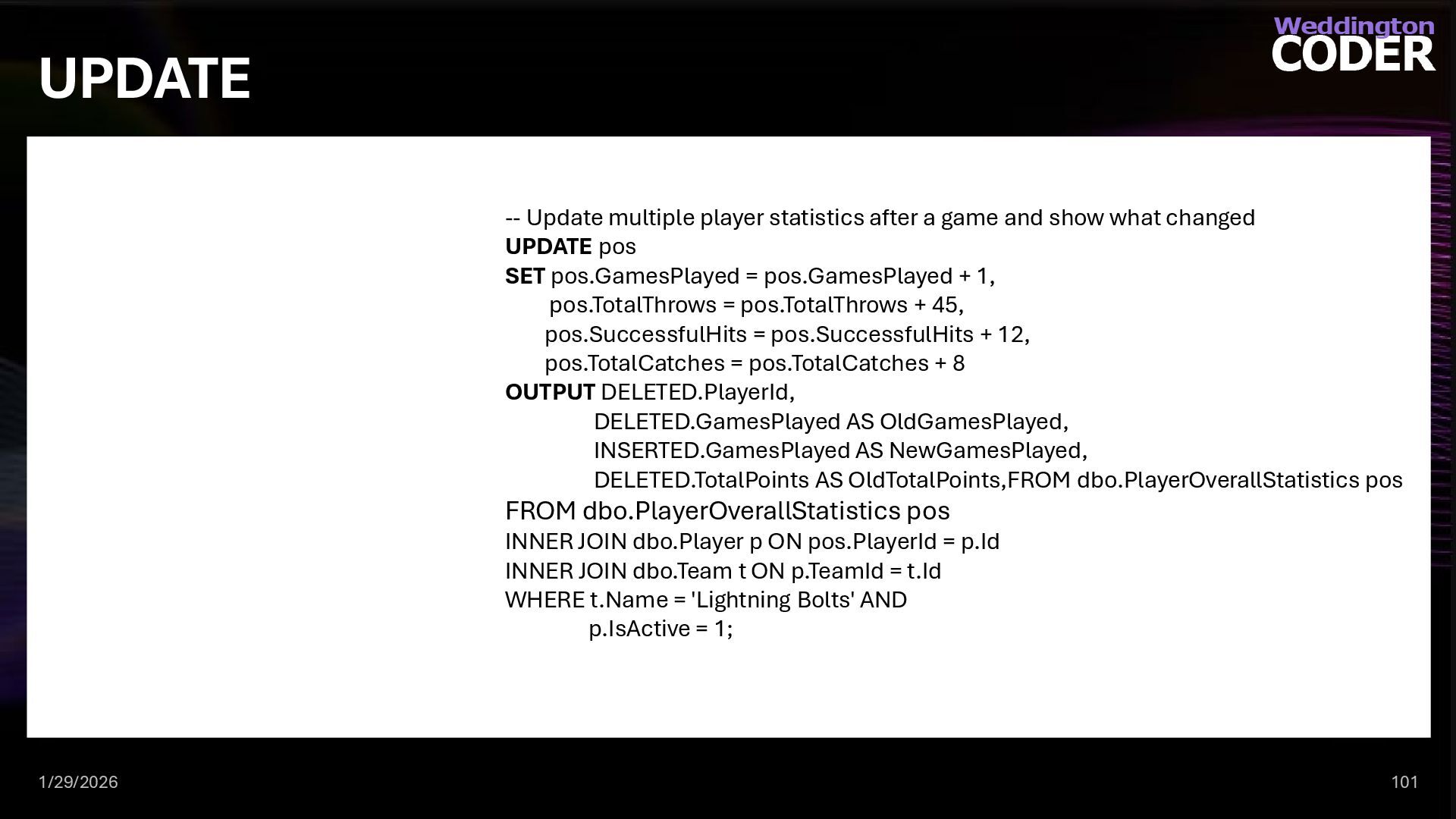
  81. UPDATE 1/29/2026 99 UPDATE is a Data Manipulation Language (DML)

    statement in SQL used to modify existing data in one or more rows of a table. It changes the values of specified columns for rows that match a given condition. OUTPUT – give access to previous and after update values -- Update multiple player statistics after a game and show what changed UPDATE pos SET pos.GamesPlayed = pos.GamesPlayed + 1, pos.TotalThrows = pos.TotalThrows + 45, pos.SuccessfulHits = pos.SuccessfulHits + 12, pos.TotalCatches = pos.TotalCatches + 8 OUTPUT DELETED.PlayerId, DELETED.GamesPlayed AS OldGamesPlayed, INSERTED.GamesPlayed AS NewGamesPlayed, DELETED.TotalPoints AS OldTotalPoints,FROM dbo.PlayerOverallStatistics pos FROM dbo.PlayerOverallStatistics pos INNER JOIN dbo.Player p ON pos.PlayerId = p.Id INNER JOIN dbo.Team t ON p.TeamId = t.Id WHERE t.Name = 'Lightning Bolts' AND p.IsActive = 1;
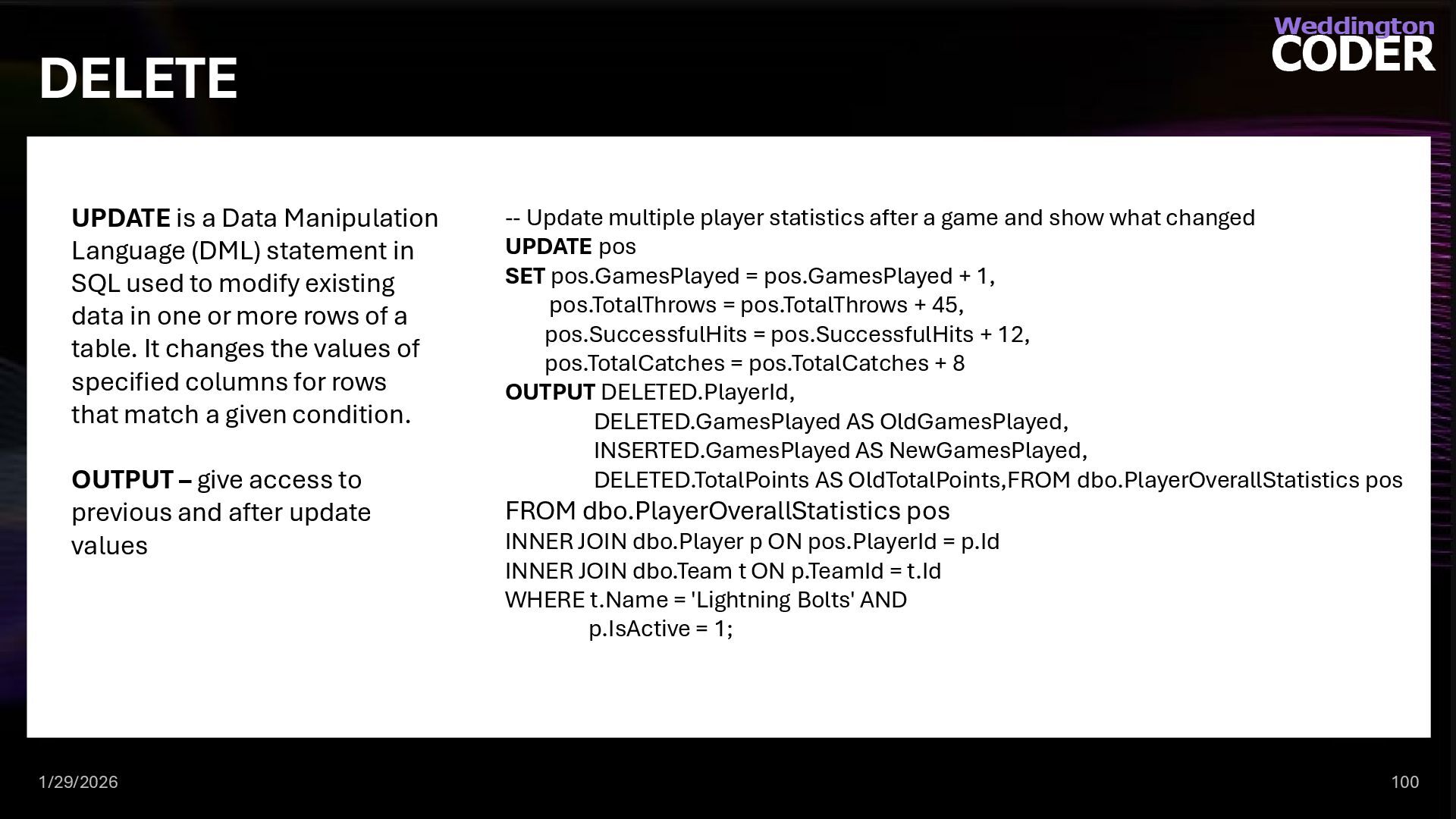
  82. DELETE 1/29/2026 100 UPDATE is a Data Manipulation Language (DML)

    statement in SQL used to modify existing data in one or more rows of a table. It changes the values of specified columns for rows that match a given condition. OUTPUT – give access to previous and after update values -- Update multiple player statistics after a game and show what changed UPDATE pos SET pos.GamesPlayed = pos.GamesPlayed + 1, pos.TotalThrows = pos.TotalThrows + 45, pos.SuccessfulHits = pos.SuccessfulHits + 12, pos.TotalCatches = pos.TotalCatches + 8 OUTPUT DELETED.PlayerId, DELETED.GamesPlayed AS OldGamesPlayed, INSERTED.GamesPlayed AS NewGamesPlayed, DELETED.TotalPoints AS OldTotalPoints,FROM dbo.PlayerOverallStatistics pos FROM dbo.PlayerOverallStatistics pos INNER JOIN dbo.Player p ON pos.PlayerId = p.Id INNER JOIN dbo.Team t ON p.TeamId = t.Id WHERE t.Name = 'Lightning Bolts' AND p.IsActive = 1;
  83. UPDATE 1/29/2026 101 -- Update multiple player statistics after a

    game and show what changed UPDATE pos SET pos.GamesPlayed = pos.GamesPlayed + 1, pos.TotalThrows = pos.TotalThrows + 45, pos.SuccessfulHits = pos.SuccessfulHits + 12, pos.TotalCatches = pos.TotalCatches + 8 OUTPUT DELETED.PlayerId, DELETED.GamesPlayed AS OldGamesPlayed, INSERTED.GamesPlayed AS NewGamesPlayed, DELETED.TotalPoints AS OldTotalPoints,FROM dbo.PlayerOverallStatistics pos FROM dbo.PlayerOverallStatistics pos INNER JOIN dbo.Player p ON pos.PlayerId = p.Id INNER JOIN dbo.Team t ON p.TeamId = t.Id WHERE t.Name = 'Lightning Bolts' AND p.IsActive = 1;
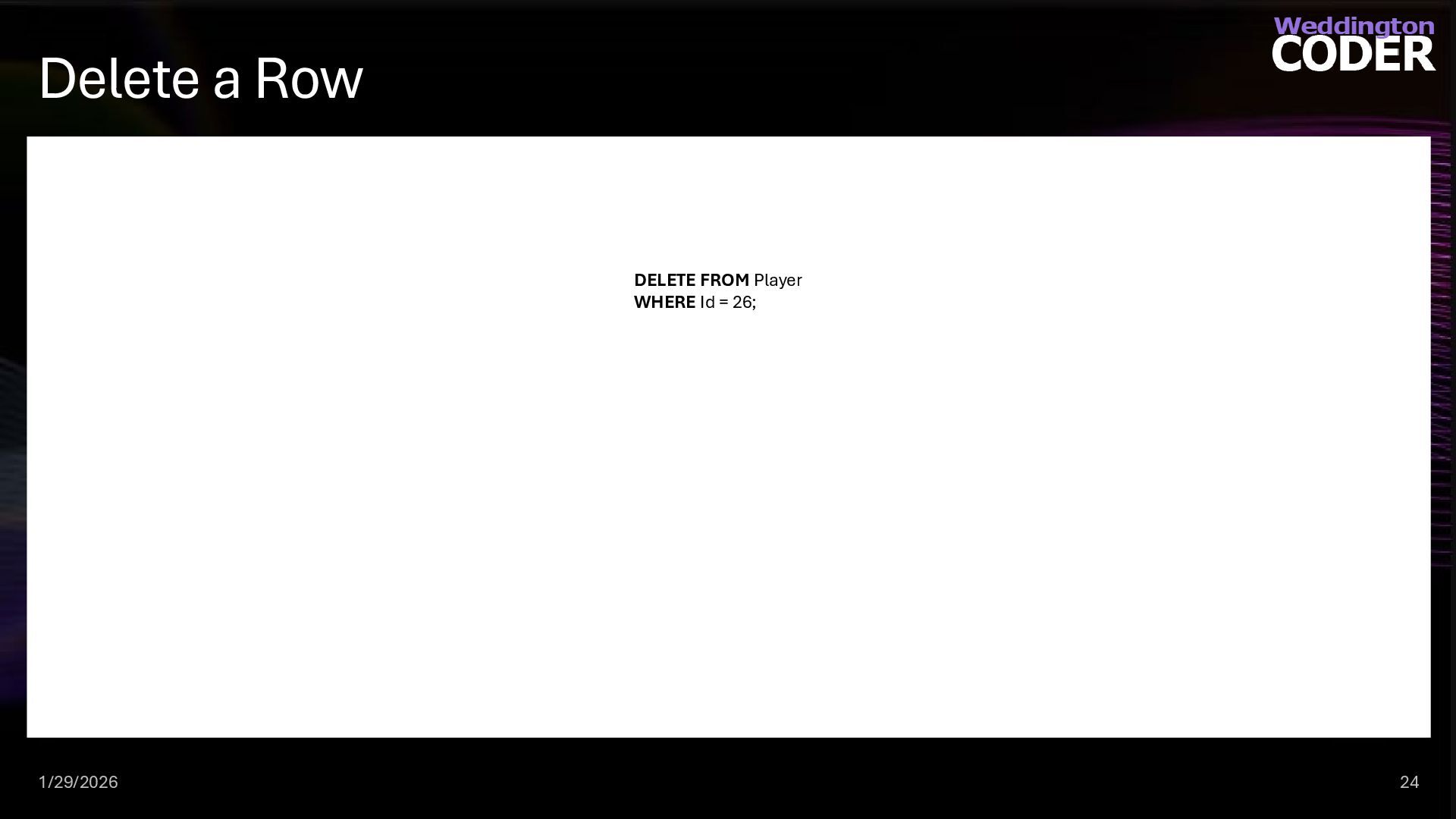
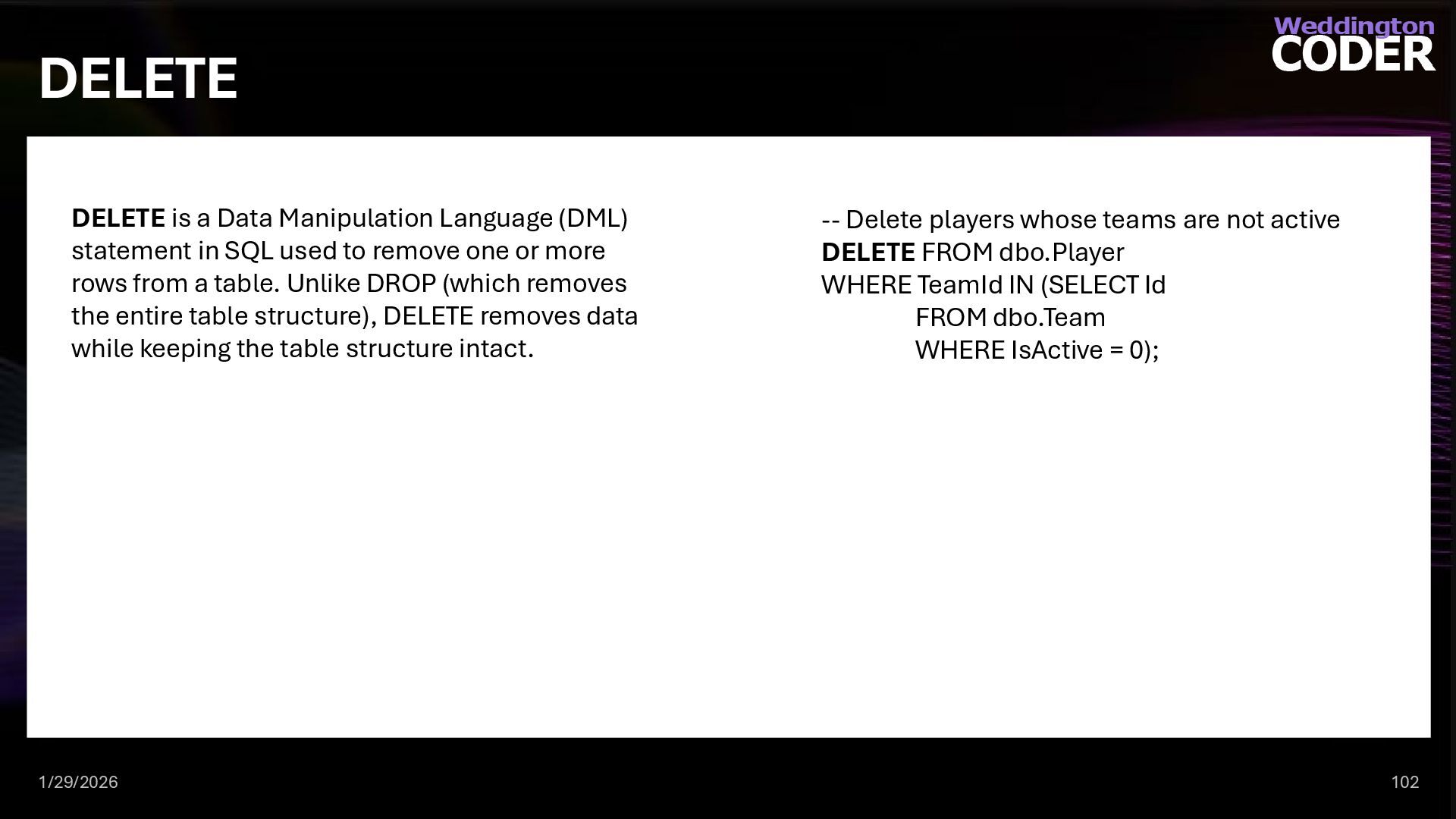
  84. DELETE 1/29/2026 102 DELETE is a Data Manipulation Language (DML)

    statement in SQL used to remove one or more rows from a table. Unlike DROP (which removes the entire table structure), DELETE removes data while keeping the table structure intact. -- Delete players whose teams are not active DELETE FROM dbo.Player WHERE TeamId IN (SELECT Id FROM dbo.Team WHERE IsActive = 0);
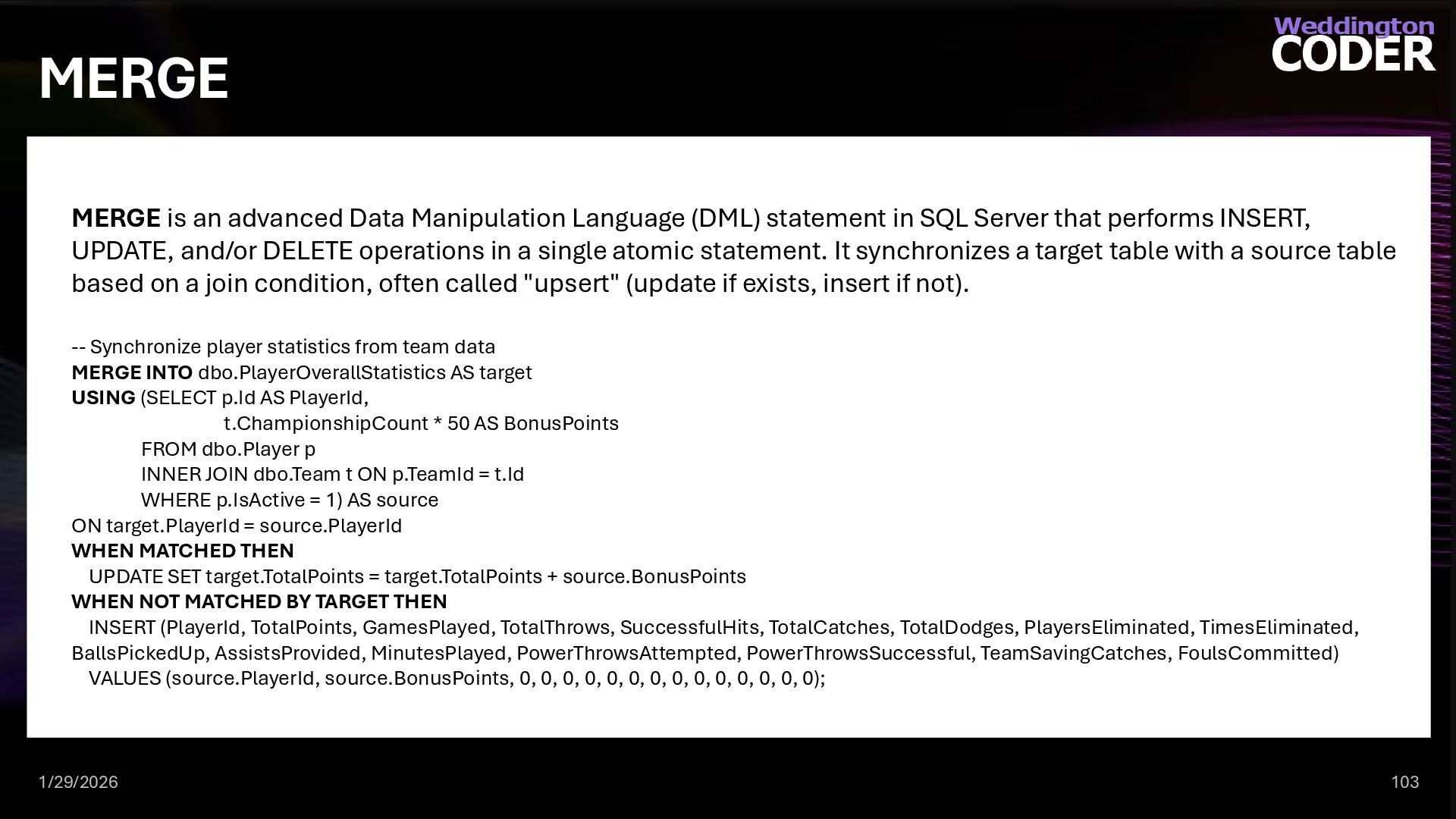
  85. MERGE 1/29/2026 103 MERGE is an advanced Data Manipulation Language

    (DML) statement in SQL Server that performs INSERT, UPDATE, and/or DELETE operations in a single atomic statement. It synchronizes a target table with a source table based on a join condition, often called "upsert" (update if exists, insert if not). -- Synchronize player statistics from team data MERGE INTO dbo.PlayerOverallStatistics AS target USING (SELECT p.Id AS PlayerId, t.ChampionshipCount * 50 AS BonusPoints FROM dbo.Player p INNER JOIN dbo.Team t ON p.TeamId = t.Id WHERE p.IsActive = 1) AS source ON target.PlayerId = source.PlayerId WHEN MATCHED THEN UPDATE SET target.TotalPoints = target.TotalPoints + source.BonusPoints WHEN NOT MATCHED BY TARGET THEN INSERT (PlayerId, TotalPoints, GamesPlayed, TotalThrows, SuccessfulHits, TotalCatches, TotalDodges, PlayersEliminated, TimesEliminated, BallsPickedUp, AssistsProvided, MinutesPlayed, PowerThrowsAttempted, PowerThrowsSuccessful, TeamSavingCatches, FoulsCommitted) VALUES (source.PlayerId, source.BonusPoints, 0, 0, 0, 0, 0, 0, 0, 0, 0, 0, 0, 0, 0, 0);