This is the Day 4 Challenge Deck Recapping what we learned in SQL Server 2022
This presentation will walk us through what we learned as we put it to use building a new Minecraft-themed database. There are 7 challenges in total and a cheatsheet for each. We will build this together,
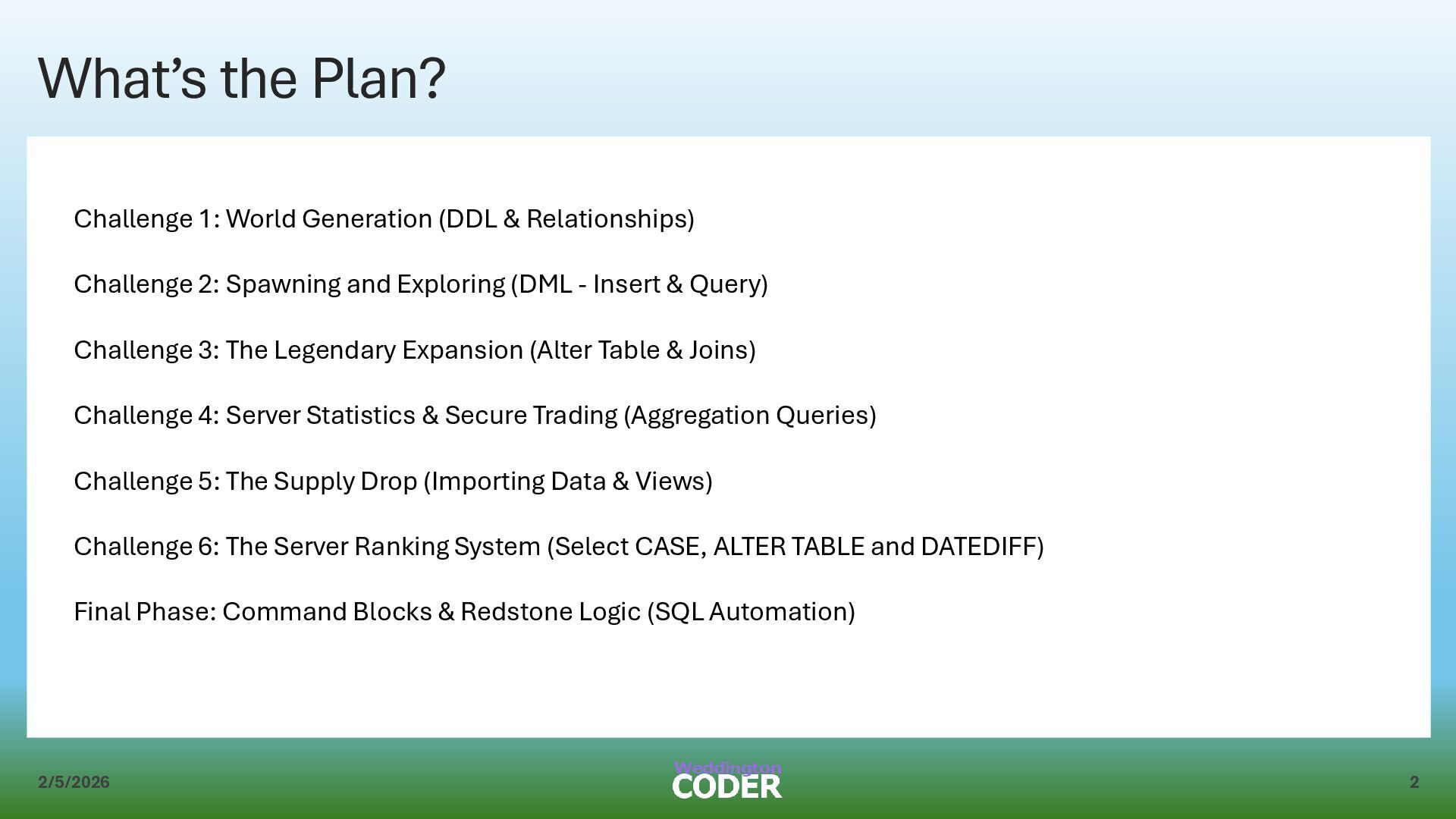
& Relationships) Challenge 2: Spawning and Exploring (DML - Insert & Query) Challenge 3: The Legendary Expansion (Alter Table & Joins) Challenge 4: Server Statistics & Secure Trading (Aggregation Queries) Challenge 5: The Supply Drop (Importing Data & Views) Challenge 6: The Server Ranking System (Select CASE, ALTER TABLE and DATEDIFF) Final Phase: Command Blocks & Redstone Logic (SQL Automation)
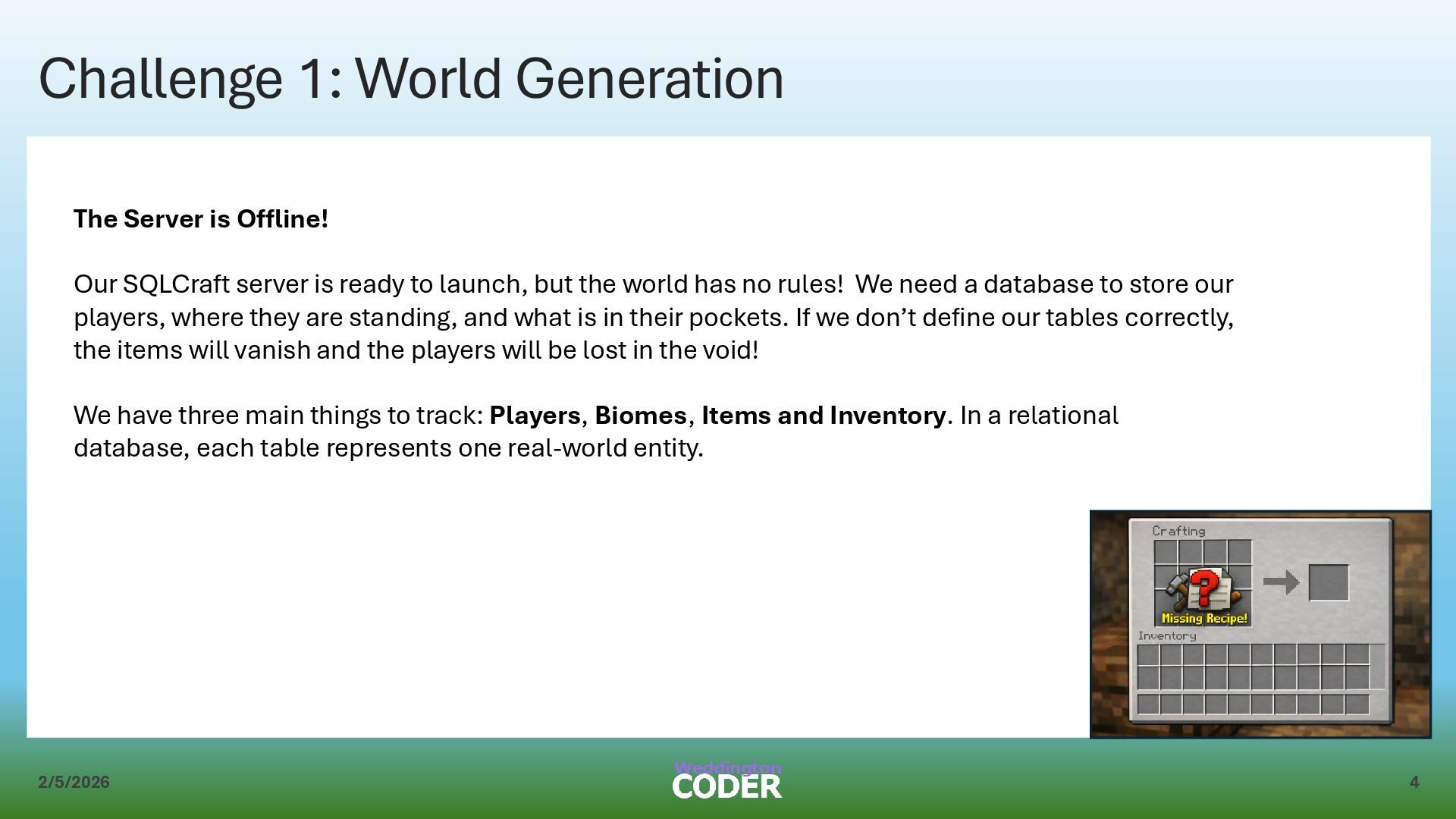
Our SQLCraft server is ready to launch, but the world has no rules! We need a database to store our players, where they are standing, and what is in their pockets. If we don’t define our tables correctly, the items will vanish and the players will be lost in the void! We have three main things to track: Players, Biomes, Items and Inventory. In a relational database, each table represents one real-world entity.
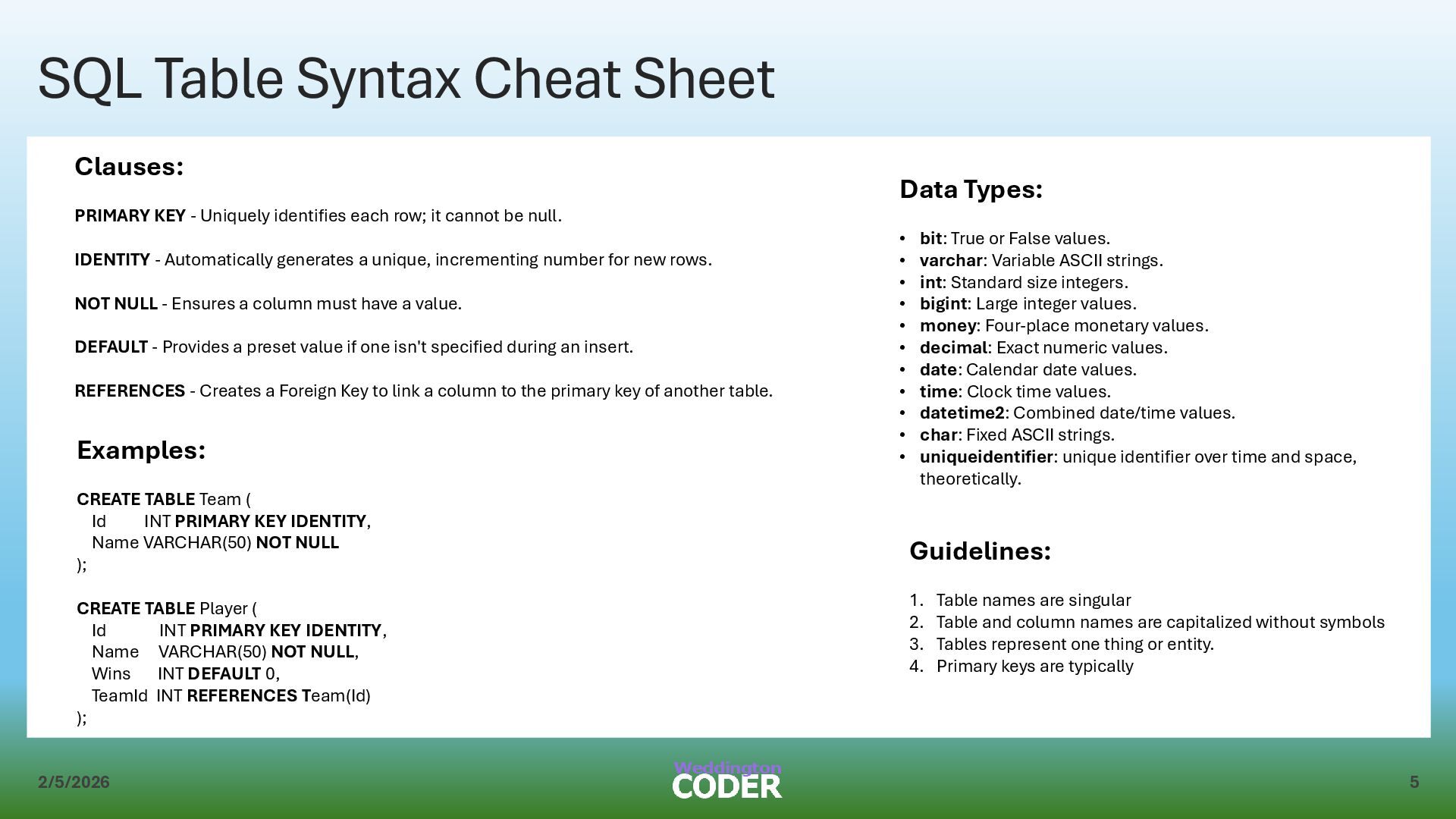
- Uniquely identifies each row; it cannot be null. IDENTITY - Automatically generates a unique, incrementing number for new rows. NOT NULL - Ensures a column must have a value. DEFAULT - Provides a preset value if one isn't specified during an insert. REFERENCES - Creates a Foreign Key to link a column to the primary key of another table. Examples: CREATE TABLE Team ( Id INT PRIMARY KEY IDENTITY, Name VARCHAR(50) NOT NULL ); CREATE TABLE Player ( Id INT PRIMARY KEY IDENTITY, Name VARCHAR(50) NOT NULL, Wins INT DEFAULT 0, TeamId INT REFERENCES Team(Id) ); Guidelines: 1. Table names are singular 2. Table and column names are capitalized without symbols 3. Tables represent one thing or entity. 4. Primary keys are typically Data Types: • bit: True or False values. • varchar: Variable ASCII strings. • int: Standard size integers. • bigint: Large integer values. • money: Four-place monetary values. • decimal: Exact numeric values. • date: Calendar date values. • time: Clock time values. • datetime2: Combined date/time values. • char: Fixed ASCII strings. • uniqueidentifier: unique identifier over time and space, theoretically.
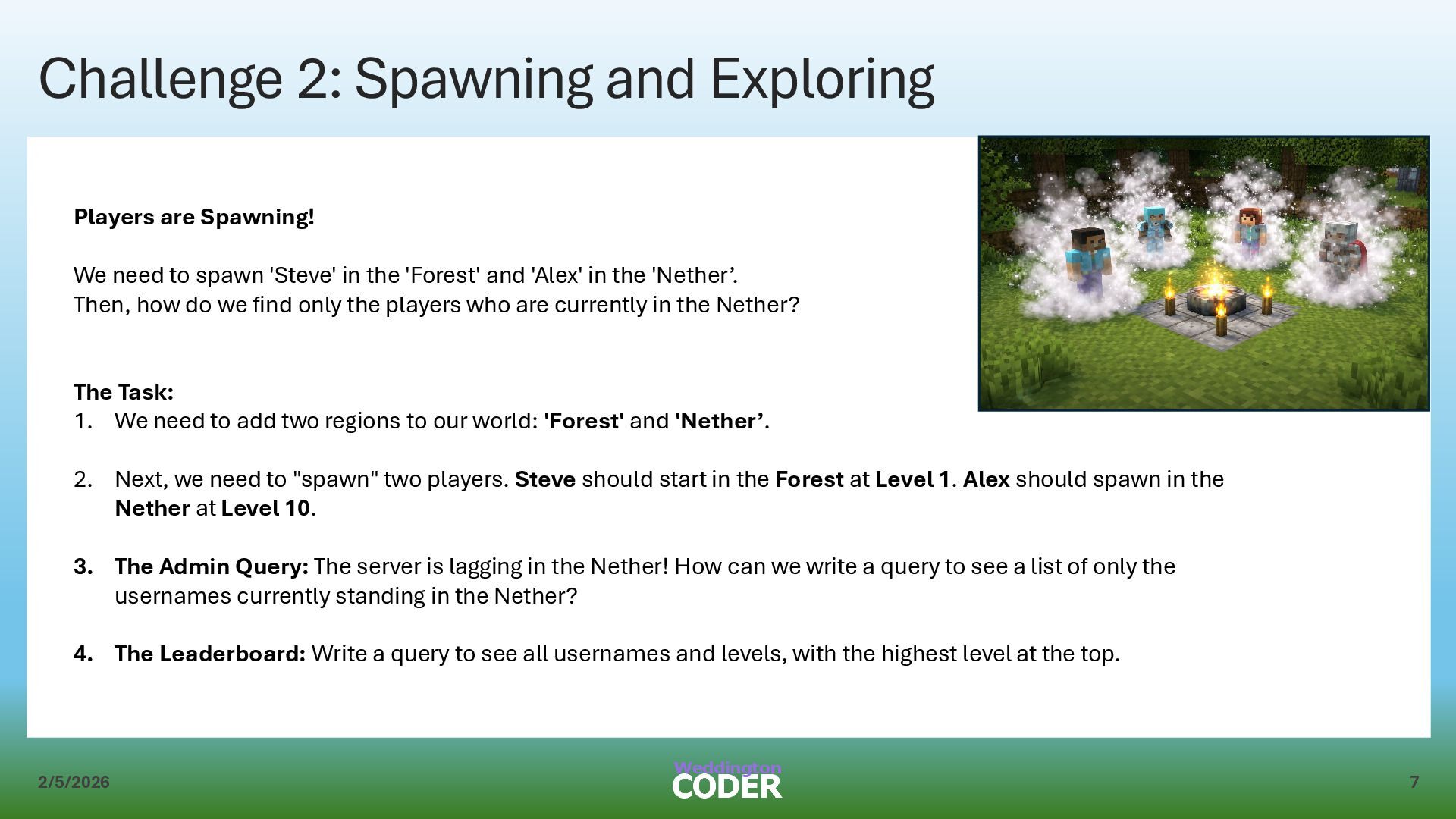
We need to spawn 'Steve' in the 'Forest' and 'Alex' in the 'Nether’. Then, how do we find only the players who are currently in the Nether? The Task: 1. We need to add two regions to our world: 'Forest' and 'Nether’. 2. Next, we need to "spawn" two players. Steve should start in the Forest at Level 1. Alex should spawn in the Nether at Level 10. 3. The Admin Query: The server is lagging in the Nether! How can we write a query to see a list of only the usernames currently standing in the Nether? 4. The Leaderboard: Write a query to see all usernames and levels, with the highest level at the top.
INTO: Adds one or more new rows to a table. ◦ Identity Rule: You must omit identity columns from your column list, as the server generates these values automatically. ◦ Syntax Example (Astronomy Theme): INSERT INTO Planet (PlanetName, MoonCount) VALUES ('Jupiter', 95); • SELECT: Retrieves selected columns and rows from a base table to create a temporary result set. ◦ Syntax Example: SELECT PlanetName FROM Planet; • WHERE: Specifies a search condition (a Boolean expression) used to filter the rows in the base table. ◦ Literal Rule: Enclose string literals (text) in single quotes, but do not use quotes for numeric literals. ◦ Syntax Example: SELECT PlanetName FROM Planet WHERE MoonCount > 0; • ORDER BY: Determines how the rows in the result set are sorted. Use ASC for ascending (default) or DESC for descending order.
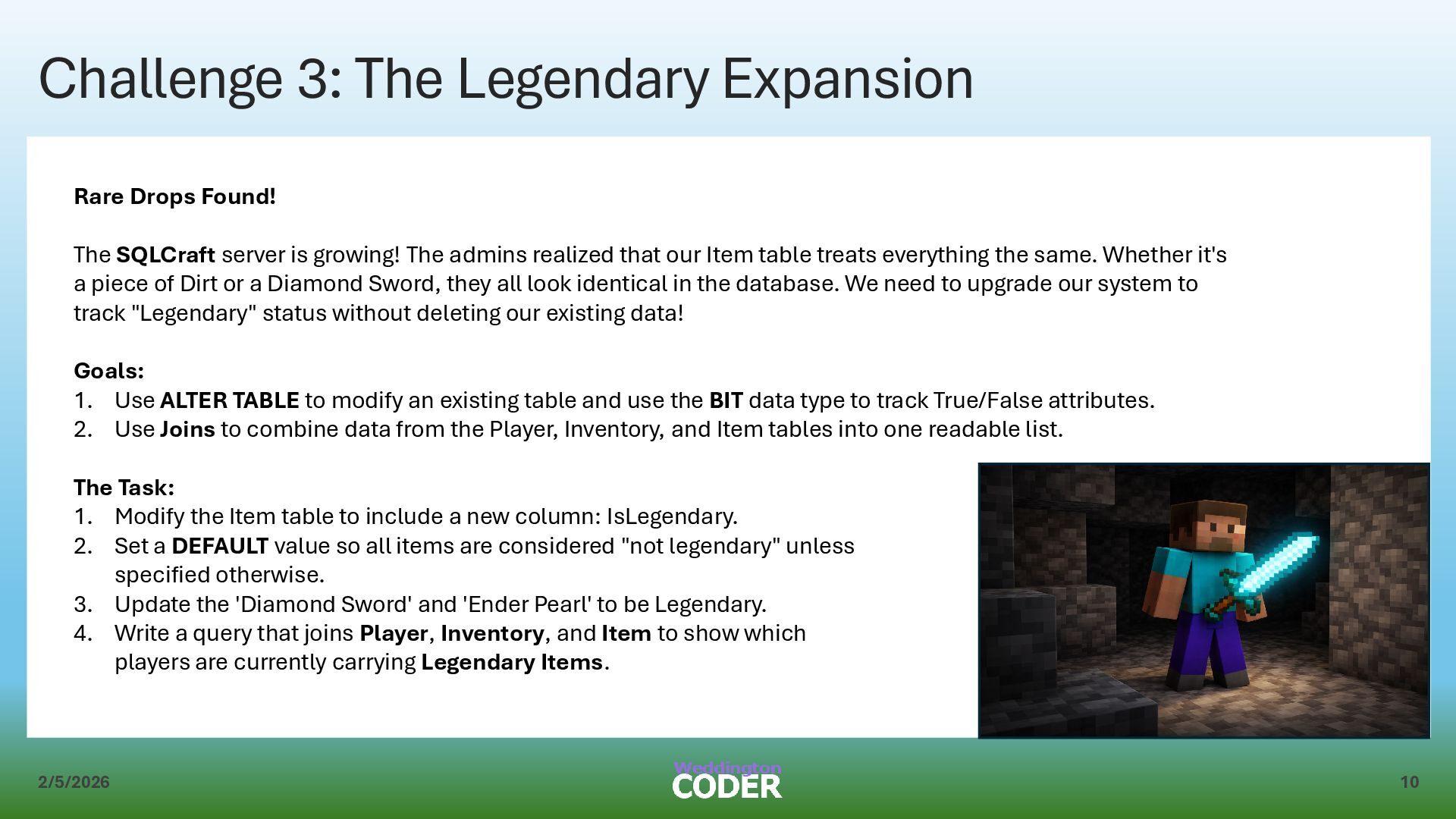
The SQLCraft server is growing! The admins realized that our Item table treats everything the same. Whether it's a piece of Dirt or a Diamond Sword, they all look identical in the database. We need to upgrade our system to track "Legendary" status without deleting our existing data! Goals: 1. Use ALTER TABLE to modify an existing table and use the BIT data type to track True/False attributes. 2. Use Joins to combine data from the Player, Inventory, and Item tables into one readable list. The Task: 1. Modify the Item table to include a new column: IsLegendary. 2. Set a DEFAULT value so all items are considered "not legendary" unless specified otherwise. 3. Update the 'Diamond Sword' and 'Ender Pearl' to be Legendary. 4. Write a query that joins Player, Inventory, and Item to show which players are currently carrying Legendary Items.
Data Definition Language (DDL) statement used to change the structure of an existing table. • ADD: A clause used with ALTER TABLE to append a new column to a table. • BIT: A data type used to store a value of 1 or 0, representing True or False. • DEFAULT: A constraint that provides a preset value for a column if no data is supplied during an INSERT. • UPDATE: A Data Manipulation Language (DML) statement used to change existing data within rows. Example: -- Adds a True/False column for 'HasLife' to an existing Planet table ALTER TABLE Planet ADD HasLife BIT DEFAULT 0;
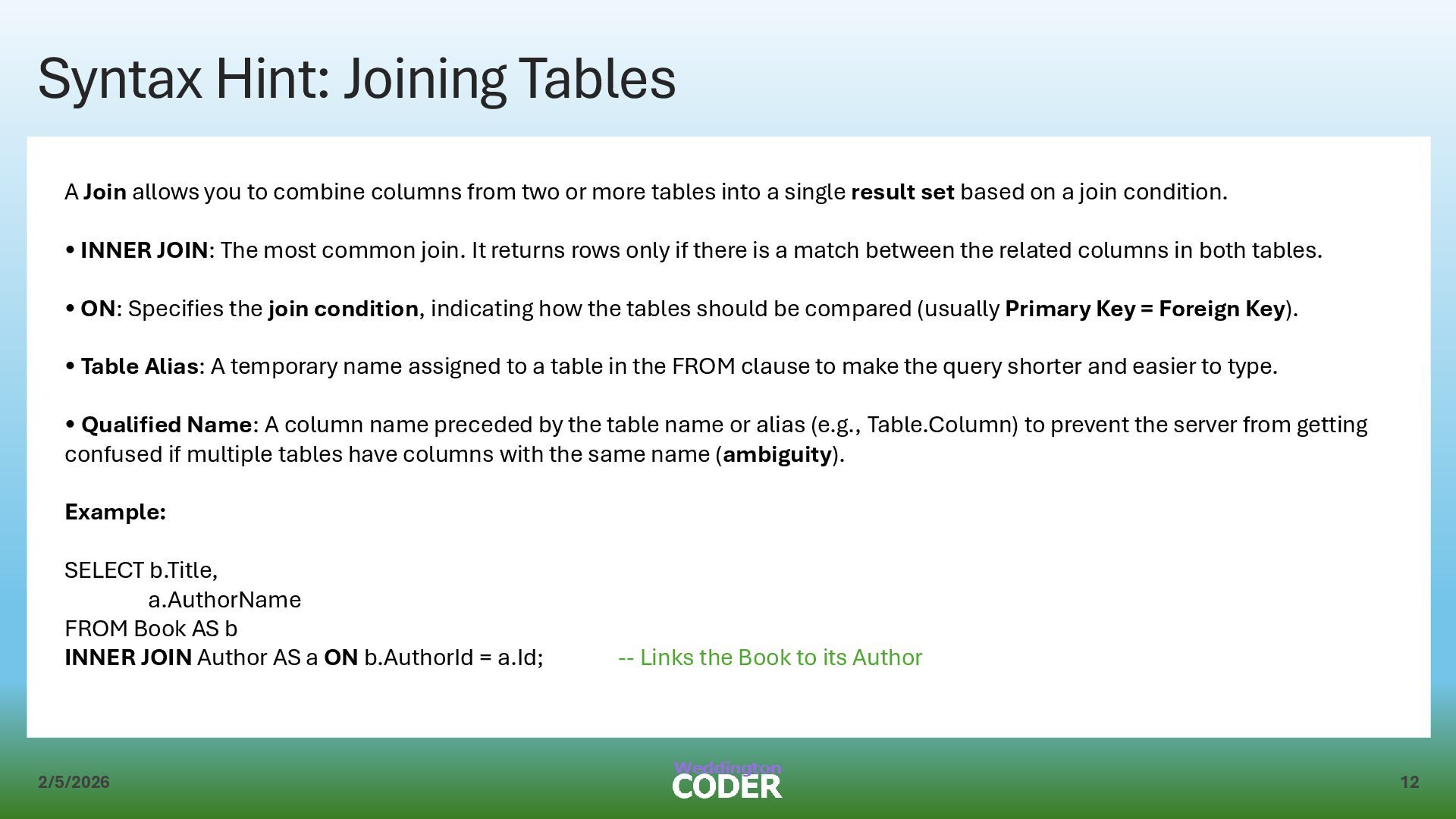
to combine columns from two or more tables into a single result set based on a join condition. • INNER JOIN: The most common join. It returns rows only if there is a match between the related columns in both tables. • ON: Specifies the join condition, indicating how the tables should be compared (usually Primary Key = Foreign Key). • Table Alias: A temporary name assigned to a table in the FROM clause to make the query shorter and easier to type. • Qualified Name: A column name preceded by the table name or alias (e.g., Table.Column) to prevent the server from getting confused if multiple tables have columns with the same name (ambiguity). Example: SELECT b.Title, a.AuthorName FROM Book AS b INNER JOIN Author AS a ON b.AuthorId = a.Id; -- Links the Book to its Author
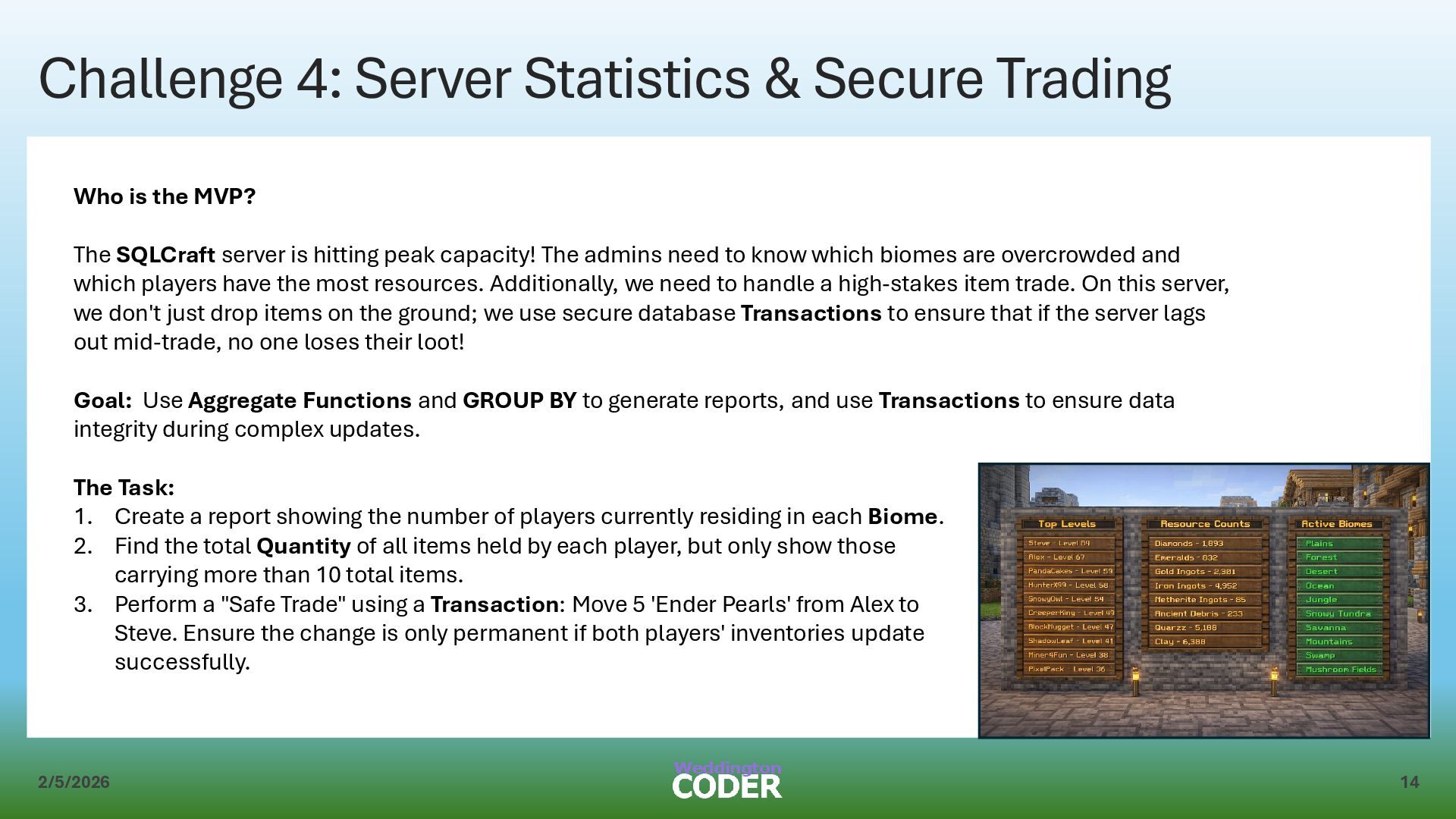
is the MVP? The SQLCraft server is hitting peak capacity! The admins need to know which biomes are overcrowded and which players have the most resources. Additionally, we need to handle a high-stakes item trade. On this server, we don't just drop items on the ground; we use secure database Transactions to ensure that if the server lags out mid-trade, no one loses their loot! Goal: Use Aggregate Functions and GROUP BY to generate reports, and use Transactions to ensure data integrity during complex updates. The Task: 1. Create a report showing the number of players currently residing in each Biome. 2. Find the total Quantity of all items held by each player, but only show those carrying more than 10 total items. 3. Perform a "Safe Trade" using a Transaction: Move 5 'Ender Pearls' from Alex to Steve. Ensure the change is only permanent if both players' inventories update successfully.
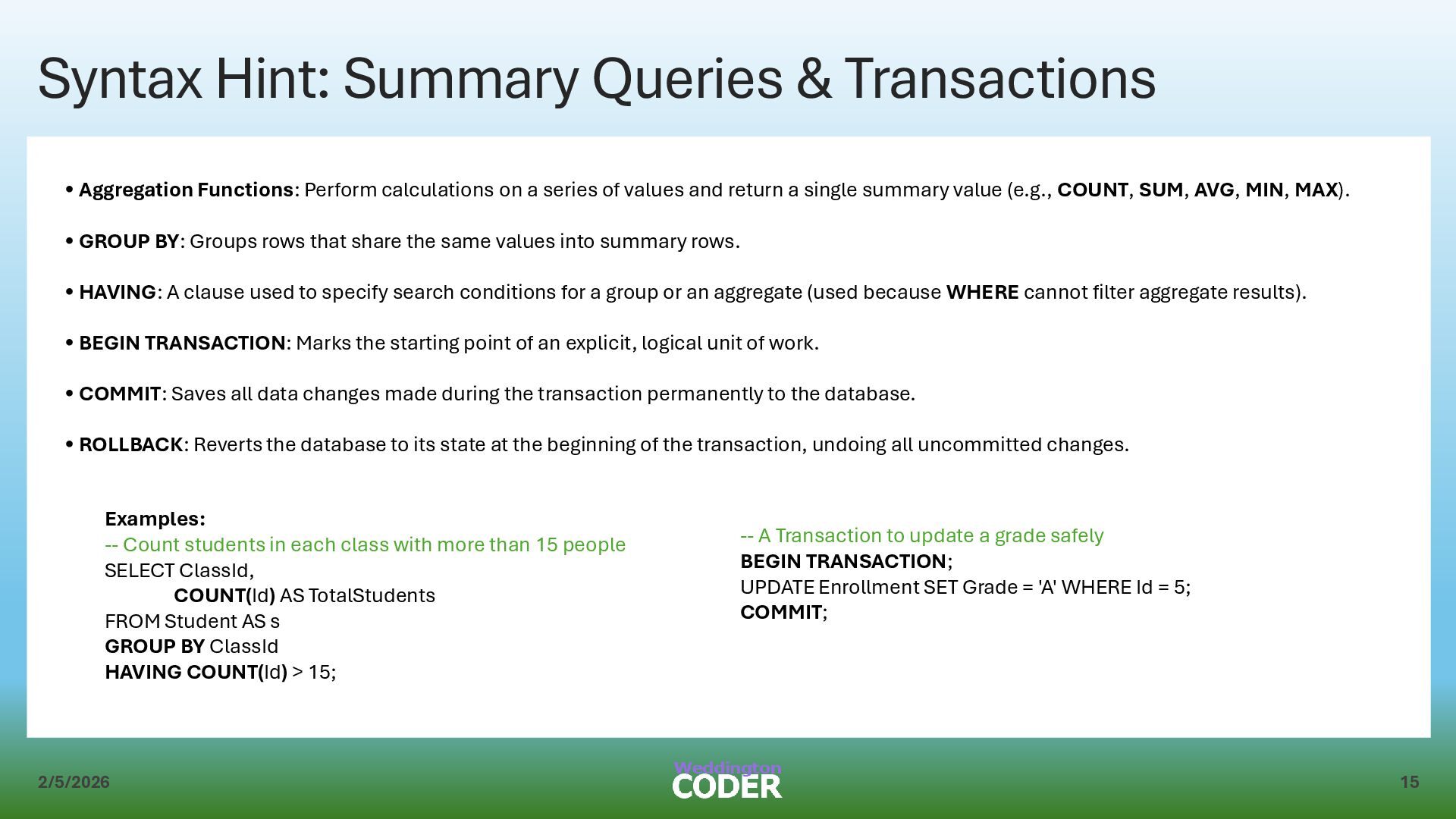
Functions: Perform calculations on a series of values and return a single summary value (e.g., COUNT, SUM, AVG, MIN, MAX). • GROUP BY: Groups rows that share the same values into summary rows. • HAVING: A clause used to specify search conditions for a group or an aggregate (used because WHERE cannot filter aggregate results). • BEGIN TRANSACTION: Marks the starting point of an explicit, logical unit of work. • COMMIT: Saves all data changes made during the transaction permanently to the database. • ROLLBACK: Reverts the database to its state at the beginning of the transaction, undoing all uncommitted changes. Examples: -- Count students in each class with more than 15 people SELECT ClassId, COUNT(Id) AS TotalStudents FROM Student AS s GROUP BY ClassId HAVING COUNT(Id) > 15; -- A Transaction to update a grade safely BEGIN TRANSACTION; UPDATE Enrollment SET Grade = 'A' WHERE Id = 5; COMMIT;
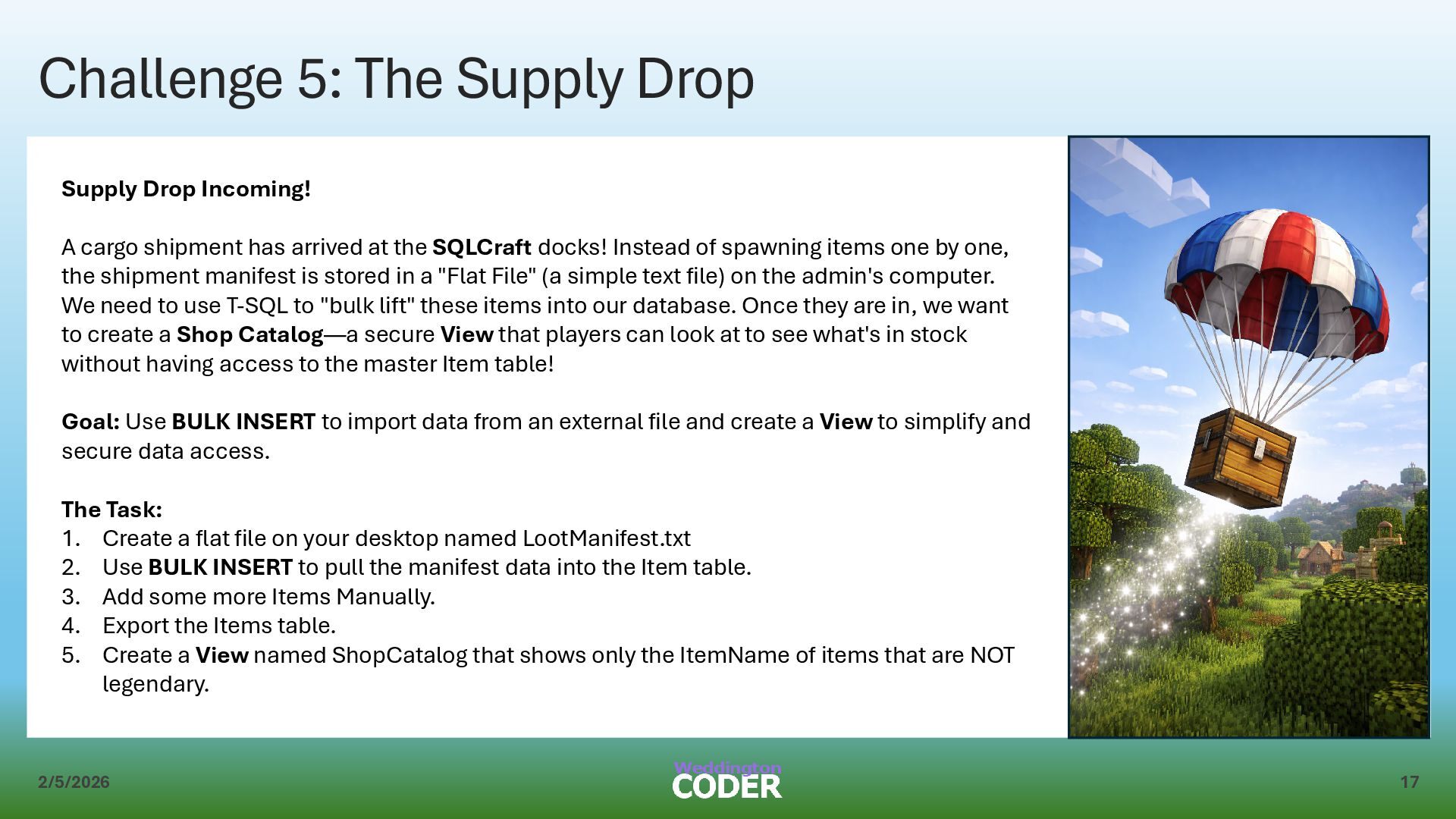
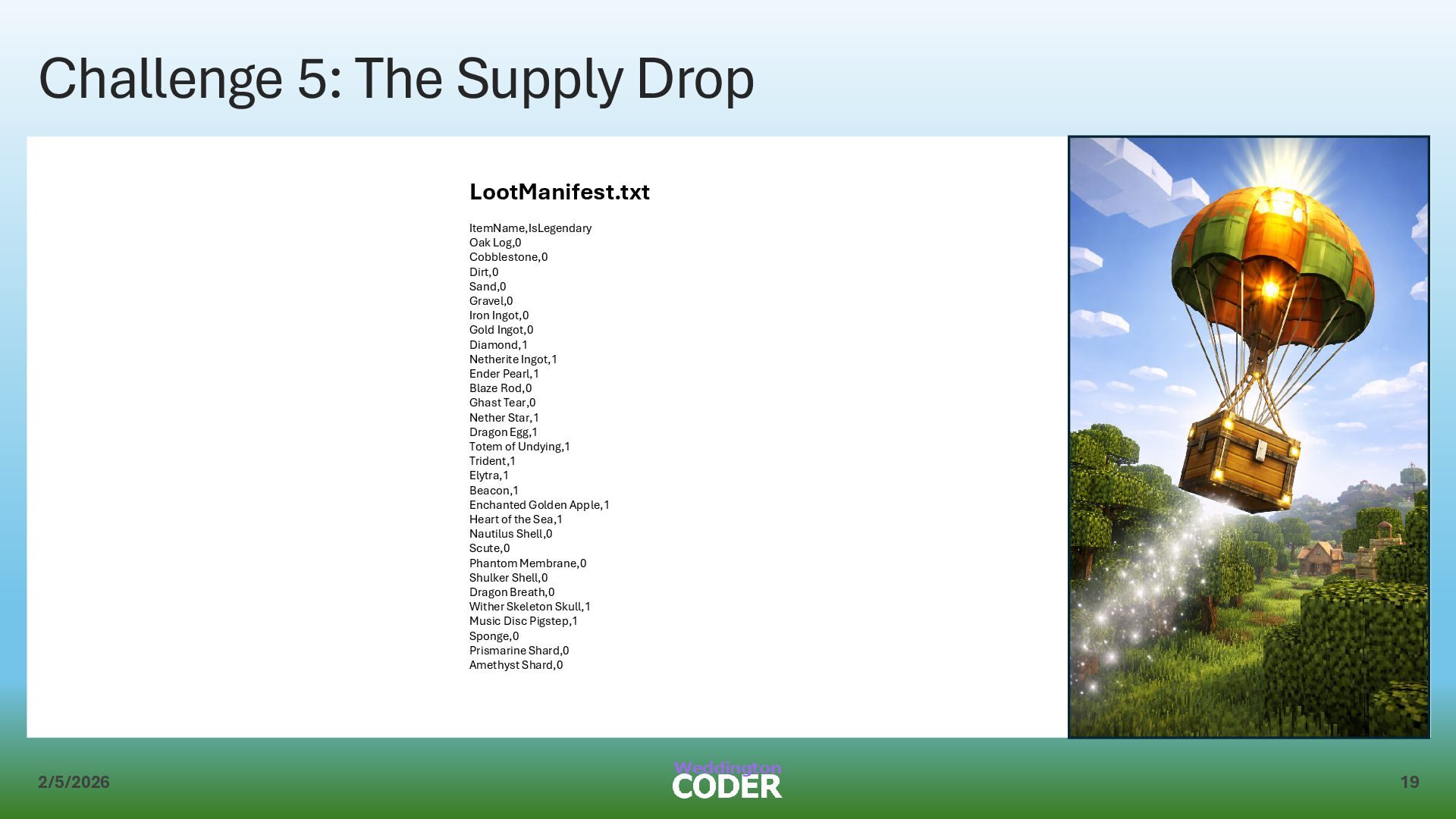
A cargo shipment has arrived at the SQLCraft docks! Instead of spawning items one by one, the shipment manifest is stored in a "Flat File" (a simple text file) on the admin's computer. We need to use T-SQL to "bulk lift" these items into our database. Once they are in, we want to create a Shop Catalog—a secure View that players can look at to see what's in stock without having access to the master Item table! Goal: Use BULK INSERT to import data from an external file and create a View to simplify and secure data access. The Task: 1. Create a flat file on your desktop named LootManifest.txt 2. Use BULK INSERT to pull the manifest data into the Item table. 3. Add some more Items Manually. 4. Export the Items table. 5. Create a View named ShopCatalog that shows only the ItemName of items that are NOT legendary.
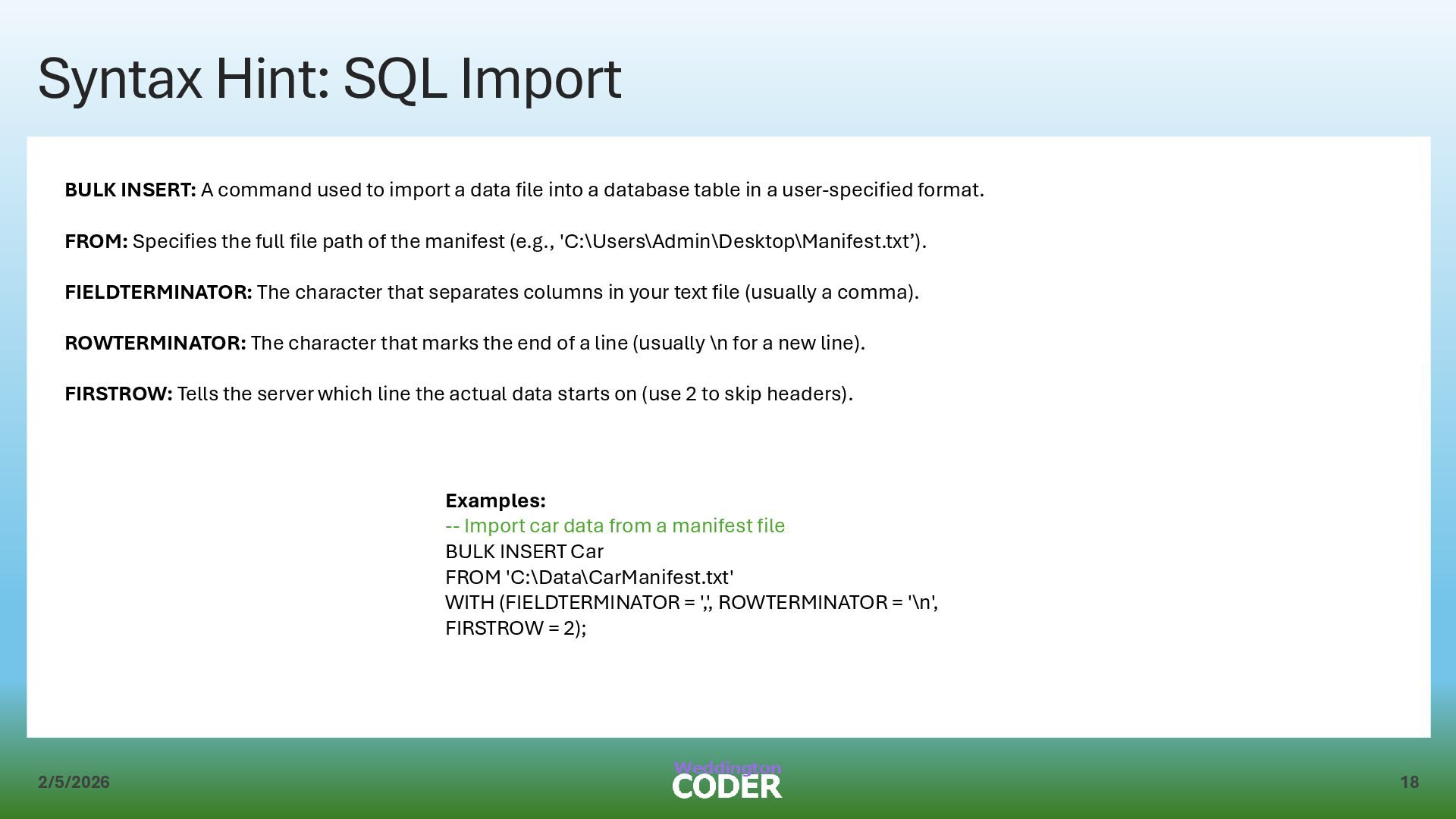
used to import a data file into a database table in a user-specified format. FROM: Specifies the full file path of the manifest (e.g., 'C:\Users\Admin\Desktop\Manifest.txt’). FIELDTERMINATOR: The character that separates columns in your text file (usually a comma). ROWTERMINATOR: The character that marks the end of a line (usually \n for a new line). FIRSTROW: Tells the server which line the actual data starts on (use 2 to skip headers). Examples: -- Import car data from a manifest file BULK INSERT Car FROM 'C:\Data\CarManifest.txt' WITH (FIELDTERMINATOR = ',', ROWTERMINATOR = '\n', FIRSTROW = 2);
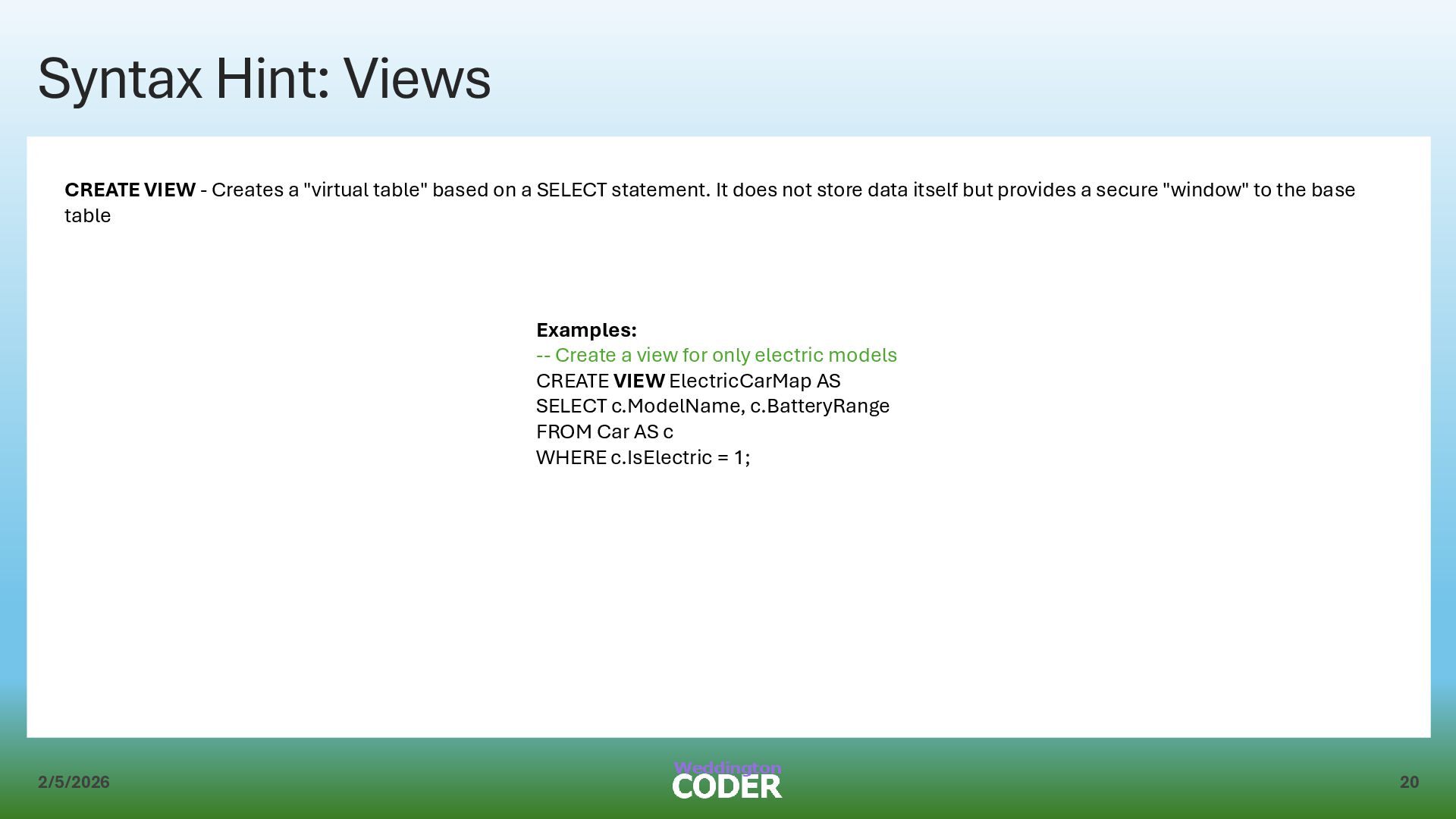
"virtual table" based on a SELECT statement. It does not store data itself but provides a secure "window" to the base table Examples: -- Create a view for only electric models CREATE VIEW ElectricCarMap AS SELECT c.ModelName, c.BatteryRange FROM Car AS c WHERE c.IsElectric = 1;
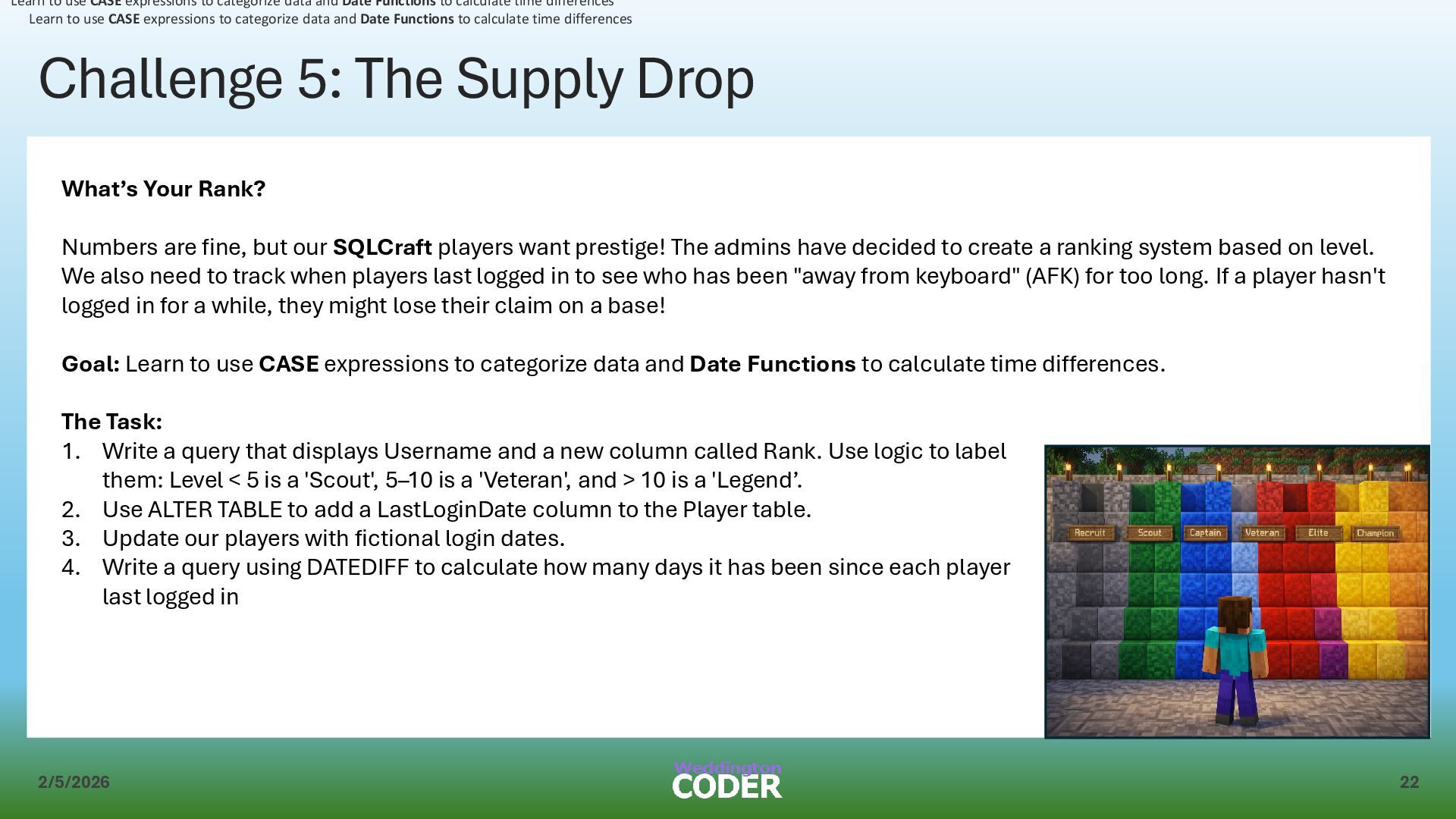
Numbers are fine, but our SQLCraft players want prestige! The admins have decided to create a ranking system based on level. We also need to track when players last logged in to see who has been "away from keyboard" (AFK) for too long. If a player hasn't logged in for a while, they might lose their claim on a base! Goal: Learn to use CASE expressions to categorize data and Date Functions to calculate time differences. The Task: 1. Write a query that displays Username and a new column called Rank. Use logic to label them: Level < 5 is a 'Scout', 5–10 is a 'Veteran', and > 10 is a 'Legend’. 2. Use ALTER TABLE to add a LastLoginDate column to the Player table. 3. Update our players with fictional login dates. 4. Write a query using DATEDIFF to calculate how many days it has been since each player last logged in Learn to use CASE expressions to categorize data and Date Functions to calculate time differences Learn to use CASE expressions to categorize data and Date Functions to calculate time differences
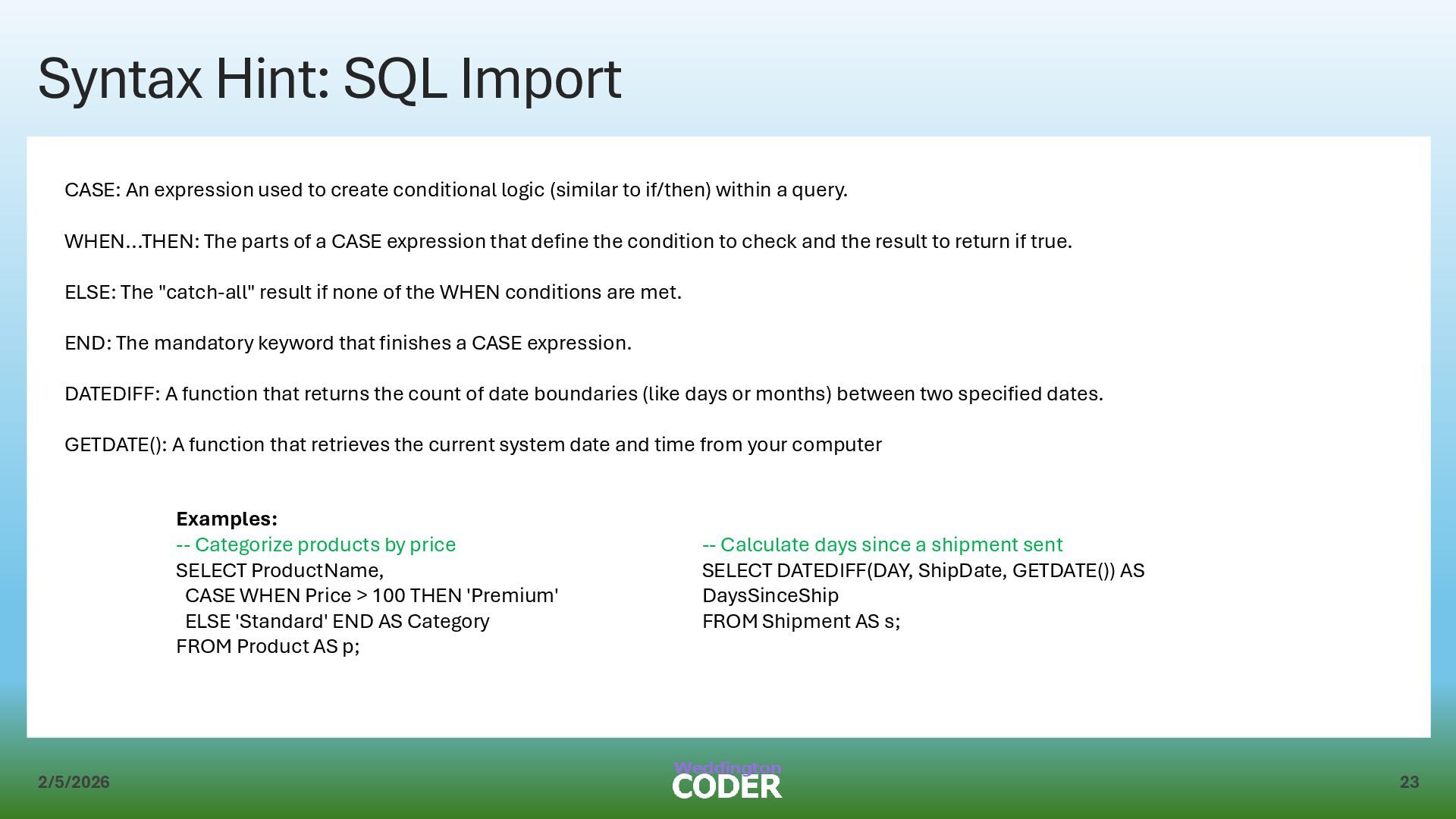
to create conditional logic (similar to if/then) within a query. WHEN...THEN: The parts of a CASE expression that define the condition to check and the result to return if true. ELSE: The "catch-all" result if none of the WHEN conditions are met. END: The mandatory keyword that finishes a CASE expression. DATEDIFF: A function that returns the count of date boundaries (like days or months) between two specified dates. GETDATE(): A function that retrieves the current system date and time from your computer Examples: -- Categorize products by price SELECT ProductName, CASE WHEN Price > 100 THEN 'Premium' ELSE 'Standard' END AS Category FROM Product AS p; -- Calculate days since a shipment sent SELECT DATEDIFF(DAY, ShipDate, GETDATE()) AS DaysSinceShip FROM Shipment AS s;
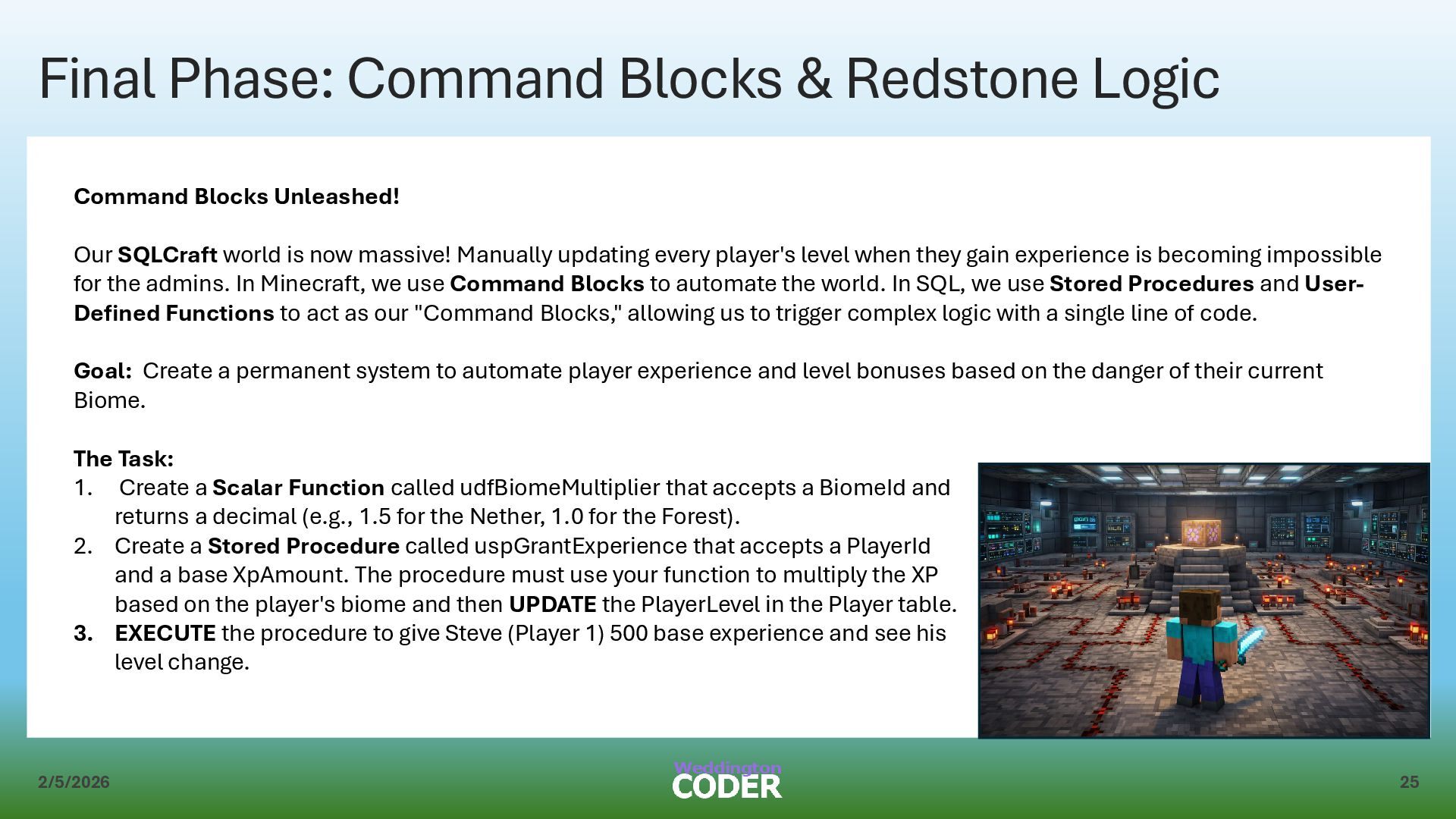
Blocks Unleashed! Our SQLCraft world is now massive! Manually updating every player's level when they gain experience is becoming impossible for the admins. In Minecraft, we use Command Blocks to automate the world. In SQL, we use Stored Procedures and User- Defined Functions to act as our "Command Blocks," allowing us to trigger complex logic with a single line of code. Goal: Create a permanent system to automate player experience and level bonuses based on the danger of their current Biome. The Task: 1. Create a Scalar Function called udfBiomeMultiplier that accepts a BiomeId and returns a decimal (e.g., 1.5 for the Nether, 1.0 for the Forest). 2. Create a Stored Procedure called uspGrantExperience that accepts a PlayerId and a base XpAmount. The procedure must use your function to multiply the XP based on the player's biome and then UPDATE the PlayerLevel in the Player table. 3. EXECUTE the procedure to give Steve (Player 1) 500 base experience and see his level change.
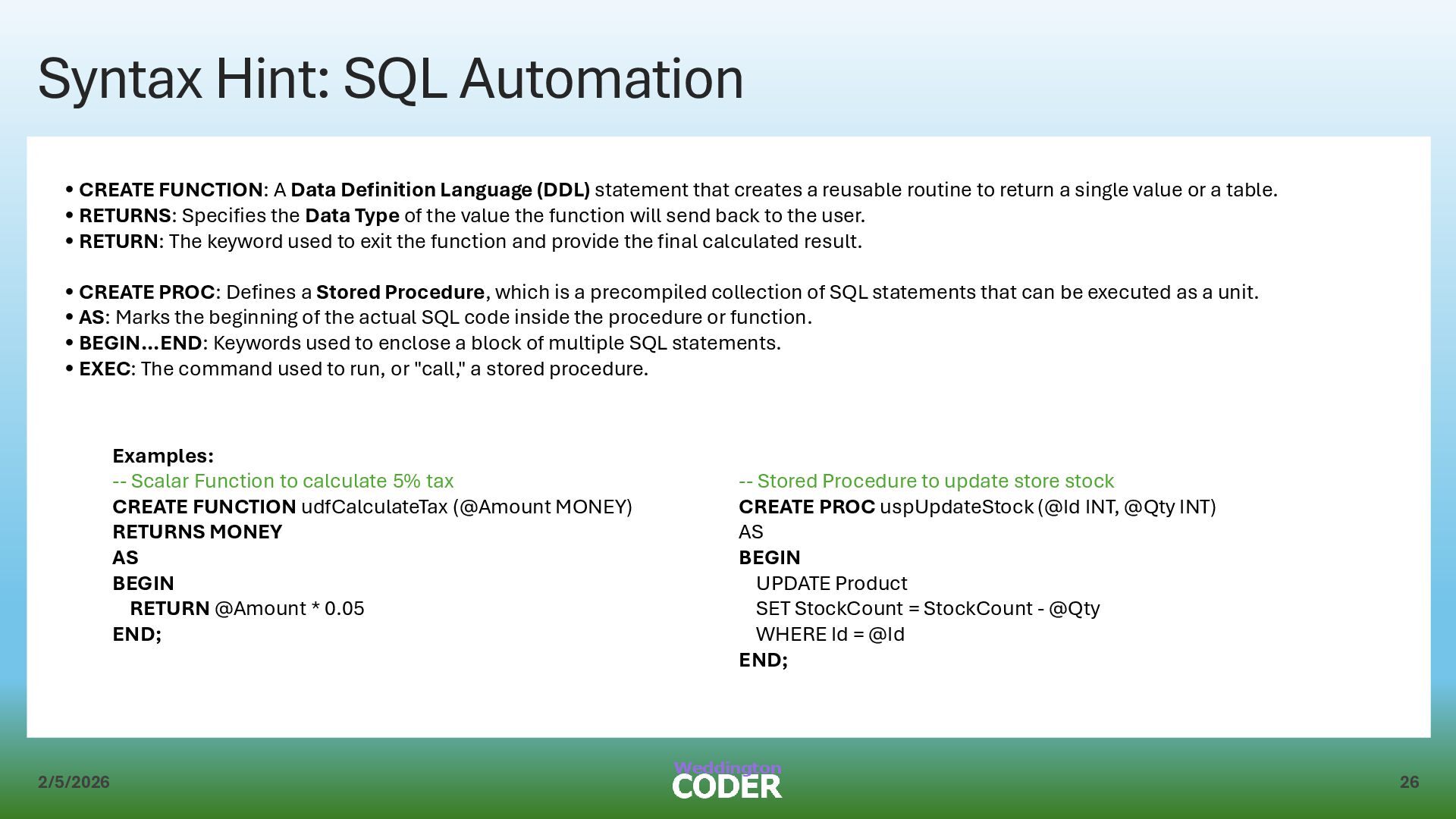
Data Definition Language (DDL) statement that creates a reusable routine to return a single value or a table. • RETURNS: Specifies the Data Type of the value the function will send back to the user. • RETURN: The keyword used to exit the function and provide the final calculated result. • CREATE PROC: Defines a Stored Procedure, which is a precompiled collection of SQL statements that can be executed as a unit. • AS: Marks the beginning of the actual SQL code inside the procedure or function. • BEGIN...END: Keywords used to enclose a block of multiple SQL statements. • EXEC: The command used to run, or "call," a stored procedure. Examples: -- Scalar Function to calculate 5% tax CREATE FUNCTION udfCalculateTax (@Amount MONEY) RETURNS MONEY AS BEGIN RETURN @Amount * 0.05 END; -- Stored Procedure to update store stock CREATE PROC uspUpdateStock (@Id INT, @Qty INT) AS BEGIN UPDATE Product SET StockCount = StockCount - @Qty WHERE Id = @Id END;


 weddingtoncoder
 juanmartin2026
 moriyuya
 coderdojojapan
 matleenalaakso
 frievea
 cbtlibrary
 robintux
 yasslab
 hiola
hiola
 masakiokuda
 akademiya2063
 ammeep
 addyosmani
 afnizarnur
 inesmontani
 nikkihalliwell
 rocio
rocio
 mkilby
 szymonslowik
 tonyrice
 jonoalderson