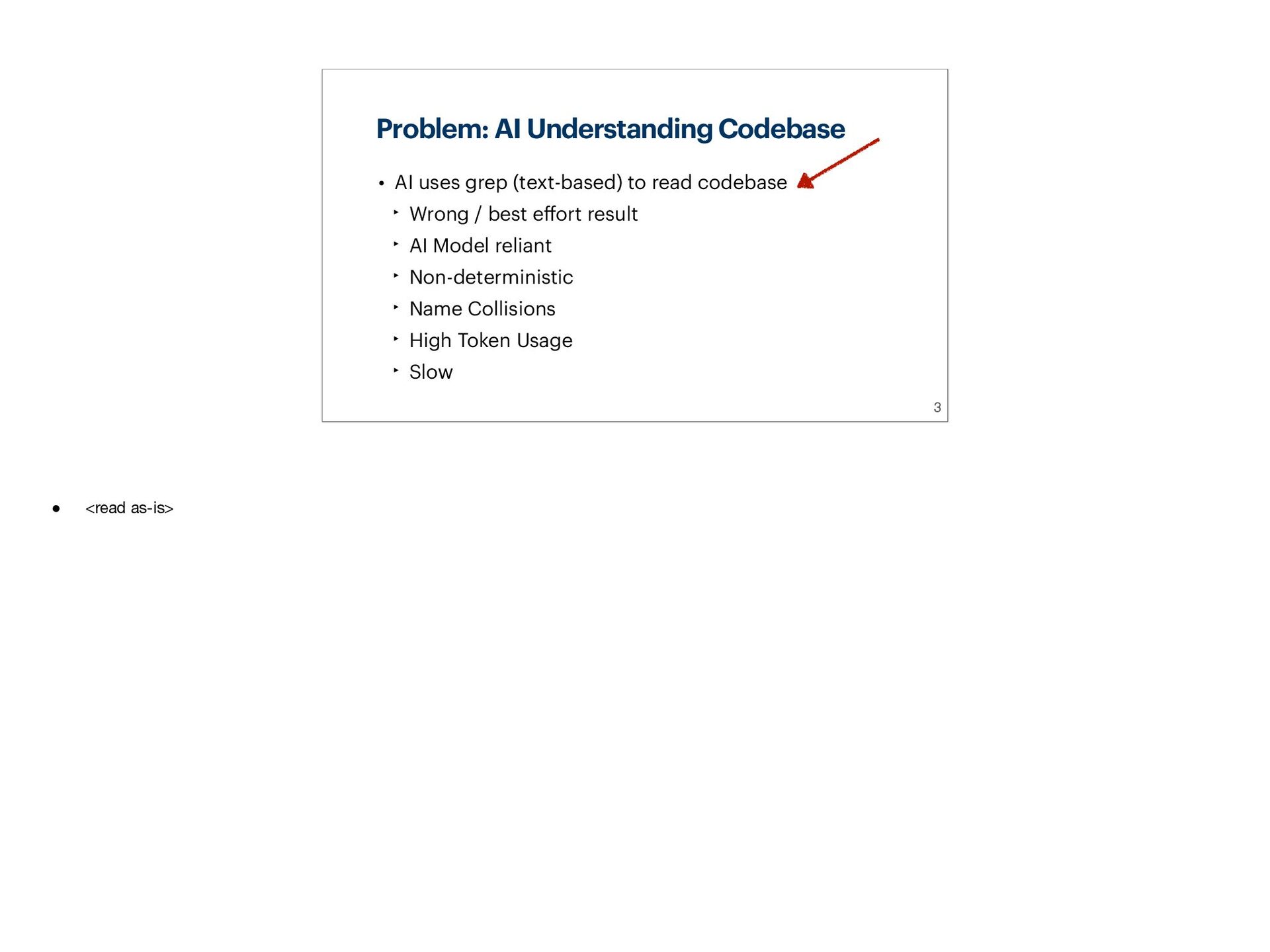
AI coding agents read your codebase as plain text.
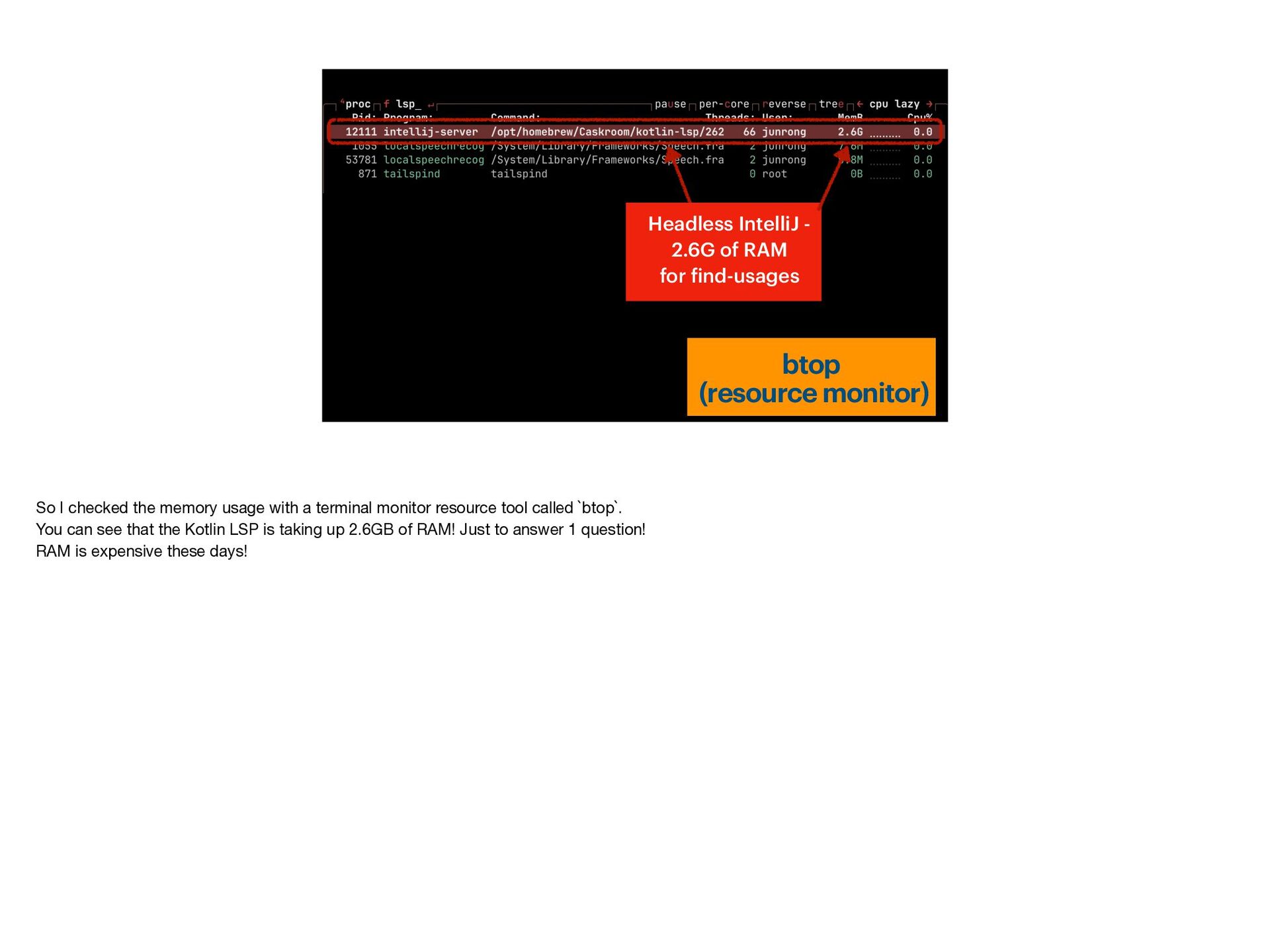
Even LSP-backed tools re-index your project from scratch and double your memory footprint.
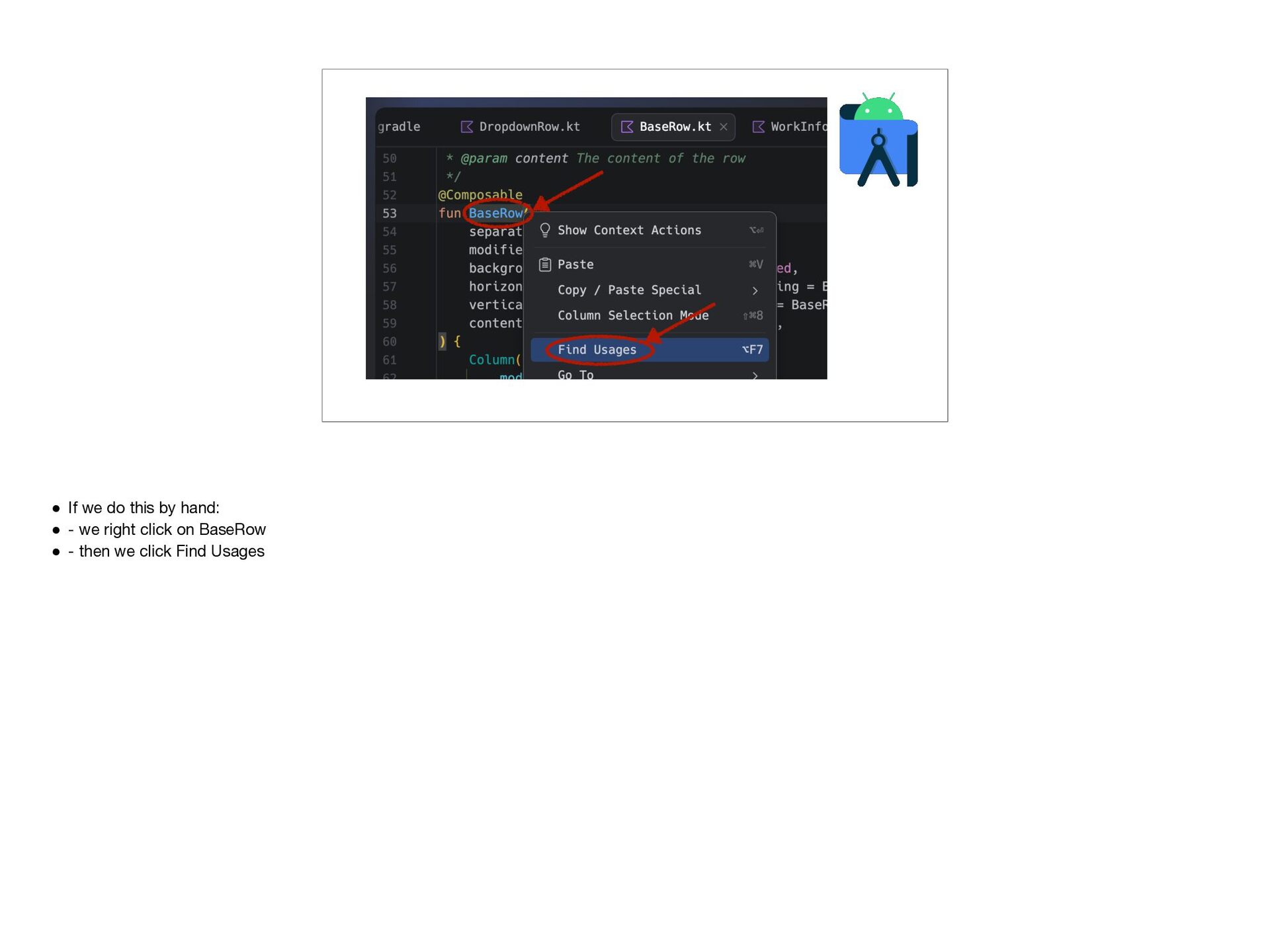
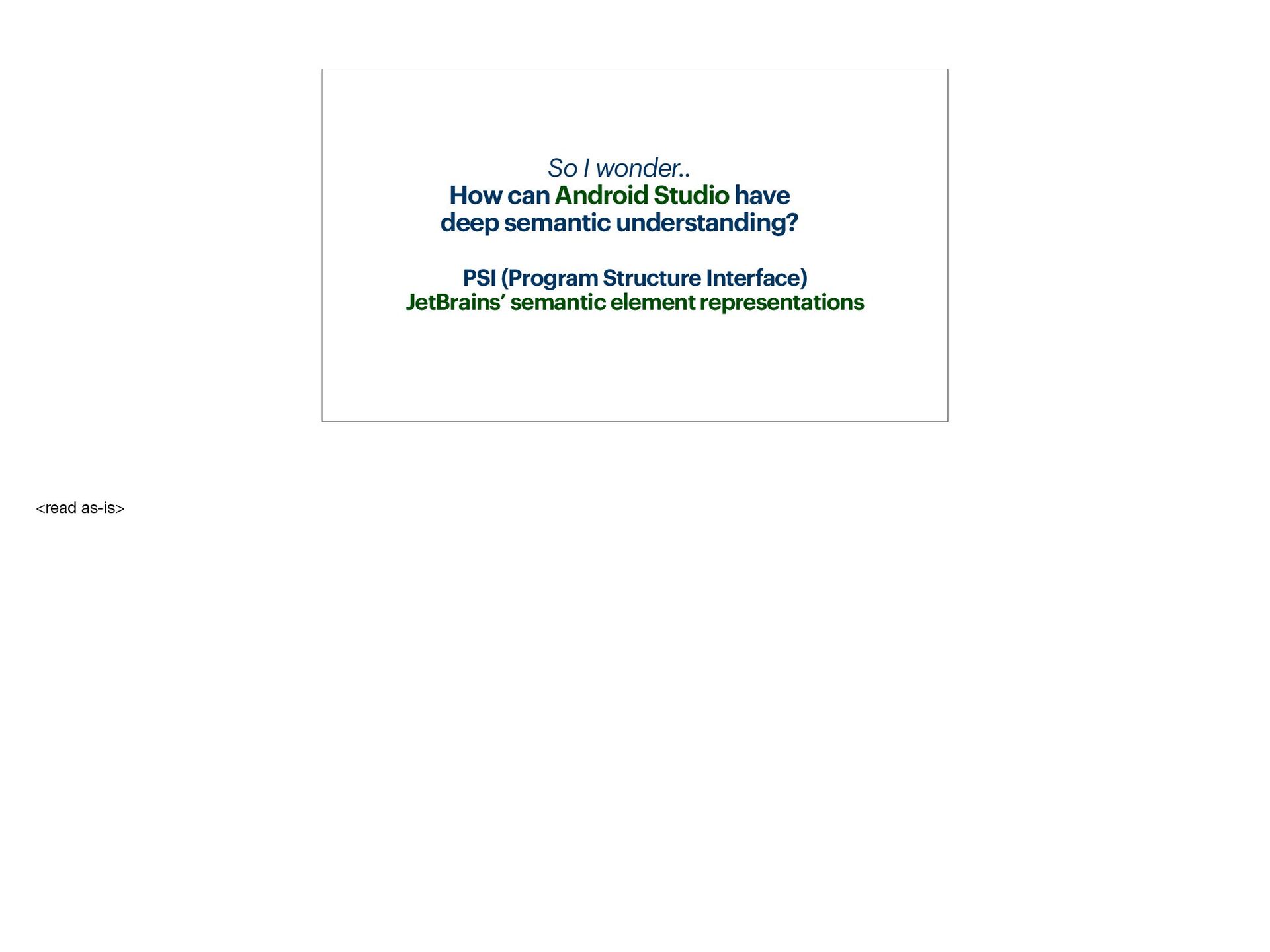
Meanwhile, the IDE you already have open — Android Studio — has a far richer semantic understanding via its Program Structure Interface (PSI): the same engine that powers Find Usages, refactoring, and inheritance navigation.
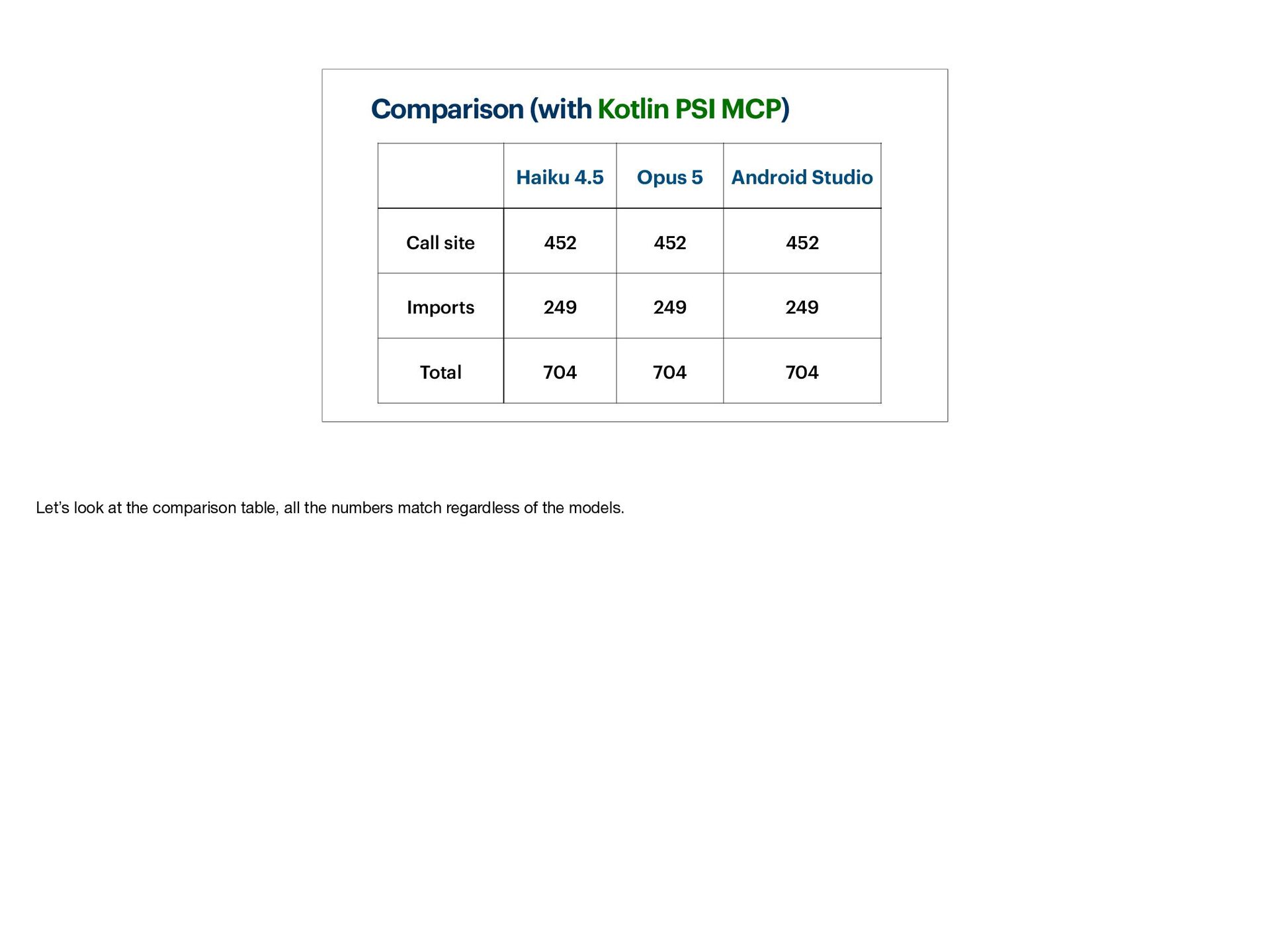
What if AI agents could just ask Android Studio directly — "find usages of this method," "show me this function's signature, annotations, and visibility" — and get IDE-grade answers instead of grepping 10,000 files?
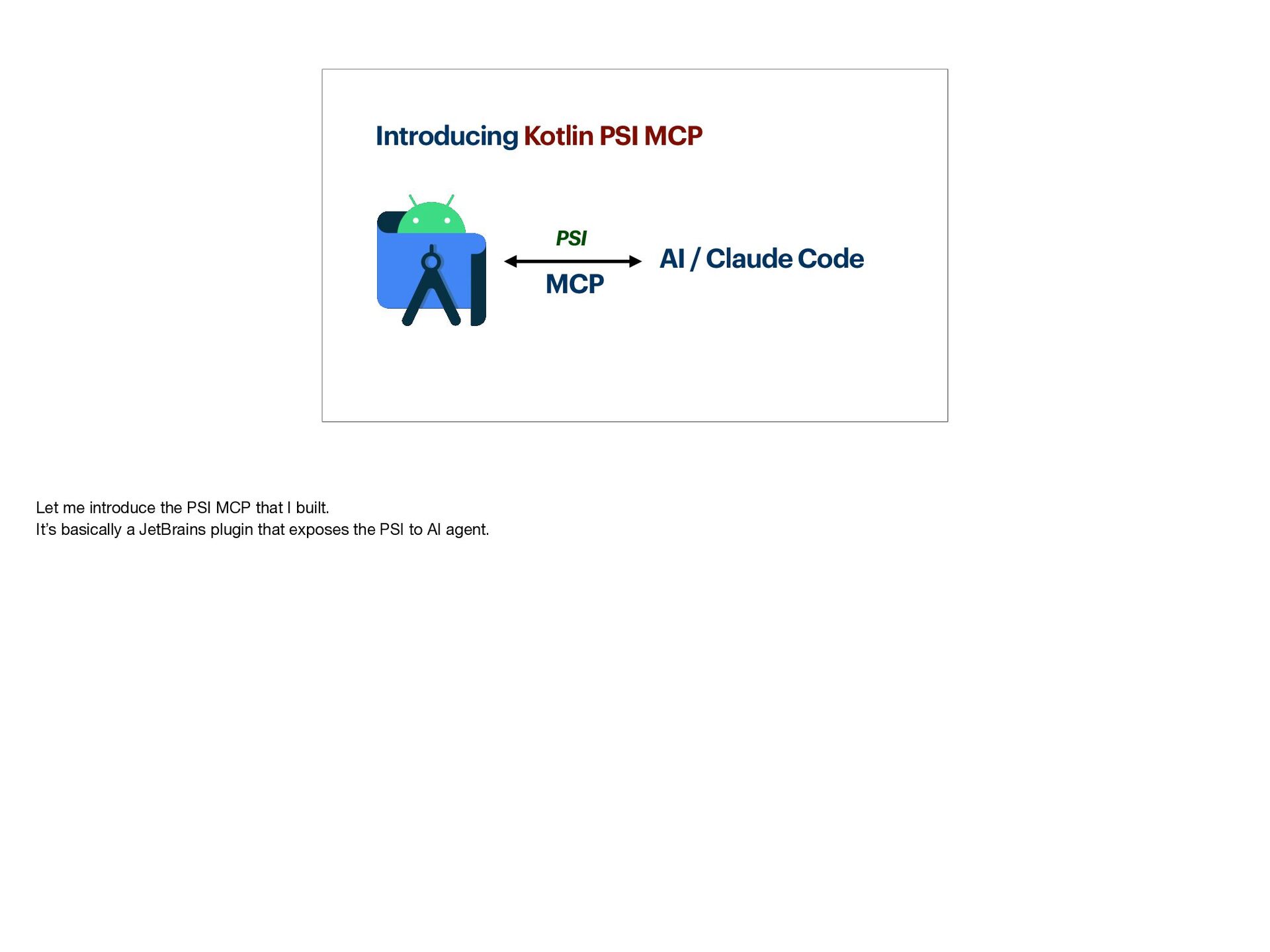
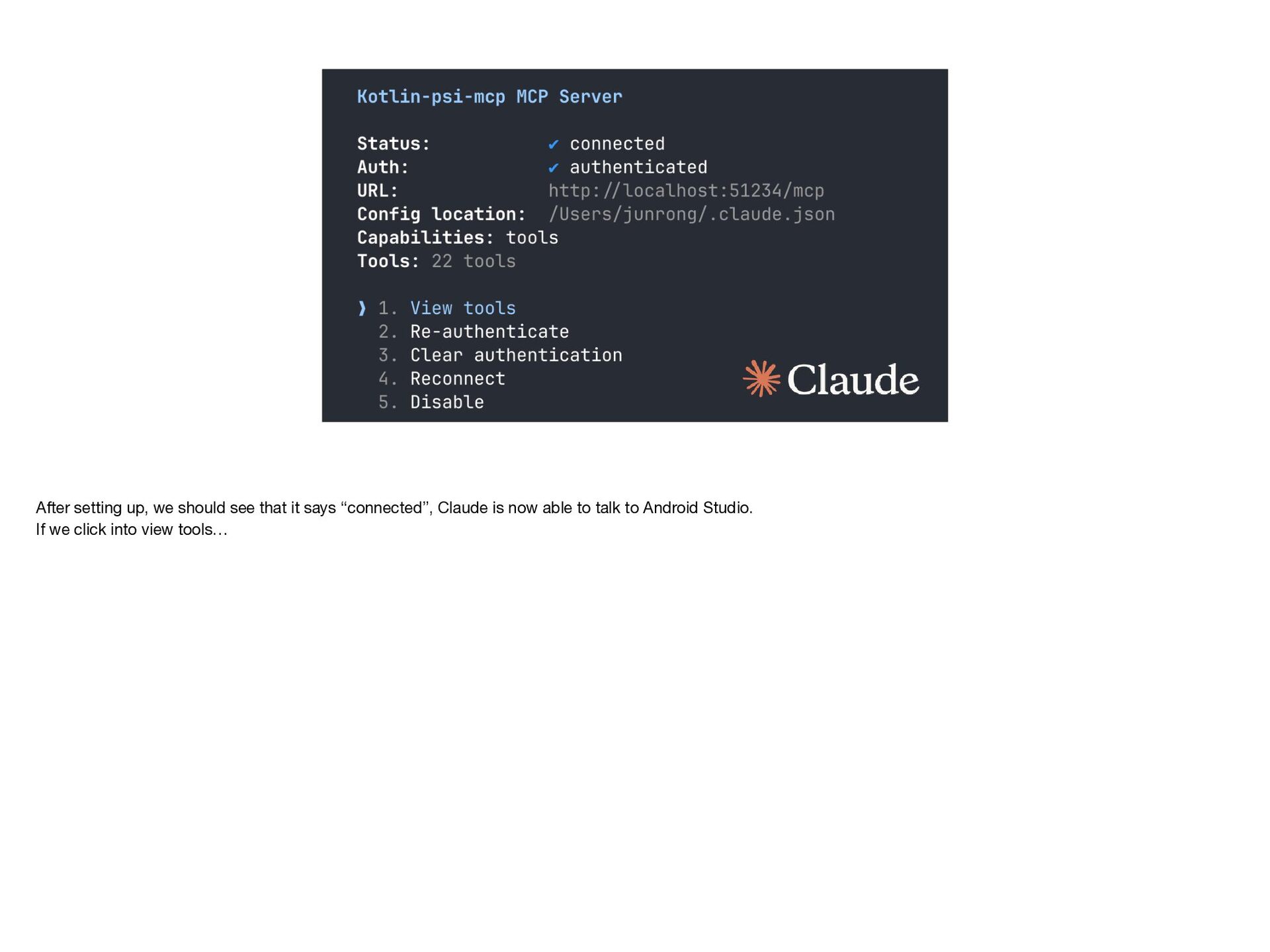
In this talk, I'll share how I built a JetBrains plugin, "Kotlin PSI MCP," that exposes PSI as a Model Context Protocol (MCP) server, letting any AI agent borrow Android Studio's brain for codebase navigation.
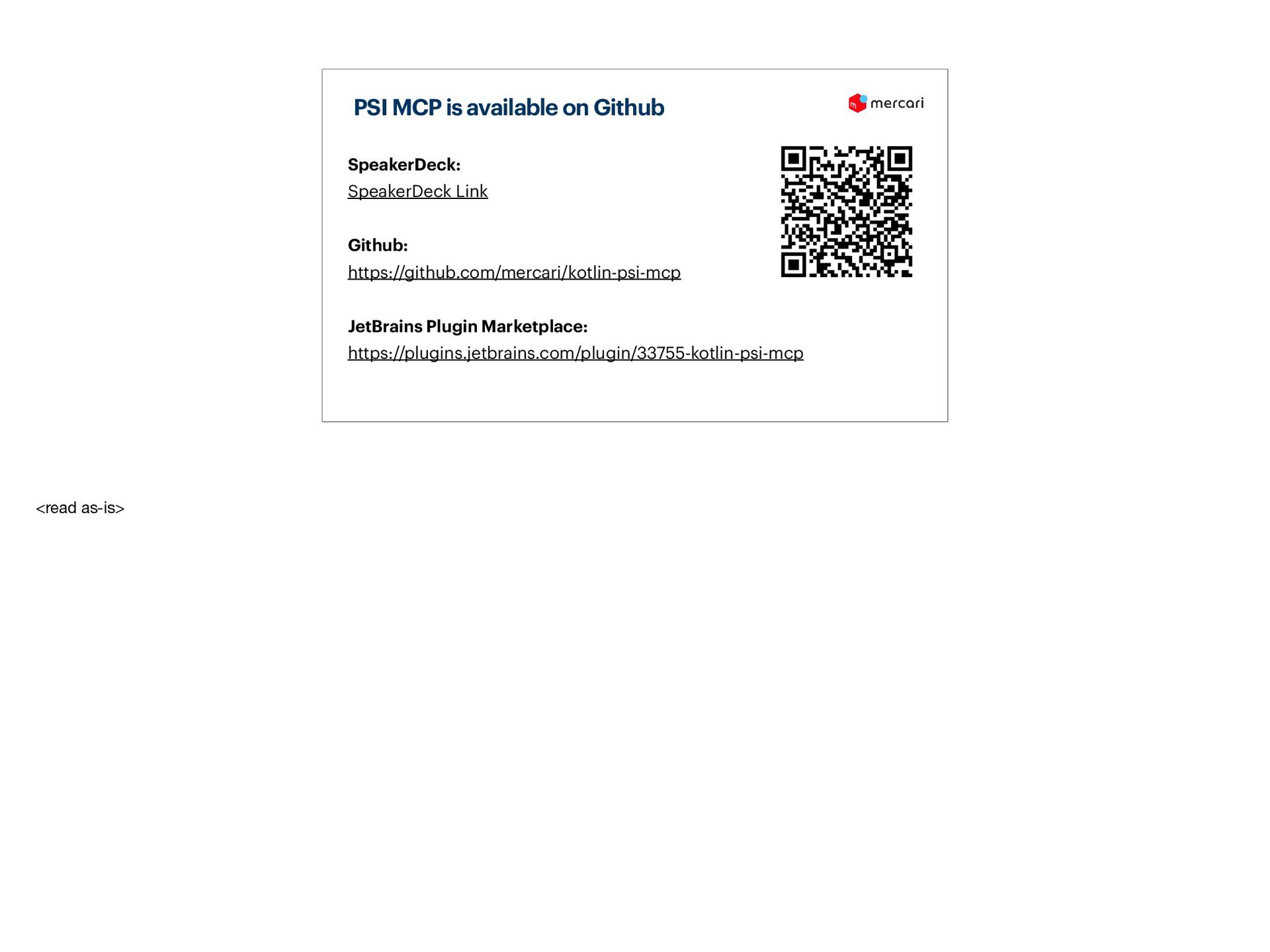
**GitHub Link:** https://github.com/mercari/kotlin-psi-mcp
**JetBrains Plugin Marketplace:** https://plugins.jetbrains.com/plugin/33755-kotlin-psi-mcp
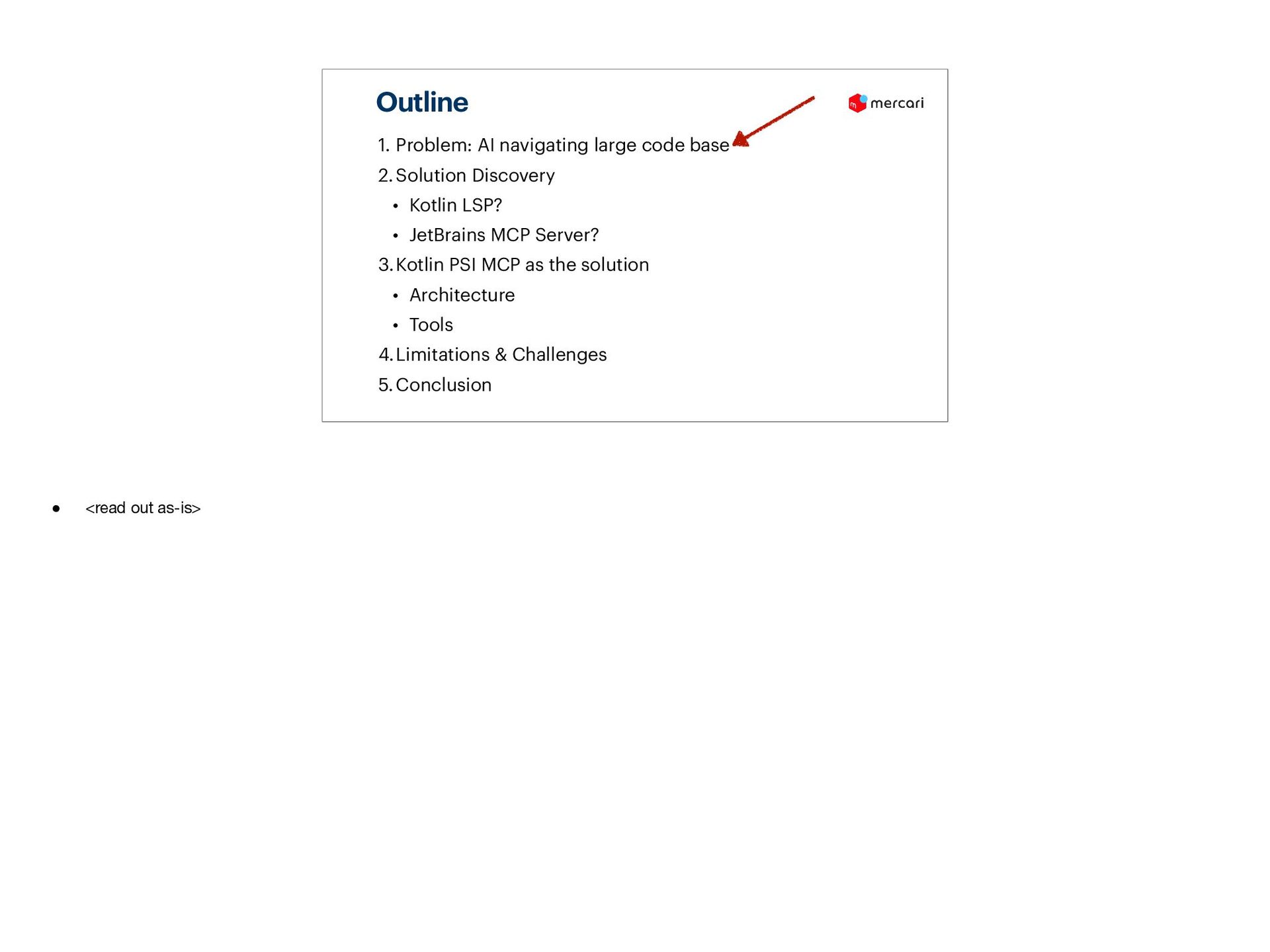
## What will be covered:
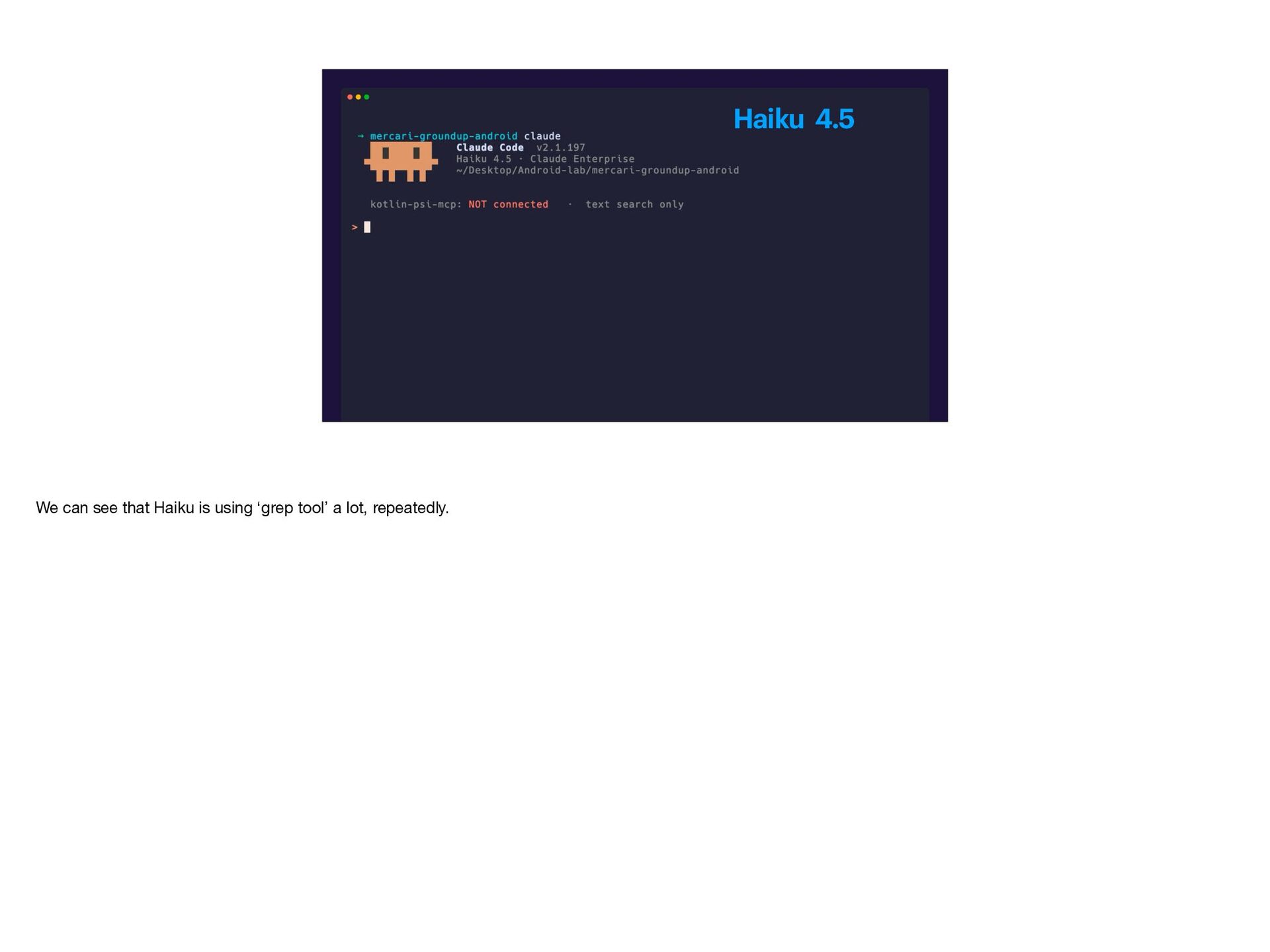
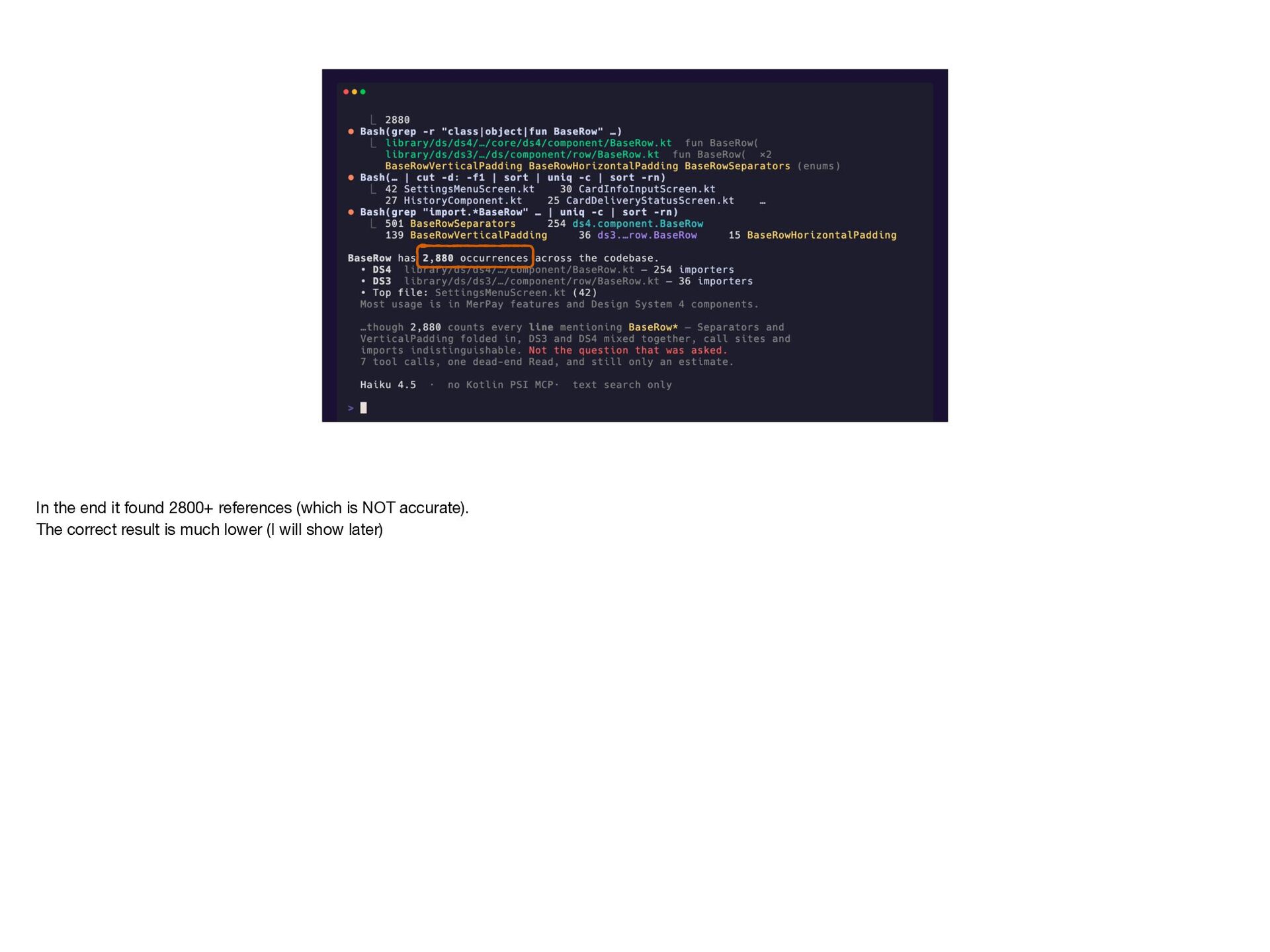
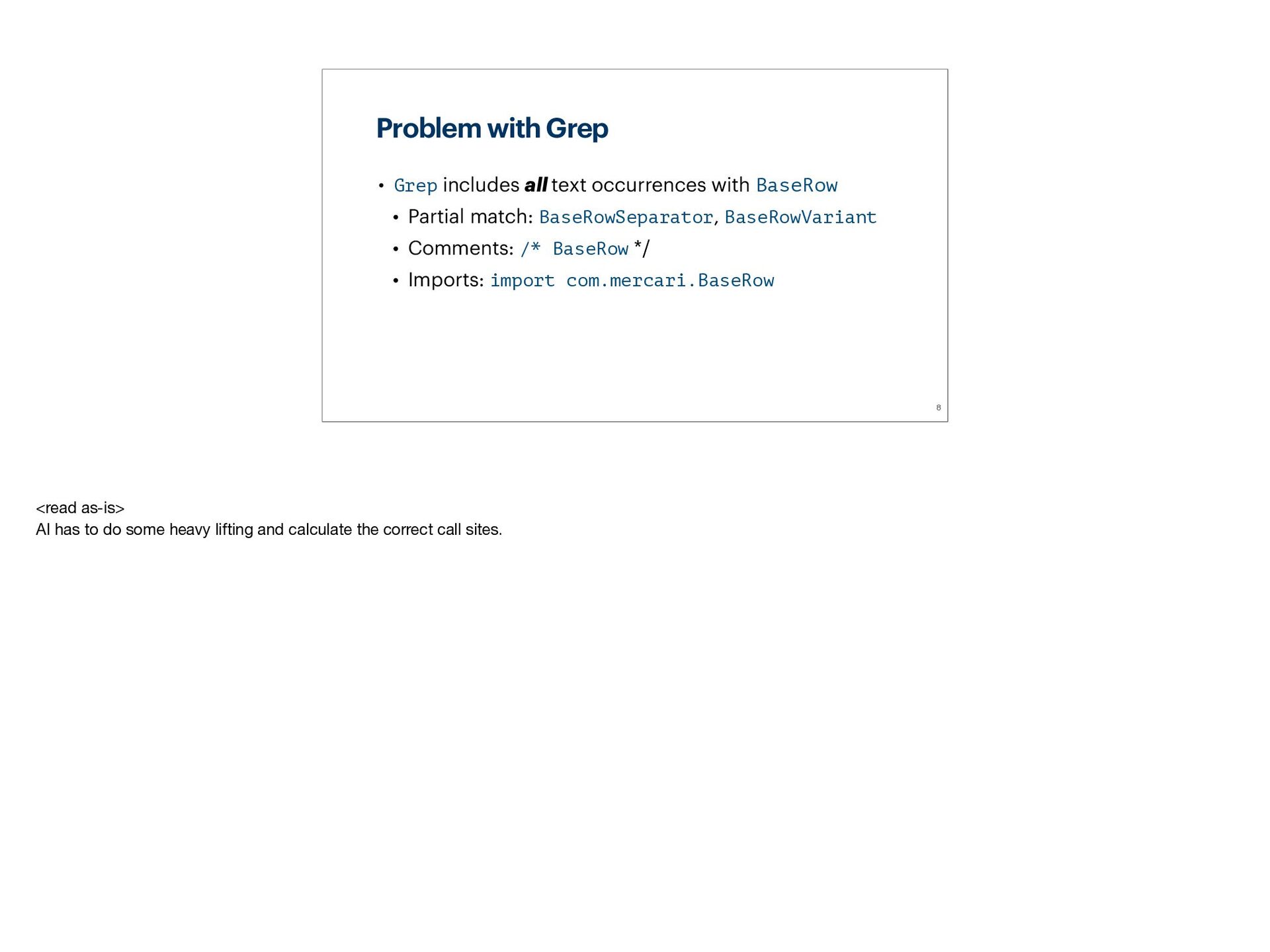
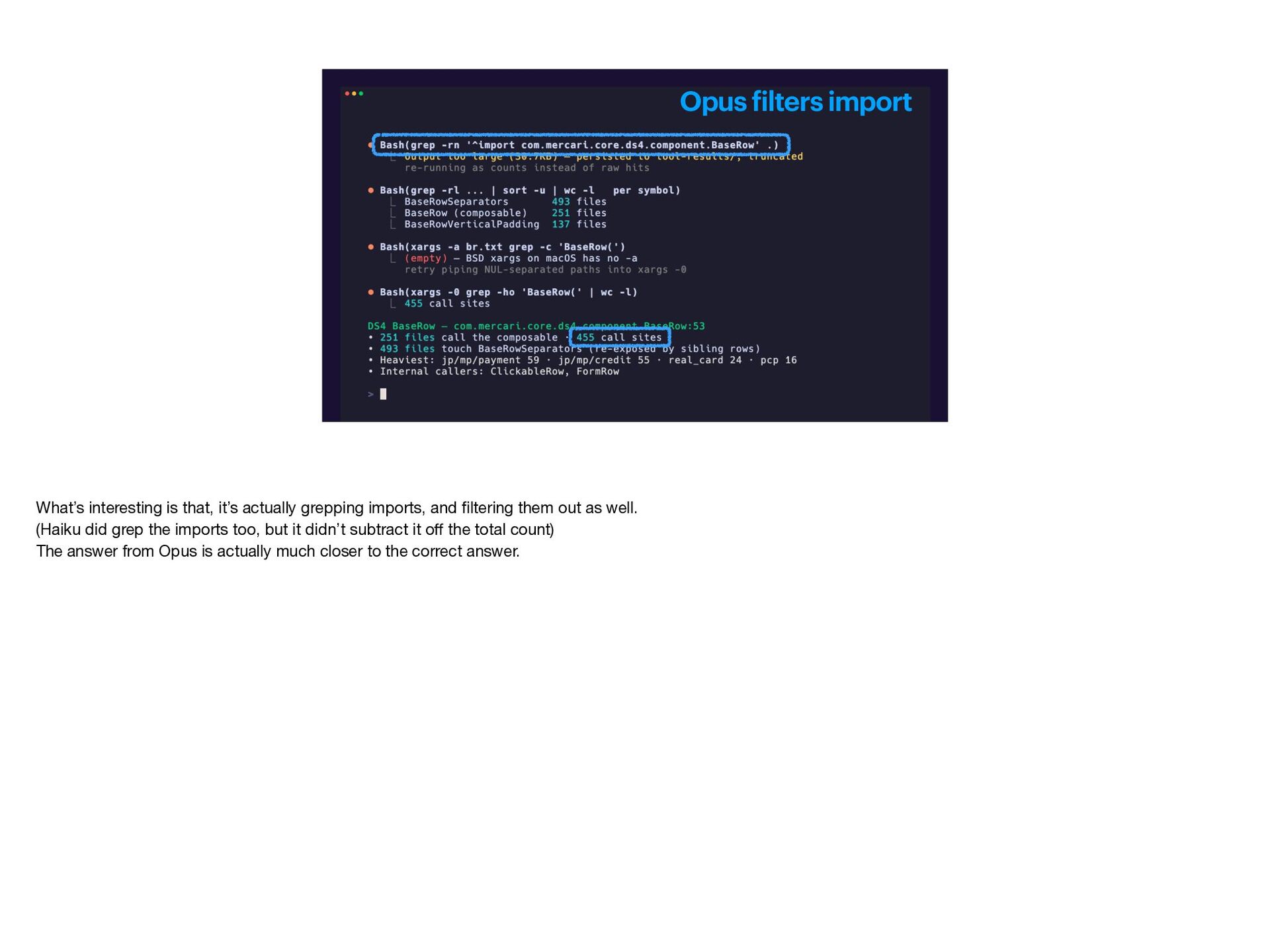
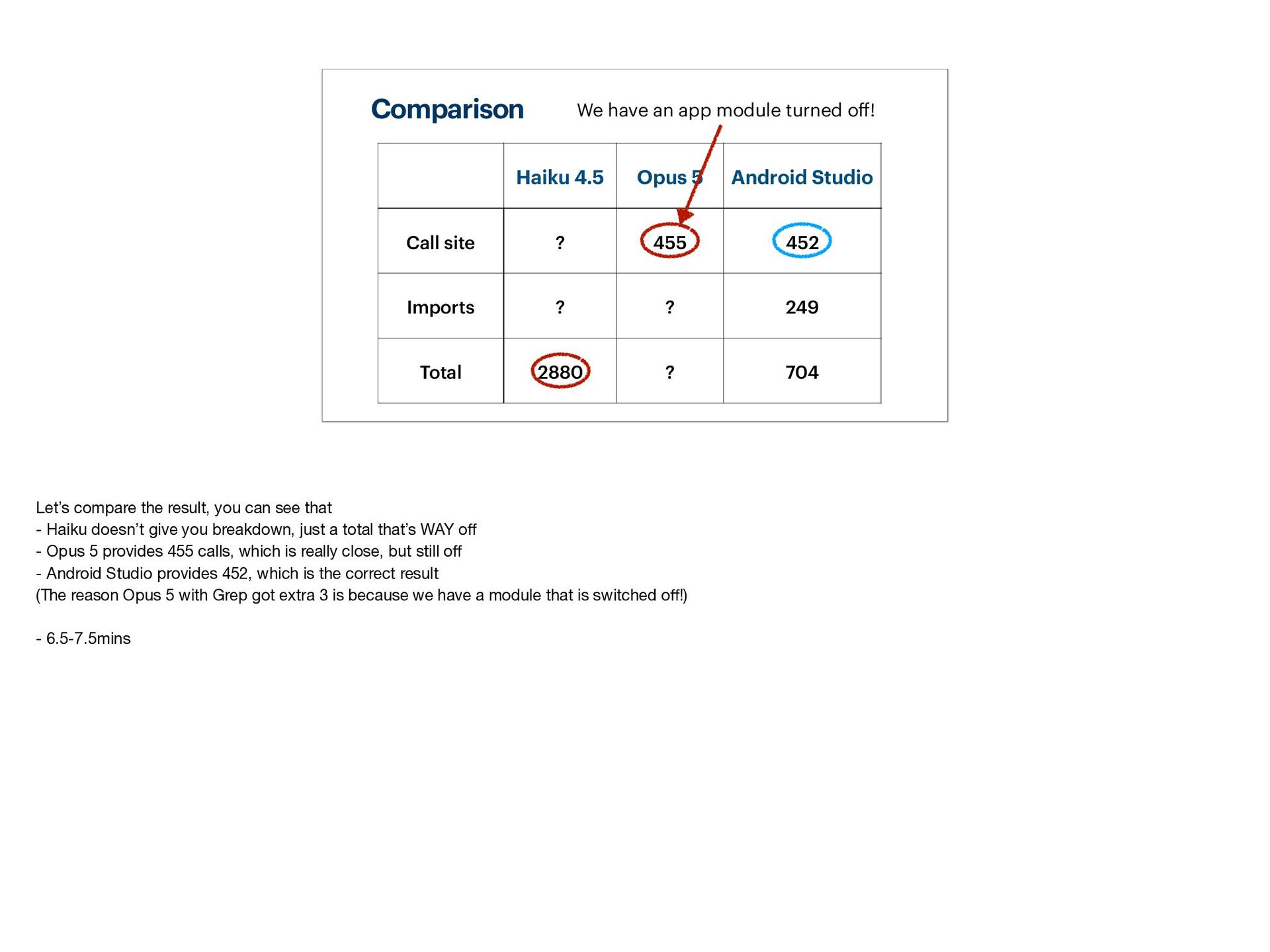
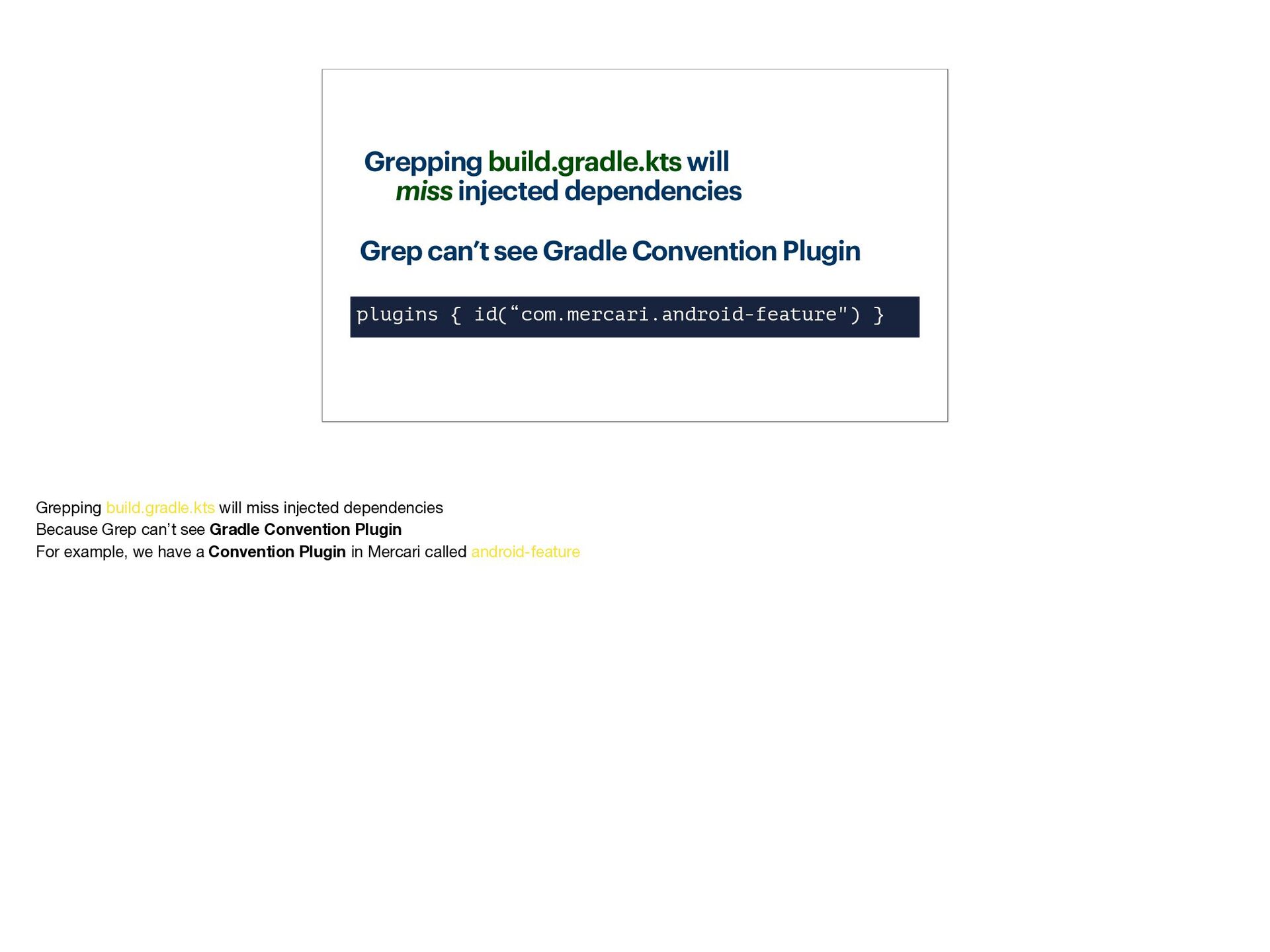
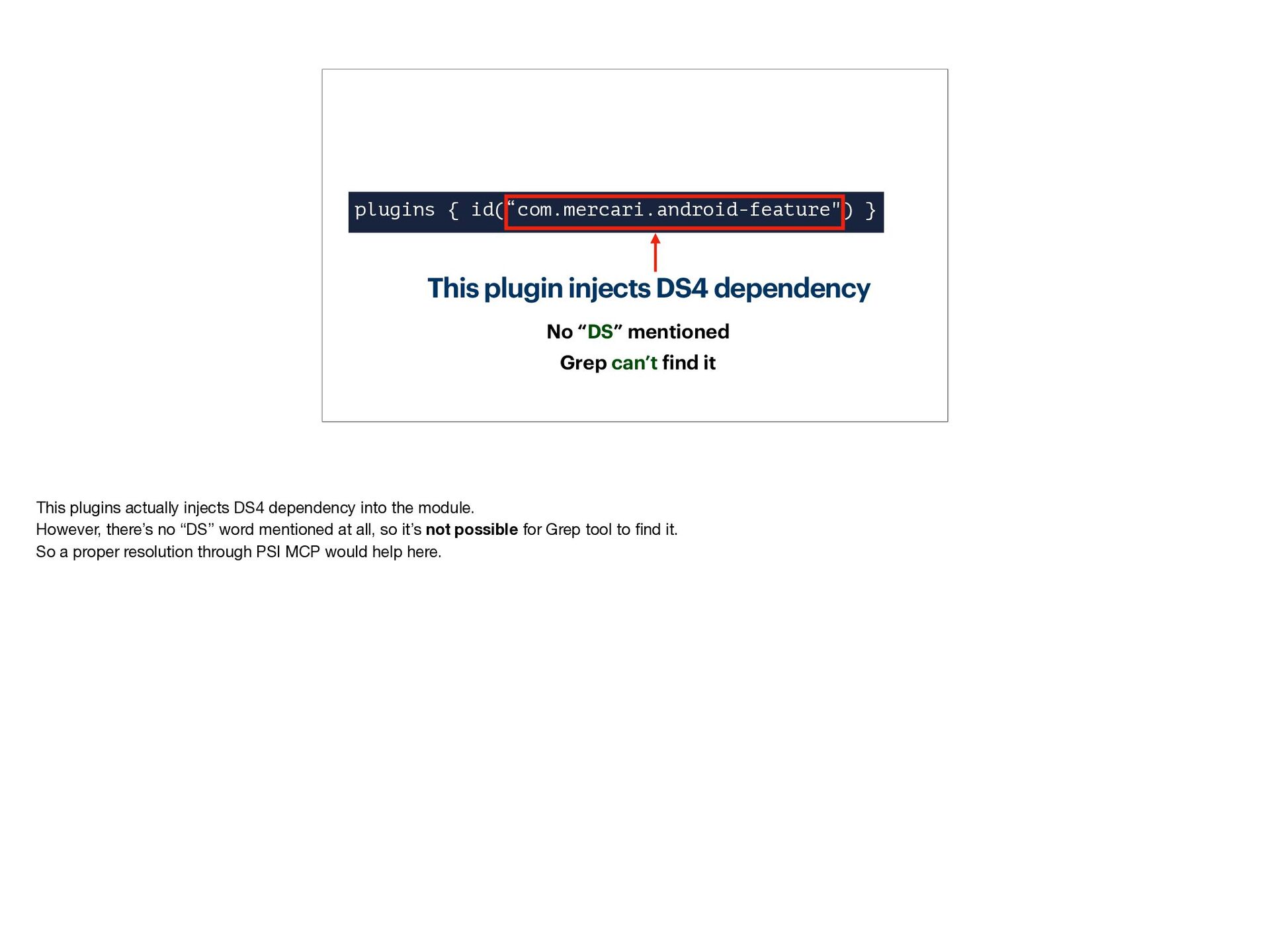
- How text-based (grep) AI navigation falls short in a large codebase
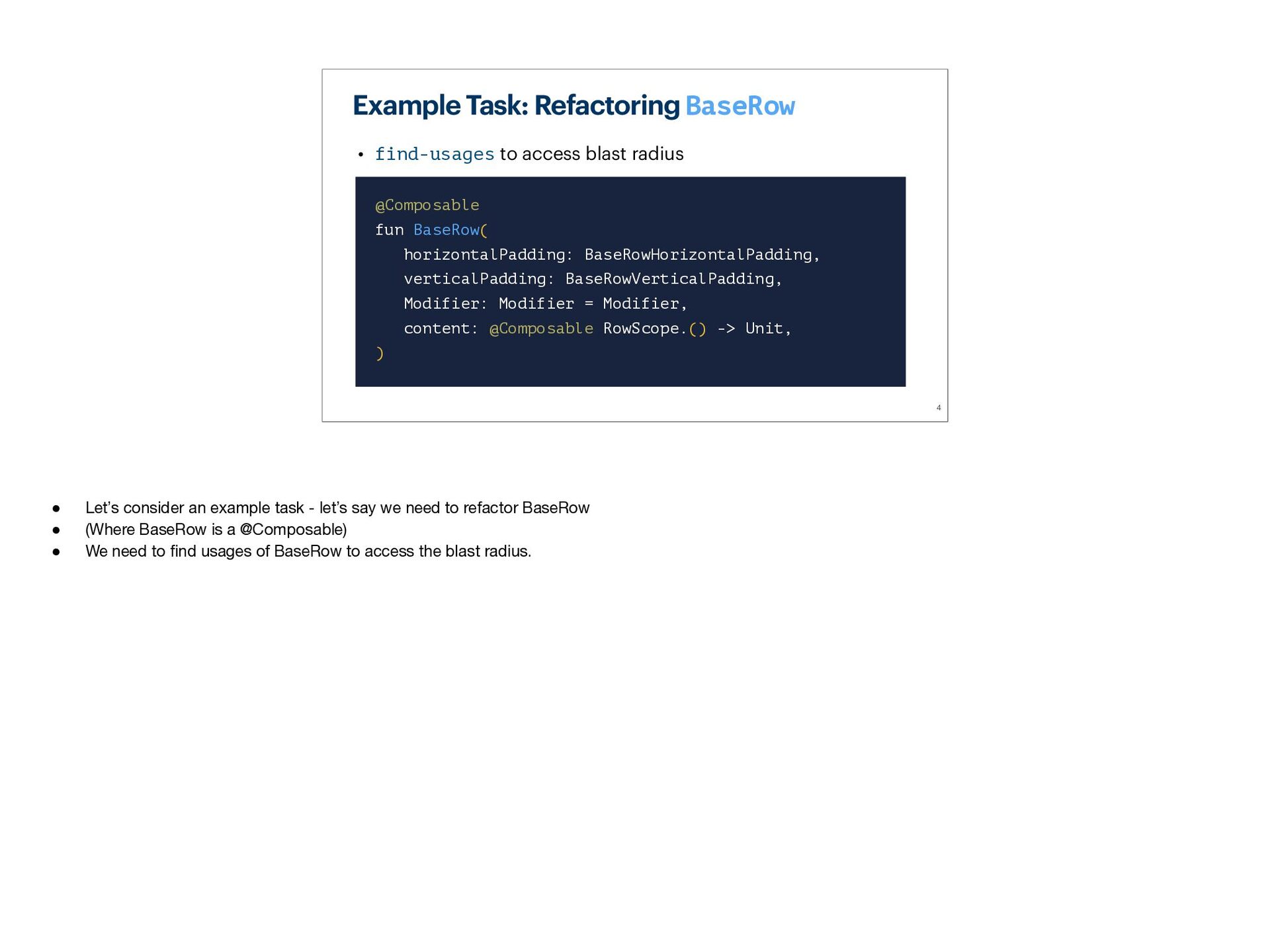
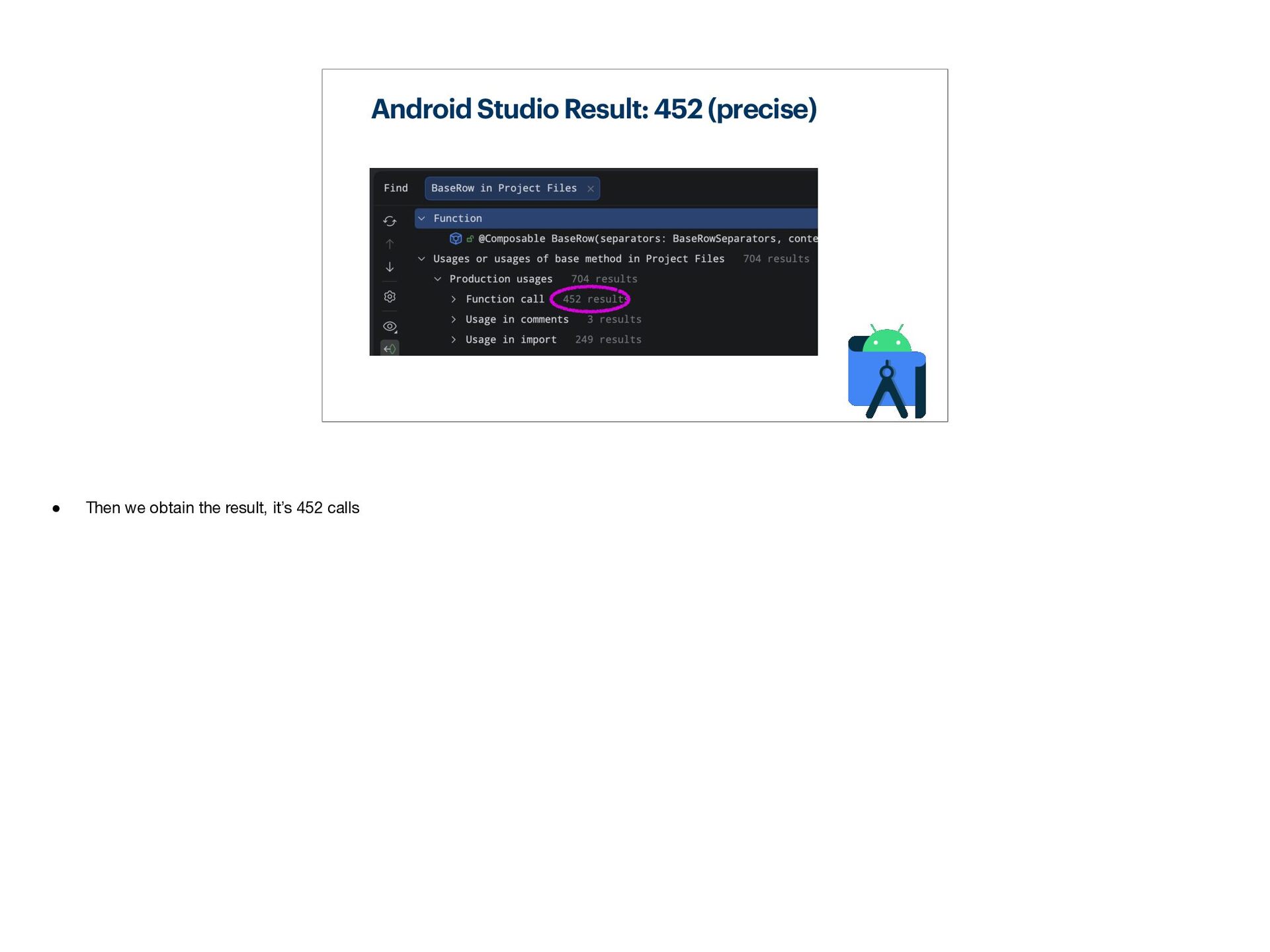
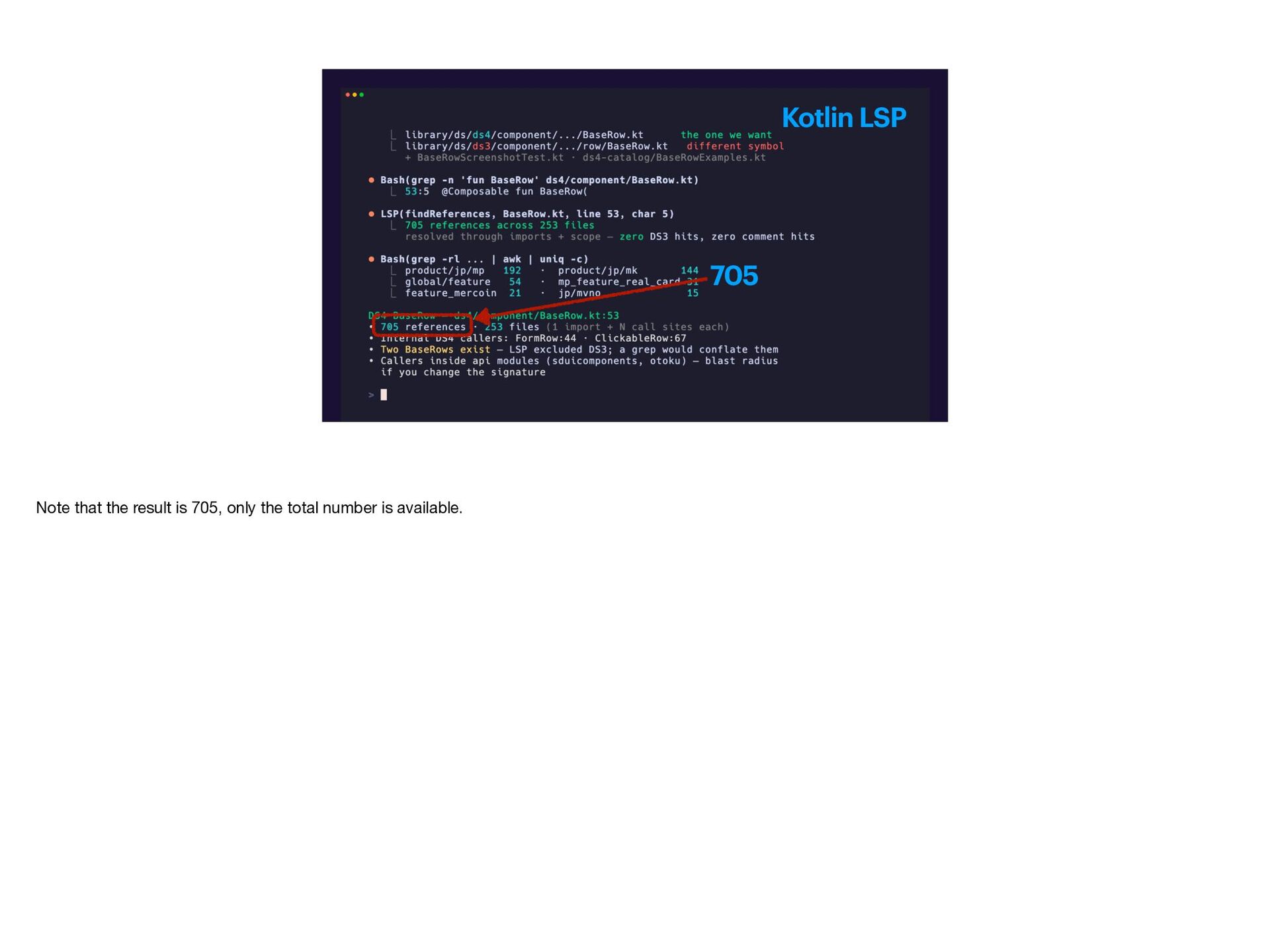
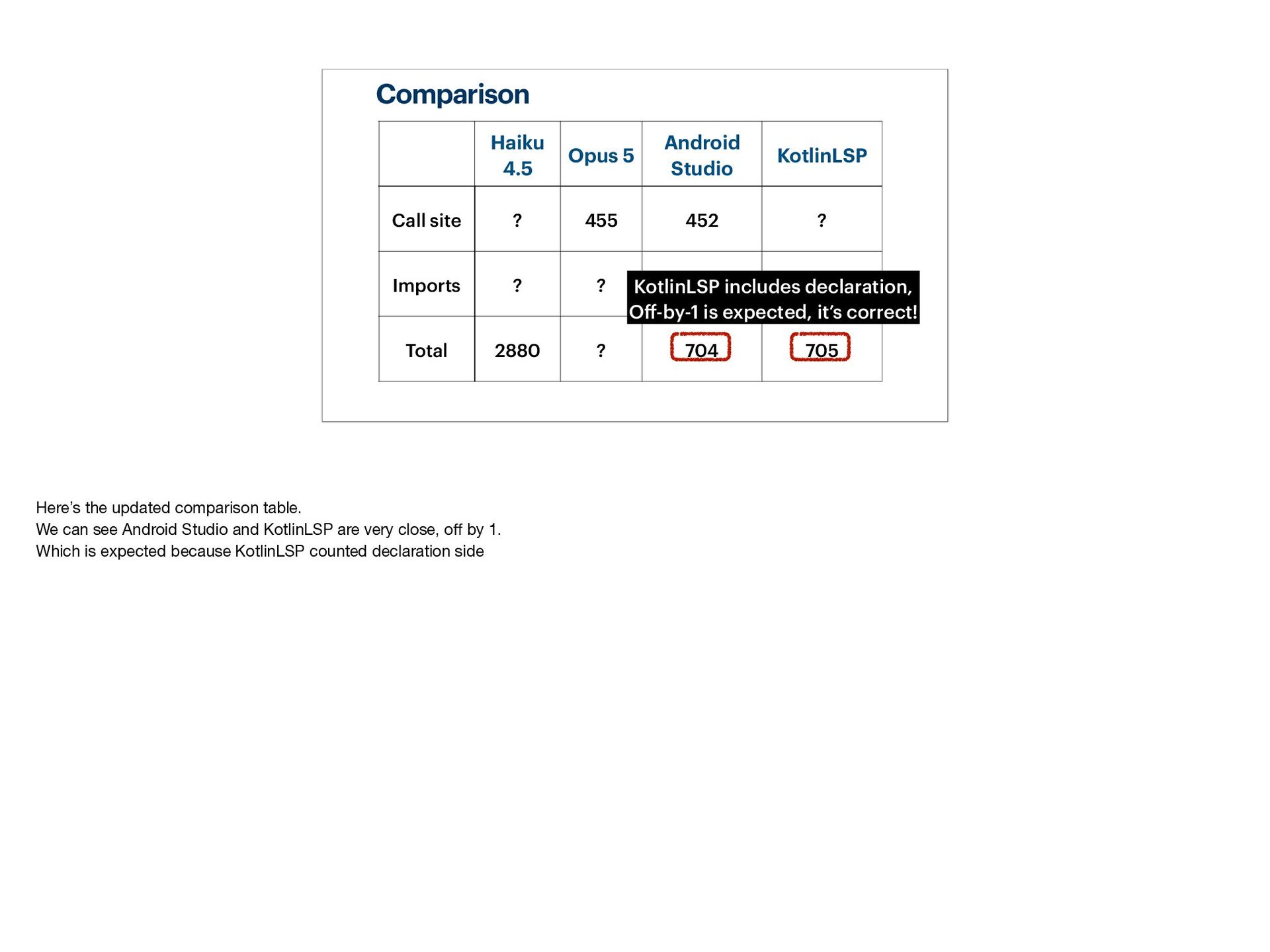
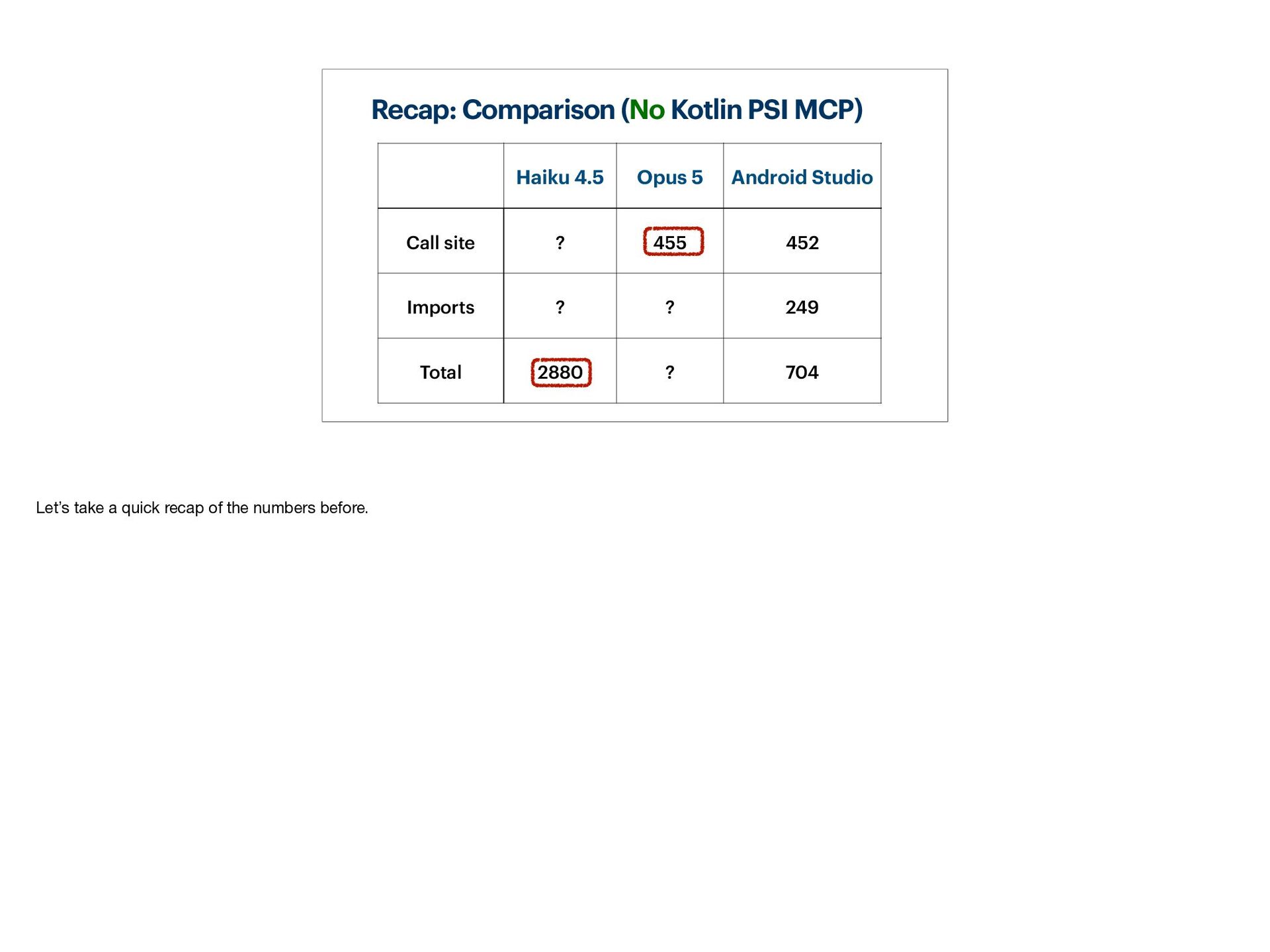
- Walk through a simple example task ("Find Usages") to see how text-based navigation fails
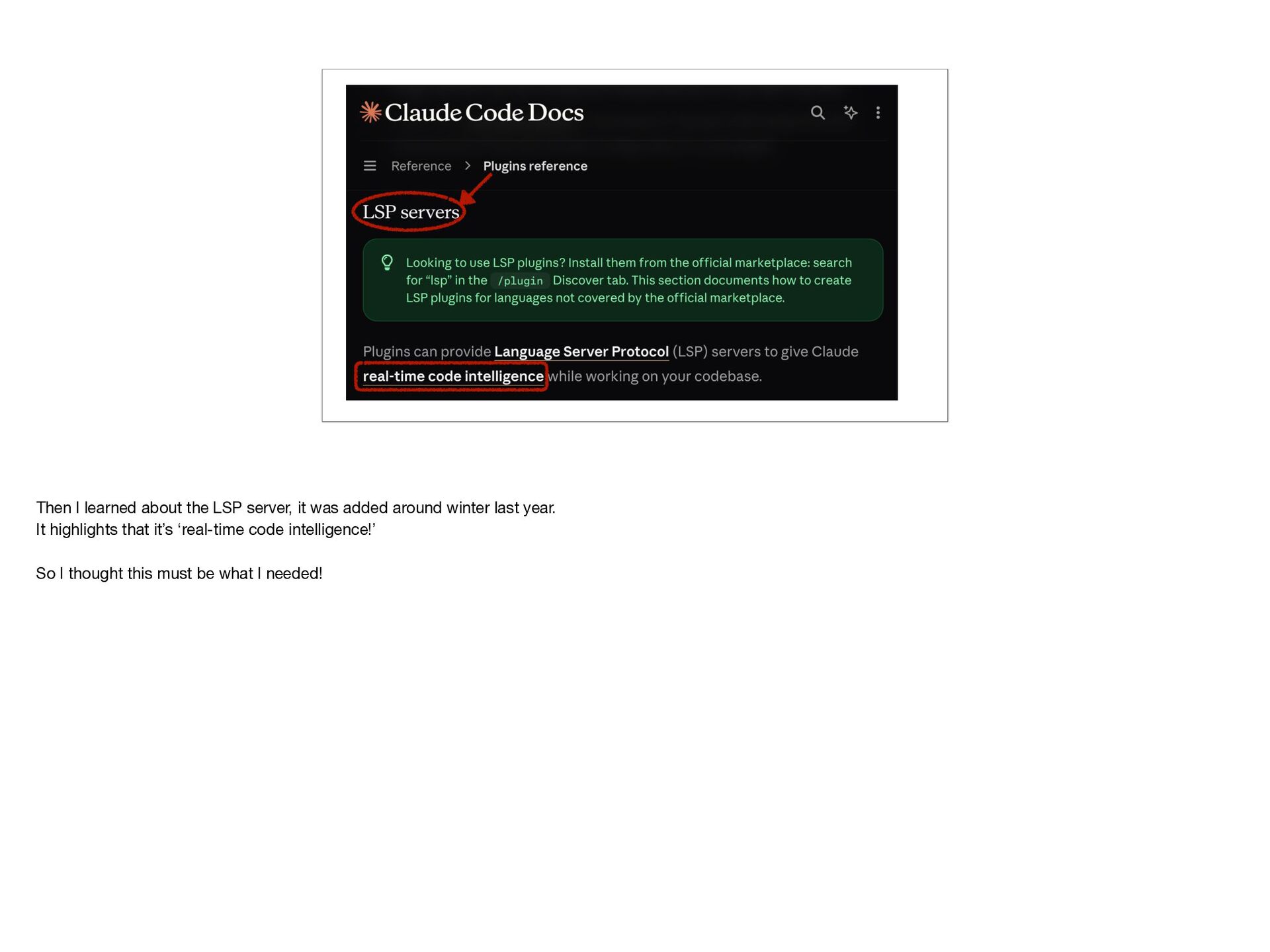
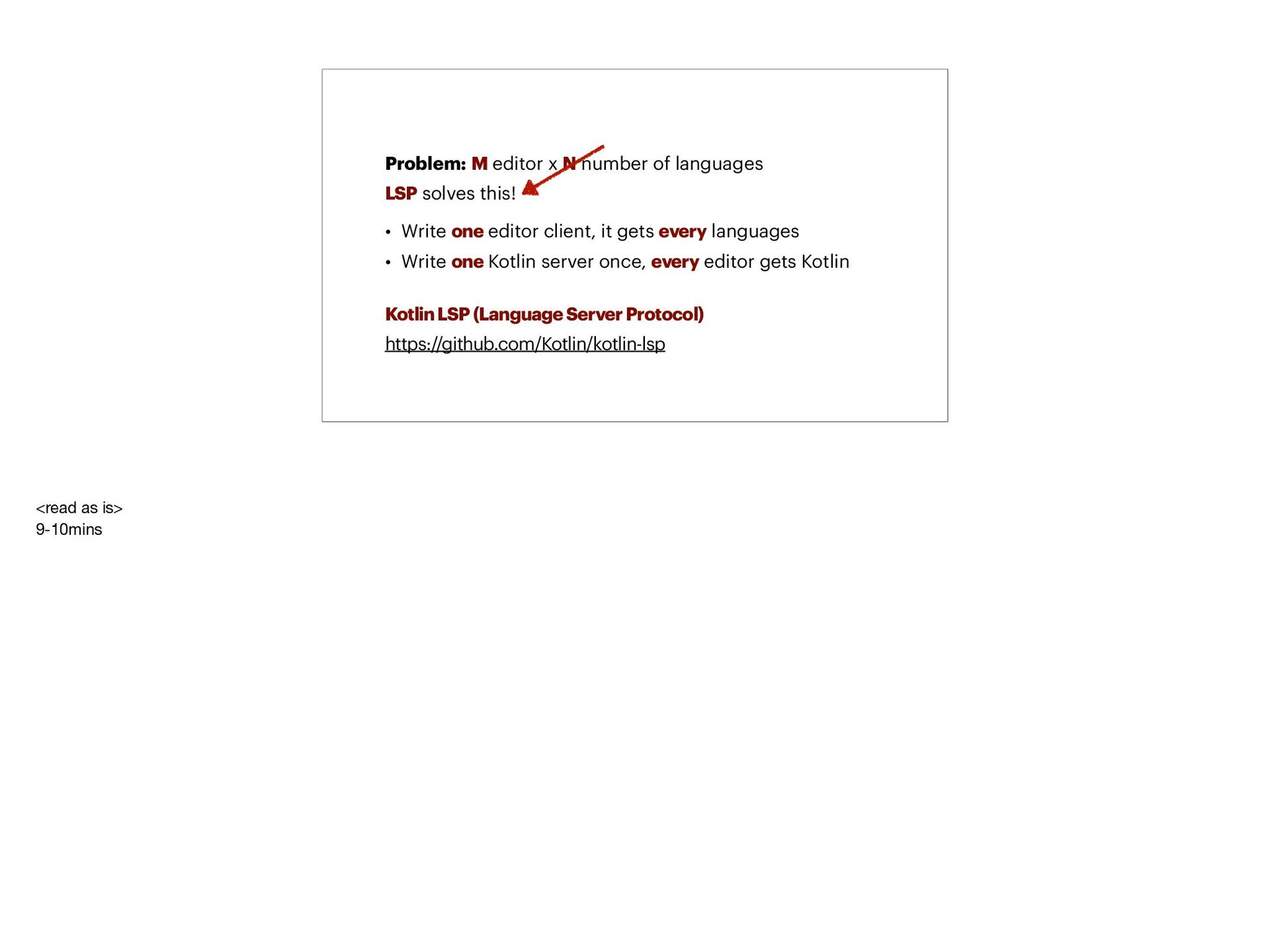
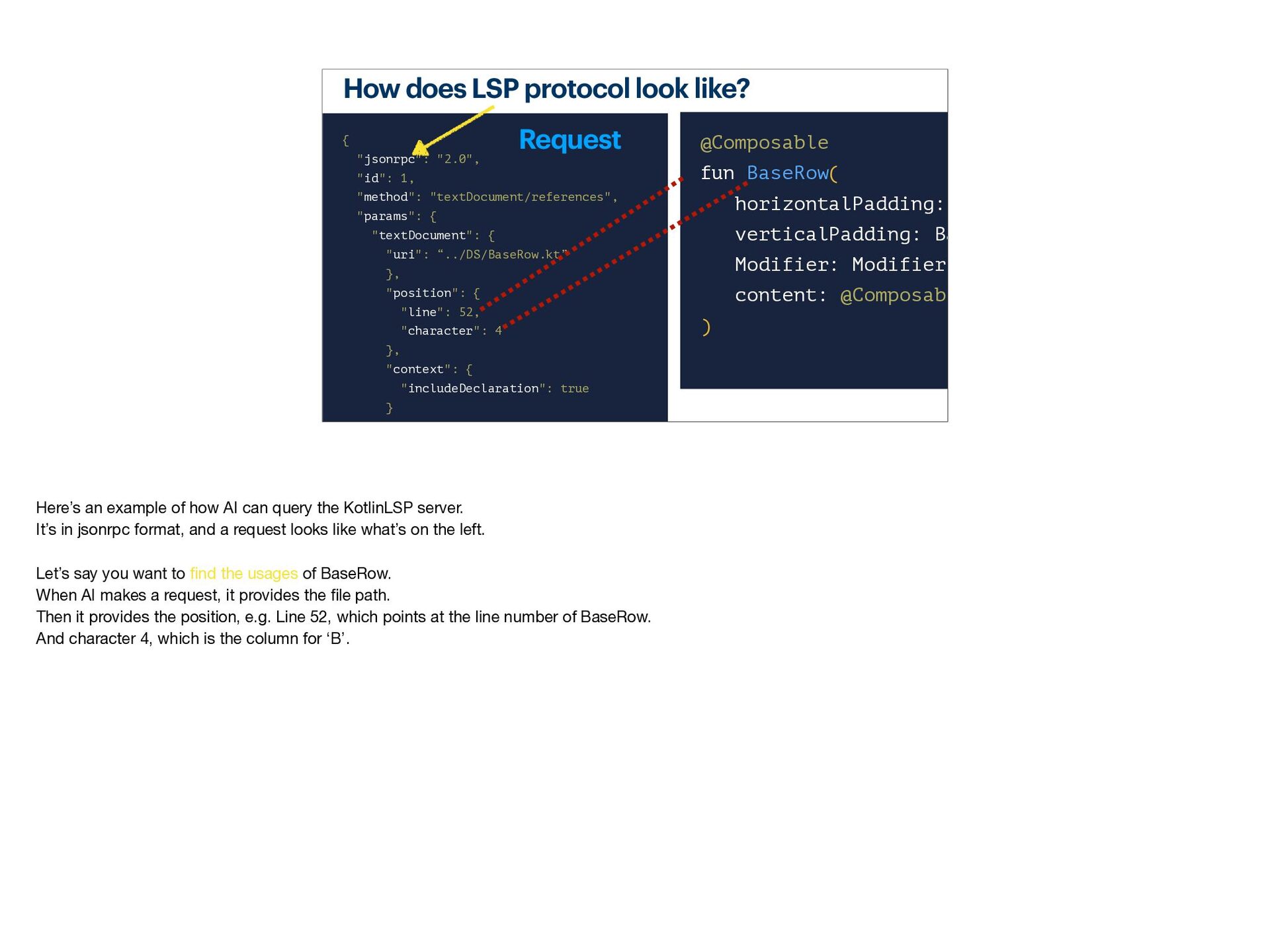
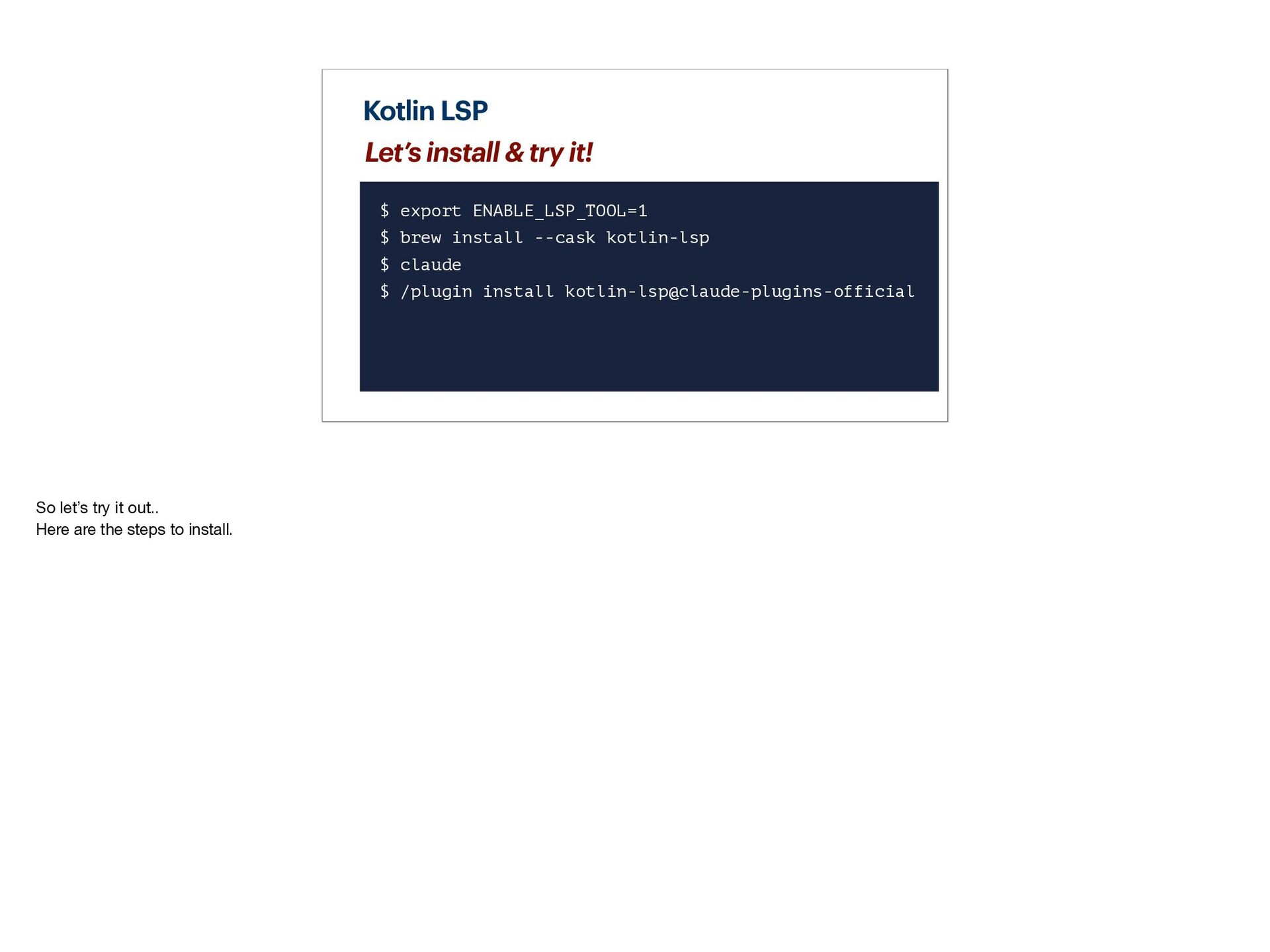
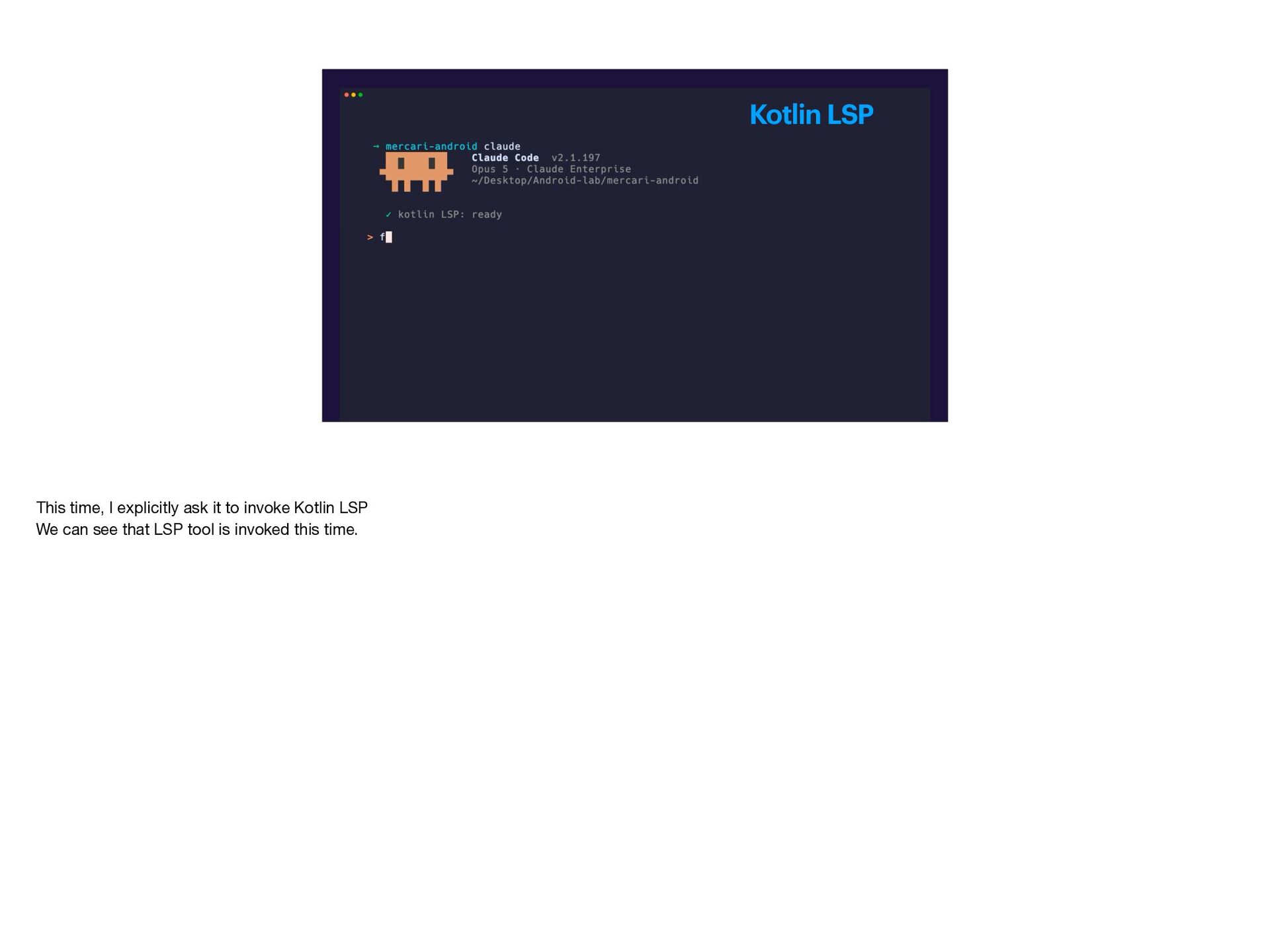
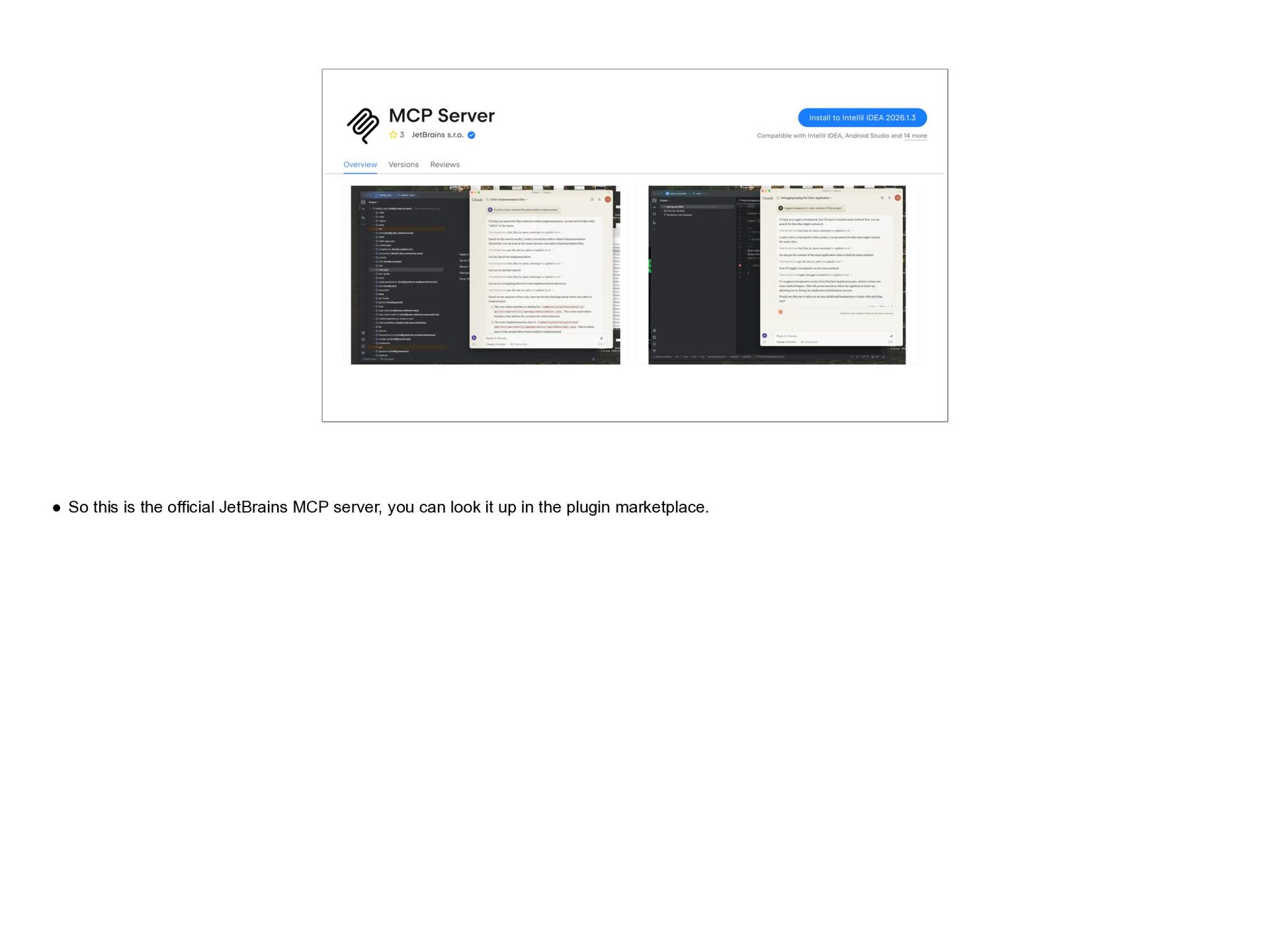
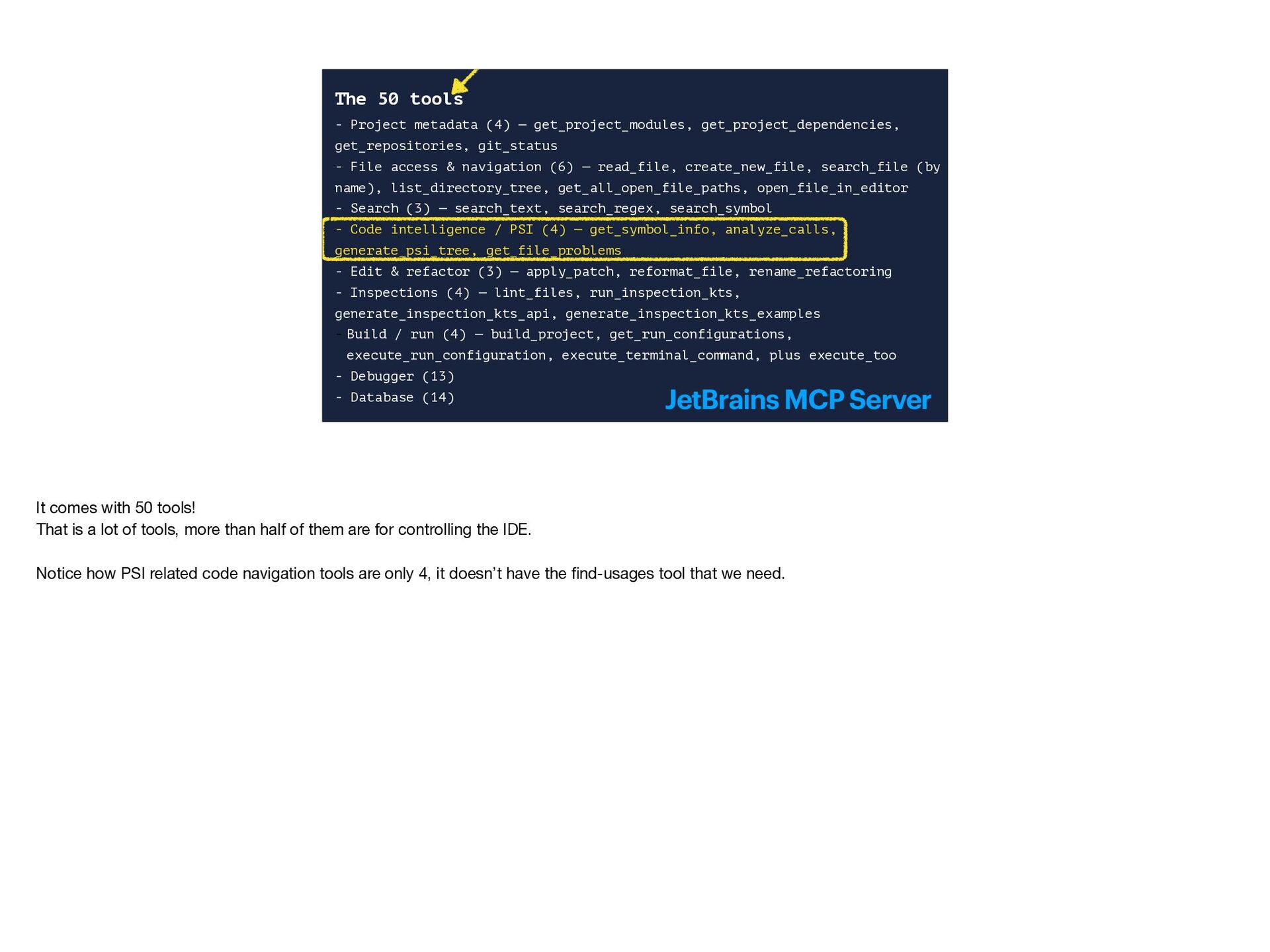
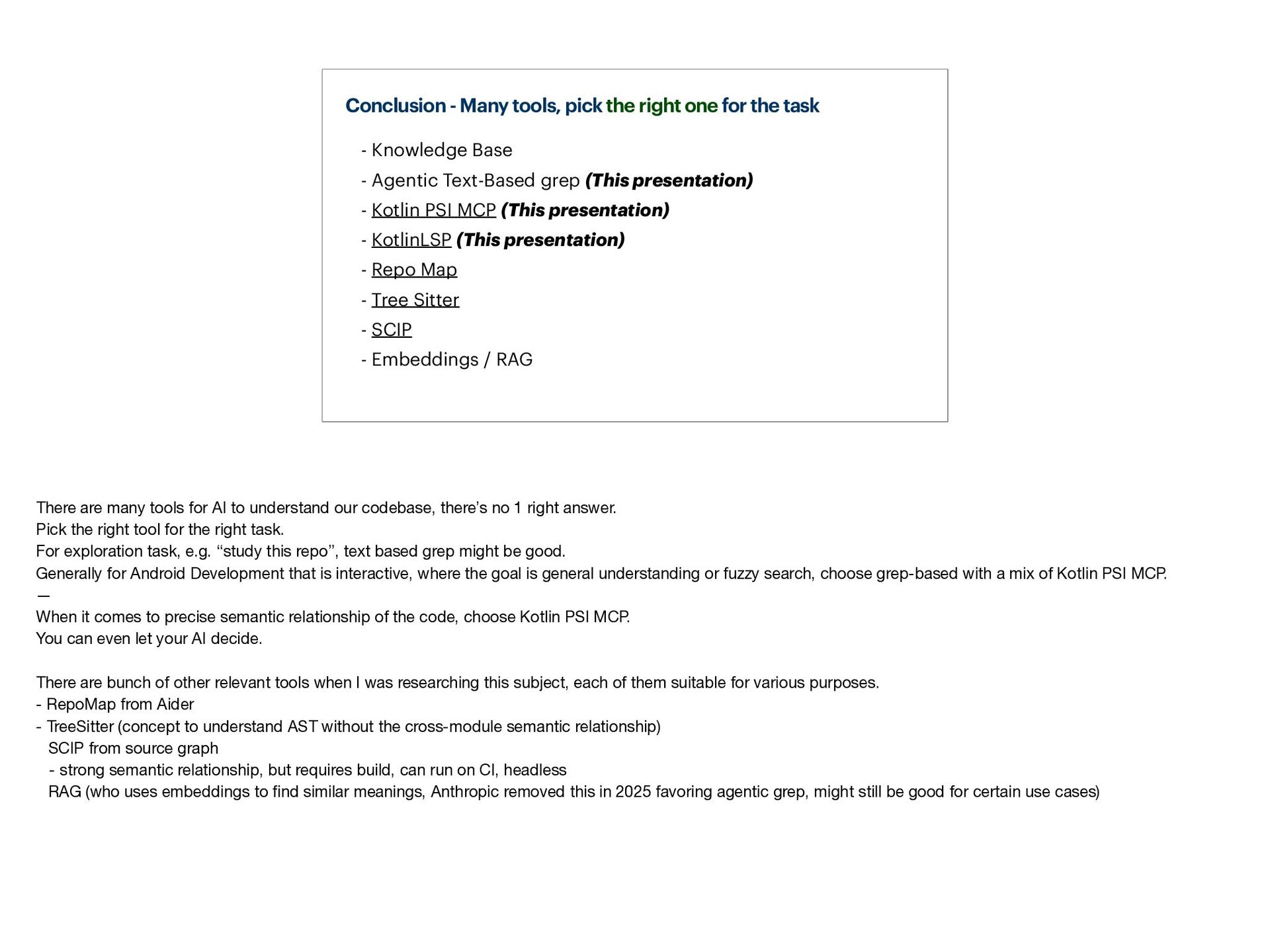
- Existing solutions, such as KotlinLSP and the official JetBrains MCP Server
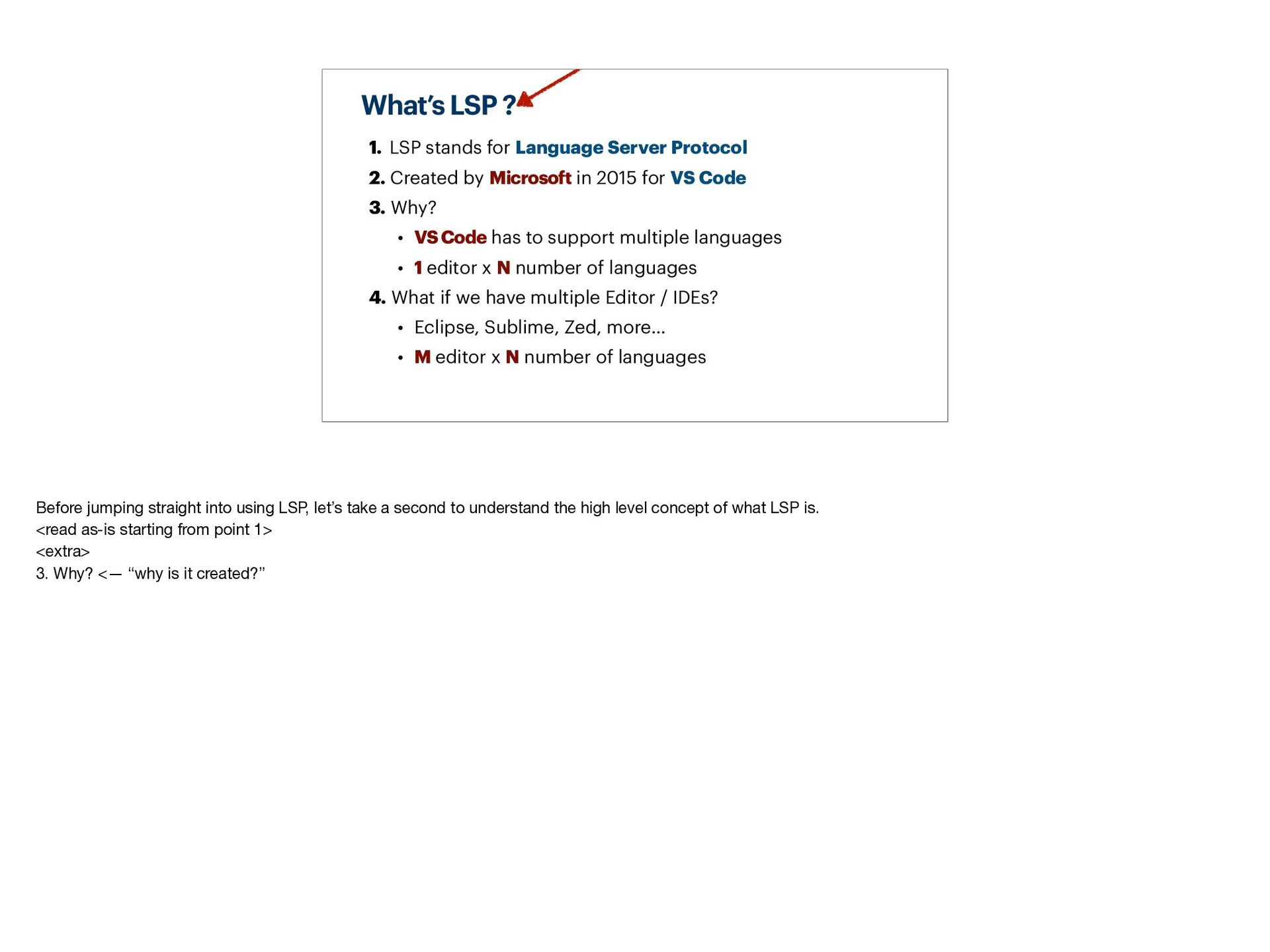
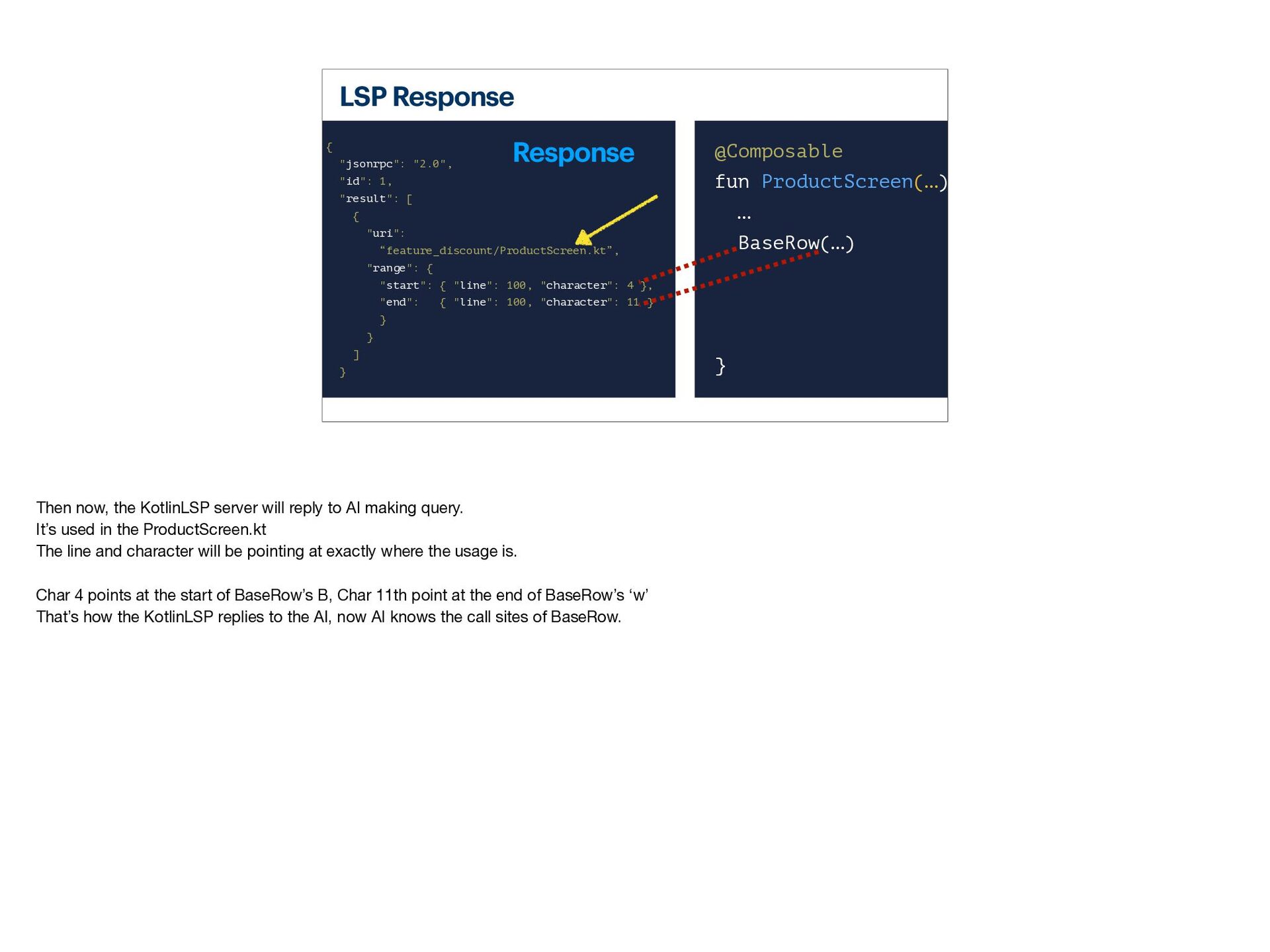
- What LSP is and what it was invented for
- Where they excel and where they fall short
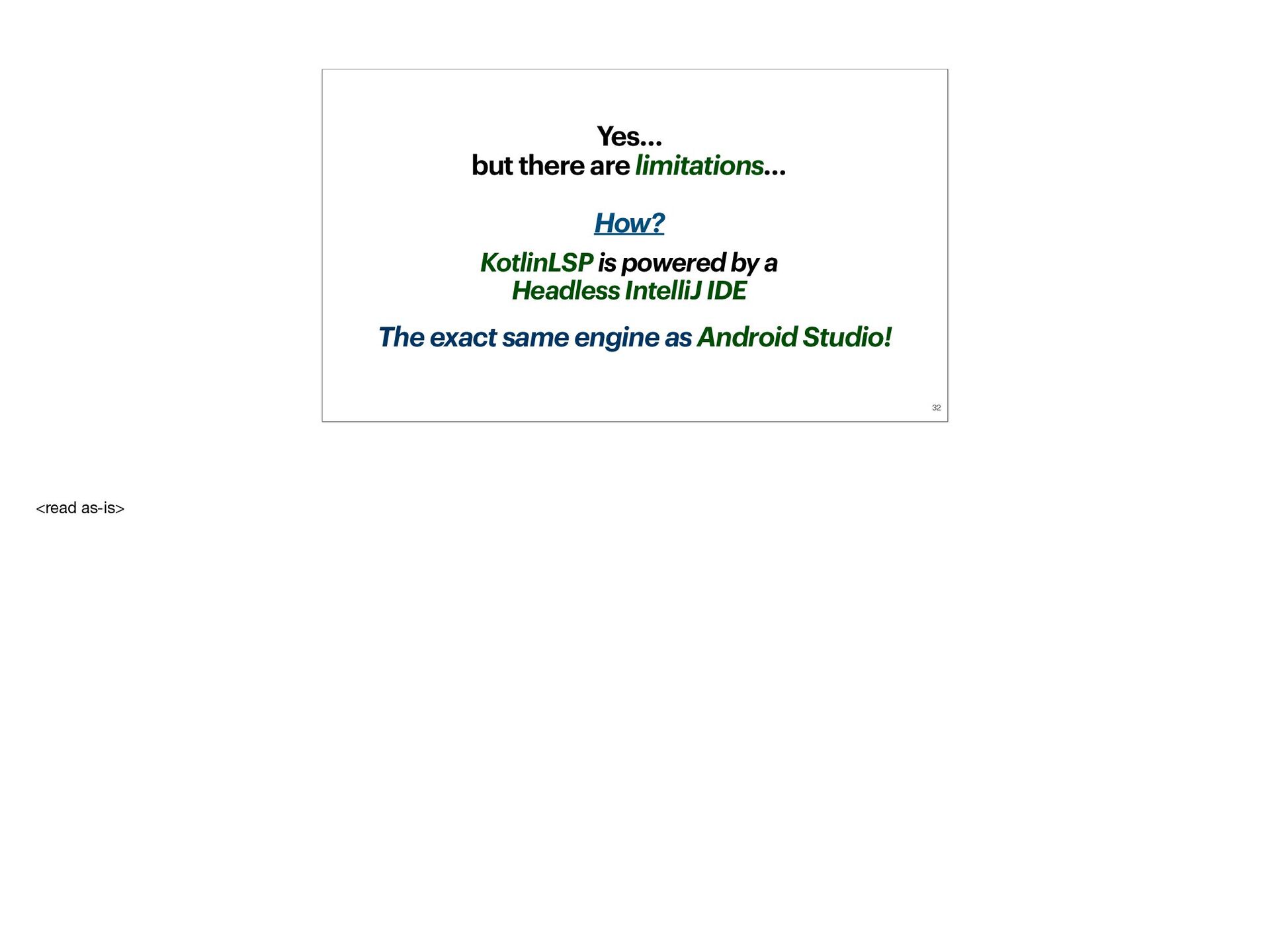
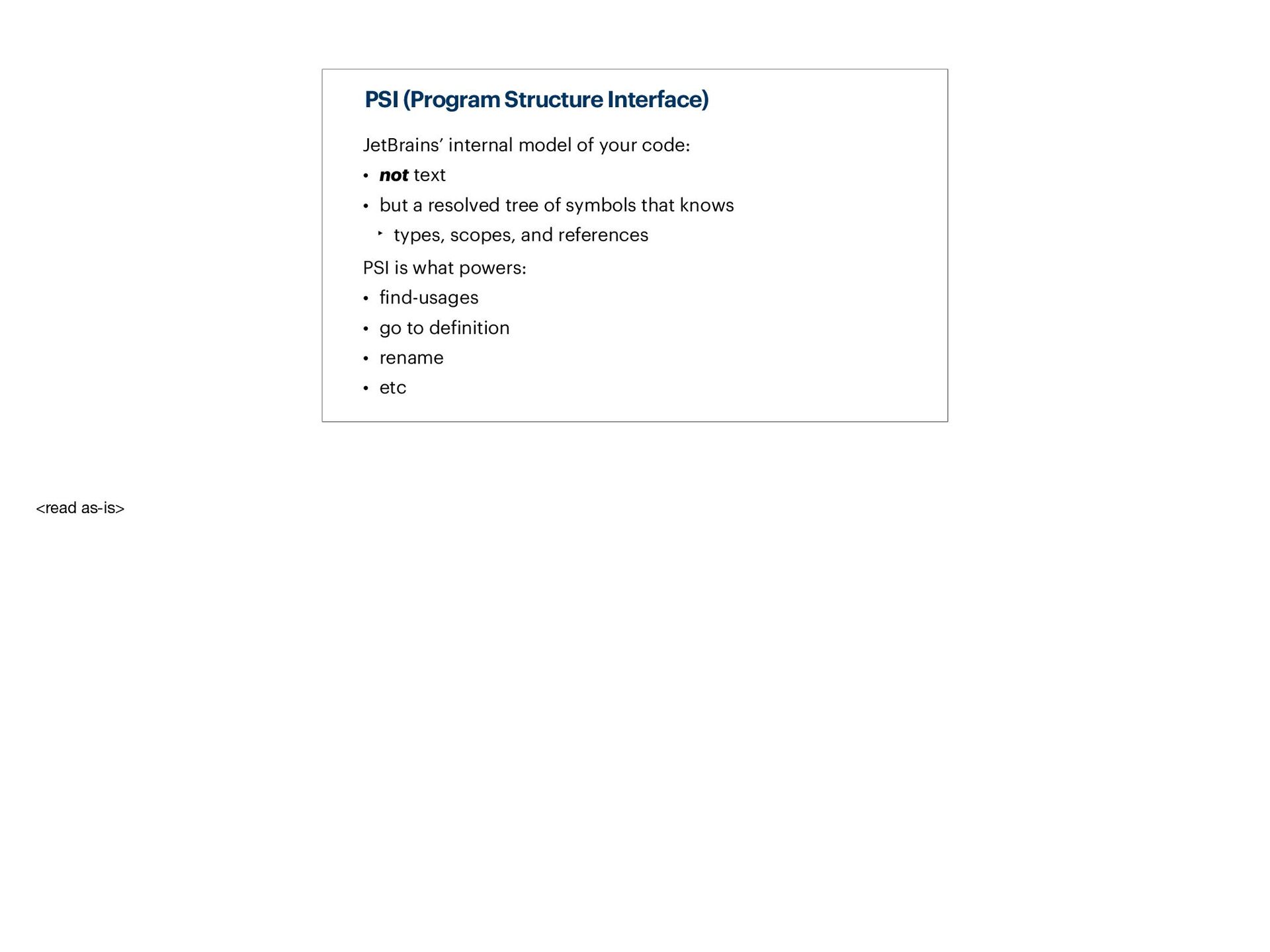
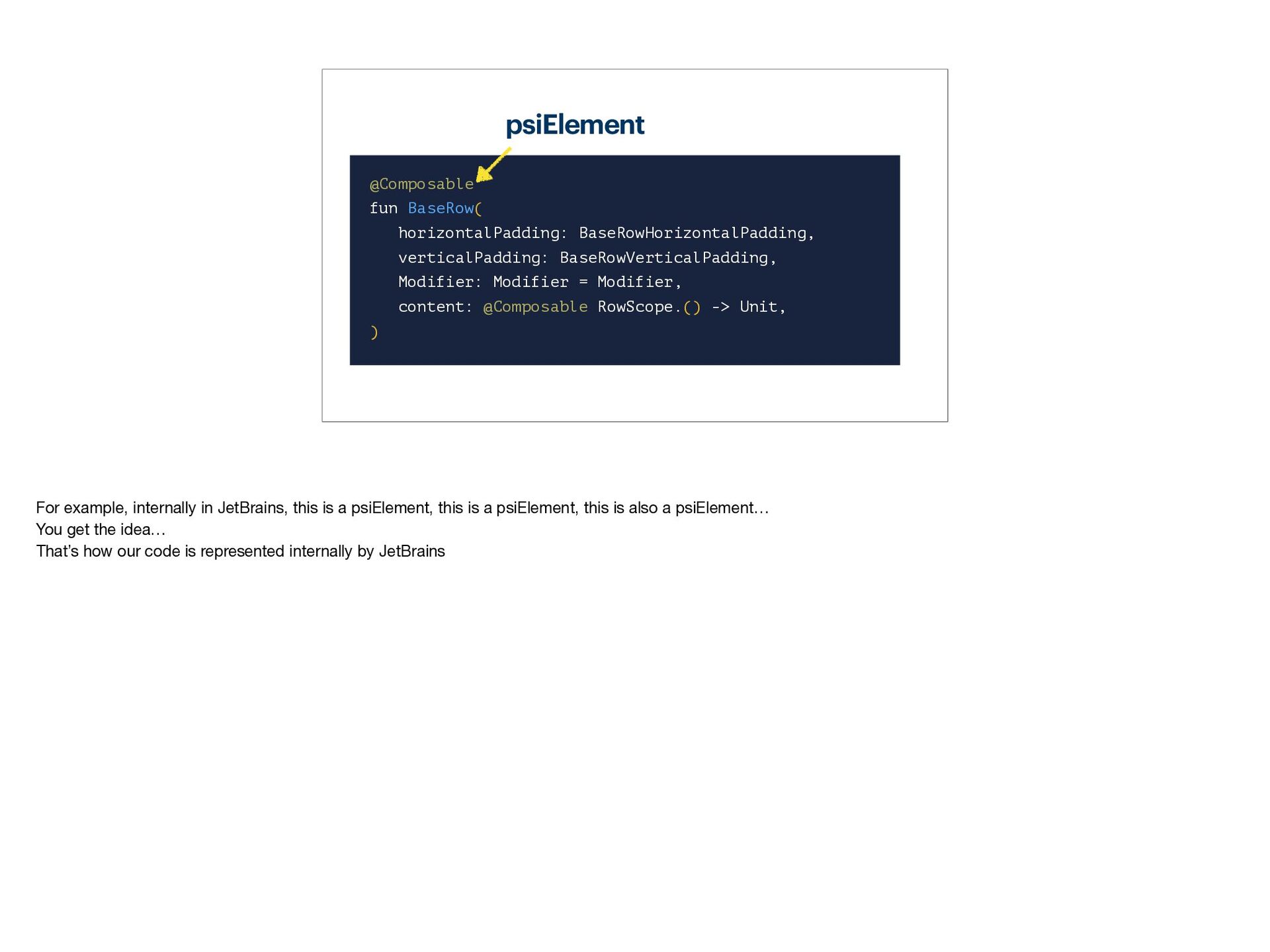
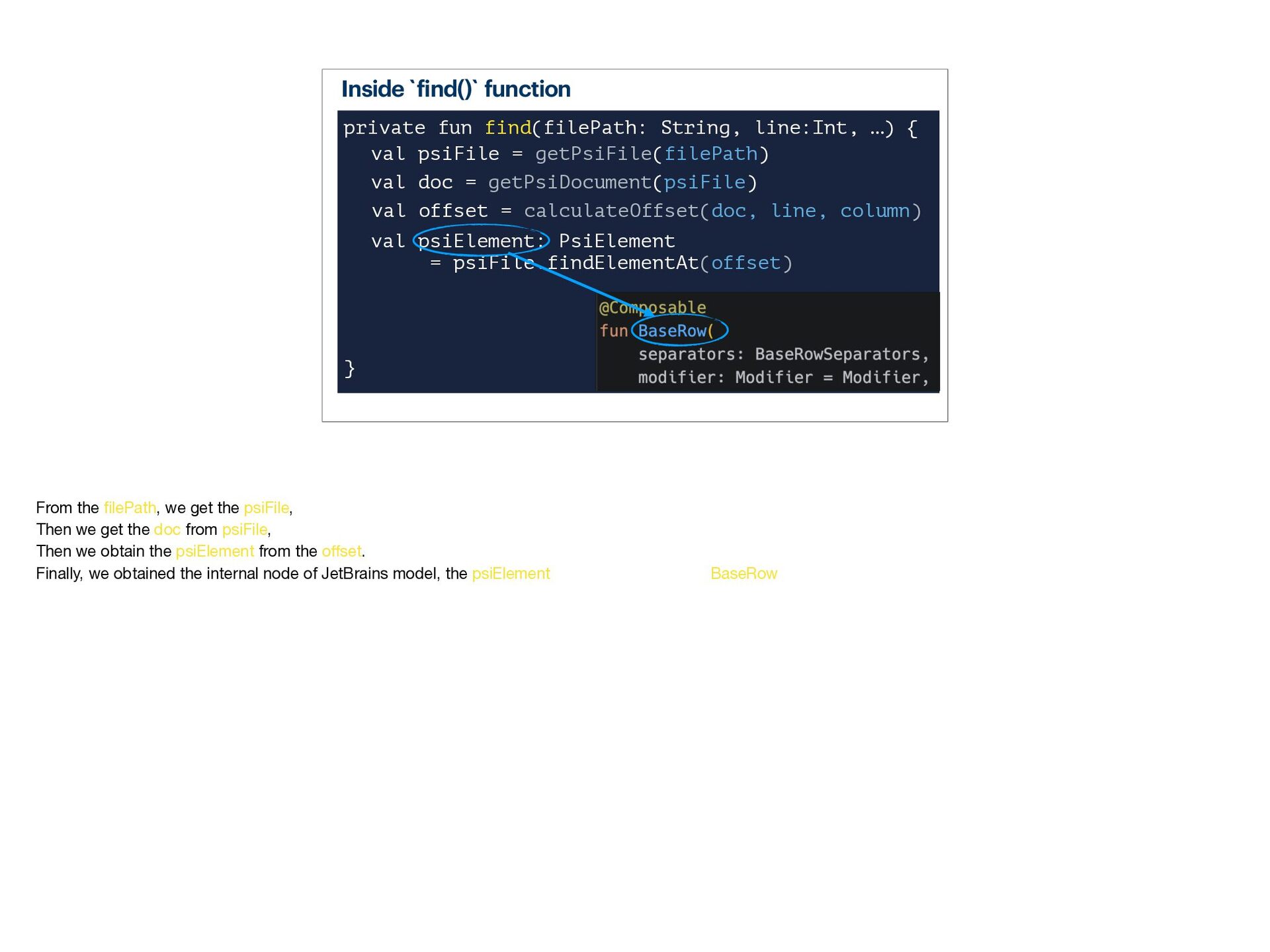
- What JetBrains' PSI (Program Structure Interface) is — an internal representation of your code
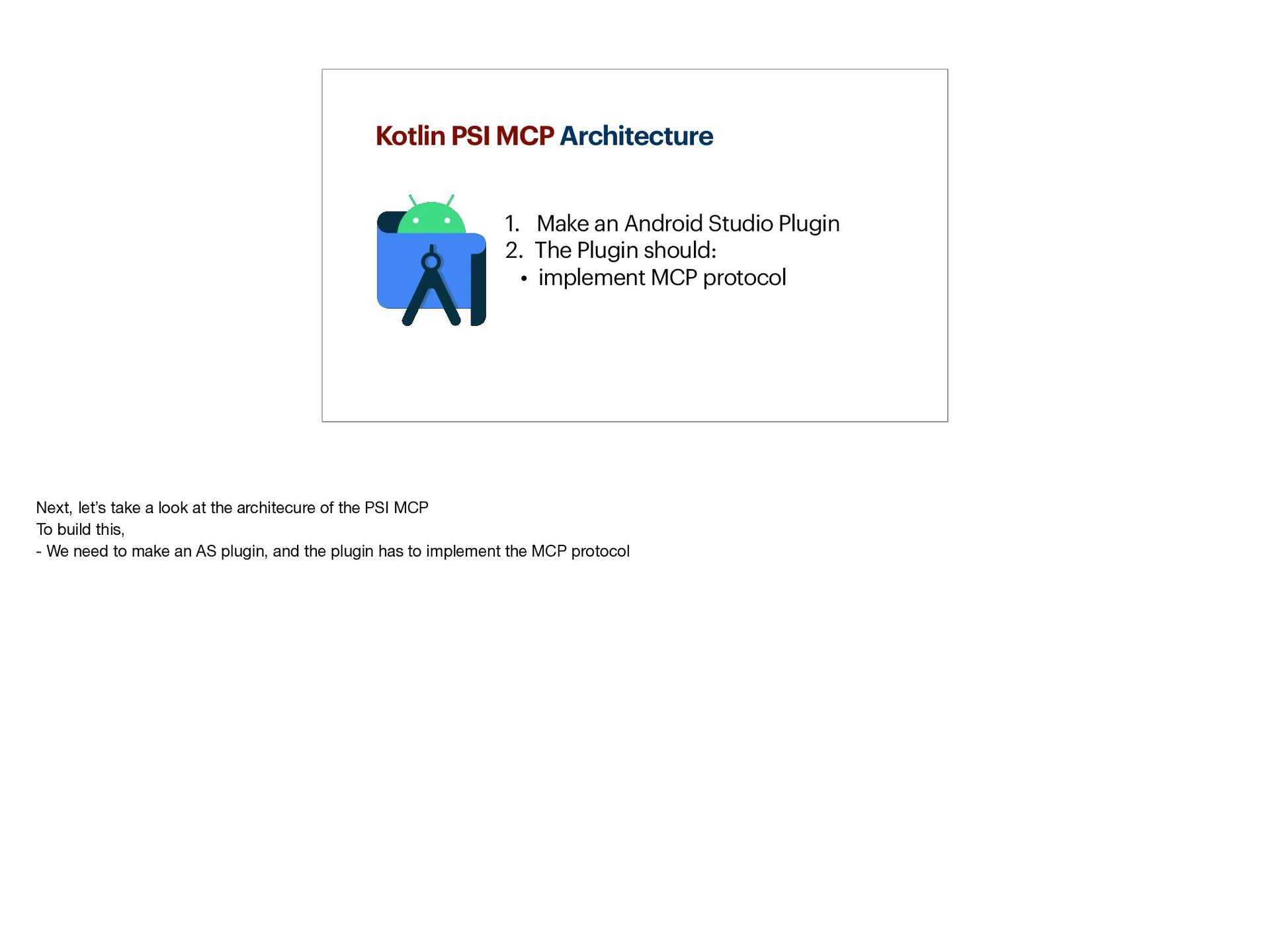
- How Kotlin PSI MCP is developed
- Quick architecture overview
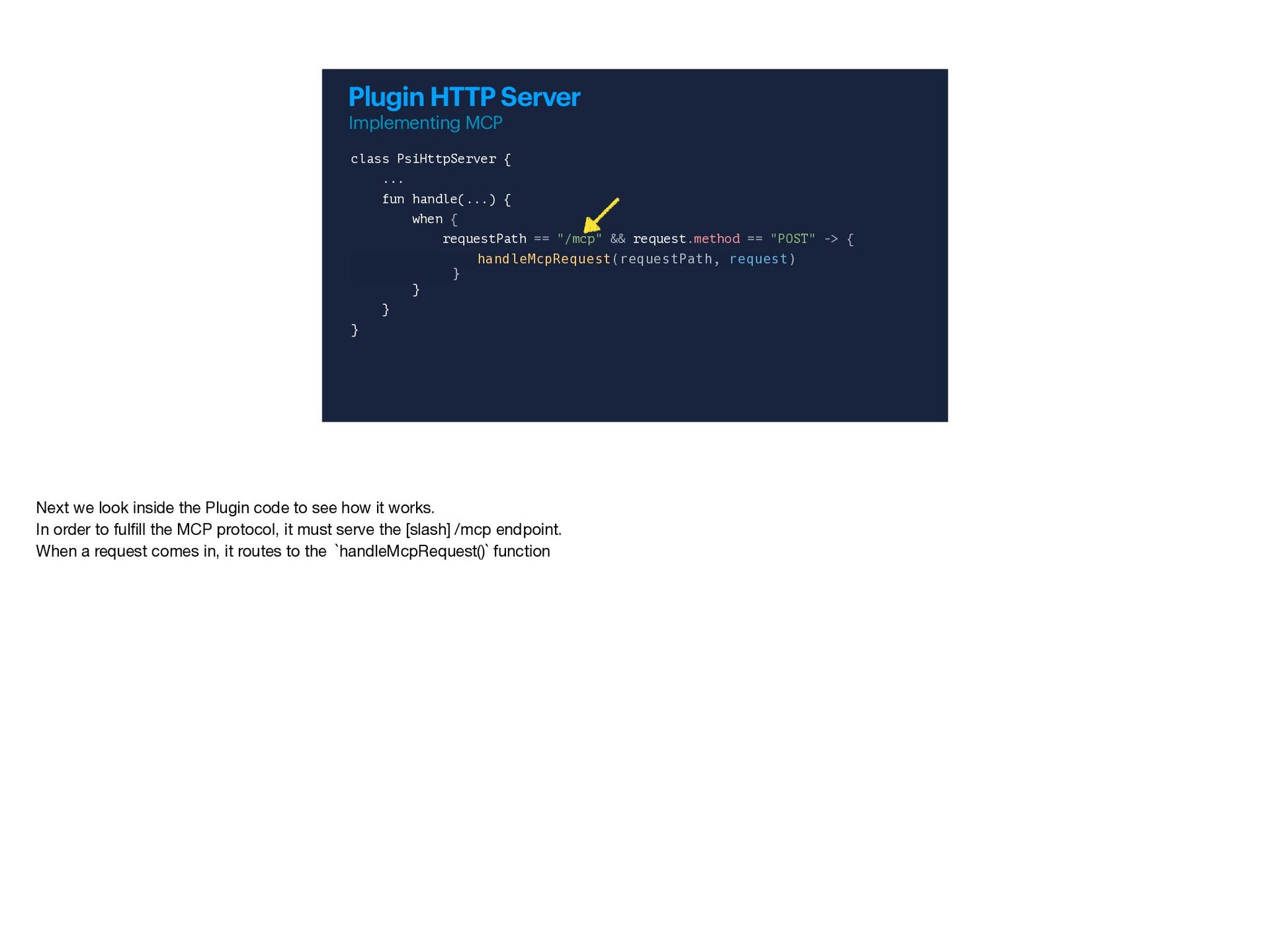
- Quick MCP plumbing explanation
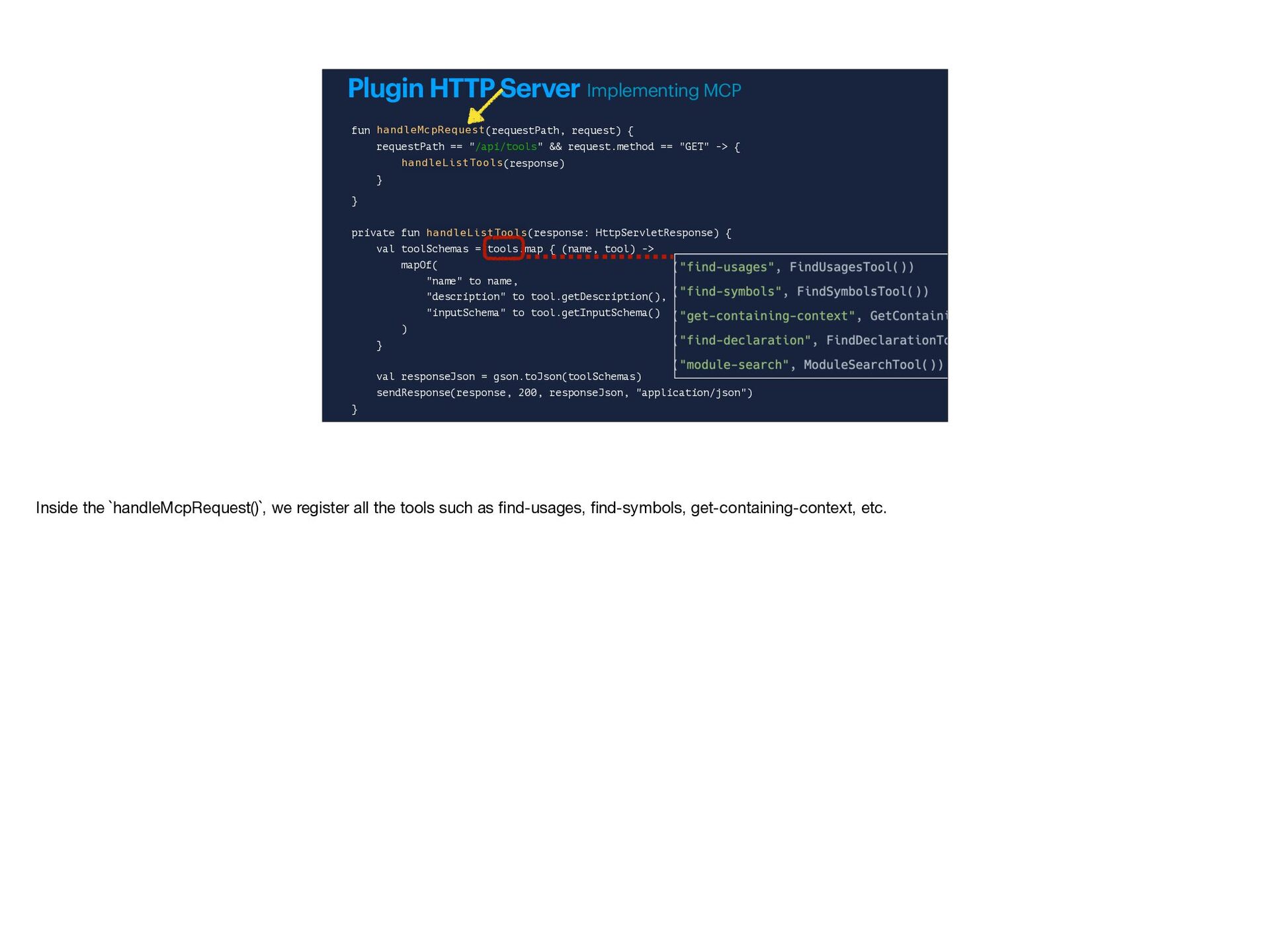
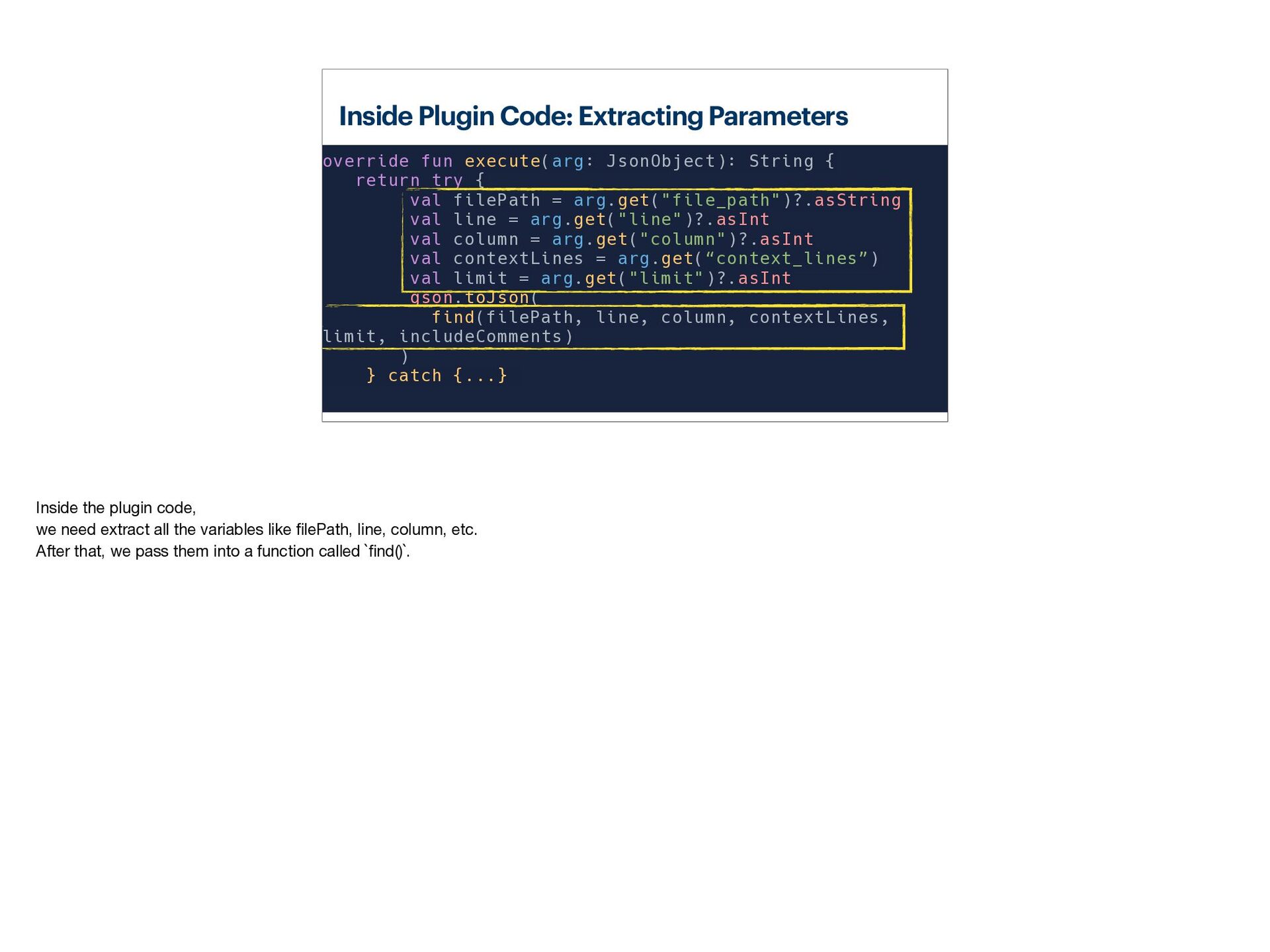
- Plugin code walkthrough
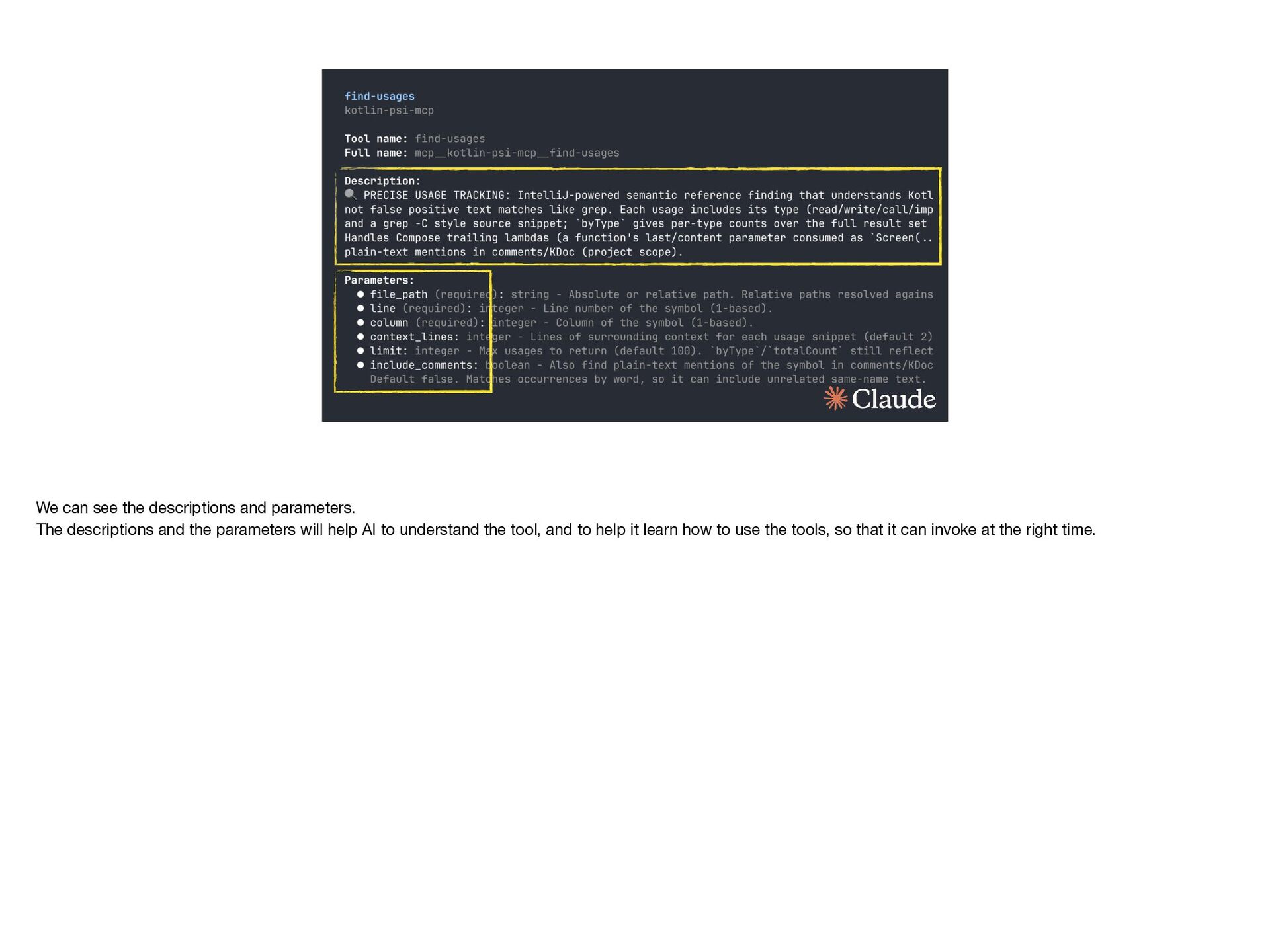
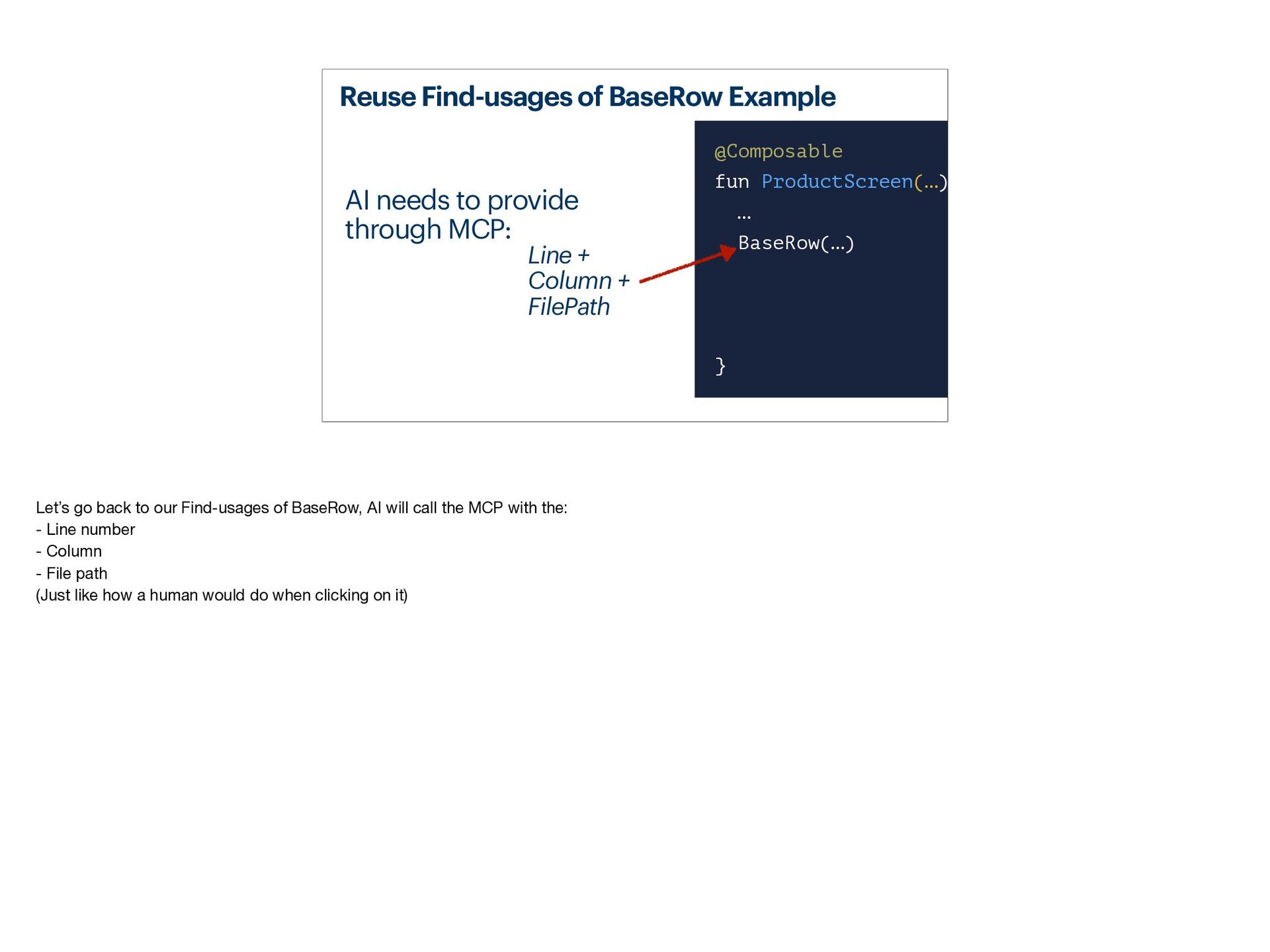
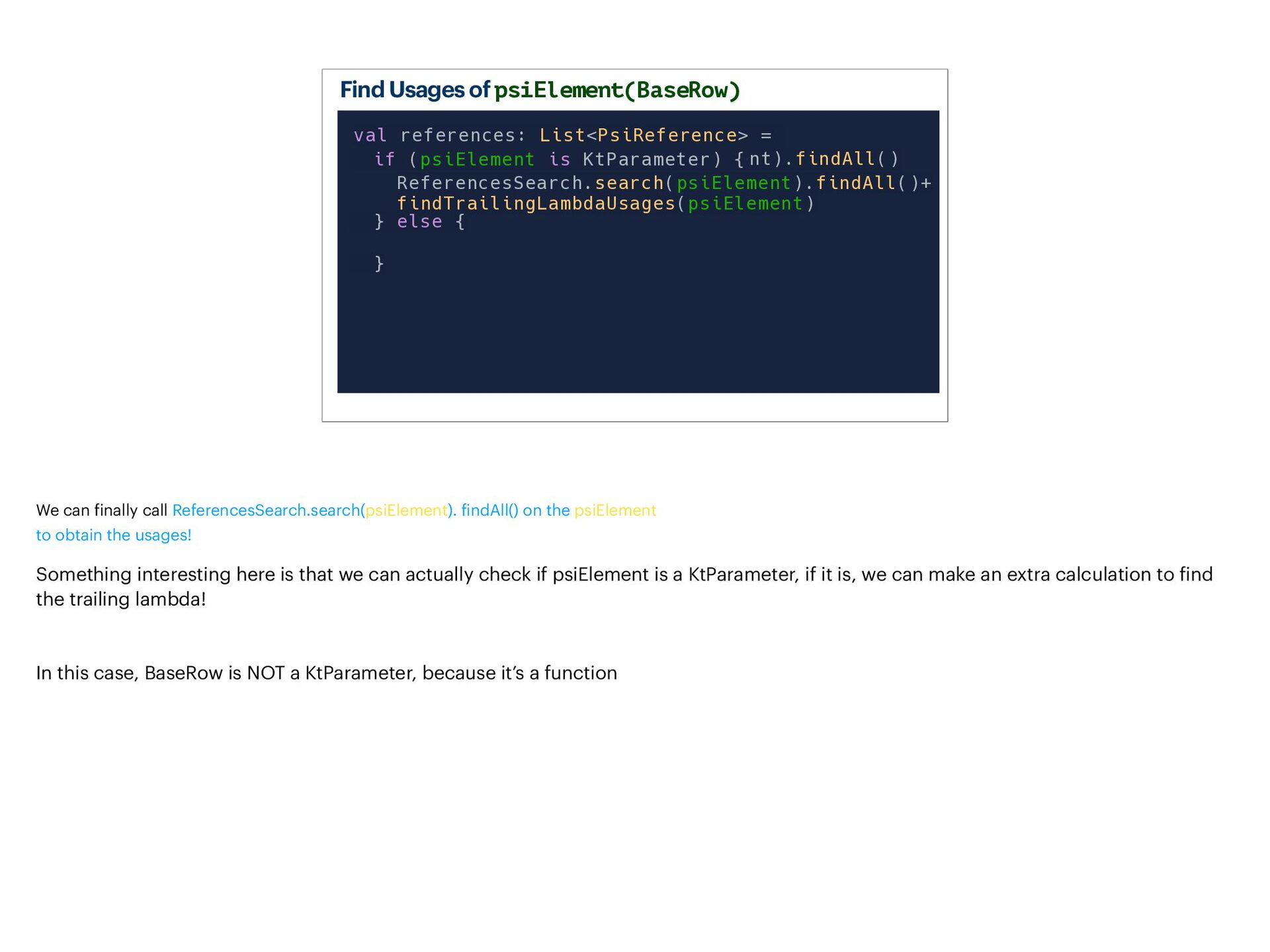
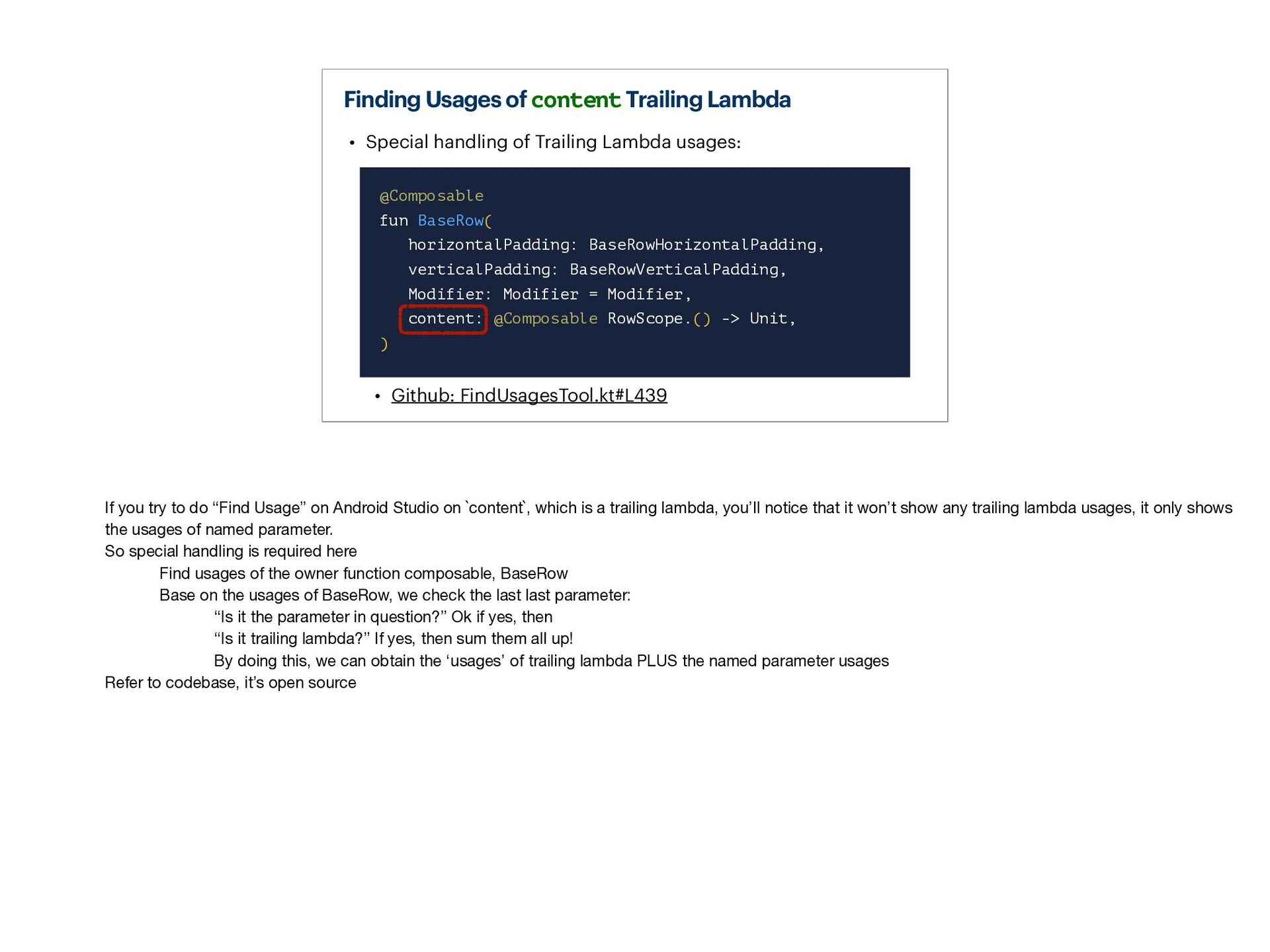
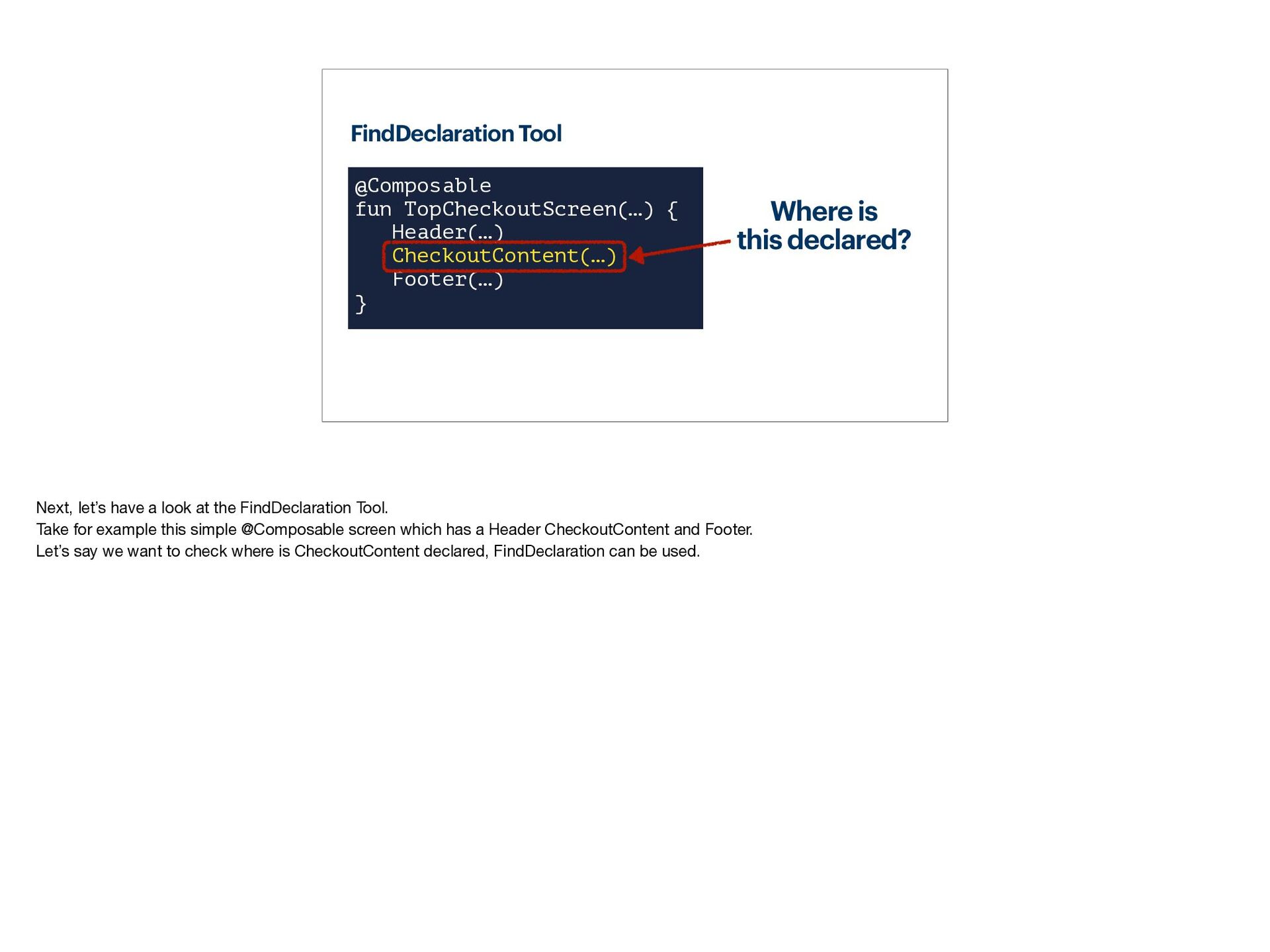
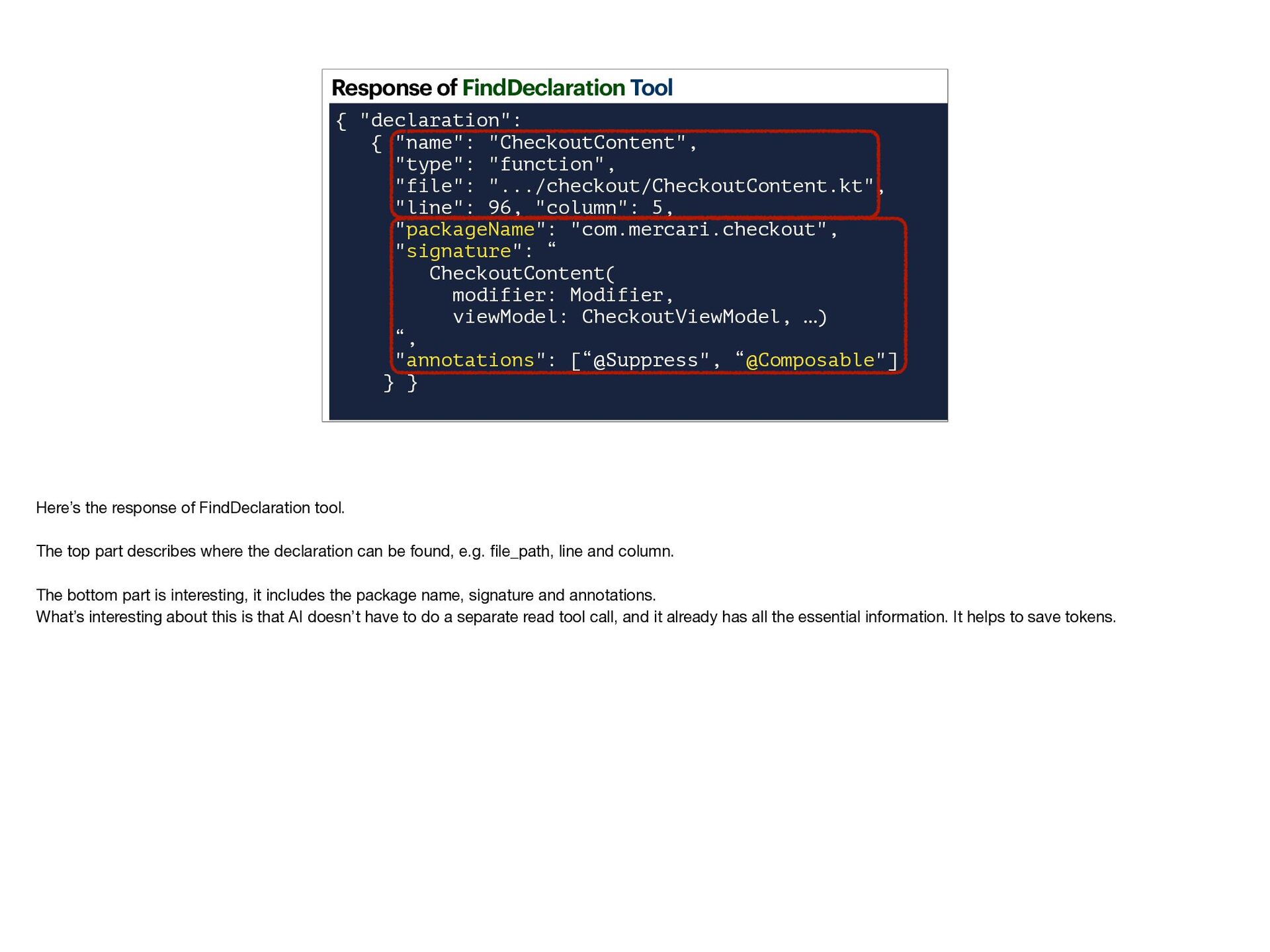
- Exploring an example of the `find-usages` MCP tool
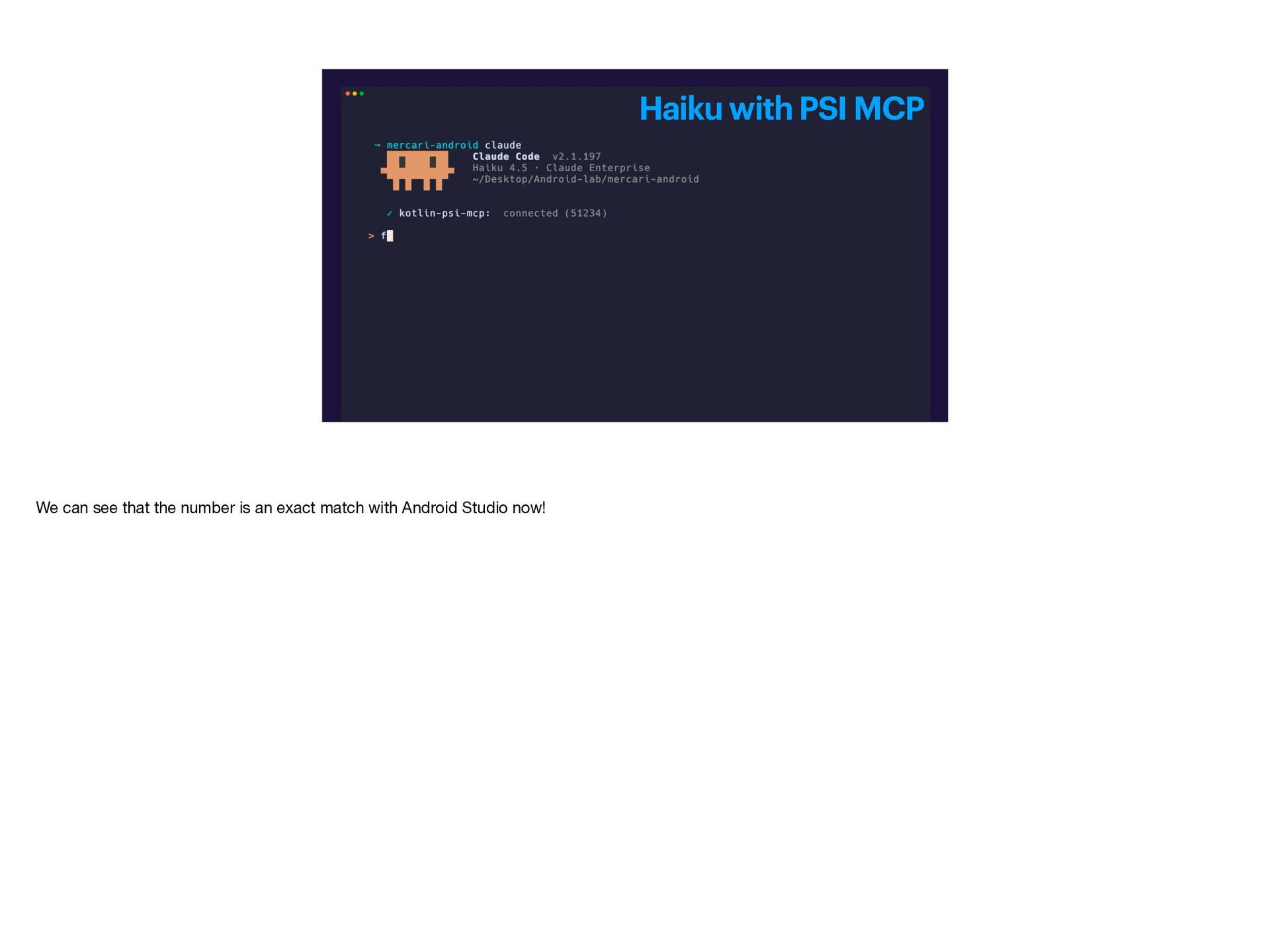
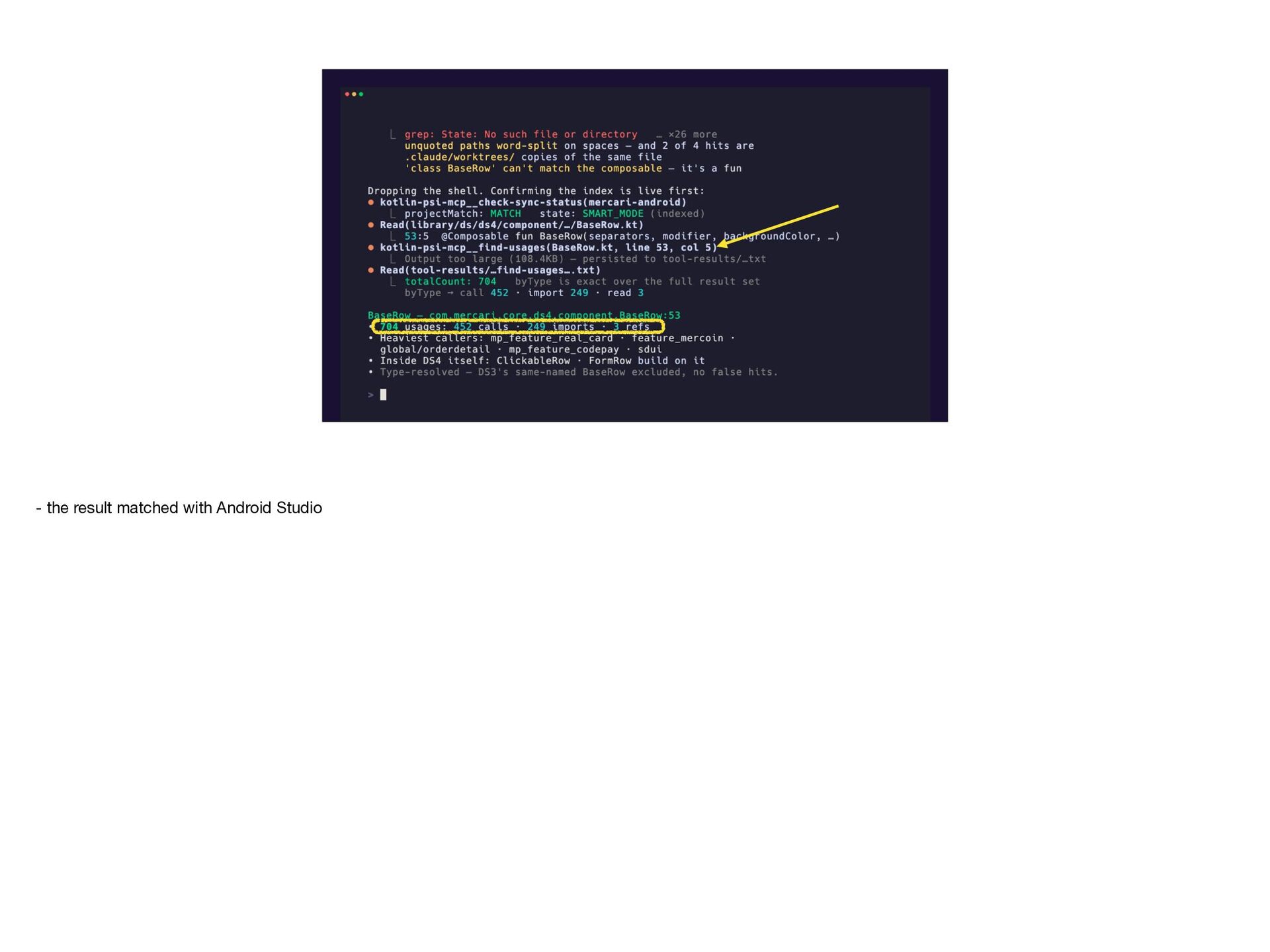
- Seeing Kotlin PSI MCP in action
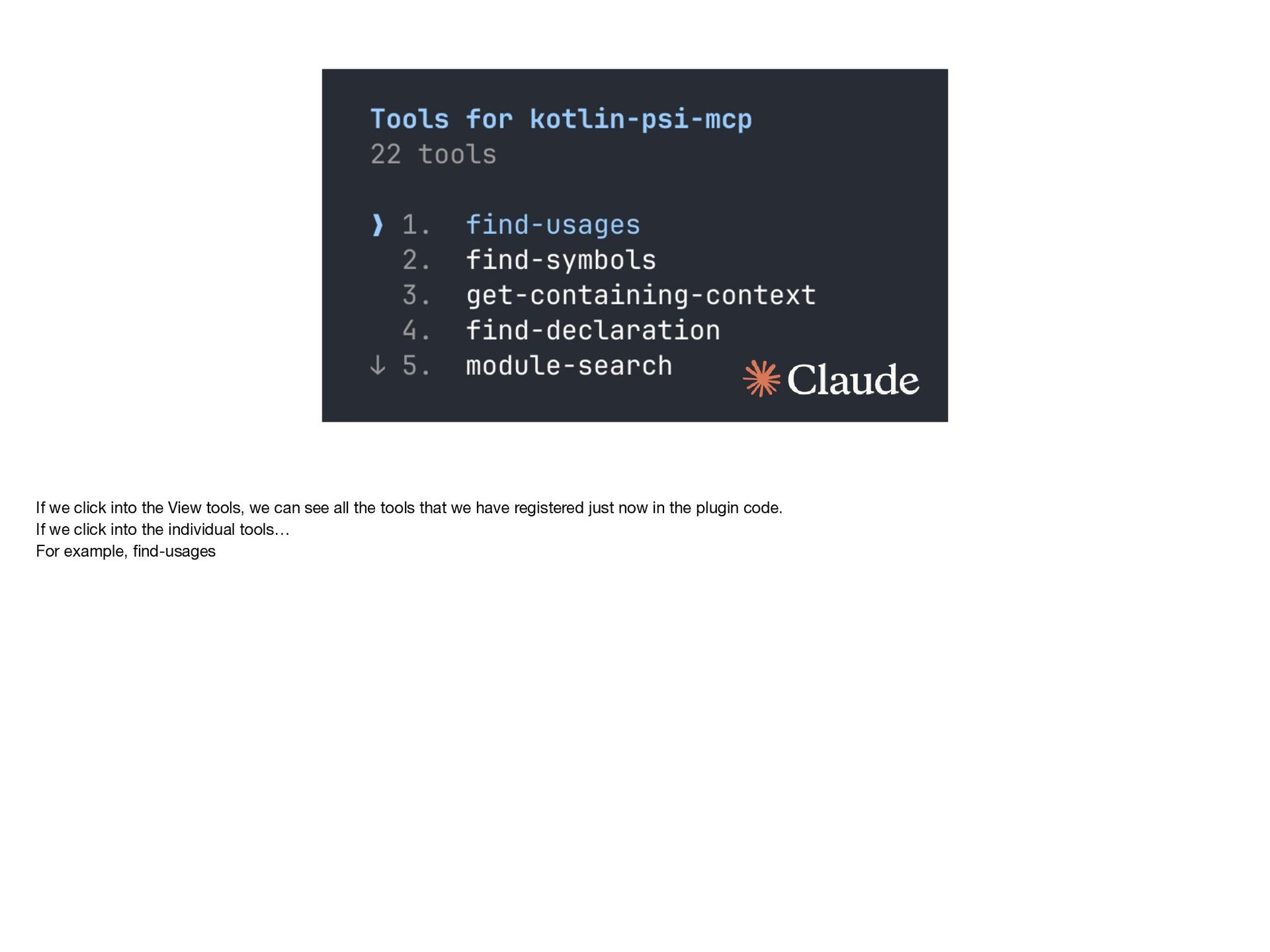
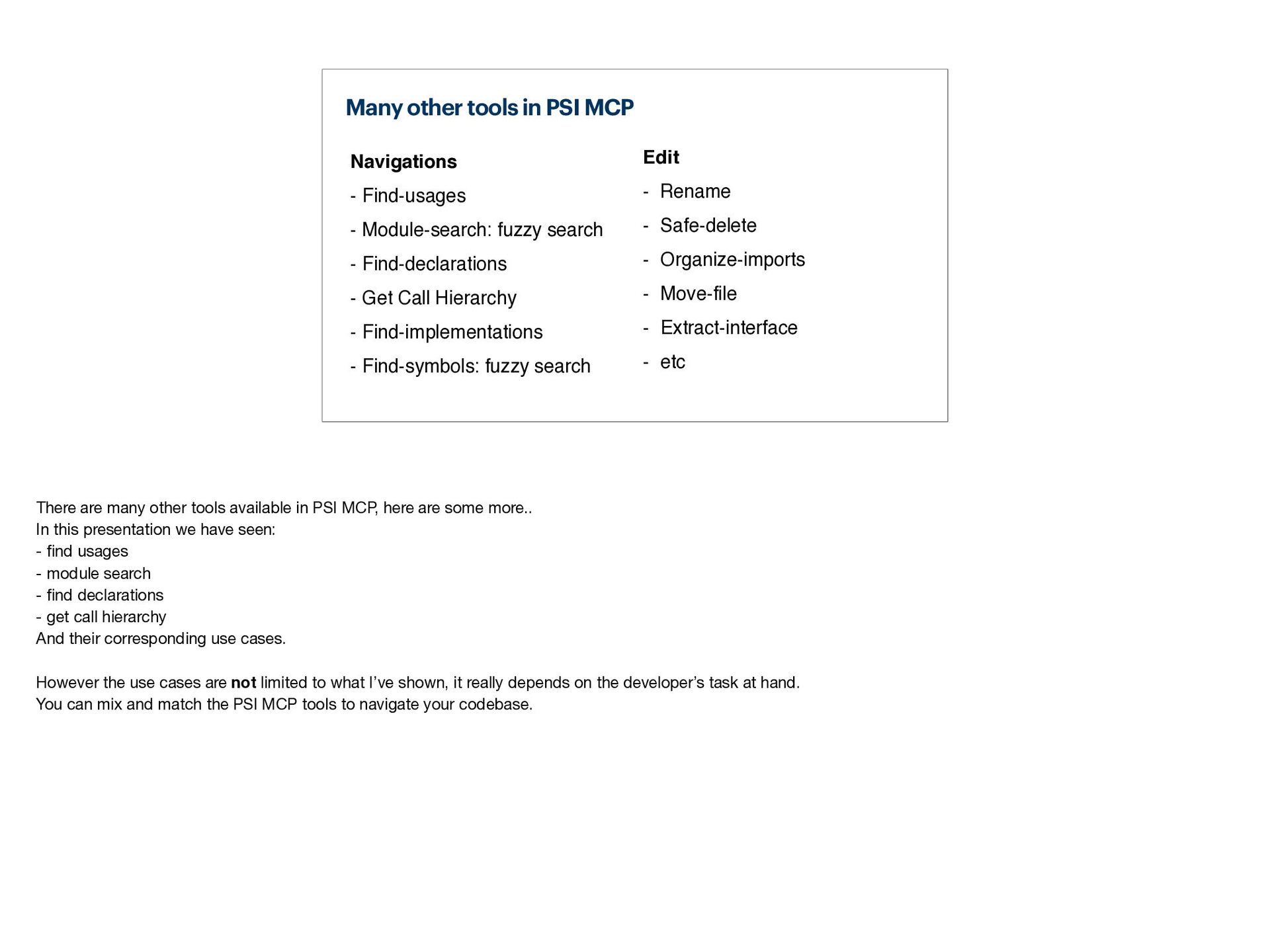
- Exploring various Kotlin PSI MCP tools
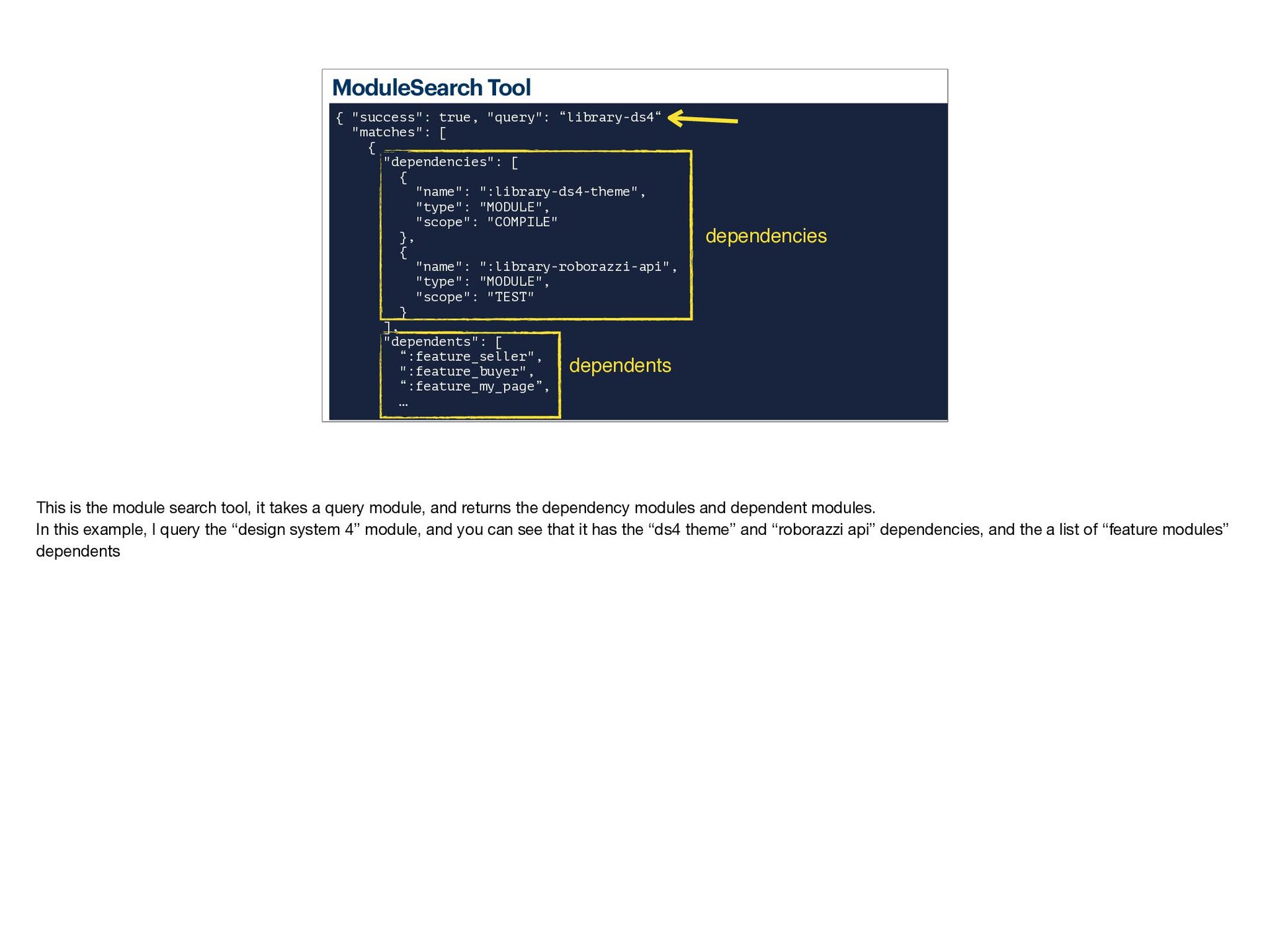
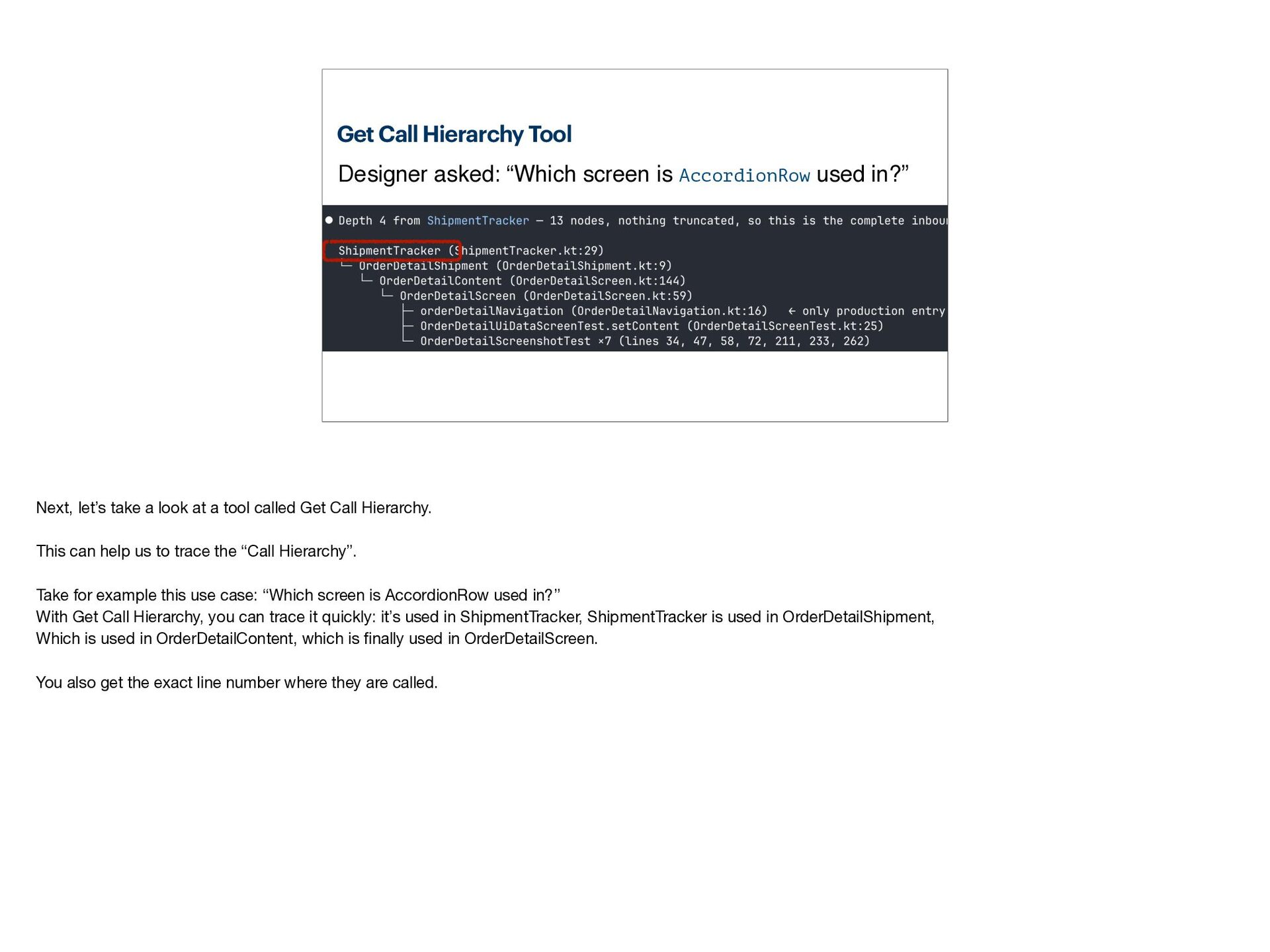
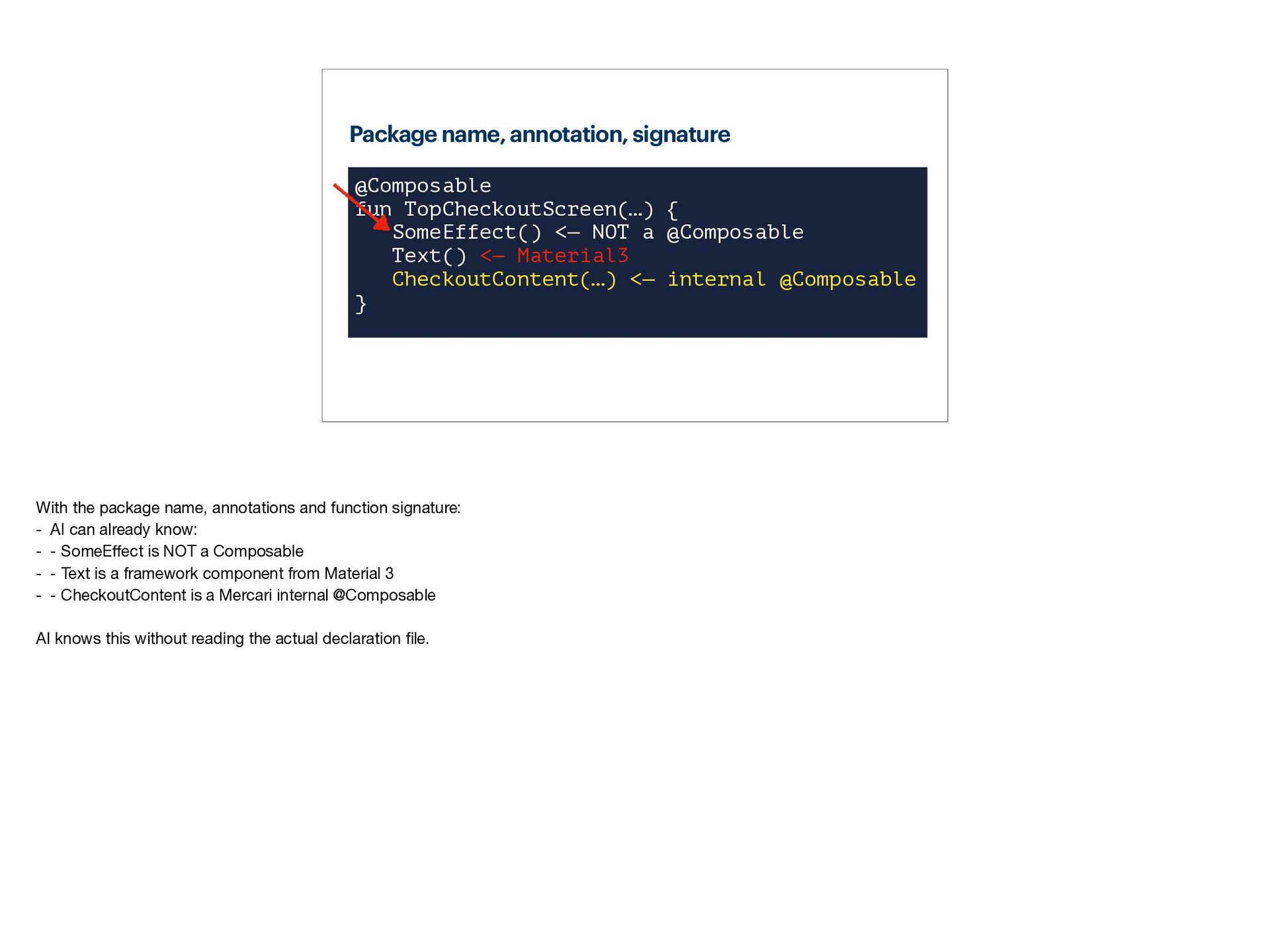
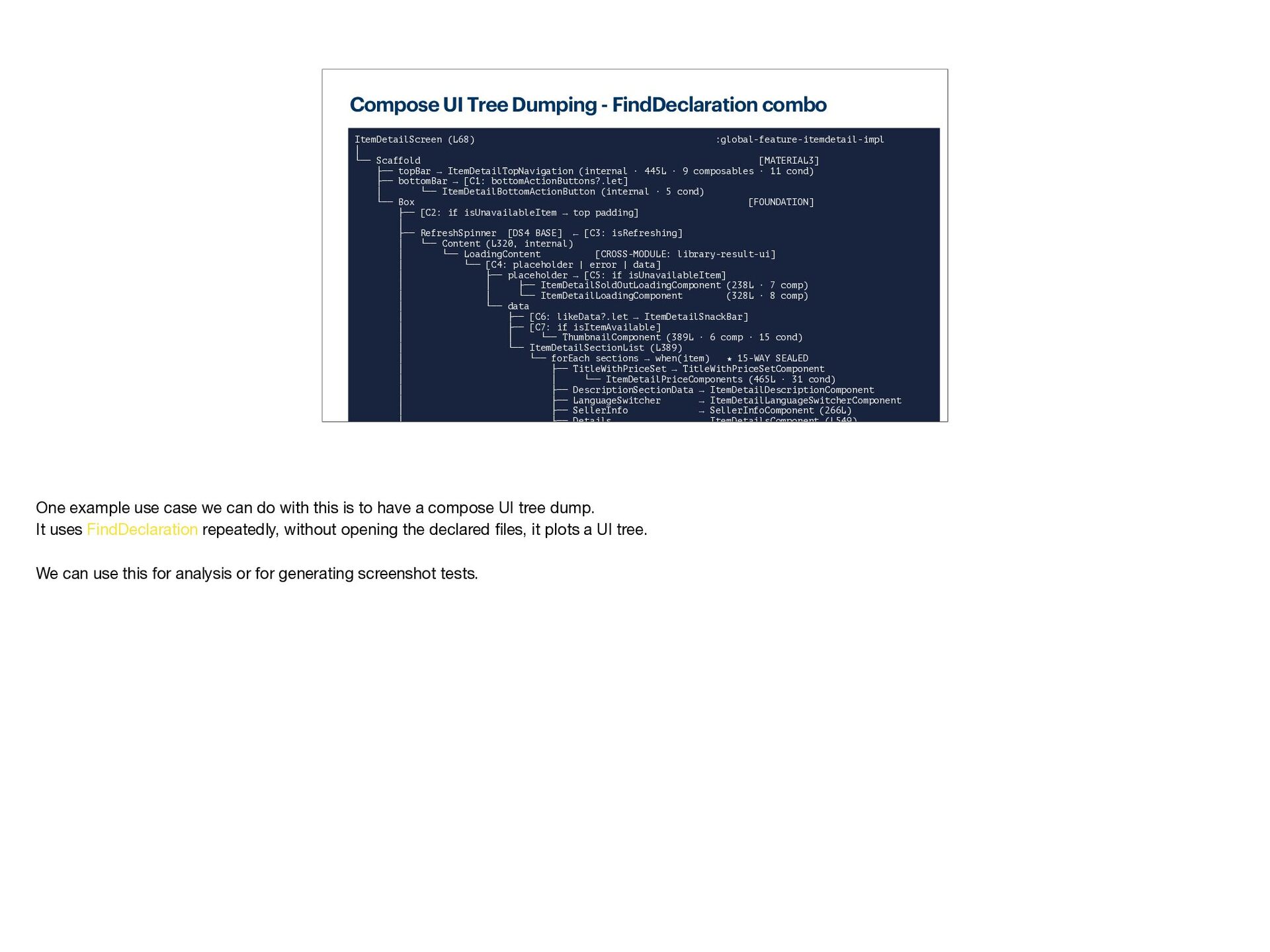
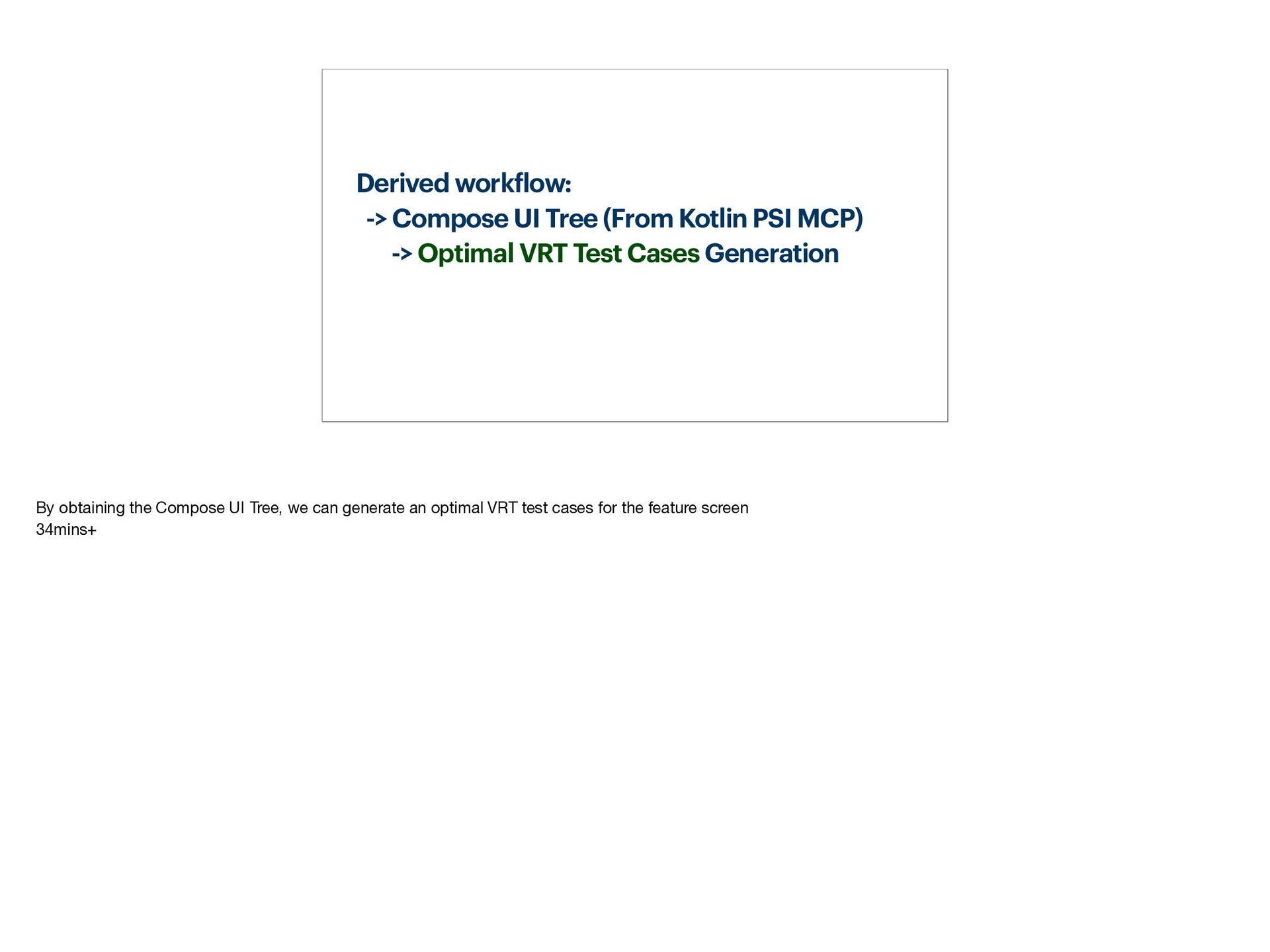
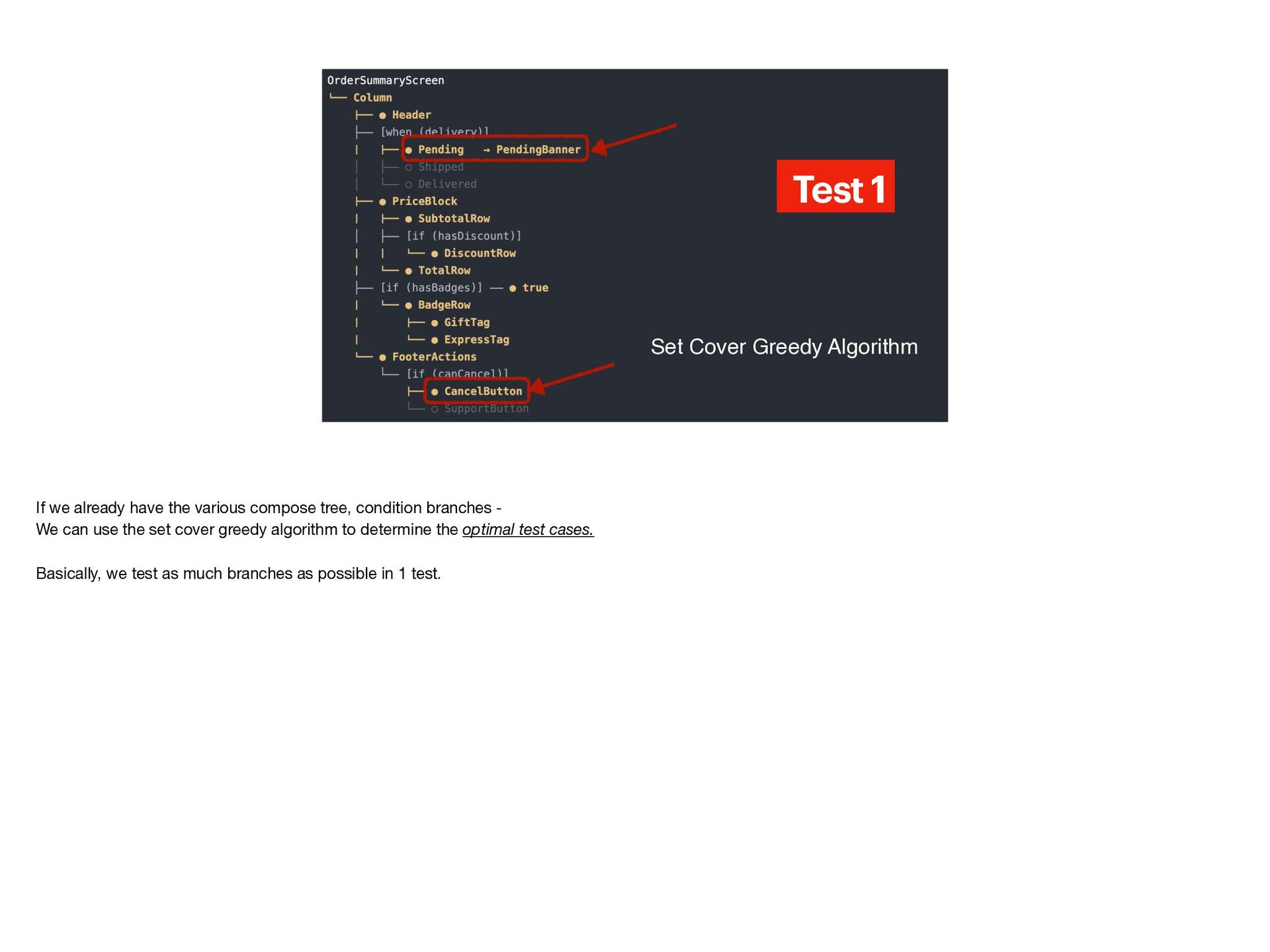
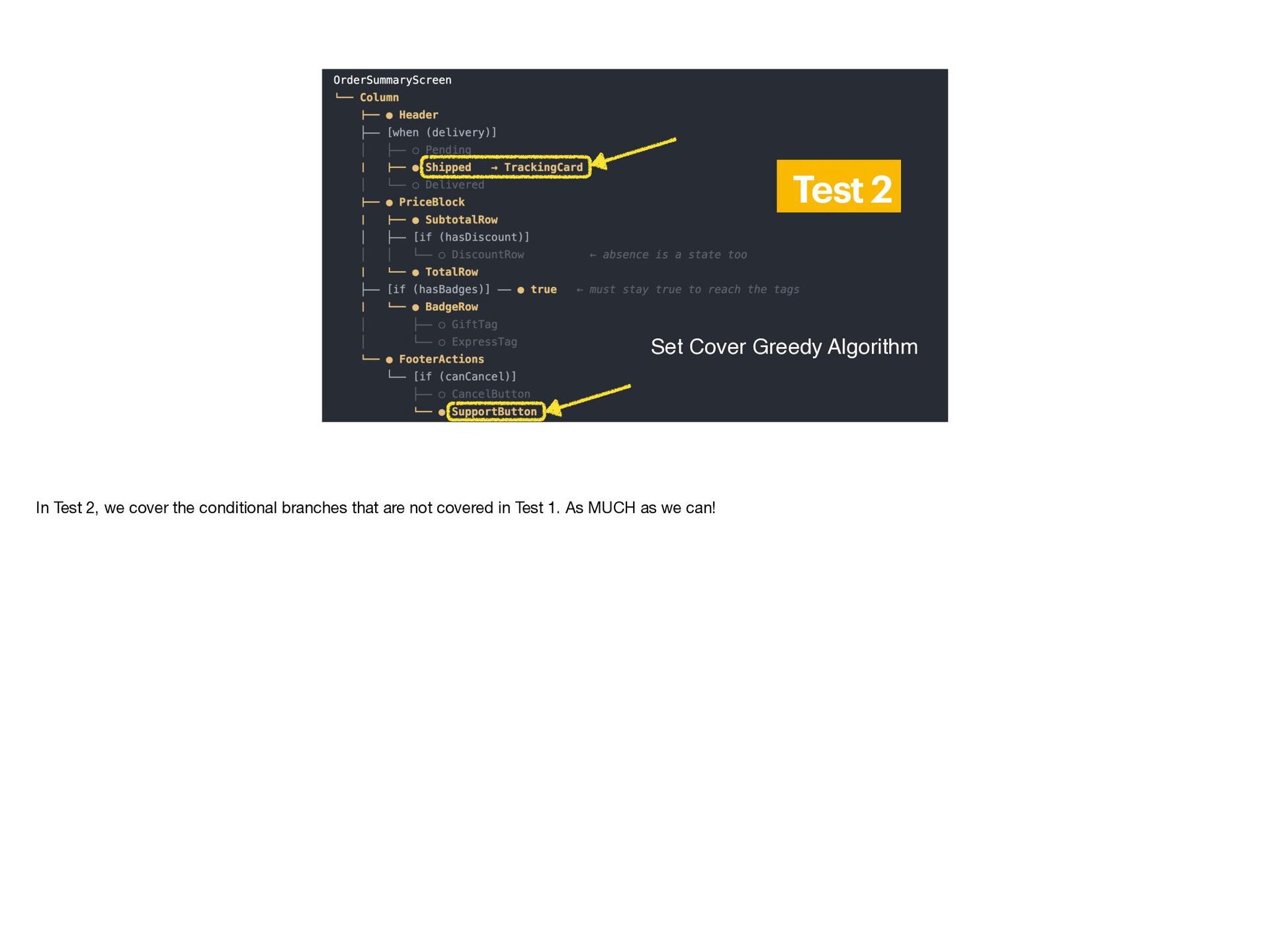
- Example use cases in a large codebase: Find Usages, module analysis, finding declarations, drawing Compose UI trees, and derived workflows (e.g., optimal test case generation using the set cover algorithm)
Stop letting your AI guess about your codebase, and learn how to bridge AI with Android Studio.
Intended audience
**Prerequisite knowledge:**
- Basic Android development experience
- Some familiarity with using AI coding agents (Claude Code, Cursor, GitHub Copilot, etc.)
- No prior knowledge of PSI or MCP required — both will be introduced from scratch
**Who should attend:**
- Android engineers working in large or legacy codebases where AI agents frequently miss references, hallucinate function locations, or burn through context windows just grepping around.
- Developers who have tried Claude Code / Cursor / Copilot on a real production codebase and felt its limitations in navigating the codebase semantically.
- Anyone curious about Model Context Protocol (MCP) and what it looks like to build a custom MCP server that gives AI agents a capability they fundamentally lack.
- Engineers interested in IDE plugin development, JetBrains Platform internals, or how Android Studio actually understands your code under the hood.
## Problems this session aims to resolve:
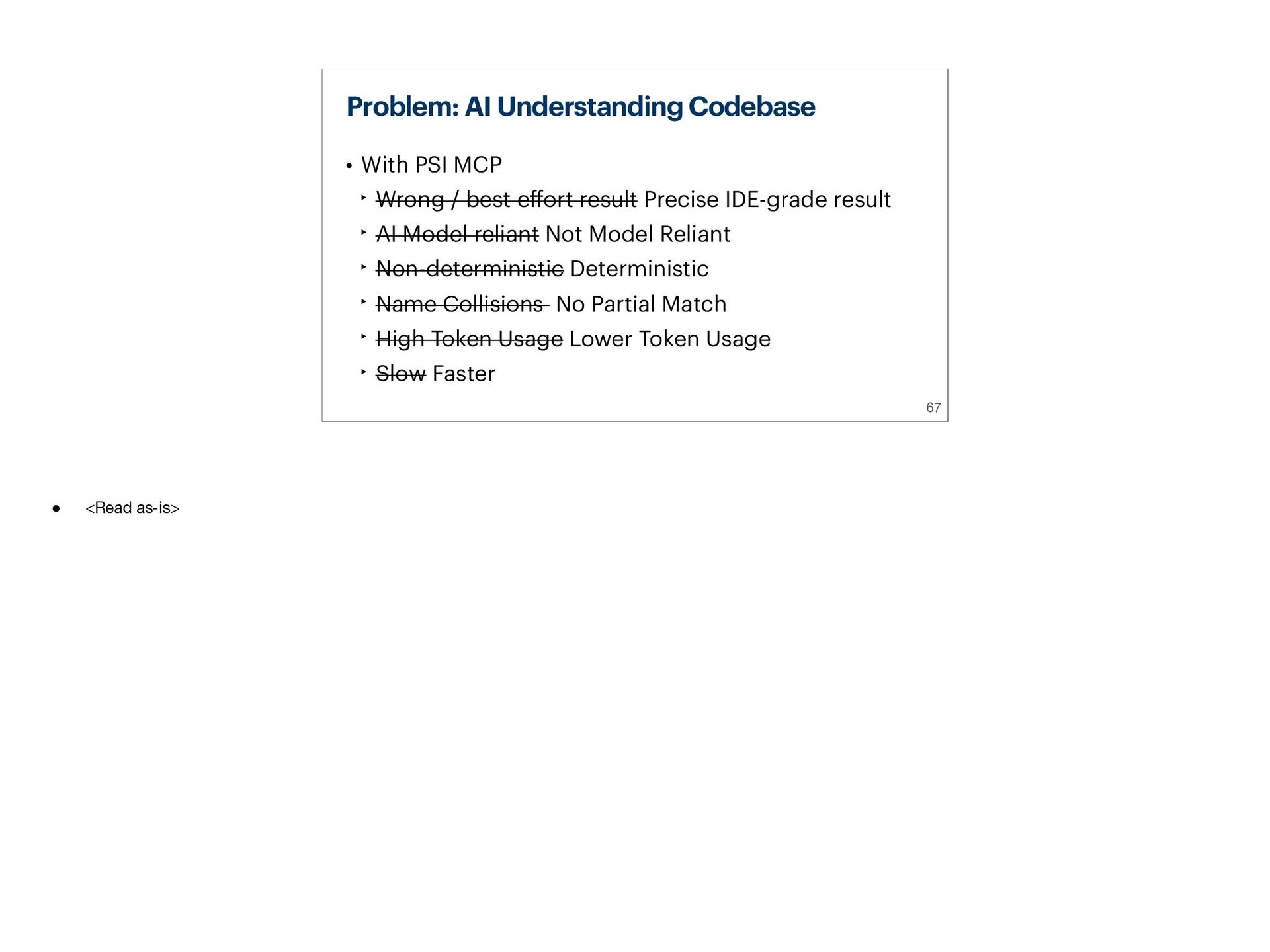
- "Why does my AI agent keep missing usages of this function?"
- "Why does AI confuse two methods with the same name in different modules?"
- "Can AI accurately find the relationships between modules?"
- "Can AI understand my codebase as precisely as Android Studio?"
- "What is LSP (Language Server Protocol)? What is PSI (Program Structure Interface)?"
- "How do I write a JetBrains plugin that serves as an MCP server to talk to AI?"


 worker8
 dske104
 teyamagu
 irinanazarova
 naokihaba
 headius
 hollycummins
 monolithic_adam
 steliosf
 ivargrimstad
 andpad
 artoy
artoy
 aleyda
 shlominoach
 bluesmoon
 sabderemane
 axbom
axbom
 62gerente
 productmarketing
 pauljervisheath
 lara
lara
 mongodb