Upgrade to Pro
— share decks privately, control downloads, hide ads and more …
Speaker Deck
Sign up for free
Menu
Search
Features
All features
Private URLs
Password Protection
Custom URLS
Scheduled publishing
Remove Branding
Restrict embedding
Deck Collections
Notes
Features
All features
Private URLs
Password Protection
Custom URLS
Scheduled publishing
Remove Branding
Restrict embedding
Deck Collections
Notes
Explore
Featured decks
Featured speakers
Programming
Technology
Storyboards
Explore
Featured decks
Featured speakers
Programming
Technology
Storyboards
Pricing
Search
Sign in
Sign up for free
React学んでみた
Search
Sponsored
·
Your Podcast. Everywhere. Effortlessly.
Share. Educate. Inspire. Entertain. You do you. We'll handle the rest.
→
Nico_Zetsche
January 30, 2023
Technology
280
0
Share
Embed
Copy iframe code
Copy JS code
Copy link
Start on current slide
React学んでみた
Nico_Zetsche
January 30, 2023
More Decks by Nico_Zetsche
See All by Nico_Zetsche
CleanCodeつまみ食い(簡易版)
yonuma
0
400
ARCANAmeetup_60大沼
yonuma
0
460
Other Decks in Technology
See All in Technology
DGX Spark でどこまでハッキングができるのか?
kash1064
3
1.3k
M5Stackで作る BLEマウス GPSログの世界
tomokusaba
0
420
[JAWS-UG彩の国埼玉#12]そろそろ準備する?re:Invent2026をやさしく解説 / reinvent2026-sainokuni
sh_fk2
1
340
SAENM ~Jupyterで残すPoCの試行錯誤、未来の自分と仲間を助ける記録!~
terapyon
0
110
WasmをRustにする
sansantech
PRO
0
250
分析の民主化を支えるメタデータ整備の実践
kakehashi
PRO
4
1.4k
実践! SRE × AI - ABEMA における AIOps -
tetsuya28
8
3.1k
フロントエンドカンファレンス関西2026 - 速すぎるUIに、待ち時間を
teamlab
PRO
0
130
事業成長とデータ活用を止めないためのマネジメントへ挑戦
hiracky16
0
390
Rustuna: Rustによる高速なOptuna実装
pfn
PRO
0
190
継続的なAIコスト最適化
bgpat
1
340
Rust で関数型ドメインモデリング
takonda
0
140
Featured
See All Featured
30 Presentation Tips
portentint
PRO
1
430
jQuery: Nuts, Bolts and Bling
dougneiner
66
8.6k
The Myth of the Modular Monolith - Day 2 Keynote - Rails World 2024
eileencodes
28
3.7k
Measuring Dark Social's Impact On Conversion and Attribution
stephenakadiri
2
310
[RailsConf 2023] Rails as a piece of cake
palkan
59
7.1k
Lightning talk: Run Django tests with GitHub Actions
sabderemane
0
300
Applied NLP in the Age of Generative AI
inesmontani
PRO
4
2.5k
Reflections from 52 weeks, 52 projects
jeffersonlam
356
22k
Marketing to machines
jonoalderson
1
5.9k
Noah Learner - AI + Me: how we built a GSC Bulk Export data pipeline
techseoconnect
PRO
0
460
Primal Persuasion: How to Engage the Brain for Learning That Lasts
tmiket
0
500
Tell your own story through comics
letsgokoyo
1
1.1k
Transcript
大沼 佑樹 REACT 学んでみた 2022年1月30日
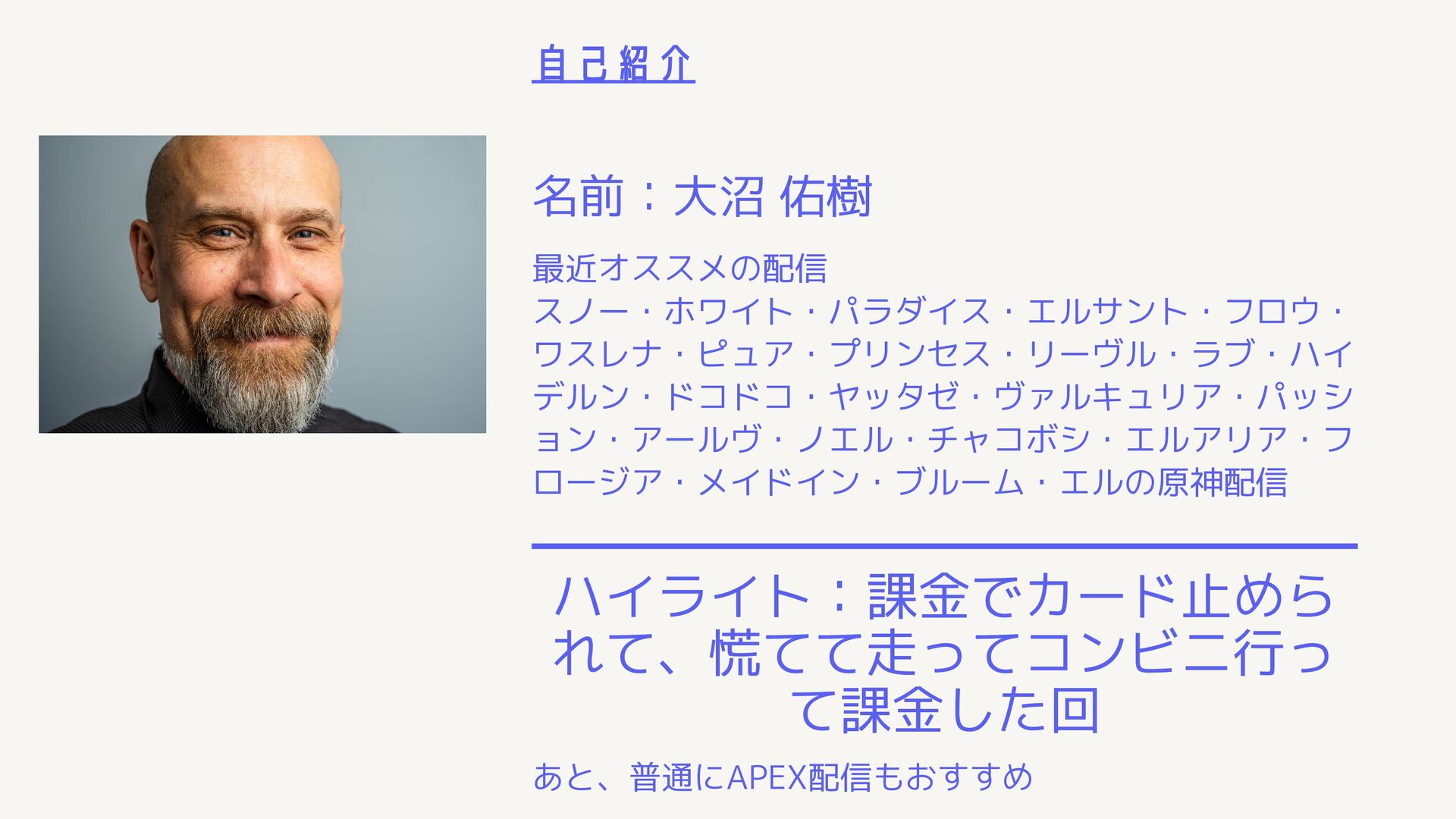
名前:大沼 佑樹 最近オススメの配信 スノー・ホワイト・パラダイス・エルサント・フロウ・ ワスレナ・ピュア・プリンセス・リーヴル・ラブ・ハイ デルン・ドコドコ・ヤッタゼ・ヴァルキュリア・パッシ ョン・アールヴ・ノエル・チャコボシ・エルアリア・フ ロージア・メイドイン・ブルーム・エルの原神配信 自己紹介 ハイライト:課金でカード止めら
れて、慌てて走ってコンビニ行っ て課金した回 あと、普通にAPEX配信もおすすめ
今日の予定 導入方法 どんな感じか 所感 今日の学び:
パート 1 導入方法
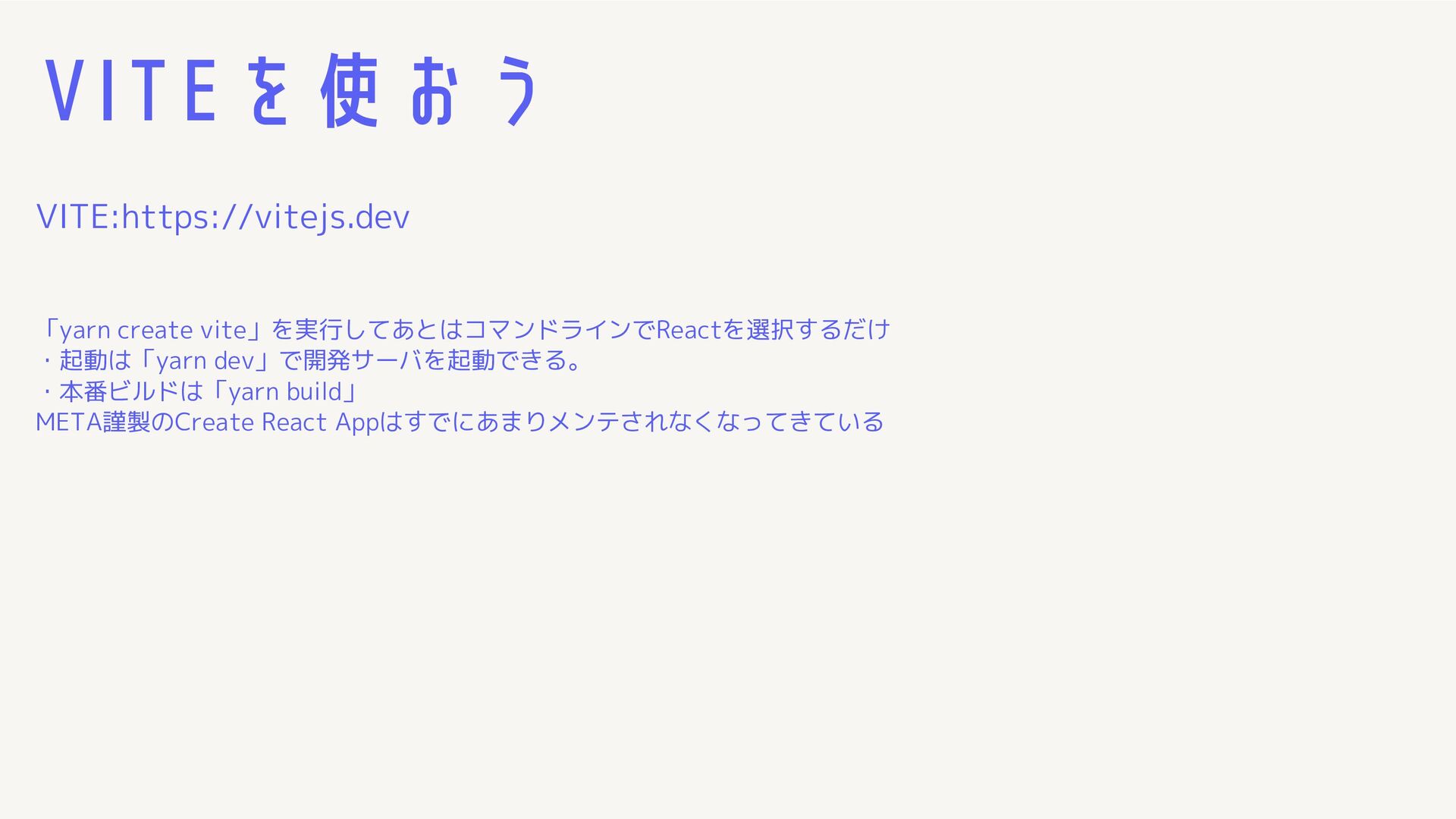
VITEを使おう VITE:https://vitejs.dev 「yarn create vite」を実行してあとはコマンドラインでReactを選択するだけ ・起動は「yarn dev」で開発サーバを起動できる。 ・本番ビルドは「yarn build」 META謹製のCreate
React Appはすでにあまりメンテされなくなってきている
パート 2 Reactについて ストラテジア・ブランディング 危機管理におけるリーダーシップ
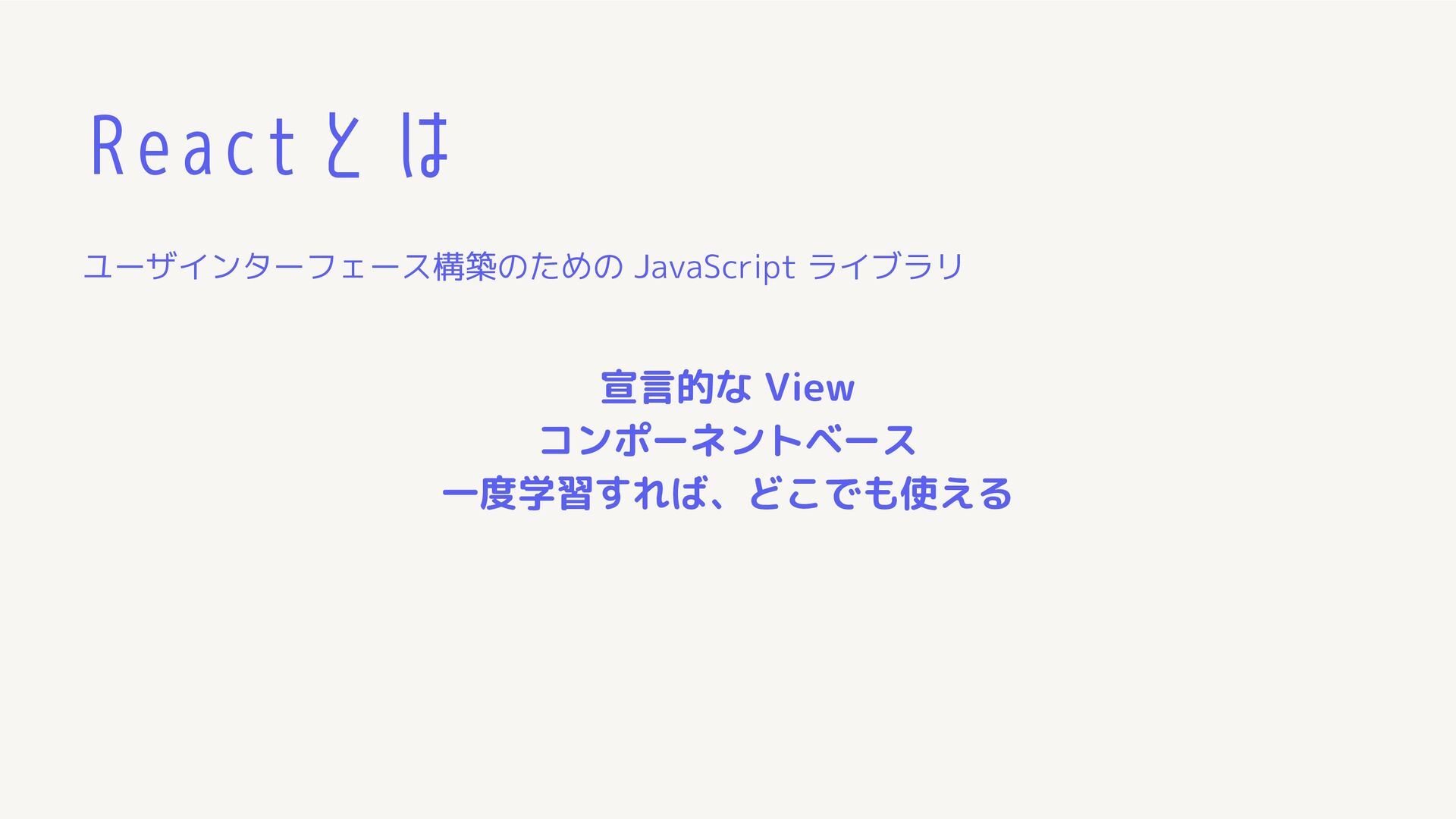
Reactとは ユーザインターフェース構築のための JavaScript ライブラリ 宣言的な View コンポーネントベース 一度学習すれば、どこでも使える
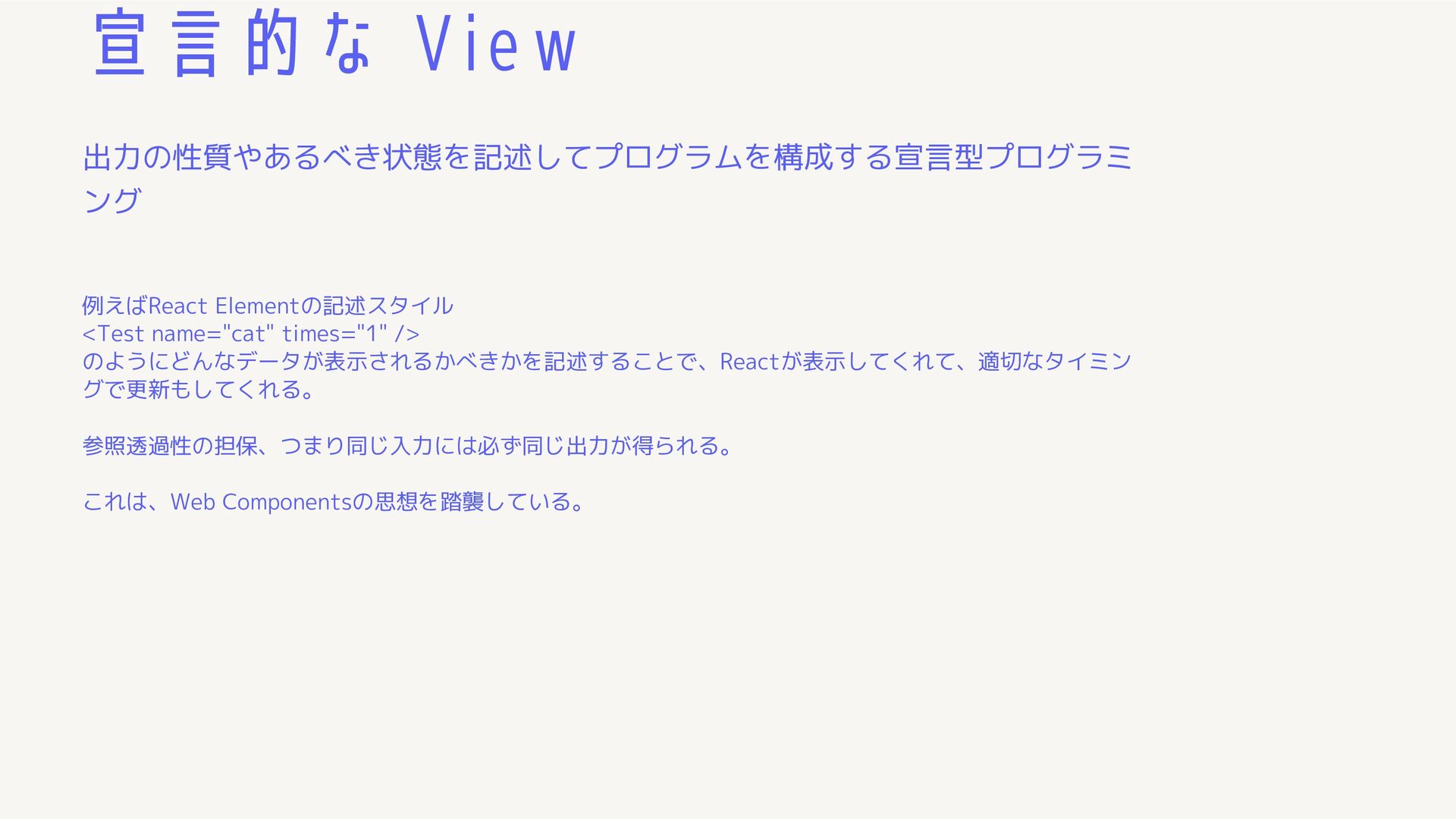
宣言的な View 出力の性質やあるべき状態を記述してプログラムを構成する宣言型プログラミ ング 例えばReact Elementの記述スタイル <Test name="cat" times="1" />
のようにどんなデータが表示されるかべきかを記述することで、Reactが表示してくれて、適切なタイミン グで更新もしてくれる。 参照透過性の担保、つまり同じ入力には必ず同じ出力が得られる。 これは、Web Componentsの思想を踏襲している。
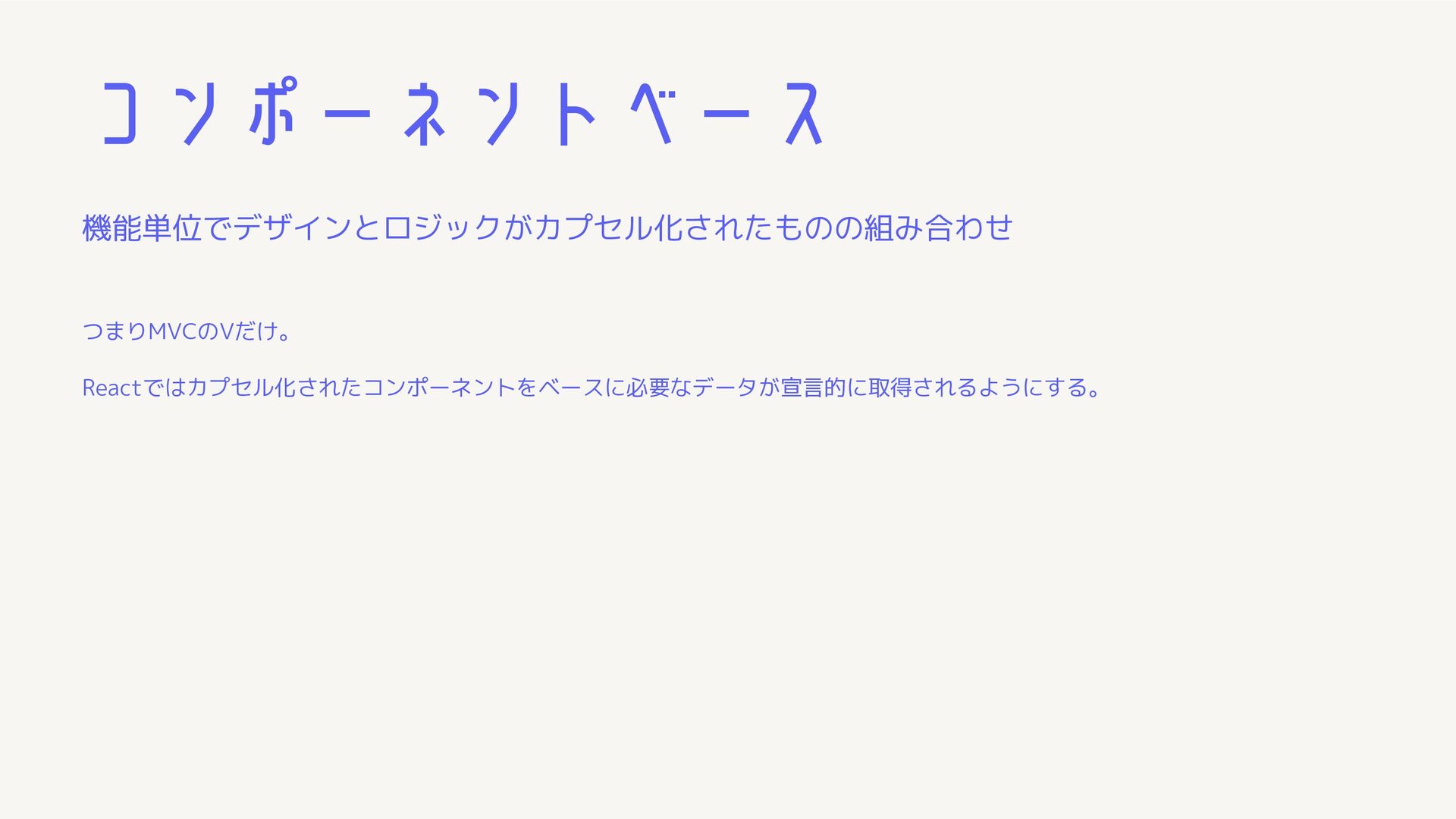
コンポーネントベース 機能単位でデザインとロジックがカプセル化されたものの組み合わせ つまりMVCのVだけ。 Reactではカプセル化されたコンポーネントをベースに必要なデータが宣言的に取得されるようにする。
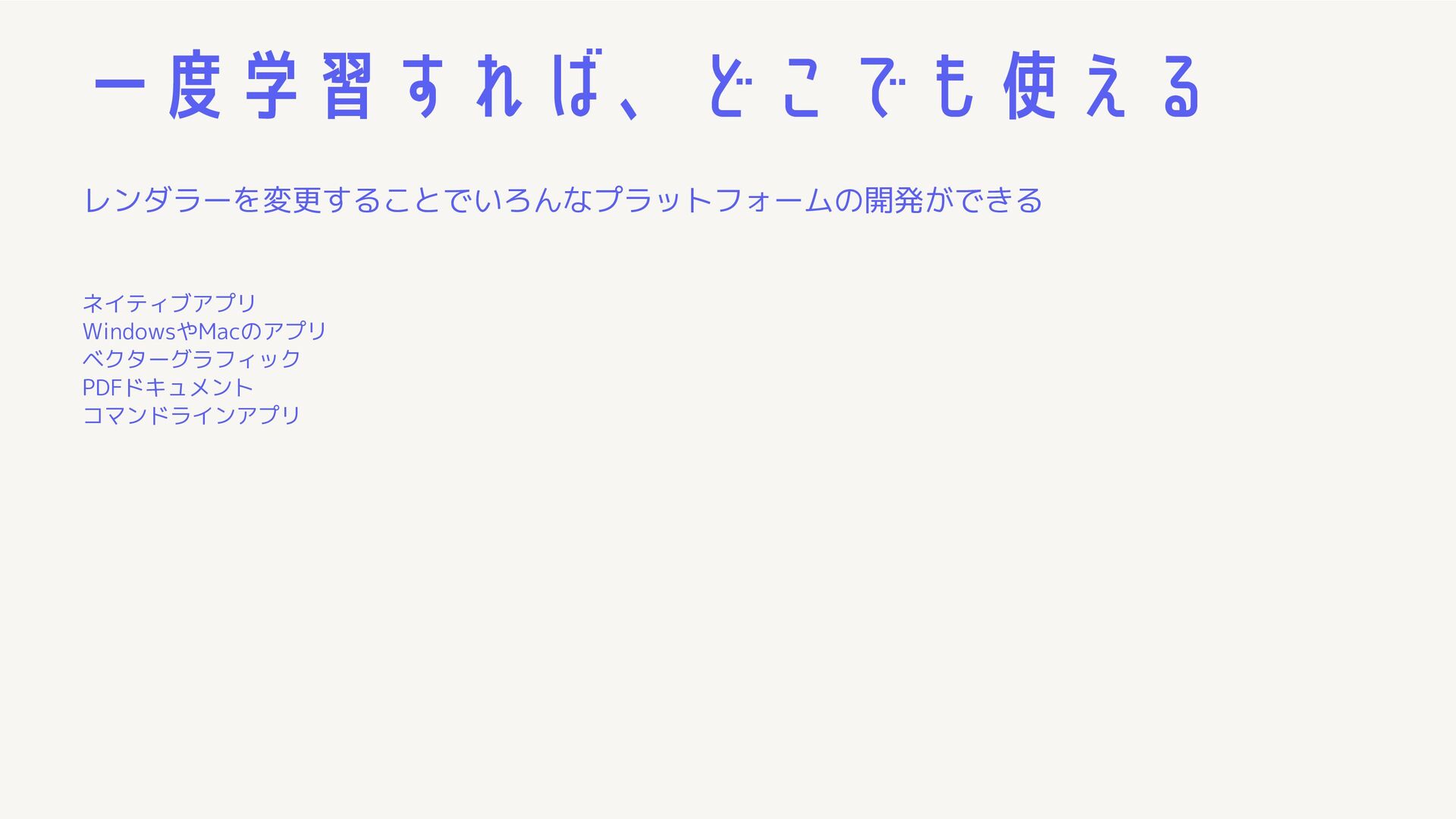
一度学習すれば、どこでも使える レンダラーを変更することでいろんなプラットフォームの開発ができる ネイティブアプリ WindowsやMacのアプリ ベクターグラフィック PDFドキュメント コマンドラインアプリ
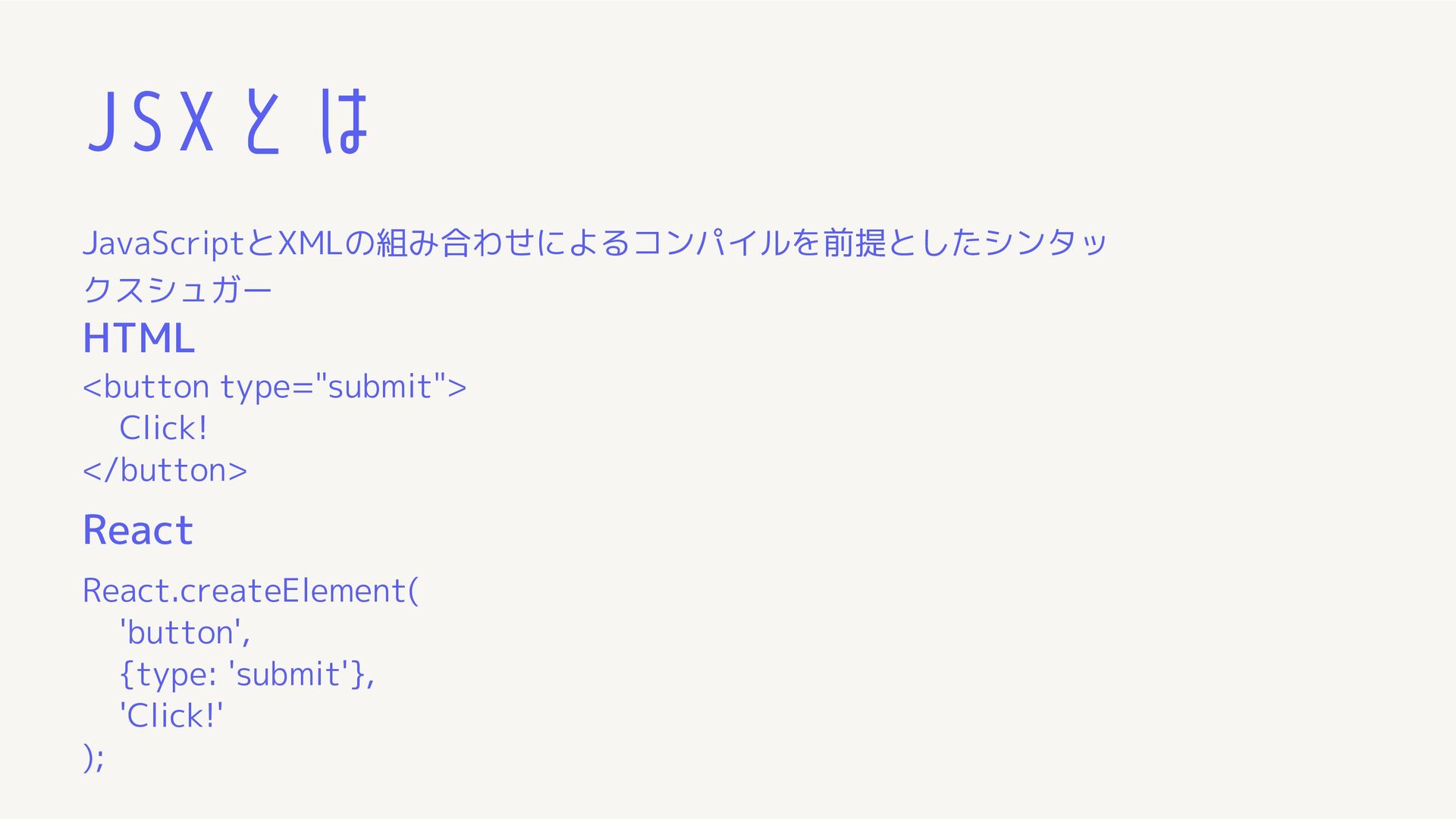
JSXとは JavaScriptとXMLの組み合わせによるコンパイルを前提としたシンタッ クスシュガー <button type="submit"> Click! </button> React.createElement( 'button', {type:
'submit'}, 'Click!' ); HTML React
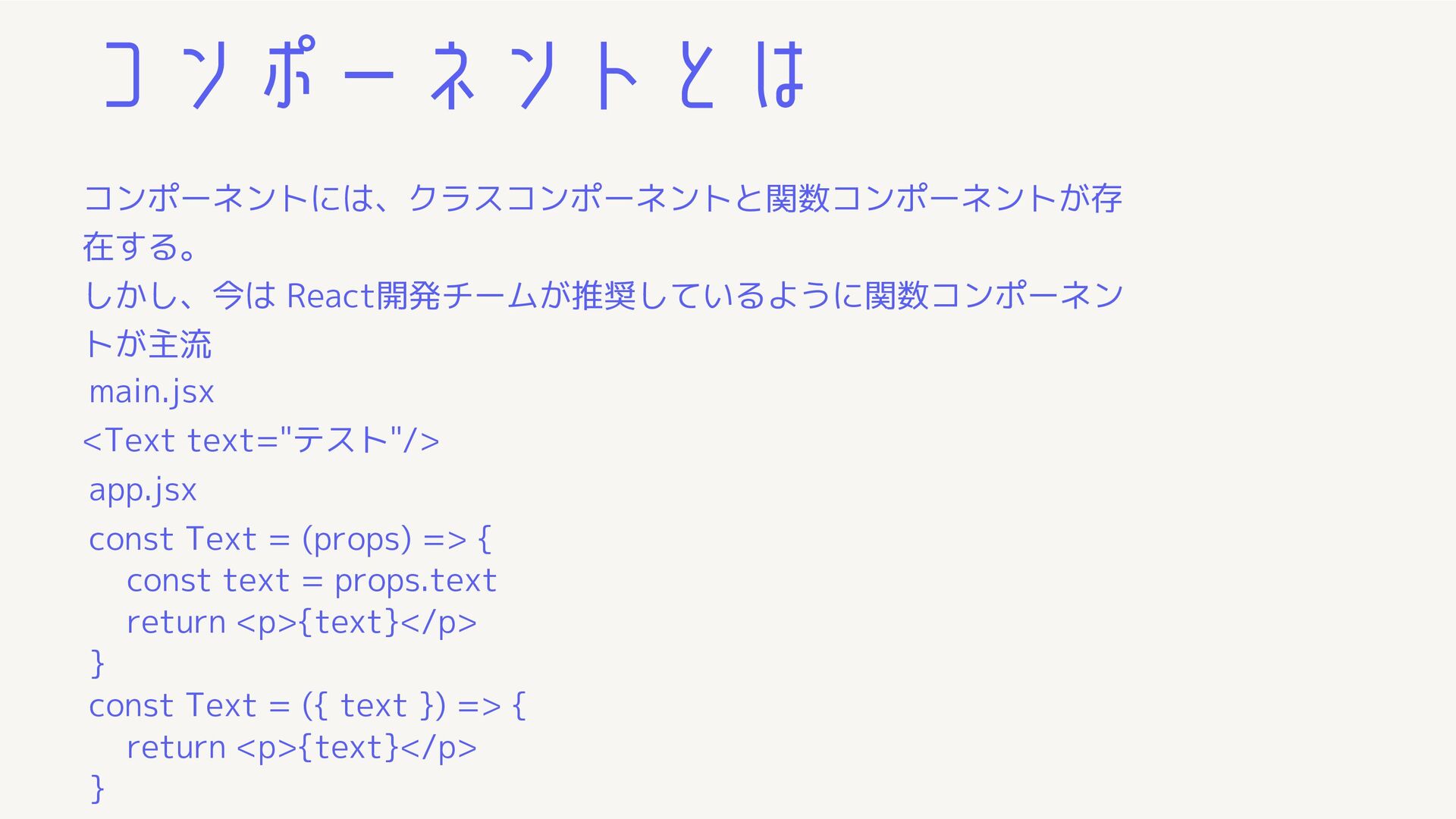
コンポーネントとは コンポーネントには、クラスコンポーネントと関数コンポーネントが存 在する。 しかし、今は React開発チームが推奨しているように関数コンポーネン トが主流 <Text text="テスト"/> main.jsx app.jsx
const Text = (props) => { const text = props.text return <p>{text}</p> } const Text = ({ text }) => { return <p>{text}</p> }
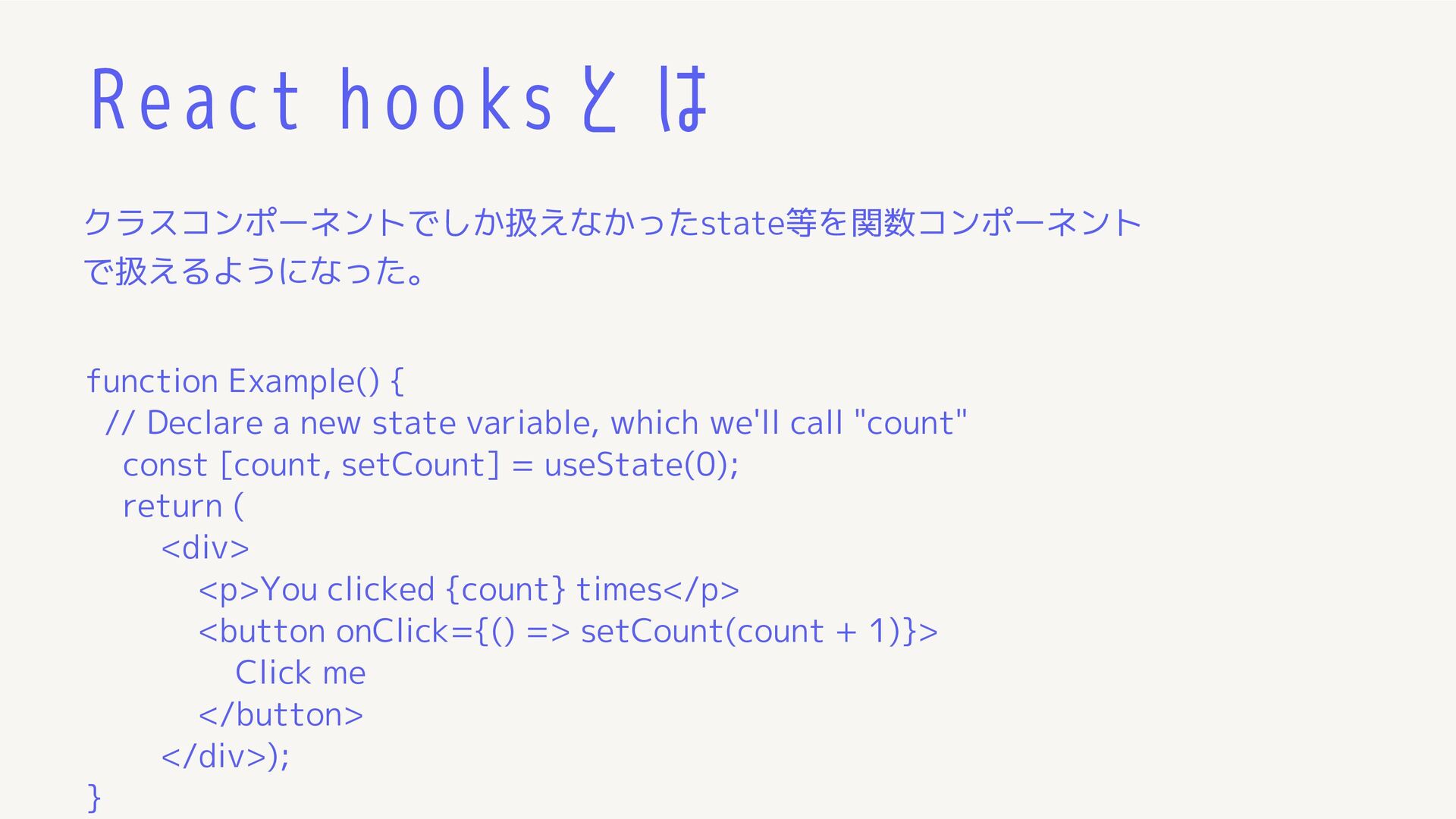
React hooksとは クラスコンポーネントでしか扱えなかったstate等を関数コンポーネント で扱えるようになった。 function Example() { // Declare a
new state variable, which we'll call "count" const [count, setCount] = useState(0); return ( <div> <p>You clicked {count} times</p> <button onClick={() => setCount(count + 1)}> Click me </button> </div>); }
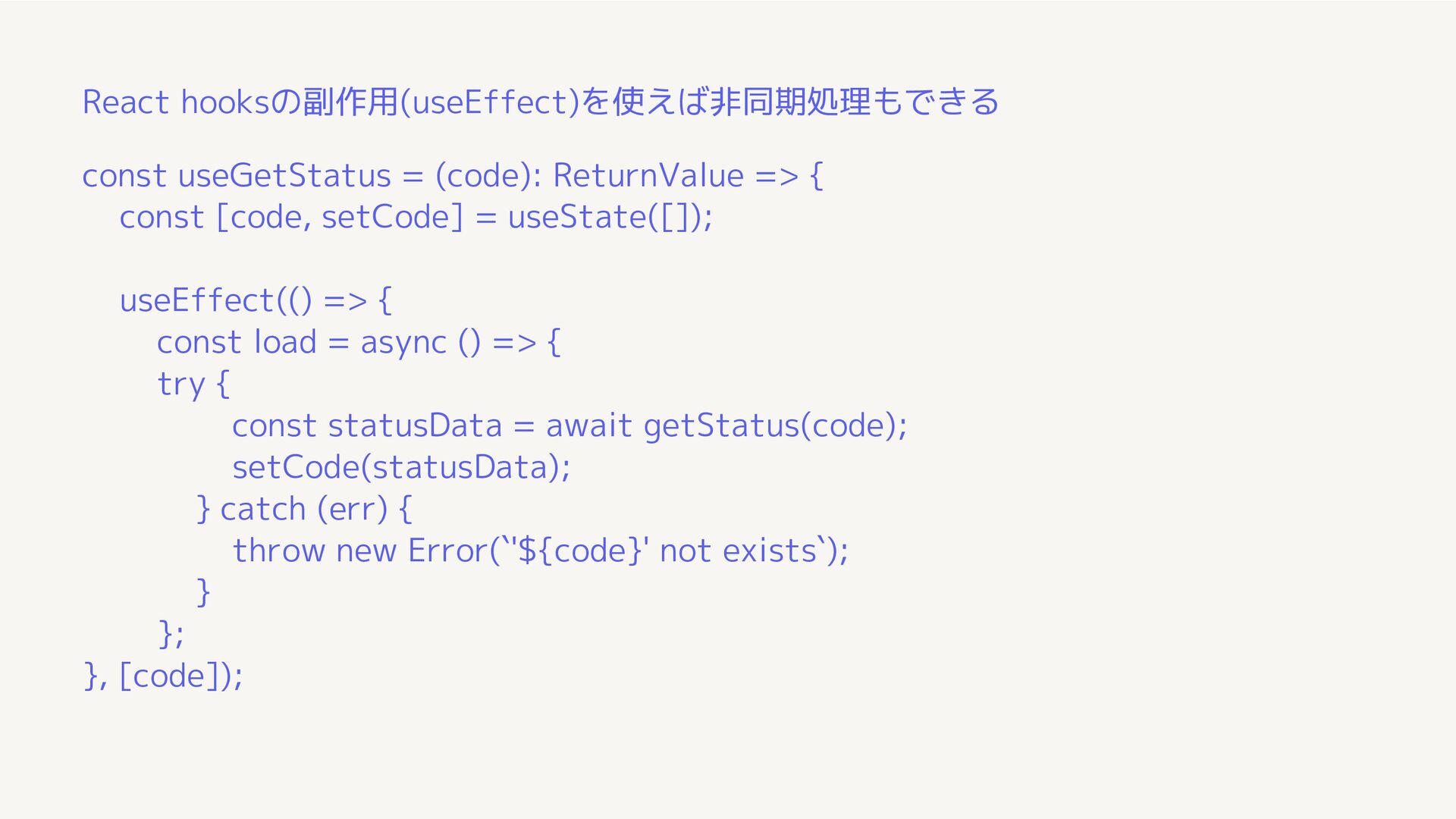
React hooksの副作用(useEffect)を使えば非同期処理もできる const useGetStatus = (code): ReturnValue => { const
[code, setCode] = useState([]); useEffect(() => { const load = async () => { try { const statusData = await getStatus(code); setCode(statusData); } catch (err) { throw new Error(`'${code}' not exists`); } }; }, [code]);
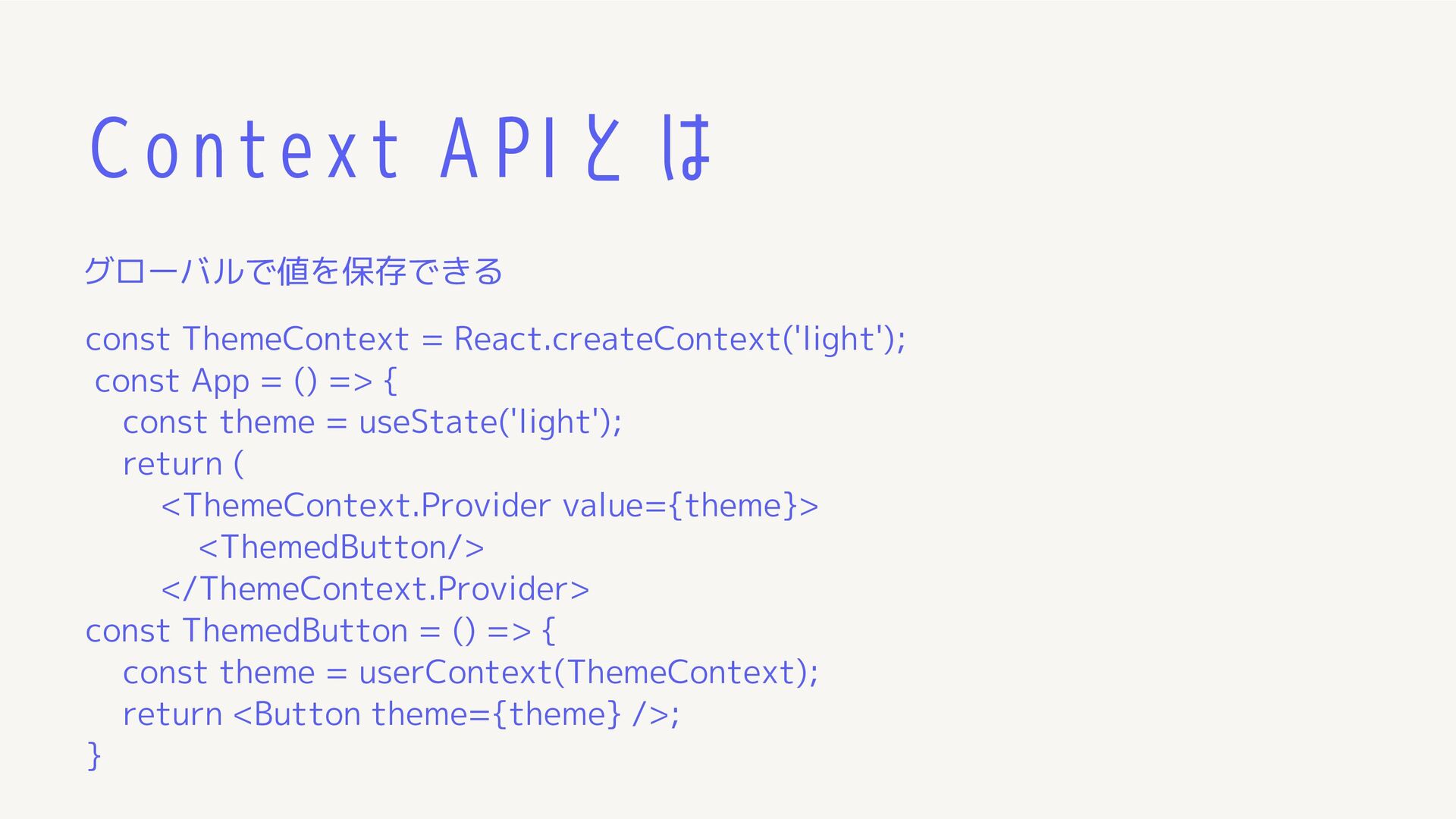
Context APIとは グローバルで値を保存できる const ThemeContext = React.createContext('light'); const App =
() => { const theme = useState('light'); return ( <ThemeContext.Provider value={theme}> <ThemedButton/> </ThemeContext.Provider> const ThemedButton = () => { const theme = userContext(ThemeContext); return <Button theme={theme} />; }
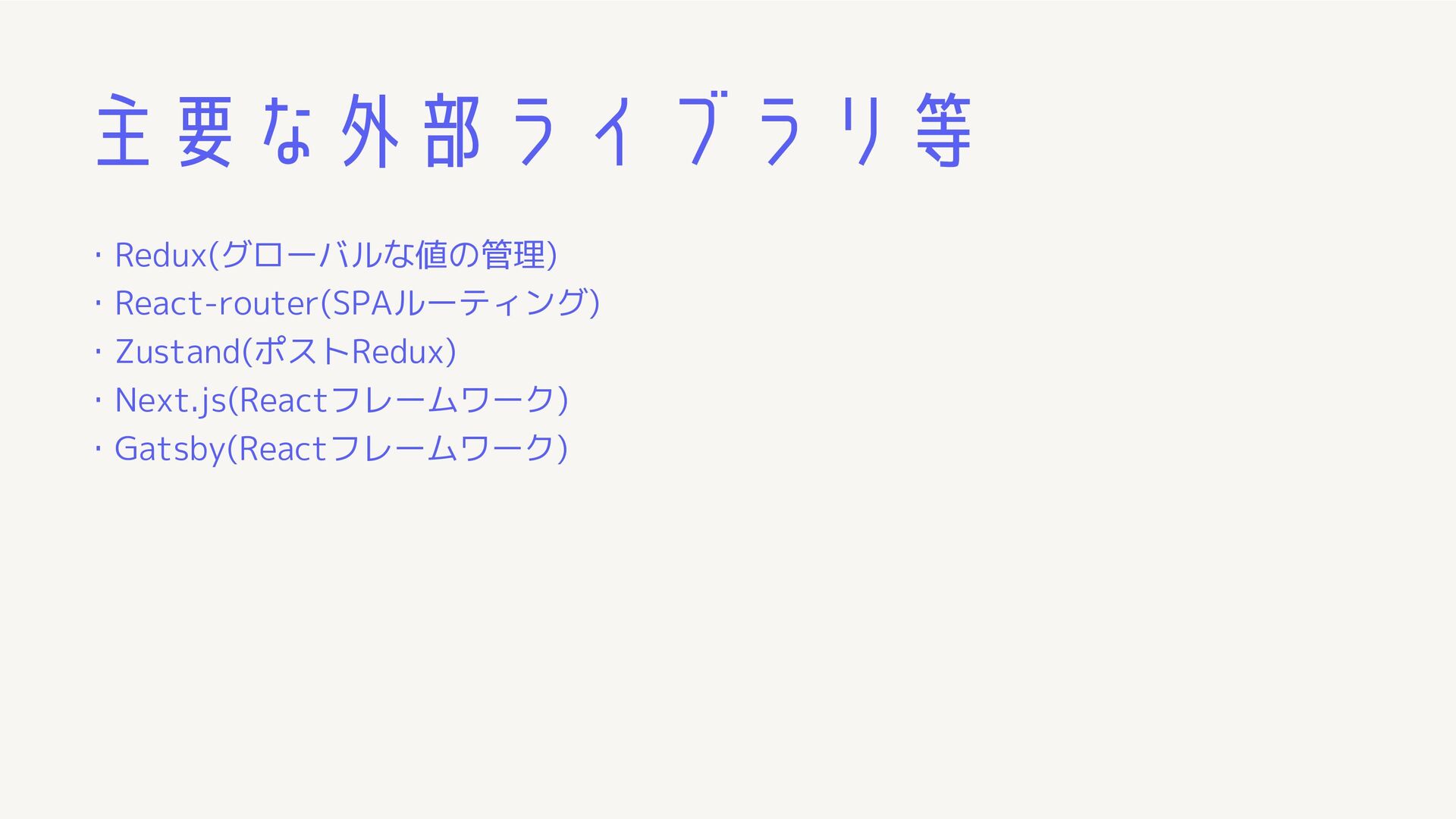
主要な外部ライブラリ等 ・Redux(グローバルな値の管理) ・React-router(SPAルーティング) ・Zustand(ポストRedux) ・Next.js(Reactフレームワーク) ・Gatsby(Reactフレームワーク)
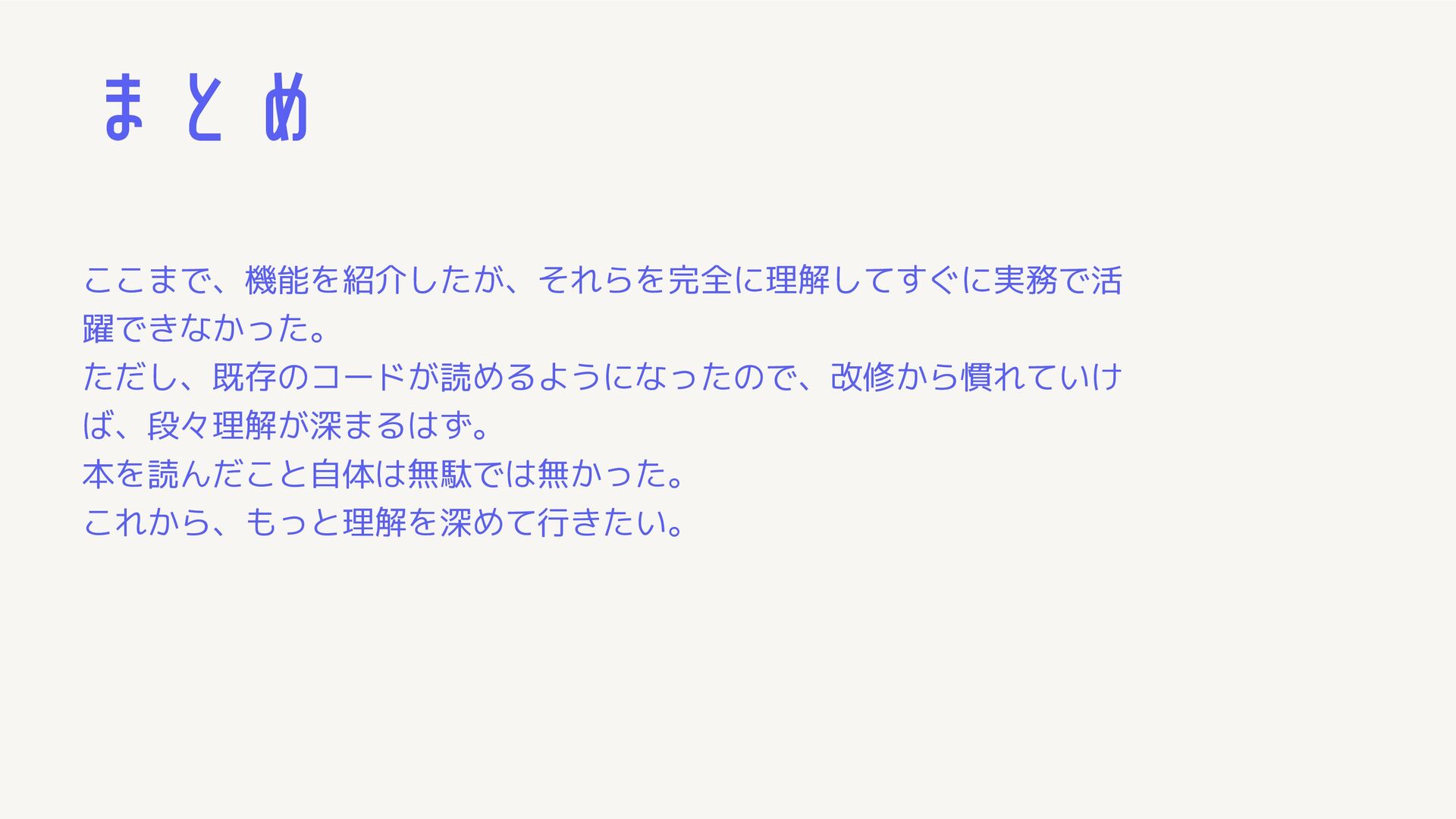
まとめ ここまで、機能を紹介したが、それらを完全に理解してすぐに実務で活 躍できなかった。 ただし、既存のコードが読めるようになったので、改修から慣れていけ ば、段々理解が深まるはず。 本を読んだこと自体は無駄では無かった。 これから、もっと理解を深めて行きたい。
おわり


 yonuma
 kash1064
 tomokusaba
 sh_fk2
 terapyon
 sansantech
 kakehashi
 tetsuya28
 teamlab
 hiracky16
 pfn
pfn
 bgpat
bgpat
 takonda
 portentint
 dougneiner
 eileencodes
 stephenakadiri
 palkan
 sabderemane
 inesmontani
 jeffersonlam
 jonoalderson
 techseoconnect
 tmiket
 letsgokoyo