Upgrade to Pro — share decks privately, control downloads, hide ads and more …

Постмортемы

 Постмортемы

Что происходит после того, как упавший сервер благополучно подняли? Можно пойти дальше по своим делам (или тушить следующий пожар). Можно устроить охоту на ведьм чтобы наказать невиновных и наградить непричастных. А можно остановиться на минуту и подумать о том, какой урок можно вынести и что можно сделать чтобы второй раз на эти грабли не наступить. Ну или хотя бы обмотать рукоятку поролоном.
У нас этот ритуал называется постмортемом. Вот о нем и будет мой доклад: как мы его проводим, какую информацию собираем, и что делаем с ней потом.

Avatar for Yury Lytvynenko

Yury Lytvynenko

April 02, 2016

More Decks by Yury Lytvynenko

Other Decks in Programming

Transcript

  1. Зачем? Извлечь уроки • Избежать повторения • Смягчить последствия •

    Быстрее обнаружить в следующий раз • В идеале - автоматически
  2. Когда • После любого “инцидента” • Правило у нас: на

    каждый Critical или Blocker • В идеале – сразу как починили, по горячим следам
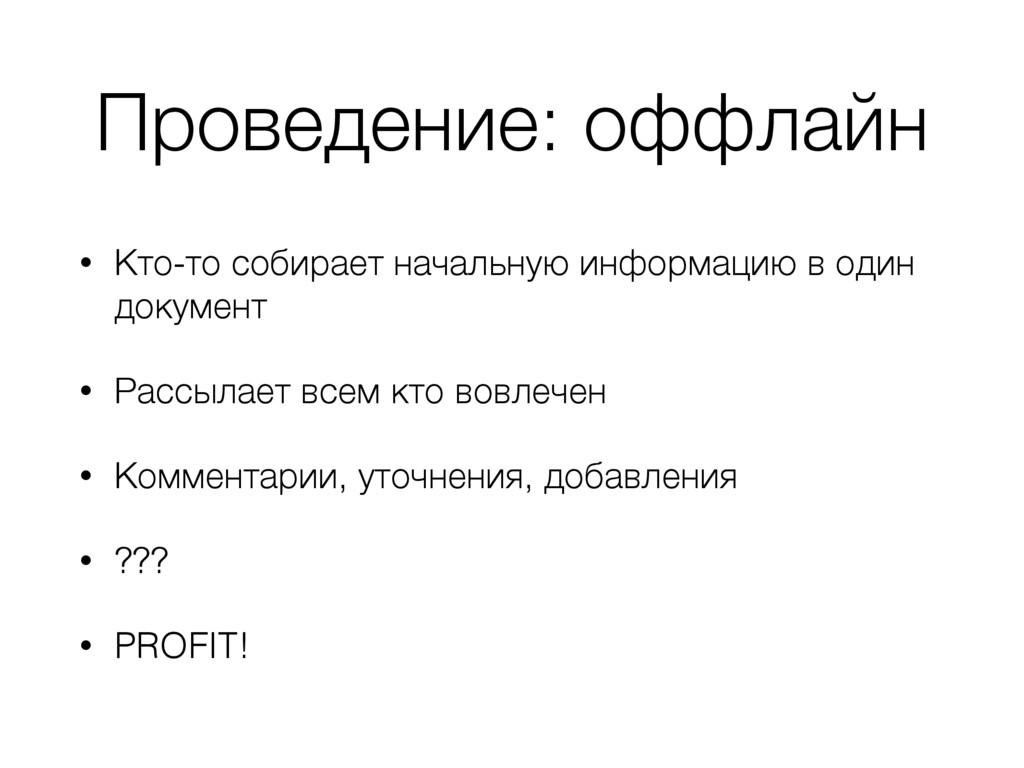
  3. Проведение: оффлайн • Кто-то собирает начальную информацию в один документ

    • Рассылает всем кто вовлечен • Комментарии, уточнения, добавления • ??? • PROFIT!
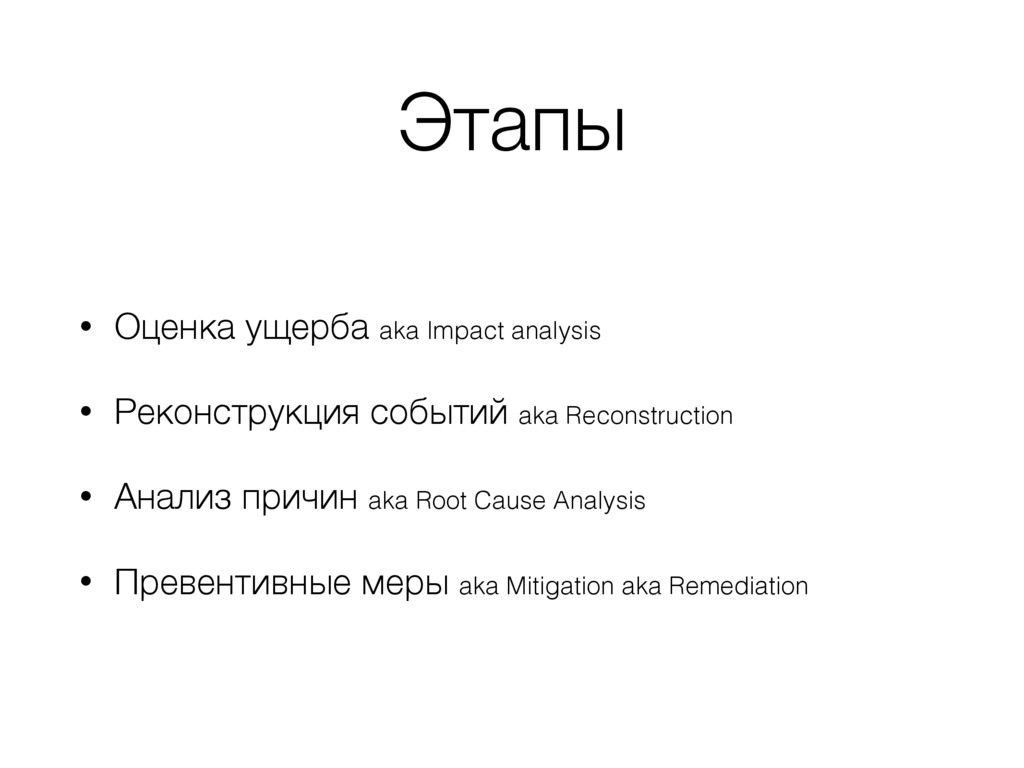
  4. Этапы • Оценка ущерба aka Impact analysis • Реконструкция событий

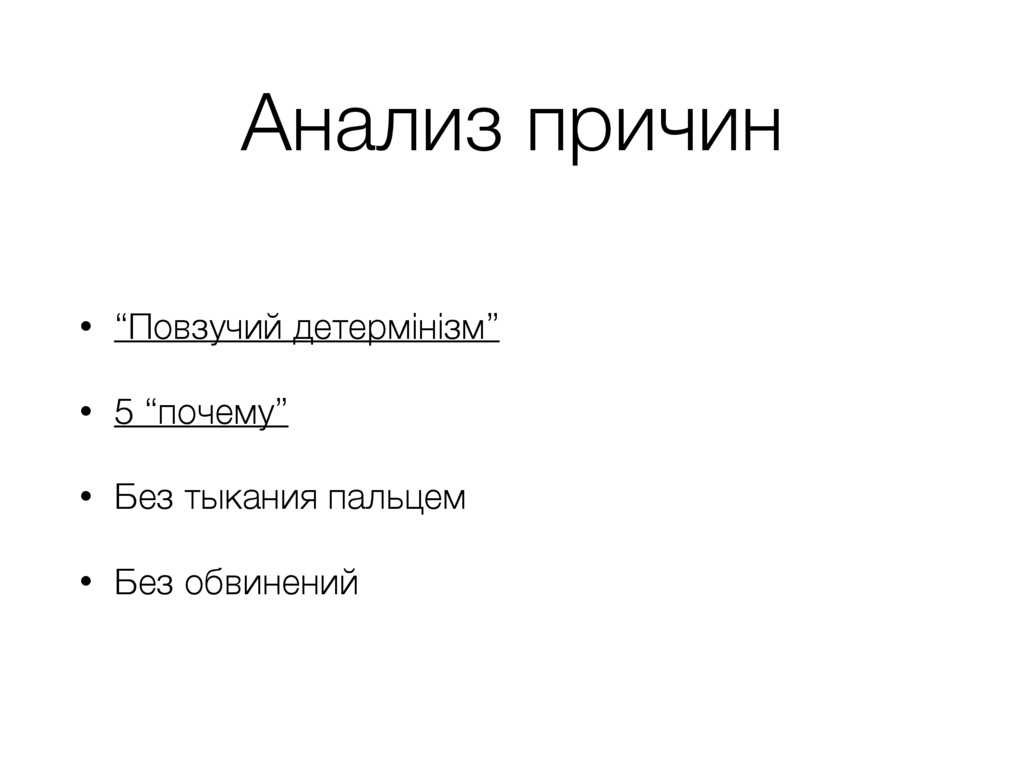
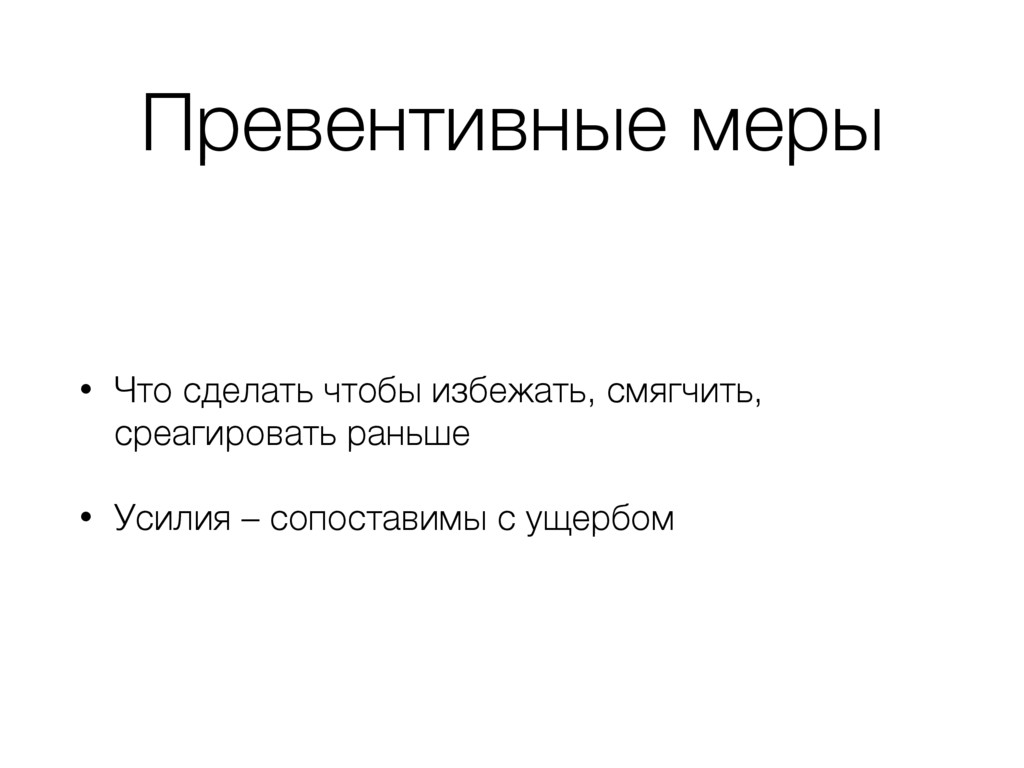
    aka Reconstruction • Анализ причин aka Root Cause Analysis • Превентивные меры aka Mitigation aka Remediation
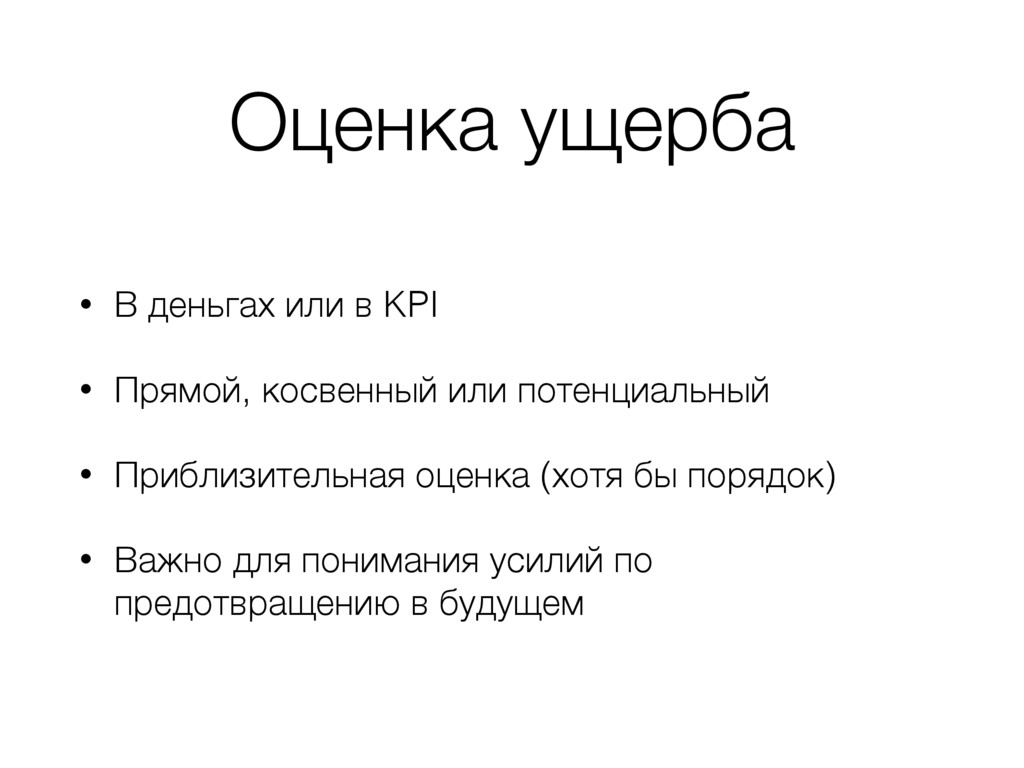
  5. Оценка ущерба • В деньгах или в KPI • Прямой,

    косвенный или потенциальный • Приблизительная оценка (хотя бы порядок) • Важно для понимания усилий по предотвращению в будущем
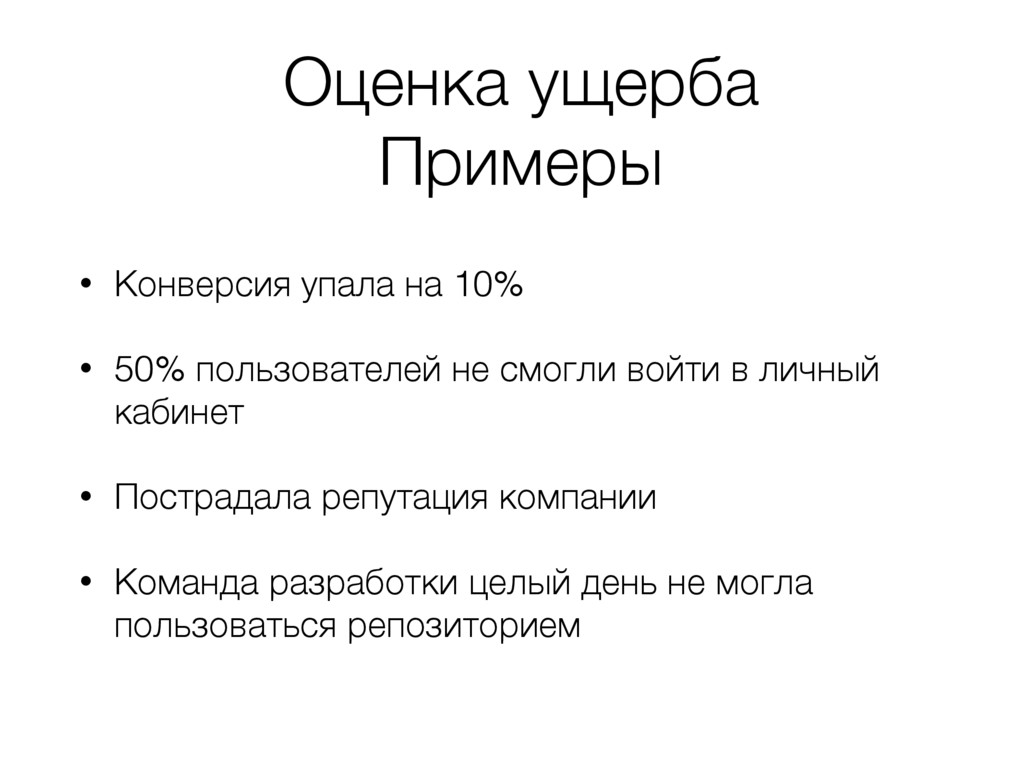
  6. Оценка ущерба Примеры • Конверсия упала на 10% • 50%

    пользователей не смогли войти в личный кабинет • Пострадала репутация компании • Команда разработки целый день не могла пользоваться репозиторием
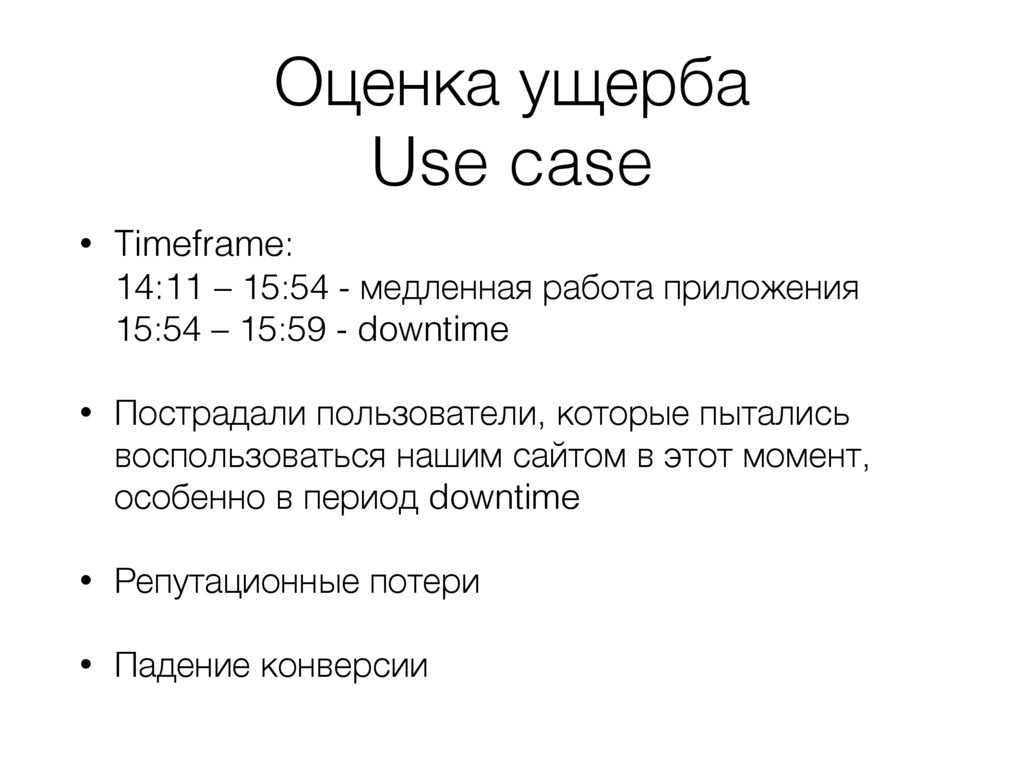
  7. Оценка ущерба Use case • Timeframe: 
 14:11 – 15:54

    - медленная работа приложения
 15:54 – 15:59 - downtime • Пострадали пользователи, которые пытались воспользоваться нашим сайтом в этот момент, особенно в период downtime • Репутационные потери • Падение конверсии
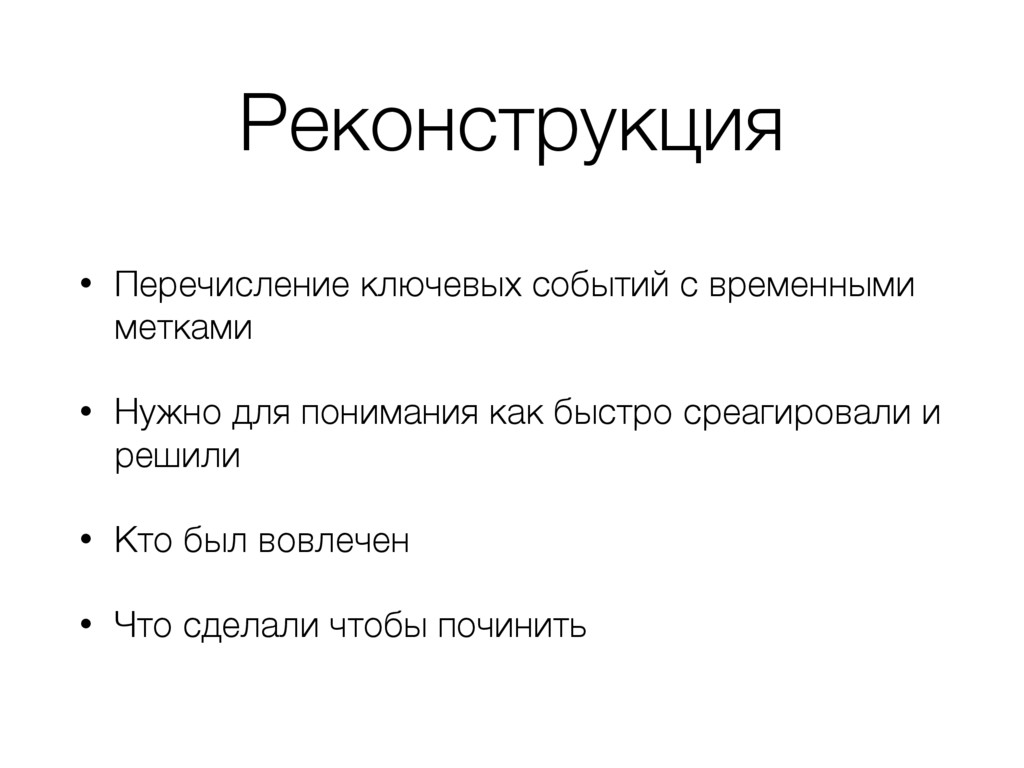
  8. Реконструкция • Перечисление ключевых событий с временными метками • Нужно

    для понимания как быстро среагировали и решили • Кто был вовлечен • Что сделали чтобы починить
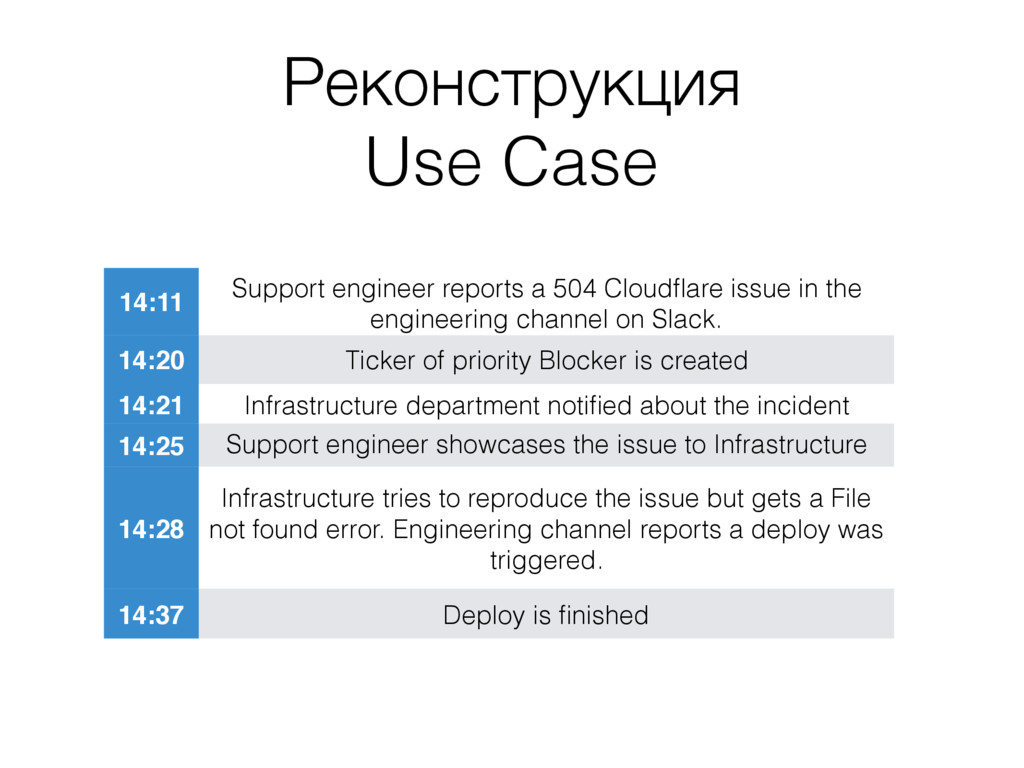
  9. Реконструкция Use Case 14:11 Support engineer reports a 504 Cloudflare

    issue in the engineering channel on Slack. 14:20 Ticker of priority Blocker is created 14:21 Infrastructure department notified about the incident 14:25 Support engineer showcases the issue to Infrastructure guys 14:28 Infrastructure tries to reproduce the issue but gets a File not found error. Engineering channel reports a deploy was triggered. 14:37 Deploy is finished
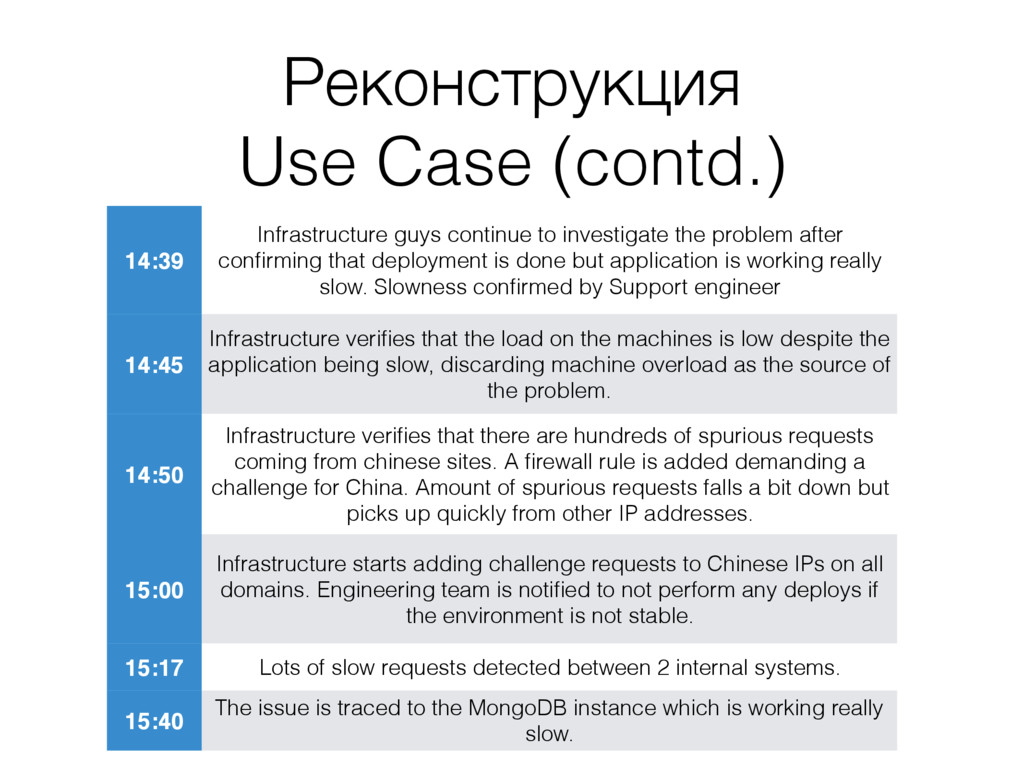
  10. Реконструкция Use Case (contd.) 14:39 Infrastructure guys continue to investigate

    the problem after confirming that deployment is done but application is working really slow. Slowness confirmed by Support engineer 14:45 Infrastructure verifies that the load on the machines is low despite the application being slow, discarding machine overload as the source of the problem. 14:50 Infrastructure verifies that there are hundreds of spurious requests coming from chinese sites. A firewall rule is added demanding a challenge for China. Amount of spurious requests falls a bit down but picks up quickly from other IP addresses. 15:00 Infrastructure starts adding challenge requests to Chinese IPs on all domains. Engineering team is notified to not perform any deploys if the environment is not stable. 15:17 Lots of slow requests detected between 2 internal systems. 15:40 The issue is traced to the MongoDB instance which is working really slow.
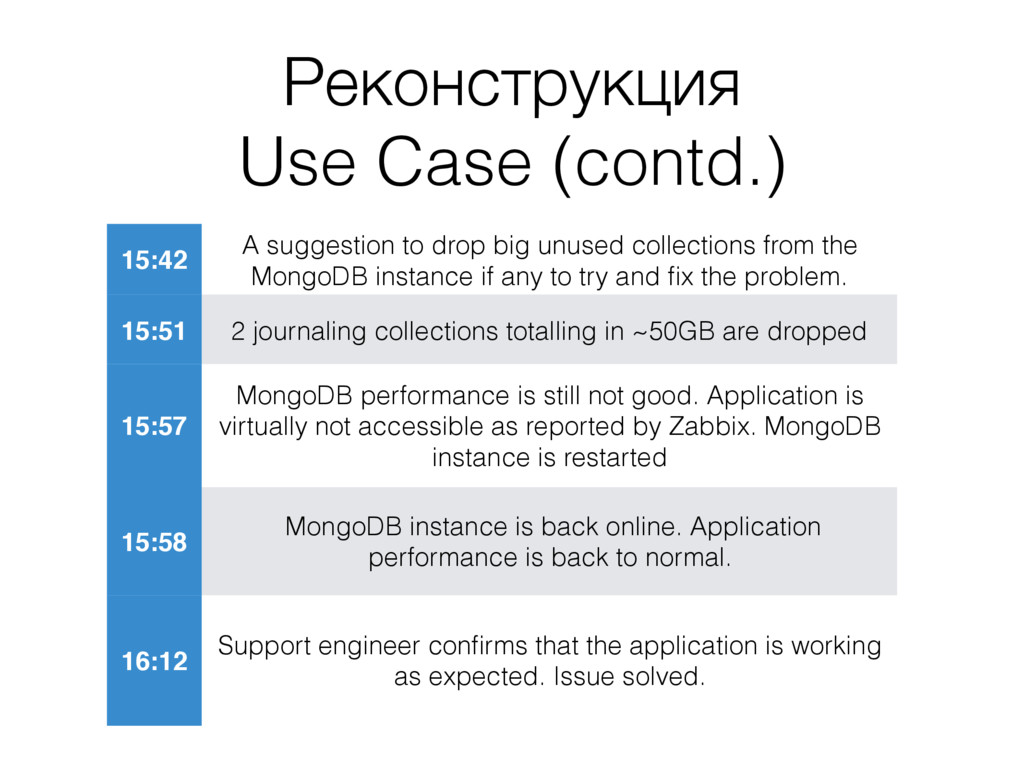
  11. Реконструкция Use Case (contd.) 15:42 A suggestion to drop big

    unused collections from the MongoDB instance if any to try and fix the problem. 15:51 2 journaling collections totalling in ~50GB are dropped 15:57 MongoDB performance is still not good. Application is virtually not accessible as reported by Zabbix. MongoDB instance is restarted 15:58 MongoDB instance is back online. Application performance is back to normal. 16:12 Support engineer confirms that the application is working as expected. Issue solved.
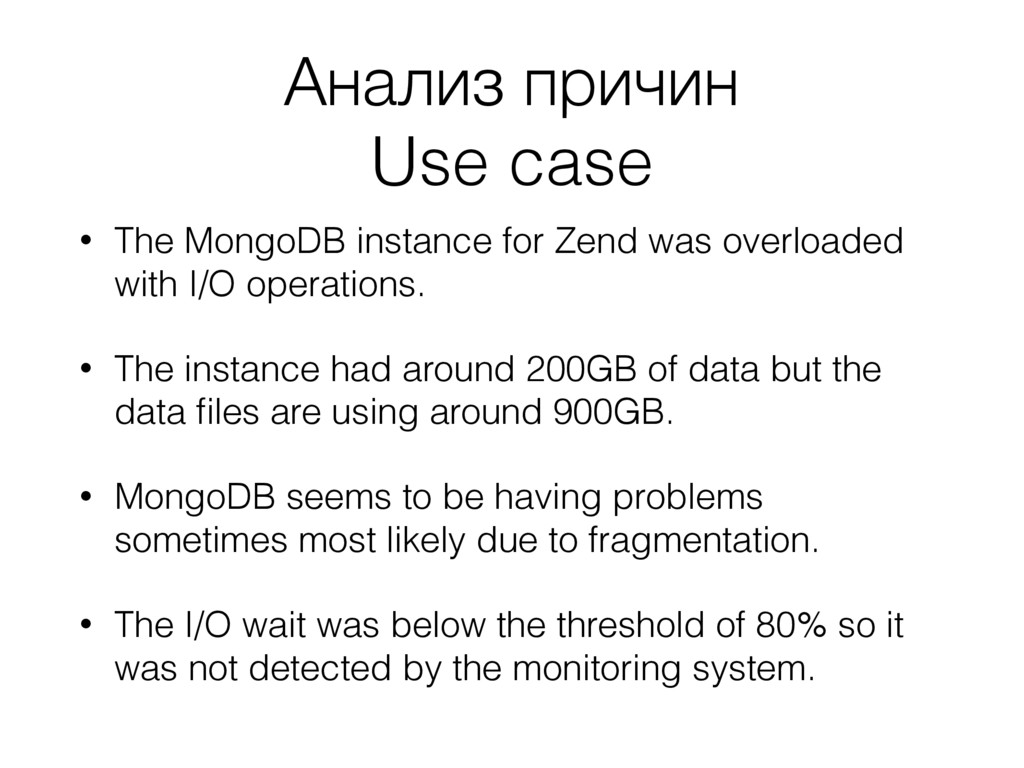
  12. Анализ причин Use case • The MongoDB instance for Zend

    was overloaded with I/O operations. • The instance had around 200GB of data but the data files are using around 900GB. • MongoDB seems to be having problems sometimes most likely due to fragmentation. • The I/O wait was below the threshold of 80% so it was not detected by the monitoring system.
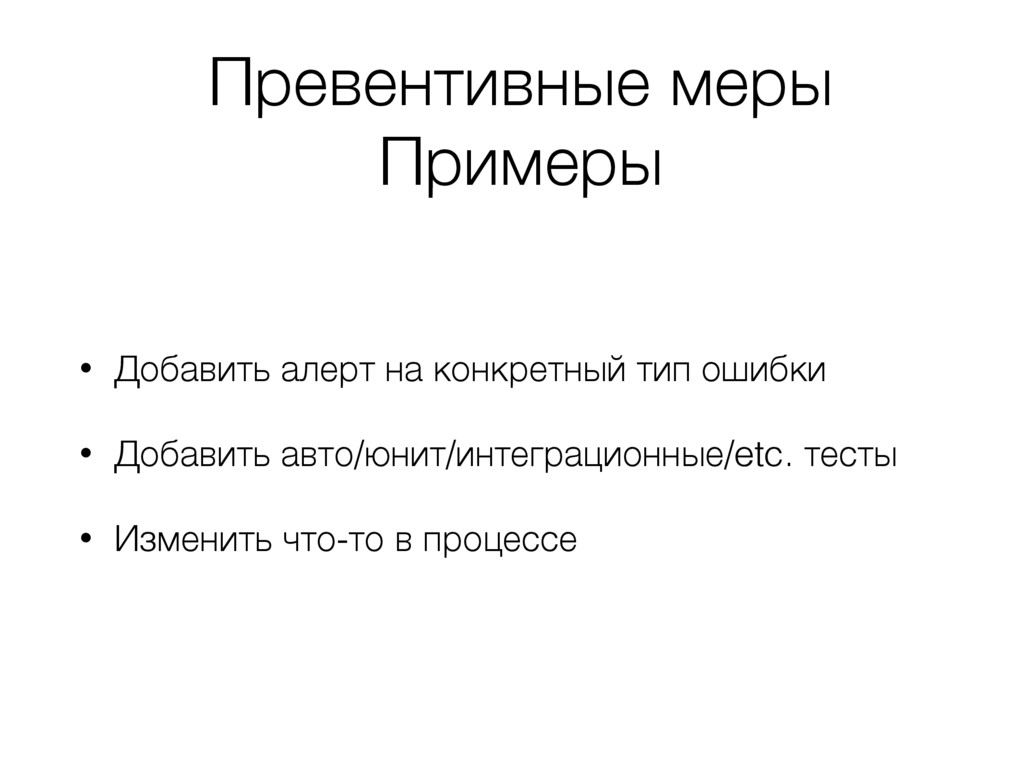
  13. Превентивные меры Примеры • Добавить алерт на конкретный тип ошибки

    • Добавить авто/юнит/интеграционные/etc. тесты • Изменить что-то в процессе
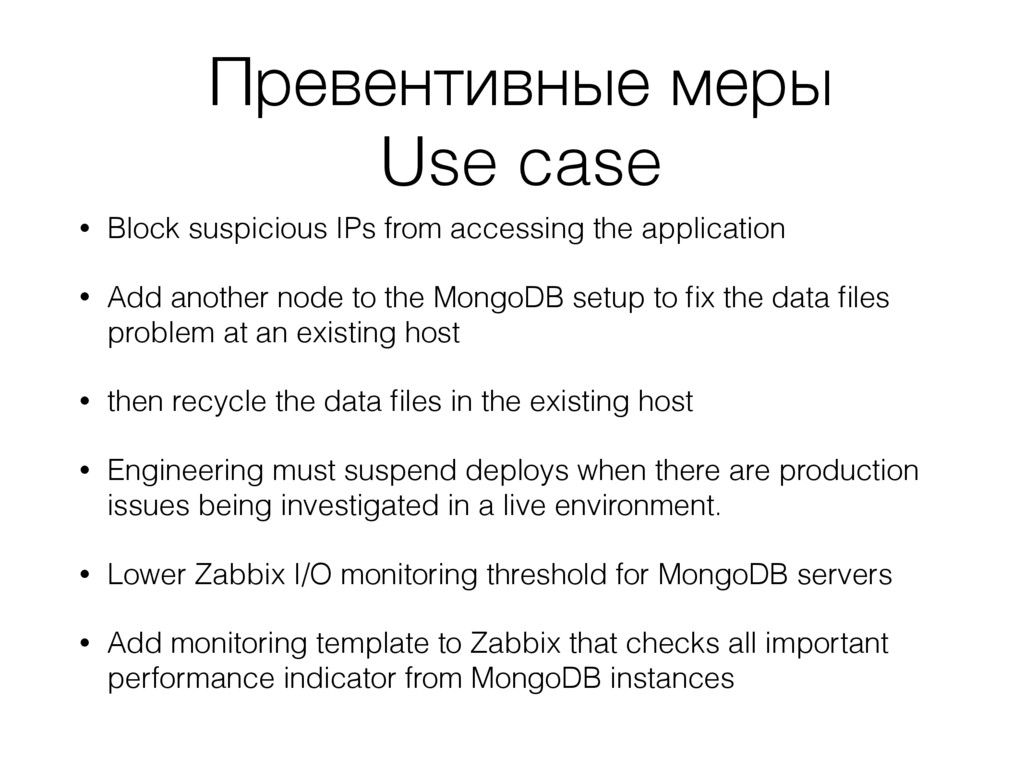
  14. Превентивные меры Use case • Block suspicious IPs from accessing

    the application • Add another node to the MongoDB setup to fix the data files problem at an existing host • then recycle the data files in the existing host • Engineering must suspend deploys when there are production issues being investigated in a live environment. • Lower Zabbix I/O monitoring threshold for MongoDB servers • Add monitoring template to Zabbix that checks all important performance indicator from MongoDB instances
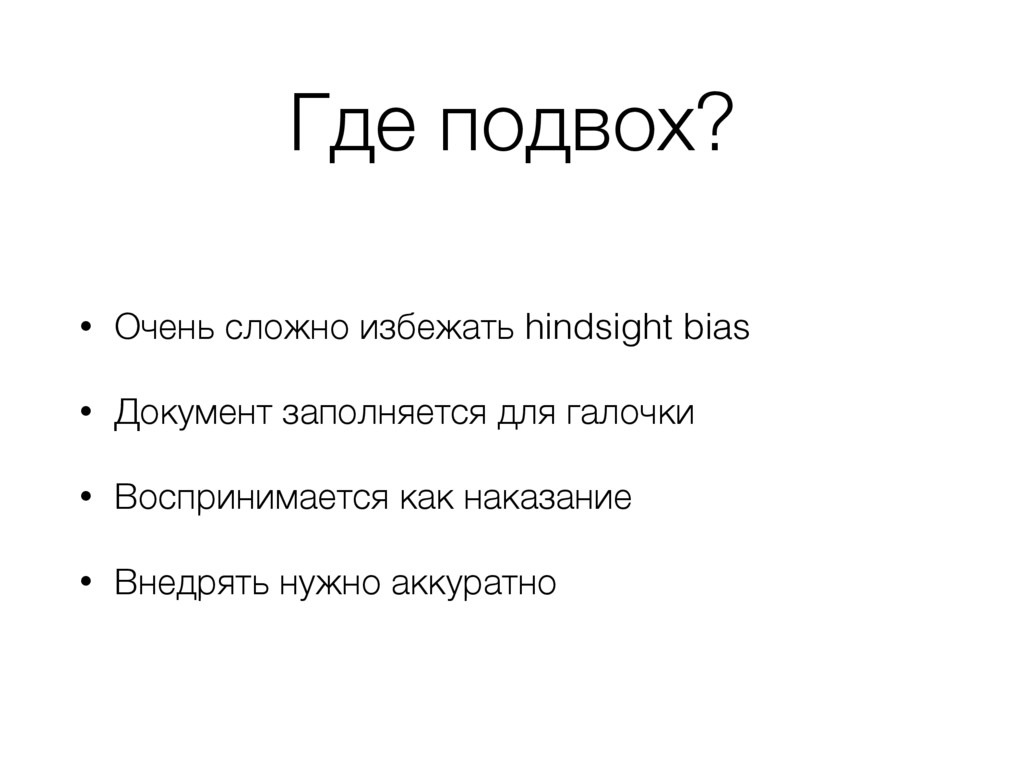
  15. Где подвох? • Очень сложно избежать hindsight bias • Документ

    заполняется для галочки • Воспринимается как наказание • Внедрять нужно аккуратно