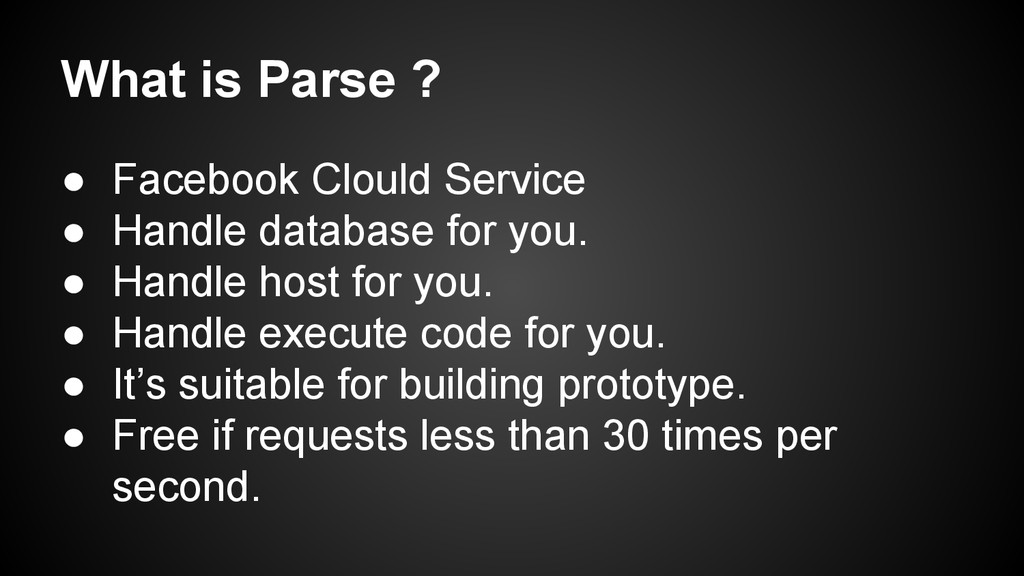
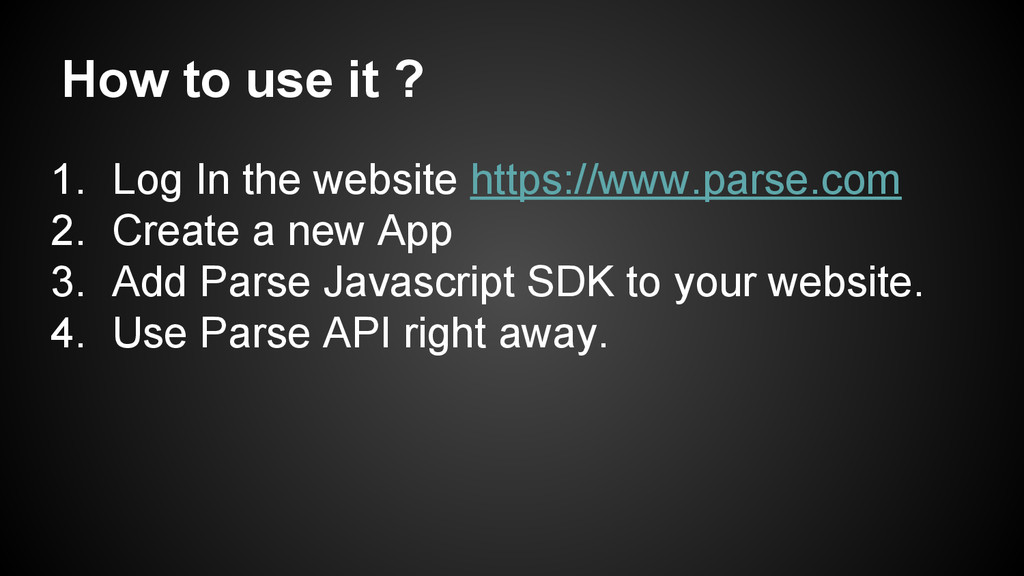
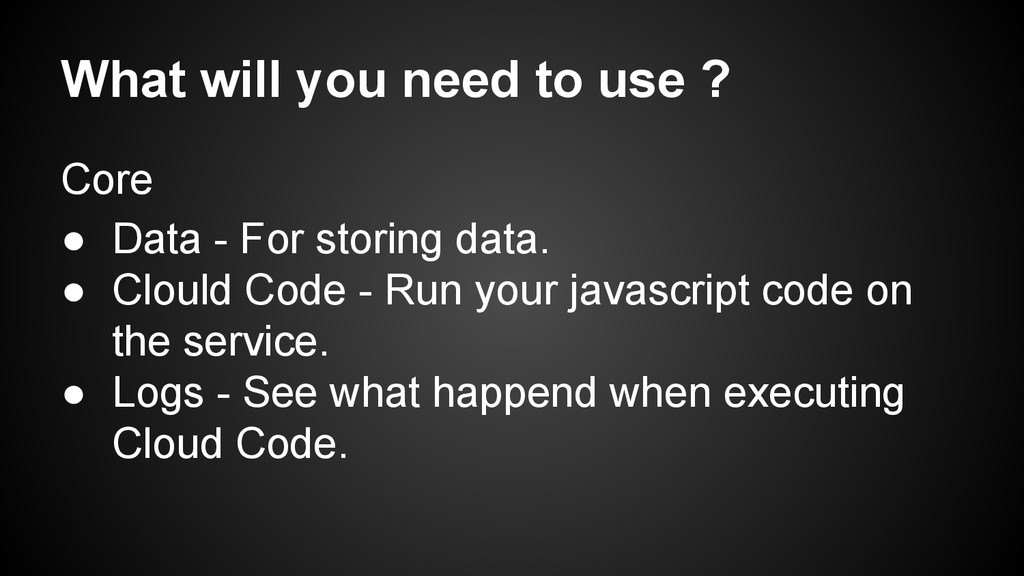
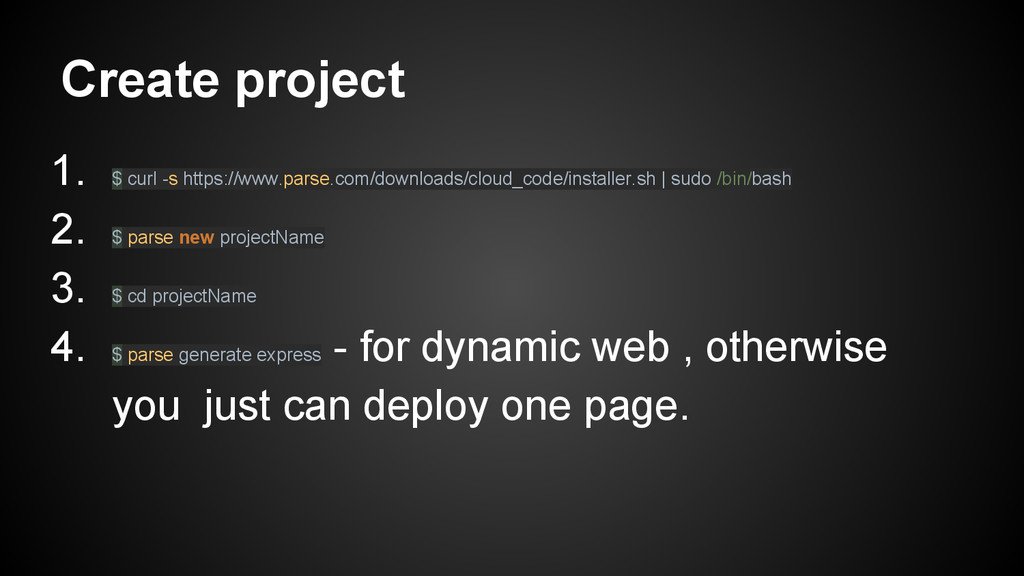
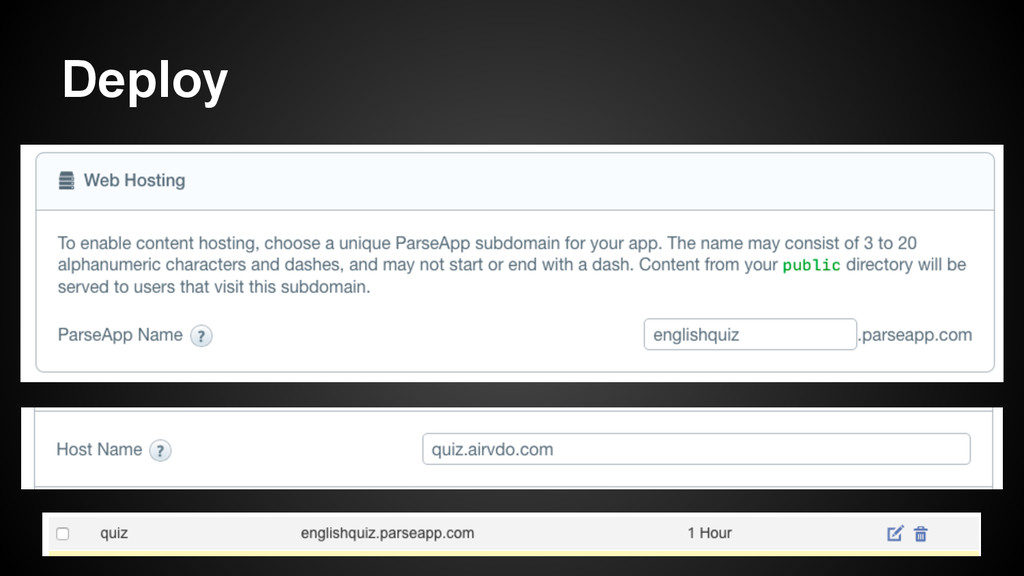
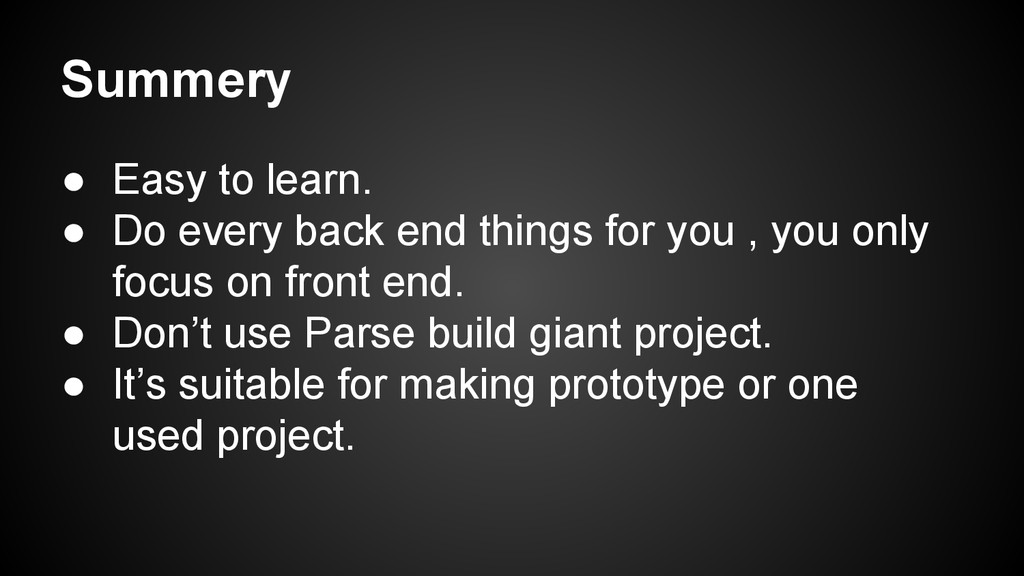
database for you. • Handle host for you. • Handle execute code for you. • It’s suitable for building prototype. • Free if requests less than 30 times per second.
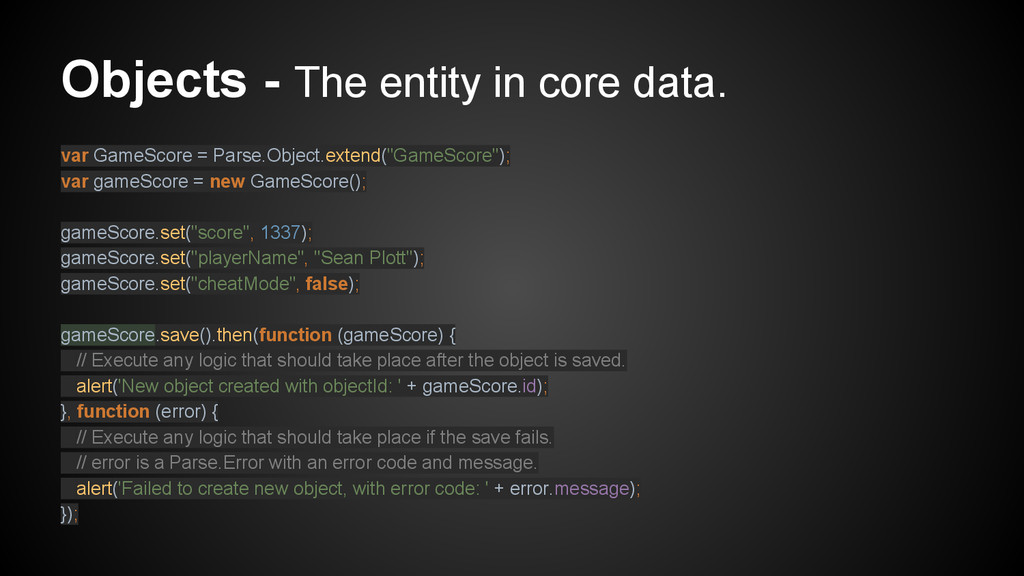
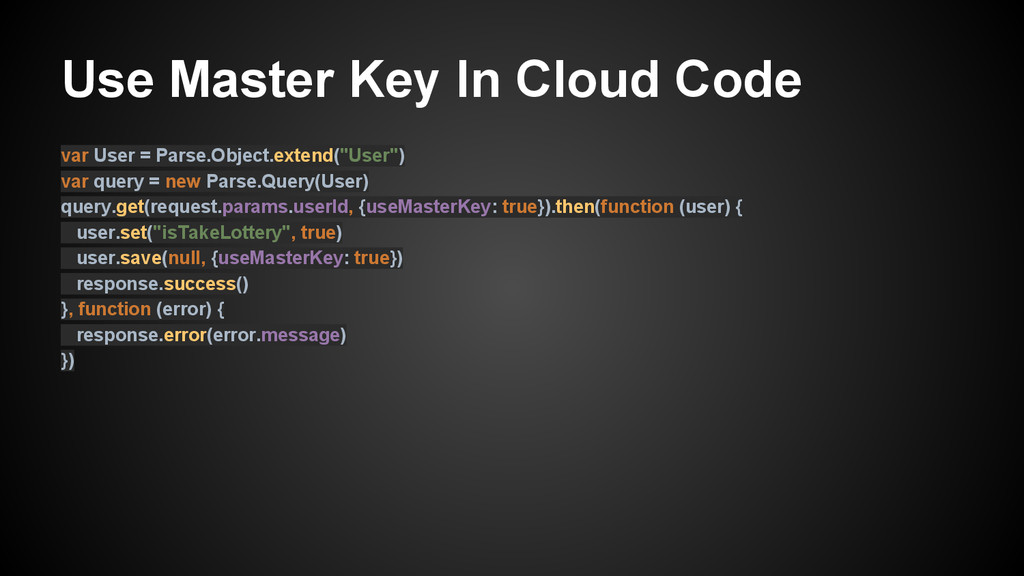
Parse.Object.extend("GameScore"); var gameScore = new GameScore(); gameScore.set("score", 1337); gameScore.set("playerName", "Sean Plott"); gameScore.set("cheatMode", false); gameScore.save().then(function (gameScore) { // Execute any logic that should take place after the object is saved. alert('New object created with objectId: ' + gameScore.id); }, function (error) { // Execute any logic that should take place if the save fails. // error is a Parse.Error with an error code and message. alert('Failed to create new object, with error code: ' + error.message); });
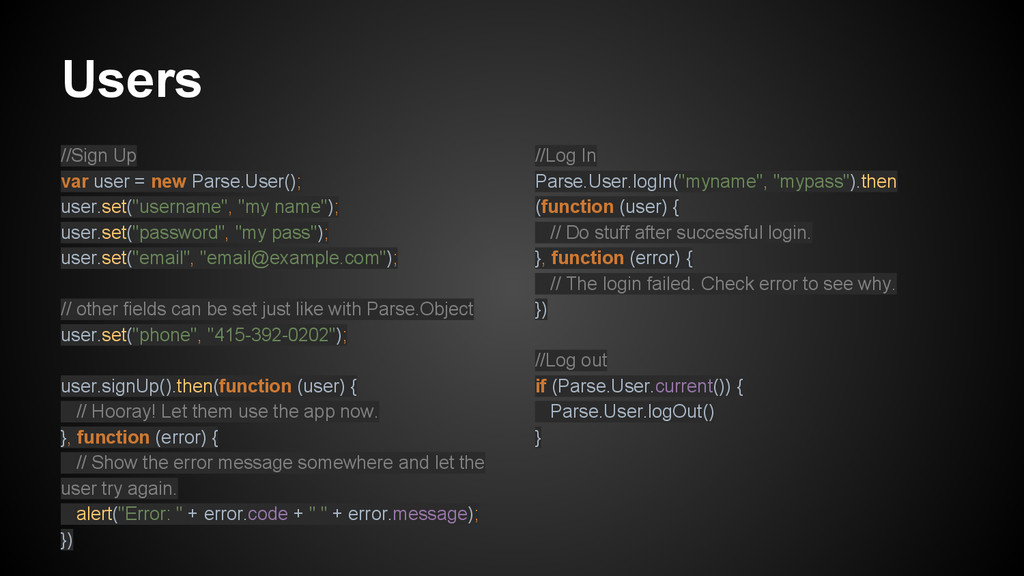
name"); user.set("password", "my pass"); user.set("email", "[email protected]"); // other fields can be set just like with Parse.Object user.set("phone", "415-392-0202"); user.signUp().then(function (user) { // Hooray! Let them use the app now. }, function (error) { // Show the error message somewhere and let the user try again. alert("Error: " + error.code + " " + error.message); }) //Log In Parse.User.logIn("myname", "mypass").then (function (user) { // Do stuff after successful login. }, function (error) { // The login failed. Check error to see why. }) //Log out if (Parse.User.current()) { Parse.User.logOut() }
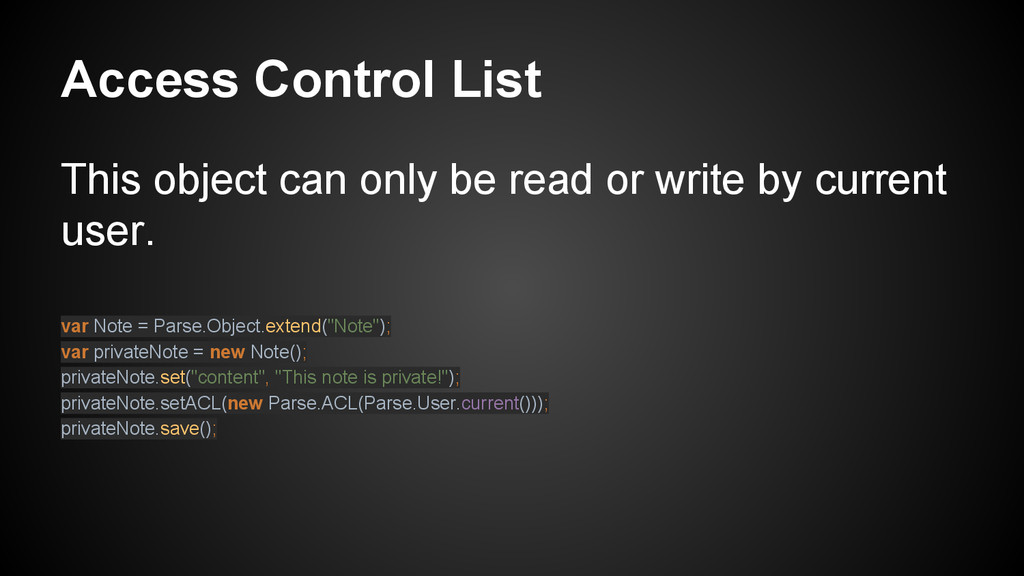
write by current user. var Note = Parse.Object.extend("Note"); var privateNote = new Note(); privateNote.set("content", "This note is private!"); privateNote.setACL(new Parse.ACL(Parse.User.current())); privateNote.save();
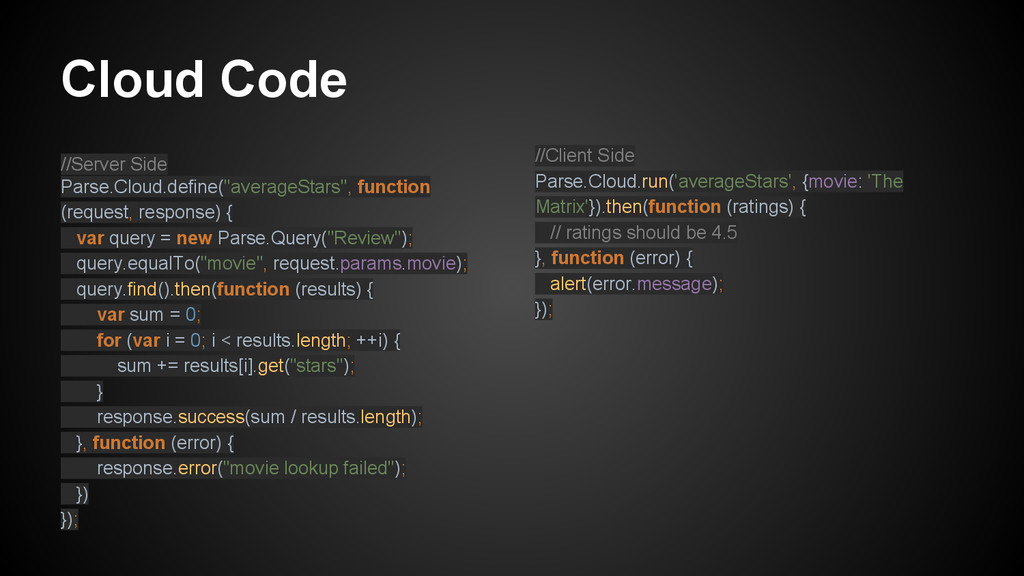
query = new Parse.Query("Review"); query.equalTo("movie", request.params.movie); query.find().then(function (results) { var sum = 0; for (var i = 0; i < results.length; ++i) { sum += results[i].get("stars"); } response.success(sum / results.length); }, function (error) { response.error("movie lookup failed"); }) }); //Client Side Parse.Cloud.run('averageStars', {movie: 'The Matrix'}).then(function (ratings) { // ratings should be 4.5 }, function (error) { alert(error.message); });
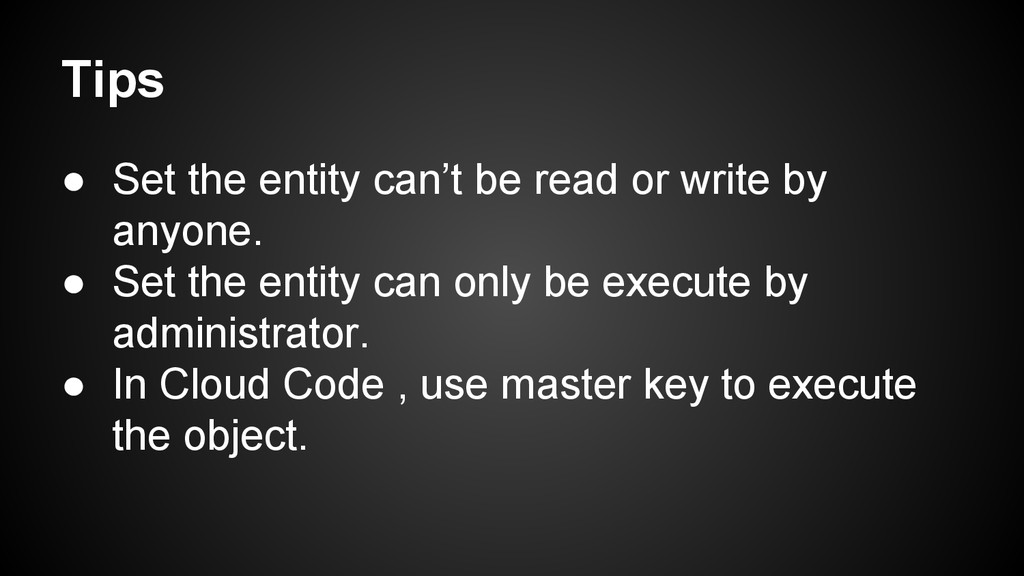
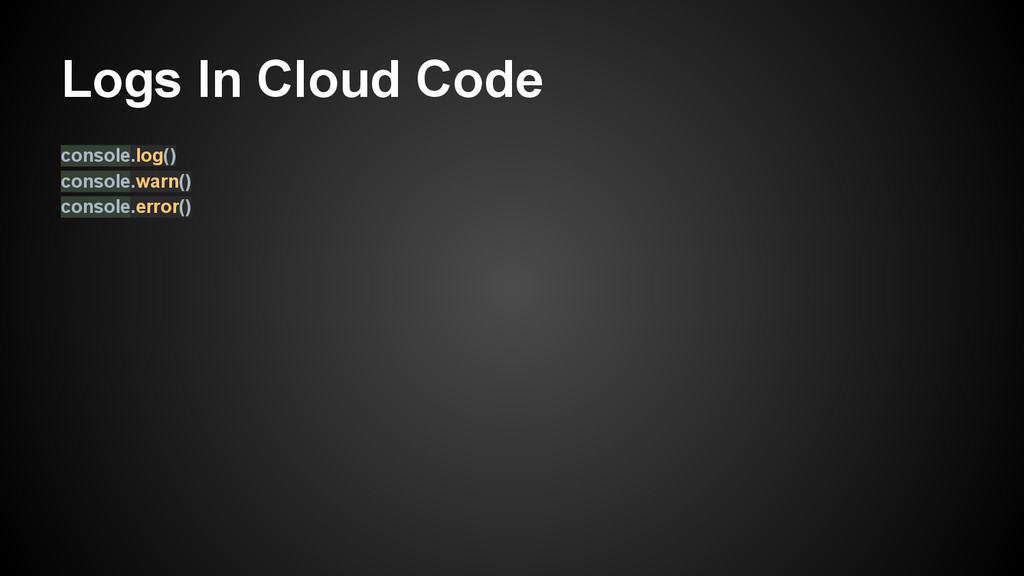
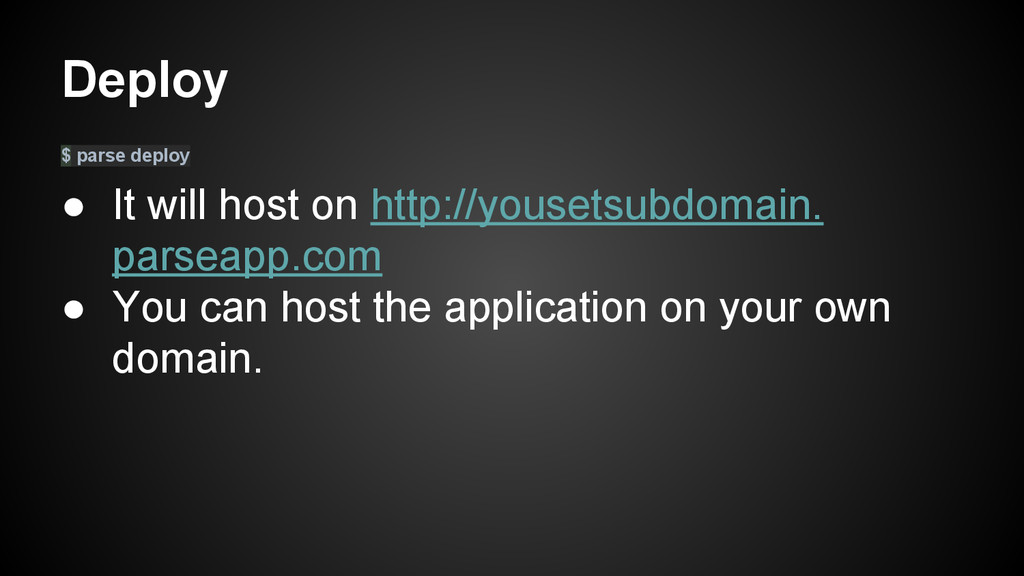
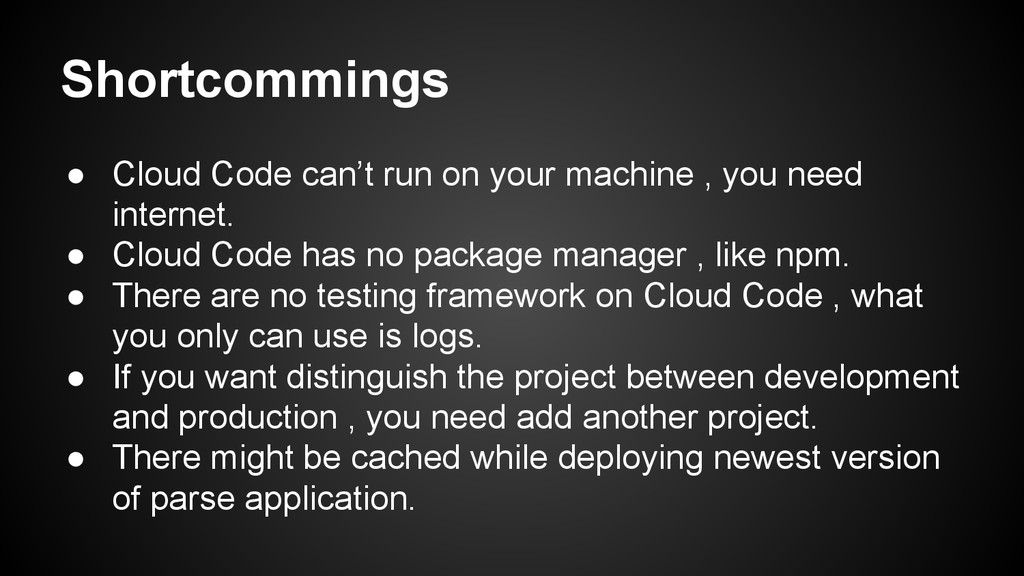
you need internet. • Cloud Code has no package manager , like npm. • There are no testing framework on Cloud Code , what you only can use is logs. • If you want distinguish the project between development and production , you need add another project. • There might be cached while deploying newest version of parse application.

 SiteGround - Reliable hosting with speed, security, and support you can count on.


 sylph01
 nokomoro3
 kaityo256
 artoy
artoy
 moro
moro
 taiseiue
 andpad
 ryu1013
 satoshi256kbyte
 yuta_onishi_97
 clockmaker
 kasacchiful
 jnunemaker
 ipullrank
 gurzu
gurzu
 mclloyd
 techseoconnect
 sferik
 eitanlees
 bluesmoon
 smashingmag
 speakerdeck
 codingconduct