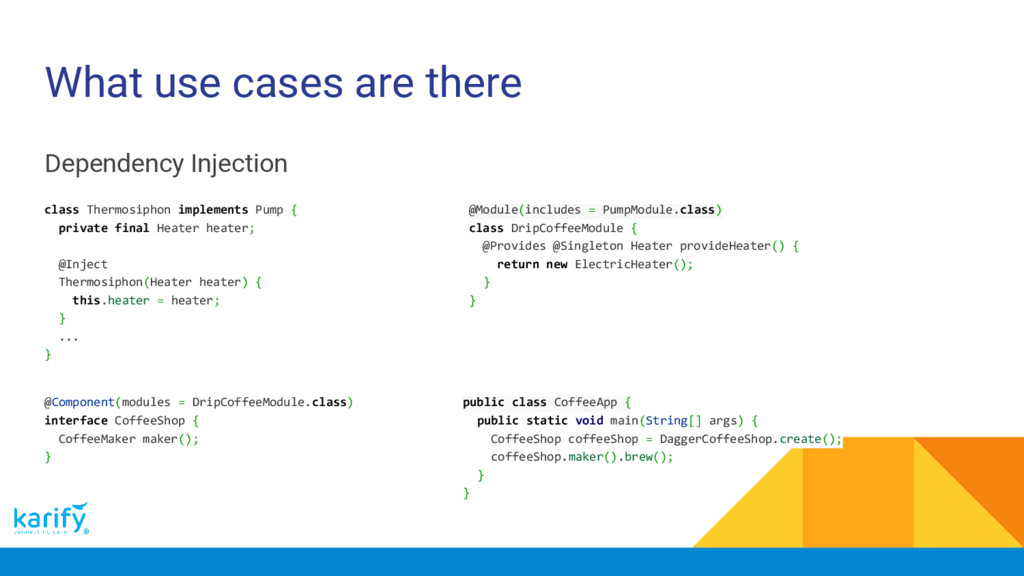
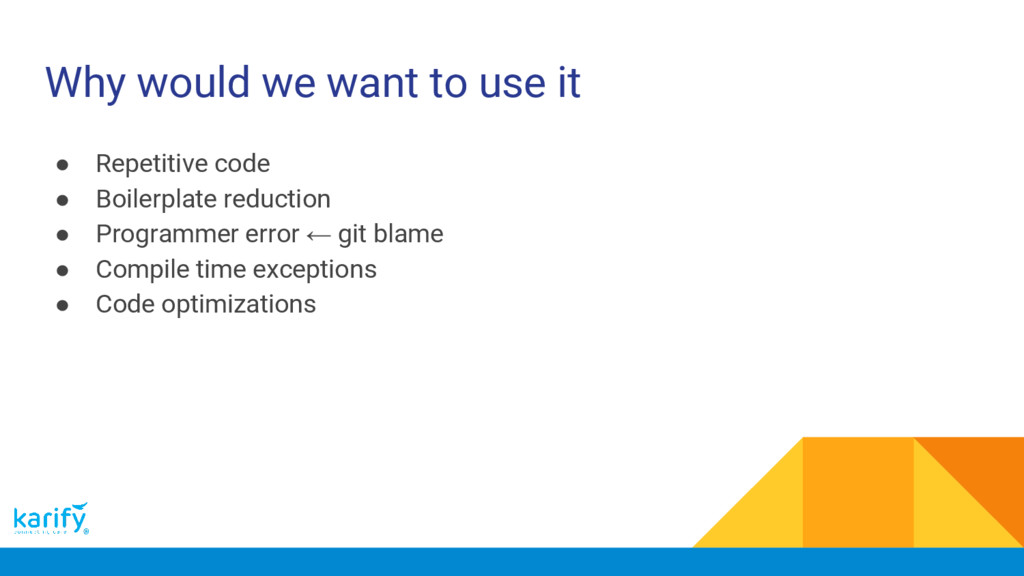
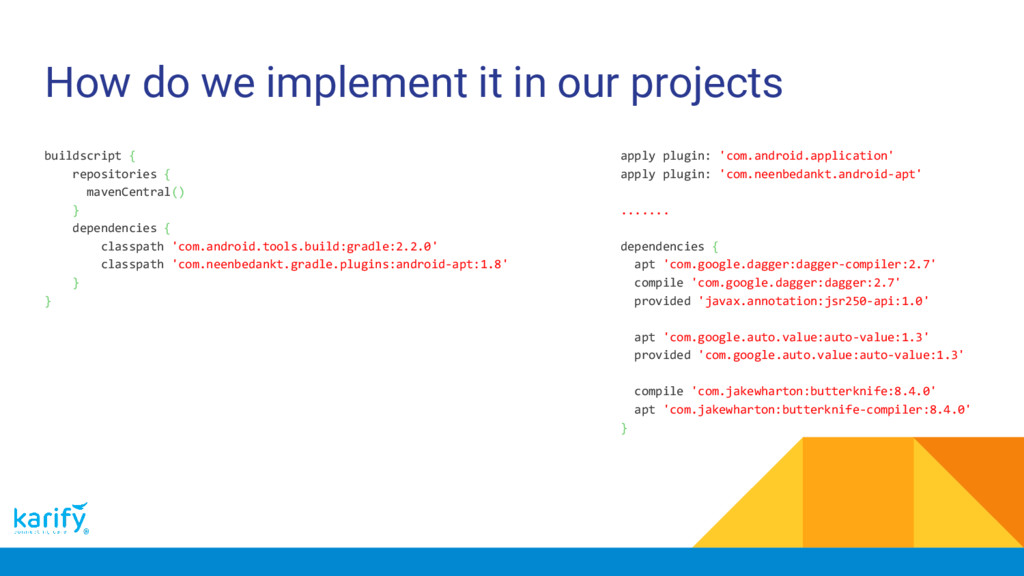
mean • What use cases are there • Why would we want to use it • How do we generate our code • Existing tools and libraries • How do we implement it in our projects
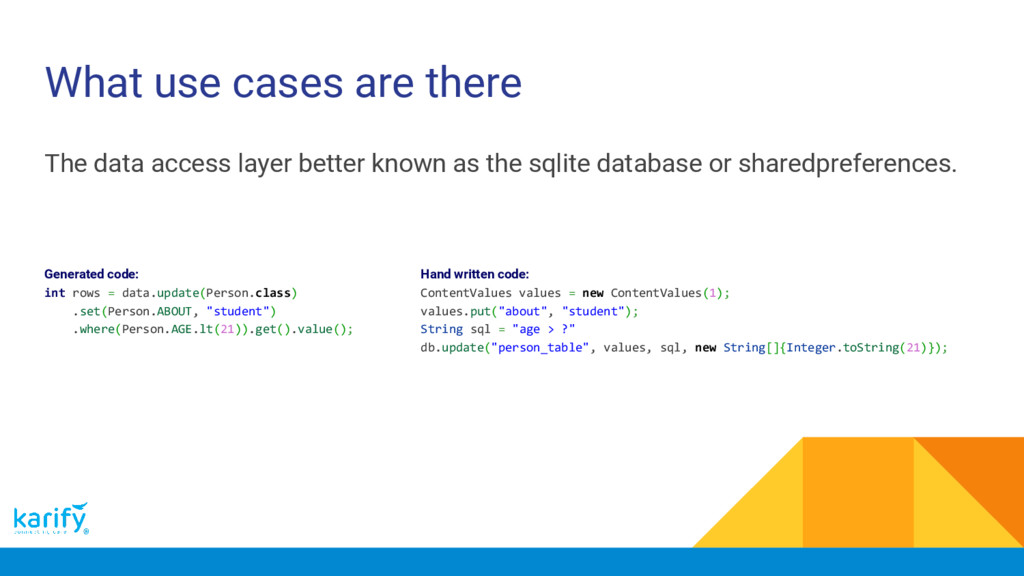
known as the sqlite database or sharedpreferences. Hand written code: ContentValues values = new ContentValues(1); values.put("about", "student"); String sql = "age > ?" db.update("person_table", values, sql, new String[]{Integer.toString(21)}); Generated code: int rows = data.update(Person.class) .set(Person.ABOUT, "student") .where(Person.AGE.lt(21)).get().value();
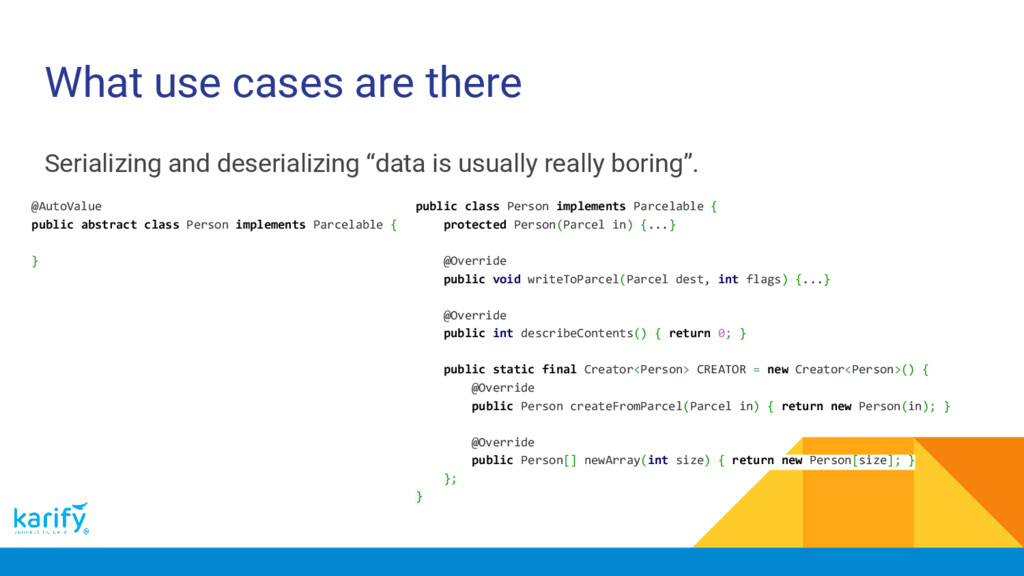
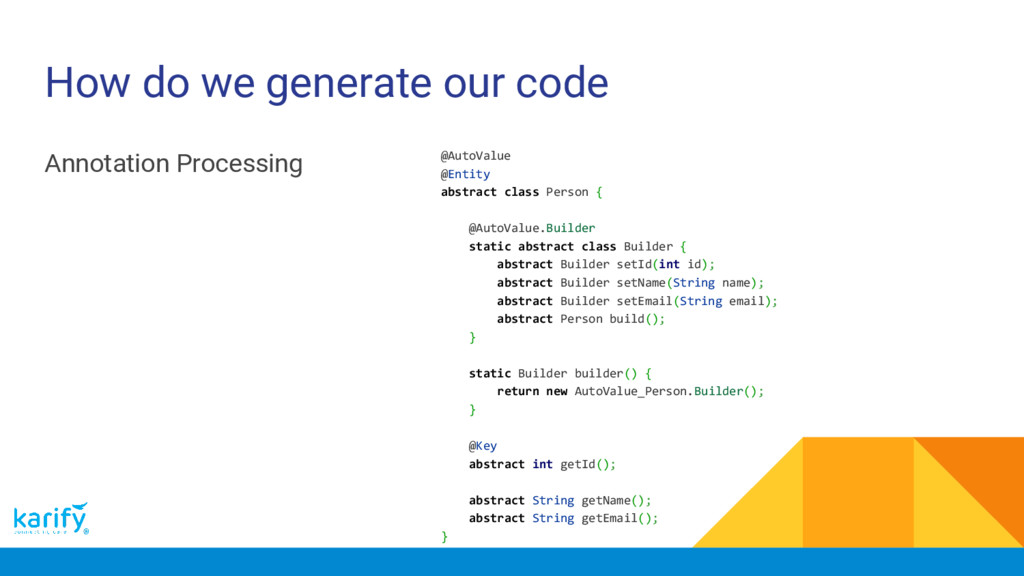
usually really boring”. public class Person implements Parcelable { protected Person(Parcel in) {...} @Override public void writeToParcel(Parcel dest, int flags) {...} @Override public int describeContents() { return 0; } public static final Creator<Person> CREATOR = new Creator<Person>() { @Override public Person createFromParcel(Parcel in) { return new Person(in); } @Override public Person[] newArray(int size) { return new Person[size]; } }; } @AutoValue public abstract class Person implements Parcelable { }
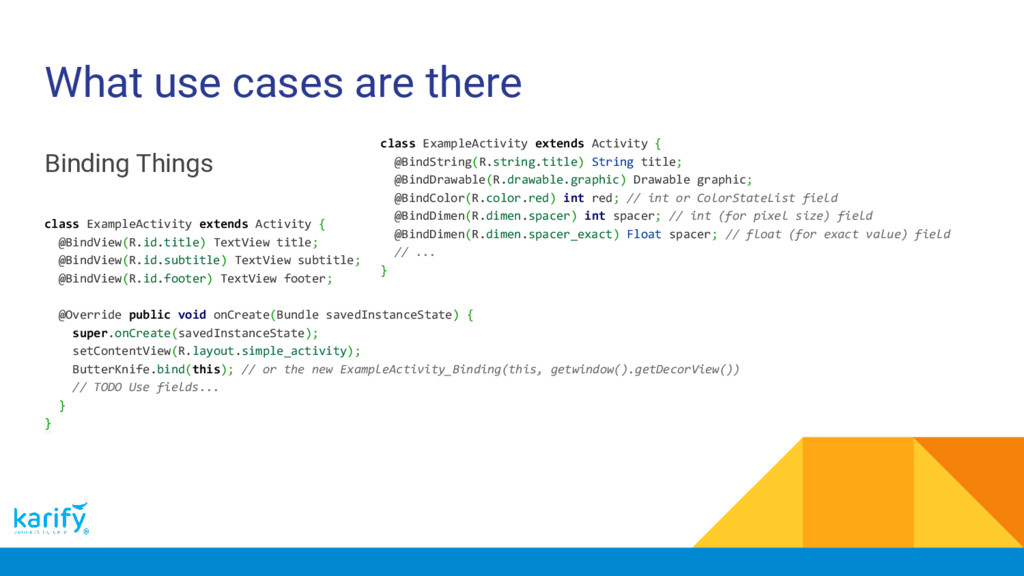
Activity { @BindView(R.id.title) TextView title; @BindView(R.id.subtitle) TextView subtitle; @BindView(R.id.footer) TextView footer; @Override public void onCreate(Bundle savedInstanceState) { super.onCreate(savedInstanceState); setContentView(R.layout.simple_activity); ButterKnife.bind(this); // or the new ExampleActivity_Binding(this, getwindow().getDecorView()) // TODO Use fields... } } class ExampleActivity extends Activity { @BindString(R.string.title) String title; @BindDrawable(R.drawable.graphic) Drawable graphic; @BindColor(R.color.red) int red; // int or ColorStateList field @BindDimen(R.dimen.spacer) int spacer; // int (for pixel size) field @BindDimen(R.dimen.spacer_exact) Float spacer; // float (for exact value) field // ... }
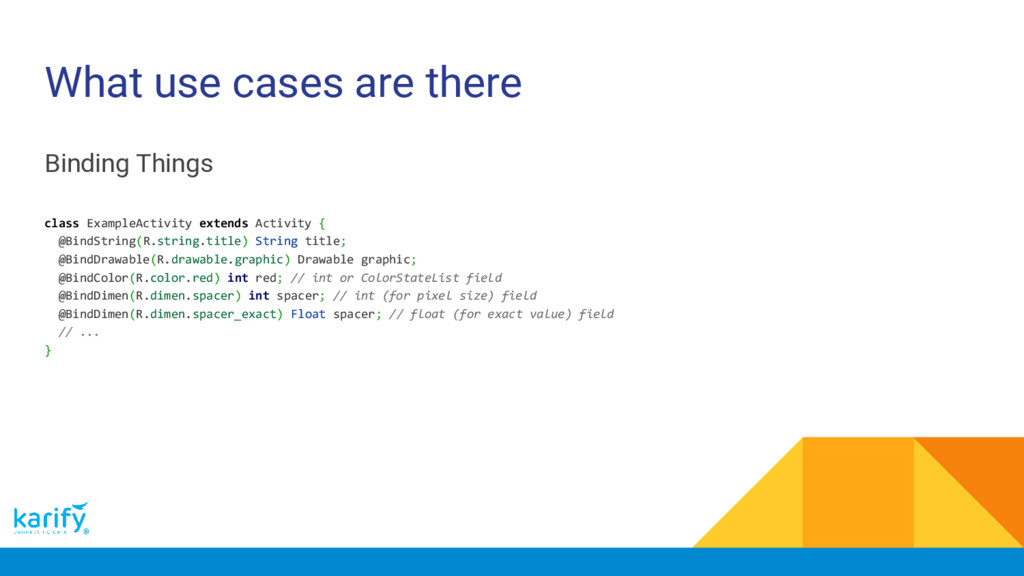
Activity { @BindString(R.string.title) String title; @BindDrawable(R.drawable.graphic) Drawable graphic; @BindColor(R.color.red) int red; // int or ColorStateList field @BindDimen(R.dimen.spacer) int spacer; // int (for pixel size) field @BindDimen(R.dimen.spacer_exact) Float spacer; // float (for exact value) field // ... }
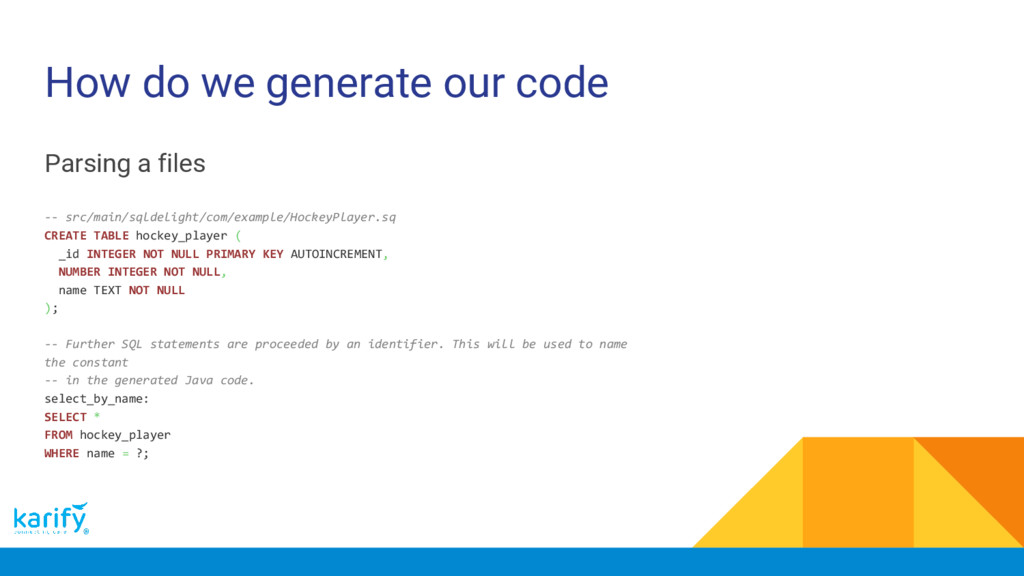
src/main/sqldelight/com/example/HockeyPlayer.sq CREATE TABLE hockey_player ( _id INTEGER NOT NULL PRIMARY KEY AUTOINCREMENT, NUMBER INTEGER NOT NULL, name TEXT NOT NULL ); -- Further SQL statements are proceeded by an identifier. This will be used to name the constant -- in the generated Java code. select_by_name: SELECT * FROM hockey_player WHERE name = ?;
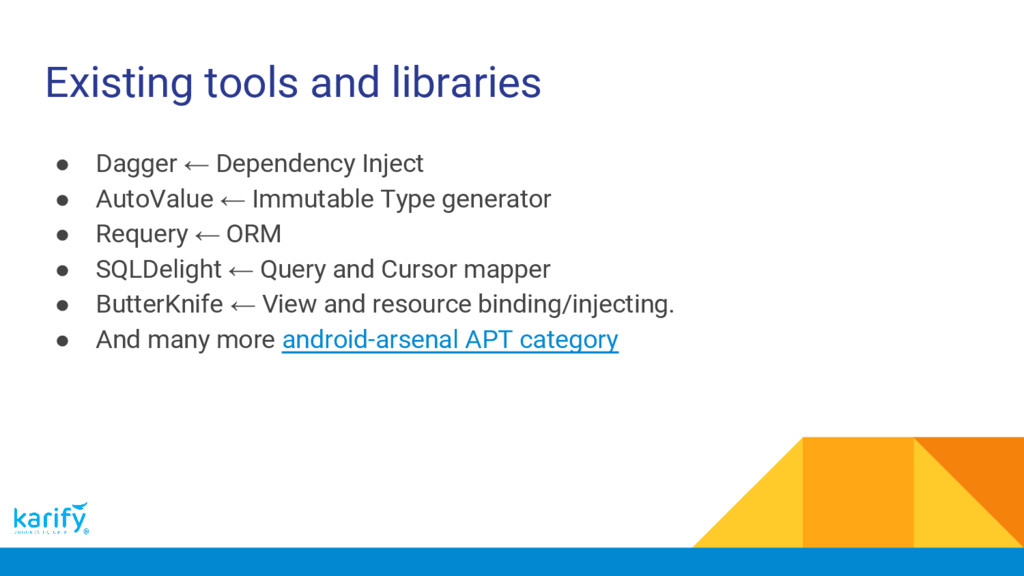
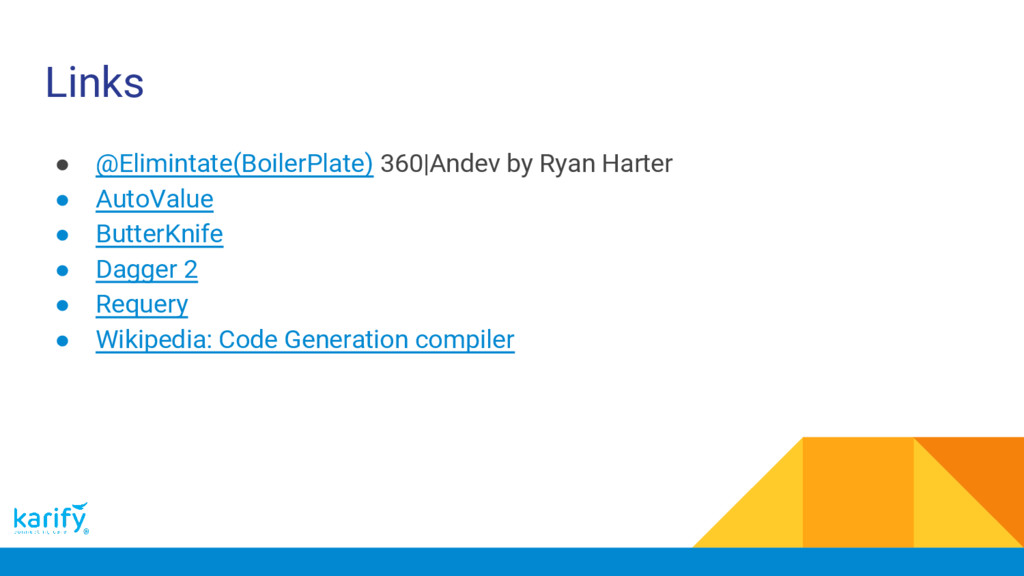
AutoValue ← Immutable Type generator • Requery ← ORM • SQLDelight ← Query and Cursor mapper • ButterKnife ← View and resource binding/injecting. • And many more android-arsenal APT category


 aegis123
 yu23ki14
 kairim0
 tokuty
 kakehashi
 mohab1
 oikon48
 kworkdev
 gogutan
 ivry_presentationmaterials
 shumei_ito
 codmoninc
 ezaki
ezaki
 philnash
 katarinadahlin
 mfonobong
 sabderemane
 soudai
 tamaranovitovic
 techseoconnect
 michaelherold
 kimpetersen
 marcoroth
 bryan
bryan
 takai
takai