Upgrade to Pro — share decks privately, control downloads, hide ads and more …

Build Your First CI/CD Pipeline (And Add a QA C...

Sponsored · Ship Features Fearlessly Turn features on and off without deploys. Used by thousands of Ruby developers.
Avatar for Amber Matz Amber Matz
February 27, 2026

Build Your First CI/CD Pipeline (And Add a QA Check While You're At It)

How do you learn how CI/CD pipelines work when your workplace systems feel too complex or risky to experiment with? When I pivoted from creating Drupal tutorials into the DevOps and QA space, I needed a safe, low-stakes environment to understand how automated workflows really function. So I built a small personal playground: a Hugo-powered blog, stored in a GitHub repository and published through GitHub Pages. From there, I began adding the QA tools I was used to using at work to see how they could run automatically in my personal deployment pipeline. That hands-on exploration helped me understand more complex DevOps workflows and gave me ownership of quality checks for my own site.

In this session, we’ll place CI/CD pipelines within the broader QA landscape. I’ll share an overview of the types of quality checks people rely on, including content linting, accessibility checks, link validation, code style tools, and how different roles use them to check their own work and review others’ code. Then we’ll walk through how to transition from an in-editor check to a local command-line tool, to an automated step inside a CI/CD workflow.

I’ll show you how I built my first CI/CD pipeline and how I iteratively added simple QA checks that now run automatically on every commit. We’ll examine the GitHub Workflow that powers my quality checks and how I refactored concurrent quality checks into an orchestrator pipeline.

Attendees will leave with:

- A clear, beginner-friendly mental model of CI/CD
- Practical QA tools that they can run manually, locally, or in automation
- A personal deployment workflow that they can recreate immediately
- Confidence to continue exploring DevOps through small, safe, meaningful steps

View the session page to access the recording.

Avatar for Amber Matz

Amber Matz

February 27, 2026

Other Decks in Technology

Transcript

  1. Build Your First CI/CD Pipeline Amber Matz (And Add a

    Quality Check While You’re At It!) Developer Advocate
  2. What will we learn today? How I created a sandbox

    to learn CI/CD concepts A process of adding a local CLI tool to a CI/CD check 6 essential concepts I learned along the way
  3. What is CI/CD? CI = Continuous Integration CD = Continuous

    Development In software delivery, the ability to say that the code that lives on the main trunk can be deployed at any time because automated checks passed, or the ability to automatically ship every change with confidence because automated checks passed, or the journey to try and get there.
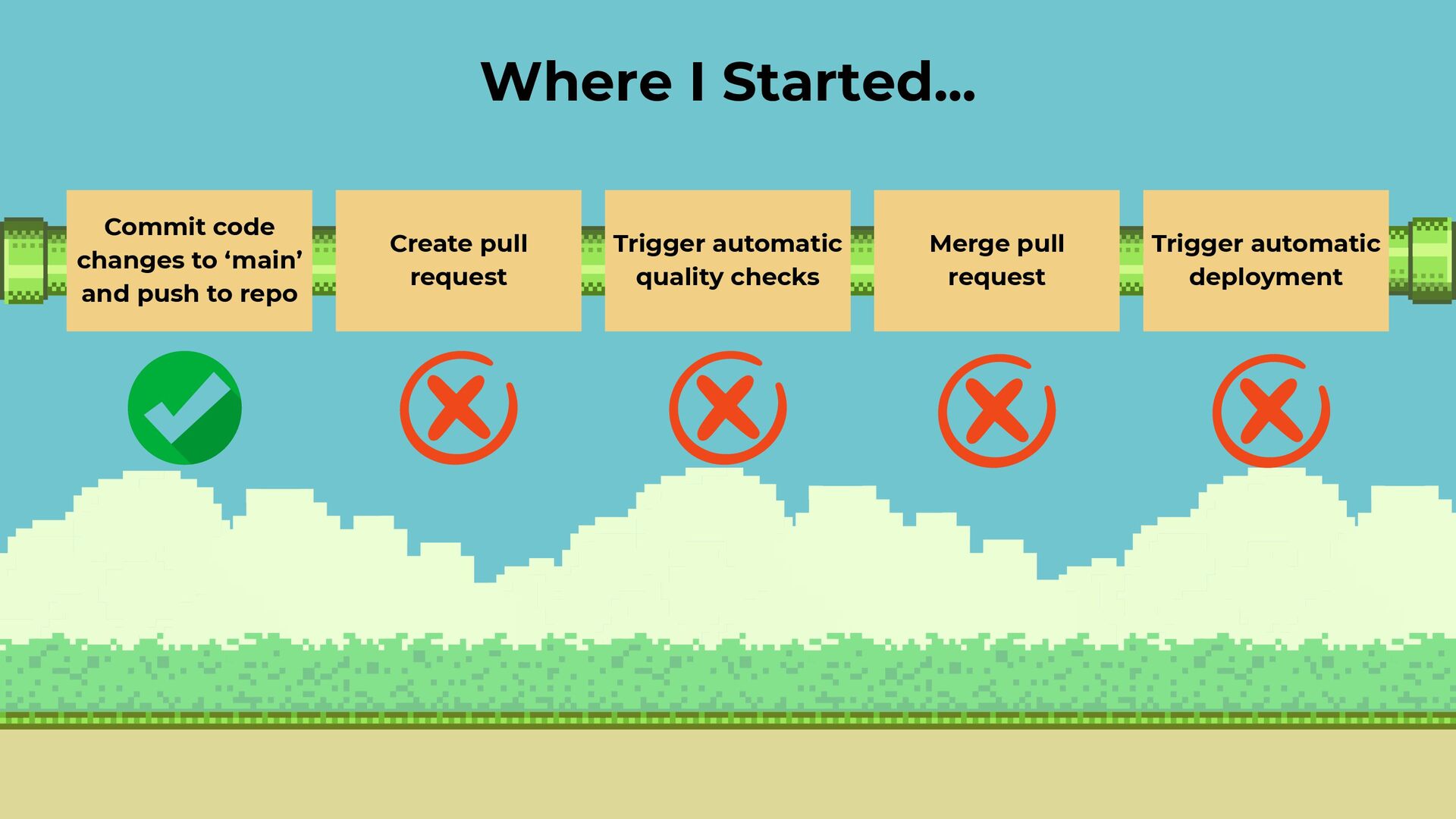
  4. Commit code changes to ‘main’ and push to repo Create

    pull request Merge pull request Trigger automatic quality checks Trigger automatic deployment Where I Started...
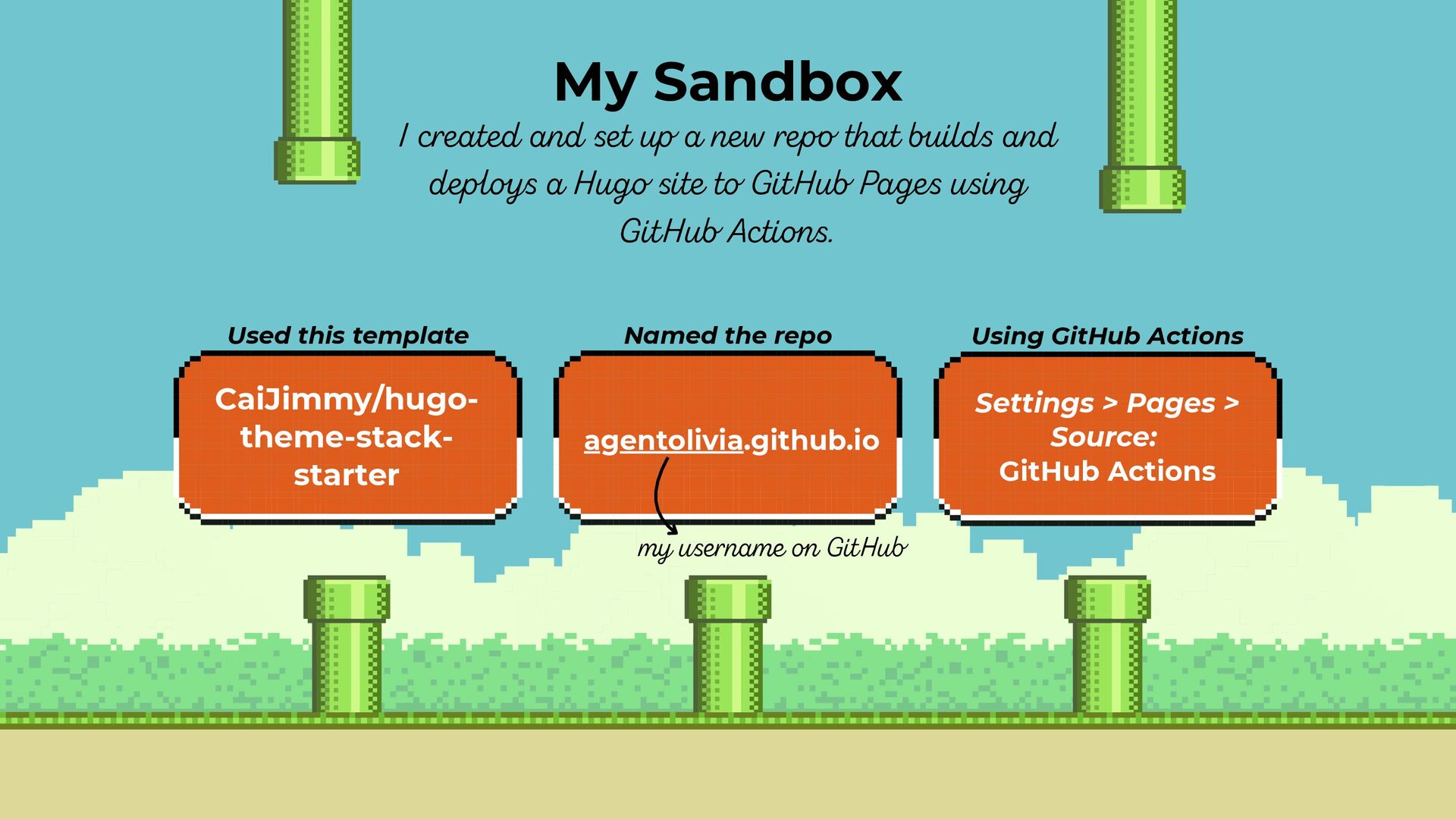
  5. My Sandbox I created and set up a new repo

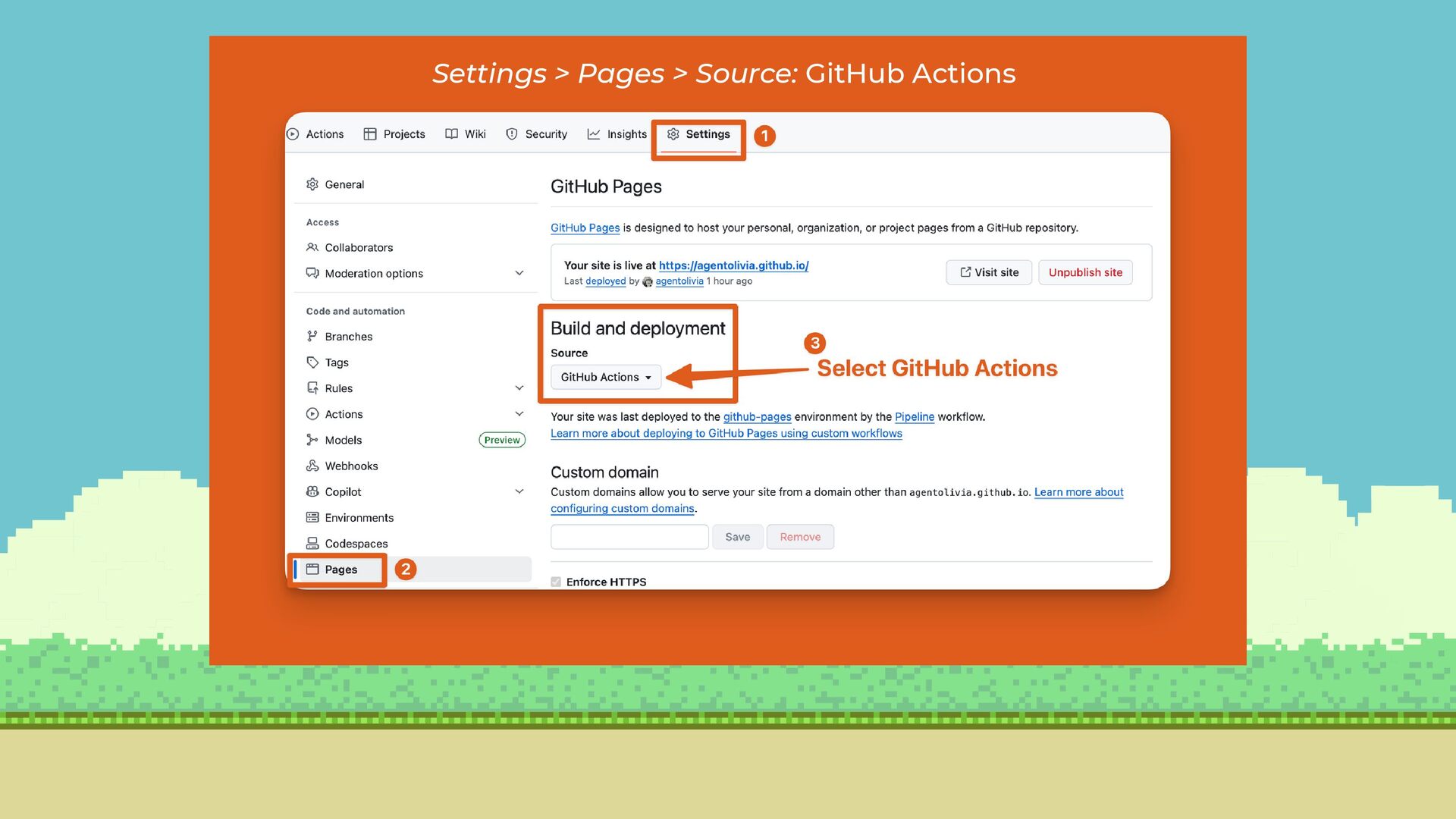
    that builds and deploys a Hugo site to GitHub Pages using GitHub Actions. CaiJimmy/hugo- theme-stack- starter agentolivia.github.io Used this template Named the repo Using GitHub Actions Settings > Pages > Source: GitHub Actions my username on GitHub
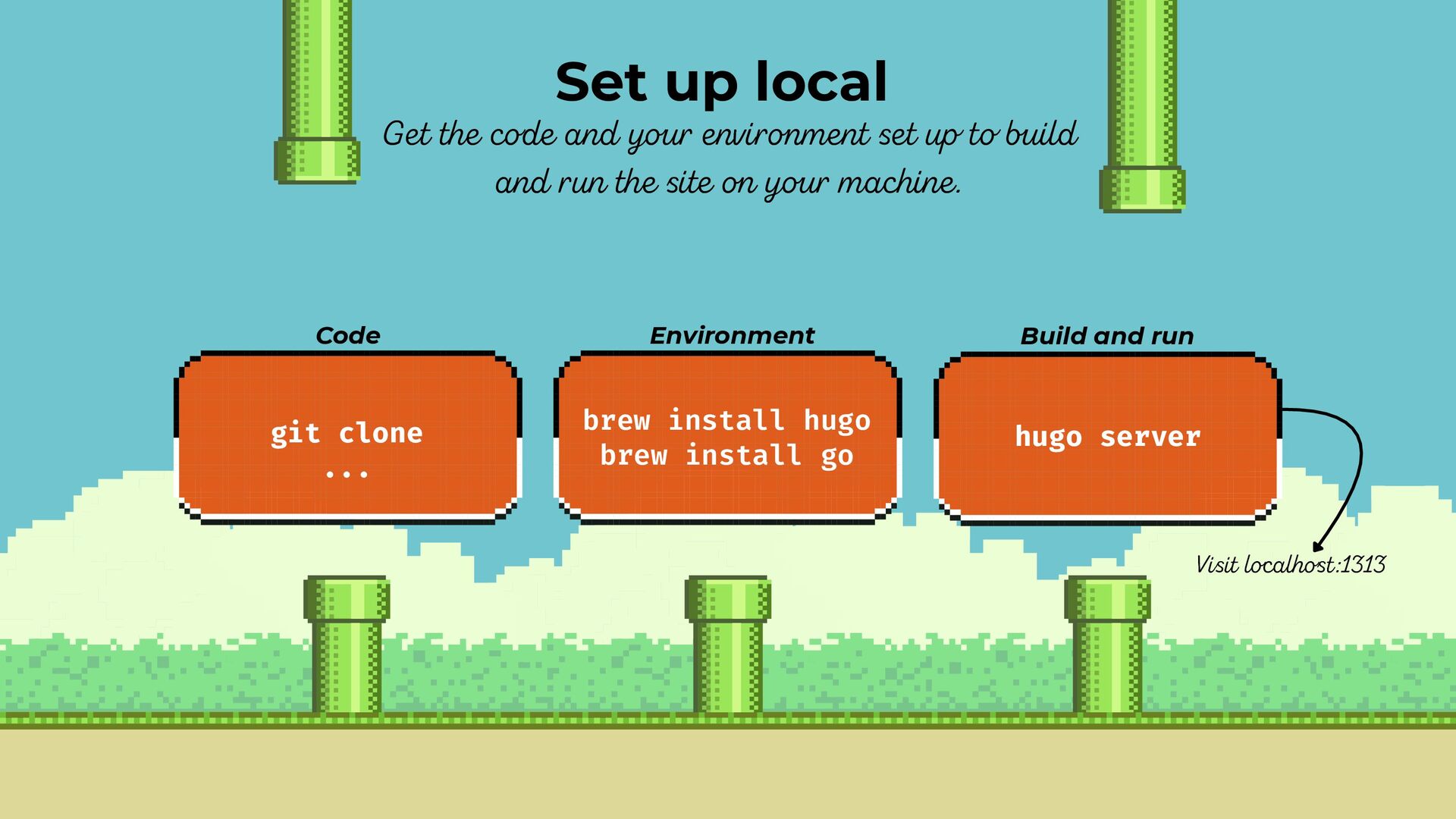
  6. Set up local Get the code and your environment set

    up to build and run the site on your machine. git clone ... brew install hugo brew install go Code Environment Build and run hugo server Visit localhost:1313
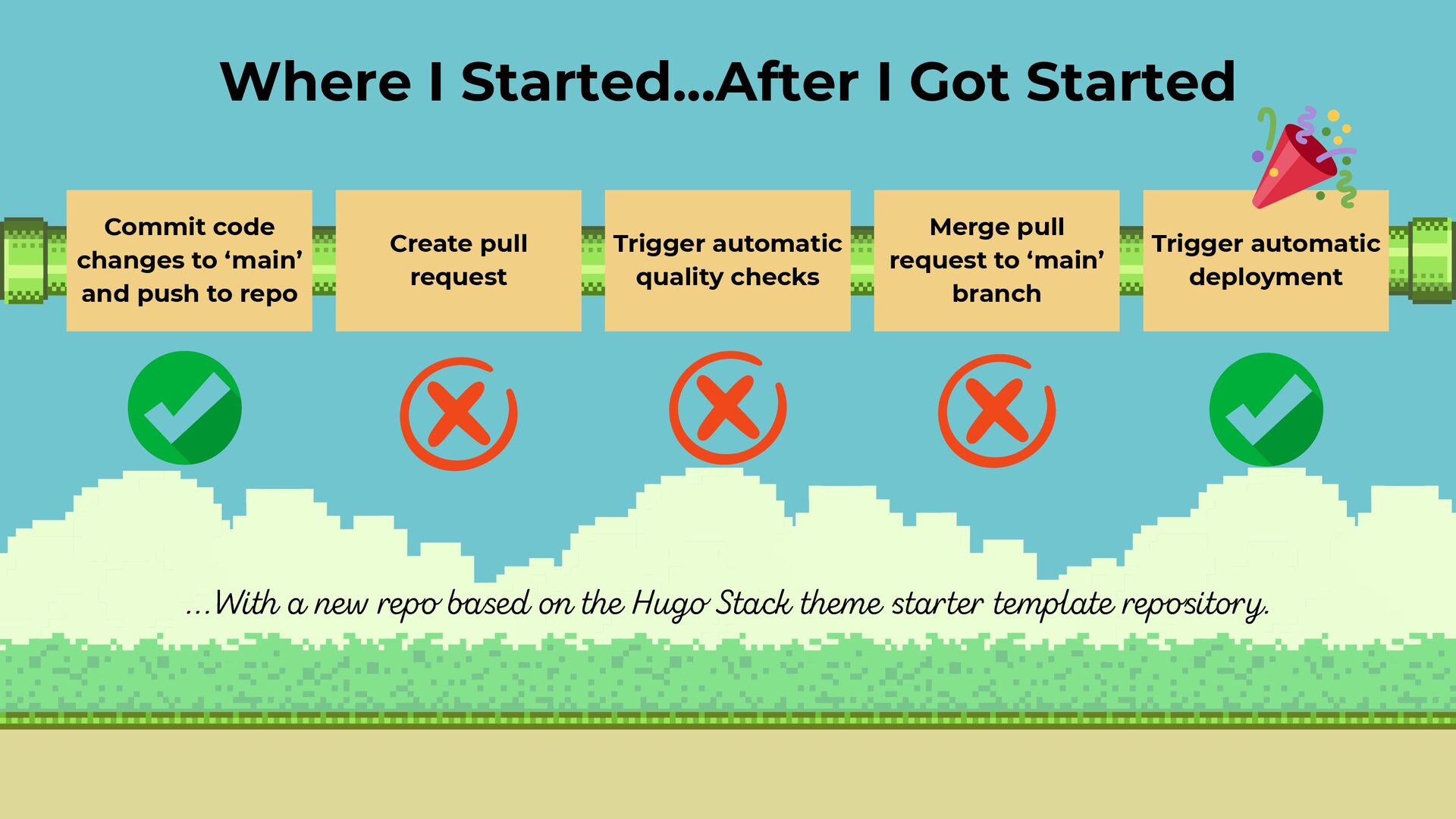
  7. Commit code changes to ‘main’ and push to repo Create

    pull request Merge pull request to ‘main’ branch Trigger automatic quality checks Trigger automatic deployment Where I Started...After I Got Started ...With a new repo based on the Hugo Stack theme starter template repository.
  8. Install a CLI tool locally Run it and tune config/ignore

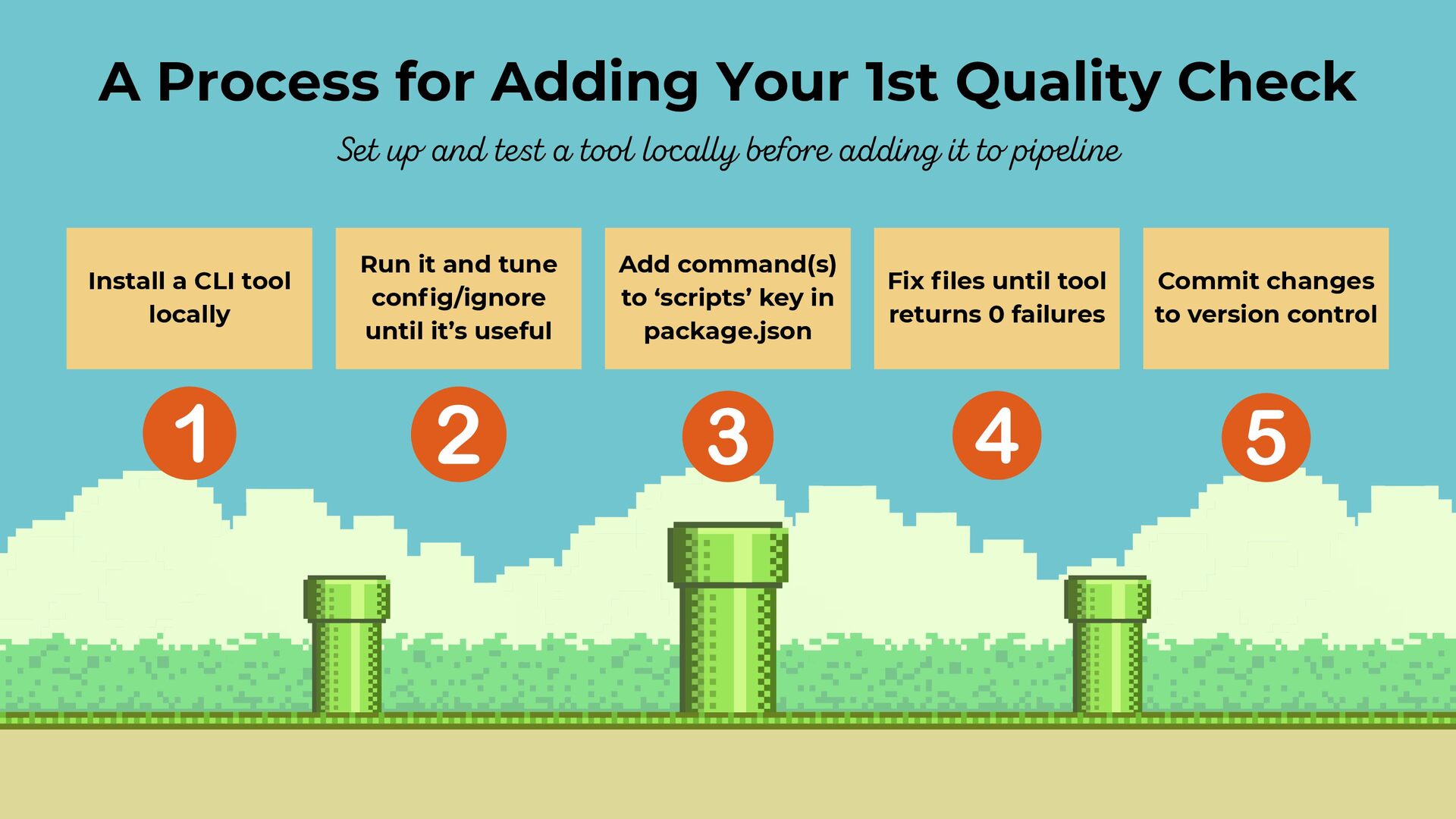
    until it’s useful Fix files until tool returns 0 failures Add command(s) to ‘scripts’ key in package.json Commit changes to version control A Process for Adding Your 1st Quality Check Set up and test a tool locally before adding it to pipeline
  9. First Quality Check Install a CLI tool locally. I chose

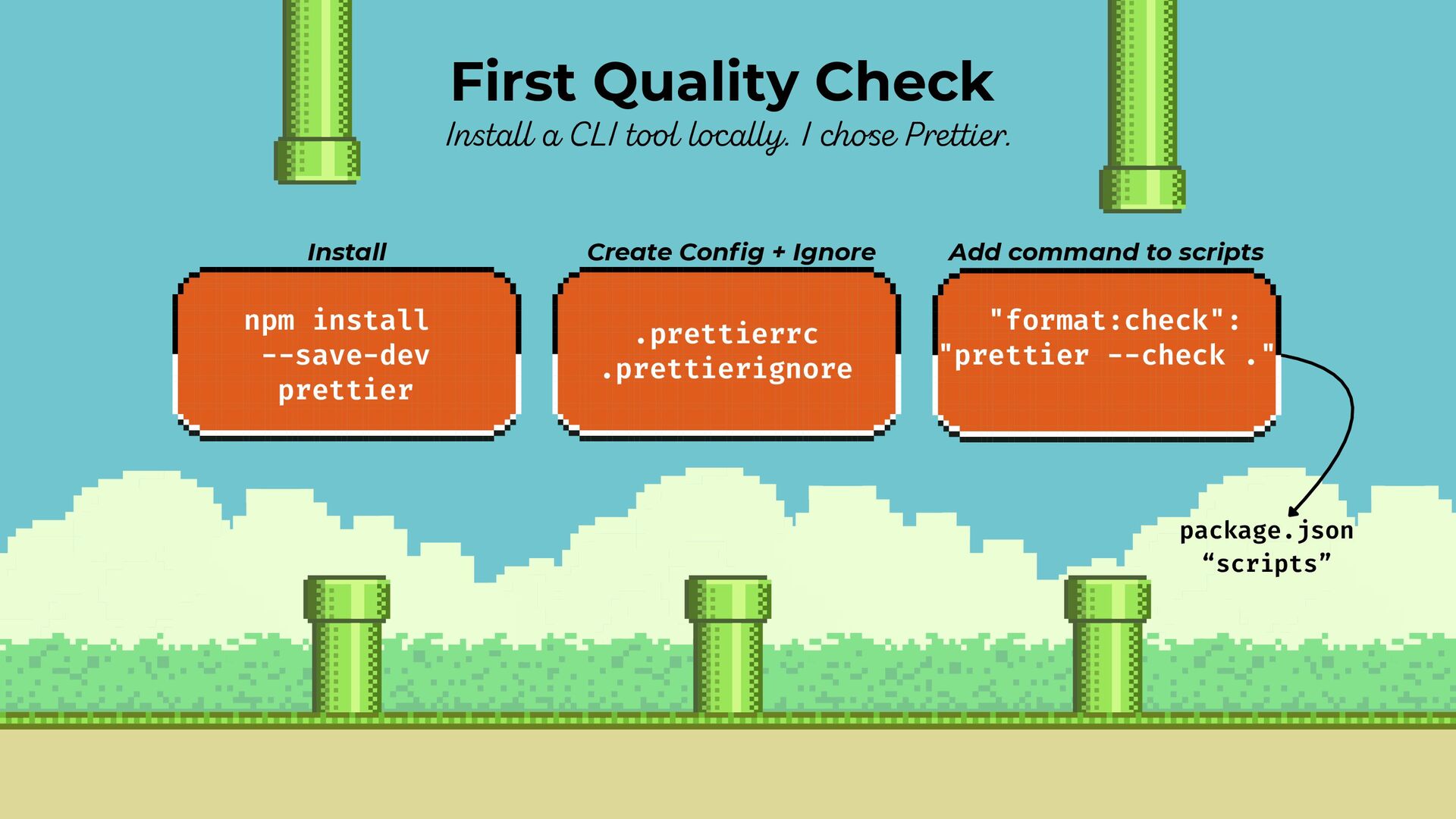
    Prettier. npm install --save-dev prettier .prettierrc .prettierignore Install Create Config + Ignore Add command to scripts "format:check": "prettier --check ." package.json “scripts”
  10. Test it out locally Run it. Refine config until it’s

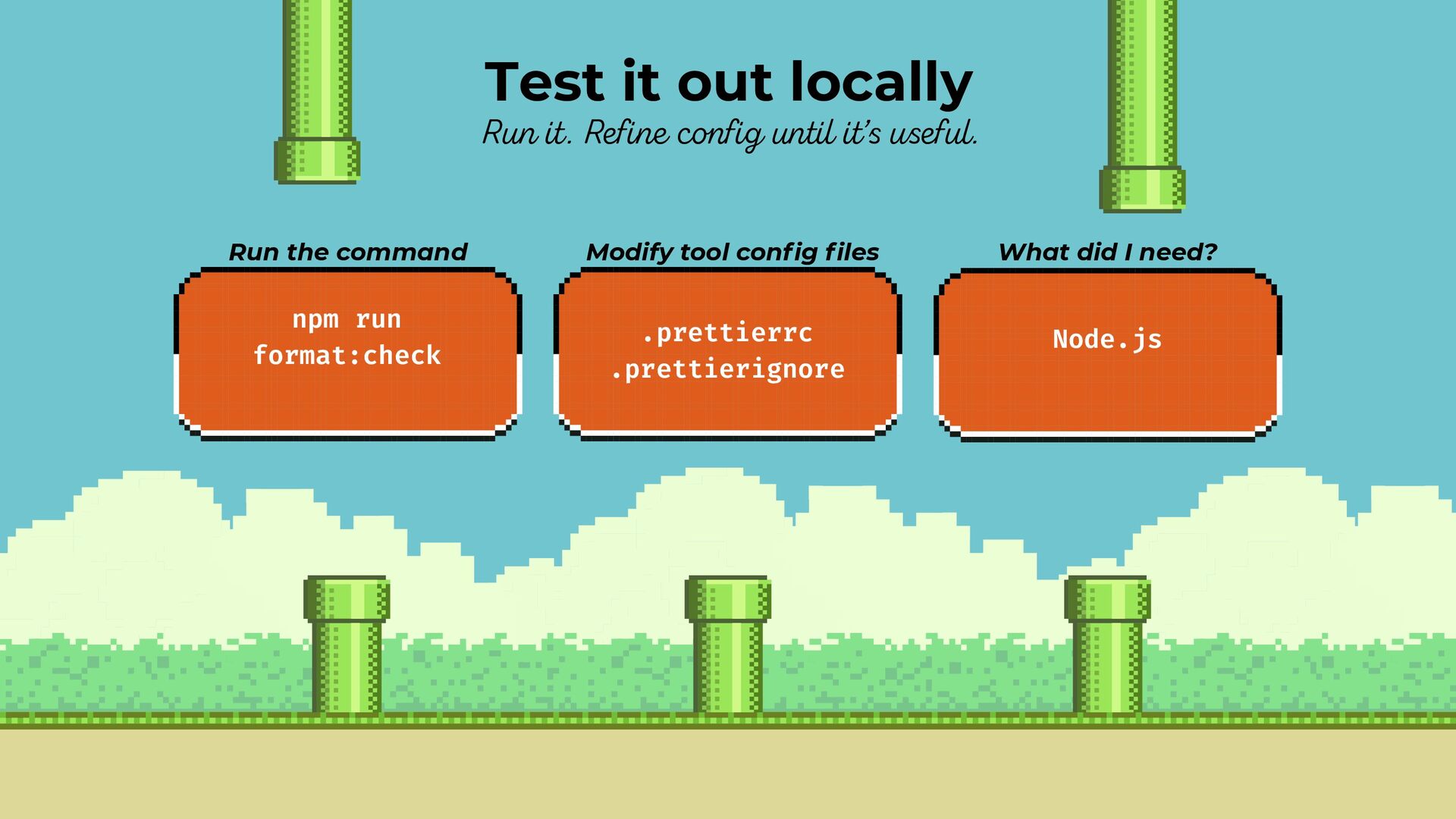
    useful. npm run format:check .prettierrc .prettierignore Run the command Modify tool config files What did I need? Node.js
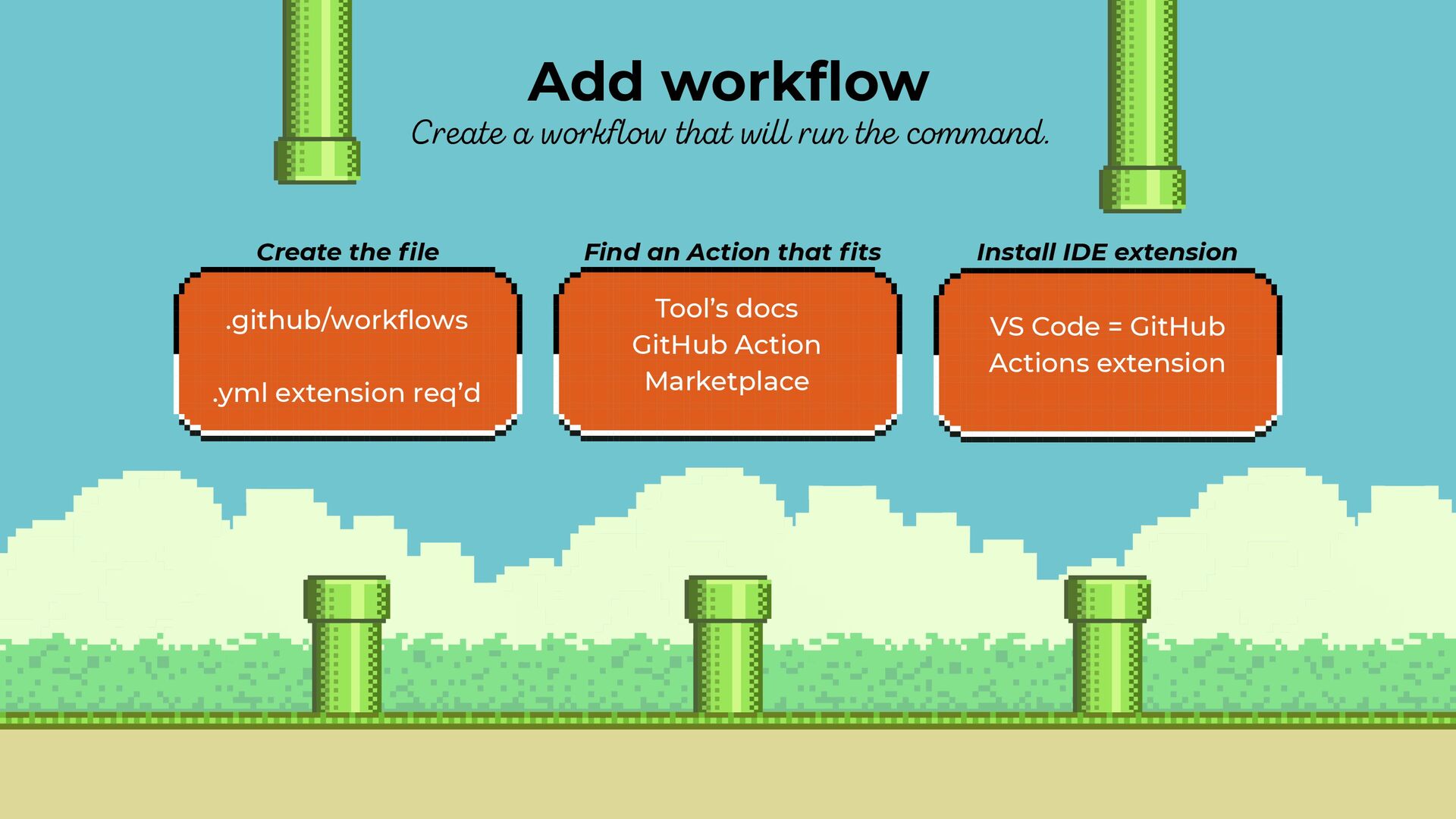
  11. Add workflow Create a workflow that will run the command.

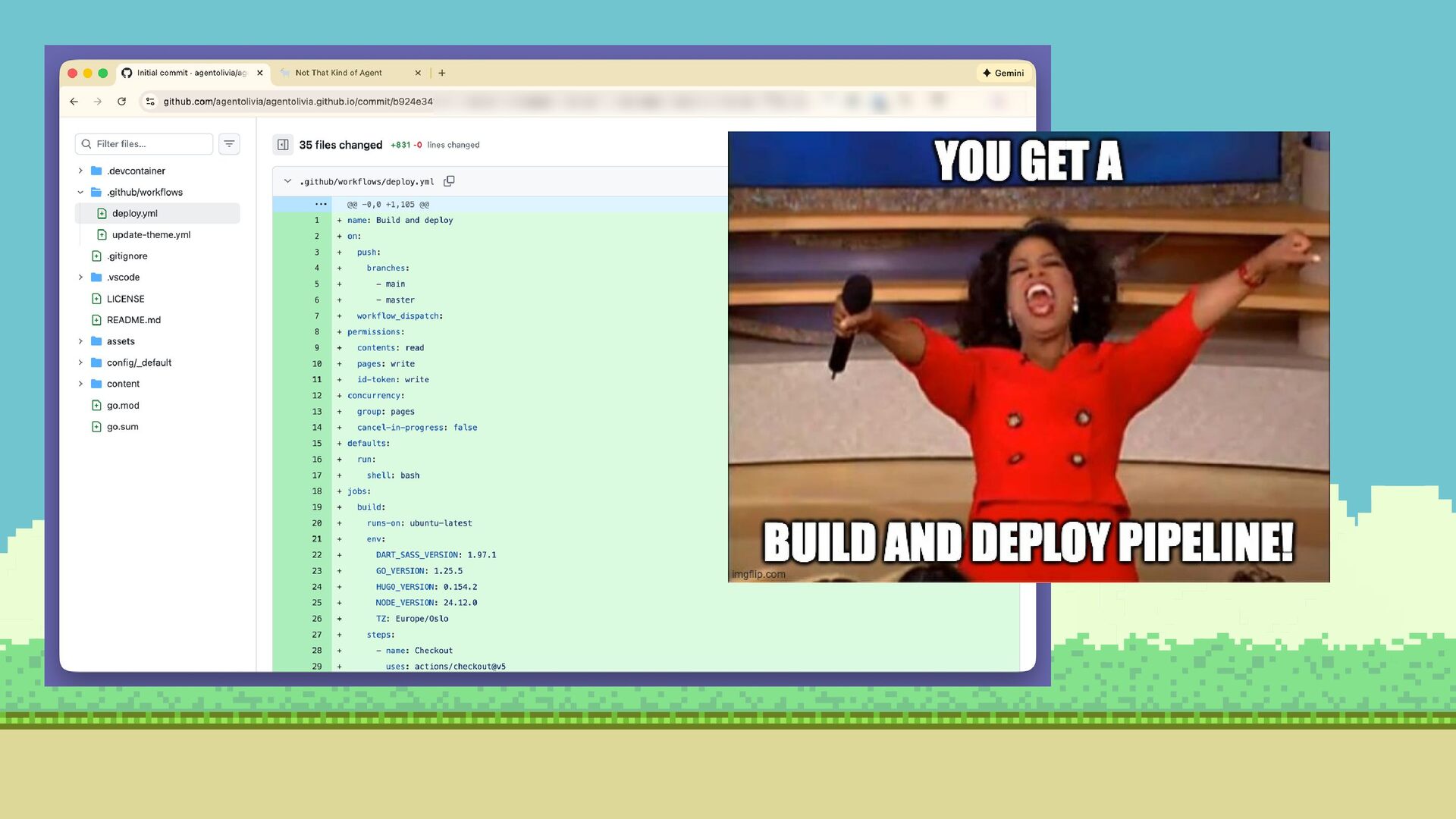
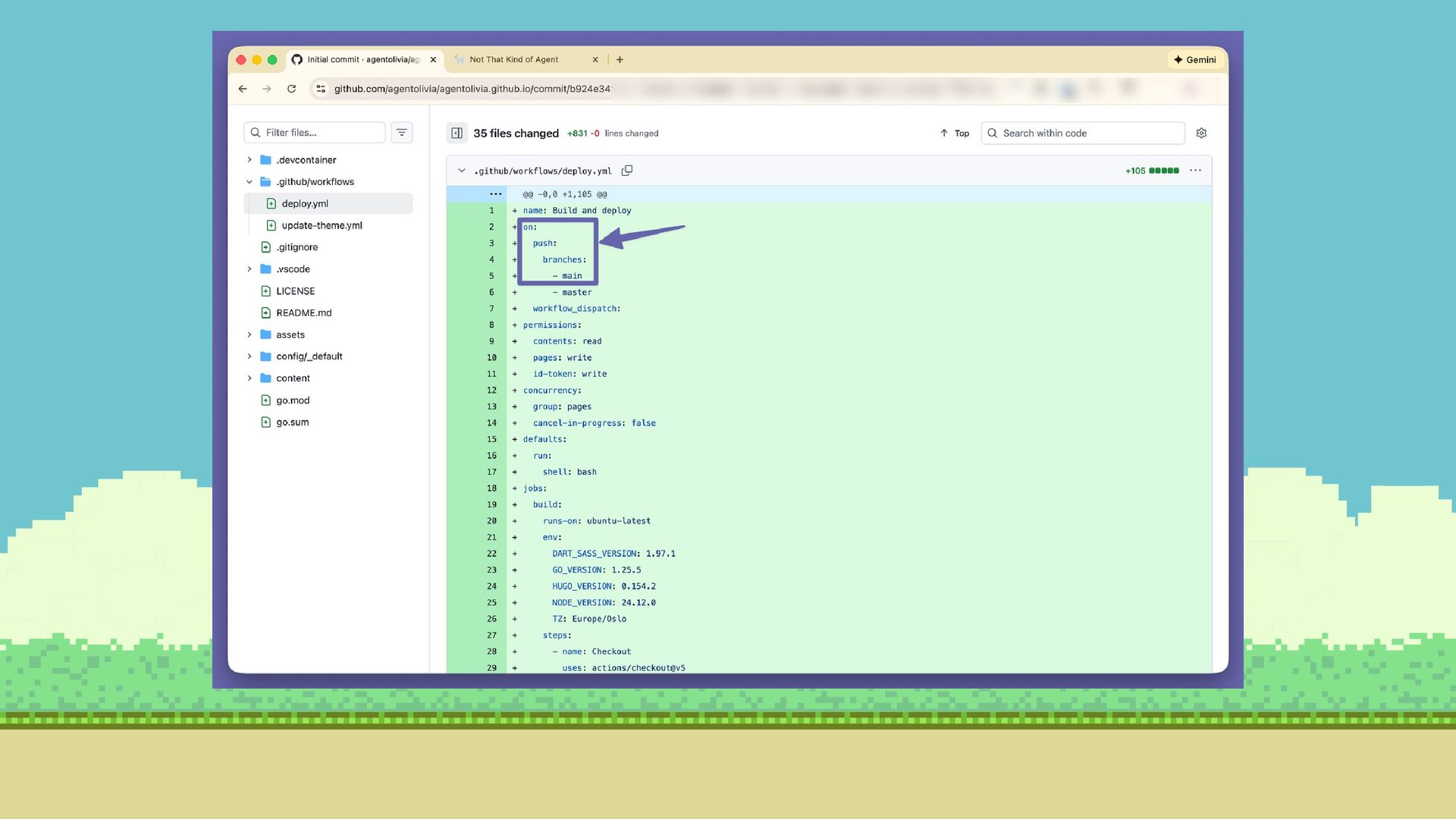
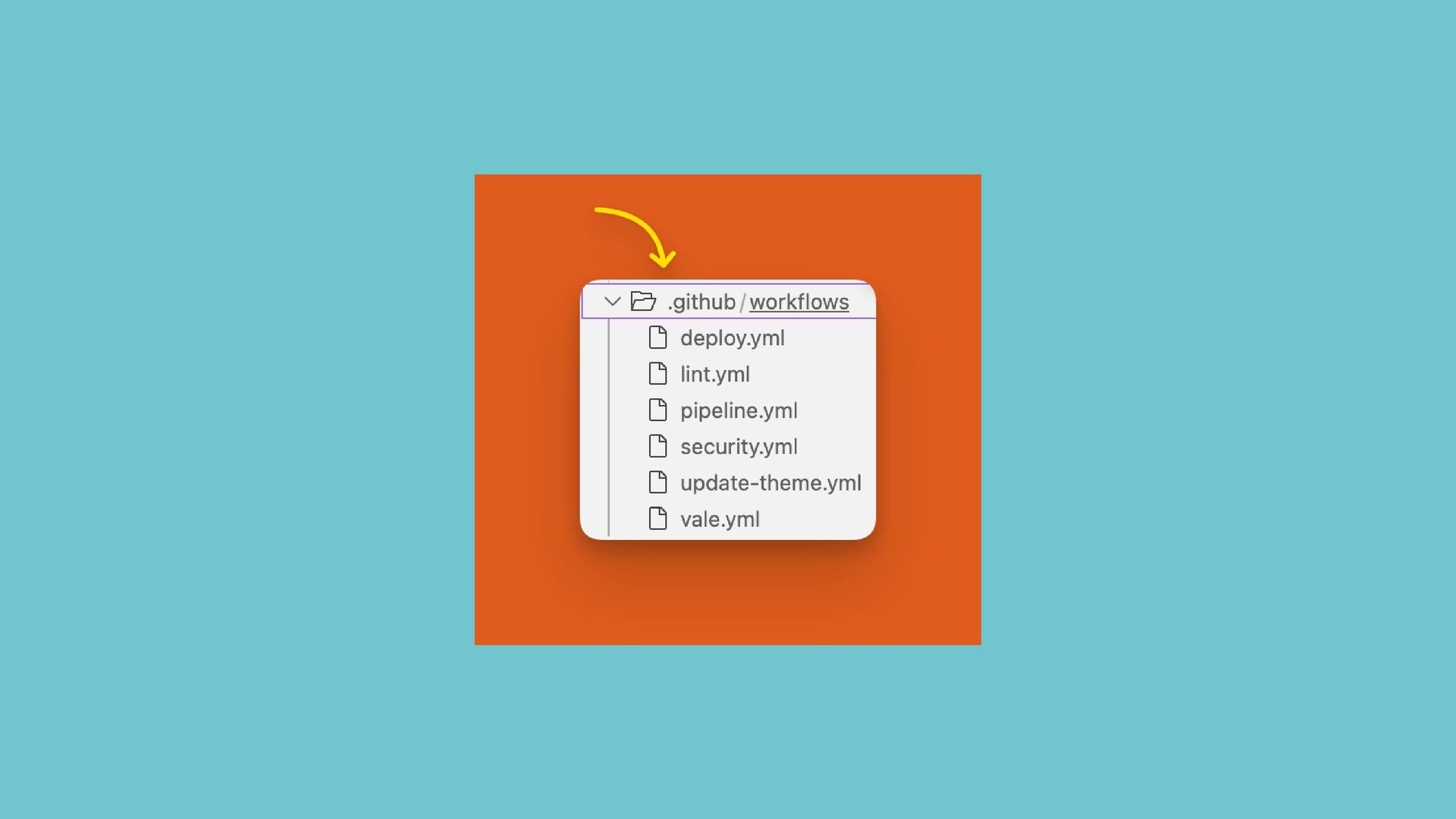
    .github/workflows .yml extension req’d Tool’s docs GitHub Action Marketplace Create the file Find an Action that fits Install IDE extension VS Code = GitHub Actions extension
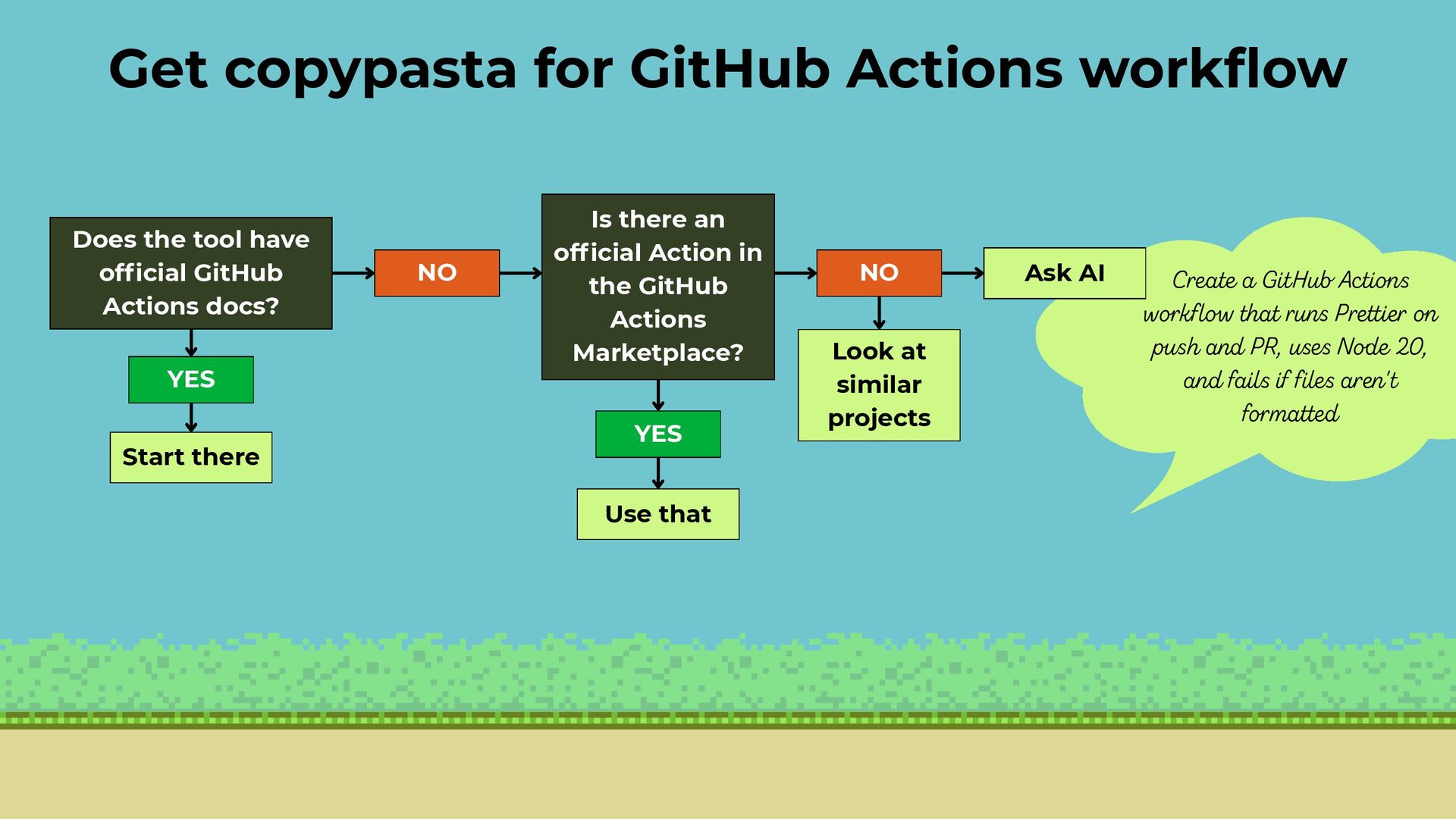
  12. Does the tool have official GitHub Actions docs? YES NO

    Start there Is there an official Action in the GitHub Actions Marketplace? YES NO Use that Create a GitHub Actions workflow that runs Prettier on push and PR, uses Node 20, and fails if files aren't formatted Get copypasta for GitHub Actions workflow Ask AI Look at similar projects
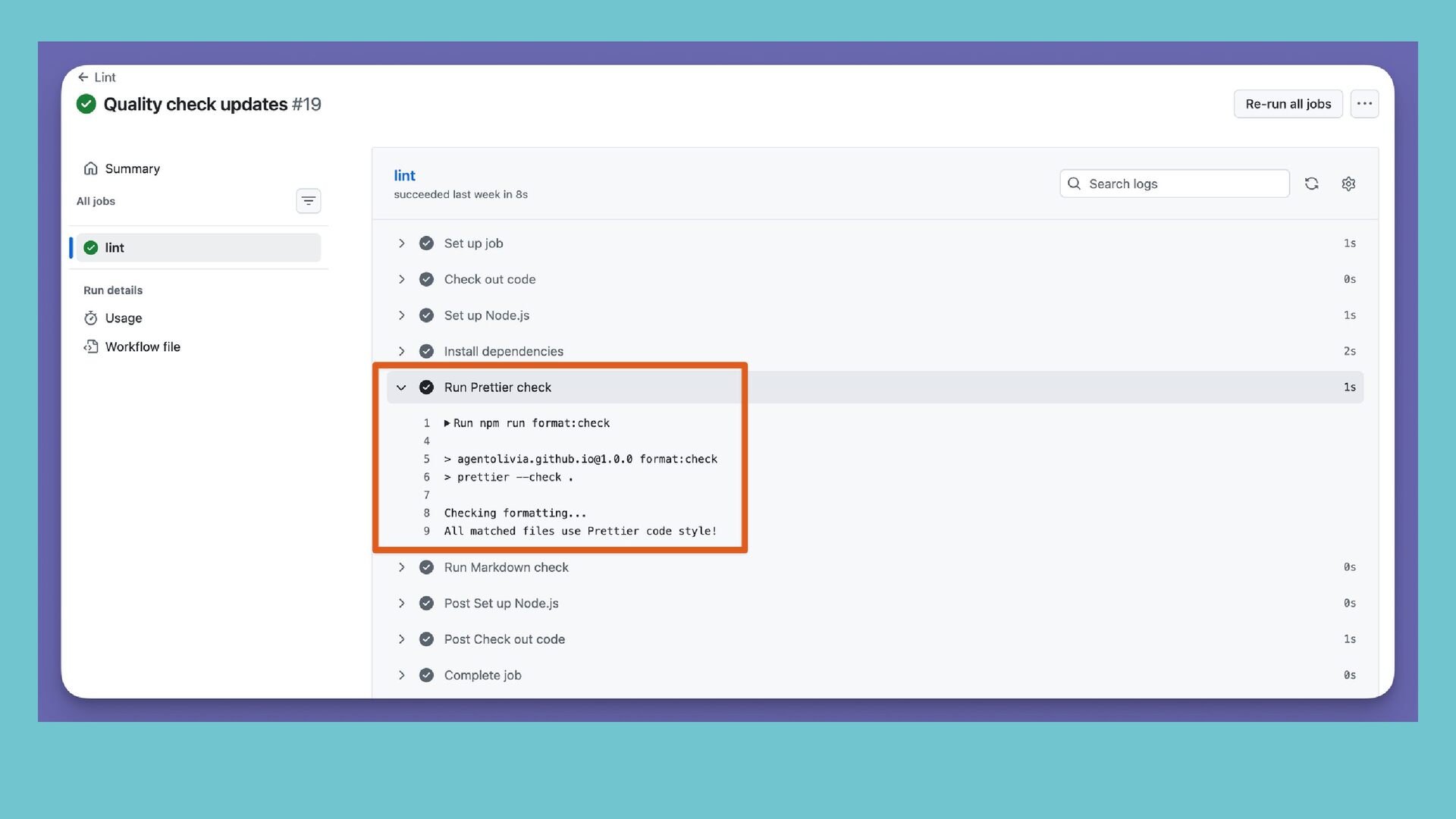
  13. Commit changes on branch and push to repo Create pull

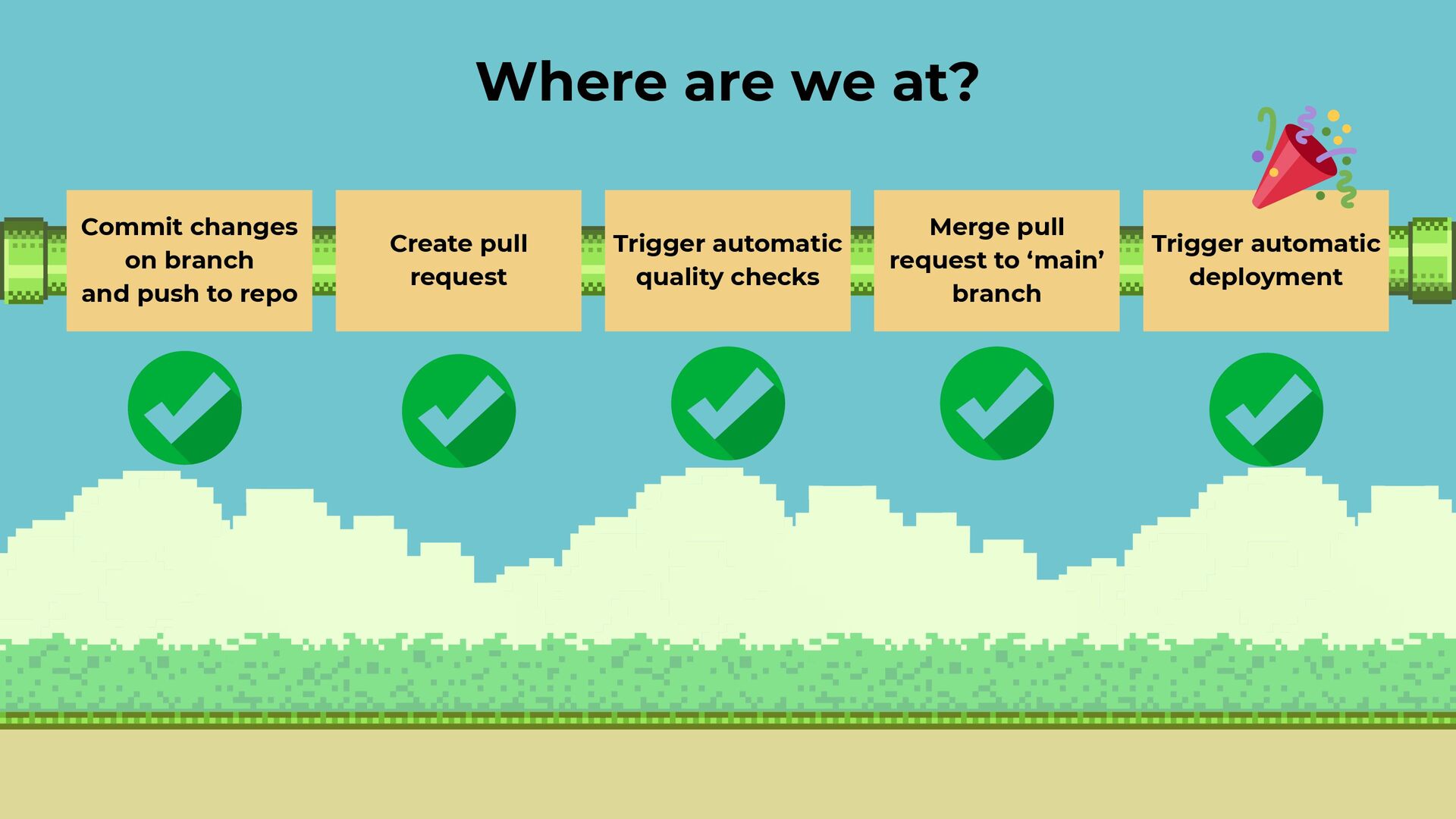
    request Merge pull request to ‘main’ branch Trigger automatic quality checks Trigger automatic deployment Where are we at?
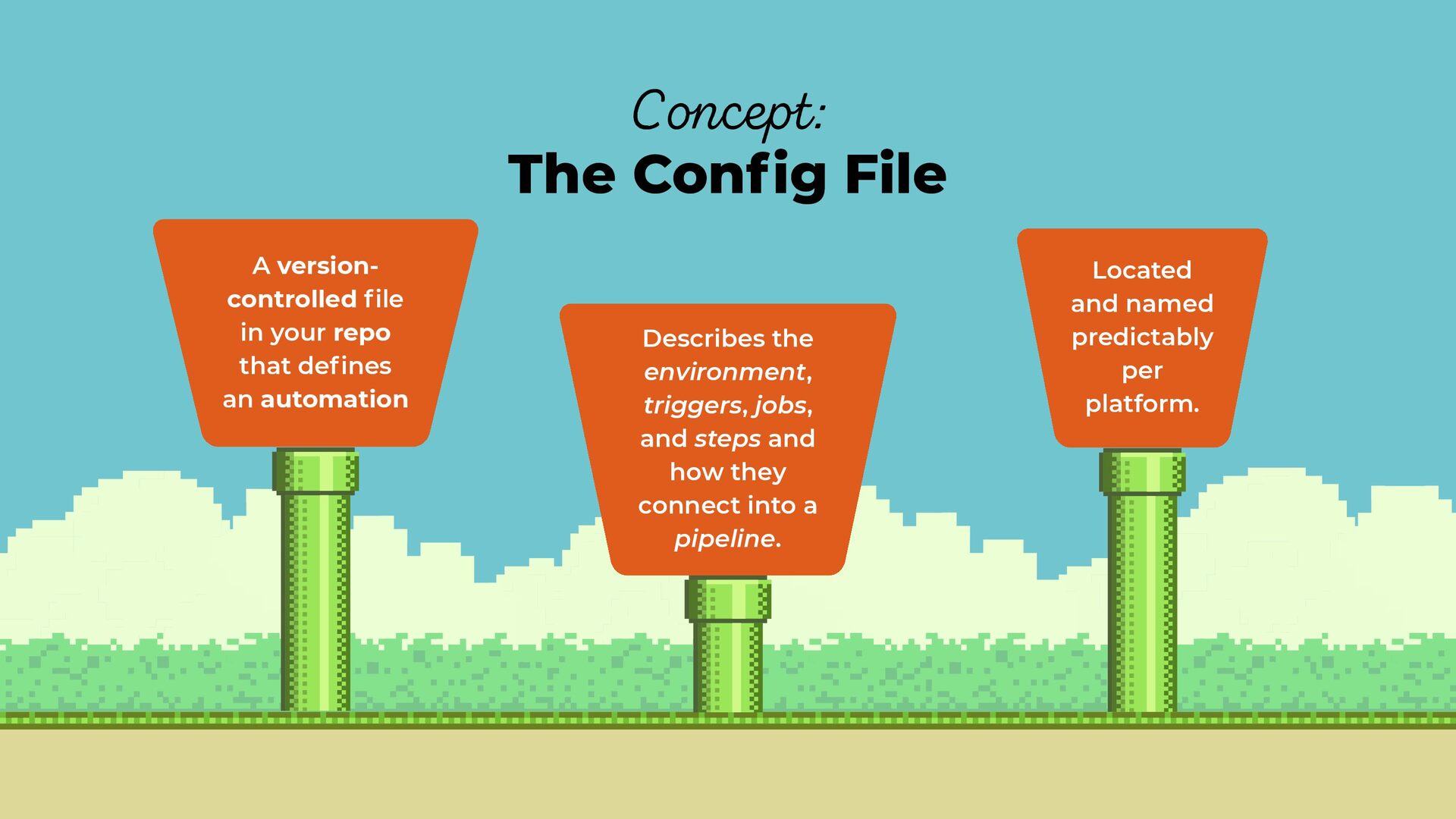
  14. A version- controlled file in your repo that defines an

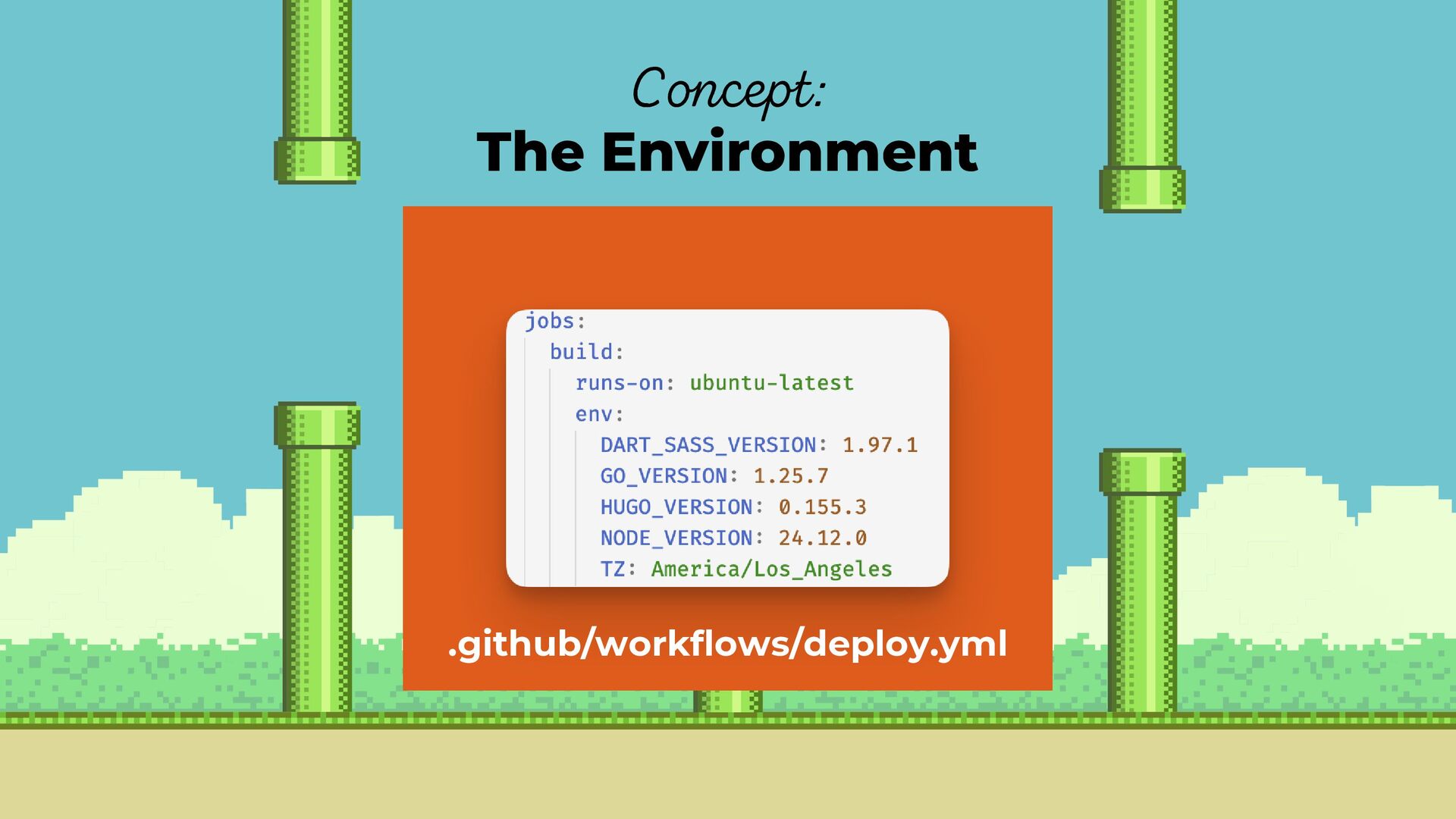
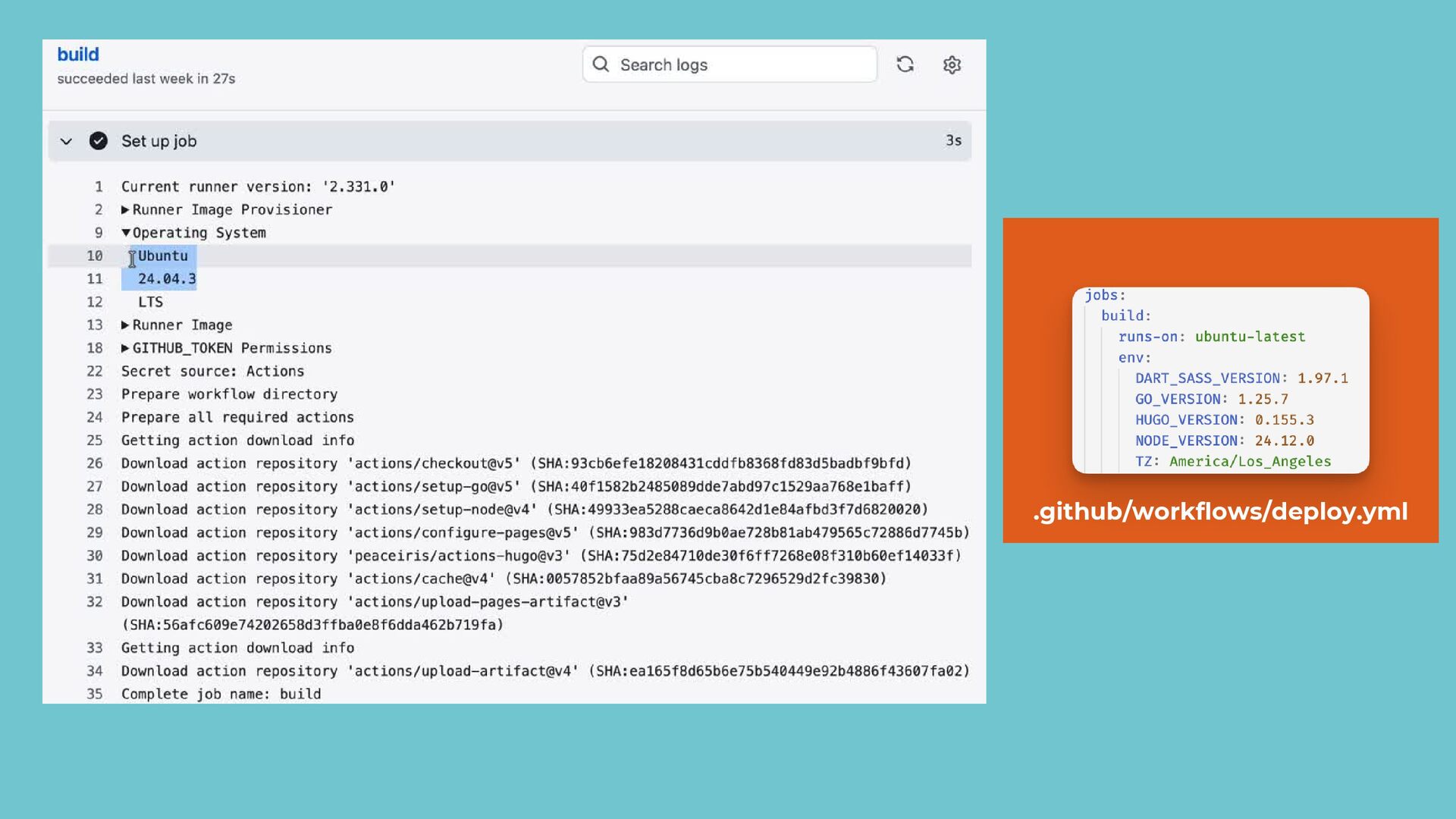
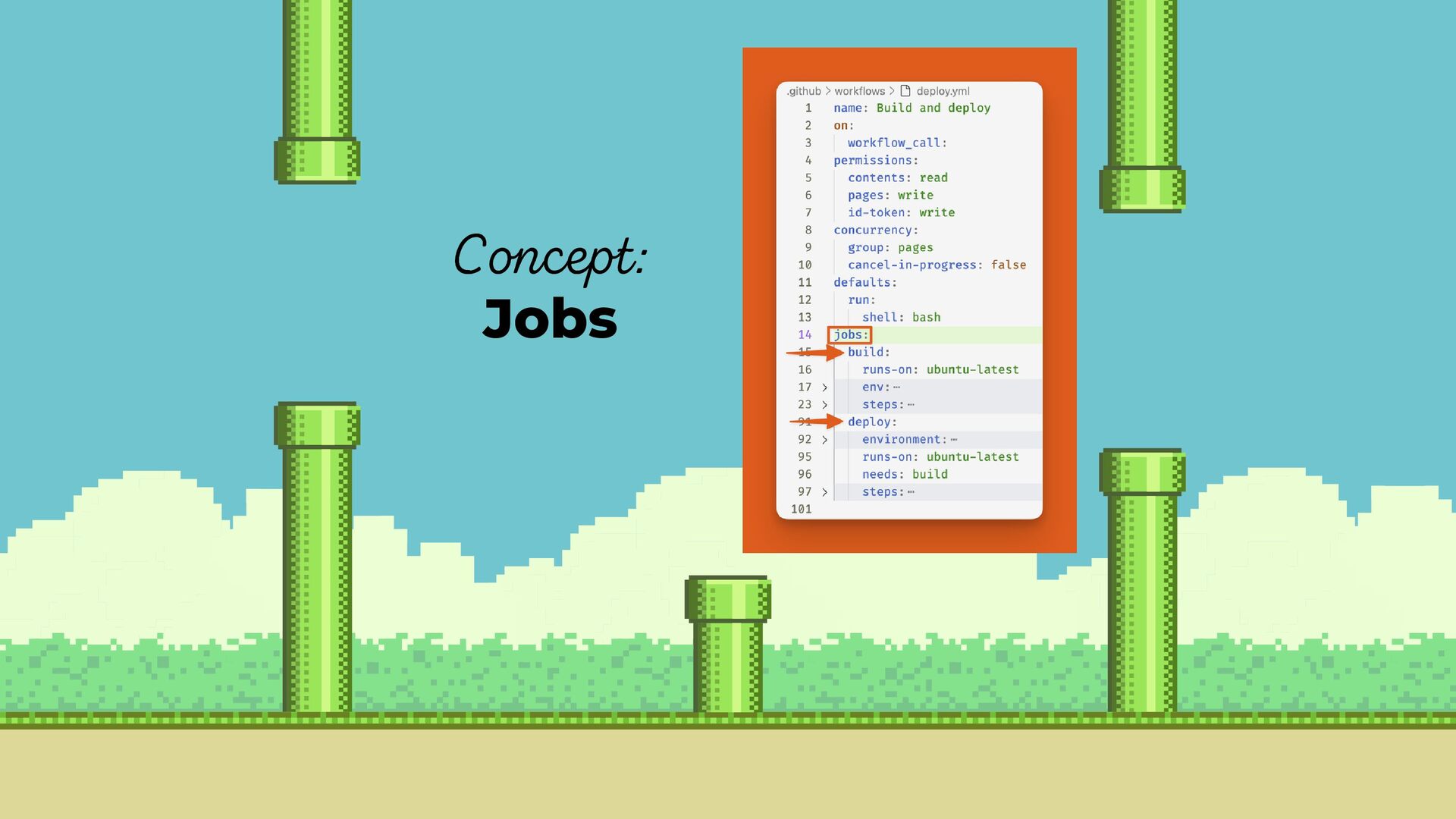
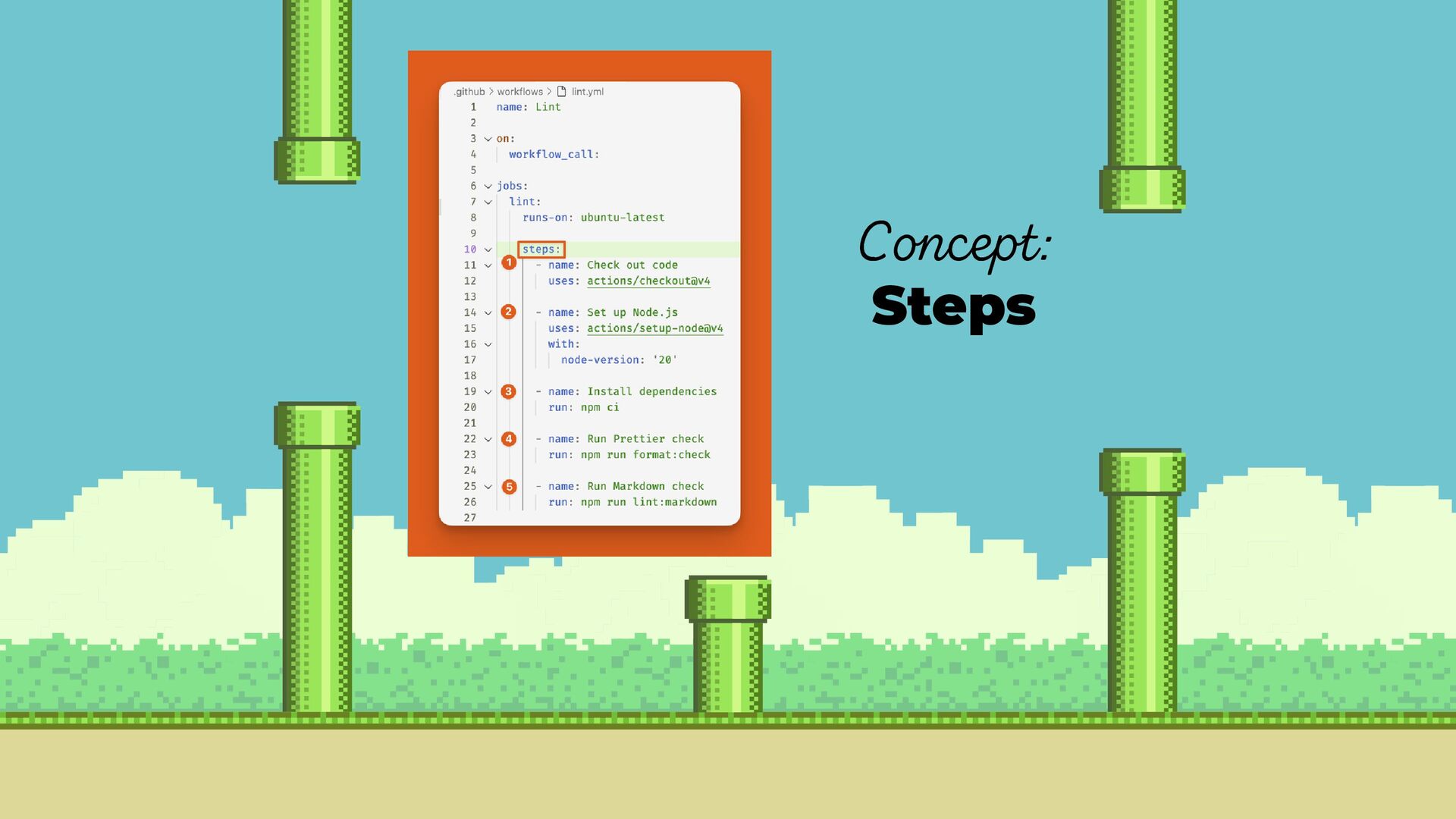
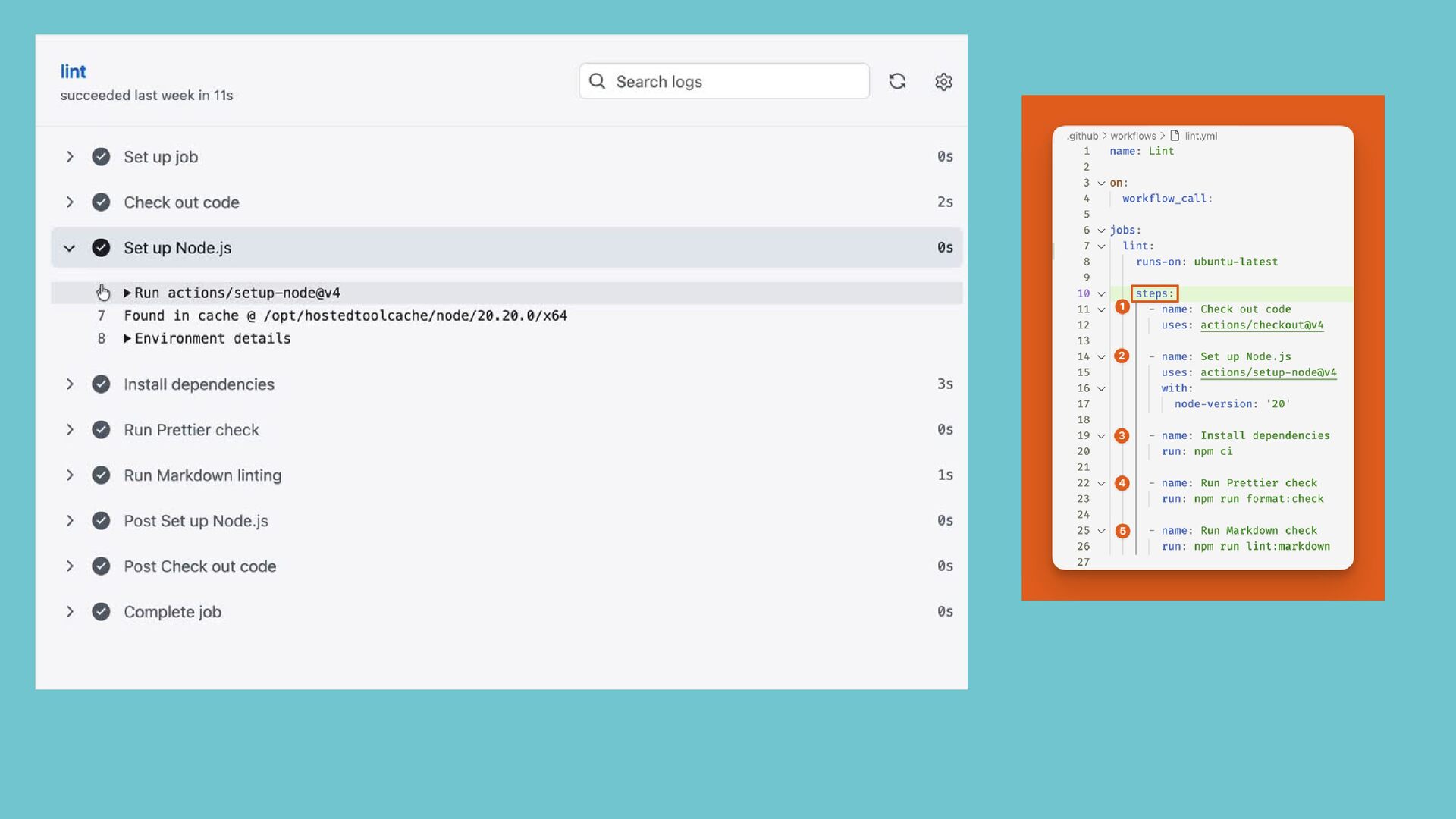
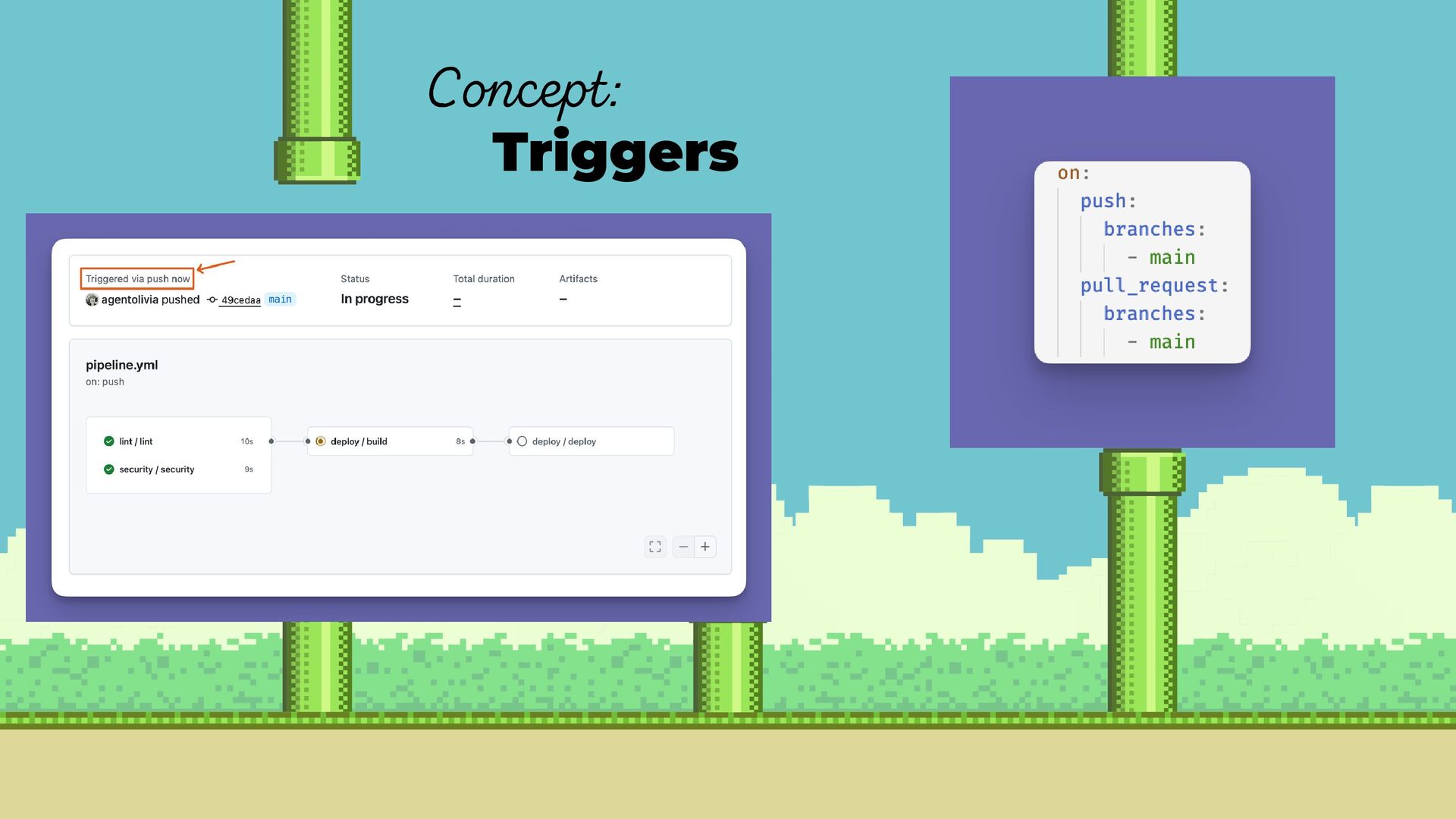
    automation Located and named predictably per platform. Describes the environment, triggers, jobs, and steps and how they connect into a pipeline. Concept: The Config File
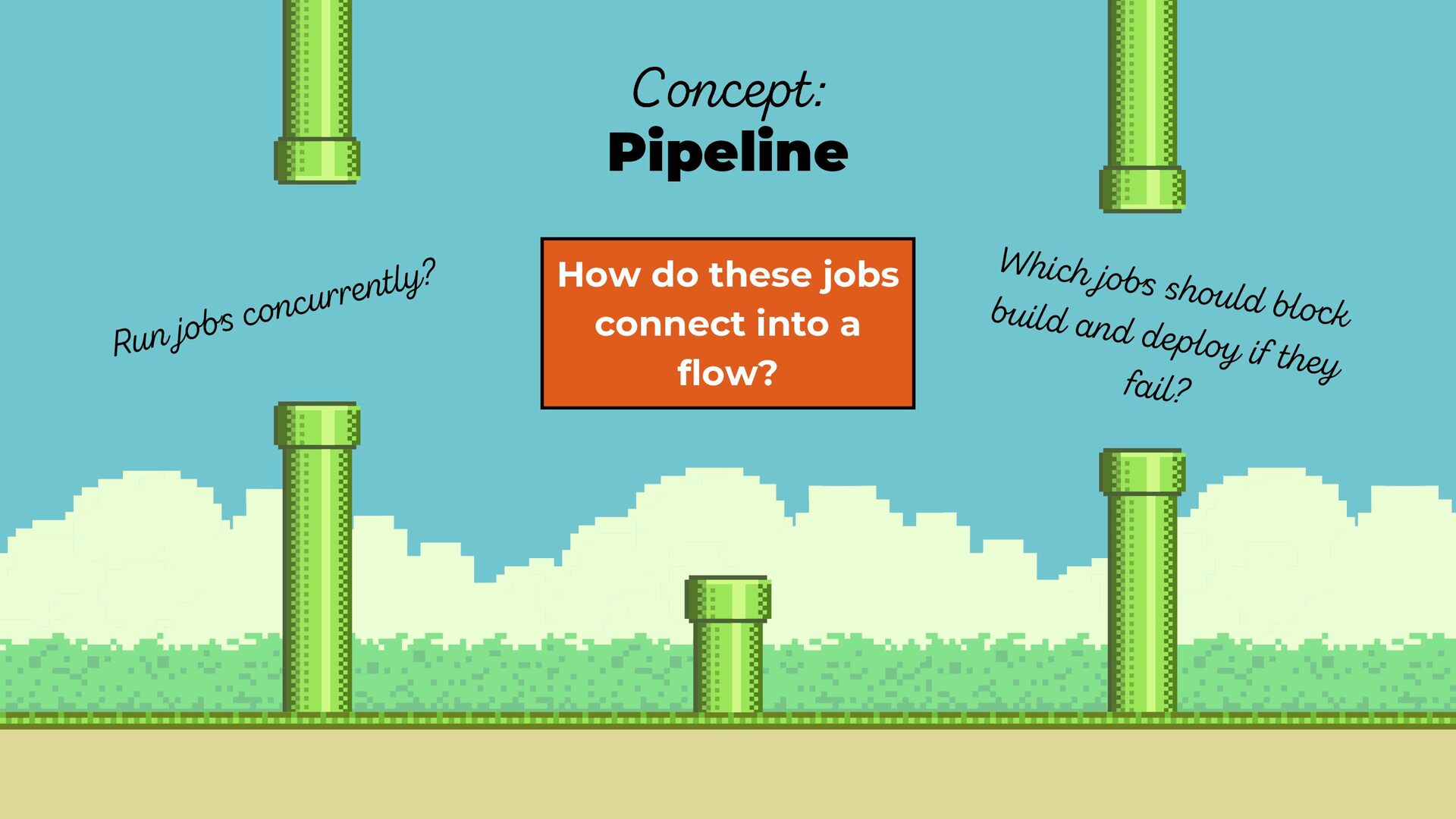
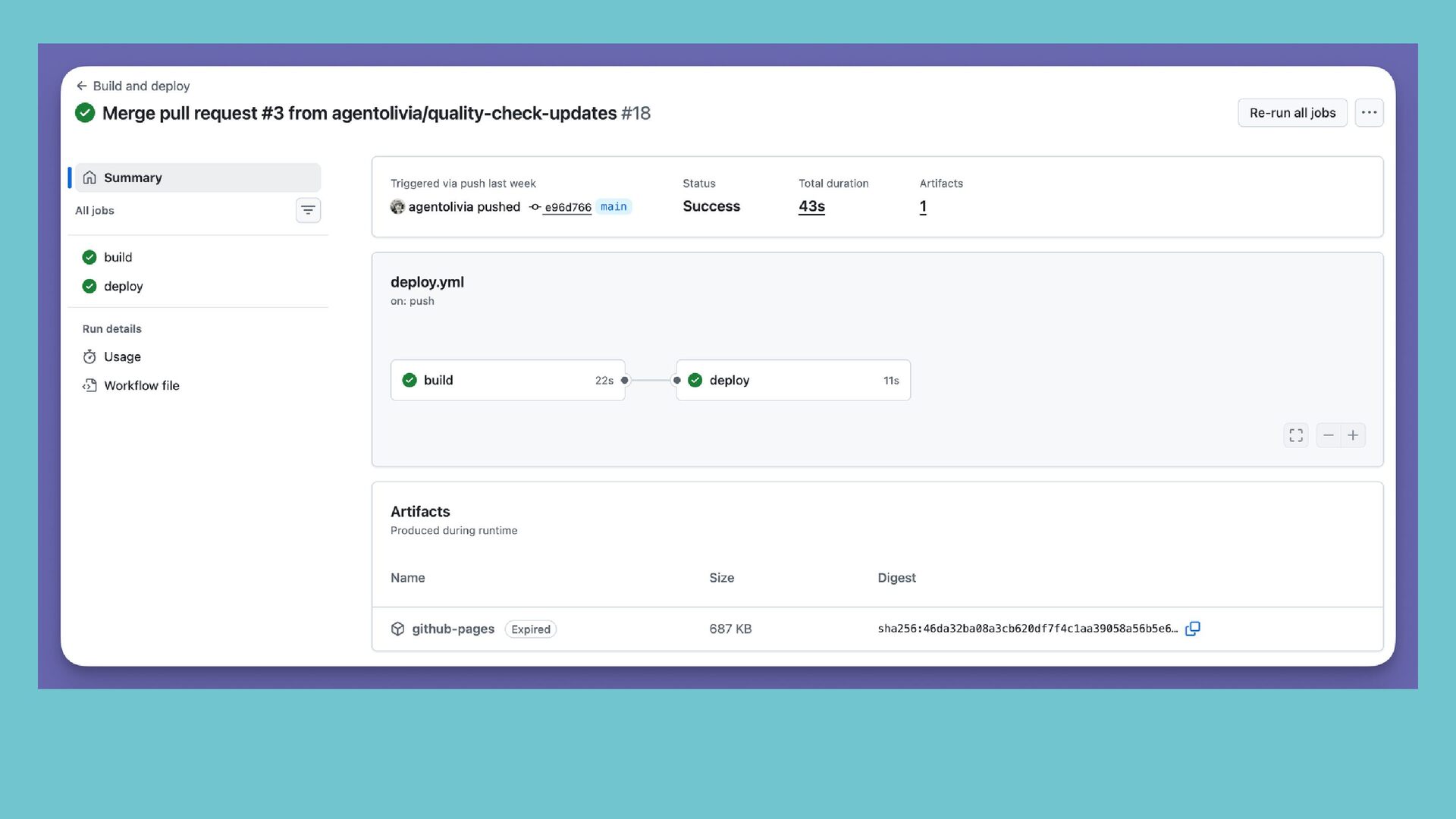
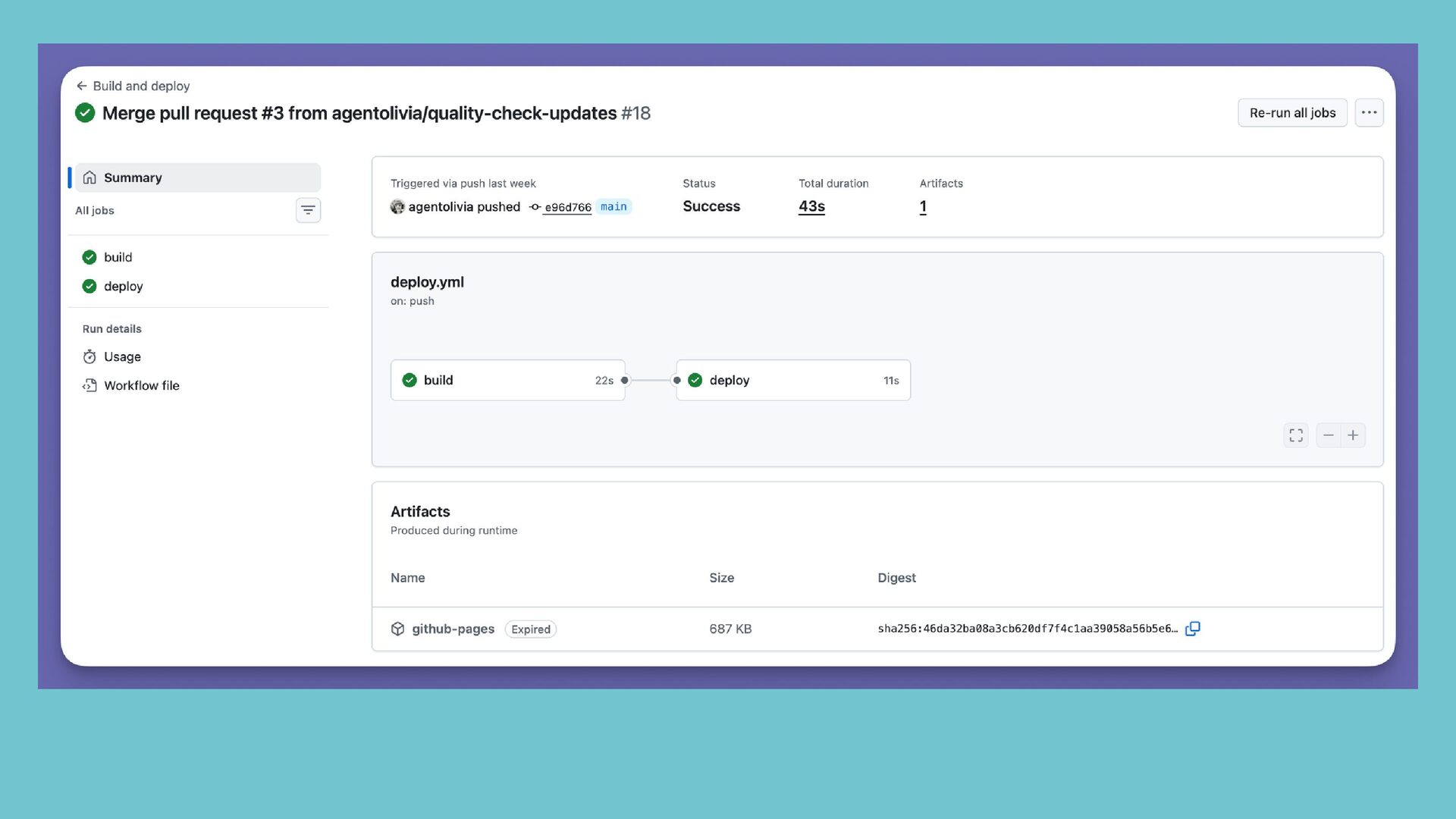
  15. How do these jobs connect into a flow? Concept: Pipeline
    Run jobs concurrently? Which jobs should block build and deploy if they fail?
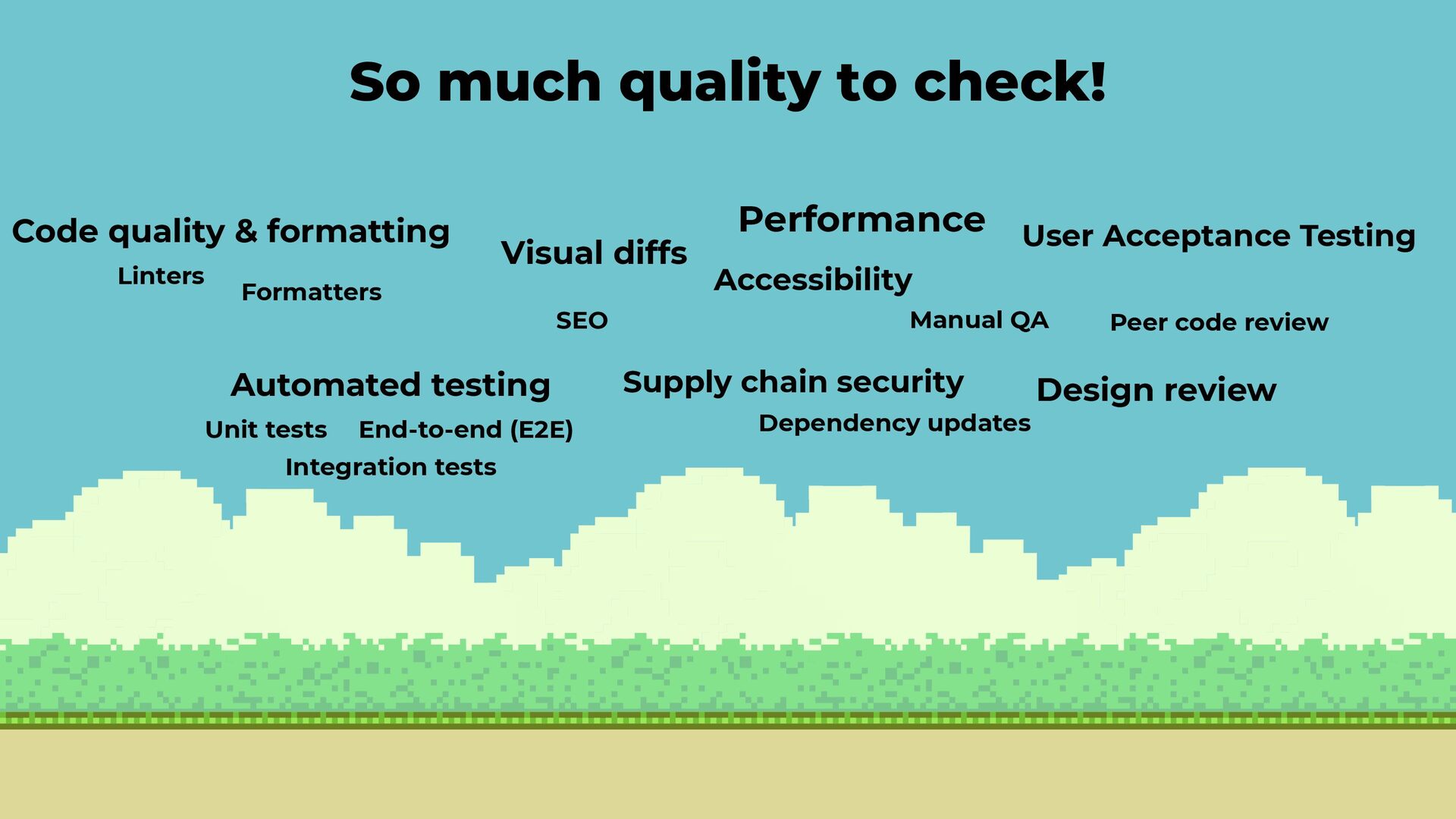
  16. So much quality to check! Code quality & formatting Linters

    Formatters Automated testing Unit tests Integration tests End-to-end (E2E) Visual diffs Accessibility Performance User Acceptance Testing Manual QA Supply chain security Dependency updates Peer code review Design review SEO
  17. What is one tool you love to use in your

    IDE that you could add to a CI/CD pipeline that would run automatically on every pull request?
  18. Commit changes on branch and push to repo Create pull

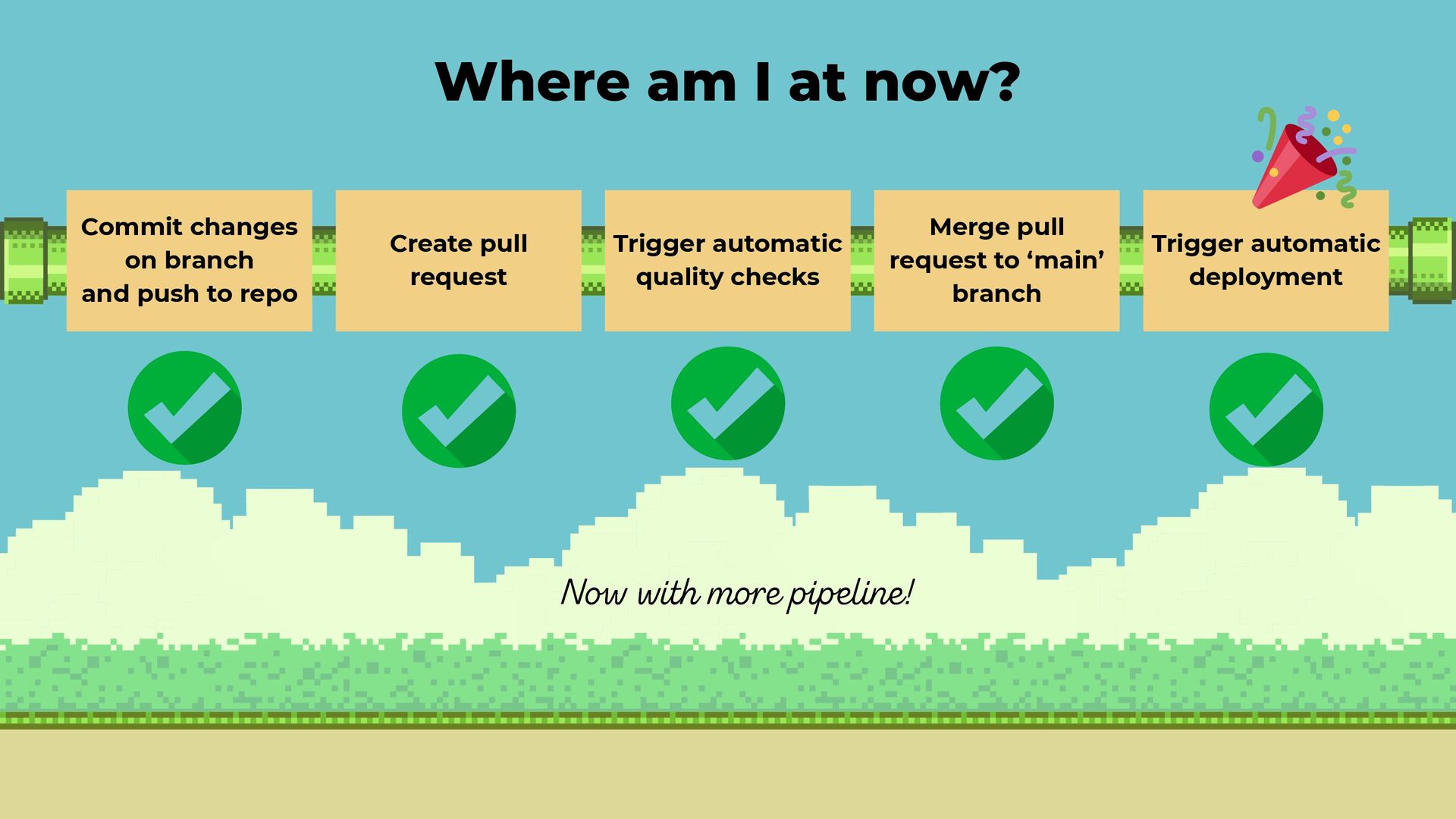
    request Merge pull request to ‘main’ branch Trigger automatic quality checks Trigger automatic deployment Where am I at now? Now with more pipeline!
  19. What did we learn? How I created a sandbox to

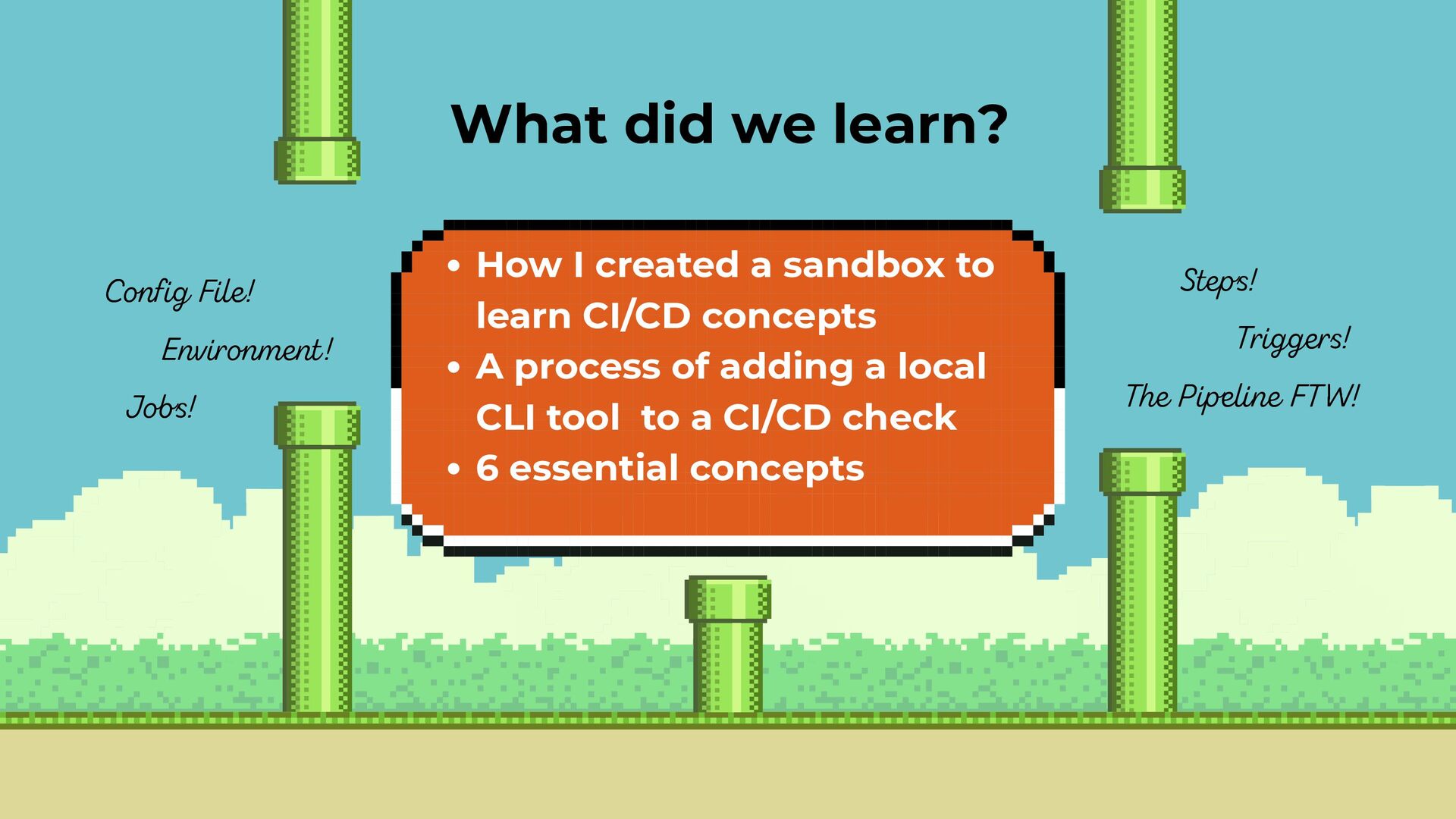
    learn CI/CD concepts A process of adding a local CLI tool to a CI/CD check 6 essential concepts Config File! Environment! Jobs! Steps! Triggers! The Pipeline FTW!
  20. Now Go and Build Your First CI/CD Pipeline Amber Matz

    (And Add a Quality Check While You’re At It!) Developer Advocate tugboatqa.com