Share
Embed
Introduction to ZF2
Zend Framework 2 has matured nicely since it’s release, so let’s look at how it works! In this talk, I will walk through the structure of a ZF 2 application with lots of code examples!
We will cover configuration, service location, modules, routing and the MVC system to provide a clear introduction to the key elements of a Zend Framework 2 application.
Rob Allen
November 08, 2014
Transcript
55 slides
-
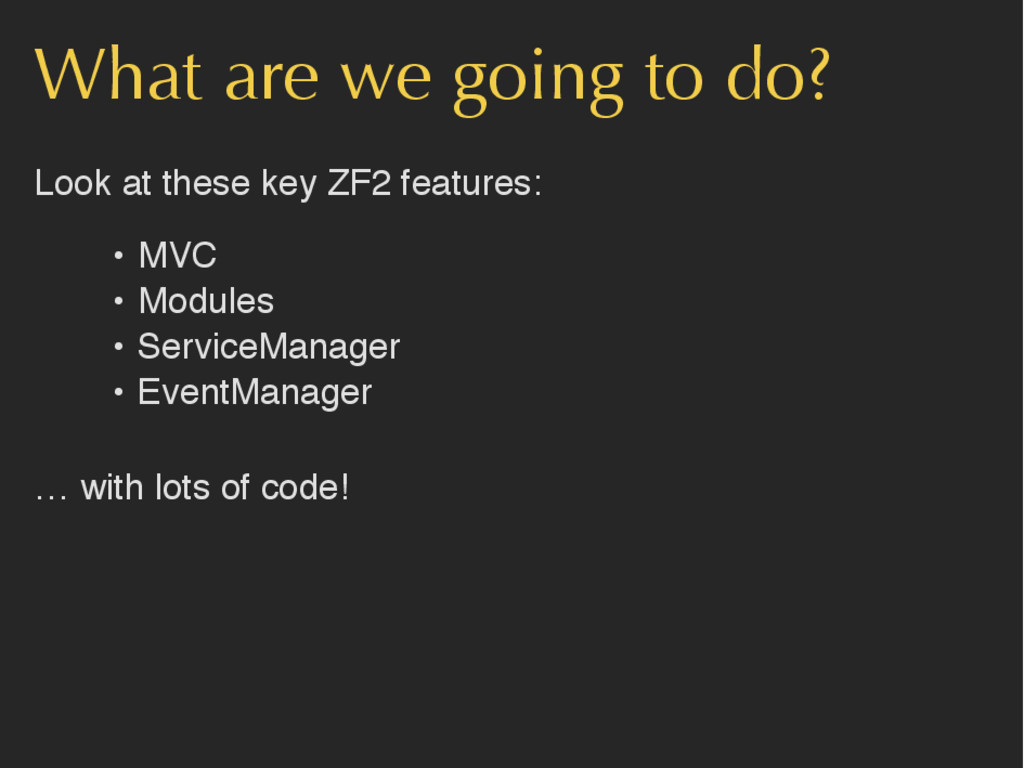
What are we going to do? Look at these key
ZF2 features: • MVC • Modules • ServiceManager • EventManager … with lots of code! -
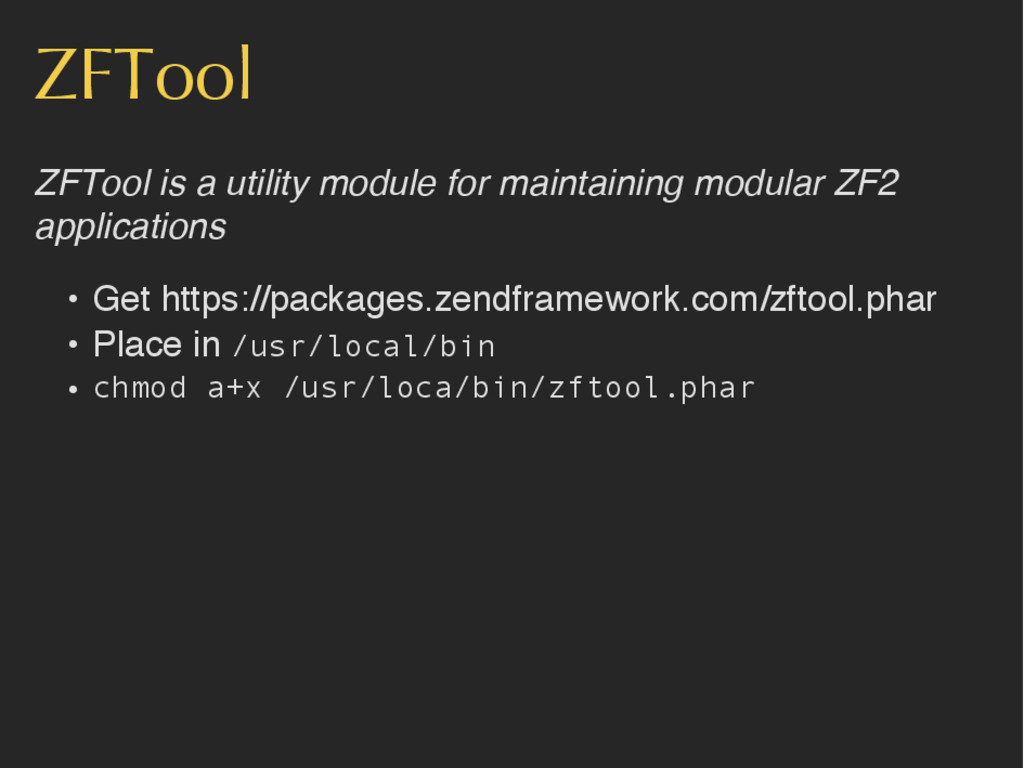
ZFTool ZFTool is a utility module for maintaining modular ZF2
applications • Get https://packages.zendframework.com/zftool.phar • Place in /usr/local/bin • chmod a+x /usr/loca/bin/zftool.phar -
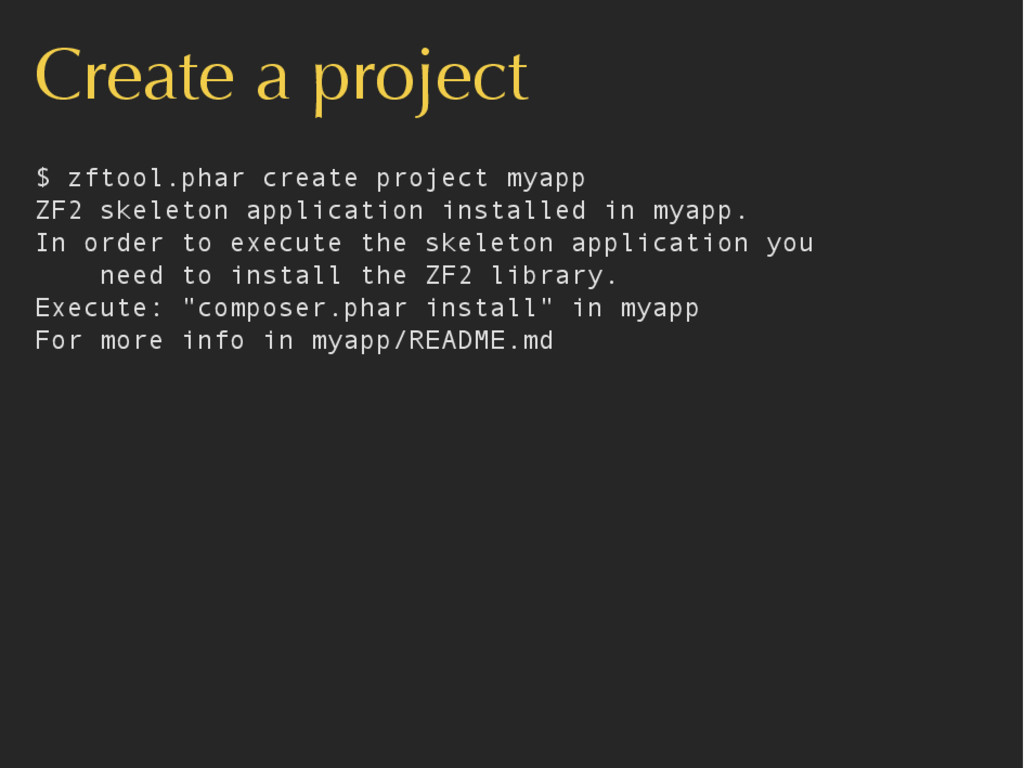
Create a project $ zftool.phar create project myapp ZF2 skeleton
application installed in myapp. In order to execute the skeleton application you need to install the ZF2 library. Execute: "composer.phar install" in myapp For more info in myapp/README.md -
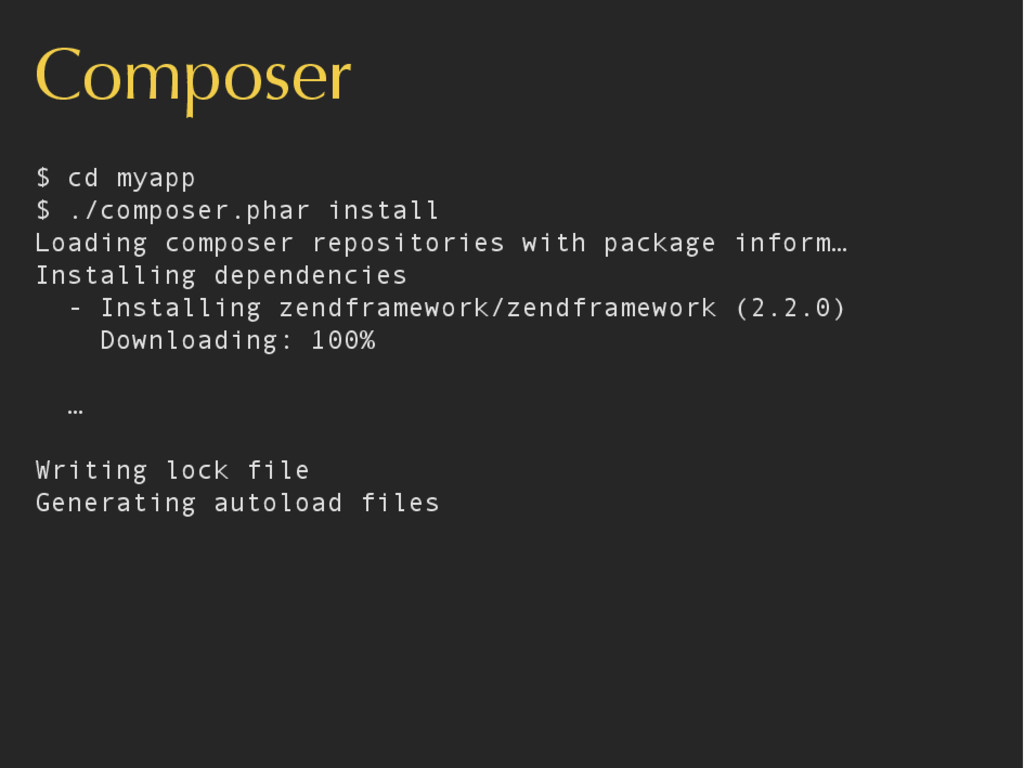
Composer $ cd myapp $ ./composer.phar install Loading composer repositories
with package inform… Installing dependencies - Installing zendframework/zendframework (2.2.0) Downloading: 100% … Writing lock file Generating autoload files -
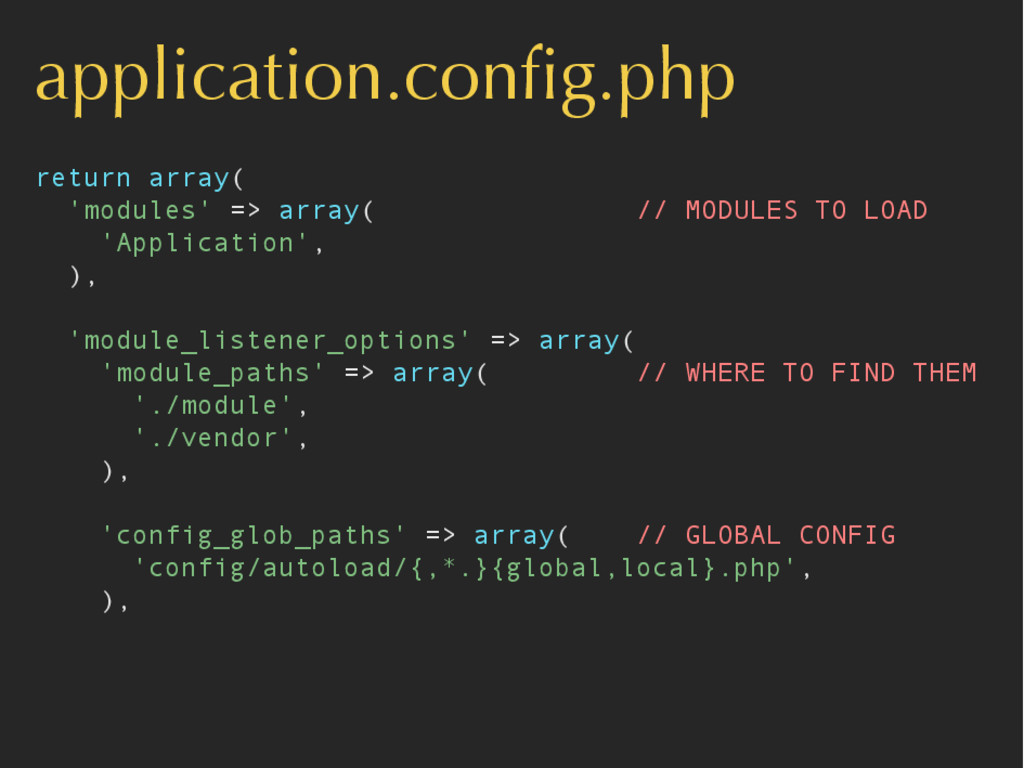
application.config.php return array( 'modules' => array( // MODULES TO LOAD
'Application', ), 'module_listener_options' => array( 'module_paths' => array( // WHERE TO FIND THEM './module', './vendor', ), 'config_glob_paths' => array( // GLOBAL CONFIG 'config/autoload/{,*.}{global,local}.php', ), -
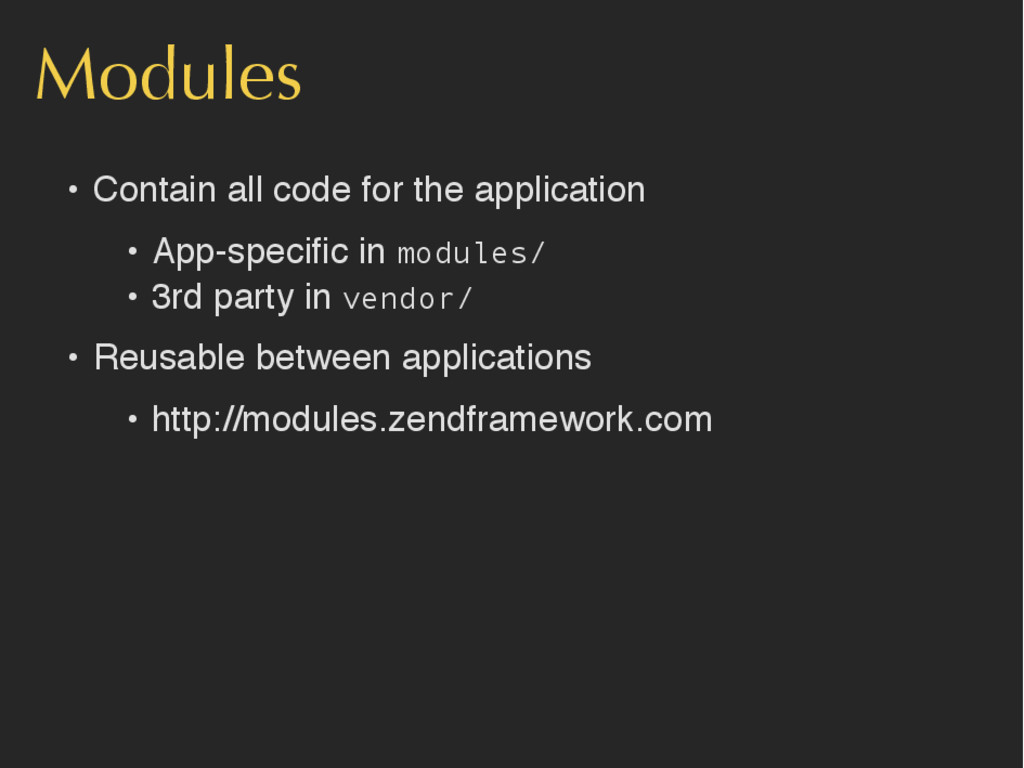
Modules • Contain all code for the application • App-specific
in modules/ • 3rd party in vendor/ • Reusable between applications • http://modules.zendframework.com -
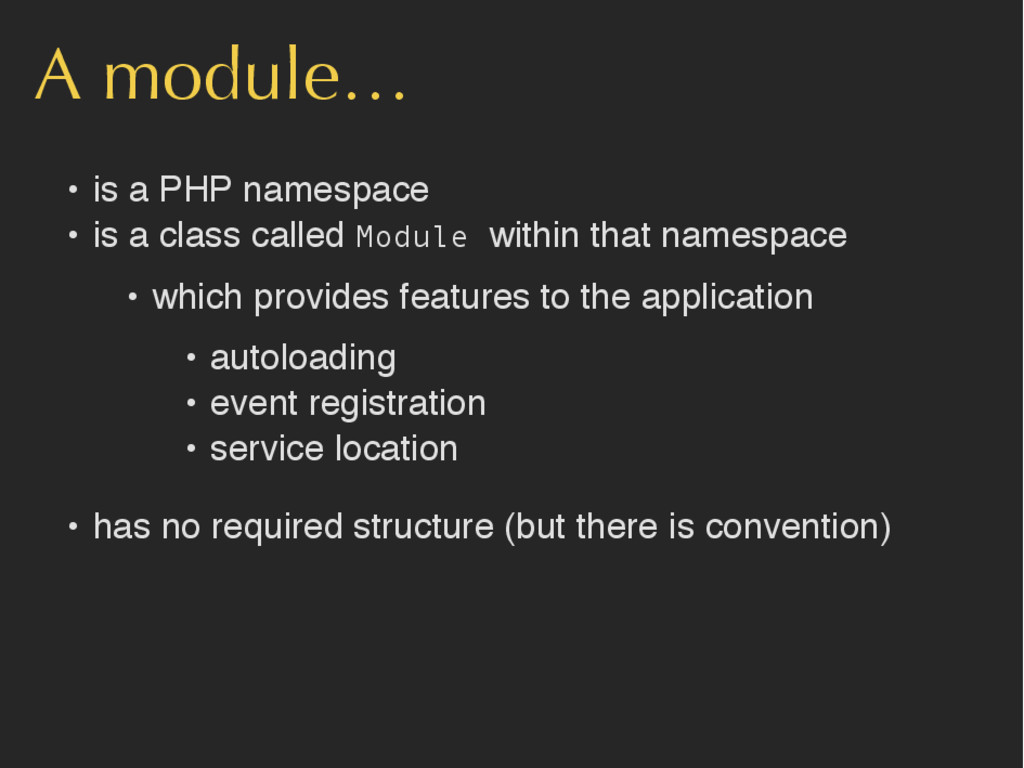
A module… • is a PHP namespace • is a
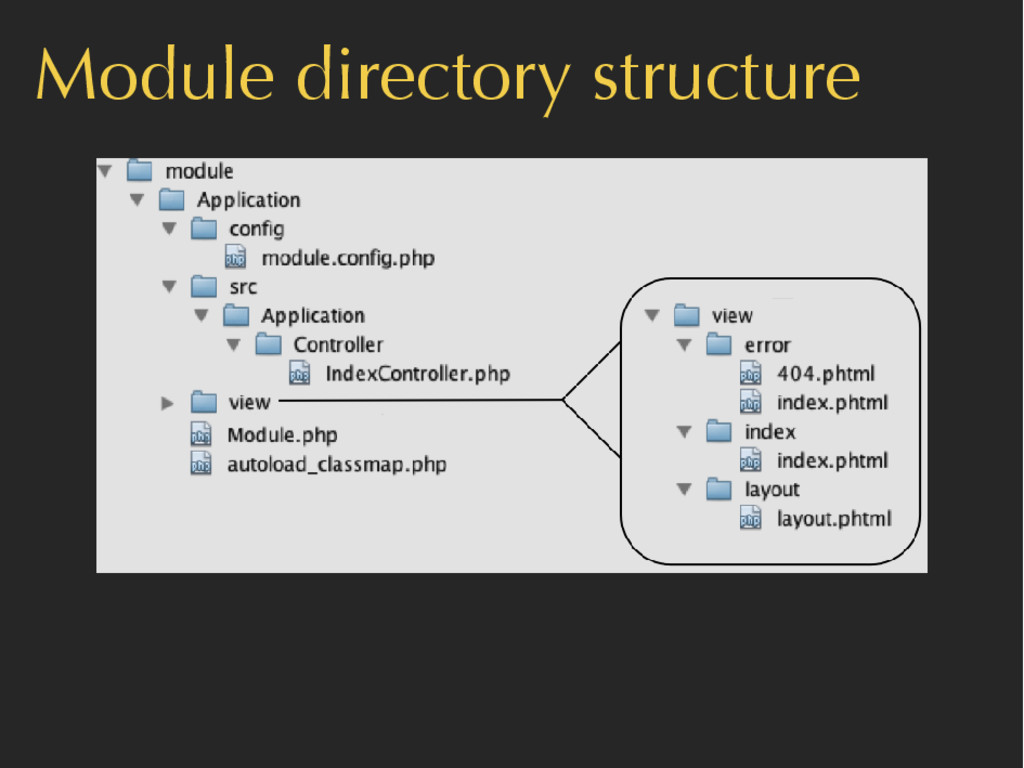
class called Module within that namespace • which provides features to the application • autoloading • event registration • service location • has no required structure (but there is convention) -
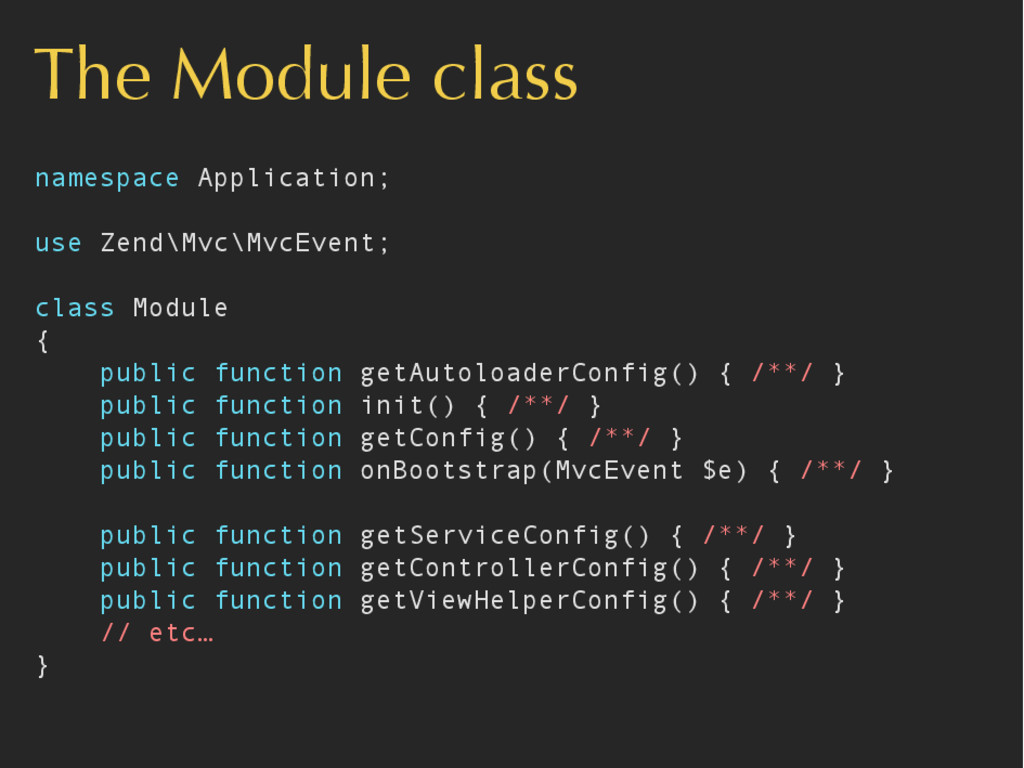
The Module class namespace Application; use Zend\Mvc\MvcEvent; class Module {
public function getAutoloaderConfig() { /**/ } public function init() { /**/ } public function getConfig() { /**/ } public function onBootstrap(MvcEvent $e) { /**/ } public function getServiceConfig() { /**/ } public function getControllerConfig() { /**/ } public function getViewHelperConfig() { /**/ } // etc… } -
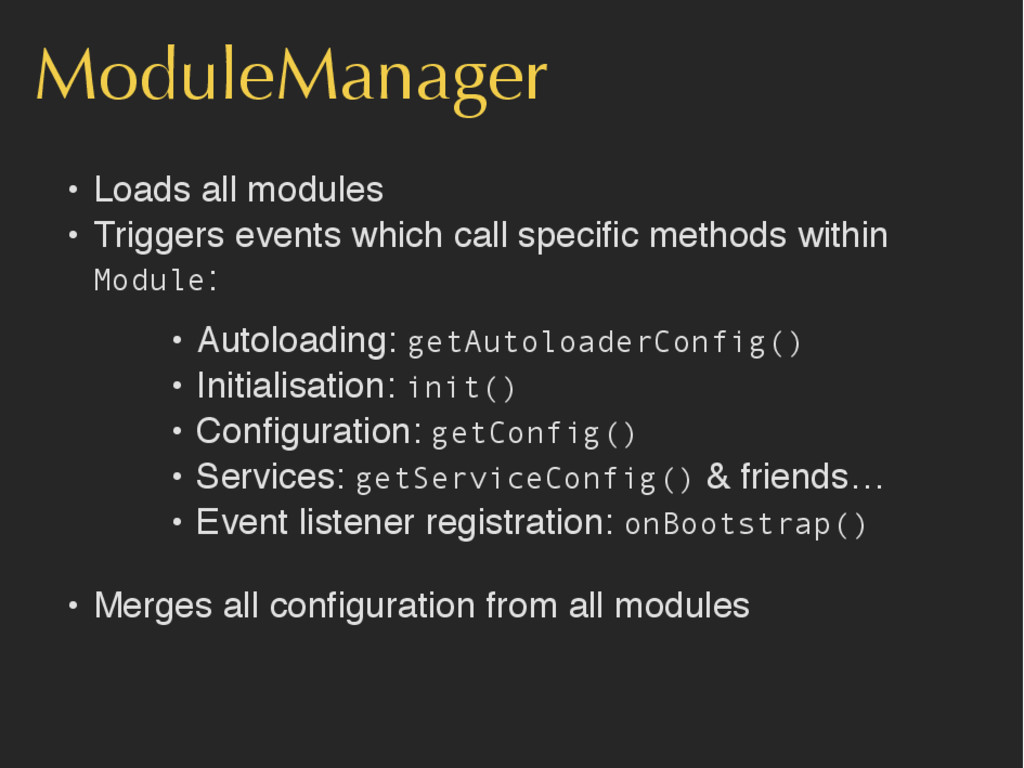
ModuleManager • Loads all modules • Triggers events which call
specific methods within Module: • Autoloading: getAutoloaderConfig() • Initialisation: init() • Configuration: getConfig() • Services: getServiceConfig() & friends… • Event listener registration: onBootstrap() • Merges all configuration from all modules -
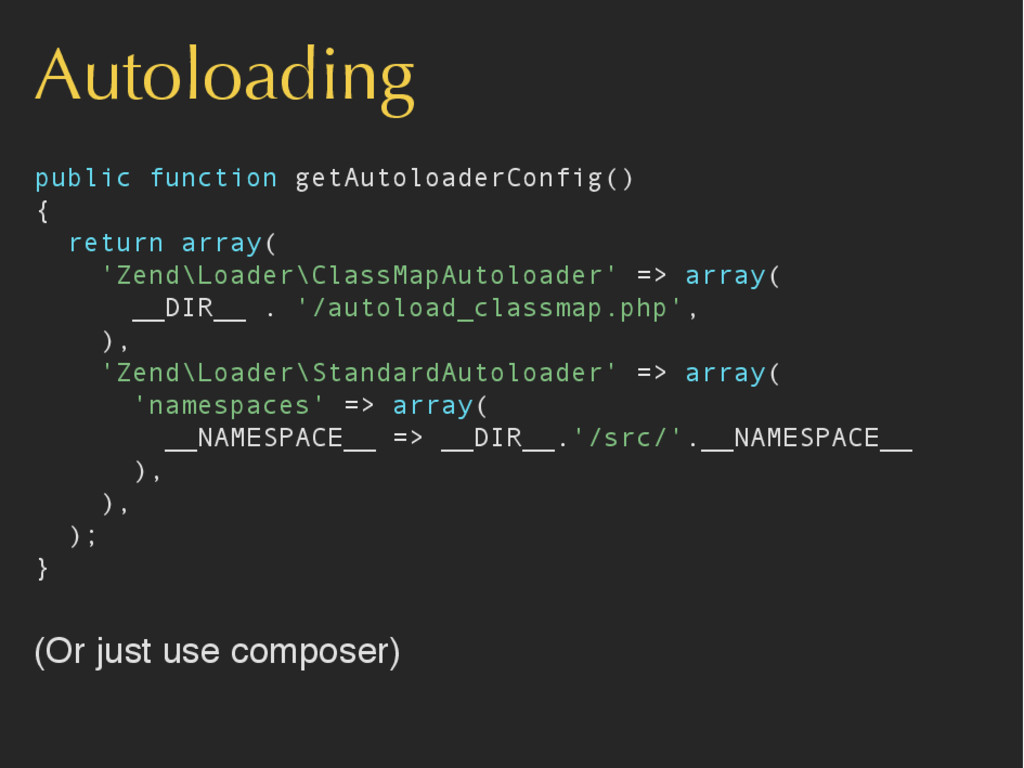
Autoloading public function getAutoloaderConfig() { return array( 'Zend\Loader\ClassMapAutoloader' => array(
__DIR__ . '/autoload_classmap.php', ), 'Zend\Loader\StandardAutoloader' => array( 'namespaces' => array( __NAMESPACE__ => __DIR__.'/src/'.__NAMESPACE__ ), ), ); } (Or just use composer) -
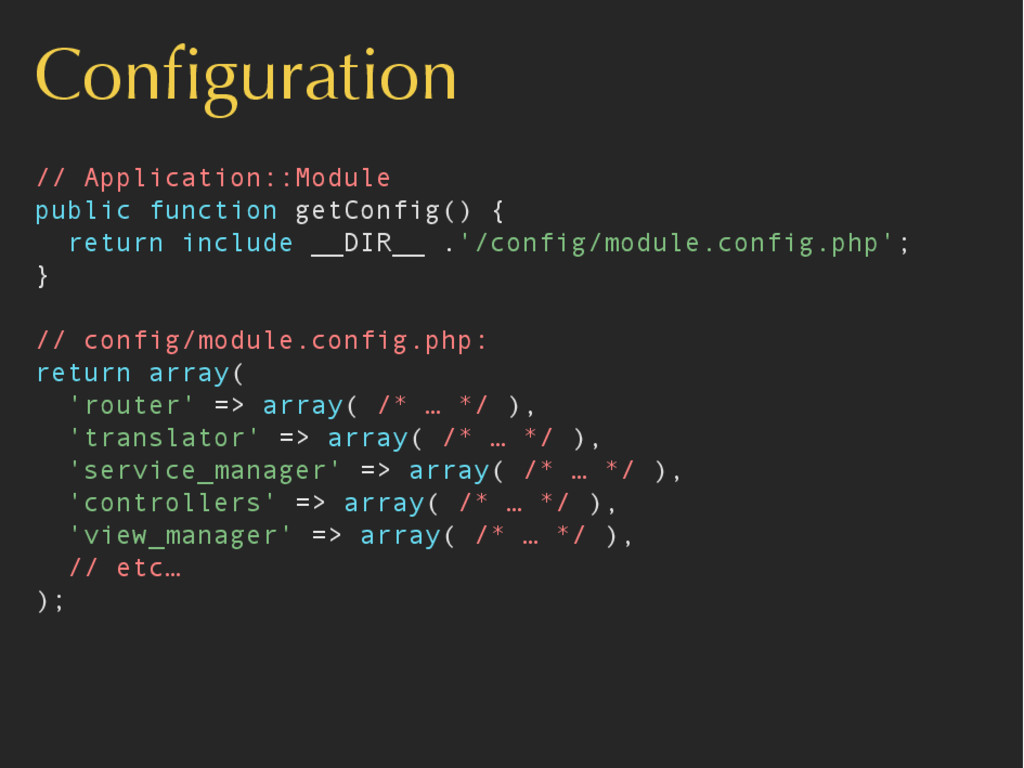
Configuration // Application::Module public function getConfig() { return include __DIR__
.'/config/module.config.php'; } // config/module.config.php: return array( 'router' => array( /* … */ ), 'translator' => array( /* … */ ), 'service_manager' => array( /* … */ ), 'controllers' => array( /* … */ ), 'view_manager' => array( /* … */ ), // etc… ); -
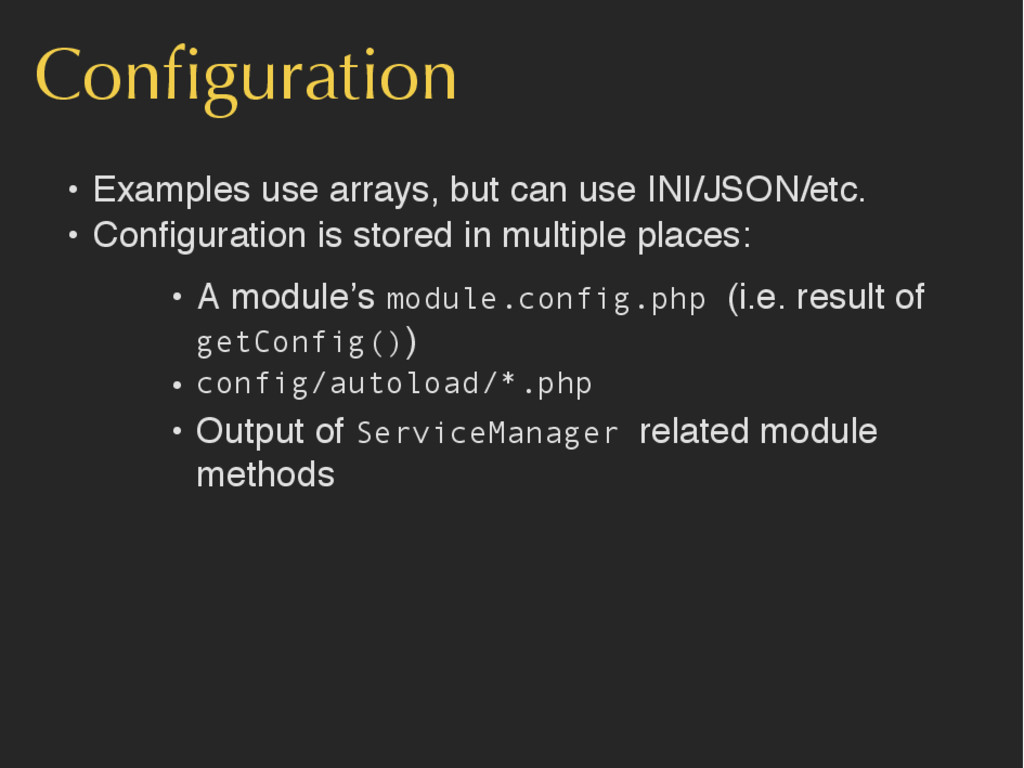
Configuration • Examples use arrays, but can use INI/JSON/etc. •
Configuration is stored in multiple places: • A module’s module.config.php (i.e. result of getConfig()) • config/autoload/*.php • Output of ServiceManager related module methods -
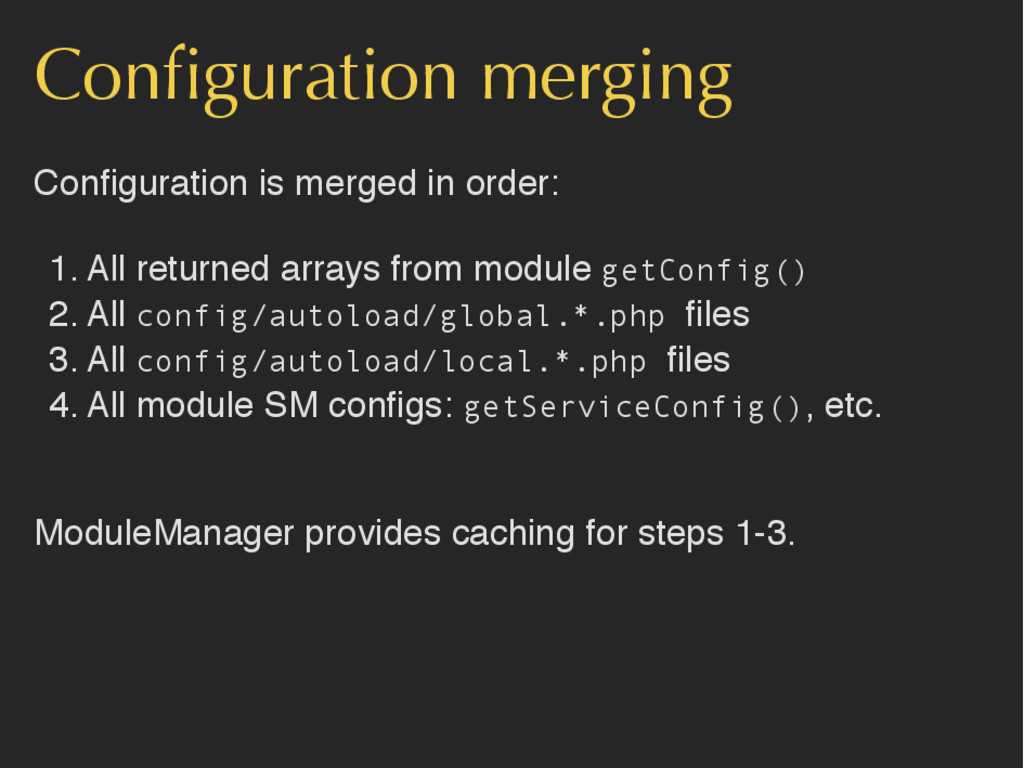
Configuration merging Configuration is merged in order: 1. All returned
arrays from module getConfig() 2. All config/autoload/global.*.php files 3. All config/autoload/local.*.php files 4. All module SM configs: getServiceConfig(), etc. ModuleManager provides caching for steps 1-3. -
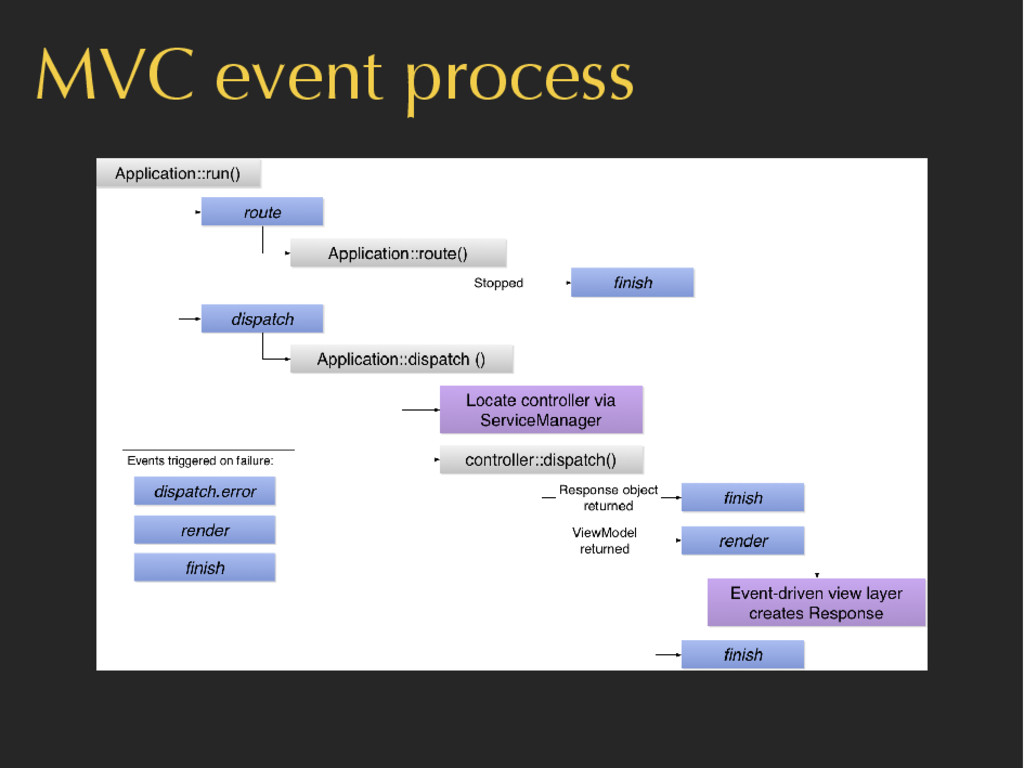
MVC is event-driven • All MVC actions are performed by
listeners triggered on events: • route • dispatch • render • You can add your own before or after the MVC ones -
Registering events // Application::Module public function onBootstrap($e) { $app =
$e->getApplication(); $events = $app->getEventManager(); $events->attach('dispatch', function($e) { // do something before dispatch }, 100); $events->attach('dispatch', function($e) { // do something after dispatch }, -100); } -
Zend\ServiceManager • Dependency Injection Container • Clean and simple way
to configure dependencies. • Explicit and easy to understand - no magic! • Used extensively by MVC • More information: http://bitly.com/bundles/akrabat/1 -
Registering services // Application/config/module.config.php: return array( 'db' => array( /*
config */ ), 'service_manager' => array( 'factories' => array( 'Zend\Db\Adapter\Adapter' => 'Zend\Db\Adapter\AdapterServiceFactory', ), 'invokables' => array( 'zfcuser_user_service' => 'User\Service\User', ), 'aliases' => array( 'my_db' => 'Zend\Db\Adapter\Adapter', ), ), -
Registering services // Application::Module public function getServiceConfig() { return array(
'factories' => array( 'ErrorHandling' => function($sm) { $log = $sm->get('Zend\Log'); $service = new ErrorHandlingService($log); return $service; }, ), ); } -
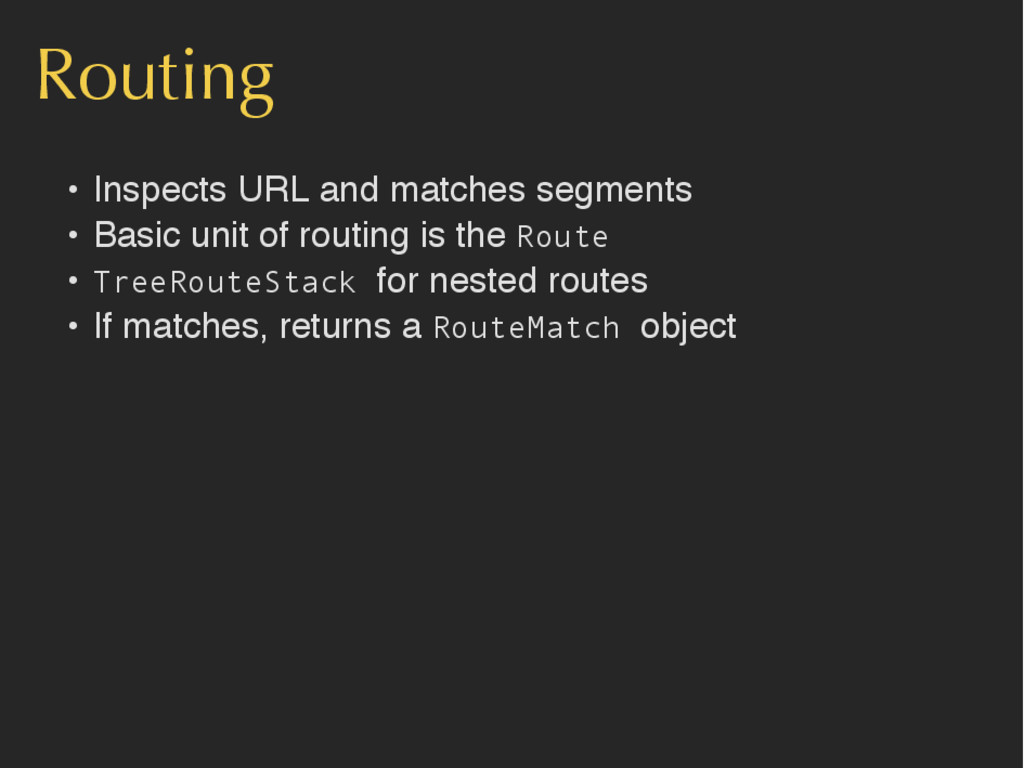
Routing • Inspects URL and matches segments • Basic unit
of routing is the Route • TreeRouteStack for nested routes • If matches, returns a RouteMatch object -
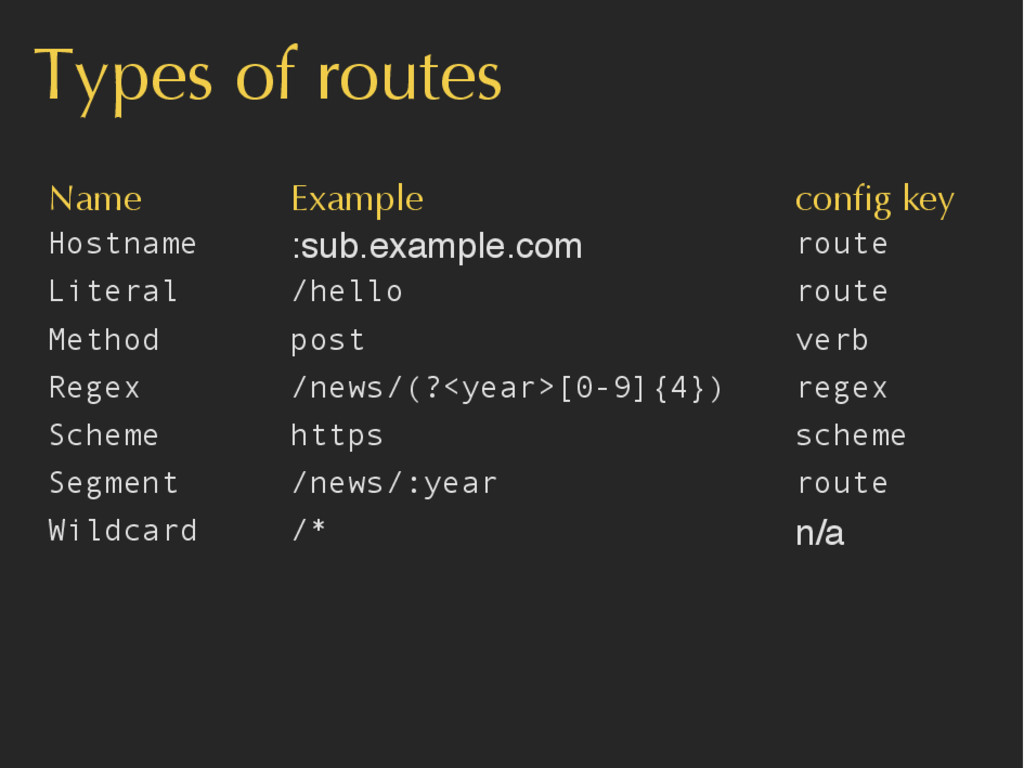
Types of routes Name Example config key Hostname :sub.example.com route
Literal /hello route Method post verb Regex /news/(?<year>[0-9]{4}) regex Scheme https scheme Segment /news/:year route Wildcard /* n/a -
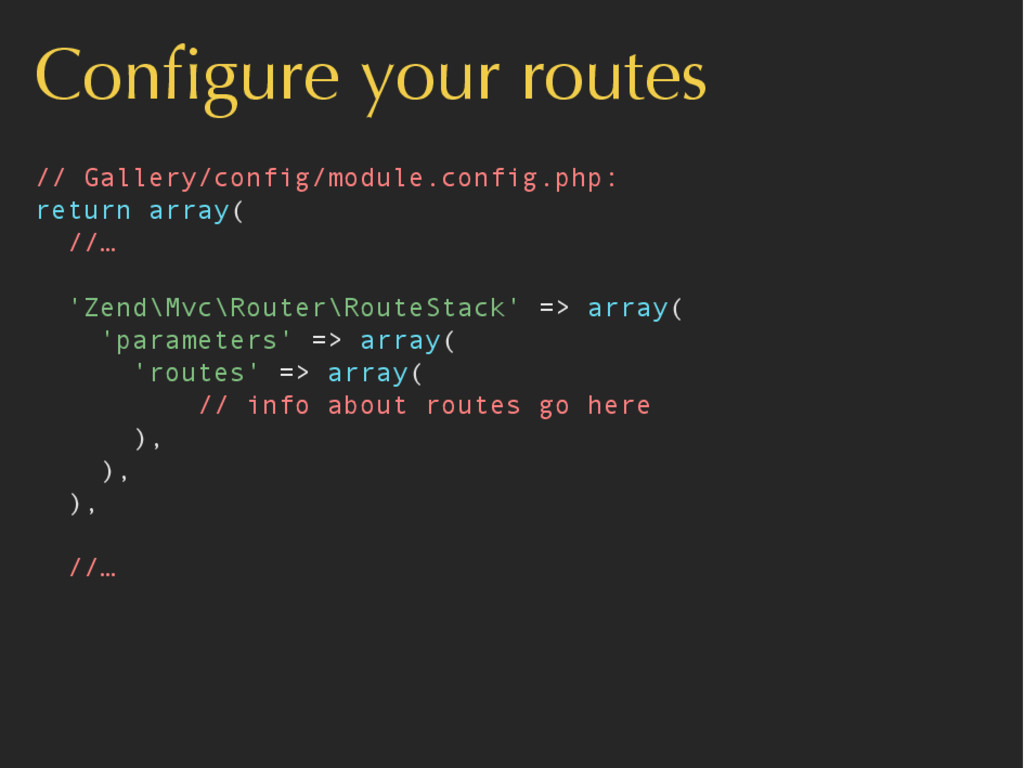
Configure your routes // Gallery/config/module.config.php: return array( //… 'Zend\Mvc\Router\RouteStack' =>
array( 'parameters' => array( 'routes' => array( // info about routes go here ), ), ), //… -
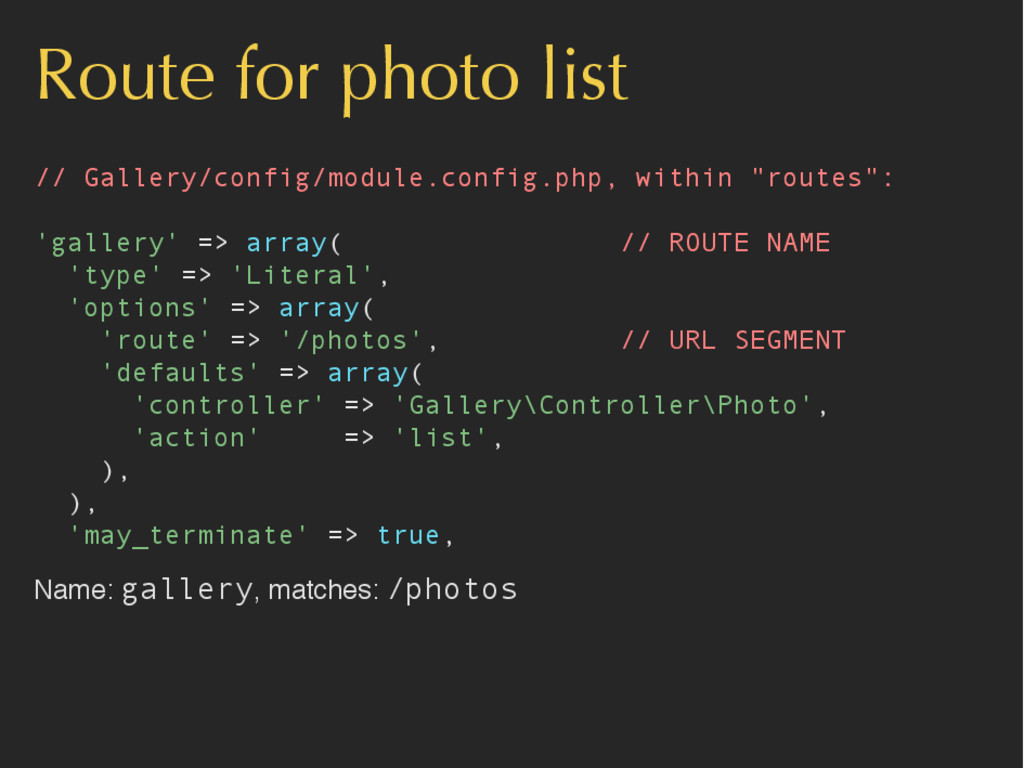
Route for photo list // Gallery/config/module.config.php, within "routes": 'gallery' =>
array( // ROUTE NAME 'type' => 'Literal', 'options' => array( 'route' => '/photos', // URL SEGMENT 'defaults' => array( 'controller' => 'Gallery\Controller\Photo', 'action' => 'list', ), ), 'may_terminate' => true, Name: gallery, matches: /photos -
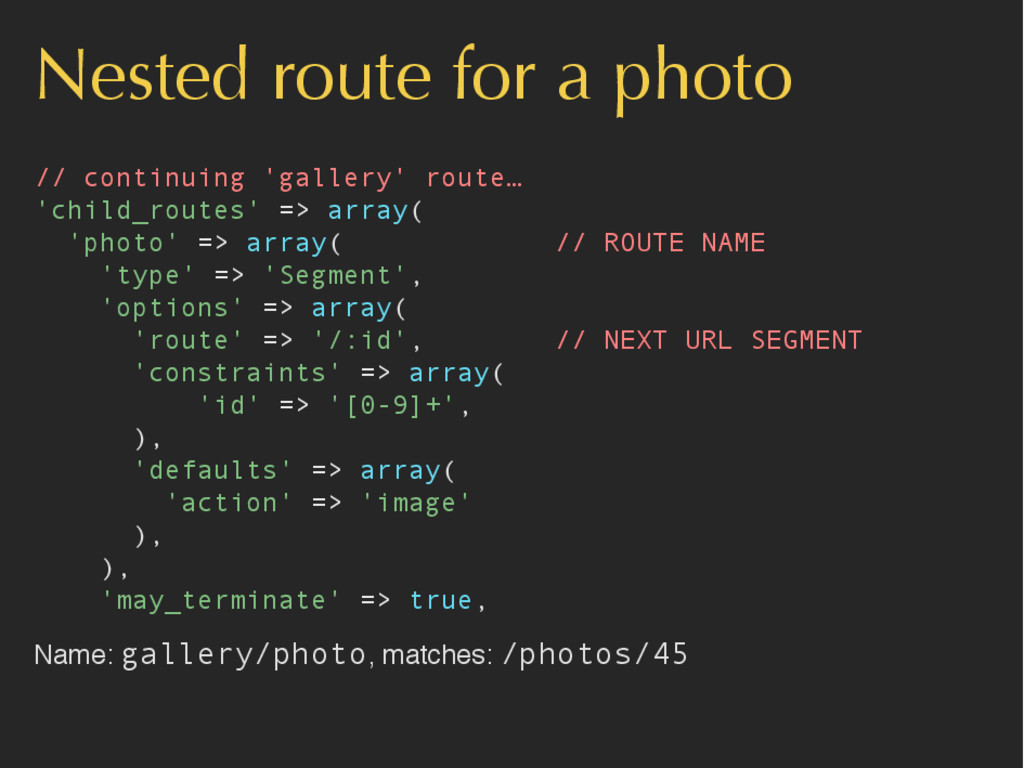
Nested route for a photo // continuing 'gallery' route… 'child_routes'
=> array( 'photo' => array( // ROUTE NAME 'type' => 'Segment', 'options' => array( 'route' => '/:id', // NEXT URL SEGMENT 'constraints' => array( 'id' => '[0-9]+', ), 'defaults' => array( 'action' => 'image' ), ), 'may_terminate' => true, Name: gallery/photo, matches: /photos/45 -
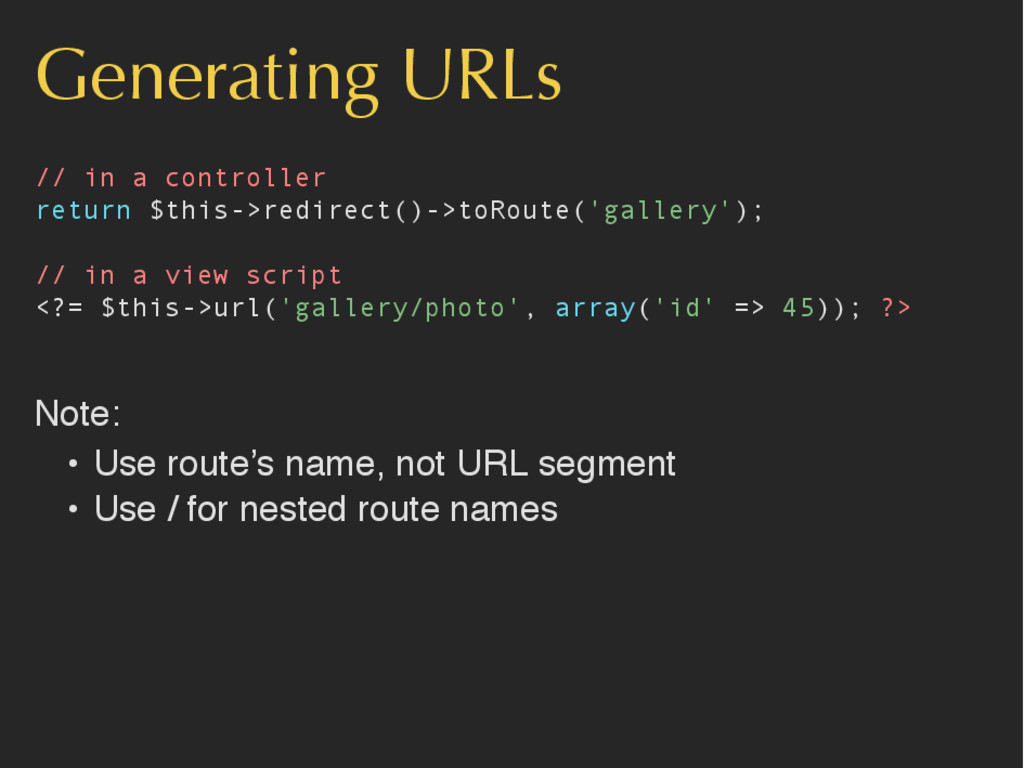
Generating URLs // in a controller return $this->redirect()->toRoute('gallery'); // in
a view script <?= $this->url('gallery/photo', array('id' => 45)); ?> Note: • Use route’s name, not URL segment • Use / for nested route names -
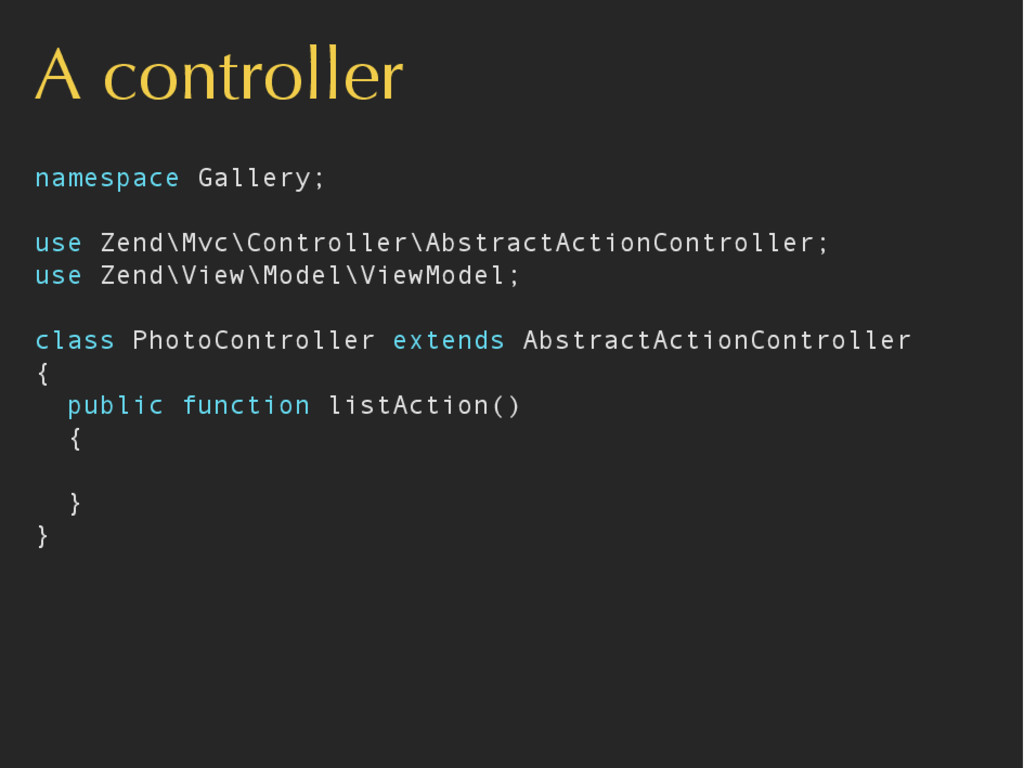
A controller namespace Gallery; use Zend\Mvc\Controller\AbstractActionController; use Zend\View\Model\ViewModel; class PhotoController
extends AbstractActionController { public function listAction() { } } -
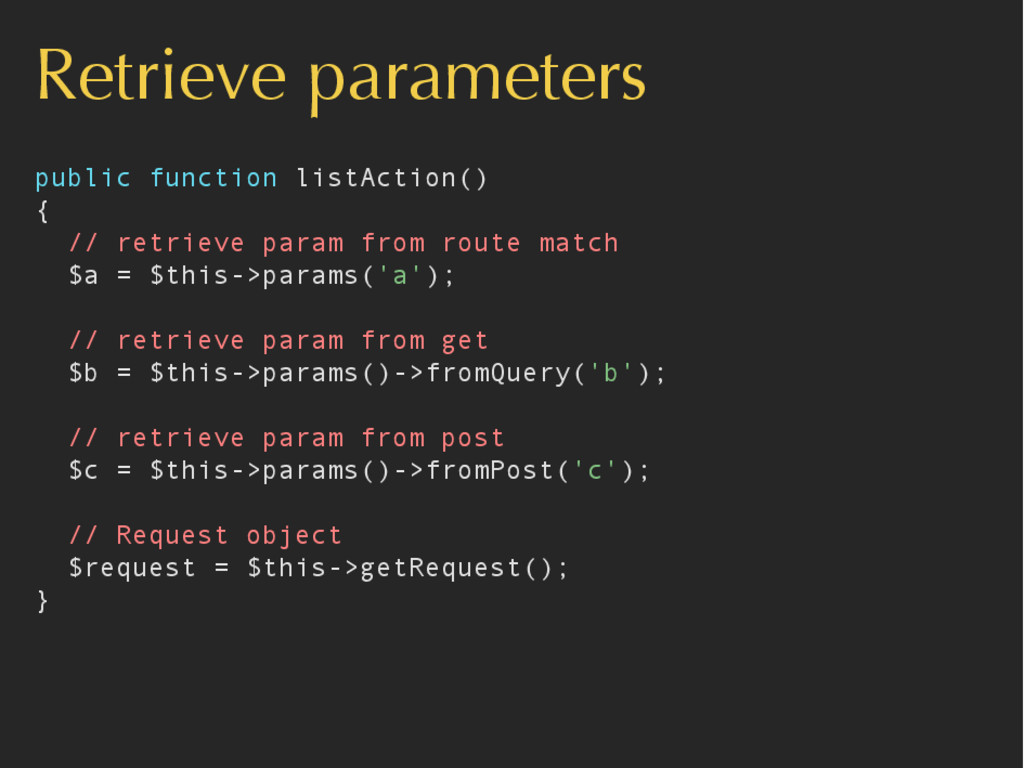
Retrieve parameters public function listAction() { // retrieve param from
route match $a = $this->params('a'); // retrieve param from get $b = $this->params()->fromQuery('b'); // retrieve param from post $c = $this->params()->fromPost('c'); // Request object $request = $this->getRequest(); } -
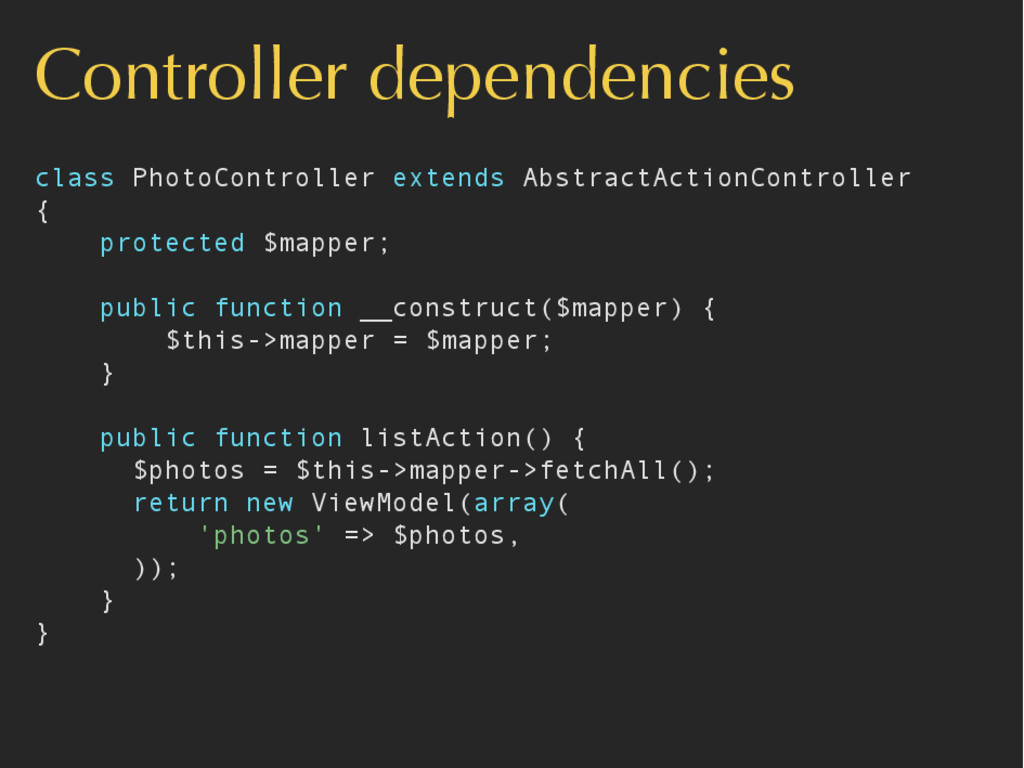
Controller dependencies class PhotoController extends AbstractActionController { protected $mapper; public
function __construct($mapper) { $this->mapper = $mapper; } public function listAction() { $photos = $this->mapper->fetchAll(); return new ViewModel(array( 'photos' => $photos, )); } } -
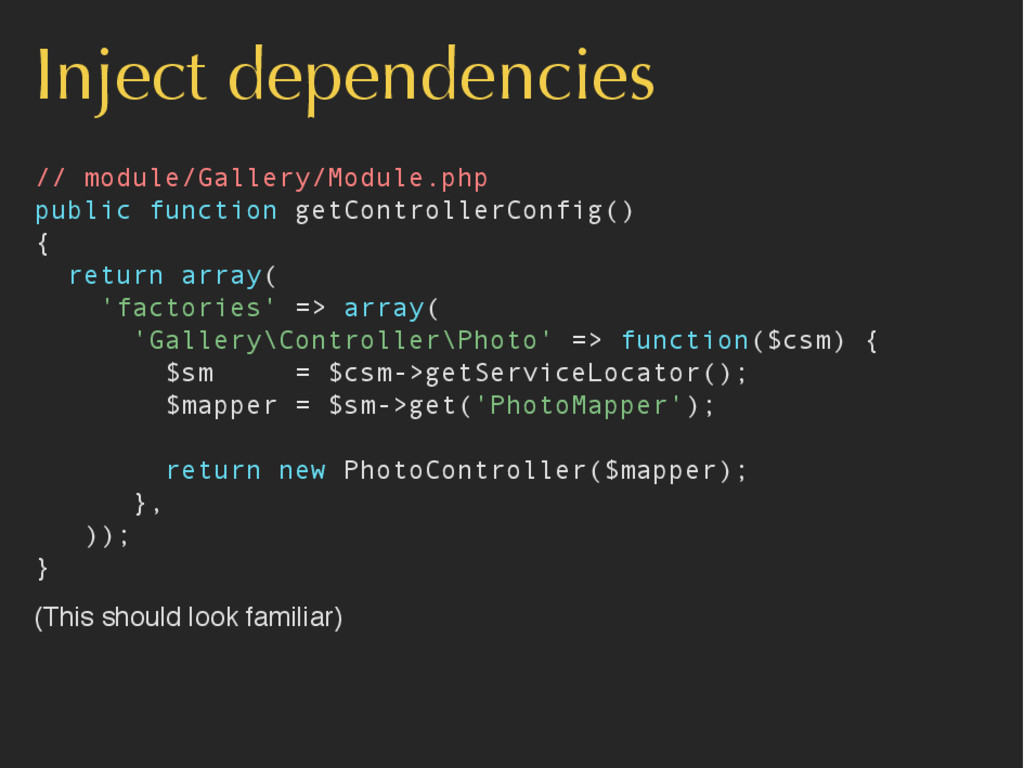
Inject dependencies // module/Gallery/Module.php public function getControllerConfig() { return array(
'factories' => array( 'Gallery\Controller\Photo' => function($csm) { $sm = $csm->getServiceLocator(); $mapper = $sm->get('PhotoMapper'); return new PhotoController($mapper); }, )); } (This should look familiar) -
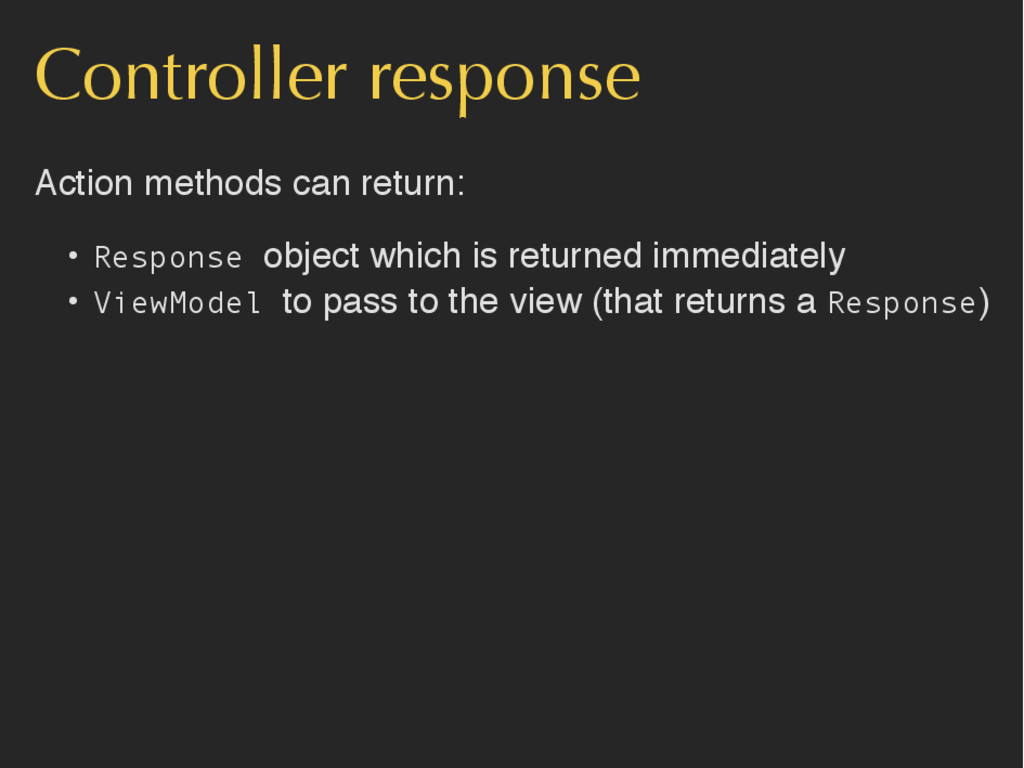
Controller response Action methods can return: • Response object which
is returned immediately • ViewModel to pass to the view (that returns a Response) -
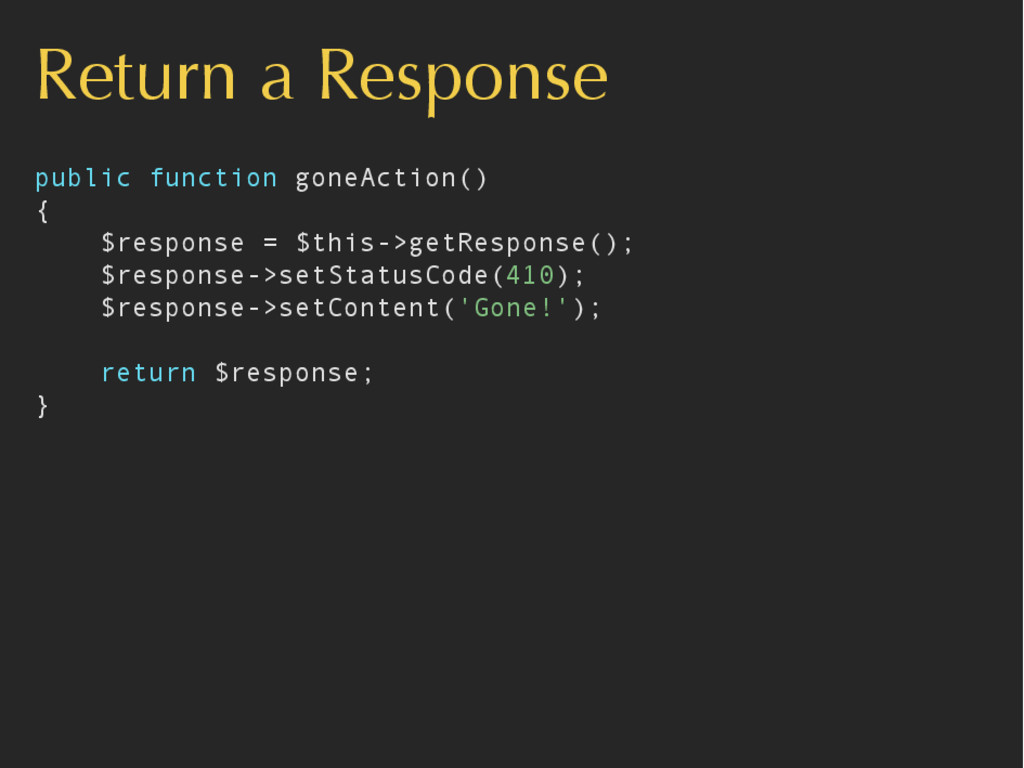
Return a Response public function goneAction() { $response = $this->getResponse();
$response->setStatusCode(410); $response->setContent('Gone!'); return $response; } -
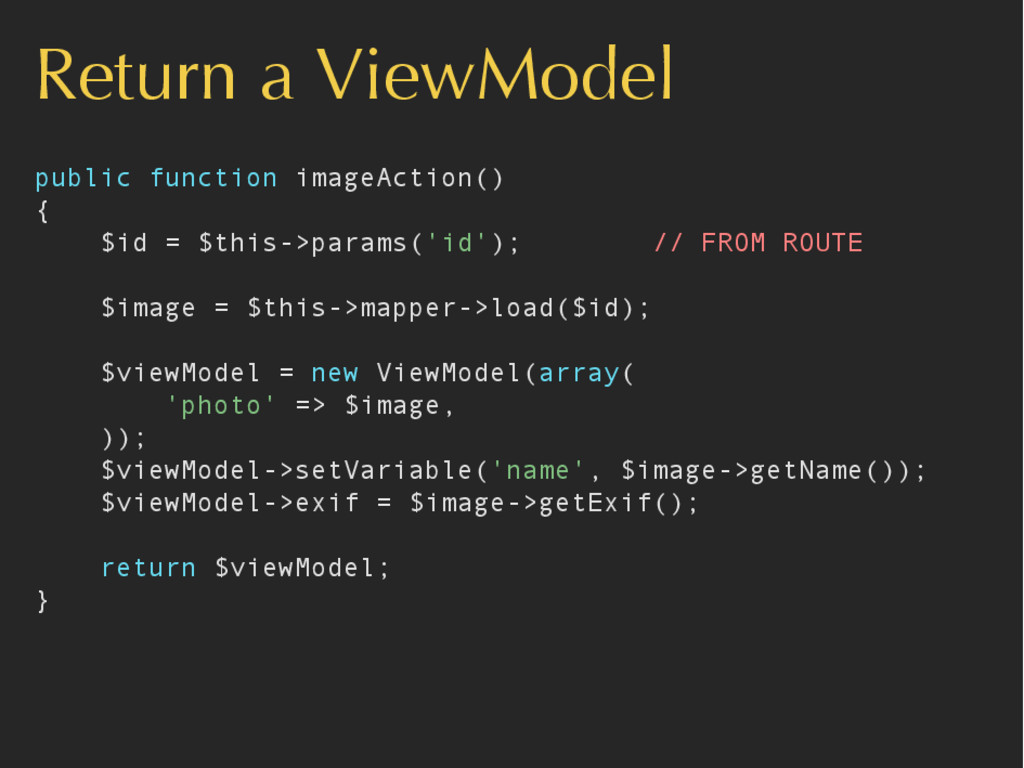
Return a ViewModel public function imageAction() { $id = $this->params('id');
// FROM ROUTE $image = $this->mapper->load($id); $viewModel = new ViewModel(array( 'photo' => $image, )); $viewModel->setVariable('name', $image->getName()); $viewModel->exif = $image->getExif(); return $viewModel; } -
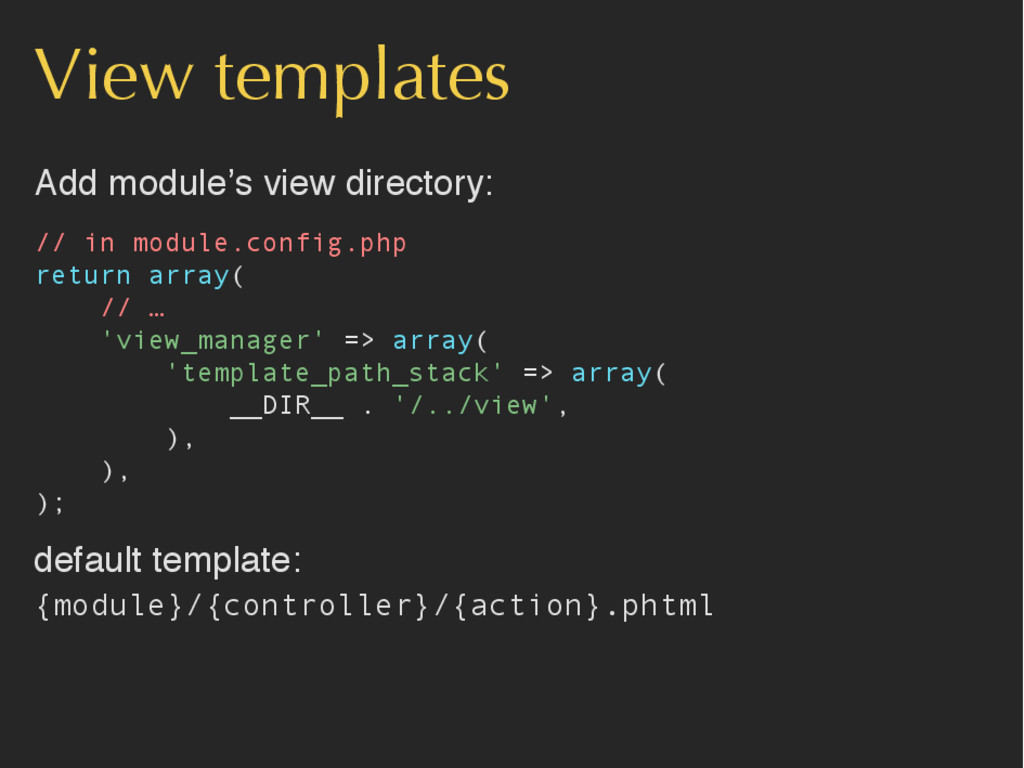
View templates Add module’s view directory: // in module.config.php return
array( // … 'view_manager' => array( 'template_path_stack' => array( __DIR__ . '/../view', ), ), ); default template: {module}/{controller}/{action}.phtml -
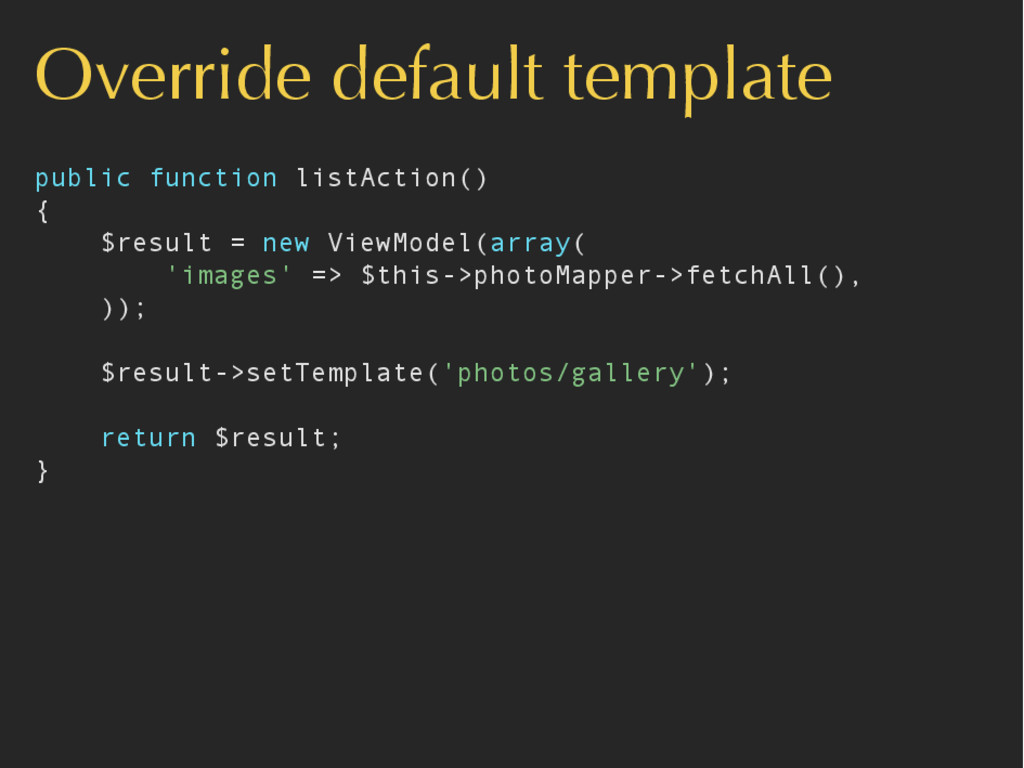
Override default template public function listAction() { $result = new
ViewModel(array( 'images' => $this->photoMapper->fetchAll(), )); $result->setTemplate('photos/gallery'); return $result; } -
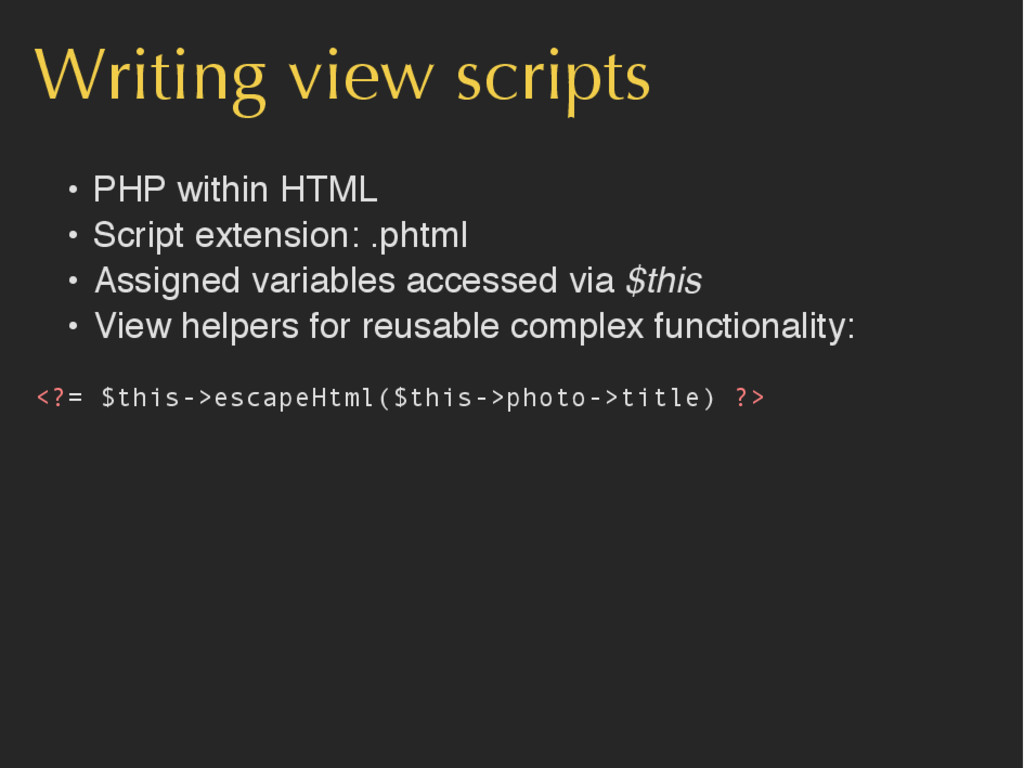
Writing view scripts • PHP within HTML • Script extension:
.phtml • Assigned variables accessed via $this • View helpers for reusable complex functionality: <?= $this->escapeHtml($this->photo->title) ?> -
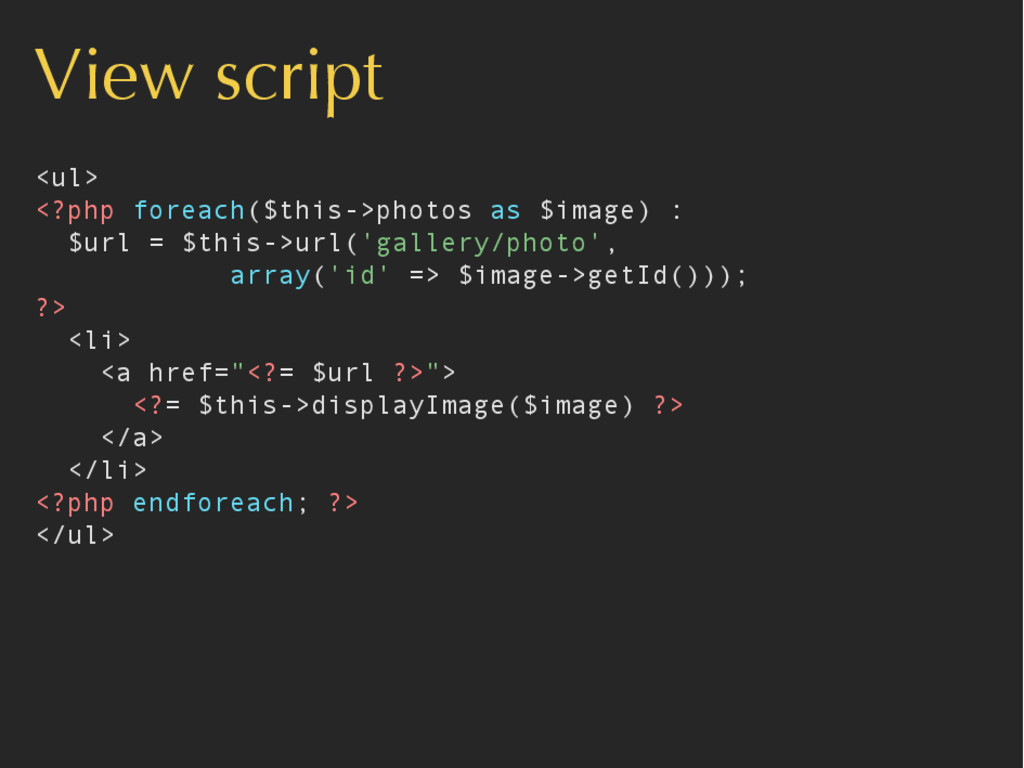
View script <ul> <?php foreach($this->photos as $image) : $url =
$this->url('gallery/photo', array('id' => $image->getId())); ?> <li> <a href="<?= $url ?>"> <?= $this->displayImage($image) ?> </a> </li> <?php endforeach; ?> </ul> -
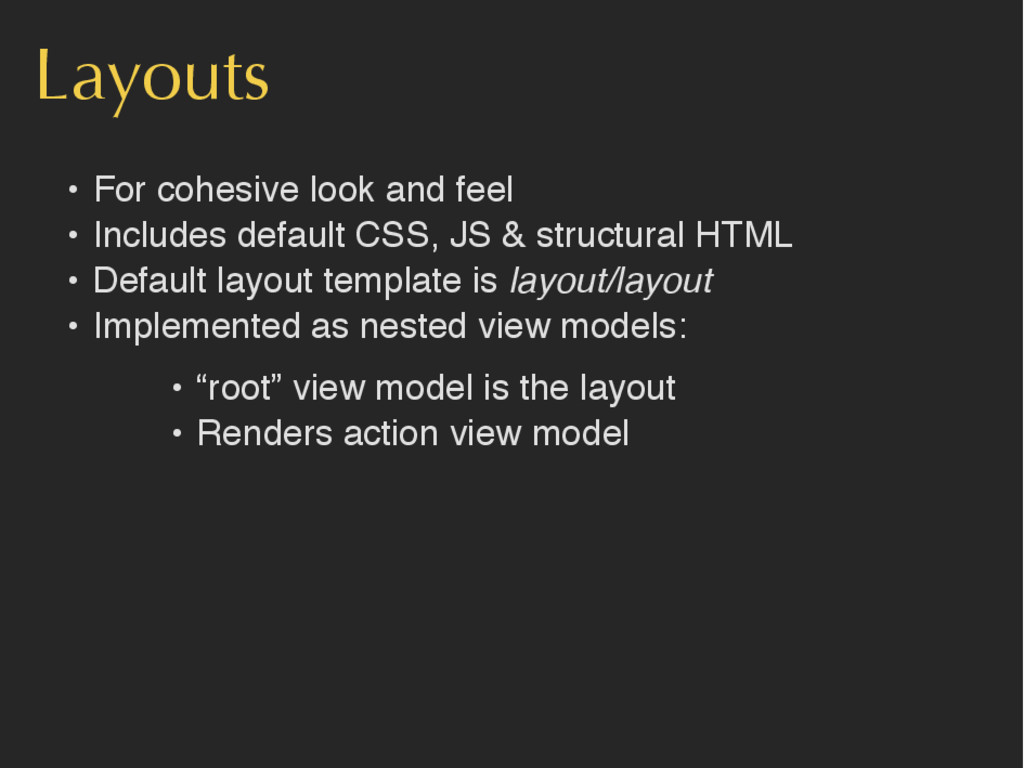
Layouts • For cohesive look and feel • Includes default
CSS, JS & structural HTML • Default layout template is layout/layout • Implemented as nested view models: • “root” view model is the layout • Renders action view model -
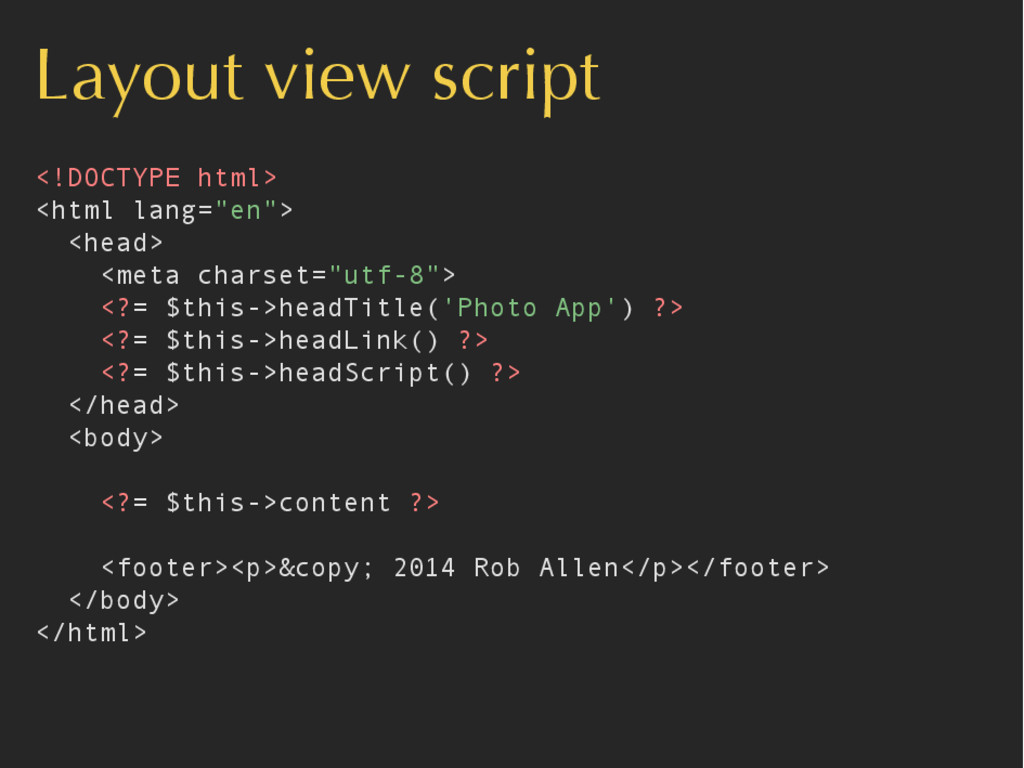
Layout view script <!DOCTYPE html> <html lang="en"> <head> <meta charset="utf-8">
<?= $this->headTitle('Photo App') ?> <?= $this->headLink() ?> <?= $this->headScript() ?> </head> <body> <?= $this->content ?> <footer><p>© 2014 Rob Allen</p></footer> </body> </html> -
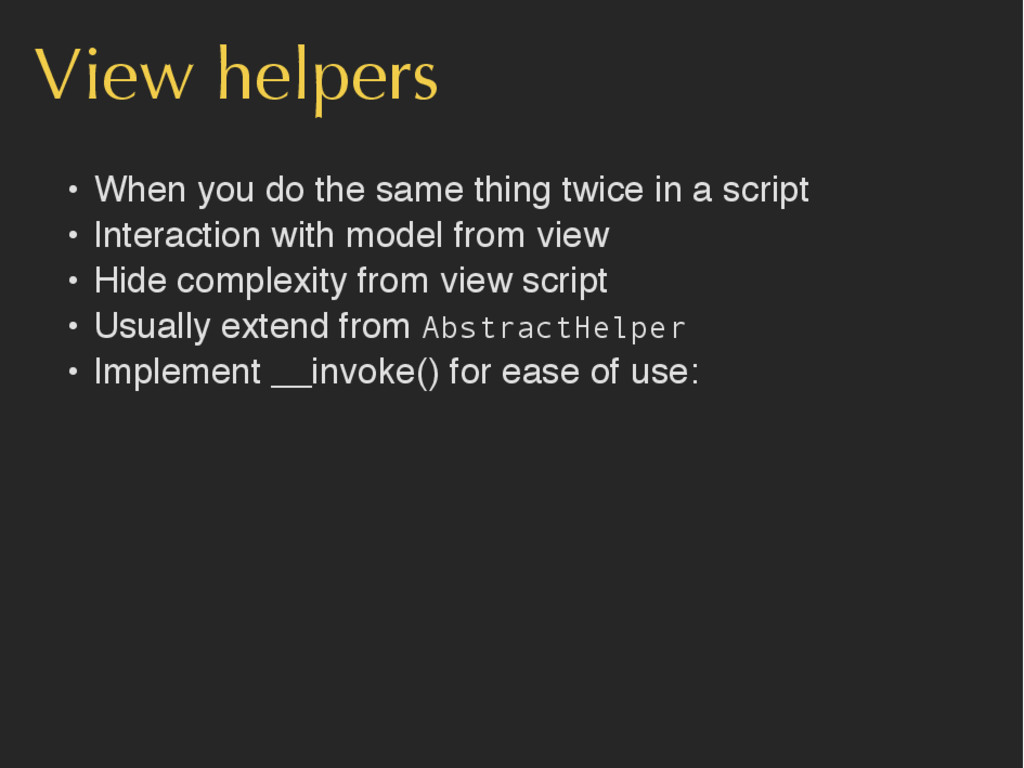
View helpers • When you do the same thing twice
in a script • Interaction with model from view • Hide complexity from view script • Usually extend from AbstractHelper • Implement __invoke() for ease of use: -
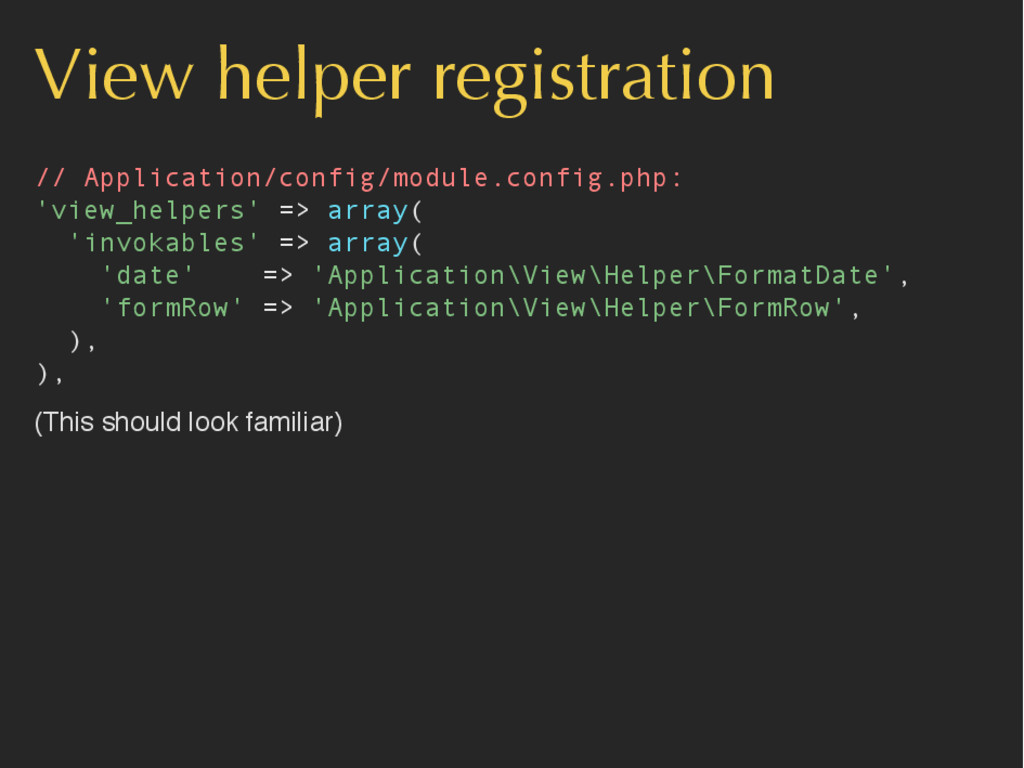
View helper registration // Application/config/module.config.php: 'view_helpers' => array( 'invokables' =>
array( 'date' => 'Application\View\Helper\FormatDate', 'formRow' => 'Application\View\Helper\FormRow', ), ), (This should look familiar) -
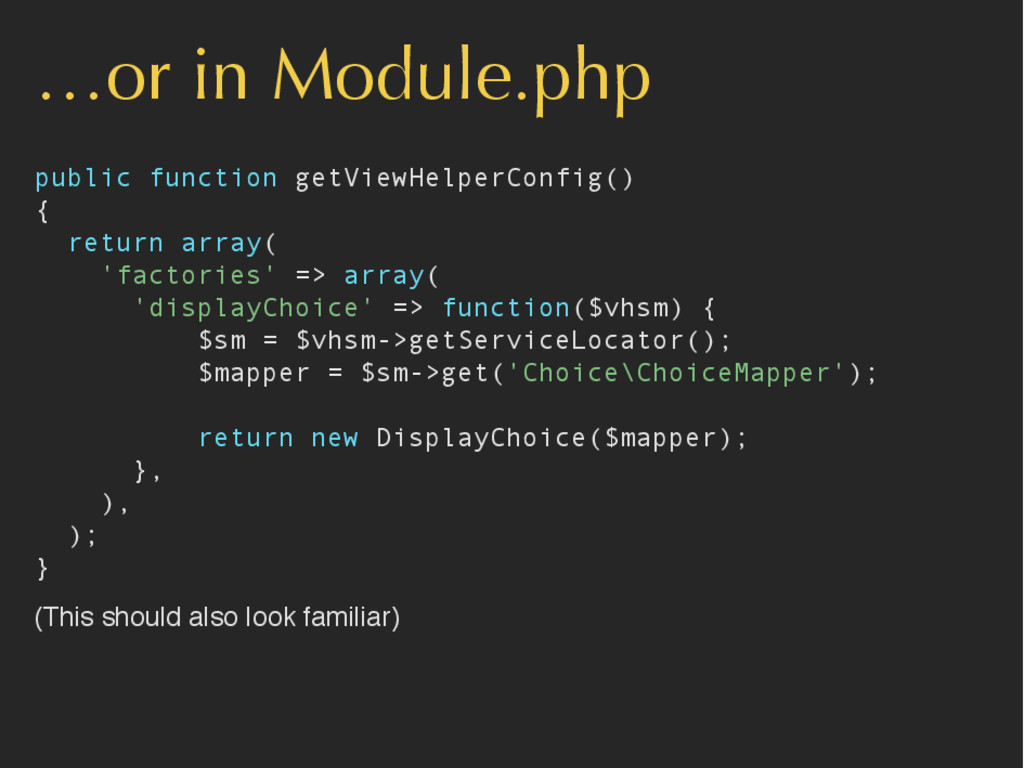
…or in Module.php public function getViewHelperConfig() { return array( 'factories'
=> array( 'displayChoice' => function($vhsm) { $sm = $vhsm->getServiceLocator(); $mapper = $sm->get('Choice\ChoiceMapper'); return new DisplayChoice($mapper); }, ), ); } (This should also look familiar) -
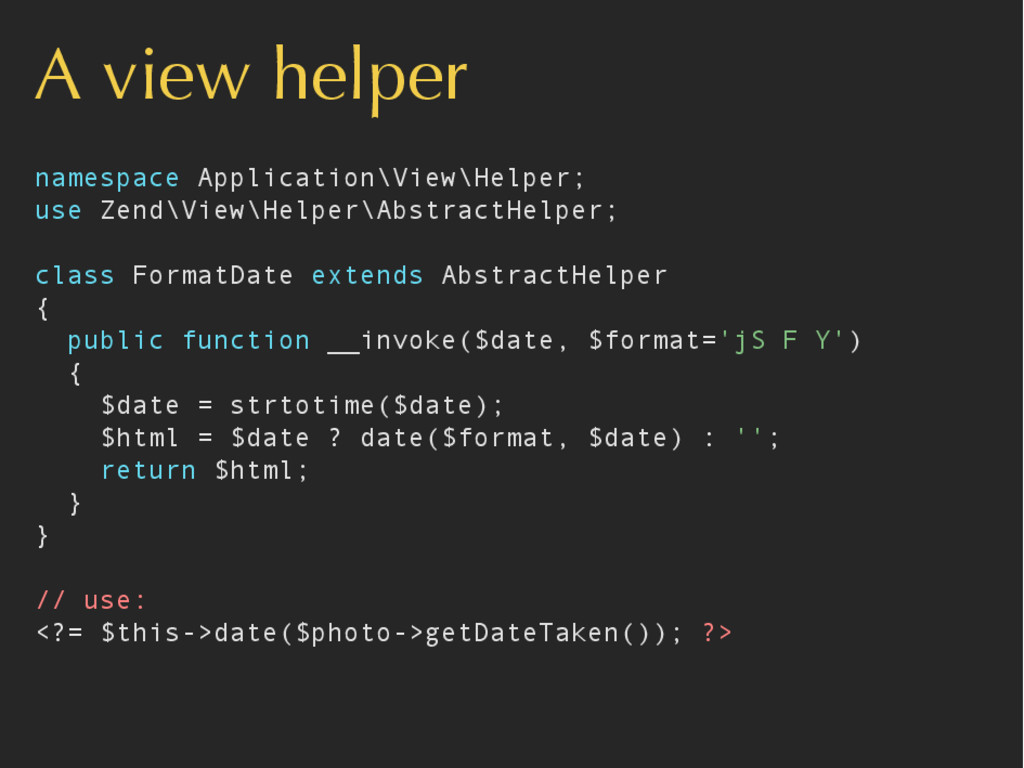
A view helper namespace Application\View\Helper; use Zend\View\Helper\AbstractHelper; class FormatDate extends
AbstractHelper { public function __invoke($date, $format='jS F Y') { $date = strtotime($date); $html = $date ? date($format, $date) : ''; return $html; } } // use: <?= $this->date($photo->getDateTaken()); ?> -
In summary Everything is in a module Extend and modify
using events Wire up using Zend\ServiceManager