Upgrade to Pro — share decks privately, control downloads, hide ads and more …

Scripting is the Key, but Process is Mastering

Sponsored · Your Podcast. Everywhere. Effortlessly. Share. Educate. Inspire. Entertain. You do you. We'll handle the rest. →

Scripting is the Key, but Process is Mastering

Being good at a technical level is not enough anymore. Scenario thinking, analysing and being creative are getting known as the main attributes in testing. You need to understand the process, analyse and build a strategy from scratch. Scripting is no longer the problem of doing load testing, but knowing all the factors involved and combining scenarios is. This presentation is about how to handle every load testing challenge with ease using some tips.

Avatar for alexandra-nagy

alexandra-nagy

November 18, 2016

More Decks by alexandra-nagy

Other Decks in Technology

Transcript

  1. © Copyright 2016. 3Pillar | All rights reserved One Second

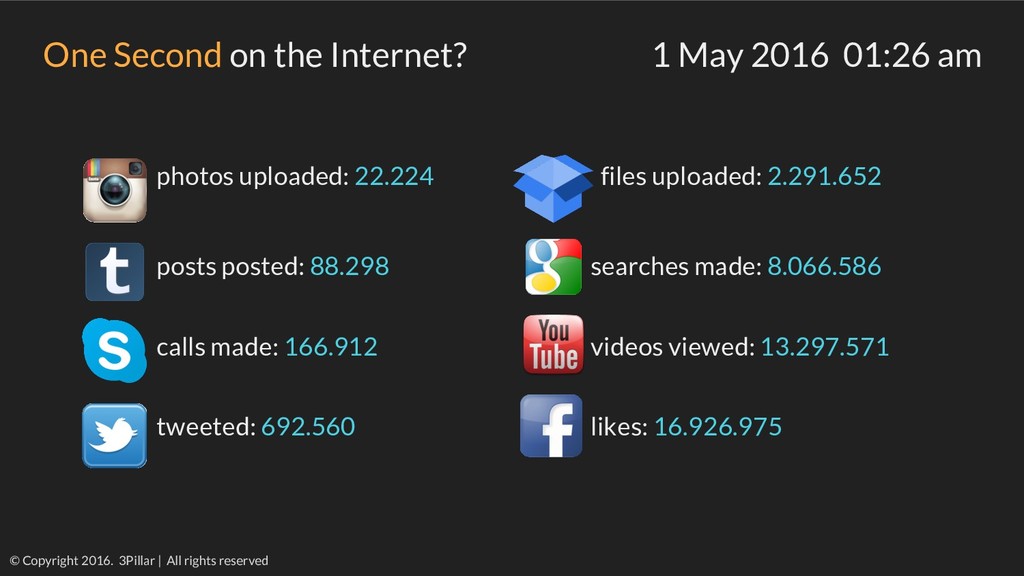
    on the Internet? 1 May 2016 01:26 am photos uploaded: 22.224 files uploaded: 2.291.652 posts posted: 88.298 searches made: 8.066.586 calls made: 166.912 videos viewed: 13.297.571 tweeted: 692.560 likes: 16.926.975
  2. Can my application service tens, hundred or hundred of thousand

    of users? And while it is doing that, will the user receive a high performance service? © Copyright 2016. 3Pillar | All rights reserved
  3. How I started? • 1 - Beginner ◦ Cool tool!

    ◦ Looked over the app - view requests ◦ Created a script ◦ Looked over the metrics • 2 - Beginner ◦ I can write code in it! ◦ View logs in the DB ◦ Analyze metrics • 3 - Starting to understand ◦ Oops...what was the environment like? ◦ Extract data from Google Analytics ◦ Monitor Web Server and DB Server © Copyright 2016. 3Pillar | All rights reserved
  4. Figured out that I need to be just a few

    things: Business Analyst Developer QA Engineer DB Administrator System Engineer Data Analyst © Copyright 2016. 3Pillar | All rights reserved
  5. Did I think if... • the environment was the same

    as production? • monitor all logging tools? • covered the main accessed areas? • followed any load testing requirements? • there are any internal monitor tools? • used most suited graphs? • where there any performance issues? © Copyright 2016. 3Pillar | All rights reserved
  6. A lot of people talk about it than actually do

    it. People define it differently. No amount of reading can compare to personal experience. Size does matter. We are speaking, of course, of load testing. By Mark D. Anderson (The Top 13 Mistakes in Load Testing Applications) © Copyright 2016. 3Pillar | All rights reserved
  7. Performance Testing • Non-functional • Determine how a system responds

    • No “best practices” • Different testing types ◦ Load Testing ◦ Stress Testing ◦ Spike Testing ◦ Soak Testing ◦ Configuration Testing ◦ Volume Testing © Copyright 2016. 3Pillar | All rights reserved
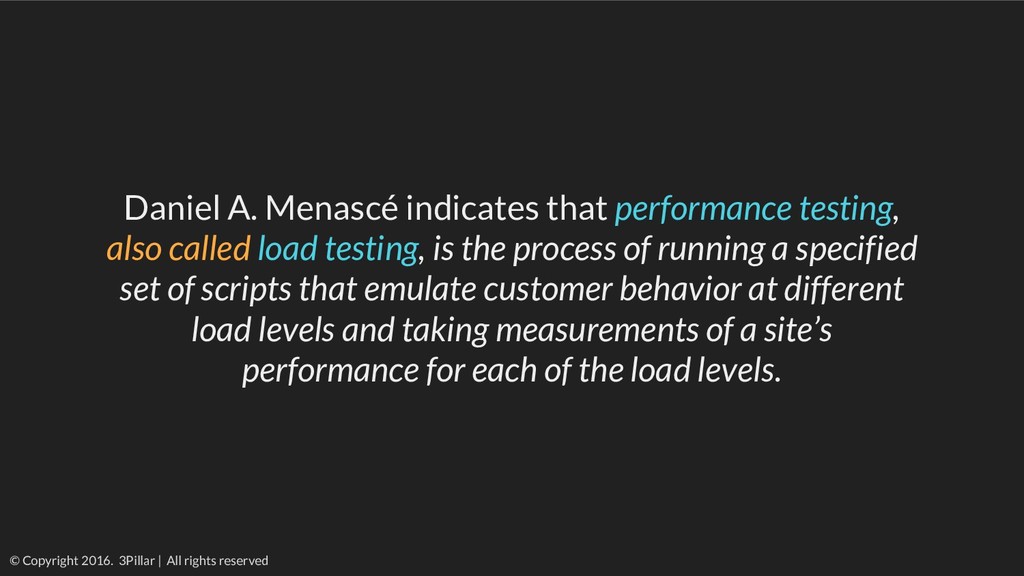
  8. Daniel A. Menascé indicates that performance testing, also called load

    testing, is the process of running a specified set of scripts that emulate customer behavior at different load levels and taking measurements of a site’s performance for each of the load levels. © Copyright 2016. 3Pillar | All rights reserved
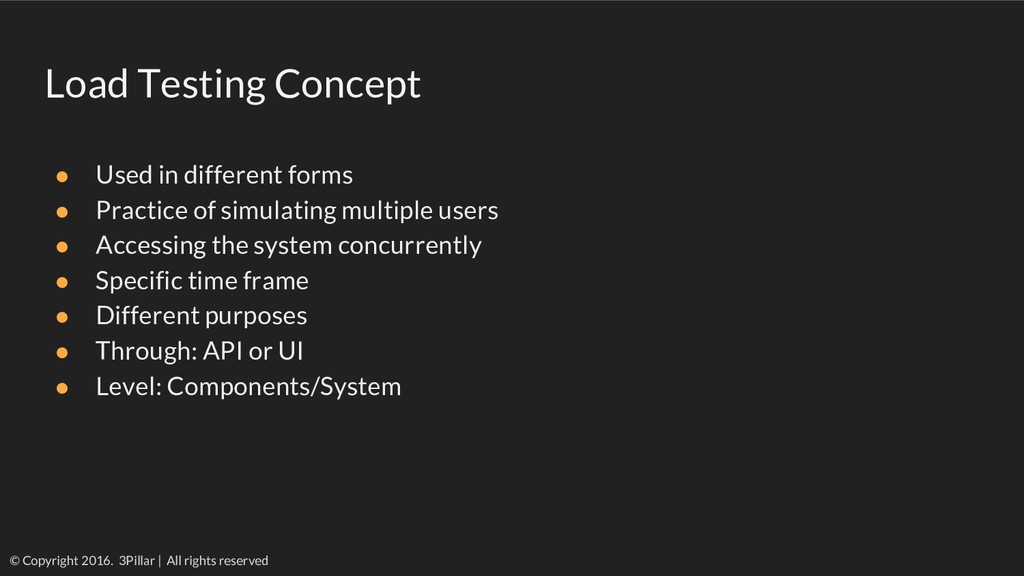
  9. Load Testing Concept • Used in different forms • Practice

    of simulating multiple users • Accessing the system concurrently • Specific time frame • Different purposes • Through: API or UI • Level: Components/System © Copyright 2016. 3Pillar | All rights reserved
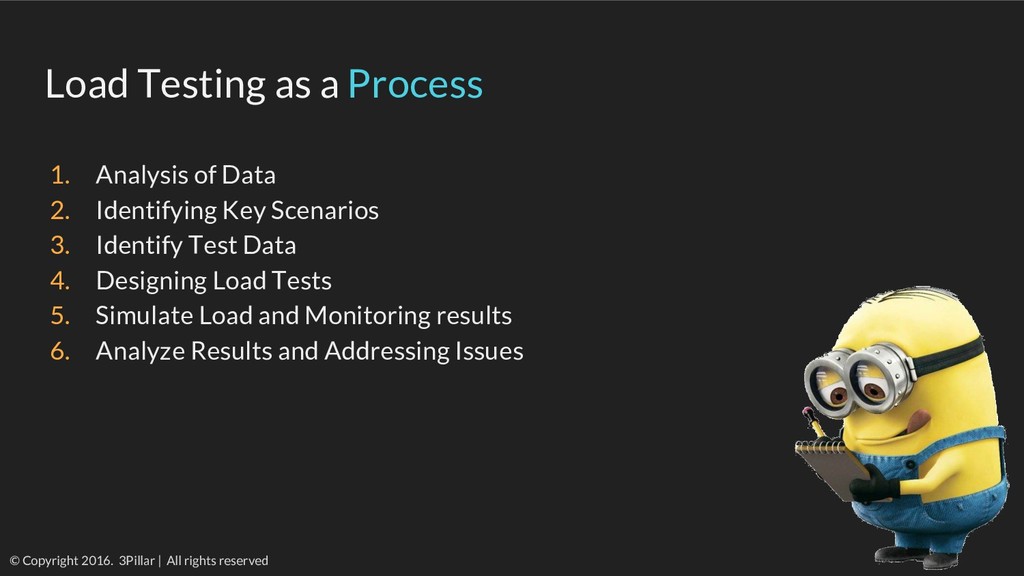
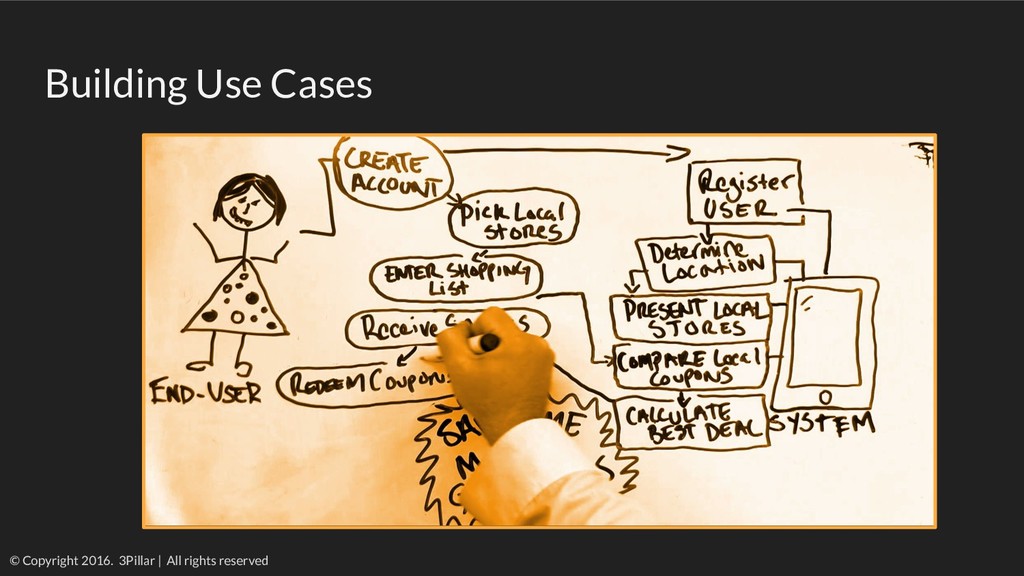
  10. Load Testing as a Process 1. Analysis of Data 2.

    Identifying Key Scenarios 3. Identify Test Data 4. Designing Load Tests 5. Simulate Load and Monitoring results 6. Analyze Results and Addressing Issues © Copyright 2016. 3Pillar | All rights reserved
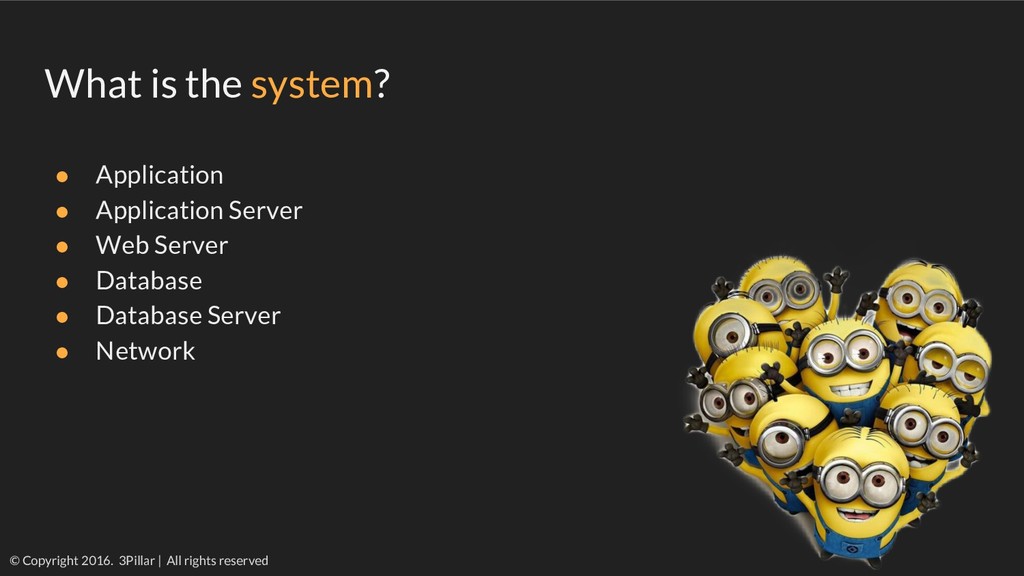
  11. What is the system? • Application • Application Server •

    Web Server • Database • Database Server • Network © Copyright 2016. 3Pillar | All rights reserved
  12. Identifying needs • Different purposes • API/UI • Component/System •

    Scope • Objective • Exposed bottlenecks? • Baseline or Benchmark? © Copyright 2016. 3Pillar | All rights reserved
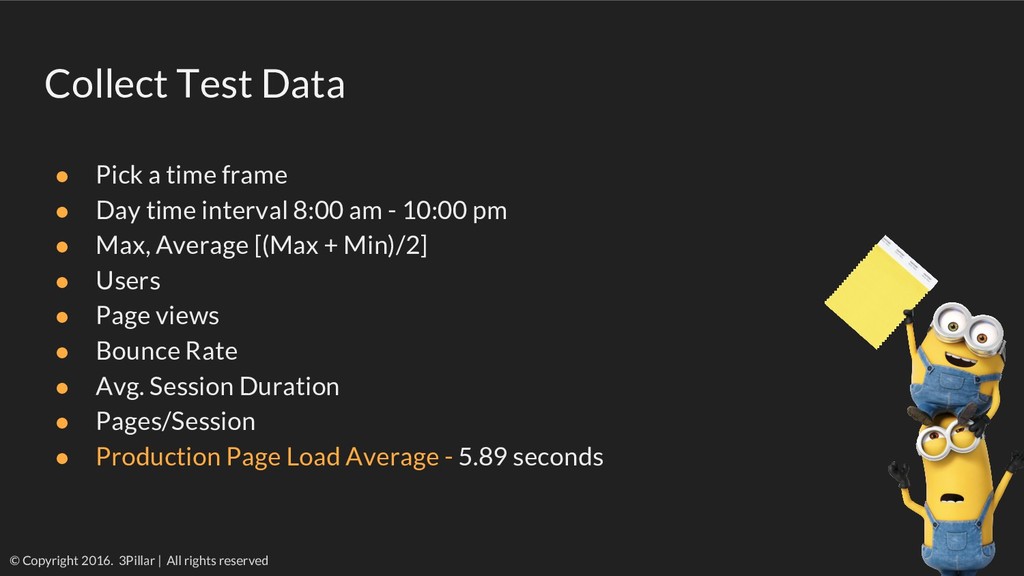
  13. Collect Test Data • Pick a time frame • Day

    time interval 8:00 am - 10:00 pm • Max, Average [(Max + Min)/2] • Users • Page views • Bounce Rate • Avg. Session Duration • Pages/Session • Production Page Load Average - 5.89 seconds © Copyright 2016. 3Pillar | All rights reserved
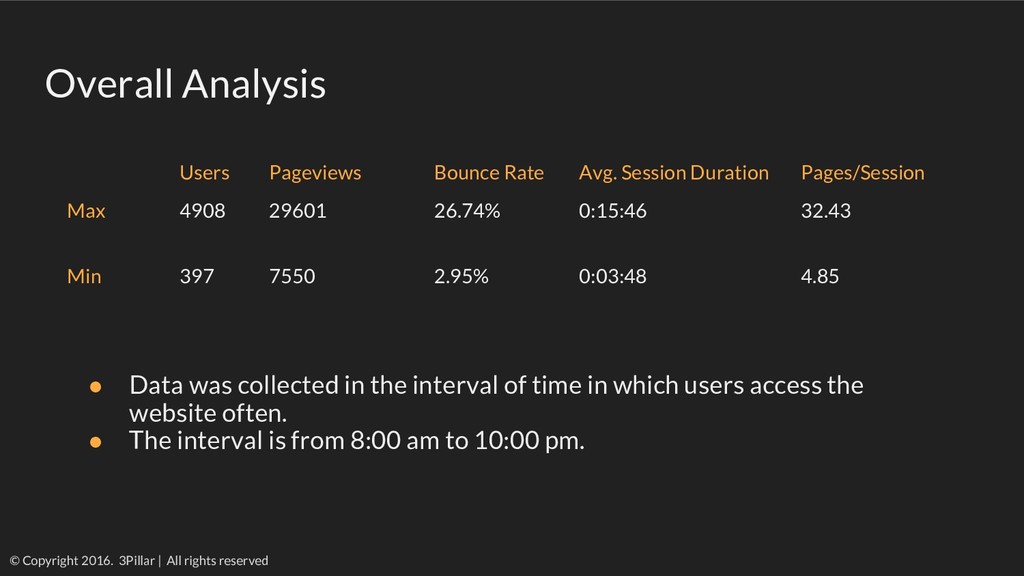
  14. Overall Analysis © Copyright 2016. 3Pillar | All rights reserved

    Users Pageviews Bounce Rate Avg. Session Duration Pages/Session Max 4908 29601 26.74% 0:15:46 32.43 Min 397 7550 2.95% 0:03:48 4.85 • Data was collected in the interval of time in which users access the website often. • The interval is from 8:00 am to 10:00 pm.
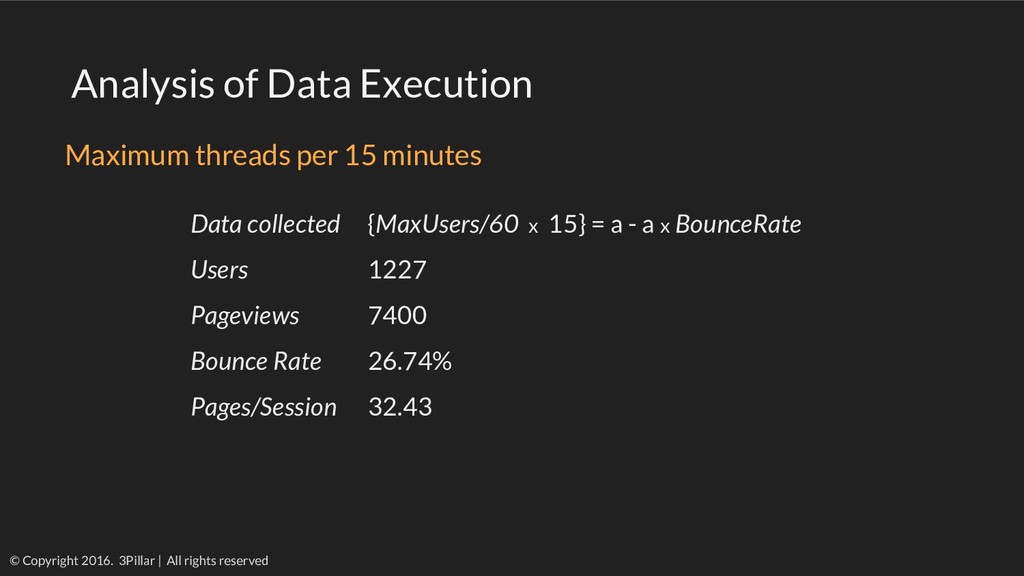
  15. Analysis of Data Execution © Copyright 2016. 3Pillar | All

    rights reserved Data collected {MaxUsers/60 x 15} = a - a x BounceRate Users 1227 Pageviews 7400 Bounce Rate 26.74% Pages/Session 32.43 Maximum threads per 15 minutes
  16. © Copyright 2016. 3Pillar | All rights reserved Load Testing

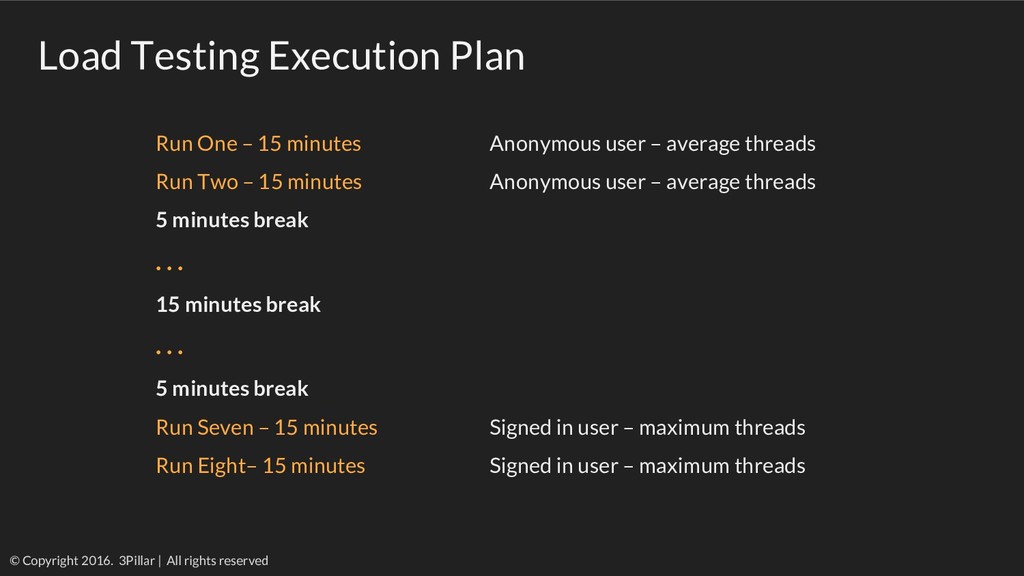
    Execution Plan Run One – 15 minutes Anonymous user – average threads Run Two – 15 minutes Anonymous user – average threads 5 minutes break . . . 15 minutes break . . . 5 minutes break Run Seven – 15 minutes Signed in user – maximum threads Run Eight– 15 minutes Signed in user – maximum threads
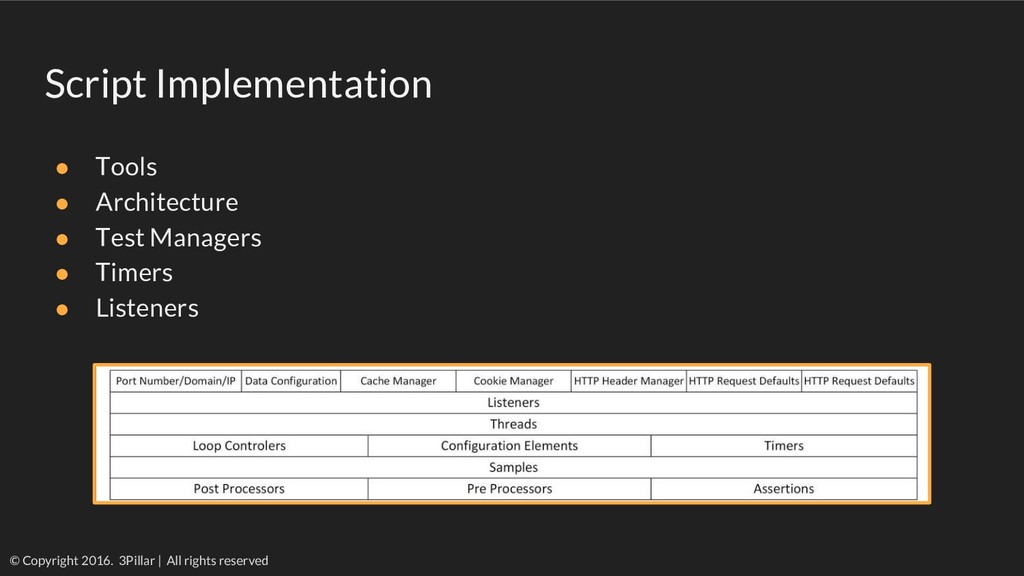
  17. Script Implementation • Tools • Architecture • Test Managers •

    Timers • Listeners © Copyright 2016. 3Pillar | All rights reserved
  18. Symptom - how you know there is a problem •

    It’s too slow • Slow image display • It’s broken © Copyright 2016. 3Pillar | All rights reserved
  19. Sources - from what component the issues occur • CPU

    usage • Memory problems • Storage • The disk I/O • Viruses, Trojan horses • Outdated hardware • Third party services © Copyright 2016. 3Pillar | All rights reserved
  20. Measurements - when it is a problem • CPU/DB greater

    than 70% - 80% • Server I/O - balanced across all drivers • Server pages faults should be low and constant • Data cache sized high • Low number of transactions • Low number of open client queries © Copyright 2016. 3Pillar | All rights reserved
  21. Causes - what creates the problem • Inefficient SQL statements

    or query model • Missing or ineffective indexes • SQL jobs not started or blocked • Memory leaks • Poorly configured application servers • Inefficient hardware resources or capacity • Poor configuration of System • Poor network architecture © Copyright 2016. 3Pillar | All rights reserved
  22. Remedy - how to stop the problem to occur again

    • Conversion of poor SQL statements in stored procedures • Reconfiguration of the DB server • Fix or add missing table indexes • Fix the application transaction code • Direct firewall and user traffic to different ports • Performance tuning ◦ Increase data and hardware memory ◦ Increase the number of DB connections ◦ Add memory, web servers, media servers, cache ◦ Add content servers © Copyright 2016. 3Pillar | All rights reserved
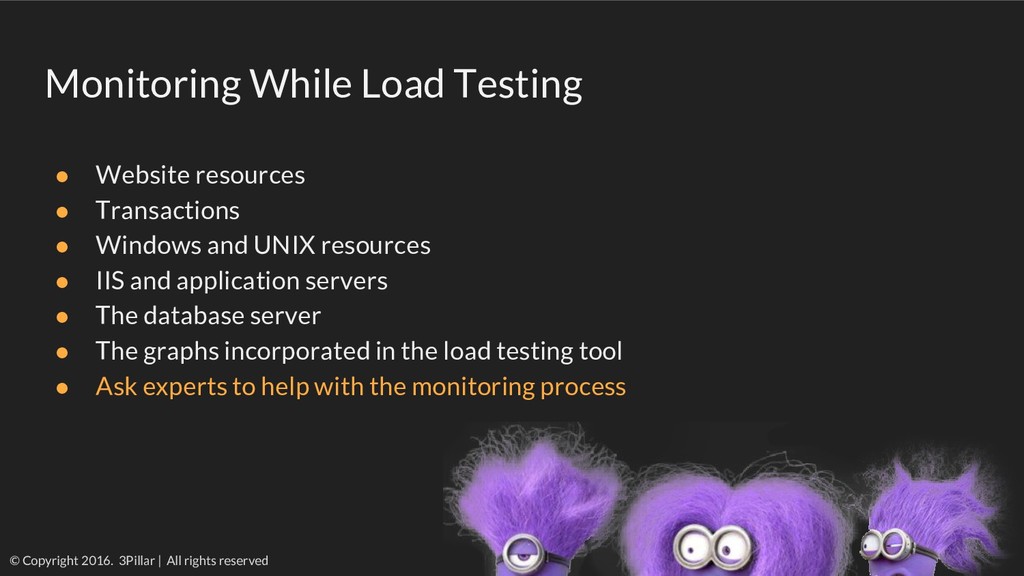
  23. Monitoring While Load Testing • Website resources • Transactions •

    Windows and UNIX resources • IIS and application servers • The database server • The graphs incorporated in the load testing tool • Ask experts to help with the monitoring process © Copyright 2016. 3Pillar | All rights reserved
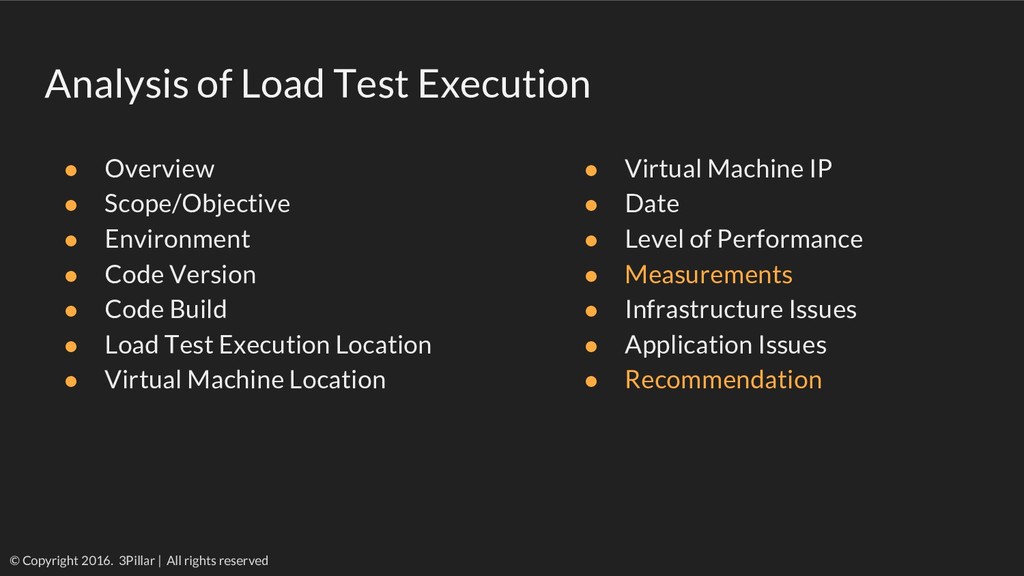
  24. Analysis of Load Test Execution © Copyright 2016. 3Pillar |

    All rights reserved • Overview • Scope/Objective • Environment • Code Version • Code Build • Load Test Execution Location • Virtual Machine Location • Virtual Machine IP • Date • Level of Performance • Measurements • Infrastructure Issues • Application Issues • Recommendation
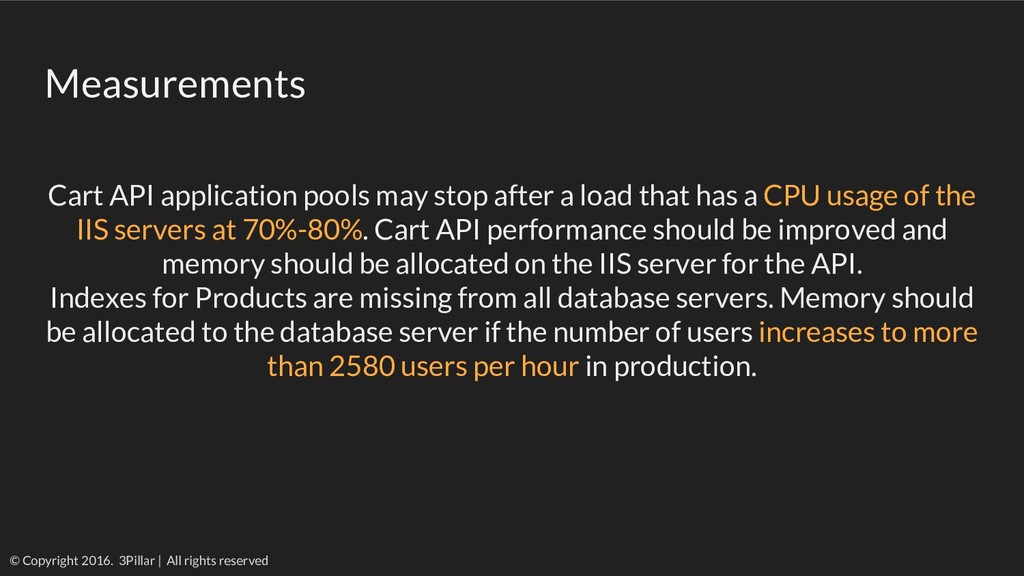
  25. Measurements Cart API application pools may stop after a load

    that has a CPU usage of the IIS servers at 70%-80%. Cart API performance should be improved and memory should be allocated on the IIS server for the API. Indexes for Products are missing from all database servers. Memory should be allocated to the database server if the number of users increases to more than 2580 users per hour in production. © Copyright 2016. 3Pillar | All rights reserved
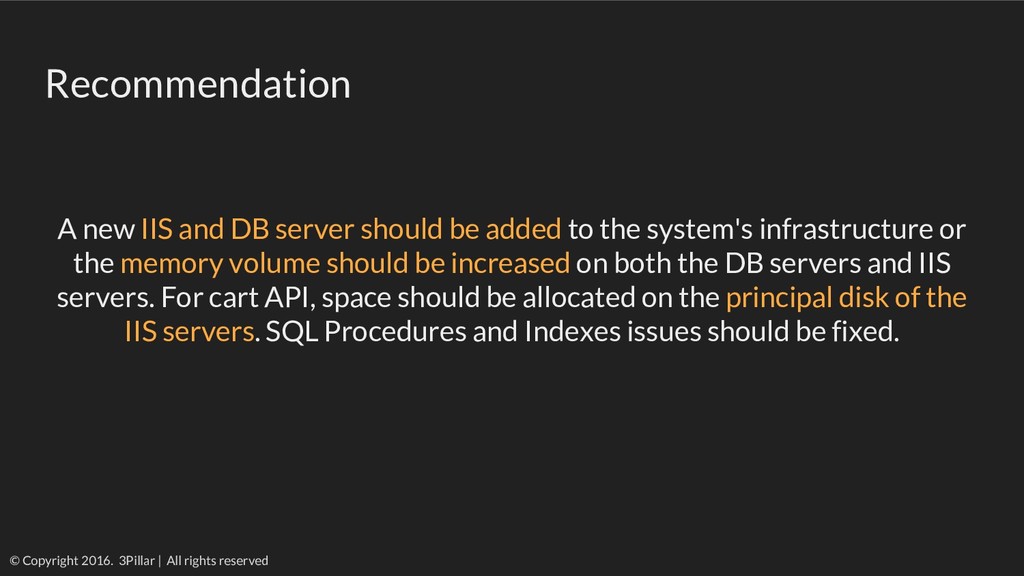
  26. Recommendation A new IIS and DB server should be added

    to the system's infrastructure or the memory volume should be increased on both the DB servers and IIS servers. For cart API, space should be allocated on the principal disk of the IIS servers. SQL Procedures and Indexes issues should be fixed. © Copyright 2016. 3Pillar | All rights reserved
  27. ?