Upgrade to Pro — share decks privately, control downloads, hide ads and more …

Smart Billing Solutions for Law Firms

Avatar for Alfaa Alfaa
September 24, 2026

Smart Billing Solutions for Law Firms

Manage law firm billing with greater clarity and less administrative effort using a centralized billing solution built for legal professionals. From setting up clients and tracking billable hours to creating accurate invoices and monitoring payment status, every billing task can stay organized in one place. Keep hourly and flat fee billing structured, maintain clear client records, and simplify recurring billing and payment follow ups. With a streamlined workflow, law firms can spend less time managing invoices and more time focused on client work.
Keep legal billing organized from client setup to payment with invoice software for law firms: https://alfaa.app/industries/law-firms

Avatar for Alfaa

Alfaa

September 24, 2026

Other Decks in Business

Transcript

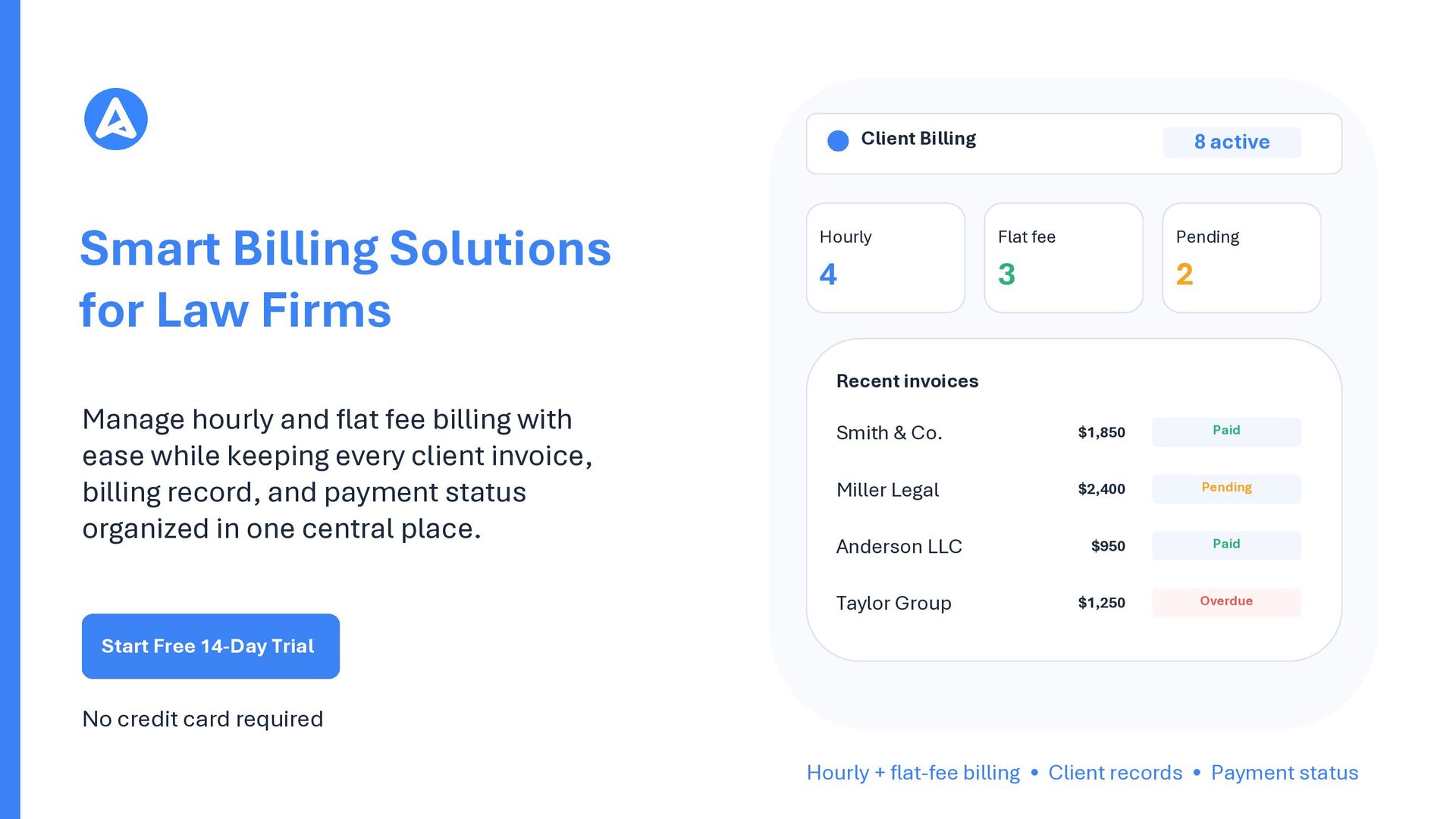
  1. Client Billing Smart Billing Solutions for Law Firms 8 active

    Hourly Flat fee Pending 4 3 2 Recent invoices Manage hourly and flat fee billing with ease while keeping every client invoice, billing record, and payment status organized in one central place. Smith & Co. $1,850 Paid Miller Legal $2,400 Pending Anderson LLC $950 Paid Taylor Group $1,250 Overdue Start Free 14-Day Trial No credit card required Hourly + flat-fee billing • Client records • Payment status
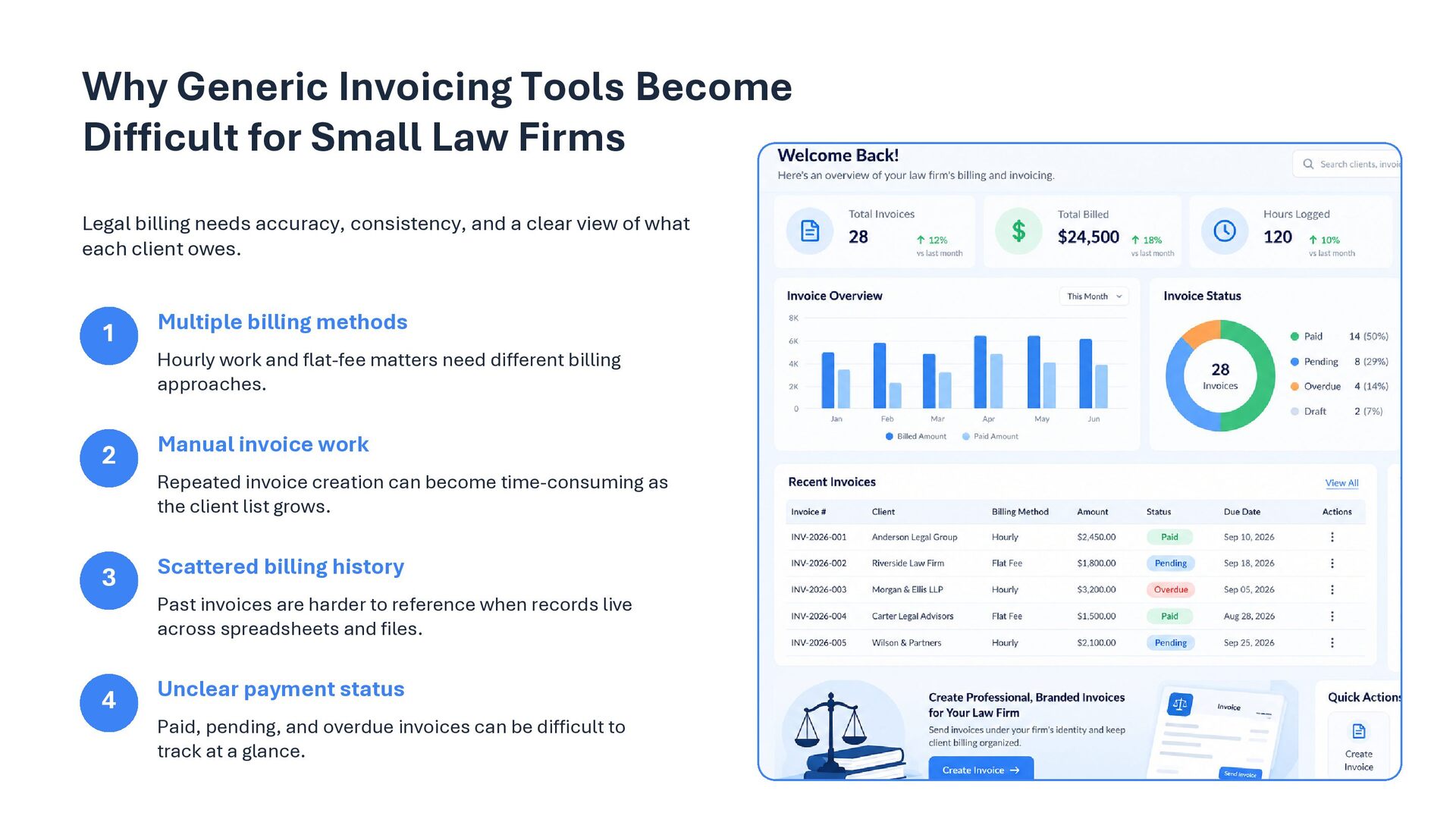
  2. Why Generic Invoicing Tools Become Difficult for Small Law Firms

    Legal billing needs accuracy, consistency, and a clear view of what each client owes. 1 Multiple billing methods 2 Manual invoice work 3 Scattered billing history 4 Unclear payment status Hourly work and flat-fee matters need different billing approaches. Repeated invoice creation can become time-consuming as the client list grows. Past invoices are harder to reference when records live across spreadsheets and files. Paid, pending, and overdue invoices can be difficult to track at a glance.
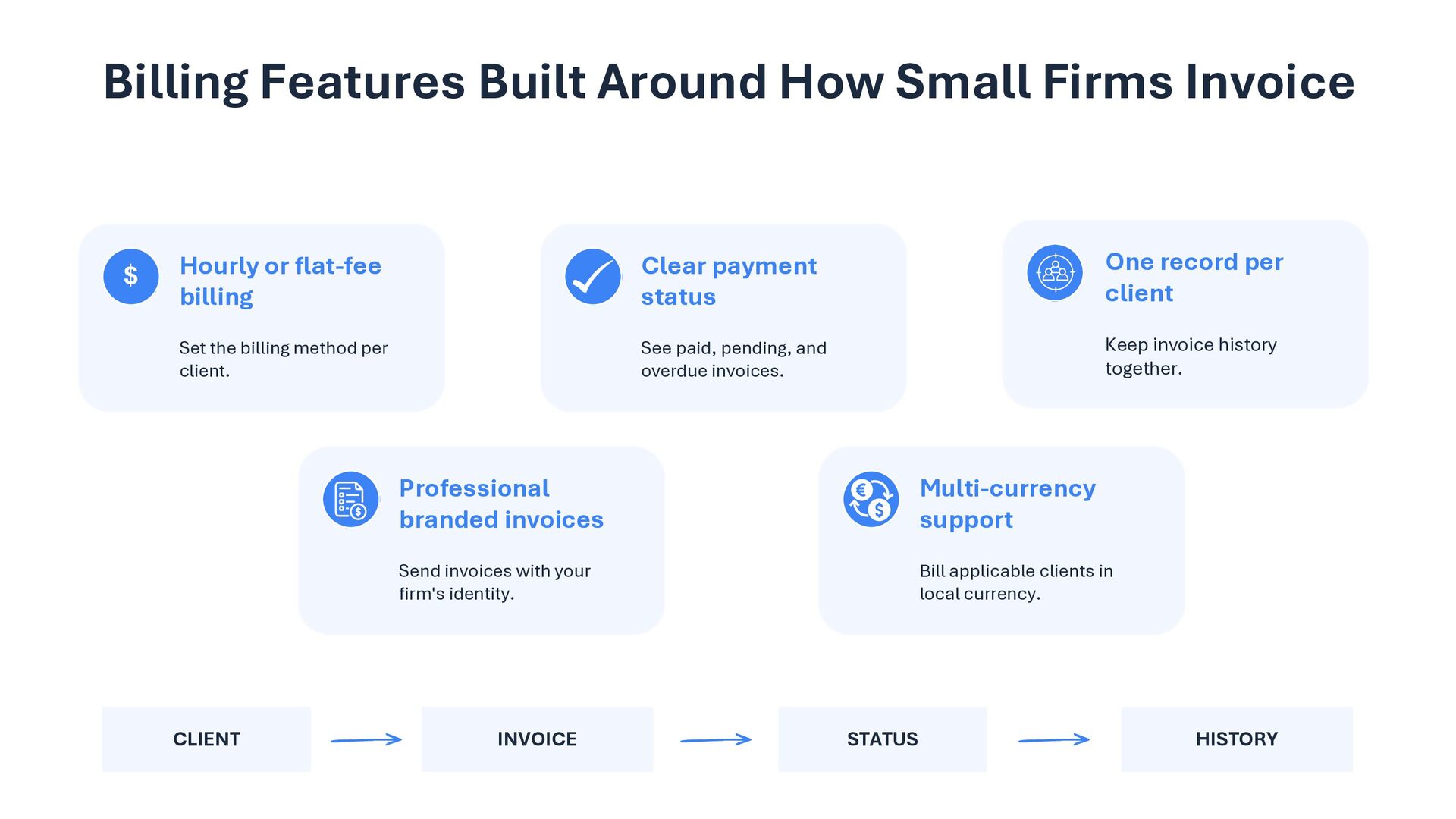
  3. Billing Features Built Around How Small Firms Invoice $ Hourly

    or flat-fee billing Clear payment status One record per client Set the billing method per client. See paid, pending, and overdue invoices. Keep invoice history together. CLIENT Professional branded invoices Multi-currency support Send invoices with your firm's identity. Bill applicable clients in local currency. INVOICE STATUS HISTORY
  4. How Small Firms Use Alfaa Simplify Legal Billing with Alfaa

    Add client From adding clients and choosing billing methods to creating invoices and monitoring payments, manage your complete law firm billing workflow from one organized platform. Use hourly or flat-fee billing. Keep client billing details together. Choose billing Create invoice Send a professional branded invoice. Start Free Trial 14 days • No credit card required www.alfaa.app Track payment Check paid, pending, or overdue status. Hourly + flat-fee billing • Client records • Payment tracking