Upgrade to Pro — share decks privately, control downloads, hide ads and more …

Power to the Patterns

Power to the Patterns

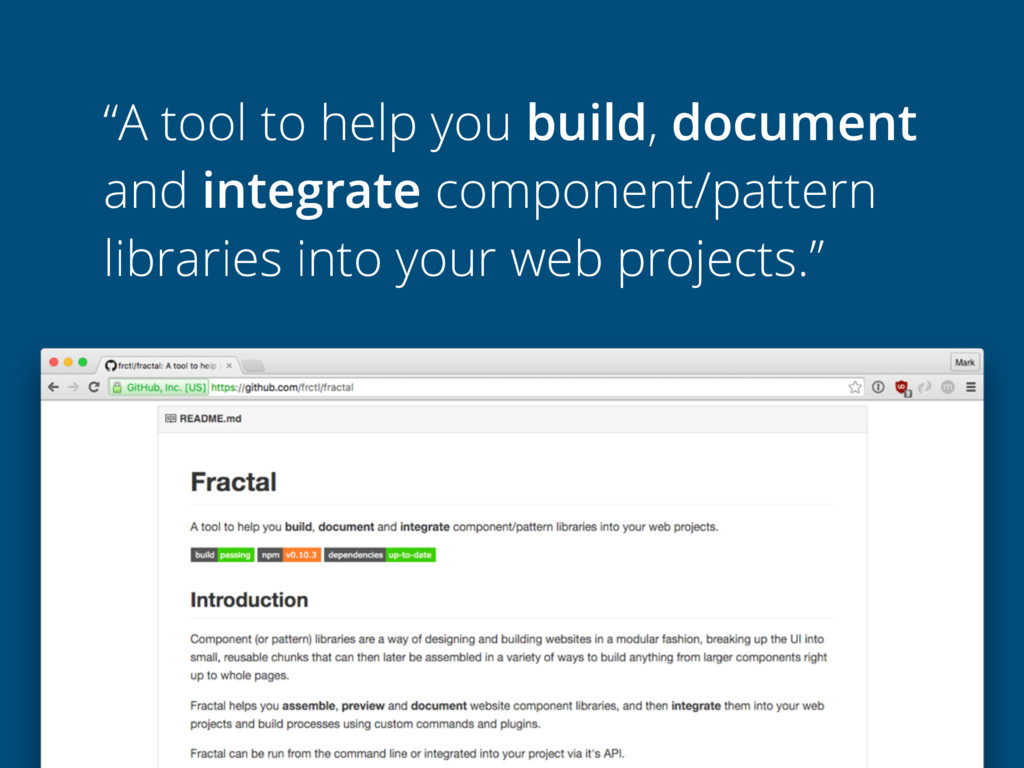
Component libraries, pattern portfolios, styleguides…. whatever you want to call them, using a modular design and build approach to developing sites and web apps is fast becoming an accepted best practice. But working in this way often comes with its own share of difficulties and pain points, particularly when it comes to integrating component libraries with production code.

In this talk Mark will look at some common issues that can crop up, how they might be avoided, and introduce a tool that they have been using internally at Clearleft to help mitigate some of these problems.

Avatar for Mark Perkins

Mark Perkins

March 31, 2016
Tweet

More Decks by Mark Perkins

Other Decks in Technology

Transcript

  1. POWER TO THE PATTERNS Creating component libraries that work from

    prototype to production Mark Perkins, Clearleft
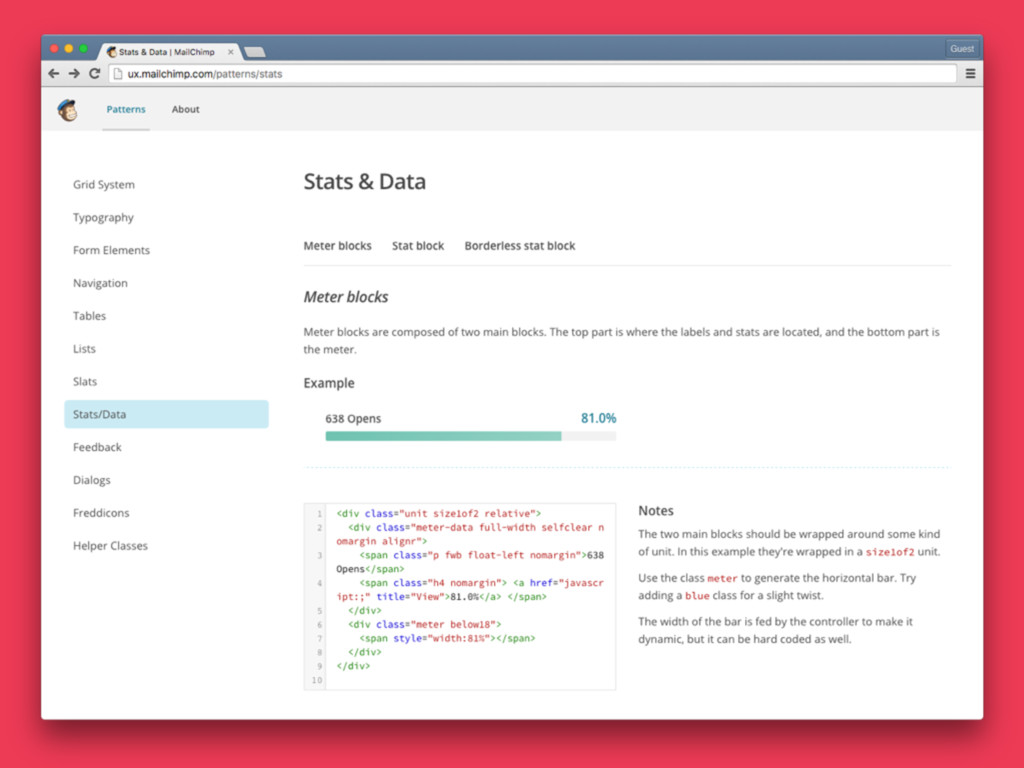
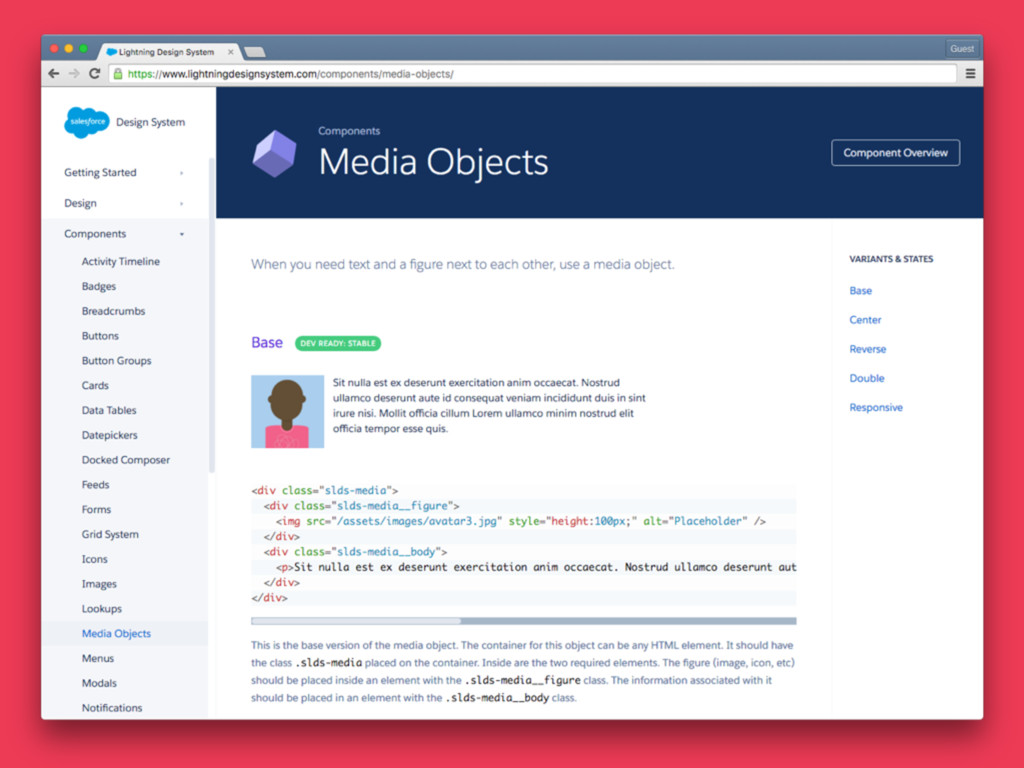
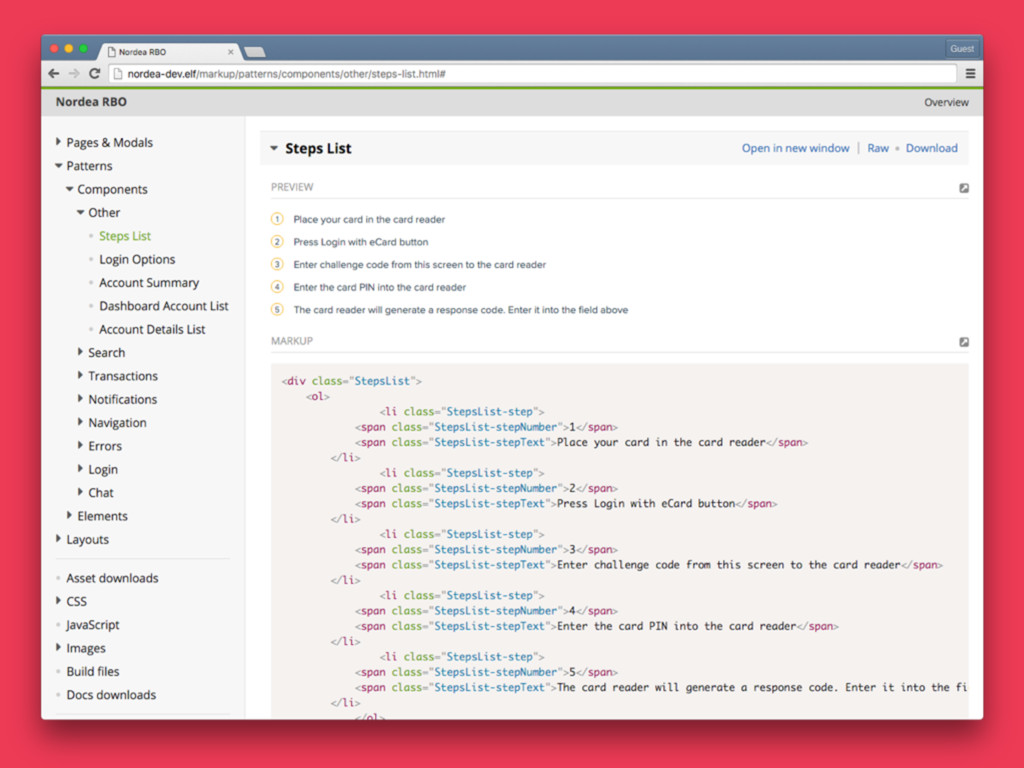
  2. “A place where I can preview individual pieces of my

    site/app and see the code that is used to create them.” — some people
  3. COMPONENT: A generic term to describe a piece of the

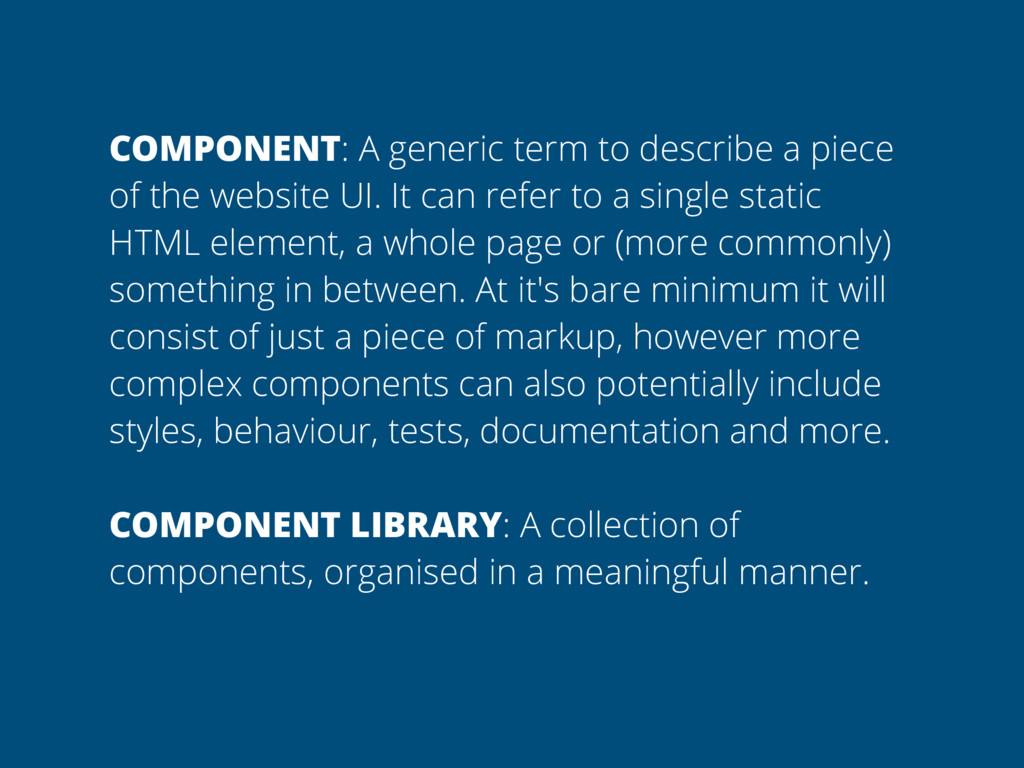
    website UI. It can refer to a single static HTML element, a whole page or (more commonly) something in between. At it's bare minimum it will consist of just a piece of markup, however more complex components can also potentially include styles, behaviour, tests, documentation and more. COMPONENT LIBRARY: A collection of components, organised in a meaningful manner.
  4. WHY IS THIS SO HARD TO DO RIGHT? •Poor planning

    •Silo’d front-end & backend teams
  5. WHY IS THIS SO HARD TO DO RIGHT? •Poor planning

    •Silo’d front-end & backend teams •Language/tooling mismatch
  6. WHY IS THIS SO HARD TO DO RIGHT? •Poor planning

    •Silo’d front-end & backend teams •Language/tooling mismatch
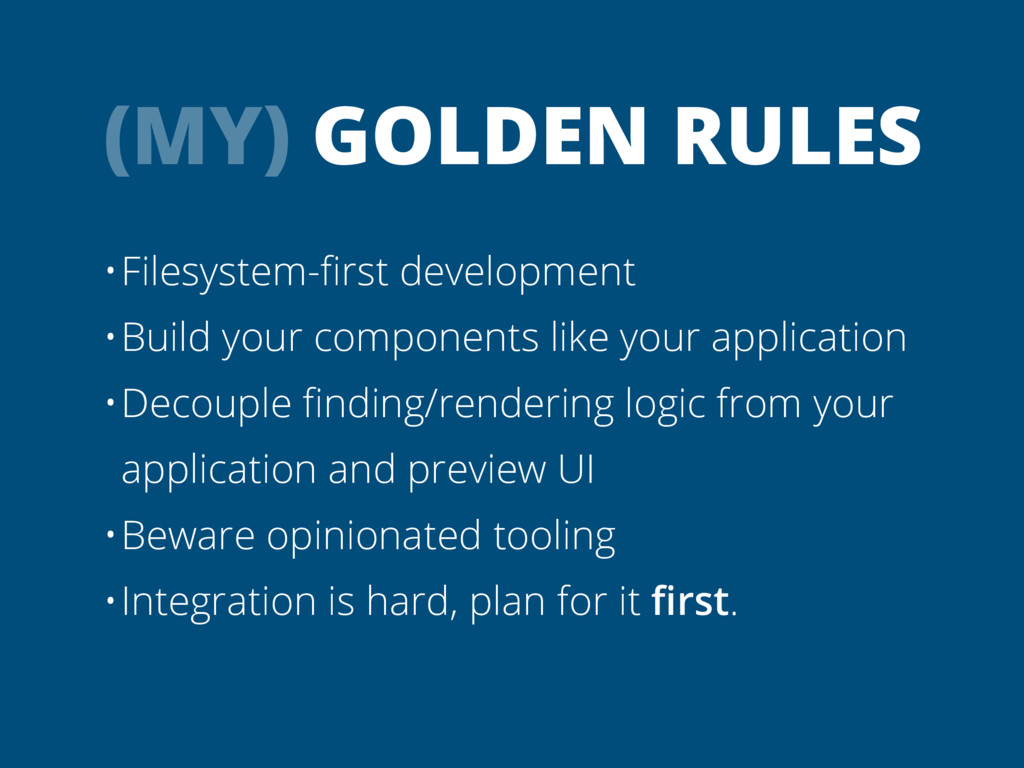
  7. (MY) GOLDEN RULES •Filesystem-first development •Build your components like your

    application •Decouple finding/rendering logic from your application and preview UI
  8. (MY) GOLDEN RULES •Filesystem-first development •Build your components like your

    application •Decouple finding/rendering logic from your application and preview UI •Beware opinionated tooling
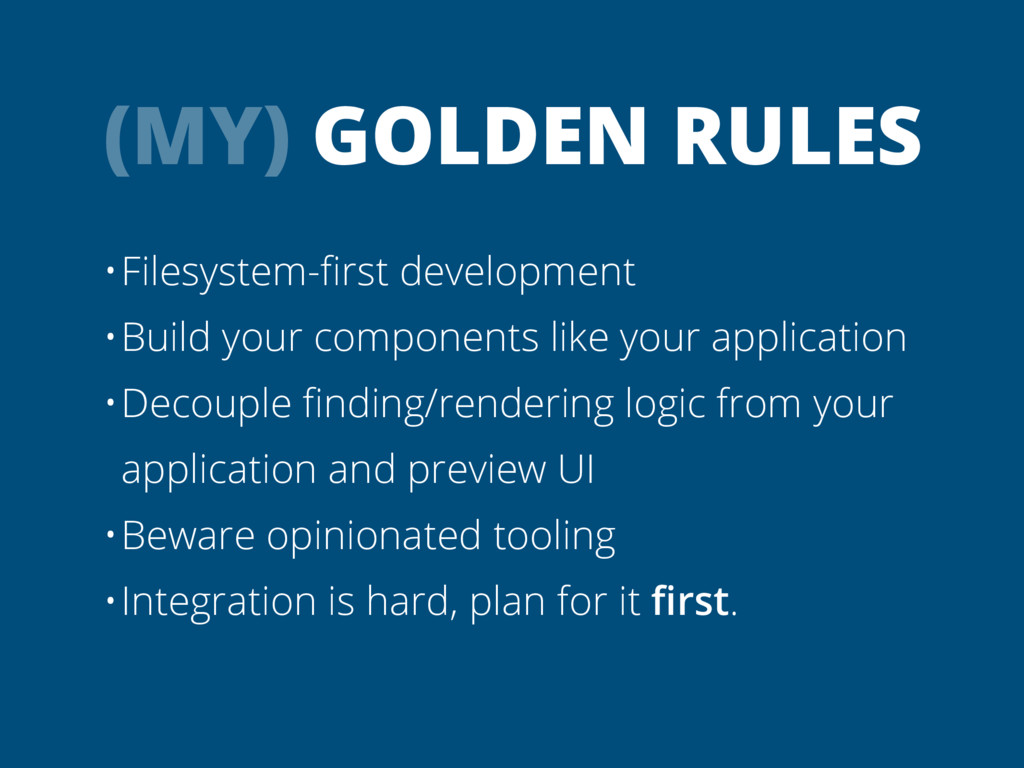
  9. (MY) GOLDEN RULES •Filesystem-first development •Build your components like your

    application •Decouple finding/rendering logic from your application and preview UI •Beware opinionated tooling •Integration is hard, plan for it first.
  10. (MY) GOLDEN RULES •Filesystem-first development •Build your components like your

    application •Decouple finding/rendering logic from your application and preview UI •Beware opinionated tooling •Integration is hard, plan for it first.
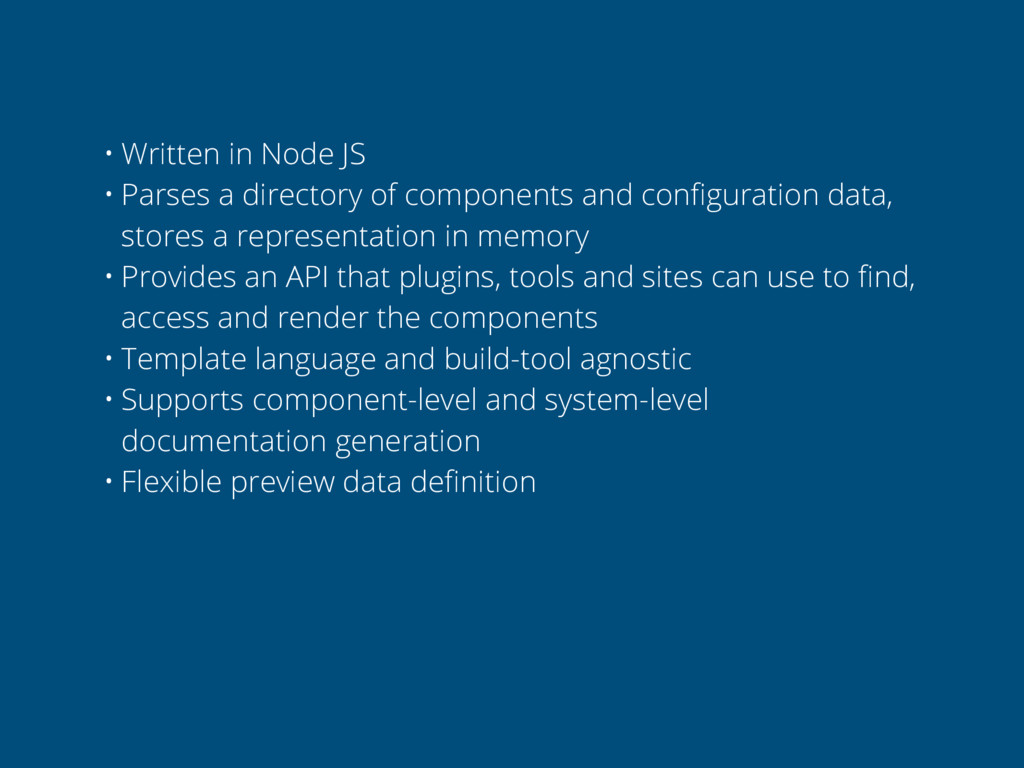
  11. • Written in Node JS • Parses a directory of

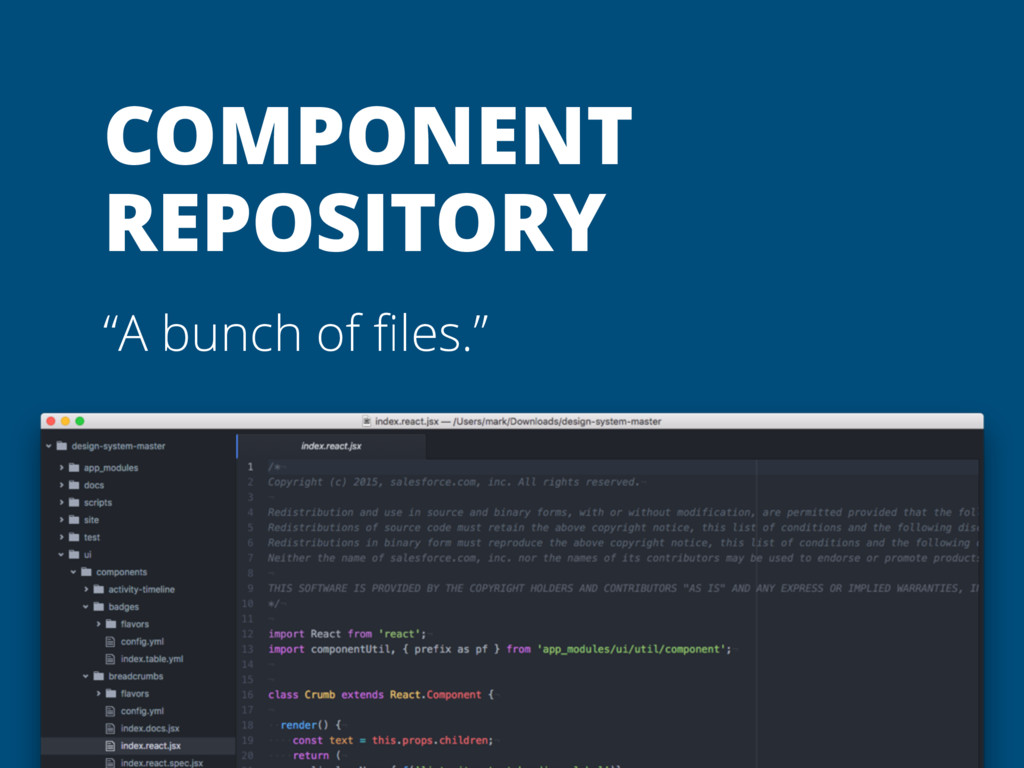
    components and configuration data, stores a representation in memory
  12. • Written in Node JS • Parses a directory of

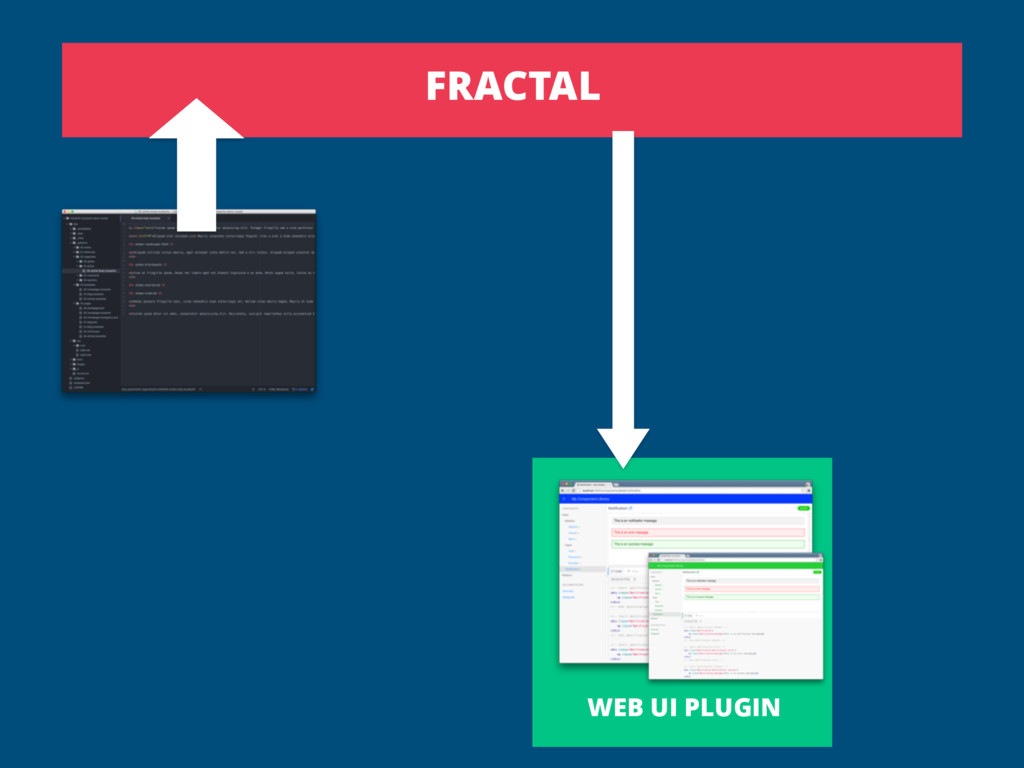
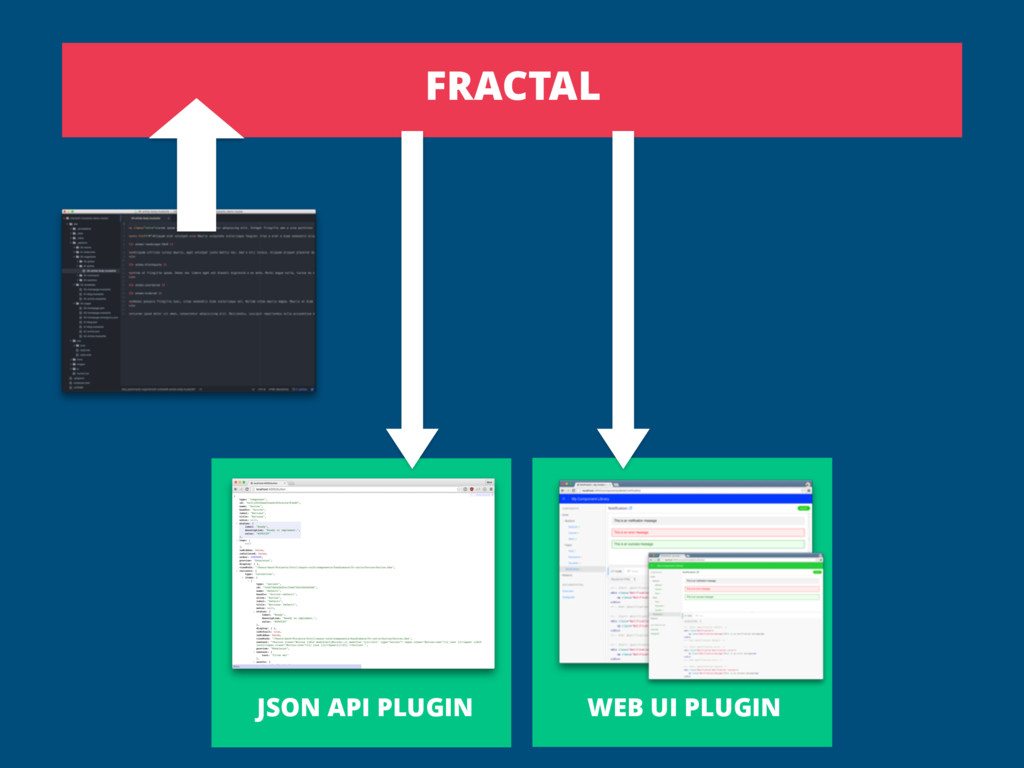
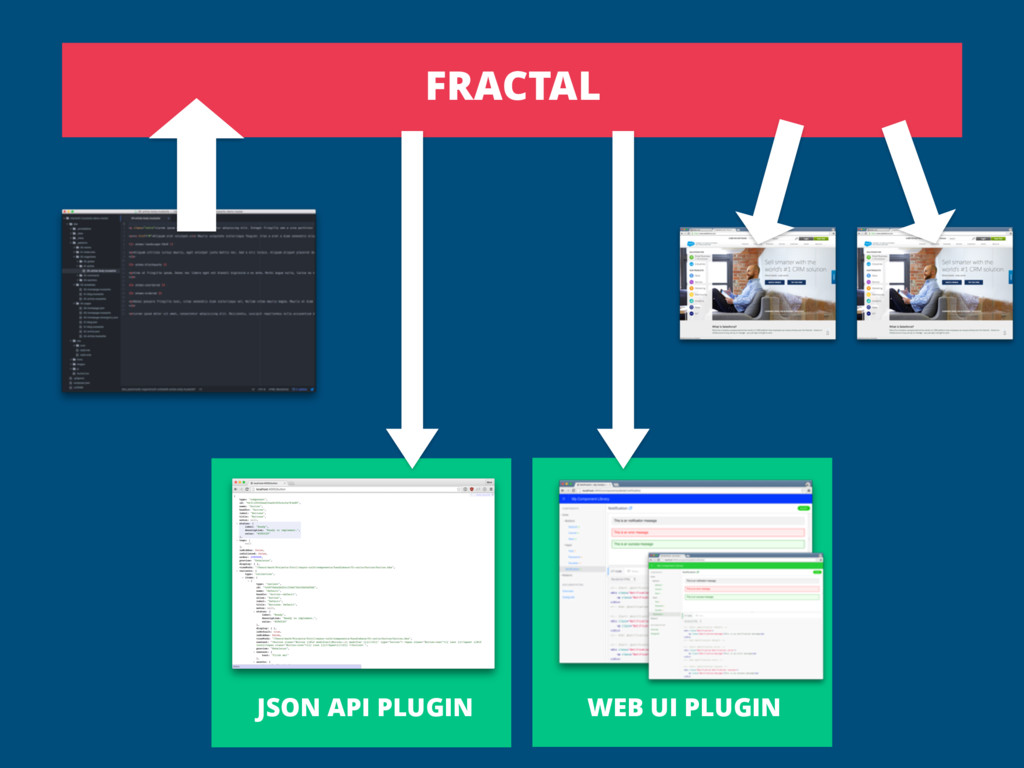
    components and configuration data, stores a representation in memory • Provides an API that plugins, tools and sites can use to find, access and render the components
  13. • Written in Node JS • Parses a directory of

    components and configuration data, stores a representation in memory • Provides an API that plugins, tools and sites can use to find, access and render the components • Template language and build-tool agnostic
  14. • Written in Node JS • Parses a directory of

    components and configuration data, stores a representation in memory • Provides an API that plugins, tools and sites can use to find, access and render the components • Template language and build-tool agnostic • Supports component-level and system-level documentation generation
  15. • Written in Node JS • Parses a directory of

    components and configuration data, stores a representation in memory • Provides an API that plugins, tools and sites can use to find, access and render the components • Template language and build-tool agnostic • Supports component-level and system-level documentation generation • Flexible preview data definition
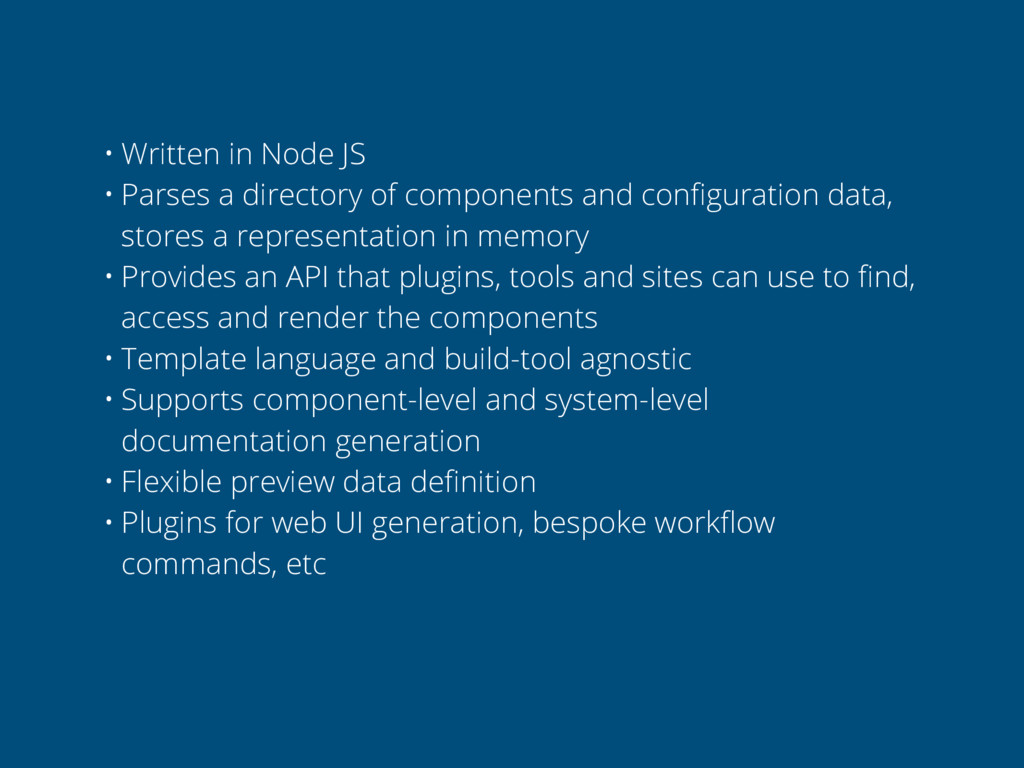
  16. • Written in Node JS • Parses a directory of

    components and configuration data, stores a representation in memory • Provides an API that plugins, tools and sites can use to find, access and render the components • Template language and build-tool agnostic • Supports component-level and system-level documentation generation • Flexible preview data definition • Plugins for web UI generation, bespoke workflow commands, etc
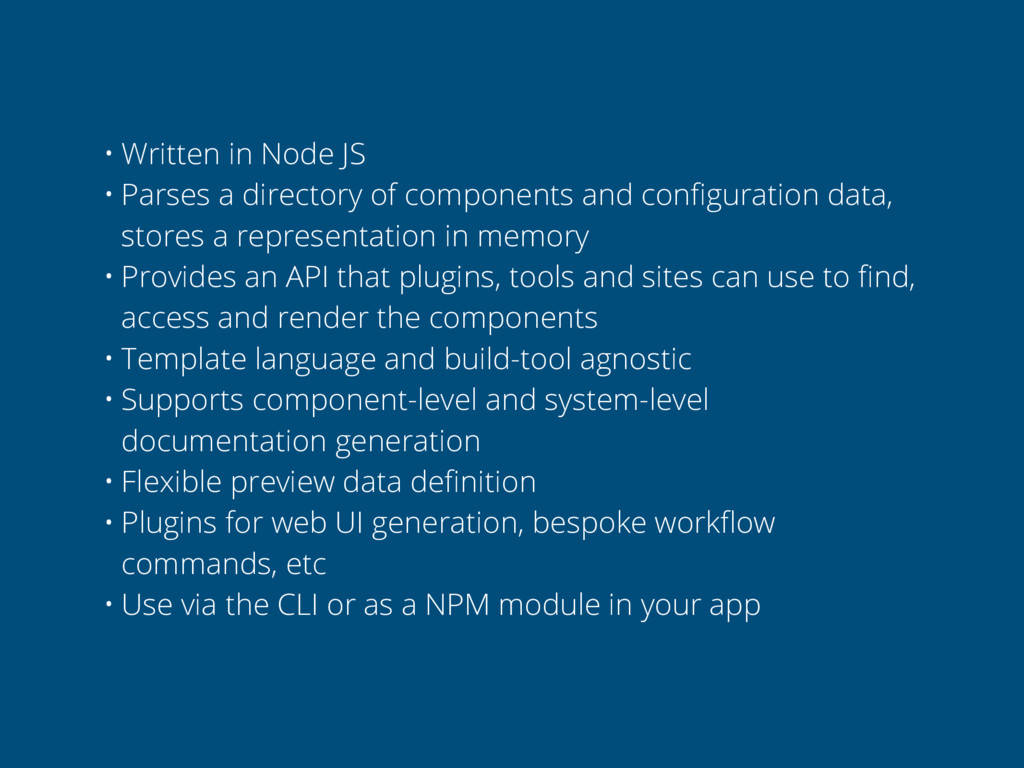
  17. • Written in Node JS • Parses a directory of

    components and configuration data, stores a representation in memory • Provides an API that plugins, tools and sites can use to find, access and render the components • Template language and build-tool agnostic • Supports component-level and system-level documentation generation • Flexible preview data definition • Plugins for web UI generation, bespoke workflow commands, etc • Use via the CLI or as a NPM module in your app