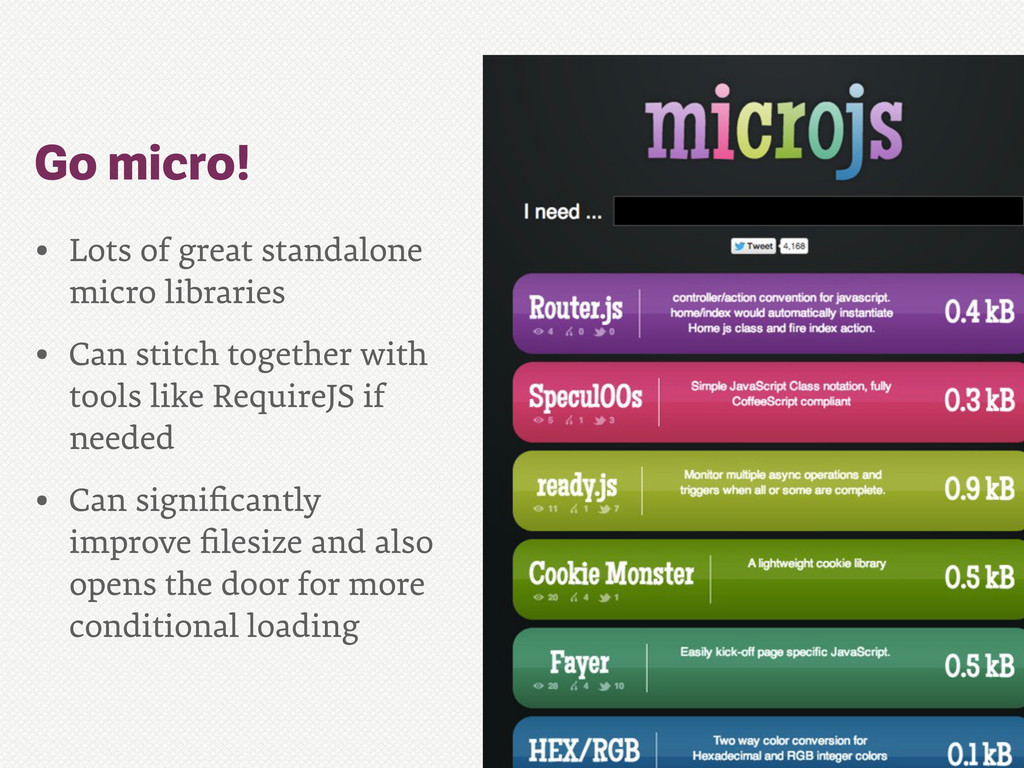
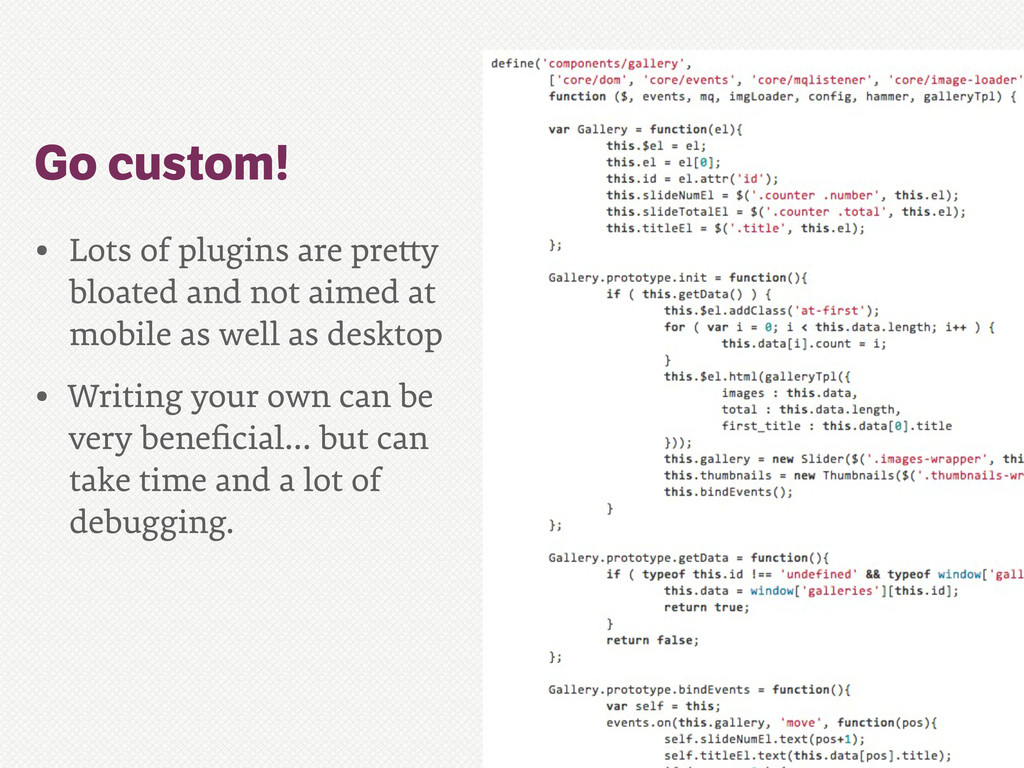
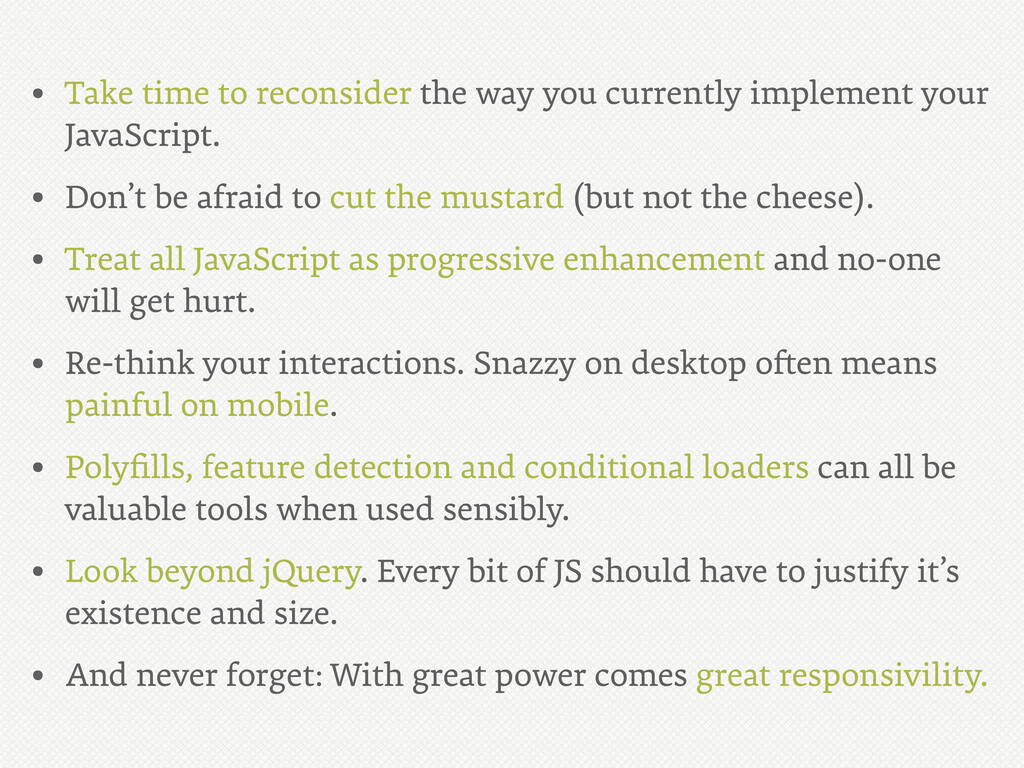
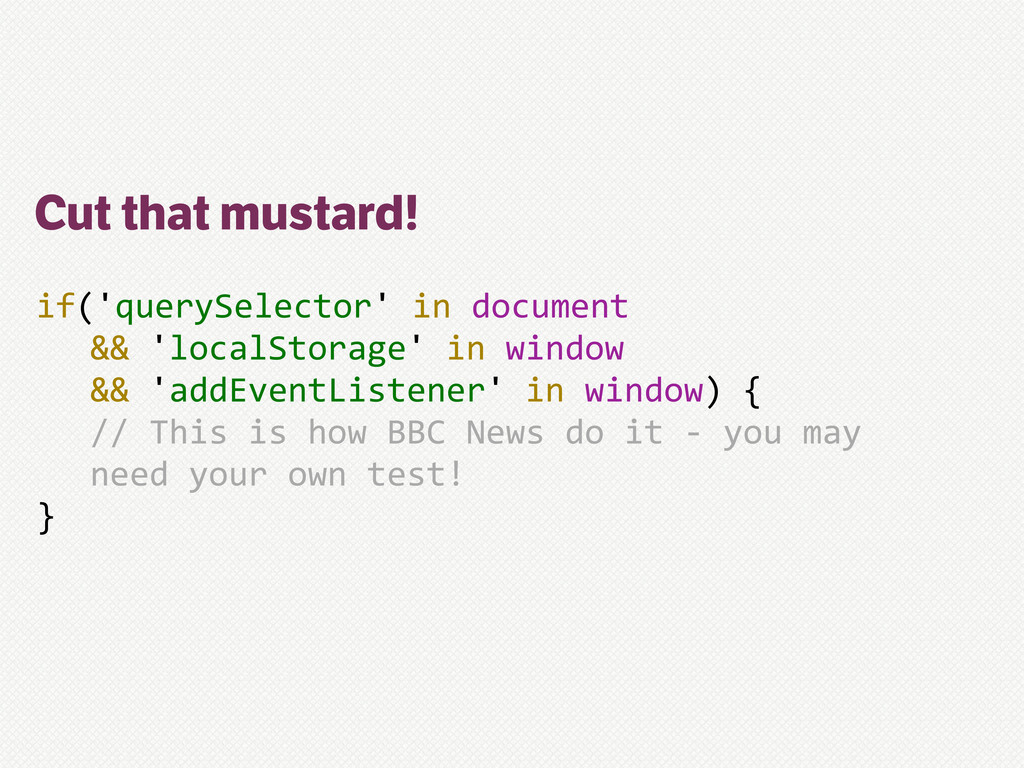
your JavaScript. • Don’t be afraid to cut the mustard (but not the cheese). • Treat all JavaScript as progressive enhancement and no-one will get hurt. • Re-think your interactions. Snazzy on desktop o!en means painful on mobile. • Polyfills, feature detection and conditional loaders can all be valuable tools when used sensibly. • Look beyond jQuery. Every bit of JS should have to justify it’s existence and size. • And never forget: With great power comes great responsivility.
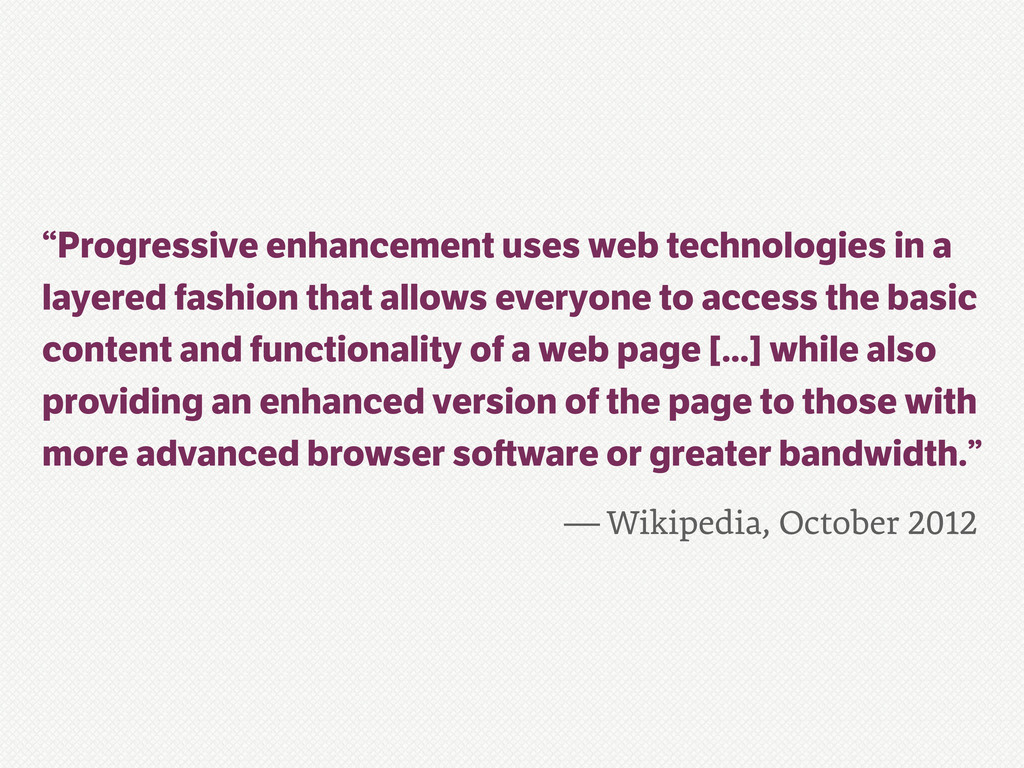
a layered fashion that allows everyone to access the basic content and functionality of a web page [...] while also providing an enhanced version of the page to those with more advanced browser so ware or greater bandwidth.”
your JavaScript. • Don’t be afraid to cut the mustard (but not the cheese). • Treat all JavaScript as progressive enhancement and no-one will get hurt. • Re-think your interactions. Snazzy on desktop o!en means painful on mobile. • Polyfills, feature detection and conditional loaders can all be valuable tools when used sensibly. • Look beyond jQuery. Every bit of JS should have to justify it’s existence and size. • And never forget: With great power comes great responsivility.


 allmarkedup
 kentapapa
 maimyyym
 greenmidori
 tomokusaba
 prog893
 onk
onk
 iktakahiro
 shogo4131
 akitoshiga
 mhrtech
 bitkey
 moznion
 eitanlees
 techseoconnect
 axbom
axbom
 schlessera
 gurzu
gurzu
 popppiees
 zakiyama
 elsirapls
 sonatard
 tenderlove
 schroneko
 tamaranovitovic





![Proxy (poxy) browsers if(Object.prototype.toString.call( window.operamini)/!==/'[object/OperaMini]')/{ ///*not*/feature/detection/:C( }](https://files.speakerdeck.com/presentations/507806c11d371f000203b9f8/slide_18.jpg)