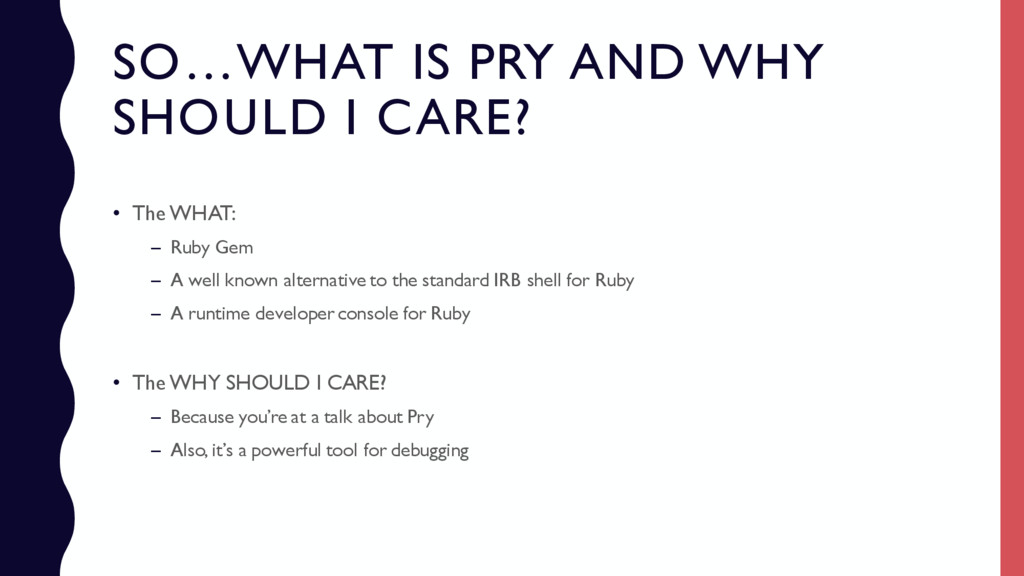
WHAT: – Ruby Gem – A well known alternative to the standard IRB shell for Ruby – A runtime developer console for Ruby • The WHY SHOULD I CARE? – Because you’re at a talk about Pry – Also, it’s a powerful tool for debugging
is a huge part of our job as Developers – Developers spend 60% of their time debugging – The faster we can debug, the faster we can get back to Reddit! • Many are familiar with ‘binding.pry’ but don’t use Pry to its potential – This method starts a Pry session and pauses the code execution – Think of it as opening the Rails console (at a chosen point in the execution path)
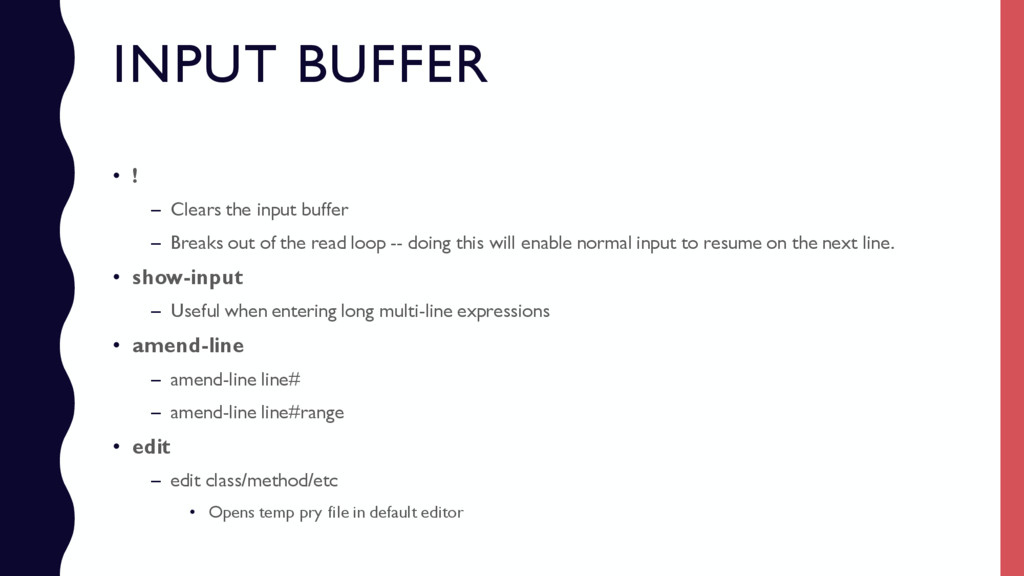
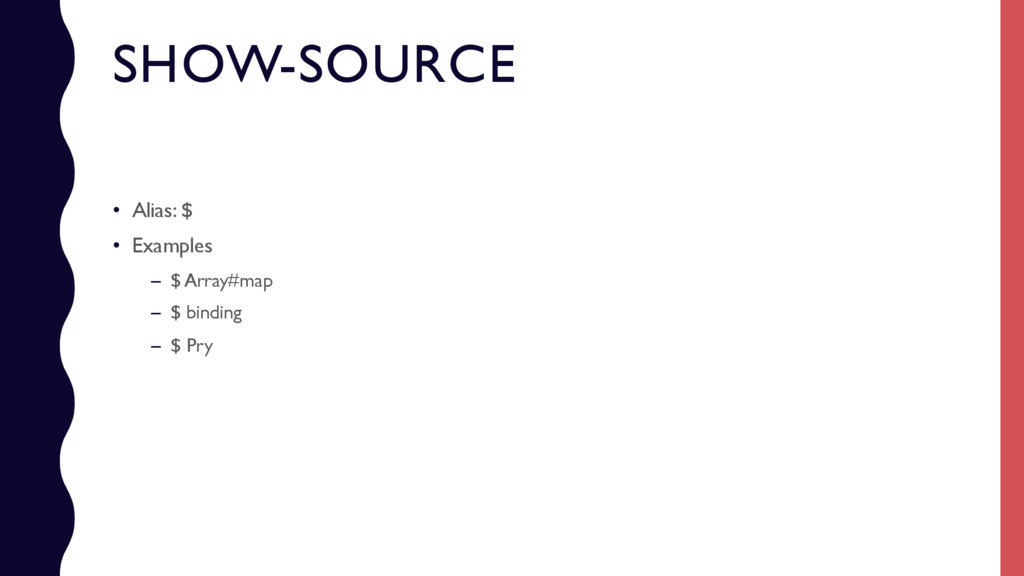
Breaks out of the read loop -- doing this will enable normal input to resume on the next line. • show-input – Useful when entering long multi-line expressions • amend-line – amend-line line# – amend-line line#range • edit – edit class/method/etc • Opens temp pry file in default editor
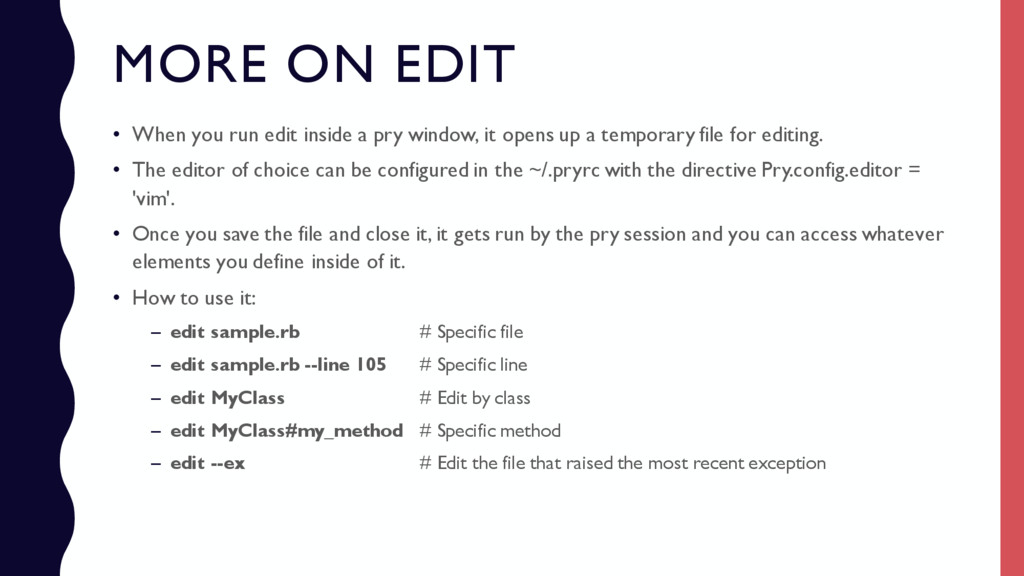
pry window, it opens up a temporary file for editing. • The editor of choice can be configured in the ~/.pryrc with the directive Pry.config.editor = 'vim'. • Once you save the file and close it, it gets run by the pry session and you can access whatever elements you define inside of it. • How to use it: – edit sample.rb # Specific file – edit sample.rb --line 105 # Specific line – edit MyClass # Edit by class – edit MyClass#my_method # Specific method – edit --ex # Edit the file that raised the most recent exception
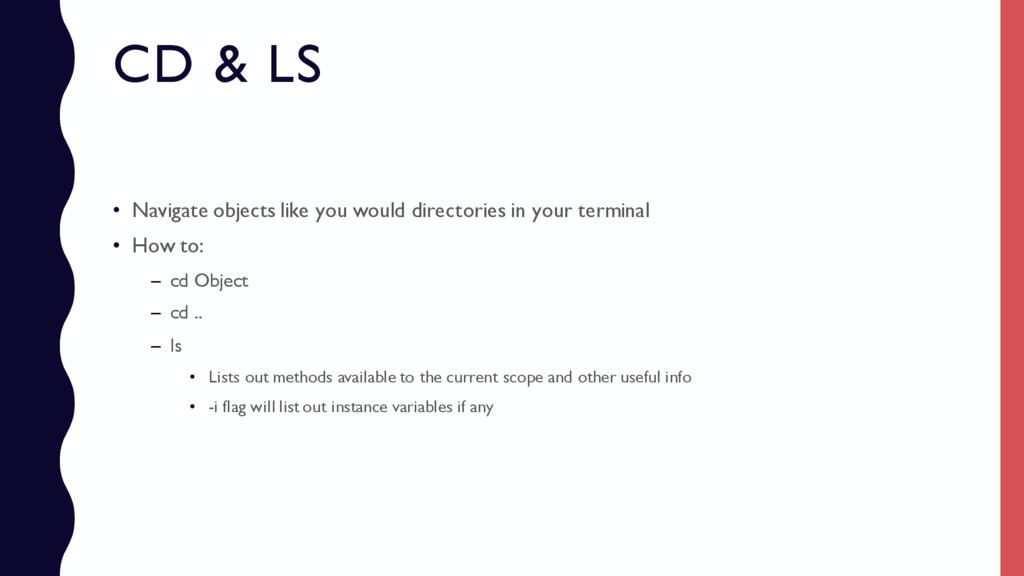
in your terminal • How to: – cd Object – cd .. – ls • Lists out methods available to the current scope and other useful info • -i flag will list out instance variables if any
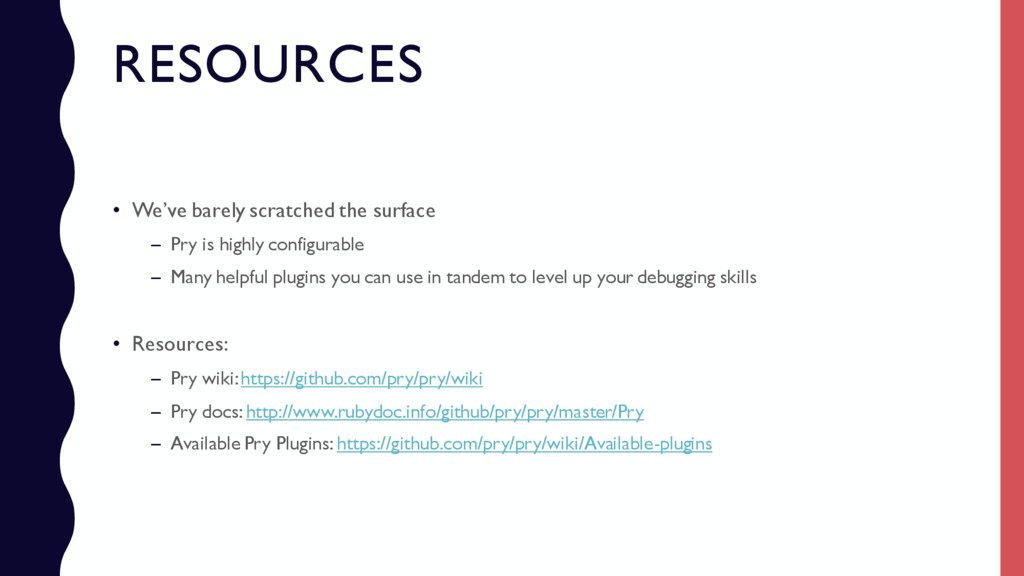
highly configurable – Many helpful plugins you can use in tandem to level up your debugging skills • Resources: – Pry wiki: https://github.com/pry/pry/wiki – Pry docs: http://www.rubydoc.info/github/pry/pry/master/Pry – Available Pry Plugins: https://github.com/pry/pry/wiki/Available-plugins


 rkaga
rkaga
 seike460
 taiseiue
 eed3si9n
 oniak3ibm
 jame2408
 chobishiba
 suneo3476
 minodriven
 tomokon
 gam0022
 kaityo256
 morganepeng
.png) helenjbeal
helenjbeal
 inesmontani
 bkeepers
 erikaheidi
 davetheseo
 baasie
 jdejongh
 aleyda
 lemiorhan
 marktimemedia
 garrettdimon