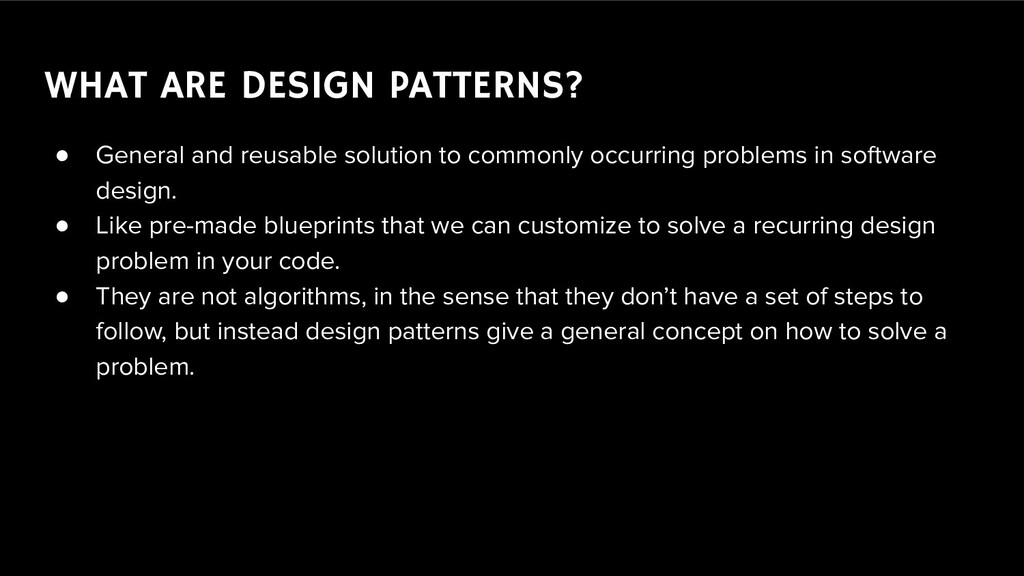
commonly occurring problems in software design. • Like pre-made blueprints that we can customize to solve a recurring design problem in your code. • They are not algorithms, in the sense that they don’t have a set of steps to follow, but instead design patterns give a general concept on how to solve a problem.
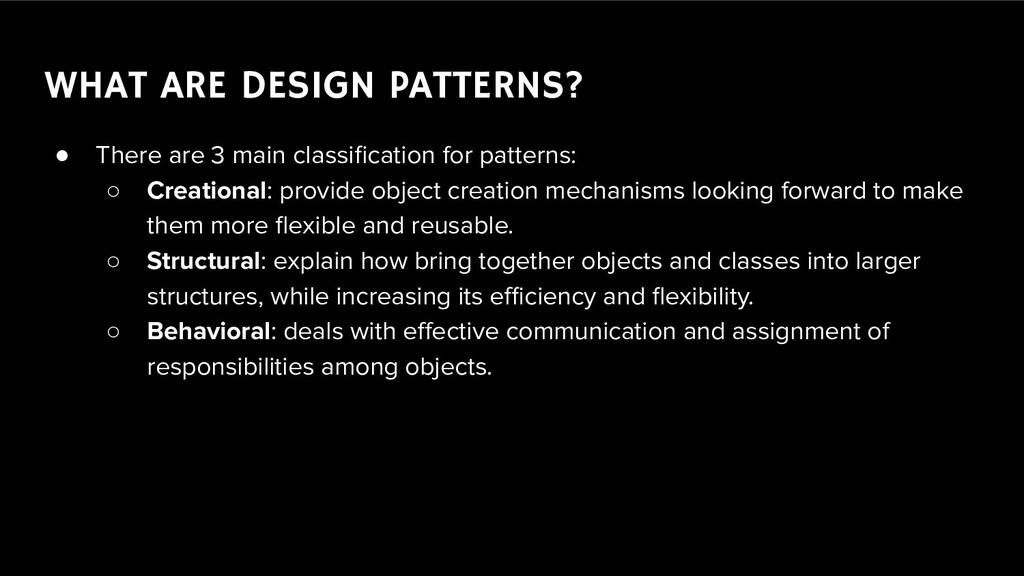
for patterns: ◦ Creational: provide object creation mechanisms looking forward to make them more flexible and reusable. ◦ Structural: explain how bring together objects and classes into larger structures, while increasing its efficiency and flexibility. ◦ Behavioral: deals with effective communication and assignment of responsibilities among objects.
tried and tested solutions. Even if you never use all of them, it is still nice to know them because it helps with thinking on your solutions in software in general. • Also, once your team have a good understanding of the patterns, it is easier to communicate efficiently when developing a new feature or refactoring some processes, with everyone understanding the idea behind the concept you’re implementing.
world asks for quick and broad response to events, we need ways to make our apps work in any kind of screen, it can be directly from the web site and live on the smartphone’s home screen. ◦ For it we need to find effective ways to guarantee that our project will be reliably available in all kinds of possible views.
sensors, devices, machines, vehicles, we are having a great impact on our world. ◦ But as it can offer various advantages, we need to keep in mind that for evolving software we need to build reusable software that can be easily handed over when necessary.
are beyond programing language, which means that you’re not dependent on any structure to apply those ideas • As mentioned before, one the team has knowledge on patterns, it facilitate conversation on development process. • It helps developers to build reliable and reusable prototypes, once the solutions are tested and help plan the architecture of a solution • Also by building flexible structures we can speed up changes on development.
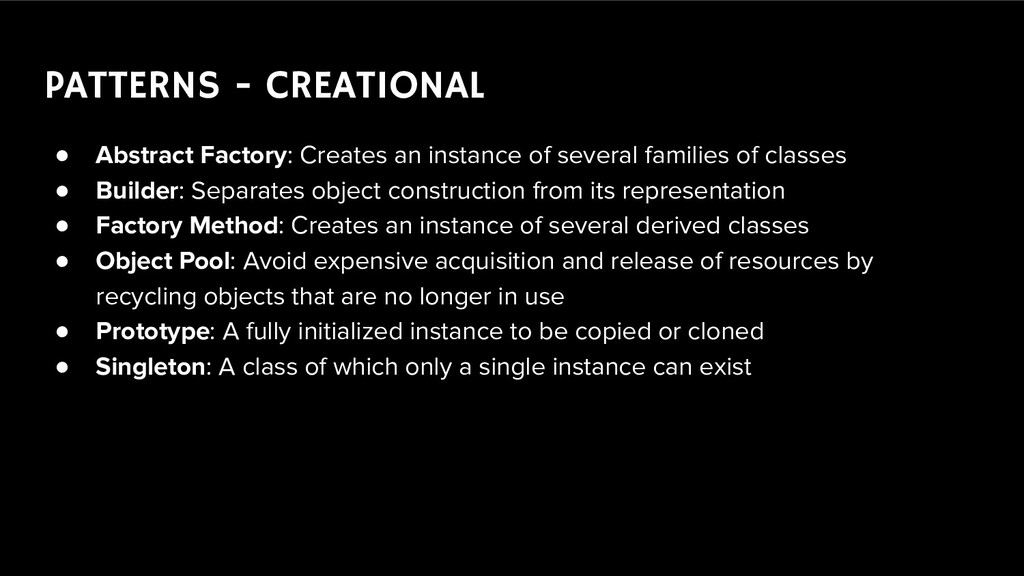
several families of classes • Builder: Separates object construction from its representation • Factory Method: Creates an instance of several derived classes • Object Pool: Avoid expensive acquisition and release of resources by recycling objects that are no longer in use • Prototype: A fully initialized instance to be copied or cloned • Singleton: A class of which only a single instance can exist
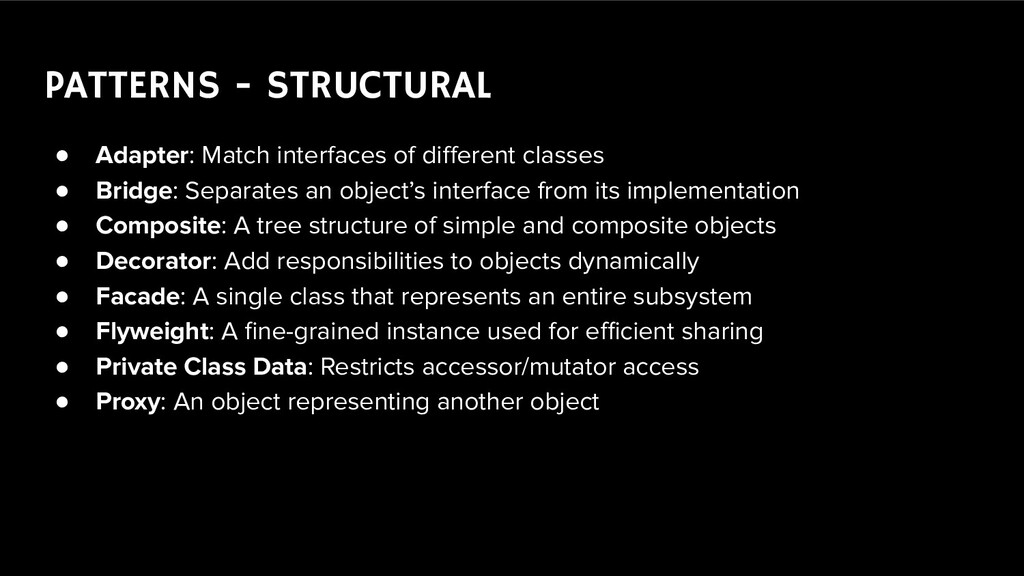
• Bridge: Separates an object’s interface from its implementation • Composite: A tree structure of simple and composite objects • Decorator: Add responsibilities to objects dynamically • Facade: A single class that represents an entire subsystem • Flyweight: A fine-grained instance used for efficient sharing • Private Class Data: Restricts accessor/mutator access • Proxy: An object representing another object
passing a request between a chain of objects • Command: Encapsulate a command request as an object • Interpreter: A way to include language elements in a program • Iterator: Sequentially access the elements of a collection • Mediator: Defines simplified communication between classes • Memento: Capture and restore an object's internal state • Null Object: Designed to act as a default value of an object • Observer: A way of notifying change to a number of classes • State: Alter an object's behavior when its state changes • Strategy: Encapsulates an algorithm inside a class • Template method: Defer the exact steps of an algorithm to a subclass • Visitor: Defines a new operation to a class without change


 anaschwendler
 elmetal
 yutobara
 curekoshimizu
 o0h
o0h
 steliosf
 ivargrimstad
 tosite
 gam0022
 teyamagu
 minodriven
 yub0n
yub0n
 eed3si9n
 axbom
axbom
 eileencodes
 mkilby
 madoxten
 inesmontani
 leimatthew05
 reverentgeek
 tammyeverts
 shlominoach
 soysaucechin
 speakerdeck