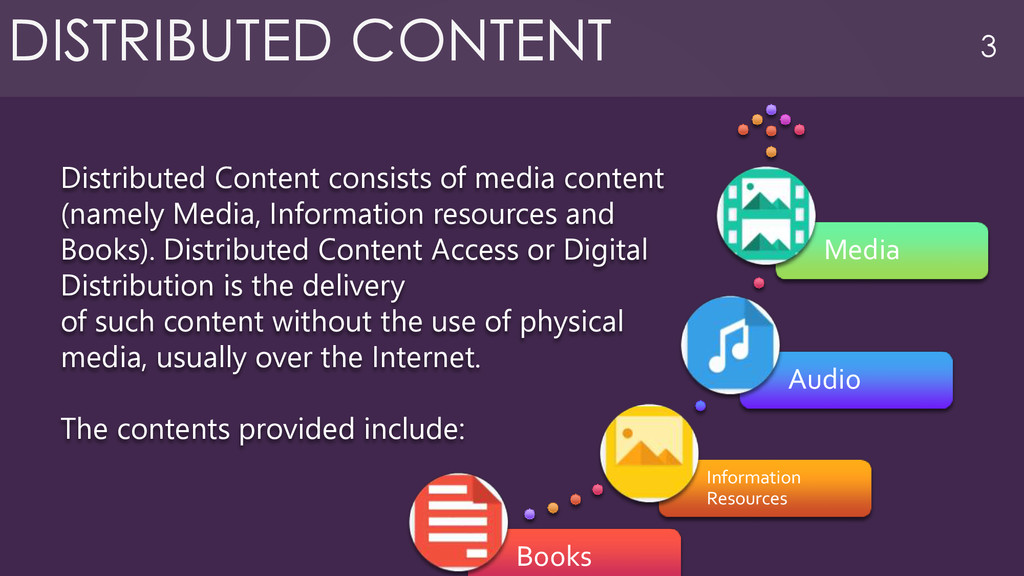
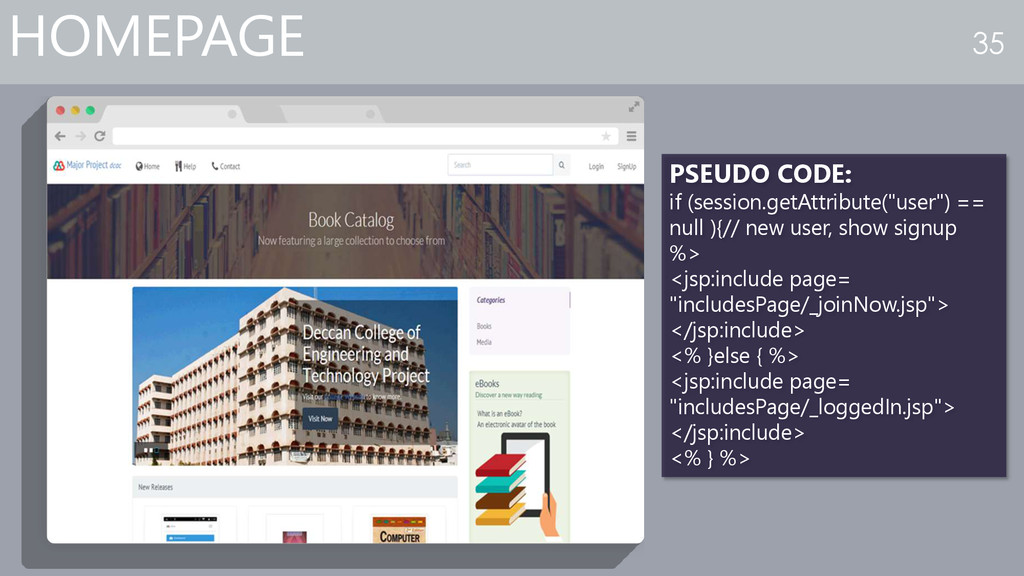
content (namely Media, Information resources and Books). Distributed Content Access or Digital Distribution is the delivery of such content without the use of physical media, usually over the Internet. The contents provided include: DISTRIBUTED CONTENT 3
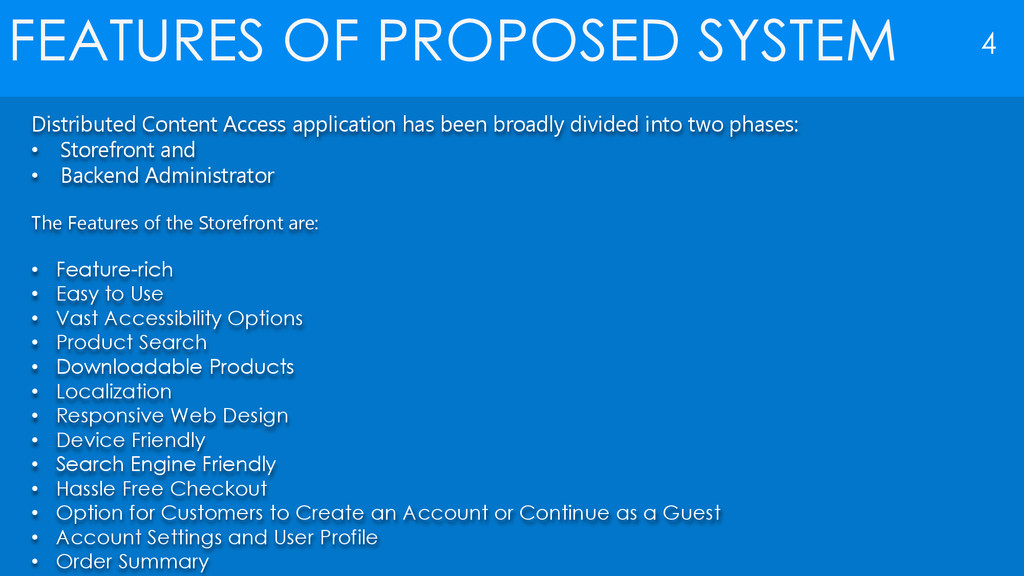
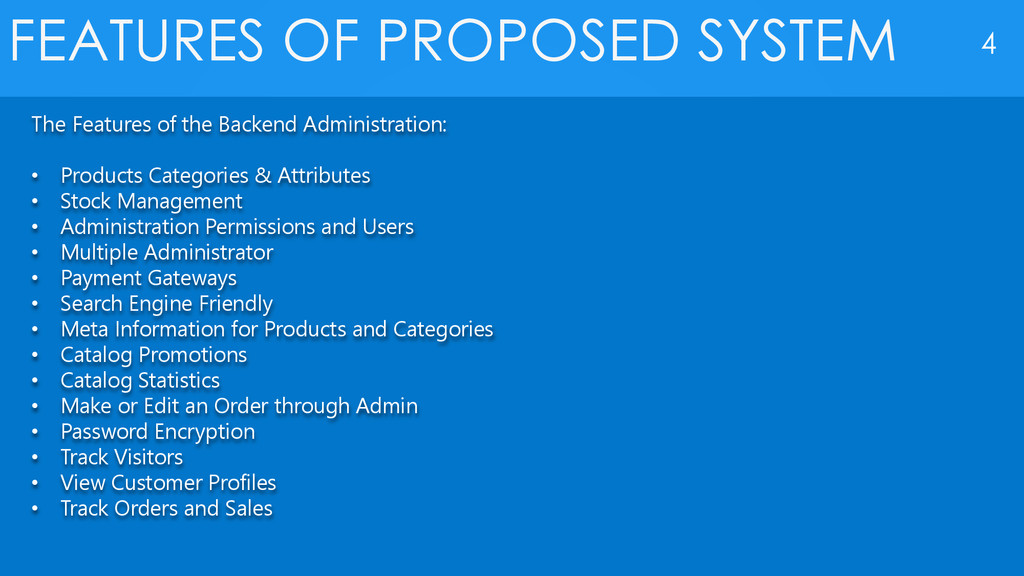
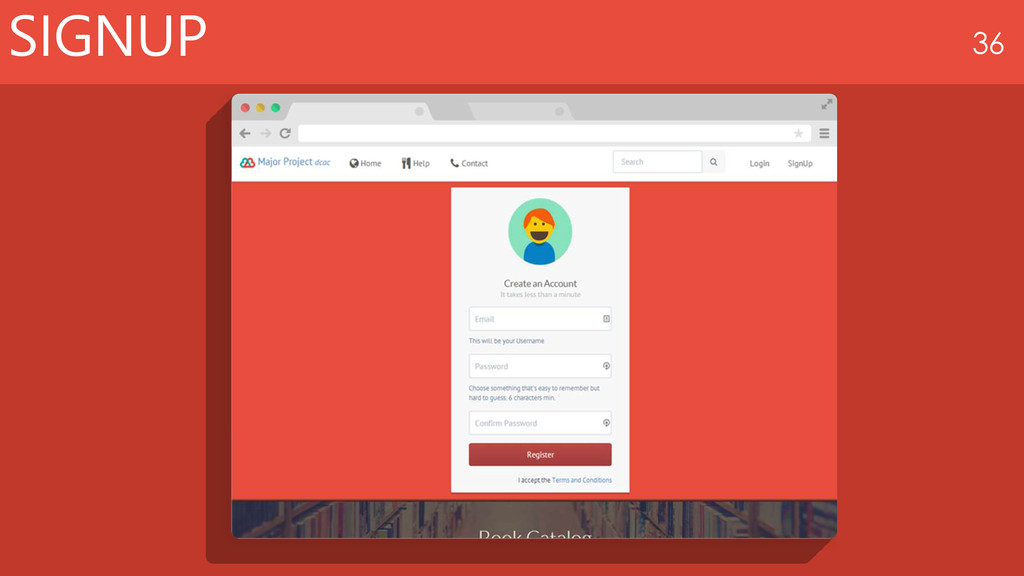
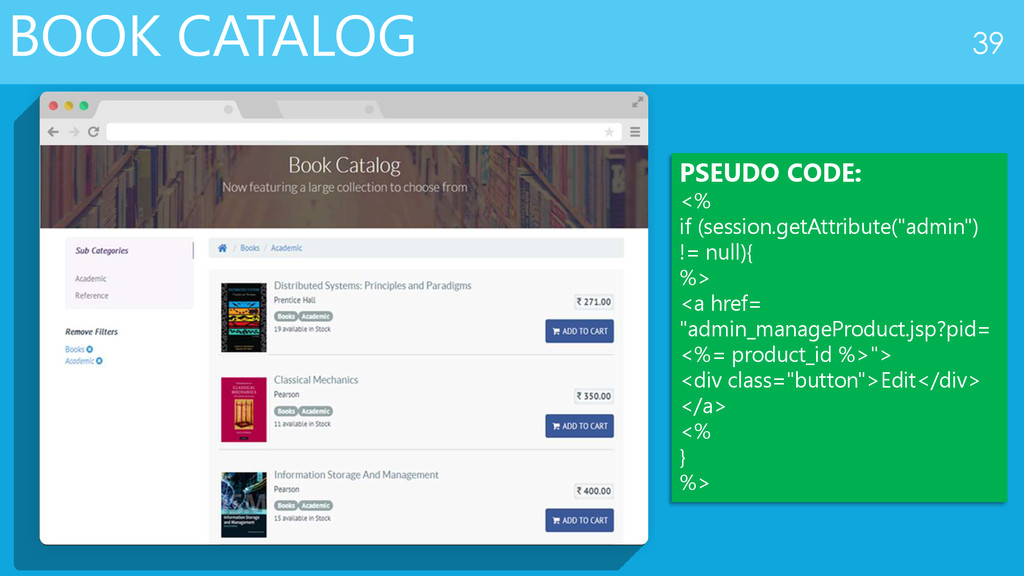
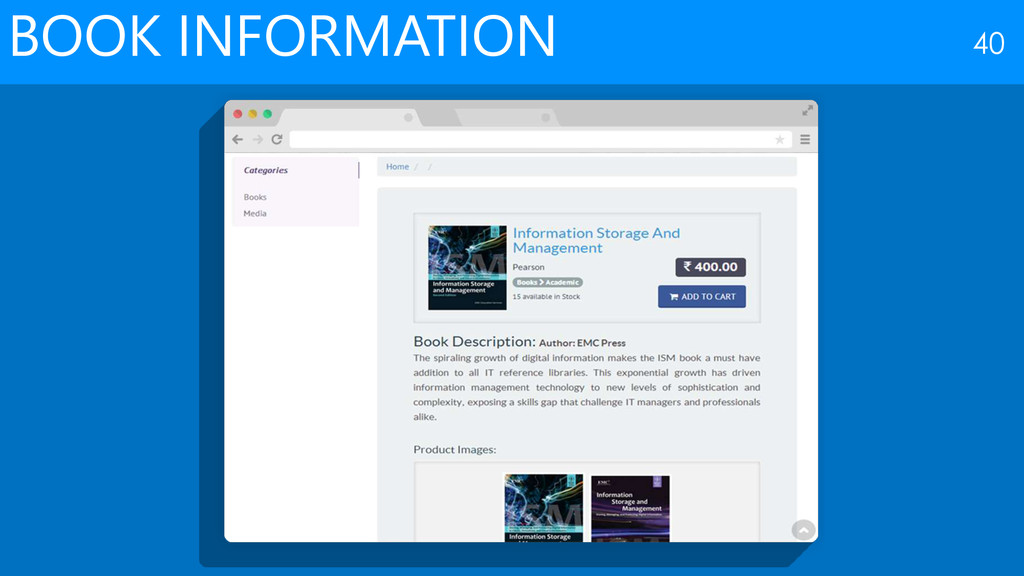
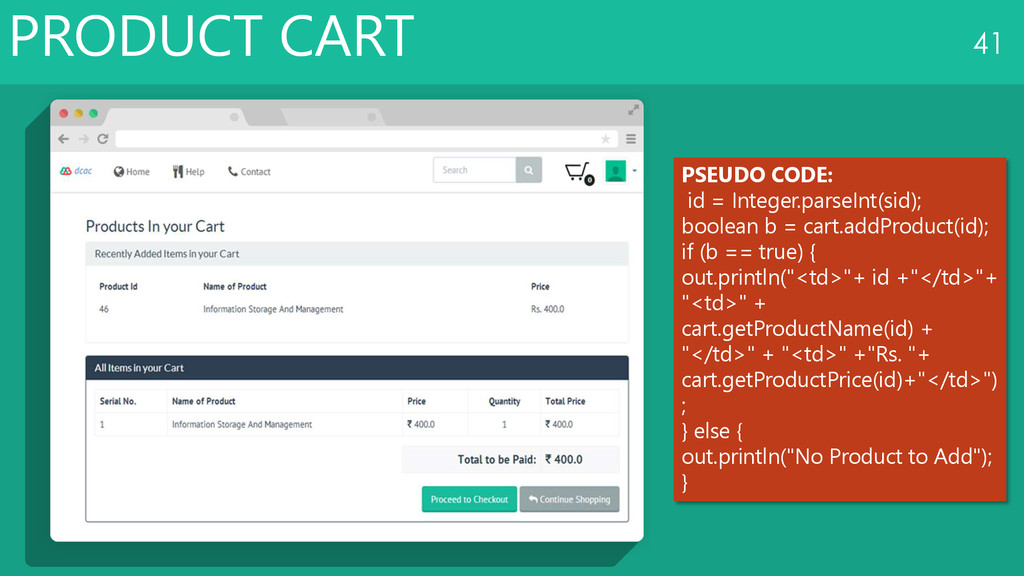
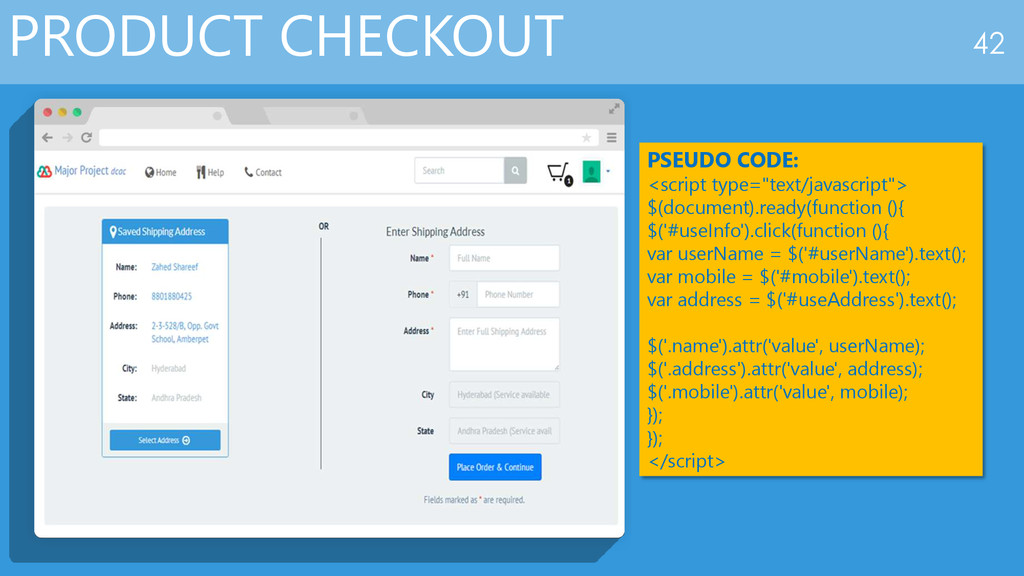
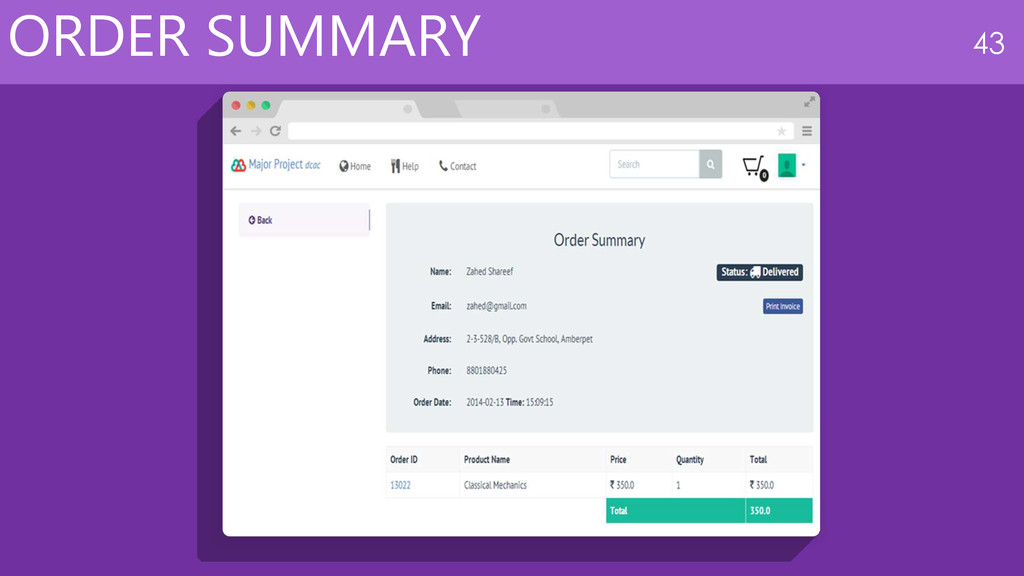
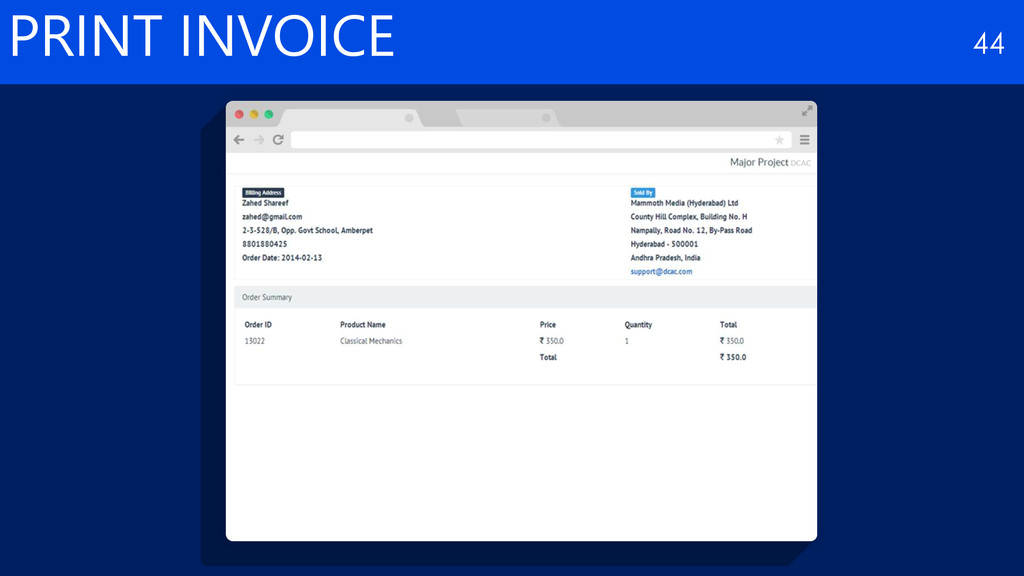
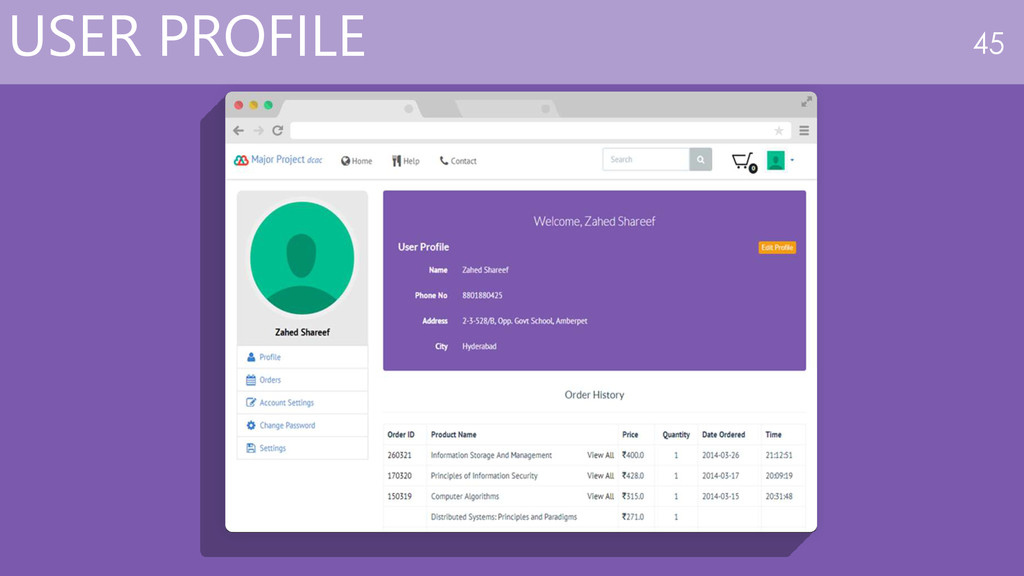
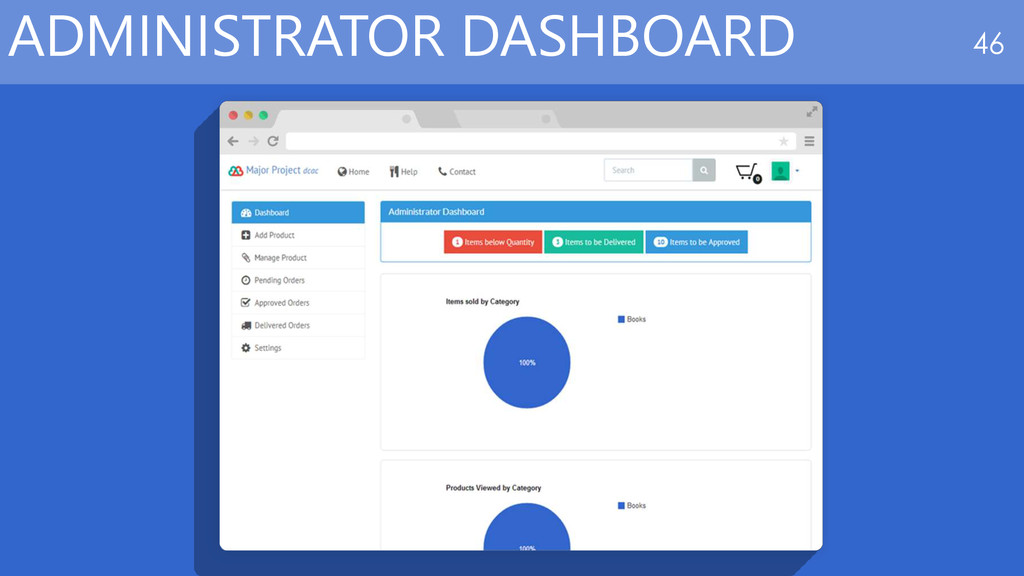
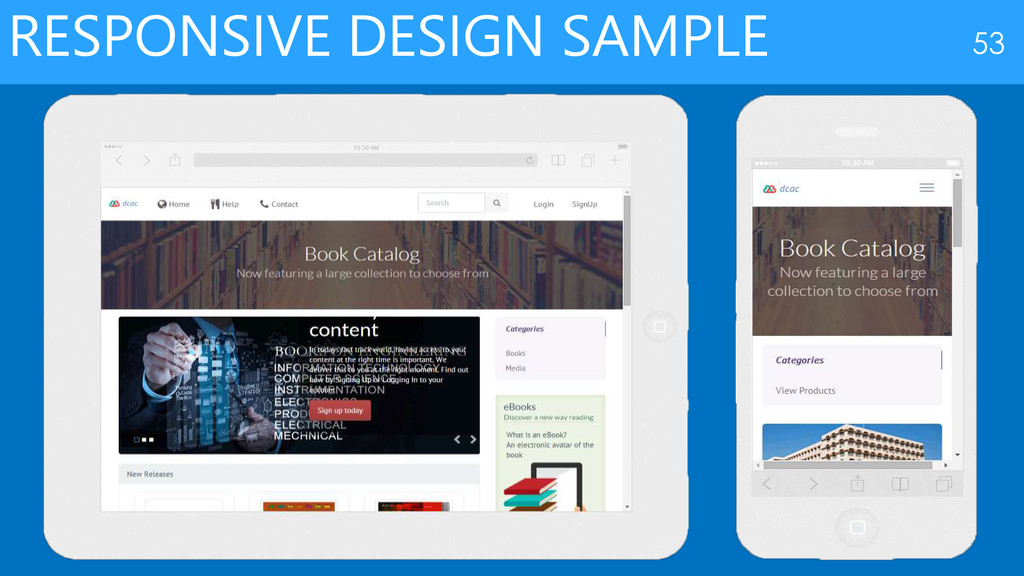
been broadly divided into two phases: • Storefront and • Backend Administrator The Features of the Storefront are: • Feature-rich • Easy to Use • Vast Accessibility Options • Product Search • Downloadable Products • Localization • Responsive Web Design • Device Friendly • Search Engine Friendly • Hassle Free Checkout • Option for Customers to Create an Account or Continue as a Guest • Account Settings and User Profile • Order Summary
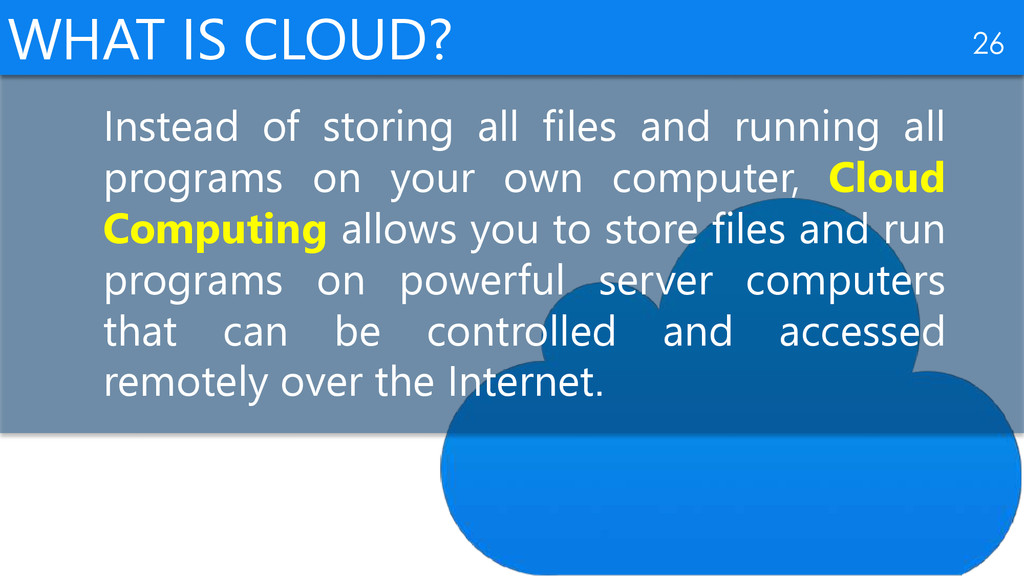
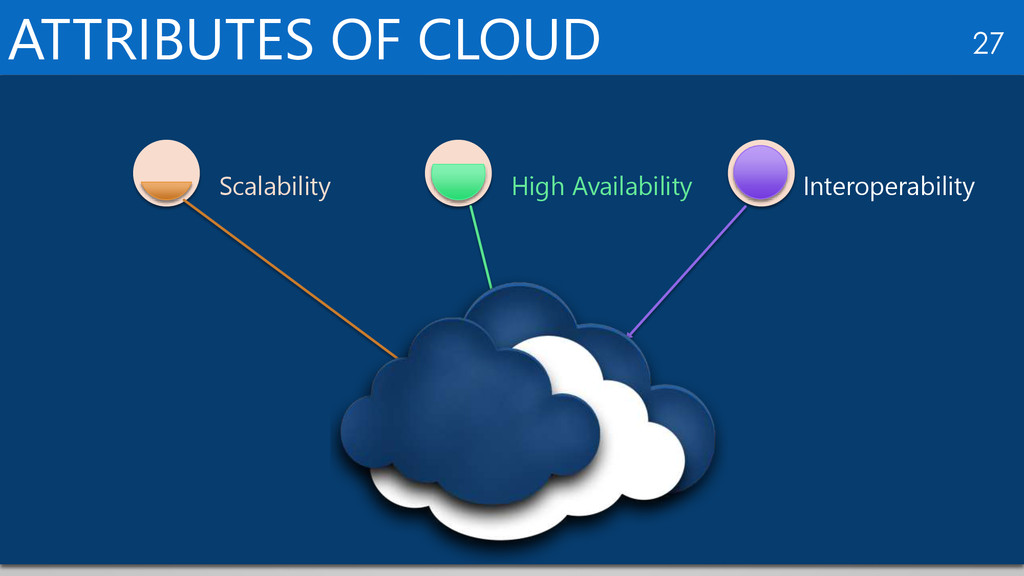
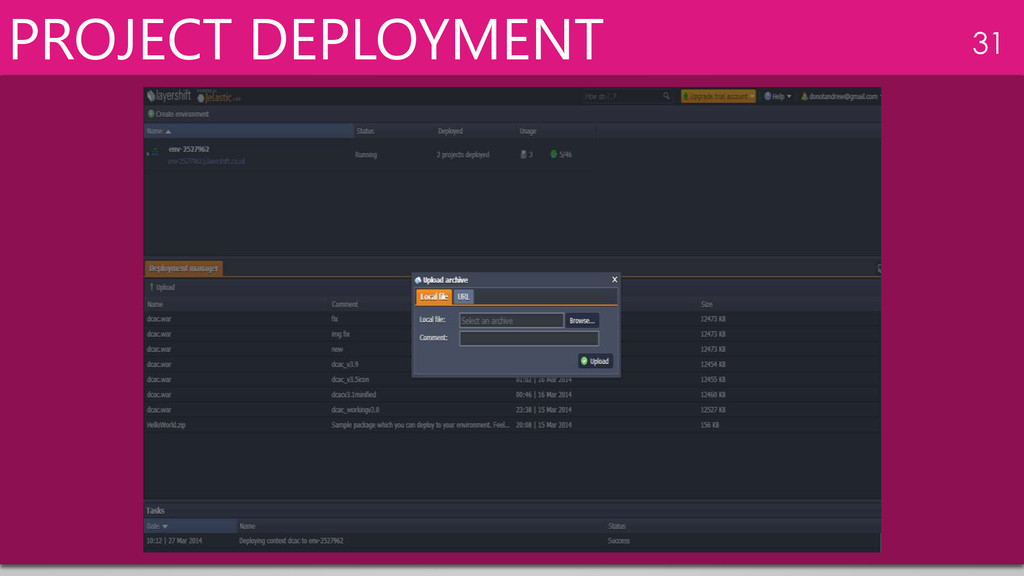
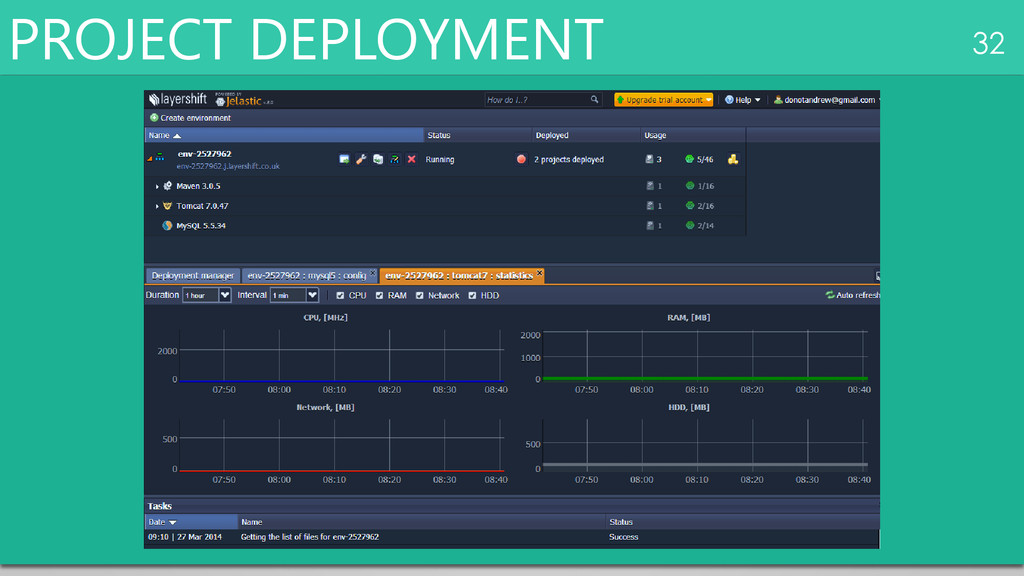
running all programs on your own computer, Cloud Computing allows you to store files and run programs on powerful server computers that can be controlled and accessed remotely over the Internet.
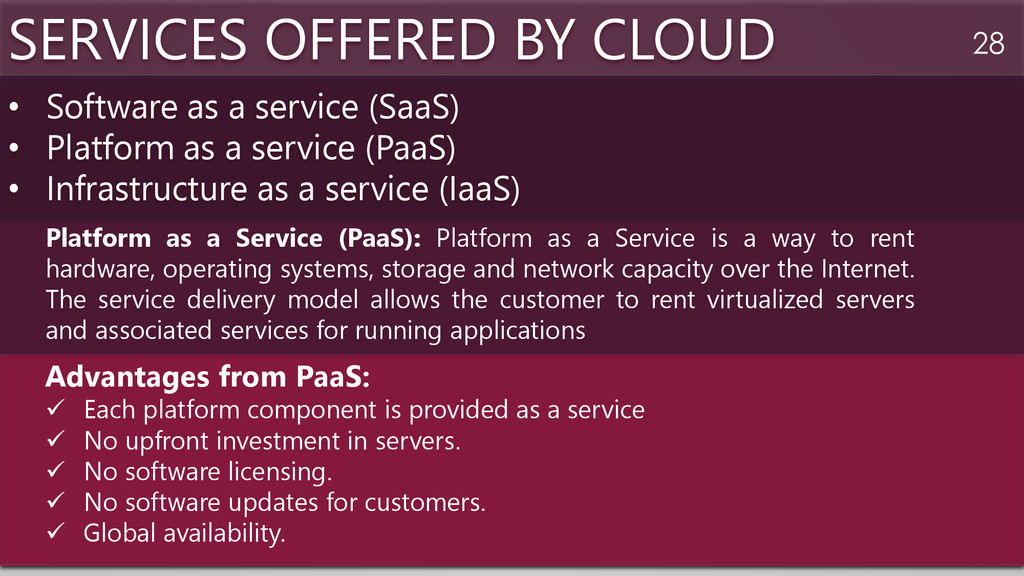
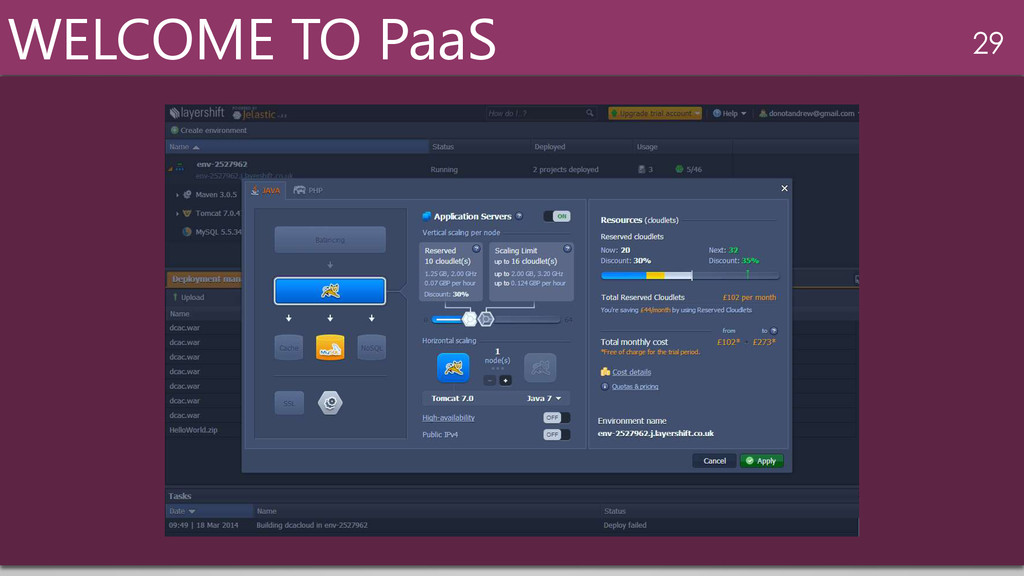
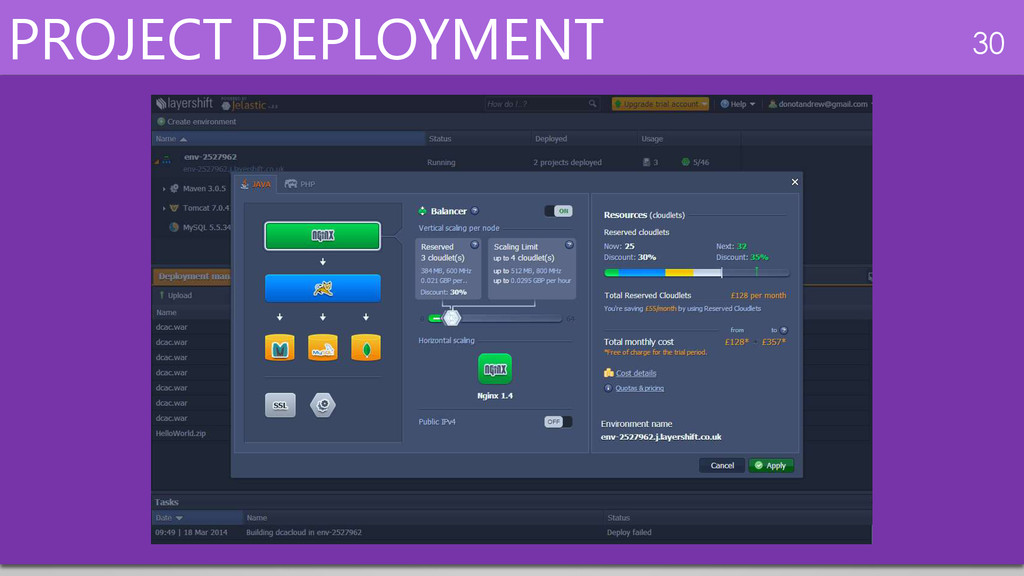
Platform as a Service is a way to rent hardware, operating systems, storage and network capacity over the Internet. The service delivery model allows the customer to rent virtualized servers and associated services for running applications • Software as a service (SaaS) • Platform as a service (PaaS) • Infrastructure as a service (IaaS) Advantages from PaaS: Each platform component is provided as a service No upfront investment in servers. No software licensing. No software updates for customers. Global availability.
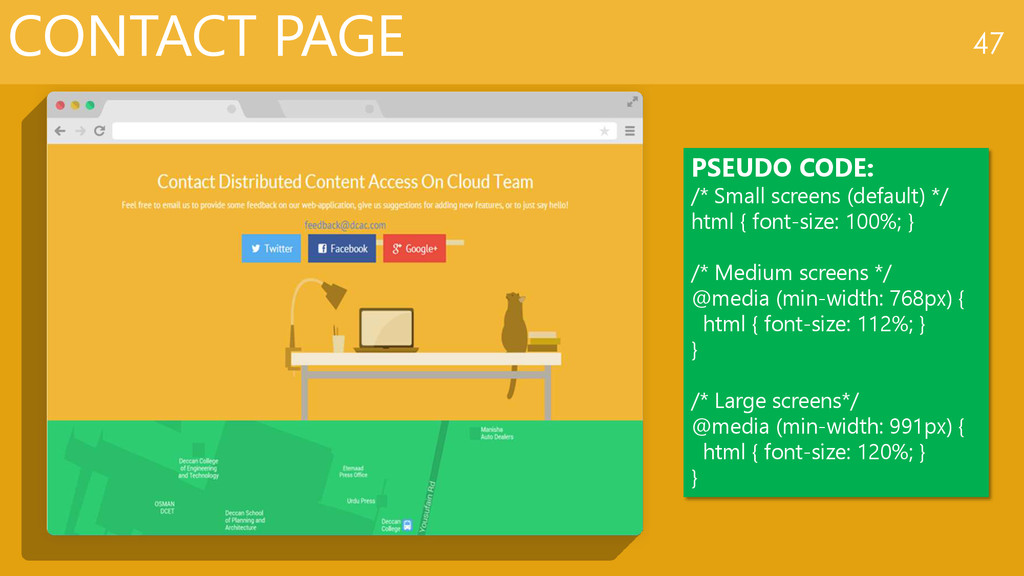
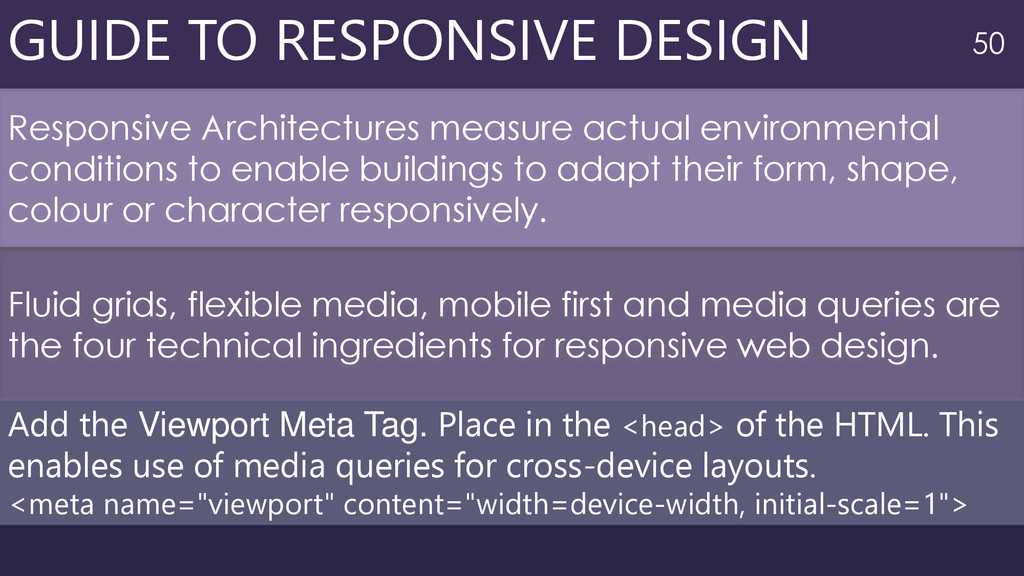
conditions to enable buildings to adapt their form, shape, colour or character responsively. Fluid grids, flexible media, mobile first and media queries are the four technical ingredients for responsive web design. Add the Viewport Meta Tag. Place in the <head> of the HTML. This enables use of media queries for cross-device layouts. <meta name="viewport" content="width=device-width, initial-scale=1">
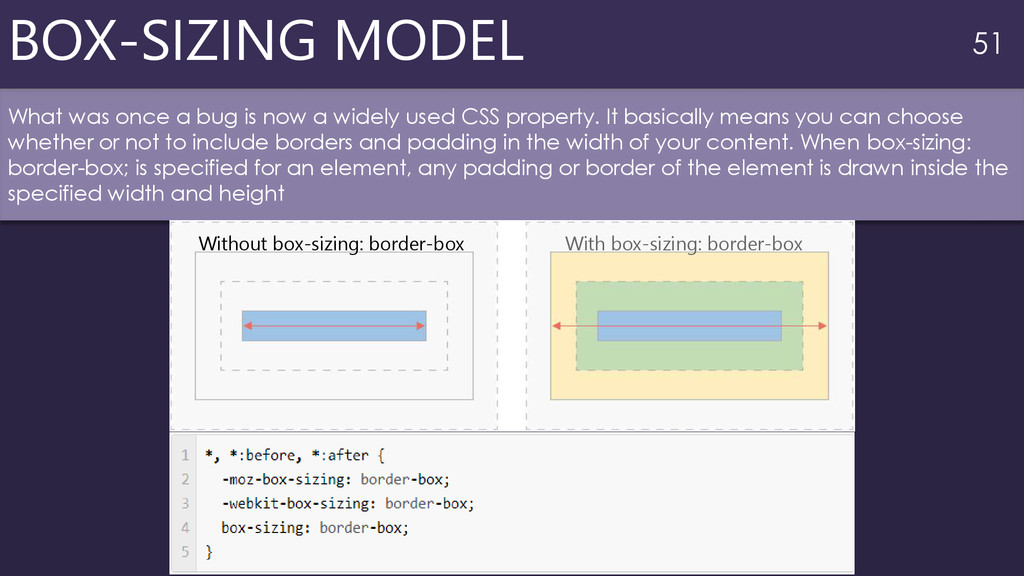
a widely used CSS property. It basically means you can choose whether or not to include borders and padding in the width of your content. When box-sizing: border-box; is specified for an element, any padding or border of the element is drawn inside the specified width and height Without box-sizing: border-box With box-sizing: border-box
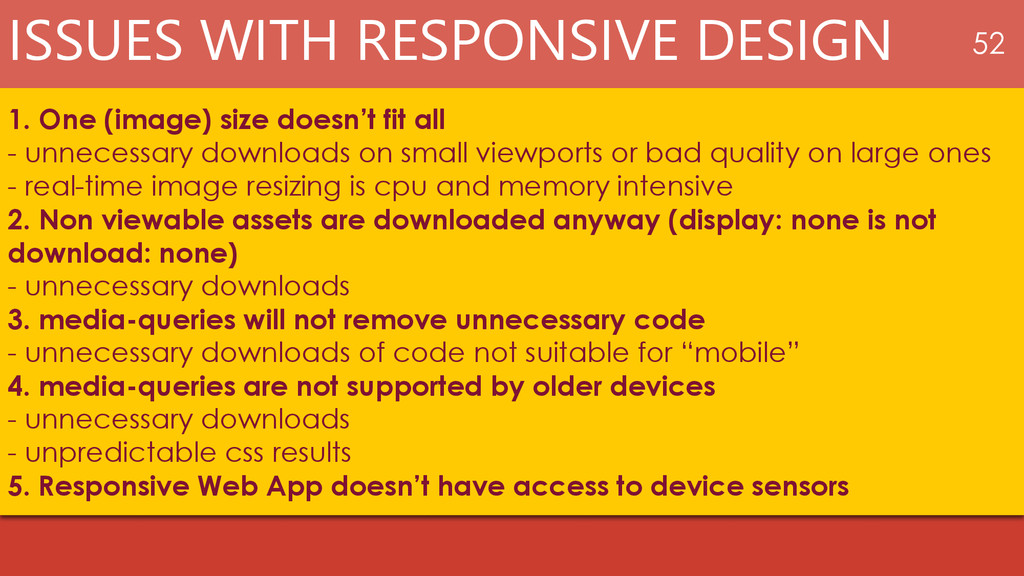
fit all - unnecessary downloads on small viewports or bad quality on large ones - real-time image resizing is cpu and memory intensive 2. Non viewable assets are downloaded anyway (display: none is not download: none) - unnecessary downloads 3. media-queries will not remove unnecessary code - unnecessary downloads of code not suitable for “mobile” 4. media-queries are not supported by older devices - unnecessary downloads - unpredictable css results 5. Responsive Web App doesn’t have access to device sensors
Extensions as Add-on Modules • Serving the right Media based on User Device • Interaction with other users • Recommendation based on Social Media interactions FUTURE ENHANCEMENT 55
the Current User Requirements Uses latest technology to bring forth a uniform and responsive user-interface Cloud has laid the foundation for future growth Cost savings Technological, financial, organizational benefits


 andrewlaeddis
 signer
 eller86
 akiraasano
 tasusu
 coderdojojapan
 naochim2026
 juanmartin2026
 terasawat
 masakiokuda
 hiola
hiola
 destraynor
 watany
 dougneiner
 kevinliebholz
 wayneb77
 codingconduct
 jeffersonlam
 minecr
 samanthasiow
 mojombo
 cromwellryan
 akihiro_kokubo